⚡ FLASH SALE: Get 60% OFF All Premium 3D & STL Models! ⚡

The world of 3D visualization and real-time interactive experiences is constantly evolving, with a growing demand for photorealistic and highly optimized digital assets. Among these, 3D car models stand out as incredibly complex and sought-after assets, crucial for everything from cinematic automotive rendering and engaging game assets to cutting-edge AR/VR applications and precise 3D printing. Crafting these models is an intricate art form, demanding a deep understanding of technical workflows, artistic sensibility, and optimization strategies.
This comprehensive guide delves into the advanced techniques and best practices involved in creating, optimizing, and deploying high-quality 3D car models. Whether you’re a seasoned 3D artist, a game developer, an automotive designer, or a student aspiring to master the craft, you’ll uncover the secrets behind clean topology, efficient UV mapping, stunning PBR materials, and high-performance visualization. We’ll explore software-specific techniques, industry-standard file formats, and real-world applications to help you elevate your 3D automotive projects to professional standards. Get ready to navigate the technical intricacies and unlock the full potential of your 3D car models.
The core of any high-quality 3D model, especially for complex subjects like cars, lies in its topology. Topology refers to the arrangement of vertices, edges, and faces that form the mesh. For automotive models, impeccable topology is non-negotiable, influencing everything from shading accuracy and deformation behavior to ease of UV mapping and overall performance. A clean, efficient mesh ensures that your car model renders smoothly, takes on accurate surface reflections, and can be easily manipulated or optimized for various applications.
Poor topology, characterized by triangles (tris) and N-gons (faces with more than four sides) in areas requiring smooth deformation or subdivision, can lead to visible artifacts like pinching, uneven shading, and render glitches. For a typical high-polygon production-ready car model, aim for a polygon count between 150,000 to 500,000 triangles (75,000 to 250,000 quads). For game-ready assets, this might be significantly lower, from 5,000 to 80,000 triangles depending on the platform and LOD strategy. Maintaining a consistent quad-based mesh is paramount for flexibility and quality.
The gold standard for organic and hard-surface modeling, particularly for objects that will undergo subdivision, is quad-based geometry. Quads (four-sided polygons) allow for predictable deformation and seamless application of subdivision surface modifiers (e.g., TurboSmooth in 3ds Max, Subdivision Surface in Blender, Smooth Mesh in Maya). These modifiers, when applied, convert each quad into a smoother, more detailed surface without introducing artifacts. This approach allows artists to model a lower-polygon “cage” and then achieve high-fidelity surfaces at render time or for specific applications.
When modeling automotive surfaces, every curve and panel gap needs to be supported by a deliberate flow of edges. Avoid triangles and N-gons, especially on large, smooth surfaces, as they break the continuous flow and can cause shading issues. If tris are absolutely necessary (e.g., for optimizing very flat, non-deforming areas in a game asset), ensure they are isolated and do not impact primary surfaces. N-gons are almost always detrimental to a clean workflow and should be converted to quads or tris.
Edge flow refers to the direction and density of edges across your model. For automotive designs, strategic edge flow is critical for capturing the subtle curvature and sharp creases of car bodies. Edges should follow the natural contours of the vehicle, emphasizing its silhouette and supporting areas of high curvature. Key principles include:
In software like 3ds Max, tools like SwiftLoop and various Connect Edge options are invaluable. Blender’s Loop Cut and Slide, and Edge Slide features, along with advanced add-ons, facilitate precise control. Maya’s multi-cut and slide edge tools provide similar capabilities. By meticulously crafting the topology and edge flow, you lay the groundwork for a visually stunning and technically robust 3D car model.
UV mapping is the process of unwrapping a 3D model’s surfaces into a 2D plane, creating a set of coordinates (UVs) that tell your rendering software how to apply 2D textures to the 3D geometry. For complex car models with their intricate curves, varied materials, and numerous panels, efficient and clean UVs are absolutely essential for achieving high-quality, seamless PBR materials and avoiding stretching or distortion in your textures.
Poor UVs can ruin even the most perfectly modeled car, resulting in blurry textures, visible seams, or incorrect material application. The goal is to maximize UV space utilization, minimize distortion, and strategically place seams where they are least visible. For a typical high-quality car model, you might use multiple UV sets: one for diffuse/albedo, normal, and roughness maps, and another for lightmaps in game engines, or specific detail maps. Texture resolutions often range from 2K (2048×2048) to 8K (8192×8192) for main body panels, with smaller resolutions for less prominent elements.
Unwrapping a car effectively requires a methodical approach. The primary strategy involves cutting the model into manageable “shells” along natural breaks or less visible areas, much like a tailor cuts fabric for a garment. Here are key techniques:
Efficient UV space utilization is about packing your UV shells as tightly as possible within the 0-1 UV coordinate space without overlapping. This maximizes texture resolution and reduces memory footprint, especially crucial for game assets and AR/VR.
Platforms like 88cars3d.com prioritize models with clean, well-organized UVs, ensuring that the 3D car models you acquire are ready for texturing with minimal setup, regardless of whether you’re using Substance Painter, Mari, or directly applying materials in your renderer of choice.
The journey from a raw 3D mesh to a photorealistic car model culminates in the creation of its PBR materials and sophisticated shading networks. Physically Based Rendering (PBR) has become the industry standard, aiming to simulate how light interacts with surfaces in the real world, producing far more consistent and believable results across different lighting conditions and renderers. Understanding PBR principles and how to construct intricate shader networks is paramount for achieving true photorealism in automotive visualization.
A car’s surface is a symphony of diverse materials: glossy paints, metallic flakes, rubber tires, transparent glass, reflective chrome, and various plastics. Each requires precise PBR map creation and shader logic to truly come alive. Typical texture maps used in a PBR workflow include:
Texture resolutions for PBR maps are often identical to the UV map resolution, ranging from 2K for smaller parts to 8K or even 16K for the main body paint, depending on the required level of detail and target application.
Car paint is one of the most complex materials to reproduce accurately. It typically involves multiple layers:
Tools like Substance Painter and Substance Designer are industry leaders for PBR texture creation, allowing artists to paint directly on the 3D model and generate all necessary maps simultaneously. For shader networks, software like 3ds Max (Corona, V-Ray), Blender (Cycles, Eevee), and Maya (Arnold) provide sophisticated node-based editors to layer these effects. For instance, in Corona Renderer, a BlendMtl or LayeredMtl can be used to combine a base coat material with a clear coat material that has high reflectivity and specific IOR settings.
Beyond the main body paint, every element of the car requires a tailored shader network:
When sourcing 3D car models from marketplaces such as 88cars3d.com, you often find models pre-setup with PBR materials, saving significant time and ensuring a high baseline quality for your renders. Always inspect the material setup to understand the artist’s approach and fine-tune it for your specific lighting environment.
Once your 3D car model is impeccably modeled, UV mapped, and exquisitely textured with PBR materials, the next critical step is to bring it to life through automotive rendering. This involves meticulous lighting and environment setup, camera positioning, and fine-tuning renderer settings to achieve stunning, photorealistic visuals. A well-executed render can transform a digital asset into a captivating image or animation, conveying its design, texture, and emotional impact.
The choice of renderer significantly impacts the workflow and final output. Popular physically accurate renderers include V-Ray, Corona Renderer (both widely used with 3ds Max and Cinema 4D), Cycles (Blender), and Arnold (Maya, 3ds Max). Each offers unique features, but all share core principles for achieving realism. High-end renders often involve global illumination, realistic reflections, refractions, and caustics, demanding significant computational power and careful setup.
Effective lighting is paramount for showcasing a car’s form and finishes. Two common approaches are:
This setup offers granular control over every aspect of illumination, perfect for detailed product shots.
Many artists combine both, using an HDRI for ambient light and reflections, then supplementing with targeted studio lights for specific highlights or shadows.
Optimizing your renderer settings is crucial for balancing render quality with render time. While specific settings vary by renderer, key areas to focus on include:
A typical high-resolution automotive render might take anywhere from 1 to 10+ hours per frame on a powerful workstation, depending on complexity and desired quality. Understanding your renderer and judiciously balancing settings is key to efficient production. Leveraging professional 3D car models from sources like 88cars3d.com, which are often pre-optimized and come with basic scene setups, can significantly streamline this process.
Developing high-performance game assets for 3D car models requires a distinct approach compared to offline rendering. The goal is to maintain visual fidelity while adhering to strict performance budgets dictated by real-time rendering constraints. Every polygon, texture, and material call impacts frame rates, making optimization a critical skill for game developers working with Unity, Unreal Engine, or other real-time platforms.
A common polygon budget for a hero vehicle in a modern AAA game might range from 50,000 to 150,000 triangles for the highest LOD (Level of Detail), dropping significantly for lower LODs. For mobile games, this might be as low as 5,000 to 20,000 triangles. Texture budgets also vary, but generally involve 2K or 4K PBR maps for key components, with smaller resolutions for less visible parts. The key is to optimize intelligently without compromising the visual integrity that defines a high-quality asset.
Levels of Detail (LODs) are crucial for optimizing complex models in real-time environments. Instead of rendering a high-polygon model at all distances, LODs swap in progressively simpler versions of the mesh as the camera moves further away. This drastically reduces the number of polygons processed by the GPU without a noticeable drop in visual quality from a distance.
Beyond LODs, several other optimization techniques are essential for game-ready car models:
When you acquire game-ready 3D car models from platforms like 88cars3d.com, they are often already optimized with LODs, atlased textures, and collision meshes, significantly accelerating your game development workflow and ensuring your project runs smoothly on target hardware.
The digital journey of a 3D car model often involves moving between various software applications and platforms, each with its preferred file formats. Understanding the nuances of these formats, their capabilities, and potential pitfalls during conversion is critical for maintaining data integrity and ensuring seamless cross-platform compatibility. Choosing the right format for export and import can save countless hours of troubleshooting and ensure your meticulously crafted model retains its quality.
No single file format is universally perfect for all scenarios. Each has strengths and weaknesses regarding geometry, materials, animations, and scene information. For a complex asset like a car, which might include multiple meshes, PBR materials, UV sets, and potentially animation (e.g., opening doors, rotating wheels), careful format selection is paramount. When sourcing models, always look for vendors that provide multiple common formats, as 88cars3d.com does, to ensure maximum flexibility.
Here’s a breakdown of the most prevalent 3D file formats and their typical uses:
When exporting and importing 3D car models, adherence to best practices can prevent headaches:
By understanding these file format intricacies and conversion best practices, you can confidently move your 3D car models between different stages of your workflow, from initial modeling in Blender to real-time deployment in Unreal Engine, or preparing for 3D printing.
The versatility of high-quality 3D car models extends far beyond traditional rendering and game development. They are increasingly vital for immersive AR/VR experiences, physical prototyping through 3D printing, and specialized visualization applications like configurators and virtual showrooms. Each application demands unique optimization strategies and preparation workflows to ensure optimal performance and fidelity.
The core challenge in these advanced applications is often balancing visual quality with technical constraints. AR/VR requires models that render efficiently at high frame rates, while 3D printing demands watertight, manifold geometry. Understanding these specific requirements allows artists and designers to repurpose and optimize their 3D car models effectively for a wider range of uses, extending their value and impact.
Augmented Reality (AR) and Virtual Reality (VR) environments are particularly sensitive to performance. Maintaining a high, stable frame rate (e.g., 90 FPS for VR) is crucial to prevent motion sickness and ensure a comfortable, immersive experience. This often means even stricter optimization than for traditional games:
For visualization applications like virtual showrooms or online configurators, models need to be highly optimized for web delivery, often streamed or loaded on demand. This requires balancing mesh complexity with small file sizes and efficient texture streaming.
3D printing converts your digital car model into a tangible object. This process has an entirely different set of technical requirements:
For designers prototyping new automotive concepts, 3D printing offers a rapid and cost-effective way to get physical feedback. Whether you’re showcasing a design in a virtual world or holding it in your hands, the initial quality and careful preparation of your 3D car model from providers like 88cars3d.com are foundational to success.
The journey through creating, optimizing, and deploying high-quality 3D car models is a multifaceted endeavor, demanding a blend of technical expertise and artistic vision. From meticulously crafting a clean, quad-based topology and efficiently unwrapping UVs to developing stunning PBR materials and mastering complex rendering workflows, every stage plays a critical role in achieving photorealistic and performant digital assets.
We’ve explored the crucial optimization strategies for game assets and AR/VR, highlighting the importance of LODs, texture atlasing, and managing draw calls. We also delved into the nuances of various file formats, emphasizing cross-platform compatibility and the unique preparation required for 3D printing. The common thread woven throughout these discussions is the absolute necessity of precision and attention to detail, whether you’re aiming for a cinematic automotive rendering or an interactive real-time experience.
By applying these advanced techniques and adhering to industry best practices, you can elevate the quality of your 3D automotive projects, ensuring they meet the demanding standards of professional visualization. Remember that the foundation of a great project is always a great asset. For those seeking a head start with meticulously crafted, render and game-ready 3D car models, platforms like 88cars3d.com offer an extensive collection built on these very principles, providing the perfect canvas for your next masterpiece. Continue to explore, experiment, and refine your skills, as the world of 3D artistry is always pushing the boundaries of what’s possible.

Texture: Yes
Material: Yes
Download the Porsche 911 Carrera S 2005 3D Model featuring clean geometry, realistic detailing, and a fully modeled interior. Includes .blend, .fbx, .obj, .glb, .stl, .ply, .unreal, and .max formats for rendering, simulation, and game development.
Price: $4.99

Texture: Yes
Material: Yes
Download the Pontiac GTO 1967 3D Model featuring clean geometry, realistic detailing, and a fully modeled interior. Includes .blend, .fbx, .obj, .glb, .stl, .ply, .unreal, and .max formats for rendering, simulation, and game development.
Price: $4.99

Texture: Yes
Material: Yes
Download the Pontiac Fiero GT 1987 3D Model featuring clean geometry, realistic detailing, and a fully modeled interior. Includes .blend, .fbx, .obj, .glb, .stl, .ply, .unreal, and .max formats for rendering, simulation, and game development.
Price: $4.99

Texture: Yes
Material: Yes
Download the Plymouth Volare Wagon 3D Model featuring clean geometry, realistic detailing, and a fully modeled interior. Includes .blend, .fbx, .obj, .glb, .stl, .ply, .unreal, and .max formats for rendering, simulation, and game development.
Price: $4.99
Texture: Yes
Material: Yes
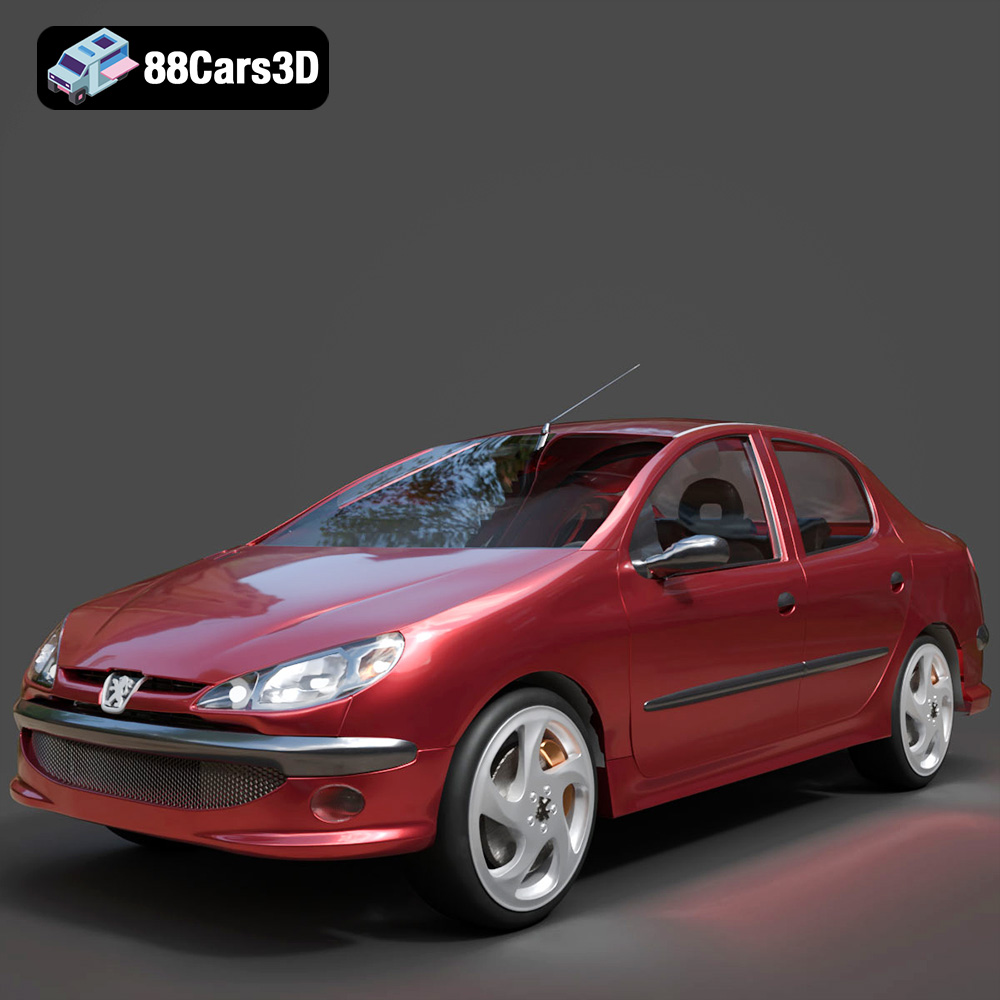
Download the Peugeot 206 Sedan 2002 3D Model featuring clean geometry, realistic detailing, and a fully modeled interior. Includes .blend, .fbx, .obj, .glb, .stl, .ply, .unreal, and .max formats for rendering, simulation, and game development.
Price: $4.99
Texture: Yes
Material: Yes
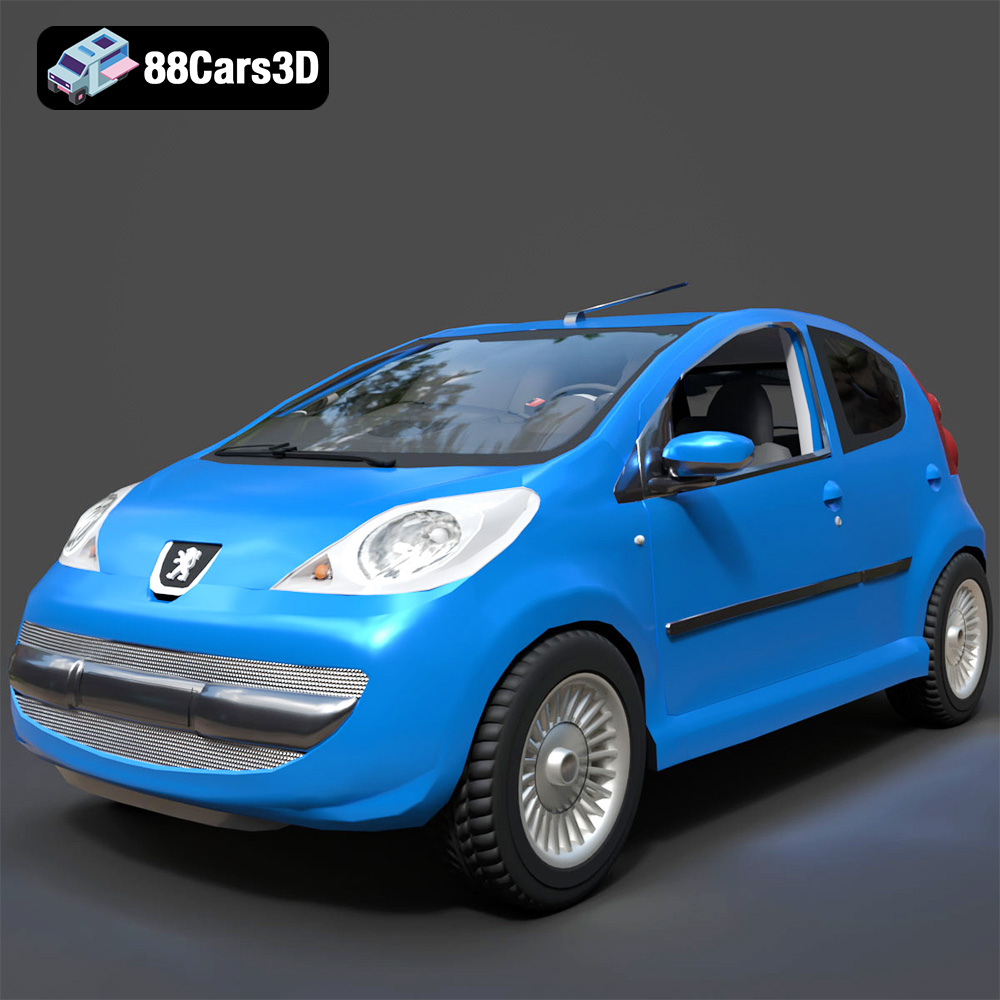
Download the Peugeot 107 2005 3D Model featuring clean geometry, realistic detailing, and a fully modeled interior. Includes .blend, .fbx, .obj, .glb, .stl, .ply, .unreal, and .max formats for rendering, simulation, and game development.
Price: $4.99
Texture: Yes
Material: Yes
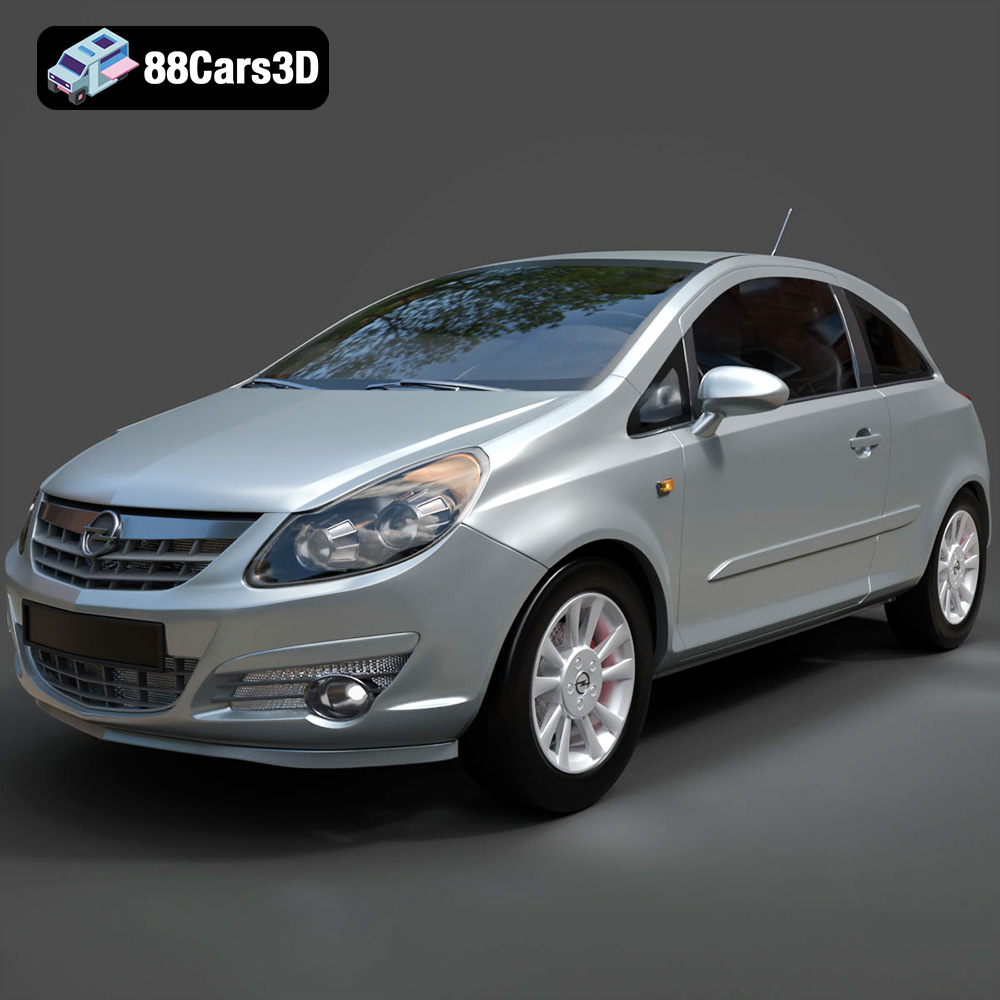
Download the Opel Corsa 2007 3D Model featuring clean geometry, realistic detailing, and a fully modeled interior. Includes .blend, .fbx, .obj, .glb, .stl, .ply, .unreal, and .max formats for rendering, simulation, and game development.
Price: $4.99
Texture: Yes
Material: Yes
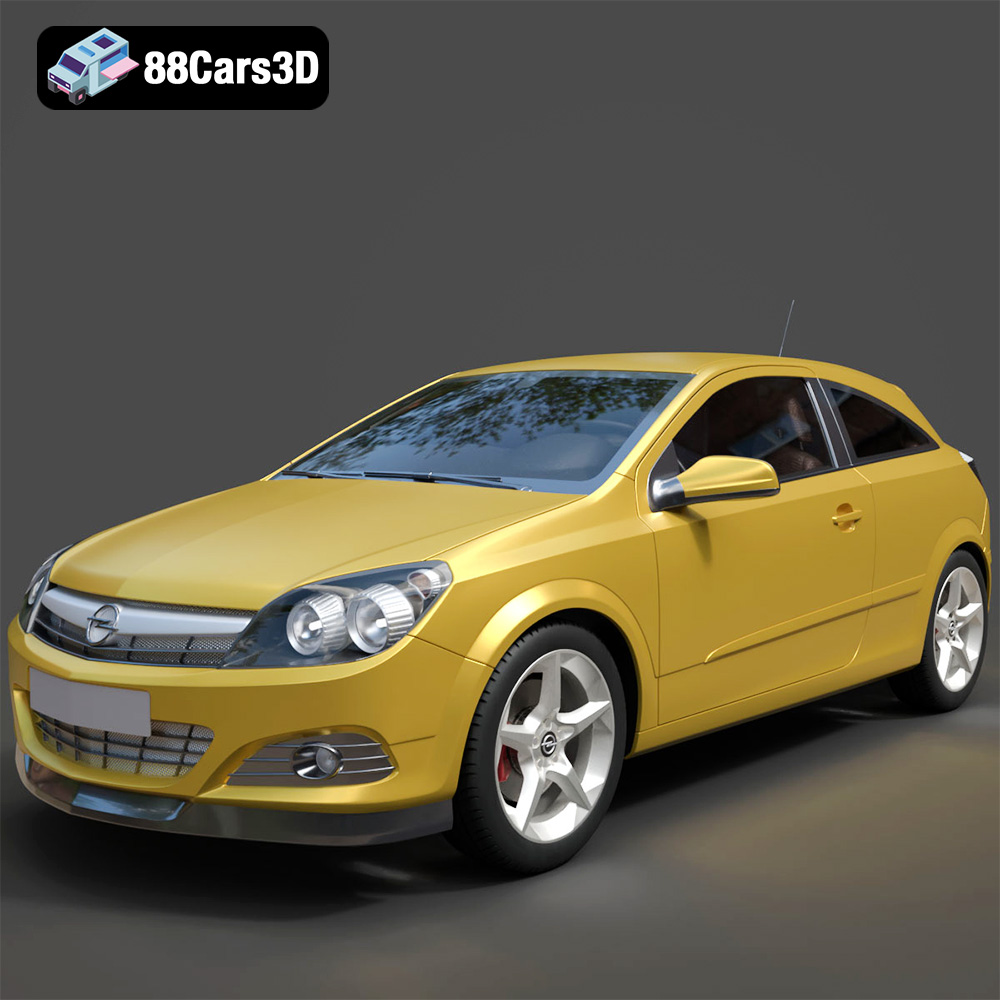
Download the Opel Astra H GTC 3D Model featuring clean geometry, realistic detailing, and a fully modeled interior. Includes .blend, .fbx, .obj, .glb, .stl, .ply, .unreal, and .max formats for rendering, simulation, and game development.
Price: $4.99
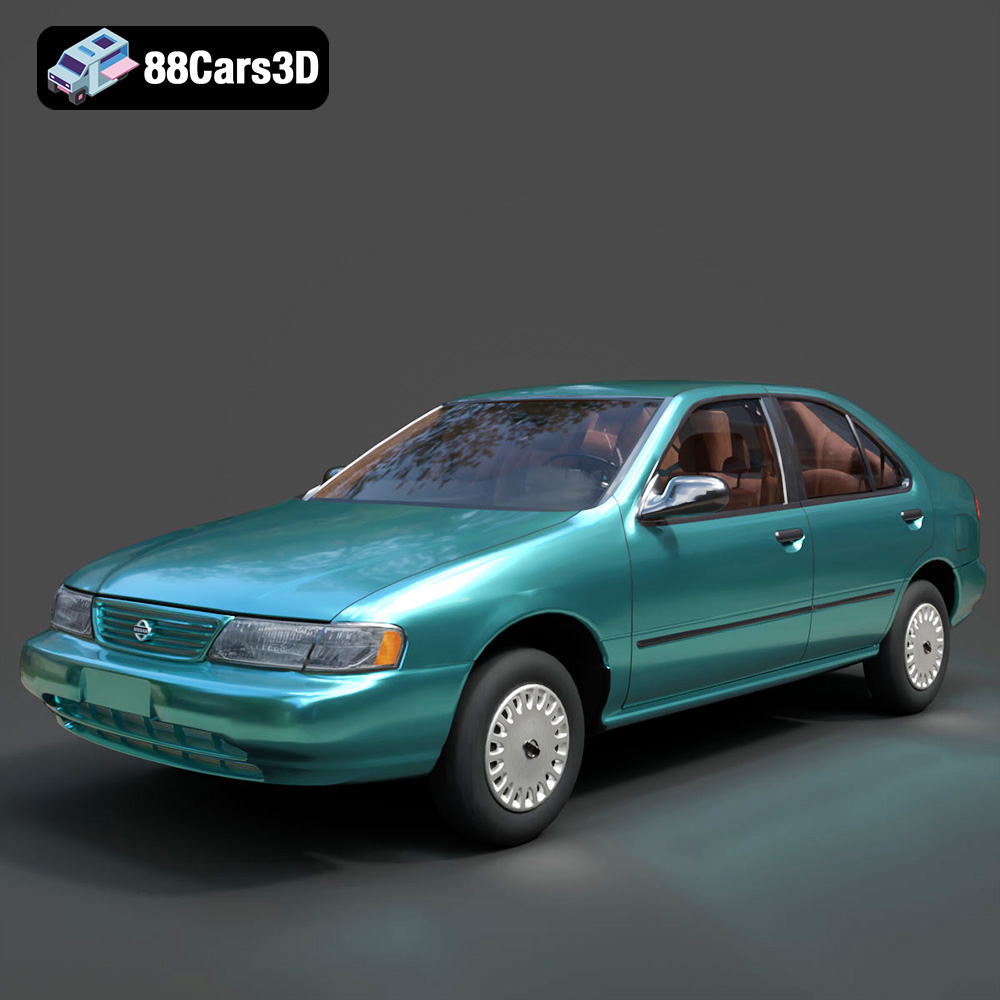
Texture: Yes
Material: Yes
Download the Nissan Sentra GXE 1996 3D Model featuring clean geometry, realistic detailing, and a fully modeled interior. Includes .blend, .fbx, .obj, .glb, .stl, .ply, .unreal, and .max formats for rendering, simulation, and game development.
Price: $4.99
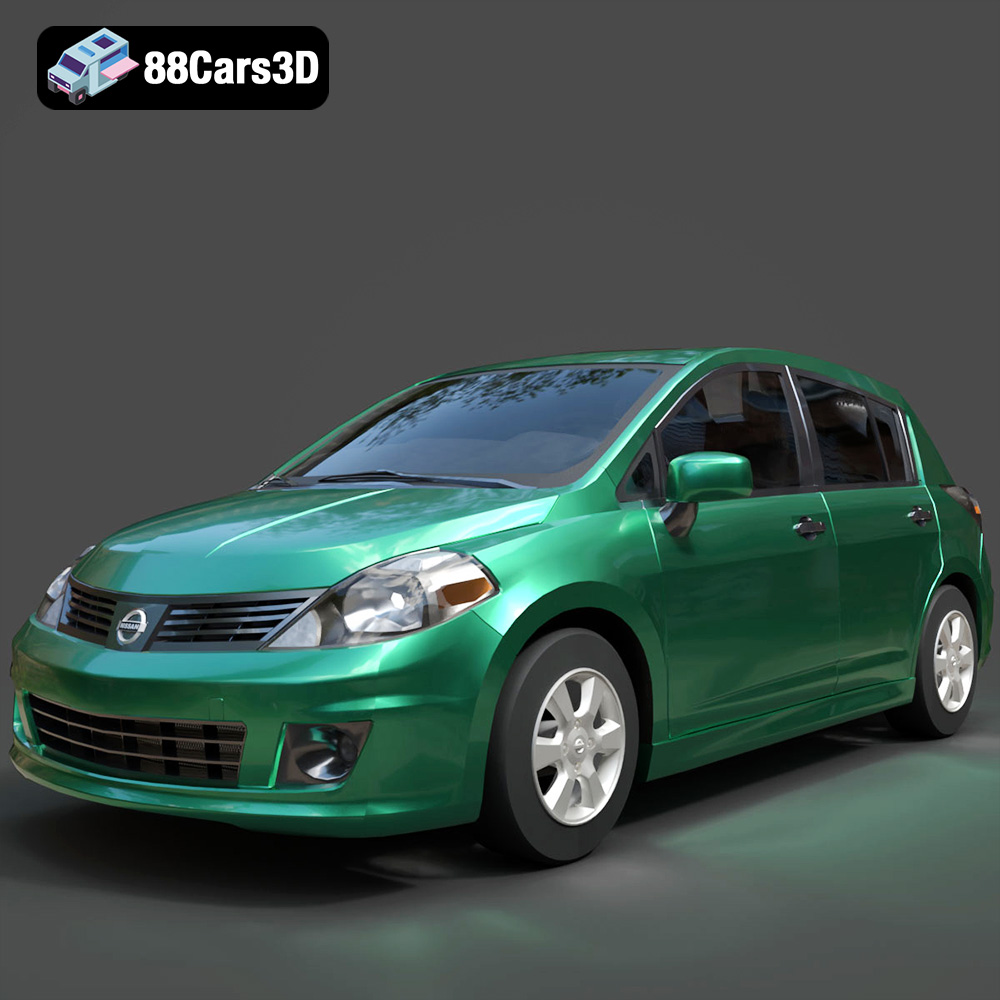
Texture: Yes
Material: Yes
Download the Nissan Tiida 3D Model featuring clean geometry, realistic detailing, and a fully modeled interior. Includes .blend, .fbx, .obj, .glb, .stl, .ply, .unreal, and .max formats for rendering, simulation, and game development.
Price: $4.99

