⚡ FLASH SALE: Get 60% OFF All Premium 3D & STL Models! ⚡

In the dynamic world of 3D visualization, few subjects command as much attention and technical scrutiny as automotive design. The sleek lines, reflective surfaces, and intricate details of a car present a unique challenge and a rewarding opportunity for 3D artists. Whether you’re an aspiring game developer, an automotive designer aiming for a compelling presentation, or a visualization professional crafting stunning marketing materials, the ability to create, optimize, and render high-quality 3D car models is an indispensable skill.
This comprehensive guide delves deep into the technical intricacies of automotive 3D modeling, taking you on a journey from foundational principles to advanced rendering and real-time optimization. We’ll explore the critical aspects of clean topology, efficient UV mapping, the magic of PBR materials, and sophisticated rendering workflows. Furthermore, we’ll dissect the strategies required to transform these detailed models into performant game assets and prepare them for emerging technologies like AR/VR and even 3D printing. By the end of this post, you’ll possess a robust understanding of the workflows and best practices employed by industry professionals to achieve breathtaking realism and unparalleled performance in their automotive rendering projects.
The core of any exceptional 3D car model lies in its topology – the arrangement of vertices, edges, and faces that form the mesh. For automotive subjects, good topology isn’t just about aesthetics; it’s about functionality, ensuring smooth deformation, accurate reflections, and efficient subdivision. Without a clean mesh, even the most advanced shaders will struggle to produce truly photorealistic results.
In professional 3D modeling, quads (four-sided polygons) are the gold standard, especially for organic and subdividable surfaces like car bodies. While triangles (tris) are the fundamental building blocks for rendering engines, converting everything to quads in your modeling phase offers distinct advantages. Quads deform predictably when animated or posed, making them crucial for car components that might move or flex. They also allow for smooth subdivision (using modifiers like Turbosmooth in 3ds Max or Subdivision Surface in Blender), which is essential for achieving the flowing, curved surfaces characteristic of automotive design. Aim for an all-quad mesh as much as possible, converting any necessary triangles or n-gons (polygons with more than four sides) into quads to maintain mesh integrity and predictable behavior during smoothing operations.
Edge flow refers to the direction and continuity of edge loops across your model. For automotive models, pristine edge flow is paramount for defining creases, managing curvature, and, most importantly, controlling how light reflects off the surface. A well-placed edge loop can perfectly capture a subtle highlight line or a sharp crease, making the difference between a flat-looking surface and one that shimmers with realism. Techniques such as “flow connect” in 3ds Max or carefully inserting edge loops while maintaining even spacing are critical. When modeling, always consider how new edges will propagate across the surface. Incorrect edge flow can lead to pinching, unsightly bumps, or distorted reflections, requiring significant rework. Focus on creating continuous loops that follow the natural contours and design lines of the car, guiding the eye and ensuring smooth light transitions.
The “polygon budget” refers to the maximum number of polygons a model can have while still performing optimally for its intended application. For high-fidelity cinematic renders or architectural visualization, 3D car models might exceed several million polygons, allowing for extreme detail and smooth subdivision. However, for game assets or AR/VR experiences, tight polygon budgets are critical for maintaining high frame rates. A hero car in a modern game might range from 80,000 to 150,000 polygons for its highest Level of Detail (LOD), while background vehicles could be as low as 5,000-20,000. When sourcing models from marketplaces like 88cars3d.com, always check the listed polygon counts to ensure compatibility with your project’s specific requirements. Optimizing involves strategically reducing polys in areas less visible or less critical to the silhouette, using techniques like decimation (with care) or manual retopology to create a more efficient mesh.
Once your 3D car model boasts impeccable topology, the next crucial step is to prepare it for texturing through meticulous UV mapping. UV mapping is the process of unfolding the 3D surface of your model into a 2D space, allowing you to apply textures accurately. This is intrinsically linked to the creation of physically based rendering (PBR) materials, which define how light interacts with every surface of the car, dictating its realism.
Unwrapping a complex automotive model requires a strategic approach. Tools like 3ds Max’s UVW Unwrap modifier, Blender’s UV Editor, or Maya’s UV Toolkit provide powerful features for this. The goal is to minimize distortion and strategically place seams where they will be least noticeable – often along natural creases, panel gaps, or hidden edges. Different projection methods are useful: planar mapping for flat surfaces like windows, cylindrical for tires or exhaust pipes, and spherical for more rounded elements. For the main body, a combination of manual unwrapping, pelt mapping, and carefully placed cuts is typically employed. Efficient UV packing, arranging UV islands within the 0-1 UV space without overlap and maximizing texture usage, is also vital. This ensures that every pixel of your high-resolution texture contributes meaningfully to the final look, preventing blurry or stretched texture maps.
PBR materials are the cornerstone of modern photorealistic rendering. They accurately simulate how light behaves in the real world, based on physical properties of materials. For a car, this typically involves several key texture maps:
Software like Substance Painter excels in creating these maps, allowing artists to paint directly onto the 3D model, ensuring precise alignment and rapid iteration. High-resolution textures (e.g., 4K or 8K for major body panels, 2K for interior details) are often used to capture every subtle scratch, dust particle, or flake in the car paint, bringing an unmatched level of detail to the final render.
Building the actual shaders in your chosen rendering software (e.g., Corona Renderer, V-Ray, Cycles, Arnold) involves connecting these PBR texture maps to their respective input slots within a material node network. Car paint, for example, is notoriously complex. A realistic car paint shader often involves a layered approach: a base diffuse layer (the primary color), a metallic flake layer, and a clear coat layer (a highly reflective, glossy surface that simulates the protective clear finish). Each layer has its own set of properties, such as roughness, IOR (Index of Refraction), and color. Glass shaders require accurate transmission and refraction properties, while tire rubber benefits from subtle normal maps and specific roughness values to convey its textured, matte appearance. Understanding how light bounces and refracts through different materials is key to crafting truly believable automotive surfaces. Platforms like 88cars3d.com provide models with pre-configured PBR materials, saving artists significant time and ensuring a high baseline of realism.
Even the most perfectly modeled and textured 3D car model will fall flat without compelling lighting. Lighting is the storyteller of a render, revealing form, accentuating details, and setting the mood. For automotive subjects, the goal is often to emulate professional studio photography or capture dynamic outdoor scenes, demanding a deep understanding of light sources and their interaction with reflective surfaces.
Replicating a professional photography studio environment is a common approach for showcasing 3D car models. A staple technique is the use of High Dynamic Range Images (HDRIs) as environment maps. An HDRI provides both realistic background visuals and, crucially, a rich source of environment light and reflections, which are critical for the chrome and painted surfaces of a car. Beyond HDRIs, traditional studio setups often involve a “three-point lighting” system: a key light (main light source), a fill light (softens shadows), and a back/rim light (separates the subject from the background). For cars, large area lights or softboxes are preferred to create soft, flattering reflections and diffuse shadows. Strategically placed narrow strip lights can emphasize body lines and contours, creating dramatic highlight effects. Experimentation with light intensity, color temperature, and position is vital to achieve the desired aesthetic and highlight the car’s best features.
Modern render engines each offer unique strengths and workflows.
Regardless of the engine, setting up render passes is crucial for post-production. These include beauty, alpha (for isolation), reflections, refractions, specular, diffuse, raw lighting, and Z-depth (for depth of field). These passes provide granular control over the final image, allowing for non-destructive adjustments in compositing software.
The rendering process doesn’t end when the image finishes calculating. Post-processing and compositing in software like Adobe Photoshop, Affinity Photo, or GIMP are essential for elevating a raw render to a truly professional-grade image. This stage involves:
By leveraging the render passes, artists can selectively adjust different elements of the scene, achieving a level of polish and impact that is often difficult to attain solely within the 3D software. This final touch often defines the difference between a good render and an outstanding one, ensuring your automotive rendering stands out.
While photorealistic renders prioritize visual fidelity above all else, real-time applications like video games, interactive configurators, and AR/VR experiences demand a delicate balance between visual quality and performance. Optimizing 3D car models for game engines (Unity, Unreal Engine) is a specialized skill focused on maintaining high frame rates and responsiveness, often requiring significant adjustments to the original high-poly assets.
Level of Detail (LOD) systems are fundamental for optimizing assets in real-time environments. An LOD group contains multiple versions of a single asset, each with a progressively lower polygon count and simpler materials. When the car is close to the camera, the highest detail LOD0 is displayed. As the camera moves further away, the engine automatically switches to LOD1, LOD2, and so on, drastically reducing the computational load. For a hero car, you might have 3-5 LODs, ranging from 100,000+ polygons down to a few thousand for distant views. Creating effective LODs often involves using automatic decimation tools in software like Maya, Blender, or 3ds Max, followed by manual cleanup to preserve crucial silhouettes and details. This ensures that the player always sees an appropriate level of detail without unnecessary processing, crucial for smooth game assets integration.
Draw calls are instructions from the CPU to the GPU to render a specific object or material. Minimizing draw calls is a critical optimization strategy. Each unique material on a model typically incurs a separate draw call. If a car has dozens of individual materials (one for each small component), performance will suffer. Texture atlasing involves combining multiple smaller textures (e.g., textures for the dashboard, seats, and steering wheel) into a single, larger texture atlas. Similarly, combining multiple meshes that use the same material into a single mesh (batching) can further reduce draw calls. This practice helps the GPU process fewer materials and meshes, leading to smoother performance, especially when many cars are present in a scene. While it requires careful UV remapping and texture merging, the performance benefits are substantial.
For interaction within a game engine, complex visual meshes are too heavy and inefficient for physics calculations. Instead, simpler, optimized collision meshes are created. These are invisible meshes that roughly conform to the shape of the car and are used by the physics engine to detect collisions. This can range from simple primitive shapes (boxes, capsules) for basic collisions to more complex convex hull meshes for more accurate interactions. In engines like Unreal Engine, you’ll create a “Physics Asset” that ties these simplified collision bodies to the car’s skeleton. In Unity, Box Colliders or Mesh Colliders (set to convex) are commonly used. Proper collision setup is vital for realistic driving mechanics, preventing objects from passing through the car and ensuring accurate responses to impacts.
AR/VR experiences demand even more stringent optimization than traditional games due to the high frame rate requirements (e.g., 90 FPS per eye for comfortable VR) and the limitations of mobile hardware for AR. Key strategies include:
When developing for AR/VR, profiling performance constantly is crucial. Tools within Unity and Unreal Engine allow developers to identify bottlenecks and fine-tune assets for optimal fluidity, creating immersive and comfortable user experiences.
The journey of a 3D car model doesn’t end with a stunning render or game integration. The digital asset ecosystem requires adaptability, with models frequently needing to transition between different software, platforms, and even entirely different applications. Understanding file formats and preparing models for specialized uses like 3D printing or interactive AR/VR is a critical skill for any professional.
The choice of file format dictates what data is preserved and how easily a model can be exchanged:
When transferring models, always consider what information needs to be preserved. For static meshes with basic PBR materials, OBJ might suffice. For game-ready assets with animations, FBX or GLB are superior. For web-based AR/VR, GLB and USDZ are the go-to choices. Converting between formats often requires careful attention to material remapping and scale adjustments.
3D printing a car model requires a unique set of preparation steps. Unlike rendering, which deals with virtual surfaces, 3D printing requires a physically manifold (watertight) mesh. Key considerations include:
The goal is to create a robust, physically accurate mesh that can be sliced by a 3D printer software without errors, ensuring a successful and high-quality physical output.
For immersive AR/VR, streamlined integration of 3D car models is paramount. As discussed, GLB and USDZ are favored for their efficiency and platform compatibility. Artists must ensure their models adhere to strict polygon and texture budgets to maintain high frame rates crucial for comfort and immersion. This includes baking static lighting, consolidating materials, and reducing draw calls. Real-time shaders must be optimized to perform efficiently on target hardware, often meaning simpler PBR setups compared to offline renders. Interactive elements, such as opening doors or changing paint colors, are typically implemented using scripting within the AR/VR development environment (e.g., Unity, Unreal Engine, or specific AR SDKs). When models are sourced from marketplaces like 88cars3d.com, checking for specific AR/VR-ready versions or formats (like GLB/USDZ) can significantly streamline the integration process.
In many professional automotive design pipelines, the initial car model originates from Computer-Aided Design (CAD) software (e.g., SolidWorks, Catia, Alias). These CAD models are mathematically precise but often consist of NURBS surfaces or highly dense polygonal meshes unsuitable for direct rendering or game development. The process of converting these engineering-grade models into usable assets for DCC (Digital Content Creation) software (like 3ds Max, Maya, Blender) and game engines involves several steps:
This bridging process is crucial for ensuring that engineering designs can be visually translated into high-quality marketing materials, realistic simulations, or interactive experiences while maintaining accuracy and performance. It highlights the multidisciplinary nature of automotive 3D artistry.
The journey through creating, optimizing, and deploying a 3D car model is a testament to the blend of technical prowess and artistic vision required in modern 3D production. We’ve explored the foundational importance of clean topology and precise edge flow, delved into the intricacies of UV mapping and the transformative power of PBR materials, and mastered the art of illumination for breathtaking automotive rendering.
Beyond static images, we’ve dissected the critical optimization strategies for game assets and the unique demands of AR/VR, ensuring models perform flawlessly in real-time environments. Finally, we’ve navigated the complex landscape of file formats and specialized applications like 3D printing, demonstrating the versatility of a well-crafted digital asset. Each step, from the first vertex to the final post-processed image, requires attention to detail, a deep understanding of the underlying technology, and a commitment to continuous learning.
Whether you’re striving for cinematic realism, interactive immersion, or physical fabrication, the principles outlined here provide a robust framework for success. Equip yourself with these advanced techniques and elevate your visualization projects to professional standards. To kickstart your next project with meticulously crafted assets, consider exploring high-quality 3D car models available on platforms like 88cars3d.com, where attention to detail and professional standards are paramount.
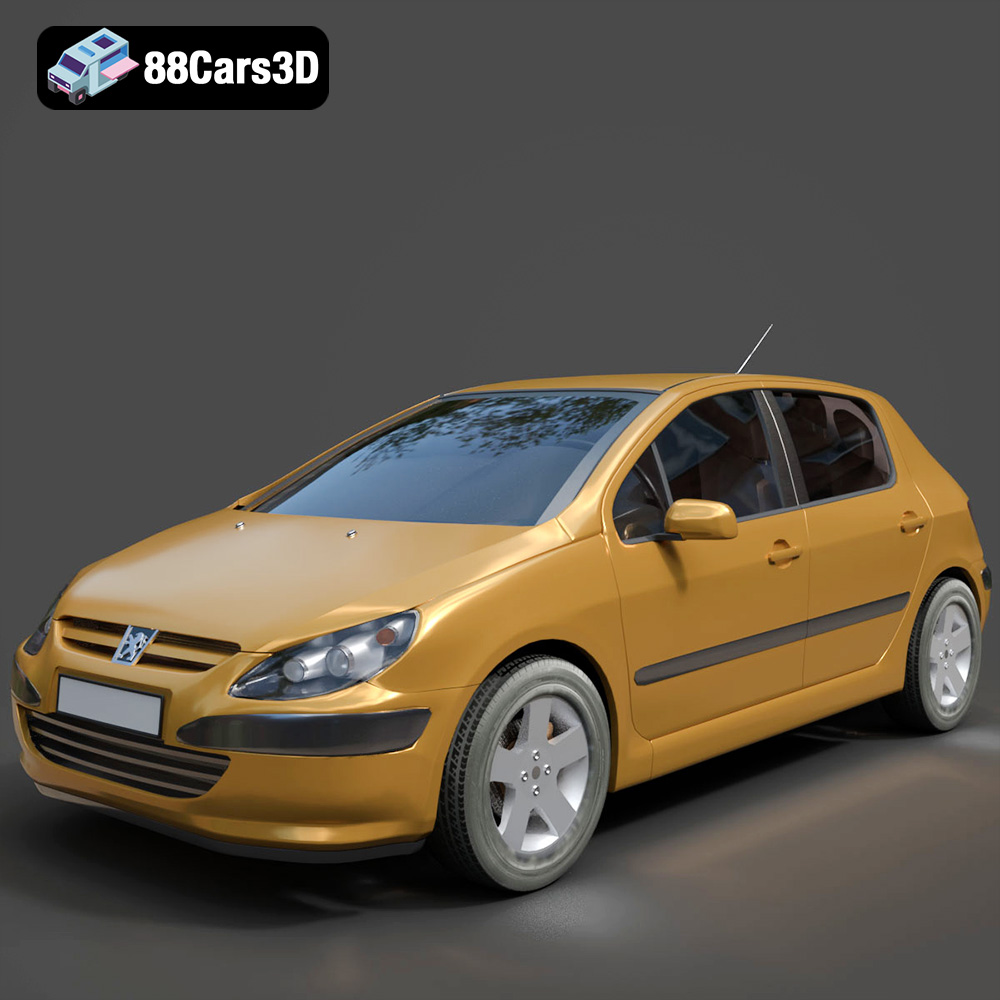
Texture: Yes
Material: Yes
Download the Peugeot 307 3D Model featuring clean geometry, realistic detailing, and a fully modeled interior. Includes .blend, .fbx, .obj, .glb, .stl, .ply, .unreal, and .max formats for rendering, simulation, and game development.
Price: $4.99
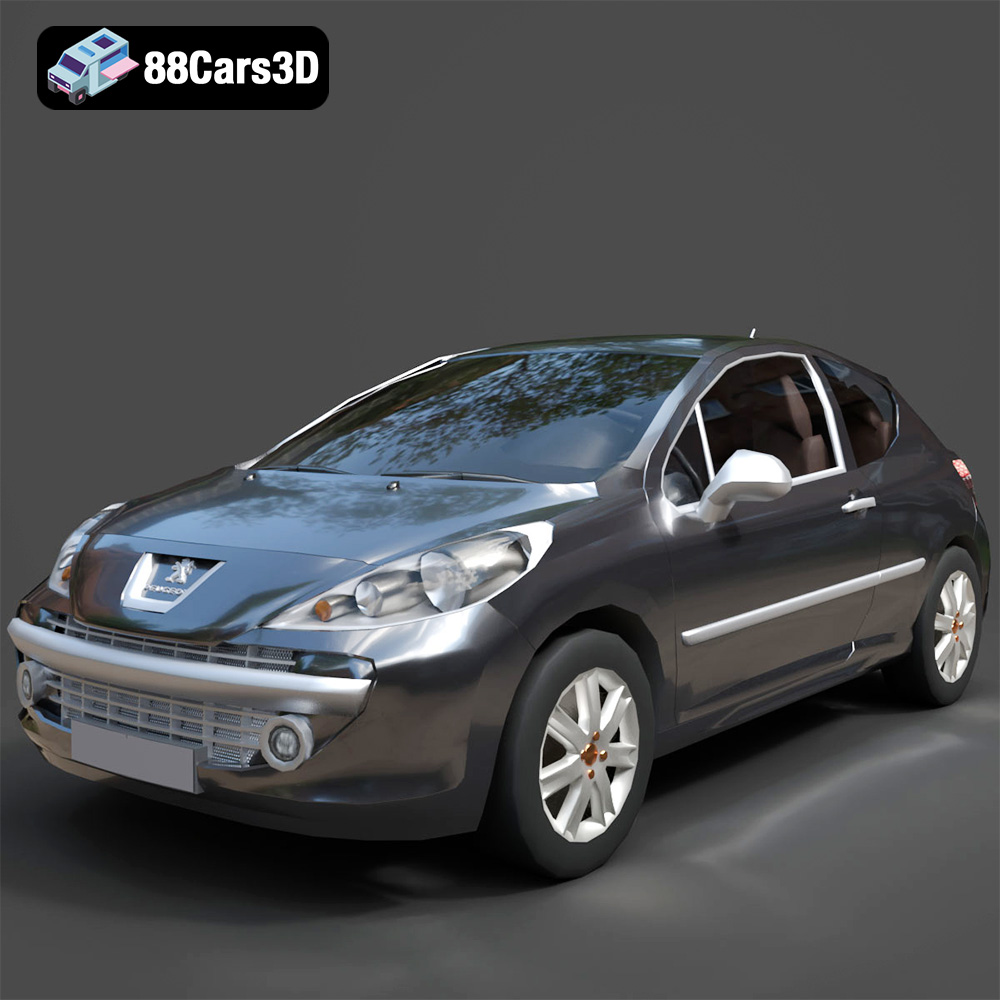
Texture: Yes
Material: Yes
Download the Peugeot 207 3D Model featuring clean geometry, realistic detailing, and a fully modeled interior. Includes .blend, .fbx, .obj, .glb, .stl, .ply, .unreal, and .max formats for rendering, simulation, and game development.
Price: $4.99
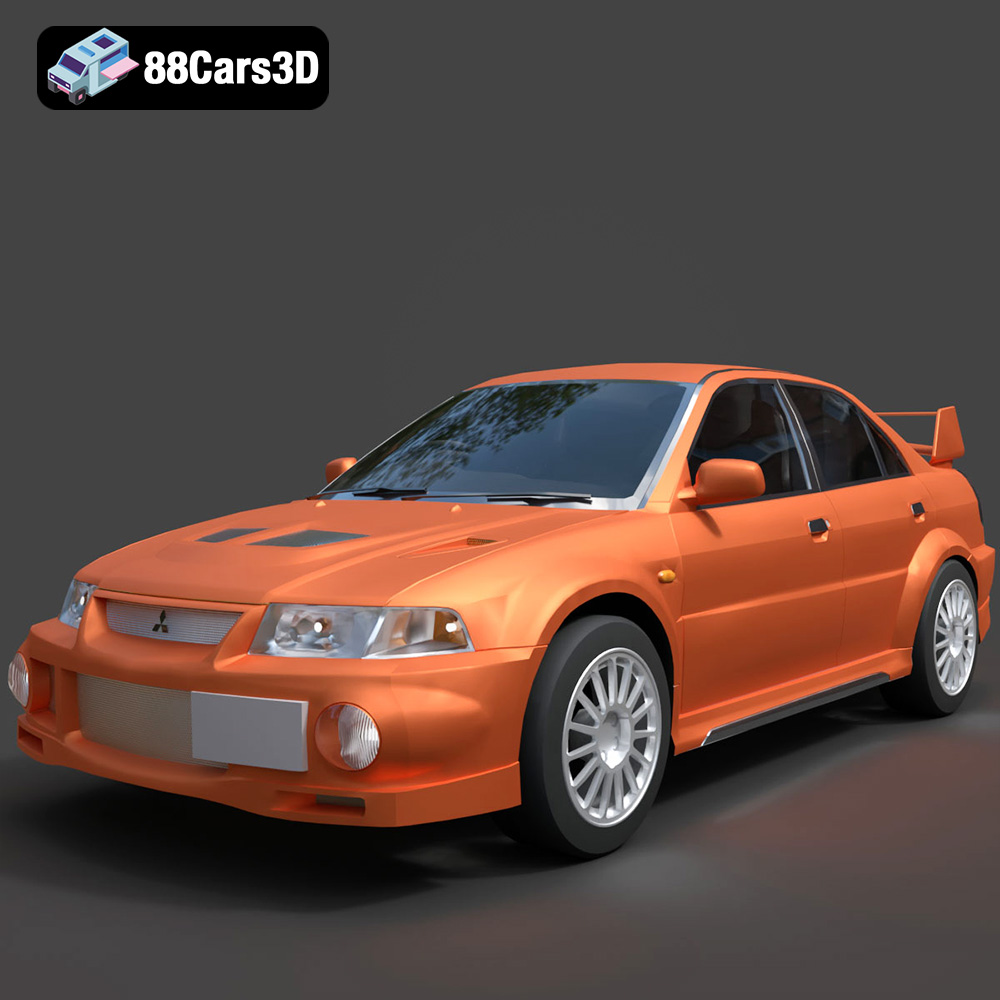
Texture: Yes
Material: Yes
Download the Mitsubishi Lancer Evolution VI 3D Model featuring clean geometry, realistic detailing, and a fully modeled interior. Includes .blend, .fbx, .obj, .glb, .stl, .ply, .unreal, and .max formats for rendering, simulation, and game development.
Price: $4.99
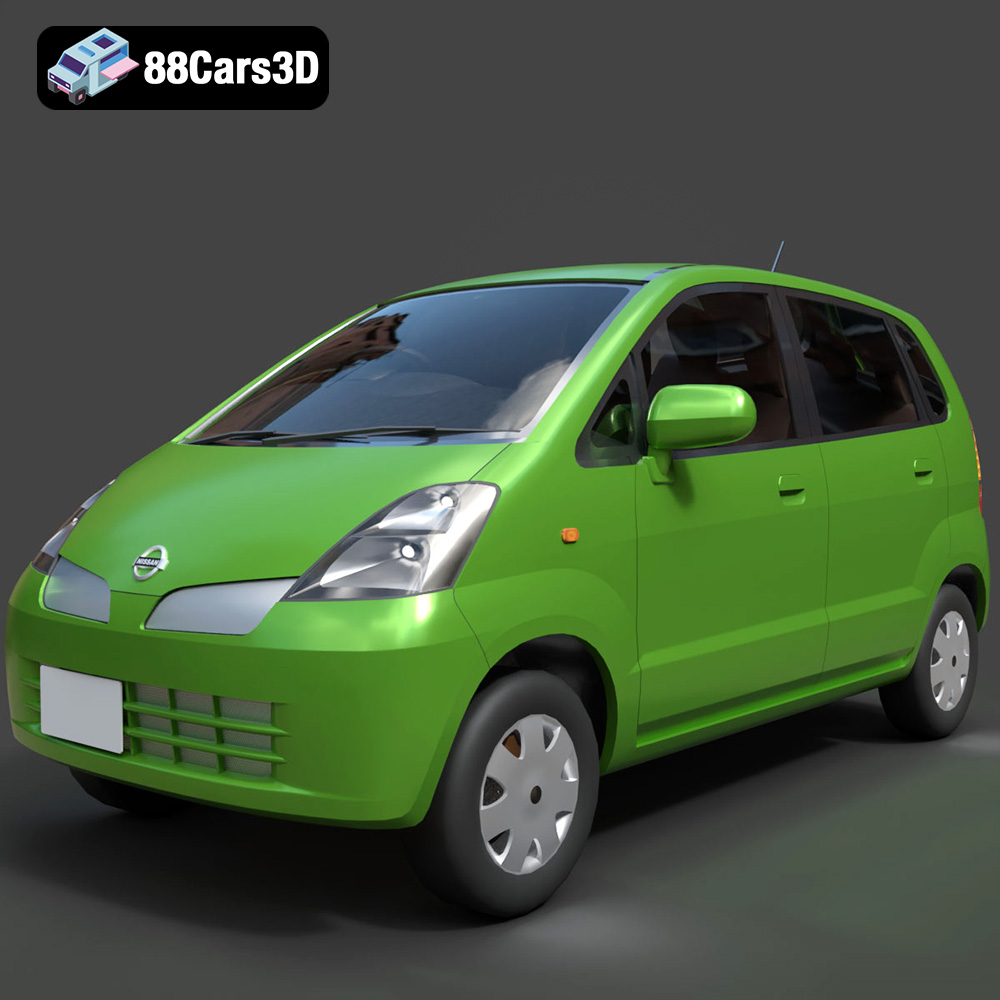
Texture: Yes
Material: Yes
Download the Nissan Moco 007 3D Model featuring clean geometry, realistic detailing, and a fully modeled interior. Includes .blend, .fbx, .obj, .glb, .stl, .ply, .unreal, and .max formats for rendering, simulation, and game development.
Price: $4.99
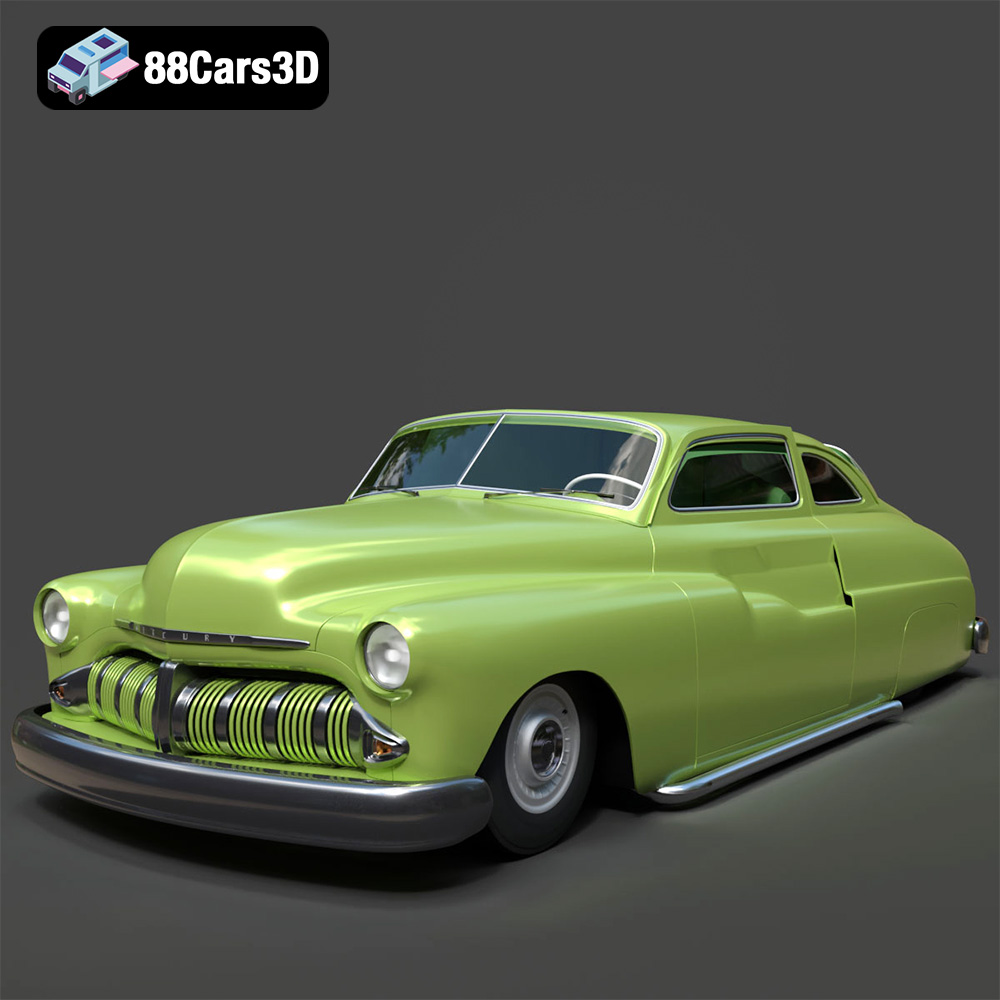
Texture: Yes
Material: Yes
Download the Mercury Coupe 1950 3D Model featuring clean geometry, realistic detailing, and a fully modeled interior. Includes .blend, .fbx, .obj, .glb, .stl, .ply, .unreal, and .max formats for rendering, simulation, and game development.
Price: $4.99
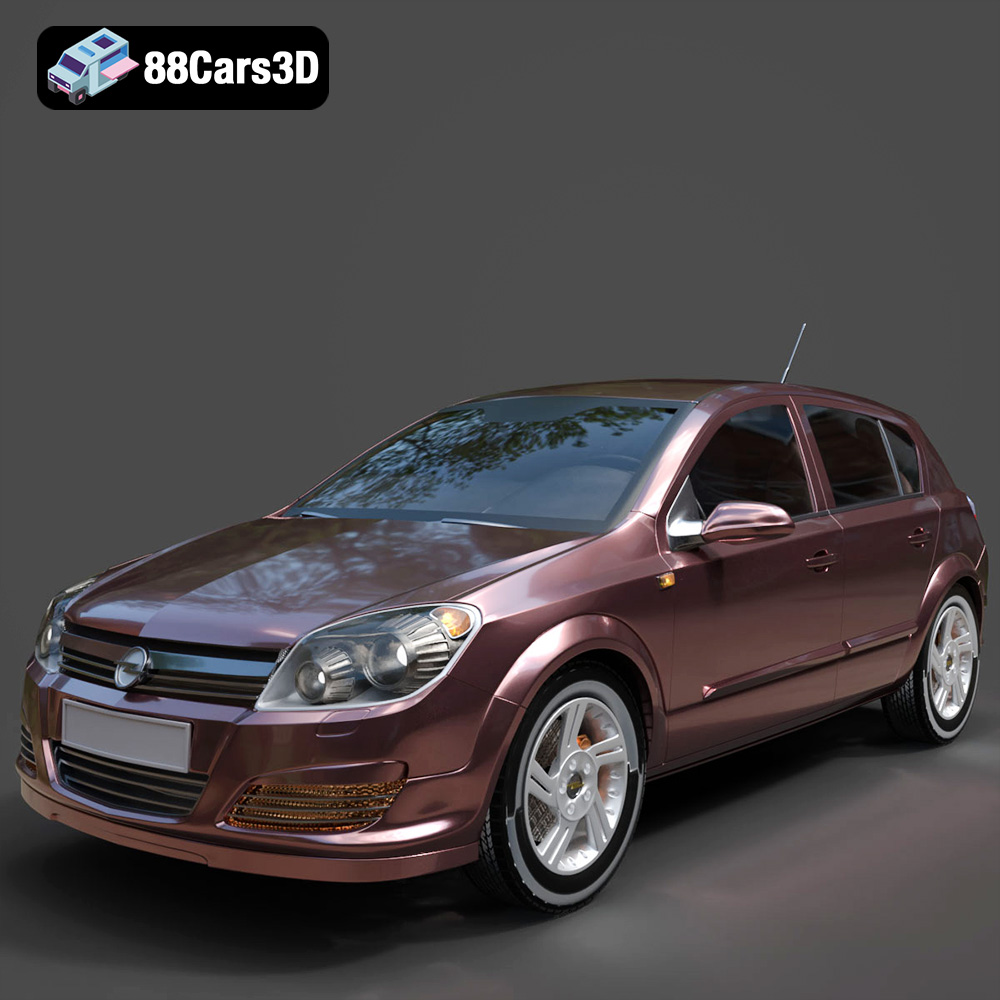
Texture: Yes
Material: Yes
Download the Opel Astra H 2006 3D Model featuring clean geometry, realistic detailing, and a fully modeled interior. Includes .blend, .fbx, .obj, .glb, .stl, .ply, .unreal, and .max formats for rendering, simulation, and game development.
Price: $4.99
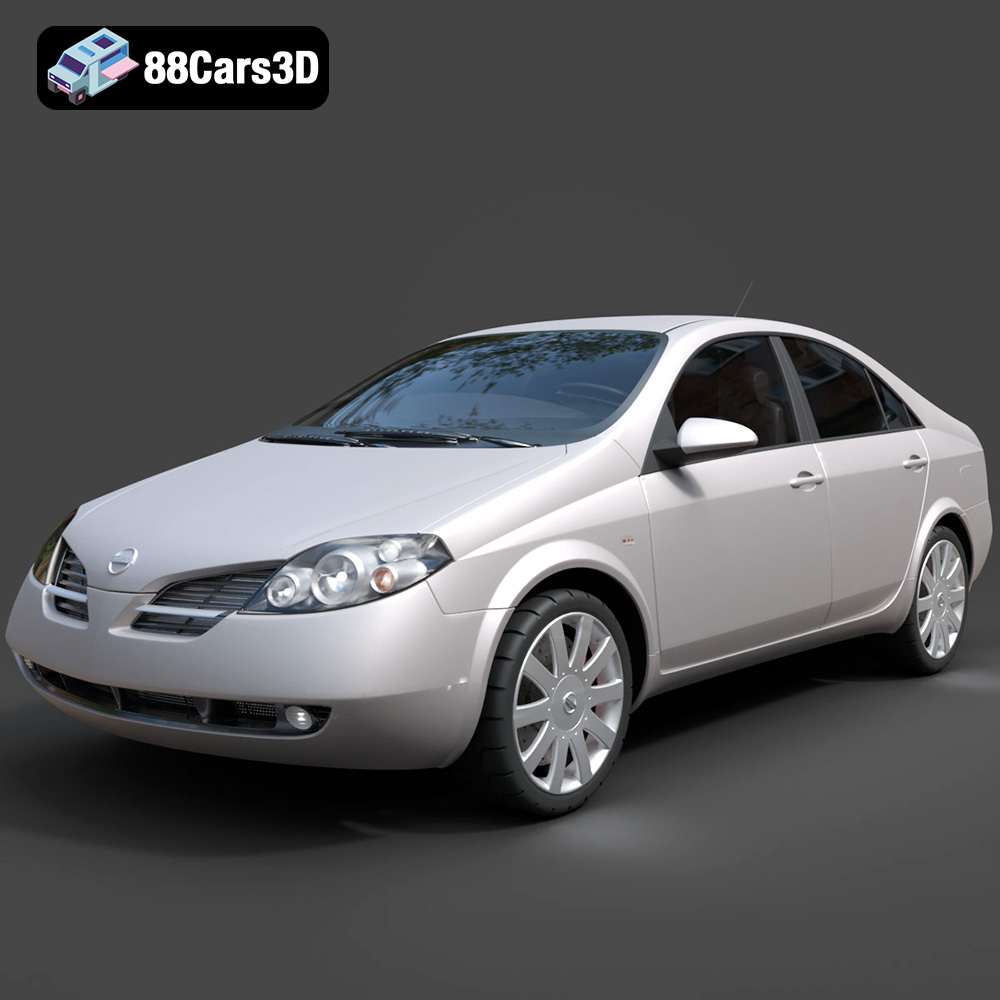
Texture: Yes
Material: Yes
Download the Nissan Primera 2005 3D Model featuring clean geometry, realistic detailing, and a fully modeled interior. Includes .blend, .fbx, .obj, .glb, .stl, .ply, .unreal, and .max formats for rendering, simulation, and game development.
Price: $4.99

Texture: Yes
Material: Yes
Download the Porsche 911 Carrera S 2005 3D Model featuring clean geometry, realistic detailing, and a fully modeled interior. Includes .blend, .fbx, .obj, .glb, .stl, .ply, .unreal, and .max formats for rendering, simulation, and game development.
Price: $4.99

Texture: Yes
Material: Yes
Download the Pontiac GTO 1967 3D Model featuring clean geometry, realistic detailing, and a fully modeled interior. Includes .blend, .fbx, .obj, .glb, .stl, .ply, .unreal, and .max formats for rendering, simulation, and game development.
Price: $4.99

Texture: Yes
Material: Yes
Download the Pontiac Fiero GT 1987 3D Model featuring clean geometry, realistic detailing, and a fully modeled interior. Includes .blend, .fbx, .obj, .glb, .stl, .ply, .unreal, and .max formats for rendering, simulation, and game development.
Price: $4.99

