⚡ FLASH SALE: Get 60% OFF All Premium 3D & STL Models! ⚡

The world of 3D automotive visualization is a fascinating blend of art and engineering, where meticulously crafted digital models bring vehicles to life long before they hit the assembly line or showroom floor. From hyper-realistic renders used in marketing campaigns to optimized assets powering immersive game experiences and cutting-edge AR/VR applications, the demand for high-quality 3D car models is constantly accelerating. But what truly defines a superior 3D car model, and what technical intricacies are involved in its creation and deployment?
This comprehensive guide delves deep into the technical foundations and advanced workflows that underpin professional automotive rendering and visualization. We’ll explore everything from the critical importance of clean topology and efficient UV mapping to the magic of PBR materials, real-time optimization strategies for game assets, and the nuances of preparing models for diverse applications like 3D printing and immersive augmented reality. Whether you’re a seasoned 3D artist, a game developer, an automotive designer, or a student aspiring to master these skills, understanding these technical details is paramount to producing exceptional results and staying competitive in this dynamic industry. Get ready to elevate your understanding and unlock the full potential of your 3D car models.
At the heart of every great 3D car model lies impeccable topology. Topology refers to the arrangement of polygons (faces, edges, and vertices) that form the surface of your model. For automotive designs, where smooth, reflective surfaces and intricate panel gaps are paramount, clean topology is not just a preference, but a necessity. Good topology ensures proper deformation during animation, facilitates clean subdivision surfacing, and prevents shading artifacts that can ruin the realism of a render. It’s about strategically placing edges to define contours, creases, and details, ensuring a logical and efficient flow of polygons across the entire vehicle body.
When modeling a car, artists typically start with a low-polygon base mesh, often using blueprints or reference images as guides. The goal is to capture the primary forms and volumes with the fewest polygons possible, focusing on maintaining quads (four-sided polygons) and avoiding N-gons (polygons with more than four sides) which can cause unpredictable shading and subdivision issues. As details are added and the model is refined, subdivision surfacing techniques (like TurboSmooth in 3ds Max or Subdivision Surface modifier in Blender) are applied, smoothly increasing the polygon count while preserving the underlying structure defined by the initial edge flow. Platforms like 88cars3d.com prioritize models with this clean, quad-based topology, knowing it offers maximum flexibility for various pipelines.
The golden rule in polygonal modeling, especially for organic or smoothly curved objects like car bodies, is to maintain an all-quad mesh. Quads subdivide predictably, creating smooth surfaces without pinching or distortion. When a subdivision surface modifier is applied, each quad is divided into four new quads, averaging the vertex positions to create a smoother curve. Triangles, while sometimes unavoidable in very specific areas, do not subdivide as cleanly and can lead to shading inconsistencies, especially in areas of high curvature. N-gons are even more problematic, often collapsing into unpredictable triangulation upon subdivision, making them unsuitable for production-ready models.
Edge flow dictates how edges run across the surface, essentially defining the direction of curvature and crucial design lines. For cars, this means carefully routing edges to follow the contours of fenders, doors, hood lines, and character lines. Edges should be strategically placed to define sharp creases where panels meet, while flowing smoothly over expansive, reflective surfaces. A common technique is to use “control loops” or “holding edges” – extra edge loops placed close to a sharp corner or crease to control the tightness of the subdivision surface, preventing unwanted softness. For example, around a wheel arch, multiple edge loops follow the curve to ensure a smooth, yet defined, boundary.
Once your 3D car model boasts impeccable topology, the next critical step is preparing its surfaces for texturing and shading. This involves two core processes: UV mapping and PBR material creation. UV mapping is the art of unwrapping the 3D surface of your model into a 2D space, much like unfolding a cardboard box. This 2D representation (the UV layout) serves as a canvas onto which 2D textures are painted or applied. Proper UV mapping is essential for accurate texture projection, preventing distortion, and maximizing texture resolution across different parts of the vehicle. Without clean UVs, even the most detailed textures will appear stretched, blurred, or incorrectly aligned.
Following UV mapping, PBR (Physically Based Rendering) material creation takes center stage. PBR materials are designed to accurately simulate how light interacts with real-world surfaces, resulting in highly realistic and consistent renders across various lighting conditions and rendering engines. Unlike older, artist-driven shading models, PBR relies on physically accurate parameters like albedo (base color), roughness, metallic, normal, and ambient occlusion maps. These maps define the surface properties at a pixel level, dictating everything from how shiny a paint job is to the subtle imperfections on a plastic trim. Understanding and correctly implementing PBR workflows is crucial for achieving photorealistic automotive rendering.
Given a car’s complex, curved surfaces, effective UV mapping requires careful planning. The primary goal is to minimize stretching and overlap while maximizing texture space. Artists often segment the car into logical UV islands: separate parts for the body, wheels, interior components, glass, and smaller details. Each island is then unwrapped to fit efficiently within the 0-1 UV space. For large, continuous surfaces like the car body, projection methods such as “LSCM” (Least Squares Conformal Mapping) or “unwrap” tools in software like 3ds Max, Blender, or Maya are used to minimize distortion. For symmetrical parts, mirroring UVs can save texture space. It’s also vital to add sufficient padding (empty space) between UV islands to prevent texture bleeding when mipmapping is applied during rendering.
The Metallic/Roughness workflow is one of the most common PBR approaches. It uses three core maps:
Additional maps like Normal maps (for fine surface detail without adding geometry), Ambient Occlusion (to simulate contact shadows), and Opacity (for transparent elements like glass) are also crucial. When sourcing models from marketplaces such as 88cars3d.com, verify that they include these essential PBR texture sets, typically at resolutions like 2K, 4K, or even 8K for hero assets.
Achieving true photorealism in automotive rendering transcends basic PBR setup; it demands a deep understanding of advanced shading techniques, layered texturing, and sophisticated rendering workflows. A car’s surface is rarely uniform; it’s a symphony of subtle variations – microscopic scratches, dust accumulation, fingerprints, and varying levels of clear coat intensity. Recreating these nuances requires more than just flat textures; it involves building complex shader networks that mimic real-world wear and tear. This level of detail is what separates a good render from a truly breathtaking one, making the car feel tangible and lived-in.
Beyond the materials, the choice and configuration of your rendering engine play a pivotal role. Modern engines like Corona Renderer, V-Ray, Cycles, and Arnold offer physically accurate light transport calculations, global illumination, and advanced sampling techniques that contribute significantly to the realism. Optimizing render settings, understanding light bounces, and efficiently managing memory are crucial steps to produce high-quality images within reasonable render times. Mastering these advanced techniques allows artists to push the boundaries of visual fidelity, creating images indistinguishable from actual photographs.
Real-world surfaces are imperfect. To simulate this, artists employ layered shaders. For instance, a car paint shader might consist of a base metallic paint layer, a clear coat layer with its own roughness and reflection properties, and then additional layers for dirt, dust, scratches, or water droplets. Each layer can be controlled by specific grayscale masks or procedural textures. Imperfection maps – such as grunge, fingerprints, smudges, and micro-scratches – are crucial. These maps subtly influence the roughness, albedo, and even normal values of a surface, breaking up perfectly uniform reflections and scattering light in a more realistic way. A subtle dust layer in the crevices of a car or faint swirl marks on the paint can add tremendous depth and believability.
Each renderer has its strengths and specific configurations.
Regardless of the engine, understanding concepts like ray depth, noise thresholds, and output resolution are vital for balanced quality and speed.
The demands of interactive real-time applications, such as video games, virtual reality (VR), and augmented reality (AR), differ significantly from those of offline rendering. While photorealism is still a goal, it must be balanced with strict performance budgets. Every polygon, texture, and draw call consumes precious GPU and CPU resources, potentially leading to frame rate drops and a poor user experience. Therefore, optimizing 3D car models for these environments requires a strategic approach to geometry, materials, and asset management. The objective is to deliver visual fidelity while maintaining smooth, consistent performance across target platforms, from high-end PCs to mobile devices.
This optimization process involves reducing complexity without sacrificing perceived quality. Techniques like Level of Detail (LODs), efficient texture atlasing, and careful material setup are crucial. When deploying game assets or AR/VR experiences, every millisecond counts, making efficient asset pipelines and a thorough understanding of engine-specific optimization features indispensable. Models acquired from sources like 88cars3d.com often come with game-ready options, featuring optimized polygon counts and PBR texture sets suitable for direct integration.
Level of Detail (LODs) is a fundamental optimization technique. Instead of rendering a single high-polygon model regardless of its distance from the camera, LODs provide multiple versions of the same asset, each with progressively fewer polygons and simplified materials.
This dramatically reduces the polygon count the GPU needs to process at any given moment. Another critical factor is draw calls. Each time the CPU tells the GPU to render an object, it’s a draw call. Reducing the number of unique materials or meshes by combining them into a single material with a texture atlas can significantly lower draw calls, improving performance.
Texture atlasing involves combining multiple smaller textures (e.g., textures for headlights, taillights, emblems) into a single, larger texture sheet. Correspondingly, the UVs for these separate parts are re-mapped to point to their respective areas on the atlas. This reduces the number of material slots and draw calls. For example, all car interior textures could be on one atlas, and all exterior trim on another. In game engines like Unity or Unreal Engine, PBR materials are typically set up using dedicated shaders (e.g., Standard Shader in Unity, or Unreal’s default PBR material) that efficiently handle Albedo, Normal, Metallic, Roughness, and Ambient Occlusion maps. For AR/VR, particularly on mobile devices, texture resolutions might be limited to 1K or 2K to conserve memory, and complex shader effects might be simplified or baked into textures.
The utility of high-quality 3D car models extends far beyond digital screens. They are increasingly being used for rapid prototyping, scaled physical models, and even custom aftermarket parts through 3D printing. However, preparing a digital model for physical fabrication introduces a unique set of technical requirements and considerations. Unlike rendering, where minor mesh errors might go unnoticed, 3D printing demands a “watertight” mesh – a fully enclosed, solid volume without any holes, inverted normals, or self-intersecting geometry. Any imperfections can lead to printing failures, costly material waste, and frustrating delays.
Alongside print preparation, mastering various file formats is essential for seamless interoperability across different software, pipelines, and platforms. The digital landscape is diverse, with each format serving specific purposes, offering varying levels of data preservation, and catering to different applications, from high-fidelity cinematic renders to lightweight web-based viewers. Understanding the strengths and limitations of formats like FBX, OBJ, GLB, and USDZ is crucial for any professional working with 3D car models, ensuring your assets can be universally accessed and utilized.
For 3D printing, the model must be a single, manifold mesh. Key steps for preparation include:
Attention to these details ensures a successful print, transforming your digital car model into a tangible object.
Navigating the ecosystem of 3D file formats is vital for collaboration and deployment:
Knowing which format to use for a specific purpose ensures optimal results and smooth workflows, especially when exchanging assets between different software environments or publishing for varied platforms. High-quality asset providers like 88cars3d.com typically offer models in several of these industry-standard formats to ensure maximum compatibility.
Even the most perfectly modeled and textured 3D car model will fall flat without compelling lighting and a thoughtfully constructed environment. Lighting is arguably the single most critical factor in photographic and cinematic realism; it shapes the mood, reveals form, and enhances the materials. An artist must understand how light interacts with the car’s reflective surfaces, how shadows define depth, and how to create a narrative through illumination. This involves not just placing lights, but designing entire lighting setups that evoke a specific atmosphere, from a sun-drenched showroom to a moody, rain-slicked street at night.
Equally important is the environment. A car is rarely seen in isolation; its surroundings provide context, reflections, and secondary lighting. Whether it’s a studio setup with infinite backdrops or a detailed outdoor scene, the environment plays a crucial role in grounding the vehicle in reality. Finally, post-processing and compositing are the final polishing steps, where raw renders are transformed into breathtaking final images. This stage allows for color grading, adding atmospheric effects, refining reflections, and correcting any minor imperfections, elevating the render to a truly professional standard.
For cinematic automotive renders, a common approach is a “three-point lighting” system as a base, then expanded upon:
Beyond this, artists leverage large softbox lights or HDRI (High Dynamic Range Image) environments for realistic, diffuse reflections and global illumination. HDRI maps capture real-world lighting information, providing incredibly accurate environmental lighting and reflections, especially for highly reflective surfaces like car paint and chrome. Strategically placed small, intense lights (e.g., area lights or spot lights) can be used to create specific “light catchers” on the car’s body, emphasizing curves and design lines. Experimenting with color temperatures and light intensity is crucial for mood creation.
The environment directly influences the overall realism. For studio shots, seamless backdrops and controlled reflection cards are used. For outdoor scenes, a combination of 3D geometry (roads, buildings, foliage) and high-resolution backplates or HDRI maps provides the necessary visual context and reflections. Ensuring accurate scale and perspective between the car and its environment is paramount. In post-processing (using software like Photoshop or Affinity Photo), raw renders undergo crucial adjustments:
This final stage is where the artist’s eye truly shines, transforming a technically proficient render into a visually stunning masterpiece ready for presentation or marketing campaigns.
The journey from a conceptual sketch to a fully realized, photorealistic or game-ready 3D car model is a testament to the intricate synergy between artistic vision and technical mastery. We’ve traversed the critical landscape from foundational topology and edge flow, through the meticulous process of UV mapping and advanced PBR material creation, all the way to optimizing assets for real-time interactive experiences and preparing them for physical 3D printing. Each step, from crafting perfectly flowing quad meshes to strategically placing lights and finessing renders in post-production, contributes to the overall realism and usability of the final asset.
The continuous evolution of 3D software, rendering technologies, and hardware demands that artists and developers remain perpetual learners, constantly refining their skills and adapting to new workflows. Whether your goal is to create breathtaking marketing visuals, build immersive driving simulations, or prototype physical designs, a deep understanding of these technical principles is non-negotiable. Platforms like 88cars3d.com exemplify the commitment to providing these high-quality, technically sound 3D car models, empowering professionals and enthusiasts alike to bring their automotive visions to life.
Invest in your knowledge, meticulously execute each stage of the 3D pipeline, and always strive for precision. The automotive industry continues to embrace digital twins and advanced visualization, ensuring that expertise in high-quality 3D car models will remain a highly valued skill. Start exploring the possibilities today, knowing that with the right technical foundation, there are no limits to what you can create.
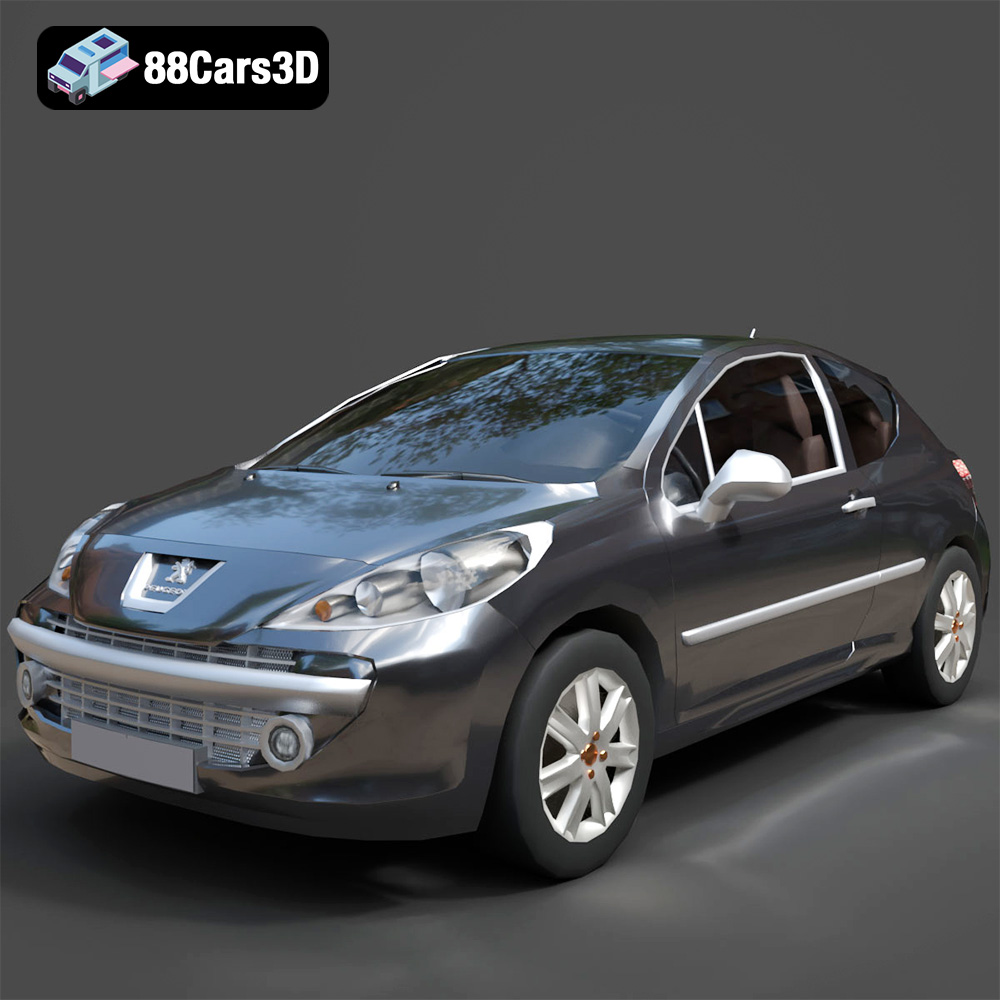
Texture: Yes
Material: Yes
Download the Peugeot 207 3D Model featuring clean geometry, realistic detailing, and a fully modeled interior. Includes .blend, .fbx, .obj, .glb, .stl, .ply, .unreal, and .max formats for rendering, simulation, and game development.
Price: $4.99
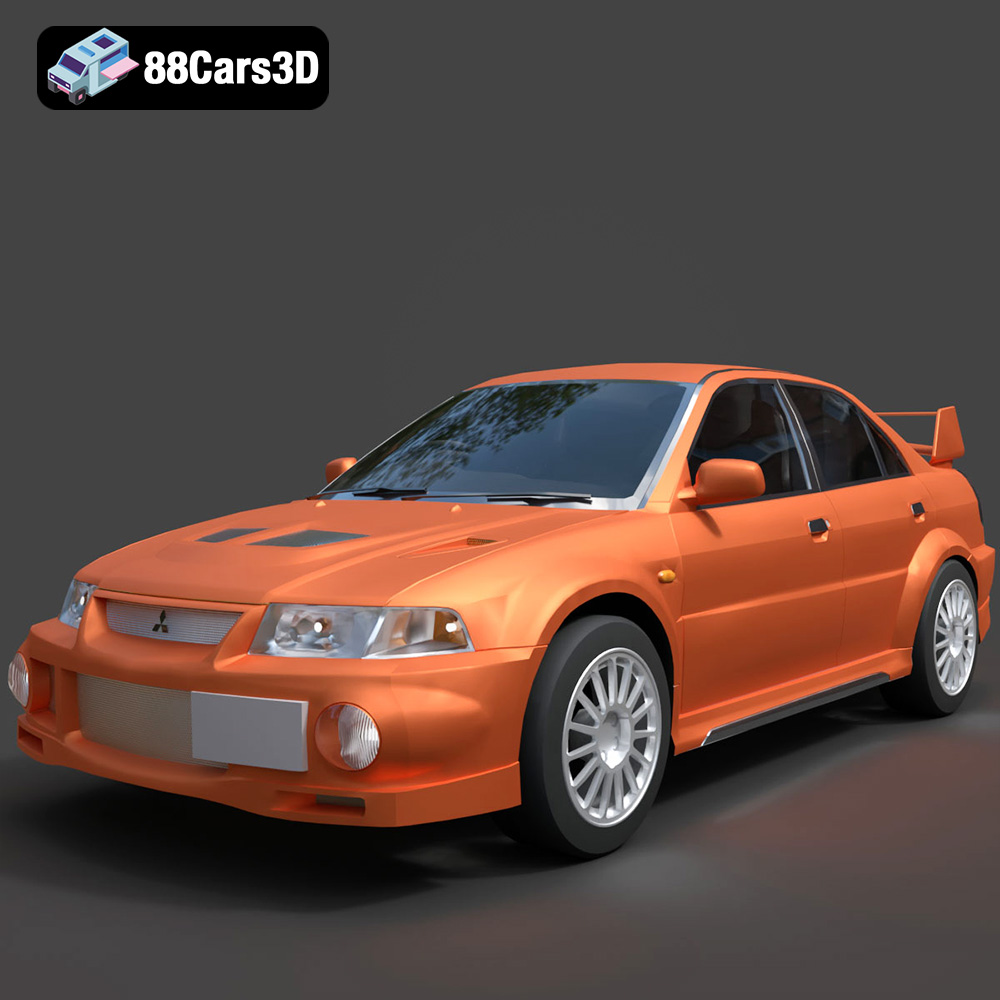
Texture: Yes
Material: Yes
Download the Mitsubishi Lancer Evolution VI 3D Model featuring clean geometry, realistic detailing, and a fully modeled interior. Includes .blend, .fbx, .obj, .glb, .stl, .ply, .unreal, and .max formats for rendering, simulation, and game development.
Price: $4.99
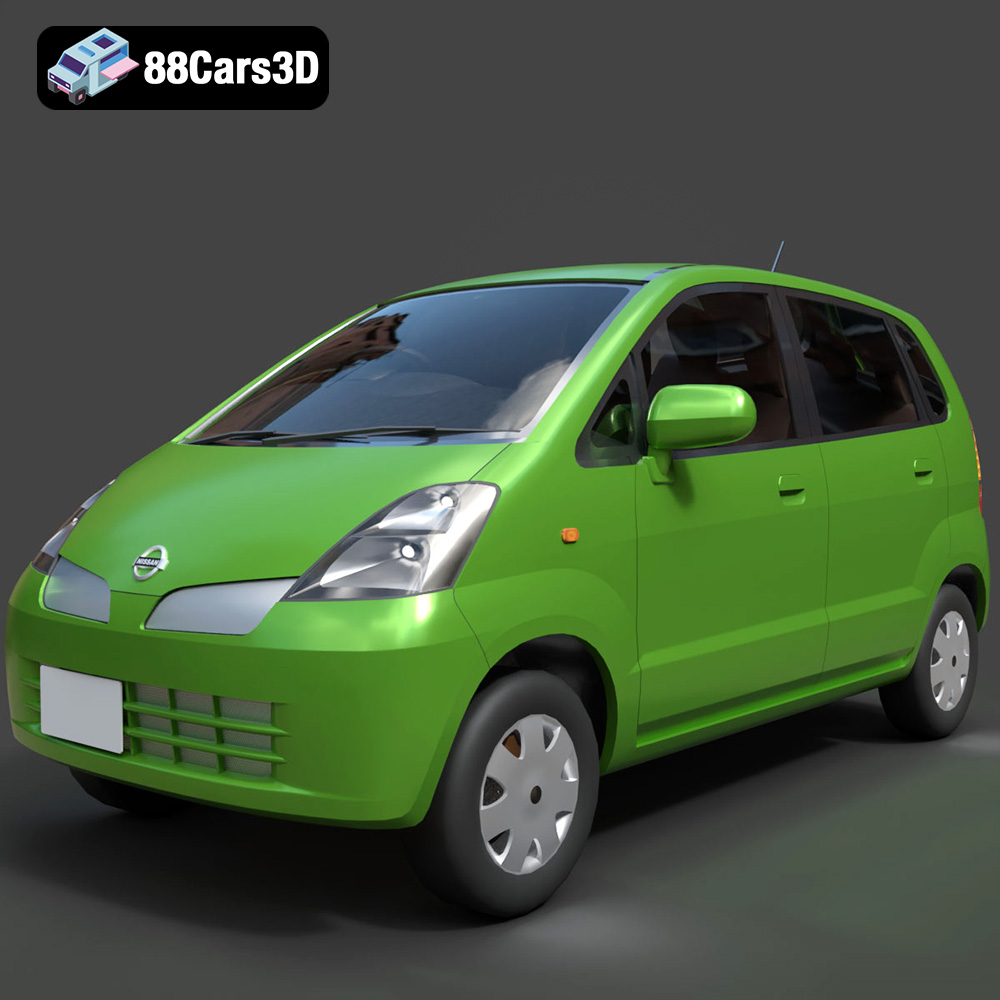
Texture: Yes
Material: Yes
Download the Nissan Moco 007 3D Model featuring clean geometry, realistic detailing, and a fully modeled interior. Includes .blend, .fbx, .obj, .glb, .stl, .ply, .unreal, and .max formats for rendering, simulation, and game development.
Price: $4.99
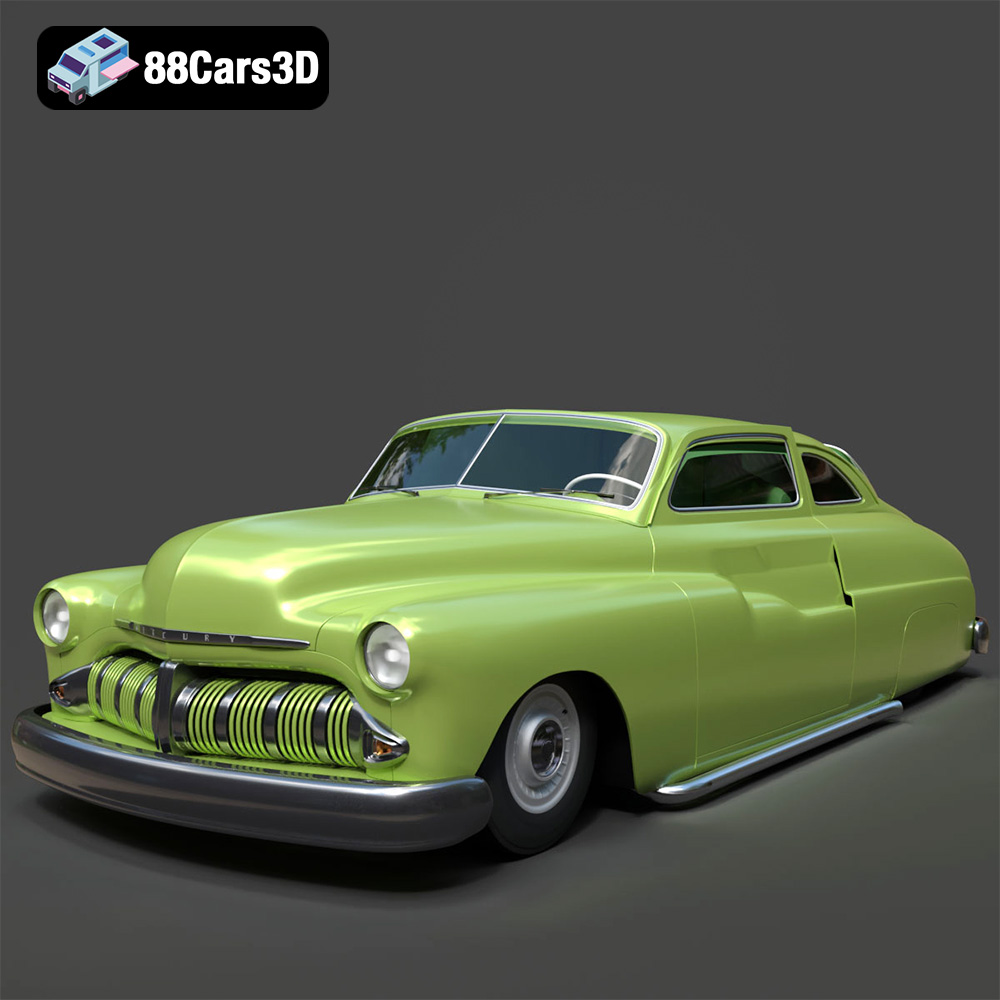
Texture: Yes
Material: Yes
Download the Mercury Coupe 1950 3D Model featuring clean geometry, realistic detailing, and a fully modeled interior. Includes .blend, .fbx, .obj, .glb, .stl, .ply, .unreal, and .max formats for rendering, simulation, and game development.
Price: $4.99
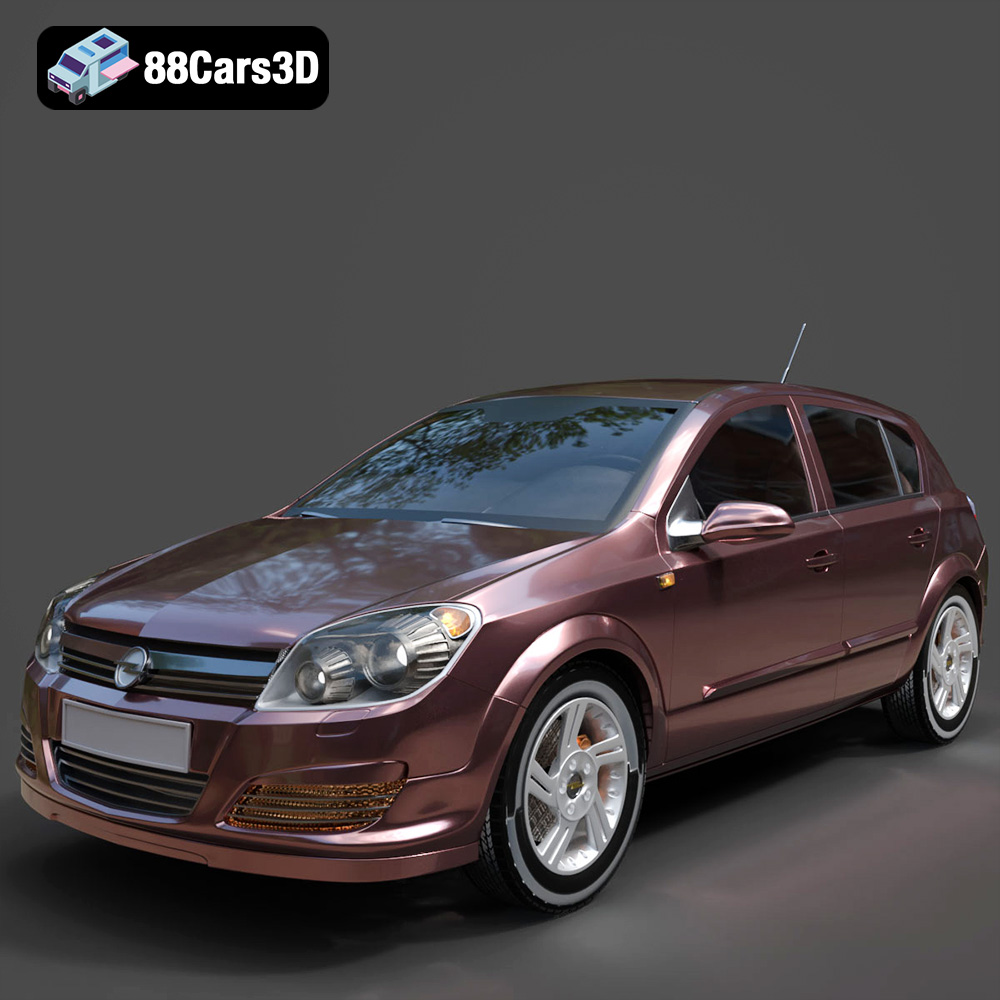
Texture: Yes
Material: Yes
Download the Opel Astra H 2006 3D Model featuring clean geometry, realistic detailing, and a fully modeled interior. Includes .blend, .fbx, .obj, .glb, .stl, .ply, .unreal, and .max formats for rendering, simulation, and game development.
Price: $4.99
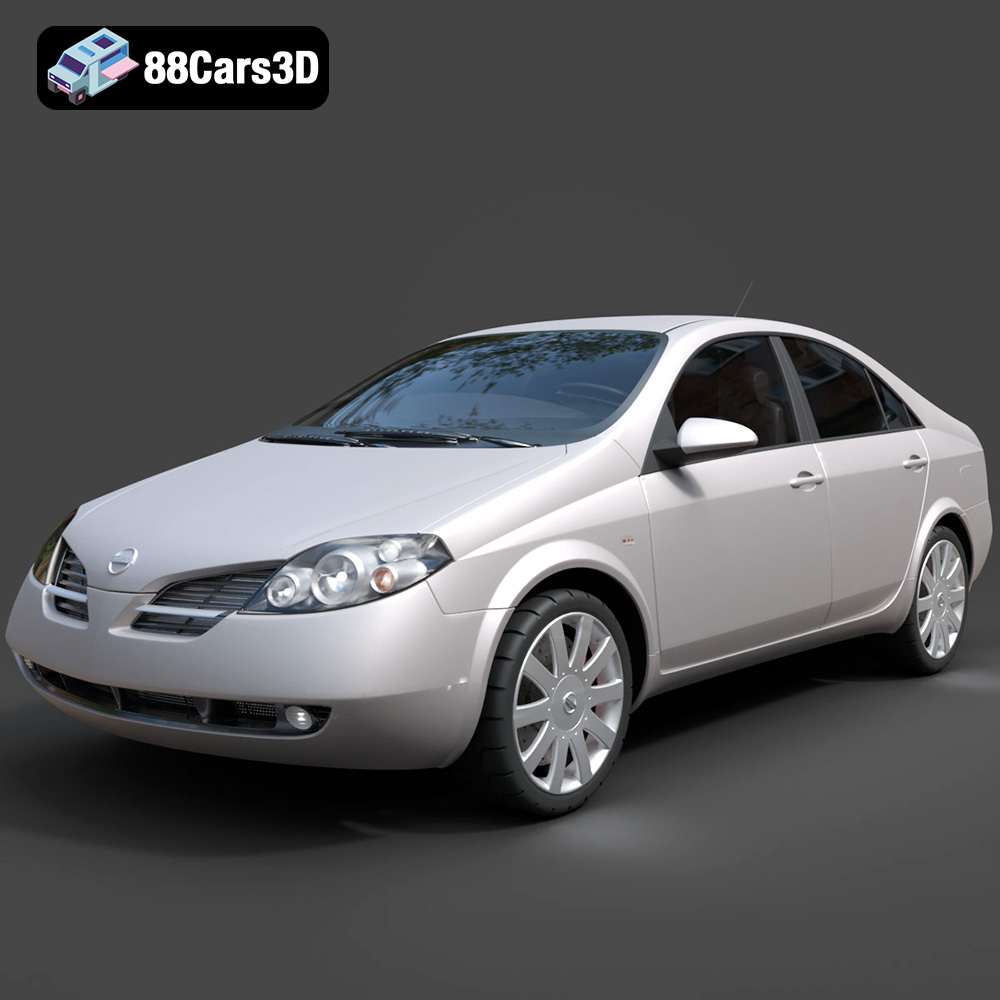
Texture: Yes
Material: Yes
Download the Nissan Primera 2005 3D Model featuring clean geometry, realistic detailing, and a fully modeled interior. Includes .blend, .fbx, .obj, .glb, .stl, .ply, .unreal, and .max formats for rendering, simulation, and game development.
Price: $4.99

Texture: Yes
Material: Yes
Download the Porsche 911 Carrera S 2005 3D Model featuring clean geometry, realistic detailing, and a fully modeled interior. Includes .blend, .fbx, .obj, .glb, .stl, .ply, .unreal, and .max formats for rendering, simulation, and game development.
Price: $4.99

Texture: Yes
Material: Yes
Download the Pontiac GTO 1967 3D Model featuring clean geometry, realistic detailing, and a fully modeled interior. Includes .blend, .fbx, .obj, .glb, .stl, .ply, .unreal, and .max formats for rendering, simulation, and game development.
Price: $4.99

Texture: Yes
Material: Yes
Download the Pontiac Fiero GT 1987 3D Model featuring clean geometry, realistic detailing, and a fully modeled interior. Includes .blend, .fbx, .obj, .glb, .stl, .ply, .unreal, and .max formats for rendering, simulation, and game development.
Price: $4.99

Texture: Yes
Material: Yes
Download the Plymouth Volare Wagon 3D Model featuring clean geometry, realistic detailing, and a fully modeled interior. Includes .blend, .fbx, .obj, .glb, .stl, .ply, .unreal, and .max formats for rendering, simulation, and game development.
Price: $4.99

