⚡ FLASH SALE: Get 60% OFF All Premium 3D & STL Models! ⚡

The allure of a perfectly crafted automotive design, whether tearing across a virtual racetrack, showcasing an upcoming vehicle in an immersive AR experience, or gracing a high-definition marketing render, begins with a meticulously built 3D car model. These digital assets are far more than just pretty pictures; they are complex engineering marvels in the virtual realm, demanding precision at every stage. From the foundational polygons that define its shape to the intricate shaders that replicate its metallic gleam, every detail contributes to its ultimate realism and functionality. For 3D artists, game developers, automotive designers, and visualization professionals, understanding the complete lifecycle of a 3D car model is paramount.
This comprehensive guide delves deep into the technical intricacies of creating, optimizing, and deploying 3D car models for a myriad of applications. We’ll explore the critical role of clean topology, the art of realistic texturing with PBR materials, advanced rendering workflows, game engine optimization strategies, and specialized considerations for AR/VR and 3D printing. Whether you’re a seasoned professional looking to refine your techniques or an aspiring artist seeking to elevate your craft, prepare to unlock the secrets behind truly exceptional automotive 3D assets. And for those seeking a head start with professional-grade assets, platforms like 88cars3d.com offer a curated selection of high-quality 3D car models ready for integration into your next big project.
At the heart of every great 3D car model lies impeccable topology and edge flow. These are not merely aesthetic concerns; they are fundamental to how a model behaves during deformation, how it subdivides for higher detail, and how light interacts with its surfaces during rendering. Clean topology ensures smooth, artifact-free shading and provides the flexibility needed for future modifications or animation. Automotive surfaces, with their sleek curves and sharp creases, demand particular attention to maintaining curvature continuity and managing polygon density.
The cardinal rule for professional automotive modeling is to primarily use quads (four-sided polygons). While triangles are permissible in very specific, flat areas or for performance-critical applications, quads generally subdivide more predictably, reduce pinching artifacts, and are easier to manipulate. When modeling car bodies, it’s crucial to focus on creating edge loops that flow naturally along the vehicle’s design lines. These loops should define the major contours, panel gaps, wheel wells, and other critical features. For instance, a continuous edge loop around a headlight or along a door seam not only defines that feature but also allows for easy selection and manipulation later on. Using blueprints and high-resolution reference images from multiple angles (front, side, top, back, perspective) is essential for accurately capturing the car’s proportions and subtleties. Aim to keep your mesh as clean and minimal as possible while retaining the necessary detail before applying subdivision surfaces, a common technique for achieving smooth, high-resolution organic shapes from a lower-poly base mesh.
Even experienced modelers face challenges in achieving perfect topology. One common issue is managing “poles” – vertices with more or less than four connected edges. While 5-edge poles (E-poles) can be managed if placed in flat, less visible areas, poles with six or more edges (N-poles) or those with three edges can lead to undesirable pinching or stretching when subdivision surfaces are applied, resulting in shading artifacts. Strategic placement of these poles away from areas of high curvature or reflection is key. Another challenge is balancing polycount with visual fidelity. A high-detail automotive model for offline rendering might range from 150,000 to 500,000 polygons, while a game-ready asset might need to be significantly optimized, perhaps targeting 30,000 to 80,000 polygons for a primary vehicle, with lower LODs (Level of Details) dropping to a few thousand. Mastering the art of edge flow also involves understanding how to redirect edge loops cleanly to avoid unnecessary density in flat areas and concentrate detail where it’s needed, such as around grilles, vents, and sharp body lines.
Once the geometry of your 3D car model is perfected, the next crucial step is to give it a realistic surface. This involves two core processes: UV mapping, which prepares the model for textures, and PBR (Physically Based Rendering) material creation, which defines how light interacts with those surfaces. Together, they transform a grey mesh into a vibrant, reflective, and tactile representation of an actual vehicle.
Effective UV mapping is critical for high-quality texturing. Poor UVs can lead to stretched, distorted, or blurry textures, regardless of their resolution. For complex automotive surfaces, strategic unwrapping is paramount. The goal is to minimize seams, avoid stretching, and maintain consistent texel density across all UV islands. For large, continuous surfaces like the car body, aim for as few large islands as possible, cleverly placing seams along natural breaks or hidden areas (e.g., underneath the car, along panel lines). The interior, wheels, and intricate components will each require their own logical unwraps. For extremely high-resolution detailing, especially on showroom-quality renders, artists often employ UDIM workflows. UDIMs (U-Dimension) allow you to spread textures across multiple UV tiles, effectively breaking a single object’s UV space into an array of separate 0-1 UV grids. This technique, common in film VFX, allows for incredibly detailed 8K or 16K textures on different parts of the car without exceeding a single texture’s resolution limit. Software like Maya, Blender, and 3ds Max offer robust UV unwrapping tools, often with automated packing features that can optimize space efficiently.
Physically Based Rendering (PBR) has become the industry standard for achieving realistic materials, accurately simulating how light behaves with different surfaces. PBR workflows typically fall into two categories: Metallic-Roughness (common in game engines and many renderers like Blender’s Cycles, Substance Painter) and Specular-Glossiness (often found in V-Ray, Corona, and Arnold). While their underlying principles differ, both rely on a set of texture maps to define material properties. Key PBR maps for automotive materials include:
Crafting automotive shaders involves layering these maps. A car paint material, for instance, might consist of a base metallic layer with a clear coat layer on top, each with its own PBR properties (e.g., the clear coat being dielectric, highly reflective, and slightly rough). Using node-based material editors in Blender Cycles, Arnold, or the Slate Material Editor in 3ds Max with Corona Renderer allows for complex shader networks that replicate intricate details like flake effects in metallic paint, realistic tire rubber, varying interior fabric textures, and glass with accurate refraction and tint. Understanding the physical properties of real-world materials and translating them into PBR maps is an art form that significantly elevates the visual fidelity of 3D car models.
Rendering is where your carefully crafted 3D car model truly shines. It’s the process of generating a 2D image from your 3D scene, simulating light, shadow, reflections, and refractions to create photorealistic results. Achieving high-fidelity automotive renders requires a deep understanding of lighting, camera properties, renderer settings, and post-processing techniques. Different rendering engines offer unique strengths, but the core principles remain consistent.
Effective lighting is paramount for showcasing automotive designs. For realistic reflections and global illumination, Image-Based Lighting (IBL) using High Dynamic Range Images (HDRIs) is a standard practice. An HDRI captures real-world lighting information, providing accurate environmental reflections and subtle ambient light that instantly grounds the car in a plausible setting. Complementing HDRIs, targeted studio lighting setups (like a classic three-point lighting system or strategically placed large area lights/softboxes) can highlight specific features, create dramatic shadows, and emphasize the car’s contours. For interior renders or specific mood shots, physical sky models can simulate natural daylight cycles, while volumetric lights can add atmospheric depth. Always consider the color temperature of your lights; warm tones can evoke a sunset, while cool tones might suggest an overcast day or a futuristic look. Experimentation with light intensity, size, and position is key to revealing the vehicle’s form and material properties in the most appealing way.
Each rendering engine offers a unique set of tools and parameters to control the final output.
Regardless of the renderer, the ability to generate multiple render passes or render elements is invaluable. These separate image layers (e.g., raw lighting, reflections, shadows, ambient occlusion, Z-depth) allow compositing artists to fine-tune every aspect of the final image without re-rendering the entire scene, offering unparalleled creative freedom in post-production.
The render straight out of your 3D software is rarely the final product. Post-processing and compositing in software like Adobe Photoshop, Affinity Photo, DaVinci Resolve Fusion, or Foundry Nuke are essential steps to elevate a render from good to outstanding. This stage allows you to refine colors, adjust contrast, add atmospheric effects, and integrate the render seamlessly into a broader scene or background. Key post-processing techniques include color grading to set the mood, applying subtle lens effects like chromatic aberration or vignette, adding depth of field for cinematic blur, and introducing motion blur for dynamic shots. Combining render passes allows for advanced adjustments; for instance, you can selectively boost reflections, darken shadows, or change the color of global illumination without affecting other elements. Strategic sharpening, noise reduction, and glow effects can further enhance realism and visual impact. Mastering post-processing is the final polish that makes a 3D car model truly pop off the screen.
Bringing a high-fidelity 3D car model into a real-time game engine like Unity or Unreal Engine presents a unique set of challenges. The goal shifts from achieving absolute photorealism in a static render to maintaining visual quality while ensuring smooth, interactive performance. This requires meticulous optimization of geometry, textures, and materials to keep frame rates high and draw calls low.
One of the most critical optimization techniques for game assets is the implementation of Level of Detail (LODs). This involves creating multiple versions of your 3D car model, each with progressively lower polygon counts.
Game engines automatically swap between these LODs based on the camera’s distance, ensuring that only the necessary detail is rendered. While some software offers automated decimation tools, manual LOD creation often yields better results, allowing artists to strategically remove polygons while preserving silhouette and key features. Ensuring proper UV mapping across LODs is also vital to avoid texture popping when the engine switches models. Additionally, cleaning up unnecessary geometry, merging vertices, and ensuring manifold meshes contribute to overall mesh optimization.
Texture optimization is as important as mesh optimization. Large, unoptimized textures can quickly consume GPU memory and bandwidth, leading to performance bottlenecks. Best practices include:
The FBX file format is the industry standard for importing 3D assets into game engines due to its ability to store mesh data, UVs, skeleton/animation, cameras, and lights. When exporting from DCC tools like 3ds Max, Blender, or Maya, carefully configure your FBX export settings to include only necessary data. For Unity and Unreal Engine, ensure correct scale (e.g., 1 unit = 1 meter) and pivot points.
Efficient integration also means understanding the engine’s material system, physics setup, and animation blueprints. Platforms like 88cars3d.com often provide models specifically prepared with clean topology, optimized UVs, and multiple LODs, making them ideal game assets for quick integration.
Beyond traditional rendering and game development, 3D car models are finding increasingly diverse applications in emerging technologies like Augmented Reality (AR), Virtual Reality (VR), and 3D printing, as well as high-end interactive visualization. Each of these fields introduces its own set of technical requirements and optimization strategies.
AR and VR experiences demand extreme optimization due to real-time performance requirements on often less powerful hardware (especially mobile AR/VR headsets). The goal is to maintain a high frame rate (typically 60-90 FPS per eye) to prevent motion sickness and ensure immersion.
3D printing a car model transforms it from a digital asset into a tangible object, but this requires a different kind of preparation. The digital model must be “watertight” – a completely enclosed volume with no gaps, internal geometry, or non-manifold edges.
For marketing, design review, or interactive configurators, 3D car models push the boundaries of real-time realism.
In all these applications, the quality and preparation of the initial 3D car model are paramount. A well-constructed model saves countless hours in optimization and ensures a high-quality final product, whether it’s a render, an interactive experience, or a physical object.
The 3D landscape is diverse, with numerous software packages and applications, each often preferring or specializing in certain file formats. Understanding these formats and how to effectively convert between them without losing data integrity is a crucial skill for any 3D artist working with car models.
Navigating the world of 3D file formats can seem daunting, but each serves a specific purpose:
Converting 3D car models between formats can be fraught with challenges if not done carefully.
Specialized conversion tools or built-in exporters/importers within your 3D software can help. For instance, Autodesk provides an FBX Converter utility. When acquiring assets from platforms like 88cars3d.com, you often find models provided in multiple popular formats (e.g., .max, .blend, FBX, OBJ, GLB), significantly streamlining the integration process and reducing conversion headaches. Always check the model’s included formats and ensure they align with your project’s software pipeline.
The journey of a 3D car model, from its initial polygonal form to a stunning render or an interactive game asset, is a testament to the blend of artistic vision and technical mastery. We’ve traversed the critical stages, from the foundational importance of clean topology and edge flow, through the vibrant world of UV mapping and PBR materials, to the meticulous processes of high-fidelity rendering and game engine optimization. We’ve also explored specialized applications in AR/VR, 3D printing, and advanced visualization, along with the essential considerations for file formats and conversions.
Every step, from sculpting a perfect curve to optimizing a texture atlas, contributes to the ultimate realism, performance, and versatility of the final asset. The pursuit of excellence in 3D automotive modeling is an ongoing learning process, constantly evolving with new software, rendering techniques, and emerging technologies. By adhering to industry best practices and continually refining your technical skills, you can ensure your 3D car models stand out in any application.
Ready to accelerate your projects? Whether you’re building a new game, crafting a marketing visualization, or exploring immersive AR experiences, starting with high-quality, pre-optimized 3D car models can give you a significant advantage. Explore the professional-grade selection available at 88cars3d.com and bring your automotive visions to life with assets built for precision, performance, and unparalleled realism.
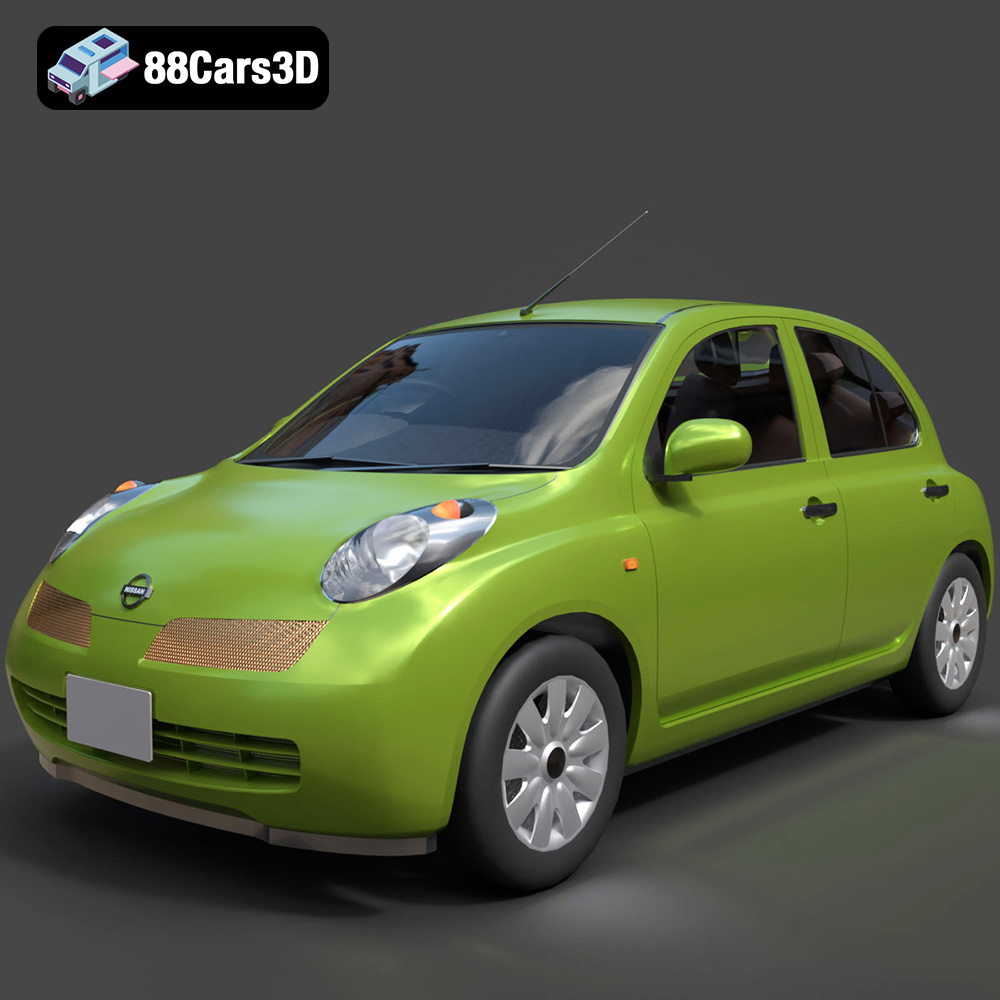
Texture: Yes
Material: Yes
Download the Nissan Micra 5-Door 2025 3D Model featuring clean geometry, realistic detailing, and a fully modeled interior. Includes .blend, .fbx, .obj, .glb, .stl, .ply, .unreal, and .max formats for rendering, simulation, and game development.
Price: $4.99

Texture: Yes
Material: Yes
Download the Opel Insignia Sports Tourer 2009 3D Model featuring clean geometry, realistic detailing, and a fully modeled interior. Includes .blend, .fbx, .obj, .glb, .stl, .ply, .unreal, and .max formats for rendering, simulation, and game development.
Price: $4.99
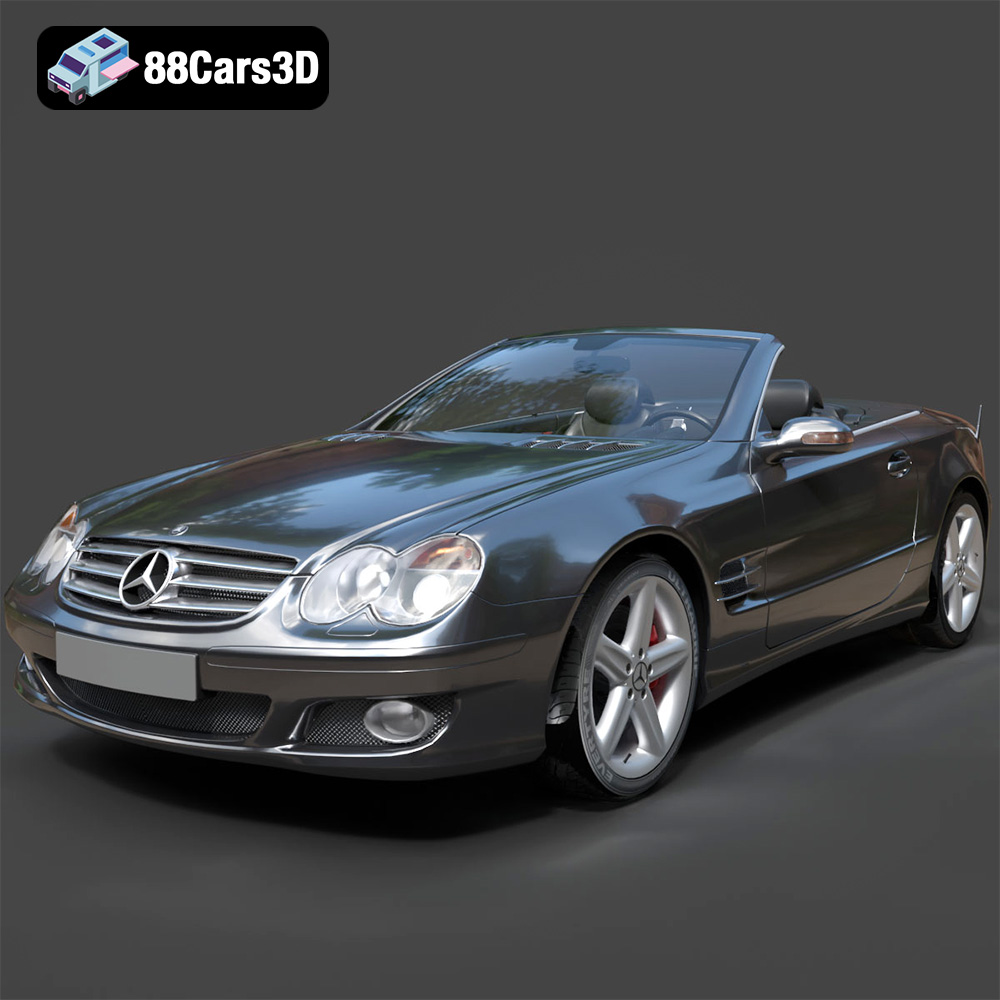
Texture: Yes
Material: Yes
Download the Mercedes-Benz SL-Klasse R230 2002 3D Model featuring clean geometry, realistic detailing, and a fully modeled interior. Includes .blend, .fbx, .obj, .glb, .stl, .ply, .unreal, and .max formats for rendering, simulation, and game development.
Price: $4.99
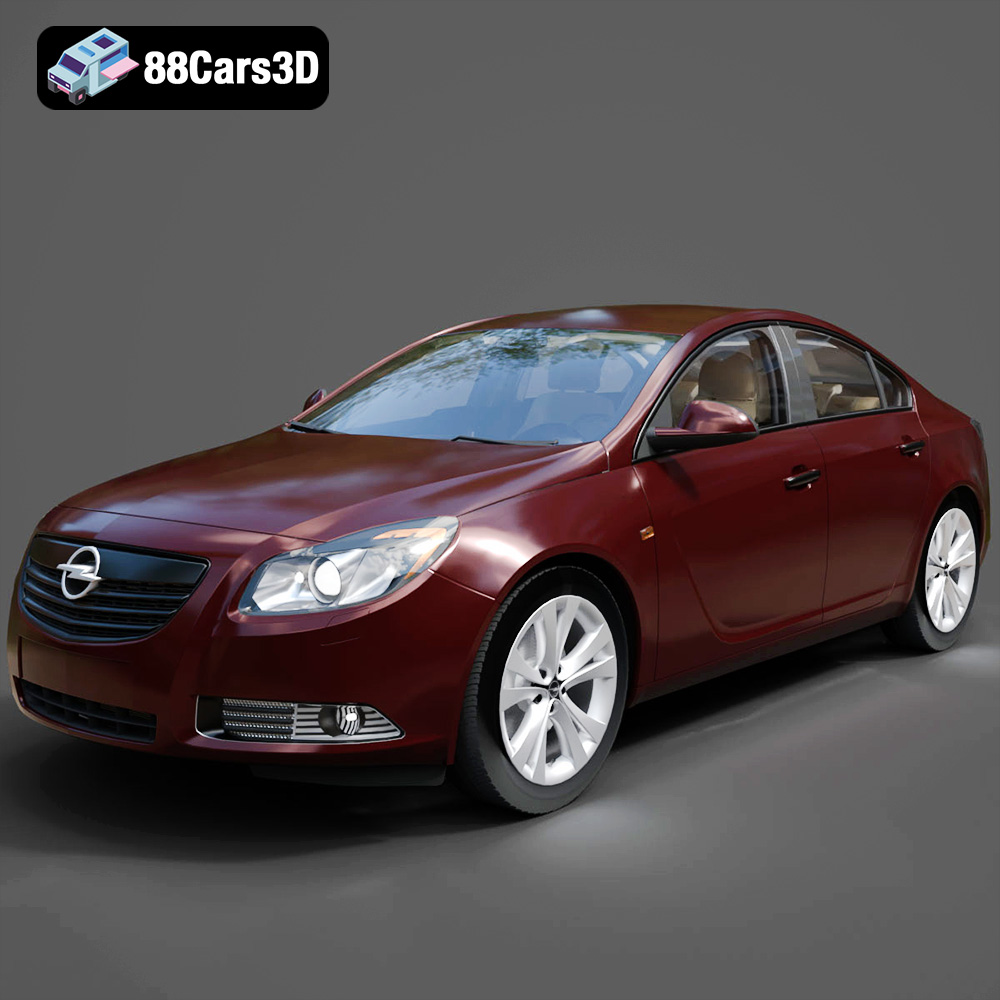
Texture: Yes
Material: Yes
Download the Opel Insignia 2009 3D Model featuring clean geometry, realistic detailing, and a fully modeled interior. Includes .blend, .fbx, .obj, .glb, .stl, .ply, .unreal, and .max formats for rendering, simulation, and game development.
Price: $4.99

Texture: Yes
Material: Yes
Download the Peugeot 206 3D Model featuring clean geometry, realistic detailing, and a fully modeled interior. Includes .blend, .fbx, .obj, .glb, .stl, .ply, .unreal, and .max formats for rendering, simulation, and game development.
Price: $4.99
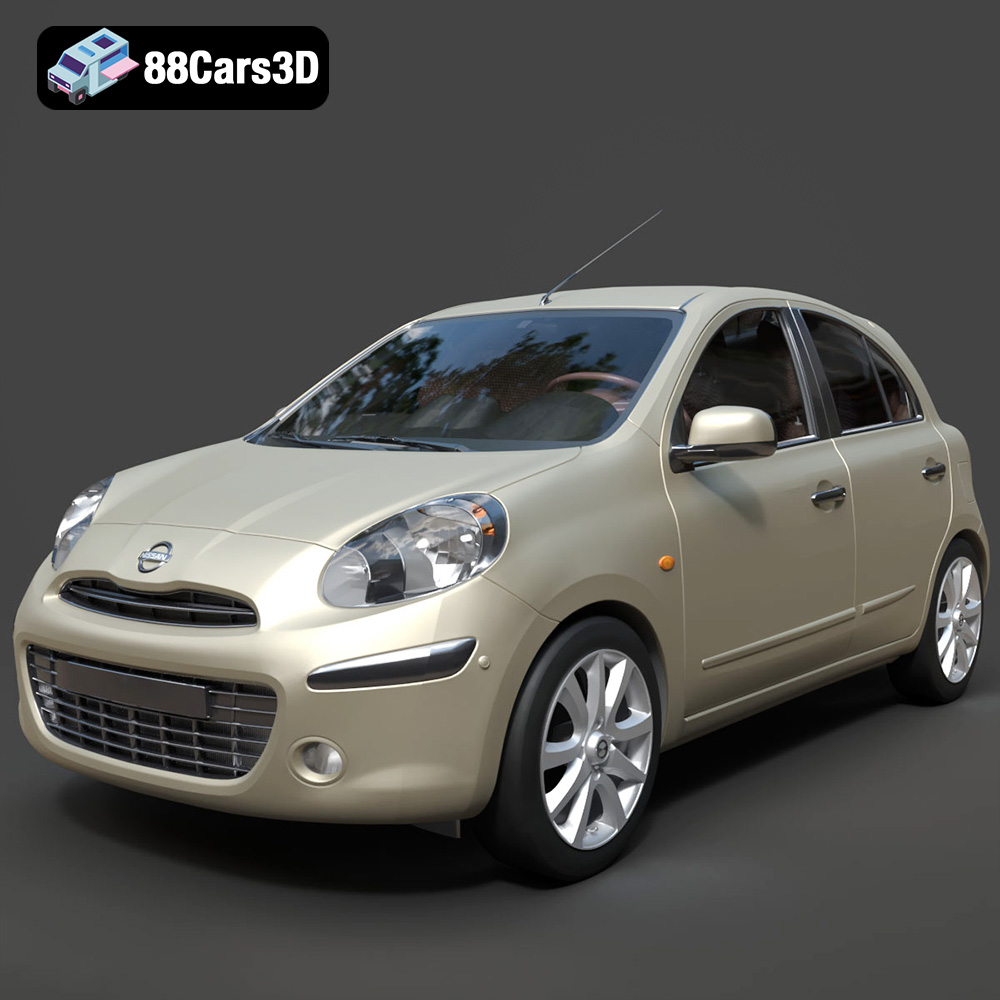
Texture: Yes
Material: Yes
Download the Nissan Micra 2010 3D Model featuring clean geometry, realistic detailing, and a fully modeled interior. Includes .blend, .fbx, .obj, .glb, .stl, .ply, .unreal, and .max formats for rendering, simulation, and game development.
Price: $4.99
Texture: Yes
Material: Yes
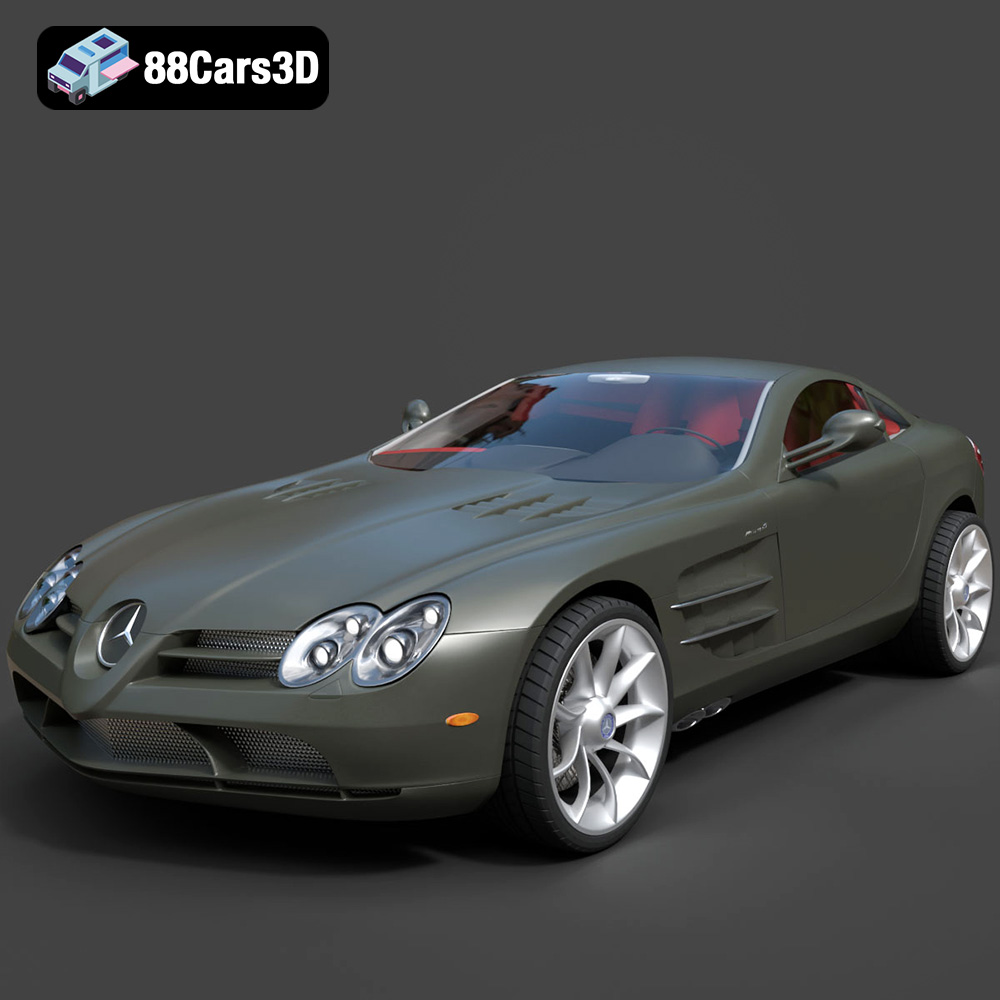
Download the Mercedes-Benz SLR McLaren 3D Model featuring clean geometry, realistic detailing, and a fully modeled interior. Includes .blend, .fbx, .obj, .glb, .stl, .ply, .unreal, and .max formats for rendering, simulation, and game development.
Price: $4.99
Texture: Yes
Material: Yes
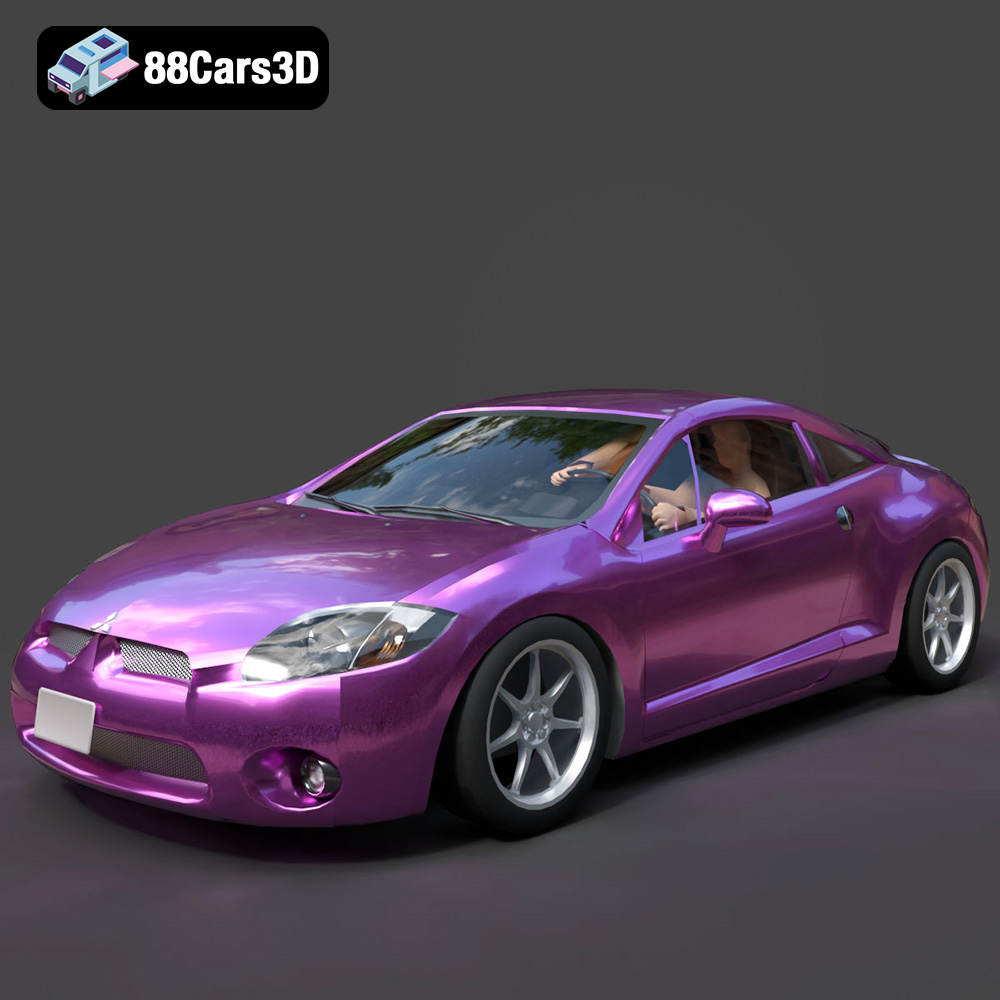
Download the Mitsubishi Eclipse GT 2001 3D Model featuring clean geometry, realistic detailing, and a fully modeled interior. Includes .blend, .fbx, .obj, .glb, .stl, .ply, .unreal, and .max formats for rendering, simulation, and game development.
Price: $4.99
Texture: Yes
Material: Yes
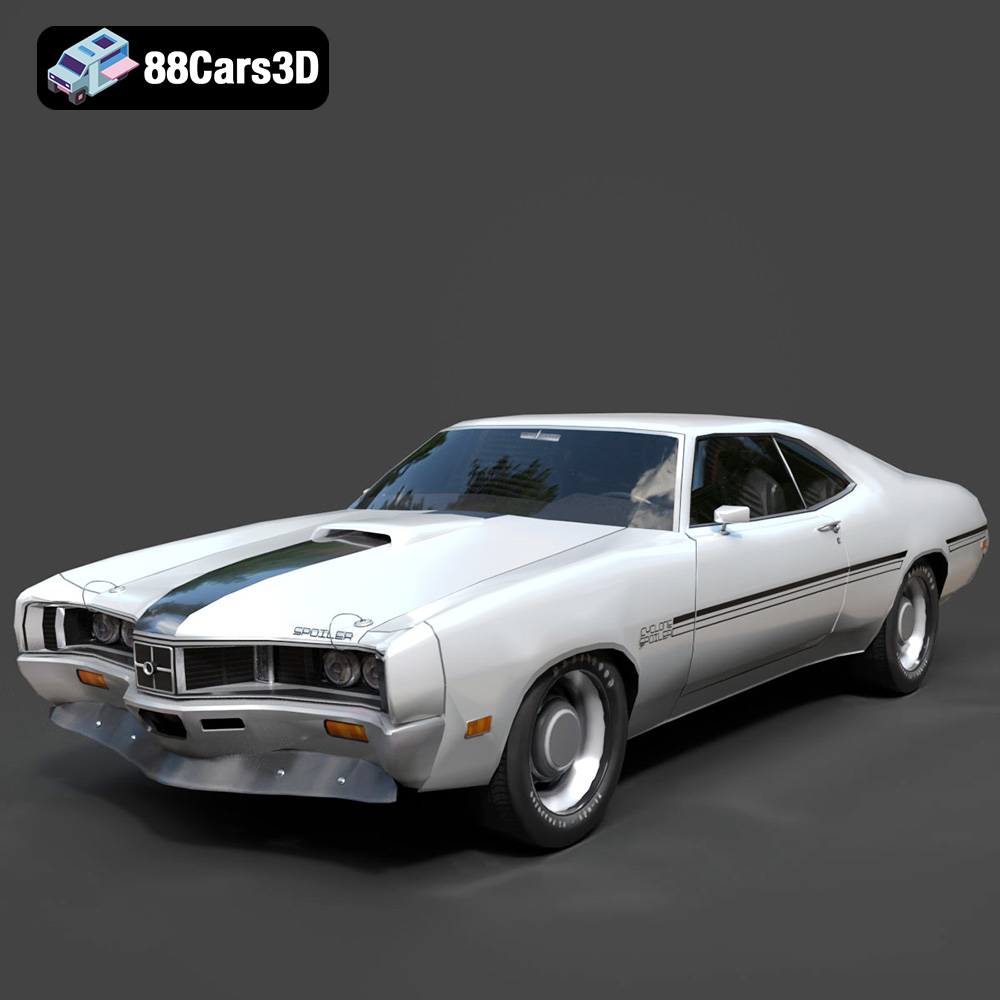
Download the Mercury Cyclone Spoiler 1970 3D Model featuring clean geometry, realistic detailing, and a fully modeled interior. Includes .blend, .fbx, .obj, .glb, .stl, .ply, .unreal, and .max formats for rendering, simulation, and game development.
Price: $4.99
Texture: Yes
Material: Yes
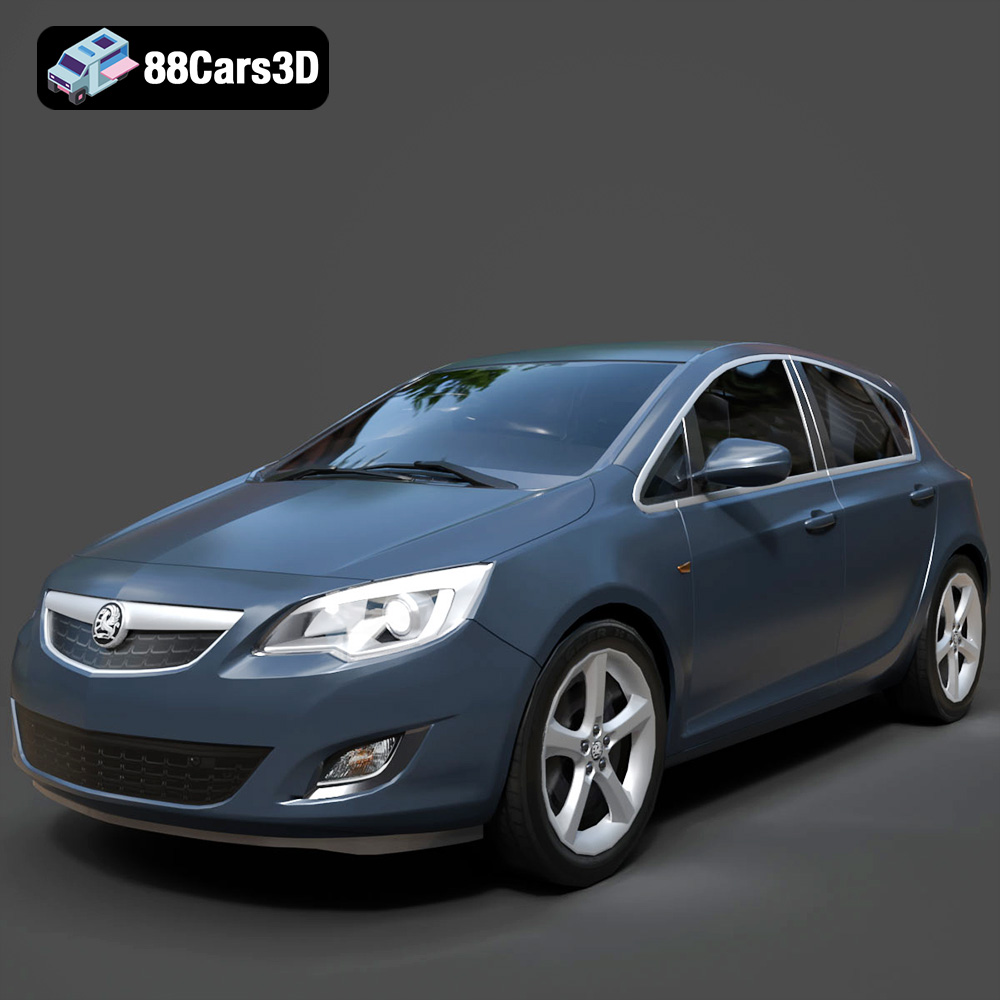
Download the Opel Astra 3D Model featuring clean geometry, realistic detailing, and a fully modeled interior. Includes .blend, .fbx, .obj, .glb, .stl, .ply, .unreal, and .max formats for rendering, simulation, and game development.
Price: $4.99

