⚡ FLASH SALE: Get 60% OFF All Premium 3D & STL Models! ⚡

In the dynamic world of 3D visualization, automotive models stand as a pinnacle of technical artistry and precision. Whether you’re an aspiring 3D artist, a seasoned game developer, an automotive designer, or a visualization professional, the ability to create, optimize, and render stunning 3D car models is a highly coveted skill. These digital masterpieces are the backbone of everything from photorealistic marketing campaigns and immersive AR/VR experiences to adrenaline-pumping video games and detailed engineering simulations.
However, achieving professional-grade results goes far beyond simply modeling a car’s shape. It requires a deep understanding of intricate workflows, technical specifications, and industry best practices. This comprehensive guide will take you on a journey through the essential stages of working with 3D car models, from establishing a solid foundation with clean topology and meticulous UV mapping, to crafting breathtaking PBR materials, executing high-fidelity renders, and optimizing assets for real-time environments. We’ll delve into specific software techniques, tackle common challenges, and equip you with the knowledge to elevate your automotive 3D projects to the next level. By the end, you’ll have a robust understanding of what it takes to produce truly exceptional 3D car models, ready for any application.
At the heart of any outstanding 3D car model lies impeccable topology and edge flow. These foundational elements dictate not only the visual fidelity of your mesh but also its flexibility for animation, sculpting, and deformation. For automotive models, which are characterized by sleek, often reflective surfaces and sharp creases, clean topology is paramount to prevent artifacts, facilitate smooth subdivision, and ensure accurate reflections. A poorly constructed mesh can lead to pinching, unwanted bumps, and a general lack of realism, no matter how good your textures or lighting.
The golden rule for automotive topology is to maintain an all-quadrilateral (quad) mesh structure wherever possible. Quads subdivide predictably, allowing for smooth surfaces without undesirable faceting. Triangles, while sometimes unavoidable in dense, planar areas, should be used sparingly, particularly on large, curvature-heavy surfaces, as they can cause pinching when subdivided. When modeling a car body, focus on directing edge loops to follow the natural contours and creases of the vehicle. These edge loops define the form and allow for controlled detail addition, such as panel gaps, door lines, and body kit elements. Professional models, like those found on platforms such as 88cars3d.com, prioritize these principles to deliver superior quality and ease of use.
There are several approaches to building robust car topology. One common method involves starting with a low-polygon base mesh that captures the primary forms of the car, then iteratively adding detail and refining edge flow. This “box modeling” approach allows for quick adjustments and ensures a solid foundation before committing to high-detail areas. Alternatively, some artists prefer “surface modeling” using NURBS curves and surfaces in software like Autodesk Alias or Rhino, which inherently produce smooth, mathematically precise forms, then converting these to polygons for texturing and rendering. Regardless of the initial technique, the goal is to achieve an even distribution of polygons across the surface.
Once your 3D car model boasts impeccable topology, the next crucial step is to prepare it for texturing through meticulous UV mapping. UV mapping is the process of flattening the 3D surface of your model into a 2D space, allowing you to paint or apply textures directly onto it. A well-executed UV layout is essential for applying high-resolution textures without stretching, distortion, or visible seams, which are particularly glaring on the smooth, expansive surfaces of a car. Think of it as carefully unfolding a complex origami car into a flat paper pattern.
Effective UV mapping involves strategically placing seams to minimize their visibility and ensure texture continuity. For automotive models, common seam placements include hidden areas like the underside of the car, along sharp creases, or where separate panels meet. The goal is to maximize the utilization of UV space, ensuring that larger or more visually important areas receive more texture resolution. This often means breaking the car into logical components—body panels, wheels, interior, glass—each with its own UV island, or even using a multi-UDIM workflow for extremely high-detail models, where multiple 1×1 UV tiles are used for different parts of the model to overcome resolution limits.
Once UVs are laid out, the texturing phase brings the car to life. For realistic automotive surfaces, a combination of procedural textures and hand-painted or photographic textures is often used. Metallic surfaces, particularly car paint, benefit from layered shaders rather than simple flat textures. Specialized maps can be generated from your high-poly model onto a lower-poly game mesh, including Normal Maps for surface detail, Ambient Occlusion for contact shadows, Curvature Maps for edge wear, and Thickness Maps for subsurface scattering effects.
With precise topology and expert UVs, the next step is to define how light interacts with your 3D car model, a process handled by PBR (Physically Based Rendering) materials and advanced shading networks. PBR materials are designed to simulate real-world light physics, ensuring that your car looks consistent and realistic under any lighting condition. This approach relies on a standardized set of texture maps that describe the material properties of a surface, rather than trying to mimic a specific look.
There are two primary PBR workflows: Metallic/Roughness and Specular/Glossiness. The Metallic/Roughness workflow, prevalent in game engines and many rendering packages, uses a ‘Base Color’ (albedo), ‘Metallic’ (binary, 0 for dielectric, 1 for metal), and ‘Roughness’ map (how spread out reflections are). The Specular/Glossiness workflow, often seen in V-Ray and Corona, uses ‘Diffuse’, ‘Specular’ (color of reflection), and ‘Glossiness’ (inverse of roughness). Understanding these differences is crucial for material setup and ensures compatibility when importing models from marketplaces like 88cars3d.com into your chosen rendering environment.
Car paint is one of the most complex materials to reproduce accurately due to its layered nature. A typical car paint shader combines several optical phenomena:
Beyond the core PBR maps, advanced shading networks involve combining multiple textures and procedural nodes to create complex material effects. For example, a tire shader might incorporate:
For chrome and metallic accents, a high metallic value, low roughness, and an appropriate Base Color (e.g., white to light gray for chrome) are key. Ensure reflections are crisp and environment maps are properly influencing the material. Utilizing a layered material system, available in software like 3ds Max (with V-Ray/Corona) or Maya (with Arnold), allows you to build up these complex shaders in a modular, manageable way, combining different material components to achieve the desired effect.
After meticulously modeling, UV mapping, and texturing your 3D car, the ultimate goal for many is to produce breathtaking, photorealistic renders. This process involves careful consideration of lighting, camera settings, render engine parameters, and post-processing. A high-fidelity render transforms your digital asset into a compelling image that can showcase every detail and aesthetic quality of the vehicle.
The choice of render engine significantly impacts your workflow and final output. Popular options include V-Ray and Corona Renderer (for 3ds Max and Cinema 4D), Cycles (Blender), Arnold (Maya, 3ds Max, Cinema 4D), and Octane Render (multi-platform GPU renderer). Each engine has its strengths, but all share fundamental principles for achieving realism. The key is to understand how light behaves in a physical environment and to replicate that behavior digitally.
Effective lighting is paramount for automotive rendering. Cars are highly reflective, meaning their appearance is heavily influenced by their surroundings.
Just like in real-world photography, camera settings are crucial.
While cinematic renders aim for absolute fidelity, game engines and real-time applications like AR/VR demand a different set of optimizations. Performance is paramount, requiring a delicate balance between visual quality and efficient resource usage. An unoptimized 3D car model can bring even powerful systems to a crawl, leading to poor frame rates and a subpar user experience. Models sourced from marketplaces like 88cars3d.com often come with game-ready versions or clear indications of their polygon counts and texture resolutions to assist in this process.
The core philosophy of real-time optimization is to achieve the highest possible visual quality with the fewest possible computational resources. This means reducing polygon counts, optimizing textures, minimizing draw calls, and leveraging techniques that fake complex lighting and detail. It’s a specialized skill that bridges the gap between artistic vision and technical constraints.
The utility of high-quality 3D car models extends far beyond traditional rendering and game development. They are increasingly vital for innovative applications like 3D printing, immersive Augmented and Virtual Reality experiences, and ensuring seamless integration across various software platforms. Each of these applications introduces unique technical requirements and optimization challenges that artists and developers must address.
Preparing a 3D car model for these diverse uses requires a flexible approach and an understanding of specific file formats and mesh integrity criteria. The goal is to maximize versatility, allowing your investment in a high-quality model to yield returns across multiple mediums, from a physical desk model to an interactive digital showroom in AR. When acquiring models, especially for varied use cases, platforms like 88cars3d.com often provide models in multiple formats and with varying levels of detail, catering to these diverse needs.
Converting a visualization model into a 3D printable object involves several critical steps to ensure structural integrity and printability:
For immersive AR/VR experiences, performance is even more critical than traditional games, as sustained high frame rates (e.g., 90 FPS per eye for VR) are essential to prevent motion sickness:
Working across multiple platforms and software requires fluency in various 3D file formats:
Be mindful of unit scales during conversion and ensure PBR texture maps are correctly assigned in the target software. Tools like Autodesk FBX Converter, Blender’s import/export options, and dedicated online converters can facilitate these transitions.
The journey through the world of 3D car models is one of precision, technical skill, and artistic vision. From meticulously crafting a flawless topological foundation and applying intricate UV maps, to developing stunning PBR materials and orchestrating high-fidelity renders, every stage demands attention to detail. We’ve explored the nuances of optimizing models for demanding real-time environments like game engines and AR/VR, and even delved into the specific requirements for preparing assets for the physical world through 3D printing. The versatility of a well-made 3D car model is truly remarkable, serving as a cornerstone for diverse applications across industries.
Mastering these techniques will empower you to create truly exceptional digital automotive assets, whether for cinematic showcases, interactive experiences, or manufacturing prototypes. Remember that the quality of your source model significantly impacts your final results; sourcing high-quality 3D car models from reputable platforms like 88cars3d.com can provide an excellent starting point, ensuring clean topology, PBR materials, and versatile file formats. Continuously refine your skills, experiment with new technologies, and stay abreast of industry best practices. The world of 3D automotive visualization is constantly evolving, and with the insights gained here, you are well-equipped to drive innovation and push the boundaries of realism and performance in your projects.
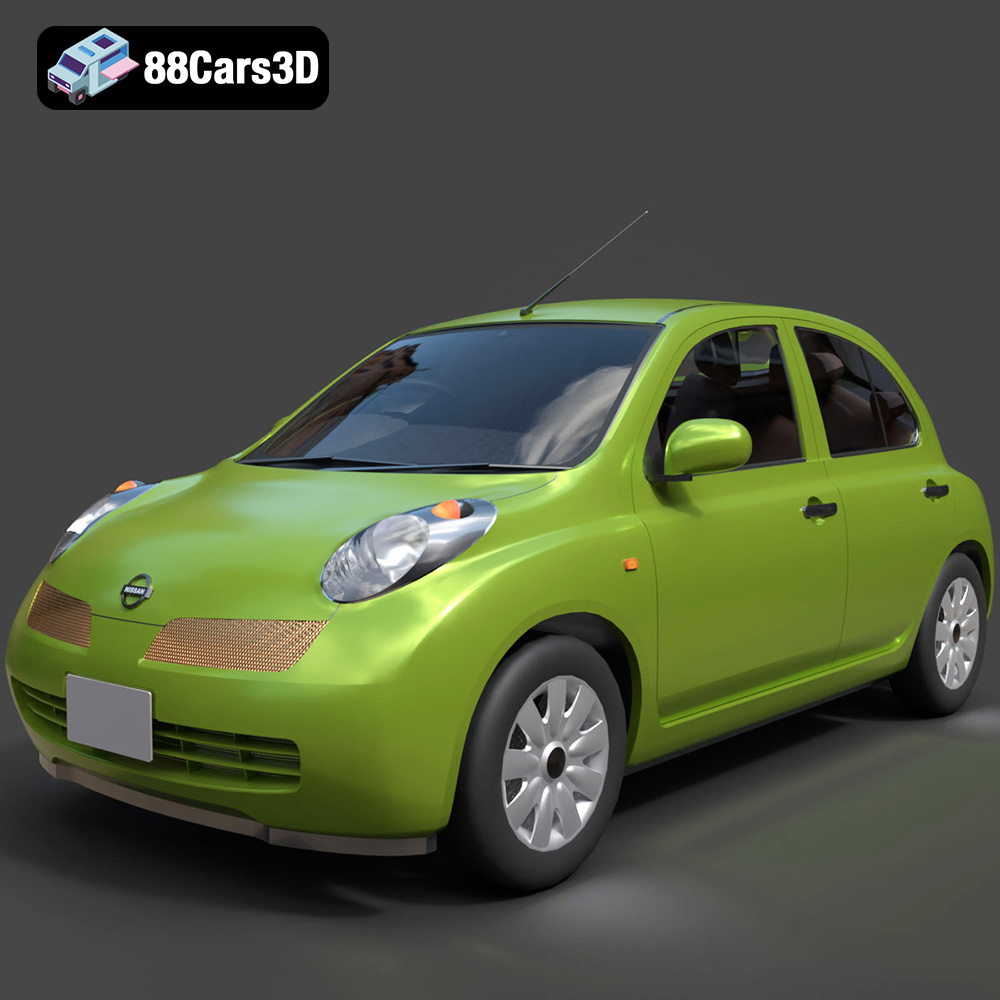
Texture: Yes
Material: Yes
Download the Nissan Micra 5-Door 2025 3D Model featuring clean geometry, realistic detailing, and a fully modeled interior. Includes .blend, .fbx, .obj, .glb, .stl, .ply, .unreal, and .max formats for rendering, simulation, and game development.
Price: $4.99

Texture: Yes
Material: Yes
Download the Opel Insignia Sports Tourer 2009 3D Model featuring clean geometry, realistic detailing, and a fully modeled interior. Includes .blend, .fbx, .obj, .glb, .stl, .ply, .unreal, and .max formats for rendering, simulation, and game development.
Price: $4.99
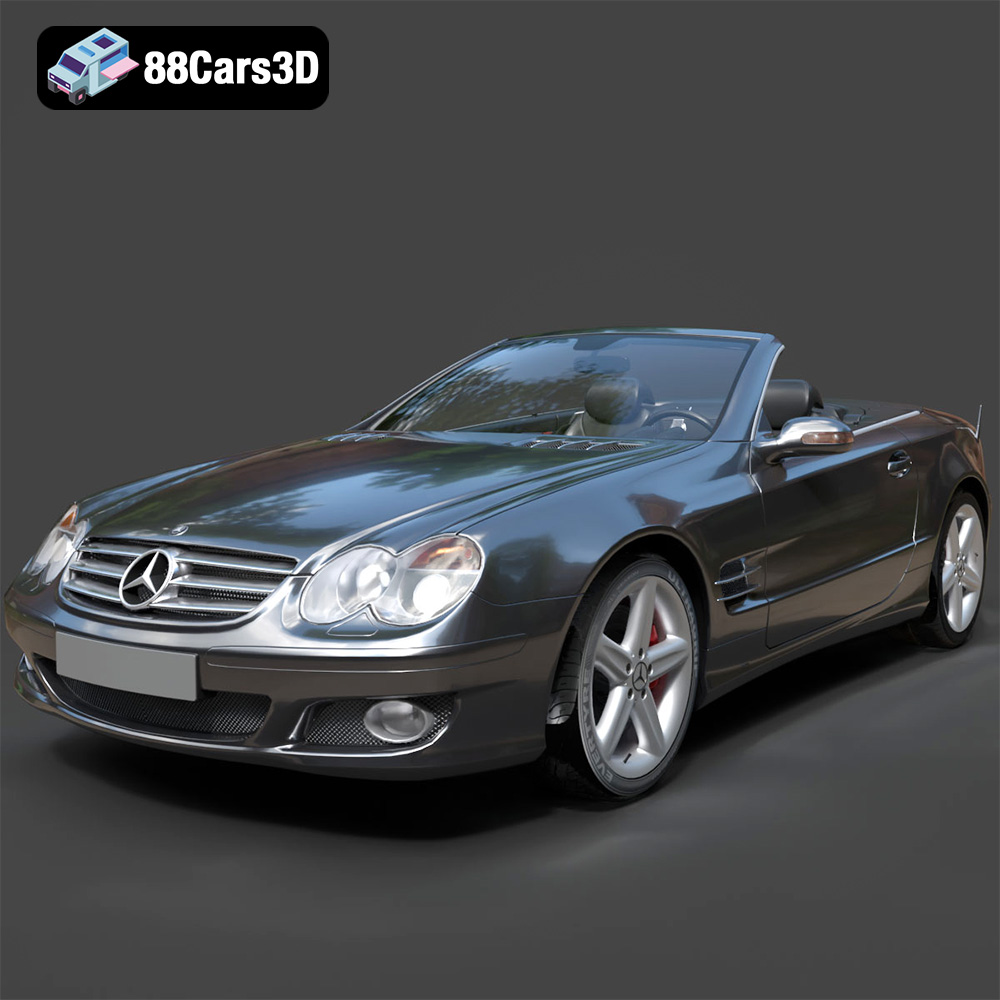
Texture: Yes
Material: Yes
Download the Mercedes-Benz SL-Klasse R230 2002 3D Model featuring clean geometry, realistic detailing, and a fully modeled interior. Includes .blend, .fbx, .obj, .glb, .stl, .ply, .unreal, and .max formats for rendering, simulation, and game development.
Price: $4.99
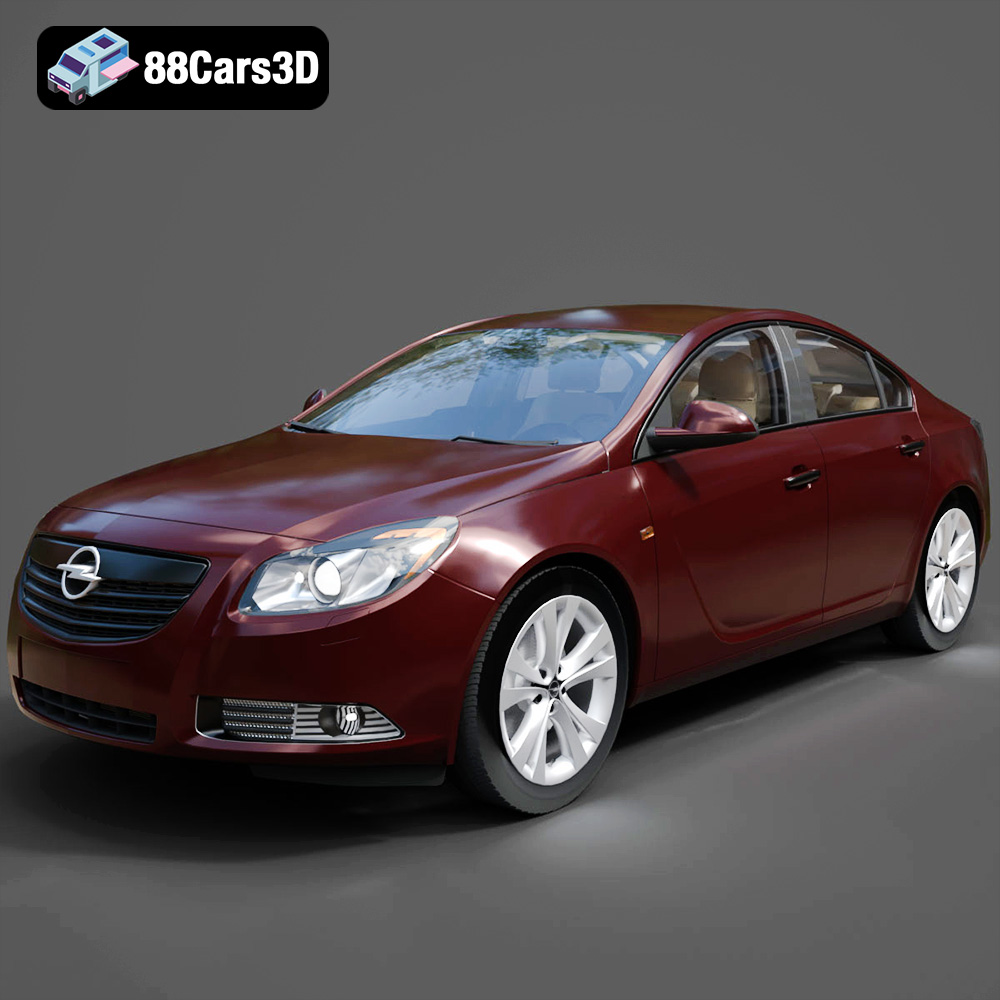
Texture: Yes
Material: Yes
Download the Opel Insignia 2009 3D Model featuring clean geometry, realistic detailing, and a fully modeled interior. Includes .blend, .fbx, .obj, .glb, .stl, .ply, .unreal, and .max formats for rendering, simulation, and game development.
Price: $4.99

Texture: Yes
Material: Yes
Download the Peugeot 206 3D Model featuring clean geometry, realistic detailing, and a fully modeled interior. Includes .blend, .fbx, .obj, .glb, .stl, .ply, .unreal, and .max formats for rendering, simulation, and game development.
Price: $4.99
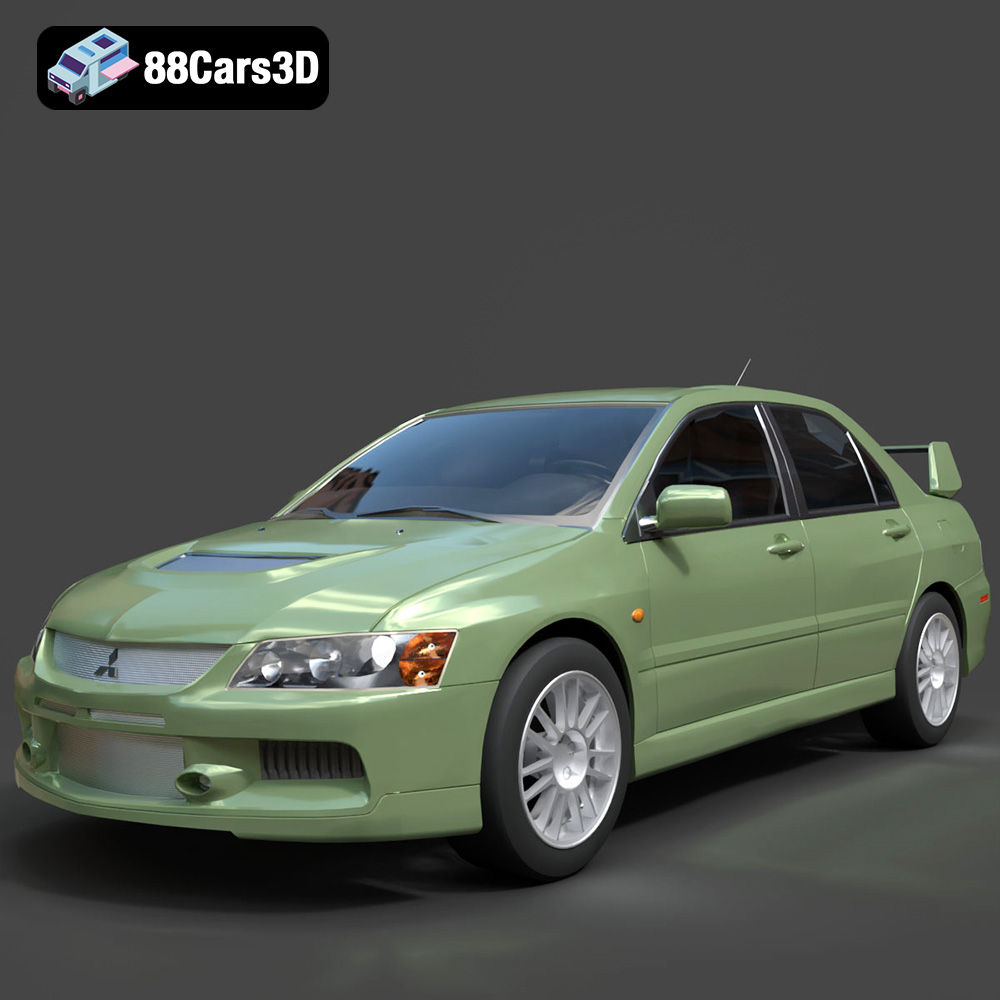
Texture: Yes
Material: Yes
Download the Mitsubishi Lancer Evolution IX 3D Model featuring clean geometry, realistic detailing, and a fully modeled interior. Includes .blend, .fbx, .obj, .glb, .stl, .ply, .unreal, and .max formats for rendering, simulation, and game development.
Price: $4.99

Texture: Yes
Material: Yes
Download the Mitsubishi i-MIEV 3D Model featuring clean geometry, realistic detailing, and a fully modeled interior. Includes .blend, .fbx, .obj, .glb, .stl, .ply, .unreal, and .max formats for rendering, simulation, and game development.
Price: $4.99
Texture: Yes
Material: Yes
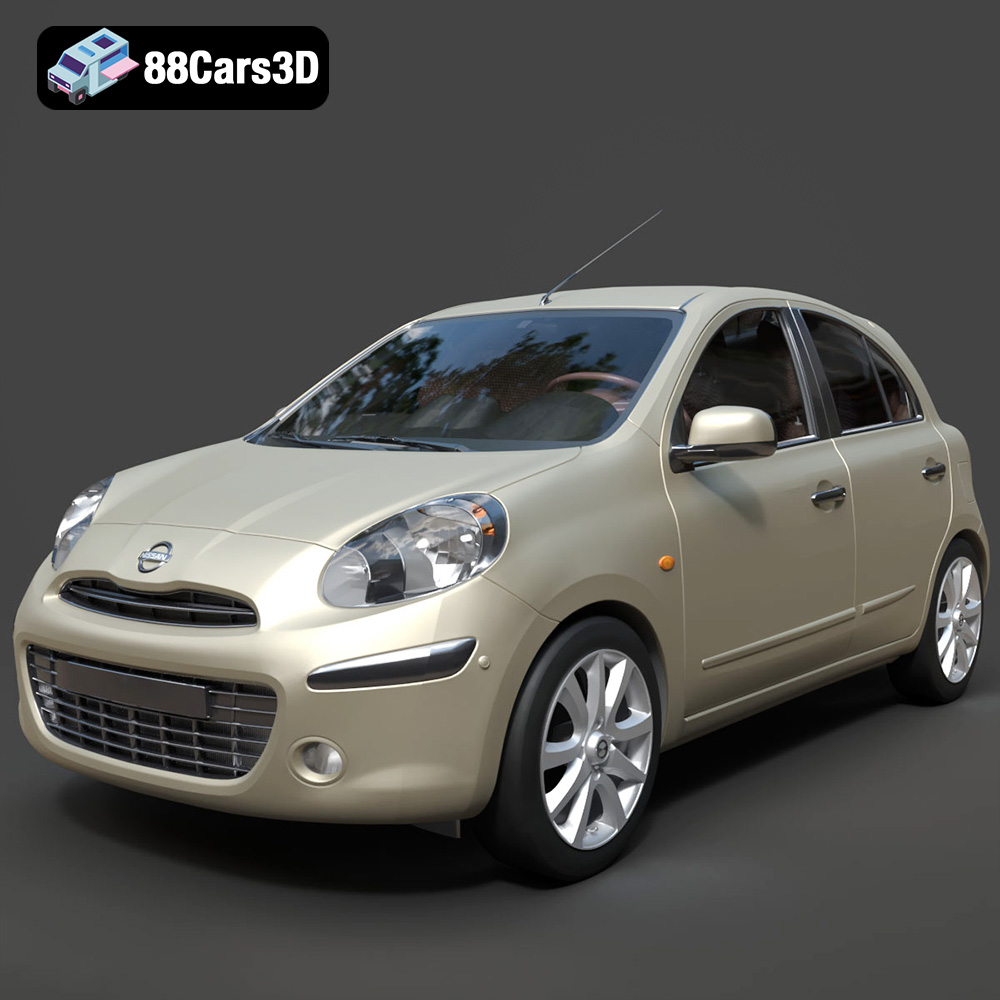
Download the Nissan Micra 2010 3D Model featuring clean geometry, realistic detailing, and a fully modeled interior. Includes .blend, .fbx, .obj, .glb, .stl, .ply, .unreal, and .max formats for rendering, simulation, and game development.
Price: $4.99
Texture: Yes
Material: Yes
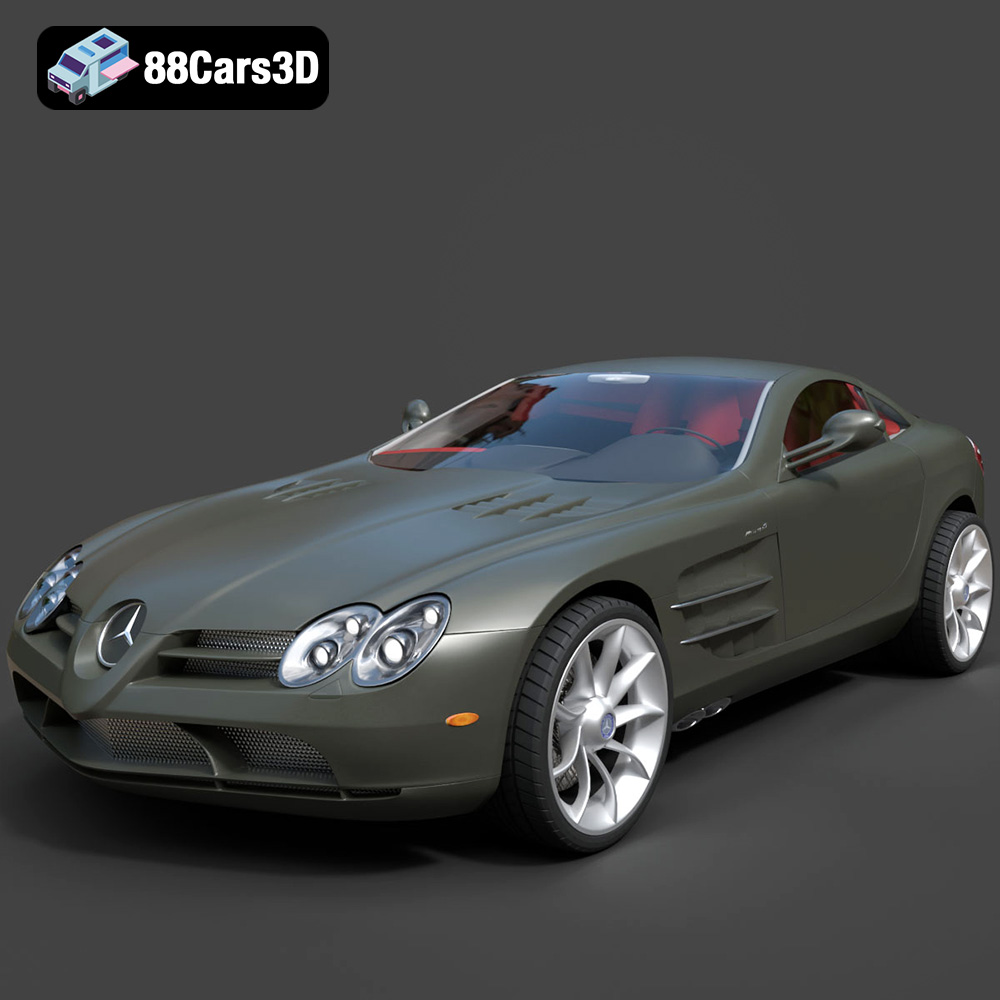
Download the Mercedes-Benz SLR McLaren 3D Model featuring clean geometry, realistic detailing, and a fully modeled interior. Includes .blend, .fbx, .obj, .glb, .stl, .ply, .unreal, and .max formats for rendering, simulation, and game development.
Price: $4.99
Texture: Yes
Material: Yes
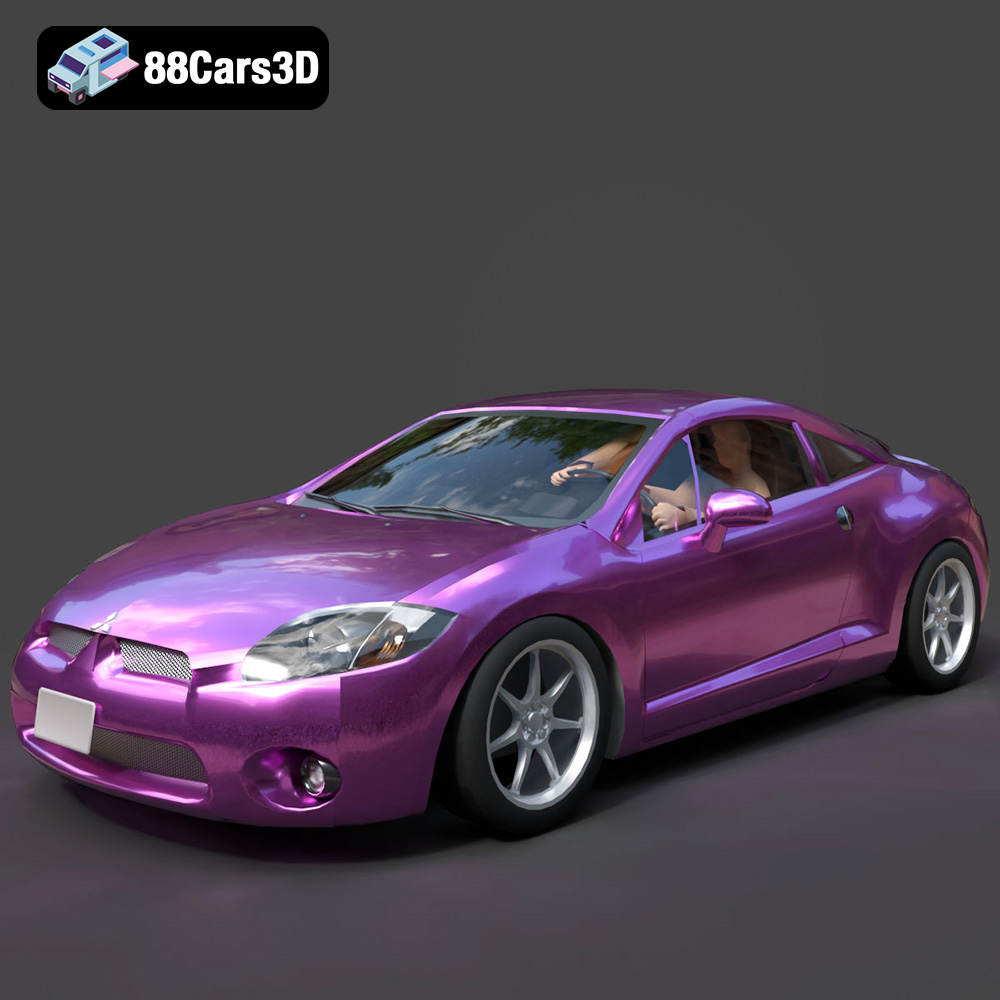
Download the Mitsubishi Eclipse GT 2001 3D Model featuring clean geometry, realistic detailing, and a fully modeled interior. Includes .blend, .fbx, .obj, .glb, .stl, .ply, .unreal, and .max formats for rendering, simulation, and game development.
Price: $4.99

