⚡ FLASH SALE: Get 60% OFF All Premium 3D & STL Models! ⚡

In the rapidly evolving world of 3D visualization, the demand for high-quality 3D car models is more prevalent than ever. From cinematic renders that grace automotive advertisements to real-time assets powering the latest video games, and even interactive AR/VR experiences, meticulously crafted vehicles are at the heart of countless projects. Achieving true photorealism and optimal performance requires a profound understanding of technical workflows, cutting-edge software, and industry best practices.
This comprehensive guide delves into the intricate journey of creating, optimizing, and deploying premium 3D car models. We’ll explore everything from the foundational principles of topology and UV mapping to advanced PBR material creation, sophisticated rendering techniques, and critical optimization strategies for diverse applications like game development, AR/VR, and even 3D printing. Whether you’re a seasoned 3D artist, a game developer, an automotive designer, or a student aspiring to master the craft, understanding these core concepts will elevate your work. Platforms like 88cars3d.com specialize in providing such high-quality assets, saving countless hours and ensuring your projects start with a solid foundation. Let’s embark on this detailed exploration of the technical prowess behind stunning 3D automotive visualization.
The foundation of any high-quality 3D car model lies in its topology – the arrangement of polygons (faces, edges, and vertices) that define its surface. For automotive models, which are characterized by sleek curves, intricate details, and reflective surfaces, superior topology is non-negotiable. Poor topology leads to shading artifacts, difficulty in sculpting, and problems with animation or deformation. The goal is to achieve a balance between polygon efficiency and smooth, accurate surface representation, ensuring that the model looks pristine from every angle, especially under critical lighting conditions.
At the core of clean automotive topology is the principle of using quad-based geometry. While triangles are acceptable in specific, non-deforming areas or for game engine optimization, the vast majority of your model, especially the main body panels, should consist of four-sided polygons (quads). Quads subdivide predictably, allowing for smooth, controllable surfaces when using subdivision surface modifiers like Catmull-Clark in 3ds Max, Blender, or Maya. N-gons (polygons with more than four sides) should be avoided as they often lead to unpredictable shading, pinching, and triangulation issues upon export or rendering.
Crucially, edge loops must follow the natural curvature and flow of the car’s design. Think about the contours of a fender, the sharp crease along a door panel, or the subtle bulge of a hood. Your edge loops should flow along these forms, defining the shape and supporting the curvature. This allows for smooth reflections and prevents a “faceted” look even with relatively low polygon counts. For example, a curved surface might require 4-6 edge loops to define its major arc, while a sharper curve would benefit from more tightly packed loops. Understanding how to create optimal edge flow is paramount for achieving the smooth, reflective surfaces characteristic of real automobiles. Achieving a clean mesh also simplifies the later stages of UV mapping and texturing.
To define crisp details like panel gaps, sharp edges around headlights, or the distinct lines of a car’s body kit, support loops are indispensable. These are additional edge loops placed very close to the primary edge you want to sharpen. When a subdivision surface modifier is applied, these support loops “hold” the sharpness, preventing the edge from becoming too soft and rounded. Without them, even a seemingly sharp edge will lose its definition, especially on highly reflective automotive paint. The distance between the support loop and the primary edge dictates the sharpness – closer loops yield sharper edges, while slightly wider spacing results in a softer, more chamfered look.
Managing the flow of polygons around complex areas such as air intakes, grilles, and light fixtures requires careful planning. Often, these areas involve cutting holes or integrating intricate geometry. The challenge is to maintain clean quad topology around these intersections, avoiding poles (vertices with more than five or less than three connected edges) that can cause shading anomalies. Techniques like bridge edges, target weld, and careful retopology are often employed to ensure that even the most complex details integrate seamlessly into the overall mesh. For instance, when modeling a headlight housing, you might start with a simple cutout, then carefully build edge loops around it that merge smoothly into the surrounding bodywork, ensuring proper curvature and clean reflections.
Once the geometry is perfected, the next critical step is to prepare the model for textures and materials. This involves two core processes: UV mapping, which unfolds your 3D model into a 2D space, and creating Physically Based Rendering (PBR) materials, which define how light interacts with your car’s surfaces. Both are crucial for achieving realistic visuals, transforming a grayscale mesh into a vibrant, believable vehicle.
UV mapping is the process of flattening the 3D surface of your model onto a 2D plane, creating coordinates (U and V) that tell your software where to place textures. For complex objects like cars, efficient and clean UV unwrapping is vital. The primary goals are to minimize seams, avoid stretching or distortion of textures, and maximize the use of the UV space. For a car, this typically means creating separate UV islands for distinct parts: the main body, interior components, tires, windows, and smaller details like badges or grilles.
For high-resolution renders, techniques like UDIMs (U-Dimension) are frequently employed. UDIMs allow you to spread the UVs across multiple texture tiles (e.g., U1_V1, U2_V1), meaning that different parts of your car can have their own dedicated high-resolution texture maps without being crammed into a single 0-1 UV space. This is particularly useful for large panels like the car body, where minute details like paint flakes or scratches require immense texture resolution. Conversely, for game assets, consolidating UVs into a single 0-1 space (texture atlasing) is often preferred to reduce draw calls and optimize performance. Software like 3ds Max’s UV Unwrapper, Blender’s intuitive UV editor, or Maya’s comprehensive UV Toolkit provide powerful tools for cutting seams, unfolding, and arranging UV islands efficiently. Strategic placement of seams in less visible areas, such as under the car or along natural panel gaps, is key to hiding them effectively.
Physically Based Rendering (PBR) materials are the industry standard for achieving photorealistic results because they accurately simulate how light behaves in the real world. Instead of simply dictating color, PBR shaders rely on a set of texture maps that describe the physical properties of a surface. The core maps include:
Creating realistic car paint involves a complex shader network. A typical car paint PBR setup might include a base metallic layer for the flakes and a clear coat layer on top, each with its own roughness and normal map. The clear coat provides that characteristic shiny, reflective surface with subtle orange peel imperfections. Interior materials, such as leather, fabric, and plastics, each require specific PBR values to mimic their real-world counterparts. Leather might have a low metallic value and medium roughness with a subtle normal map for pores, while glass shaders require accurate refraction and reflection properties to simulate transparency and distortion. Render engines like Corona Renderer, V-Ray, Cycles, and Arnold all excel at handling PBR materials, allowing artists to craft incredibly lifelike car surfaces that react authentically to light.
With a perfectly modeled and textured 3D car model, the next crucial step is to bring it to life through rendering. This process transforms your digital asset into a stunning 2D image or animation, capturing the essence and details of the vehicle. Achieving photorealism in automotive rendering is a blend of technical precision and artistic vision, demanding careful attention to lighting, environment, camera settings, and post-processing. It’s where all the detailed work on topology and materials truly pays off.
Lighting is arguably the most critical element in automotive rendering. It defines the mood, highlights the car’s design, and reveals the quality of its surfaces. For a controlled studio setup, artists often use a combination of traditional light sources (key, fill, rim lights) and softboxes to create specific reflections and illuminate details. A common technique involves a large, soft key light to define the primary shape, a fill light to soften shadows, and rim lights to accentuate edges and separate the car from the background.
For realistic outdoor scenes, High Dynamic Range Images (HDRIs) are indispensable. HDRIs capture the full range of light information from a real-world location, providing accurate environmental lighting and reflections. When used as a light source, an HDRI can instantly create convincing illumination and intricate reflections on the car’s body, perfectly mimicking a sunny day, an overcast sky, or a dramatic sunset. The quality of the HDRI directly impacts the realism of your scene; a high-resolution, well-exposed HDRI is essential. Beyond HDRIs, careful placement of additional area lights can enhance specific features or simulate direct sun rays, adding depth and drama. Camera settings, such as depth of field (to blur the background and focus on the car), f-stop, and focal length (typically 50mm-85mm for automotive renders to avoid distortion), are also critical for achieving a professional, photographic look.
Modern render engines are incredibly powerful, each with its strengths. Corona Renderer is renowned for its ease of use and realistic unbiased rendering, excelling at natural light simulations and physically accurate materials. V-Ray, a long-standing industry standard, offers immense flexibility and speed for both biased and unbiased workflows. Cycles (Blender) and Arnold (Maya, 3ds Max) are also highly capable, providing robust production rendering features. Each engine handles light transport and material interactions with incredible fidelity, but understanding their specific settings and optimisations can dramatically improve render times and quality.
After rendering, the image is rarely considered finished. Post-processing and compositing in software like Photoshop or After Effects are vital steps. Render engines allow you to output various render passes (also known as AOVs – Arbitrary Output Variables) such as reflections, refractions, direct illumination, indirect illumination, shadows, ambient occlusion, and ID masks. These passes provide granular control over every aspect of the image in post-production. You can independently adjust the intensity of reflections, darken shadows, add subtle glows, or correct colors without re-rendering the entire scene. Techniques like color grading, adding subtle lens flares, vignetting, chromatic aberration, or even simulating subtle motion blur can further enhance the realism and artistic impact of the final image. This multi-layered approach ensures the highest level of polish and allows for creative flexibility not possible within the render engine alone.
While high-fidelity renders aim for pixel-perfect realism in static images or animations, deploying 3D car models in real-time environments like game engines or AR/VR applications introduces a whole new set of challenges centered on performance and interactivity. The key here is ruthless optimization without compromising visual quality, ensuring smooth frame rates and immersive user experiences.
For game development, striking a balance between visual fidelity and performance is paramount. One of the most critical techniques is implementing Level of Detail (LOD) systems. This involves creating multiple versions of your 3D car model, each with a progressively lower polygon count. For example, a hero car might have a Level 0 LOD with 100,000-150,000 polygons, a Level 1 with 30,000-50,000, and a Level 2 with 5,000-10,000. The game engine automatically switches between these LODs based on the car’s distance from the camera, significantly reducing the polygon load on the GPU for objects further away. Modern game engines like Unity and Unreal Engine provide robust tools for setting up and managing LOD groups.
Another crucial aspect is reducing draw calls – the number of instructions the CPU sends to the GPU to render objects. Each material and mesh typically generates a draw call. By consolidating materials into texture atlases (combining multiple smaller textures into one larger texture) and combining meshes where appropriate, you can drastically reduce the number of draw calls. For instance, instead of having separate materials for each car decal, combine them into one atlas. Polygon budget considerations are also strict; a hero car might have a budget of 50,000-150,000 triangles, while background vehicles might be limited to 5,000-20,000. Additionally, creating optimized collision meshes (simplified, low-poly versions of the car used only for physics calculations) and generating proper lightmap UVs (a second set of UVs dedicated to baked lighting) are essential for efficient real-time performance.
AR/VR environments impose even stricter performance constraints than traditional games due to the need for very high, stable frame rates (typically 60-90 FPS per eye) to prevent motion sickness and ensure immersion. This means polygon counts must be incredibly lean, often below 100,000 triangles for an entire complex scene, and potentially as low as 20,000-50,000 for a single interactive car model, depending on the platform (mobile AR vs. high-end PC VR). Advanced rendering techniques like real-time ray tracing are emerging, but optimization remains paramount.
Texture optimization is equally critical. Using highly compressed texture formats like ETC2 (Android) or ASTC (iOS, generally) and ensuring textures are appropriately sized (e.g., 2K for primary body, 512px for smaller details) is vital. Single-pass instanced rendering, where each eye renders in a single draw call, is a key optimization for VR. Furthermore, consider the specifics of interaction and scale: are users walking around the car, or is it a miniature model on a table? This impacts the level of detail required. For web-based AR/VR, compact and efficient file formats like GLB (gLTF Binary) are preferred for their small file sizes and ease of deployment. For Apple’s ARKit, USDZ is the standard, offering robust PBR material support and AR capabilities. When sourcing optimized 3D car models from marketplaces like 88cars3d.com, always check for their polygon count, texture resolutions, and included LODs to ensure they meet your specific AR/VR project requirements.
The versatility of high-quality 3D car models extends far beyond stunning renders and interactive real-time experiences. They are invaluable assets across various industries, from product design and manufacturing to education and even physical prototyping. Understanding how to prepare these models for different end-uses and navigate the complexities of file formats is crucial for any professional working with 3D automotive data.
The 3D industry utilizes a wide array of file formats, each with its strengths and intended purpose. Navigating conversions and ensuring compatibility is a skill in itself:
A common challenge arises when converting models between software or engines; materials often do not translate perfectly. PBR material setups, while conceptually similar, can have subtle differences in implementation (e.g., metallic/roughness vs. specular/glossiness workflows). This often requires manual re-setup of materials in the target software or engine. When sourcing 3D car models from marketplaces, ensure the provided file formats are compatible with your workflow, and always confirm whether textures are embedded or provided separately.
The journey from a virtual 3D car model to a tangible physical object through 3D printing requires specific preparations. The primary concern is ensuring the mesh is “watertight” or “manifold.” This means the model must have a continuous, sealed surface with no holes, inverted normals, or overlapping faces, which would confuse the 3D printer’s slicing software. Tools like Blender’s 3D Print Toolbox, Netfabb, or Meshmixer are invaluable for checking and repairing mesh integrity. Any open edges or internal geometry must be resolved before export.
Wall thickness is another critical consideration. Depending on the printing technology and material, there’s a minimum thickness required for features to be structurally sound. Very thin details on a digital model might be too fragile or simply not print at all. Scaling the model accurately to its intended physical size and ensuring all components are joined or appropriately separated for printing are also key steps. Finally, the model is typically exported as an STL or OBJ file, which the slicing software then converts into G-code instructions for the 3D printer. This application of 3D car models highlights their utility beyond digital screens, extending into real-world manufacturing and design verification.
The world of premium 3D car models is a fascinating blend of artistic creativity and rigorous technical execution. From the foundational principles of clean topology and efficient UV mapping to the intricacies of PBR material creation, advanced rendering techniques, and strategic optimization for diverse platforms, every step plays a crucial role in bringing digital vehicles to life. We’ve explored how a meticulous approach to edge flow ensures smooth reflections, how PBR materials deliver unparalleled realism, and how various render engines and post-processing techniques elevate a scene to cinematic quality.
Furthermore, we’ve delved into the specialized demands of game engines and AR/VR, where performance optimization through LODs, draw call reduction, and tailored file formats are paramount for immersive experiences. Lastly, the versatility of 3D car models extends to practical applications like 3D printing, requiring specific mesh preparation and an understanding of file format compatibility. Mastering these workflows requires continuous learning and a dedication to precision.
For artists, developers, and designers looking to jumpstart their projects with assets that meet the highest industry standards, platforms offering meticulously crafted 3D car models are invaluable resources. By understanding the underlying technical principles detailed in this guide, you are better equipped to integrate these models effectively into any pipeline, ensuring your visions are realized with stunning realism and optimal performance. Continue to refine your skills, embrace new technologies, and keep pushing the boundaries of what’s possible in the exciting realm of 3D automotive visualization.
Texture: Yes
Material: Yes
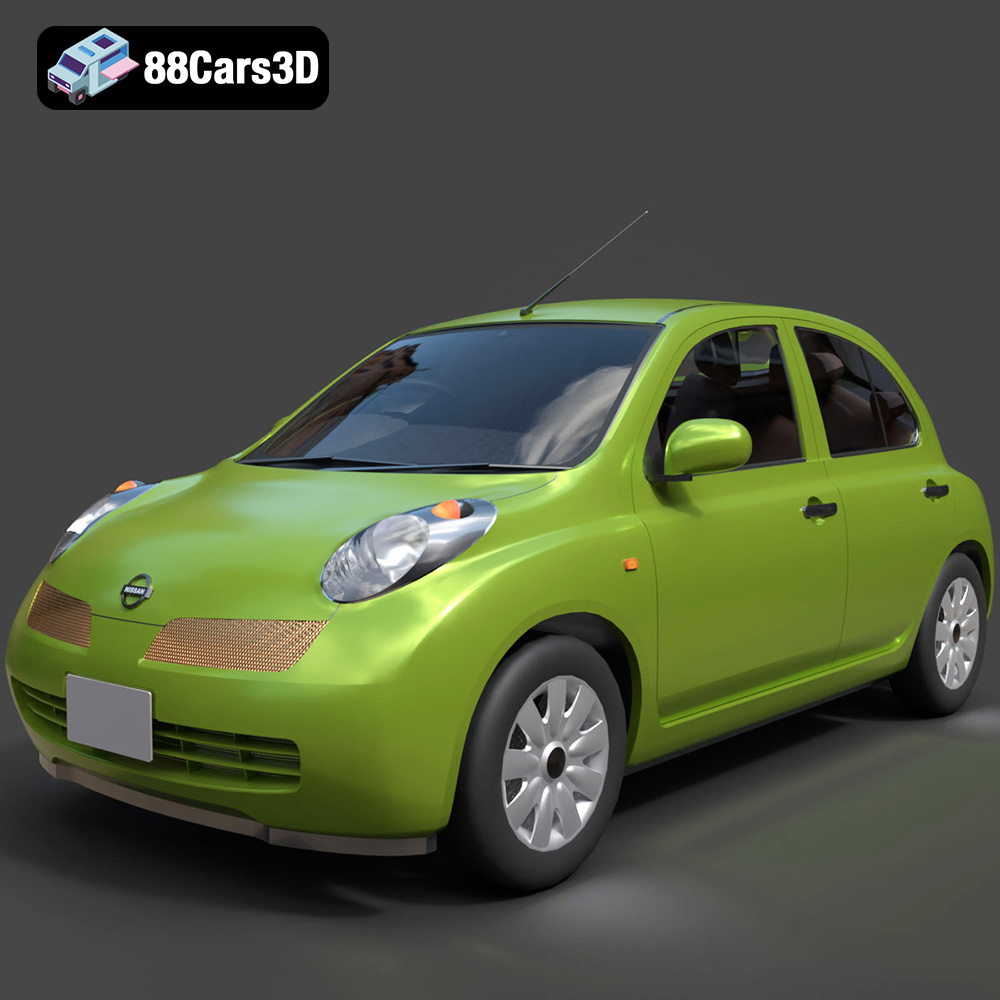
Download the Nissan Micra 5-Door 2025 3D Model featuring clean geometry, realistic detailing, and a fully modeled interior. Includes .blend, .fbx, .obj, .glb, .stl, .ply, .unreal, and .max formats for rendering, simulation, and game development.
Price: $4.99
Texture: Yes
Material: Yes
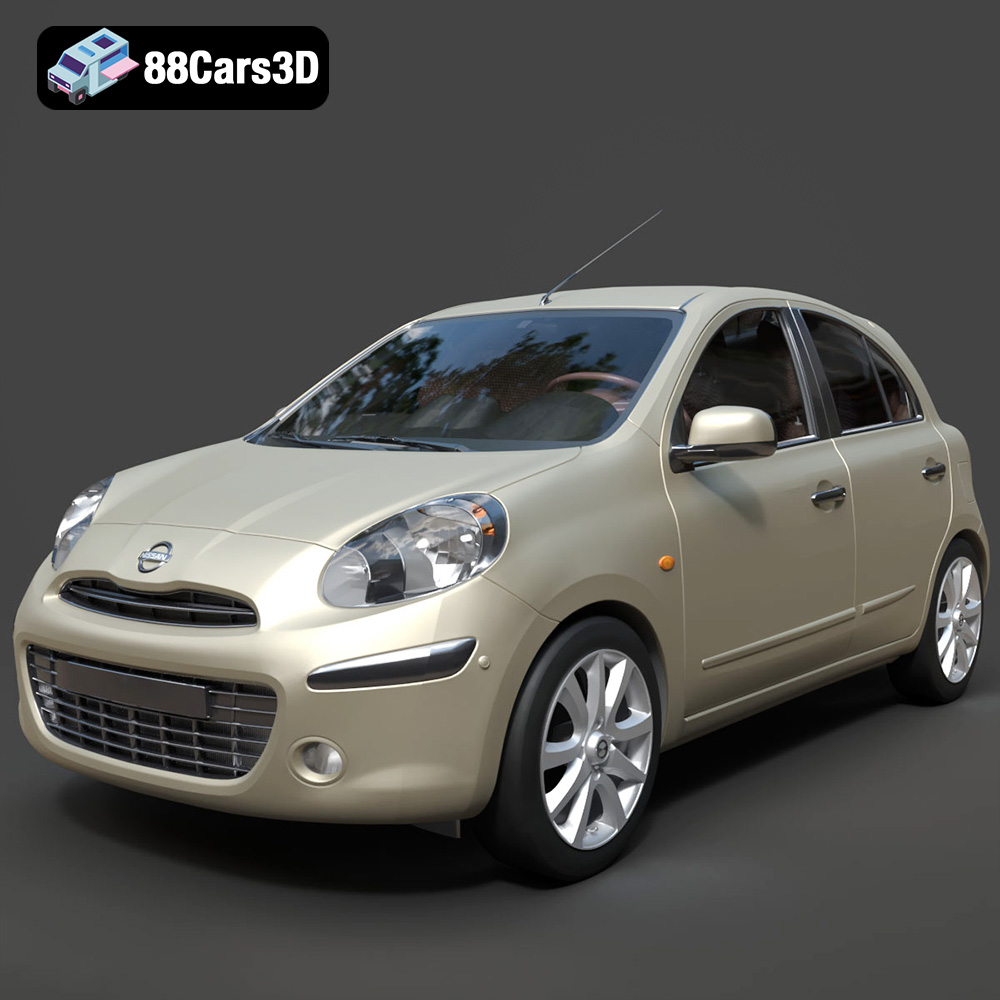
Download the Nissan Micra 2010 3D Model featuring clean geometry, realistic detailing, and a fully modeled interior. Includes .blend, .fbx, .obj, .glb, .stl, .ply, .unreal, and .max formats for rendering, simulation, and game development.
Price: $4.99
Texture: Yes
Material: Yes
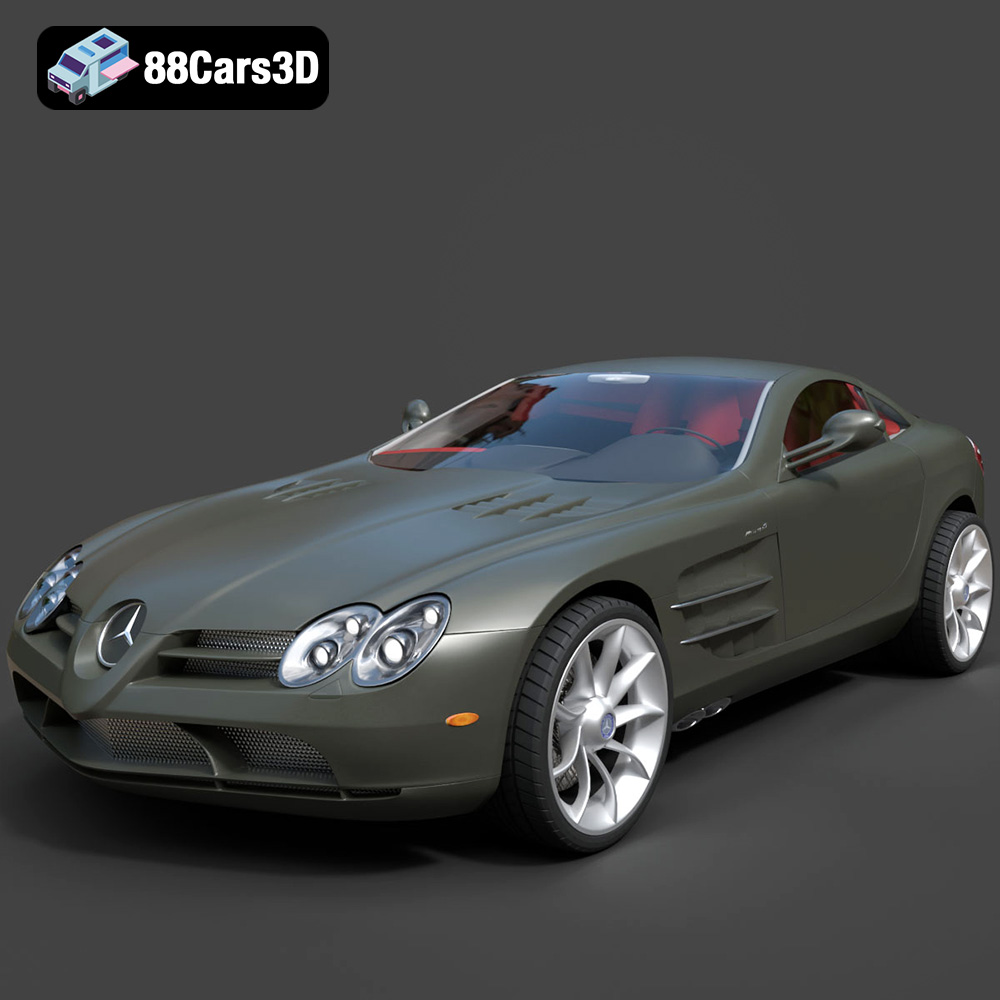
Download the Mercedes-Benz SLR McLaren 3D Model featuring clean geometry, realistic detailing, and a fully modeled interior. Includes .blend, .fbx, .obj, .glb, .stl, .ply, .unreal, and .max formats for rendering, simulation, and game development.
Price: $4.99
Texture: Yes
Material: Yes
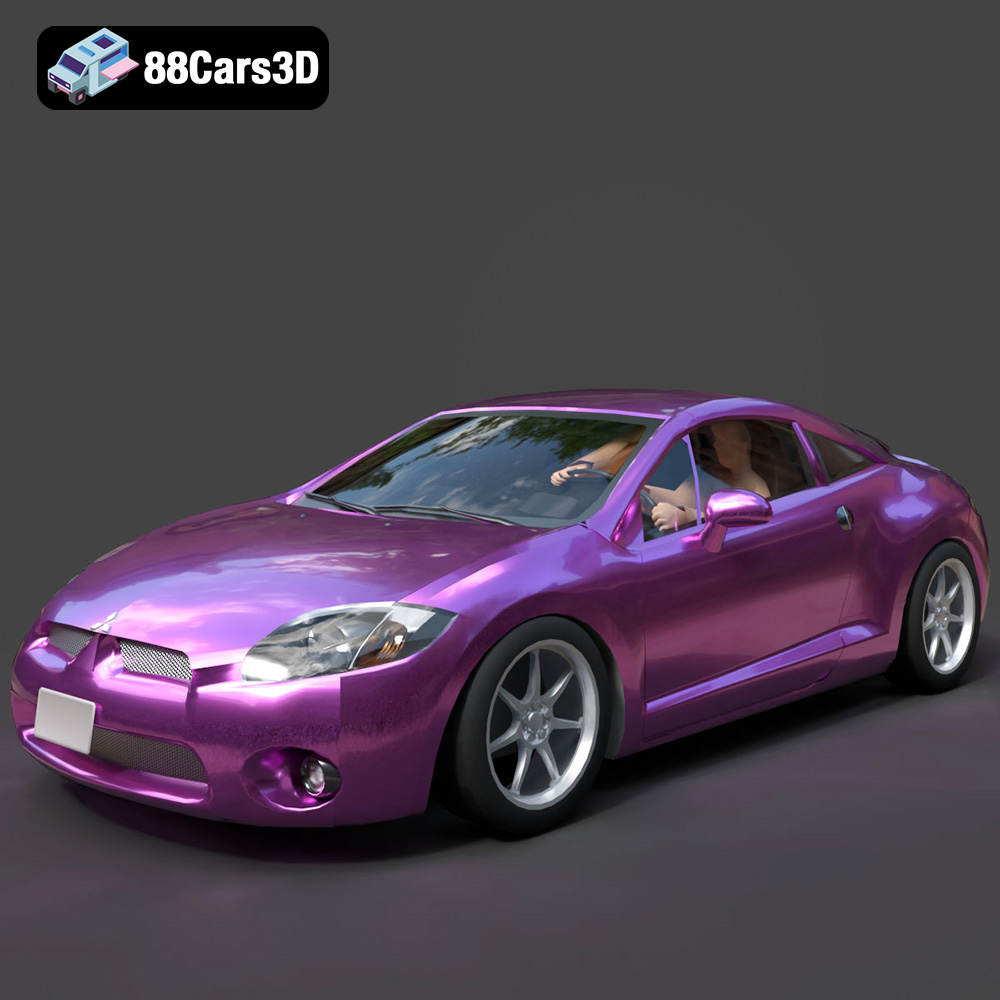
Download the Mitsubishi Eclipse GT 2001 3D Model featuring clean geometry, realistic detailing, and a fully modeled interior. Includes .blend, .fbx, .obj, .glb, .stl, .ply, .unreal, and .max formats for rendering, simulation, and game development.
Price: $4.99
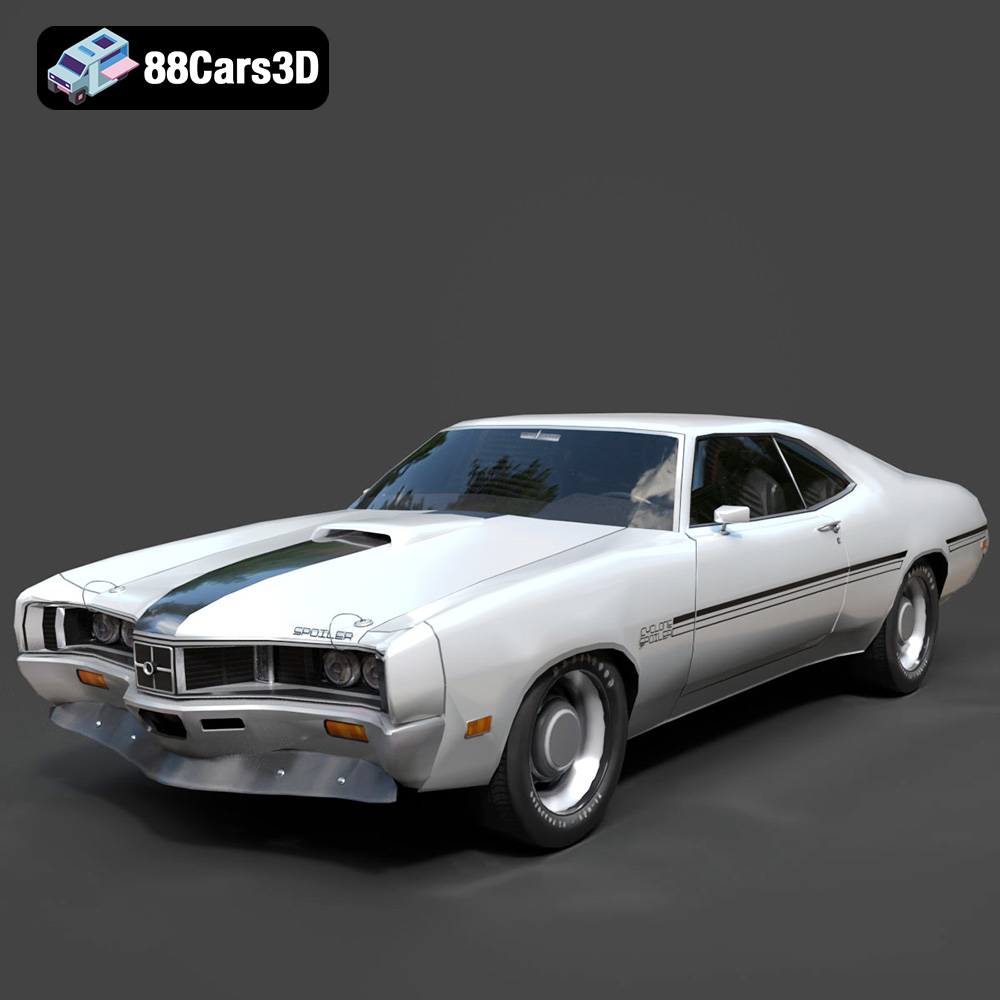
Texture: Yes
Material: Yes
Download the Mercury Cyclone Spoiler 1970 3D Model featuring clean geometry, realistic detailing, and a fully modeled interior. Includes .blend, .fbx, .obj, .glb, .stl, .ply, .unreal, and .max formats for rendering, simulation, and game development.
Price: $4.99
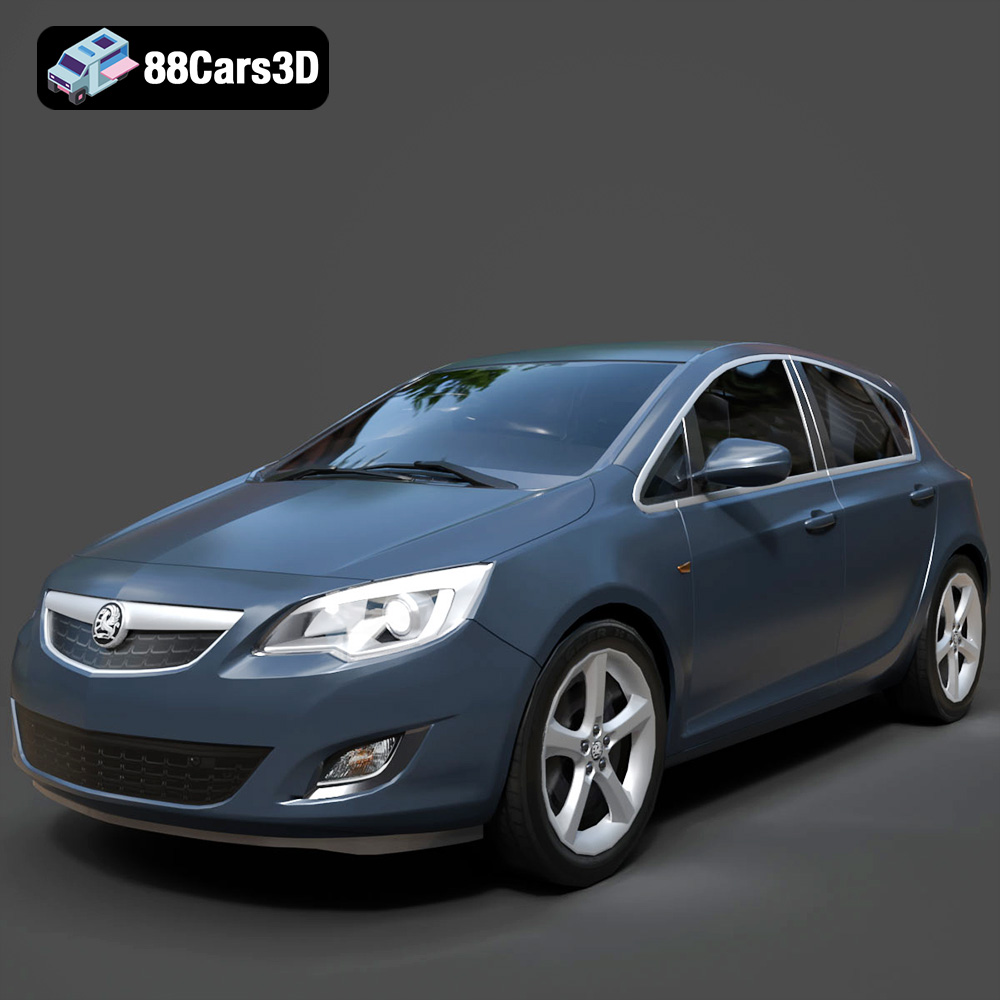
Texture: Yes
Material: Yes
Download the Opel Astra 3D Model featuring clean geometry, realistic detailing, and a fully modeled interior. Includes .blend, .fbx, .obj, .glb, .stl, .ply, .unreal, and .max formats for rendering, simulation, and game development.
Price: $4.99
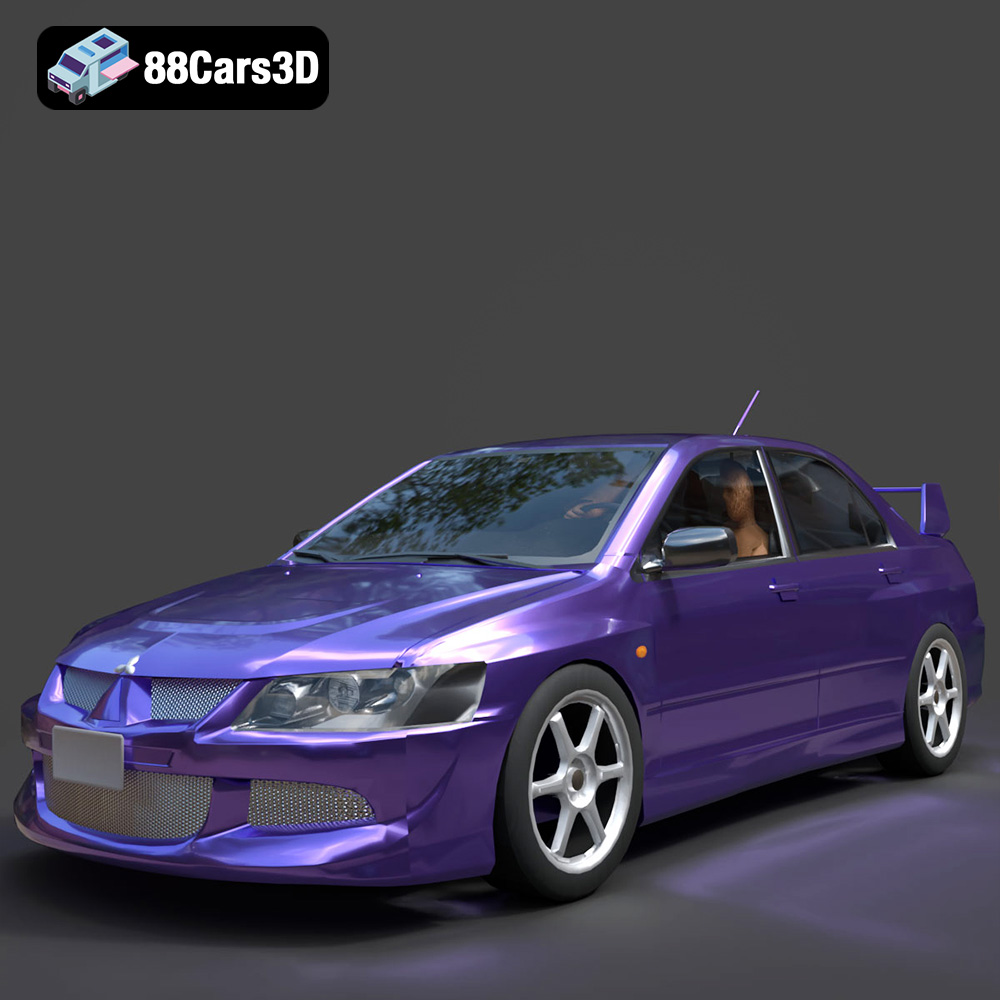
Texture: Yes
Material: Yes
Download the Mitsubishi Lancer Evolution VIII 3D Model featuring clean geometry, realistic detailing, and a fully modeled interior. Includes .blend, .fbx, .obj, .glb, .stl, .ply, .unreal, and .max formats for rendering, simulation, and game development.
Price: $4.99
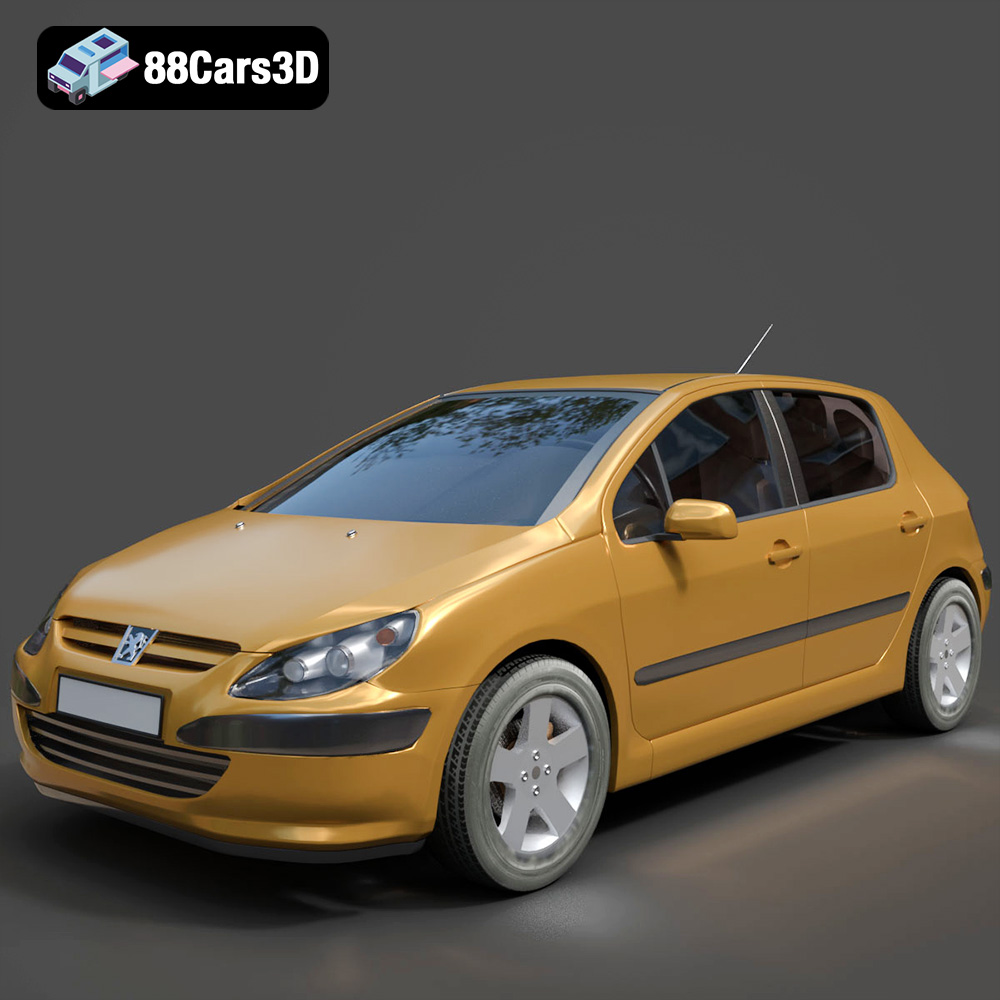
Texture: Yes
Material: Yes
Download the Peugeot 307 3D Model featuring clean geometry, realistic detailing, and a fully modeled interior. Includes .blend, .fbx, .obj, .glb, .stl, .ply, .unreal, and .max formats for rendering, simulation, and game development.
Price: $4.99
Texture: Yes
Material: Yes
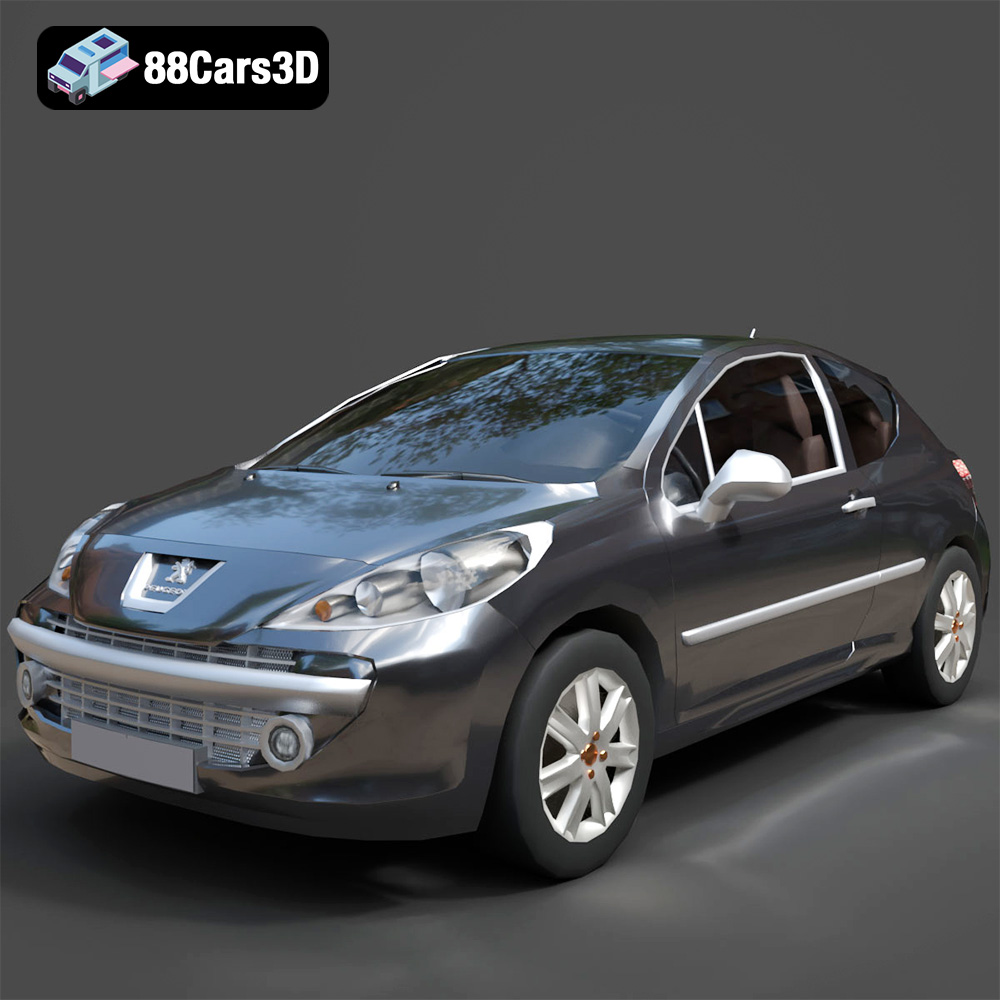
Download the Peugeot 207 3D Model featuring clean geometry, realistic detailing, and a fully modeled interior. Includes .blend, .fbx, .obj, .glb, .stl, .ply, .unreal, and .max formats for rendering, simulation, and game development.
Price: $4.99
Texture: Yes
Material: Yes
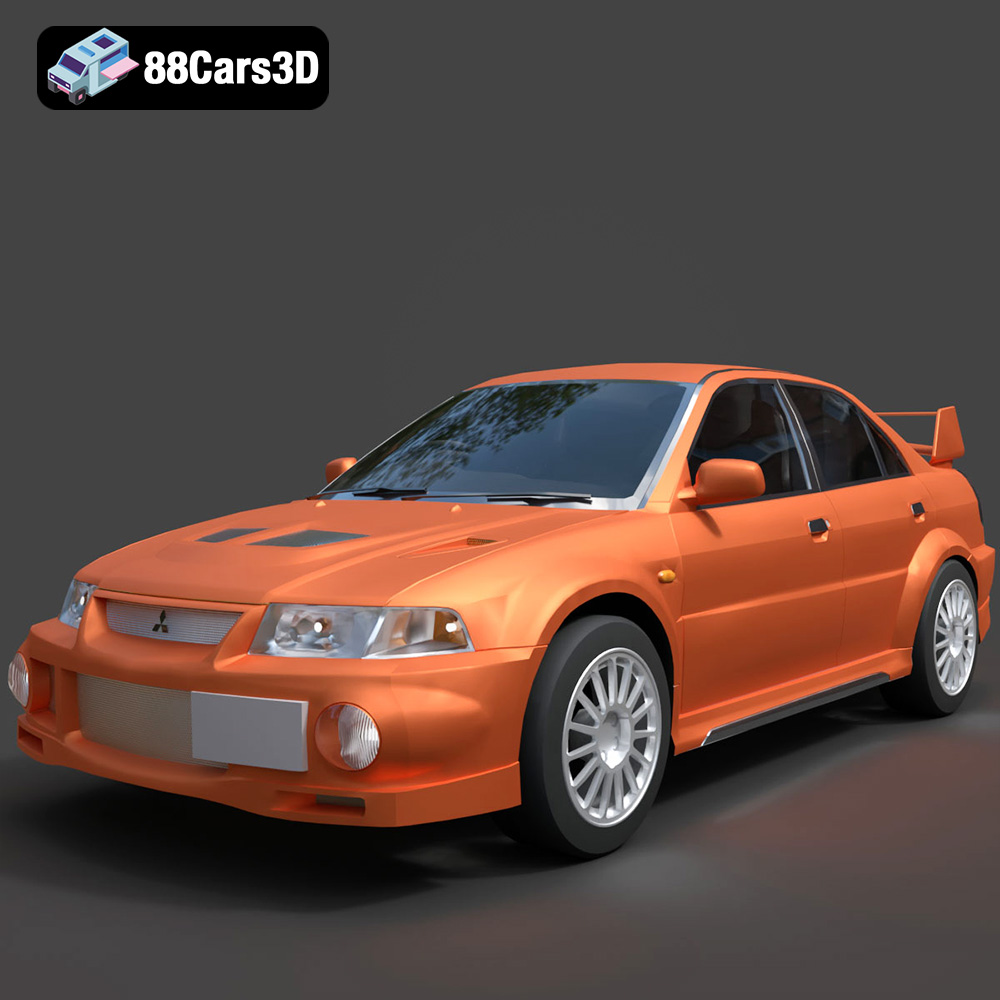
Download the Mitsubishi Lancer Evolution VI 3D Model featuring clean geometry, realistic detailing, and a fully modeled interior. Includes .blend, .fbx, .obj, .glb, .stl, .ply, .unreal, and .max formats for rendering, simulation, and game development.
Price: $4.99

