⚡ FLASH SALE: Get 60% OFF All Premium 3D & STL Models! ⚡

The allure of a perfectly rendered automobile is undeniable. From the sleek curves of a supercar glinting under studio lights to a rugged off-roader navigating a virtual wilderness, 3D car models are central to countless digital experiences. They form the backbone of blockbuster video games, drive cutting-edge automotive design visualizations, power immersive AR/VR applications, and even inspire physical 3D prints. However, transforming a real-world vehicle into a high-fidelity, production-ready 3D asset is a complex dance between artistic vision and meticulous technical execution.
Mastering 3D car models requires a deep understanding of several specialized disciplines: impeccable topology for smooth surfaces, intelligent UV mapping for precise texturing, sophisticated PBR material creation for photorealism, and strategic optimization for diverse platforms. This comprehensive guide will take you on a journey through the intricate world of 3D automotive asset creation and deployment. We’ll delve into the foundational principles of modeling, explore advanced rendering techniques, uncover optimization secrets for real-time engines, and discuss the nuances of preparing models for everything from visualization to 3D printing. Whether you’re a seasoned 3D artist, an aspiring game developer, or an automotive designer looking to elevate your presentations, prepare to unlock the full potential of your 3D car models.
At the heart of any exceptional 3D car model lies its topology – the arrangement of vertices, edges, and faces that define its shape. For automotive models, which are characterized by their smooth, reflective surfaces and intricate hard-surface details, clean topology is not just a best practice; it’s an absolute necessity. Poor topology can lead to artifacts, pinching, and an inability to achieve photorealistic renders or smooth deformations.
Automotive modeling predominantly relies on polygonal modeling, often combined with subdivision surface (SDS) techniques for achieving super-smooth results. While NURBS (Non-Uniform Rational B-Splines) are traditionally used in industrial design for their mathematical precision, polygonal modeling offers greater flexibility for detailing and compatibility with most rendering and game engines. The workflow typically begins with accurate blueprints or reference images, meticulously tracing and extruding polygons to build the car’s panels. Essential tools like edge loops, cuts, and slides are used to refine geometry, define creases, and maintain the car’s distinctive curves. The key is to create geometry that supports the complex forms of a vehicle, ensuring that reflections flow smoothly across surfaces without unsightly ripples or distortions. Holding edges, for instance, are crucial for defining sharp creases around door seams, wheel wells, and other panel gaps, preventing them from becoming too soft after subdivision.
A common pitfall is over-modeling or under-modeling details. For instance, subtle curvatures on a car’s hood might require a denser mesh to capture the nuances of light reflection, while flatter surfaces can be more economical. Balancing polygon count with visual fidelity is an ongoing challenge. For high-end film or visualization, models can range from 500,000 to 2 million quads or more for extreme detail, allowing for extreme close-ups. For game assets, the focus shifts to optimization, aiming for a main vehicle model (LOD0) in the range of 50,000 to 150,000 triangles, with progressively lower polygon counts for subsequent LODs.
Beyond static beauty, 3D car models often need to deform, whether it’s for animation (like opening doors or suspension compression) or to receive normal map details cleanly. This is where optimized edge flow becomes critical. The geometry should predominantly consist of quads (four-sided polygons) as they behave predictably under subdivision and deformation. Edge loops should strategically follow the natural contours and deformation areas of the car. For example, circular edge loops around wheel arches ensure smooth transitions when the wheels turn or suspension moves. Similarly, edge loops around door cutlines facilitate clean separation and animation.
It’s important to avoid N-gons (polygons with more than four sides) as much as possible, as they can cause rendering issues and unpredictable subdivision behavior. While a few triangles are sometimes unavoidable, especially in complex areas, they should be strategically placed where they won’t cause pinching or visual artifacts. Mastering the placement of poles (vertices where three or more than five edges meet) is also crucial. While 5-star poles are generally acceptable, aim to keep them away from highly reflective or deformable surfaces where they might cause visible distortions. A professional automotive model demonstrates a mastery of these principles, resulting in a clean, robust mesh that is ready for any application.
Once the geometry is perfect, the next step is to imbue the 3D car model with lifelike surfaces. This involves two critical processes: UV mapping, which lays out the 3D surface onto a 2D plane for texturing, and PBR (Physically Based Rendering) material creation, which defines how light interacts with those surfaces to achieve photorealism.
UV mapping a car is a meticulous task due to its complex, curved surfaces and numerous components. The goal is to create a 2D layout (UV layout) that minimizes stretching and distortion while maximizing texel density – the number of pixels per unit of surface area. A common strategy is to break the car down into logical components: the main body, interior, wheels, glass, headlights, tail lights, and smaller details like badges or grilles. Each component often receives its own UV shell.
When unwrapping, strategic seam placement is key. Seams should be hidden in natural crevices, panel gaps, or under the car to avoid distracting visual lines on the textured surface. For highly repetitive elements, such as tire tread patterns or bolts, overlapping UVs can be used to save texture space and improve efficiency. However, this is only viable if those elements share the exact same material properties and don’t require unique details. Software like 3ds Max, Blender, and Maya offer powerful UV editors with various projection methods (planar, cylindrical, spherical) and tools for cutting, sewing, and relaxing UV shells. Achieving a consistent texel density across all visible parts of the car ensures that no area appears blurry or pixelated compared to another, regardless of how close the camera gets. For hero assets, texture resolutions can range from 2K to 8K, with smaller details often getting their own dedicated 512×512 or 1K textures.
PBR is the industry standard for achieving photorealistic results because it accurately simulates how light interacts with real-world materials. There are two primary PBR workflows: Metallic-Roughness (common in game engines and Substance Painter) and Specular-Glossiness (often used in V-Ray or Corona). Both require a set of texture maps to define material properties:
Creating convincing car paint is an art in itself. It typically involves a complex shader network that simulates a base color, metallic flakes (often achieved with a layered noise texture or anisotropic reflections), and a clear coat layer with varying degrees of reflectivity and Fresnel effects. Glass shaders require precise control over transparency, refraction (using IOR values like 1.5-1.6 for typical glass), and absorption. Materials like tire rubber, chrome, carbon fiber, and interior fabrics each demand specific PBR map combinations and parameter adjustments. Tools like Substance Painter and Quixel Mixer are invaluable for generating these PBR maps quickly and efficiently, often using smart materials and procedural generators. When sourcing high-quality assets, platforms like 88cars3d.com often provide fully PBR-textured models, saving artists significant time and ensuring professional-grade materials from the outset.
With a perfectly modeled and textured 3D car, the final step in showcasing its brilliance is rendering. This is where the virtual vehicle transcends its digital origins and appears as a photorealistic image or animation. Mastering rendering involves not just choosing the right software but also understanding the nuances of lighting, camera, and environment.
The choice of rendering engine significantly impacts both the visual quality and the workflow. Popular options include Corona Renderer and V-Ray (both widely used with 3ds Max for architectural and product visualization), Cycles and Eevee (Blender), and Arnold (Maya, 3ds Max). These are all physically based renderers, meaning they simulate light behavior according to real-world physics, leading to incredibly realistic results. The rendering process involves several key components:
A typical workflow involves setting up a basic studio environment with a cyclorama or infinity backdrop, experimenting with different HDRI maps, and then meticulously positioning virtual lights. Look development, the process of refining materials and lighting, is an iterative process often utilizing render passes (e.g., reflections, refractions, direct light) to isolate and tweak specific aspects of the image.
The environment surrounding the car is just as important as the car itself. Whether it’s a sleek minimalist studio, a bustling city street, or a serene natural landscape, the backdrop helps to tell a story and ground the vehicle in a believable context. This can involve importing detailed 3D environments, projecting high-resolution backplates (photographs) onto simple geometry, or even utilizing sophisticated matte painting techniques for distant elements. The interplay of light from the environment and the strategically placed physical lights creates the final visual impact. Adjustable light temperatures (Kelvin values) and intensities allow for fine-tuning the mood and atmosphere.
Finally, no professional render is complete without post-processing. This stage, often performed in software like Adobe Photoshop, After Effects, or Blackmagic Fusion, adds the final polish that elevates an image from good to spectacular. Techniques include:
Through careful control over these elements, artists can create renders that highlight specific aspects of the car’s design—be it the aggressive lines, the luxurious interior, or the immaculate paint finish—making them suitable for marketing, design reviews, or portfolio showcases.
While high-fidelity renders aim for pixel perfection, real-time applications like video games, interactive configurators, and AR/VR experiences demand speed and efficiency. Transforming a detailed 3D car model into a performance-optimized asset for game engines like Unity or Unreal Engine requires a specialized set of skills focused on reducing computational load without sacrificing visual quality.
The primary goal for game assets is to reduce polygon count while maintaining visual fidelity. This usually starts with triangulation, as GPUs process triangles more efficiently than quads. Then, aggressive polygon reduction techniques are employed. While manual retopology offers the best control, tools like Simplygon or InstaLOD can automate intelligent mesh decimation, preserving essential details. However, the most crucial optimization strategy for cars is the implementation of Levels of Detail (LODs).
LODs are multiple versions of the same model, each with a progressively lower polygon count. The game engine dynamically switches between these versions based on the camera’s distance from the object. A typical LOD setup for a game vehicle might look like this:
To preserve visual detail on lower-poly LODs, a crucial step is baking normal maps from the high-poly model onto the low-poly mesh. This process transfers surface details (like bolts, panel lines, or intricate vents) from the high-resolution mesh as texture information, giving the illusion of complexity without adding geometry. Furthermore, optimizing draw calls by combining smaller meshes into a single object and utilizing texture atlases (packing multiple smaller textures into one larger texture) can significantly improve rendering performance by reducing the number of instructions the GPU needs to process.
Augmented Reality (AR) and Virtual Reality (VR) environments impose even stricter performance budgets than traditional games due to the need for high frame rates (typically 90 FPS or more) to prevent motion sickness and ensure immersion. This means AR/VR car models require ultra-aggressive optimization:
AR/VR applications for automotive often include virtual showrooms, interactive configurators where users can customize a car in real-time, or training simulations for mechanics. These applications benefit immensely from models optimized for interactive fidelity. Specific file formats like GLB are favored for web-based AR (e.g., Google’s Scene Viewer), while USDZ is the standard for Apple ARKit, offering efficient asset delivery and rendering. When exploring options, platforms like 88cars3d.com often provide models specifically prepared for these formats, ensuring seamless integration into your AR/VR projects.
The utility of 3D car models extends far beyond digital screens. With the rise of advanced manufacturing techniques, these virtual assets can now be transformed into tangible objects through 3D printing. However, this transition requires a different set of considerations, alongside an understanding of how to manage and convert various file formats for broad compatibility.
Converting a 3D model designed for rendering or real-time applications into a print-ready file involves addressing several critical geometric properties. The fundamental requirement for 3D printing is a watertight mesh. This means the model must be a completely enclosed volume, without any holes, gaps, intersecting faces, or non-manifold geometry (edges or vertices that don’t logically connect). Common issues include:
Software like Autodesk Netfabb, Blender’s 3D Print Toolbox addon, or Meshmixer are invaluable for detecting and repairing these mesh errors. Beyond topological integrity, wall thickness is a crucial consideration. Parts of the model, especially thin panels or intricate details, must be thick enough to withstand the printing process and function as a durable physical object. Scaling the model to the desired physical size and ensuring proper units are set (millimeters, centimeters) is also essential for accurate prints.
The primary file format for 3D printing is STL (Stereolithography), though OBJ is also widely accepted, especially when color information is needed for multi-color prints. 3D printing applications for automotive models include creating physical prototypes for design validation, producing scale models for collectors or marketing, or even fabricating custom parts and accessories.
The diverse landscape of 3D software and applications means that understanding various file formats and their specific strengths and weaknesses is paramount. Each format is optimized for different purposes, and conversion between them can sometimes be tricky:
Challenges during file format conversion often involve material and shader translation (PBR setups don’t always translate perfectly between engines), normal map tangent space discrepancies, and unit scale mismatches. Best practices include baking complex materials to simple PBR textures before export, embedding media (textures) within the exported file where possible, and always checking the target application’s import settings. When sourcing models for your projects, selecting platforms like 88cars3d.com, which provide models in multiple common formats like FBX, OBJ, GLB, and USDZ, significantly streamlines your workflow and ensures maximum compatibility across your chosen software and platforms.
The journey of a 3D car model, from initial concept to a polished digital masterpiece or a tangible physical object, is a testament to the intricate blend of artistic skill and technical expertise. We’ve explored the critical importance of clean topology and efficient edge flow in defining the car’s form, the artistry of UV mapping and PBR material creation in achieving photorealism, and the advanced workflows involved in rendering breathtaking visualizations. We also delved into the strategic optimizations necessary for integrating these complex assets into demanding real-time environments like game engines and AR/VR applications, and the unique considerations for transforming them into physical 3D prints.
Mastering these disciplines opens up a world of possibilities, empowering artists, designers, and developers to create truly immersive and visually stunning automotive experiences. The digital automotive landscape is continually evolving, with new tools, rendering techniques, and optimization strategies emerging regularly. Staying informed and continuously honing your skills will be key to unlocking even greater creative potential. Whether you’re starting a new project, enhancing an existing library, or simply seeking inspiration, remember that high-quality foundational assets are paramount. Consider exploring the curated selection of expertly crafted 3D car models available at 88cars3d.com, providing you with the perfect starting point to apply these advanced techniques and bring your automotive visions to life.

Texture: Yes
Material: Yes
Download the Nissan Fuga 2003 3D Model featuring clean geometry, realistic detailing, and a fully modeled interior. Includes .blend, .fbx, .obj, .glb, .stl, .ply, .unreal, and .max formats for rendering, simulation, and game development.
Price: $4.99

Texture: Yes
Material: Yes
Download the Mazda MX-5 2025 3D Model featuring clean geometry, realistic detailing, and a fully modeled interior. Includes .blend, .fbx, .obj, .glb, .stl, .ply, .unreal, and .max formats for rendering, simulation, and game development.
Price: $4.99

Texture: Yes
Material: Yes
Download the Nissan Maxima 2009 3D Model featuring clean geometry, realistic detailing, and a fully modeled interior. Includes .blend, .fbx, .obj, .glb, .stl, .ply, .unreal, and .max formats for rendering, simulation, and game development.
Price: $4.99

Texture: Yes
Material: Yes
Download the Mitsubishi Colt 2025 3D Model featuring clean geometry, realistic detailing, and a fully modeled interior. Includes .blend, .fbx, .obj, .glb, .stl, .ply, .unreal, and .max formats for rendering, simulation, and game development.
Price: $4.99
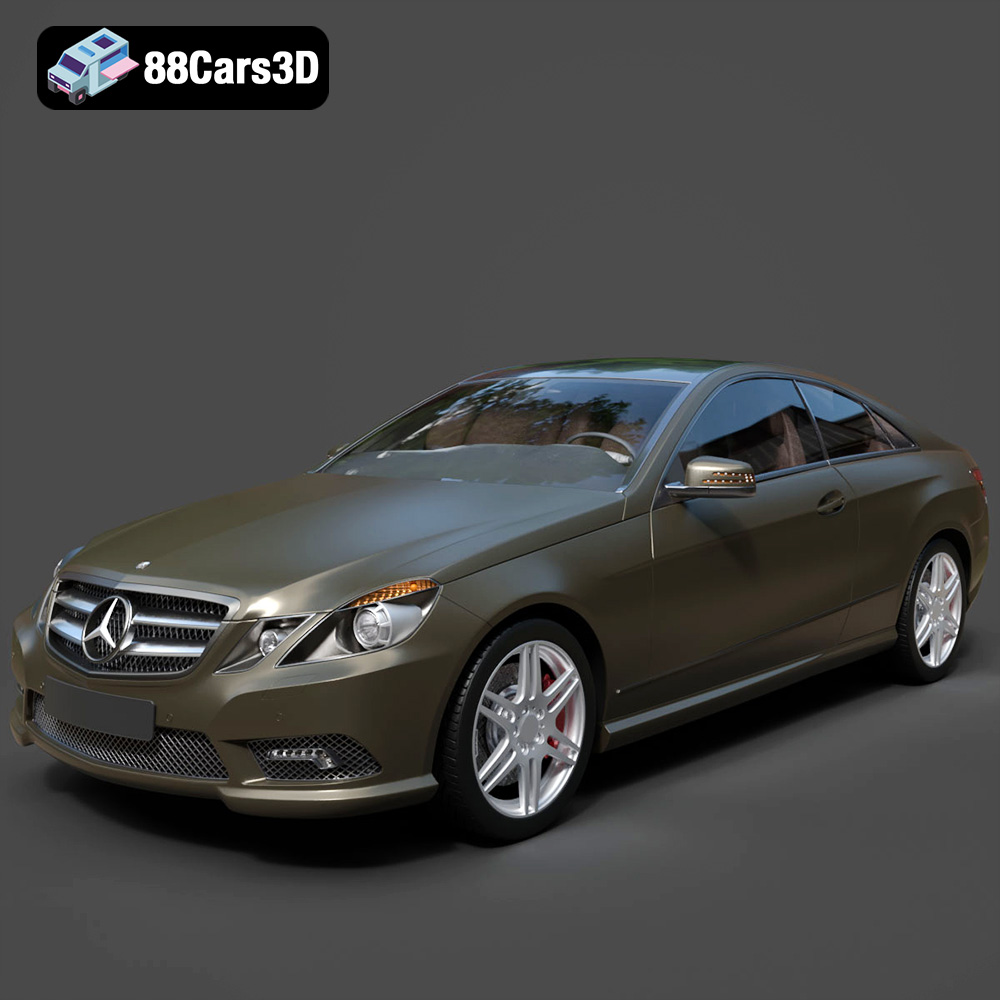
Texture: Yes
Material: Yes
Download the Mercedes-Benz E Coupe 2010 3D Model featuring clean geometry, realistic detailing, and a fully modeled interior. Includes .blend, .fbx, .obj, .glb, .stl, .ply, .unreal, and .max formats for rendering, simulation, and game development.
Price: $4.99
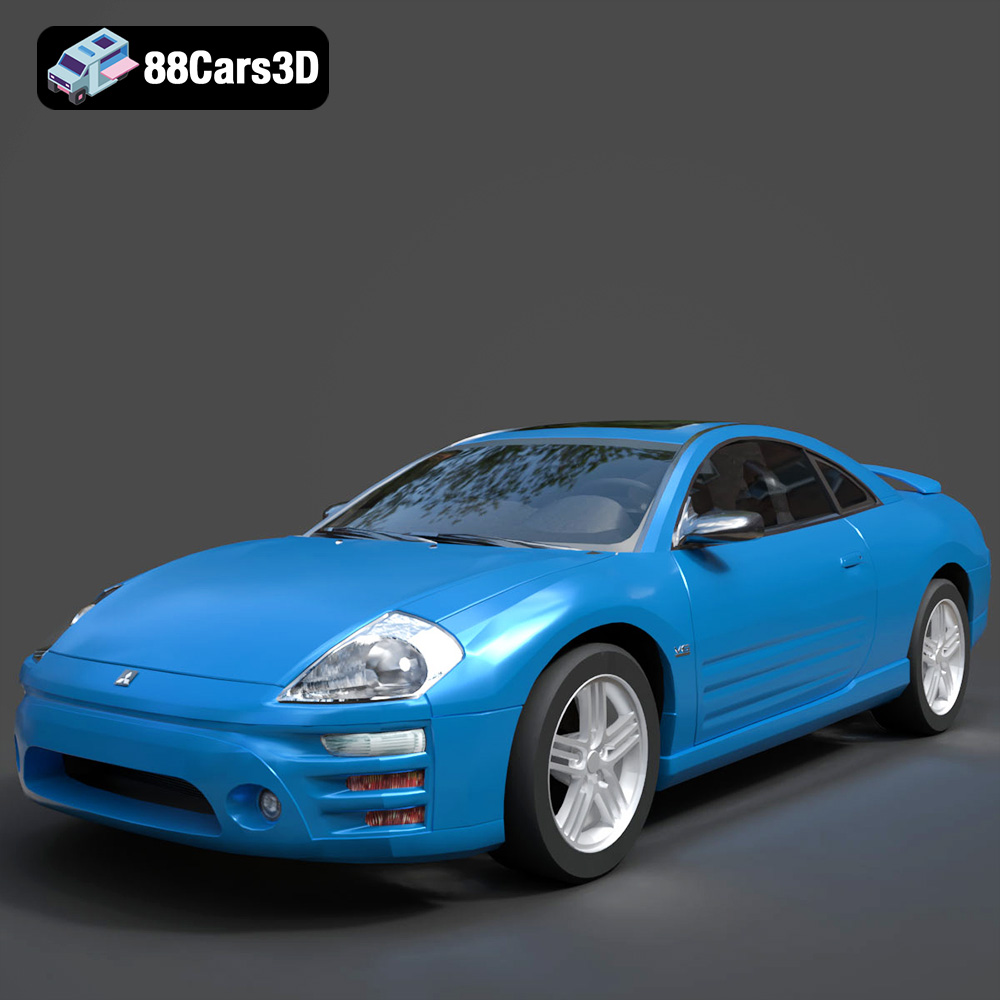
Texture: Yes
Material: Yes
Download the Mitsubishi Eclipse 2005 3D Model featuring clean geometry, realistic detailing, and a fully modeled interior. Includes .blend, .fbx, .obj, .glb, .stl, .ply, .unreal, and .max formats for rendering, simulation, and game development.
Price: $4.99
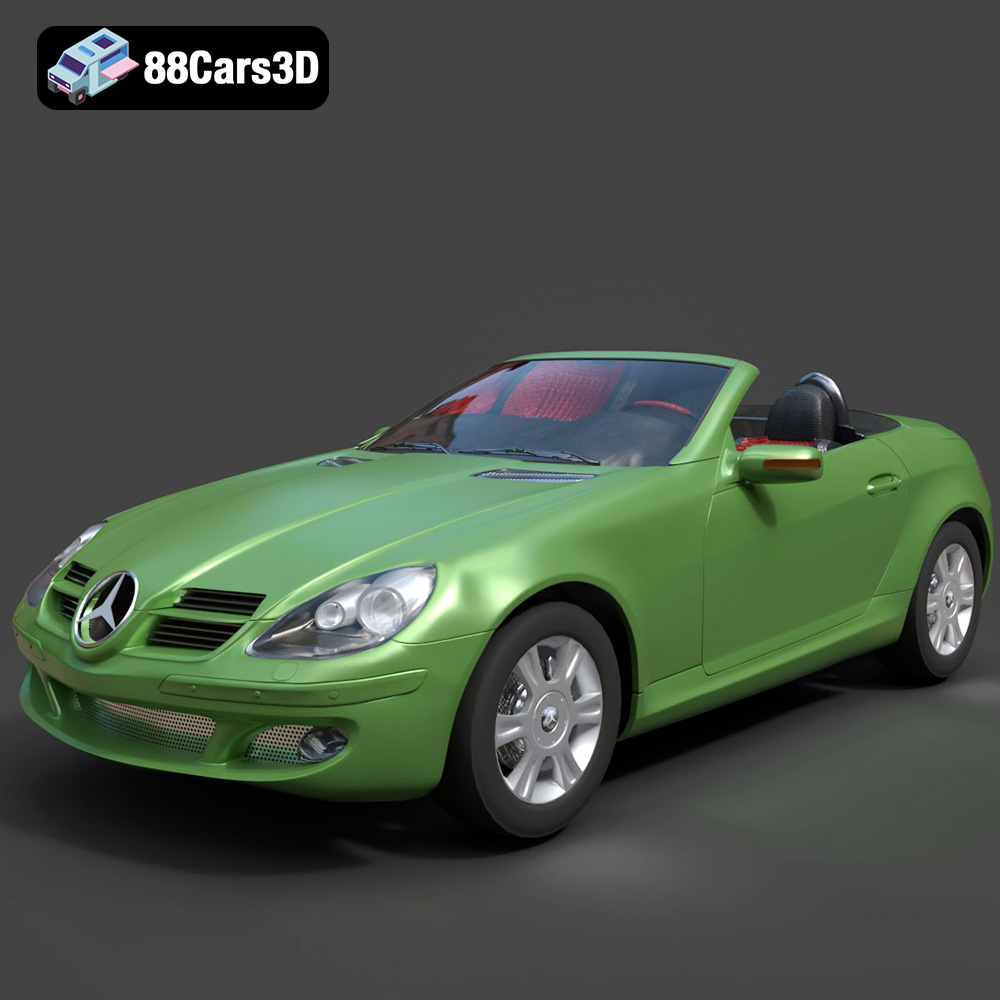
Texture: Yes
Material: Yes
Download the Mercedes-Benz SLK (R171) 3D Model featuring clean geometry, realistic detailing, and a fully modeled interior. Includes .blend, .fbx, .obj, .glb, .stl, .ply, .unreal, and .max formats for rendering, simulation, and game development.
Price: $4.99
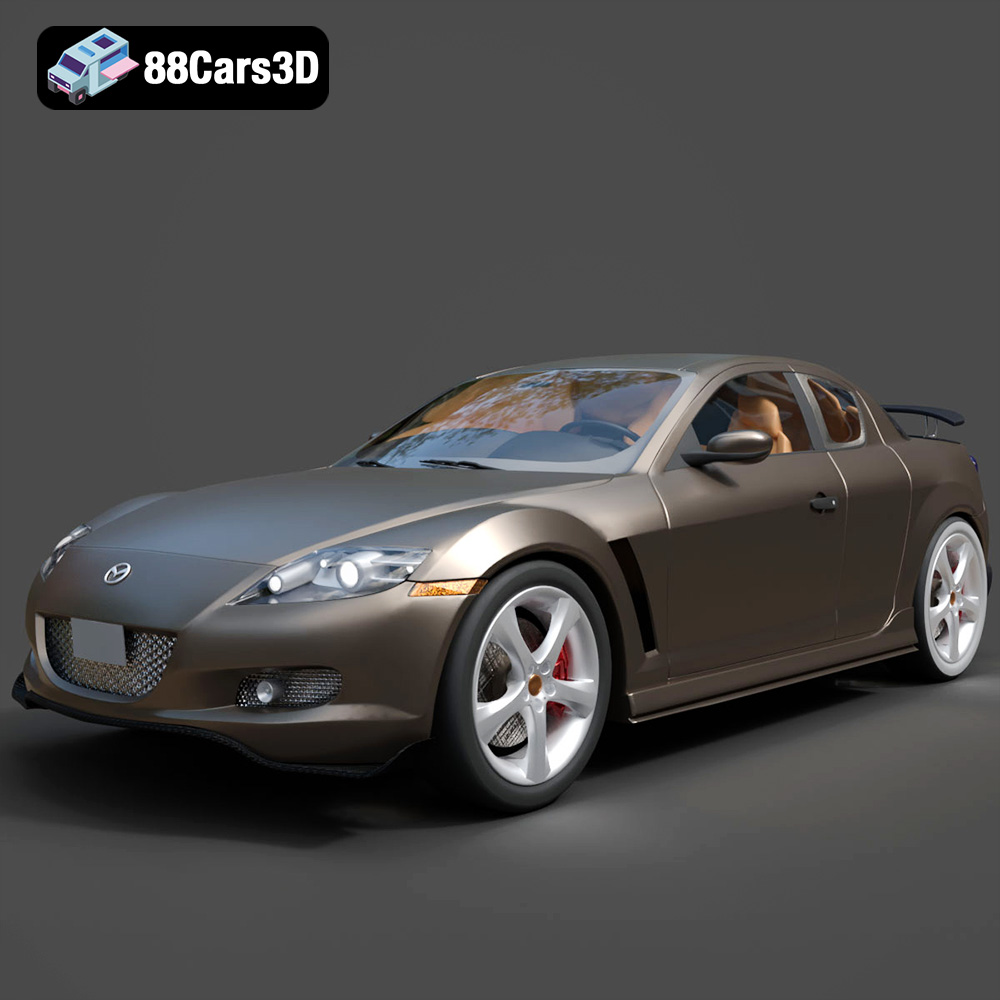
Texture: Yes
Material: Yes
Download the Mazda RX-8 2008 3D Model featuring clean geometry, realistic detailing, and a fully modeled interior. Includes .blend, .fbx, .obj, .glb, .stl, .ply, .unreal, and .max formats for rendering, simulation, and game development.
Price: $4.99

Texture: Yes
Material: Yes
Download the McLaren F1 1992 3D Model featuring clean geometry, realistic detailing, and a fully modeled interior. Includes .blend, .fbx, .obj, .glb, .stl, .ply, .unreal, and .max formats for rendering, simulation, and game development.
Price: $4.99

Texture: Yes
Material: Yes
Download the Mercedes-Benz C-class W203 2006 3D Model featuring clean geometry, realistic detailing, and a fully modeled interior. Includes .blend, .fbx, .obj, .glb, .stl, .ply, .unreal, and .max formats for rendering, simulation, and game development.
Price: $4.99

