⚡ FLASH SALE: Get 60% OFF All Premium 3D & STL Models! ⚡

The allure of hyper-realistic automotive visualization is undeniable. From captivating cinematic renders to immersive real-time experiences in games and cutting-edge AR/VR applications, 3D car models are at the heart of modern digital media. However, achieving professional-grade results that stand out in today’s competitive landscape requires more than just artistic flair; it demands a deep technical understanding of every stage of the 3D pipeline.
This comprehensive guide is designed for 3D artists, game developers, automotive designers, and visualization professionals who aspire to master the intricacies of working with 3D car models. We’ll embark on a journey from the foundational principles of clean topology and efficient UV mapping, through the art of crafting stunning PBR materials and mastering high-fidelity automotive rendering workflows. We’ll then delve into the critical aspects of game asset optimization, exploring how to prepare your models for real-time engines, and finally, extend our discussion to specialized applications like AR/VR and 3D printing. By the end, you’ll have a robust understanding of the best practices and technical specifications needed to elevate your automotive projects to the next level.
At the core of every high-quality 3D car model lies impeccable topology. Topology refers to the arrangement of vertices, edges, and faces that make up the mesh. For automotive surfaces, which are characterized by smooth, reflective curves and sharp, defined edges, clean topology is not merely a preference; it’s a necessity. Poor topology can lead to artifacts like pinching, undesirable shading discrepancies (especially under reflective materials), and difficulties in deformation, subdivision, or animation. A well-constructed mesh ensures that your model behaves predictably during subdivision, allowing for seamless transitions between different levels of detail and maintaining accurate reflections across its pristine surfaces.
The goal is to create a mesh that is both efficient in polygon count and structurally sound. This balance is crucial, whether you’re creating a model for a high-fidelity render that might exceed several million polygons or a game-ready asset that needs to be optimized for real-time performance, typically ranging from 50,000 to 100,000 triangles for a primary vehicle LOD (Level of Detail 0). Understanding how edge loops flow and how polygons are distributed is fundamental to achieving photorealistic results and efficient workflows across various applications.
The bedrock of professional 3D modeling is the quad-based mesh, meaning all faces are made up of four vertices. While triangles (tris) are the fundamental building blocks for rendering in game engines and GPUs, quads are far superior for modeling and sculpting because they subdivide predictably and allow for clean edge flow. Smooth curves, such as those found on a car’s fender or roof, require dense, evenly spaced quads that follow the natural contours of the surface. Crucially, edge loops should flow around prominent features like headlights, grilles, and door cut lines, providing the necessary resolution for sharp details without introducing unwanted creases or pinches.
Poles—vertices where more or less than four edges meet (e.g., 3-pole or 5-pole vertices)—must be strategically managed. While unavoidable, they should be placed in areas of low curvature where their impact on shading is minimal, such as flat surfaces or recessed areas, rather than on highly reflective, curved surfaces. Observing real-world car designs, notice how panel gaps and character lines provide natural guides for your edge loops. These loops enable you to easily select and modify sections of the mesh, crucial for detailing and fine-tuning the model’s silhouette.
To achieve the smooth, flowing curves characteristic of vehicle body panels, subdivision surface modeling is indispensable. Software features like 3ds Max’s Turbosmooth, Blender’s Subdivision Surface modifier, or Maya’s OpenSubdiv allow a low-polygon base mesh to be smoothed into a high-resolution surface. The trick lies in controlling the sharpness of edges. By adding “support loops” or “holding edges” close to the edges you want to keep sharp (e.g., around wheel wells or door frames), you prevent the subdivision algorithm from rounding them off excessively. Alternatively, some software offers crease sets or edge weighting features, providing a non-destructive way to control edge sharpness without adding extra geometry.
Maintaining continuity across complex automotive surfaces is another challenge. Reflections on car paint are highly sensitive to even minor surface imperfections. Ensure that adjacent panels (e.g., hood and fender) meet perfectly, or that panel gaps are uniform and consistent. Avoid n-gons (polygons with more than four sides) entirely on surfaces that will be subdivided, as they cause unpredictable smoothing. Triangles should also be minimized on visible, curved surfaces and, if used, placed in flat or internal areas where they won’t interfere with surface smoothness or subdivision. Thoughtful polygon distribution, focusing density on areas of high curvature or detail, is key to striking the balance between visual fidelity and performance efficiency.
Once your 3D car model‘s geometry is perfect, the next critical step is UV mapping. UV mapping is the process of flattening the 3D surface of your model into a 2D space, allowing you to apply 2D textures. Without proper UVs, even the most meticulously crafted PBR materials will look distorted, stretched, or pixelated. For automotive models, which feature a variety of materials from sleek car paint to intricate interior details and tire treads, clean and optimized UVs are absolutely paramount for realistic texturing and efficient texture memory usage.
The goal of UV mapping is to create a set of UV islands (flattened pieces of your 3D model) that minimize distortion, utilize the texture space efficiently, and allow for easy texture painting. This process requires a strategic approach, especially given the complex curvature and diverse material zones present on a vehicle. Poor UVs can lead to hours of frustration in the texturing phase, making it difficult to achieve consistent texel density or hide seams effectively. Investing time in meticulous UV unwrapping pays dividends in the final look and performance of your model.
Automotive body panels, with their large, curved, and often highly reflective surfaces, require careful UV unwrapping to avoid stretching and to ensure seamless texture application. Planar mapping is often a starting point for individual panels, projecting UVs from a single direction. However, for complex curves, cylindrical or spherical mapping might be more appropriate, or a combination of techniques using projection and manual manipulation. The key is to strategically place UV seams in areas that are naturally hidden or correspond to existing panel gaps, such as along the bottom edges of a car, inside door frames, or where different materials meet.
After unwrapping, it’s crucial to check for stretching and distortion using a checker map texture. This visual aid immediately highlights areas where UVs are compressed or expanded, indicating where adjustments are needed. Uniform texel density across all UV islands is a professional benchmark; it means that a given area on the 3D model will occupy the same amount of pixels on the texture map, regardless of the part. This prevents textures from looking blurry on one part and sharp on another. Efficiently packing UV islands into the 0-1 UV space, maximizing the use of every pixel, is also vital for optimizing texture resolution and reducing memory footprint.
While the body panels demand pristine UVs, other parts of a car model present their own unique challenges. For highly detailed interiors or high-resolution models, UDIM workflows (a system of using multiple UV tiles in the 0-1 space, allowing for much higher texture resolutions) are increasingly common. This allows you to allocate multiple 4K or 8K textures to a single model, ensuring incredible detail on dashboards, seats, and other intricate components without compromising texel density.
Wheels, tires, and small repetitive details like bolts often benefit from overlapping UVs. For instance, if all four wheel rims are identical, their UVs can occupy the exact same space in the UV map, meaning they all share the same texture. This significantly reduces texture memory, as you only need one texture set for multiple instances. Tire treads can also use overlapping UVs for repetitive patterns, or a unique UV strip that repeats along the tread circumference. Decals, such as logos or racing stripes, can be mapped using a separate UV set or projected onto the existing UVs, often with their own dedicated texture. When sourcing professional models from platforms like 88cars3d.com, you can expect meticulously prepared UVs and logical material breakdowns that simplify your texturing workflow.
The visual fidelity of a 3D car model is largely determined by its materials and shaders. Physically Based Rendering (PBR) has become the industry standard, offering a more intuitive and physically accurate way to define how light interacts with surfaces. PBR materials ensure that your assets look consistent and realistic across different lighting conditions and rendering engines, drastically improving realism compared to older, less predictable shading models. Understanding the principles of PBR is essential for achieving truly stunning results.
PBR materials rely on a set of texture maps that describe a material’s surface properties rather than its direct color. These maps (Base Color/Albedo, Metallic, Roughness/Glossiness, Normal, Ambient Occlusion, etc.) are based on real-world physics, dictating how much light a surface absorbs, reflects, and scatters. Tools like Substance Painter, Quixel Mixer, or Mari are invaluable for creating these complex texture sets, allowing artists to layer materials and paint intricate details with precision. The careful construction of these material layers is what brings a model to life, transforming raw geometry into a convincing digital representation of a real vehicle.
There are two primary PBR workflows: Metallic/Roughness and Specular/Glossiness. Both aim for the same physical accuracy but use slightly different sets of texture maps. The Metallic/Roughness workflow (favored by Unreal Engine, Unity, and many modern renderers like Cycles and Arnold) uses a Base Color map (albedo for dielectrics, color for metals), a Metallic map (0 for dielectrics, 1 for metals), and a Roughness map (0 for smooth, 1 for rough). This is generally simpler and more intuitive, as metals are either fully metallic or non-metallic.
The Specular/Glossiness workflow (often seen in V-Ray and earlier versions of Substance Painter) uses a Diffuse map, a Specular map (defining the color and intensity of reflections), and a Glossiness map (the inverse of roughness, where 1 is smooth and 0 is rough). While both can achieve excellent results, consistency within your project is key. The choice often depends on the target renderer or game engine. Beyond these core maps, Normal maps add surface detail without increasing polygon count, while Ambient Occlusion (AO) maps simulate soft shadowing in crevices, enhancing perceived depth.
Achieving realistic automotive paint, glass, and chrome requires specialized shader techniques. Car paint is notoriously complex due to its multi-layered nature: a base color coat, metallic flakes (optional), and a clear coat. A sophisticated car paint shader will often incorporate multiple layers: a diffuse layer for the base color, a metallic flake layer with anisotropic reflections (where reflections stretch along a particular direction, mimicking tiny metal particles), and a clear coat layer with its own Fresnel reflections and roughness. The clear coat layer is what gives car paint its deep, wet look and highly specular reflections. Many renderers like Corona, V-Ray, Cycles, and Arnold offer dedicated car paint materials or allow for the construction of complex layered shaders to replicate this effect.
For materials like glass, accurate transmission, refraction, and reflection are critical. Using a thin-walled glass shader for windshields (which don’t have thickness for light to refract through) versus a physically accurate thick-walled glass for headlights is important. Chrome and other polished metals require high metallic values and extremely low roughness, often combined with an anisotropic reflection component for brushed finishes. The environment also plays a massive role in PBR materials; using high-dynamic-range image (HDRI) maps for lighting and reflections is crucial for realistic results, providing accurate global illumination and detailed reflections that define the surface characteristics. Platforms like 88cars3d.com excel in providing models with expertly crafted PBR materials, saving artists valuable time in texture creation and ensuring visual consistency.
Once your 3D car model is meticulously built and textured with PBR materials, the next step is to bring it to life through rendering. High-fidelity automotive rendering is an art form in itself, requiring a keen eye for lighting, composition, and post-processing. The choice of renderer, coupled with a well-thought-out lighting and environment setup, dramatically impacts the final image. Whether you’re aiming for a photorealistic studio shot, an atmospheric outdoor scene, or a detailed cutaway view, mastering your rendering workflow is essential for showcasing your model in its best light.
Modern renderers like Corona Renderer, V-Ray, Cycles, and Arnold offer powerful tools for creating stunning visualizations, each with its strengths in terms of speed, feature set, and integration with specific 3D software (e.g., Corona and V-Ray with 3ds Max, Cycles with Blender, Arnold with Maya). The process involves not just setting up cameras and lights but also carefully configuring render settings to balance image quality with render time, and preparing for post-production through render elements or passes. This holistic approach ensures that every detail, from the reflections on the car paint to the subtle shadows cast by the environment, contributes to a cohesive and believable final image.
Effective lighting is the single most important factor in a realistic render. For studio setups, the classic three-point lighting system (key, fill, and back light) provides a solid foundation. Large softboxes and strip lights are commonly used to create soft, flattering illumination and beautiful reflections on automotive surfaces. These lights can be precisely positioned to highlight character lines, emphasize body contours, and create dramatic visual interest. Controlled studio environments allow for meticulous manipulation of every light source, ensuring precise control over highlights and shadows.
For outdoor scenes, high-dynamic-range image (HDRI) maps are indispensable. An HDRI captures the full range of light and color from a real-world environment, providing accurate global illumination, reflections, and ambient light that instantly grounds your car model in a believable setting. Paired with a physical sun and sky system (like Corona Sun/Sky, V-Ray Sun/Sky, or Cycles Sky Texture), you can achieve dynamic lighting conditions, from golden hour warmth to crisp midday sun. Advanced techniques include light linking (where specific lights only illuminate certain objects) and light exclusion (where lights ignore specific objects), offering granular control for complex scenes. Carefully chosen HDRI backgrounds, often with resolutions of 16K or higher, provide rich detail for reflections and ambient illumination, making the car appear seamlessly integrated into its environment.
Optimizing render settings is a delicate balance between achieving desired image quality and managing render times. Key parameters include sampling rates, noise thresholds, and ray depth. Higher sampling rates and lower noise thresholds result in cleaner images but increase render duration. Modern denoisers (such as NVIDIA OptiX or Intel Open Image Denoise, integrated into many renderers) are game-changers, significantly reducing noise in the final image without exorbitant render times. These post-process denoisers use AI to intelligently clean up noise while preserving detail, making high-quality renders more accessible.
For advanced post-processing and compositing in software like Photoshop or Nuke, rendering out multiple render elements (or passes) is standard practice. These passes include separate layers for diffuse color, reflection, refraction, specular highlights, ambient occlusion, Z-depth (for depth of field), and normal maps. By compositing these elements, artists gain immense control over the final look, allowing for non-destructive adjustments to reflections, color grading, and atmospheric effects without re-rendering the entire scene. Software integration is key here: 3ds Max users often leverage Corona or V-Ray for their robust features, while Blender artists utilize Cycles for photorealistic results or Eevee for real-time visualization. Maya users find Arnold to be a powerful, production-proven renderer for high-end cinematic quality.
The demands of real-time rendering, particularly in game engines like Unity and Unreal Engine, are vastly different from those of offline rendering. While offline renders prioritize ultimate visual fidelity regardless of time, real-time applications require models to be rendered many times per second to maintain interactivity and a smooth frame rate. This shift necessitates a rigorous optimization strategy for 3D car models, focusing on polygon count, texture memory, and draw calls. A game-ready asset must not only look good but also perform efficiently on a wide range of hardware, from high-end PCs to mobile devices and AR/VR headsets.
The optimization process involves several key techniques, including the strategic use of Levels of Detail (LODs), careful texture management through atlasing, and minimizing the number of draw calls. These strategies collectively ensure that the engine can render complex scenes with multiple vehicles and other assets without bogging down. Ignoring optimization can lead to stuttering frame rates, slow loading times, and a poor user experience. Therefore, understanding and implementing these techniques is crucial for anyone developing interactive automotive content.
One of the most effective ways to optimize game assets is through the implementation of Levels of Detail (LODs). LODs are simplified versions of your 3D model that are automatically swapped in by the game engine when the object is further away from the camera. This reduces the number of polygons that need to be rendered, significantly improving performance. A typical setup for a high-quality game car model might include:
Creating LODs involves careful decimation or manual reduction of geometry while preserving the essential silhouette and critical details. The transition between LODs should be seamless to avoid popping or noticeable changes. Setting appropriate screen space thresholds for LOD transitions within Unity or Unreal Engine is key to an optimized yet visually smooth experience.
Beyond polygon count, texture memory and draw calls are significant performance bottlenecks in game engines. A “draw call” occurs every time the CPU instructs the GPU to draw an object, or a part of an object, using a specific material. Each unique material typically generates at least one draw call. If your car model has dozens of individual materials (e.g., separate materials for paint, glass, rubber, chrome, interior plastics), it can quickly accumulate a high number of draw calls, impacting performance.
Texture atlasing is a technique where multiple smaller textures (e.g., for various interior parts) are combined into a single, larger texture map (an atlas). Correspondingly, the UVs for those parts are repacked into the appropriate regions of the atlas. This allows many parts of the model to share a single material, drastically reducing draw calls. For example, a car interior might use one large atlas for all its plastic, fabric, and metal textures, allowing it to be rendered with a single material instead of twenty. Similarly, creating material instances in engines like Unreal allows for variations (e.g., different paint colors) from a base material without creating entirely new materials and increasing draw calls.
Batching (static and dynamic in Unity, or instancing in Unreal) is another optimization where the engine groups similar objects to be drawn in a single draw call. Optimizing collision meshes is also crucial; these are simplified, non-visible meshes used for physics calculations, significantly less complex than the render mesh. Utilizing optimized file formats like FBX (for general export) or GLB/USDZ (for web/AR applications) ensures that your assets transfer efficiently to game engines, maintaining their PBR materials and hierarchical structures. Sourcing high-quality 3D car models, such as those found on marketplaces like 88cars3d.com, often means starting with well-optimized assets that are already prepared for game engine integration.
The versatility of 3D car models extends far beyond traditional rendering and game development. With the advent of augmented reality (AR), virtual reality (VR), and accessible 3D printing technologies, these digital assets are finding new and exciting applications. From interactive car configurators in AR to immersive VR driving experiences and physical prototypes, the demands and optimization strategies for these fields are unique. Understanding these requirements is essential for artists and designers looking to leverage their models in these emerging technologies.
While AR/VR shares many optimization principles with game development, the constraints are often even tighter, especially for mobile AR/VR experiences. For 3D printing, the focus shifts entirely from visual fidelity to physical integrity and manufacturability. Each application requires a specific technical approach to ensure the model functions correctly and achieves its intended purpose, whether it’s viewed on a smartphone, explored in a headset, or held in one’s hand as a tangible object.
AR/VR environments, particularly on mobile devices (e.g., Apple ARKit, Google ARCore), impose extremely strict performance budgets. Polygon counts for an entire scene might be limited to a few hundred thousand triangles, and texture resolutions need to be carefully managed. A common target for a mobile AR car model might be under 30,000-50,000 triangles for LOD0, with textures ideally under 2K resolution to minimize draw calls and memory usage. Performance techniques like single-pass stereo rendering (rendering both eyes in one draw call) are critical for VR, as is baking lighting into textures to reduce real-time light calculations.
Interactivity is a cornerstone of AR/VR experiences. This might involve setting up animations for opening doors, changing paint colors, swapping wheel designs, or even full driving simulations. These interactions need to be highly optimized to run smoothly. Collision meshes, simplified physics, and efficient UI elements are all part of the package. Specific file formats play a crucial role: GLB (glTF Binary) is the preferred format for web-based AR and VR, offering a compact, self-contained asset with PBR materials. USDZ is Apple’s proprietary format for ARKit, enabling quick and easy integration into iOS AR experiences. Understanding these format-specific requirements is vital for deploying models effectively in AR/VR platforms.
Preparing a 3D car model for 3D printing requires a completely different mindset. The primary concern is no longer rendering quality but physical integrity. The mesh must be “manifold” or “watertight,” meaning it has no holes, gaps, or overlapping geometry. Every edge must be connected to exactly two faces, forming a continuous, enclosed volume. Non-manifold geometry will result in printing errors and failed prints.
Key considerations for 3D printing include:
When preparing for 3D printing, focus on the structural integrity and physical properties of the model, rather than its visual appearance. This often involves simplifying intricate details that would be too small to print, ensuring all components are robust enough to withstand the printing process, and that there are no internal self-intersections that would cause issues.
Our journey through the intricate world of 3D car models has revealed that crafting truly exceptional automotive visualizations and interactive experiences is a blend of artistic vision and profound technical mastery. From the foundational principles of clean topology and efficient UV mapping to the nuances of physically based rendering, strategic game engine optimization, and specialized preparation for AR/VR and 3D printing, each stage demands meticulous attention to detail and a commitment to industry best practices.
By understanding and implementing these advanced techniques—from managing polygon counts and texture resolutions to mastering shader networks and optimizing for specific file formats—you can elevate your projects to a professional standard. Whether you’re an aspiring 3D artist or a seasoned developer, the continuous pursuit of technical excellence will unlock new creative possibilities and ensure your automotive rendering and game assets truly stand out. Remember, the digital automotive landscape is constantly evolving, so continuous learning and experimentation are key.
For those looking to jumpstart their projects with professional-grade assets, explore the extensive collection of high-quality 3D car models available at 88cars3d.com. Each model is crafted with clean topology, realistic PBR materials, and multiple file formats, providing an excellent foundation for any rendering, game development, or visualization endeavor. Invest in quality assets and best practices, and watch your automotive dreams accelerate into stunning digital realities.
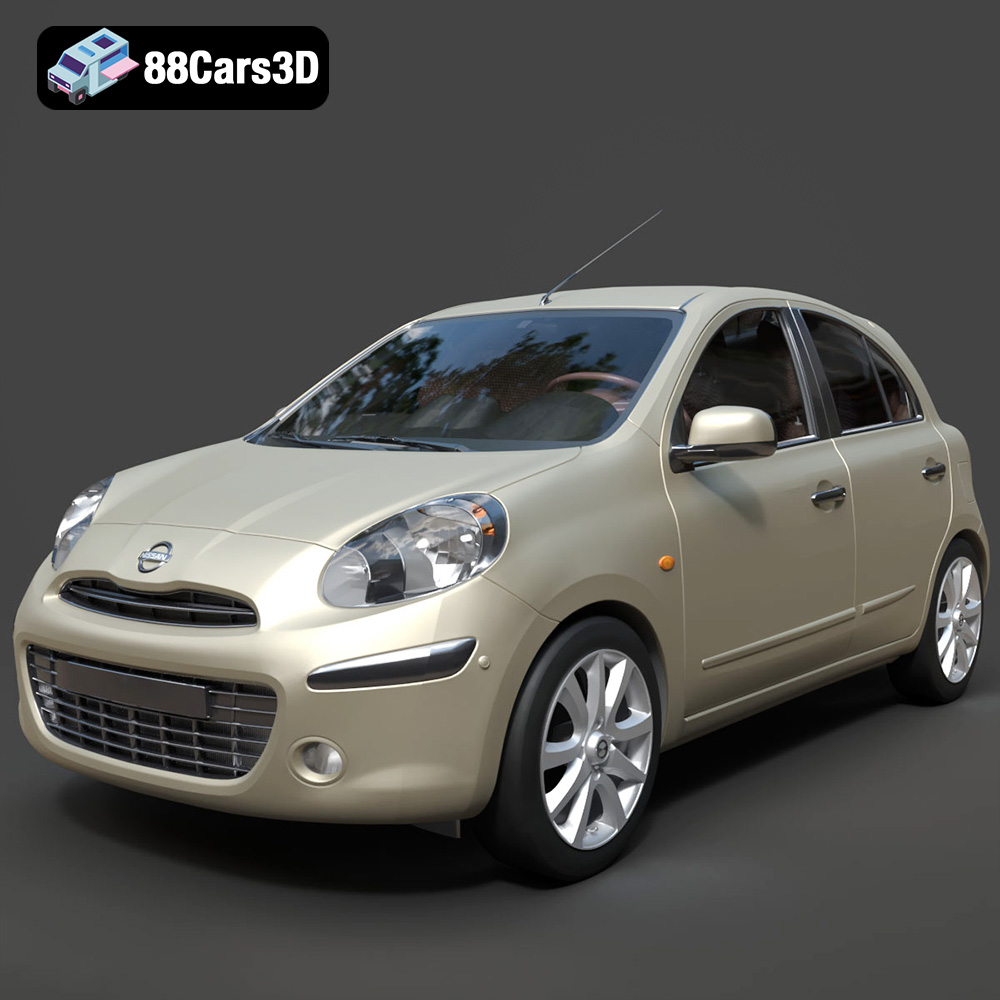
Texture: Yes
Material: Yes
Download the Nissan Micra 2010 3D Model featuring clean geometry, realistic detailing, and a fully modeled interior. Includes .blend, .fbx, .obj, .glb, .stl, .ply, .unreal, and .max formats for rendering, simulation, and game development.
Price: $4.99
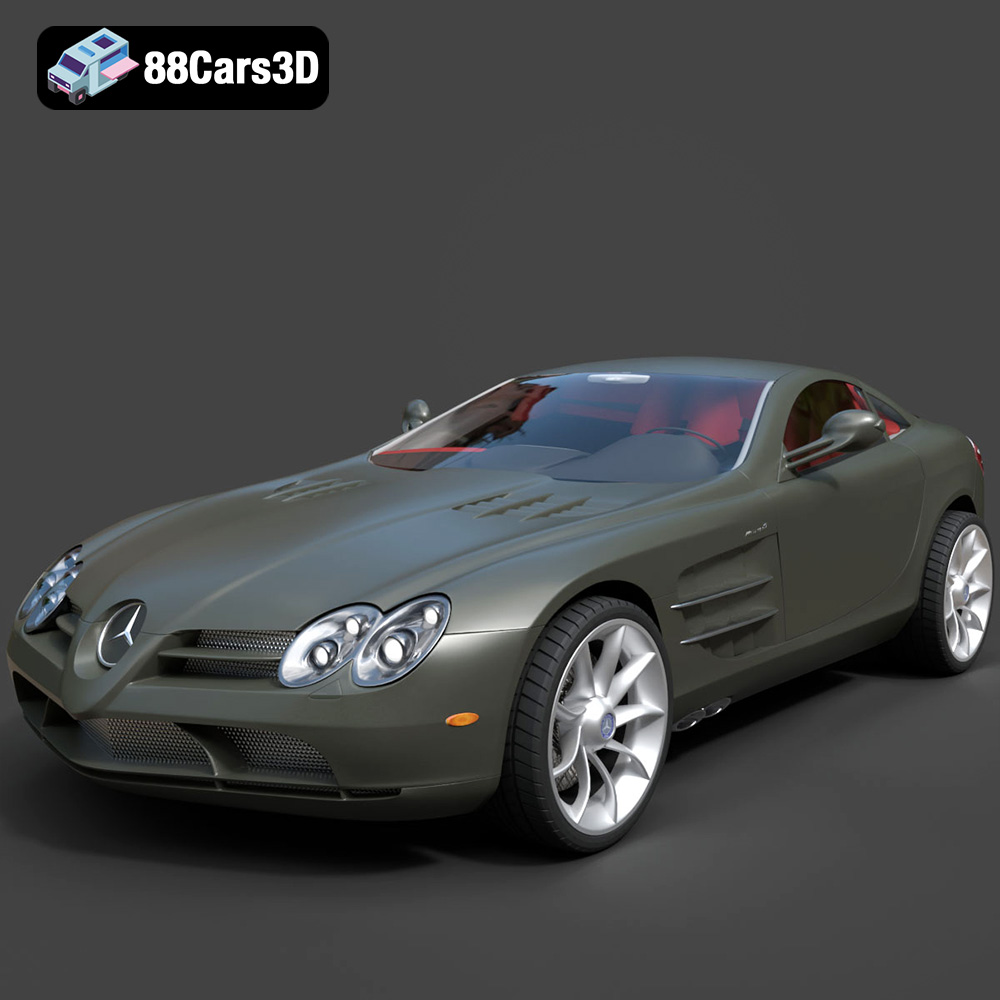
Texture: Yes
Material: Yes
Download the Mercedes-Benz SLR McLaren 3D Model featuring clean geometry, realistic detailing, and a fully modeled interior. Includes .blend, .fbx, .obj, .glb, .stl, .ply, .unreal, and .max formats for rendering, simulation, and game development.
Price: $4.99
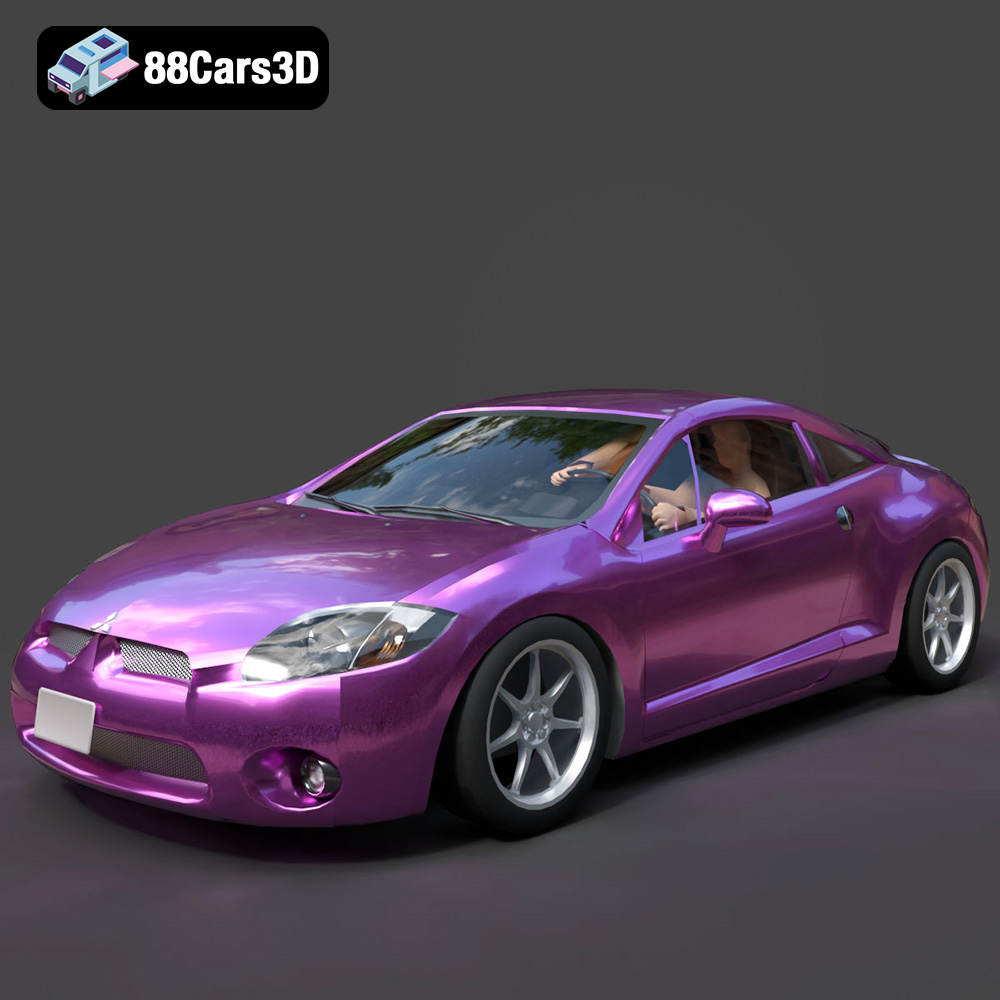
Texture: Yes
Material: Yes
Download the Mitsubishi Eclipse GT 2001 3D Model featuring clean geometry, realistic detailing, and a fully modeled interior. Includes .blend, .fbx, .obj, .glb, .stl, .ply, .unreal, and .max formats for rendering, simulation, and game development.
Price: $4.99
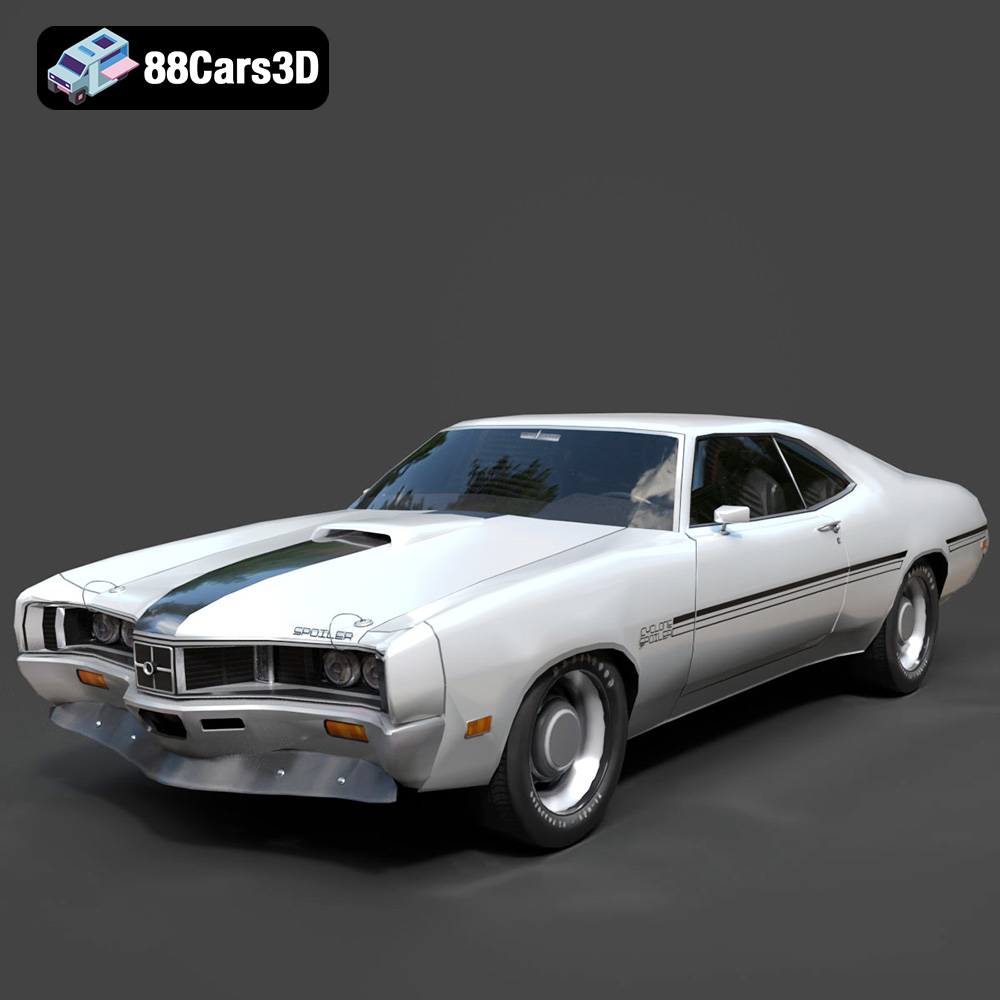
Texture: Yes
Material: Yes
Download the Mercury Cyclone Spoiler 1970 3D Model featuring clean geometry, realistic detailing, and a fully modeled interior. Includes .blend, .fbx, .obj, .glb, .stl, .ply, .unreal, and .max formats for rendering, simulation, and game development.
Price: $4.99
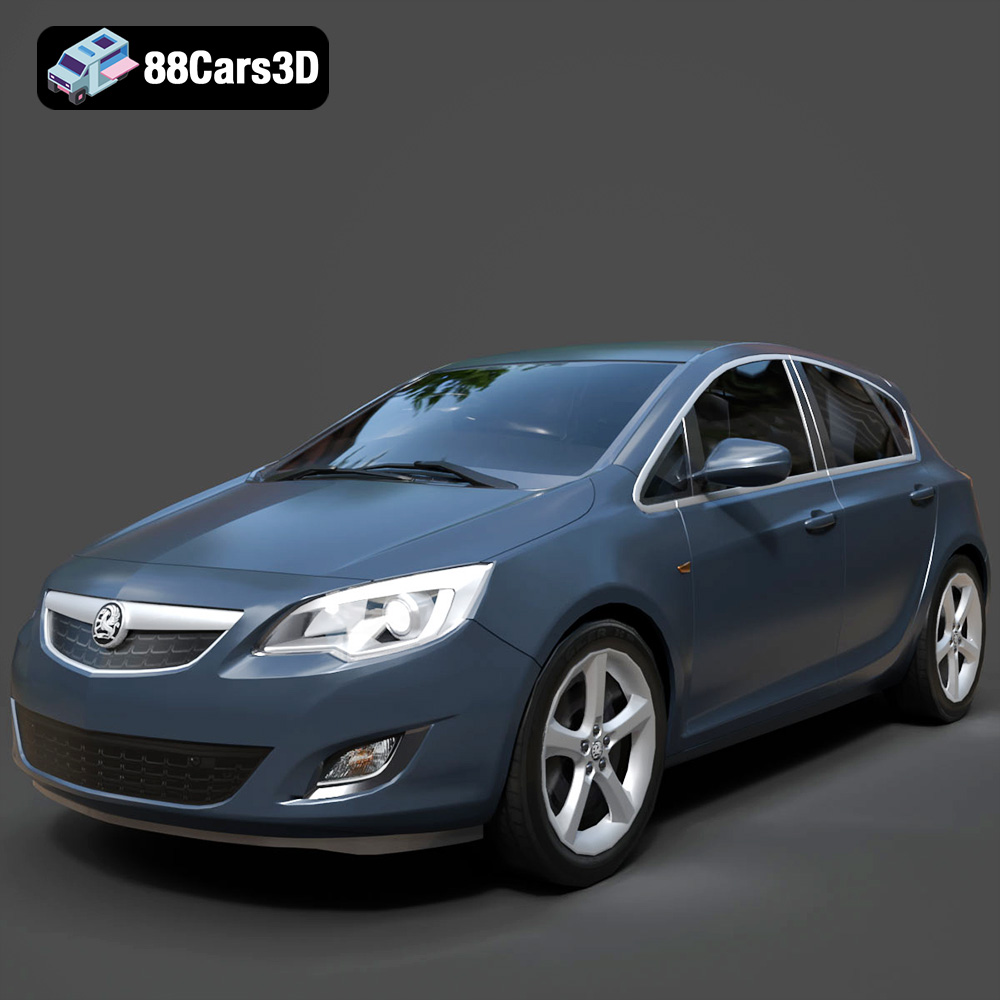
Texture: Yes
Material: Yes
Download the Opel Astra 3D Model featuring clean geometry, realistic detailing, and a fully modeled interior. Includes .blend, .fbx, .obj, .glb, .stl, .ply, .unreal, and .max formats for rendering, simulation, and game development.
Price: $4.99
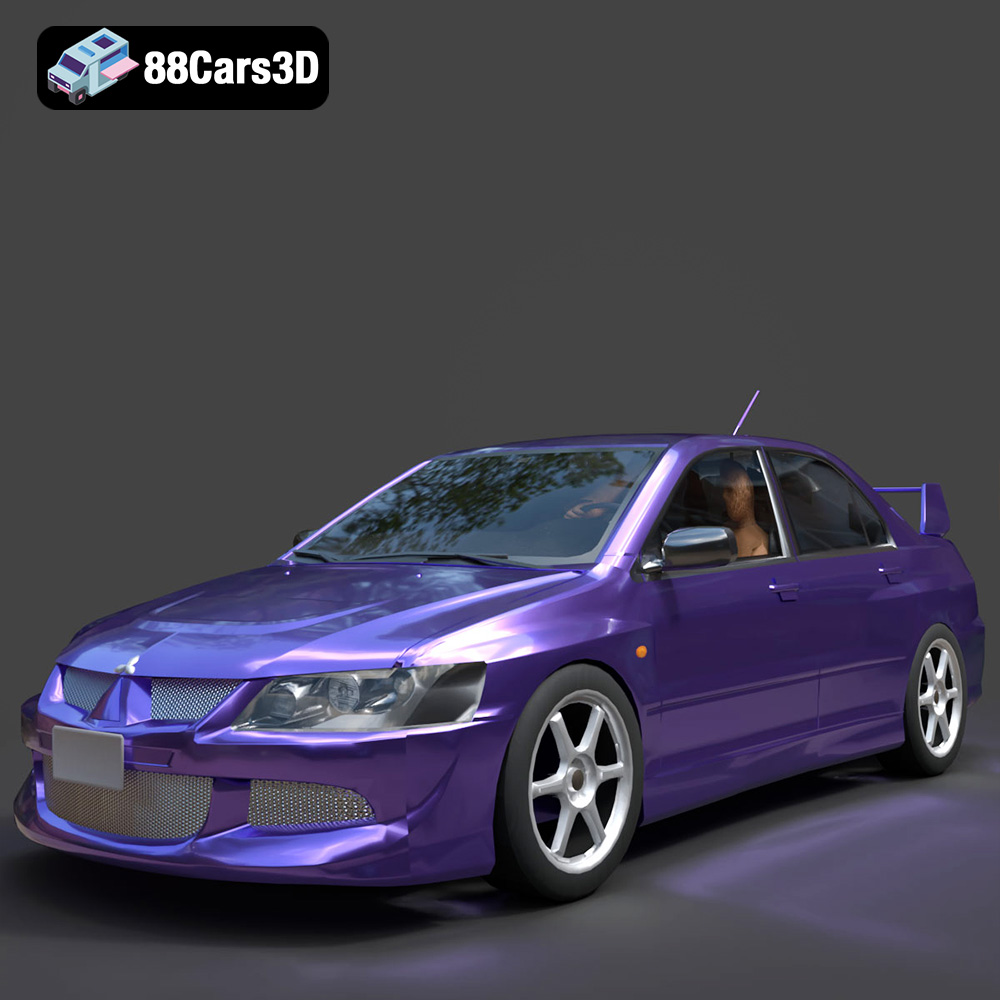
Texture: Yes
Material: Yes
Download the Mitsubishi Lancer Evolution VIII 3D Model featuring clean geometry, realistic detailing, and a fully modeled interior. Includes .blend, .fbx, .obj, .glb, .stl, .ply, .unreal, and .max formats for rendering, simulation, and game development.
Price: $4.99
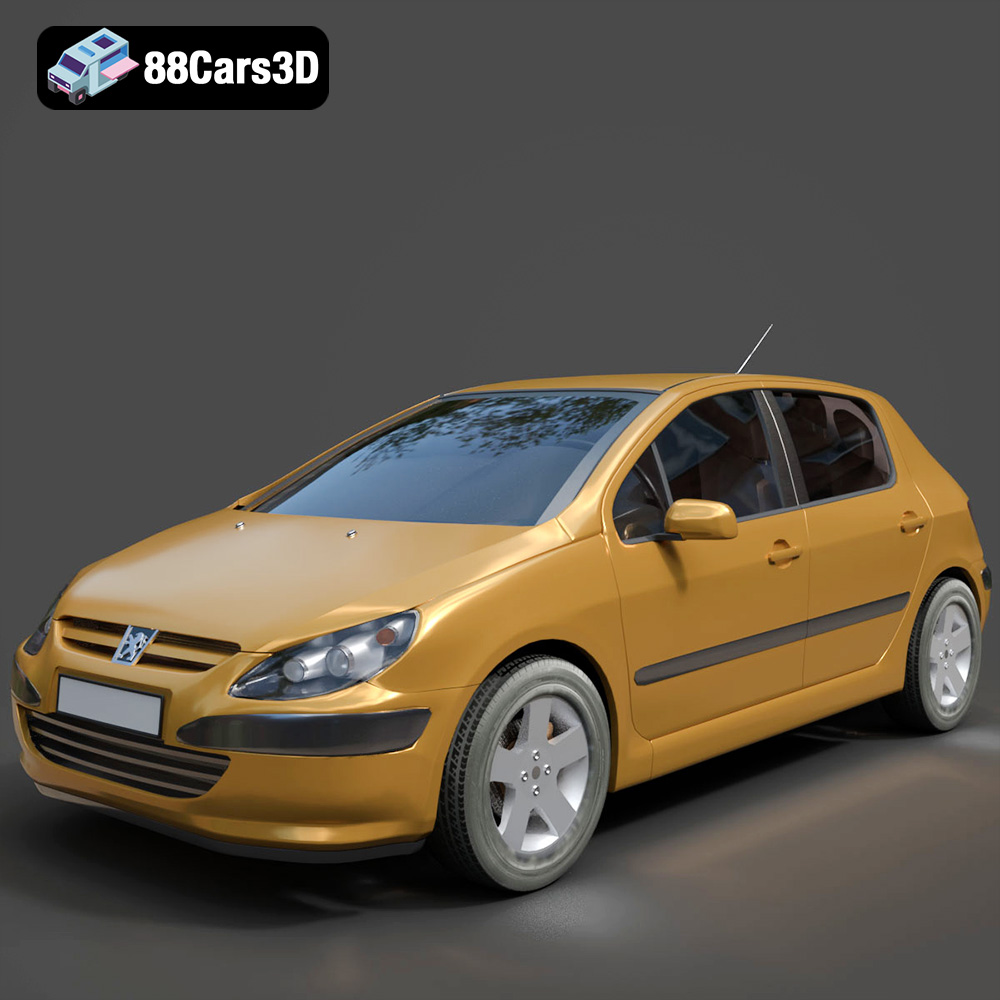
Texture: Yes
Material: Yes
Download the Peugeot 307 3D Model featuring clean geometry, realistic detailing, and a fully modeled interior. Includes .blend, .fbx, .obj, .glb, .stl, .ply, .unreal, and .max formats for rendering, simulation, and game development.
Price: $4.99
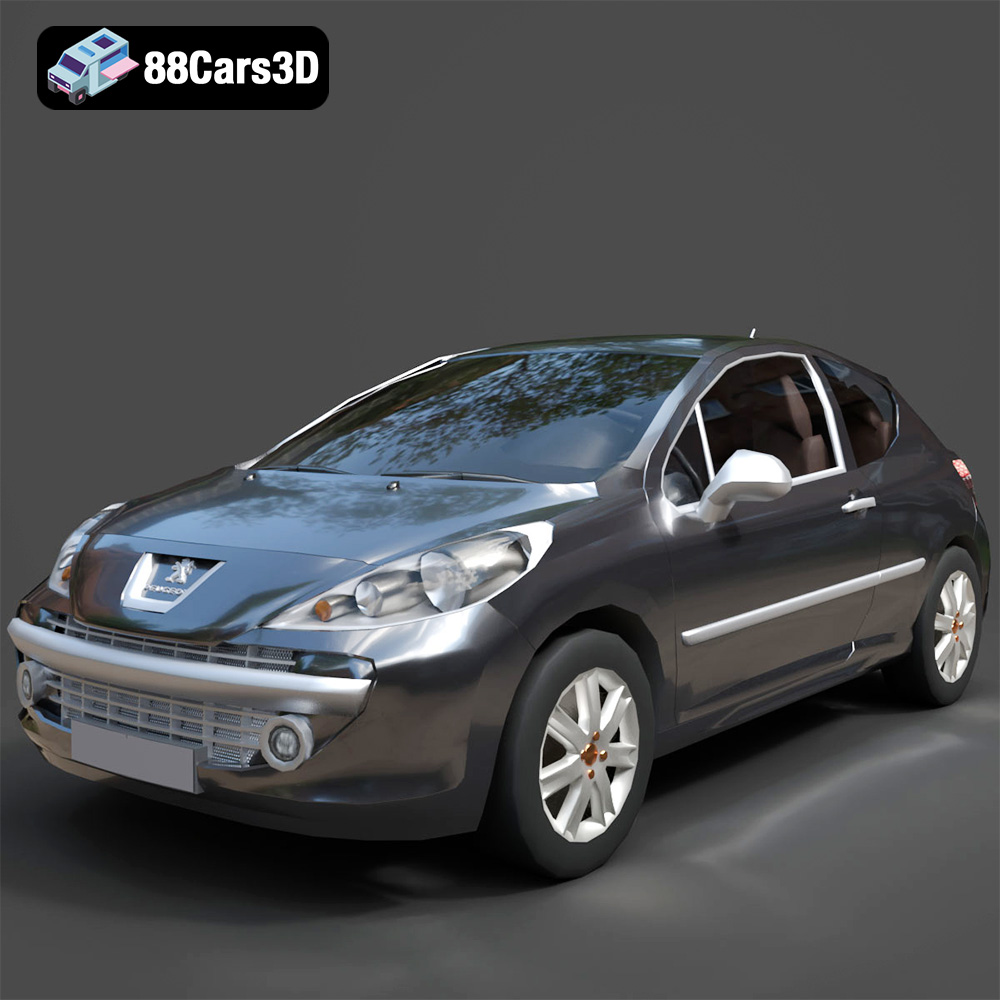
Texture: Yes
Material: Yes
Download the Peugeot 207 3D Model featuring clean geometry, realistic detailing, and a fully modeled interior. Includes .blend, .fbx, .obj, .glb, .stl, .ply, .unreal, and .max formats for rendering, simulation, and game development.
Price: $4.99
Texture: Yes
Material: Yes
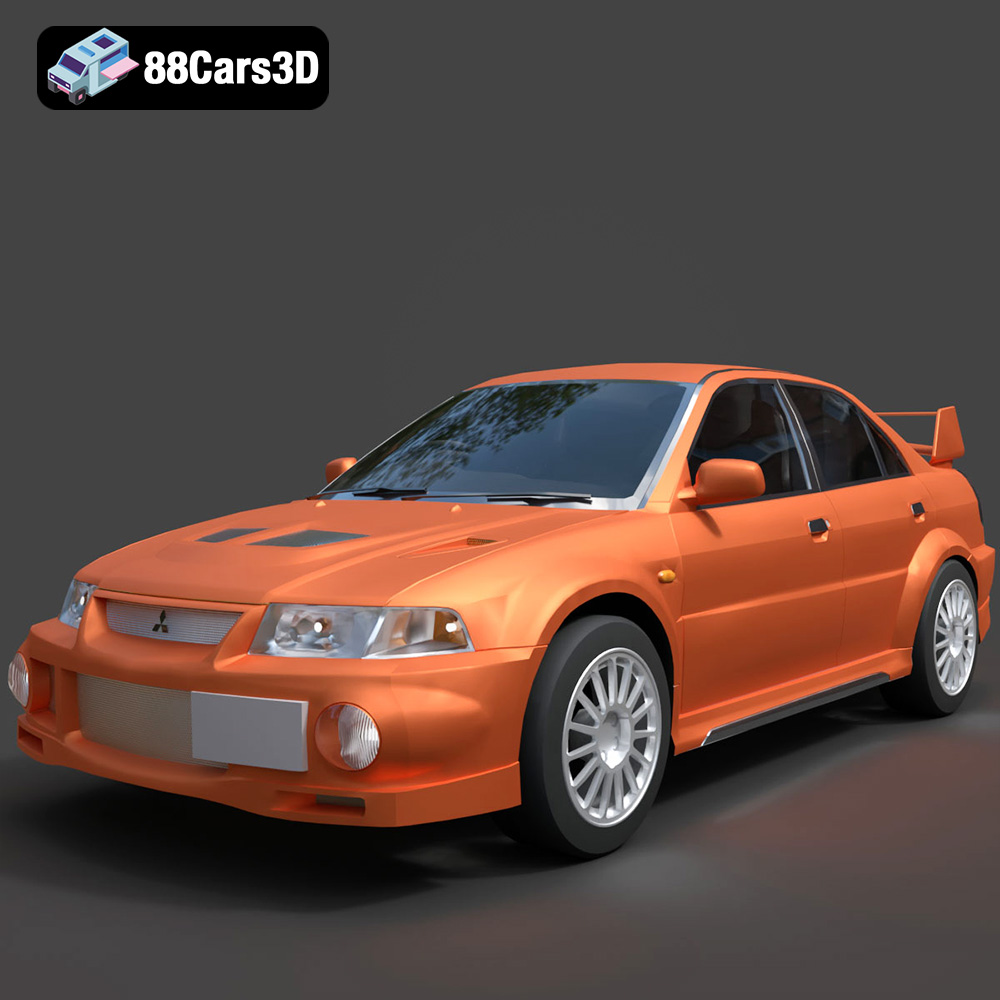
Download the Mitsubishi Lancer Evolution VI 3D Model featuring clean geometry, realistic detailing, and a fully modeled interior. Includes .blend, .fbx, .obj, .glb, .stl, .ply, .unreal, and .max formats for rendering, simulation, and game development.
Price: $4.99
Texture: Yes
Material: Yes
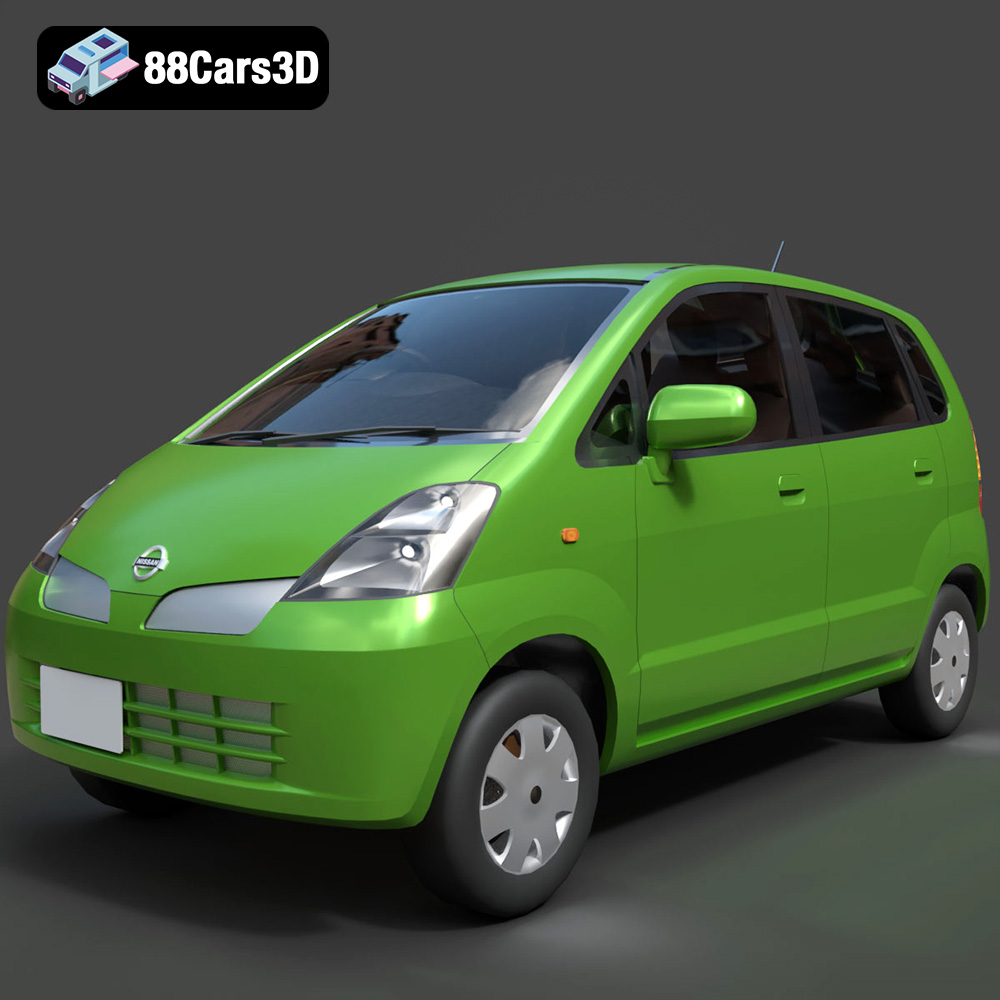
Download the Nissan Moco 007 3D Model featuring clean geometry, realistic detailing, and a fully modeled interior. Includes .blend, .fbx, .obj, .glb, .stl, .ply, .unreal, and .max formats for rendering, simulation, and game development.
Price: $4.99

