⚡ FLASH SALE: Get 60% OFF All Premium 3D & STL Models! ⚡

The world of 3D modeling is a fascinating intersection of art and engineering, and nowhere is this more evident than in the creation of 3D car models. From photorealistic automotive renders that grace advertising campaigns to meticulously optimized game assets that power virtual worlds, the demand for high-quality vehicle models is constant and diverse. Achieving excellence in this specialized field requires a deep understanding of intricate technical workflows, a keen eye for detail, and a mastery of various software and industry best practices.
This comprehensive guide delves into the advanced techniques and essential knowledge needed to produce, optimize, and utilize professional-grade 3D car models across multiple industries. Whether you’re an aspiring 3D artist, a seasoned game developer, an automotive designer, or a visualization professional, we’ll equip you with the insights to navigate complex topics like advanced topology, efficient UV mapping, physically based rendering (PBR) material creation, cutting-edge rendering techniques, and crucial optimization strategies for real-time applications like AR/VR. We’ll explore the nuances of various file formats and even touch upon preparing models for 3D printing. By the end of this journey, you’ll have a robust understanding of what goes into creating truly exceptional 3D automotive assets and how to leverage them for stunning results.
The quality of a 3D car model begins and ends with its topology. Superior topology isn’t just about aesthetics; it’s the bedrock for clean deformations, realistic reflections, efficient UV mapping, and smooth subdivision surfaces. For automotive models, where sleek curves and crisp lines are paramount, maintaining impeccable edge flow is critical. Bad topology can lead to artifacts like pinching, uneven reflections, and difficulties in sculpting or animating, ultimately diminishing the realism of your final asset. A professional-grade 3D car model, whether for high-end rendering or real-time applications, typically consists predominantly of quads (four-sided polygons), with triangles strategically used only in areas where deformation is minimal, and N-gons (polygons with more than four sides) strictly avoided due to their unpredictable behavior during subdivision and rendering.
For high-fidelity visualization, polygon counts for a detailed car model can range anywhere from 200,000 to over 1,000,000 polygons, especially when accounting for interiors, engines, and undercarriages. For game-ready assets, this count must be significantly lower, often between 50,000 to 150,000 polygons for a primary vehicle, with multiple Levels of Detail (LODs) to manage performance. Achieving this balance requires careful planning during the modeling phase, ensuring that detail is only added where necessary and that edge loops follow the natural curvature and contours of the car’s body panels.
Clean geometry revolves around the principles of quads, poles, and edge loops. Quads are the preferred polygon type because they subdivide predictably and handle deformation gracefully. Poles, where three, five, or more edges converge, are inevitable but should be managed carefully. An ideal pole has only five edges converging and should be placed in areas of minimal curvature or deformation to avoid pinching. Edge loops are continuous chains of edges that run along the surface, defining its form. For car bodies, these loops should follow the contours of the vehicle, outlining panel gaps, sharp creases, and major curvature changes. This allows for precise control when adding details or adjusting the shape. Software like 3ds Max, Blender, and Maya provide extensive poly modeling tools to manipulate vertices, edges, and faces to maintain this clean structure. Techniques like retopology are often employed to rebuild existing models with better topology, especially when starting from CAD data or high-resolution sculpts.
Automotive surfaces are characterized by their complex, flowing curves and razor-sharp panel lines. Replicating these accurately requires a nuanced approach to edge flow. For smooth, reflective surfaces, maintaining an even distribution of polygons is essential to avoid “lumpiness” or “faceting.” Edge loops should be placed strategically to support the curvature. For sharp creases, such as those found around headlights or window frames, multiple tight edge loops are typically used to “hold” the sharp angle when subdivision surfaces are applied. This technique, often called “support loops” or “holding edges,” ensures the edge remains crisp without requiring an excessive polygon count for the base mesh. Another challenge is creating realistic panel gaps without introducing topology issues. These are often modeled as separate geometry or achieved through floating geometry, ensuring that the main body panels retain their clean surfaces. Precision is key; even a slight deviation can lead to unrealistic reflections.
Once your 3D car model boasts impeccable topology, the next critical step is UV mapping. UV mapping is the process of flattening the 3D surface of your model into a 2D space, allowing you to apply textures and materials accurately. Poor UVs can lead to stretched textures, visible seams, or inefficient texture usage, undermining all the hard work put into modeling and material creation. For automotive models, where surface imperfections, paint flakes, and intricate decals play a significant role in realism, precise and efficient UV mapping is non-negotiable. The goal is to create UV layouts that minimize distortion, hide seams effectively, and maximize texel density consistency across the model.
Typically, a high-quality 3D car model will utilize multiple UV sets and texture maps. The main body might have a 4K or even 8K texture set for color, roughness, and normal details, while smaller components like tires, wheels, and interior elements might use 2K or 4K maps. For game assets, texture atlasing (combining multiple smaller textures into a single larger one) is a common strategy to reduce draw calls and improve performance, which directly impacts the number of UV sets and their arrangement.
Effective UV unwrapping involves a balance of minimizing cuts (seams) and ensuring minimal texture distortion. While seams are necessary to flatten a 3D object, they should be strategically placed in less visible areas, such as along natural panel lines, under the car, or within crevices. Tools like 3ds Max’s Unwrap UVW modifier, Blender’s UV Editor, or Maya’s UV Toolkit offer various projection methods (planar, cylindrical, spherical) and unwrapping algorithms (pelt, relax) to achieve optimal results. For complex surfaces like a car body, it’s often best to separate major panels and unwrap them individually, treating each as a distinct island. Maintaining consistent texel density across all UV islands is crucial; this ensures that texture details appear uniform regardless of the object’s size or position on the UV map. Achieving this involves scaling UV islands proportionally to their 3D surface area. Automated packing tools can help arrange islands efficiently within the UV space, but manual adjustments are often necessary for optimal utilization and seam placement.
Beyond unwrapping, the organization of UVs within the 0-1 UV space significantly impacts performance and visual quality. Texture pacing, or texel density, refers to the number of texture pixels per unit of 3D space. Consistent texel density ensures that textures don’t appear blurry on large surfaces or overly pixelated on small ones. For performance optimization, especially in game engines, texture atlasing is a powerful technique. This involves combining UV islands from multiple smaller objects onto a single, larger texture map. For instance, all exterior trim pieces, emblems, and mirrors might share one texture atlas, reducing the number of materials and draw calls the engine needs to process. This not only boosts frame rates but also simplifies material management. When sourcing models from marketplaces like 88cars3d.com, you’ll often find models with thoughtfully atlased textures, pre-optimized for various applications. Decals (e.g., logos, stripes) can be handled with separate, smaller UV sets that overlay the main body UVs, allowing for flexible placement and easier modification without re-texturing the entire car.
The visual fidelity of a 3D car model truly shines through its materials and shaders. Physically Based Rendering (PBR) materials have become the industry standard, providing a framework for creating surfaces that interact with light in a physically plausible way, leading to incredibly realistic results. PBR workflows ensure that your materials look consistent across different lighting conditions and rendering environments, from high-end offline renderers to real-time game engines. For automotive models, this means accurately replicating the complex interplay of light on car paint, the subtle reflections of chrome, the dull sheen of rubber, and the translucency of glass.
PBR relies on a set of texture maps that describe the surface properties rather than just its color. The two primary PBR workflows are Metallic-Roughness and Specular-Glossiness. While both aim for the same physical realism, they differ in how they define metallic and reflective properties. Most modern software and game engines, including Blender’s Cycles/Eevee, Unreal Engine, and Unity, predominantly use the Metallic-Roughness workflow due to its intuitive nature and efficiency. Mastering PBR is essential for any professional working with high-quality 3D car models.
In the **Metallic-Roughness workflow**, you primarily work with an Albedo (or Base Color) map, a Metallic map, and a Roughness map. The Albedo map defines the base color of the surface. The Metallic map, a grayscale image, tells the renderer which parts of the surface are metallic (white, value of 1) and which are dielectric/non-metallic (black, value of 0). The Roughness map, also grayscale, dictates how rough or smooth a surface is, directly influencing how light scatters (rougher surfaces scatter more, appearing diffuse; smoother surfaces reflect light sharply, appearing shiny). Ambient Occlusion (AO) and Normal maps are often added for further detail. The **Specular-Glossiness workflow**, while less common in real-time, uses a Diffuse map, a Specular map (defining color and intensity of reflections for dielectrics), and a Glossiness map (inverse of roughness). Understanding these fundamental differences is crucial for material creation, especially when converting assets between different pipelines or software.
Automotive shaders are notoriously complex, particularly the infamous car paint. Realistic car paint isn’t just a single color; it’s a multi-layered material with a base coat, a metallic flake layer, and a clear coat.
Modern software like Blender (with Cycles/Eevee), 3ds Max (with Corona/V-Ray), and Substance Painter offer node-based shader editors that allow artists to build these intricate material networks, blending layers and adding procedural details for unparalleled realism.
Creating a beautiful 3D car model is only half the battle; bringing it to life through stunning renders is where the true magic happens. High-fidelity automotive rendering is an art form that combines technical mastery of light, materials, and camera settings with an understanding of composition and visual storytelling. The goal is to produce images that are indistinguishable from professional photography, capturing the vehicle’s form, finish, and emotional appeal. This involves precise lighting, advanced camera techniques, and careful attention to render settings and post-processing.
The choice of render engine significantly impacts the workflow and final output. Popular options for photorealistic automotive rendering include Corona Renderer and V-Ray (for 3ds Max/Maya/Cinema 4D), Cycles (Blender), and Arnold (Maya/3ds Max/Houdini). Each engine offers a robust set of tools for global illumination, physically accurate lights, and sophisticated material interpretation. Mastering the intricacies of these renderers allows artists to simulate diverse environments, from pristine studio setups to dynamic outdoor scenes, providing the perfect stage for their 3D car models.
Lighting is arguably the most crucial element in achieving realistic renders.
Strategic placement of lights and careful adjustment of their intensity, color, and size (for softer/sharper shadows) are paramount. Experimentation and reference to real-world automotive photography are key.
Achieving photorealism involves more than just good lighting; it requires careful management of render settings and an understanding of the post-production pipeline.
While offline rendering prioritizes visual fidelity above all else, real-time applications like video games, interactive configurators, and AR/VR experiences demand a delicate balance between visual quality and performance. A beautifully rendered car model that takes minutes to produce is impractical for an application needing 60 frames per second. Optimizing 3D car models for real-time environments involves a rigorous process of polygon reduction, texture optimization, and intelligent asset management to ensure smooth frame rates and a responsive user experience without sacrificing too much visual appeal. This often means working within strict polygon budgets, managing draw calls, and simplifying complex shader networks.
Game engines like Unity and Unreal Engine provide powerful tools and frameworks for real-time visualization, but the responsibility of preparing optimized assets largely falls on the 3D artist. A game-ready car model might have a polygon count significantly lower than its high-poly render counterpart, often ranging from 50,000 to 150,000 polygons for the main vehicle, with additional optimization layers for distant views. For demanding AR/VR applications, these numbers might need to be even lower to meet stringent performance requirements for mobile devices or standalone headsets.
To ensure optimal performance across varying distances and hardware specifications, several key techniques are employed:
AR/VR optimization techniques build upon game engine readiness but introduce additional constraints due to the immersive nature and typically higher frame rate demands (90+ FPS for comfort) and often mobile hardware.
Delivering a smooth and comfortable experience in AR/VR is paramount, making rigorous optimization an absolute necessity. Models from marketplaces like 88cars3d.com that offer game-ready or AR/VR optimized versions significantly streamline development for interactive projects.
The journey of a 3D car model doesn’t end with its creation or rendering; its utility is largely defined by its accessibility and compatibility across various software and platforms. Understanding the myriad of file formats available and their respective strengths and weaknesses is crucial for any professional. Whether you’re transferring assets between different modeling suites, importing them into game engines, or preparing them for advanced applications like 3D printing, selecting the correct format and ensuring data integrity during conversion are vital steps to avoid frustrating errors and workflow bottlenecks.
The flexibility of a 3D model allows it to transcend purely digital visualization, extending into physical manifestation through 3D printing. Preparing a model for this process involves a unique set of considerations, transforming a visual asset into a tangible object. This adaptability highlights the immense versatility and expanding applications of high-quality 3D car models in both digital and physical realms.
Each file format serves a distinct purpose and carries specific types of data:
When exporting, always verify that your target software supports the chosen format and that all necessary components (textures, animations, etc.) are correctly embedded or linked. Often, cleaning up a scene (removing hidden objects, freezing transformations, consolidating materials) before export is good practice to prevent issues.
Transforming a digital 3D car model into a physical object via 3D printing requires specific preparation:
Platforms like 88cars3d.com, which offer models with clean topology and often multiple versions (high-poly, low-poly), can provide an excellent starting point for 3D printing projects, requiring less remedial work to achieve a print-ready state.
The journey through the intricate world of 3D car models reveals a sophisticated blend of artistic vision and rigorous technical execution. From the foundational importance of impeccable topology and strategic UV mapping to the advanced nuances of PBR material creation and high-fidelity rendering, every step contributes to the ultimate realism and utility of the final asset. We’ve explored how these complex models are meticulously crafted for stunning offline visualizations, rigorously optimized for real-time interactive experiences like games and AR/VR, and even prepared for tangible creation through 3D printing.
Mastering these workflows—from understanding specific software techniques in 3ds Max, Blender, Unity, and Unreal Engine to navigating various file formats and performance considerations—is what defines a professional-grade 3D artist. The continuous evolution of technology means that the demand for high-quality, versatile 3D car models will only grow, underpinning innovation in automotive design, advertising, virtual reality, and beyond. By focusing on best practices, continuous learning, and leveraging resources like 88cars3d.com for high-quality, pre-optimized assets, you can ensure your projects not only meet but exceed industry standards. Embrace the challenge, refine your skills, and drive your creativity forward in the dynamic landscape of 3D automotive visualization.

Texture: Yes
Material: Yes
Download the Mazda MX-5 2025 3D Model featuring clean geometry, realistic detailing, and a fully modeled interior. Includes .blend, .fbx, .obj, .glb, .stl, .ply, .unreal, and .max formats for rendering, simulation, and game development.
Price: $4.99

Texture: Yes
Material: Yes
Download the Nissan Maxima 2009 3D Model featuring clean geometry, realistic detailing, and a fully modeled interior. Includes .blend, .fbx, .obj, .glb, .stl, .ply, .unreal, and .max formats for rendering, simulation, and game development.
Price: $4.99

Texture: Yes
Material: Yes
Download the Mitsubishi Colt 2025 3D Model featuring clean geometry, realistic detailing, and a fully modeled interior. Includes .blend, .fbx, .obj, .glb, .stl, .ply, .unreal, and .max formats for rendering, simulation, and game development.
Price: $4.99
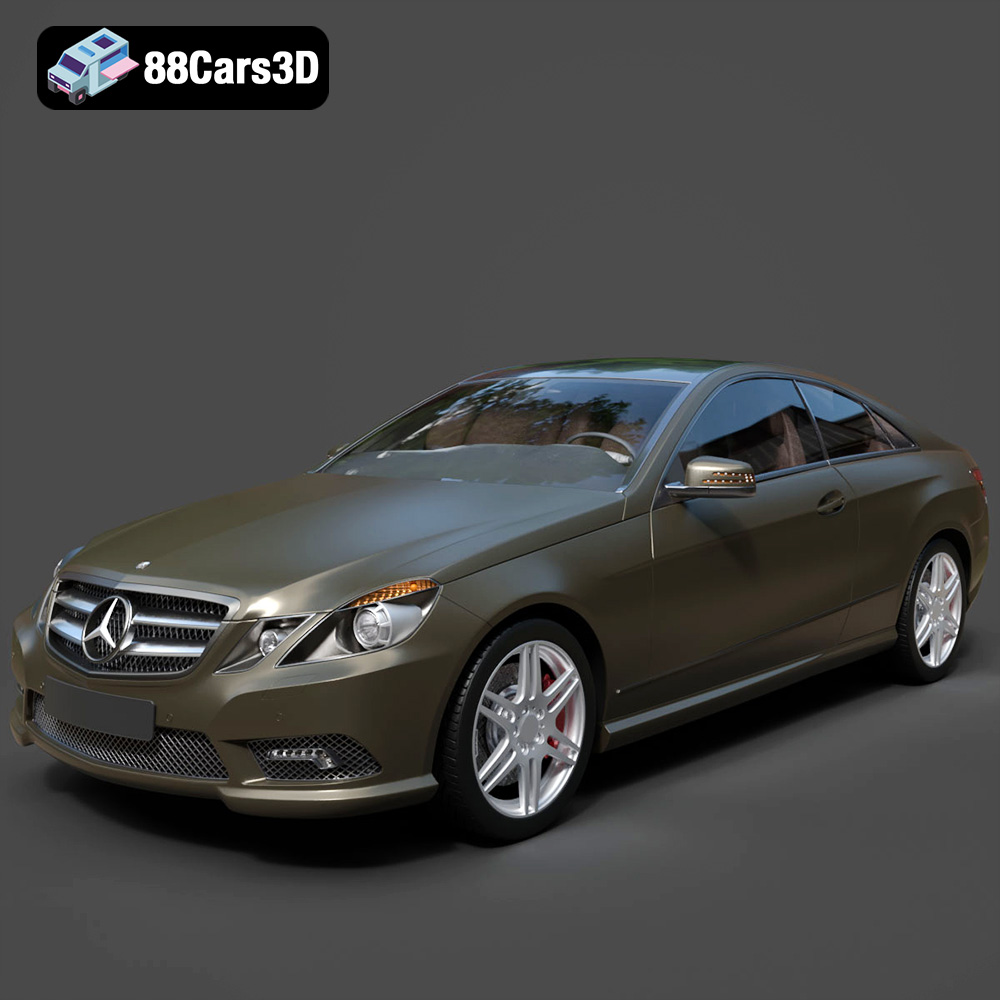
Texture: Yes
Material: Yes
Download the Mercedes-Benz E Coupe 2010 3D Model featuring clean geometry, realistic detailing, and a fully modeled interior. Includes .blend, .fbx, .obj, .glb, .stl, .ply, .unreal, and .max formats for rendering, simulation, and game development.
Price: $4.99
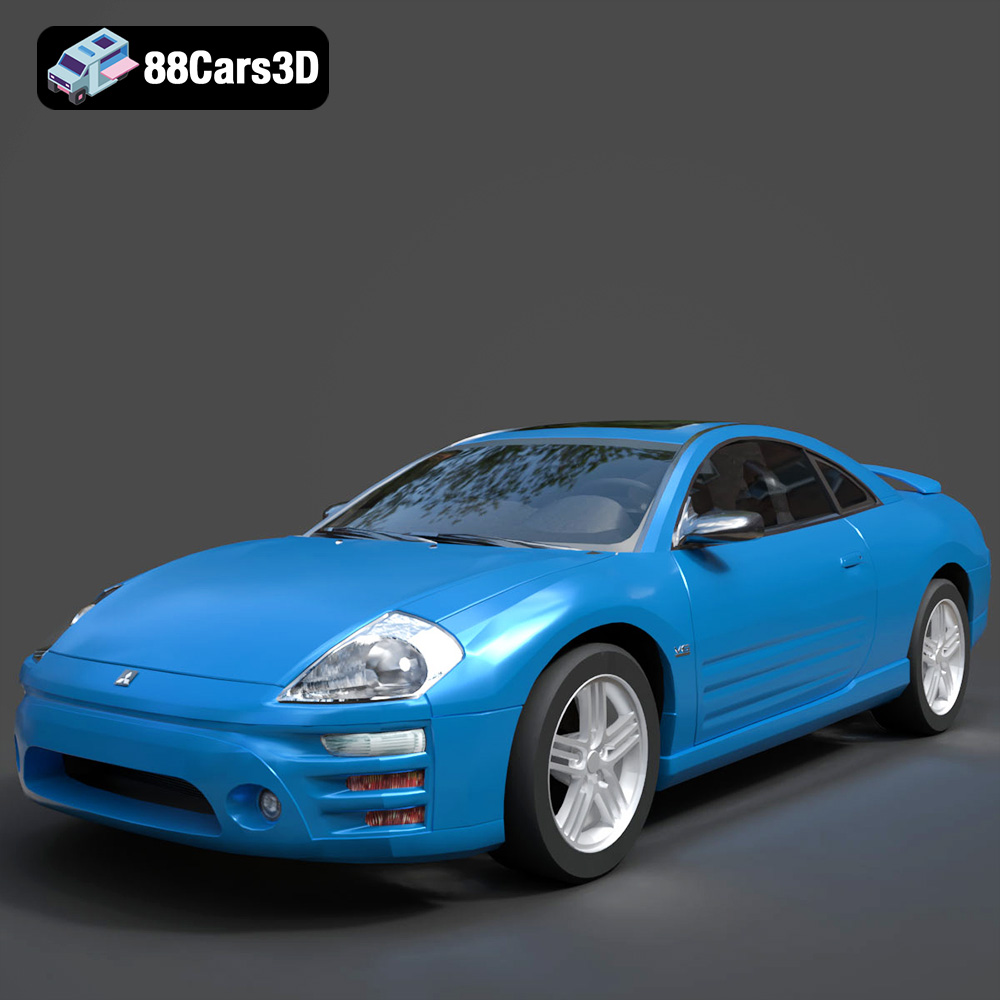
Texture: Yes
Material: Yes
Download the Mitsubishi Eclipse 2005 3D Model featuring clean geometry, realistic detailing, and a fully modeled interior. Includes .blend, .fbx, .obj, .glb, .stl, .ply, .unreal, and .max formats for rendering, simulation, and game development.
Price: $4.99
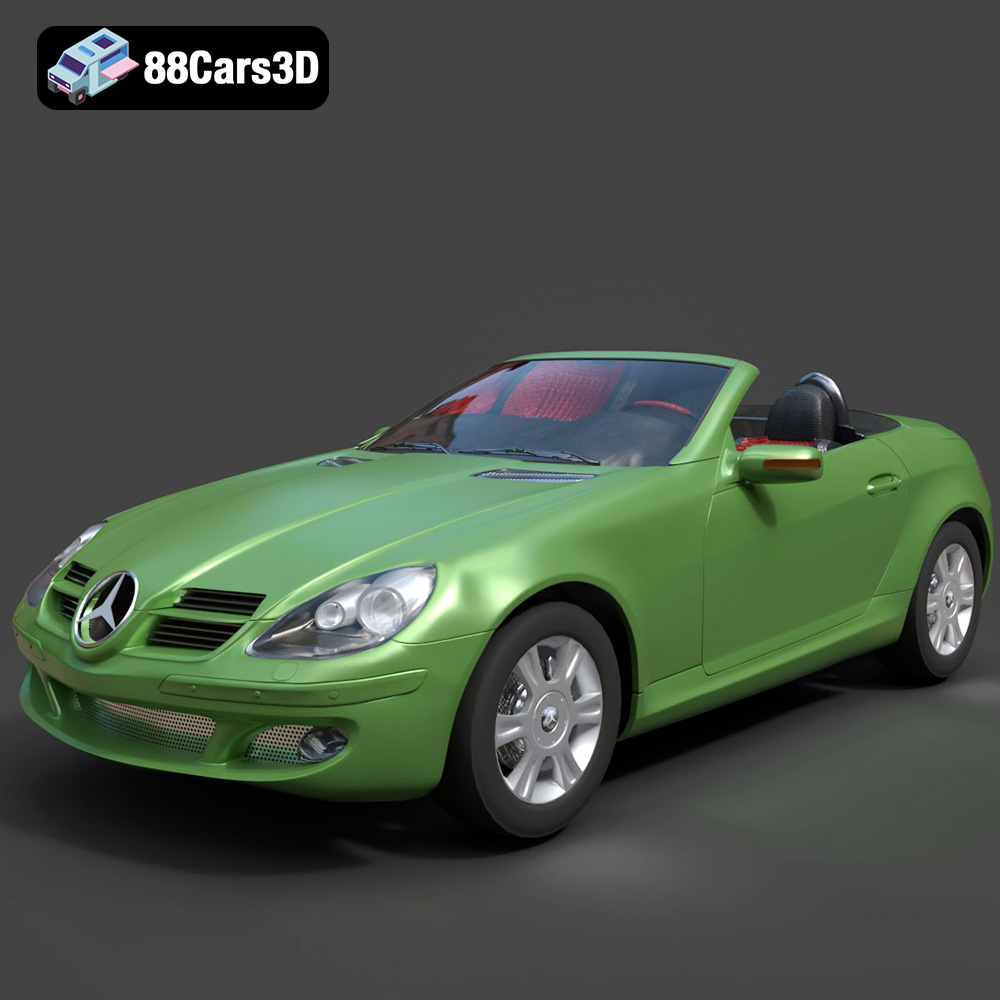
Texture: Yes
Material: Yes
Download the Mercedes-Benz SLK (R171) 3D Model featuring clean geometry, realistic detailing, and a fully modeled interior. Includes .blend, .fbx, .obj, .glb, .stl, .ply, .unreal, and .max formats for rendering, simulation, and game development.
Price: $4.99
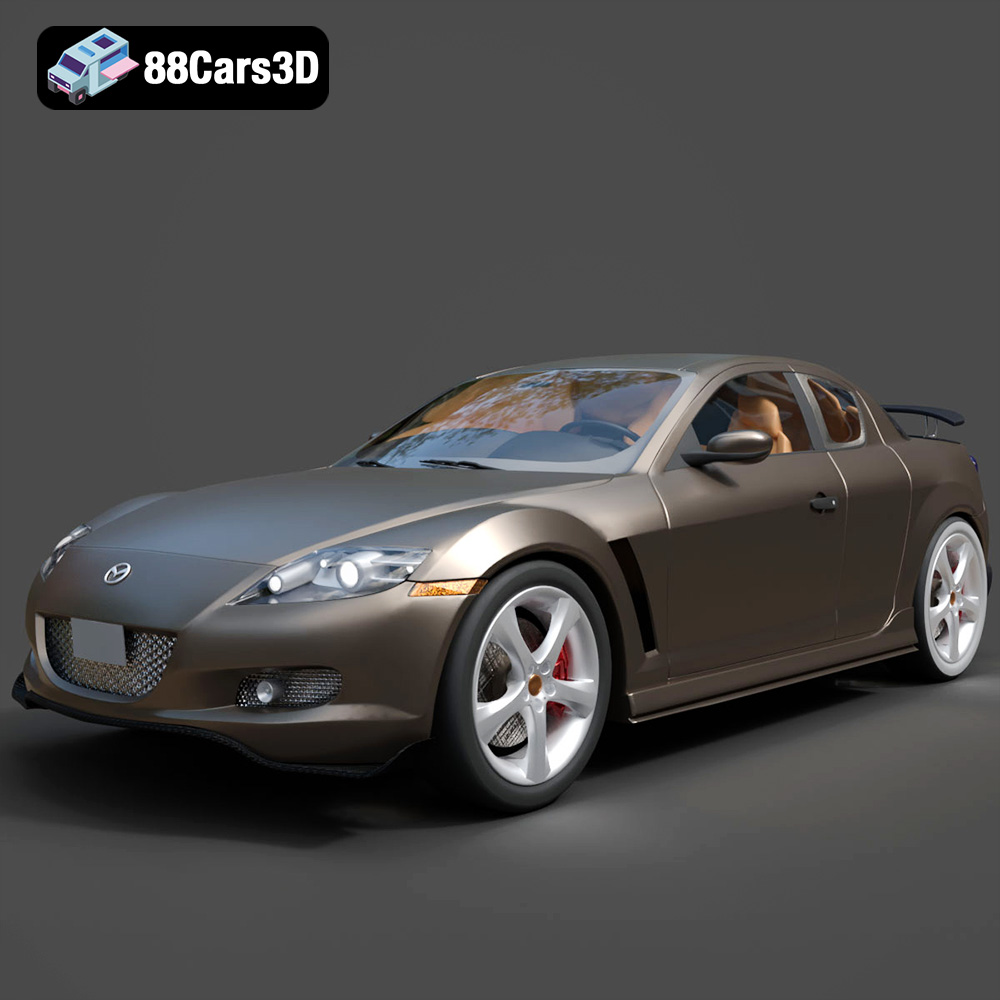
Texture: Yes
Material: Yes
Download the Mazda RX-8 2008 3D Model featuring clean geometry, realistic detailing, and a fully modeled interior. Includes .blend, .fbx, .obj, .glb, .stl, .ply, .unreal, and .max formats for rendering, simulation, and game development.
Price: $4.99

Texture: Yes
Material: Yes
Download the McLaren F1 1992 3D Model featuring clean geometry, realistic detailing, and a fully modeled interior. Includes .blend, .fbx, .obj, .glb, .stl, .ply, .unreal, and .max formats for rendering, simulation, and game development.
Price: $4.99

Texture: Yes
Material: Yes
Download the Mercedes-Benz C-class W203 2006 3D Model featuring clean geometry, realistic detailing, and a fully modeled interior. Includes .blend, .fbx, .obj, .glb, .stl, .ply, .unreal, and .max formats for rendering, simulation, and game development.
Price: $4.99
Texture: Yes
Material: Yes
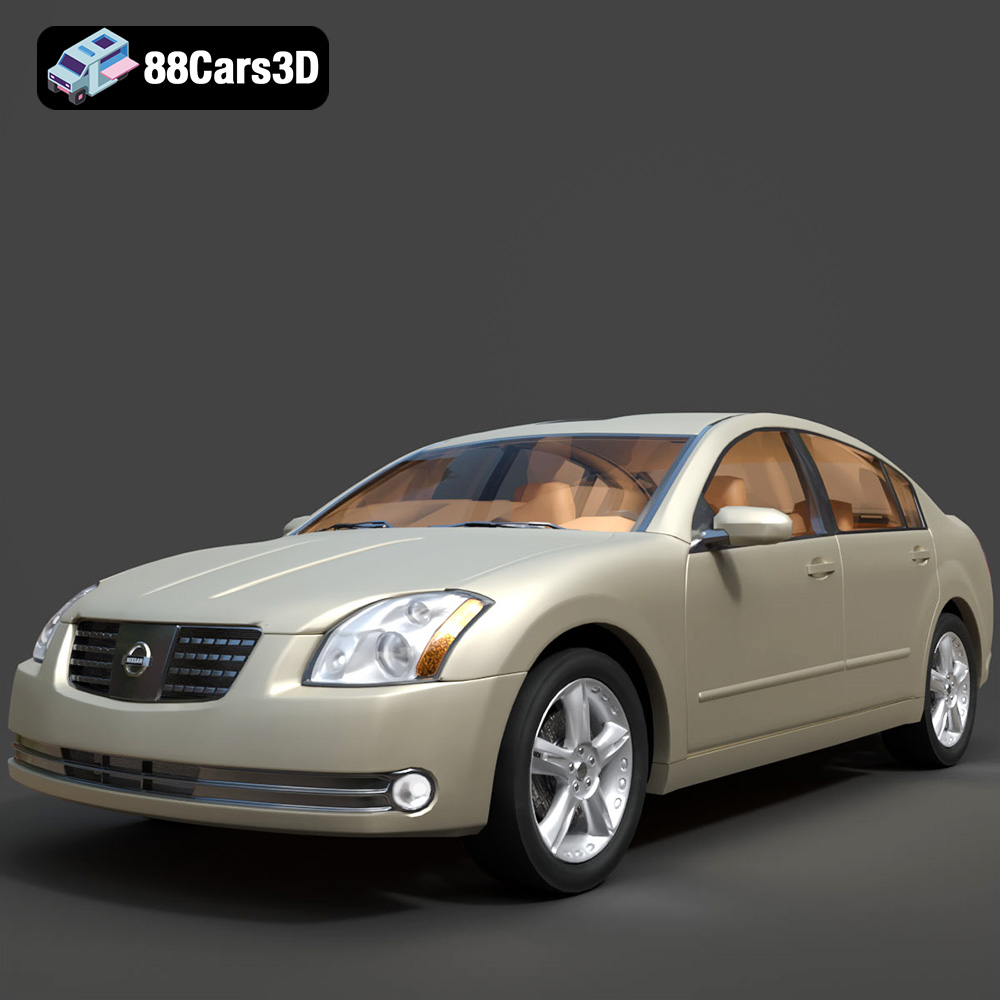
Download the Nissan Maxima-008 2025 3D Model featuring clean geometry, realistic detailing, and a fully modeled interior. Includes .blend, .fbx, .obj, .glb, .stl, .ply, .unreal, and .max formats for rendering, simulation, and game development.
Price: $4.99

