⚡ FLASH SALE: Get 60% OFF All Premium 3D & STL Models! ⚡

In the dynamic world of 3D visualization, realistic 3D car models stand as a cornerstone for countless applications. From breathtaking automotive marketing campaigns and immersive game environments to precise engineering simulations and captivating AR/VR experiences, the demand for high-quality, meticulously crafted vehicle assets is ever-growing. Achieving photorealism and optimal performance with these complex models, however, requires a deep understanding of intricate workflows, advanced technical specifications, and industry best practices. This comprehensive guide delves into the essential aspects of working with 3D car models, providing a roadmap for 3D artists, game developers, automotive designers, and visualization professionals looking to elevate their projects. We’ll explore everything from foundational modeling principles and advanced material creation to rendering techniques, game engine optimization, and diverse real-world applications. Prepare to unlock the full potential of these sophisticated digital assets and transform your creative vision into stunning reality.
The quality of a 3D car model begins with its underlying mesh structure – its topology and edge flow. For automotive models, precision is paramount. A clean, efficient topology ensures not only a visually appealing, smooth surface but also facilitates easier UV mapping, material application, and seamless deformation during animation. Automotive surfaces, with their sleek curves and sharp creases, demand a quadrilateral-dominant mesh (quads) to handle subdivision surfaces effectively. Avoid triangles and N-gons where possible, especially on large, visible surfaces, as they can lead to pinching, rendering artifacts, and difficulty in smoothing. A typical high-quality production car model might range from 200,000 to 1,000,000 polygons, depending on the level of detail (LOD) and intended application. For close-up renders, a denser mesh is acceptable, while game-ready assets will require significant optimization.
Creating clean topology involves more than just using quads; it’s about strategic polygon placement that respects the underlying form and allows for flexibility. Loops of edges should flow along natural contours of the vehicle, such as door seams, panel gaps, wheel arches, and character lines. These edge loops define the form and are crucial for adding detail without disrupting the surface smoothness. For instance, the transition from a flat panel to a curved fender should be handled with evenly spaced edge loops that progressively define the curve. When working with complex curves and intricate details like grilles or emblems, ensure that the mesh density is sufficient to capture these forms without excessive subdivision. Tools like 3ds Max’s Graphite Modeling Tools, Blender’s Retopology tools, or Maya’s Quad Draw allow artists to build precise, clean meshes over existing high-resolution scans or concept sculpts, guaranteeing a solid foundation for any production pipeline. Platforms like 88cars3d.com prioritize models with exemplary topology, ensuring users receive assets that are production-ready.
Edge flow is the directional path of edges across the surface of your model. For automotive designs, correct edge flow is critical for maintaining surface integrity, especially when applying subdivision surface modifiers (like TurboSmooth in 3ds Max or Subdivision Surface in Blender/Maya). Good edge flow guides the smoothing algorithms, preventing unwanted bumps, pinches, or flat spots. Key areas that demand meticulous edge flow include creases, sharp corners, and areas of high curvature. Adding “holding edges” – extra edge loops placed close to a hard edge – helps to sharpen the crease when subdivided, mimicking the real-world manufacturing tolerances of car panels. Furthermore, if the car model is intended for animation (e.g., doors opening, suspension movement), the topology around hinges and joints must be optimized to deform smoothly without stretching or tearing. Paying close attention to how edges meet and merge, often utilizing techniques like pole reduction or strategic edge termination, ensures that the model remains robust and flexible for any future modifications or animations.
Once the 3D car model‘s geometry is solid, the next crucial step is to prepare it for textures and materials. This involves creating precise UV maps and then crafting sophisticated Physically Based Rendering (PBR) materials that accurately simulate how light interacts with various surfaces. Without proper UVs, textures will appear stretched, distorted, or misaligned, ruining the visual integrity. Similarly, PBR materials are essential for achieving photorealistic automotive rendering across different lighting conditions and rendering engines.
UV mapping is the process of flattening the 3D surface of your model into a 2D space, allowing 2D images (textures) to be wrapped around it. For complex automotive surfaces, this requires careful planning. The goal is to minimize distortion, prevent overlapping UVs, and maximize the use of the UV space. Common techniques include projecting UVs from different angles (planar, cylindrical, spherical) and then stitching them together. For car bodies, often a combination of planar projection for large flat areas and cylindrical projection for wheel arches works well. Key areas like doors, hoods, and fenders are typically unwrapped as separate islands to ensure consistent texture density. It’s often beneficial to have a single, large UV map for the main body panels, allowing for high-resolution decals and paint effects across the entire car, while smaller details like headlights, grilles, and interior components can have their own dedicated UV maps or atlas maps. Tools like RizomUV, UVLayout, or the built-in UV editors in 3ds Max, Blender, and Maya provide advanced features for unwrapping, packing, and checking for distortion. A common practice is to utilize 4K or even 8K texture resolutions for high-fidelity car models to capture every detail.
PBR materials are the industry standard for achieving photorealism. Unlike older, artistic-driven material systems, PBR systems simulate the physical properties of light reflection and absorption. For a car model, this means accurately depicting everything from the metallic flake in the paint to the subtle reflections on glass, the dullness of rubber tires, and the intricate weave of interior fabrics. A PBR shader network typically involves several texture maps:
For car paint, specialized PBR setups often include multiple layers: a base coat (color and roughness), a metallic flake layer (normal map and metallic/roughness properties), and a clear coat (glossy reflections with a specific IOR). Glass requires precise transmission and reflection settings, often with a slight tint. Rubber should exhibit low reflectivity and high roughness. Leather and fabric surfaces benefit from tiling normal maps and subtle variations in roughness. Understanding the interplay of these maps and how they translate into a shader network within your chosen rendering software (e.g., Corona Physical Material, V-Ray PBR Material, Blender Cycles Principled BSDF) is crucial for bringing the 3D car model to life with stunning realism.
Rendering is the ultimate stage where all your hard work on modeling, UV mapping, and texturing culminates into a final image. Automotive rendering demands a meticulous approach to lighting, camera settings, and material fine-tuning to achieve photorealism. Different rendering engines offer unique strengths, but the core principles remain consistent for high-fidelity results.
Each rendering engine has its own workflow and nuances for achieving stunning automotive visuals.
Regardless of the engine, the goal is always to mimic real-world lighting conditions and material responses to achieve compelling realism for your 3D car models.
Lighting is perhaps the most critical element in automotive rendering. A well-lit scene can make even a moderately detailed model look incredible, while poor lighting can ruin the best model.
While stunning renders are crucial for visualization, interactive applications like games and AR/VR experiences demand a different set of considerations. Here, performance is paramount, requiring highly optimized game assets that run smoothly in real-time environments without sacrificing visual quality.
Developing 3D car models for game engines like Unity or Unreal Engine requires a strategic approach to optimization. The primary goal is to maintain a high frame rate while delivering visual fidelity.
This ensures that the engine only renders necessary detail, drastically reducing the computational load.
These strategies are fundamental for creating efficient game assets that perform well on target hardware. When sourcing models from marketplaces such as 88cars3d.com, look for descriptions indicating game-readiness and LOD structures.
AR/VR applications push performance limits even further due to the need for stereoscopic rendering (rendering the scene twice, once for each eye) and very high, consistent frame rates (e.g., 90 FPS for comfortable VR).
These tailored optimization techniques ensure that 3D car models provide an immersive and comfortable experience in demanding AR/VR environments.
The utility of 3D car models extends far beyond digital screens. They are indispensable tools in product design, rapid prototyping, and sophisticated marketing visualization, each demanding specific preparation and optimization techniques.
3D printing a car model involves a fundamental shift in perspective from screen-based rendering. Here, the model must be a “watertight” solid object, free of holes or self-intersecting geometry.
Careful preparation in these areas ensures a successful and high-quality physical output for your 3D car model.
Visualization is the art of communicating complex ideas through compelling imagery and animation, and 3D car models are at its heart in the automotive industry.
In all these scenarios, the emphasis is on creating visually impactful and technically accurate representations that serve specific communication goals, often leveraging the same high-quality assets available on platforms like 88cars3d.com.
The journey of a 3D car model often involves multiple software applications and platforms. Understanding various file formats and how to integrate them seamlessly into your workflow is critical for efficiency and ensuring compatibility across different stages of a project.
The 3D industry uses a multitude of file formats, each with its strengths and specific uses. Choosing the right format for exporting and importing your 3D car models is essential.
When acquiring 3D car models, checking for multiple format options ensures maximum flexibility for your projects.
Sourcing high-quality 3D car models can dramatically accelerate your production pipeline. Building models from scratch, especially complex vehicles, is a time-consuming and specialized skill. Leveraging pre-made assets, particularly those found on curated marketplaces, allows artists and developers to focus on creative direction, rendering, and scene assembly rather than repetitive modeling tasks.
Platforms like 88cars3d.com specialize in providing high-quality, production-ready 3D car models in multiple formats, ensuring that artists and developers have access to the resources they need to create stunning visuals and immersive experiences without starting from zero. This strategic approach to asset management is key to successful and efficient 3D production.
The journey through the world of 3D car models reveals a sophisticated interplay of art, technical skill, and strategic optimization. From the foundational principles of clean topology and efficient UV mapping to the intricacies of PBR material creation, photorealistic automotive rendering, and stringent game engine optimization, every step contributes to the final impact and performance of these versatile digital assets. Whether you’re aiming for a breathtaking marketing render, an immersive AR/VR experience, a finely tuned game asset, or even a tangible 3D printing masterpiece, understanding these detailed workflows is essential.
Embracing industry best practices and leveraging the right tools and resources allows professionals to push the boundaries of visualization. High-quality 3D car models are not just static objects; they are dynamic components that drive innovation across various industries. By focusing on precision, performance, and aesthetic fidelity, artists and developers can unlock unparalleled creative potential. Remember that platforms like 88cars3d.com offer a curated selection of these production-ready models, providing an invaluable resource for anyone looking to elevate their projects with exceptional automotive assets. Continue to explore, experiment, and refine your craft, and watch as your digital vehicles accelerate your projects to new heights of realism and engagement.

Texture: Yes
Material: Yes
Download the Mazda MX-5 2025 3D Model featuring clean geometry, realistic detailing, and a fully modeled interior. Includes .blend, .fbx, .obj, .glb, .stl, .ply, .unreal, and .max formats for rendering, simulation, and game development.
Price: $4.99

Texture: Yes
Material: Yes
Download the Nissan Maxima 2009 3D Model featuring clean geometry, realistic detailing, and a fully modeled interior. Includes .blend, .fbx, .obj, .glb, .stl, .ply, .unreal, and .max formats for rendering, simulation, and game development.
Price: $4.99

Texture: Yes
Material: Yes
Download the Mitsubishi Colt 2025 3D Model featuring clean geometry, realistic detailing, and a fully modeled interior. Includes .blend, .fbx, .obj, .glb, .stl, .ply, .unreal, and .max formats for rendering, simulation, and game development.
Price: $4.99
Texture: Yes
Material: Yes
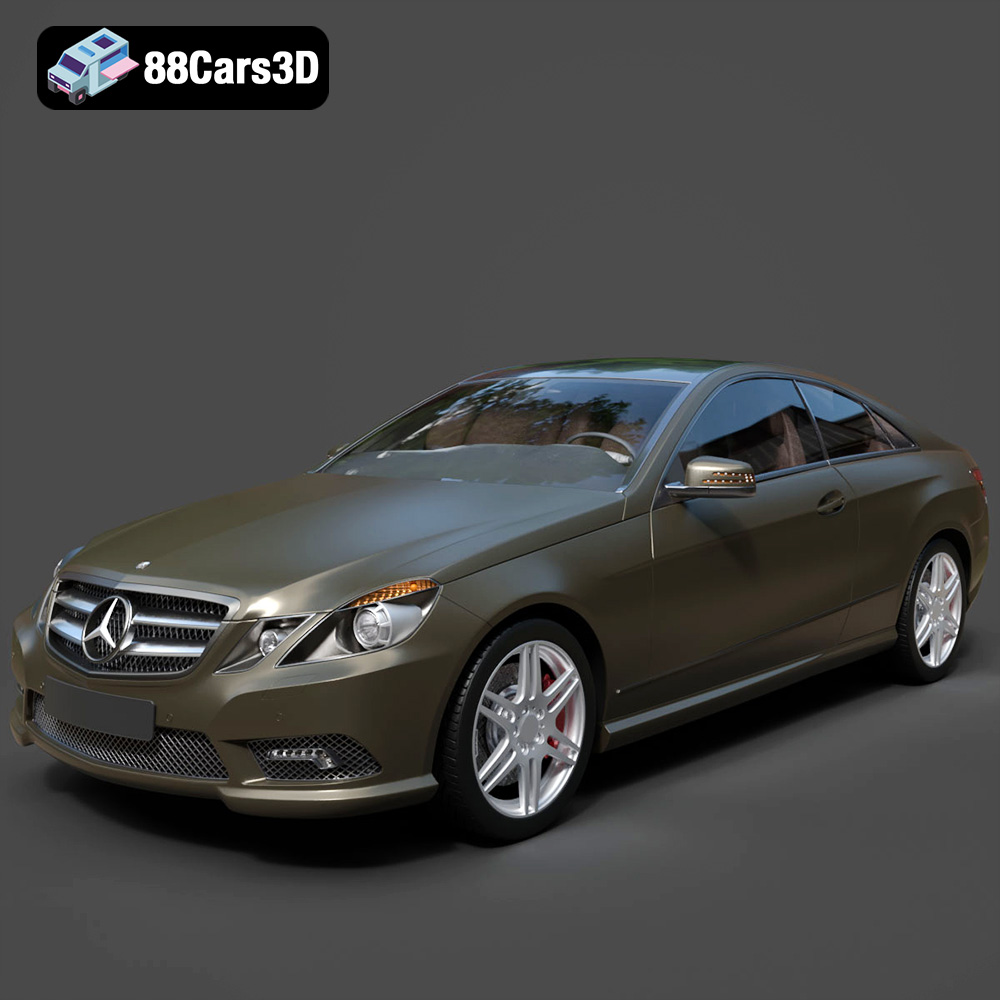
Download the Mercedes-Benz E Coupe 2010 3D Model featuring clean geometry, realistic detailing, and a fully modeled interior. Includes .blend, .fbx, .obj, .glb, .stl, .ply, .unreal, and .max formats for rendering, simulation, and game development.
Price: $4.99
Texture: Yes
Material: Yes
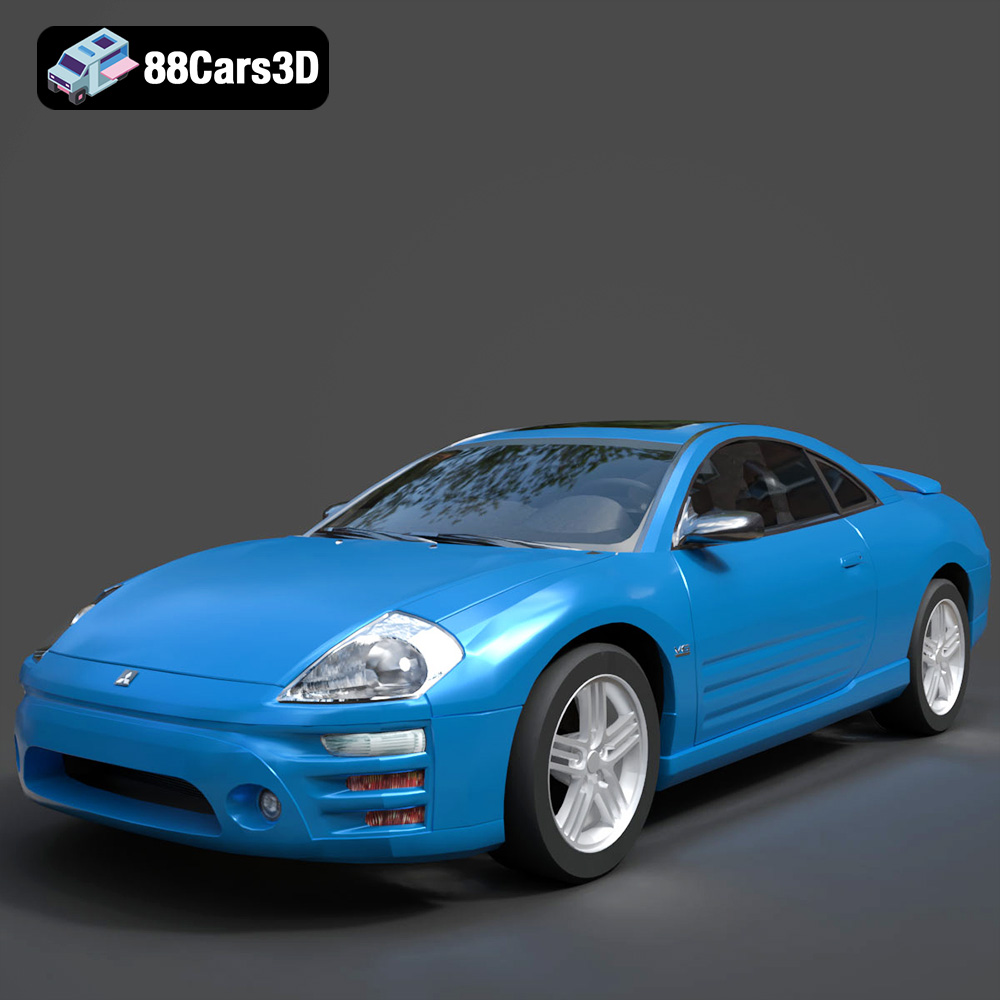
Download the Mitsubishi Eclipse 2005 3D Model featuring clean geometry, realistic detailing, and a fully modeled interior. Includes .blend, .fbx, .obj, .glb, .stl, .ply, .unreal, and .max formats for rendering, simulation, and game development.
Price: $4.99
Texture: Yes
Material: Yes
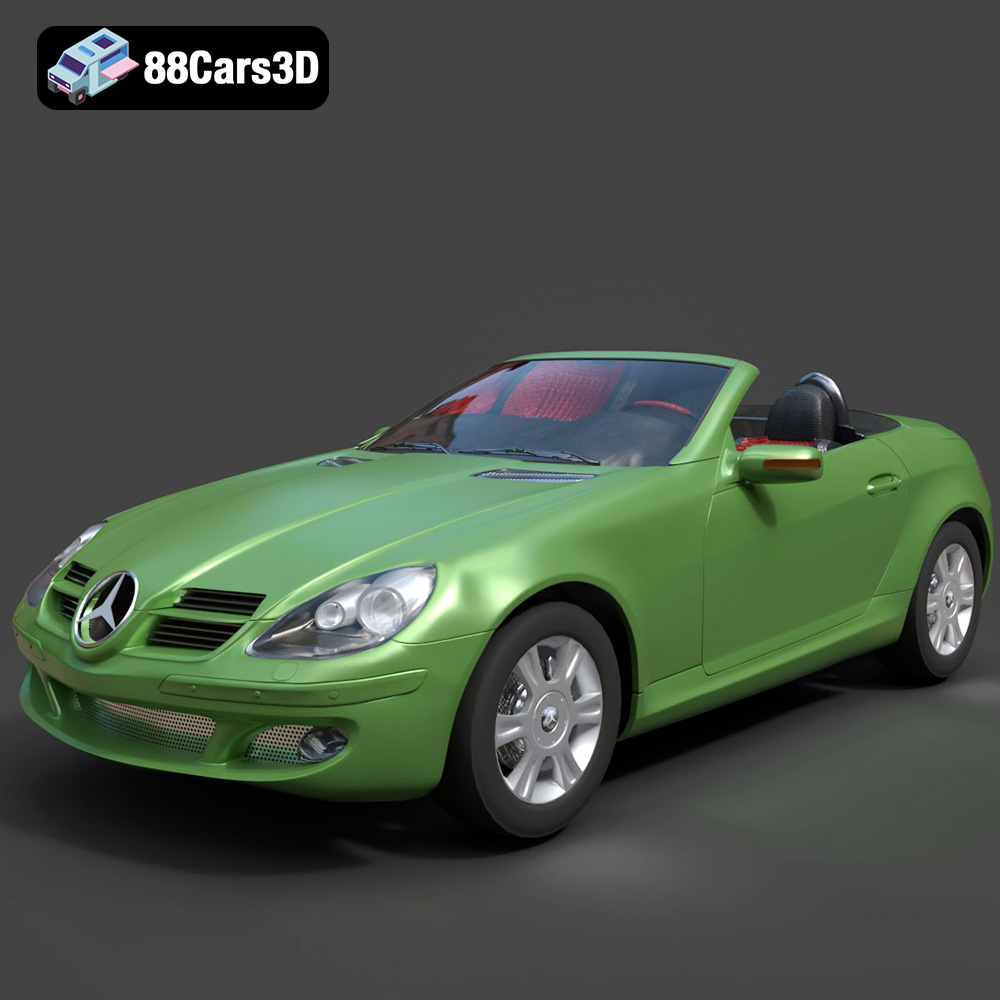
Download the Mercedes-Benz SLK (R171) 3D Model featuring clean geometry, realistic detailing, and a fully modeled interior. Includes .blend, .fbx, .obj, .glb, .stl, .ply, .unreal, and .max formats for rendering, simulation, and game development.
Price: $4.99
Texture: Yes
Material: Yes
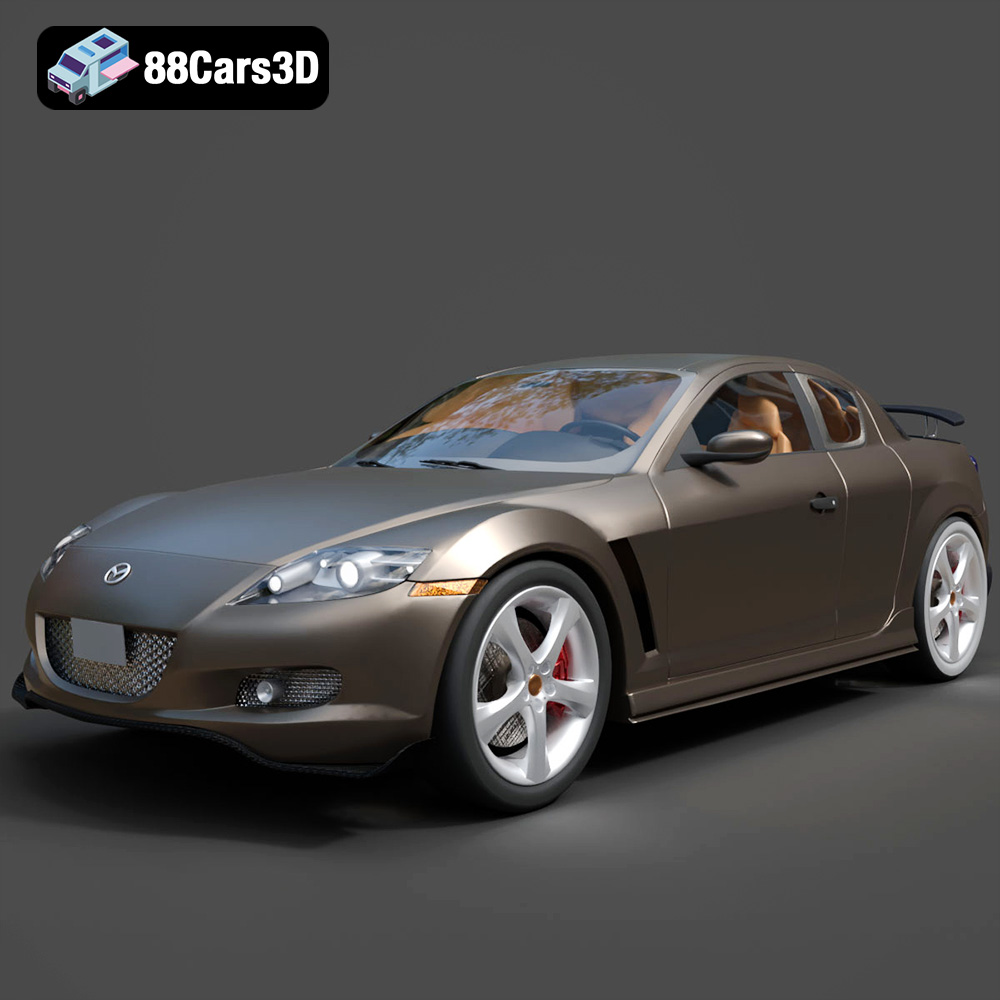
Download the Mazda RX-8 2008 3D Model featuring clean geometry, realistic detailing, and a fully modeled interior. Includes .blend, .fbx, .obj, .glb, .stl, .ply, .unreal, and .max formats for rendering, simulation, and game development.
Price: $4.99

Texture: Yes
Material: Yes
Download the McLaren F1 1992 3D Model featuring clean geometry, realistic detailing, and a fully modeled interior. Includes .blend, .fbx, .obj, .glb, .stl, .ply, .unreal, and .max formats for rendering, simulation, and game development.
Price: $4.99

Texture: Yes
Material: Yes
Download the Mercedes-Benz C-class W203 2006 3D Model featuring clean geometry, realistic detailing, and a fully modeled interior. Includes .blend, .fbx, .obj, .glb, .stl, .ply, .unreal, and .max formats for rendering, simulation, and game development.
Price: $4.99
Texture: Yes
Material: Yes
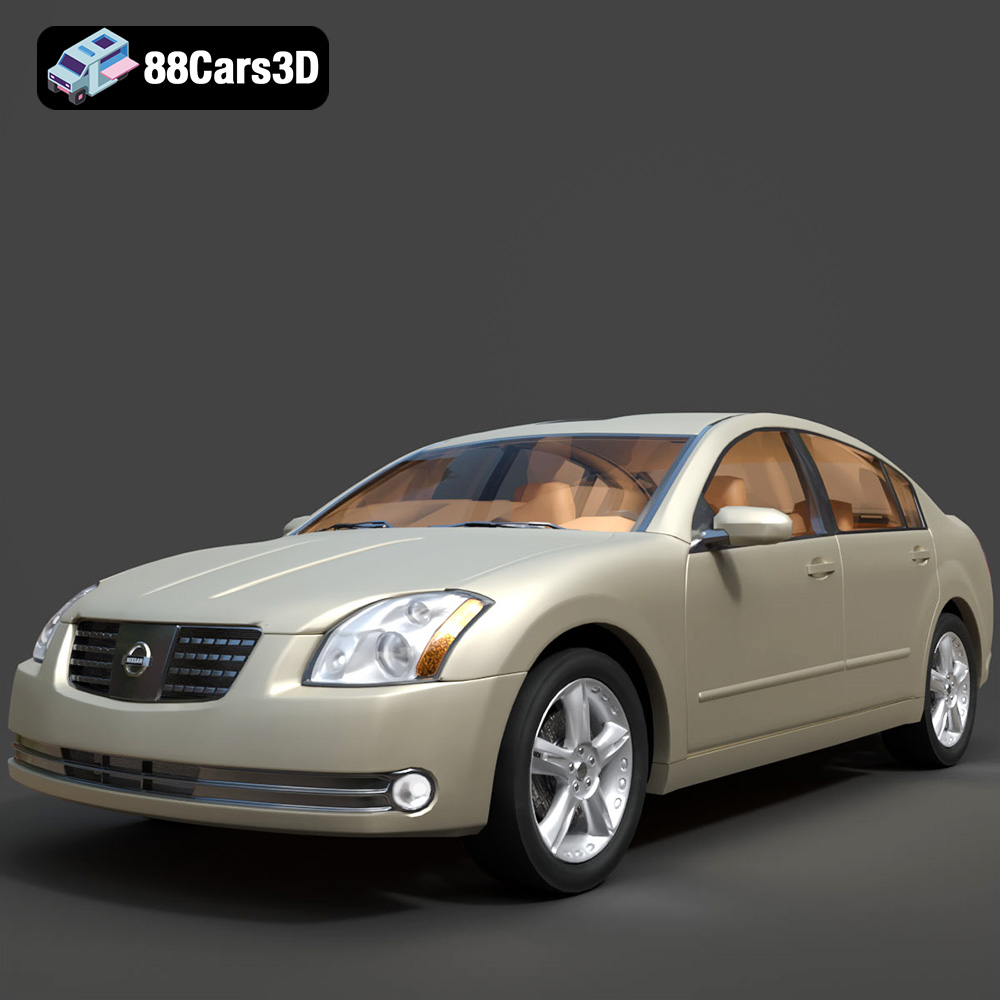
Download the Nissan Maxima-008 2025 3D Model featuring clean geometry, realistic detailing, and a fully modeled interior. Includes .blend, .fbx, .obj, .glb, .stl, .ply, .unreal, and .max formats for rendering, simulation, and game development.
Price: $4.99

