⚡ FLASH SALE: Get 60% OFF All Premium 3D & STL Models! ⚡

The allure of a meticulously crafted 3D car model often lies not just in its sleek exterior, but in the intricate details hidden beneath the surface. For automotive enthusiasts, game developers, and visualization professionals alike, a truly realistic experience demands an equally realistic engine bay. Far from being a mere afterthought, a detailed engine bay elevates a 3D vehicle from a simple prop to a masterpiece of digital engineering. It tells a story of power, precision, and performance, adding immeasurable depth to any project.
Creating these highly detailed engine bays, however, is one of the most challenging aspects of 3D automotive modeling. It requires a profound understanding of complex topology, advanced material authoring, precise UV mapping, and sophisticated rendering techniques. This comprehensive guide will take you through the entire workflow, from initial blueprinting to final rendering and game engine optimization. We’ll delve into the technical nuances of bringing these mechanical marvels to life, ensuring your 3D car models possess an authenticity that captivates and impresses. Whether you’re aiming for breathtaking automotive rendering, optimized game assets, or stunning visualizations, mastering the engine bay is your key to unlocking next-level realism.
The journey to a realistic engine bay begins with a solid foundation in modeling and topology. Unlike exterior car panels that rely on smooth, flowing surfaces, engine bays are a labyrinth of interconnected parts, wires, hoses, and complex mechanical assemblies. Each component demands a precise approach to ensure both visual accuracy and performance efficiency, especially when developing high-quality 3D car models for platforms like 88cars3d.com.
Before touching any polygons, comprehensive reference material is non-negotiable. Gather high-resolution photographs, technical diagrams, exploded views, and even real-world measurements of your target engine. Pay close attention to scale, proportions, and the specific orientation of components. Side-by-side comparisons of different angles will reveal critical details often missed in single shots. Tools like PureRef can be invaluable for organizing your image boards. Start by blocking out major components such as the engine block, transmission housing, air intake, and battery as primary forms. This helps establish the overall layout and scale before diving into finer details. Accuracy here prevents costly rework later and ensures the engine bay fits perfectly within your vehicle’s chassis.
Maintaining clean, efficient topology is paramount. For mechanical parts, this often means prioritizing quad-based geometry, even on seemingly flat surfaces, to facilitate future edits and ensure proper subdivision smoothing. Focus on edge flow that accurately defines the contours and mechanical joints of each part. For cylindrical elements like hoses and pipes, use enough radial subdivisions to make them smooth but avoid excessive density that inflates polygon count unnecessarily. Hard-surface modeling techniques, such as proper use of support loops around sharp edges, are critical for achieving crisp details that hold up under close scrutiny and subdivision. Aim for a balance: sufficient detail where it matters (e.g., bolt heads, hose clamps, cooling fins) without over-modeling areas that will be obscured or are too small to notice. A common poly count for a highly detailed engine bay, without extreme optimization for games, could range from 500,000 to 2 million polygons, depending on the level of micro-detail. In Blender, for instance, careful use of the Bevel modifier with multiple segments can create realistic chamfers and edges without manually adding complex geometry, ensuring smooth transitions. Referencing the official Blender 4.4 documentation on modeling tools and modifiers can provide in-depth guidance on these techniques.
Once the primary forms and clean topology are established, it’s time to add the crucial smaller details that bring an engine bay to life. Bolt heads, threaded connectors, warning labels, and small brackets might seem minor individually, but their collective presence drastically enhances realism. For repeatable elements like nuts and bolts, consider modeling one high-quality version and instancing it throughout the scene to save memory. For organic-looking components or areas with wear and tear, sculpting tools can be highly effective, especially when creating custom displacement maps for engine block textures or subtle imperfections. Leverage procedural modeling with modifiers like Array for repeating patterns, or Boolean operations for cutting precise holes, ensuring cleanup afterward to maintain quad topology. Remember, every visible detail contributes to the overall authenticity, so don’t shy away from adding the small touches that elevate a good model to an exceptional one.
Beyond accurate modeling, the true soul of a realistic engine bay lies in its materials. Physically Based Rendering (PBR) workflows are essential for achieving photorealistic results, accurately simulating how light interacts with various surfaces. From chrome and cast iron to rubber hoses and plastic reservoirs, each material needs careful attention to its PBR properties.
Engine bays are a symphony of different metals: polished chrome, brushed aluminum, cast iron, anodized finishes, and heat-blued steel. Each requires specific PBR values. For metals, the ‘metallic’ parameter should be set to 1, and roughness will dictate how reflective or dull the surface appears. Highly polished chrome will have very low roughness (e.g., 0.05-0.1), while a cast iron block will be rougher (e.g., 0.6-0.8) with a dark base color. Non-metals like plastics, rubber, and painted surfaces will have ‘metallic’ set to 0, and their base color, roughness, and normal maps will define their appearance. Engine plastics often have a subtle sheen; rubber hoses are typically matte. Utilize clear coat maps for painted surfaces to simulate that glossy finish over a base color. Advanced shader networks in renderers like Corona, V-Ray, Cycles (Blender), or Arnold allow for layering different material properties, enabling complex effects like subtle dust accumulation on matte surfaces or oil stains on rubber components. Pay close attention to texture maps: diffuse/albedo, roughness, metallic, normal, and displacement maps are your primary tools. Aim for 4K or even 8K texture resolutions for critical engine parts to hold up in extreme close-ups.
An engine that looks brand new often looks unrealistic. Engine bays accumulate dust, oil, grease, heat discoloration, and wear over time. These imperfections are crucial for realism. Implement grunge maps, ambient occlusion maps, and curvature maps to drive dirt and grime distribution. Blend these layers over your base materials using masks in your shader network. Decals for warning labels, manufacturer logos, and fluid indicators are vital; these can be applied as separate texture planes, projected onto surfaces, or integrated directly into your material’s albedo map. For heat discoloration on exhaust manifolds, use a gradient texture or a procedural texture driven by specific areas, fading from silver to blue and purple. Consider subtle variations in roughness for worn areas where components rub against each other. These subtle narrative elements contribute significantly to the perceived authenticity of your automotive rendering.
Given the sheer number and complexity of engine components, efficient UV unwrapping is critical. Group similar materials or connected parts onto shared UV maps (texture atlases) where possible, to reduce draw calls in game engines. For unique, highly detailed components like the engine block, dedicate individual UV maps. Ensure adequate texel density across all parts – critical components should receive more pixel space than minor, less visible ones. Avoid stretching or overlapping UVs. For repetitive elements like bolts, create a single UV map for one bolt and reuse the texture, or atlas them efficiently. For hard-surface parts with distinct planar surfaces, consider using a combination of planar, box, or cylindrical mapping, then stitching together the resulting UV shells. Tools within your 3D software (e.g., Blender’s UV Editor, 3ds Max’s Unwrap UVW) offer sophisticated features for packing and arranging UV islands efficiently. Good UVs are the foundation for applying high-quality PBR textures and ensuring your models look impeccable.
Even the most meticulously modeled and textured engine bay will fall flat without compelling lighting and rendering. The way light interacts with the multitude of metallic, plastic, and rubber surfaces is what truly brings the scene to life, transforming a static model into a dynamic, visually rich spectacle ready for automotive rendering.
For pristine studio renders, a classic three-point lighting setup is an excellent starting point: a key light, a fill light, and a back/rim light. The key light defines the primary forms, the fill light softens shadows and reveals details in darker areas, and the rim light separates the engine from the background, adding depth. Given the highly reflective nature of many engine components, consider using large, soft area lights or HDRI (High Dynamic Range Image) environments with studio setups to produce pleasing reflections and soft shadows. Multiple smaller lights can be strategically placed to highlight specific details, such as the gleam on a chrome intake manifold or the texture of a rubber hose. Experiment with different light temperatures – slightly cooler tones for a modern, clean look, or warmer tones to suggest heat or a specific mood. For more dramatic renders, consider placing subtle accent lights within the engine bay to pick out hidden details, mimicking real-world inspection lights.
Modern render engines like Corona Renderer, V-Ray, Cycles (Blender), and Arnold offer incredibly powerful physically-based rendering capabilities. Leverage their advanced shader options to create truly complex materials. For example, using a multi-layered material can simulate paint with a clear coat, dirt, and scratches all within one shader. Experiment with volumetric effects for subtle atmospheric haze, especially if the engine bay is depicted in a workshop or garage environment. For realistic glass and transparent liquids (like coolant or oil in a reservoir), ensure your shaders accurately simulate refraction and absorption. Utilize subsurface scattering for certain rubber components to give them a more natural, fleshy appearance. Understanding your chosen renderer’s specific material parameters and render settings (e.g., global illumination, caustics, depth of field) is crucial. For optimal performance in Cycles, Blender users can explore GPU rendering with OptiX or CUDA, and leverage denoising features for faster, cleaner results. Remember to balance render quality with render time; sometimes, a slight compromise in obscure details can drastically improve iteration speed.
The rendering process doesn’t end when the image finishes calculating. Post-processing in tools like Photoshop, Affinity Photo, or even directly within your 3D software’s compositor is where you add the final layer of polish. Essential post-processing steps include color grading to set the mood, adjusting contrast and brightness, adding subtle bloom or glare to highlights, and introducing chromatic aberration for a touch of photographic realism. Vignetting can help draw the eye to the center of the engine bay, while sharpening can bring out fine details. Remember to work with linear color space throughout your rendering and post-processing pipeline to maintain accurate color representation. Non-destructive editing is always preferred, allowing for easy adjustments and experimentation. This final stage is where you can truly make your visualization pop and achieve that magazine-quality look for your engine bay renders.
While photorealistic renders are crucial for marketing and presentation, preparing an engine bay model for real-time environments like game engines demands a different set of considerations. Optimization is key to ensuring smooth performance without sacrificing visual fidelity, making your game assets truly valuable for demanding interactive experiences.
Game engines operate under strict performance budgets. A high-polygon engine bay, while stunning in a cinematic, can cripple frame rates in a game. This is where Level of Detail (LOD) comes into play. Create multiple versions of your engine bay model, each with progressively fewer polygons. For instance, LOD0 might be the full detail model (e.g., 500k-1M polys), LOD1 might be a simplified version (e.g., 100k-200k polys) visible from a short distance, and LOD2 an even simpler mesh (e.g., 20k-50k polys) for distant views or when the engine bay is partially obscured. Implement occlusion culling, where the game engine automatically hides objects that are completely blocked by other geometry, preventing them from being rendered. Critically, reduce draw calls – each unique material or mesh object typically generates one draw call. Consolidate materials and combine meshes wherever possible. For example, atlasing textures (combining multiple textures into one large map) allows many smaller parts to share a single material, drastically reducing draw calls and improving performance. For complex engine bays, even combining parts of the engine block into one mesh can save draw calls.
As mentioned, texture atlasing is a powerful optimization technique. Instead of having dozens of individual 2K or 4K textures for each engine component, combine related textures (e.g., all metal parts, all rubber parts) onto larger, shared texture sheets (e.g., 8K or 16K atlases). This means the GPU only needs to load fewer, larger textures into memory and perform fewer texture lookups. For materials, especially in Unreal Engine or Unity, utilize material instancing. Create a master PBR material, then create instances of it for different parts, only changing parameters like base color, roughness values, or texture inputs. This allows for vast variations in look using a single shader program, significantly reducing compile times and improving rendering performance. Consider baking high-polygon details into normal maps for lower-polygon meshes, giving the illusion of complexity without the geometry overhead. When sourcing models from marketplaces such as 88cars3d.com, always check for optimized versions with LODs and efficient texture sets if your primary use case is game development.
When exporting your optimized engine bay model, the FBX format is almost universally preferred for game engines due to its robust support for mesh, materials, animations, and hierarchical structures. Ensure correct scaling during export (often 1 unit = 1 meter or 1 unit = 1 centimeter, depending on your engine’s settings). For Unity, drag and drop the FBX file into your project, then assign your PBR textures and create materials. For Unreal Engine, import the FBX, and the engine will typically generate materials based on the embedded material definitions, allowing you to then plug in your PBR texture maps. Pay attention to collision meshes – for an engine bay, simplified convex hull collision meshes or even per-poly collision on crucial interactive elements might be necessary, but avoid overly complex collision for non-interactive components. Proper pivot points for any interactive or detachable parts are also essential for smooth integration and scripting. Remember to test your models rigorously in the target game engine to identify and resolve any performance bottlenecks or visual glitches early in the development cycle.
The utility of a high-quality 3D engine bay extends far beyond traditional renders and game environments. With the rise of immersive technologies and advanced manufacturing, these detailed models are becoming invaluable assets in augmented reality, virtual reality, and 3D printing applications, as well as high-fidelity interactive visualizations.
For AR/VR experiences, performance is even more critical than for traditional games, as sustained high frame rates are necessary to prevent motion sickness. This means even more aggressive LODs, simpler shaders, and careful texture atlasing. Consider the potential for user interaction: will users be able to open the hood, zoom in on specific parts, or even disassemble components? Plan for these interactions during the modeling phase by creating discrete, correctly pivoted objects. For AR, file formats like GLB and USDZ are gaining traction due to their ability to embed textures and animations, providing a self-contained asset. For VR, ensure the model is scaled accurately to real-world proportions to enhance immersion. Implement simple, effective collision for user interaction and optimize materials to render quickly within the VR headset’s refresh rate. Visual fidelity should be balanced with performance; a slightly less detailed but perfectly smooth experience is far superior to a highly detailed, janky one in AR/VR. Consider pre-baking lighting into textures for static AR/VR scenes to further reduce real-time rendering overhead.
Transforming a digital engine bay into a physical object via 3D printing requires a different set of considerations. First and foremost, ensure the model is watertight, meaning it has no holes, non-manifold geometry, or inverted normals. Tools for mesh repair (like Blender’s 3D Print Toolbox addon or standalone software like Meshmixer) are essential here. Simplify meshes to a manageable polygon count suitable for the 3D printer’s resolution, often converting smooth surfaces into faceted ones, or using techniques like decimation. Pay attention to wall thickness – ensure all parts are thick enough to be printed without breaking, typically a minimum of 0.8mm to 2mm depending on the material and printer. Separate complex assemblies into multiple interlocking parts for easier printing and assembly. The STL (Standard Tessellation Language) file format is the industry standard for 3D printing, though OBJ and AMF are also widely supported. Remember to check for intersecting geometry that might cause issues in the slicing software. For highly intricate details, consider using resin-based 3D printers, which offer higher resolution compared to filament-based FDM printers.
Beyond entertainment, high-fidelity engine bay models serve critical roles in engineering, education, and marketing. They can be integrated into interactive configurators for automotive sales, allowing customers to explore engine options in real-time. Engineers use them for design reviews, simulations, and demonstrating complex mechanical principles. Educational institutions leverage them for interactive lessons on automotive mechanics. These applications often demand not just visual accuracy but also accurate mechanical functionality. This might involve creating precise hierarchical linkages (parent-child relationships) between components to simulate movement, or integrating external data sources to visualize sensor readings or fluid flow. The ability to isolate specific components, toggle wireframe views, or display exploded views dynamically adds immense value for learning and analysis. High-quality models from platforms like 88cars3d.com often come with clean hierarchies and well-named parts, making them ideal starting points for such detailed interactive visualization projects.
Creating a realistic 3D engine bay is a demanding yet incredibly rewarding endeavor. It’s a true test of a 3D artist’s skill, blending meticulous attention to detail, a deep understanding of mechanical design, and mastery of advanced digital tools. From the foundational challenge of precision modeling and clean topology to the intricate art of PBR material authoring and the scientific rigor of lighting and rendering, every step is crucial for achieving that coveted photorealistic outcome. Furthermore, adapting these complex models for diverse applications, whether it’s optimizing game assets for smooth performance or preparing them for AR/VR and 3D printing, showcases the versatility and technical prowess required in today’s dynamic 3D landscape.
By applying the workflows and technical insights outlined in this guide – focusing on accurate references, efficient UV mapping, sophisticated shader networks, and intelligent optimization strategies – you can elevate your 3D car models to an unparalleled level of realism. Remember that the engine bay is not just a collection of parts; it’s the beating heart of a vehicle, and its digital representation should reflect that significance. Embrace the challenge, refine your techniques, and watch as your automotive projects gain an authentic depth that truly resonates with your audience. For your next project requiring high-quality, meticulously detailed 3D car models, remember to explore reputable sources that provide the foundation for such intricate work.
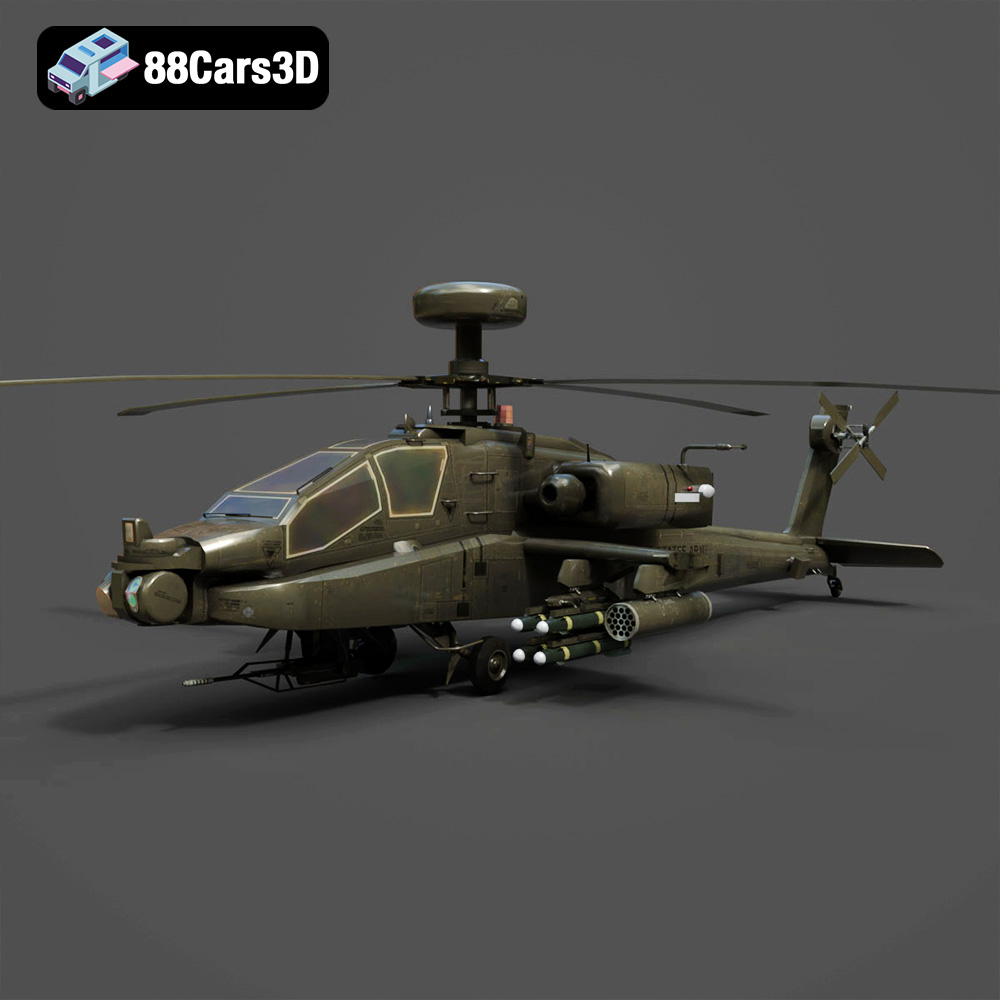
Texture: Yes
Material: Yes
Download the Sikorsky AH-60 Black Hawk Helicopter 3D Model featuring detailed fuselage, fully articulated rotor systems, and cockpit detailing. Includes .blend, .fbx, .obj, .glb, .stl, .ply, .unreal, and .max formats for rendering, simulation, and game development.
Price: $10.79
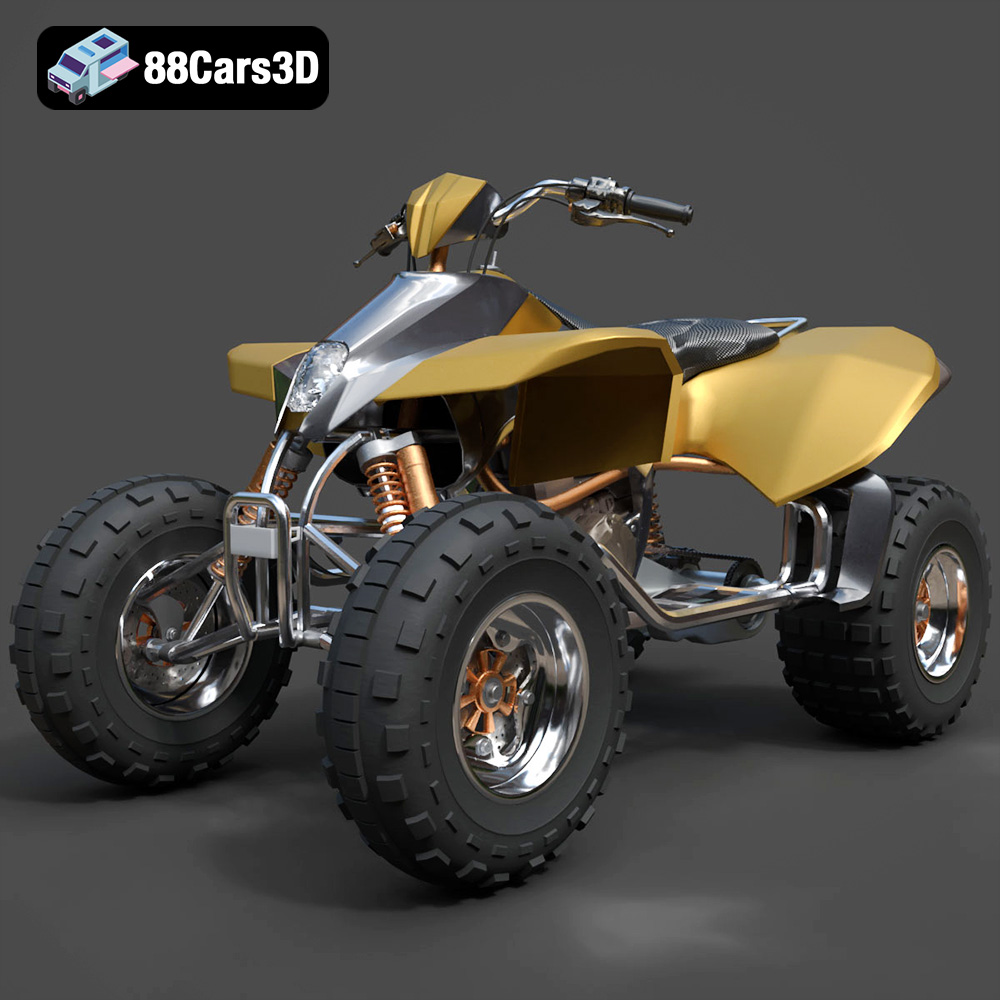
Texture: Yes
Material: Yes
Download the Off-Road Quad ATV 2024 3D Model featuring rugged design and separated components for animation. Includes .blend, .fbx, .obj, .glb, .stl, .ply, .unreal, and .max formats for rendering, simulation, and game development.
Price: $10.79
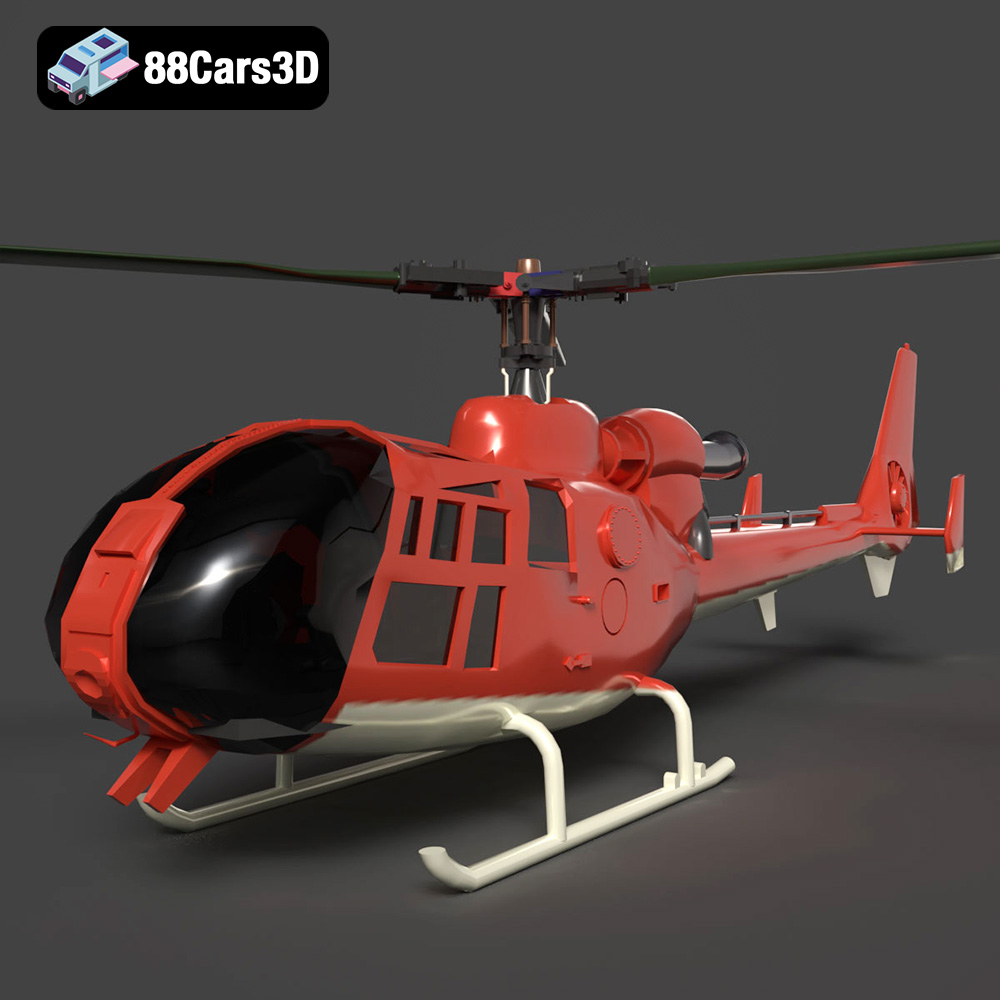
Texture: Yes
Material: Yes
Download the Aerospatiale Gazelle SA 341 3D Model featuring clean geometry, realistic detailing, and a fully modeled interior. Includes .blend, .fbx, .obj, .glb, .stl, .ply, .unreal, and .max formats for rendering, simulation, and game development.
Price: $10
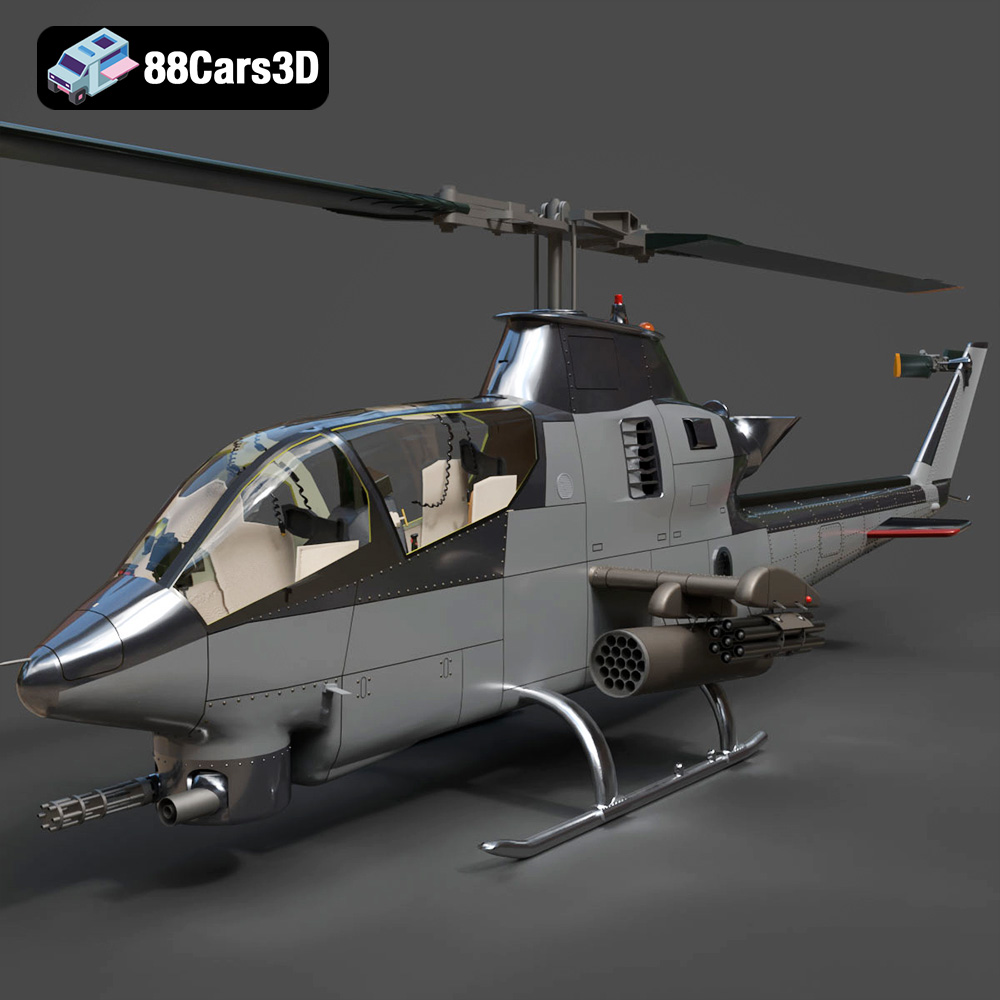
Texture: Yes
Material: Yes
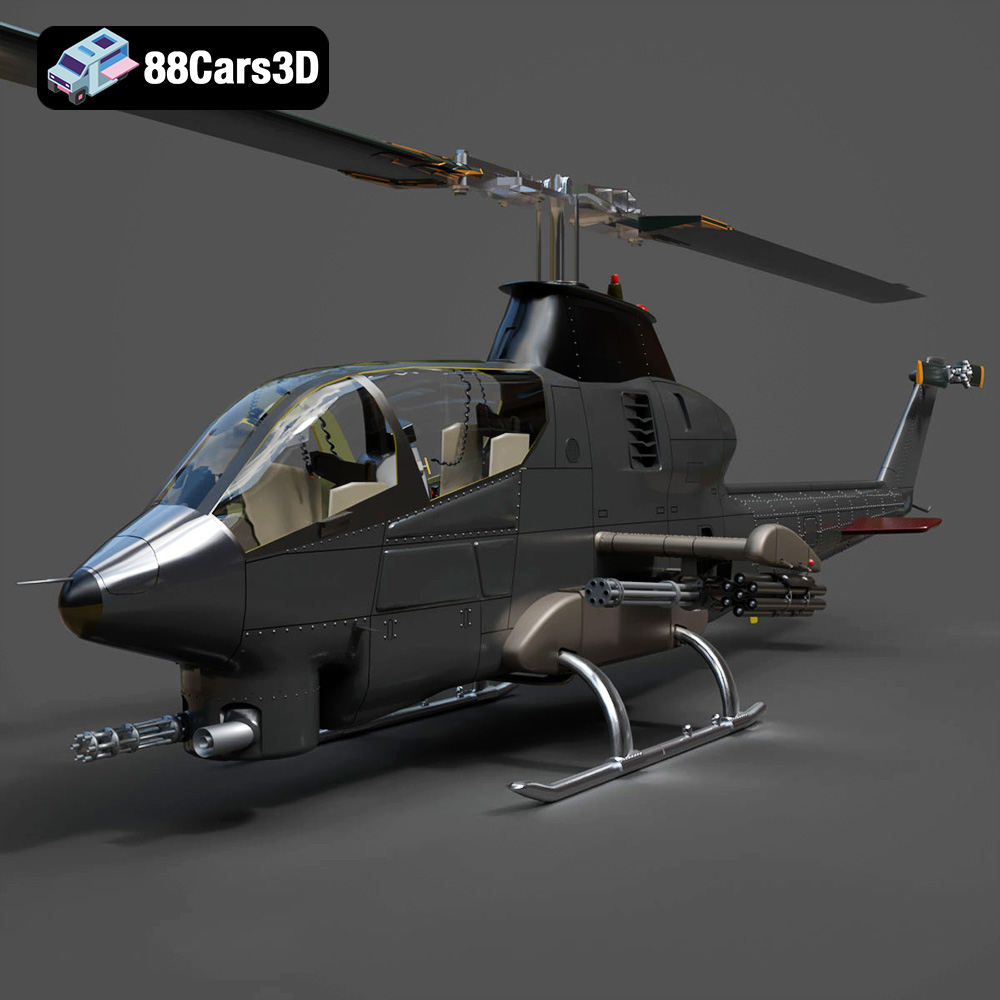
Download the Bell AH-1 Cobra 3D Model featuring detailed rotors, cockpit glass, and external armaments. Includes .blend, .fbx, .obj, .glb, .stl, .ply, .unreal, and .max formats for rendering, simulation, and game development.
Price: $10.79
Texture: Yes
Material: Yes
Download the Vertolety 200GT 2023 Helicopter 3D Model featuring a detailed cockpit, segmented rotor blades, and clean topology. Includes .blend, .fbx, .obj, .glb, .stl, .ply, .unreal, and .max formats for rendering, simulation, and game development.
Price: $10.79
Texture: Yes
Material: Yes
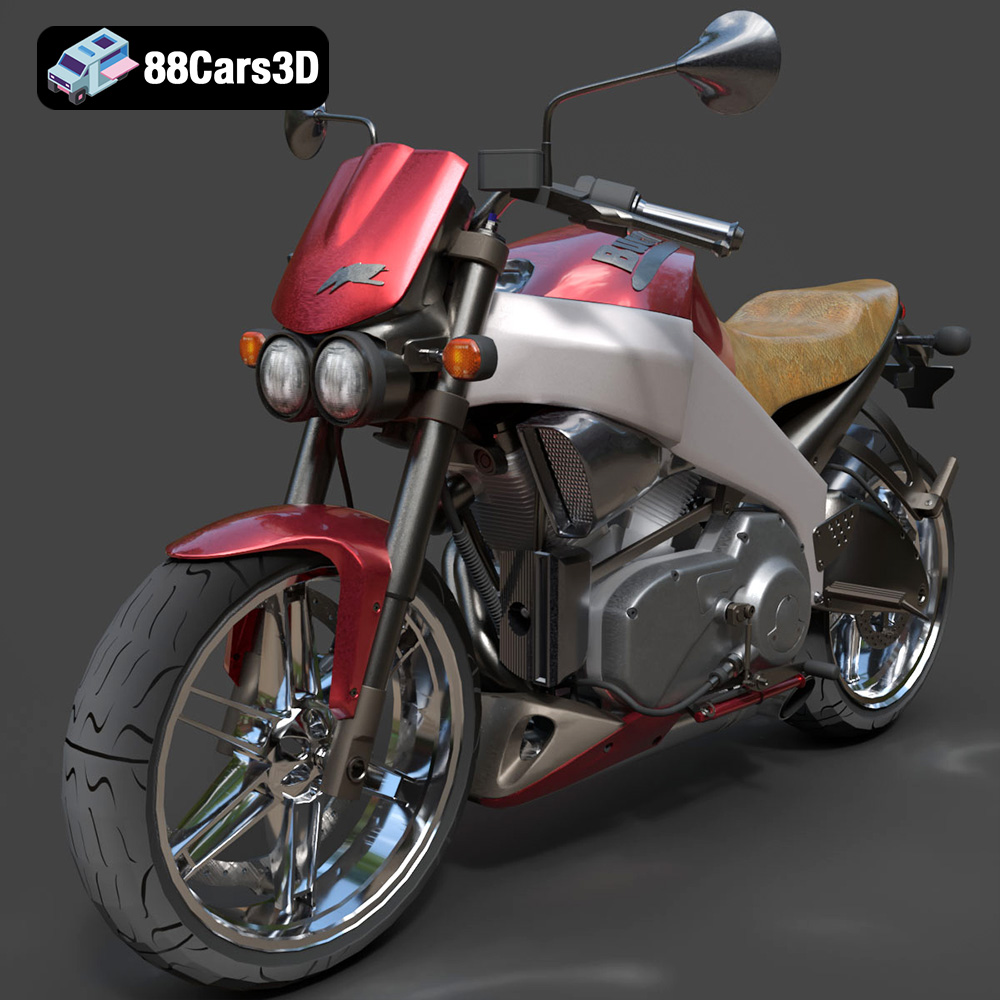
Download the Buell Lightning XB 12S 3D Model featuring aggressive design, detailed V-Twin engine, and animated components. Includes .blend, .fbx, .obj, .glb, .stl, .ply, .unreal, and .max formats for rendering, simulation, and game development.
Price: $10.79
Texture: Yes
Material: Yes
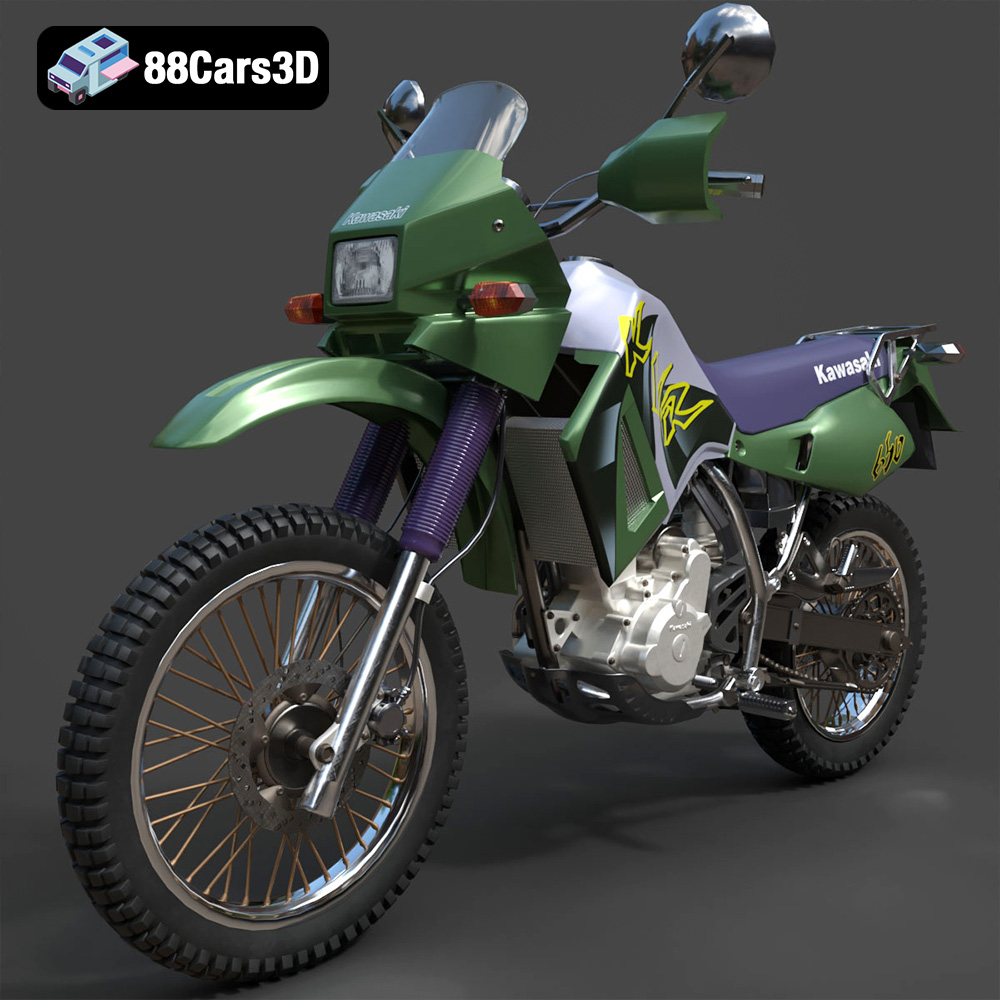
Download the Kawasaki KLR 650 3D Model featuring clean geometry, realistic detailing, and a fully modeled interior. Includes .blend, .fbx, .obj, .glb, .stl, .ply, .unreal, and .max formats for rendering, simulation, and game development.
Price: $10.79
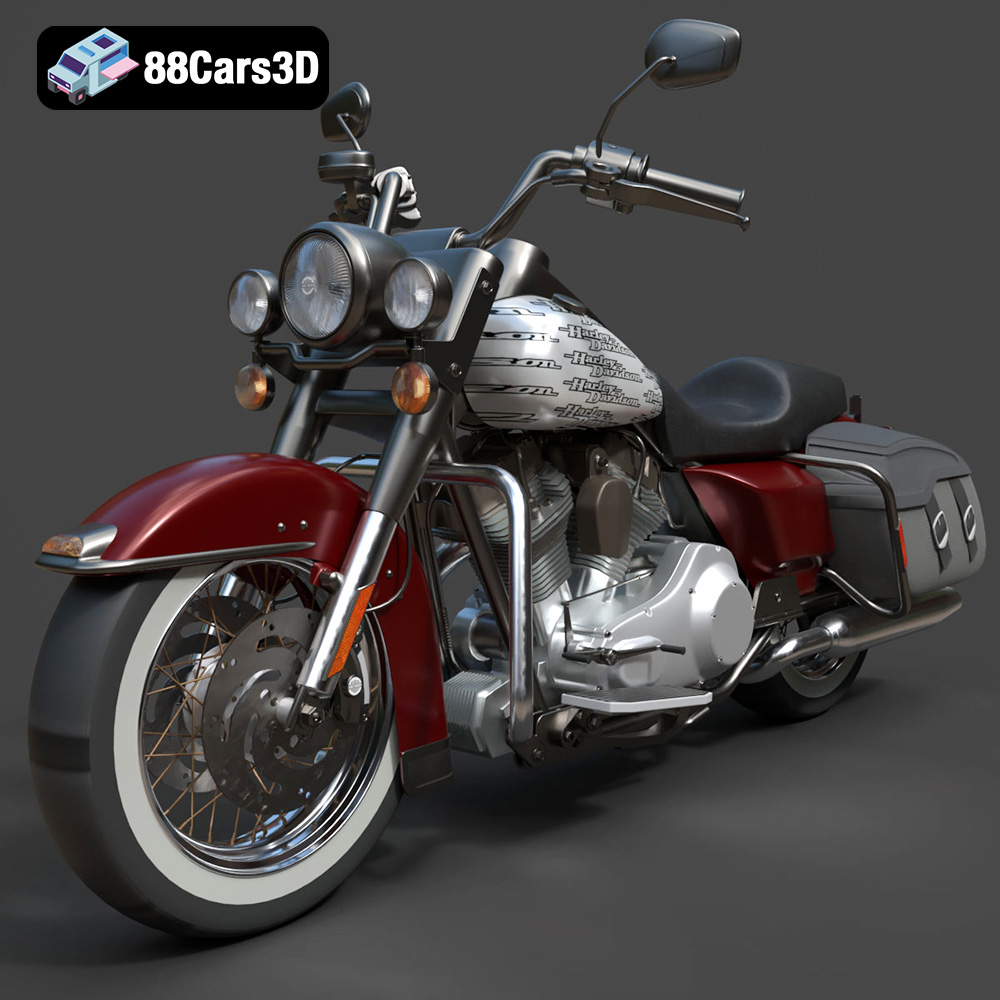
Download the Harley Davidson Road King Classic 2011 3D Model featuring clean geometry, realistic detailing, and a fully modeled interior. Includes .blend, .fbx, .obj, .glb, .stl, .ply, .unreal, and .max formats for rendering, simulation, and game development.
Price: $13.79

Texture: Yes
Material: Yes
Download the Monster 896-005 2024 3D Model featuring clean geometry, realistic detailing, and a fully modeled interior. Includes .blend, .fbx, .obj, .glb, .stl, .ply, .unreal, and .max formats for rendering, simulation, and game development.
Price: $13.49
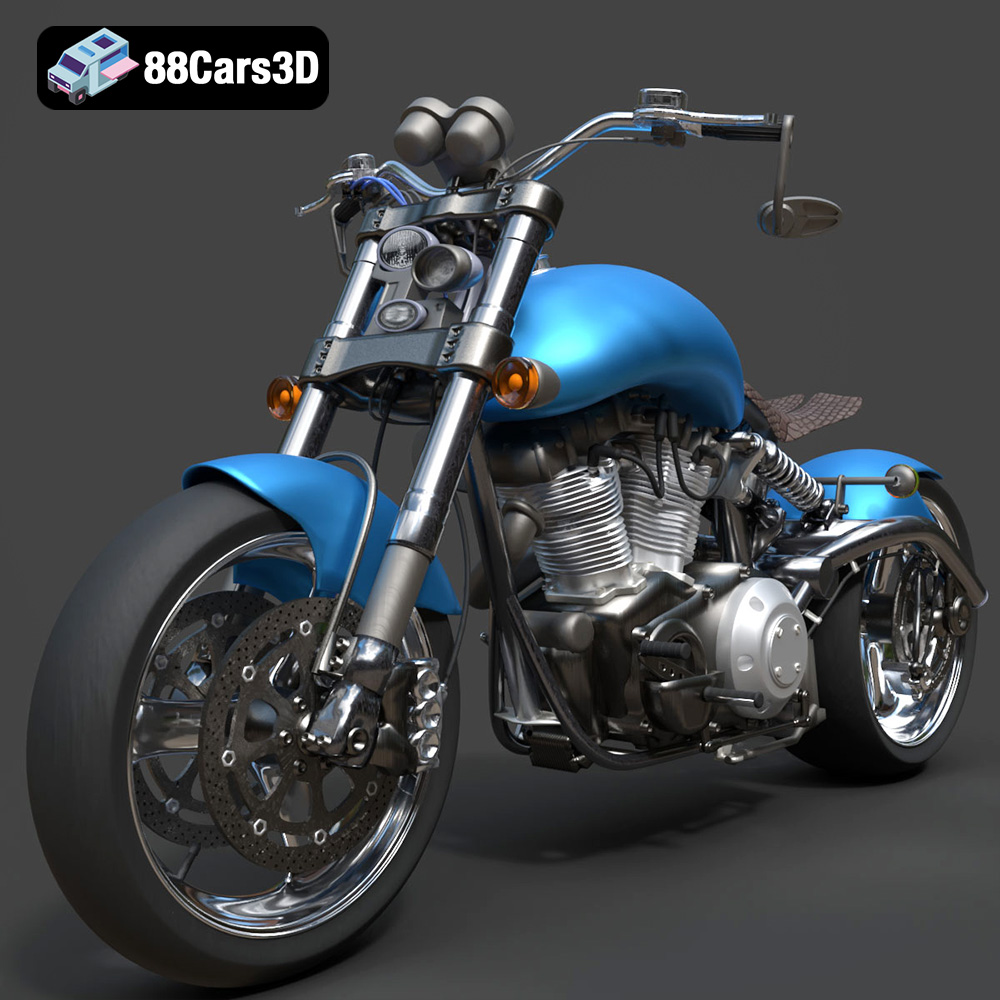
Texture: Yes
Material: Yes
Download the Confederate F131 Hellcat 3D Model featuring clean geometry, realistic detailing, and a fully modeled interior. Includes .blend, .fbx, .obj, .glb, .stl, .ply, .unreal, and .max formats for rendering, simulation, and game development.
Price: $10

