⚡ FLASH SALE: Get 60% OFF All Premium 3D & STL Models! ⚡

In the expansive and ever-evolving landscape of 3D visualization, the demand for meticulously crafted and technically robust assets is paramount. From breathtaking architectural renderings to immersive virtual reality experiences and hyper-realistic game environments, the quality of a 3D model directly dictates the believability and impact of a digital scene. For urban simulations, transport visualizations, or even the backdrop of a thrilling automotive chase, a reliable vehicle asset is not just a prop; it’s a vital component that lends authenticity and scale.
This is precisely where the Generic Modern Bus 3D Model distinguishes itself. Crafted with precision and an eye for both aesthetic realism and technical efficiency, this asset provides a foundational solution for professionals across multiple disciplines. It embodies the pinnacle of high-quality 3D car models available today, designed to seamlessly integrate into the most demanding projects. Whether you’re a seasoned architectural visualizer aiming for flawless urban contexts, a game developer building a bustling metropolis, or an animator seeking dynamic vehicle assets, understanding the intricacies of such a model and its compatible formats is crucial. Let’s delve into the technical depths and diverse applications that make this bus model, and similar assets found on platforms like 88cars3d.com, an essential tool in any digital artist’s arsenal.
The choice of a 3D model file format is not trivial; it directly impacts compatibility, workflow efficiency, and the ultimate utility of an asset across different software and platforms. The Generic Modern Bus 3D Model, for instance, offers a comprehensive suite of formats, each optimized for specific use cases. Navigating these options effectively is a hallmark of professional-grade 3D car models.
The .blend format represents a complete Blender project file. This is often the preferred choice for users deeply integrated into the Blender ecosystem. A .blend file typically includes the mesh data, materials, textures, lighting setups, cameras, animation data, and even modifiers, all contained within a single package. For the Generic Modern Bus, receiving it in .blend format means instant access to a ready-to-render scene, complete with Cycles or Eevee-ready materials, organized collections, and potentially even rigging for doors or wheels. This offers maximum flexibility for further editing, customization, and scene assembly directly within Blender.
As a proprietary format developed by Autodesk, .fbx (Filmbox) has become an industry-standard for interoperability, particularly in game development and animation. It excels at transferring 3D model data, including geometry, materials (with texture references), cameras, lights, and crucially, animation data (skeletal animation, morph targets). For assets like our bus, an .fbx file is invaluable for importing into game engines like Unreal Engine and Unity, or other 3D applications. It efficiently encapsulates the model’s hierarchy, pivots (essential for animating doors and wheels), and UV mapping, making it a robust choice for real-time environments where performance and precise data transfer are critical.
The .obj (Wavefront Object) format is one of the most widely supported and truly universal 3D data formats. It primarily stores geometric data – vertices, vertex normals, texture coordinates, and faces – along with references to external material files (.mtl) that define surface properties and texture maps. While .obj does not support animation, it is an incredibly reliable format for transferring static mesh data between virtually any 3D software, from Maya and 3ds Max to ZBrush and SketchUp. Its simplicity makes it a robust choice when maximum compatibility is required, ensuring that the core mesh of the Generic Modern Bus can be accessed and manipulated regardless of the software pipeline.
.glb (GLB, or GL Transmission Format Binary) is a modern, compact, binary version of glTF, optimized for efficient loading and display of 3D scenes and models in web browsers, augmented reality (AR), and virtual reality (VR) applications. A .glb file embeds all assets, such as textures and animations, directly within a single file, reducing HTTP requests and streamlining delivery. For the Generic Modern Bus, a .glb variant would be perfect for embedding a navigable 3D preview on a website, integrating it into an AR app for real-world context, or deploying it in lightweight VR experiences where fast load times are paramount.
.stl (Stereolithography) is the de facto standard format for 3D printing. It represents a 3D model as a series of connected triangles, describing only the surface geometry of an object without color, texture, or other properties. While not suitable for rendering or animation, the .stl format is critical for physical prototyping and manufacturing. Converting the Generic Modern Bus 3D Model to .stl allows for the creation of physical scale models, rapid prototyping of design iterations, or even the fabrication of custom parts, demonstrating the versatility of the digital asset beyond screen-based applications.
The .ply (Polygon File Format, or Stanford Triangle Format) is another format primarily used for storing 3D data from 3D scanners, CAD applications, and scientific visualization. It can store a variety of properties beyond simple geometry, including color, transparency, surface normals, and even confidence values. While less common for general asset exchange than .fbx or .obj, .ply files are valuable for applications requiring high precision or complex data analysis, such as reverse engineering, quality control, or academic research involving the detailed structure of an object like our bus model.
The .unreal designation typically refers to assets that are provided directly as an Unreal Engine project file or package, ready for immediate integration. This means the Generic Modern Bus has been pre-configured within Unreal Engine, potentially including optimized meshes (LODs), collision models, material instances, and even blueprint setups. This dramatically reduces setup time for Unreal Engine developers, ensuring that the model is already correctly scaled, textured, and performs optimally within the engine’s real-time rendering pipeline. This “plug-and-play” capability is a significant advantage for fast-paced game development or simulation projects.
Finally, the .max format is the native file type for Autodesk 3ds Max, a powerful 3D modeling, animation, and rendering software. Similar to a .blend file for Blender, a .max file contains the entire scene data, including geometry, materials (V-Ray, Corona, Arnold), lighting, cameras, animation keyframes, and modifiers. For professionals working in architectural visualization, automotive rendering, or cinematic animation, the .max file of the Generic Modern Bus provides the most complete and editable version, allowing for advanced rendering setups, complex animation sequences, and intricate scene compositions using the full suite of 3ds Max tools.
A truly exceptional 3D asset like the Generic Modern Bus 3D Model isn’t just about good looks; it’s about intelligent construction and technical foresight. Every polygon, every material property, and every organizational decision contributes to its versatility and performance. This is what distinguishes high-quality 3D car models from generic placeholders.
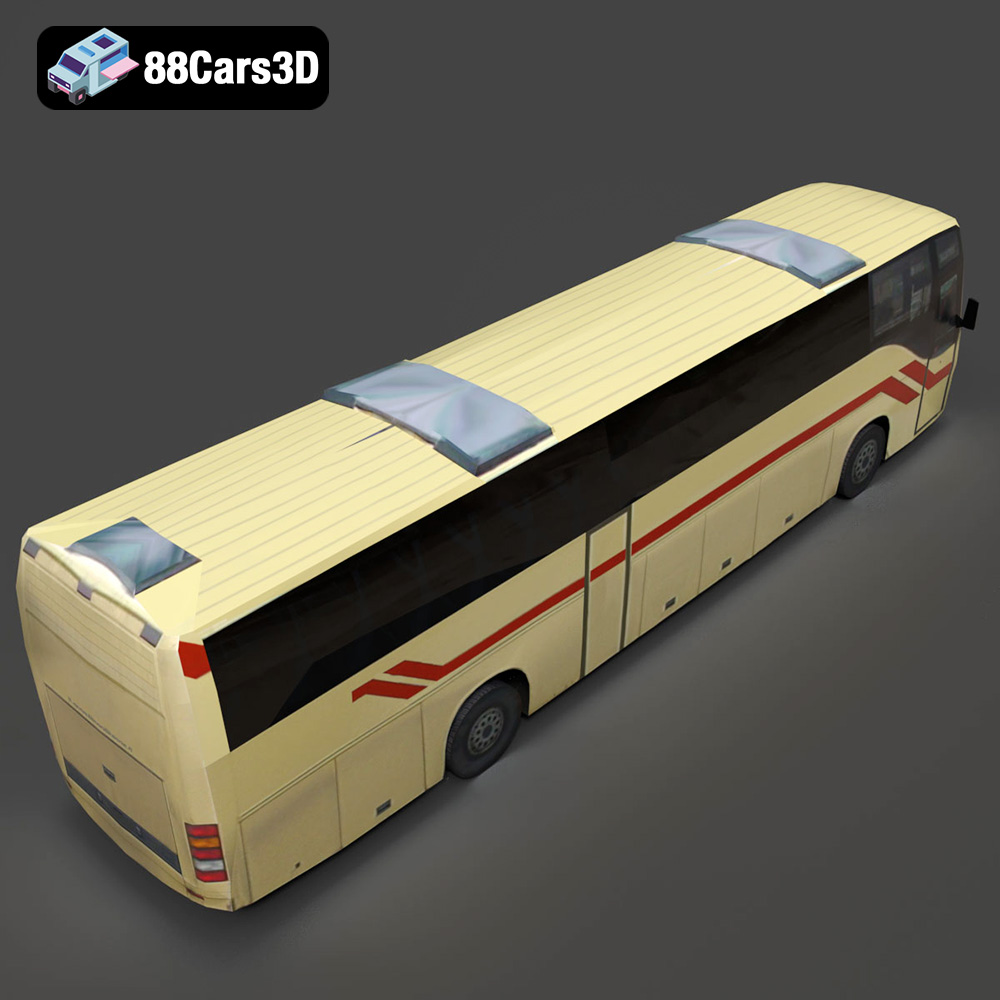
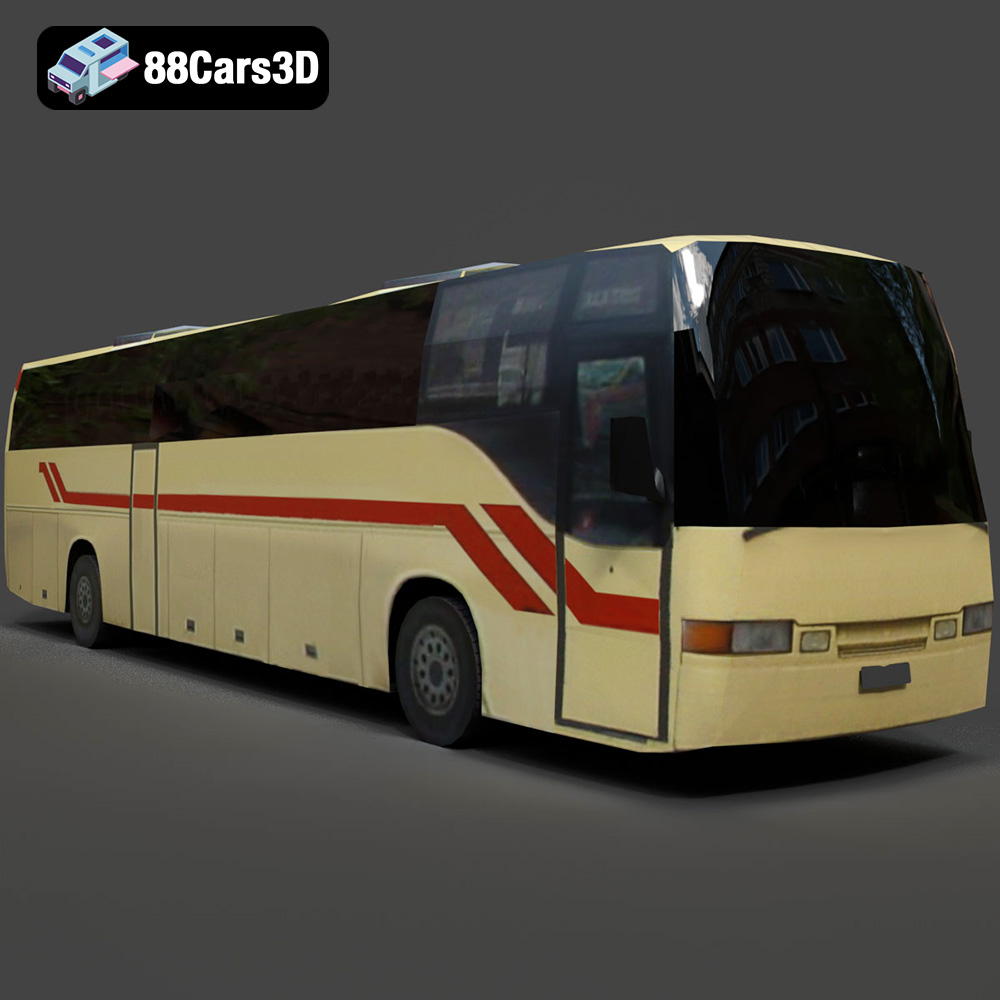
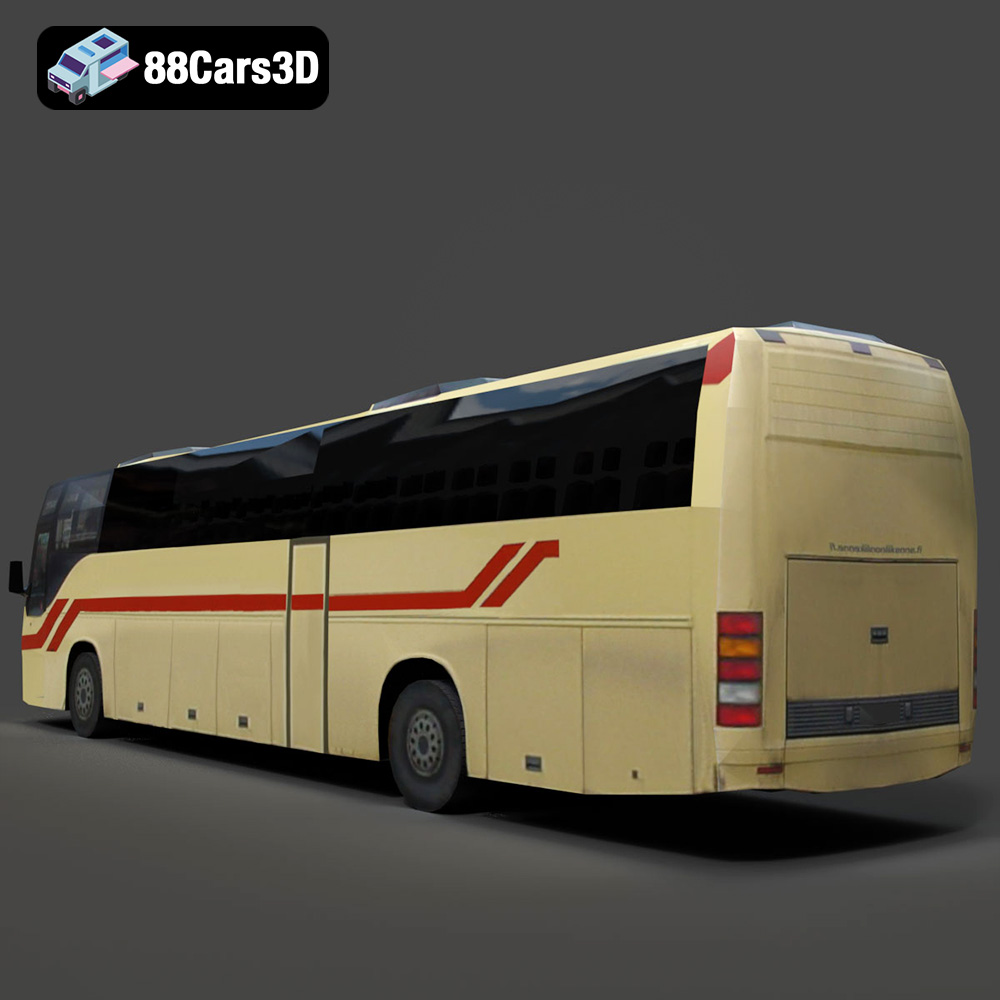
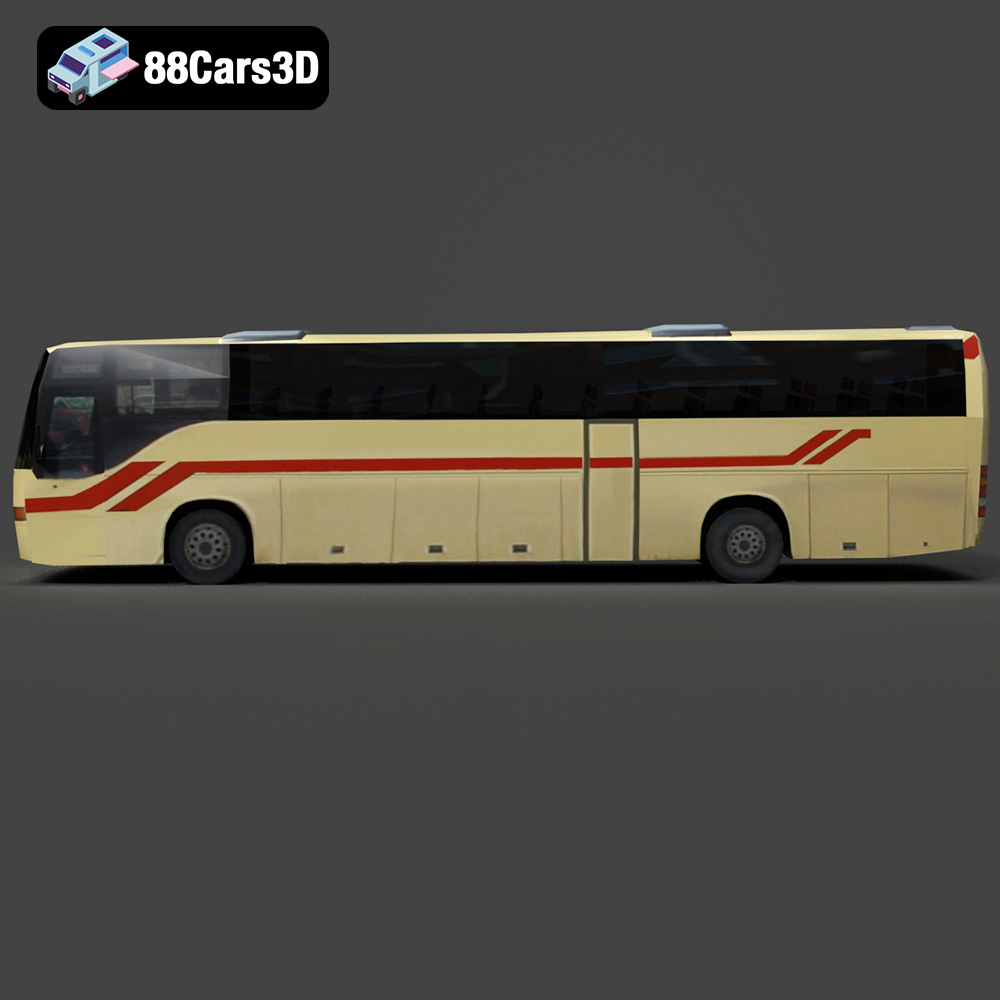
The exterior of the bus is where its identity truly shines. The model features accurate body panels with smooth curves and sharp edges, essential for capturing light realistically and avoiding visual artifacts. Crucially, details like headlights, taillights, and indicator lamps are rendered with transparent materials, ensuring authentic light refraction and emission. The wheels and tires are not mere cylinders; they include realistic tread patterns, adding another layer of visual fidelity. Furthermore, elements like separated doors and windows are not just aesthetically pleasing but are prepared for animation workflows, with correctly set pivots. Integrated mirrors, wipers, and roof-mounted details complete the realistic appearance, making it suitable for close-up shots and high-resolution automotive rendering.
While the exterior provides the overall silhouette, a detailed interior elevates the model from a simple prop to a functional environment. The Generic Modern Bus includes a detailed driver’s cockpit with a dashboard, steering wheel, and controls, providing an immersive experience for simulations or first-person views. Passenger seating and standing areas with grab handles create a convincing public transport environment. The thoughtful inclusion of accessible entrance/exit points and internal lighting fixtures further enhances realism, vital for architectural visualization walkthroughs or game scenarios. Importantly, the optimized mesh quality for the interior ensures that it holds up for both distant and close-up interior shots without excessive poly counts, balancing detail with performance.
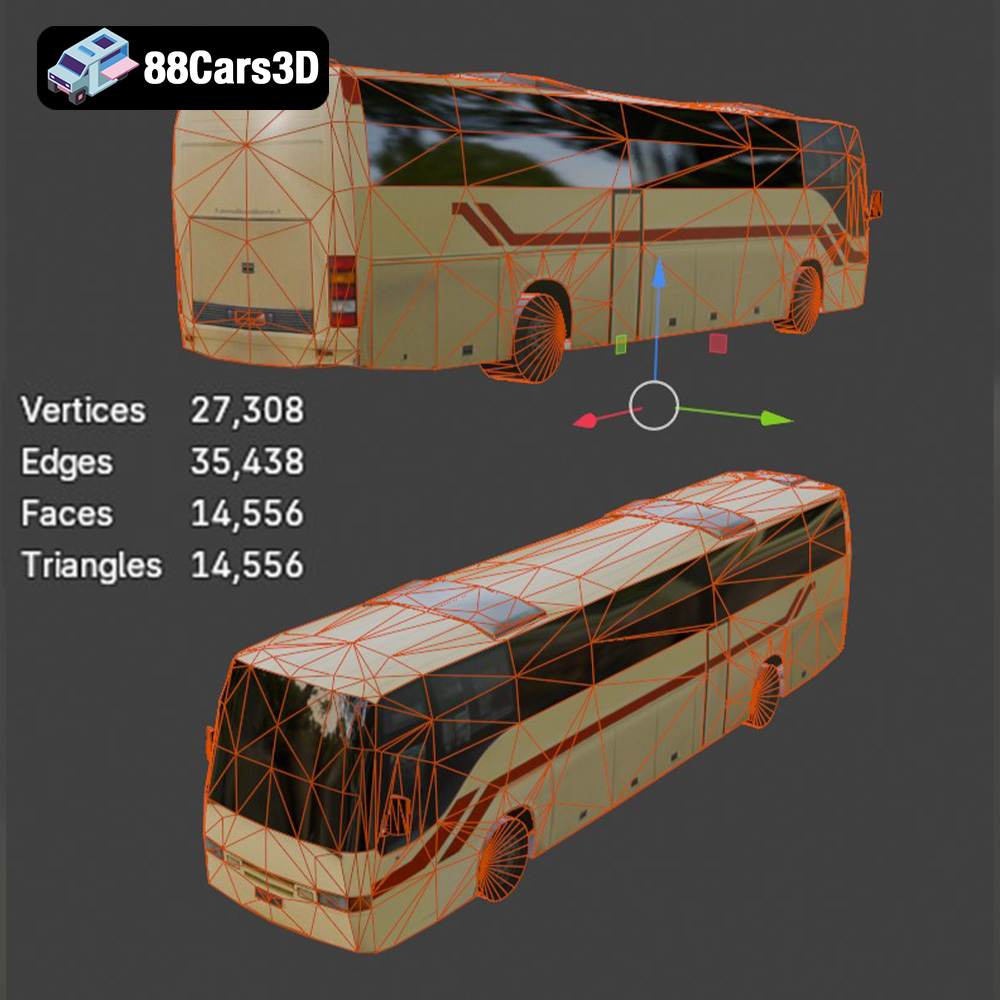
The true mark of a professional asset lies beneath the surface. The Generic Modern Bus boasts clean quad-dominant topology, which is the gold standard for 3D modeling. This ensures smooth subdivision, easy modification, and predictable deformation during animation. Its accurate real-world scale is fundamental for seamless integration into any scene, preventing scale mismatches that can break immersion. A highly organized hierarchy with properly set pivots for doors, wheels, and other animated components simplifies rigging and animation. The optimized mesh for efficient rendering and real-time application performance is crucial, especially for game assets. Finally, professionally prepared materials and UV mapping ensure that textures are applied correctly and efficiently, ready for immediate use in any rendering engine or real-time environment.
The true power of a versatile 3D asset, such as the Generic Modern Bus, is its ability to integrate effortlessly into diverse professional pipelines. By offering native file formats and universal options, it streamlines workflows across industry-leading software like 3ds Max, Blender, and Unreal Engine, making it a cornerstone for any project requiring high-quality 3D car models.
For architectural visualization studios and automotive design agencies, 3ds Max remains a dominant force. The inclusion of a .max file for the Generic Modern Bus means that users can open the project directly, accessing a fully prepared scene. This often includes materials configured for renderers like V-Ray or Corona, optimized lighting setups, and an organized scene hierarchy.
Workflows in 3ds Max for this model would typically involve:
Blender’s open-source nature and rapidly expanding feature set have made it a powerhouse for everything from indie game development to full-feature animation. The .blend file for the Generic Modern Bus is a significant advantage here. It provides a native project with all associated data, ready for immediate use with Blender’s Cycles or Eevee renderers.
Blender workflows with this asset might include:
Unreal Engine stands at the forefront of real-time rendering, powering blockbuster games, interactive visualizations, and cutting-edge simulations. The inclusion of .fbx and specifically an .unreal project file for the Generic Modern Bus is invaluable for developers working in this engine. It means the model is optimized for real-time performance, complete with necessary attributes like proper scaling, collision geometry, and LODs (Levels of Detail).
Unreal Engine workflows would typically involve:
The utility of a high-quality 3D asset like the Generic Modern Bus extends far beyond static renders. Its robust construction and diverse file format support make it a critical component in various professional applications, from simulating complex urban systems to creating immersive training modules.
In urban planning and architectural visualization, context is everything. A building rendered in isolation often lacks the realism and sense of scale that surrounding elements provide. The Generic Modern Bus 3D Model serves as an excellent case study here. Imagine an architectural firm presenting a new high-rise development in a bustling city center. Instead of generic placeholder cars, they can populate the streets with this bus, providing a realistic representation of public transport infrastructure. This allows clients to visualize traffic flow, understand the scale of the development relative to city vehicles, and even assess pedestrian interactions with public transport stops. For large-scale projects, being able to quickly instance optimized 3D car models like this bus, especially those from 88cars3d.com, saves significant production time and elevates the realism of the final presentation.
The demand for realistic environments in video games and simulations is constantly growing. For titles focused on urban exploration, city management, or driving simulators, accurate vehicle models are indispensable game assets. The Generic Modern Bus, with its optimized mesh and animated components, can be integrated as a player-controlled vehicle in a driving simulation, an AI-driven element in a city builder, or a background asset in an open-world RPG.
Consider a public transport simulation game where players manage bus routes and schedules. This model, with its detailed interior and animated doors, provides a highly immersive experience for the player. For AR/VR training simulations for bus drivers, the realistic cockpit and exterior features allow for accurate visual cues and operational training in a safe, virtual environment. The .fbx and .unreal file formats ensure seamless integration into game engines, handling LODs (Levels of Detail) and collision meshes efficiently to maintain performance.
While often overlooked, the ability to convert a digital 3D model into a physical object via 3D printing opens up unique possibilities. The inclusion of an .stl file for the Generic Modern Bus 3D Model is particularly valuable for this. Design and engineering teams might use it to create physical scale models for urban planning presentations, allowing stakeholders to interact with a tangible representation of proposed infrastructure. Product designers could print a scale model for design review meetings, evaluating its form factor and aesthetic details in a physical medium. Even for hobbyists or educators, a high-fidelity 3D printable bus model provides an excellent foundation for creating educational aids or miniature dioramas. This dual capability – excelling in both digital rendering and physical production – underscores the comprehensive utility of such a well-constructed 3D asset.
In the dynamic world of 3D production, flexibility and adaptability are key. A premium 3D model isn’t just a static object; it’s a foundation for endless customization. The Generic Modern Bus 3D Model exemplifies this, offering features that allow artists and developers to tailor it to specific project requirements and ensure its longevity as a valuable asset.
One of the most powerful aspects of this bus model is its capacity for visual customization. The professionally prepared materials and UV mapping are not just about out-of-the-box rendering; they serve as a perfect canvas for modification. Artists can easily adjust paint finishes, experimenting with different colors, metallic flakes, or matte textures to match specific branding or atmospheric conditions. The organized UV layouts mean that creating custom liveries – the unique graphics and logos applied to a vehicle – is straightforward. This involves simply designing a new texture map in an image editor and applying it to the model, transforming a “generic” bus into a branded city transport vehicle, a school bus, or even a futuristic concept. This level of control over visual identity is crucial for projects requiring specific branding or regional aesthetics, making the model highly versatile for automotive rendering.
While the Generic Modern Bus 3D Model is built with optimized geometry, understanding and utilizing optimization techniques is paramount for future-proofing and ensuring peak performance, especially in real-time applications. The clean quad-dominant topology not only makes subdivision easy for close-up shots but also facilitates the creation of Levels of Detail (LODs). LODs are simplified versions of a model that are swapped in when the object is further from the camera, drastically reducing the poly count and improving frame rates without a noticeable loss in visual quality. For game assets or large-scale simulations, implementing a robust LOD system is non-negotiable. Furthermore, knowing how to modify or bake down textures and materials can significantly impact render times and real-time performance. This bus model provides an excellent starting point for such optimizations, allowing developers to scale its fidelity up or down to meet the demands of various platforms and hardware specifications.
The journey through the technical specifications and diverse applications of the Generic Modern Bus 3D Model underscores the profound impact that high-quality 3D car models have on modern digital production. From its meticulously detailed exterior and interior to its robust, optimized topology and comprehensive file format support, this model stands as a testament to professional-grade asset creation.
It’s an asset designed not just to look good, but to perform flawlessly across a spectrum of professional workflows: from the precision rendering in 3ds Max and the creative versatility of Blender to the real-time demands of Unreal Engine. Whether you’re enhancing an architectural visualization, building an immersive game world, simulating urban logistics, or even producing a physical prototype via 3D printing, this bus model offers unparalleled flexibility and fidelity. It eliminates the need to build complex assets from scratch, allowing artists and developers to focus their energy on creative execution and project innovation.
Investing in such a well-engineered asset is an investment in efficiency, quality, and future-proof design. For professionals seeking top-tier 3D car models and game assets, the Generic Modern Bus 3D Model, available on 88cars3d.com, represents an indispensable tool that empowers creators to achieve their most ambitious digital visions with confidence and excellence.
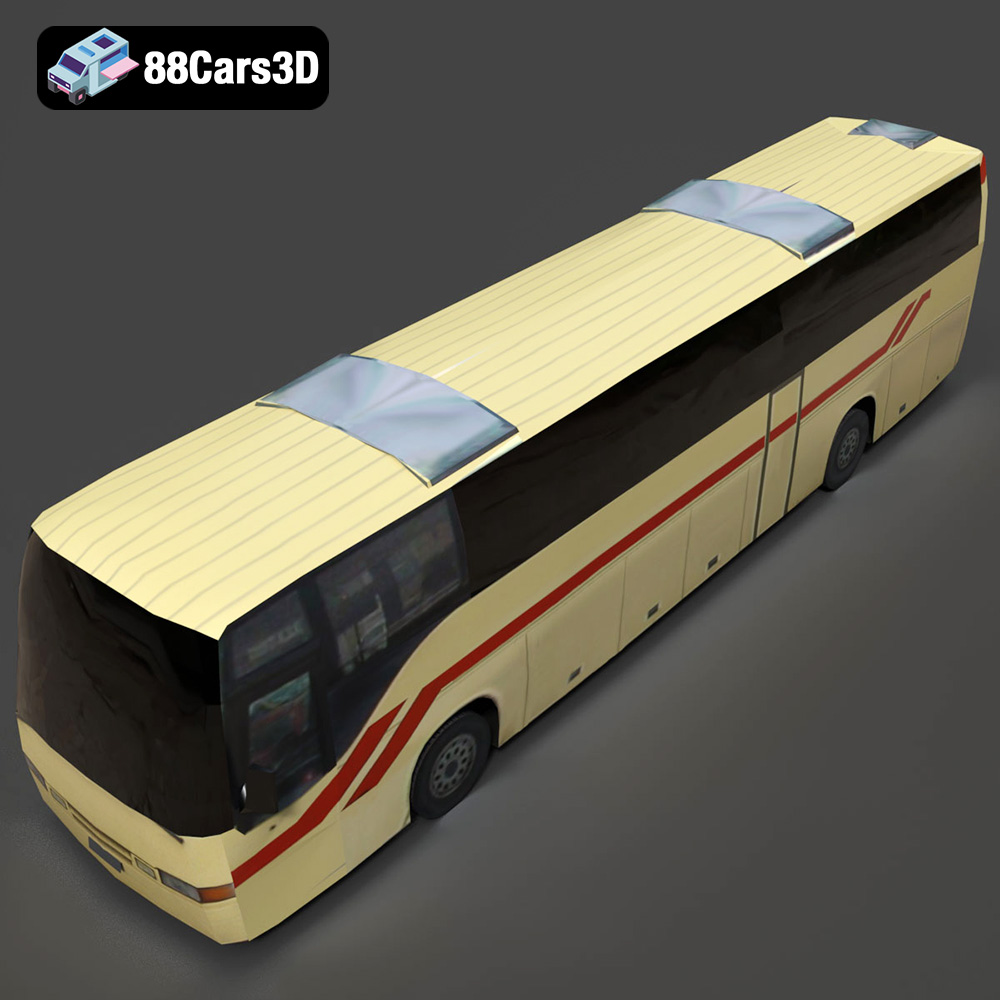
Presenting the Generic Modern Bus 3D Model, a meticulously crafted digital asset designed for high-fidelity visualization and performance across various platforms. This model captures the essence of a contemporary public transport vehicle, featuring a robust exterior and thoughtfully designed interior. Built with clean, optimized geometry and balanced detailing, it ensures professional-grade quality suitable for demanding projects. Ideal for use in realistic rendering, engaging animations, complex simulations, and efficient game development pipelines.
$19.99