Get 20% OFF All Premium 3D & STL Models!

The world of automotive design and visualization has undergone a revolutionary transformation, driven by advancements in 3D technology. From stunning photorealistic renders that grace advertising campaigns to immersive experiences in virtual reality, and even the creation of custom physical car parts, 3D car models are at the heart of this innovation. This comprehensive guide dives deep into the intricate technicalities of creating, optimizing, and deploying high-quality 3D car models across various applications, including advanced automotive rendering, demanding game assets, cutting-edge AR/VR, and precise 3D printing of custom components.
Whether you’re a seasoned 3D artist, an aspiring game developer, an automotive engineer, or simply curious about the digital craftsmanship behind your favorite vehicles, understanding the underlying principles is paramount. We’ll explore everything from the foundational art of perfect topology and seamless UV mapping to the complexities of PBR materials, sophisticated rendering workflows, game engine optimization, and the critical considerations for turning digital designs into tangible objects. Prepare to unlock the full potential of 3D automotive design and discover how expert knowledge can elevate your projects to unprecedented levels of realism and functionality.
At the core of every high-quality 3D car model lies impeccable topology. This refers to the arrangement of polygons (usually quads) that define the mesh structure. For automotive models, which are characterized by sleek curves, sharp creases, and complex paneling, clean and deliberate topology is not just an aesthetic choice; it’s a fundamental technical requirement. Poor topology can lead to artifacts, shading errors, difficult UV unwrapping, and problematic deformation, especially when preparing models for animation or subdivision smoothing.
The goal is to achieve an even distribution of polygons, particularly in areas of high curvature or where details need to be preserved. Edge loops should flow along the natural contours of the vehicle, defining key features like wheel arches, door lines, hood creases, and body panel transitions. This disciplined approach ensures that when the model is subdivided (e.g., using a Turbosmooth modifier in 3ds Max or a Subdivision Surface modifier in Blender), it retains its intended shape without pinching or distortion. When sourcing models from marketplaces like 88cars3d.com, artists look for these hallmarks of professional craftsmanship, knowing that a well-built mesh saves countless hours in later stages of production.
For automotive models, specific topological strategies are employed to capture the vehicle’s unique character.
The “box modeling” or “blueprint modeling” approach often begins by outlining the major forms and then progressively adding detail. Key areas requiring meticulous attention include:
The ideal polygon count for a 3D car model varies drastically depending on its intended use. For high-fidelity renders, a model might exceed 500,000 to several million polygons, allowing for extreme detail and smooth curves even up close. In contrast, game-ready assets or models for AR/VR applications demand a much leaner approach, often aiming for under 100,000 polygons (or even significantly less for mobile AR) for the entire vehicle, achieved through careful decimation and Level of Detail (LOD) creation. Texture maps, particularly normal maps, play a crucial role in conveying high-frequency details without adding geometry.
Professional workflows involve creating a high-polygon “master” model, which then serves as the basis for baking normal maps, ambient occlusion maps, and other textures onto a lower-polygon version. This process is critical for achieving optimal performance without sacrificing visual fidelity. Tools like ZBrush or Mudbox are often used for sculpting fine details which are then baked down. For game engines, it’s common practice to have multiple LODs (Level of Details), where the model’s polygon count decreases as its distance from the camera increases, significantly reducing draw calls and improving frame rates.
Once the geometry of a 3D car model is perfected, the next crucial step is preparing it for texturing and material application. This involves two core processes: UV mapping and the creation of Physically Based Rendering (PBR) materials. UV mapping is the art of flattening the 3D surface of a model into a 2D space, allowing 2D textures to be wrapped accurately around it. PBR materials, on the other hand, define how light interacts with the model’s surface, mimicking real-world physics to achieve unparalleled realism.
For complex objects like cars, with their intricate curves, varied surfaces (paint, glass, chrome, rubber), and numerous components, UV mapping can be a meticulous task. Each part of the car – body panels, wheels, tires, interior elements – typically requires its own set of UV coordinates to ensure optimal texture resolution and prevent stretching or distortion. The goal is to create clean, organized UV layouts that maximize texture space efficiency and simplify the texturing process, whether using traditional image textures or advanced procedural shaders.
Effective UV mapping is critical for high-quality automotive models. Here are key strategies:
PBR materials are the standard for achieving photorealistic rendering across various industries. They are based on real-world physical properties of light and matter, ensuring that materials react consistently under any lighting condition. The two most common PBR workflows are Metallic/Roughness and Specular/Glossiness.
Additional maps commonly used include Normal Maps (for adding surface detail without extra geometry), Ambient Occlusion (AO) Maps (for contact shadows), Emission Maps (for lights), and Opacity Maps (for transparent elements like glass or grilles). Texture resolutions typically range from 2K (2048×2048) to 8K (8192×8192) depending on the detail required and target platform. For the highest quality 3D car models, like those found on 88cars3d.com, 4K or 8K textures are standard for major components, ensuring crisp detail even in close-up shots.
After meticulously modeling, UV mapping, and texturing a 3D car model, the next critical phase is rendering – the process of generating a photorealistic image or animation from the 3D data. Automotive rendering demands a high degree of precision and artistry to capture the intricate interplay of light, reflections, and shadows on the vehicle’s surfaces. This involves mastering advanced rendering engines, sophisticated lighting setups, and post-processing techniques to elevate the final output to a level indistinguishable from real photography.
Industry-standard rendering engines like V-Ray, Corona Renderer (for 3ds Max/Cinema 4D), Cycles (Blender), and Arnold (Maya/3ds Max) are equipped with powerful features such as unbiased path tracing, global illumination, and physically accurate cameras. These tools allow artists to simulate how light behaves in the real world, producing stunning results. However, achieving professional-grade renders requires more than just powerful software; it demands a deep understanding of photographic principles, color theory, and composition to truly make the vehicle shine.
Effective lighting is perhaps the most crucial element in automotive rendering. It defines the mood, highlights design features, and showcases material properties. Here are common strategies:
The raw output from a render engine is rarely the final image. Post-processing and compositing in software like Adobe Photoshop, Affinity Photo, or Blackmagic Fusion are essential steps to refine and enhance the render. This stage adds a layer of artistry and polish that significantly impacts the final presentation.
The requirements for 3D car models shift dramatically when moving from static renders to interactive real-time environments like video games or architectural visualizations. Performance becomes paramount, demanding rigorous optimization strategies without sacrificing visual appeal. Game developers, in particular, need models that are not only visually engaging but also highly efficient, ensuring smooth frame rates across a wide range of hardware. This means a fundamental change in how geometry, textures, and materials are approached.
Game engines such as Unity, Unreal Engine, and Godot are powerful real-time rendering environments, but they have strict performance budgets for polygon counts, texture memory, and draw calls. Therefore, converting a high-polygon rendering model into a game-ready asset involves a sophisticated pipeline of optimization techniques. The goal is to maximize the visual quality perceived by the player while minimizing the computational load on the GPU and CPU. High-quality, optimized game assets for cars are a sought-after commodity in the industry, precisely because of the effort required in this conversion process.
Level of Detail (LODs) are crucial for optimizing performance in real-time applications. Instead of rendering a single, high-polygon model at all distances, LODs involve creating multiple versions of the same asset, each with progressively fewer polygons. As the player’s camera moves away from the car, the game engine automatically switches to a lower-polygon LOD, significantly reducing the geometry that needs to be processed. A typical game asset might have 3-5 LODs:
Each LOD should have its own baked normal maps to retain visual detail from the higher-poly versions. The polygon budget for a car model often includes not just the body but also wheels, interior, and lights. For mobile games, these budgets are even tighter, with an entire car potentially needing to be under 20,000 polygons for the highest LOD.
Real-time shaders in game engines are designed for speed and efficiency. While they utilize PBR principles, they are often optimized for specific engine pipelines. Material parameters are usually simpler than offline renderers, focusing on albedo, metallic, roughness, normal, and ambient occlusion maps. Game engines also employ advanced techniques to further optimize texture memory and draw calls (the number of times the CPU tells the GPU to render something).
When artists acquire 3D car models from trusted sources, they expect these optimizations to be professionally implemented, saving valuable development time and ensuring seamless integration into game projects.
Augmented Reality (AR) and Virtual Reality (VR) represent the cutting edge of interactive visualization, offering immersive experiences that can transport users inside a digital car or overlay a virtual vehicle onto the real world. For automotive brands, AR/VR is transforming car configurators, training simulations, and even sales experiences. However, developing 3D car models for these platforms introduces a unique set of technical challenges, primarily centered around extreme performance optimization and specific file format requirements.
Unlike traditional games, AR/VR experiences, especially on mobile devices, operate under even tighter computational constraints. High frame rates (minimum 72-90 FPS for VR to prevent motion sickness) are non-negotiable, and complex scenes can quickly overwhelm device capabilities. This necessitates aggressive poly count reduction, efficient texture management, and streamlined shader complexity, often requiring a dedicated AR/VR optimization pass even on models already deemed “game-ready.” The choice of file format also becomes critical for seamless deployment across diverse AR/VR ecosystems.
The AR/VR landscape is heavily influenced by open standards designed for web and mobile delivery. The two dominant file formats are:
Mobile AR/VR introduces the most stringent optimization requirements due to limited processing power and battery life. Beyond poly and texture budgets:
When sourcing 3D car models for AR/VR, ensuring they are pre-optimized for these specific demands is crucial for successful deployment and a smooth user experience.
The journey of a 3D car model doesn’t always end on a screen. With the advent of advanced 3D printing technologies, these digital assets can be transformed into physical objects, ranging from scale models and prototypes to actual custom car parts. This convergence of digital design and additive manufacturing opens up unprecedented possibilities for automotive enthusiasts, designers, and engineers to rapidly iterate, customize, and produce components that were once prohibitively expensive or impossible to manufacture using traditional methods.
However, preparing a 3D car model for 3D printing is a distinct technical challenge compared to rendering or game development. While visual fidelity is key for screens, structural integrity, dimensional accuracy, and printability are paramount for physical objects. A model that looks perfect in a render might have critical flaws when translated to a physical layer-by-layer fabrication process. Understanding the specific requirements for mesh integrity, material properties, and print settings is essential to bridge the gap from the virtual to the tangible.
The most fundamental requirement for 3D printing is a “watertight” or “manifold” mesh. This means the model must represent a completely enclosed volume, without any holes, gaps, or intersecting/non-manifold geometry. Imagine trying to fill a physical object with water – if it leaks, it’s not watertight. In 3D modeling terms:
Tools like Blender’s 3D Print Toolbox, Autodesk Meshmixer, or Netfabb are invaluable for analyzing, repairing, and preparing meshes for printing. They can identify common issues and automate many repair processes. When acquiring 3D car models for printing, particularly those intended for functional parts, it’s crucial to confirm their manifold status or be prepared to perform extensive mesh repair.
Beyond mesh integrity, successful 3D printing depends heavily on material selection and precise print preparation. The choice of printing technology (FDM, SLA, SLS, etc.) and material (PLA, ABS, Nylon, Resin, Carbon Fiber composites) directly impacts the final part’s strength, flexibility, surface finish, and cost.
From custom racing spoilers to dashboard components, the ability to rapidly prototype and produce custom 3D car parts is empowering automotive innovation. The digital models from platforms like 88cars3d.com provide an excellent starting point for this transformative workflow, offering clean topology that simplifies the transition to the physical realm.
In the vast and interconnected world of 3D content creation, the ability to seamlessly transfer 3D car models between different software applications, game engines, and viewing platforms is absolutely essential. This interoperability is governed by a diverse array of 3D file formats, each with its own strengths, limitations, and specific use cases. Understanding these formats is critical for any 3D professional, ensuring that models retain their integrity, materials, and other attributes as they move through a complex production pipeline.
The choice of file format can impact everything from polygon count and material definitions to animation data and overall file size. A format suitable for high-fidelity offline rendering might be entirely unsuitable for real-time game development or web-based AR/VR. Navigating this ecosystem effectively means knowing which format to use when, how to convert between them efficiently, and what potential pitfalls to avoid to prevent data loss or corruption of your valuable automotive 3D designs.
Here’s a breakdown of the most common 3D file formats relevant to automotive models:
Converting between 3D file formats is a common task, but it’s rarely a one-click perfect solution. Data loss or translation issues can occur due to differences in how formats store information. Here are best practices and common challenges:
Platforms like 88cars3d.com typically provide their 3D car models in multiple formats (e.g., FBX, OBJ, 3DS, Max, Blend, GLB) to maximize compatibility and cater to diverse artist workflows, recognizing the importance of seamless integration for their users.
The journey through the intricacies of 3D car models, from their foundational topology to their deployment across diverse applications, underscores the profound technical skill and artistic vision required in modern automotive visualization. We’ve explored how meticulous modeling and clean topology form the bedrock of realistic surfaces, how advanced UV mapping and PBR materials breathe life into digital paint and chrome, and how sophisticated rendering workflows achieve cinematic realism. Beyond static images, we delved into the rigorous optimizations needed for high-performance game assets, the unique demands of cutting-edge AR/VR experiences, and the critical considerations for transforming digital designs into tangible, 3D printed custom car parts.
Each application, whether it’s a photorealistic marketing campaign, an immersive virtual showroom, or a functional prototype, relies on the same core principle: the quality of the underlying 3D car model. Understanding the technical nuances of mesh integrity, texture optimization, shader networks, and file format compatibility is not just about mastering software; it’s about mastering the language of digital creation itself. This expertise ensures that your automotive visions are not only realized but also excel in performance, realism, and versatility across every platform.
For those seeking to leverage the power of high-quality automotive 3D designs without building them from scratch, professional marketplaces like 88cars3d.com offer a curated selection of pre-optimized models. These assets are meticulously crafted with clean topology, realistic materials, and multiple file formats, ready to accelerate your projects whether for rendering, game development, AR/VR, or 3D printing. Embrace these technical insights to elevate your workflow and continue driving innovation in the exciting world of 3D automotive design.
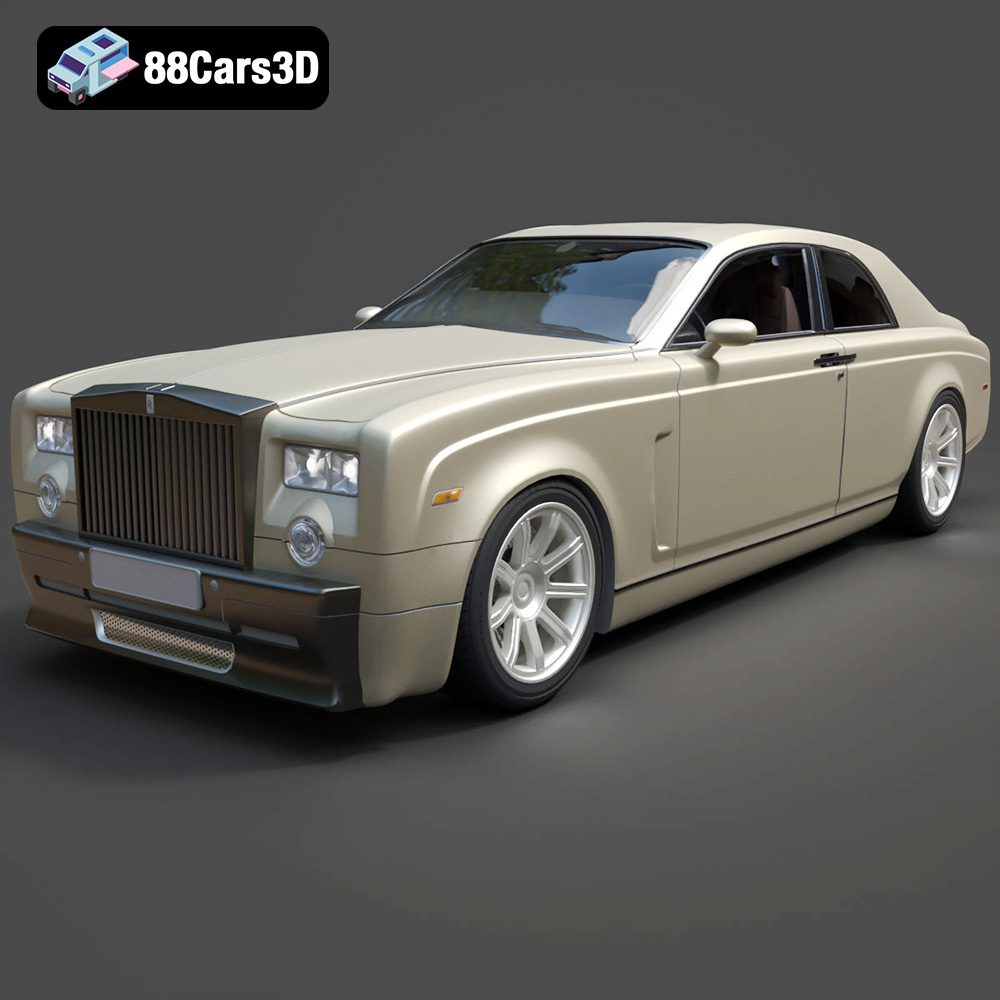
Texture: Yes
Material: Yes
Download the Rolls-Royce Phantom Coupe 3D Model featuring clean geometry, realistic detailing, and a fully modeled interior. Includes .blend, .fbx, .obj, .glb, .stl, .ply, .unreal, and .max formats for rendering, simulation, and game development.
Price: $10
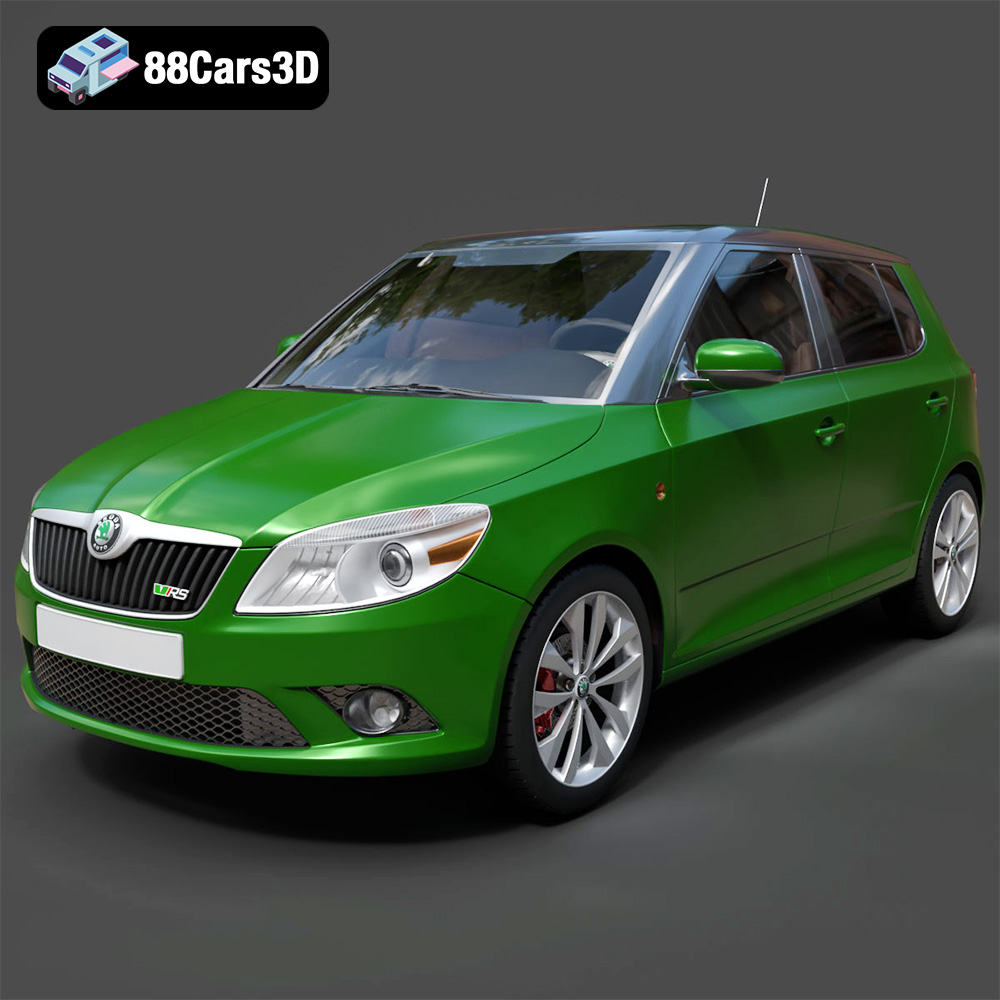
Download the Skoda Fabia RS 2011 3D model, an accurately detailed vehicle asset perfect for game development, rendering, and AR/VR applications. Includes multiple formats for versatile use.
Price: $10
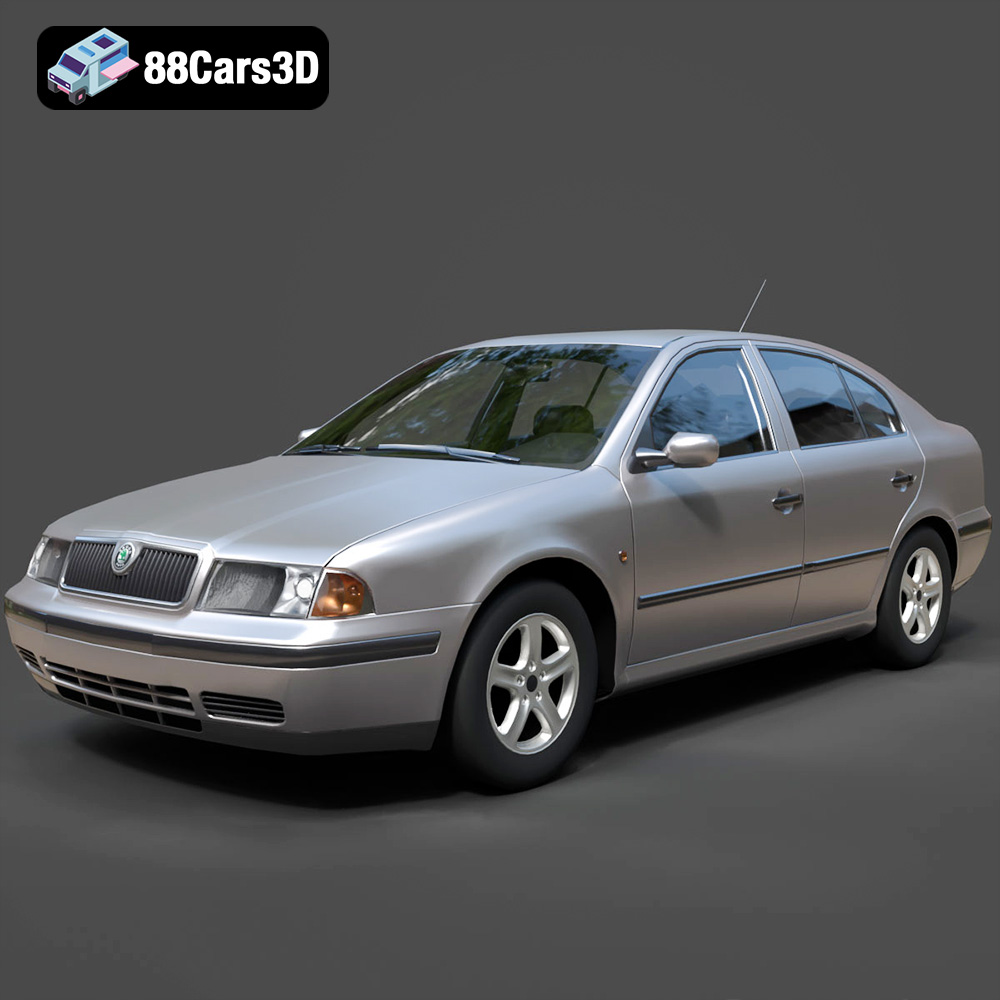
A detailed 3D model of the Skoda Octavia 1997, suitable for various digital applications including game development, rendering, and AR/VR.
Price: $10
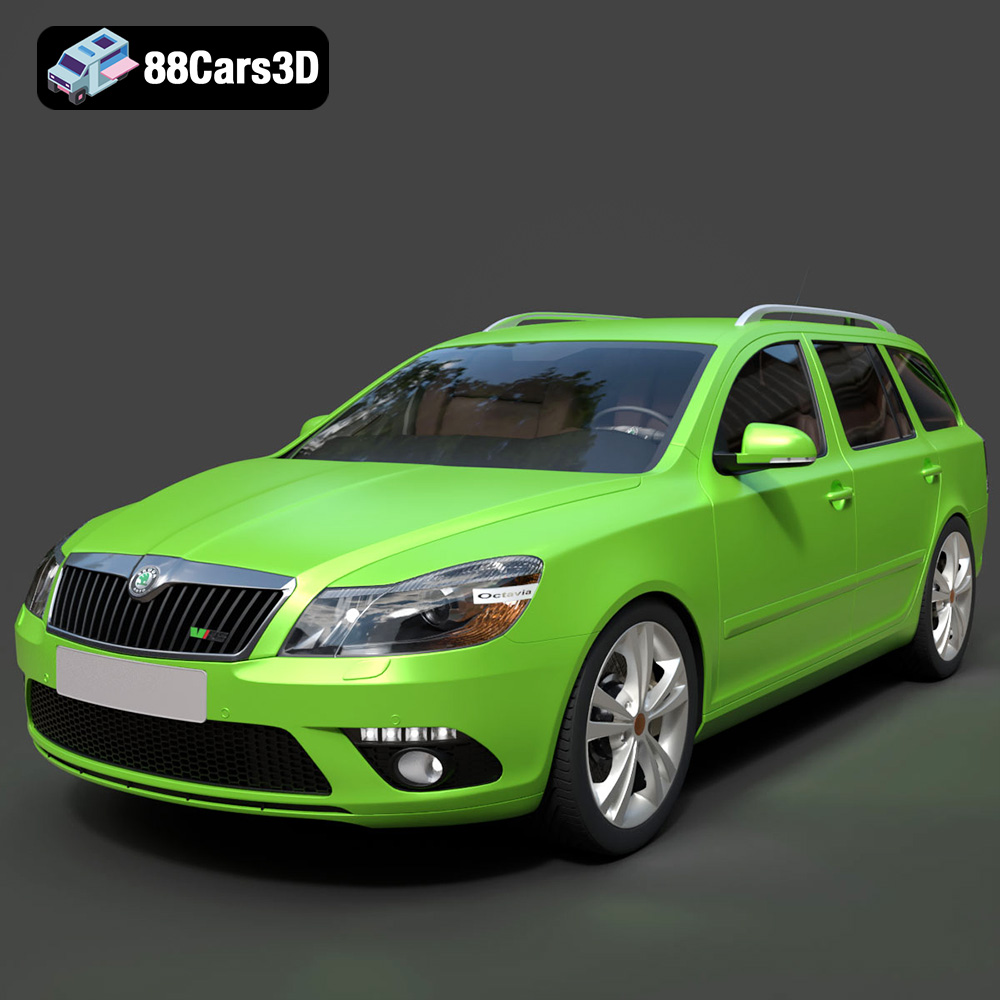
A highly detailed 3D model of the Skoda Octavia RS Combi 2010, designed for realism and versatility across various digital applications.
Price: $10

A precisely detailed 3D model of the Skoda Octavia Combi, suitable for game development, rendering, AR/VR, and visualizations. Includes multiple optimized file formats for broad compatibility.
Price: $10

A realistic 3D model of the Ford Mustang ELEANOR GT500, optimized for various professional applications including game development, rendering, and AR/VR.
Price: $10
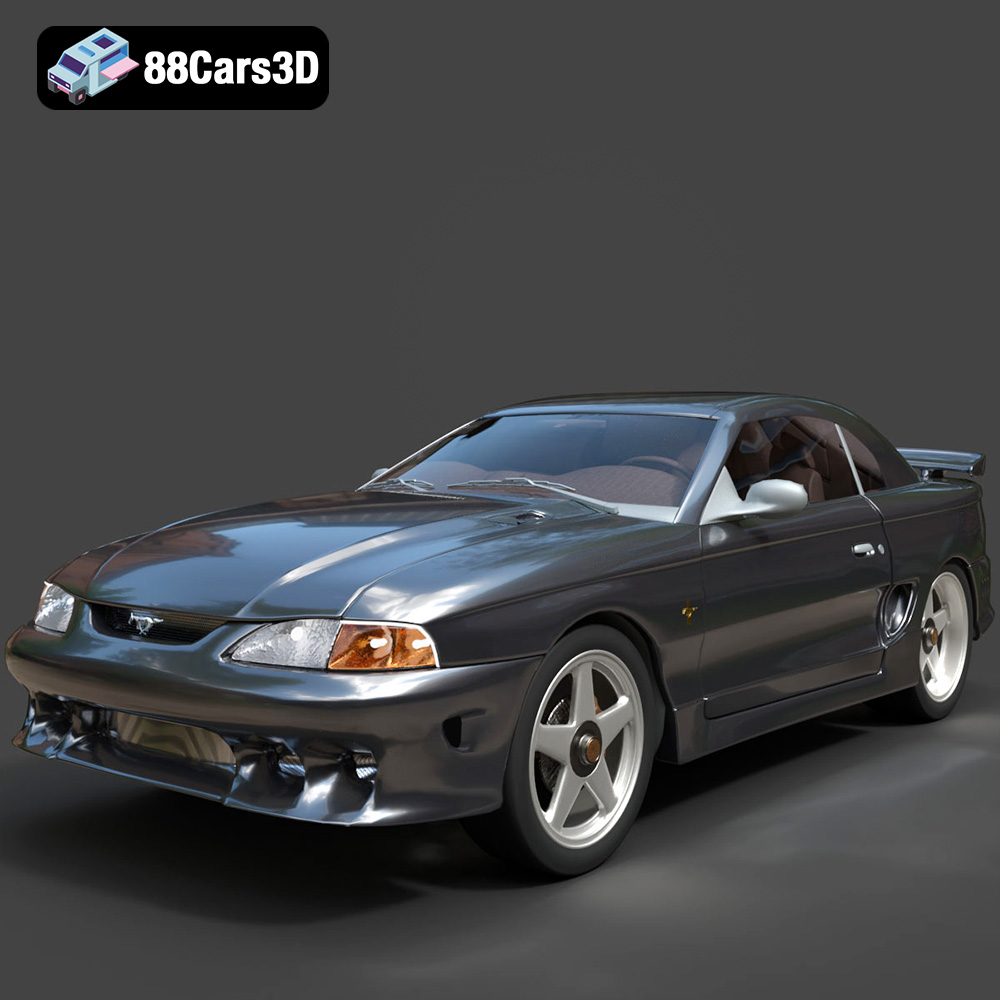
Presenting the accurately detailed Ford Mustang Coupe 1996 3D model, ready for game engines, rendering, and visualization. This professional-grade asset includes clean geometry and realistic materials.
Price: $10
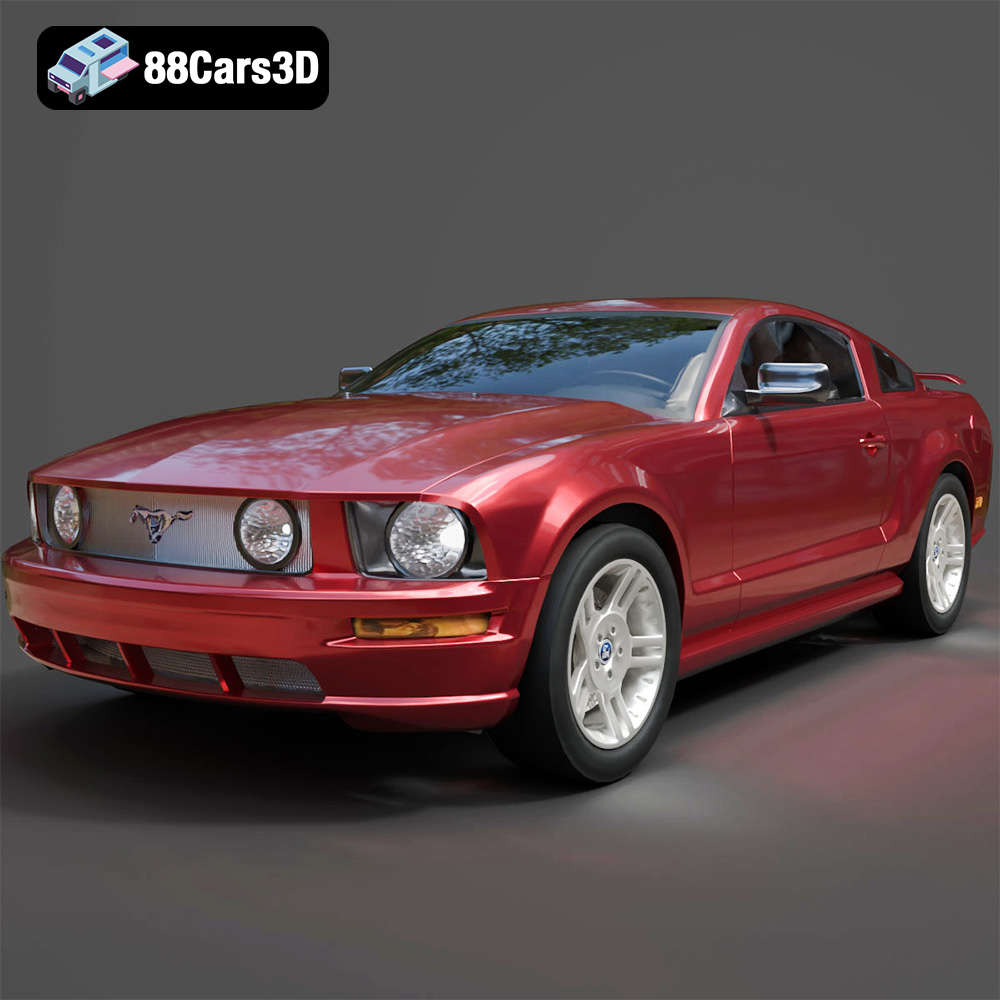
Meta Description:**
Texture: Yes
Material: Yes
Download the Ford Mustang 2005 3D Model featuring detailed geometry, realistic interior, and clean topology. Includes .blend, .fbx, .obj, .glb, .stl, .ply, .unreal, and .max formats for rendering, simulation, and game development.
Price: $6.99
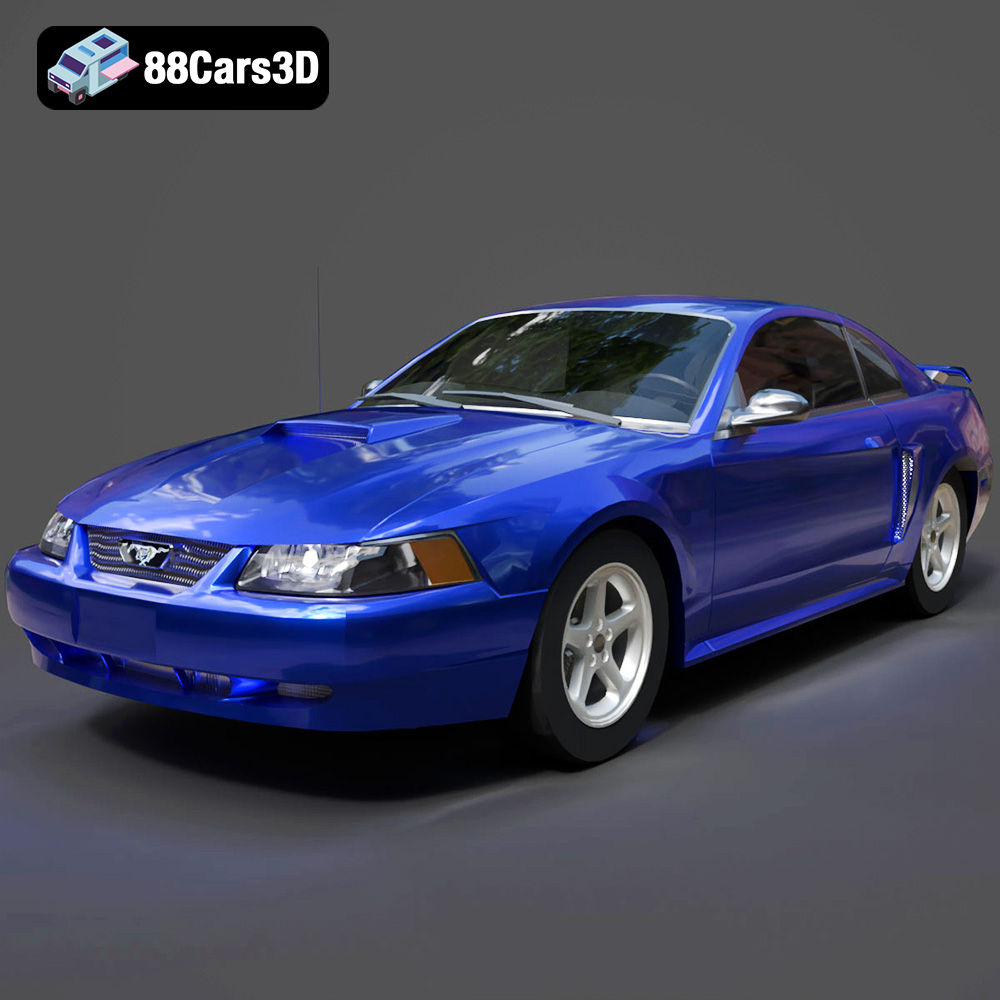
*Meta Description:**
Texture: Yes
Material: Yes
Download the Ford Mustang 1999 3D Model with detailed geometry, realistic interior, and accurate proportions. Includes .blend, .fbx, .obj, .glb, .stl, .ply, .unreal, and .max formats for rendering, simulation, and game development.
Price: $6.99

Meta Description:**
Texture: Yes
Material: Yes
Download the Ford Mondeo Wagon 3D Model with realistic details, clean geometry, and accurate dimensions. Includes .blend, .fbx, .obj, .glb, .stl, .ply, .unreal, and .max formats for rendering, game development, and simulation.
Price: $6.99

