Get 20% OFF All Premium 3D & STL Models!

The world of automotive design and visualization has undergone a profound transformation, driven by the relentless advancement of 3D technology. From the initial spark of an idea to its tangible manifestation as a custom car part or a hyper-realistic render, 3D modeling and its companion, 3D printing, have become indispensable tools. What was once confined to highly specialized industrial design studios is now accessible to a broader audience, empowering artists, engineers, and enthusiasts alike to bring their automotive visions to life with unparalleled precision and creativity.
This comprehensive guide delves into the intricate technicalities of creating, optimizing, and deploying 3D car models across various applications, with a special focus on the revolutionary impact of 3D printing. We’ll explore the foundational principles of clean topology, the artistry of PBR materials, the demands of game engine optimization, and the practicalities of turning digital designs into physical objects. Whether you’re an aspiring 3D artist, a seasoned game developer, an automotive designer, or simply someone fascinated by the intersection of technology and vehicles, understanding these workflows is key to unlocking the full potential of your projects. Join us as we navigate the complex yet rewarding journey of transforming ideas into stunning 3D automotive realities.
The foundation of any successful 3D automotive project lies in the quality of its core 3D model. A truly high-quality 3D car model is not just visually appealing; it’s technically robust, optimized for various uses, and built with an understanding of complex surfacing. This starts with meticulous modeling practices that ensure clean topology, proper edge flow, and readiness for subdivision, rendering, and even 3D printing. Automotive surfaces are notoriously challenging, demanding smooth, flowing lines and perfect curvature. This requires a deep understanding of polygon modeling, often starting with precise blueprints and reference images to capture accurate proportions and design language.
Achieving realistic surfaces involves more than just pushing polygons; it’s about intelligent mesh construction. A common practice is to model with quads (four-sided polygons) exclusively, as they subdivide predictably and avoid unsightly pinching or distortion, especially crucial for reflective car paint. When sourcing high-quality assets from platforms like 88cars3d.com, you can expect models built with these principles in mind, ensuring a solid foundation for your own customizations and applications. The initial modeling phase often involves constructing the main panels of the vehicle, paying close attention to shut lines, panel gaps, and subtle surface undulations that define a car’s character.
Topology refers to the arrangement of polygons (faces, edges, vertices) that make up a 3D model. For automotive models, clean, quad-based topology is paramount. It ensures smooth deformations when the model is animated or receives subdivision surface modifiers (like TurboSmooth in 3ds Max or Subdivision Surface in Blender/Maya). Good topology means polygons are evenly distributed, and edge loops flow logically along the natural contours and creases of the vehicle. This is especially critical around areas like wheel arches, door handles, headlights, and body creases.
Edge flow dictates how edges run across the surface of the model. In car modeling, edges should follow the direction of the surface curvature and design lines. This ensures that when the model is subdivided, it maintains its smooth shape without introducing unwanted bumps or flat spots. Key areas to focus on include:
Professional models, like those available on 88cars3d.com, prioritize this meticulous approach, delivering assets that are both visually stunning and technically sound for demanding workflows.
UV mapping is the process of unwrapping a 3D model’s surface into a 2D plane, allowing textures to be applied accurately. For complex automotive surfaces, effective UV mapping is crucial for seamless texture application, especially for paint, decals, and detailed components. Without proper UVs, textures will appear stretched, distorted, or misaligned.
Key strategies for automotive UV mapping include:
This careful unwrapping process is essential for PBR texturing and ensures that every detail, from the metallic flakes in the paint to the subtle scratches on a headlight lens, renders perfectly.
Once a high-quality 3D car model is established, the next crucial step is bringing it to life through realistic rendering. This involves combining sophisticated materials, dynamic lighting, and a well-defined environment to produce stunning, photorealistic images or animations. Rendering is where the model transcends its polygonal form and becomes a compelling visual narrative. The choice of rendering engine plays a significant role, with popular options like V-Ray, Corona Renderer, Cycles (Blender), and Arnold (Maya) each offering unique strengths and workflows for achieving incredible realism. Understanding the interplay between these elements is vital for creating renders that captivate and convince.
Professional automotive rendering often mimics real-world photography studios, employing virtual light setups, HDR (High Dynamic Range) environments, and carefully calibrated camera settings. It’s an iterative process of tweaking materials, adjusting lights, and refining camera angles to emphasize the vehicle’s design and surface qualities. The goal is to evoke emotion and communicate the essence of the automotive design, whether it’s a sleek sports car or a rugged off-roader. Achieving this level of realism requires both technical proficiency and an artistic eye, understanding how light interacts with different surfaces and how colors and reflections define form.
Physically Based Rendering (PBR) materials are the backbone of modern realistic rendering. They simulate how light interacts with surfaces in a physically accurate way, resulting in consistent and believable results across different lighting conditions. PBR shaders rely on several key texture maps:
Shader networks in software like 3ds Max (Corona/V-Ray Material Editor), Blender (Node Editor), or Maya (Hypershade) allow for complex material layering and mixing. For automotive paint, this might involve layering a base metallic coat, a clear coat with specific roughness and reflection properties, and subtle dirt or wear effects using procedural textures or additional texture maps. Understanding how to build these networks is essential for creating everything from pristine showroom finishes to weathered, road-worn textures. Texture resolutions typically range from 2K (2048×2048) for smaller details to 8K (8192×8192) or even 16K for hero car body textures, ensuring crisp detail in close-up renders.
Effective lighting is what truly elevates a 3D car render from good to exceptional. It defines form, highlights surface details, and sets the mood.
Post-processing in software like Adobe Photoshop or After Effects further refines the render, adjusting exposure, color grading, adding lens flares, or subtle atmospheric effects to achieve the final polished look.
The transition of 3D car models from high-fidelity renders to real-time interactive experiences, such as those found in video games, AR/VR, and virtual showrooms, introduces a new set of technical challenges focused on performance optimization. Unlike static renders where computational time is less of a concern, game engines demand models that can be rendered tens, hundreds, or even thousands of times per second without bogging down the system. This requires a strategic approach to polygon count, texture management, and scene hierarchy, ensuring smooth frame rates and a seamless user experience. The goal is to maintain visual fidelity while adhering to strict performance budgets.
Optimizing 3D car models for real-time environments is a specialized skill that balances artistic intent with technical limitations. It often involves creating multiple versions of the same asset, each tailored for a different level of detail or distance from the camera. This ensures that resources are allocated efficiently, rendering only what is necessary at any given moment. Developers using Unity, Unreal Engine, or other real-time platforms must consider not only the individual model’s performance but also its impact on the overall scene’s complexity. Sourcing game-ready assets from marketplaces like 88cars3d.com can significantly streamline this process, as they often come pre-optimized with appropriate polygon counts and LODs.
Achieving optimal performance in real-time environments revolves around minimizing the computational load on the GPU and CPU.
Game engines automatically switch between these LODs based on the camera’s distance to the object, dramatically reducing polygon counts for objects far away.
Choosing the right file format is critical for seamless integration into game engines and other real-time platforms.
When importing into engines, it’s often necessary to convert PBR materials to the engine’s native material system (e.g., Unity’s Standard Shader, Unreal’s PBR workflow) and adjust settings to ensure visual consistency and performance.
Beyond stunning renders and immersive game experiences, 3D car models have found a transformative application in the realm of physical creation: 3D printing. This additive manufacturing technology empowers designers and engineers to turn their digital automotive designs into tangible objects, whether they are functional prototypes, custom performance parts, scale models, or even bespoke components for classic car restoration. 3D printing has revolutionized the product development cycle in the automotive industry, drastically reducing lead times and costs associated with traditional manufacturing methods. It enables rapid iteration, allowing for quick testing and refinement of designs.
The process of 3D printing, however, requires a distinct set of considerations for the 3D model itself. What might be perfectly acceptable for a rendered image or a game asset might not be printable without modifications. Wall thickness, mesh integrity, and overall scale are critical factors that directly impact the success of a 3D print. Understanding these requirements and preparing your 3D car model accordingly is key to unlocking the full potential of this powerful manufacturing tool. From concept validation to producing end-use parts, 3D printing offers unprecedented flexibility and customization opportunities for automotive enthusiasts and professionals alike.
Converting a 3D model designed for rendering or games into a print-ready file requires careful preparation.
3D printing has become integral to various stages of automotive development and customization:
From a highly detailed car model sourced from 88cars3d.com, one can easily move towards 3D printing a stunning physical replica, provided the necessary mesh preparation is undertaken.
The utility of high-quality 3D car models extends far beyond traditional rendering and manufacturing, reaching into the rapidly evolving fields of Augmented Reality (AR), Virtual Reality (VR), interactive product configurators, and architectural visualization (Arch-Viz). These applications demand models that are not only visually impressive but also optimized for real-time interaction and specific platform constraints. AR and VR experiences, in particular, aim to create immersive environments where users can explore, customize, and even “drive” virtual vehicles in a seamless and responsive manner. This pushes the boundaries of performance optimization while striving for photorealistic quality.
Interactive configurators allow potential buyers to customize vehicles in real-time, changing paint colors, wheel options, and interior finishes with instant visual feedback. In Arch-Viz, 3D cars serve as crucial scene dressing elements, adding realism, scale, and context to architectural renderings and animations. Each of these applications requires a tailored approach to asset preparation, file format selection, and performance budgeting, emphasizing the versatility and increasing demand for expertly crafted 3D automotive assets. The continuous evolution of these technologies means that the demand for high-quality, adaptable 3D car models will only continue to grow.
AR and VR environments present unique challenges due to their real-time nature, often on mobile or less powerful hardware, and the need for high frame rates (e.g., 90 FPS for comfortable VR) to prevent motion sickness.
The focus is always on delivering a smooth, high-fidelity experience without compromising performance, making platforms with pre-optimized models invaluable.
The flexibility of 3D car models allows for dynamic, interactive applications that go beyond static imagery.
This provides an incredibly powerful sales and marketing tool, enhancing customer engagement and personalization.
For Arch-Viz, models need good topology (though not necessarily game-optimized LODs if used for static renders), realistic PBR materials, and often subtle weathering to blend naturally into the environment.
The versatility of high-quality 3D car models, especially those from reputable sources like 88cars3d.com, ensures they are ready for these diverse and demanding visualization challenges.
Working with 3D car models across different software, pipelines, and applications inevitably involves managing a variety of file formats and navigating the complexities of data conversion. A professional workflow demands a clear understanding of what each format excels at, its limitations, and how to seamlessly transition between them while preserving data integrity. Whether you’re moving a model from a CAD package to a rendering engine, preparing it for game development, or optimizing it for 3D printing, the right file format and conversion strategy can save countless hours of rework and prevent frustrating technical hurdles. This section details the common formats you’ll encounter and best practices for a smooth, efficient workflow.
Effective file management and conversion are not just about technical knowledge; they’re about establishing a robust pipeline that ensures consistency and quality from start to finish. This includes understanding the nuances of how different software interprets geometry, materials, and textures, and proactively addressing potential issues. Adopting industry best practices, such as maintaining clean naming conventions and version control, further enhances productivity and collaboration, especially in larger teams or complex projects. By mastering these aspects, 3D artists and developers can focus more on creativity and less on troubleshooting compatibility issues.
The 3D landscape is rich with file formats, each serving specific purposes:
Converting between formats can introduce challenges. Here are best practices:
By following these guidelines, you can navigate the complex world of 3D file formats with confidence, ensuring your high-quality 3D car models are always ready for their next adventure, from a stunning render to a tangible 3D print.
The journey through the world of 3D car models is one of incredible depth and versatility. We’ve traversed the meticulous art of crafting clean topology and UVs, delved into the photorealistic demands of advanced rendering, navigated the stringent optimizations required for immersive game and AR/VR experiences, and explored the tangible revolution of 3D printing custom automotive parts. Each stage presents its own set of technical challenges and creative opportunities, highlighting how a single high-quality 3D car model can serve a multitude of purposes across diverse industries.
The power of 3D technology lies in its ability to transform abstract ideas into concrete realities, whether digital or physical. From the smallest custom bracket to a sprawling virtual showroom, the principles of clean modeling, intelligent optimization, and strategic file management remain paramount. As technology continues to evolve, the demand for sophisticated 3D automotive assets will only grow, opening new avenues for innovation and creativity. By embracing these workflows and continuously refining your skills, you position yourself at the forefront of this exciting domain.
Ready to embark on your next automotive 3D project? Whether you need a base model for a breathtaking render, a game-ready asset for your latest title, or a precise design for a custom 3D printed part, remember that a solid foundation is key. Explore platforms offering high-quality 3D car models, such as 88cars3d.com, to kickstart your creative endeavors with assets built for excellence. Dive in, experiment, and bring your unique automotive visions to life with the unparalleled power of 3D.
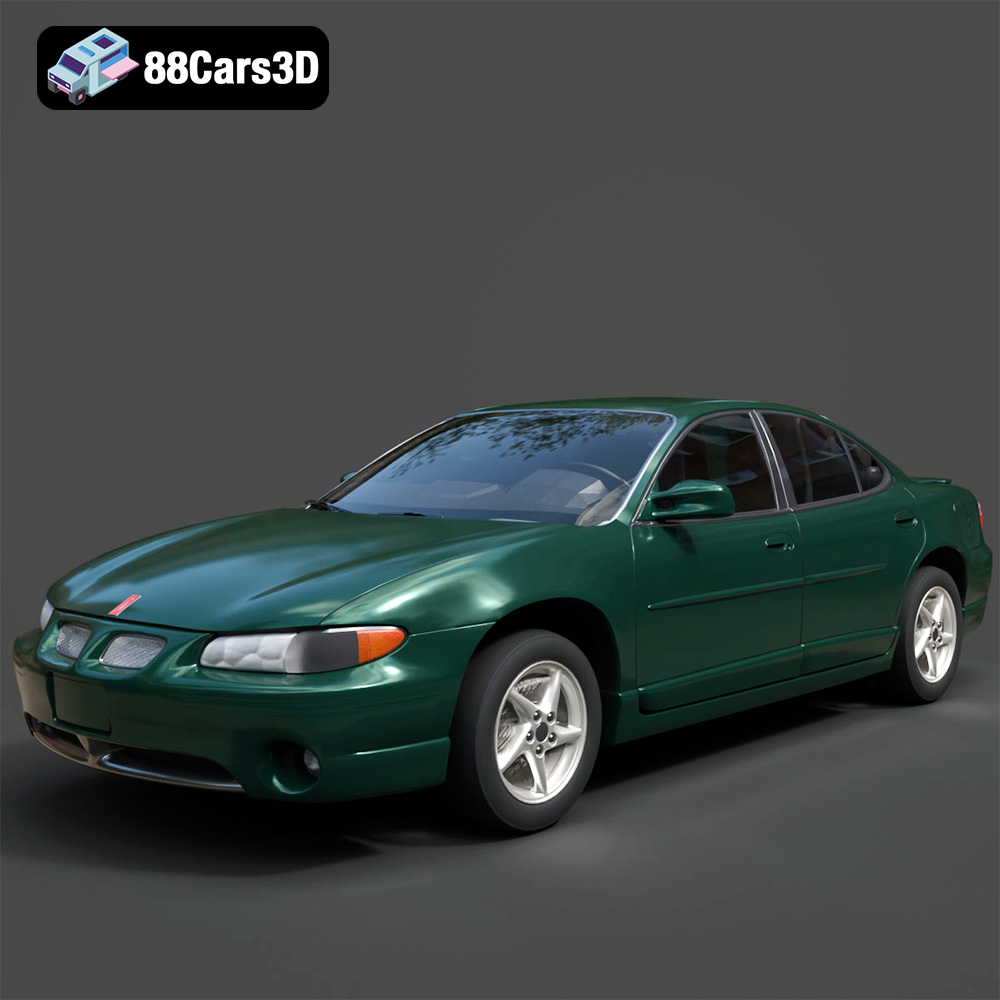
Texture: Yes
Material: Yes
Download the Pontiac Grand Prix GT-001 3D Model featuring clean geometry, realistic detailing, and a fully modeled interior. Includes .blend, .fbx, .obj, .glb, .stl, .ply, .unreal, and .max formats for rendering, simulation, and game development.
Price: $10
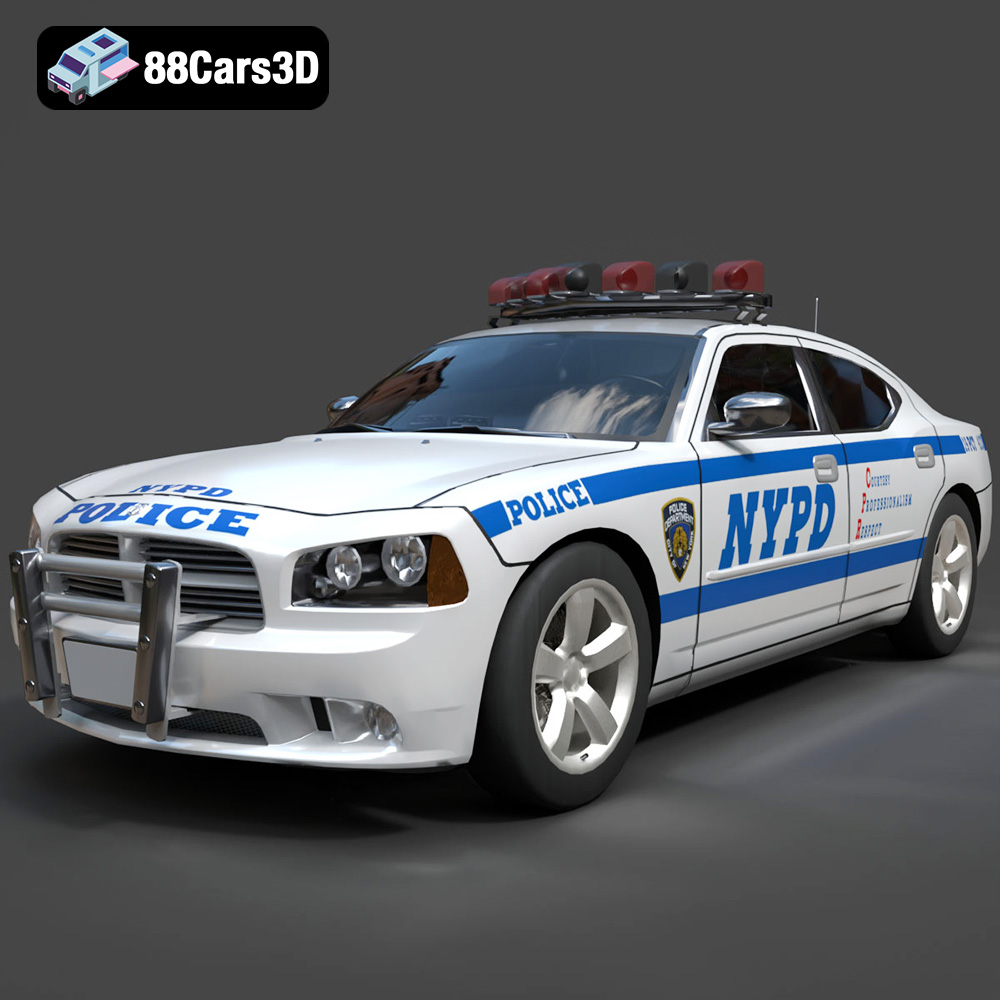
Texture: Yes
Material: Yes
Download the Dodge Charger Police NYPD 3D Model featuring clean geometry, realistic detailing, and a fully modeled interior. Includes .blend, .fbx, .obj, .glb, .stl, .ply, .unreal, and .max formats for rendering, simulation, and game development.
Price: $10
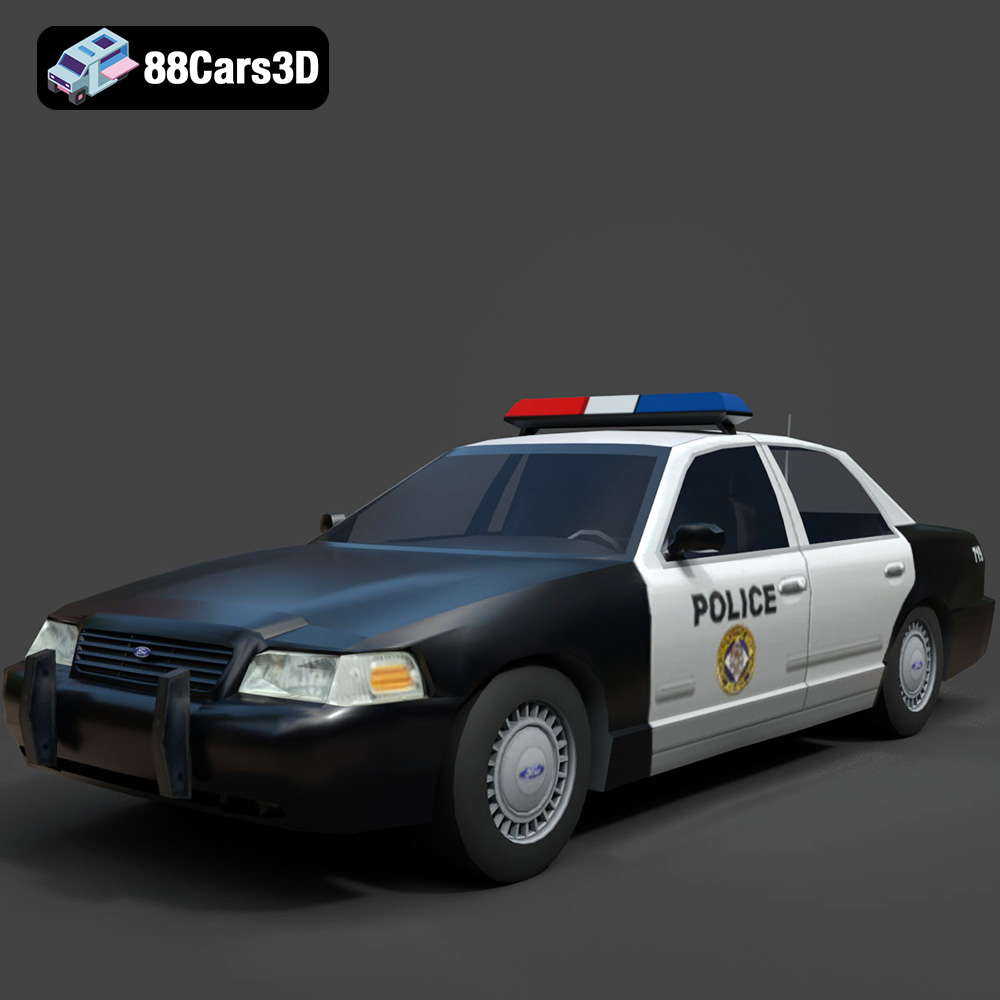
Texture: Yes
Material: Yes
Download the Ford Crown Victoria Police 2011 3D Model featuring clean geometry, realistic detailing, and a fully modeled interior. Includes .blend, .fbx, .obj, .glb, .stl, .ply, .unreal, and .max formats for rendering, simulation, and game development.
Price: $10
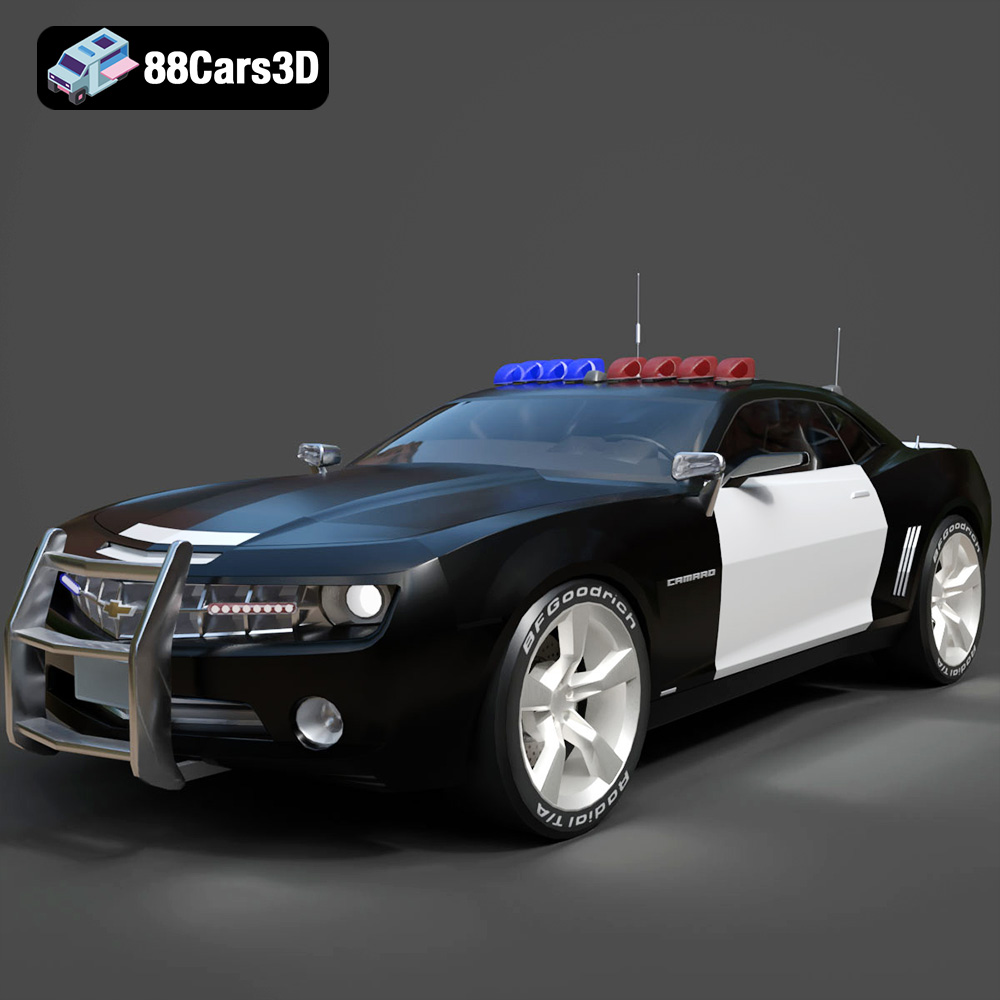
Texture: Yes
Material: Yes
Download the Chevrolet Camaro Patrol SUV 2025 3D Model featuring clean geometry, realistic detailing, and a fully modeled interior. Includes .blend, .fbx, .obj, .glb, .stl, .ply, .unreal, and .max formats for rendering, simulation, and game development.
Price: $10
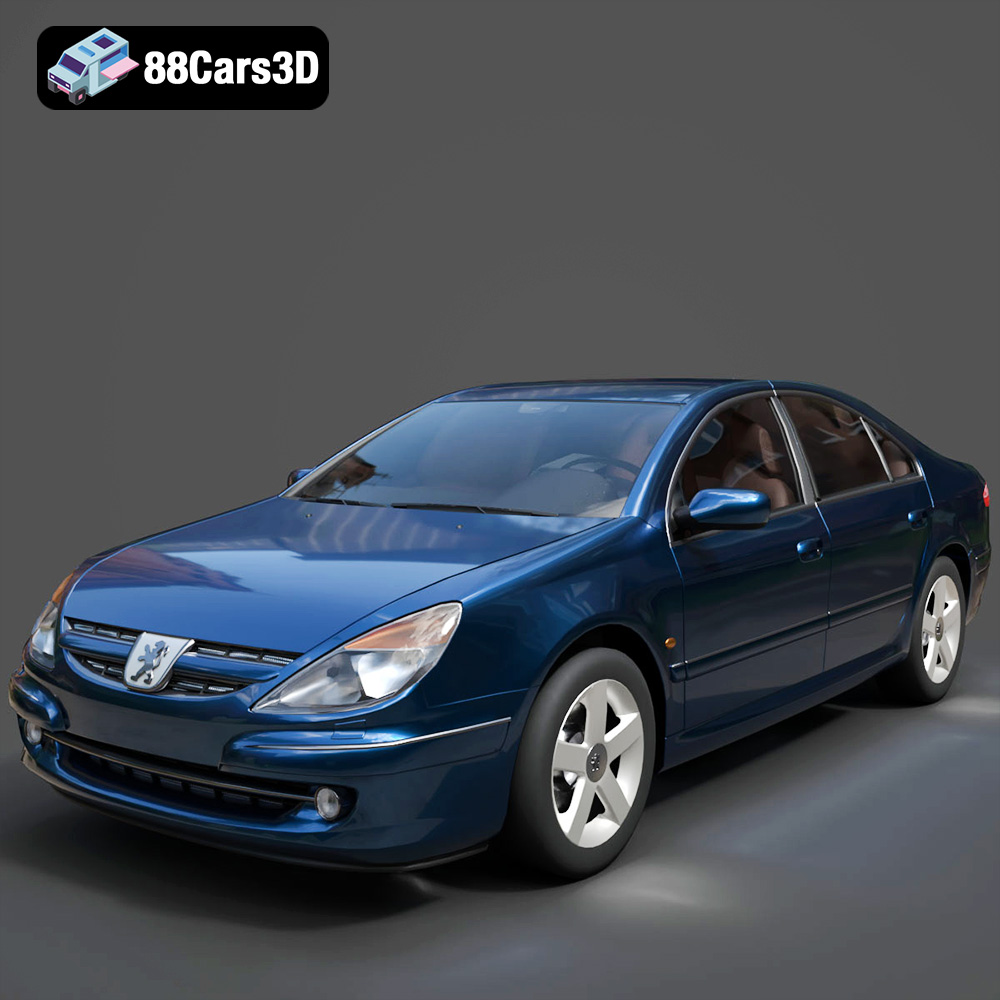
Texture: Yes
Material: Yes
Download the Peugeot 607 3D Model featuring clean geometry, realistic detailing, and a fully modeled interior. Includes .blend, .fbx, .obj, .glb, .stl, .ply, .unreal, and .max formats for rendering, simulation, and game development.
Price: $10
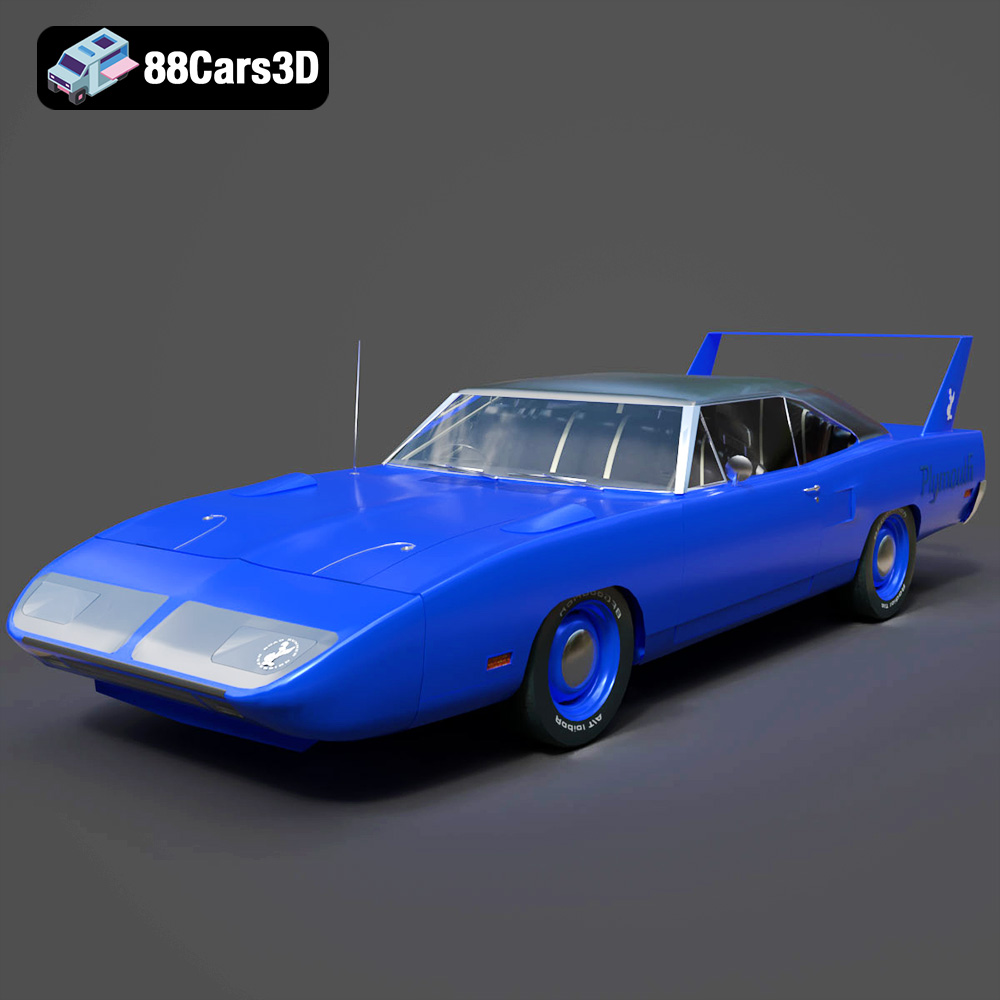
Texture: Yes
Material: Yes
Download the Plymouth Roadrunner Superbird 1970 3D Model featuring clean geometry, realistic detailing, and a fully modeled interior. Includes .blend, .fbx, .obj, .glb, .stl, .ply, .unreal, and .max formats for rendering, simulation, and game development.
Price: $10
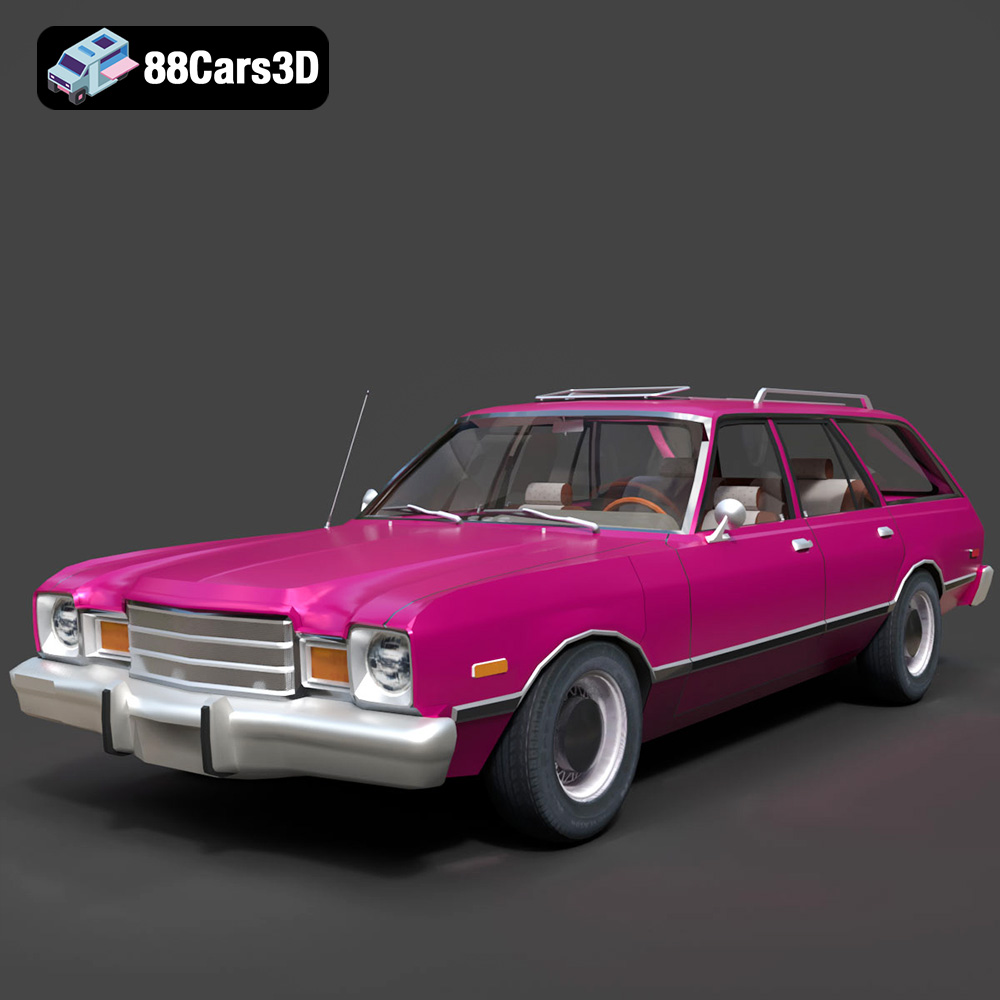
Texture: Yes
Material: Yes
Download the Plymouth Volare 1978 3D Model featuring clean geometry, realistic detailing, and a fully modeled interior. Includes .blend, .fbx, .obj, .glb, .stl, .ply, .unreal, and .max formats for rendering, simulation, and game development.
Price: $10
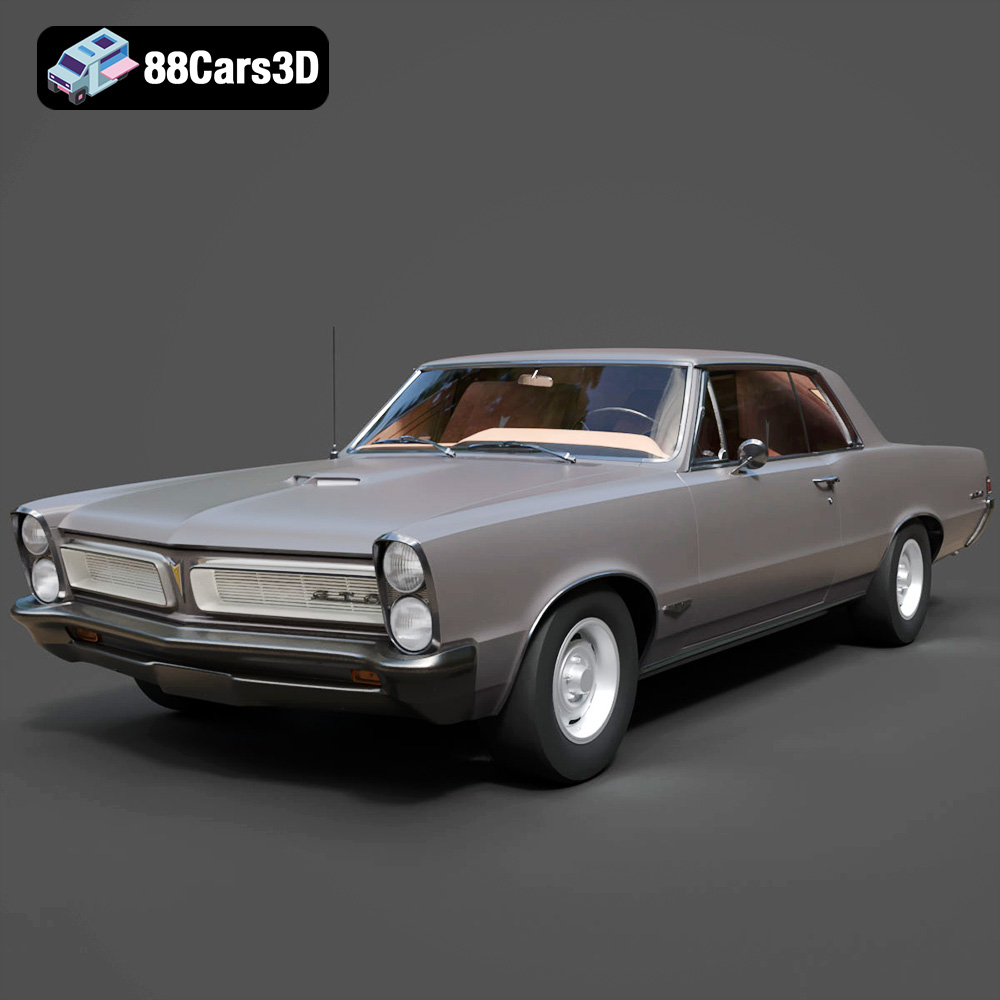
Texture: Yes
Material: Yes
Download the Pontiac GTO 1965 3D Model featuring clean geometry, realistic detailing, and a fully modeled interior. Includes .blend, .fbx, .obj, .glb, .stl, .ply, .unreal, and .max formats for rendering, simulation, and game development.
Price: $10
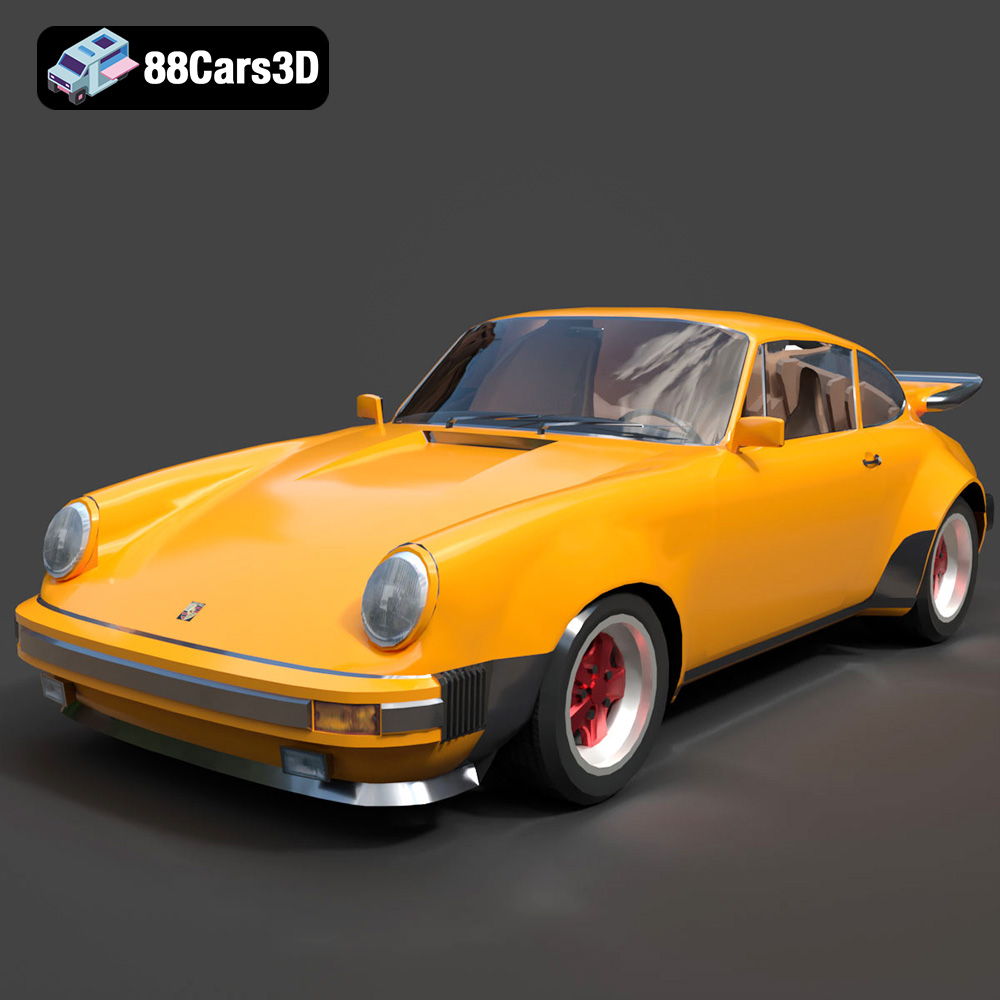
Texture: Yes
Material: Yes
Download the Porsche 911 Turbo 930 3D Model featuring clean geometry, realistic detailing, and a fully modeled interior. Includes .blend, .fbx, .obj, .glb, .stl, .ply, .unreal, and .max formats for rendering, simulation, and game development.
Price: $10
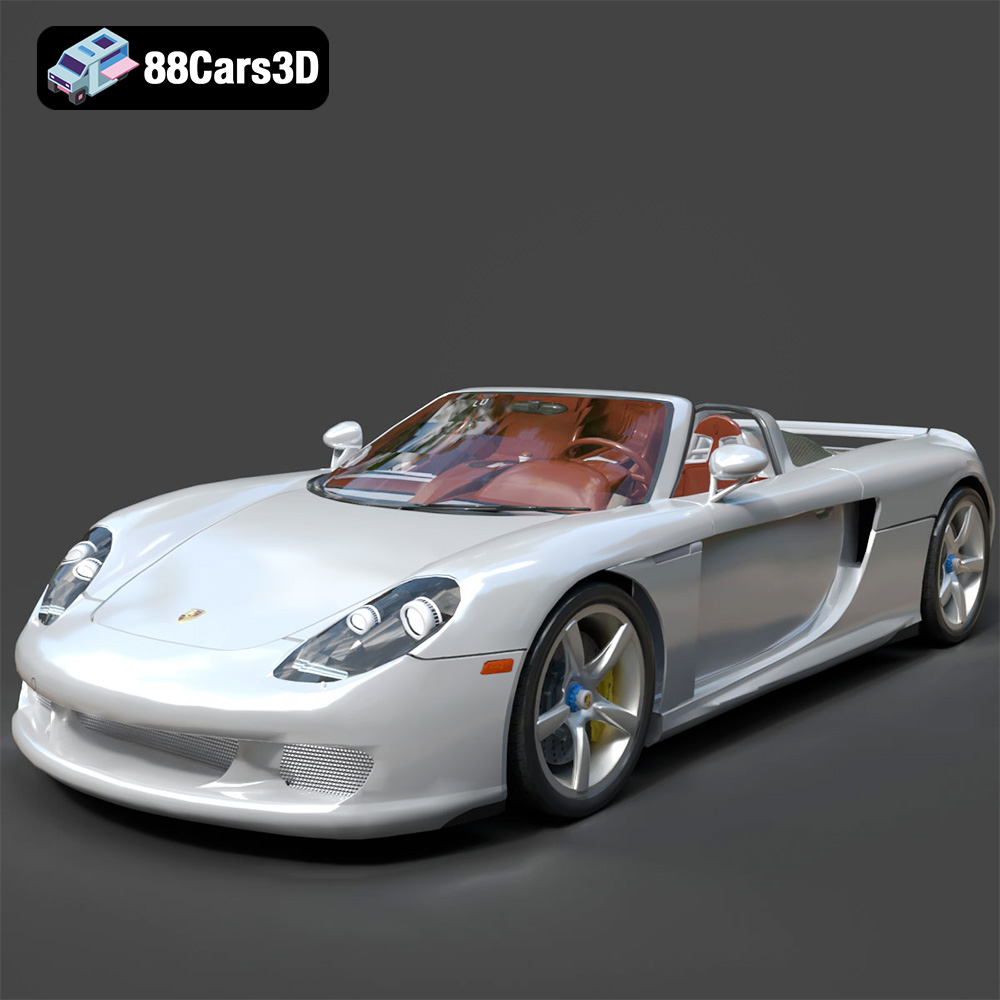
Texture: Yes
Material: Yes
Download the Porsche Carrera GT 3D Model featuring clean geometry, realistic detailing, and a fully modeled interior. Includes .blend, .fbx, .obj, .glb, .stl, .ply, .unreal, and .max formats for rendering, simulation, and game development.
Price: $10

