Get 20% OFF All Premium 3D & STL Models!

In the vibrant world of digital creation, a high-quality 3D car model is more than just a collection of polygons; it’s a meticulously crafted digital asset, a cornerstone for breathtaking visualizations, immersive game experiences, innovative AR/VR applications, and even precise 3D prints. Whether you’re an automotive designer showcasing a new concept, a game developer building a realistic racing simulator, or an architect integrating vehicles into a scene, the fidelity and technical integrity of your 3D car models are paramount. The journey from a raw concept to a render-ready, game-optimized, or print-prepared model involves a complex interplay of artistic vision and technical mastery.
This comprehensive guide will take you on an in-depth exploration of what truly defines a professional-grade 3D car model. We’ll peel back the layers, dissecting crucial aspects from foundational topology and advanced UV mapping to sophisticated PBR material creation, rendering workflows, and critical optimization strategies for diverse platforms. We’ll delve into the specific techniques used in industry-standard software like 3ds Max, Blender, Maya, Unity, and Unreal Engine, offering actionable insights and best practices. By the end of this article, you’ll possess a profound understanding of the intricacies involved in working with 3D car models, empowering you to select, create, and deploy them with unparalleled confidence and efficiency, ensuring your projects stand out in a competitive digital landscape.
The unseen structure beneath the sleek surfaces of a 3D car model – its topology and edge flow – is arguably the most critical factor determining its quality and versatility. Good topology is essential not only for achieving smooth, artifact-free renders but also for ensuring the model can be easily UV mapped, textured, rigged, animated, and even safely subdivided. For automotive models, which often feature complex curves, sharp creases, and precise panel gaps, maintaining clean and efficient topology is a significant challenge that separates amateur work from professional assets. A typical high-poly production model might range from 200,000 to 1 million polygons, while optimized game assets could be as low as 20,000-50,000 polygons, all while striving to maintain visual fidelity.
Clean topology primarily refers to using quads (four-sided polygons) wherever possible, avoiding n-gons (polygons with more than four sides) and excessive triangles in areas that need to deform or subdivide smoothly. Quads allow for predictable subdivision, ensuring that curves remain fluid and surfaces don’t pinch or crease unnaturally. For hard-surface models like cars, maintaining consistent polygon density is key, especially around areas of high curvature or where details are concentrated, such as around headlights, grilles, and wheel arches. It also ensures that textures applied later will not distort. Professionals often begin with low-poly base meshes and use subdivision surface modifiers (like TurboSmooth in 3ds Max or Subdivision Surface in Blender) to achieve high detail, which necessitates impeccable underlying quad flow.
Panel gaps are a perfect example of where topology directly impacts realism. These thin, uniform spaces between body panels must be modeled with precision, often requiring dedicated edge loops to define their depth and sharpness without introducing shading errors. Understanding how light will interact with these gaps is crucial, as even minor topological imperfections can lead to unsightly reflections. When sourcing models from marketplaces such as 88cars3d.com, artists can often inspect wireframes or topology examples to verify this crucial quality aspect.
Beyond just quads, the *direction* and *arrangement* of edges – known as edge flow – is vital. For automotive models, edge flow dictates how highlights travel across the vehicle’s surface and how the model will behave if rigged for opening doors, steering wheels, or suspension animation. Edges should follow the natural contours and design lines of the car, emphasizing its stylistic elements. This is particularly important for areas like fenders, hood lines, and character lines that define the vehicle’s aesthetic.
Key considerations for edge flow include:
Proper edge flow simplifies future modifications, texture baking, and ensures that the model can integrate seamlessly into various production pipelines without requiring extensive rework.
Once the foundational geometry is solid, the next critical step is preparing the model for textures through UV mapping and then crafting realistic materials. UV mapping is the process of flattening the 3D surface of a model into a 2D space, allowing 2D images (textures) to be painted or applied to it. Without proper UVs, textures will appear stretched, distorted, or incorrectly aligned, severely compromising the model’s visual quality. For complex objects like cars, meticulous UV unwrapping is paramount, often involving multiple UV sets and precise planning. Texturing then leverages these UVs to define the visual properties – color, reflectivity, roughness, and more – using physically based rendering (PBR) principles.
A car is a composite of many different materials and surfaces, from the glossy paintwork to the matte plastics, metallic trims, and intricate interior fabrics. This complexity demands a strategic approach to UV mapping. Instead of trying to unwrap the entire car into a single UV space, which often leads to poor texel density and unwieldy seams, it’s common practice to:
Software like 3ds Max, Blender, and Maya offer robust UV editing tools, including automatic unwrapping, pelt mapping, and advanced layout algorithms, to assist artists in creating clean, efficient UV maps.
Physically Based Rendering (PBR) has become the industry standard for creating realistic materials by simulating how light interacts with surfaces based on real-world physics. PBR materials use a set of textures (maps) that define various surface properties. For automotive models, these maps are crucial for capturing the nuances of car paint, chrome, glass, and rubber. Key PBR maps include:
Creating compelling car paint shaders, for instance, involves layers of complex PBR maps, potentially including clear coat simulations, flake maps for metallic finishes, and subtle imperfections. Software like Substance Painter is widely used for painting and generating these PBR textures directly onto 3D models, ensuring consistency and realism across all material properties.
Once a 3D car model is meticulously modeled and textured, the ultimate test of its quality comes in the rendering stage. High-quality automotive rendering transforms digital assets into photorealistic images or animations, making them indistinguishable from real-world photographs. This process involves careful consideration of lighting, camera angles, material properties, and the capabilities of the chosen rendering engine. The goal is to evoke emotion, highlight design features, and accurately represent the vehicle’s presence.
Lighting is the single most important factor in a photorealistic render. For automotive visualization, two primary approaches are common:
A professional lighting setup also involves careful consideration of camera placement and settings, mirroring real-world photography principles:
Shadows are equally crucial – soft, realistic contact shadows ground the vehicle in the scene, while subtle ambient occlusion adds depth.
Different renderers offer unique strengths and workflows, but all share the common goal of physically accurate light simulation:
Regardless of the renderer, optimizing render settings (sample rates, noise thresholds, ray depth) is essential for balancing render time with image quality. Utilizing render passes (e.g., diffuse, reflection, refractions, Z-depth) is a standard professional practice, allowing greater control during the post-processing and compositing stages.
While high-fidelity renders aim for photorealism in static images or linear animations, game development and real-time visualization demand a different kind of optimization. Here, the challenge is to achieve compelling visual quality while maintaining fluid frame rates, often under strict performance budgets. 3D car models for game engines like Unity and Unreal Engine require significant optimization to ensure they run efficiently on various hardware, from high-end PCs to mobile devices. This involves careful polygon budgeting, smart texture management, and leveraging engine-specific features to minimize draw calls and shader complexity.
One of the cornerstone techniques for game asset optimization is the use of Levels of Detail (LODs). Instead of displaying a single high-polygon model at all distances, LODs involve creating several versions of the same model, each with progressively fewer polygons. As the car moves further away from the camera, the game engine automatically switches to a lower LOD, significantly reducing the computational load. A typical car model might have 3-5 LODs:
This dramatically reduces the number of polygons the GPU needs to render per frame. Manual retopology or automated decimation tools can be used to create these LODs effectively.
Draw calls are another critical performance bottleneck. Each time the CPU tells the GPU to draw an object, it’s a draw call. Reducing draw calls is paramount for performance. Techniques include:
When acquiring assets, platforms like 88cars3d.com often specify if models are game-ready and include LODs, simplifying the integration process for game developers.
Texture atlasing involves combining multiple smaller textures into a single, larger texture map. For car models, this means packing textures for different components (e.g., headlights, taillights, badges, small interior elements) onto one or a few atlases, rather than having individual textures for each. This reduces the number of texture lookups and memory bandwidth required, leading to better performance. For example, instead of 20 small 512×512 textures, one 4K or 8K atlas might contain all these elements.
Shader optimization is also crucial. Complex PBR shaders with many instructions can be taxing on the GPU. Techniques include:
These optimizations are essential for delivering a smooth, visually appealing interactive experience, whether it’s a driving simulator, an architectural walkthrough, or an augmented reality application.
The utility of high-quality 3D car models extends far beyond traditional rendering and game engines. With the rise of immersive technologies and rapid prototyping, these digital assets are finding new life in Augmented Reality (AR), Virtual Reality (VR), and 3D printing. Each of these applications presents unique technical requirements and optimization challenges that demand a deeper understanding of mesh integrity, file format compatibility, and performance considerations.
AR/VR experiences are inherently real-time and often target mobile or standalone devices with limited computational power. Therefore, optimizing 3D car models for these platforms is even more stringent than for traditional game development:
Ensuring the model is clean, with minimal overlapping geometry and efficient UVs, is paramount for a smooth AR/VR experience that doesn’t suffer from visual glitches or performance drops.
3D printing transforms digital models into physical objects, but this requires a fundamentally different set of technical considerations. The primary concern for 3D printing is mesh integrity:
Software like MeshMixer, Netfabb, or built-in tools in Blender (3D Print Toolbox addon) and 3ds Max can be used to analyze, repair, and prepare models for 3D printing, checking for manifold errors and minimum thickness. Acquiring models from sources like 88cars3d.com that are designed with clean topology often simplifies this preparation stage significantly.
The vast ecosystem of 3D software means that models must often traverse multiple applications and platforms. This necessitates a deep understanding of various 3D file formats, their strengths, limitations, and how to ensure seamless conversion and data integrity throughout the pipeline. Choosing the right format for exporting and importing 3D car models can make the difference between a smooth workflow and a frustrating struggle with lost data or broken materials.
Converting between formats can be fraught with peril. It’s common for materials to break, animations to distort, or certain features to be lost during export/import. Best practices include:
Understanding these nuances of file formats and conversion is vital for anyone working with 3D car models, ensuring that valuable assets retain their integrity and functionality across diverse digital pipelines. By adhering to industry standards and best practices, artists can confidently share and integrate their automotive creations into any project.
The journey through the creation, optimization, and application of high-quality 3D car models reveals a multifaceted discipline, blending artistic skill with profound technical expertise. From the foundational precision of clean topology and strategic UV mapping to the advanced realism of PBR materials and sophisticated rendering, every stage plays a critical role in bringing digital automotive visions to life. Furthermore, adapting these assets for diverse platforms – be it the lean demands of game engines, the immersive requirements of AR/VR, or the tangible necessities of 3D printing – underscores the versatility and technical rigor demanded in today’s digital landscape.
Mastering these techniques not only elevates the visual fidelity of your projects but also streamlines workflows, enhances performance, and broadens the applicability of your 3D assets across various industries. Whether you’re meticulously modeling a concept car from scratch, optimizing a fleet for a racing game, or preparing a stunning visualization for an automotive client, a deep understanding of these principles is your most powerful tool. For those seeking a head start, platforms like 88cars3d.com provide access to pre-made, high-quality 3D car models, meticulously crafted with these very best practices in mind, offering a solid foundation for any project. Embrace these insights, refine your craft, and continue to push the boundaries of digital automotive perfection.
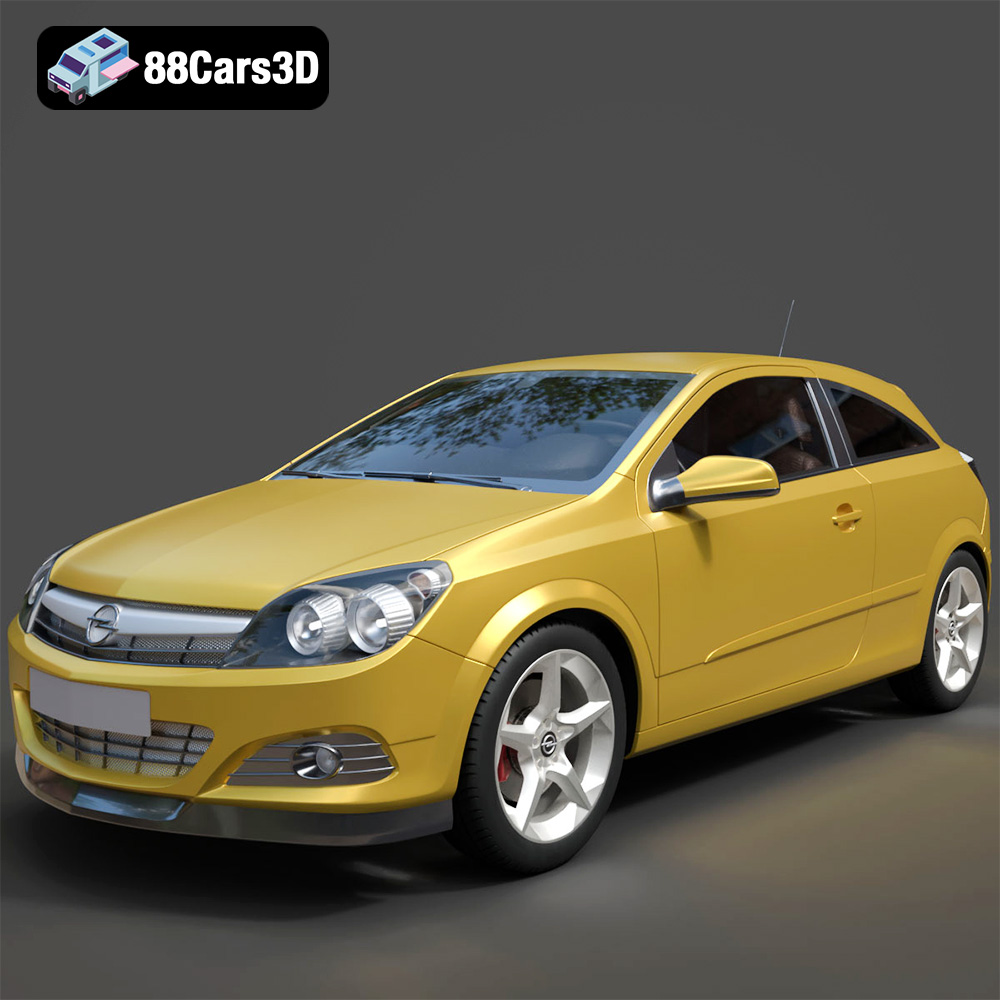
Texture: Yes
Material: Yes
Download the Opel Astra H GTC 3D Model featuring clean geometry, realistic detailing, and a fully modeled interior. Includes .blend, .fbx, .obj, .glb, .stl, .ply, .unreal, and .max formats for rendering, simulation, and game development.
Price: $4.99
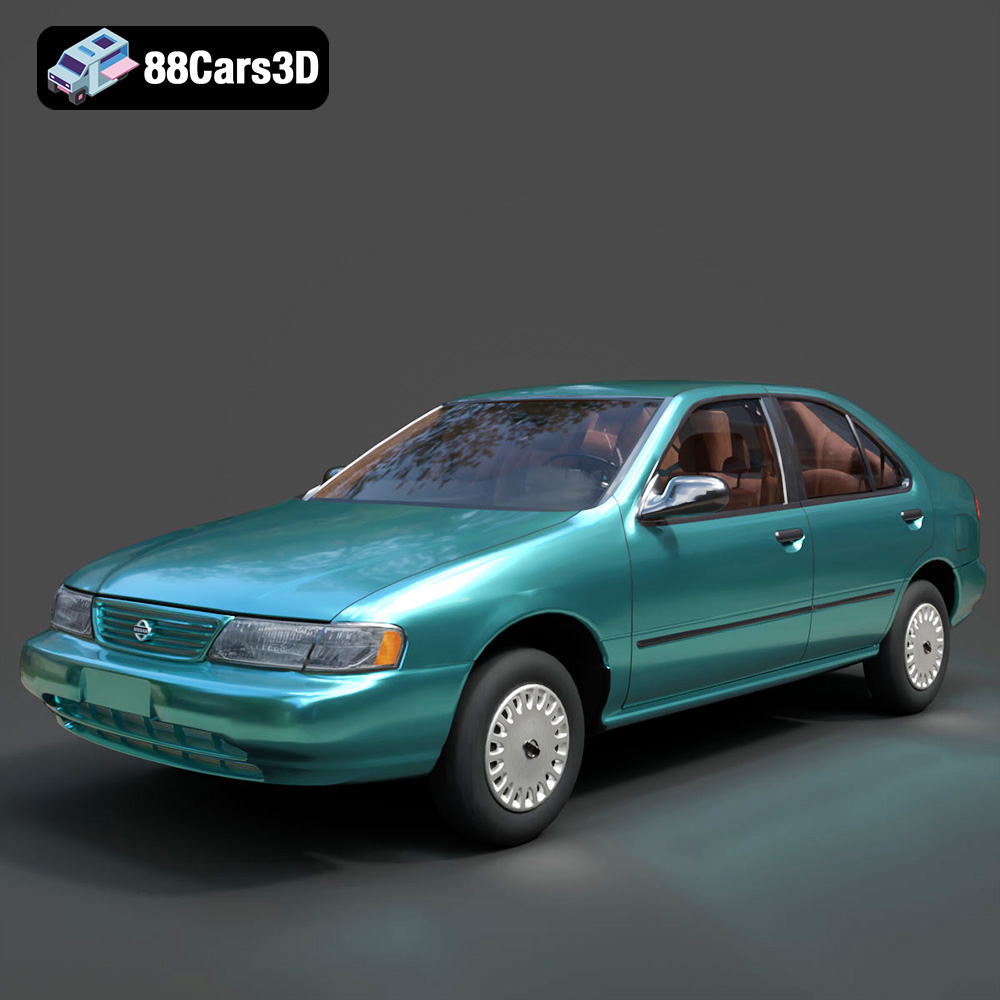
Texture: Yes
Material: Yes
Download the Nissan Sentra GXE 1996 3D Model featuring clean geometry, realistic detailing, and a fully modeled interior. Includes .blend, .fbx, .obj, .glb, .stl, .ply, .unreal, and .max formats for rendering, simulation, and game development.
Price: $4.99
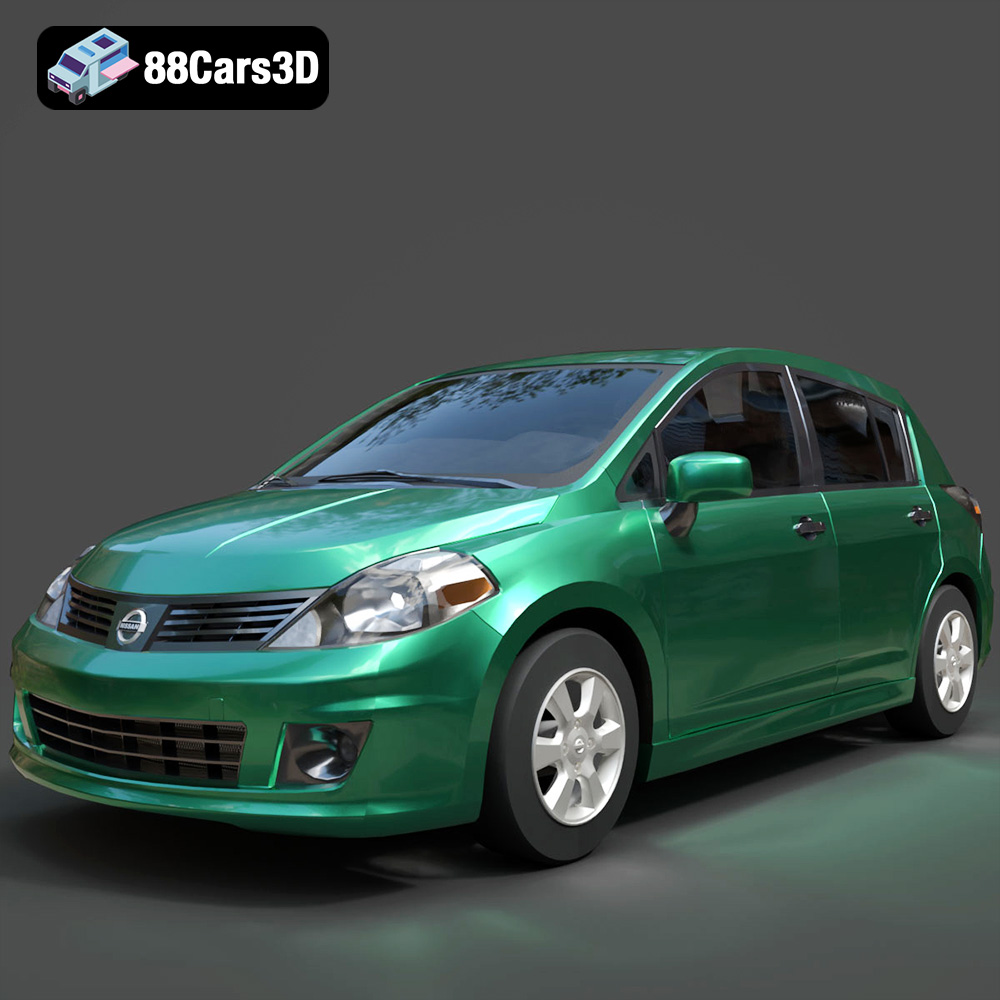
Texture: Yes
Material: Yes
Download the Nissan Tiida 3D Model featuring clean geometry, realistic detailing, and a fully modeled interior. Includes .blend, .fbx, .obj, .glb, .stl, .ply, .unreal, and .max formats for rendering, simulation, and game development.
Price: $4.99

Texture: Yes
Material: Yes
Download the Mitsubishi Outlander 2022 3D Model featuring clean geometry, realistic detailing, and a fully modeled interior. Includes .blend, .fbx, .obj, .glb, .stl, .ply, .unreal, and .max formats for rendering, simulation, and game development.
Price: $4.99
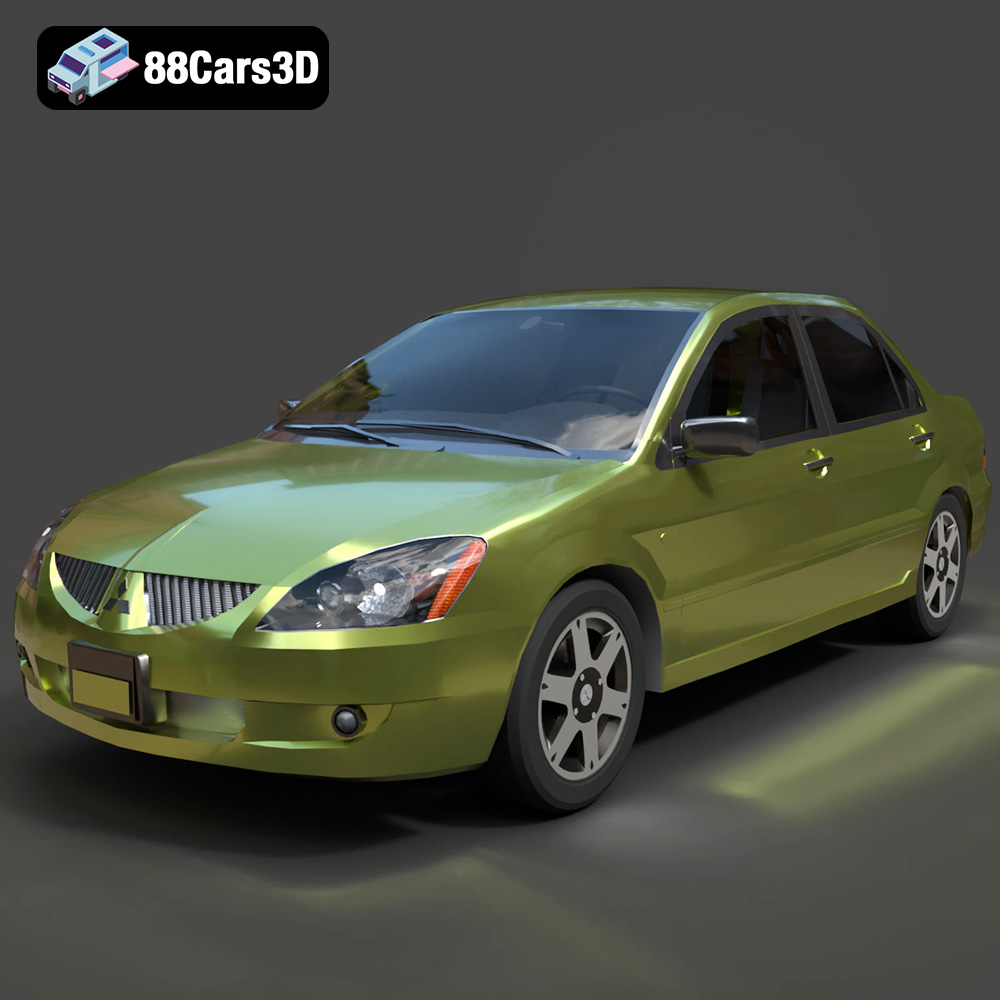
Texture: Yes
Material: Yes
Download the Mitsubishi Lancer IX-001 3D Model featuring clean geometry, realistic detailing, and a fully modeled interior. Includes .blend, .fbx, .obj, .glb, .stl, .ply, .unreal, and .max formats for rendering, simulation, and game development.
Price: $4.99

Texture: Yes
Material: Yes
Download the MINI Cooper S-007 3D Model featuring clean geometry, realistic detailing, and a fully modeled interior. Includes .blend, .fbx, .obj, .glb, .stl, .ply, .unreal, and .max formats for rendering, simulation, and game development.
Price: $4.99

Texture: Yes
Material: Yes
Download the Mercury Grand Marquis LS 1986 3D Model featuring clean geometry, realistic detailing, and a fully modeled interior. Includes .blend, .fbx, .obj, .glb, .stl, .ply, .unreal, and .max formats for rendering, simulation, and game development.
Price: $4.99

Texture: Yes
Material: Yes
Download the Mercedes-Benz SLS AMG 2010 3D Model featuring clean geometry, realistic detailing, and a fully modeled interior. Includes .blend, .fbx, .obj, .glb, .stl, .ply, .unreal, and .max formats for rendering, simulation, and game development.
Price: $4.99

Texture: Yes
Material: Yes
Download the Renault Twizy ZE 3D Model featuring clean geometry, realistic detailing, and a fully modeled interior. Includes .blend, .fbx, .obj, .glb, .stl, .ply, .unreal, and .max formats for rendering, simulation, and game development.
Price: $4.99

Texture: Yes
Material: Yes
Download the Porsche 911 GT3 3D Model featuring clean geometry, realistic detailing, and a fully modeled interior. Includes .blend, .fbx, .obj, .glb, .stl, .ply, .unreal, and .max formats for rendering, simulation, and game development.
Price: $4.99

