Get 20% OFF All Premium 3D & STL Models!

The allure of a perfectly crafted automotive design, rendered with breathtaking realism or seamlessly integrated into an interactive virtual world, begins with a deep understanding of 3D modeling fundamentals. From the sleek curves of a supercar to the rugged utility of an off-road vehicle, bringing these machines to life in three dimensions is a complex yet rewarding journey. It requires not just artistic vision, but also a meticulous grasp of technical principles that ensure fidelity, performance, and versatility across various platforms.
This comprehensive guide delves into the intricate world of 3D car models, providing a roadmap for artists, game developers, automotive designers, and visualization professionals. We’ll explore everything from the foundational aspects of clean topology and efficient UV mapping to the advanced techniques of Physically Based Rendering (PBR) material creation, high-fidelity rendering, and crucial optimization strategies for game engines, AR/VR experiences, and even 3D printing. Whether you’re aiming for a photorealistic showcase or a high-performance game asset, mastering these techniques is paramount. Platforms like 88cars3d.com offer a vast library of pre-built, high-quality 3D car models, providing an excellent starting point or benchmark for your projects, but understanding the underlying creation principles empowers you to truly leverage and customize them to their fullest potential. By the end of this post, you’ll have a robust understanding of the workflows and best practices that drive the creation of world-class 3D automotive assets.
Topology, the arrangement of polygons and edges that form a 3D mesh, is the bedrock of any high-quality 3D model, especially for complex subjects like automobiles. For vehicles, impeccable topology is not merely an aesthetic choice; it’s a functional necessity that impacts everything from smooth subdivision surfaces and realistic deformation to efficient UV mapping and material application. A poorly constructed mesh, often characterized by triangles, N-gons (polygons with more than four sides), or stretched quads, can lead to visible artifacts, shading issues, and significant headaches down the pipeline.
The core principle for automotive modeling is the adherence to quad-based topology. Quads (four-sided polygons) are ideal because they subdivide predictably, allowing for smooth surfaces without pinching or distortion when using subdivision surface modifiers (like TurboSmooth in 3ds Max or Subdivision Surface in Blender). Automotive bodies, with their flowing curves and sharp creases, demand a precise network of quads that can accurately capture these nuances. Achieving this requires careful planning and execution, often starting with reference images and blueprints to block out the primary shapes before refining the details.
Edge flow refers to the direction and continuity of edge loops across the mesh. In automotive modeling, exemplary edge flow is critical for defining the vehicle’s characteristic shapes and details, such as panel gaps, body lines, and aerodynamic curves. Edge loops should follow the natural contours of the car, running along major creases, around headlights and grilles, and outlining door seams. This ensures that when the model is subdivided, these features retain their crispness while the broader surfaces remain smooth and flowing.
Consider the door of a car: an edge loop should perfectly encircle the entire door panel, allowing for a sharp, clean cut when separating the panel for rigging or animation. Similarly, loops should wrap around wheel arches, window frames, and the edges of the hood and trunk. This structured approach facilitates easier selection for texturing, provides clean UV boundaries, and minimizes stretching. Tools in software like 3ds Max, Blender, and Maya provide extensive modeling tools, including the ability to extrude edges, loop cut, and slide edges, enabling artists to meticulously control the mesh’s structure. Aim for an even distribution of polygons where possible, avoiding overly dense areas that don’t contribute to detail or overly sparse areas that lose form when subdivided.
The appropriate polygon count for a 3D car model is highly dependent on its intended application. For high-fidelity rendering and cinematic sequences, a high-poly model, potentially exceeding 500,000 to several million polygons (with subdivision), is acceptable and often desired to capture every minute detail and reflection. These models allow for extreme close-ups and intricate surface variations.
However, for real-time applications such as game development, AR/VR experiences, or interactive visualizations, polygon count becomes a critical performance factor. Here, optimization is key. A single game-ready car model might range from 50,000 to 150,000 polygons, depending on its prominence and the target platform’s specifications. To manage this, Levels of Detail (LODs) are indispensable. An LOD system involves creating multiple versions of the same model, each with a progressively lower polygon count. For instance:
Modern game engines like Unity and Unreal Engine have robust LOD systems that automatically swap models based on distance from the camera, dramatically improving performance without a noticeable drop in visual quality. The process of creating LODs often involves retopology or automated decimation tools, followed by baking normal maps from the high-poly model onto the lower-poly versions to retain surface detail.
Once your 3D car model’s topology is solid, the next crucial step is UV mapping. UVs are the 2D coordinates that tell your 3D software and render engines how to project 2D textures onto the 3D surface. Think of it like carefully cutting and unfolding a cardboard box into a flat pattern; without a precise unfold, the labels (textures) would be stretched, distorted, or misaligned. For complex objects like cars, with their diverse materials and reflective surfaces, immaculate UVs are non-negotiable for achieving photorealistic results.
Poor UV mapping can manifest as blurry textures, noticeable seams, stretching, or inconsistent texel density, severely detracting from the realism of your car model. The goal is to create UV layouts that are clean, minimize distortion, make efficient use of texture space, and are intuitive for texture artists to work with. This typically involves strategically cutting seams on the 3D model to flatten its surface into manageable UV islands, which are then arranged in the 0-1 UV space.
Cars are a collection of distinct panels and components, each requiring a tailored unwrapping approach. Here are common strategies:
When unwrapping, always aim for:
For game development and real-time applications, UV atlasing is a critical optimization technique. Instead of having a separate texture map for every individual component (e.g., one for the hood, one for the door, one for the bumper), all UV islands from multiple parts of the car are packed into a single, larger UV space and share a single texture atlas. This reduces the number of materials and draw calls an engine has to process, leading to significant performance gains.
A common strategy is to create a main body atlas for all painted surfaces, another atlas for interior components, and separate smaller atlases for unique elements like headlights, taillights, and wheels. When packing UVs into an atlas, maximize the use of the 0-1 UV space, leaving minimal empty areas. Tools like IPackThat (3ds Max) or the native UV packing features in Blender and Maya help automate this process efficiently. For very large models or complex setups, you might consider multiple UV channels: one for unique details (e.g., car paint imperfections) and another for tiled generic textures (e.g., carbon fiber patterns) or baked lightmaps.
With clean topology and meticulous UVs in place, the stage is set for creating visually stunning materials. Physically Based Rendering (PBR) has become the industry standard for achieving photorealistic results because it accurately simulates how light interacts with surfaces in the real world. Unlike older rendering techniques that relied on subjective artistic interpretations, PBR uses physically plausible properties, ensuring materials behave consistently under various lighting conditions, making them ideal for both static renders and dynamic game environments.
The core of PBR lies in defining two fundamental material properties: Roughness/Glossiness and Metallic/Specular. Most modern render engines and game engines (Corona Renderer, V-Ray, Blender Cycles, Arnold, Unity, Unreal Engine) use either a Metallic/Roughness workflow or a Specular/Glossiness workflow, both aiming to represent the same physical properties.
A typical PBR material for an automotive asset will utilize several texture maps, each contributing to the material’s final appearance:
Software like Substance Painter and Marmoset Toolbag are invaluable for creating these maps, allowing artists to paint directly onto the 3D model and generate all PBR textures simultaneously.
Creating convincing car paint and glass requires more than just basic PBR maps; it often involves sophisticated shader networks:
The beauty of PBR is that once these materials are correctly set up, they will look accurate under almost any lighting condition, ensuring your 3D car models are ready for diverse rendering and real-time environments.
Once your 3D car model is meticulously prepared with clean topology, optimized UVs, and stunning PBR materials, the next step is to showcase it through high-fidelity rendering. This process involves carefully orchestrating lighting, camera angles, environment, and render settings to produce photorealistic images or animations. Achieving a captivating render requires a blend of technical expertise and artistic sensibility to make the vehicle truly pop.
A typical rendering workflow begins by importing your finished 3D car model into a rendering-focused software environment like 3ds Max (with Corona or V-Ray), Blender (with Cycles), or Maya (with Arnold). The model should be properly scaled and centered in the scene. Before any lights are placed, it’s often beneficial to do a quick render with a default gray material to assess the model’s shape and catch any lingering topology or shading issues without the distraction of complex textures.
Effective lighting is arguably the most critical component of a great automotive render. It defines the mood, highlights the car’s design, and brings out the details in its materials. A common and highly effective approach is to use High Dynamic Range Image (HDRI) maps:
Carefully observing how light interacts with real car surfaces, especially their reflections and specularity, is key to replicating that realism in your renders. Subtlety often yields the most convincing results.
Each render engine has its own strengths and settings that need to be fine-tuned for optimal automotive rendering:
For all engines, setting appropriate render resolution (e.g., 4K or 8K for print-quality images), enabling features like depth of field for cinematic focus, and carefully calibrating exposure and white balance are final touches that elevate a render from good to outstanding. Always aim for a balance between visual quality and render time, using test renders at lower resolutions to quickly iterate on lighting and materials.
The transition from a high-fidelity render to a real-time application like a video game or an interactive configurator presents a unique set of challenges and demands specific optimization techniques. While static renders can afford millions of polygons and complex lighting calculations, real-time environments must maintain smooth frame rates, often needing to render hundreds or thousands of objects simultaneously. This necessitates a strategic approach to managing polygon counts, texture memory, and draw calls, ensuring your 3D car models perform efficiently without sacrificing visual quality.
The goal of real-time optimization is to strike a balance: making the model look as good as possible while consuming minimal system resources (CPU, GPU, and memory). This process involves a combination of mesh reduction, intelligent texture management, and utilizing engine-specific features. Ignoring optimization can lead to performance bottlenecks, dropped frame rates, and a poor user experience, regardless of how visually impressive the raw model might be.
We touched upon Levels of Detail (LODs) in the topology section, and their importance cannot be overstated for real-time applications. Properly implemented LODs ensure that the engine only renders the necessary level of detail based on the object’s distance from the camera. Both Unity and Unreal Engine offer robust LOD Group components that automatically manage the swapping of different mesh versions. This dramatically reduces the polygon count rendered per frame, especially in scenes with many distant vehicles.
Beyond LODs, other techniques are crucial:
Aim to keep the number of separate meshes, materials, and textures per car model to a minimum for optimal performance.
Textures consume a significant amount of GPU memory and bandwidth. Efficient texture management is therefore critical:
Choosing the right file format for export is also crucial. FBX (Filmbox) is the undisputed industry standard for exchanging 3D assets between DCC (Digital Content Creation) tools and game engines. It supports meshes, materials, animations, and skeletal data. For web-based AR/VR, formats like GLB (gLTF Binary) or USDZ (Universal Scene Description Zip) are increasingly popular due to their compact size and support for PBR materials.
When sourcing models from marketplaces such as 88cars3d.com, checking for models optimized for game engines, often explicitly listing LODs, optimized UVs, and PBR textures, will save considerable time and effort in your development pipeline.
The utility of a high-quality 3D car model extends far beyond traditional rendering and game development. With advancements in technology, these assets are now integral to diverse applications, including immersive Augmented Reality (AR) and Virtual Reality (VR) experiences, rapid prototyping through 3D printing, and interactive product visualization. Each application presents its own unique set of requirements and challenges, demanding specific preparation and optimization techniques to ensure the 3D model performs optimally and achieves its intended purpose.
Understanding these varied requirements allows artists and developers to future-proof their assets and maximize their value across different platforms. The foundation of clean topology, efficient UVs, and PBR materials remains constant, but the final stages of preparation often diverge significantly depending on whether the car will be viewed on a mobile device, a VR headset, or solidified into a physical object.
Augmented Reality (AR) and Virtual Reality (VR) experiences place some of the most stringent demands on 3D assets due to their real-time nature and the need for high frame rates (typically 60-90 FPS per eye for VR) to prevent motion sickness. For 3D car models in AR/VR:
Unlike digital visualization, 3D printing requires a 3D model to be a physically constructible object. This means entirely different criteria for mesh integrity:
Preparing a high-poly car model for 3D printing often involves significant mesh cleanup, shell modifiers to ensure thickness, and merging separate components into a single, watertight shell.
The landscape of 3D applications and platforms requires models to be compatible with various software and engines. Understanding and managing file format conversions is a crucial skill:
When exporting or converting, always check the settings for embedding media (textures), unit scale, coordinate system (Y-up vs. Z-up), and what data types are included (e.g., normals, tangents, vertex colors). Platforms like 88cars3d.com typically offer models in multiple industry-standard formats, simplifying the integration into your specific workflow, but knowing which format serves which purpose best is key to a smooth production pipeline.
The journey of creating, optimizing, and deploying a high-quality 3D car model is a testament to the blend of artistic skill and technical mastery required in modern digital content creation. From meticulously sculpting the initial topology to defining the intricate nuances of PBR materials, and then carefully optimizing for real-time performance or preparing for physical fabrication, each step demands precision and a deep understanding of industry best practices. We’ve explored the critical importance of clean, quad-based topology for smooth deformations, the art of efficient UV mapping for flawless texture projection, and the science behind PBR for achieving photorealistic surface representation.
Furthermore, we delved into advanced rendering workflows that leverage powerful engines like Corona, V-Ray, Cycles, and Arnold, as well as the essential optimization strategies for integrating these complex assets into demanding real-time environments such as game engines and AR/VR experiences. Finally, we touched upon the unique considerations for transforming digital models into tangible objects via 3D printing and the versatility offered by various file formats for seamless compatibility across diverse applications.
Mastering these workflows not only elevates the quality of your automotive visualizations but also streamlines your production pipeline, saving invaluable time and resources. As the demand for stunning and performant 3D content continues to grow across industries, the ability to create and manage these intricate assets becomes an increasingly valuable skill. For those seeking a head start or a reliable source of professionally crafted models, exploring the extensive library available at 88cars3d.com can provide a solid foundation for your next project, offering models ready for rendering, gaming, and various visualization needs. Continue to experiment, learn, and push the boundaries of what’s possible in the exciting world of 3D automotive design.
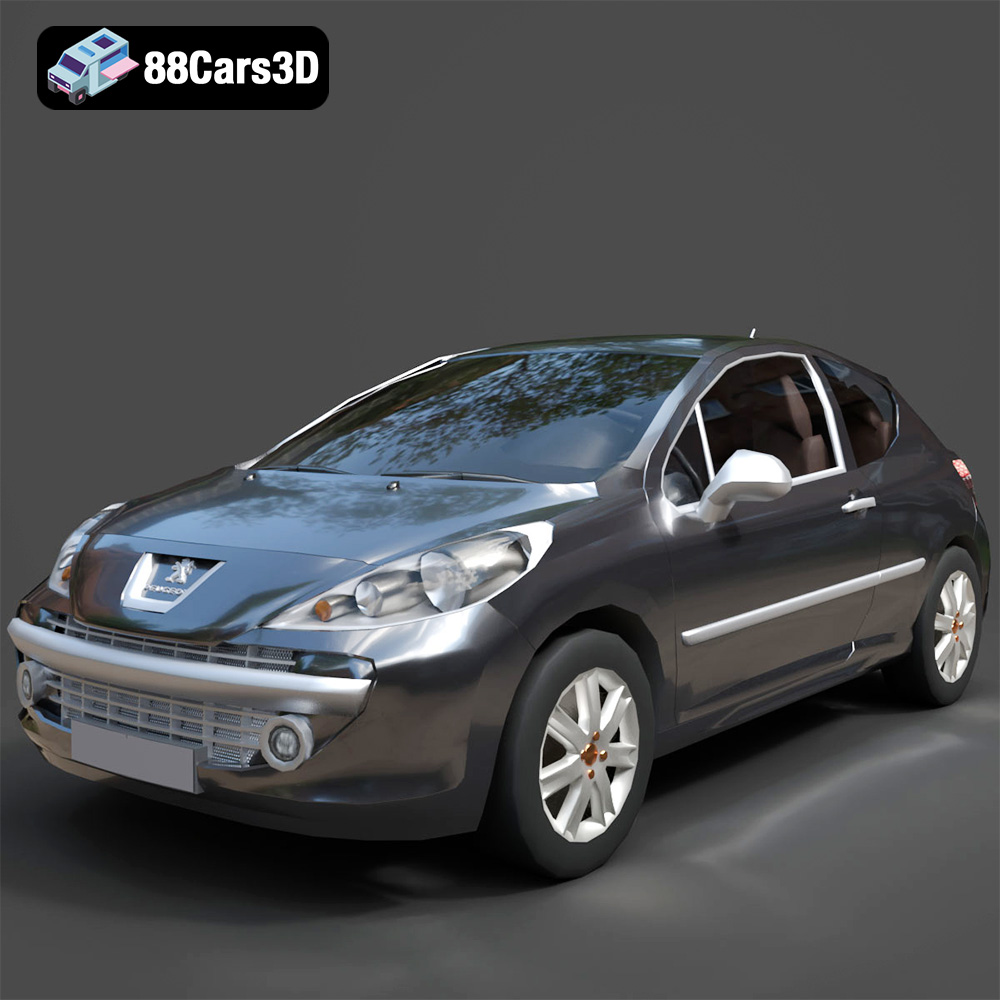
Texture: Yes
Material: Yes
Download the Peugeot 207 3D Model featuring clean geometry, realistic detailing, and a fully modeled interior. Includes .blend, .fbx, .obj, .glb, .stl, .ply, .unreal, and .max formats for rendering, simulation, and game development.
Price: $4.99
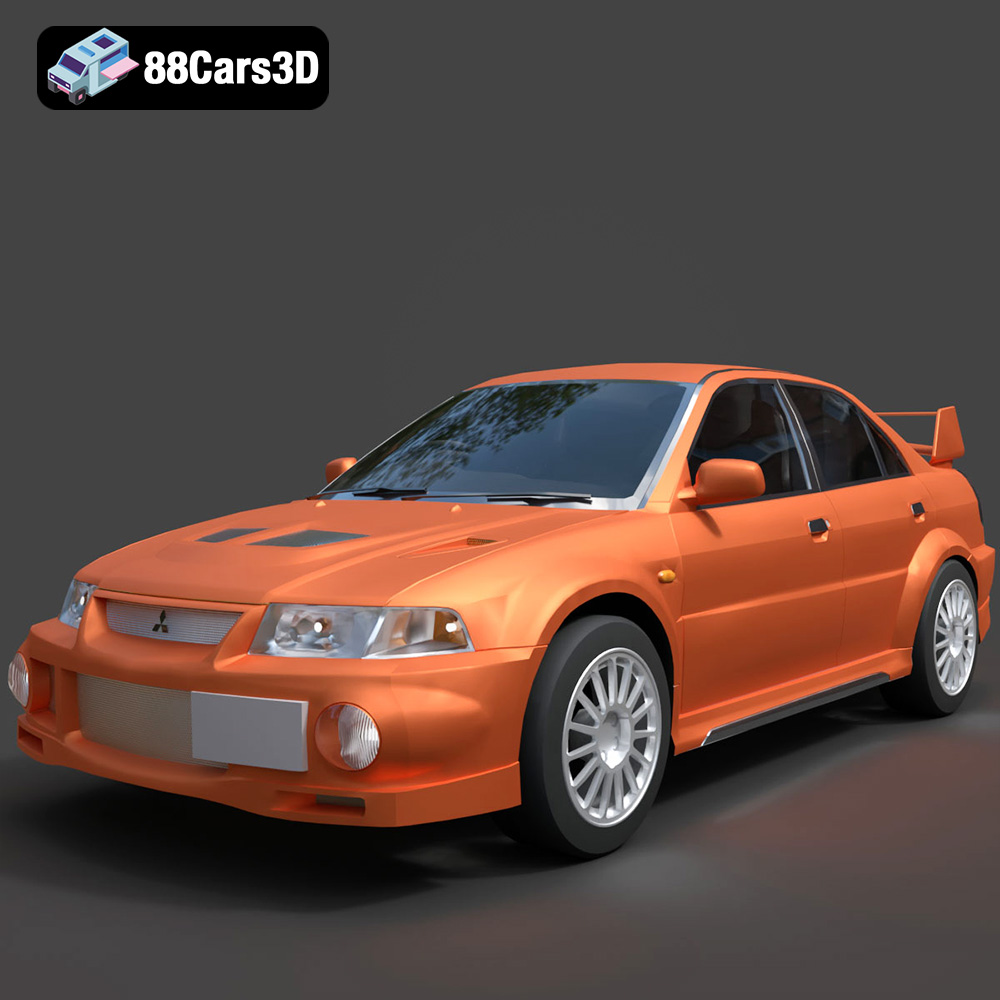
Texture: Yes
Material: Yes
Download the Mitsubishi Lancer Evolution VI 3D Model featuring clean geometry, realistic detailing, and a fully modeled interior. Includes .blend, .fbx, .obj, .glb, .stl, .ply, .unreal, and .max formats for rendering, simulation, and game development.
Price: $4.99
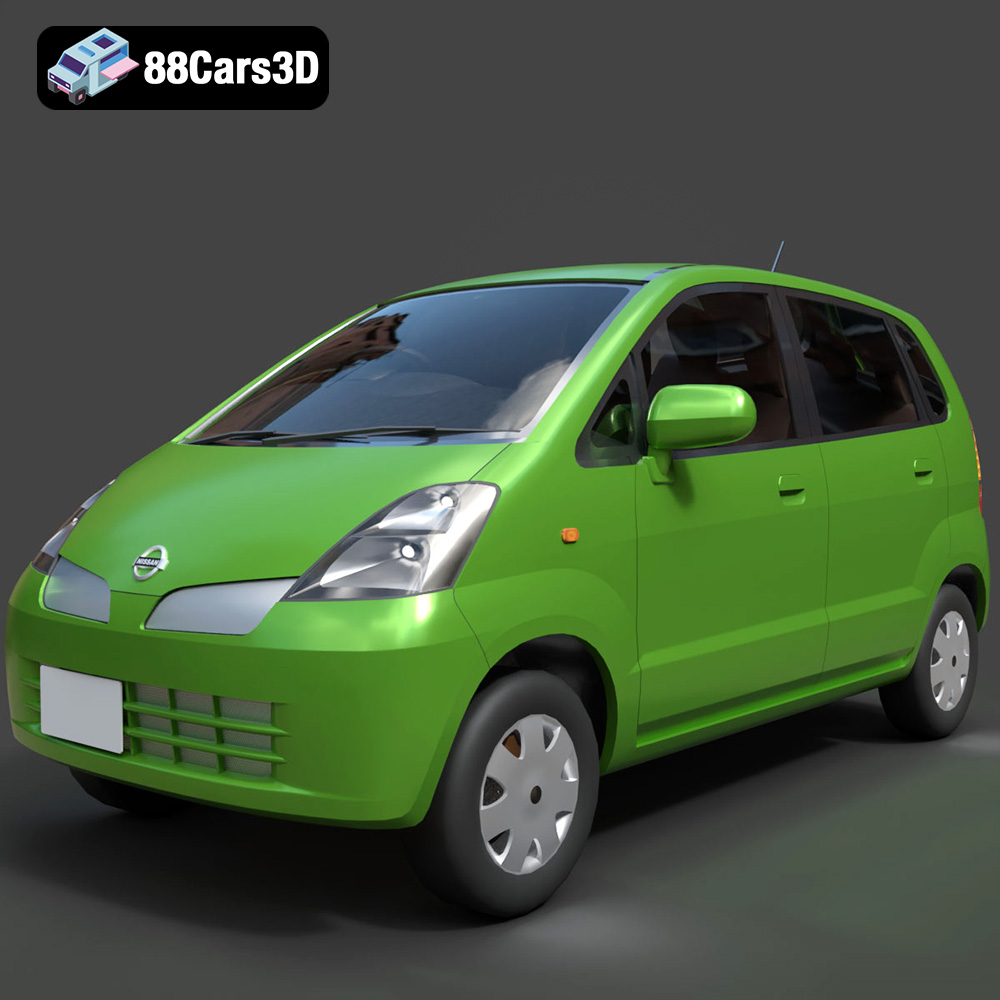
Texture: Yes
Material: Yes
Download the Nissan Moco 007 3D Model featuring clean geometry, realistic detailing, and a fully modeled interior. Includes .blend, .fbx, .obj, .glb, .stl, .ply, .unreal, and .max formats for rendering, simulation, and game development.
Price: $4.99
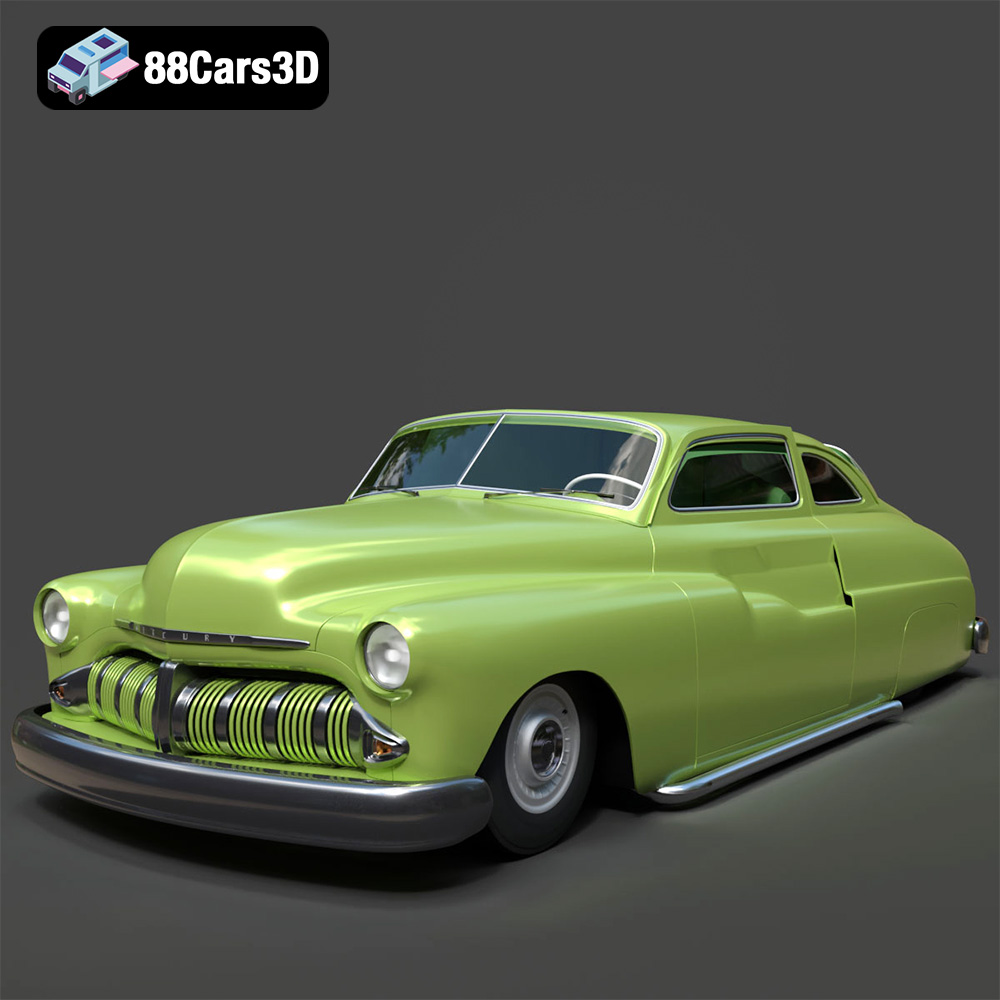
Texture: Yes
Material: Yes
Download the Mercury Coupe 1950 3D Model featuring clean geometry, realistic detailing, and a fully modeled interior. Includes .blend, .fbx, .obj, .glb, .stl, .ply, .unreal, and .max formats for rendering, simulation, and game development.
Price: $4.99
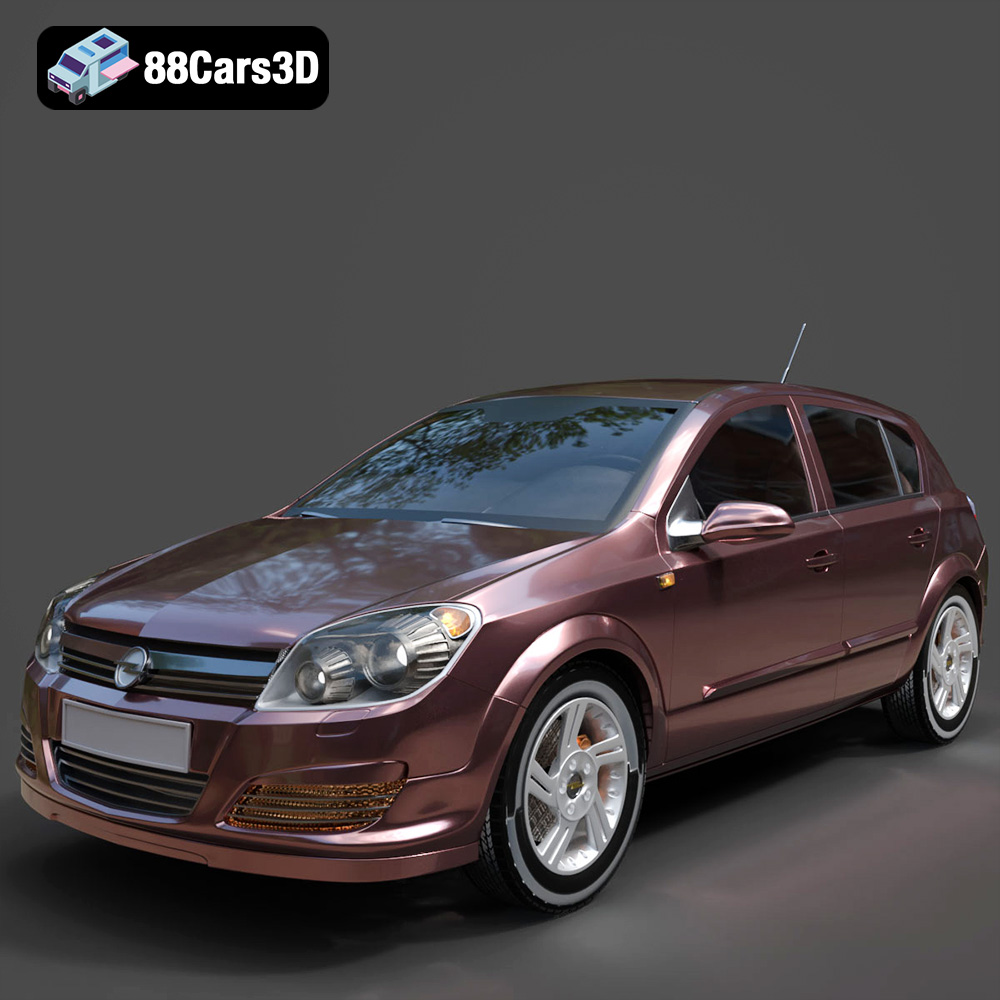
Texture: Yes
Material: Yes
Download the Opel Astra H 2006 3D Model featuring clean geometry, realistic detailing, and a fully modeled interior. Includes .blend, .fbx, .obj, .glb, .stl, .ply, .unreal, and .max formats for rendering, simulation, and game development.
Price: $4.99
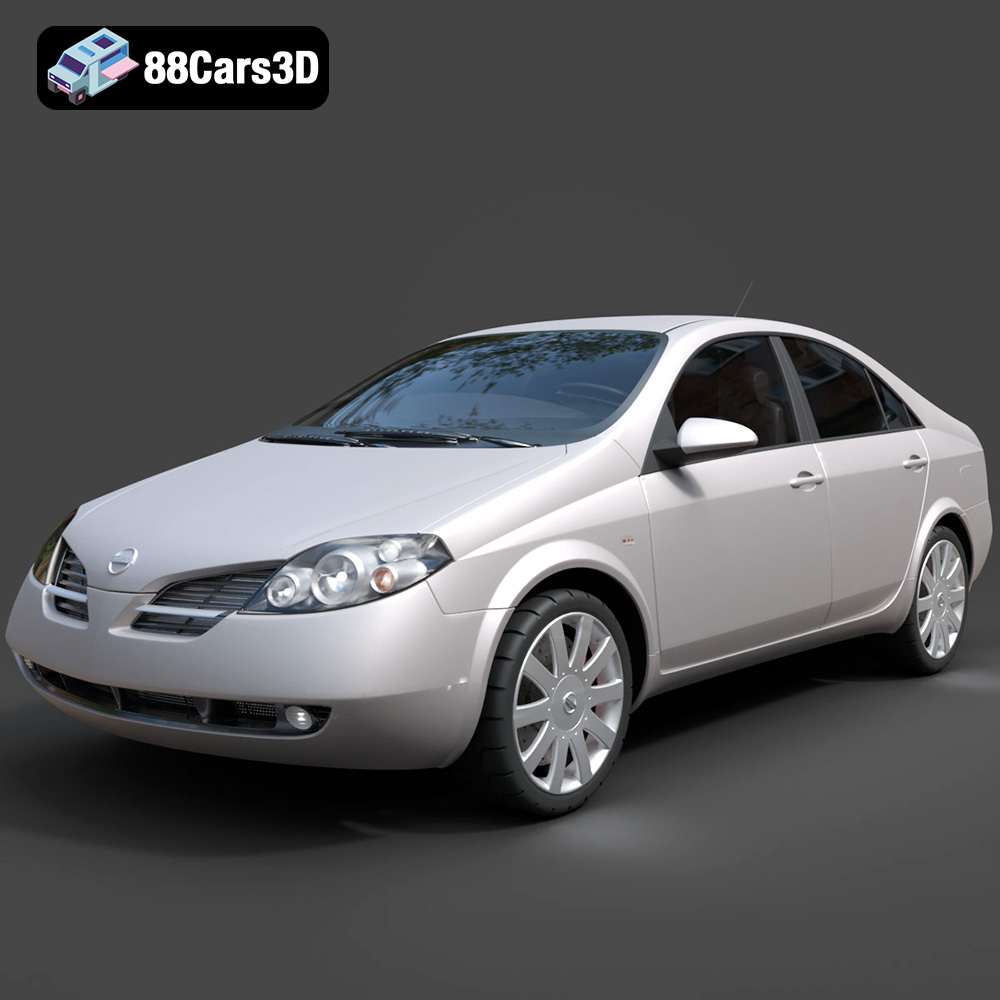
Texture: Yes
Material: Yes
Download the Nissan Primera 2005 3D Model featuring clean geometry, realistic detailing, and a fully modeled interior. Includes .blend, .fbx, .obj, .glb, .stl, .ply, .unreal, and .max formats for rendering, simulation, and game development.
Price: $4.99

Texture: Yes
Material: Yes
Download the Porsche 911 Carrera S 2005 3D Model featuring clean geometry, realistic detailing, and a fully modeled interior. Includes .blend, .fbx, .obj, .glb, .stl, .ply, .unreal, and .max formats for rendering, simulation, and game development.
Price: $4.99

Texture: Yes
Material: Yes
Download the Pontiac GTO 1967 3D Model featuring clean geometry, realistic detailing, and a fully modeled interior. Includes .blend, .fbx, .obj, .glb, .stl, .ply, .unreal, and .max formats for rendering, simulation, and game development.
Price: $4.99

Texture: Yes
Material: Yes
Download the Pontiac Fiero GT 1987 3D Model featuring clean geometry, realistic detailing, and a fully modeled interior. Includes .blend, .fbx, .obj, .glb, .stl, .ply, .unreal, and .max formats for rendering, simulation, and game development.
Price: $4.99

Texture: Yes
Material: Yes
Download the Plymouth Volare Wagon 3D Model featuring clean geometry, realistic detailing, and a fully modeled interior. Includes .blend, .fbx, .obj, .glb, .stl, .ply, .unreal, and .max formats for rendering, simulation, and game development.
Price: $4.99

