Get 20% OFF All Premium 3D & STL Models!

The sleek lines of a supercar, the robust utility of an SUV, or the nostalgic charm of a classic muscle car – 3D car models are the digital heartbeats of countless industries. From the high-octane virtual racetracks of modern video games to the immersive configurators shaping the future of automotive sales, and the cutting-edge visualization powering engineering design, the demand for meticulously crafted and technically sound 3D car assets has never been higher. Yet, producing or acquiring models that truly excel across diverse applications requires a profound understanding of specialized workflows and technical intricacies.
This comprehensive guide delves deep into the multifaceted world of high-quality 3D car models. We’ll explore the essential foundations of clean topology, the art of efficient UV mapping, the science behind physically-based rendering (PBR) materials, and the nuanced strategies for rendering and game engine optimization. Whether you’re a seasoned 3D artist aiming to refine your craft, a game developer seeking performance gains, an automotive designer pushing visualization boundaries, or a student aspiring to master the industry’s best practices, this article will equip you with the knowledge to navigate the complex landscape of 3D car model development and deployment. We’ll cover everything from polygon budgets to AR/VR preparation, ensuring your automotive creations are not just visually stunning but also technically robust and versatile.
At the core of any high-quality 3D car model lies impeccable topology. Topology refers to the arrangement of vertices, edges, and faces that form the surface of a 3D object. For automotive models, where smooth curves, precise panel gaps, and intricate details are paramount, excellent topology is not just a recommendation—it’s a necessity. Poor topology can lead to artifacts, pinching, and deformation issues, particularly when subdividing the mesh for high-resolution renders or when the model needs to deform in an animation. A clean mesh, typically composed of quads (four-sided polygons), ensures predictable subdivision results, easy selection and manipulation, and a seamless flow of reflections across the car’s body panels, which is crucial for realism.
When modeling cars, artists often start with low-polygon base meshes or use CAD data as a reference. The process of retopology is then employed to create an optimized, clean quad mesh over the high-detail source. This involves carefully tracing the curves and features of the vehicle, ensuring that edge loops follow natural contours and creases. For instance, edge loops should run along the contours of wheel arches, around windows, and define the edges of doors and hoods. This strategic placement helps maintain crisp edges when subdivided and facilitates clean deformation. Tools like ZBrush’s ZRemesher, Blender’s Retopoflow, or Maya’s Quad Draw are invaluable in this process, but manual tweaking is almost always required to achieve professional results.
Achieving perfect automotive curves, especially on complex surfaces like fenders or the roof, is a direct result of thoughtful edge flow. Edges should flow smoothly along the direction of the surface curvature, minimizing triangulation and maintaining an even distribution of polygons. This ensures that when subdivision modifiers (like Turbosmooth in 3ds Max or Subdivision Surface in Blender) are applied, the surface remains smooth and free of unsightly bumps or flat spots. For panel gaps, it’s critical to model these as distinct, separated geometric elements rather than relying solely on normal maps. This creates true depth and realism, essential for close-up renders. Each side of a panel gap typically requires at least two supporting edge loops to hold its sharp form after subdivision, giving it a realistic visual break and a crisp, defined edge.
The polygon count (or ‘poly budget’) of a 3D car model varies drastically depending on its intended use. For high-fidelity offline rendering in film or architectural visualization, models can easily exceed 1 million polygons, leveraging subdivision surfaces to capture every subtle nuance. These models are designed for maximum detail and realism. In contrast, game-ready assets demand much stricter optimization. A typical hero car in a modern racing game might range from 50,000 to 200,000 polygons, with lower polygon counts for background vehicles. The art is in balancing visual fidelity with performance. This often involves judiciously removing unnecessary polygons from flat or hidden areas (like the inside of a closed hood) and using normal maps to bake in fine surface details from a high-poly sculpt, creating the illusion of detail without adding geometric complexity. Platforms like 88cars3d.com often provide models optimized for various use cases, clearly indicating their polygon counts and suitability for different applications.
Once a car model boasts excellent topology, the next critical step is UV mapping. UV mapping is the process of flattening the 3D surface of a model into a 2D space, creating a set of coordinates (UVs) that instruct the rendering engine how to apply textures. For complex objects like cars, meticulous UV mapping is essential for seamless texture application, efficient texture memory usage, and avoiding stretching or distortion. Poor UVs can ruin even the most beautifully modeled car, leading to visible seams, pixelation, or blurry textures.
The goal of efficient UV mapping for cars is to maximize the use of the 0-1 UV space, minimize seams, and maintain a consistent texel density across all surfaces. Texel density refers to the number of texture pixels per unit of 3D space. Achieving a uniform texel density ensures that all parts of the car appear equally sharp, regardless of their size or visibility. This often means breaking the car down into logical sections: main body panels, wheels, interior components, glass, lights, and undercarriage. Each section can then be unwrapped individually, often using planar, cylindrical, or spherical projections tailored to its geometry, followed by relaxation algorithms to minimize distortion.
For the large, curved panels of a car’s body, such as doors, fenders, and the hood, careful UV unwrapping is paramount. These areas need to reflect light and colors smoothly, without visible texture seams. The general strategy involves cutting UV seams along natural breaks or hard edges where they would be least noticeable, such as along the bottom edge of a door or the inside of a wheel arch. Once cut, the UV islands are then laid out in the 0-1 space, oriented to align with major axes where possible to simplify texture painting. Tools like 3ds Max’s Unwrap UVW modifier, Blender’s UV Editor, or Maya’s UV Toolkit provide robust features for cutting, stitching, relaxing, and packing UVs. For incredibly detailed models or when using very high-resolution textures, artists might employ UDIM workflows, which allow for multiple UV tiles (each its own 0-1 space) to be used across different parts of the model, enabling much higher texture resolution without compromising performance on smaller parts.
While body panels demand seamlessness, other components like interiors, wheels, and undercarriages present their own UV mapping challenges. Interiors, with their myriad of buttons, dials, upholstery, and dashboards, often require dedicated UV sheets or multiple UV sets to accommodate different material types and high detail. Wheels, being symmetrical, can often share UV space for repeated elements (like lug nuts or spokes) to save texture memory. Tires, with their complex treads, need careful unwrapping to avoid stretching, often using a cylindrical projection for the sidewall and planar projections for the tread pattern. The undercarriage, while often less visible, still requires proper UVs for ambient occlusion, dirt maps, and realistic material definitions, even if the texel density might be slightly lower than the exterior body. Effective UV packing, using tools that can automatically arrange islands while maintaining consistent padding, is crucial for optimizing the texture atlas and preventing bleeding between textures.
With a well-modeled and UV-mapped car, the next crucial step in achieving photorealism is creating physically-based rendering (PBR) materials. PBR is a shading and rendering approach that aims to simulate how light interacts with surfaces in a physically accurate way, resulting in more believable and consistent visuals across different lighting conditions. Instead of artistic guesswork, PBR relies on real-world properties of materials, such as metallicness, roughness, albedo (base color), and normal maps. This makes materials look “correct” under any lighting, whether it’s an overcast sky or a vibrant studio setup.
A typical PBR workflow involves creating or acquiring a set of texture maps for each material:
These maps are then plugged into a PBR shader network within the chosen rendering engine (e.g., Corona, V-Ray, Cycles, Arnold) or real-time engine (Unity, Unreal Engine). Understanding how each map contributes to the final look is key to crafting truly realistic automotive materials.
Car paint is one of the most challenging materials to replicate realistically due to its multi-layered nature. A standard car paint shader typically comprises a base coat (the primary color, often metallic or pearlescent), a clear coat (a glossy, reflective layer that protects the base), and sometimes additional flake layers for metallic paints. In PBR, this is often achieved by blending multiple shader layers or using specialized car paint shaders. The base color is usually set with a metallic-roughness workflow, while the clear coat is simulated with a separate, highly reflective and smooth (low roughness) layer. Parameters like the clear coat’s thickness, roughness, and IOR (Index of Refraction) are critical. For metallic flake effects, artists might use procedural noise textures or custom flake normal maps to simulate tiny reflective particles embedded in the paint, creating that characteristic sparkle under direct light. Achieving the perfect balance between reflection, glossiness, and color saturation is what separates an average render from a photorealistic one.
The quality of PBR textures directly impacts the final visual fidelity. Textures can be created from scratch using software like Substance Painter or Designer, which are industry standards for PBR texturing due to their procedural capabilities and smart materials. Alternatively, artists can use photographic references processed in Photoshop or GIMP. For details derived from high-poly models, like panel gaps or embossed logos, baking is essential. This workflow involves projecting surface information (like normal maps, ambient occlusion, curvature, or thickness) from a high-resolution mesh onto the UV-mapped low-resolution mesh. Tools like Substance Painter, Marmoset Toolbag, or Blender’s internal baking features are commonly used. When sourcing 3D car models from marketplaces like 88cars3d.com, it’s vital to check that they come with high-resolution, correctly baked PBR texture sets (e.g., 2K, 4K, or 8K resolution per map) to ensure maximum flexibility and quality in your projects.
Even the most perfectly modeled and textured car will look flat and unconvincing without proper lighting and a well-executed rendering workflow. Lighting is not just about making the model visible; it’s about defining its shape, showcasing its materials, and setting the mood. Automotive rendering demands a keen eye for detail in lighting, as the reflections on a car’s body panels are a critical visual cue for its form and material properties.
The choice of renderer significantly impacts the workflow and final output. Popular offline renderers include Corona Renderer and V-Ray (both often used with 3ds Max or Cinema 4D), Cycles (Blender), and Arnold (Maya, 3ds Max). Each renderer has its strengths in terms of speed, feature set, and integration. For instance, Corona and V-Ray are renowned for their ease of use and photorealistic results with minimal setup, while Cycles offers powerful node-based materials and GPU rendering. Arnold is known for its robust production capabilities in film VFX.
A typical automotive rendering workflow involves setting up the environment, placing lights, defining camera angles, rendering, and finally, post-processing.
Photorealistic automotive rendering is an art form. It requires balancing numerous elements to make the car look as if it exists in the real world. Key components include:
Render settings like samples, noise thresholds, and global illumination parameters need to be carefully configured to achieve clean images without excessive render times. Techniques such as render passes (e.g., reflections, refractions, specular, Z-depth, ambient occlusion) are often used to provide greater control during post-processing.
The environment surrounding the car significantly impacts its reflections and overall integration into the scene. For studio renders, a simple cyclorama or seamless backdrop combined with a studio HDRI and a few targeted area lights often suffices. For outdoor scenes, a high-quality outdoor HDRI combined with a physical sun/sky system (like 3ds Max’s Physical Sun and Sky or Blender’s Sky Texture) creates dynamic and realistic illumination. Consider the color temperature of your lights; warmer tones for sunset, cooler for midday. The position of your primary light source (often simulating the sun) will dictate the highlights and shadows, defining the car’s form. Secondary fill lights or bounce cards can then be used to lift shadows and reveal details in darker areas without flattening the image. Post-processing, often done in Photoshop or Affinity Photo, involves color grading, adjusting contrast, adding lens effects (like glare or chromatic aberration), and compositing render passes to achieve the final polished look, elevating a raw render to a professional-grade image.
Deploying a 3D car model into a real-time game engine like Unity or Unreal Engine presents a distinct set of challenges focused on performance. Unlike offline rendering, where a single frame can take minutes or hours to compute, game engines must render dozens or even hundreds of frames per second to deliver a smooth interactive experience. This necessitates rigorous optimization at every stage, from mesh topology to material setup and texture management. A beautiful high-poly render asset needs significant transformation to become a performant game asset.
The core philosophy of game asset optimization is to achieve the highest visual quality with the lowest possible computational cost. This involves reducing polygon counts, optimizing draw calls (the number of times the CPU tells the GPU to draw something), minimizing texture memory usage, and ensuring efficient material setups. Developers often work within strict budgets for polygons, vertices, and texture sizes, especially for mobile platforms or VR experiences. When acquiring models from a marketplace, it’s crucial to look for “game-ready” specifications, which typically indicate optimized meshes, PBR textures, and often include LODs.
Levels of Detail (LODs) are a cornerstone of game optimization for complex assets like cars. An LOD system allows a game engine to dynamically swap out a high-resolution mesh for a lower-resolution version as the object moves further away from the camera. For example, a hero car might have 3-5 LODs:
This dramatically reduces the number of polygons the GPU has to process for objects that are far away, boosting frame rates without a noticeable drop in visual quality. LODs can be generated manually by simplifying meshes or automatically using tools within Unity, Unreal Engine, or dedicated third-party software like InstaLOD or Simplygon. Proper LOD transitions are essential to avoid popping or jarring visual changes.
Material and texture optimization are equally critical for game engines. Each unique material and draw call adds overhead, so minimizing these is key. This often involves:
Integrating 3D car models into game engines also involves setting up physics assets, attachment points for customization, and ensuring proper scale and orientation. For game development, models acquired from platforms like 88cars3d.com often come pre-optimized and sometimes even with pre-configured engine-specific assets, saving valuable development time.
The utility of high-quality 3D car models extends far beyond traditional rendering and game development. They are increasingly vital in emerging technologies like Augmented Reality (AR) and Virtual Reality (VR), as well as specialized applications such as 3D printing and advanced visualization for design and engineering. Each of these applications imposes its own unique technical requirements and optimization strategies, highlighting the versatility and adaptability needed for truly professional 3D assets.
In AR/VR, the emphasis shifts to extreme performance optimization and immersion. For 3D printing, the focus is on physical integrity and watertight geometry. For high-fidelity visualization, precision and photorealism remain paramount, often requiring integration with CAD data. Understanding these diverse requirements allows artists and developers to prepare their 3D car models for the widest possible range of uses, maximizing their value and impact.
AR and VR experiences demand incredibly efficient 3D assets due to the high frame rates required for comfort (typically 90 FPS or more) and the resource constraints of standalone headsets or mobile devices. For 3D car models, this means:
The goal is to provide a smooth, immersive experience without compromising visual quality more than necessary.
Transforming a digital 3D car model into a physical object via 3D printing introduces an entirely different set of technical requirements. The primary concern is mesh integrity:
Preparing models for 3D printing requires a shift in mindset from visual fidelity to physical manufacturability, ensuring that the digital design translates flawlessly into a tangible object.
The journey through the creation, optimization, and deployment of high-quality 3D car models reveals a fascinating blend of artistic vision and technical precision. From the foundational integrity of clean topology and strategic UV mapping to the scientific accuracy of PBR materials and the nuanced demands of rendering and game engine optimization, every stage plays a critical role in achieving truly professional results. We’ve explored how flawless edge flow enhances realism, how careful UV layouts maximize texture fidelity, and how PBR shaders bring surfaces to life with physical accuracy. We’ve also delved into the specific challenges and solutions for diverse applications, from the high-fidelity demands of cinematic rendering to the stringent performance requirements of AR/VR and the physical constraints of 3D printing.
Ultimately, the value of a 3D car model lies in its versatility and its ability to perform flawlessly across a spectrum of platforms and purposes. Whether you are crafting hyper-realistic automotive configurators, building immersive virtual worlds, or preparing physical prototypes, a deep understanding of these technical workflows is your most powerful tool. Investing in models that embody these best practices ensures not only visual excellence but also long-term usability and adaptability. For artists and developers seeking to elevate their projects, platforms like 88cars3d.com offer a curated selection of meticulously crafted 3D car models, designed with these industry standards in mind, providing a robust starting point for any endeavor. Continue to hone your skills, experiment with new techniques, and embrace the technical intricacies that transform a mere model into a truly exceptional digital asset.
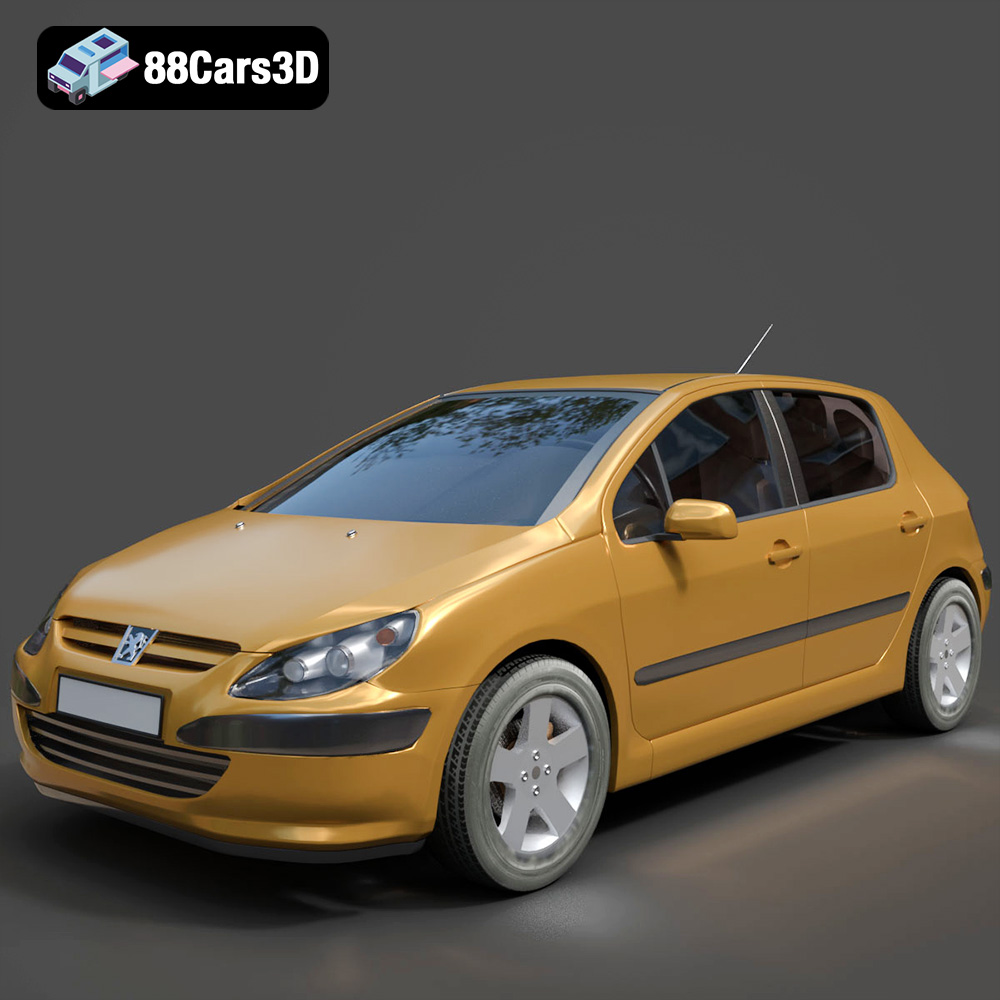
Texture: Yes
Material: Yes
Download the Peugeot 307 3D Model featuring clean geometry, realistic detailing, and a fully modeled interior. Includes .blend, .fbx, .obj, .glb, .stl, .ply, .unreal, and .max formats for rendering, simulation, and game development.
Price: $4.99
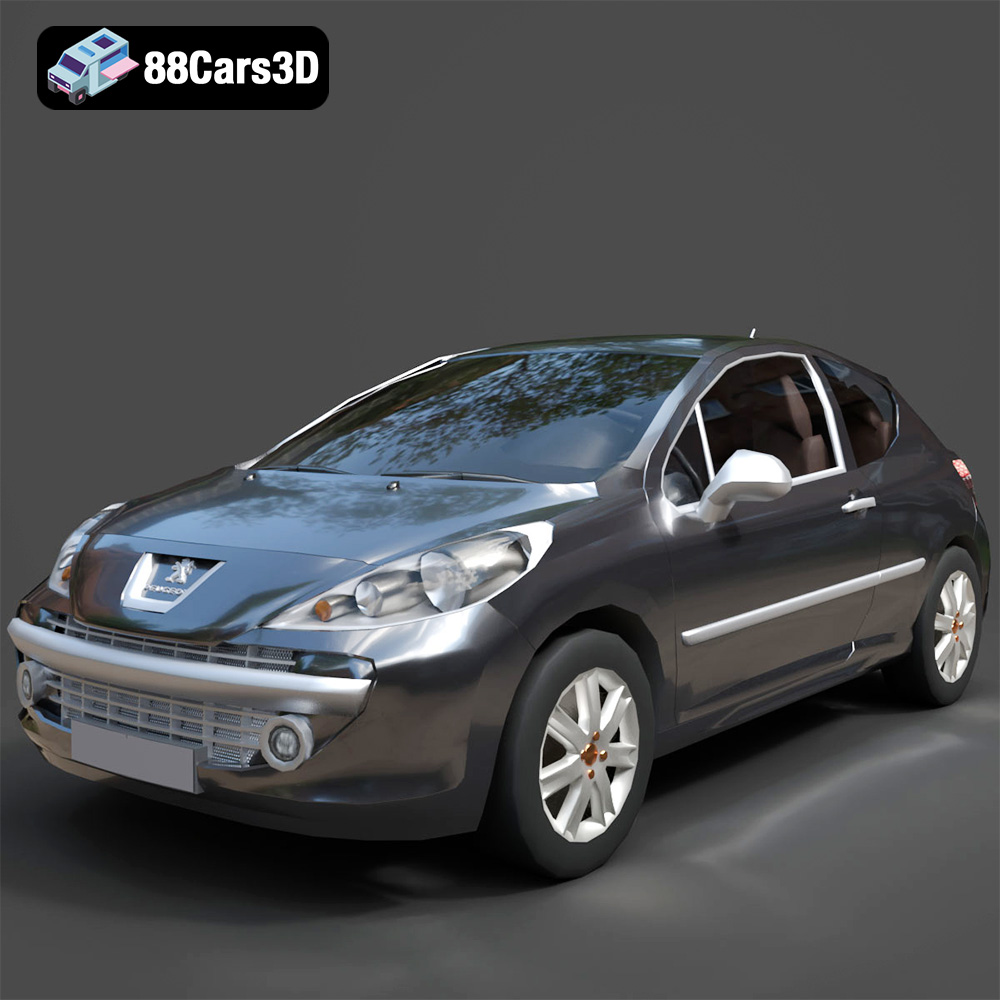
Texture: Yes
Material: Yes
Download the Peugeot 207 3D Model featuring clean geometry, realistic detailing, and a fully modeled interior. Includes .blend, .fbx, .obj, .glb, .stl, .ply, .unreal, and .max formats for rendering, simulation, and game development.
Price: $4.99
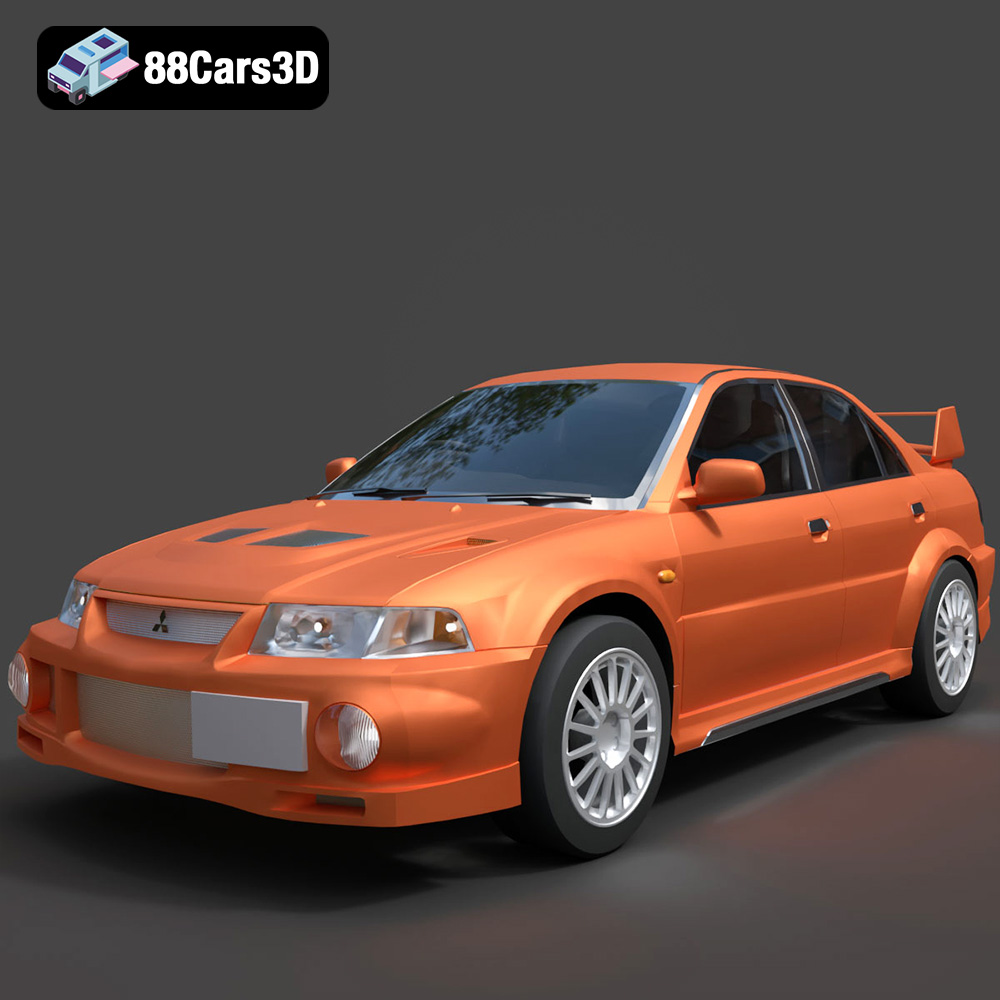
Texture: Yes
Material: Yes
Download the Mitsubishi Lancer Evolution VI 3D Model featuring clean geometry, realistic detailing, and a fully modeled interior. Includes .blend, .fbx, .obj, .glb, .stl, .ply, .unreal, and .max formats for rendering, simulation, and game development.
Price: $4.99
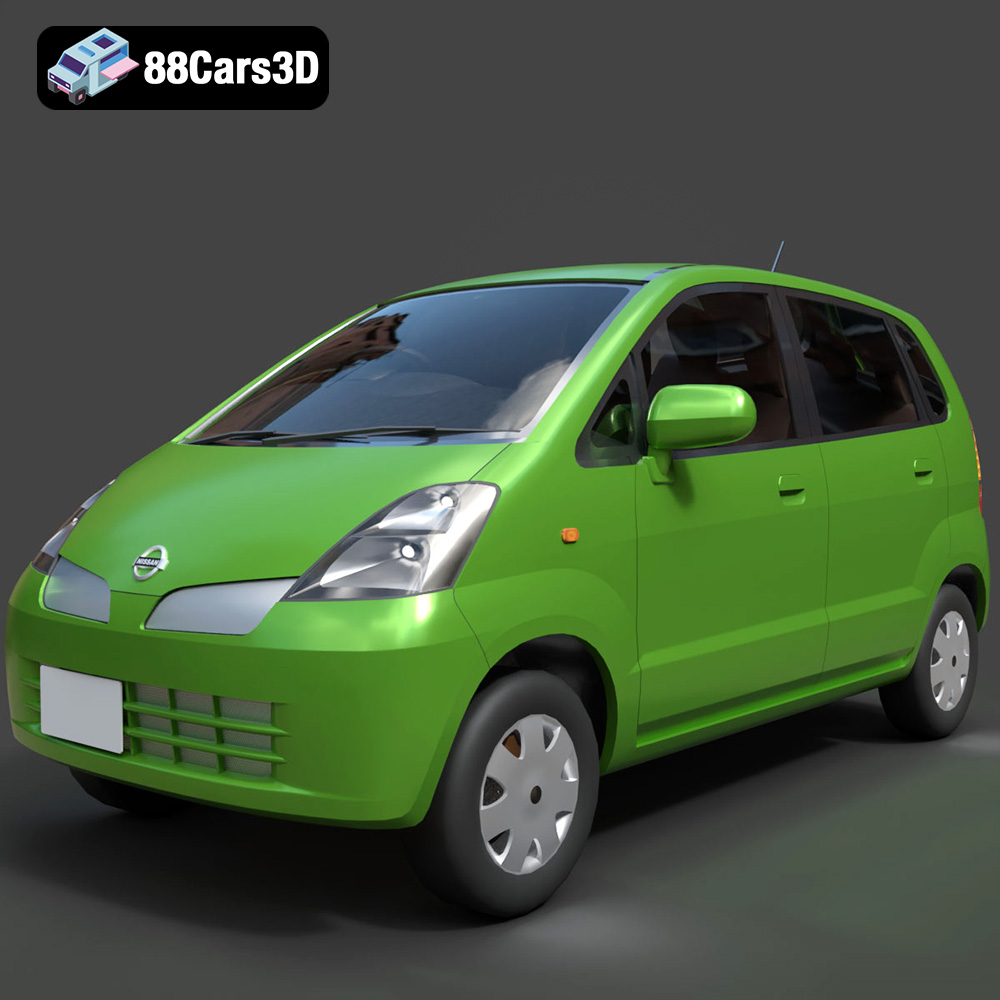
Texture: Yes
Material: Yes
Download the Nissan Moco 007 3D Model featuring clean geometry, realistic detailing, and a fully modeled interior. Includes .blend, .fbx, .obj, .glb, .stl, .ply, .unreal, and .max formats for rendering, simulation, and game development.
Price: $4.99
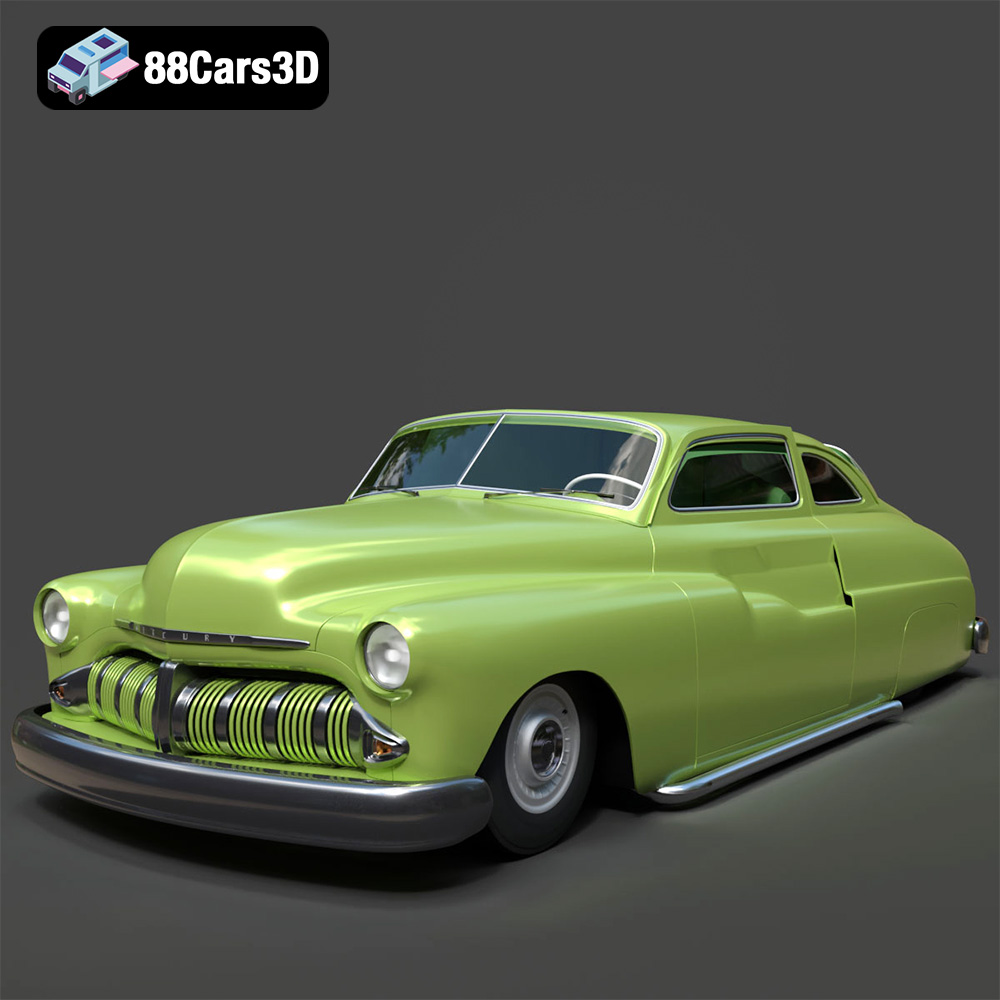
Texture: Yes
Material: Yes
Download the Mercury Coupe 1950 3D Model featuring clean geometry, realistic detailing, and a fully modeled interior. Includes .blend, .fbx, .obj, .glb, .stl, .ply, .unreal, and .max formats for rendering, simulation, and game development.
Price: $4.99
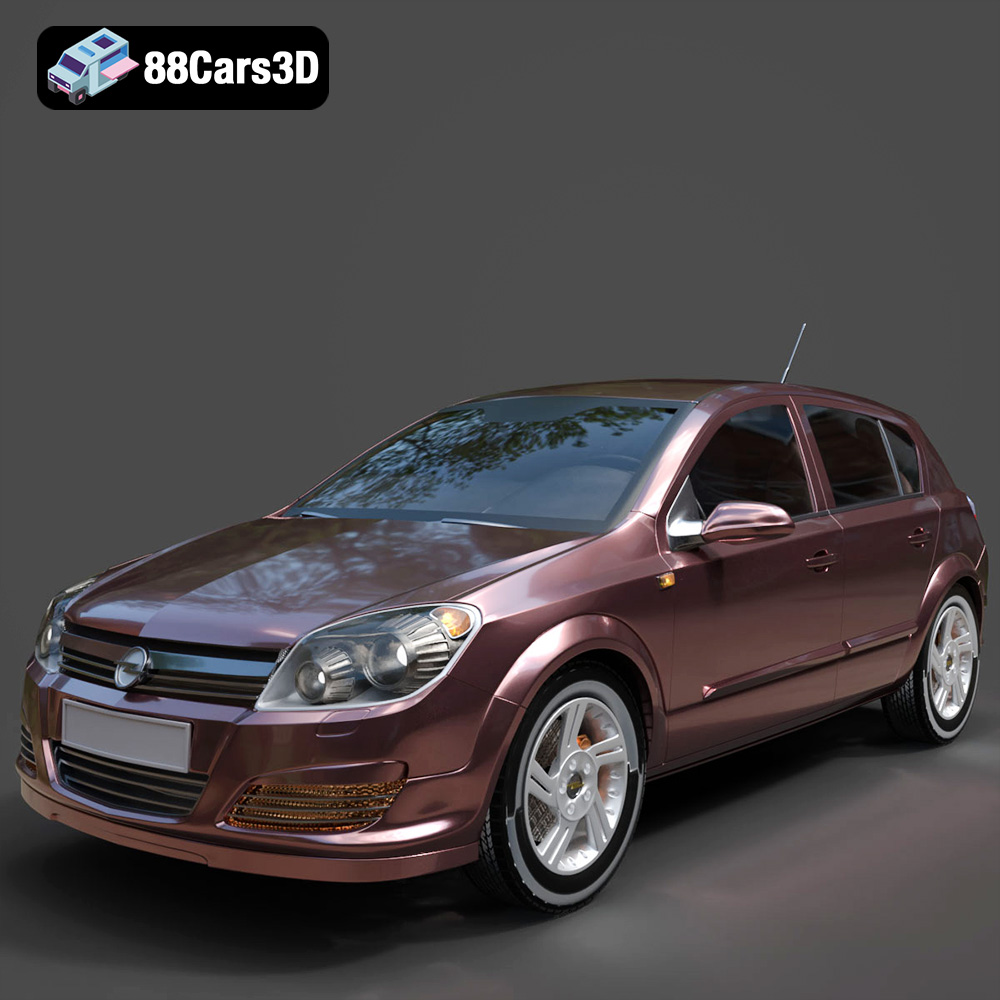
Texture: Yes
Material: Yes
Download the Opel Astra H 2006 3D Model featuring clean geometry, realistic detailing, and a fully modeled interior. Includes .blend, .fbx, .obj, .glb, .stl, .ply, .unreal, and .max formats for rendering, simulation, and game development.
Price: $4.99
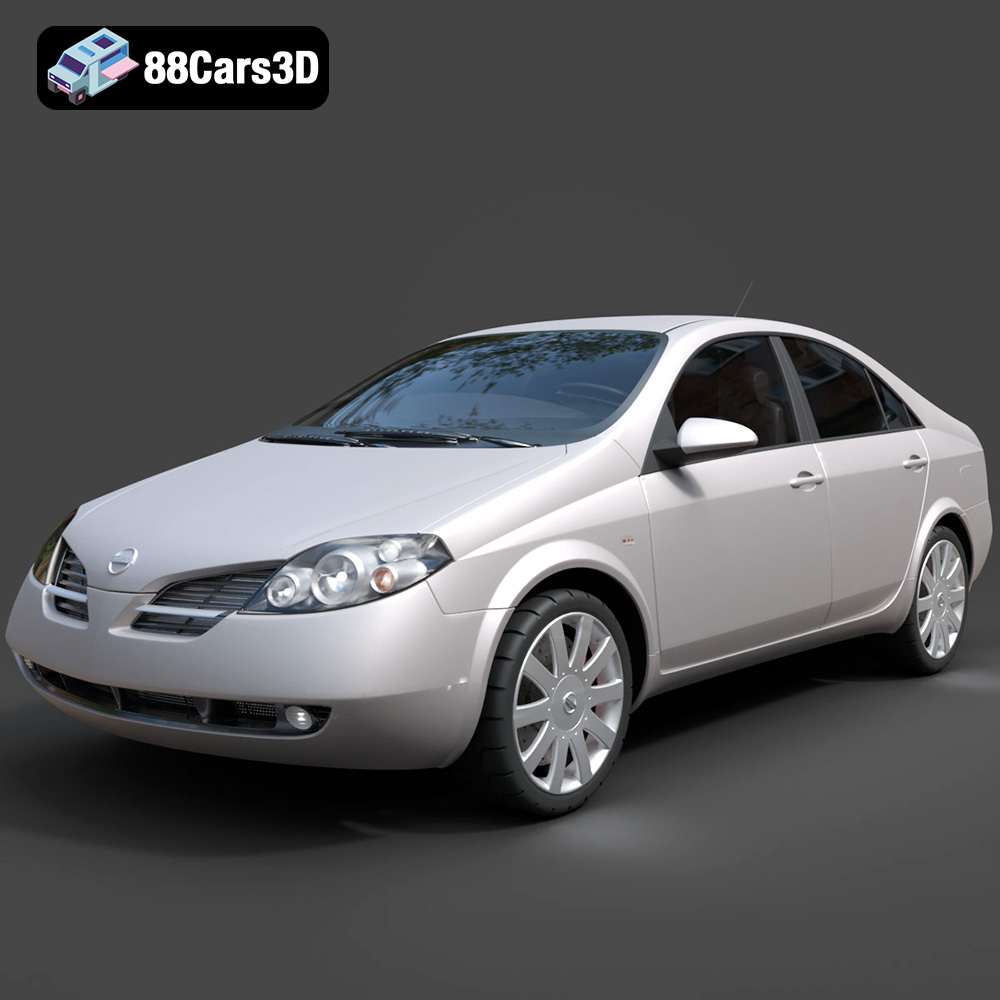
Texture: Yes
Material: Yes
Download the Nissan Primera 2005 3D Model featuring clean geometry, realistic detailing, and a fully modeled interior. Includes .blend, .fbx, .obj, .glb, .stl, .ply, .unreal, and .max formats for rendering, simulation, and game development.
Price: $4.99

Texture: Yes
Material: Yes
Download the Porsche 911 Carrera S 2005 3D Model featuring clean geometry, realistic detailing, and a fully modeled interior. Includes .blend, .fbx, .obj, .glb, .stl, .ply, .unreal, and .max formats for rendering, simulation, and game development.
Price: $4.99

Texture: Yes
Material: Yes
Download the Pontiac GTO 1967 3D Model featuring clean geometry, realistic detailing, and a fully modeled interior. Includes .blend, .fbx, .obj, .glb, .stl, .ply, .unreal, and .max formats for rendering, simulation, and game development.
Price: $4.99

Texture: Yes
Material: Yes
Download the Pontiac Fiero GT 1987 3D Model featuring clean geometry, realistic detailing, and a fully modeled interior. Includes .blend, .fbx, .obj, .glb, .stl, .ply, .unreal, and .max formats for rendering, simulation, and game development.
Price: $4.99

