Get 20% OFF All Premium 3D & STL Models!

In the fast-evolving landscape of digital visualization, high-quality 3D car models are more than just assets; they are the cornerstone of breathtaking renders, immersive game experiences, innovative automotive design, and cutting-edge AR/VR applications. From the intricate curves of a luxury sedan to the rugged utility of an off-road beast, a meticulously crafted 3D car model can elevate any project, bringing designs to life with unparalleled realism and detail. However, achieving this level of excellence requires a deep understanding of complex workflows, technical specifications, and industry best practices.
This comprehensive guide is tailored for 3D artists, game developers, automotive designers, and visualization professionals who demand perfection. We’ll embark on a journey through the entire lifecycle of a premium 3D car model, exploring critical aspects from foundational topology and advanced UV mapping to physically based rendering (PBR) materials, optimized game engine integration, and preparation for AR/VR and 3D printing. By the end of this article, you will possess a clearer understanding of what constitutes a truly exceptional 3D car model and how to either create one or effectively utilize those sourced from reputable platforms like 88cars3d.com. Get ready to refine your craft and push the boundaries of automotive digital artistry.
The foundation of any high-quality 3D car model lies in its topology – the arrangement of vertices, edges, and faces that form the mesh. For automotive models, pristine topology is paramount, dictating not only the visual fidelity but also the model’s performance, deformability, and ease of modification. Poor topology can lead to pinching, artifacting during rendering, and difficulties in animation or UV unwrapping. A clean, quad-based mesh with logical edge flow ensures smooth surfaces, accurate reflections, and a professional look that stands up to close-up scrutiny. This is particularly crucial for vehicle bodies, where subtle curves and reflections are key to realism. Artists typically begin with low-poly block-outs and progressively add detail, ensuring each polygon contributes meaningfully to the form. Professional models often boast a polygon count ranging from 50,000 to 300,000 triangles for high-detail renders, while maintaining optimization for real-time applications.
For organic and highly reflective surfaces like car bodies, **quad-based geometry** is the industry standard. Quads (four-sided polygons) deform more predictably than triangles (three-sided polygons) and n-gons (polygons with more than four sides), making them ideal for achieving smooth, subdivision-ready meshes. While triangles are acceptable and often necessary in triangulated game engine meshes or certain concave areas, a model primarily composed of quads allows for easy subdivision surfacing (e.g., using a TurboSmooth modifier in 3ds Max or Subdivision Surface in Blender) to produce incredibly smooth, high-resolution results from a relatively low-poly base. When modeling, careful attention is paid to maintaining an even distribution of edge loops, ensuring that tension and compression points on the car body are accurately represented without creating unwanted creases or bumps. Tools like symmetry modifiers and proper snapping techniques are invaluable in this phase, ensuring accuracy and efficiency.
Automotive design is characterized by flowing curves and sharp, defined lines. Replicating these with precision in 3D requires specific techniques. **Edge loops** should follow the natural contours of the car, defining panels, wheel arches, door lines, and major body creases. These loops act as control points for the subdivision surface, allowing artists to sharpen edges by adding additional supporting loops close to the primary edge. This technique, often called “creasing” or “control loops,” helps maintain crispness where needed while allowing large areas to remain smooth. Furthermore, detailing elements like vents, grilles, and emblems should be integrated cleanly into the main mesh where possible, or modeled as separate, optimized objects that align perfectly with the parent surface. Maintaining a consistent polygon density across different parts of the car, especially where surfaces meet, prevents visual discrepancies and aids in texture mapping later on.
Once the geometry is solid, the next crucial step is UV mapping – the process of unwrapping the 3D surface into a 2D plane so that 2D textures can be applied accurately. For complex objects like cars, meticulous UV mapping is essential to prevent texture stretching, distortion, or seams that break realism. A well-executed UV layout ensures that every pixel of your texture map is utilized efficiently and appears correctly on the 3D model, regardless of camera angle or distance. This is particularly challenging for automotive bodies due to their smooth, often compound curves and numerous intricate details like grilles, headlights, and interior components. A good UV map should maximize texel density consistency and minimize the number of seams while ensuring seams are placed in less visible areas.
Strategic UV layout involves segmenting the car model into logical, manageable pieces, similar to how a tailor cuts fabric. For example, the main body panel might be unwrapped as one large piece, while doors, hoods, and bumpers are separate islands. Smaller, less visible parts like the underside of a chassis or interior components can have simpler UVs. The goal is to create UV islands that are as planar as possible to minimize distortion. Techniques often involve projecting UVs from different angles (planar, cylindrical, spherical) and then carefully stitching and relaxing them to remove stretch. Software like 3ds Max, Blender, Maya, and RizomUV offer powerful tools for this, including automatic unwraps that serve as a starting point. Artists then manually adjust, cut, and sew seams to optimize the layout, ensuring that related surfaces share proximity on the UV sheet to aid in texturing.
Two critical considerations in UV mapping are **avoiding overlapping UVs** (unless intentionally for mirrored parts or decals) and maintaining **consistent texel density**. Overlapping UVs can cause issues with baking textures (like ambient occlusion or normal maps) and can make unique texturing impossible. For parts that are genuinely mirrored (e.g., side mirrors), overlapping UVs can save texture space, but this must be a conscious decision. Texel density refers to the number of texture pixels per unit of 3D space. Maintaining a consistent texel density across the entire model ensures that textures appear equally sharp and detailed everywhere, preventing some parts from looking blurry while others are crisp. Tools within 3D software allow artists to visualize and adjust texel density. For example, a car’s main body might require a 4K texture (4096×4096 pixels) to maintain high texel density for close-up renders, while smaller details might share a 2K or even 1K texture map. Efficient use of UV space, packing islands closely without overlapping, is also crucial for optimizing texture memory and load times.
Once the 3D car model is expertly unwrapped, the magic of realism truly begins with the application of Physically Based Rendering (PBR) materials. PBR is a modern shading paradigm that aims to simulate how light interacts with surfaces in the real world, producing much more accurate and consistent results across different lighting conditions and rendering engines compared to older, less physically accurate methods. For 3D car models, PBR materials are indispensable for capturing the nuanced reflections, metallic sheens, and subtle textures that define a vehicle’s appearance. A robust PBR workflow involves creating multiple texture maps (albedo, roughness, metallic, normal, etc.) that feed into a sophisticated shader network within your chosen rendering software.
The core of a PBR material pipeline involves several key texture maps:
These maps are typically authored in painting software like Substance Painter or Mari, or generated through baking from high-poly models, and then plugged into a PBR shader in rendering engines like Corona, V-Ray, Cycles (Blender), or Arnold (3ds Max/Maya).
Car paint is notoriously challenging to replicate due to its multi-layered nature: a base color, a metallic flake layer, clear coat, and sometimes a protective film. PBR shaders excel at this, allowing artists to simulate these layers. For the metallic flake effect, custom shader nodes or blending techniques can be used to add a subtle glint that changes with viewing angle. The clear coat is often achieved by adjusting the roughness and metallic values to simulate a reflective, somewhat glossy surface on top of the base paint. For interiors, a variety of materials come into play: leathers, fabrics, plastics, and metals. Each requires careful PBR setup. Leather, for instance, needs subtle normal maps for its grain, and varying roughness maps to show wear or shine. Fabric materials benefit from displacement or normal maps to give them tactile texture, combined with specific roughness and albedo values to mimic their weave and color. When sourcing models from marketplaces such as 88cars3d.com, look for models where these complex materials are already expertly set up, offering a significant head start for your projects.
Rendering is where all the meticulous modeling, UV mapping, and material work culminates into stunning photorealistic imagery. For automotive visualization, achieving a believable render requires more than just powerful hardware; it demands a deep understanding of lighting, camera principles, and post-processing techniques. Whether you’re aiming for a sleek studio shot or a dynamic on-location scene, the workflow involves precise light placement, environmental setup, material fine-tuning, and a robust render engine. Software like 3ds Max with Corona Renderer or V-Ray, Blender with Cycles or Eevee, and Maya with Arnold are industry favorites, each offering unique strengths for producing high-fidelity automotive visuals. The goal is to create an image that not only showcases the car’s design but also tells a story and evokes an emotional response.
Lighting is arguably the most critical element in any render. For a **studio render**, the focus is on highlighting the car’s form, reflections, and paint finish in a controlled environment. This typically involves:
For **environment renders**, the challenge is to seamlessly integrate the 3D car into a photographic or CG background. This involves matching the lighting direction, color temperature, and intensity of the scene. Often, a combination of an HDRI captured at the scene’s location and specific area or directional lights to match sun/sky contributions works best. Shadow catchers are used to ensure realistic ground shadows.
Just like in real-world photography, careful camera setup is vital. **Focal length** plays a significant role: wider angles (e.g., 24-35mm) can emphasize speed and dynamism, while longer focal lengths (e.g., 85-135mm) are ideal for flattering portraits, compressing perspective, and showcasing details without distortion. **Depth of Field (DoF)** can be used artistically to blur the background and draw attention to the car.
**Post-processing and compositing** are the final stages where the render is polished. This typically happens in software like Adobe Photoshop or Affinity Photo and involves:
This granular control elevates a good render to an exceptional one, making the difference between a raw 3D image and a captivating piece of automotive art.
While rendering for still images and animations allows for immense polygon counts and complex shaders, real-time applications like video games, interactive configurators, and virtual showrooms demand a completely different approach to asset optimization. The goal is to maintain visual fidelity while ensuring smooth frame rates and efficient resource utilization. This involves strategic polygon reduction, smart material management, and clever use of engine-specific features. A high-quality 3D car model for real-time use is not just about looking good, but about performing flawlessly under strict computational budgets. This is where the true engineering of 3D artistry comes into play, balancing aesthetics with performance.
One of the most effective optimization techniques is the implementation of **Level of Detail (LOD)**. LODs are multiple versions of the same 3D model, each with a progressively lower polygon count.
Game engines like Unity and Unreal Engine provide robust LOD systems that automatically swap between these models based on the camera’s distance, ensuring performance without a noticeable drop in visual quality. Manually creating these LODs requires careful retopology and normal map baking from the high-poly version to preserve detail.
Optimizing textures and materials is equally vital for real-time performance. **Texture atlasing** involves combining multiple smaller textures (e.g., textures for various interior buttons, dashboard elements, and emblems) into a single, larger texture map. This reduces the number of draw calls – requests the CPU sends to the GPU to render objects. Fewer draw calls mean better performance. While atlasing, careful UV remapping is necessary to point to the correct sections of the atlas.
**Material instancing** is another powerful optimization. Instead of creating a unique material for every slight variation (e.g., slightly different shades of car paint), a base material is created, and instances of it are made. These instances can then have their parameters (like color, roughness values) changed without creating a completely new, computationally expensive material. This significantly reduces memory footprint and improves rendering speed, especially in scenes with many cars or car parts that share similar base materials. Engines like Unreal Engine’s Material Instances and Unity’s Material Properties are designed for this. When preparing assets, ensure that materials are set up to be instanced wherever possible to maximize efficiency. Platforms like 88cars3d.com often provide models with optimized material setups for direct integration into game engines.
The utility of high-quality 3D car models extends far beyond traditional rendering and gaming. With the rise of Augmented Reality (AR) and Virtual Reality (VR), and the increasing accessibility of 3D printing, these digital assets are finding new and exciting applications. Each of these emerging technologies, however, presents its own unique set of requirements and optimization challenges. A model that performs well in a game engine might still need further refinement for a seamless AR experience or physical fabrication. Understanding these specific demands is crucial for anyone looking to leverage 3D car models across diverse digital and physical platforms.
The choice of file format is critical for interoperability across different software and platforms.
When converting between formats, always check for data integrity, scale issues, material loss, and correct orientation. Clean up unnecessary nodes or modifiers before export to ensure the smallest, most efficient file size.
**For AR/VR applications**, the primary concern is extremely aggressive optimization while maintaining visual appeal.
The goal is to deliver smooth performance on less powerful mobile hardware while maintaining visual integrity in a real-world overlay.
**For 3D printing**, the requirements shift from visual fidelity to physical integrity:
Understanding these nuances ensures that your 3D car model can transition seamlessly between digital displays and tangible objects, opening up a world of possibilities for design validation, prototyping, and collectible creation.
The journey of creating and utilizing high-quality 3D car models is a testament to the intricate blend of artistic skill and technical expertise. From the foundational principles of clean topology and efficient UV mapping to the advanced nuances of PBR material creation and real-time optimization, every stage plays a critical role in bringing these digital vehicles to life. Whether your goal is to produce stunning photorealistic renders, develop immersive game experiences, design innovative automotive prototypes, or integrate vehicles into AR/VR environments, the standards for quality remain consistently high.
By embracing industry best practices, understanding the specific demands of different platforms, and continuously refining your workflows, you can unlock the full potential of 3D car models. Remember that meticulous attention to detail in topology, smart UV layouts, physically accurate materials, and performance-driven optimization are the hallmarks of truly professional assets. For those seeking a head start, reputable marketplaces like 88cars3d.com offer a diverse selection of professionally crafted 3D car models, meticulously built to these high standards, ready to be integrated into your next groundbreaking project. Invest in quality, master these techniques, and drive your digital creations to unparalleled levels of realism and performance. The road to automotive digital perfection is long, but immensely rewarding.
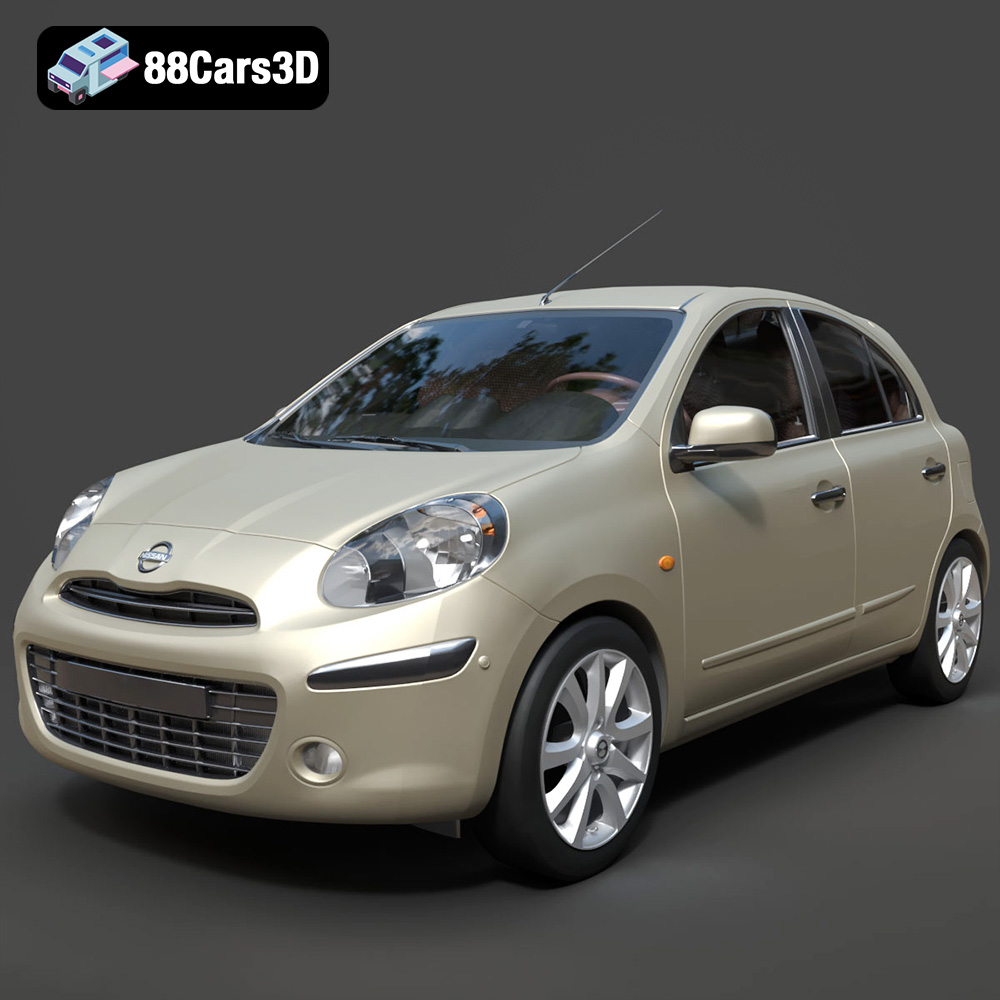
Texture: Yes
Material: Yes
Download the Nissan Micra 2010 3D Model featuring clean geometry, realistic detailing, and a fully modeled interior. Includes .blend, .fbx, .obj, .glb, .stl, .ply, .unreal, and .max formats for rendering, simulation, and game development.
Price: $4.99
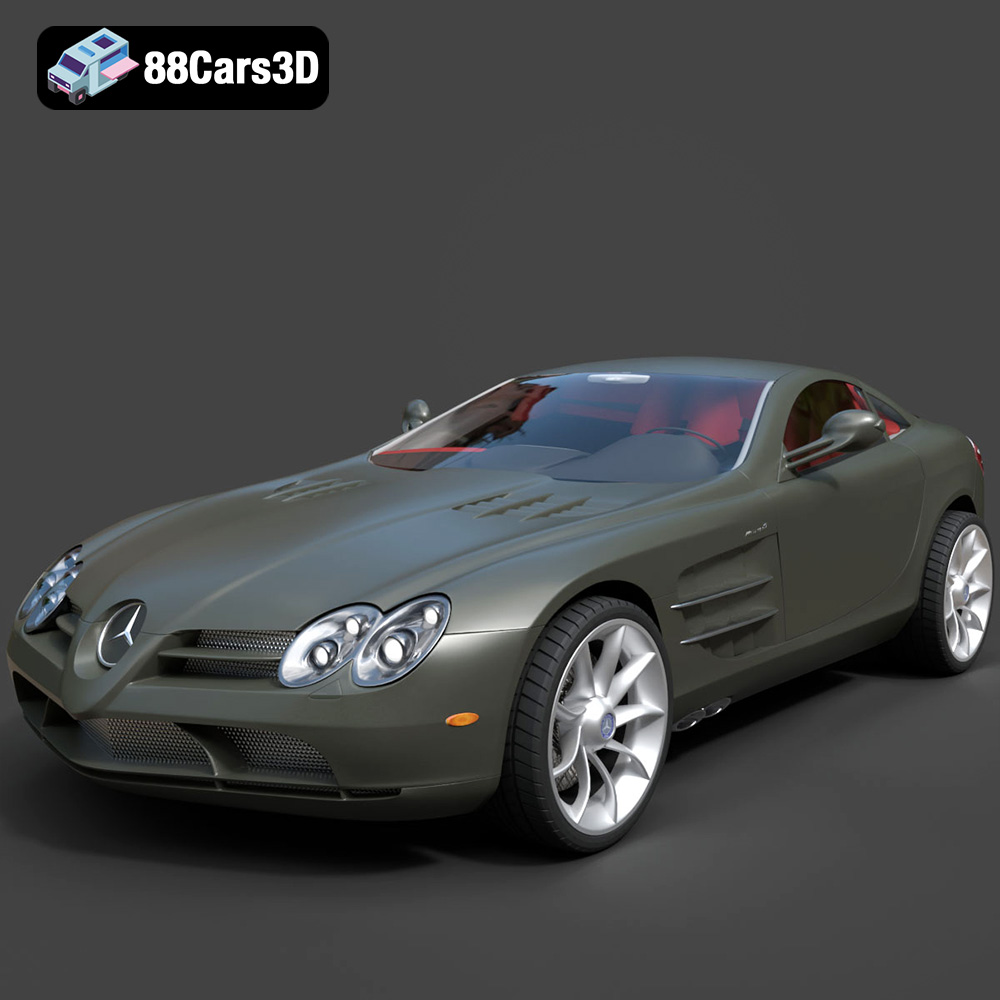
Texture: Yes
Material: Yes
Download the Mercedes-Benz SLR McLaren 3D Model featuring clean geometry, realistic detailing, and a fully modeled interior. Includes .blend, .fbx, .obj, .glb, .stl, .ply, .unreal, and .max formats for rendering, simulation, and game development.
Price: $4.99
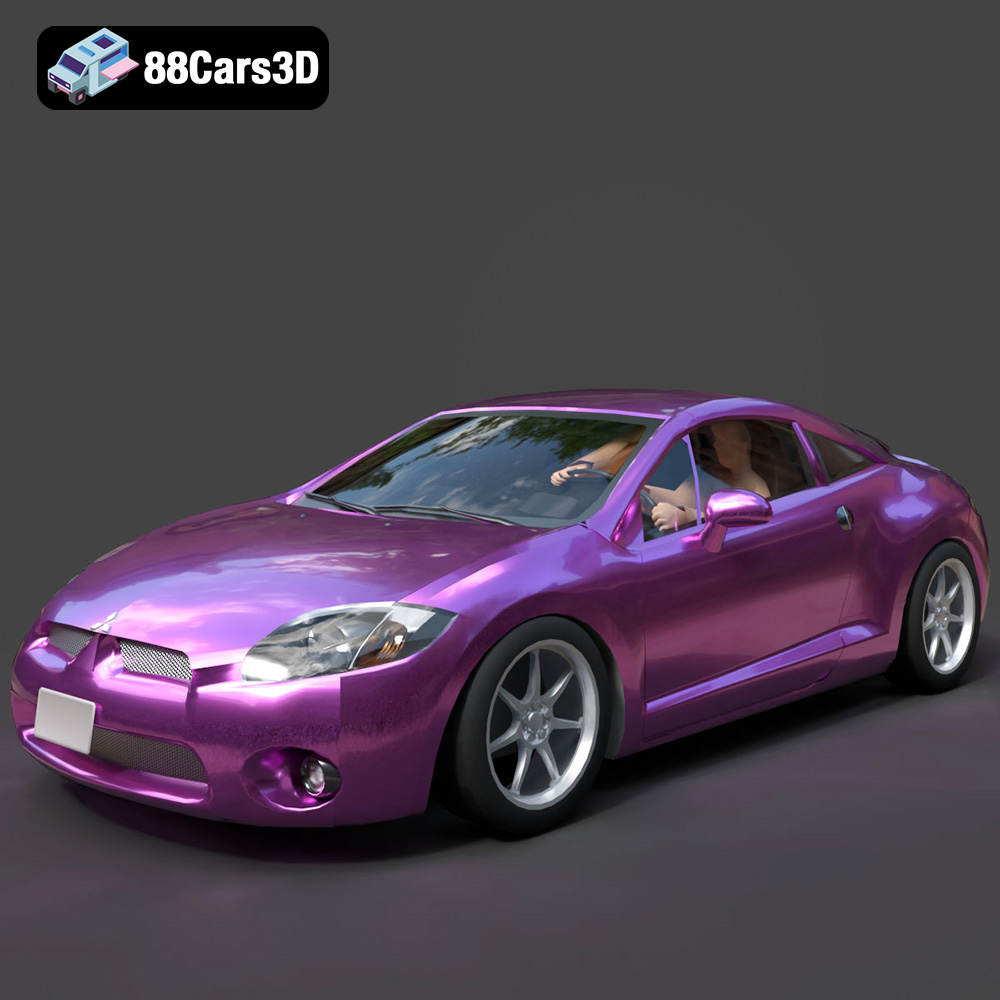
Texture: Yes
Material: Yes
Download the Mitsubishi Eclipse GT 2001 3D Model featuring clean geometry, realistic detailing, and a fully modeled interior. Includes .blend, .fbx, .obj, .glb, .stl, .ply, .unreal, and .max formats for rendering, simulation, and game development.
Price: $4.99
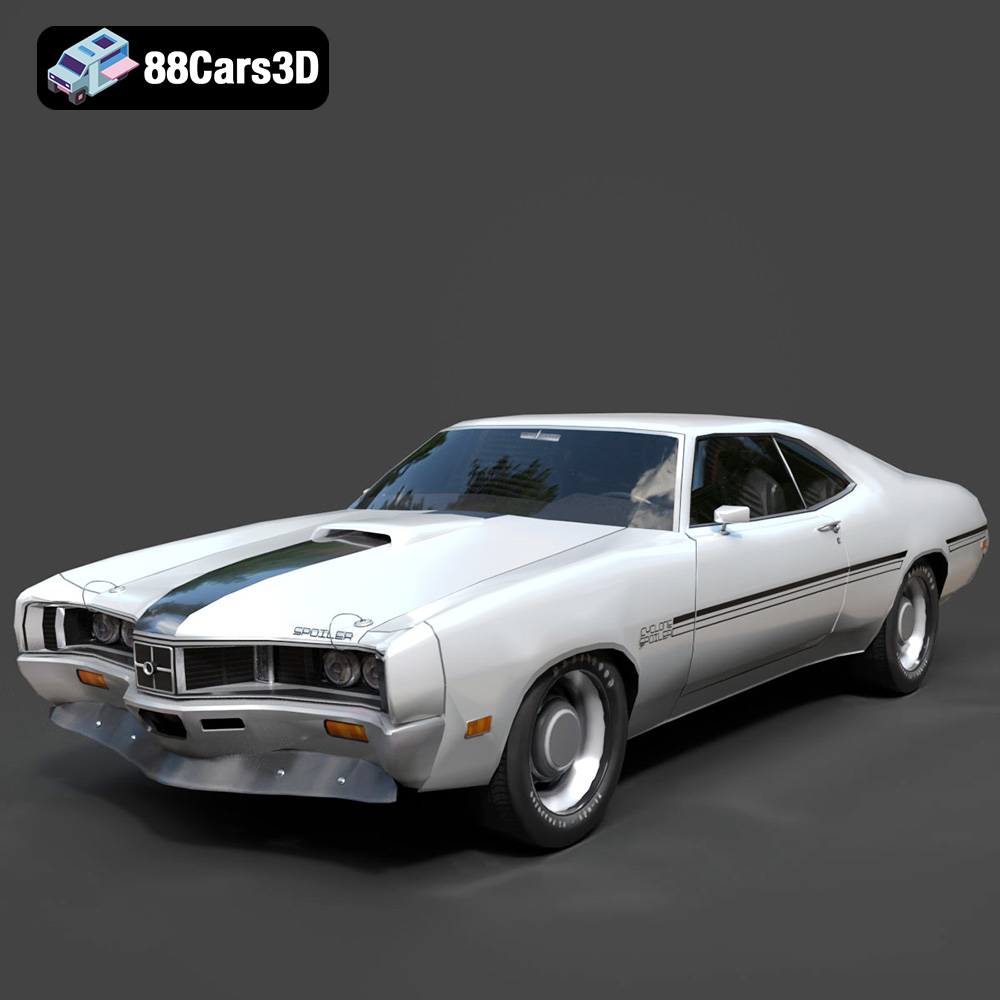
Texture: Yes
Material: Yes
Download the Mercury Cyclone Spoiler 1970 3D Model featuring clean geometry, realistic detailing, and a fully modeled interior. Includes .blend, .fbx, .obj, .glb, .stl, .ply, .unreal, and .max formats for rendering, simulation, and game development.
Price: $4.99
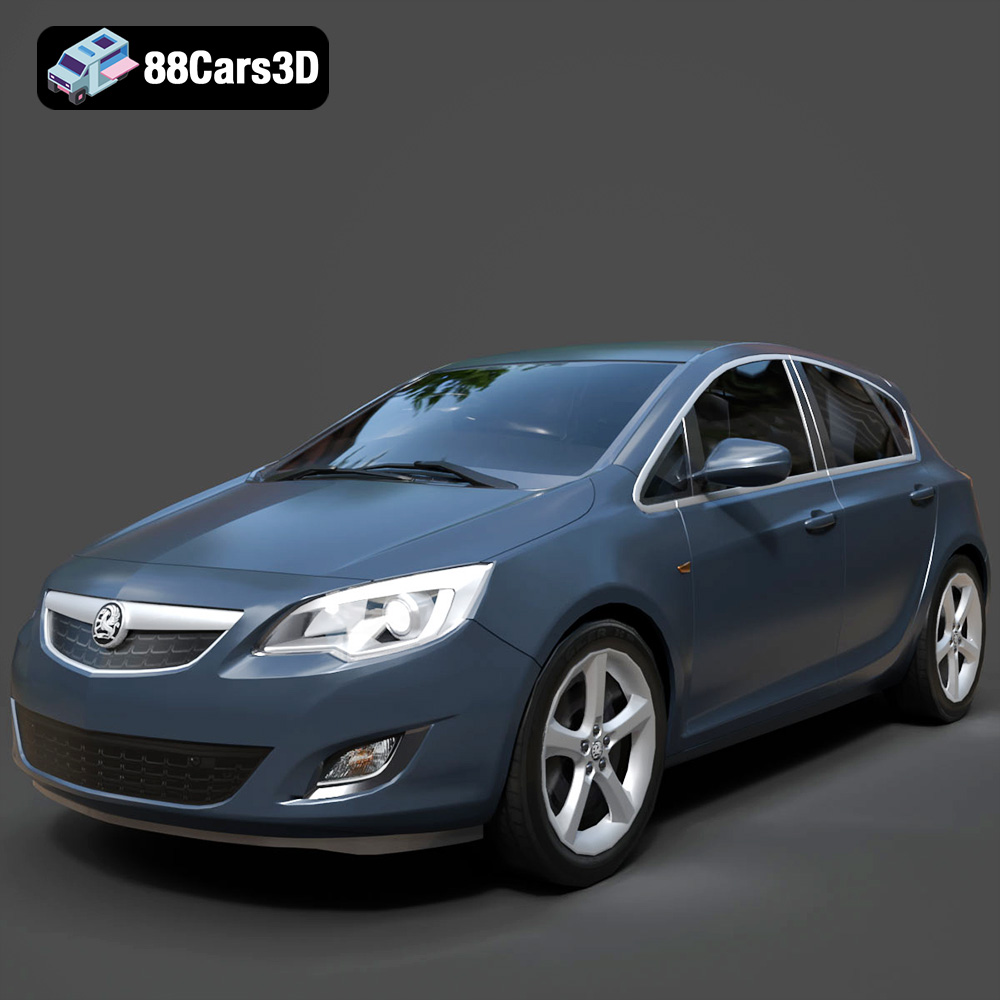
Texture: Yes
Material: Yes
Download the Opel Astra 3D Model featuring clean geometry, realistic detailing, and a fully modeled interior. Includes .blend, .fbx, .obj, .glb, .stl, .ply, .unreal, and .max formats for rendering, simulation, and game development.
Price: $4.99
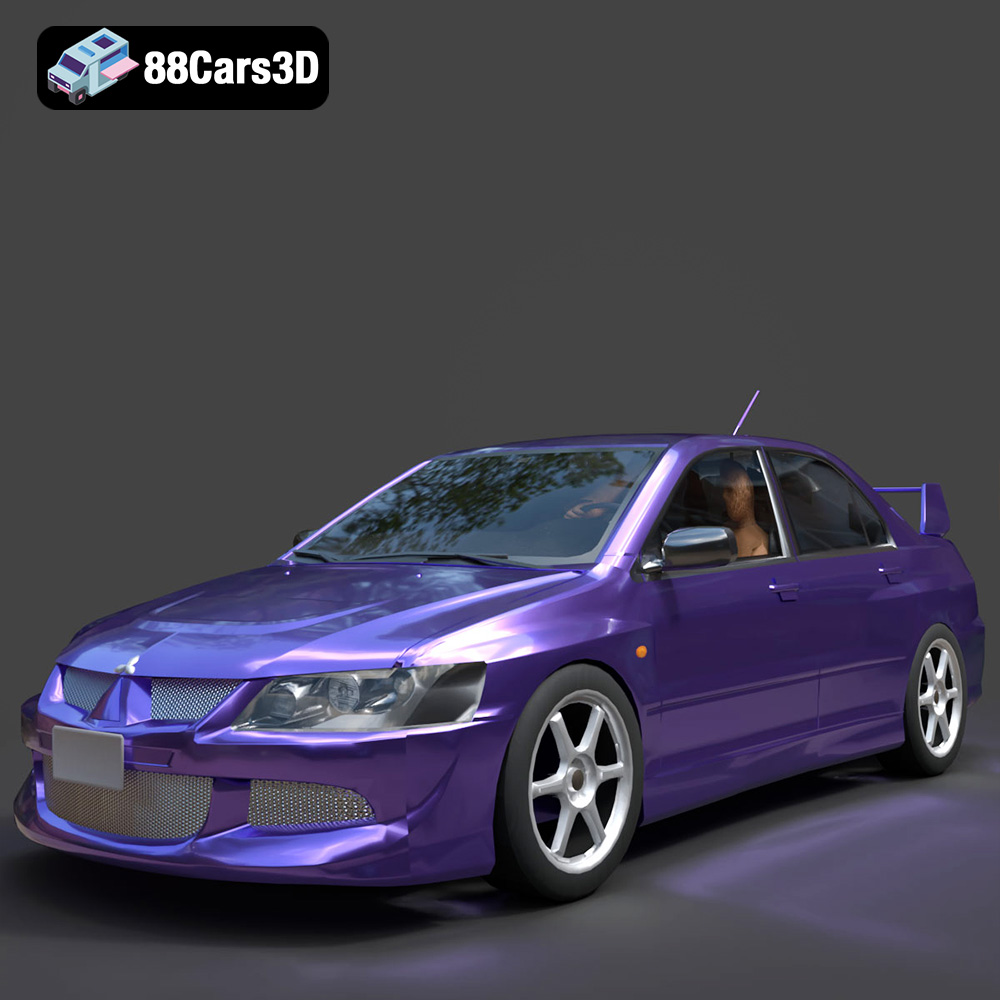
Texture: Yes
Material: Yes
Download the Mitsubishi Lancer Evolution VIII 3D Model featuring clean geometry, realistic detailing, and a fully modeled interior. Includes .blend, .fbx, .obj, .glb, .stl, .ply, .unreal, and .max formats for rendering, simulation, and game development.
Price: $4.99
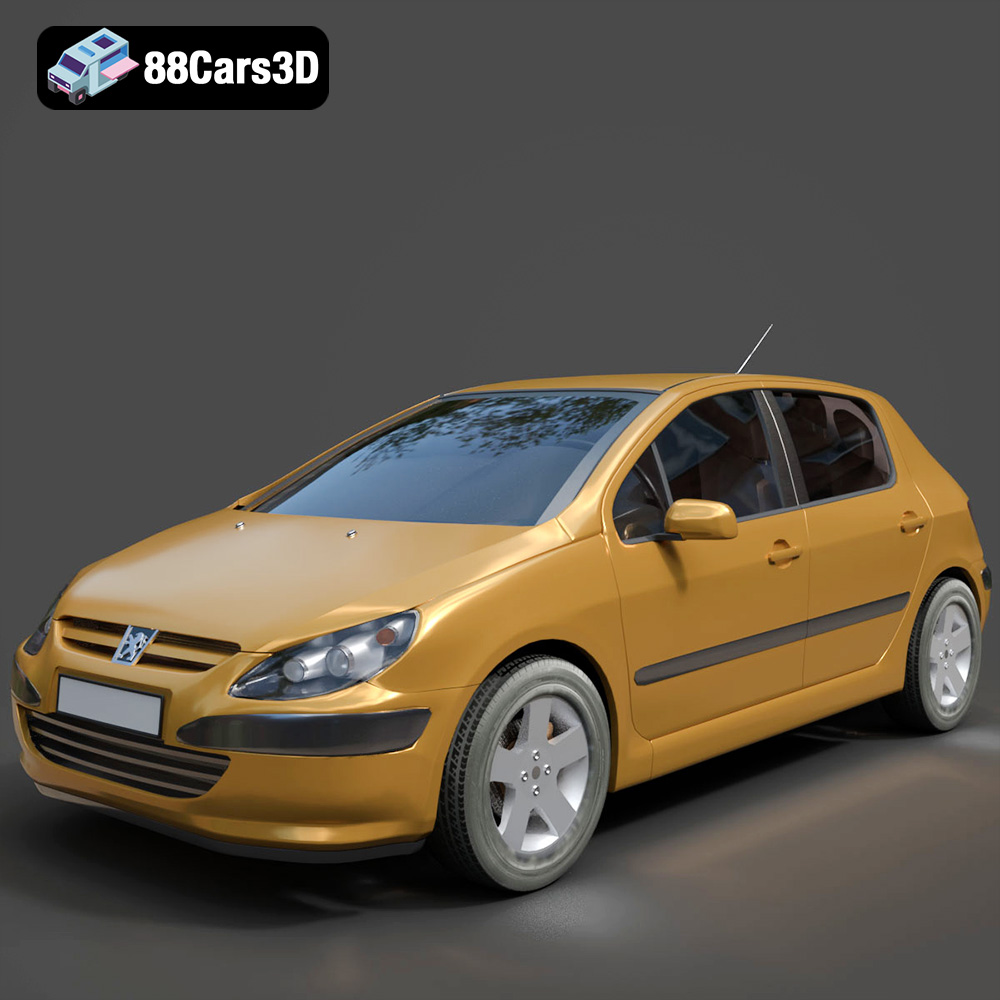
Texture: Yes
Material: Yes
Download the Peugeot 307 3D Model featuring clean geometry, realistic detailing, and a fully modeled interior. Includes .blend, .fbx, .obj, .glb, .stl, .ply, .unreal, and .max formats for rendering, simulation, and game development.
Price: $4.99
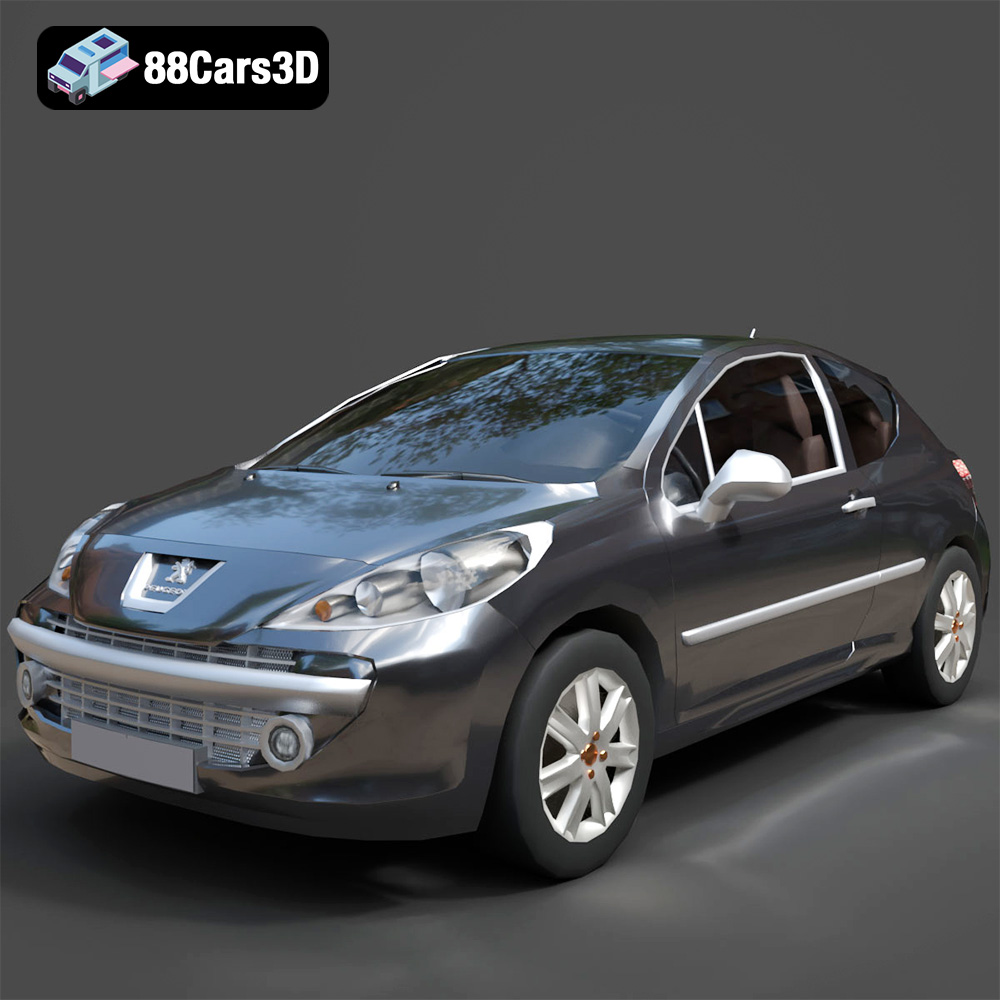
Texture: Yes
Material: Yes
Download the Peugeot 207 3D Model featuring clean geometry, realistic detailing, and a fully modeled interior. Includes .blend, .fbx, .obj, .glb, .stl, .ply, .unreal, and .max formats for rendering, simulation, and game development.
Price: $4.99
Texture: Yes
Material: Yes
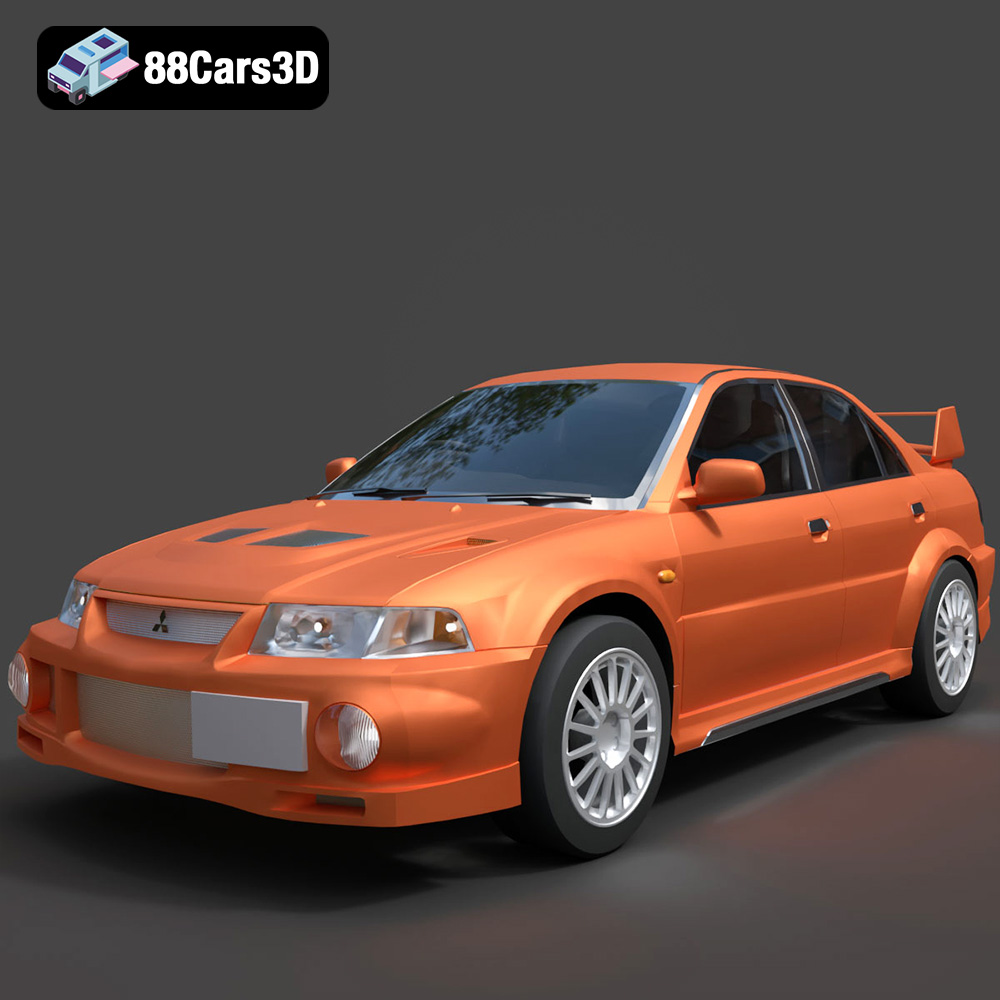
Download the Mitsubishi Lancer Evolution VI 3D Model featuring clean geometry, realistic detailing, and a fully modeled interior. Includes .blend, .fbx, .obj, .glb, .stl, .ply, .unreal, and .max formats for rendering, simulation, and game development.
Price: $4.99
Texture: Yes
Material: Yes
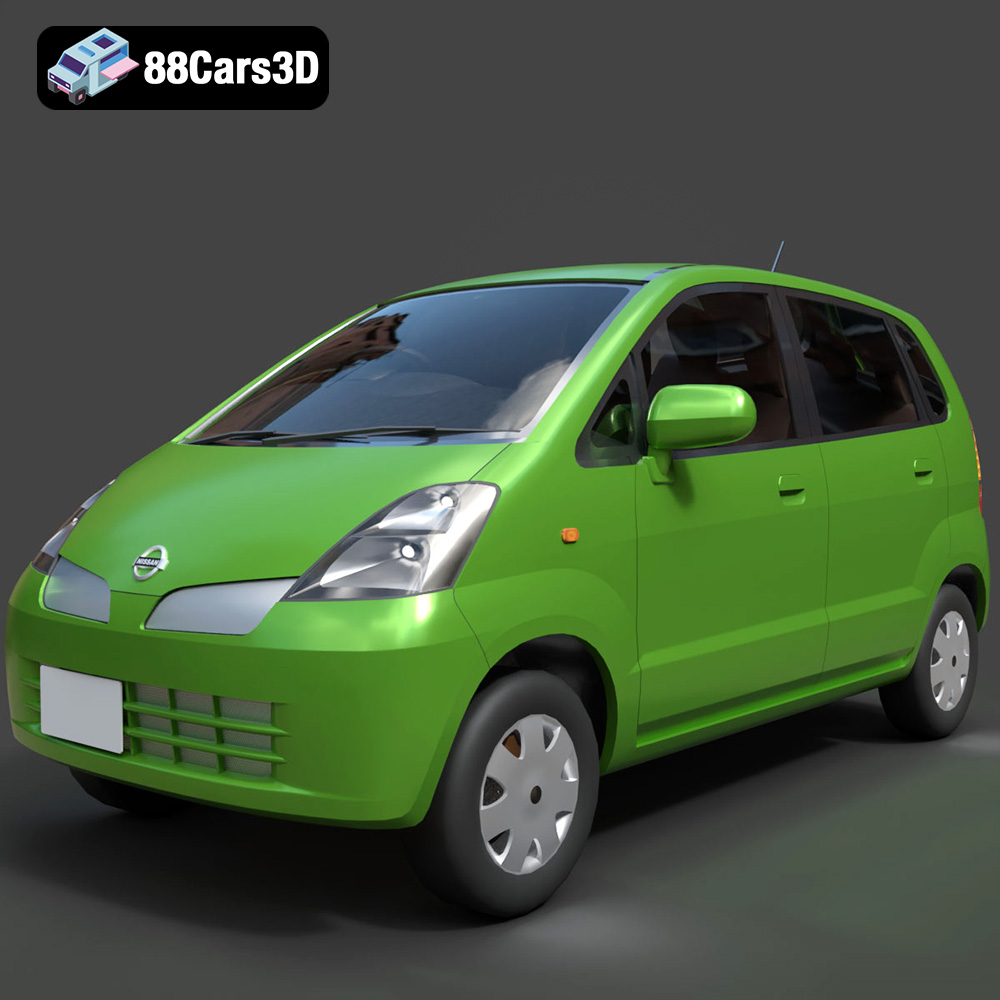
Download the Nissan Moco 007 3D Model featuring clean geometry, realistic detailing, and a fully modeled interior. Includes .blend, .fbx, .obj, .glb, .stl, .ply, .unreal, and .max formats for rendering, simulation, and game development.
Price: $4.99

