Get 20% OFF All Premium 3D & STL Models!

In the vibrant and ever-evolving landscape of 3D artistry, few subjects capture the imagination and demand as much technical prowess as the creation of realistic 3D car models. From the sleek lines of a modern supercar to the rugged charm of a classic off-roader, automotive models are a cornerstone for a multitude of industries. They serve as the backbone for breathtaking cinematic renders, immersive game environments, cutting-edge AR/VR experiences, precise engineering visualizations, and even tangible 3D prints.
The journey from concept to a fully realized, high-fidelity 3D car model is a complex interplay of artistic vision and technical mastery. It involves meticulous attention to detail in every aspect: the foundational topology that defines its form, the intricate UV maps that lay out its surfaces for texturing, the sophisticated PBR materials that dictate how light interacts with its paint and chrome, and the rigorous optimization required for real-time applications. This comprehensive guide will delve deep into the technical workflows and best practices essential for creating, optimizing, and utilizing premium 3D car models across various professional applications. Whether you’re a seasoned 3D artist, a game developer, an automotive designer, or a student aspiring to master the craft, prepare to unlock advanced insights into topology, texturing, rendering, and performance optimization that will elevate your automotive projects to an unparalleled level of realism and efficiency.
The secret to a visually stunning and functionally versatile 3D car model begins with its underlying mesh: the topology. Good topology isn’t just about looking clean; it’s about providing the structural integrity for smooth subdivision, efficient UV unwrapping, and flawless deformation. Automotive models, with their often intricate curves, sharp creases, and complex panel gaps, demand an exceptionally clean, quad-based topology to achieve production-ready quality. A poorly constructed mesh can lead to artifacts like pinching, undesirable shading, and difficulties in animation or real-time rendering, diminishing the perceived realism of the final asset.
For high-quality rendering and cinematic applications, 3D car models often require a significant polygon count to capture every minute detail. While a low-polygon base mesh is ideal for game development, a high-polygon mesh, ranging from 200,000 to over 1 million triangles, is common for hero assets in advertising or film. This allows for intricate details like drilled brake discs, detailed tire treads, and complex engine components to be modeled directly, rather than relying solely on normal maps. However, even high-poly models benefit from optimized, clean topology to ensure predictable subdivision and smooth reflections across their large, often reflective surfaces.
Edge flow is paramount in automotive modeling. It refers to the direction and distribution of polygon edges, which dictates how light reflects off a surface and how the mesh deforms. For cars, critical areas like fender flares, door lines, hood creases, and window frames require carefully placed edge loops that follow the natural curvature and contours of the vehicle. These loops should be continuous and evenly spaced, especially in areas that will be subject to subdivision smoothing (like using a Turbosmooth modifier in 3ds Max or a Subdivision Surface modifier in Blender).
Incorrect edge flow can lead to unsightly pinching or lumps, particularly noticeable in specular highlights on reflective surfaces. Professionals ensure that edge loops effectively define both sharp creases and broad, sweeping curves. For instance, to create a crisp edge for a car door, you might use three or four tightly spaced edge loops, while a large, smooth panel like the hood would have widely spaced loops that gently follow its curvature. Mastering this balance is crucial for achieving physically accurate reflections and an overall polished aesthetic, which is a hallmark of high-quality 3D car models found on platforms like 88cars3d.com.
The balance between visual detail and polygon efficiency is a constant challenge. For cinematic renders, raw polygon count is less of a concern than for interactive applications, but even then, unnecessary complexity can slow down viewport performance and render times. For game assets, polygon budgeting is critical. A typical game-ready car model might range from 50,000 to 150,000 triangles, depending on its importance and proximity to the camera.
Optimization techniques include using a multi-resolution approach, starting with a low-poly base and adding detail via subdivision, or baking normal maps from a very high-poly sculpt onto a more optimized mesh. Tools like ZBrush or Blender’s sculpting features are invaluable for creating high-detail meshes that can then be retopologized. When cleaning up meshes, aim to remove redundant edges, collapse small faces, and merge vertices that are too close. Decimation tools can reduce poly count, but should be used judiciously to avoid destroying crucial edge flow. For game assets, Level of Detail (LODs) are essential, providing different polygon counts for varying distances from the camera, dramatically improving real-time performance without compromising visual quality up close.
Once the geometric form of your 3D car model is perfected, the next crucial step is to define how its surfaces will look. This involves UV mapping and the creation of physically based rendering (PBR) materials. UV mapping is the process of unfolding the 3D mesh into a 2D space, allowing 2D textures to be applied accurately. Without proper UVs, textures will appear stretched, distorted, or misaligned, ruining the realism of even the best-modeled car. PBR materials, on the other hand, ensure that your car interacts with light in a physically accurate manner, resulting in incredibly lifelike surfaces, from the gleam of polished chrome to the subtle wear of a leather interior.
The quality of your textures is directly tied to the effectiveness of your UV layout. A well-organized UV map provides consistent texel density across all surfaces, prevents seams from being overly noticeable, and maximizes the use of texture space. For car models, which often feature large, smooth panels alongside intricate details, a strategic approach to UV unwrapping is non-negotiable. Furthermore, leveraging the power of PBR material workflows is essential for achieving the photorealistic results expected in modern 3D visualization and game development.
Effective UV unwrapping for a car model involves several key strategies. Firstly, break down the car into logical, material-specific sections (e.g., body panels, glass, tires, interior components). Each section can have its own UV island, minimizing distortion and simplifying the texturing process. Aim for minimal stretching by using projection methods like planar, cylindrical, or spherical, then refining with tools like Blender’s Smart UV Project, 3ds Max’s Peel, or Maya’s Unfold. The goal is to create UV islands that are as rectangular as possible, making them easier to paint and ensuring consistent texel density.
Texel density—the number of texture pixels per unit of surface area—should be as uniform as possible across all visible parts of the car. This prevents some areas from looking pixelated while others appear blurry. Overlapping UVs can save texture space for symmetrical parts (like side mirrors or wheels) but should be used cautiously for unique details. For larger panels, strategically placing seams along natural creases or hard edges (where they will be less noticeable) is critical. Techniques like UDIMs (multi-tile UVs) are also valuable for extremely high-detail models, allowing different parts of the car to utilize separate texture sets for incredible resolution.
PBR (Physically Based Rendering) materials are the industry standard for achieving photorealism. They are designed to simulate how light behaves in the real world, based on physical properties of materials like metallicness and roughness. For a car, this means creating distinct PBR material sets for every surface: the reflective, metallic car paint (often with a clear coat layer), the highly refractive glass, the matte rubber of tires, the brushed aluminum of trim, and the various textures of the interior.
A typical PBR shader network for a car material includes several maps:
Software like Substance Painter is a powerful tool for creating and painting these PBR textures, allowing artists to layer realistic dirt, grime, and wear effects. Understanding the interplay of these maps and how to author them accurately is paramount for making your 3D car models truly come alive.
Once your 3D car model is meticulously crafted and textured with PBR materials, the final step in bringing it to life for static images or animations is rendering. This is where the magic happens, transforming your digital asset into a stunning, photorealistic image. Achieving a professional-grade automotive render involves mastering lighting, environment setup, renderer-specific settings, and post-processing. The goal is not just to illuminate the car, but to tell a story, highlight its design, and evoke emotion, making the viewer believe they are looking at a real vehicle.
Different rendering engines, such as Corona Renderer, V-Ray, Cycles, and Arnold, each offer unique strengths and workflows, but the fundamental principles of good lighting and material interaction remain consistent. A truly captivating automotive render emphasizes the car’s form, the quality of its surfaces, and its presence within a believable scene. This requires a deep understanding of how light behaves in the real world and how to replicate that digitally, complemented by careful attention to composition and post-production polish.
Lighting is the single most critical factor in a realistic render. For automotive models, High Dynamic Range Images (HDRIs) are often the starting point. An HDRI can provide realistic ambient lighting, accurate reflections, and an environmental background, effectively placing the car in a real-world setting. Complementing HDRIs with artificial studio lighting, such as area lights or photometric lights, allows for precise control over highlights, shadows, and overall mood.
Common studio setups include:
Understanding the interplay of direct and indirect lighting, and how different light sources affect material properties (especially reflections), is key to achieving a visually striking render. Experimenting with different HDRI environments, from sun-drenched exteriors to moody industrial interiors, can dramatically alter the perception of your model.
Each renderer offers a powerful suite of tools to achieve photorealism:
Regardless of the engine, always prioritize physically accurate material setups, high-resolution textures (4K or 8K for hero assets), and a well-balanced lighting scheme. Experiment with render passes (diffuse, specular, reflections, shadows, Z-depth) to gain maximum flexibility in post-processing.
A raw render straight from the engine rarely looks finished. Post-processing and compositing in software like Adobe Photoshop, Affinity Photo, or Nuke are crucial steps to elevate your automotive renders from good to exceptional. This stage allows you to make subtle yet impactful adjustments without re-rendering the entire scene.
Key post-processing techniques include:
This final polish helps to integrate the 3D car model seamlessly into its background, correct minor imperfections, and create a visually cohesive and striking image. Platforms like 88cars3d.com rely on these techniques to showcase their high-quality 3D car models in the best possible light.
While cinematic renders prioritize absolute visual fidelity, interactive applications like video games, AR/VR experiences, and real-time configurators demand a careful balance between aesthetics and performance. A beautifully rendered 3D car model can become a heavy, unmanageable asset in a game engine if not properly optimized. The challenge lies in maintaining visual quality while adhering to strict polygon budgets, draw call limitations, and texture memory constraints. This section focuses on the technical strategies required to prepare 3D car models for the demanding environments of real-time rendering, ensuring smooth frame rates and broad compatibility across various platforms.
The rise of interactive media has made optimization a critical skill for any 3D artist. Understanding how game engines and AR/VR platforms process assets, and knowing which file formats offer the best performance and portability, is crucial. High-quality game assets, particularly detailed vehicles, are often the centerpiece of interactive experiences, requiring meticulous attention to optimization from the ground up.
Optimizing 3D car models for game engines like Unity and Unreal Engine involves a multi-faceted approach to reduce computational load without sacrificing visual quality.
Adhering to target frame rates (e.g., 60 FPS for PC, 30 FPS for mobile) guides these optimization efforts, ensuring a smooth and enjoyable user experience.
AR/VR applications impose even stricter performance requirements due to the need for high frame rates (typically 90 FPS or higher) and lower latency to prevent motion sickness.
When sourcing 3D car models from marketplaces such as 88cars3d.com, look for assets specifically labeled as “game-ready” or “AR/VR optimized,” as they will already incorporate many of these best practices.
The world of 3D file formats can be complex, each serving different purposes and offering varying levels of compatibility and feature support.
When converting between formats, always check for data integrity. Ensure materials, UVs, and vertex normals are correctly transferred. Use the appropriate export settings within your 3D software to optimize for the target platform (e.g., triangulate mesh for game engines, embed media for GLB). The availability of multiple formats for a single model, as often offered by 88cars3d.com, greatly enhances its utility and versatility.
The utility of high-quality 3D car models extends far beyond traditional rendering and interactive experiences. They are invaluable tools in highly specialized fields such as 3D printing and professional automotive design and visualization. Each of these applications comes with its own set of technical demands and best practices, requiring the 3D artist to prepare models in specific ways to ensure functionality, accuracy, and optimal results. Understanding these nuances allows for a broader application of 3D modeling skills and expands the potential value of digital automotive assets.
Whether creating a physical prototype, a scale model, or integrating 3D data into advanced design workflows, the underlying quality and preparation of the 3D car model are paramount. These specialized applications often bridge the gap between the digital and physical worlds, or between different stages of a product’s lifecycle, demanding a comprehensive understanding of the entire 3D pipeline.
Transforming a digital 3D car model into a physical object via 3D printing requires strict adherence to specific mesh integrity rules. Unlike rendering, where minor mesh imperfections might go unnoticed, 3D printers require a “watertight” or “manifold” mesh – meaning every edge must be shared by exactly two faces, and there should be no holes, inverted normals, or self-intersecting geometry. Any deviation can lead to printing errors, failed prints, or models with structural weaknesses.
Key considerations for 3D printing:
Preparing a detailed car model for 3D printing can be a meticulous process, but it allows for rapid prototyping, creation of physical collectibles, or even custom parts.
In the automotive industry, 3D car models are central to the entire design and marketing process. From initial concept sketches to final production, 3D models provide the tools for iteration, validation, and presentation.
The ability to quickly adapt and integrate 3D car models into these diverse professional workflows is a critical skill. Resources like 88cars3d.com provide a valuable starting point for designers and studios seeking high-quality, pre-optimized assets that can be customized and integrated into their pipelines with minimal friction.
The journey through the intricate world of 3D car models reveals a fascinating blend of artistic skill and rigorous technical understanding. From meticulously crafting clean topology and edge flow that defines every curve, to precisely unwrapping UVs for flawless PBR material application, and finally, optimizing for diverse platforms, each step is crucial for achieving truly professional results. We’ve explored the nuances of advanced automotive rendering, leveraging powerful engines like Corona and Cycles, and delved into the critical optimization strategies required for seamless integration into game engines and cutting-edge AR/VR experiences. Furthermore, we’ve touched upon the specialized requirements for 3D printing and the pivotal role 3D models play in modern automotive design workflows.
The pursuit of photorealism and functional efficiency in 3D car modeling is an ongoing learning process, demanding constant adaptation to new technologies and evolving industry standards. By mastering the core principles of topology, UV mapping, PBR material creation, rendering, and optimization, you equip yourself with the tools to tackle virtually any automotive visualization challenge. Remember that high-quality assets form the bedrock of any successful project. For those seeking to accelerate their creative process and ensure top-tier results, exploring curated marketplaces offering production-ready 3D car models, like those available on 88cars3d.com, can provide an invaluable head start. Keep practicing, keep experimenting, and continue pushing the boundaries of what’s possible with 3D automotive artistry.
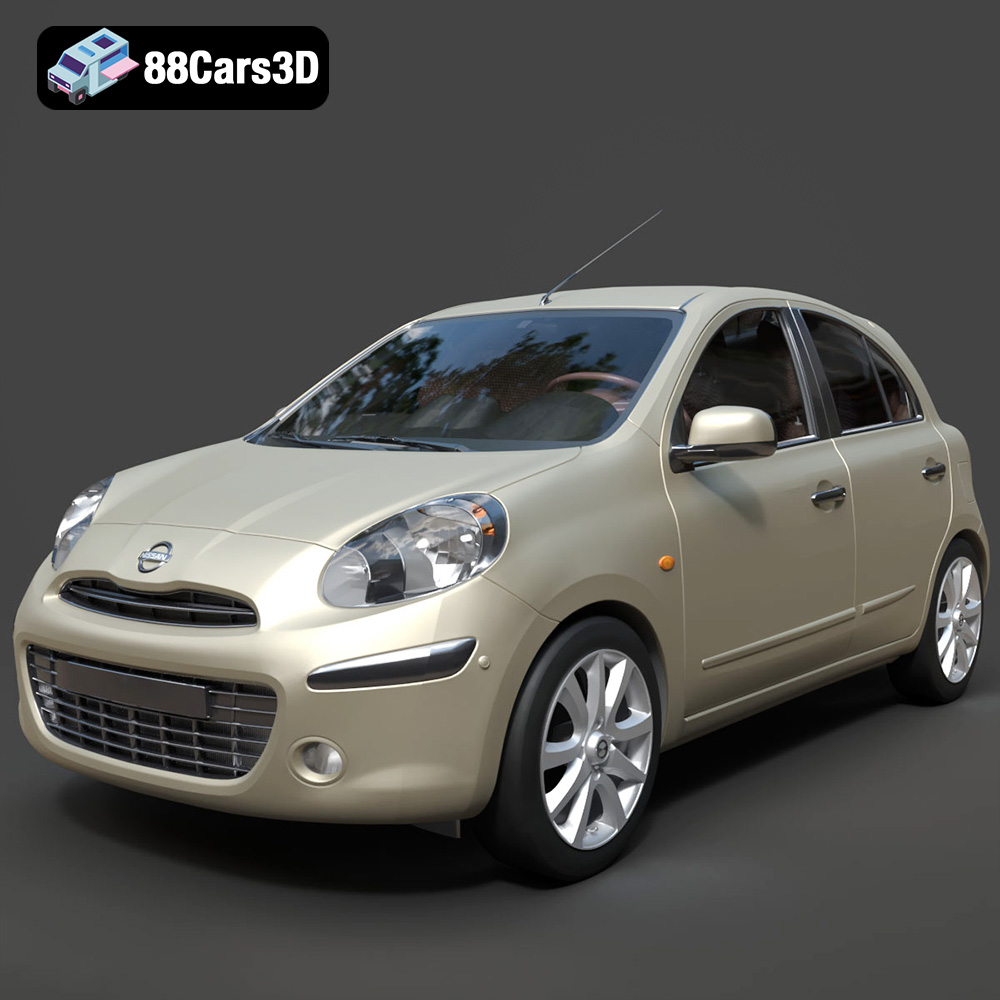
Texture: Yes
Material: Yes
Download the Nissan Micra 2010 3D Model featuring clean geometry, realistic detailing, and a fully modeled interior. Includes .blend, .fbx, .obj, .glb, .stl, .ply, .unreal, and .max formats for rendering, simulation, and game development.
Price: $4.99
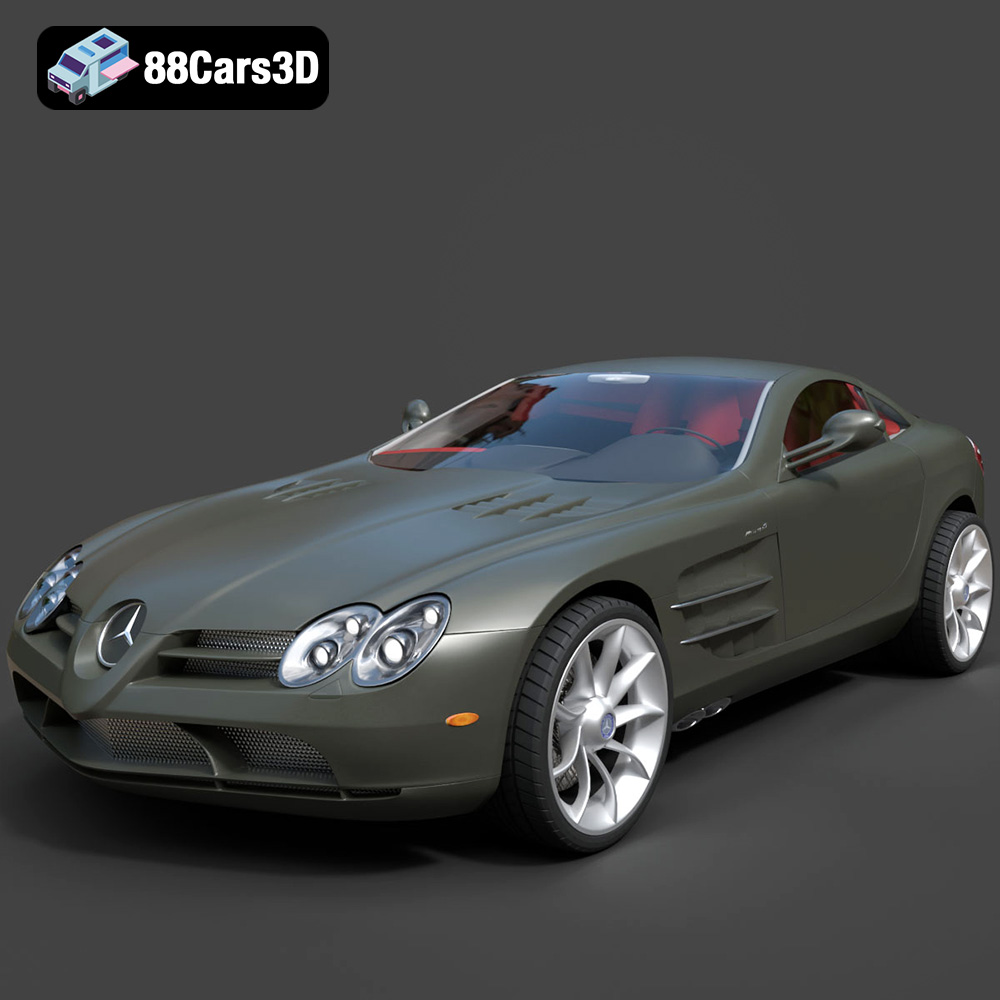
Texture: Yes
Material: Yes
Download the Mercedes-Benz SLR McLaren 3D Model featuring clean geometry, realistic detailing, and a fully modeled interior. Includes .blend, .fbx, .obj, .glb, .stl, .ply, .unreal, and .max formats for rendering, simulation, and game development.
Price: $4.99
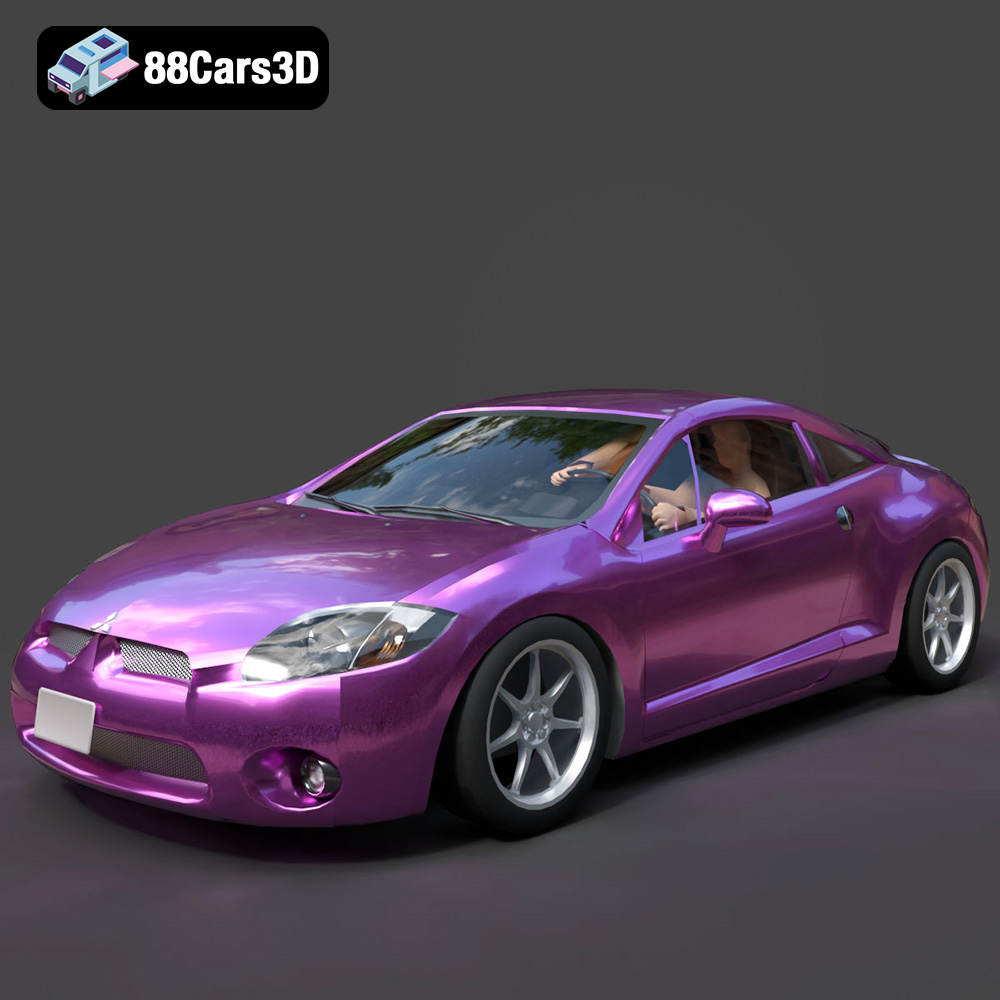
Texture: Yes
Material: Yes
Download the Mitsubishi Eclipse GT 2001 3D Model featuring clean geometry, realistic detailing, and a fully modeled interior. Includes .blend, .fbx, .obj, .glb, .stl, .ply, .unreal, and .max formats for rendering, simulation, and game development.
Price: $4.99
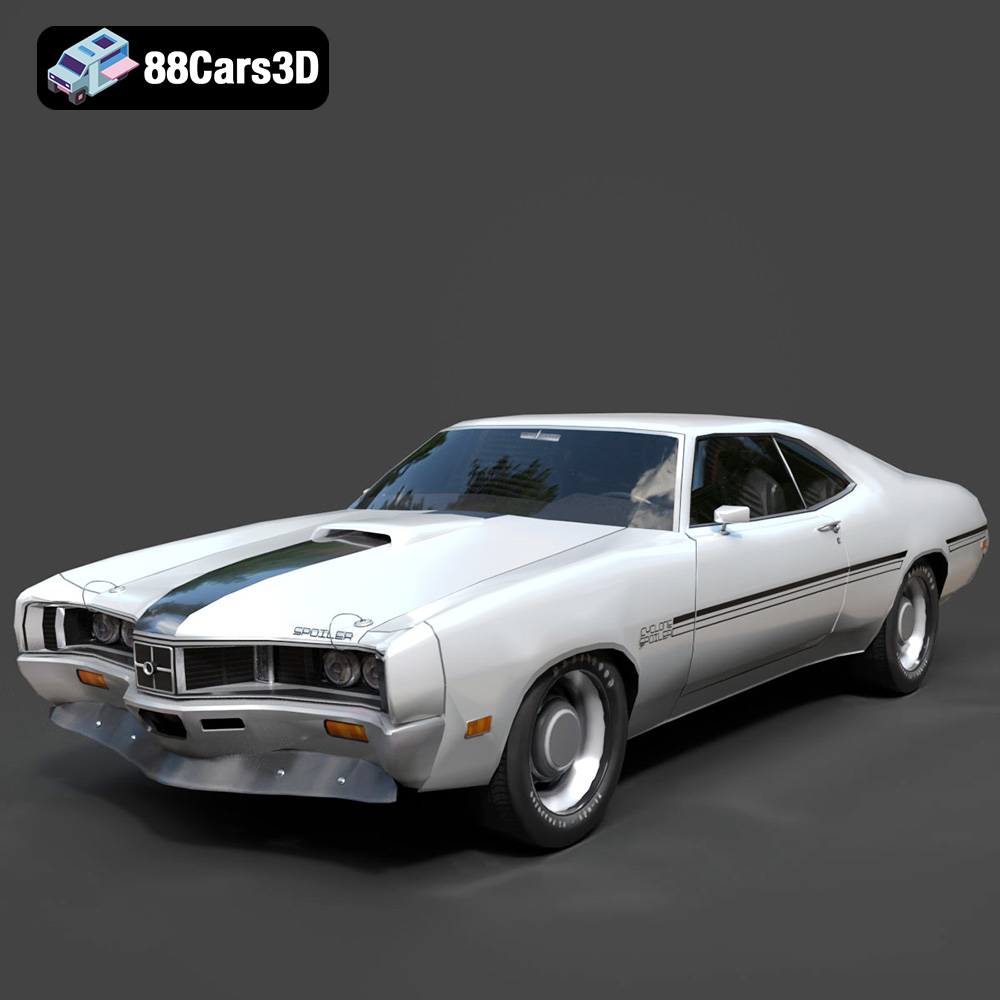
Texture: Yes
Material: Yes
Download the Mercury Cyclone Spoiler 1970 3D Model featuring clean geometry, realistic detailing, and a fully modeled interior. Includes .blend, .fbx, .obj, .glb, .stl, .ply, .unreal, and .max formats for rendering, simulation, and game development.
Price: $4.99
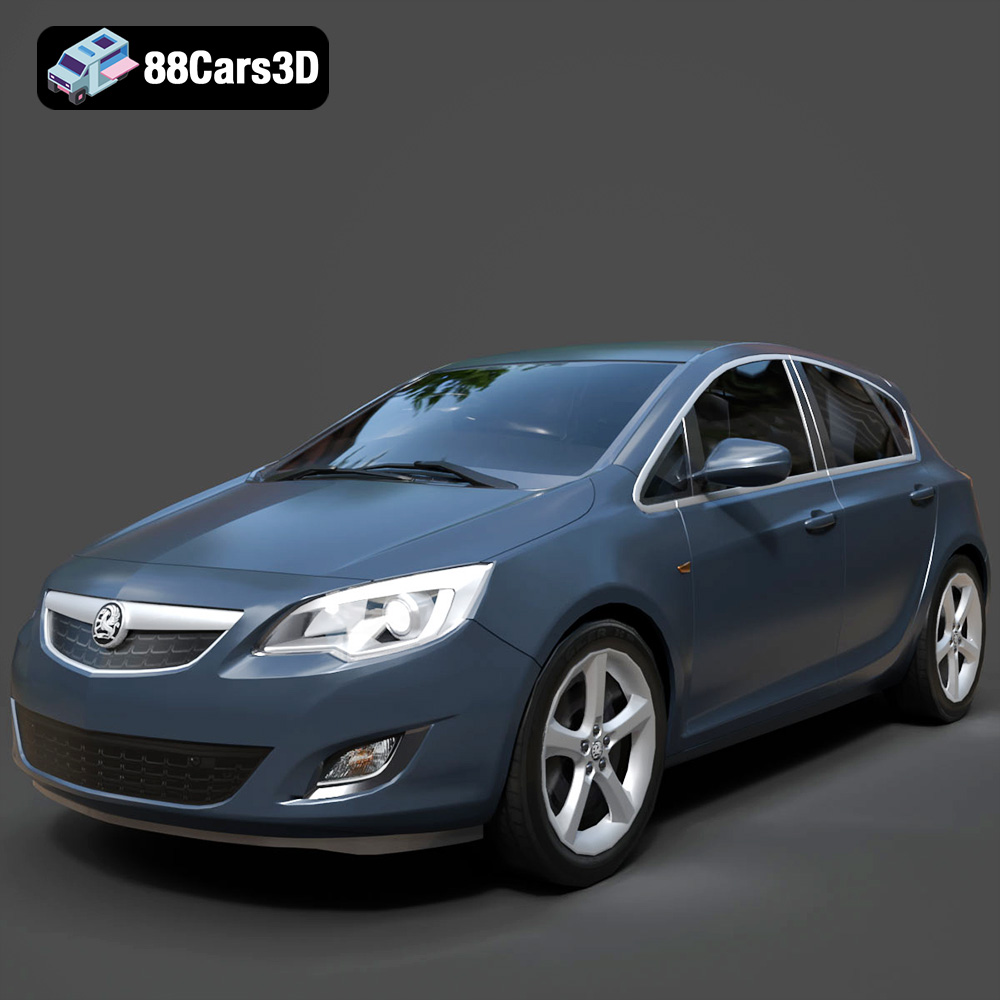
Texture: Yes
Material: Yes
Download the Opel Astra 3D Model featuring clean geometry, realistic detailing, and a fully modeled interior. Includes .blend, .fbx, .obj, .glb, .stl, .ply, .unreal, and .max formats for rendering, simulation, and game development.
Price: $4.99
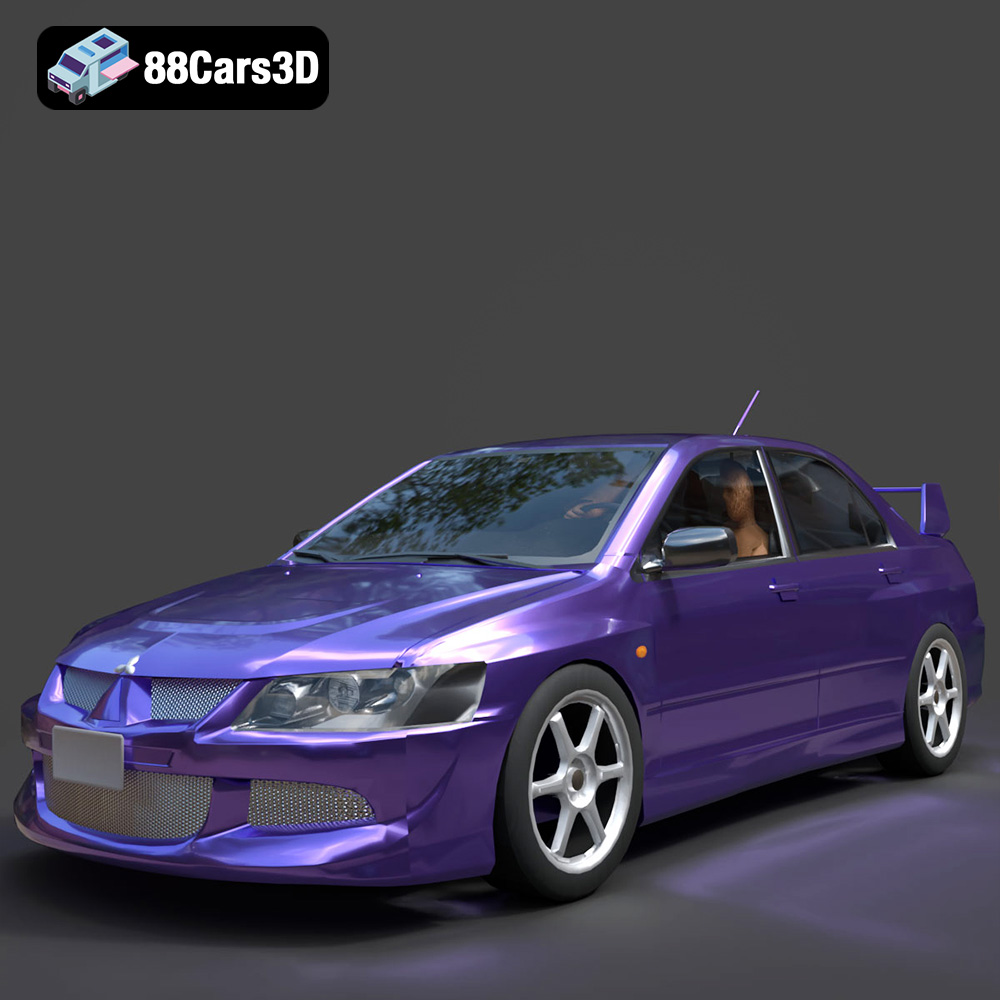
Texture: Yes
Material: Yes
Download the Mitsubishi Lancer Evolution VIII 3D Model featuring clean geometry, realistic detailing, and a fully modeled interior. Includes .blend, .fbx, .obj, .glb, .stl, .ply, .unreal, and .max formats for rendering, simulation, and game development.
Price: $4.99
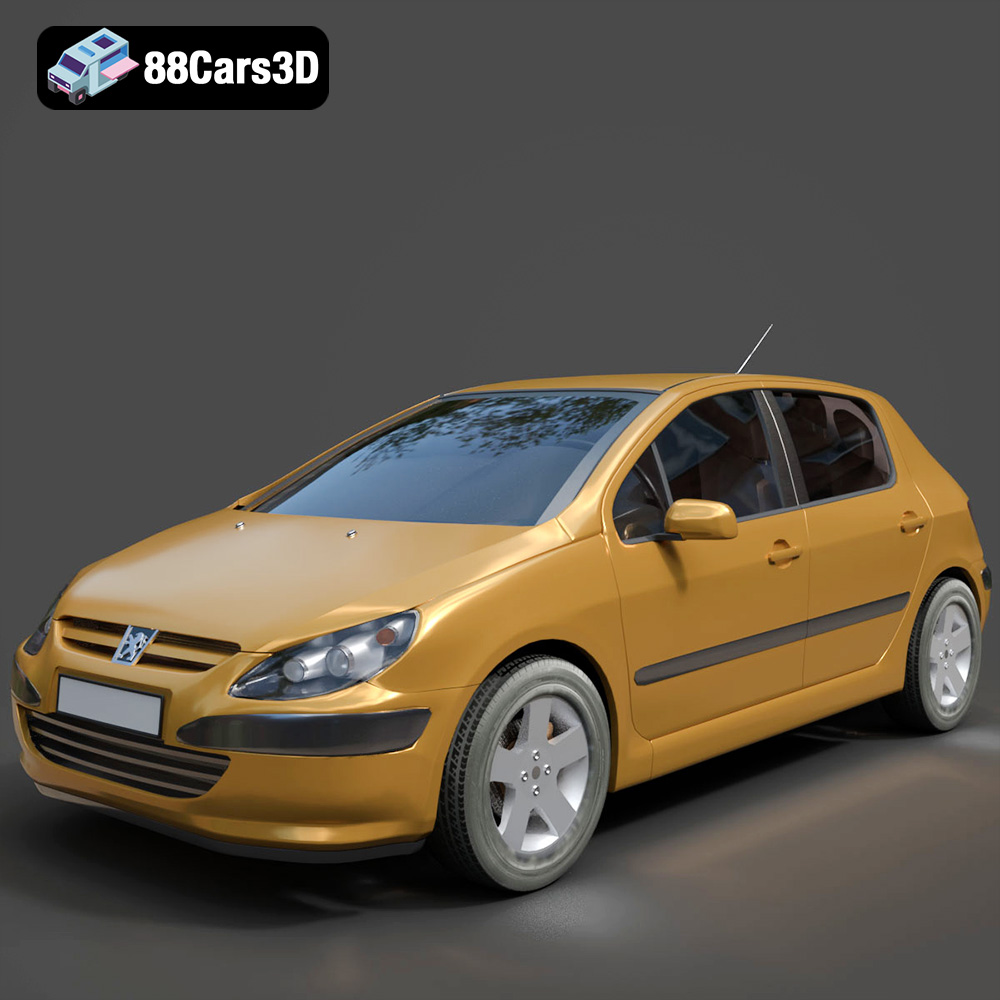
Texture: Yes
Material: Yes
Download the Peugeot 307 3D Model featuring clean geometry, realistic detailing, and a fully modeled interior. Includes .blend, .fbx, .obj, .glb, .stl, .ply, .unreal, and .max formats for rendering, simulation, and game development.
Price: $4.99
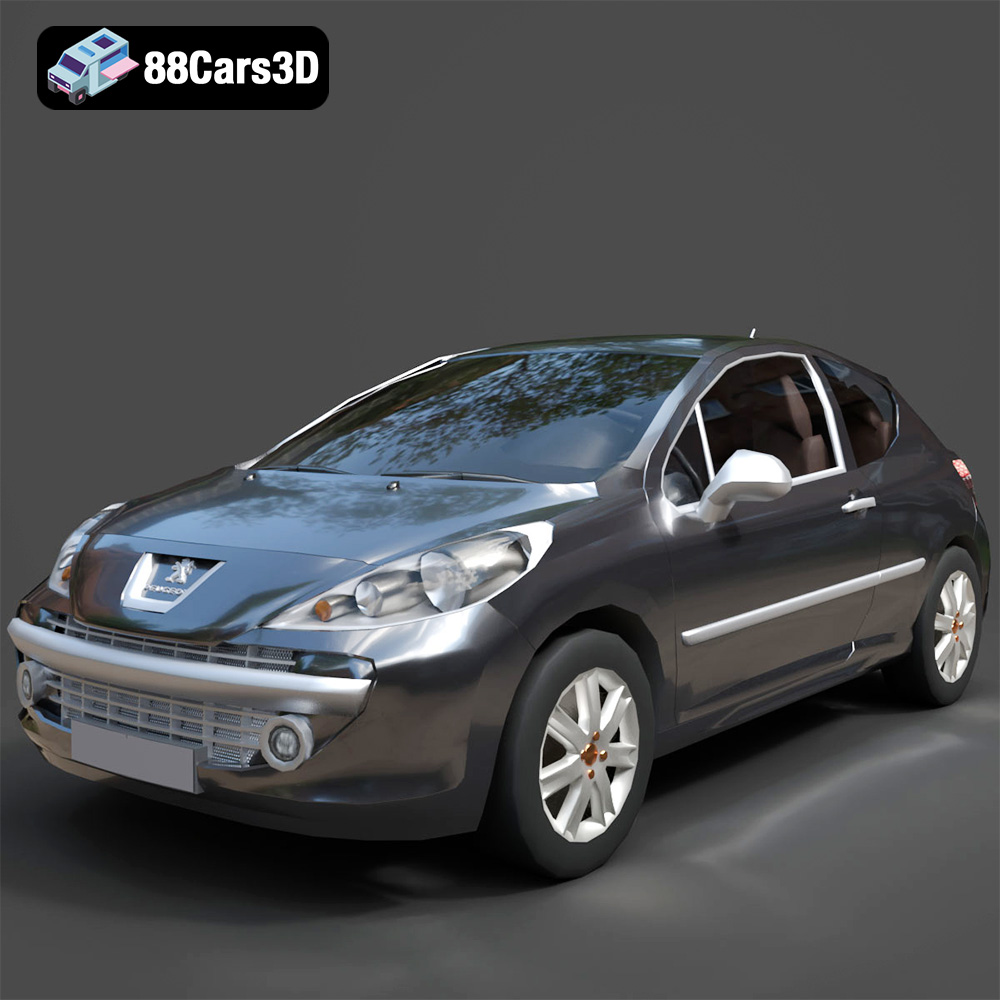
Texture: Yes
Material: Yes
Download the Peugeot 207 3D Model featuring clean geometry, realistic detailing, and a fully modeled interior. Includes .blend, .fbx, .obj, .glb, .stl, .ply, .unreal, and .max formats for rendering, simulation, and game development.
Price: $4.99
Texture: Yes
Material: Yes
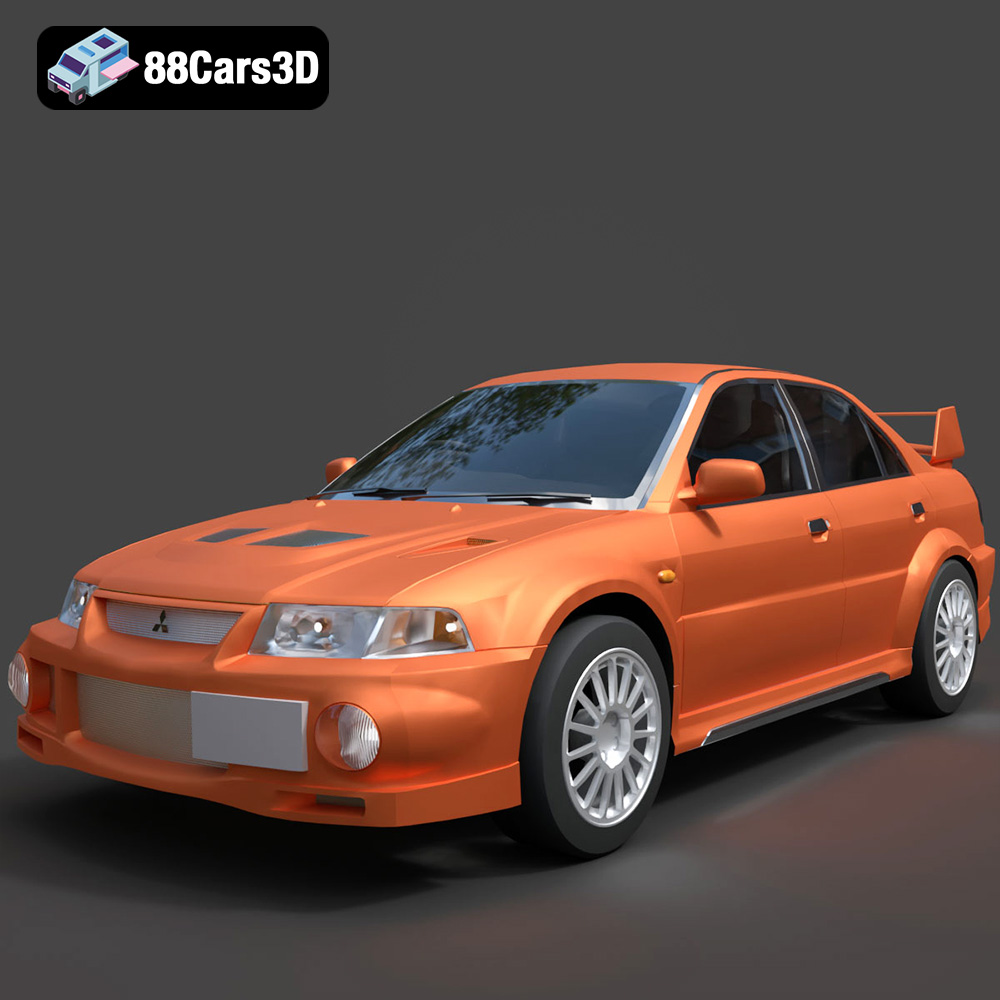
Download the Mitsubishi Lancer Evolution VI 3D Model featuring clean geometry, realistic detailing, and a fully modeled interior. Includes .blend, .fbx, .obj, .glb, .stl, .ply, .unreal, and .max formats for rendering, simulation, and game development.
Price: $4.99
Texture: Yes
Material: Yes
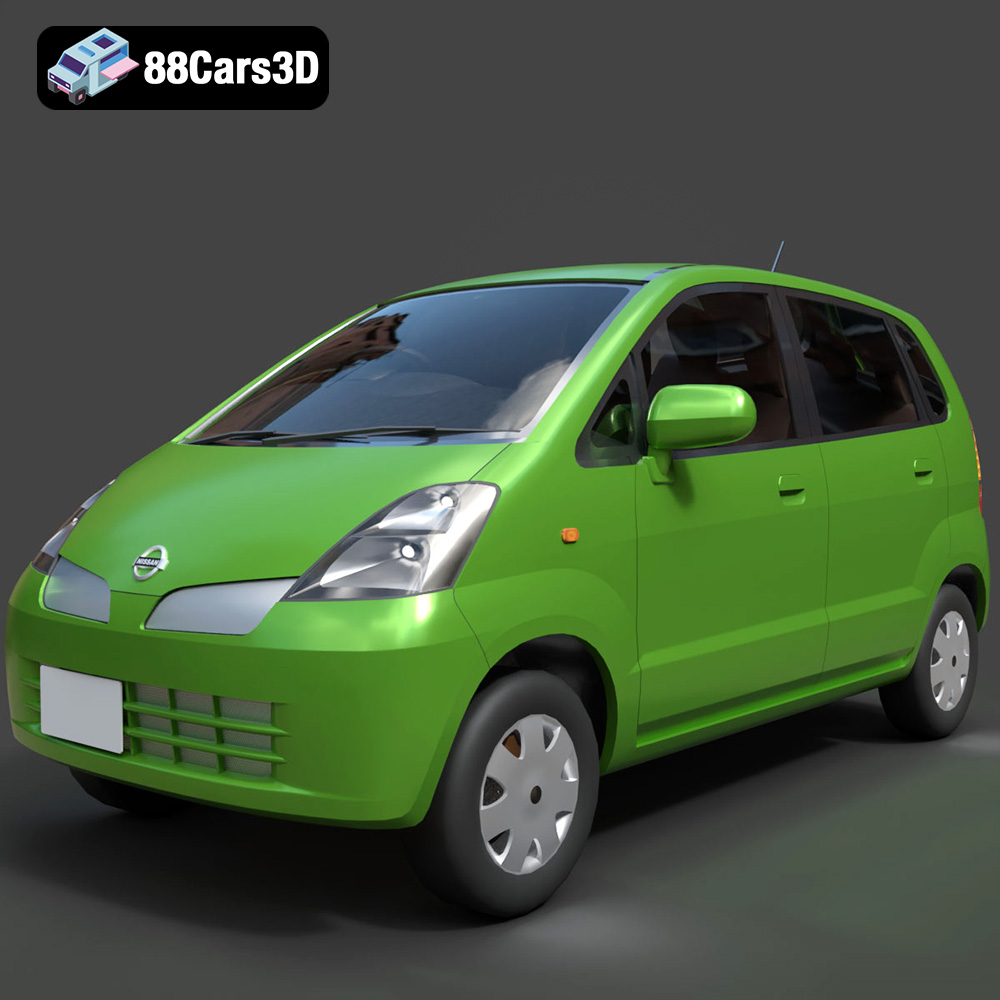
Download the Nissan Moco 007 3D Model featuring clean geometry, realistic detailing, and a fully modeled interior. Includes .blend, .fbx, .obj, .glb, .stl, .ply, .unreal, and .max formats for rendering, simulation, and game development.
Price: $4.99

