Get 20% OFF All Premium 3D & STL Models!

The sleek lines, powerful curves, and intricate details of an automobile captivate designers, engineers, and enthusiasts alike. In the realm of 3D, translating this automotive allure into digital form demands a mastery of technical workflows and artistic vision. Whether you’re an aspiring game developer aiming for hyper-realistic driving experiences, an architect integrating vehicles into stunning visualizations, an automotive designer iterating on new concepts, or a creative professional pushing the boundaries of AR/VR, the quality of your 3D car models is paramount. It’s not just about aesthetics; it’s about precision, performance, and versatility across diverse applications.
This comprehensive guide delves deep into the technical intricacies of working with high-quality 3D car models. We’ll navigate the critical stages from foundational modeling principles to advanced rendering, game engine optimization, and even preparing models for 3D printing. Understanding these core concepts is essential for anyone looking to create, utilize, or customize digital vehicles effectively. We’ll explore industry best practices, specific software techniques, and common challenges, ensuring you have the knowledge to elevate your automotive projects to professional standards. By the end, you’ll have a profound appreciation for what makes a truly exceptional 3D car model, and how platforms like 88cars3d.com streamline your access to such high-fidelity assets.
At the heart of any exceptional 3D car model lies its topology – the arrangement of vertices, edges, and faces that define its surface. For automotive designs, where smooth reflections and complex curves are critical, flawless topology isn’t just a best practice; it’s a necessity. Poor topology leads to pinching, artifacts, and jagged reflections, instantly detracting from realism. The goal is to create a clean, efficient mesh that can smoothly subdivide, accurately represent panel gaps, and facilitate easy material assignment. This foundational stage dictates the model’s behavior in rendering, animation, and real-time applications, making it arguably the most crucial step in the entire workflow.
Automotive surfaces are characterized by subtle undulations and sharp creases, all of which must be meticulously represented by the mesh. A typical high-quality car body might start with a relatively low-polygon base mesh (e.g., 50,000-100,000 polygons) that is designed for subdivision. When subdivided multiple times, this base mesh transforms into a smooth, high-resolution surface (often reaching several million polygons for extreme close-ups or photorealistic renders). The initial low-poly structure must anticipate this subdivision, ensuring that creases remain sharp and large panels curve gracefully without unwanted bumps or dips. Understanding the interplay between base mesh and subdivision is key to achieving photorealistic results, especially when dealing with the high reflective properties of car paint.
The golden rule for clean topology, especially with subdivision surfaces, is to primarily use **quads** (four-sided polygons). While triangles are acceptable in controlled situations (e.g., flat, non-deforming surfaces or very dense meshes), and n-gons (polygons with more than four sides) should generally be avoided, quads offer superior control over edge flow and predictable subdivision behavior. When a mesh composed solely of quads is subdivided, it maintains its overall shape and smooths out evenly. N-gons, conversely, often cause unpredictable shading, pinching, and triangulation issues when converted or subdivided, leading to unsightly artifacts.
Poles, which are vertices where more or less than four edges meet, are another critical consideration. A vertex where five or more edges converge is often called a “5-star pole” or “6-star pole,” respectively, while a vertex where three edges meet is a “3-star pole.” While poles are unavoidable, especially around complex intersections or curvature changes, their placement is vital. Ideally, poles should be placed in areas of low curvature or hidden from direct view, as they can sometimes create subtle pinches or bumps on the subdivided surface. For example, placing a 5-star pole on a flat surface or within a door panel can be problematic, whereas placing it in a complex corner or along an existing hard edge where the topology naturally converges can be more forgiving. Careful management of poles ensures that the car’s reflective surfaces remain perfectly smooth and free of visual distractions.
Edge flow refers to the logical and continuous progression of edges across a model’s surface. For automotive models, pristine edge flow is paramount because it dictates how light reflects off the car’s body. A car’s surface is a canvas for reflections; any imperfection in the mesh will manifest as a distortion in these reflections. Observing the “zebra stripes” generated by studio lighting on a car is an excellent way to evaluate edge flow – smooth, continuous stripes indicate good topology, while jagged or broken stripes signal issues. Edge loops must precisely follow the contours, panel lines, and creases of the vehicle.
When modeling features like door seams, hood lines, or fender flares, edge loops are strategically placed to define these sharp changes in geometry. Typically, multiple edge loops are run parallel and very close together along a crease to “hold” the sharpness of the edge when subdivision modifiers are applied. For instance, a door gap might require three or four tightly packed edge loops to create a crisp, well-defined seam that doesn’t soften excessively upon subdivision. Furthermore, these edge loops should flow logically, following the natural lines of the car, rather than terminating abruptly or crossing in an illogical manner. This careful sculpting of edge flow ensures that every curve transitions smoothly, every panel gap is perfectly defined, and the overall visual integrity of the automotive design is preserved, even under intense scrutiny.
Beyond impeccable geometry, the realism of a 3D car model hinges on its materials and textures. The industry has largely transitioned from traditional, artist-driven shading to Physically Based Rendering (PBR) workflows. PBR materials are designed to simulate how light interacts with real-world surfaces based on physical properties, leading to far more consistent and realistic results across different lighting conditions and renderers. This paradigm shift requires a deep understanding of material properties like albedo, roughness, metallic, and normal maps, moving away from subjective color and specular values to measurable physical parameters. A high-quality PBR material for a car paint, for example, will correctly define its base color, metallic properties (if applicable), and how rough or glossy its clear coat is, allowing the rendering engine to calculate accurate reflections and refractions.
The complexity of automotive surfaces, from the multi-layered depth of car paint to the subtle grain of leather interiors and the metallic sheen of chrome trim, demands a sophisticated approach to material creation. Each component requires a specific PBR setup to faithfully replicate its real-world counterpart. This often involves blending multiple layers of textures and shaders to achieve intricate effects, such as a metallic flake under a glossy clear coat for car paint, or anisotropic reflections for brushed metal surfaces. Understanding how to author these maps and combine them effectively within a shader network is crucial for bringing a 3D car model to life with unparalleled visual fidelity, whether it’s for a static render or an interactive experience. Models sourced from marketplaces like 88cars3d.com typically come with expertly crafted PBR materials, saving artists significant time.
There are two primary PBR workflows prevalent in the industry: **Metalness-Roughness** and **Specular-Glossiness**. Both achieve physically accurate results but use different sets of input maps.
The **Metalness-Roughness workflow** is often preferred for its simplicity and intuitiveness. It typically uses the following maps:
The **Specular-Glossiness workflow** is slightly older but still widely used, particularly in some offline renderers. It uses:
Both workflows are physically accurate, and many modern software packages (like Substance Painter, Mari, or Quixel Mixer) support exporting for both. The key is understanding how each map contributes to the final material appearance and selecting the workflow most compatible with your target renderer or game engine.
Effective UV mapping is critical for applying 2D textures to a 3D model without distortion. For a complex object like a car, this process can be particularly challenging. The goal is to create a set of UV coordinates that accurately “unwraps” the 3D surface into a 2D layout, minimizing stretching, overlapping, and seams, while maximizing texture resolution usage. High-quality car models often employ multiple UV sets or even UDIMs to manage the immense detail required for different parts.
Here are key strategies for UV mapping cars:
The texture resolution also plays a crucial role. For the main body, 4K (4096×4096 pixels) is a common minimum for high-quality renders, with 8K often used for hero assets or extreme close-ups. Interior elements and smaller details might use 2K or 1K maps. The proper creation and arrangement of these UV maps directly impacts the fidelity and performance of the final 3D car model.
Once a 3D car model is meticulously crafted with flawless topology and PBR materials, the next stage is to bring it to life through rendering. This process involves simulating how light interacts with the scene and the materials to produce a photorealistic image. Achieving stunning automotive renders requires more than just powerful software; it demands an understanding of lighting principles, camera optics, and specific renderer capabilities. The goal is to create an image that blurs the line between reality and digital art, capturing the emotional essence and design intent of the vehicle.
Advanced rendering workflows for cars often involve sophisticated lighting setups that highlight the vehicle’s form and reflections. The choice of renderer (e.g., Corona, V-Ray, Cycles, Arnold) will influence the specific settings and techniques, but the underlying principles remain universal. Key aspects include accurately simulating global illumination, reflections, refractions, and subtle atmospheric effects. Renderers employ complex algorithms to trace light rays through the scene, calculating color and intensity at every pixel. This computationally intensive process often requires careful optimization of settings to balance render time with image quality. For professional visualization, the output is not just a static image but often a series of high-resolution stills or even animated sequences that showcase the car from various angles and environments.
Lighting is arguably the most critical element in automotive rendering. It defines the mood, highlights design features, and makes or breaks the realism of your reflections. For cars, the environment itself plays a massive role in how the surfaces reflect. The most common and effective technique for realistic reflections and global illumination (GI) is the use of **HDRI (High Dynamic Range Image) maps**. An HDRI is a 360-degree panoramic image containing a full range of light intensities, from deep shadows to bright highlights. When used as an environment map, it realistically illuminates the scene and provides accurate reflections on the car’s body. A studio-style HDRI with softboxes and light strips can create controlled, elegant reflections, while an exterior HDRI (e.g., a city street, a scenic overlook) can place the car believably within a real-world setting.
Beyond HDRIs, supplementary lighting is often used:
Integrating a 3D car model seamlessly into a **backplate** (a photographic background) is another common technique. This involves matching the camera angle, focal length, perspective, and most importantly, the lighting conditions of the photograph. Shadow catchers and careful color grading are essential to ensure the car looks like it belongs in the scene, not just composited on top. Achieving this often requires precise knowledge of physical camera properties like F-stop, shutter speed, and ISO, mirroring real-world photography principles.
While the principles of lighting and materials are universal, each renderer offers unique features and workflows:
Regardless of the renderer, common technical considerations include: managing render samples (iterations of light paths to reduce noise), optimizing ray depth settings (how many times light bounces), and utilizing denoising algorithms to clean up the final image. Each renderer has its strengths, and choosing the right one often depends on the project’s specific needs, budget, and integration with existing software pipelines. Professional models available from marketplaces like 88cars3d.com often include optimized scenes for multiple renderers, allowing for direct integration into your preferred workflow.
While offline rendering prioritizes ultimate visual fidelity, interactive applications like video games, augmented reality (AR), and virtual reality (VR) demand a delicate balance between visual quality and real-time performance. A detailed 3D car model that looks stunning in a cinematic render might cripple a game engine if not properly optimized. The challenge lies in maintaining visual integrity while drastically reducing the computational overhead. This involves strategic polygon reduction, clever texture management, and smart engine-specific configurations to ensure smooth frame rates and responsive interactions, a critical factor for immersive experiences.
The optimization process transforms a high-poly, render-ready asset into an efficient real-time asset. This often means making compromises, but smart optimization minimizes the visual impact of these compromises. For instance, baking high-resolution details onto normal maps allows a lower-polygon model to retain the appearance of intricate surface geometry without the actual polygon count. Furthermore, understanding the limitations and strengths of target platforms – from high-end PCs to mobile phones for AR – is crucial in dictating the extent of optimization required. A model optimized for a PlayStation 5 game will still be too heavy for a mobile AR app, necessitating different levels of detail and material complexity.
LODs, or Level of Detail models, are a cornerstone of real-time optimization. Instead of displaying a single, high-polygon model at all distances, LODs involve creating multiple versions of the same asset, each with a progressively lower polygon count. The game engine dynamically switches between these versions based on the camera’s distance to the object. For a 3D car model, this means:
Creating LODs can be done manually, by intelligently removing edge loops and simplifying geometry, or automatically using decimation tools (e.g., in Blender, Maya, or ZBrush). Manual optimization usually yields better visual quality as artists can make informed decisions about what details to preserve. **Polygon budgeting** involves establishing target polygon counts for different asset categories and platforms. A hero car in a racing game might have a budget of 150,000-250,000 triangles for its highest LOD, while a background vehicle could be limited to 10,000-20,000 triangles. Adhering to these budgets is crucial for maintaining stable frame rates.
Beyond polygon count, **draw calls** are a significant performance bottleneck in real-time engines. A draw call is a command from the CPU to the GPU to draw a batch of geometry. Each time the engine has to switch materials, meshes, or shaders, it typically incurs a new draw call. Reducing draw calls is paramount for performance. Here are key strategies:
By judiciously applying these techniques, developers can significantly improve the rendering efficiency of 3D car models in demanding real-time environments.
AR (Augmented Reality) and VR (Virtual Reality) environments present unique optimization challenges, primarily due to the stringent frame rate requirements for comfort and immersion (often 90+ FPS for VR) and the limitations of mobile hardware for AR. If the frame rate drops, users can experience motion sickness or a jarring, unrealistic experience.
By meticulously optimizing every aspect of a 3D car model, from geometry to materials and textures, artists can ensure it performs flawlessly and delivers an immersive experience in interactive applications.
The versatility of high-quality 3D car models extends far beyond digital rendering and interactive experiences. With the advent of accessible 3D printing technologies, these digital assets can now be transformed into tangible, physical objects. However, this transition introduces a new set of technical requirements and considerations, as a mesh designed for visual fidelity isn’t always immediately suitable for physical fabrication. Furthermore, navigating the diverse ecosystem of 3D software and applications necessitates a thorough understanding of various file formats and their respective capabilities.
Successfully preparing a 3D car model for 3D printing requires attention to manifold geometry, wall thickness, and proper scaling. It’s a shift in perspective from how light interacts with surfaces to how material is physically deposited. Similarly, the ability to seamlessly transfer a model between different 3D packages or deploy it to various platforms hinges on selecting the correct file format and understanding its inherent limitations and advantages. Whether you’re sending a model to a client, integrating it into a different software pipeline, or publishing it for AR, knowing your FBX from your GLB is crucial for maintaining asset integrity and workflow efficiency.
Converting a render-ready 3D car model into a printable object involves several crucial steps, as 3D printers have very specific requirements for geometry:
By addressing these technical aspects, a digital 3D car model can successfully transition into a tangible replica, bringing designs to life in a new dimension.
The choice of file format dictates how a 3D car model can be shared, edited, and deployed across different software and platforms. Each format has its strengths, weaknesses, and specific use cases:
When working with 3D car models, especially those sourced from platforms like 88cars3d.com, you’ll often find them available in multiple formats to suit various pipelines. Understanding the nuances of each format ensures a smooth workflow, preserves data integrity, and maximizes the utility of your valuable 3D assets.
The journey through the creation, optimization, and application of high-quality 3D car models reveals a fascinating intersection of artistry and technical mastery. From the foundational importance of clean topology and precise edge flow that dictates how light interacts with automotive surfaces, to the nuanced science of PBR materials that replicate real-world reflectivity and texture, every detail contributes to the immersive realism we crave. We’ve explored how advanced rendering workflows breathe life into these digital vehicles, and crucially, how meticulous optimization transforms them into performant assets for the demanding worlds of gaming, AR, and VR.
Understanding these technical aspects is not just about appreciating the complexity; it’s about empowering you to make informed decisions that elevate your own projects. Whether you are aiming for a jaw-dropping cinematic render, a high-octane game experience, an interactive AR visualization, or even a detailed 3D print, the principles of clean mesh, intelligent UVs, physically accurate materials, and optimized geometry remain paramount. These best practices ensure your 3D car models are versatile, efficient, and visually stunning across any platform or application.
For those who prioritize quality and efficiency, sourcing expertly crafted 3D car models can be a significant advantage. Platforms like 88cars3d.com specialize in providing premium, ready-to-use models that adhere to these rigorous industry standards. This not only saves valuable development time but also guarantees a foundation of excellence for your automotive projects. Embrace these technical insights, apply them diligently, and let your passion for automotive design drive your 3D creations to new heights.

Texture: Yes
Material: Yes
Download the Mazda MX-5 2025 3D Model featuring clean geometry, realistic detailing, and a fully modeled interior. Includes .blend, .fbx, .obj, .glb, .stl, .ply, .unreal, and .max formats for rendering, simulation, and game development.
Price: $4.99

Texture: Yes
Material: Yes
Download the Nissan Maxima 2009 3D Model featuring clean geometry, realistic detailing, and a fully modeled interior. Includes .blend, .fbx, .obj, .glb, .stl, .ply, .unreal, and .max formats for rendering, simulation, and game development.
Price: $4.99

Texture: Yes
Material: Yes
Download the Mitsubishi Colt 2025 3D Model featuring clean geometry, realistic detailing, and a fully modeled interior. Includes .blend, .fbx, .obj, .glb, .stl, .ply, .unreal, and .max formats for rendering, simulation, and game development.
Price: $4.99
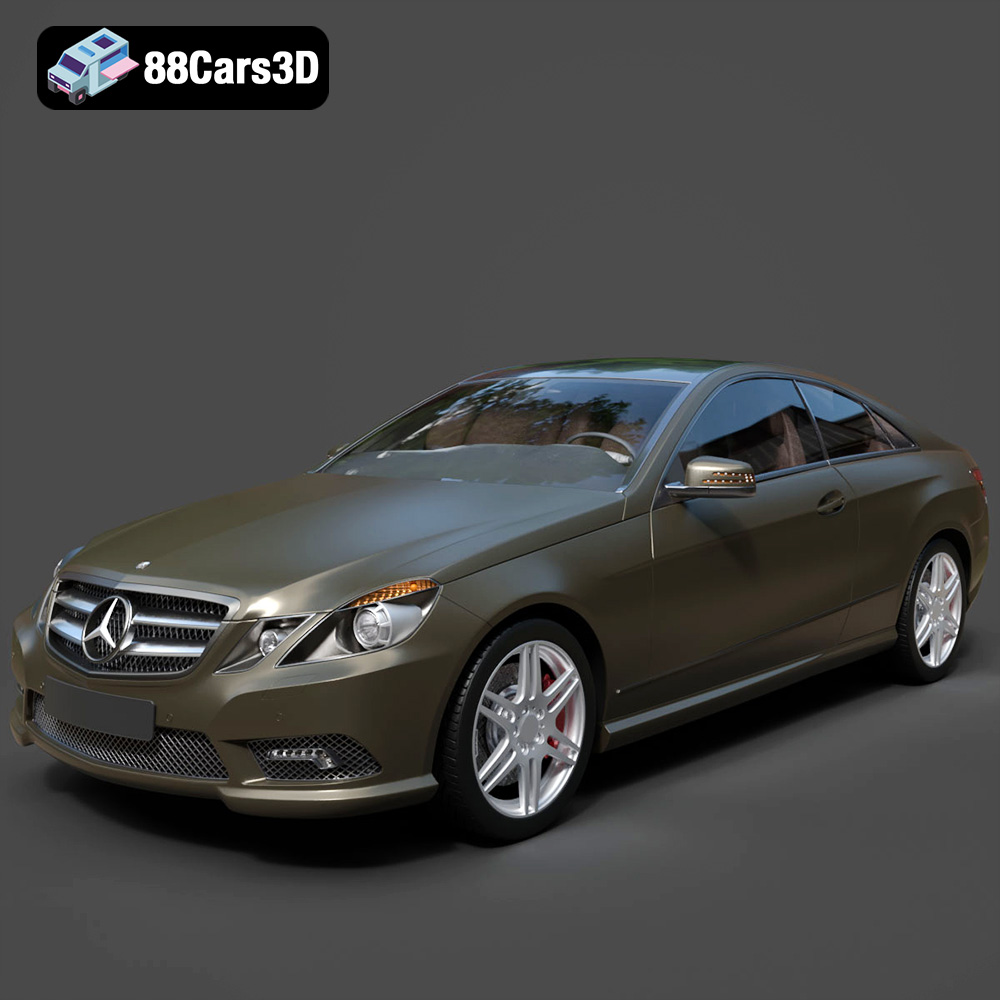
Texture: Yes
Material: Yes
Download the Mercedes-Benz E Coupe 2010 3D Model featuring clean geometry, realistic detailing, and a fully modeled interior. Includes .blend, .fbx, .obj, .glb, .stl, .ply, .unreal, and .max formats for rendering, simulation, and game development.
Price: $4.99
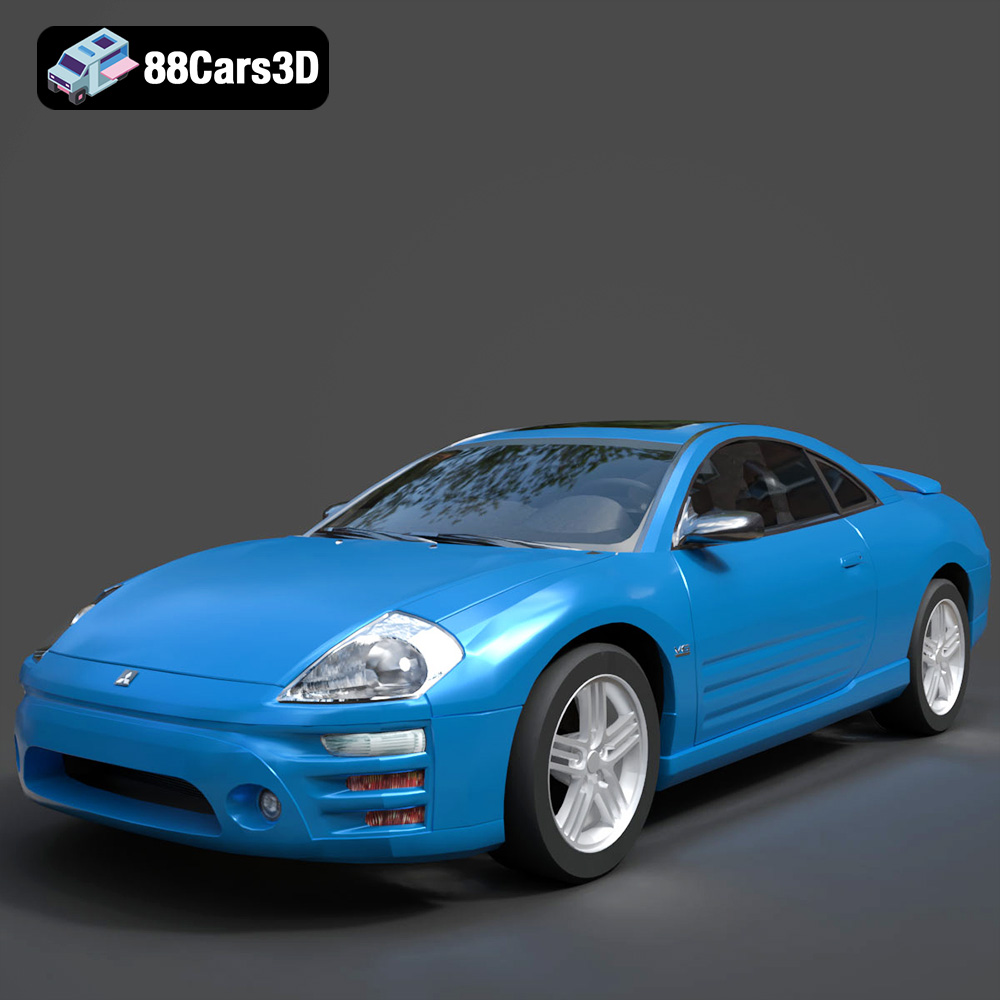
Texture: Yes
Material: Yes
Download the Mitsubishi Eclipse 2005 3D Model featuring clean geometry, realistic detailing, and a fully modeled interior. Includes .blend, .fbx, .obj, .glb, .stl, .ply, .unreal, and .max formats for rendering, simulation, and game development.
Price: $4.99
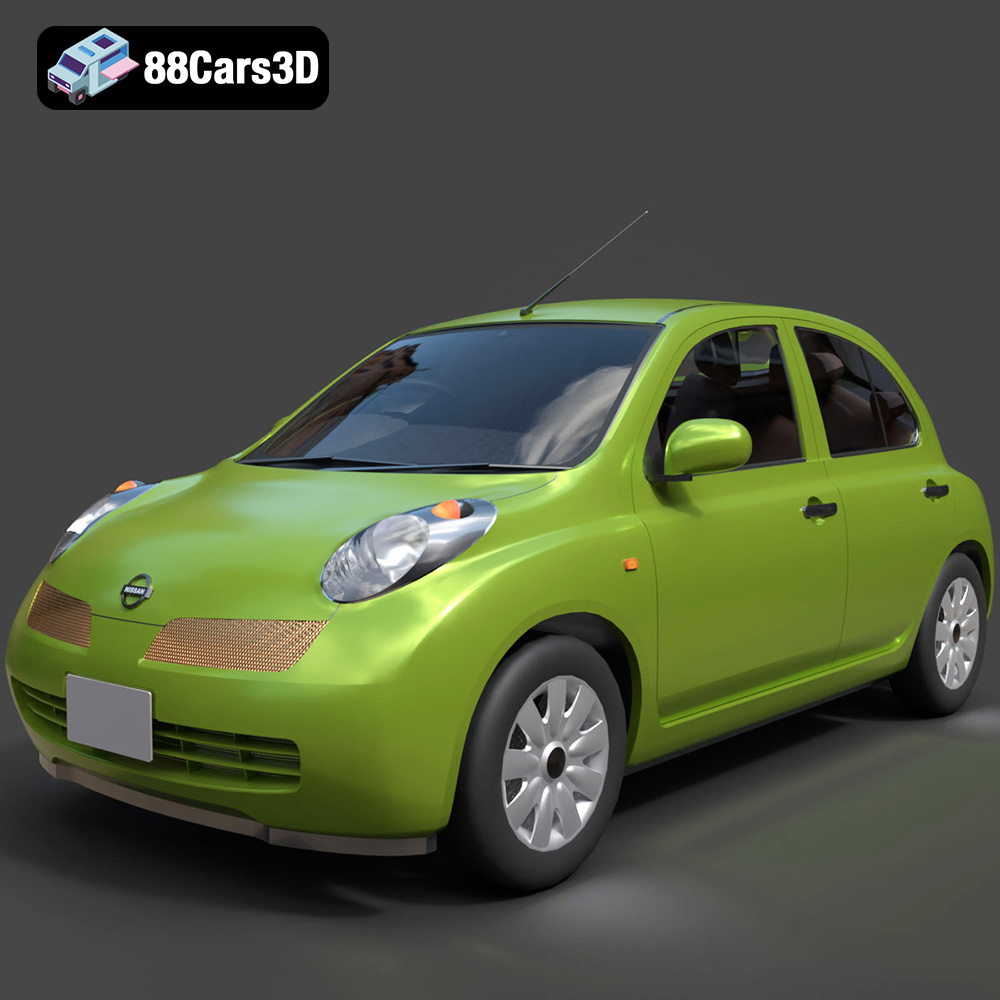
Texture: Yes
Material: Yes
Download the Nissan Micra 5-Door 2025 3D Model featuring clean geometry, realistic detailing, and a fully modeled interior. Includes .blend, .fbx, .obj, .glb, .stl, .ply, .unreal, and .max formats for rendering, simulation, and game development.
Price: $4.99

Texture: Yes
Material: Yes
Download the Opel Insignia Sports Tourer 2009 3D Model featuring clean geometry, realistic detailing, and a fully modeled interior. Includes .blend, .fbx, .obj, .glb, .stl, .ply, .unreal, and .max formats for rendering, simulation, and game development.
Price: $4.99
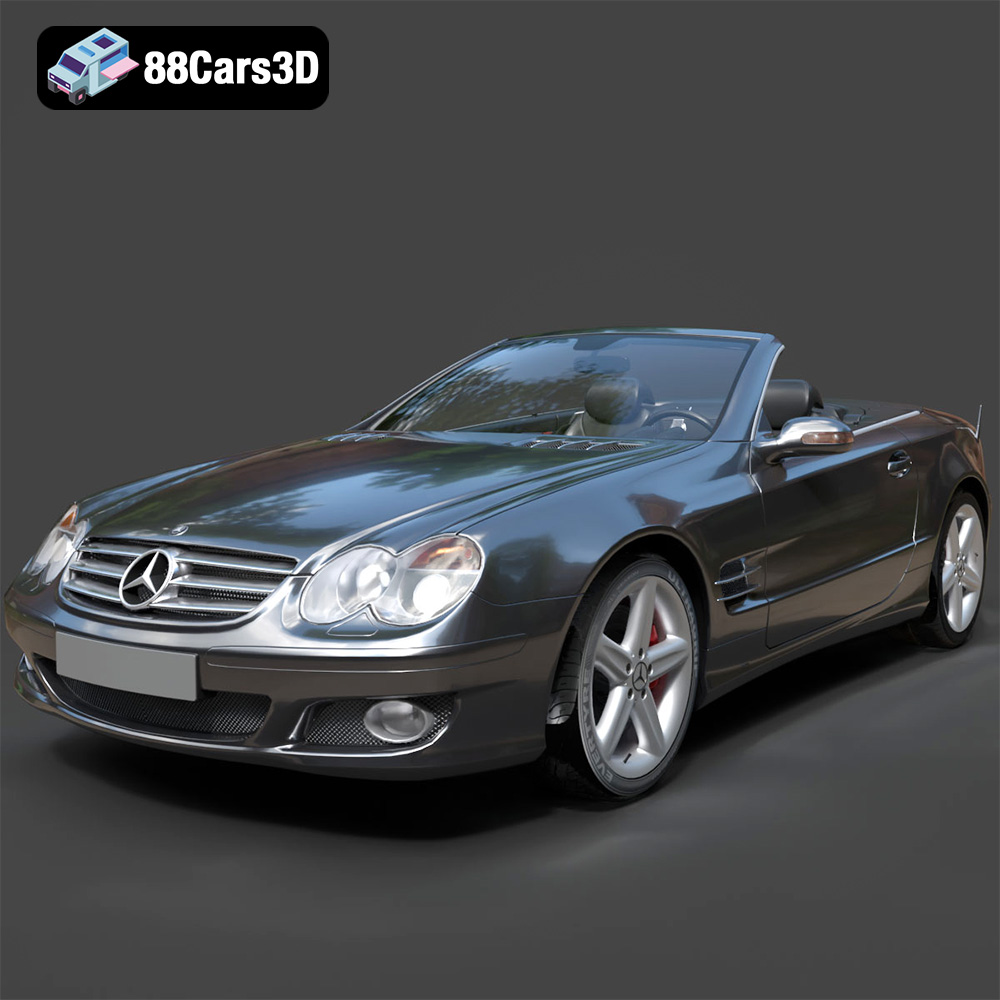
Texture: Yes
Material: Yes
Download the Mercedes-Benz SL-Klasse R230 2002 3D Model featuring clean geometry, realistic detailing, and a fully modeled interior. Includes .blend, .fbx, .obj, .glb, .stl, .ply, .unreal, and .max formats for rendering, simulation, and game development.
Price: $4.99
Texture: Yes
Material: Yes
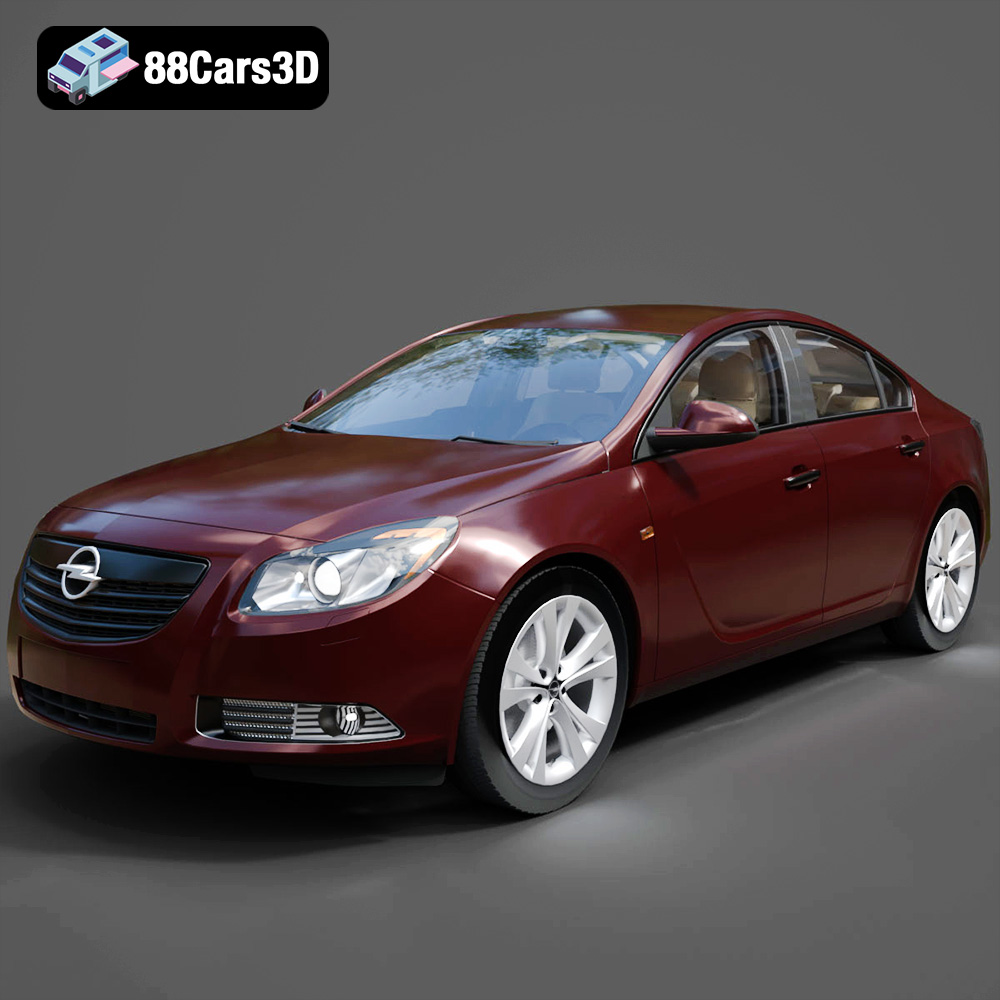
Download the Opel Insignia 2009 3D Model featuring clean geometry, realistic detailing, and a fully modeled interior. Includes .blend, .fbx, .obj, .glb, .stl, .ply, .unreal, and .max formats for rendering, simulation, and game development.
Price: $4.99

Texture: Yes
Material: Yes
Download the Peugeot 206 3D Model featuring clean geometry, realistic detailing, and a fully modeled interior. Includes .blend, .fbx, .obj, .glb, .stl, .ply, .unreal, and .max formats for rendering, simulation, and game development.
Price: $4.99

