Get 20% OFF All Premium 3D & STL Models!

The world of 3D visualization and real-time interaction has transformed how we perceive and experience automotive design. From breathtaking photorealistic renders that define future car models to immersive virtual reality experiences and high-octane racing games, the quality of a 3D car model is paramount. It’s not merely about aesthetics; it’s about precision, performance, and versatility across diverse applications. Crafting or selecting the right 3D car model requires a deep understanding of technical intricacies, from the underlying mesh structure to the final pixel on screen or print bed.
This comprehensive guide delves into the essential technical aspects of working with 3D car models. We’ll explore the foundational principles of topology and UV mapping, demystify the art of PBR material creation, and walk through advanced rendering workflows. Furthermore, we’ll tackle the critical subject of optimization for game engines, AR/VR platforms, and even delve into the unique requirements for 3D printing. Whether you’re a seasoned 3D artist, a game developer, an automotive designer, or a student aspiring to master the craft, understanding these concepts will elevate your projects and empower you to push the boundaries of automotive visualization. Join us as we unlock the secrets to creating, optimizing, and deploying stunning 3D car models across the digital landscape.
The success of any high-quality 3D car model begins with its underlying mesh structure – its topology. Automotive surfaces are notoriously complex, characterized by sleek curves, sharp creases, and subtle reflections that demand meticulous attention to detail. Clean, efficient topology is not just an aesthetic choice; it’s a technical imperative that impacts everything from rigging and animation to rendering quality and subdivision performance. A well-constructed mesh utilizes predominantly quad-based polygons, which allow for smooth subdivision without pinching or artifacting, essential for achieving the flawless reflections expected of automotive finishes.
In 3D modeling workflows, especially for organic or highly curved surfaces like those on a car, a quad-based topology is king. Quads (four-sided polygons) deform predictably, making them ideal for subdivision surface modeling (e.g., using a Turbosmooth modifier in 3ds Max or a Subdivision Surface modifier in Blender). This allows artists to start with a relatively low-polygon base mesh and then smoothly increase its resolution for detailed renders. Ngons (polygons with more than four sides) and triangles, while sometimes unavoidable in specific areas, can cause unpredictable shading, pinching, and issues with UV mapping or deformation. For a premium 3D car model, the goal is to minimize these and ensure a uniform flow of quads, especially across large, reflective body panels.
Edge flow dictates how polygons are arranged to define the contours and details of your model. For automotive models, mastering edge flow means ensuring that the edges follow the natural lines of the car’s design – the curvature of the fenders, the sharp cut of a headlight, or the subtle bulge of a hood scoop. This is crucial for capturing accurate reflections and maintaining the vehicle’s volume and silhouette at various viewing angles. Tools like the modeling toolsets in 3ds Max, Blender, or Maya offer extensive capabilities for manipulating edges, verts, and faces. Techniques involve using loop cuts to add detail where needed, sliding edges to refine contours, and carefully terminating edge loops to avoid creating poles (vertices with more or less than 5 edges connected) on flat surfaces, which can lead to shading artifacts. A professional tip is to frequently check your model with a matcap shader or a simple reflective material to spot any surface imperfections caused by poor edge flow.
While high-fidelity models are essential for photorealistic renders, they are often too demanding for real-time applications like game development or AR/VR. This is where polygon budgets and Levels of Detail (LODs) come into play. A high-resolution 3D car model for rendering might have upwards of 500,000 to several million polygons, especially when accounting for interiors, engines, and undercarriages. For real-time applications, however, optimizing performance is critical. This means creating multiple versions of the model, each with a progressively lower polygon count. For example:
Creating effective LODs involves careful decimation and simplification while preserving the car’s silhouette and key features. Many 3D modeling software packages offer automatic LOD generation tools, but manual refinement is often necessary to achieve optimal results without noticeable degradation. Platforms like 88cars3d.com frequently provide models with pre-optimized LODs to cater to diverse project needs, saving valuable production time.
Once the geometric structure of a 3D car model is perfected, the next crucial step is to define how textures will be applied to its surfaces. This involves two core processes: UV mapping and the creation of Physically Based Rendering (PBR) materials. UV mapping acts as the bridge between your 3D model and its 2D textures, dictating how an image wraps around the complex curves of a car. PBR materials, on the other hand, define the intrinsic properties of a surface – how it reflects light, its color, roughness, and metallic qualities – to achieve a level of realism unmatched by older shading techniques. Mastering both is essential for delivering a believable and visually striking automotive asset.
UV unwrapping is the process of flattening the 3D surface of your model into a 2D space, much like unfolding a cardboard box. For a car model, this requires strategic planning to minimize seams, prevent texture stretching, and maintain uniform texel density across all surfaces. Good UVs ensure that your textures, whether they are decals, paint imperfections, or panel lines, appear crisp and correctly proportioned. Key strategies include:
Software like 3ds Max with its Unwrap UVW modifier, Blender’s UV Editor, or Maya’s UV Toolkit provide powerful tools for this intricate process. A clean UV layout is fundamental for efficient texture creation and optimal performance.
PBR materials represent a paradigm shift in rendering, focusing on physical properties of light interaction rather than artistic approximations. This allows materials to react consistently and realistically under any lighting condition. The two main workflows are:
For automotive rendering, the Metallic-Roughness workflow is prevalent. A typical PBR shader network for a car paint material would involve:
Texture resolutions are critical for visual fidelity, especially for hero shots. Common resolutions include 2K (2048×2048), 4K (4096×4096), and even 8K (8192×81992) for high-detail areas like car paint or intricate grilles. File formats like PNG (lossless, transparency), TGA (lossless, often used in games), and EXR (high dynamic range for light maps) are commonly used.
Automotive surfaces often require layered shaders to achieve full realism. Car paint, for instance, typically involves a base color layer, a metallic flake layer, and a clear coat layer. A shader graph in software like 3ds Max (with Corona or V-Ray materials), Blender (Cycles/Eevee nodes), or Maya (Arnold shaders) allows artists to combine these elements. For example, a clear coat can be implemented as a separate glossy layer on top of the base paint, controlled by its own roughness and IOR (Index of Refraction) values. Other complex materials like carbon fiber require intricate normal maps, high-contrast roughness, and often an anisotropic reflection component. Tire sidewalls, too, benefit from detailed normal maps for text and tread patterns, combined with a rubber material definition. These sophisticated shader networks are what elevate a good model to an exceptional one, ready for stunning automotive rendering.
The journey of a 3D car model culminates in its presentation through rendering. This process transforms abstract geometry and material definitions into a photorealistic image or animation. Achieving a compelling automotive render involves more than just hitting the render button; it requires a meticulous approach to lighting, camera setup, and post-processing. Leveraging powerful render engines like Corona, V-Ray, Cycles, or Arnold, artists can simulate real-world physics of light to create images that are indistinguishable from photographs. This section will guide you through the essential steps to elevate your automotive rendering projects, ensuring your vehicles look their absolute best.
Lighting is arguably the most critical element in any render, especially for highly reflective surfaces like car paint. A studio-quality setup aims to showcase the car’s form and reflections beautifully. The cornerstone of modern rendering often involves High Dynamic Range Images (HDRIs) for realistic global illumination. An HDRI acts as both a light source and an environment, providing accurate reflections and ambient light from a real-world or studio setting. Complementing HDRIs, artists use physical light sources:
A classic three-point lighting setup (key, fill, back light) is a good starting point, but for cars, it often expands to include rim lights to highlight edges and floor lights to illuminate the undercarriage and wheels. Software-specific implementations vary; Corona Renderer in 3ds Max is renowned for its ease of use and realistic results, while V-Ray offers extensive control, Blender’s Cycles provides powerful GPU rendering, and Arnold is known for its physical accuracy in Maya.
Just like in photography, the camera’s perspective and settings profoundly influence the mood and impact of your render. For automotive visualization, specific focal lengths and camera techniques are often preferred:
Each camera setting contributes to the overall narrative and visual appeal, turning a mere render into a captivating piece of art.
Rendering is often an iterative process. Start with low-resolution drafts to quickly test lighting and composition, then gradually increase quality. Modern render engines offer various passes (also known as AOVs – Arbitrary Output Variables), such as reflections, refractions, ambient occlusion, z-depth, and object IDs. These passes allow for powerful control during post-processing and compositing in software like Adobe Photoshop or Affinity Photo. For example:
Denoising technologies (e.g., NVIDIA OptiX, Intel Open Image Denoise) integrated into renderers like Corona, V-Ray, and Cycles significantly reduce render times while maintaining image quality. By rendering out passes and composing them, artists gain maximum flexibility, allowing for creative adjustments without re-rendering the entire scene, streamlining the workflow for high-quality automotive rendering.
While photorealistic renders create stunning static images, a significant portion of 3D car models finds its home in interactive real-time environments – think high-fidelity racing games, immersive AR/VR experiences, or interactive configurators. In these applications, performance is king. A beautiful model means nothing if it causes frame rate drops and a frustrating user experience. Optimizing game assets for real-time engines like Unity and Unreal Engine involves a different set of considerations than traditional rendering. It’s about balancing visual fidelity with computational efficiency, ensuring that models are lightweight, load quickly, and render smoothly across various hardware platforms.
The first step for any 3D car model in a game engine is efficient integration. This typically involves exporting your model in a format like FBX, which supports geometry, materials, animations, and sometimes even basic rigging. Once imported into Unity or Unreal Engine, the focus shifts to performance. The most significant factor is polygon count. As discussed earlier, Levels of Detail (LODs) are critical. Game engines can automatically swap between these different mesh resolutions based on the camera’s distance to the object, ensuring that only the necessary detail is rendered. This significantly reduces the processing load on the GPU. Manual refinement of LODs, ensuring key silhouettes are maintained, is often superior to purely automatic solutions, preventing distracting pop-in or sudden changes in mesh quality. For example, a sports car might have its interior removed or heavily simplified for LODs beyond the closest view, as those details become imperceptible from a distance.
Textures are another major performance consideration. While 4K or 8K textures are great for renders, they can be overkill for real-time environments, especially if many small objects use separate textures. Texture atlasing involves combining multiple smaller textures into a single, larger texture map. For instance, all the separate textures for a car’s dashboard buttons, vents, and switches could be combined into one atlas. This dramatically reduces the number of draw calls (instructions sent to the GPU to render an object’s material), which is a huge bottleneck in real-time performance. Fewer draw calls mean smoother frame rates. Additionally, optimizing materials involves:
These techniques are fundamental for maintaining a healthy frame rate in demanding game scenarios.
AR/VR optimization techniques take game engine optimization to an even more extreme level. VR, in particular, requires maintaining very high frame rates (typically 90 FPS or more) for two separate eyes, meaning the rendering budget per frame is halved compared to a standard game. Key strategies include:
Furthermore, realistic interaction in games and simulations requires accurate collision meshes. These are simplified, often invisible, meshes that define the physical boundaries of your car for physics calculations. They should be low-poly but accurately represent the car’s general shape to prevent objects from clipping through or reacting unnaturally. Basic rigging for elements like wheels, doors, or steering wheels might also be necessary, connecting them to the car’s skeletal system for physics and animation. Platforms like 88cars3d.com often provide optimized models, including LODs and basic collision meshes, ready for direct integration into Unity or Unreal Engine, streamlining asset pipelines for interactive projects.
The versatility of a well-crafted 3D car model extends far beyond digital screens. With the advent of accessible 3D printing technologies, these models can transcend the virtual realm and manifest as physical objects, from small collectible figurines to intricate architectural scale models. However, preparing a 3D car model for printing introduces a unique set of technical requirements, focusing on mesh integrity and structural solidity. Simultaneously, the ability to seamlessly transfer 3D car models between different software packages and platforms is crucial for collaborative workflows and diverse applications. Understanding file formats and conversion best practices ensures your model retains its quality and functionality, regardless of its final destination.
Unlike rendering, where surface imperfections can be hidden or smoothed, 3D printing demands a perfectly “watertight” mesh. This means the model must be a completely enclosed volume, without any holes, inverted normals, or self-intersecting geometry. If there are gaps, the printer won’t know where the inside ends and the outside begins, leading to errors. Key preparation steps include:
The file format of choice for 3D printing is typically STL (Stereolithography), though OBJ and VRML are also supported by some printers. Checking for these crucial details can save hours of failed prints and material waste.
The 3D industry utilizes a wide array of file formats, each with its strengths and specific use cases. Understanding their characteristics is vital for effective collaboration and distribution of 3D car models:
When converting between formats, it’s essential to ensure data integrity. Export settings should be carefully reviewed to embed textures, correctly transfer PBR material metadata, and preserve animation data (if applicable). For instance, when exporting from Blender to FBX for Unity, ensure all modifiers are applied, and textures are packed or correctly referenced. Different software might interpret PBR materials slightly differently, so some tweaking might be necessary post-import. Always perform a quick test import into the target software to verify the model, materials, and scale. Sourcing models from reputable marketplaces such as 88cars3d.com, which offer 3D car models in multiple optimized file formats, significantly simplifies this process, ensuring you receive assets ready for diverse applications, from high-end automotive rendering to real-time interactive experiences.
The journey through the technical landscape of 3D car models reveals a sophisticated blend of artistic vision and engineering precision. We’ve explored how meticulous topology and thoughtful edge flow lay the groundwork for flawless surfaces, how strategic UV mapping and nuanced PBR materials breathe realism into every curve, and how advanced rendering workflows transform these elements into stunning visualizations. We also delved into the critical realm of game engine optimization, emphasizing the importance of LODs, texture atlasing, and AR/VR-specific techniques for interactive performance. Finally, we touched upon the unique demands of 3D printing and the complexities of file format conversions, highlighting the versatility required for modern 3D assets.
Mastering these technical aspects is not merely about using software; it’s about understanding the underlying principles that govern visual fidelity and performance across an ever-expanding array of applications. From cinematic automotive rendering to dynamic game assets and tangible 3D prints, the quality of your 3D car model directly impacts the success and impact of your project. By adhering to industry best practices and continually refining your technical skillset, you can create and deploy assets that truly stand out.
Whether you’re developing the next generation of racing games, crafting marketing materials for leading auto manufacturers, or bringing futuristic concepts to life in AR/VR, the demand for high-quality, meticulously optimized 3D car models is constant. Equip yourself with the knowledge to navigate this complex field, and for those looking to jumpstart their projects with professional-grade assets, explore the extensive collection of high-quality 3D car models available at 88cars3d.com, ready to accelerate your creative vision.

Texture: Yes
Material: Yes
Download the Mercedes-Benz CL6540-005 3D Model featuring clean geometry, realistic detailing, and a fully modeled interior. Includes .blend, .fbx, .obj, .glb, .stl, .ply, .unreal, and .max formats for rendering, simulation, and game development.
Price: $4.99

Texture: Yes
Material: Yes
Download the Mercedes E-Class w124 Coupe 3D Model featuring clean geometry, realistic detailing, and a fully modeled interior. Includes .blend, .fbx, .obj, .glb, .stl, .ply, .unreal, and .max formats for rendering, simulation, and game development.
Price: $4.99

Texture: Yes
Material: Yes
Download the Mercedes-Benz E-Klasse 63 AMG 3D Model featuring clean geometry, realistic detailing, and a fully modeled interior. Includes .blend, .fbx, .obj, .glb, .stl, .ply, .unreal, and .max formats for rendering, simulation, and game development.
Price: $4.99

Texture: Yes
Material: Yes
Download the Mini Cabrio 2025 3D Model featuring clean geometry, realistic detailing, and a fully modeled interior. Includes .blend, .fbx, .obj, .glb, .stl, .ply, .unreal, and .max formats for rendering, simulation, and game development.
Price: $4.99

Texture: Yes
Material: Yes
Download the Nissan 350Z 3D Model featuring clean geometry, realistic detailing, and a fully modeled interior. Includes .blend, .fbx, .obj, .glb, .stl, .ply, .unreal, and .max formats for rendering, simulation, and game development.
Price: $4.99

Texture: Yes
Material: Yes
Download the Mercedes-Benz E-Klasse Coupe 3D Model featuring clean geometry, realistic detailing, and a fully modeled interior. Includes .blend, .fbx, .obj, .glb, .stl, .ply, .unreal, and .max formats for rendering, simulation, and game development.
Price: $4.99

Texture: Yes
Material: Yes
Download the Benza MERS-007 3D Model featuring clean geometry, realistic detailing, and a fully modeled interior. Includes .blend, .fbx, .obj, .glb, .stl, .ply, .unreal, and .max formats for rendering, simulation, and game development.
Price: $4.99
Texture: Yes
Material: Yes
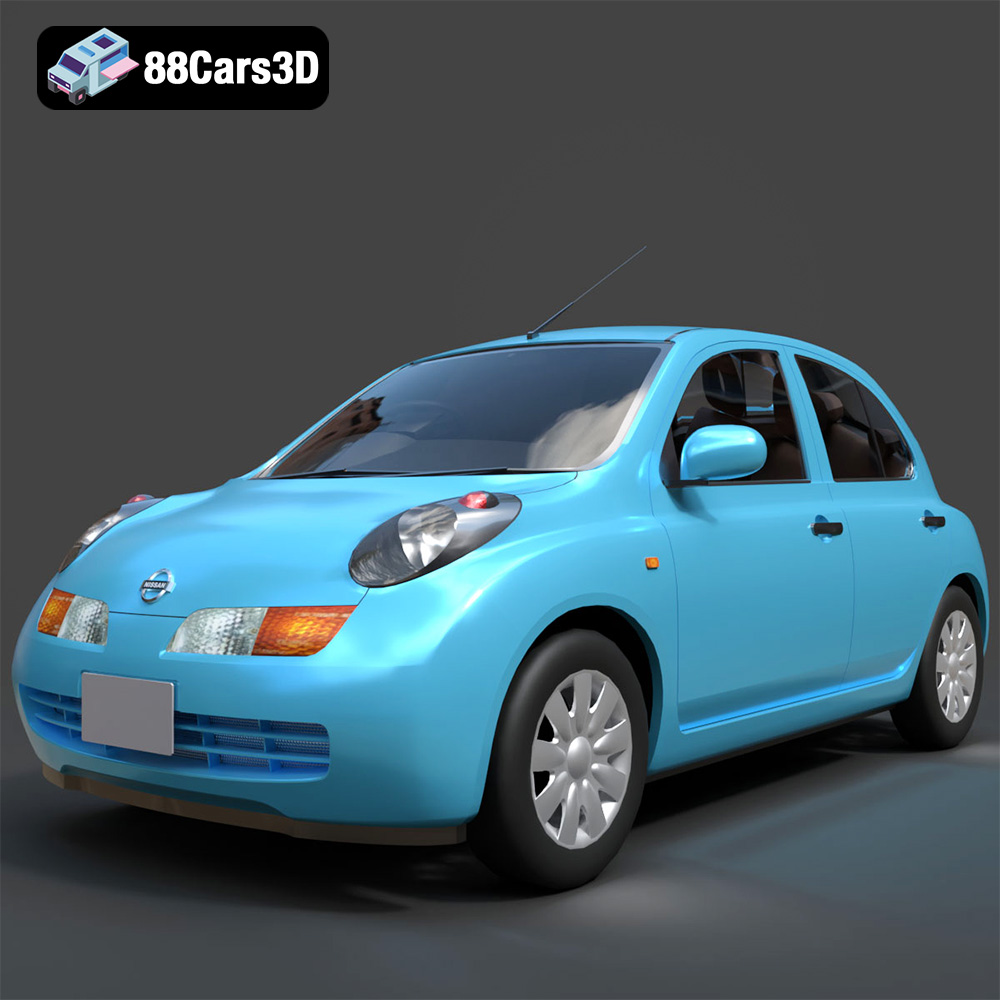
Download the Nissan March 2025 3D Model featuring clean geometry, realistic detailing, and a fully modeled interior. Includes .blend, .fbx, .obj, .glb, .stl, .ply, .unreal, and .max formats for rendering, simulation, and game development.
Price: $4.99
Texture: Yes
Material: Yes
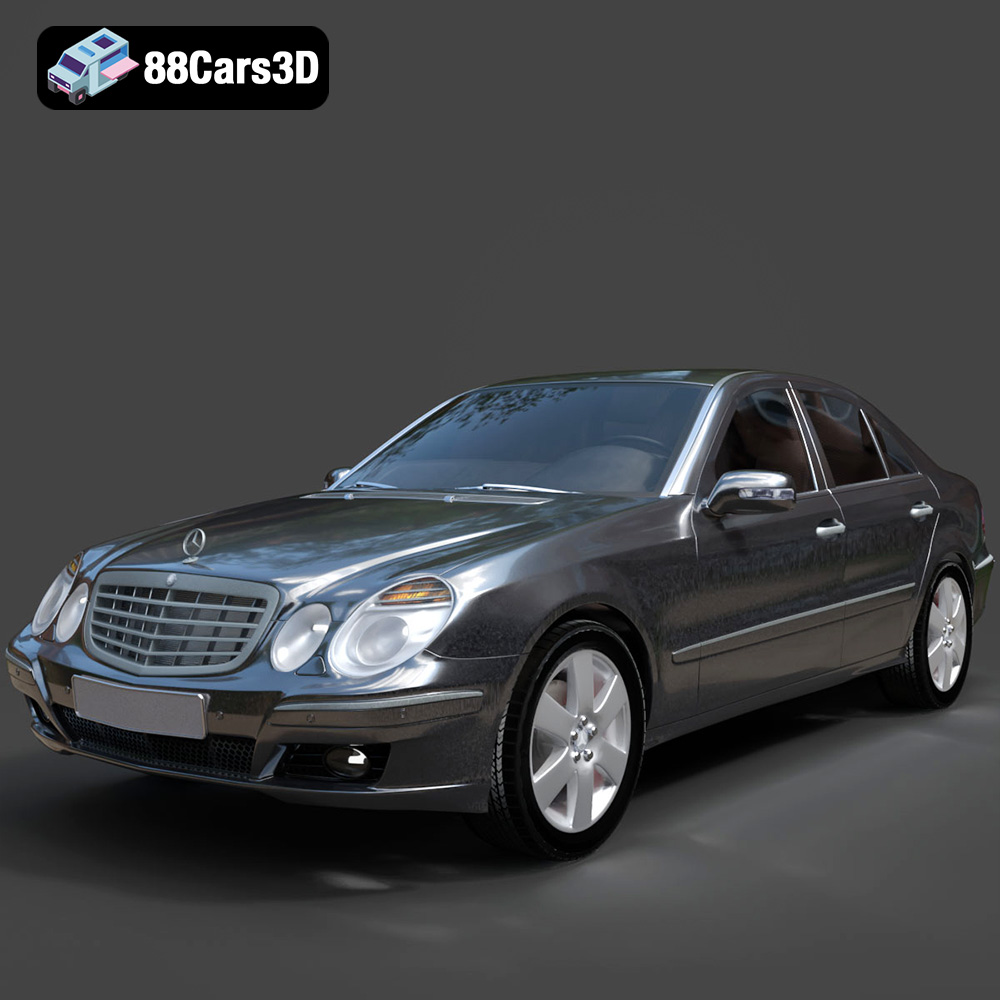
Download the Mercedes E-Class 2007 3D Model featuring clean geometry, realistic detailing, and a fully modeled interior. Includes .blend, .fbx, .obj, .glb, .stl, .ply, .unreal, and .max formats for rendering, simulation, and game development.
Price: $4.99
Texture: Yes
Material: Yes
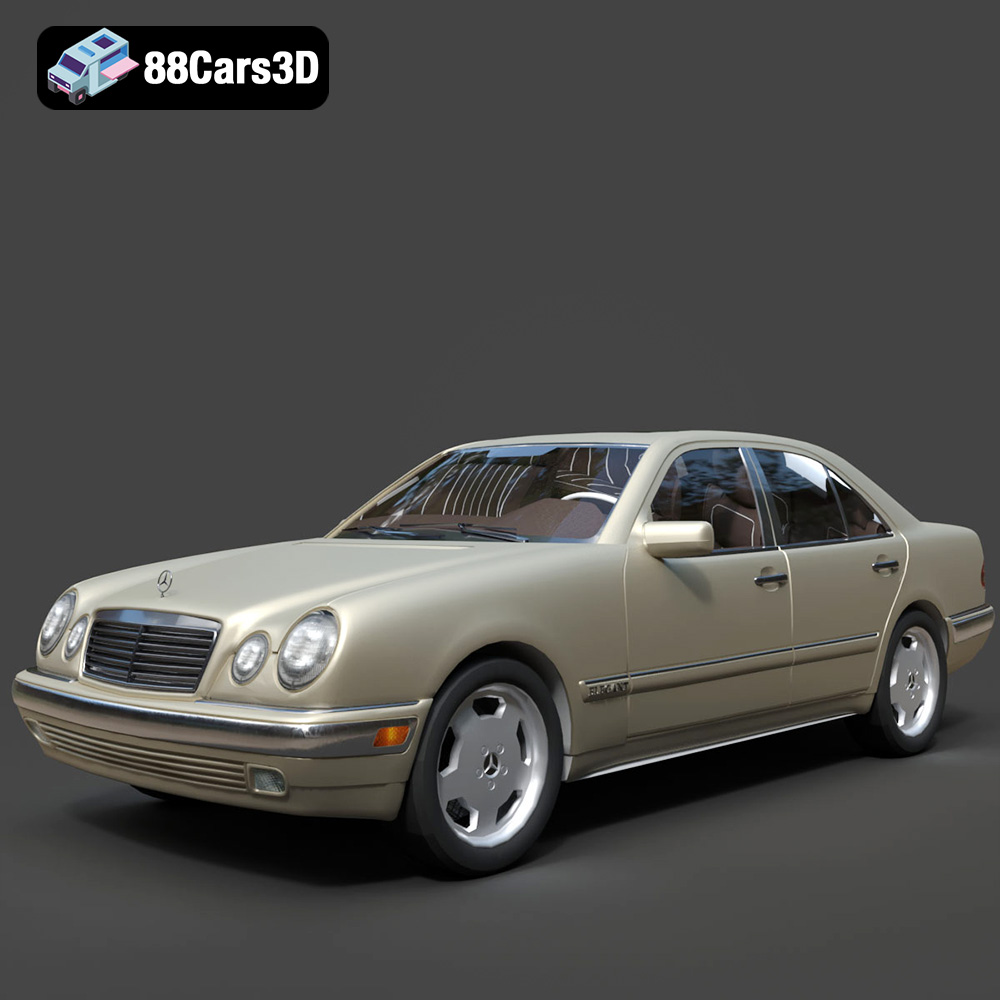
Download the Mercedes-Benz E-Klasse W210 3D Model featuring clean geometry, realistic detailing, and a fully modeled interior. Includes .blend, .fbx, .obj, .glb, .stl, .ply, .unreal, and .max formats for rendering, simulation, and game development.
Price: $4.99

