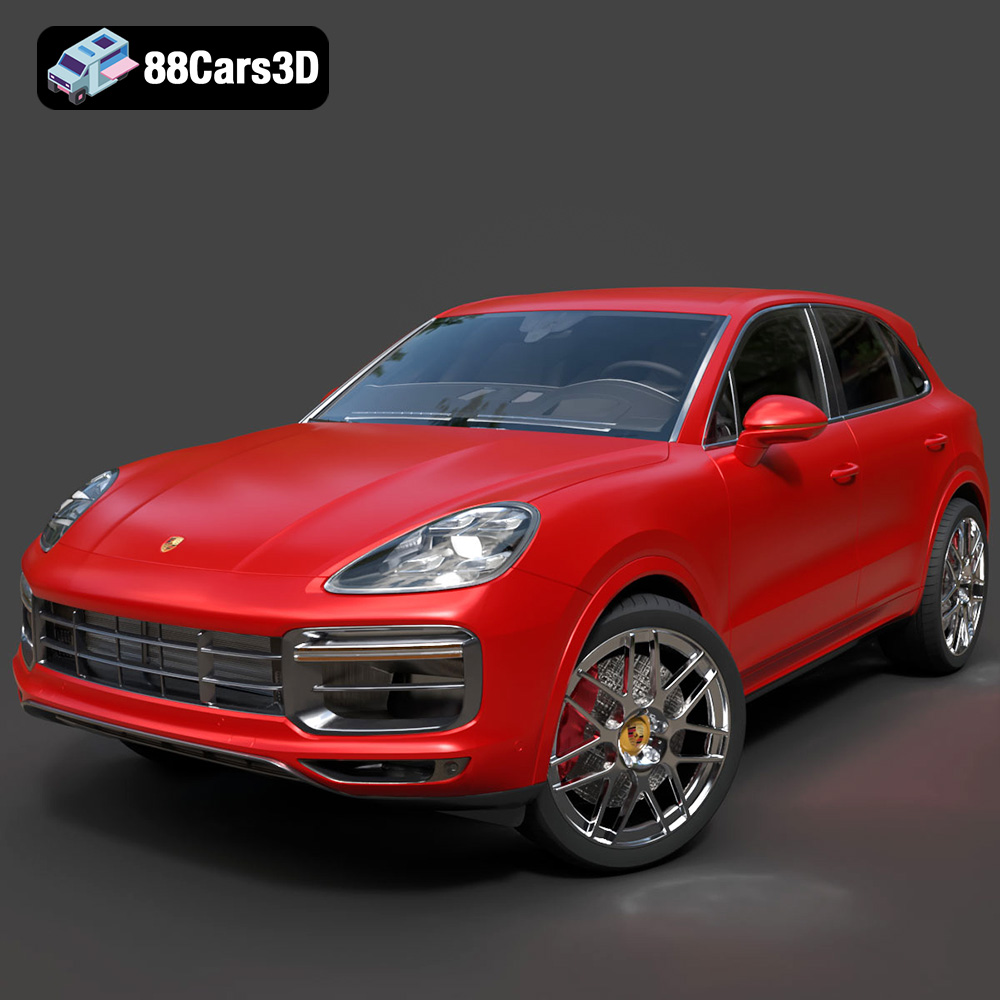
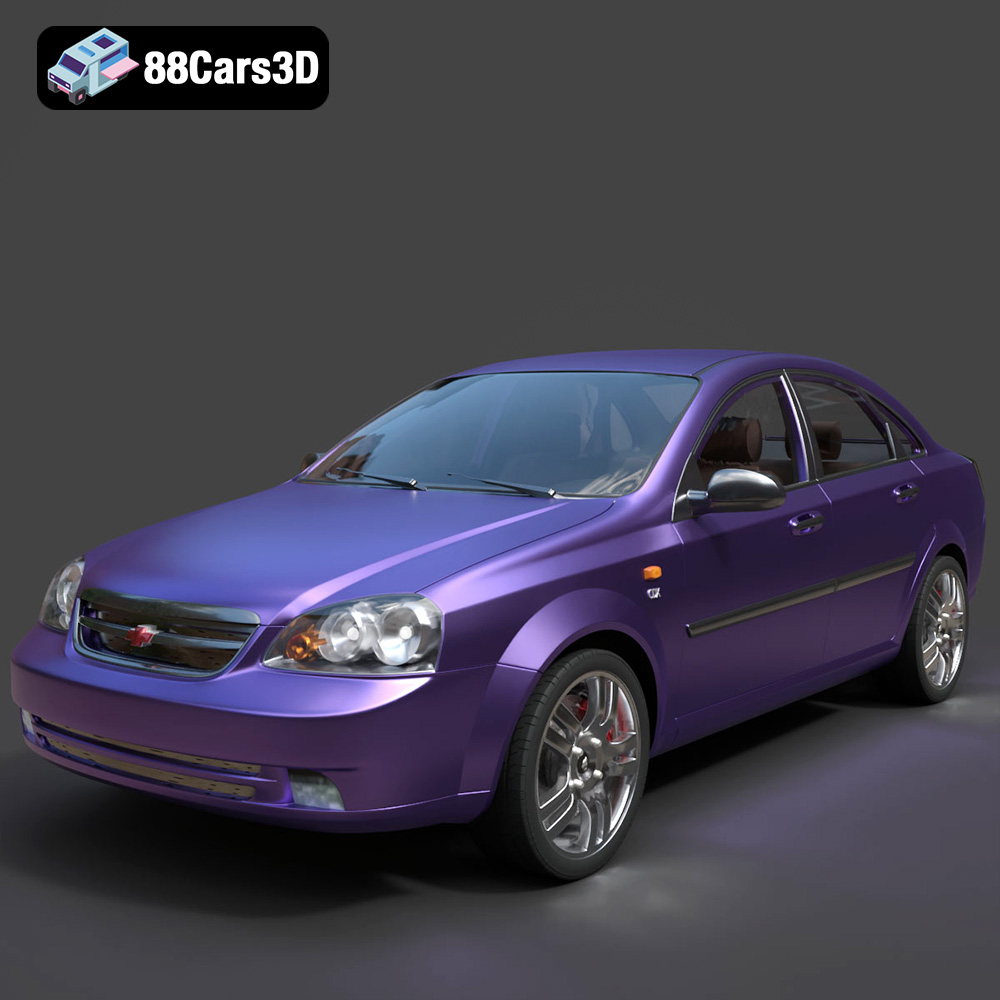
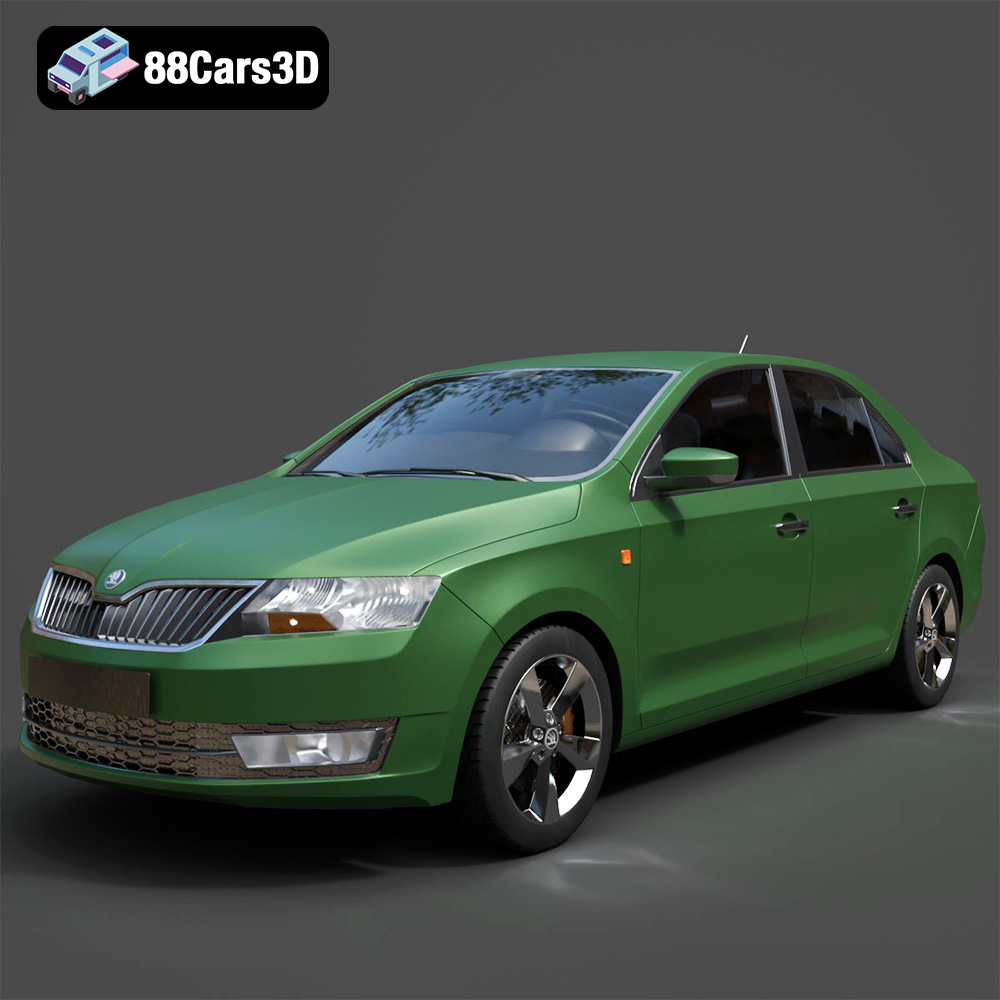
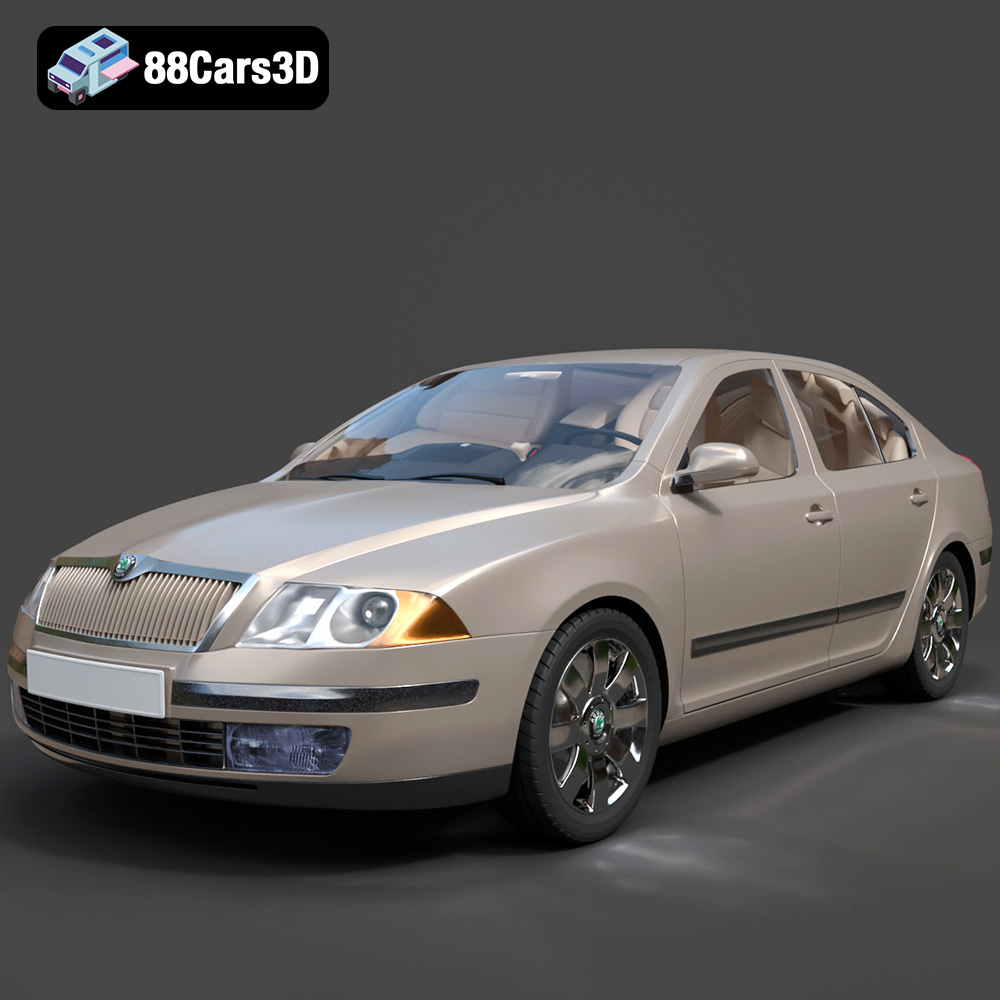
PBR vs Non-PBR Materials: What Matters Most for Vehicle Visualization
PBR vs Non-PBR Materials: What Matters Most for Vehicle Visualization
In the dynamic world of 3D visualization, especially when it comes to rendering intricate subjects like vehicles, the choice of material system can profoundly impact the final aesthetic and realism. From hyper-realistic automotive configurators to stylized racing games, achieving the desired visual fidelity hinges on understanding the underlying principles of how light interacts with surfaces. This is where the debate between PBR materials (Physically Based Rendering) and Non-PBR materials comes into play.
As 3D artists, game developers, automotive designers, and visualization specialists, your goal is to create compelling vehicle renders that captivate your audience. But with different technologies available, which approach delivers the best results for your specific project? This comprehensive guide will dissect the technical nuances, advantages, and limitations of both PBR and Non-PBR materials, providing a clear decision framework to help you master vehicle visualization.
Understanding Non-PBR Materials: The Legacy Approach
Before the advent of PBR, traditional rendering techniques dominated the 3D landscape. While still relevant for certain applications, it’s crucial to understand their foundation and why PBR emerged as a superior alternative for realism.
What are Non-PBR Materials?
Non-PBR materials, often referred to as legacy or conventional materials, rely on simpler, empirically driven lighting models. These models, such as Phong, Blinn-Phong, and Lambert, essentially approximate how light behaves without strictly adhering to physical laws. They break down surface appearance into components like ambient, diffuse, and specular:
- Ambient: Represents a uniform, omnidirectional light that simulates indirect lighting.
- Diffuse: Describes the light scattered evenly across a surface, giving it its base color.
- Specular: Accounts for the highlights or “shine” of a surface, typically influenced by the light source and camera angle.
The core limitation of Non-PBR is its lack of physical accuracy. An artist would manually tweak parameters like specular power, color, and intensity to achieve a desired look for a specific lighting scenario. This meant that a material that looked great in one scene might appear completely wrong in another, necessitating significant rework.
Advantages of Non-PBR for Vehicle Visualization
Despite their limitations, Non-PBR materials still hold value in particular niches:
- Simplicity and Lower Computational Cost: With fewer parameters and less complex calculations, Non-PBR shaders are inherently simpler and faster to render. This makes them ideal for applications with extremely tight performance budgets, like older mobile games or highly optimized low-poly scenes.
- Artistic Control for Stylized Looks: If your project calls for a non-realistic, stylized aesthetic (e.g., cartoon racing games, cell-shaded animation, low-poly cars), Non-PBR offers immense freedom. Artists can push colors, reflections, and highlights to extreme, non-physical levels to achieve unique visual styles without being constrained by real-world physics.
- Faster Iteration for Quick Concepts: For rapid prototyping or early conceptual 3D models where perfect realism isn’t the immediate goal, a simple Non-PBR setup can allow artists to quickly block out ideas and get a general feel for colors and forms.
Limitations of Non-PBR for Vehicle Visualization
Where Non-PBR truly falls short is in the pursuit of realism and consistency:
- Difficulty Achieving Realism: Mimicking complex real-world materials like car paint with its metallic flakes, clear coat, and varying roughness, is exceedingly challenging with Non-PBR. The lack of energy conservation and physically accurate light interaction makes surfaces often look “plastic” or artificial.
- Inconsistent Appearance: The biggest drawback is how materials behave under different lighting conditions. A car render created under studio lighting will look entirely different and often “broken” when placed in an outdoor environment, requiring significant manual adjustments to the material properties. This leads to inconsistent lighting across scenes.
- Poor Scalability for Complex Projects: Managing hundreds or thousands of assets with hand-tweaked Non-PBR materials across various scenes and artists becomes an insurmountable task for large-scale productions.
Practical Example: Think of early 2000s racing games. While impressive for their time, the car models often had reflections that appeared “baked” or static, lacking dynamic interaction with the environment. Chrome elements might look unnaturally bright, and paint jobs wouldn’t react realistically to changes in sunlight or shadow, requiring a painstaking, per-scene material setup.
Demystifying PBR Materials: The Standard for Realism
The rise of Physically Based Rendering (PBR) marked a paradigm shift in 3D graphics, providing a framework for creating materials that react to light in a way that accurately mimics the real world.
What is Physically Based Rendering (PBR)?
PBR is a collection of rendering techniques and algorithms that aim to simulate the real-world behavior of light and materials as accurately as possible. Unlike Non-PBR, PBR relies on physically accurate lighting models, ensuring that surfaces interact with light in a predictable and consistent manner, regardless of the lighting environment. Key principles include:
- Energy Conservation: Light reflected from a surface can never be greater than the light hitting it. This prevents materials from appearing unnaturally bright.
- Fresnel Effect: The phenomenon where surfaces become more reflective at glancing angles (e.g., the way a wet road appears shinier from a distance).
- Microfacet Theory: Materials are understood to have microscopic surface irregularities that scatter light. The “roughness” of these facets determines how blurry or sharp reflections appear.
PBR materials typically utilize a set of texture maps to define these properties, rather than arbitrary sliders:
- Albedo/Base Color: The raw color of the surface without any lighting information.
- Roughness/Glossiness: Controls how spread out or focused reflections are (rough surfaces scatter light more, appearing duller; smooth surfaces reflect light cleanly, appearing shiny).
- Metallic: Defines whether a material is a metal (values near 1) or a non-metal (dielectric, values near 0). Metals behave differently, absorbing some light and reflecting others.
- Normal Map: Adds surface detail by faking high-resolution geometry with per-pixel surface normals, influencing how light reflects across intricate details without needing excessive polygon count.
- Ambient Occlusion (AO): Simulates soft global shadows where objects are close together, adding depth and realism.
PBR Workflows: Metallic/Roughness vs. Specular/Glossiness
There are two primary PBR workflows, both achieving physically accurate results:
- Metallic/Roughness Workflow: The most common workflow. Uses an Albedo (Base Color) map, a Metallic map (binary for metal/non-metal), and a Roughness map. It’s often preferred for its intuitive nature and fewer texture maps.
- Specular/Glossiness Workflow: Uses an Albedo (Diffuse) map, a Specular map (color of reflections for non-metals), and a Glossiness map (inverse of roughness). While more complex to author, it offers finer control over dielectric reflections.
Most modern game engines and renderers support both, with Metallic/Roughness generally being the default or more common choice.
Advantages of PBR for Vehicle Visualization
For rendering vehicles, PBR offers unparalleled benefits:
- Unrivaled Realism: PBR allows for incredibly realistic vehicle rendering, accurately capturing the complex interactions of light with car paint (clear coat, metallic flakes), chrome, glass, rubber tires, and interior materials. The nuances of a high-gloss finish versus a matte bumper are faithfully reproduced.
- Consistency Across Diverse Lighting Environments: This is PBR’s killer feature. A PBR automotive material, once authored correctly, will look correct and consistent whether rendered under a bright desert sun, in a dimly lit garage, or at night with streetlights. This saves immense time and effort in complex pipelines.
- Scalability and Easier Asset Sharing: PBR promotes a standardized workflow. Assets created by one artist can be seamlessly integrated into another artist’s scene or different game engines, knowing they will behave predictably. This is crucial for collaborative projects requiring high-fidelity cars.
- Predictable Results: Artists can rely on the physical rules to guide their material authoring. Less guesswork and trial-and-error lead to more efficient production.
Practical Example: Look at modern AAA racing titles like Forza Horizon 5 or Gran Turismo. The car models exhibit stunning realism: paint gleams and reflects the environment accurately, chrome trim shines with correct Fresnel effect, and tires have a subtle roughness that responds to light. This level of visual fidelity is almost exclusively achieved through PBR.
Disadvantages of PBR for Vehicle Visualization
While powerful, PBR does come with its own set of challenges:
- Higher Learning Curve: Understanding the underlying physical principles and how each PBR texture map contributes to the final look requires a deeper technical understanding compared to Non-PBR. Correct PBR texture authoring is key.
- Requires Accurate Input Textures: To achieve truly realistic results, PBR demands high-quality, calibrated input textures. These often come from physically scanned materials or are meticulously created to adhere to PBR specifications. Incorrect or poorly authored textures can make a PBR material look worse than a well-done Non-PBR one.
- Potentially Higher Computational Cost: While modern hardware and optimized engines have made real-time PBR widely accessible, the calculation of complex light interactions can still be more demanding than simple Non-PBR shaders, especially in less optimized scenarios.
- Can Look “Flat” if Not Authored Correctly: If an artist doesn’t understand the interplay between maps (e.g., setting roughness values too uniformly, or using incorrect albedo colors), PBR materials can sometimes appear flat or uninteresting, losing their photorealistic edge.
PBR vs Non-PBR: A Direct Comparison for Vehicle Visualization
To summarize the key differences, here’s a direct comparison of PBR and Non-PBR materials for vehicle visualization:
| Feature |
Non-PBR Materials |
PBR Materials |
| Realism |
Difficult to achieve, often looks artificial; artist-driven approximations. |
High, consistent, physically accurate simulation of light. |
| Lighting Behavior |
Scene-dependent; materials require re-tweaking for different lighting setups. |
Consistent across all lighting environments; predictable behavior. |
| Setup Complexity |
Simpler, fewer texture maps (diffuse, specular, normal). |
More complex, multiple maps (albedo, roughness, metallic, normal, AO). |
| Performance |
Generally lower computational cost; good for very simple geometry. |
Higher computational cost (though increasingly optimized for real-time). |
| Artistic Control |
High freedom for stylized or non-physical looks. |
High for realism; stylized PBR is possible but requires understanding physical rules. |
| Asset Reusability |
Low; material settings often tied to specific scene lighting. |
High; materials behave consistently across different projects and engines. |
| Common Use Cases |
Low-poly games, stylized animation, early concepts, legacy projects. |
AAA games, film VFX, architectural/automotive visualization (arch-viz), VR/AR, product visualization. |
When to Choose Which: A Decision Framework for Vehicle Visualization
The choice between PBR and Non-PBR isn’t about one being inherently “better” than the other, but rather about which system best serves your project’s specific goals, target platform, and aesthetic requirements.
Opt for PBR When…
- Maximum Realism is Paramount: If your project demands photorealistic vehicle renders—think automotive design configurators, high-end marketing renders, film VFX, or modern AAA racing games—PBR is non-negotiable.
- Consistency Across Diverse Lighting is Critical: For projects where the same vehicle asset needs to look correct in various lighting conditions (e.g., day, night, indoor, outdoor), PBR ensures predictable and accurate results without constant re-authoring.
- Scalability and Asset Sharing are Important: In large teams or projects requiring extensive asset libraries, PBR provides a standardized approach that allows assets to be shared and reused reliably across different artists, scenes, and even software packages.
- Target Platform Supports it: Most modern game engines (Unreal Engine, Unity, Godot) and renderers (V-Ray, Corona, Arnold, Cycles) are built around PBR workflows, making it the natural choice.
- Examples: Forza Horizon 5, architectural visualization (arch-viz) of new car models, virtual reality (VR) car showrooms, augmented reality (AR) product demonstrations.
Consider Non-PBR When…
- A Stylized Aesthetic is the Primary Goal: If your artistic direction leans towards cartoonish, hand-painted, or highly stylized vehicles, Non-PBR can offer more direct control to achieve these specific looks without the constraints of physical accuracy.
- Performance is Extremely Constrained: For ultra-low-budget mobile games, very old hardware, or specific niche applications where every millisecond of render time counts, Non-PBR can provide a more performant solution.
- Rapid Prototyping or Conceptual Art: For quick conceptualizations where visual perfection isn’t required, a simplified Non-PBR setup can be faster to implement.
- Working with Legacy Engines or Pipelines: If you’re maintaining an older project or engine that doesn’t fully support PBR, you might be limited to Non-PBR workflows.
- Examples: Mario Kart, early mobile racing games, abstract art installations featuring vehicles.
Hybrid Approaches for Vehicle Visualization
It’s also worth noting that a purely PBR or Non-PBR approach isn’t always binary. Artists can leverage PBR’s consistent lighting behavior even for stylized looks, by creatively authoring PBR textures with stylized colors and values. Additionally, in complex scenes, you might use PBR for hero assets (the main car) and simpler Non-PBR materials for distant background elements to optimize performance.
Mastering PBR for Stunning Vehicle Renders
If you’ve decided PBR is the right path for your realistic vehicles, here are some key considerations for mastering it:
Essential PBR Textures for Vehicles
- Albedo/Base Color: This is the pure color of your car paint, rubber, or plastic, devoid of any lighting or shadow. Ensure it’s in a linear color space (sRGB for display, but linear for rendering).
- Roughness/Glossiness: Crucial for vehicle surfaces. A car’s clear coat needs very low roughness for a mirror-like shine, while tires will have high roughness. Scratches or dirt maps can add variation to roughness.
- Metallic: A binary map (black for non-metal, white for metal). Use white for chrome trim, engine parts, or the metallic flakes *within* the car paint.
- Normal Map: Essential for adding fine details like subtle panel gaps, vent patterns, or even very light surface imperfections without adding heavy geometry.
- Ambient Occlusion (AO): Helps ground the vehicle in the scene by adding subtle contact shadows in crevices (e.g., under wheel arches, around door handles).
Optimizing PBR Materials for Performance
While PBR can be demanding, several techniques can help optimize your vehicle assets:
- Texture Resolution Management (Texture LODs): Use appropriate texture resolutions. A car seen up close needs 4K or 8K textures, but distant cars can use 1K or even 512px. Implement Level of Detail (LOD) systems for meshes and textures.
- Material Instancing: In engines like Unreal or Unity, create a master PBR material and then create instances from it for different color variations or minor property changes, saving draw calls.
- Shader Complexity: Keep your PBR shaders as efficient as possible. Avoid overly complex material graphs unless absolutely necessary.
Common Pitfalls to Avoid
- Non-Linear Color Space Issues (sRGB vs. Linear): Ensure your albedo maps are correctly interpreted in the linear color space of your renderer. Many image editors default to sRGB, which needs proper handling in the 3D software to avoid incorrect brightness.
- Incorrect Albedo Values: Pure black (0,0,0) or pure white (255,255,255) albedo values are rarely found in nature for non-metals. Avoid them unless it’s for something like a black hole or a perfectly diffuse light source.
- Misunderstanding Roughness vs. Metallic: These maps are interdependent. A metallic surface with high roughness will look like dull, brushed metal, while a non-metallic surface with low roughness will look like plastic with a clear coat. Don’t use a metallic map for non-metals, and vice-versa for roughness/specular color.
Conclusion
The choice between PBR and Non-PBR materials for vehicle visualization is a critical decision that influences everything from artistic style to technical performance. While Non-PBR materials still offer a viable path for highly stylized aesthetics or extreme performance constraints, PBR materials have emerged as the undeniable standard for achieving unparalleled realism and consistency in modern 3D rendering. Its physically accurate approach ensures that your detailed car models will shine, reflect, and behave authentically across any lighting scenario.
By understanding the core principles, advantages, and challenges of both systems, you are now equipped with the knowledge to make informed decisions for your next project. Embrace PBR for those breathtaking, realistic vehicles that captivate audiences in film, games, and architectural showcases. Or, if your vision is more whimsical, leverage Non-PBR’s artistic freedom.
The future of rendering, with advancements like real-time ray tracing, will only further enhance the capabilities of PBR, pushing the boundaries of realism even further. So, dive in, experiment, and let your vehicles come to life!
Ready to elevate your automotive design and 3D rendering skills? Explore PBR workflows in your favorite software, practice creating detailed PBR automotive materials, and share your stunning vehicle visualizations with the world!
Recommended undefined Models