Get 50% OFF All Premium 3D & STL Models!

“`html
The world of automotive enthusiasts and 3D printing hobbyists often intersect, creating a demand for highly detailed, printable vehicle models. Whether you’re looking to recreate a classic car, a futuristic concept, or a race car, the journey from a digital design to a physical print involves several critical steps, primarily centered around the ubiquitous STL file format. For those aspiring to create or optimize existing digital assets for 3D printing, understanding the intricacies of STL file preparation is paramount. This guide will walk you through the comprehensive process of converting vehicle models into print-ready STL files, ensuring successful and high-quality prints on your 3D printer. We’ll delve into the technical aspects of mesh topology, slicing parameters, support generation, and the essential file repair techniques that guarantee your models translate seamlessly from the digital realm to your print bed. Get ready to unlock the full potential of additive manufacturing for your automotive creations.
The STL (STereoLithography) file format is the de facto standard for 3D printing, and for good reason. It’s a simple yet effective way to represent a 3D object’s surface geometry. At its core, an STL file describes the shape of a 3D object using a collection of interconnected triangles. Each triangle is defined by its three vertices (corner points) and a normal vector, which indicates which side of the triangle is considered “outside” the object. This “tessellated” representation is ideal for 3D printers because it provides a discrete approximation of a continuous surface that the printer’s toolpath can easily follow.
The “topology” of your 3D model’s mesh refers to how its vertices, edges, and faces (triangles in STL) are connected. For successful 3D printing, the mesh must be “watertight” or “manifold.” This means it should have no holes, no non-manifold edges (edges shared by more than two faces), and no inverted normals (where the normal vector points inwards). Imagine trying to fill a leaky bucket with water; a non-manifold mesh is like that leaky bucket. Software used for 3D printing, especially the slicer, expects a clean, watertight boundary to define the object’s volume.
STL files come in two primary formats: ASCII and Binary. ASCII STLs are human-readable text files, making them easier to inspect and edit manually for simple issues. However, they are significantly larger in file size. Binary STLs, on the other hand, are much more compact and efficient, which is why they are predominantly used for complex models, such as detailed printable car models. For the majority of 3D printing applications, especially when dealing with intricate automotive designs, the binary format is preferred due to its smaller file size and faster processing times by slicers.
Before you even think about exporting your vehicle model to an STL file, a thorough preparation phase within your 3D modeling software is crucial. This is where you ensure the model adheres to the fundamental principles required for 3D printing. Neglecting this step often leads to hours of frustration debugging issues in the slicer or, worse, producing failed prints. Think of this as laying a solid foundation before building a complex structure; a weak foundation will inevitably lead to collapse.
One of the most common pitfalls is incorrect scaling. Your 3D modeling software might operate in different units (e.g., meters, centimeters, millimeters) than your 3D printer or slicer expects. A model designed to be 1:18 scale might export as a gigantic object if the units aren’t correctly handled. Always ensure your model is scaled appropriately to your desired real-world size *before* exporting. Most slicer software will allow you to scale the model, but it’s best practice to have the dimensions correct in your source file. For instance, if you intend to print a 1:10 scale model that measures 45cm in length, ensure your model is indeed 450mm long in your modeling software before exporting.
3D printing has physical limitations regarding how thin a feature can be. Features that are too thin will not print correctly, can be fragile, or may not resolve at all. For vehicle models, this applies to elements like mirrors, spoilers, window frames, and panel gaps. A general rule of thumb for FDM printing is to ensure critical features have a minimum wall thickness of at least two extrusion widths (e.g., 0.8mm to 1.2mm for a 0.4mm nozzle). Resin printers can often handle finer details, but it’s still important to consider structural integrity.
When exporting your prepared vehicle model from your 3D modeling software, the export settings play a crucial role in the quality of the resulting STL file. The primary settings to focus on are the “resolution” or “deviation” settings, which control how finely the software approximates curves and complex surfaces with triangles.
Even with careful modeling, STL files, especially those downloaded from various sources or created with complex operations, can contain errors that prevent them from printing correctly. Mesh repair is a critical step in the workflow, ensuring your model is manifold and free of critical flaws. Fortunately, several powerful tools can help automate or assist in this process. When downloading models from marketplaces such as 88cars3d.com, while they are often provided as print-ready, understanding mesh repair is still valuable for any custom modifications or troubleshooting.
Common mesh errors include holes, non-manifold edges, inverted normals, and intersecting faces. These issues can manifest in a slicer as missing sections, incorrect part boundaries, or even an inability to slice the model altogether. Software like Meshmixer, Netfabb (now part of Fusion 360), or even built-in tools within some slicers can automatically detect and attempt to repair these problems.
Dedicated mesh repair software offers robust tools to diagnose and fix issues automatically or with user guidance. For instance, Autodesk Netfabb is a professional-grade tool renowned for its powerful repair capabilities. Free alternatives like Meshmixer are also highly effective for most common issues.
When using these tools, it’s important to review the repairs made. Automated tools are powerful but can sometimes make decisions that might alter fine details. Always inspect the repaired mesh visually or by re-running the analysis before proceeding.
A manifold mesh is the cornerstone of a printable 3D model. It defines a single, enclosed volume that the slicing software can confidently interpret. Without a manifold mesh, the slicer struggles to determine what is inside and outside the object, leading to unpredictable slicing results, missing sections, or failed prints. Ensuring your vehicle models are manifold is a non-negotiable step for reliable 3D printing.
Once you have a clean, watertight STL file of your vehicle model, the next crucial step is slicing. Slicing software takes your 3D model and divides it into hundreds or thousands of horizontal layers, generating the G-code instructions that your 3D printer follows to build the object layer by layer. The settings you choose here have a profound impact on the print quality, strength, and time required.
Several excellent slicing programs are available, each with its strengths. Popular choices include Ultimaker Cura, PrusaSlicer, and Simplify3D. These programs offer extensive control over print parameters.
Regardless of your choice, understanding the core settings is universal.
Layer height is one of the most significant settings affecting print quality and time. It determines the thickness of each individual layer deposited by the printer. A smaller layer height (e.g., 0.1mm) results in finer details, smoother curves, and less visible layer lines, producing a more aesthetically pleasing model. However, it also significantly increases print time as the printer has more layers to lay down.
Platforms like 88cars3d.com provide models designed with intricate details, making a finer layer height a worthwhile consideration for showcasing the quality of the models.
Infill refers to the internal structure printed within the outer walls of your model. It provides support for top layers and adds strength. The infill percentage and pattern determine how dense this internal structure is.
Choosing an appropriate infill pattern and density is crucial for balancing structural integrity with resource efficiency. For most detailed car models, patterns like Gyroid or Cubic at a low percentage provide adequate internal support without excessive print time.
Vehicle models often feature complex geometries like spoilers, undercarriage components, and overhanging wheel arches that cannot be printed without support. Support structures are temporary structures printed alongside the model, which are removed after the print is complete. Effective support generation is key to a successful print.
Experiment with support settings to find the best balance between print success and ease of removal. Often, manual adjustments or splitting the model into parts for printing can significantly improve the final result and simplify post-processing.
The orientation of your vehicle model on the print bed and ensuring excellent first-layer adhesion are foundational to a successful print. How you position the model affects the amount of support needed, the surface finish, and the overall structural integrity. First-layer adhesion is critical; if the print doesn’t stick well to the build plate, the entire print will likely fail.
Placing your printable car model strategically on the build plate can minimize common printing issues. Consider these factors:
Splitting complex models, such as those found on 88cars3d.com, into multiple parts and printing them individually in their optimal orientation can often yield superior results and simplify post-processing and assembly.
A strong first layer is non-negotiable. If the first layer doesn’t adhere properly, the print will detach from the build plate, leading to a failed print. Several factors contribute to good bed adhesion:
For detailed printable car models, a well-calibrated printer with excellent bed adhesion is essential for capturing the fine details without lifting or warping.
The journey doesn’t end when the print is complete. Post-processing is where you transform a raw 3D print into a polished, display-worthy model. This stage involves support removal, surface smoothing, and potentially assembly and painting.
Carefully removing support structures is the first step. Use appropriate tools like pliers, flush cutters, hobby knives, or even specialized support removal tools. Work slowly and methodically to avoid damaging the model itself. For resin prints, this often involves washing in isopropyl alcohol (IPA) and a post-cure under UV light, followed by careful support removal.
Layer lines are inherent to FDM printing and can detract from the realism of a car model. Sanding is the primary method for smoothing these out. Start with coarser grit sandpaper (e.g., 120-220 grit) to remove major imperfections and layer lines, then progressively move to finer grits (e.g., 400, 800, 1200, and even higher). For resin prints, sanding is also effective for removing support nubs and smoothing surfaces.
Many detailed car models are designed to be printed in multiple parts, allowing for easier printing and the possibility of printing different components in their ideal colors or materials. Once printed and post-processed, these parts can be assembled using adhesives suitable for the plastic type (e.g., super glue, epoxy, or specific plastic cements). Painting adds the final layer of realism. Use model paints, airbrushing techniques, and decals to bring your 3D printed vehicle to life.
The effort invested in post-processing directly correlates with the final quality and visual appeal of your printable car model.
Converting vehicle models into high-quality, printable STL files is a journey that combines artistic vision with technical precision. From understanding the fundamental structure of the STL format and ensuring manifold geometry, to meticulously preparing your model in 3D software, repairing mesh errors, and optimizing slicing parameters, each step is crucial. Achieving excellent print results hinges on careful attention to detail, particularly in print orientation, bed adhesion, and effective support strategy.
By mastering these techniques, you can confidently transform digital designs into tangible, impressive replicas. Whether you’re a seasoned maker or new to the world of 3D printing, applying the principles discussed – from file preparation and mesh repair to advanced slicing and thoughtful post-processing – will elevate the quality of your automotive prints. Remember that practice and experimentation are key. Don’t be afraid to tweak settings, try different approaches, and learn from each print. High-quality resources like those found on 88cars3d.com provide a fantastic starting point, offering models optimized for printing, allowing you to focus on perfecting your printing and finishing techniques. Embark on this exciting additive manufacturing adventure and bring your favorite vehicles to life, one layer at a time.
“`
Texture: Yes
Material: Yes
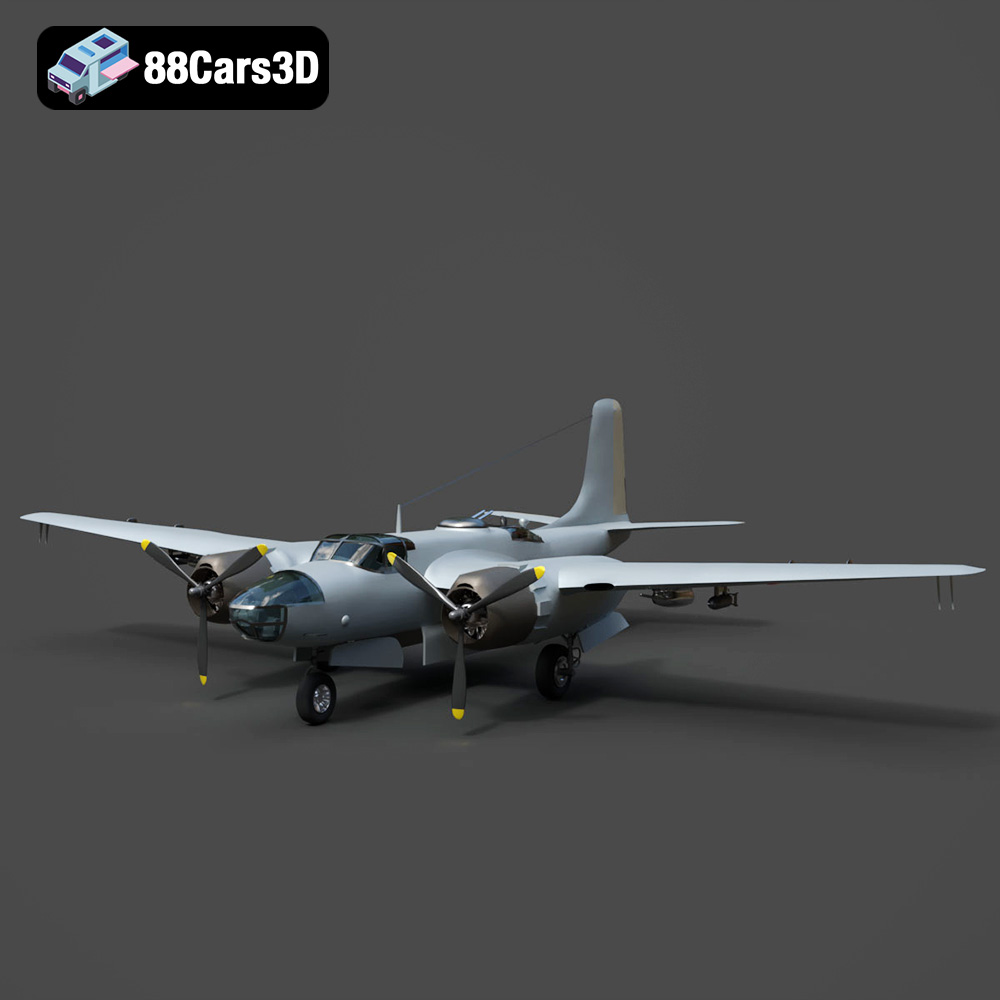
Download the Douglas AB-26C Invader 3D Model featuring authentic historical geometry and separated components for animation (propellers, landing gear, bomb doors). Includes .blend, .fbx, .obj, .glb, .stl, .ply, .unreal, and .max formats for rendering, simulation, and game development.
Price: $10.79
Texture: Yes
Material: Yes
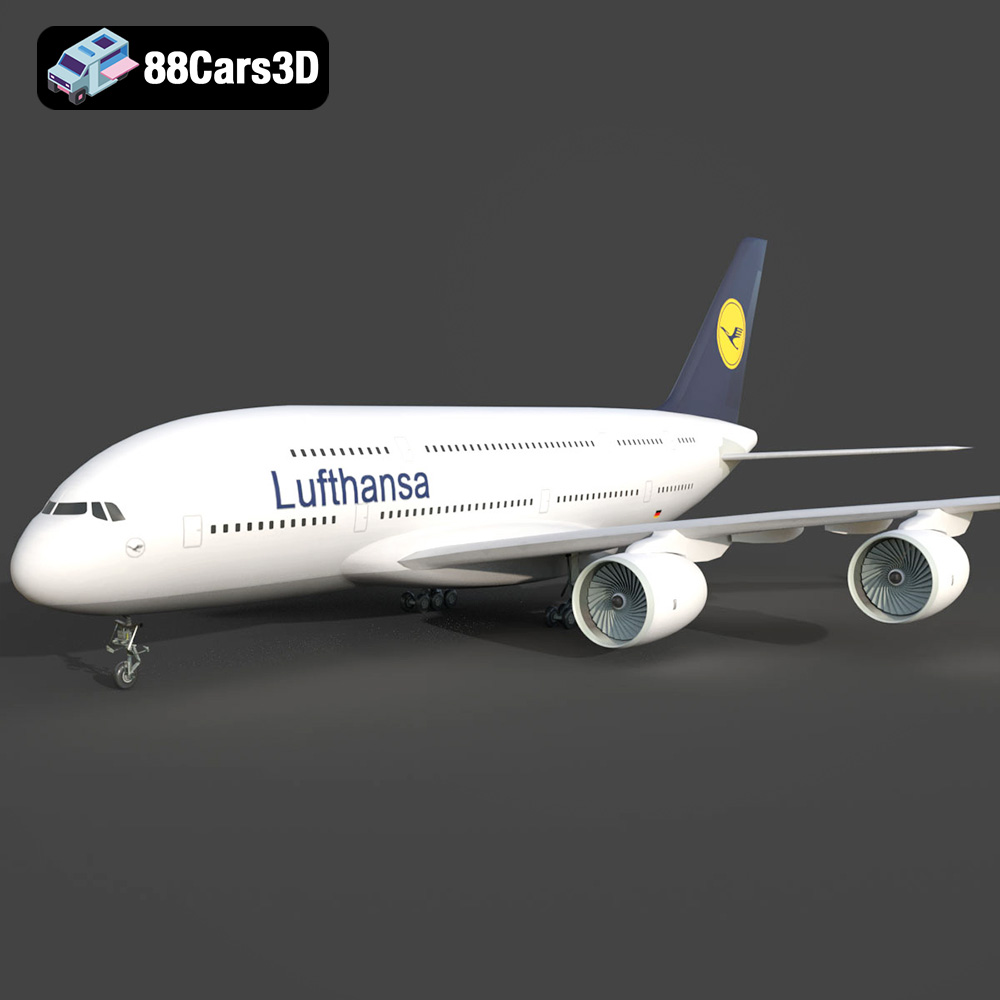
Download the AirBus A380-004 3D Model featuring high-fidelity Lufthansa livery and separable animated control surfaces. Includes .blend, .fbx, .obj, .glb, .stl, .ply, .unreal, and .max formats for rendering, simulation, and game development.
Price: $10.79
Texture: Yes
Material: Yes
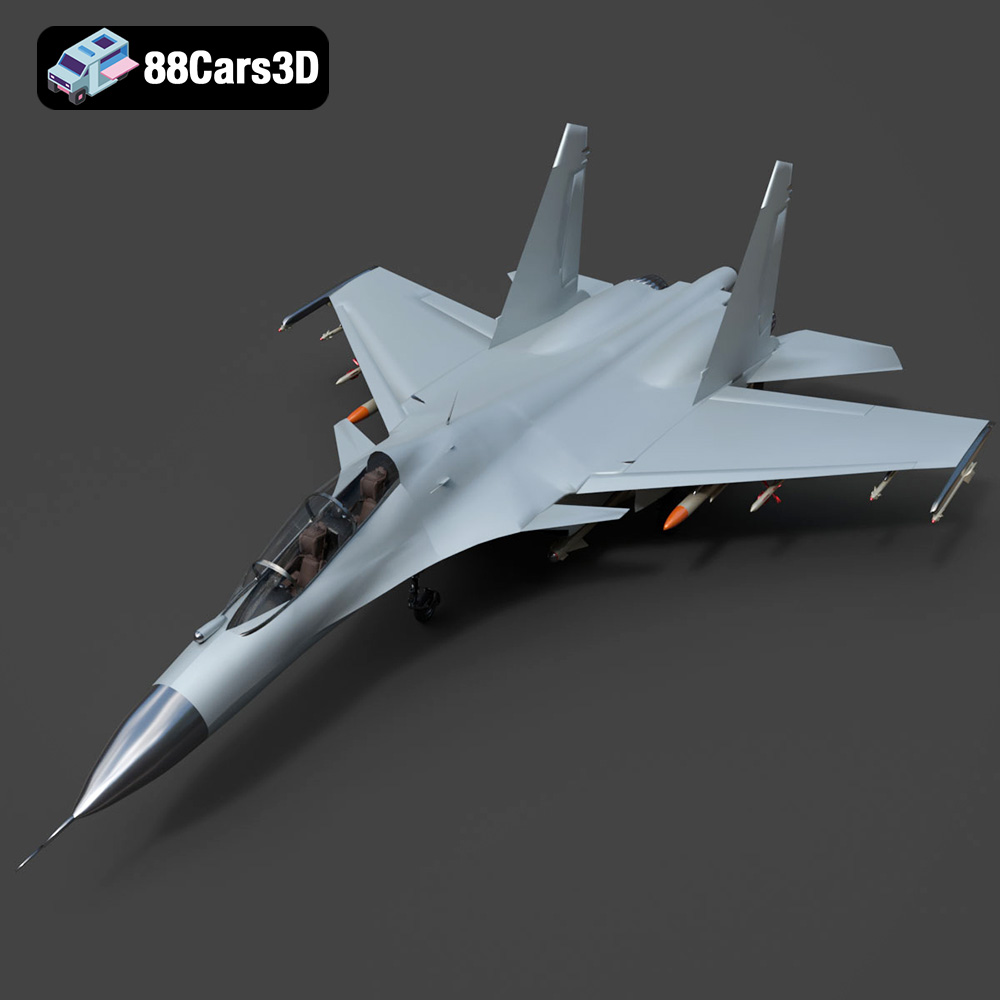
Download the Sukhoi Su-30 Fighter Jet 3D Model featuring authentic aerodynamics and detailed weaponry hardpoints. Includes .blend, .fbx, .obj, .glb, .stl, .ply, .unreal, and .max formats for rendering, simulation, and game development.
Price: $10.79
Texture: Yes
Material: Yes
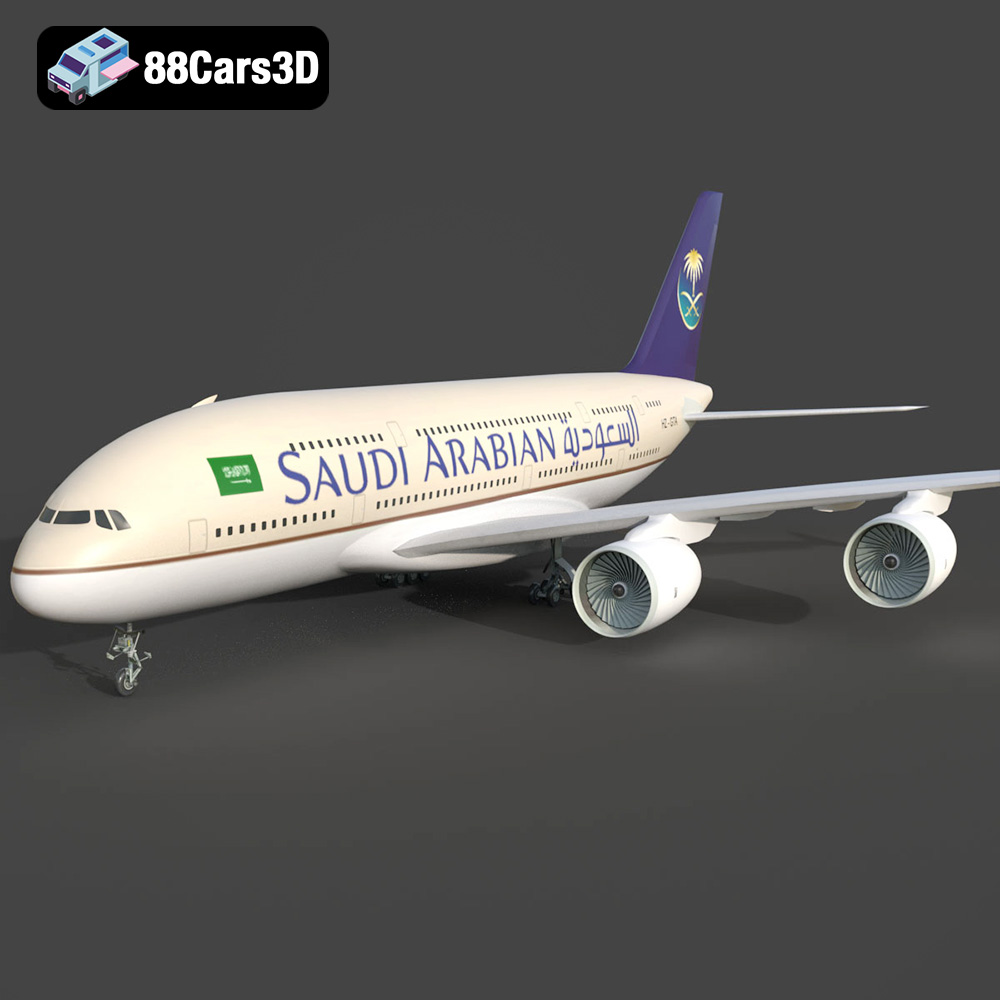
Download the AirBus A380-004 Saudi Arabian 3D Model featuring authentic airline livery and separated animated components. Includes .blend, .fbx, .obj, .glb, .stl, .ply, .unreal, and .max formats for rendering, simulation, and game development.
Price: $10.79
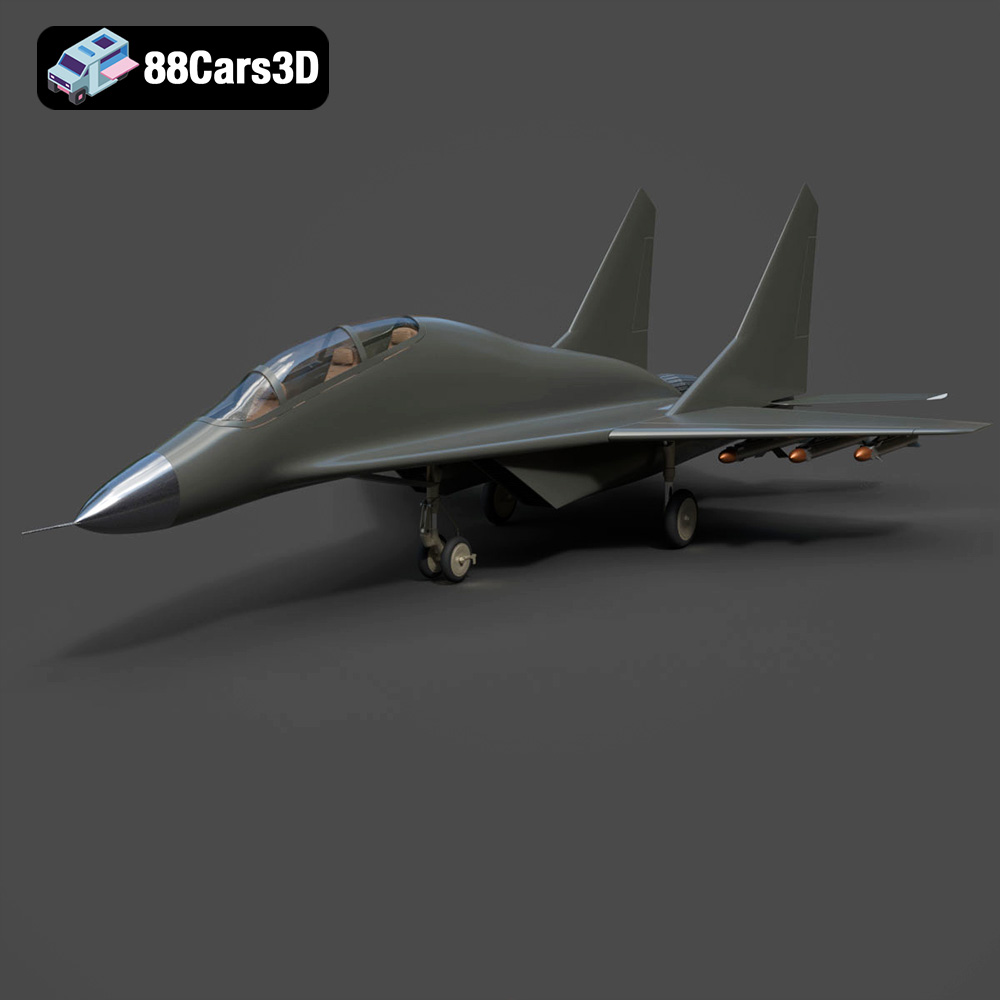
Texture: Yes
Material: Yes
Download the MiG-17 Fighter Jet 3D Model featuring highly detailed control surfaces and realistic landing gear. Includes .blend, .fbx, .obj, .glb, .stl, .ply, .unreal, and .max formats for rendering, simulation, and game development.
Price: $10.79
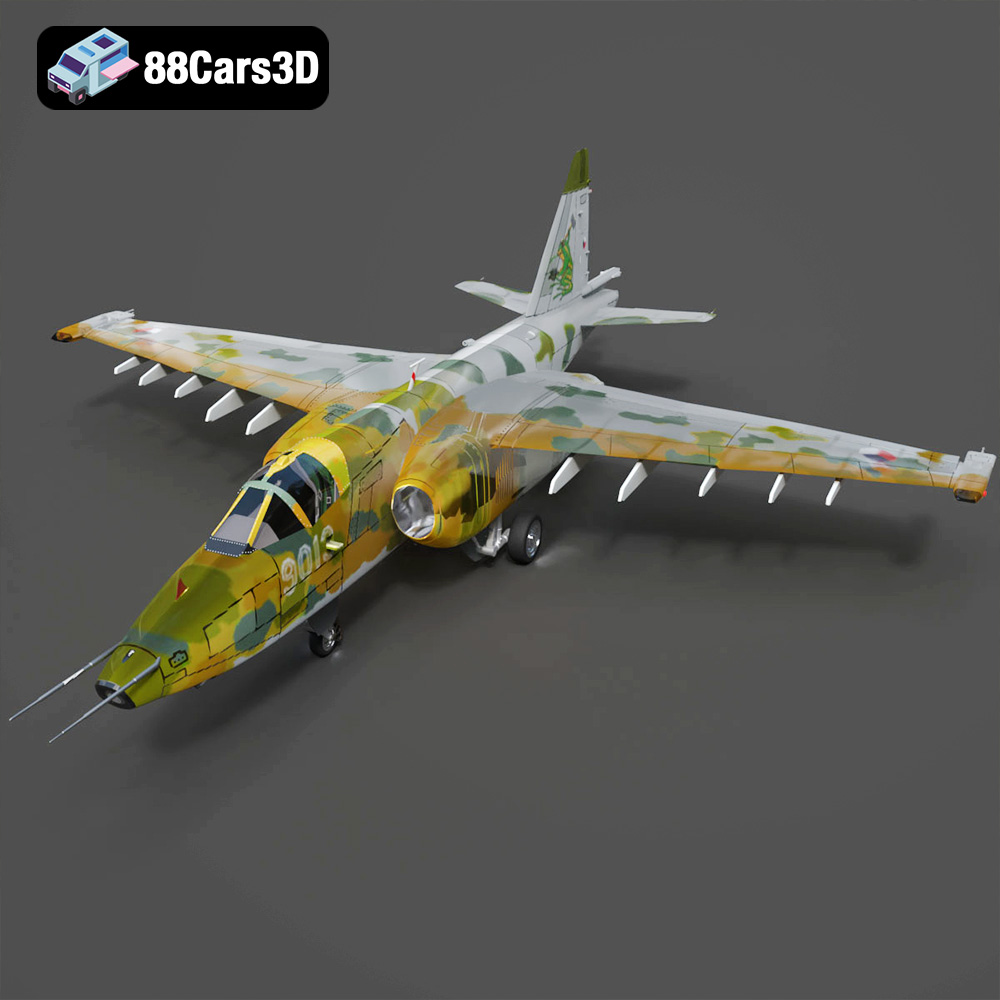
Texture: Yes
Material: Yes
Download the Sukhoi Su-25 3D Model featuring authentic external detailing and optimized components. Includes .blend, .fbx, .obj, .glb, .stl, .ply, .unreal, and .max formats for rendering, simulation, and game development.
Price: $10.79
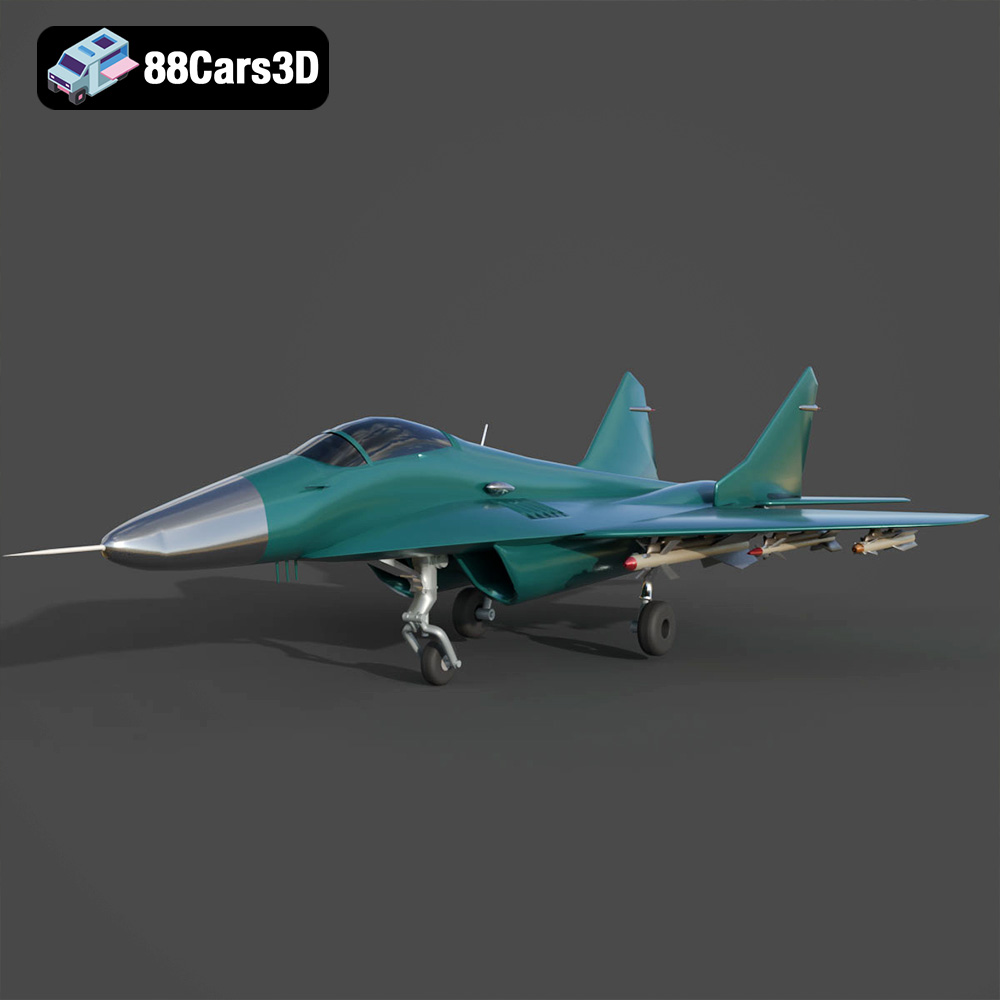
Texture: Yes
Material: Yes
Download the Mikoyan MiG-29 Fighter Jet 3D Model featuring detailed exterior geometry, separated animation components, and a modeled cockpit. Includes .blend, .fbx, .obj, .glb, .stl, .ply, .unreal, and .max formats for rendering, simulation, and game development.
Price: $10.79
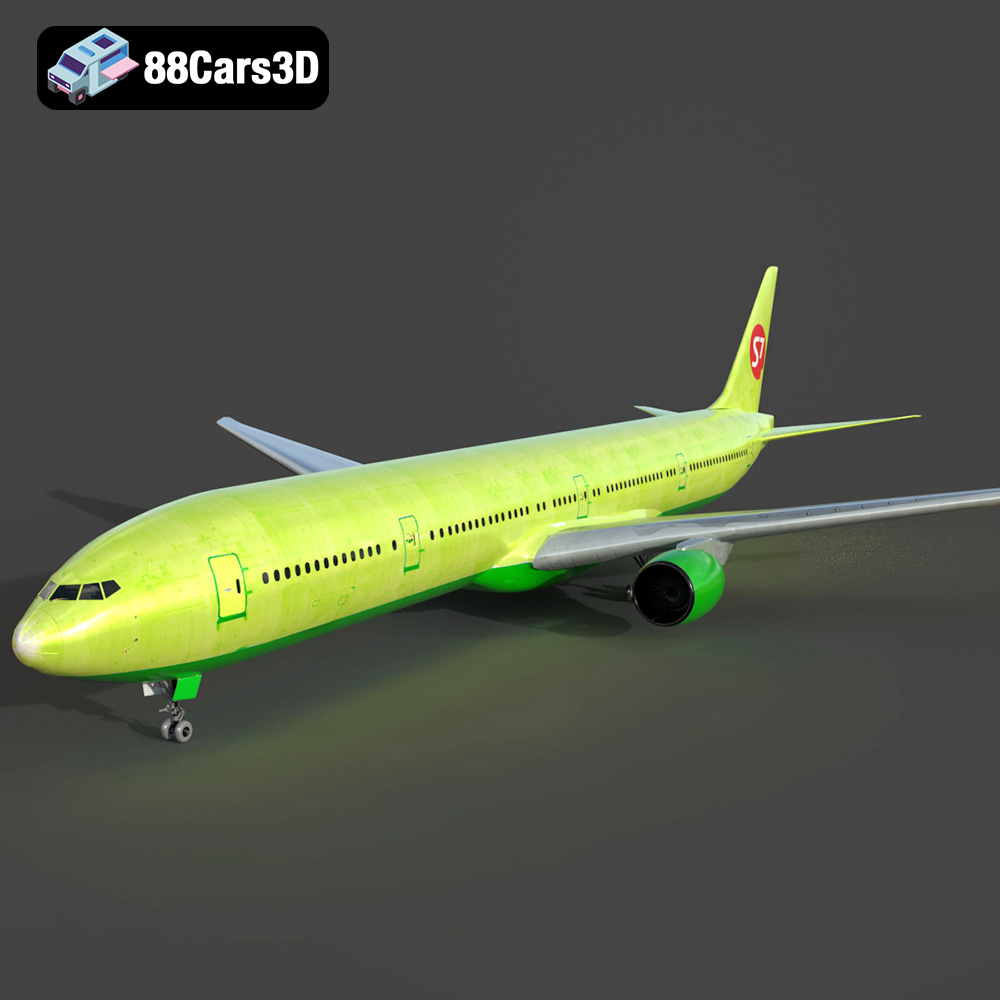
Texture: Yes
Material: Yes
Download the Generic Passenger Jet 3D Model featuring detailed fuselage, fully modeled engines, and operational landing gear. Includes .blend, .fbx, .obj, .glb, .stl, .ply, .unreal, and .max formats for rendering, simulation, and game development.
Price: $20.79
Texture: Yes
Material: Yes
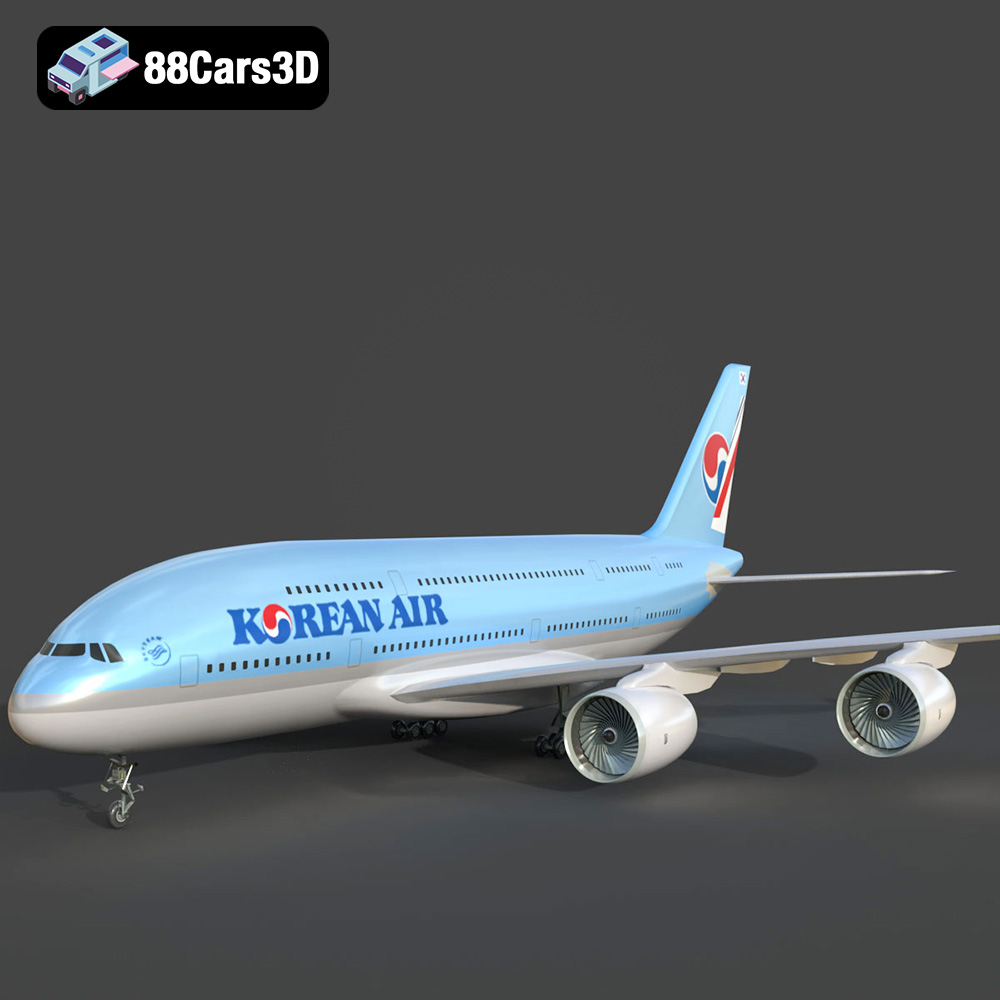
Download the AirBus Korean A380-004 3D Model featuring highly detailed fuselage, wings, and authentic Korean Air livery. Includes .blend, .fbx, .obj, .glb, .stl, .ply, .unreal, and .max formats for rendering, simulation, and game development.
Price: $10.79
Texture: Yes
Material: Yes
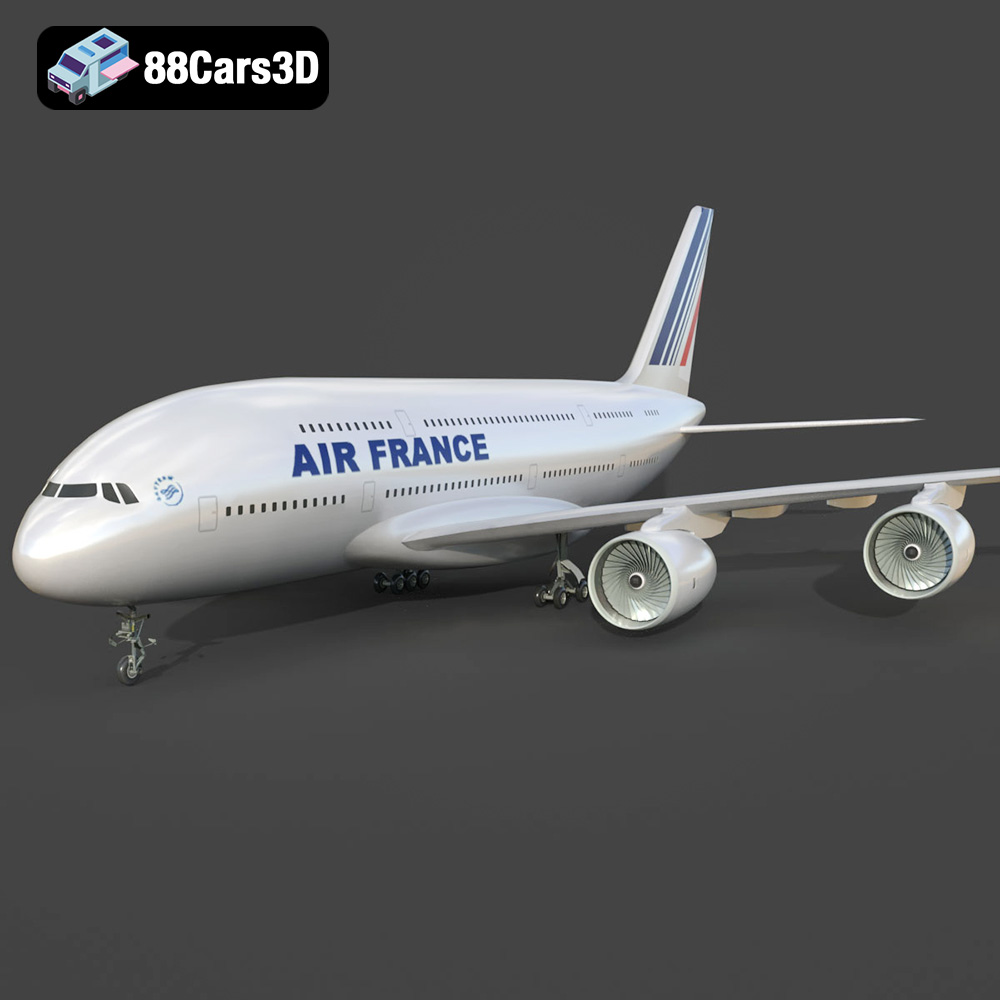
Download the Air France A380 -006 Airliner 3D Model featuring a detailed Air France livery, complex wing structure, and functional landing gear. Includes .blend, .fbx, .obj, .glb, .stl, .ply, .unreal, and .max formats for rendering, simulation, and game development.
Price: $10.79

