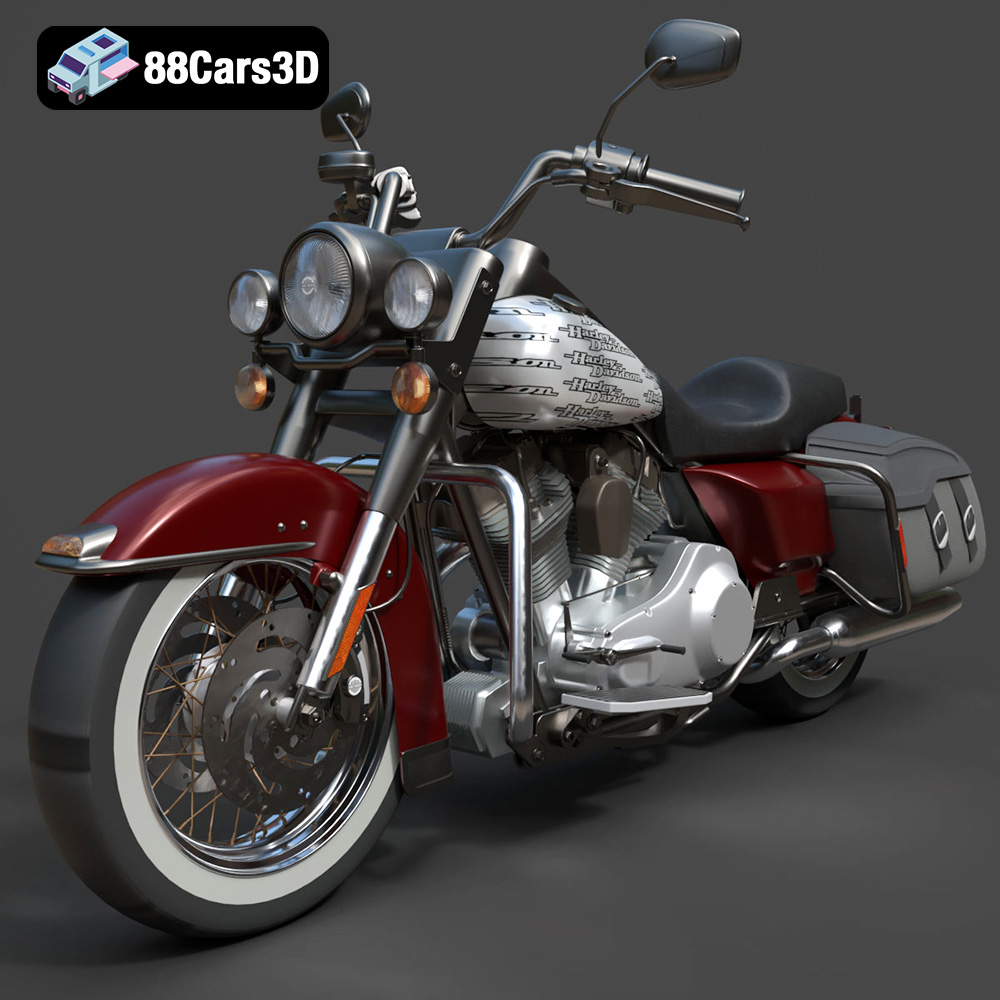
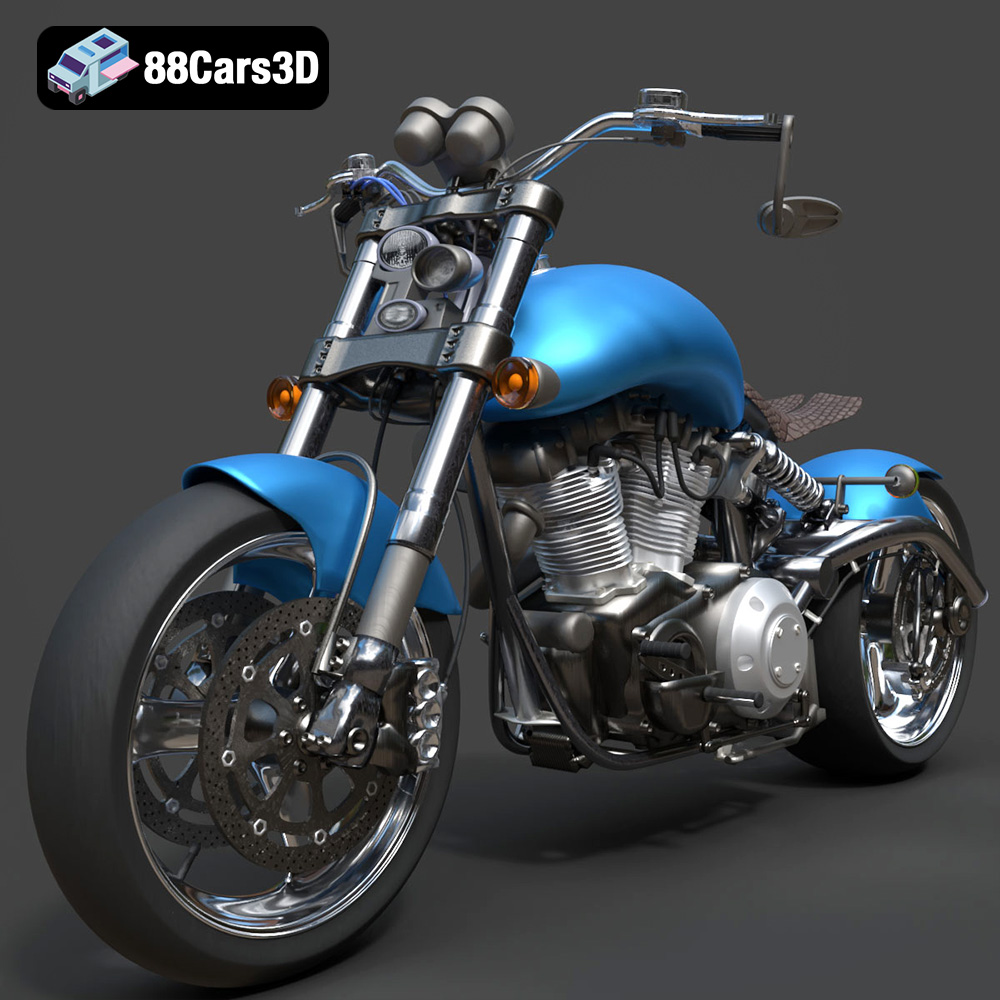
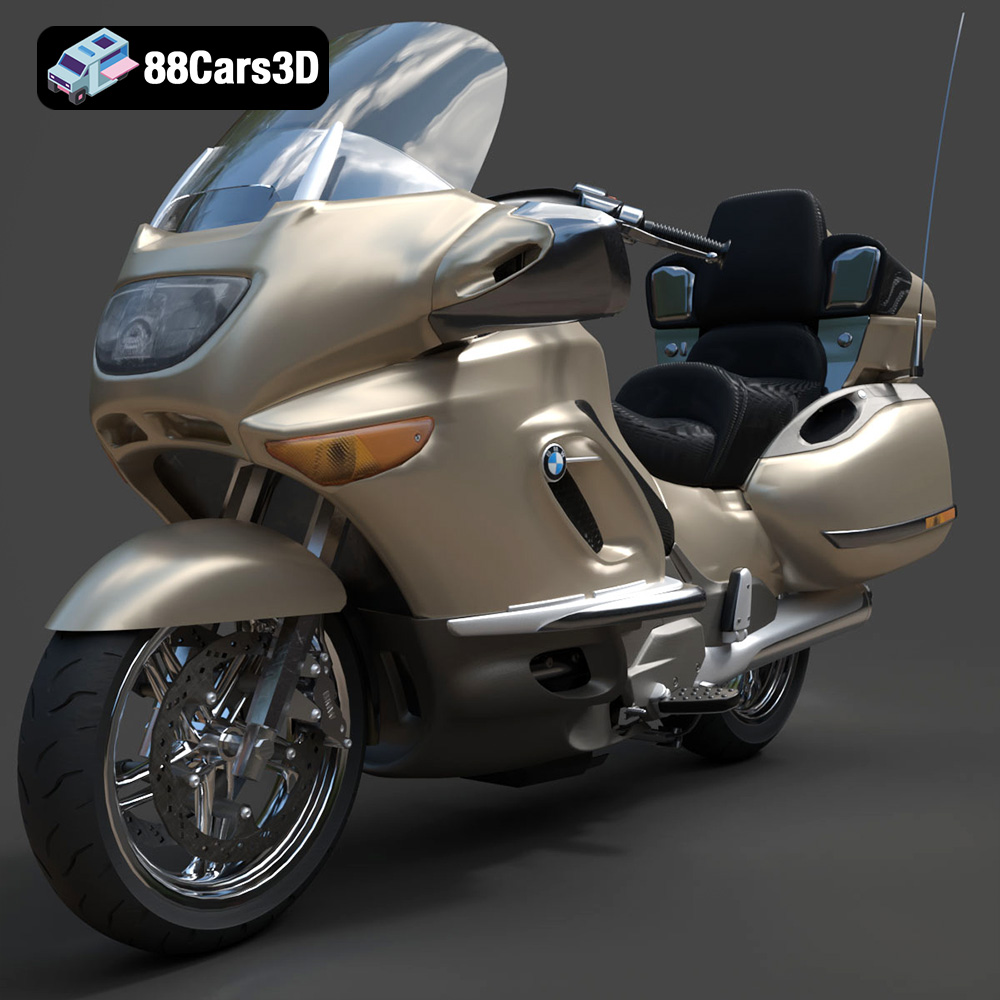
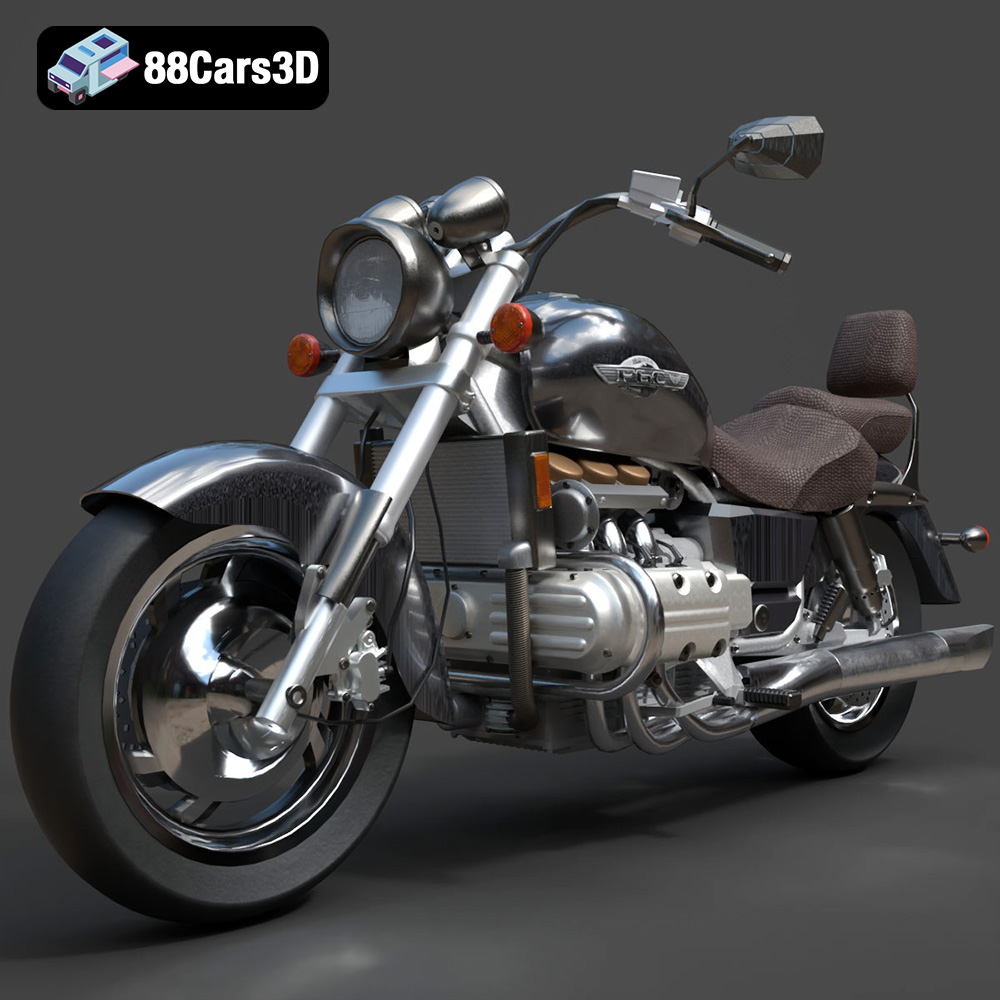
Get 50% OFF All Premium 3D & STL Models!

In today’s visually driven world, the demand for exceptionally realistic and high-performance 3D car models has exploded across diverse industries. From breathtaking cinematic sequences and cutting-edge automotive configurators to immersive virtual reality experiences and hyper-realistic video games, the quality of digital vehicles is paramount. Professionals in automotive design, game development, architectural visualization, and marketing rely on meticulously crafted assets to bring their visions to life.
At the heart of this digital revolution are expert-level 3D car models that serve as the foundation for stunning visuals and seamless interactivity. Achieving photorealism and optimal performance requires a deep understanding of modeling techniques, material science, lighting principles, and engine optimization. This comprehensive guide delves into the intricate world of digital automobiles, exploring the technical nuances, workflows, and best practices essential for anyone serious about creating or utilizing premium 3D vehicle assets. Whether you’re a seasoned professional or an aspiring artist, understanding these fundamentals is key to unlocking the full potential of your projects, especially when sourcing high-quality assets from platforms like 88cars3d.com.
The pursuit of perfection in digital automotive representation is not merely an aesthetic choice; it’s a functional necessity that underpins the success of numerous applications. A high-quality 3D car model is a versatile asset, capable of adapting to various requirements without compromising visual integrity or performance.
For automotive designers and manufacturers, 3D car models are indispensable tools throughout the entire product development lifecycle. From initial concept sketches to final production prototypes, these digital assets provide unparalleled precision and flexibility. Early-stage visualization allows designers to iterate rapidly, explore different aesthetics, and present ideas with compelling realism. High-polygon models, often derived directly from CAD data, are crucial here, capturing every subtle curve, panel gap, and material transition with exacting detail. These models enable accurate material studies, aerodynamic simulations, and stakeholder presentations long before a physical prototype is ever built, significantly reducing development costs and time-to-market.
The gaming industry demands a delicate balance between visual fidelity and real-time performance. High-quality 3D car models are central to creating immersive racing simulations, open-world adventures, and engaging virtual environments. Game-ready assets require meticulous optimization, including efficient polygon counts (often utilizing advanced normal mapping techniques to simulate detail), clean UV layouts for texture mapping, and multiple Levels of Detail (LODs) to ensure smooth gameplay across various hardware specifications. A well-optimized model allows for dynamic lighting, physics-based rendering (PBR) materials, and realistic damage systems, all while maintaining high frame rates, crucial for player immersion and competitive advantage.
Beyond traditional rendering and gaming, 3D car models are vital for groundbreaking emerging technologies. Augmented Reality (AR) applications allow users to visualize vehicles in real-world environments, requiring models that can be accurately scaled and rendered in real-time on mobile devices. Virtual Reality (VR) experiences transport users into fully immersive digital showrooms or driving simulations, demanding exceptionally detailed and optimized models to prevent motion sickness and enhance presence. For 3D printing, models need to be watertight, manifold, and often require specific mesh preparation to ensure structural integrity and printability. Each of these applications leverages high-quality 3D assets as their core building blocks, showcasing the incredible adaptability of a well-made digital vehicle.
Choosing the right file format for your 3D car model is as critical as the model’s quality itself. Different formats are optimized for specific workflows, software compatibility, and end-use applications. Understanding their strengths and limitations is key to a smooth and efficient production pipeline. The assets available on 88cars3d.com often come in a variety of these industry-standard formats, ensuring maximum flexibility for their customers.
The .blend format is the native file type for Blender, a powerful open-source 3D creation suite. A .blend file is a comprehensive package, storing not just the mesh data, but also materials, textures, lighting setups, animation data, physics simulations, cameras, and even entire scene hierarchies. This makes it an incredibly powerful format for artists working entirely within the Blender ecosystem. When you acquire a .blend file for a 3D car model, you receive a fully editable project, allowing for deep customization of every aspect, from modifying geometry to adjusting intricate shader networks. It’s ideal for those who want full control over the asset and intend to continue their work within Blender, offering a complete snapshot of the artist’s original intent.
The .fbx (Filmbox) format, owned by Autodesk, has become an industry standard for data exchange between various 3D software applications and game engines. It supports not only mesh data but also materials, textures, animations, skinning, and camera information, making it incredibly versatile. For game development, .fbx is often the format of choice for importing 3D car models into Unreal Engine, Unity, and other real-time pipelines due to its robust support for animation and scene hierarchy. It’s designed for efficiency in transfer and is widely supported, ensuring that your automotive assets can move seamlessly between 3ds Max, Maya, Blender, and game engines. However, while it carries material assignments, the specifics of a complex shader might not transfer perfectly and may need re-setup in the destination software.
The .obj (Wavefront OBJ) format is one of the oldest and most universally supported 3D file formats. It’s primarily a geometry definition file, storing vertex positions, UV coordinates, normals, and face information. While it can reference external material files (.mtl), its support for complex material properties, animation, or scene hierarchies is limited compared to .fbx. However, its simplicity and widespread compatibility make it an excellent choice for basic mesh exchange across virtually any 3D software. If you need a clean, universal mesh that you plan to re-texture and re-rig in your target application, .obj is a reliable and robust option for your 3D car models.
.glb (GL Transmission Format Binary) is an increasingly popular format, especially for web-based 3D applications, AR, and VR. It’s a binary version of the glTF format, designed to be a compact, efficient, and runtime-agnostic asset delivery format. A single .glb file contains all necessary data, including geometry, materials, textures, and animations, making it highly optimized for fast loading and display in browsers and mobile AR applications. For showcasing 3D car models on websites or in interactive product configurators, .glb offers superior performance and integration.
The .stl (Stereolithography) format is the de facto standard for 3D printing. It represents a 3D model as a series of connected triangles, describing only the surface geometry of an object. Crucially, .stl files do not contain color, texture, or material information. For a 3D car model intended for physical fabrication, ensuring the .stl is “watertight” (no holes in the mesh) and correctly scaled is paramount for successful printing. It’s a highly specialized format focused purely on manufacturing.
.ply (Polygon File Format or Stanford Triangle Format) is another format primarily used for storing 3D scanner data and meshes. It can store not only XYZ coordinates but also color, transparency, and sometimes even texture information directly in the file. While not as common for general 3D car model exchange as .fbx or .obj, it’s particularly useful when dealing with highly accurate scans or precision meshes, often used in scientific, medical, or CAD-related visualization where exact geometric representation is critical.
The .unreal file type refers to native asset files within Unreal Engine, such as a Static Mesh Asset (.uasset). While not a direct export format from 3D software, once a 3D car model is imported into Unreal (typically via .fbx), it becomes an Unreal Engine-ready asset. These files are highly optimized for the engine’s rendering pipeline, collision systems, and physics. Importing into Unreal Engine involves configuring LODs, materials, collision meshes, and setting up the asset within the engine’s ecosystem. Using models already prepared and optimized for Unreal Engine can save significant development time, providing a streamlined path for integration into real-time environments.
Lastly, the .max format is the native file type for Autodesk 3ds Max, one of the most widely used software packages for architectural visualization, game development, and high-end rendering. Similar to .blend, a .max file stores a complete scene with geometry, materials, lights, cameras, animations, and modifiers. It offers maximum editability and full access to the original artist’s setup. For studios using 3ds Max extensively, receiving a .max file for a 3D car model provides the ultimate control for customization, re-rendering, and incorporating it into complex animation sequences, leveraging the software’s powerful rendering capabilities like V-Ray or Corona Renderer.
Achieving truly photorealistic automotive rendering is an intricate art form, demanding a profound understanding of light, materials, and composition. It’s not just about having a great 3D car model; it’s about making it believable, emotive, and visually compelling.
Materials are the skin of your 3D car model, dictating how light interacts with its surface. Physically Based Rendering (PBR) has become the gold standard, mimicking real-world light behavior with unprecedented accuracy. PBR materials rely on a set of texture maps:
Crafting these materials requires meticulous attention. Car paint, for example, is notoriously complex, often involving layered shaders to simulate flakes, clear coats, and subtle color shifts. Tire rubber, glass, chrome, and leather each demand unique PBR properties to look convincing. Artists often utilize Substance Painter or similar tools to procedurally generate or paint these texture maps, ensuring consistency and realism across the entire vehicle.
Lighting transforms a raw 3D car model into a captivating image. It defines mood, highlights form, and draws the viewer’s eye. Effective lighting strategies include:
The interplay of light and shadow is critical. Understanding how light reveals the car’s sculpted lines, highlights the reflections on its polished surface, and casts evocative shadows is what separates a good render from a great one.
Even after a technically perfect render, the final image often benefits immensely from post-processing and compositing. This stage, typically done in software like Adobe Photoshop or DaVinci Resolve, adds the final layer of polish:
This final stage can elevate an already strong automotive rendering to a truly professional, publication-ready piece of art, making a significant impact on how the 3D car model is perceived.
Bringing a high-quality 3D car model into a real-time game engine like Unreal Engine requires a specialized workflow focused on performance, efficiency, and interactive fidelity. It’s about transforming a static asset into a dynamic, controllable, and engaging part of a virtual world.
Performance is paramount in game development. Even the most powerful hardware can struggle with unoptimized assets. Key optimization strategies for 3D car models include:
Proper optimization ensures that the game runs smoothly, providing a fluid and enjoyable experience for the player, regardless of how many vehicles are on screen.
Once a 3D car model (typically an .fbx) is imported into Unreal Engine, the next step is to set up its materials and textures. Unreal Engine leverages a robust PBR material system:
A well-structured material setup ensures that the car looks visually stunning while also being easy to modify and optimize within the engine.
For a 3D car model to interact realistically within a game world, collision detection and physics are essential:
The combination of optimized visuals, accurate materials, and robust physics transforms a static model into a fully interactive vehicle, ready for driving, racing, or exploration within a virtual world.
Purchasing premium 3D car models from a source like 88cars3d.com often means gaining access to highly detailed, well-structured assets that are ideal for advanced customization. This ability to modify and adapt a base model can be a massive time-saver for studios and individual artists.
When a 3D car model comes with its native source file (.max for 3ds Max, .blend for Blender), it opens up a world of possibilities for deep customization. These files aren’t just meshes; they are entire projects that include:
Working with source files empowers artists to go beyond superficial changes and truly integrate the 3D car model into their unique project requirements.
For dynamic presentations, cinematics, or interactive experiences, 3D car models often need to be rigged and animated. A typical car rig includes:
Once rigged, the car can be animated to drive along paths, perform stunts, or showcase specific features like opening doors. This transformation from a static object to a dynamic, animated character significantly enhances its storytelling and interactive potential, particularly in marketing, film, and high-fidelity game cinematics.
Imagine a client needs a specific variant of a classic sports car for an advertisement – perhaps a unique body kit, a custom paint job, and specific racing decals, all rendered in a stylized environment. Instead of modeling from scratch, a designer sources a highly detailed 3D car model of the base vehicle from 88cars3d.com, ideally in a .max or .blend format.
Using the provided source file in 3ds Max:
This workflow significantly reduces production time and costs, demonstrating the immense value of starting with a premium, customizable asset from a reputable source like 88cars3d.com.
The landscape of 3D car models and their applications is continually evolving, driven by advancements in rendering technology, real-time engines, and computational power. Staying abreast of these trends is crucial for professionals in the field.
Once exclusive to offline renderers, real-time ray tracing and path tracing are revolutionizing how 3D car models are rendered in game engines. Technologies like NVIDIA RTX and AMD FidelityFX enable engines like Unreal Engine and Unity to achieve unprecedented levels of lighting realism, accurate reflections, soft shadows, and global illumination – all in real-time. This means that automotive rendering for interactive configurators or games can now approach the visual fidelity previously only possible with hours of offline rendering, blurring the line between cinematic pre-renders and interactive experiences.
The quest for ultimate realism in 3D car models is increasingly relying on capturing real-world data. Photogrammetry involves reconstructing 3D models from a series of photographs, offering a powerful way to capture existing vehicles with incredibly fine detail. When combined with traditional modeling, photogrammetry can create highly accurate exterior and interior details. Furthermore, the direct integration of engineering-grade CAD (Computer-Aided Design) data is becoming more common. This allows artists to start with perfectly accurate, production-ready geometry, which is then optimized for various use cases (rendering, real-time) while retaining absolute fidelity to the original design specifications. This workflow ensures that digital models are not just visually accurate but also dimensionally precise, vital for design validation and manufacturing visualization.
Beyond traditional screens and VR headsets, emerging display technologies promise new ways to interact with 3D car models. Volumetric displays, still largely in development, aim to project true 3D images that can be viewed from any angle without special glasses. Holographic displays offer similar promise, creating floating 3D objects in physical space. These technologies will demand even more optimized and highly detailed 3D car models that can be rendered and displayed in novel ways, offering a glimpse into a future where digital vehicles transcend the boundaries of a flat screen, becoming tangible presences in our environment.
The world of 3D car models is a dynamic convergence of artistic skill and technical mastery. From the foundational decision of choosing the correct file format to the intricate process of PBR material creation, precise lighting setups, and game-engine optimization, every step contributes to the final impact of a digital automobile. Whether for breathtaking automotive rendering, cutting-edge game assets, or future-forward AR/VR applications, the demand for high-quality, meticulously crafted 3D vehicles is stronger than ever.
By understanding the workflows, technical specifications, and emerging technologies discussed, creators and developers can elevate their projects to new levels of realism and interactivity. Investing in premium assets and mastering the techniques to utilize them effectively is not just an advantage – it’s a necessity in today’s competitive digital landscape. For those seeking to start with the best possible foundation, exploring the extensive range of high-quality 3D car models available at 88cars3d.com offers an unparalleled starting point for any automotive visualization or interactive experience.