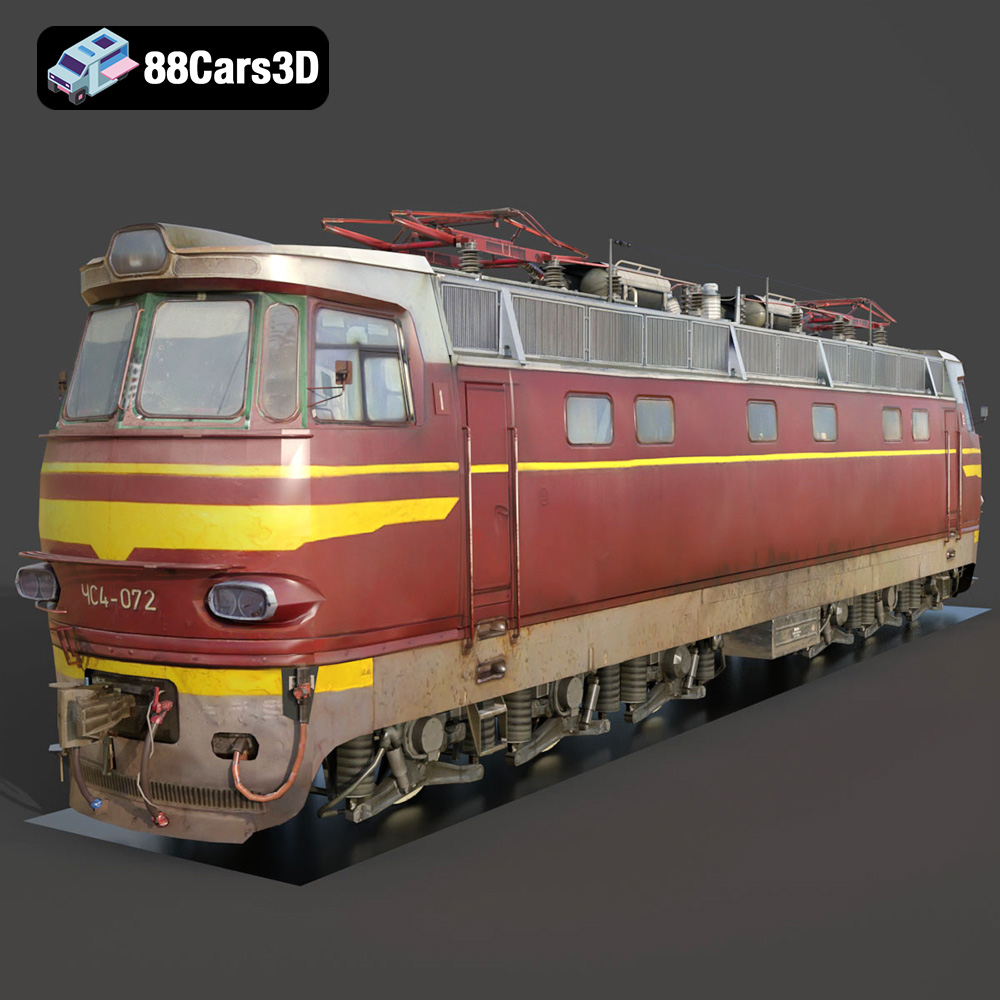
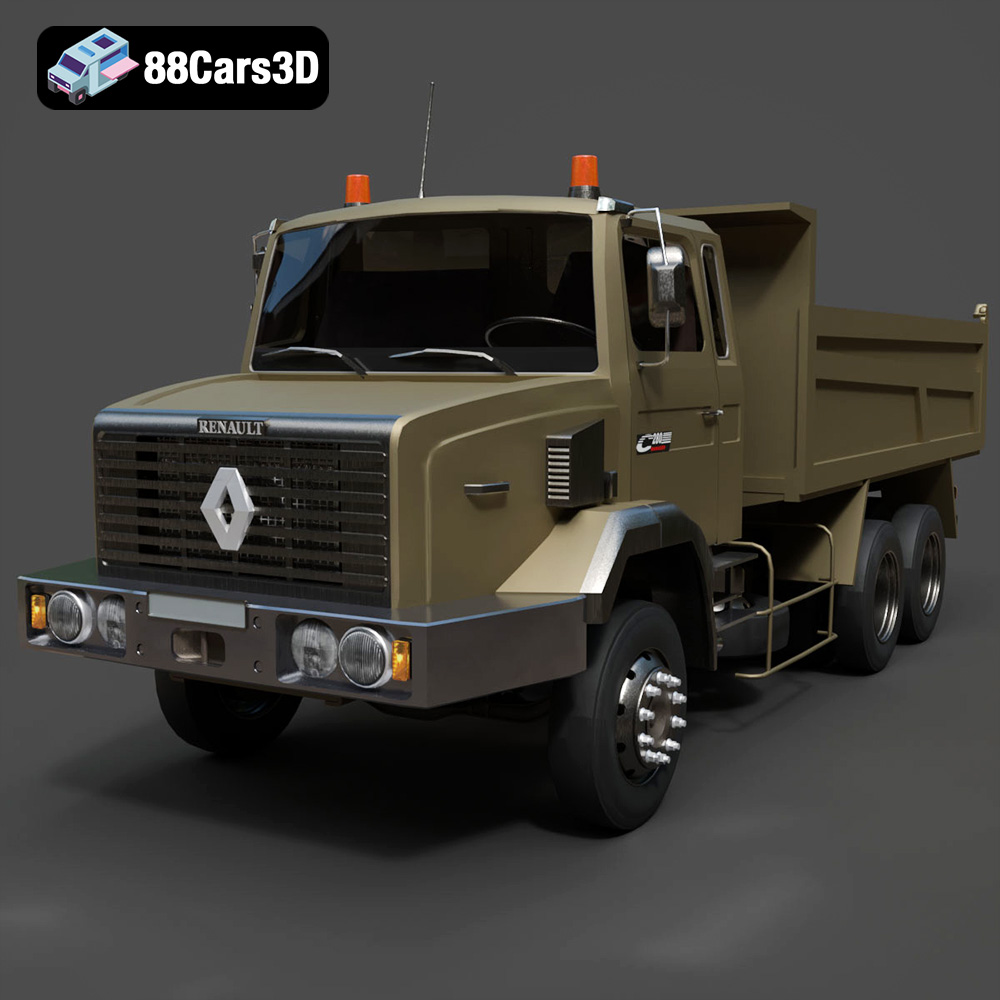
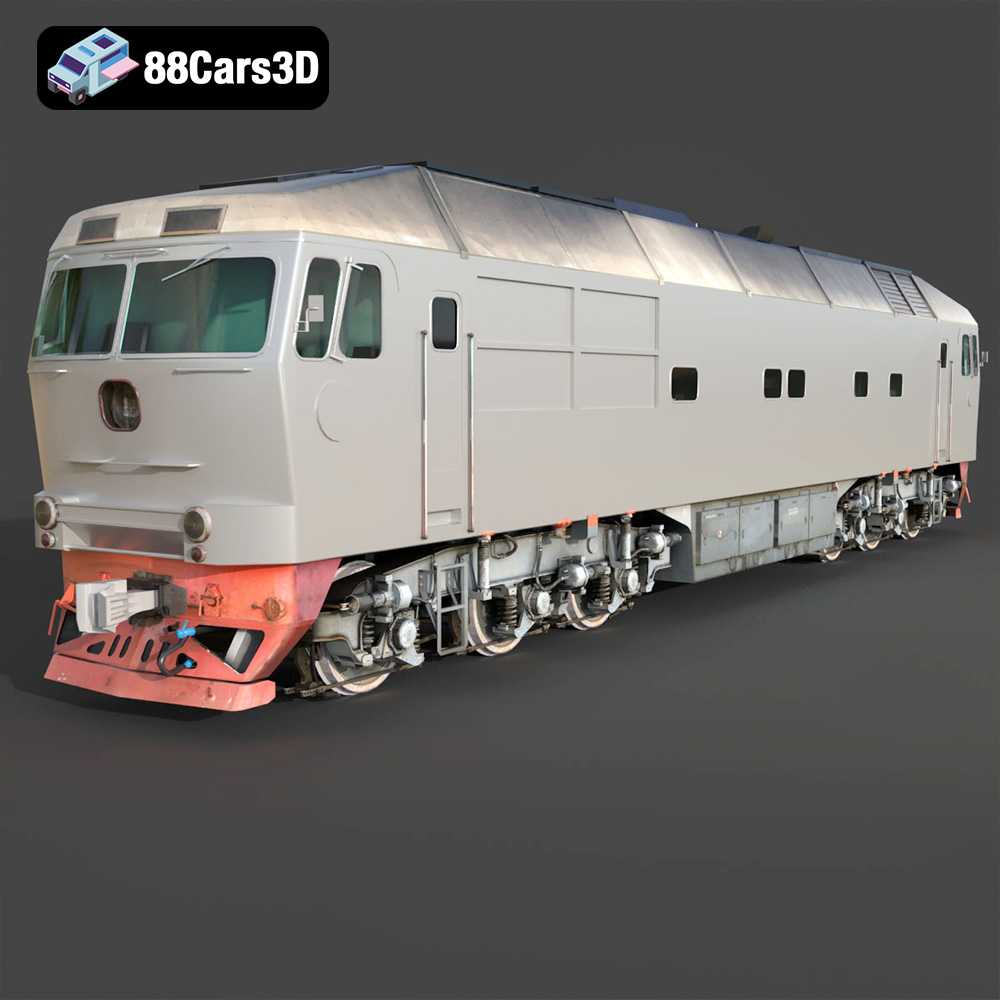
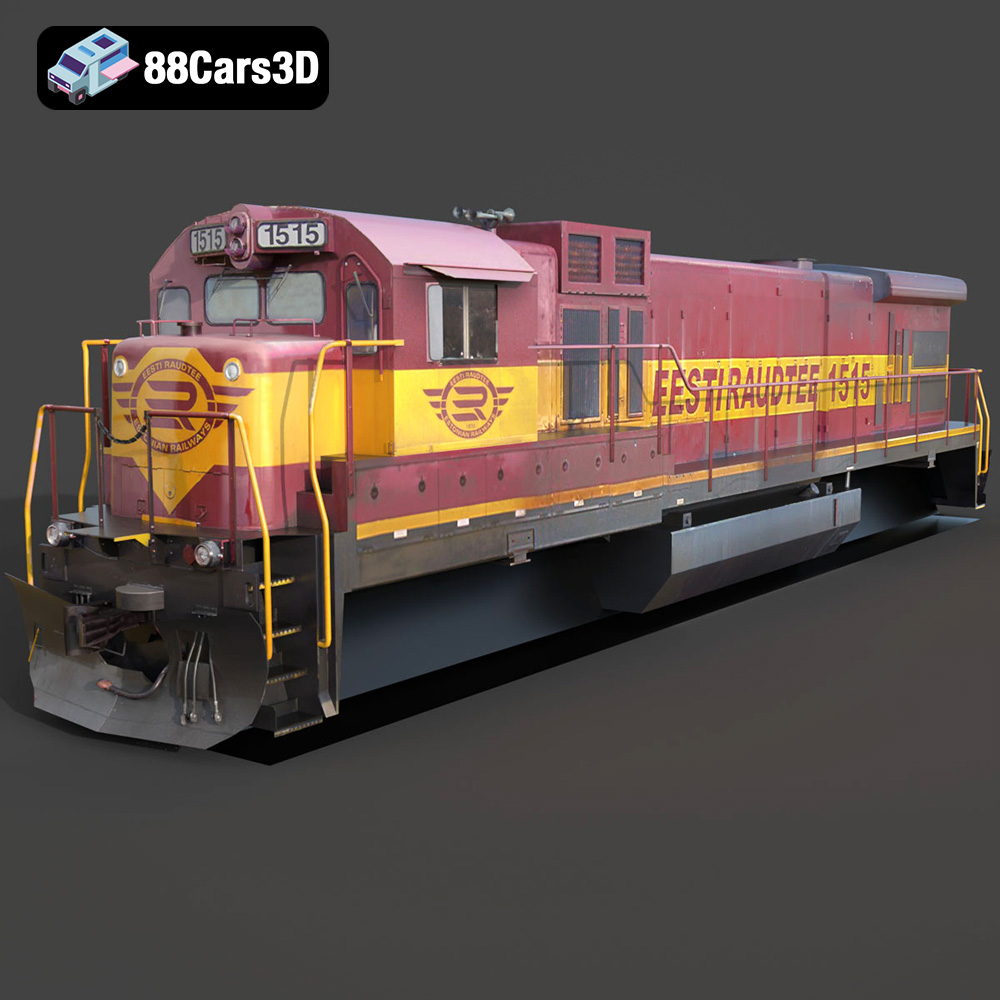
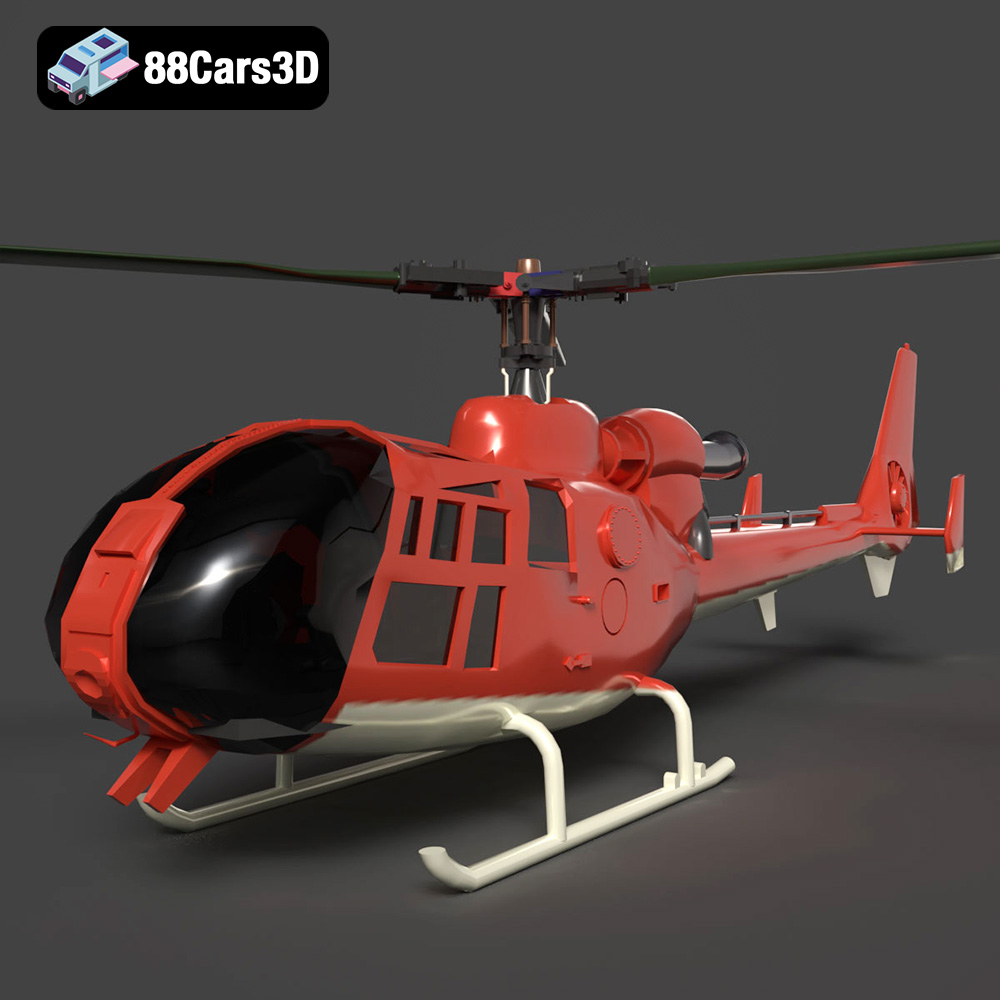
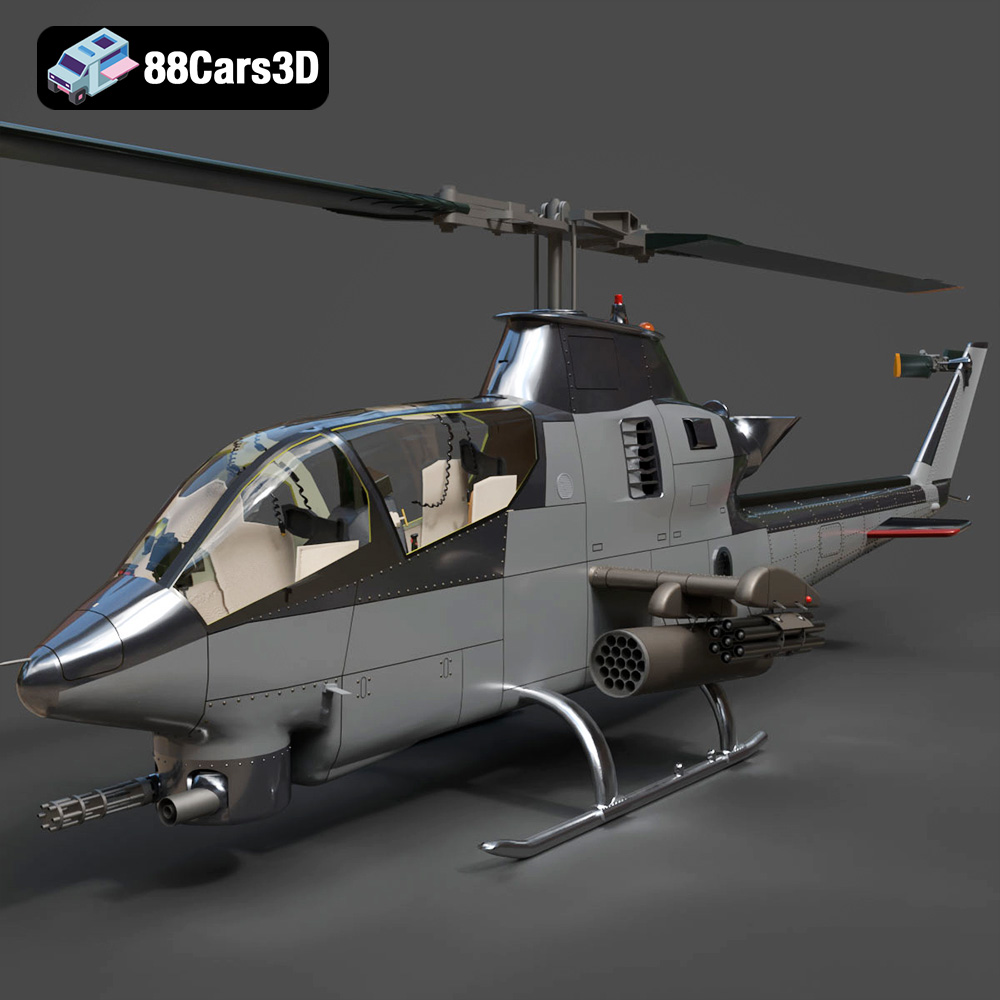
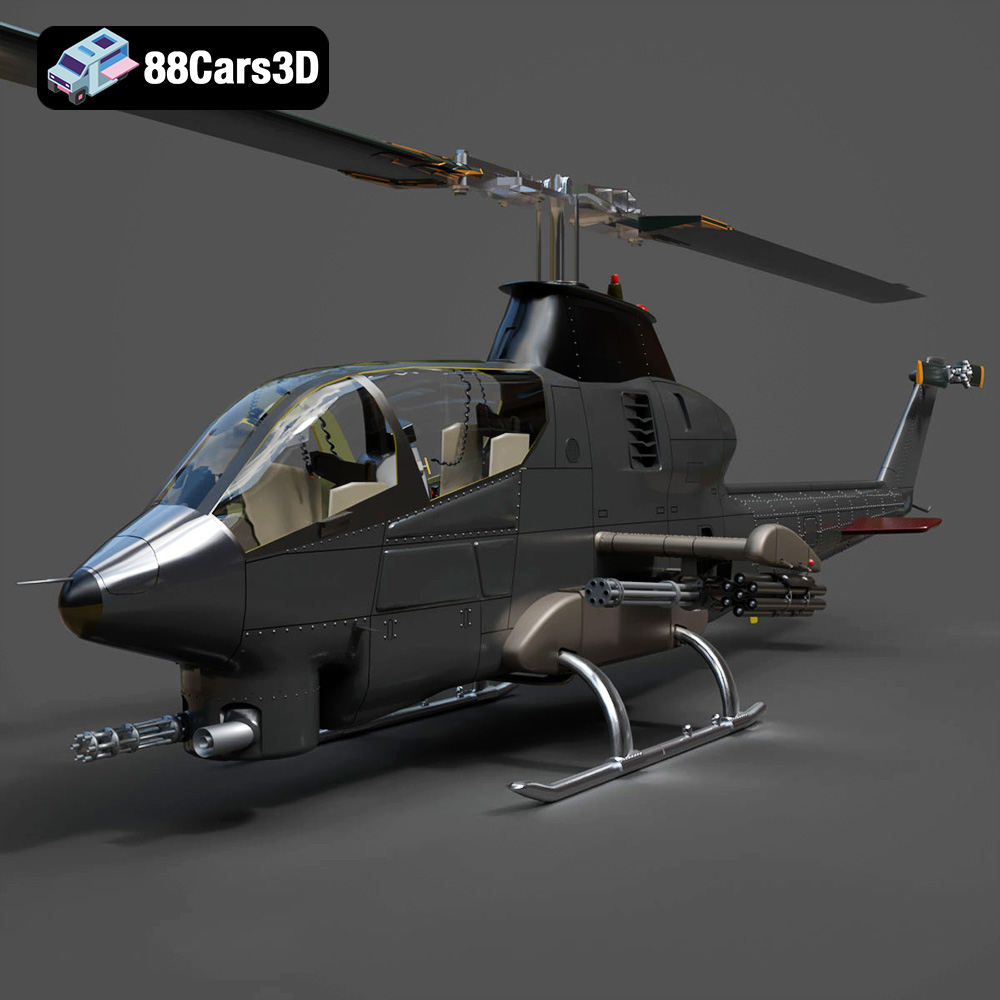
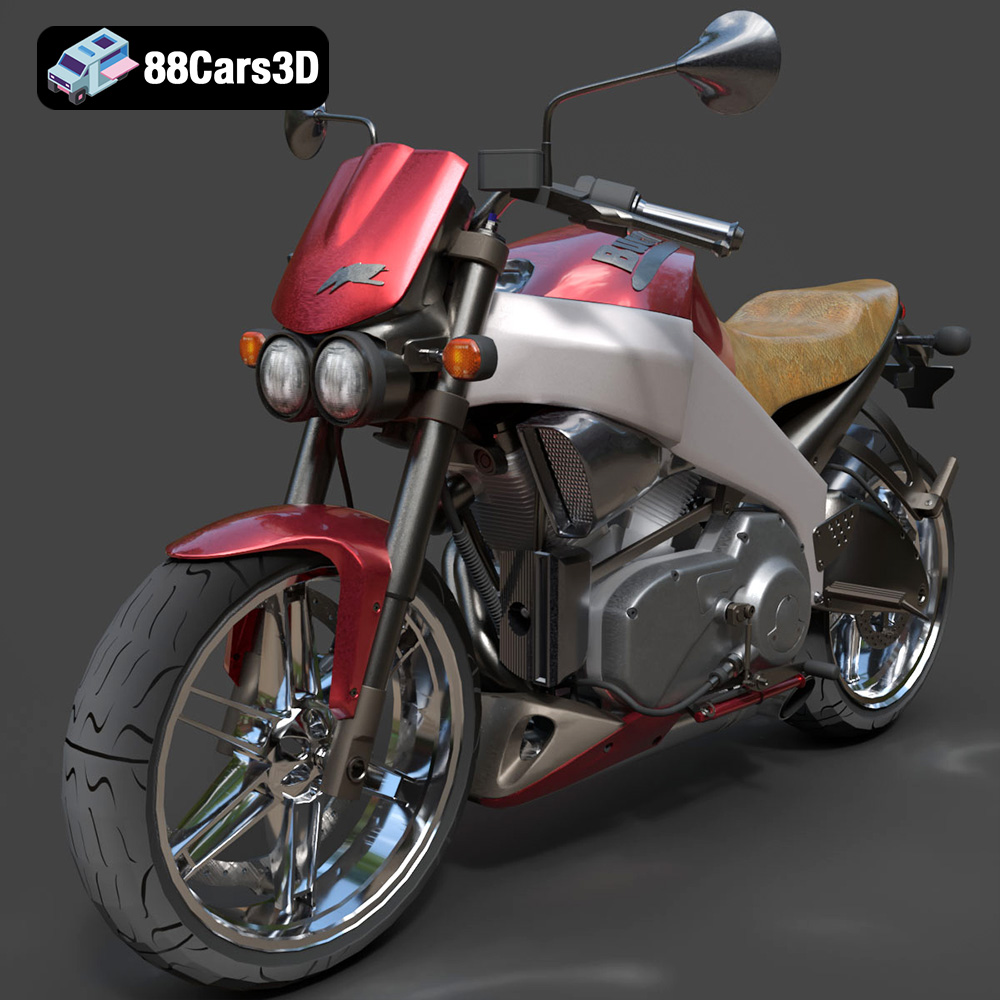
Get 50% OFF All Premium 3D & STL Models!

In the rapidly evolving digital landscape, the demand for high-quality 3D car models has never been greater. From cinematic automotive advertisements and immersive virtual reality experiences to high-fidelity video games and precision engineering visualizations, these intricate digital assets form the backbone of countless projects. Crafting a convincing 3D vehicle isn’t merely about visual appeal; it requires a deep understanding of polygon budgets, material science, real-time optimization, and a meticulous approach to every detail, inside and out. This journey into the world of digital automotive creation explores the nuances of developing, rendering, and integrating these complex models, providing insights for professionals aiming to push the boundaries of realism and performance. Whether you’re a seasoned artist, a game developer, or an architect seeking the perfect vehicle for a scene, mastering the art and science behind 3D car models is paramount to achieving truly outstanding results.
The distinction between an adequate 3D car model and an exceptional one lies in its underlying structure, material definitions, and overall fidelity. A truly professional model is built for versatility, capable of performing flawlessly across various applications, from static photorealistic renders to dynamic real-time environments. It’s an investment in quality that pays dividends in production efficiency and visual impact.
At the core of every 3D car model is its mesh – the network of vertices, edges, and faces that defines its shape. High-fidelity models are characterized by clean, efficient topology. This means a judicious use of polygons (polycount) to capture intricate details without overburdening the system, ensuring smooth deformation if animation is required. A typical production-ready car model for rendering might range from 150,000 to over a million polygons, depending on the desired level of detail and whether interior components are included. For game assets, LODs (Levels of Detail) are crucial, with the highest LOD often matching rendering quality and lower LODs drastically reducing polycount for distant views. Proper edge flow, often following the natural contours and creases of the vehicle, is essential for smooth shading and subdivision surface workflows. This attention to topological detail prevents artifacts, ensures realistic reflections, and allows for seamless integration into complex scenes.
Beyond the mesh, materials are what breathe life into a 3D car model, defining how light interacts with its surfaces. Modern workflows heavily rely on Physically Based Rendering (PBR), which accurately simulates the properties of real-world materials. A comprehensive PBR material setup for a car includes various texture maps: Albedo (base color), Metallic (how reflective and metallic a surface is), Roughness (micro-surface detail affecting light diffusion), Normal (fine surface detail without increasing polycount), and sometimes Ambient Occlusion (simulating indirect shadows). Creating these maps involves meticulous UV unwrapping, ensuring textures are applied without stretching or distortion. For automotive finishes, layering is key: a base coat color, a metallic flake layer, and a clear coat for gloss and reflection. The combination of high-resolution textures (e.g., 4K or 8K) and precise PBR values is what ultimately delivers that breathtaking photorealistic sheen characteristic of a high-quality automotive rendering.
Navigating the diverse landscape of 3D model file formats is crucial for any professional working with digital assets. Each format serves specific purposes, offering unique advantages in terms of compatibility, data integrity, and workflow efficiency. Choosing the right format ensures seamless integration into your preferred software, game engine, or visualization pipeline.
When working with 3D car models in a professional pipeline, certain formats stand out for their robust capabilities and wide adoption:
For specialized applications, specific formats offer optimized solutions:
Each of these formats plays a vital role in the ecosystem of 3D content creation, and understanding their strengths and limitations is key to a smooth and efficient workflow.
The ultimate goal for many 3D car models is to produce stunning, photorealistic images or animations. Automotive rendering is a specialized field that combines artistic vision with technical precision to mimic the appearance of real cars in real-world environments. Achieving this level of realism involves meticulous attention to lighting, materials, and post-production.
Lighting is paramount in automotive rendering. For studio shots, an HDRI (High Dynamic Range Image) acts as the primary light source, providing realistic reflections and ambient illumination. Coupled with virtual area lights, this setup can simulate professional photography studios, highlighting the car’s curves and reflections. Outdoor scenes, on the other hand, require careful consideration of natural light sources – sun, sky, and indirect bounces. A high-quality outdoor HDRI is essential, often supplemented by directional lights for the sun and volumetric effects for atmosphere. The goal is to make the car feel grounded in its environment, with accurate shadows, reflections, and light interaction that tell a cohesive visual story.
Beyond standard PBR, advanced shading techniques push the boundaries of realism for car paint, glass, and tires. Car paint often utilizes complex layered shaders that simulate the clear coat, metallic flake, and base coat interaction, sometimes incorporating Fresnel effects for edge reflections. Glass requires accurate transmission and reflection properties, often with a slight tint or dirt/smudge maps for added realism. Tires demand detailed displacement or normal maps for tread patterns, combined with a slightly rough, rubbery material definition. Understanding how light interacts with these specific materials in the real world allows artists to translate those observations into digital shaders, achieving unparalleled visual fidelity.
Rendering is often just the beginning. Post-production in software like Adobe Photoshop or DaVinci Resolve is crucial for refining the final image. This stage involves color grading, adjusting exposure and contrast, adding subtle camera effects like depth of field or lens flares, and integrating background elements if the car was rendered on a transparent background. Composition principles, such as the rule of thirds, leading lines, and negative space, are applied to guide the viewer’s eye and create a visually compelling narrative. A strong composition can elevate a technically perfect render into a captivating piece of art, making the automotive rendering truly impactful.
The gaming industry thrives on immersive experiences, and meticulously crafted 3D car models are central to racing simulations, open-world adventures, and virtual driving experiences. Integrating these assets into game engines like Unreal Engine or Unity requires a specialized workflow that balances visual quality with real-time performance. This is where high-quality game assets truly shine.
Unlike offline rendering, game engines must render thousands of frames per second. Optimization is therefore paramount. One of the most critical techniques is creating Levels of Detail (LODs). This involves generating multiple versions of the same car model, each with a progressively lower polycount. The engine automatically switches to a lower LOD when the car is further from the camera, drastically reducing the computational load without noticeable visual degradation. Occlusion culling is another vital strategy, preventing the engine from rendering objects that are hidden behind other geometry. Furthermore, efficient UV mapping, atlas textures (packing multiple small textures into one larger one), and streamlined material setups (using master materials and instances) are crucial for minimizing draw calls and improving rendering efficiency. These techniques ensure that even highly detailed cars run smoothly on a player’s system.
Beyond visuals, game car models must be interactive. This involves setting up complex physics simulations, defining parameters for suspension, tire grip, engine power, and aerodynamics. Modern game engines provide sophisticated physics middleware (like Chaos in Unreal Engine 5 or PhysX) that allow developers to fine-tune vehicle behavior to deliver a realistic or arcade-style driving experience. Interactive elements also include functional doors, hoods, and trunks, which require proper rigging and animation setup. Damage models, where the car deforms realistically upon impact, add another layer of immersion, often leveraging mesh deformation techniques or pre-made destructible components.
For Unreal Engine, a robust asset pipeline ensures consistency and efficiency. 3D car models are typically imported as FBX files, which are then converted into Static Meshes or Skeletal Meshes (if animated). It’s best practice to import models with clean UVs for lightmapping and texturing. Materials should leverage Unreal’s PBR workflow, often starting with a well-designed master material that can be instanced for different car paints and components, allowing for quick color changes and material tweaks. Collision meshes, either auto-generated or custom-made, are essential for physical interactions. Implementing proper naming conventions, folder structures, and source control management are also critical for collaborative projects and long-term maintainability of game assets.
The utility of high-quality 3D car models extends far beyond static renders and video games. Their versatility makes them invaluable tools across a multitude of industries, driving innovation in design, marketing, and interactive experiences.
VR and AR platforms offer unprecedented opportunities for immersive automotive showcases. Imagine exploring a car’s interior in 360 degrees, customizing its paint job in real-time, or even “parking” a virtual model on your driveway using AR. High-fidelity 3D car models are essential for these applications, requiring careful optimization for real-time performance on mobile or headset devices. Formats like .glb are particularly suited for web-based AR/VR due to their efficiency and PBR support. These immersive experiences are transforming how consumers interact with new vehicle designs before they even hit the showroom floor.
For automotive designers and engineers, 3D car models are critical for rapid prototyping and concept validation. By converting a digital model into a physical object via 3D printing (using formats like .stl), designers can quickly iterate on shapes, ergonomics, and component fit. This allows for tangible review and testing far earlier in the development cycle, significantly accelerating the design process and reducing costly physical tooling changes down the line. From scale models for wind tunnel tests to functional prototypes of interior components, 3D printing from accurate digital models bridges the gap between the virtual and physical worlds.
The world of advertising and entertainment heavily relies on photorealistic 3D car models for commercials, film sequences, and product visualizations. These models allow for showcasing vehicles in impossible scenarios, in environments that don’t yet exist, or with modifications that are too expensive or dangerous to perform physically. From creating sleek CGI car chases to highlighting intricate design features with animated cutaways, high-resolution models enable cinematic storytelling that captivates audiences and conveys a powerful brand message. The ability to control every aspect – lighting, camera angles, materials, and environment – gives creatives limitless possibilities to craft compelling narratives around these digital vehicles.
Whether you’re embarking on a major game development project, an architectural visualization, or a bespoke advertising campaign, the quality of your 3D car models will profoundly impact the final output. Sourcing these assets efficiently and knowing how to adapt them to your specific needs is a crucial skill for any digital artist or developer.
Creating a high-fidelity 3D car model from scratch is an incredibly time-consuming and specialized task, often requiring hundreds of hours of work from skilled artists. For many projects, particularly those with tight deadlines or budget constraints, leveraging pre-built, production-ready assets is an invaluable strategy. Marketplaces like 88cars3d.com specialize in providing meticulously crafted 3D car models that are optimized for various workflows – be it rendering, game development, or AR/VR. These models often come complete with clean topology, comprehensive PBR texture sets, and are available in multiple formats, significantly reducing development time and cost while ensuring professional-grade quality. Investing in such assets allows creators to focus their resources on innovation and unique project elements rather than reinventing the wheel.
Even with pre-built models, customization is often necessary to perfectly fit a project’s unique vision. A high-quality base model provides an excellent foundation for these modifications. This could involve changing paint colors, adding custom decals or branding, altering interior upholstery, or even modifying body kits. For game assets, customization might extend to creating specific LODs, integrating custom physics colliders, or setting up unique material instances for different variants of the same car. The clean topology and organized structure of professional 3D car models from resources like 88cars3d.com make these modifications straightforward, allowing artists to adapt assets efficiently without struggling with messy geometry or poorly organized UVs. Understanding your chosen 3D software (e.g., Blender, 3ds Max) and its material editors is key to unleashing the full customization potential of these assets.
The world of 3D car models is a complex, yet incredibly rewarding domain that underpins much of modern digital visualization and interactive entertainment. From the meticulous crafting of a vehicle’s mesh and the intricate layering of PBR materials to the rigorous optimization for game engines and the artistic finesse of photorealistic rendering, every step demands expertise and precision. Whether you are aiming for breathtaking automotive rendering for a commercial or seamless integration of high-performance game assets, the foundational principles of quality modeling and efficient workflows remain paramount.
As technology continues to advance, the boundaries between the real and virtual grow ever blurrier, and the demand for sophisticated digital automotive content will only intensify. By understanding the technical nuances of various file formats, the strategies for optimization, and the creative potential inherent in these digital vehicles, artists and developers are empowered to create experiences that are not only visually stunning but also deeply immersive and impactful. The digital garage is always open for innovation, ready for you to build, customize, and drive the future of visualization.