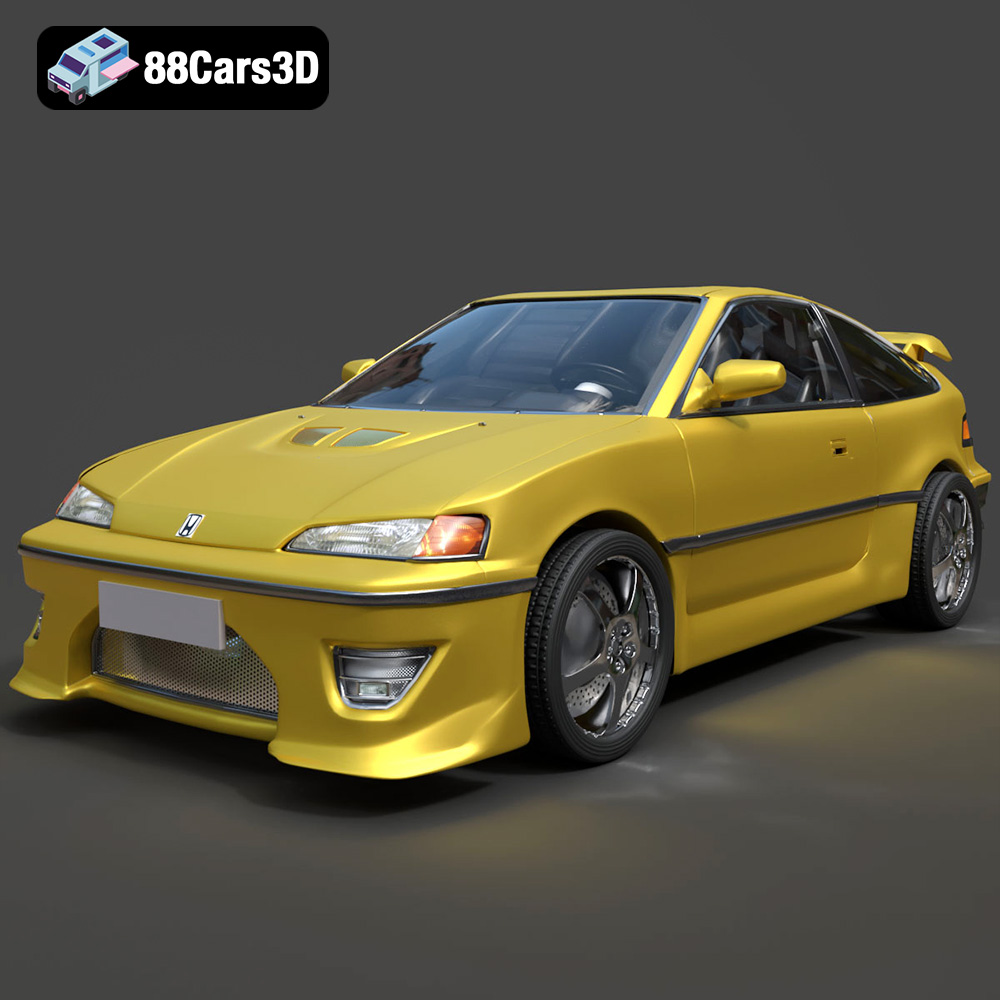
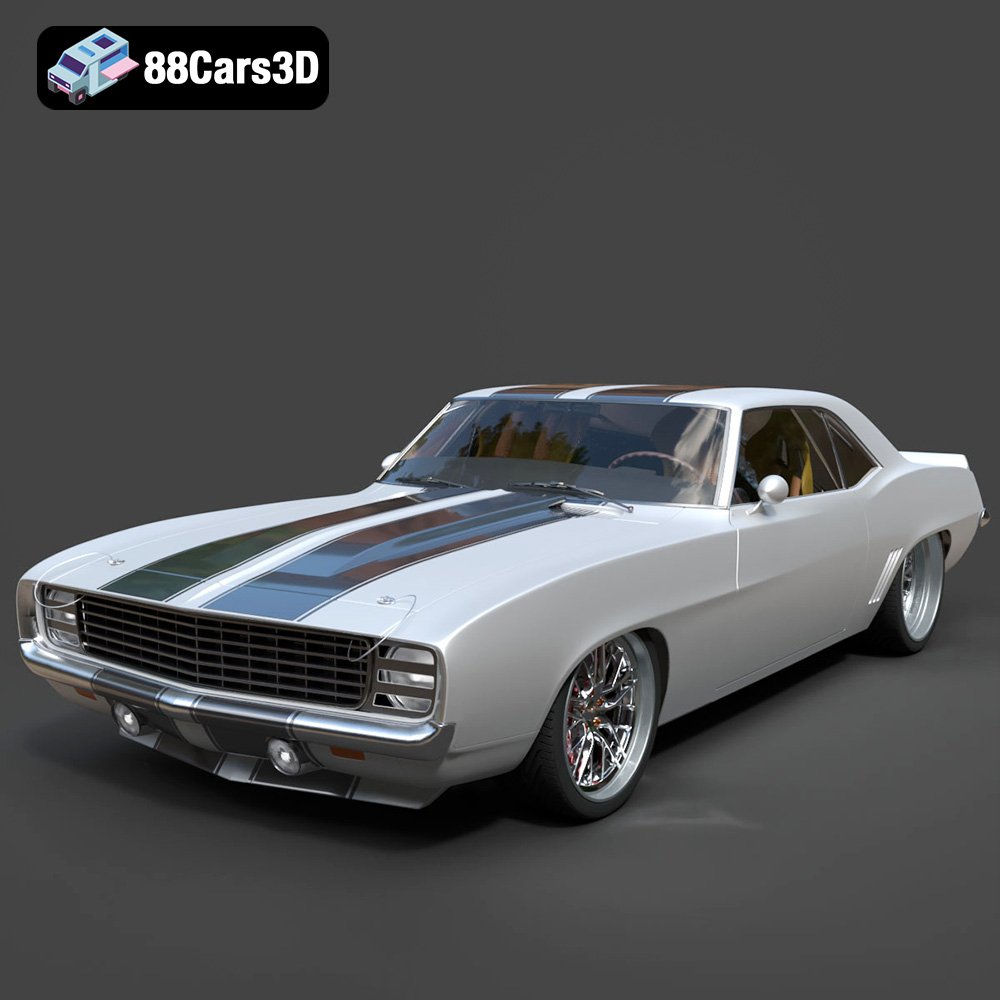
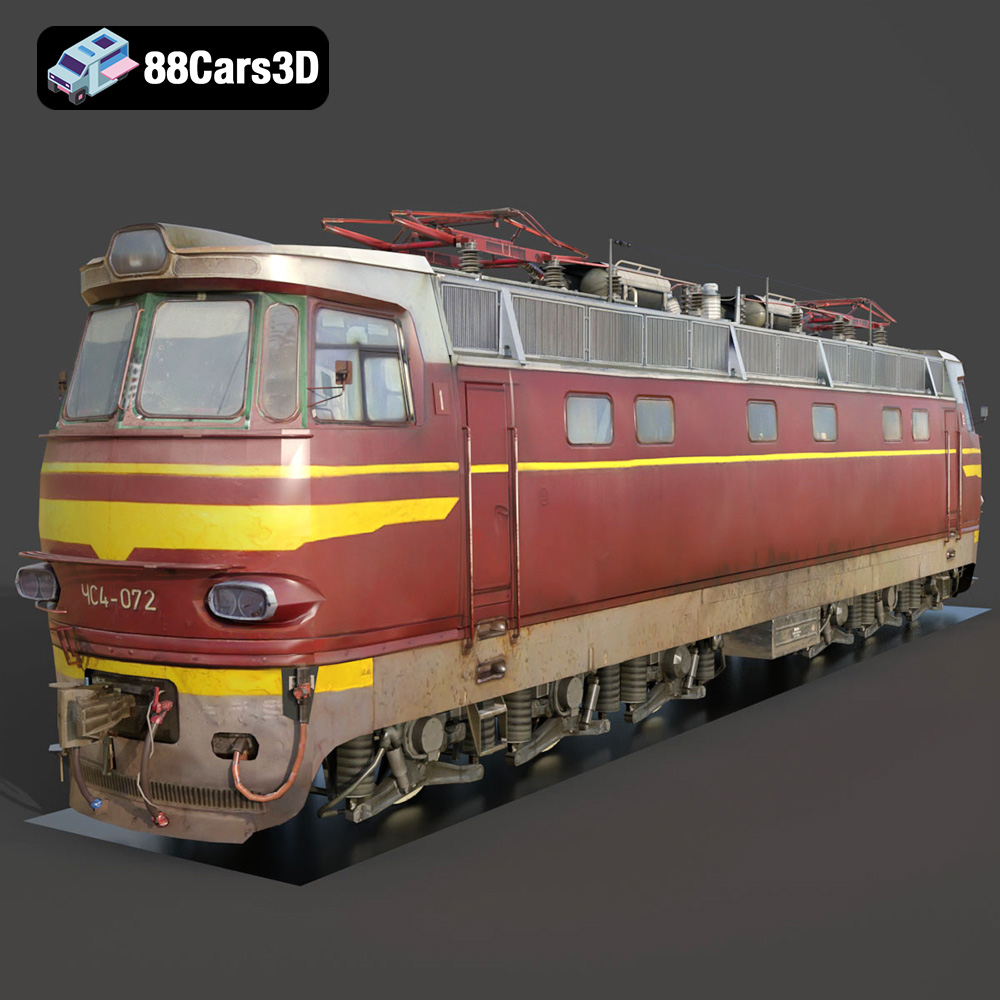
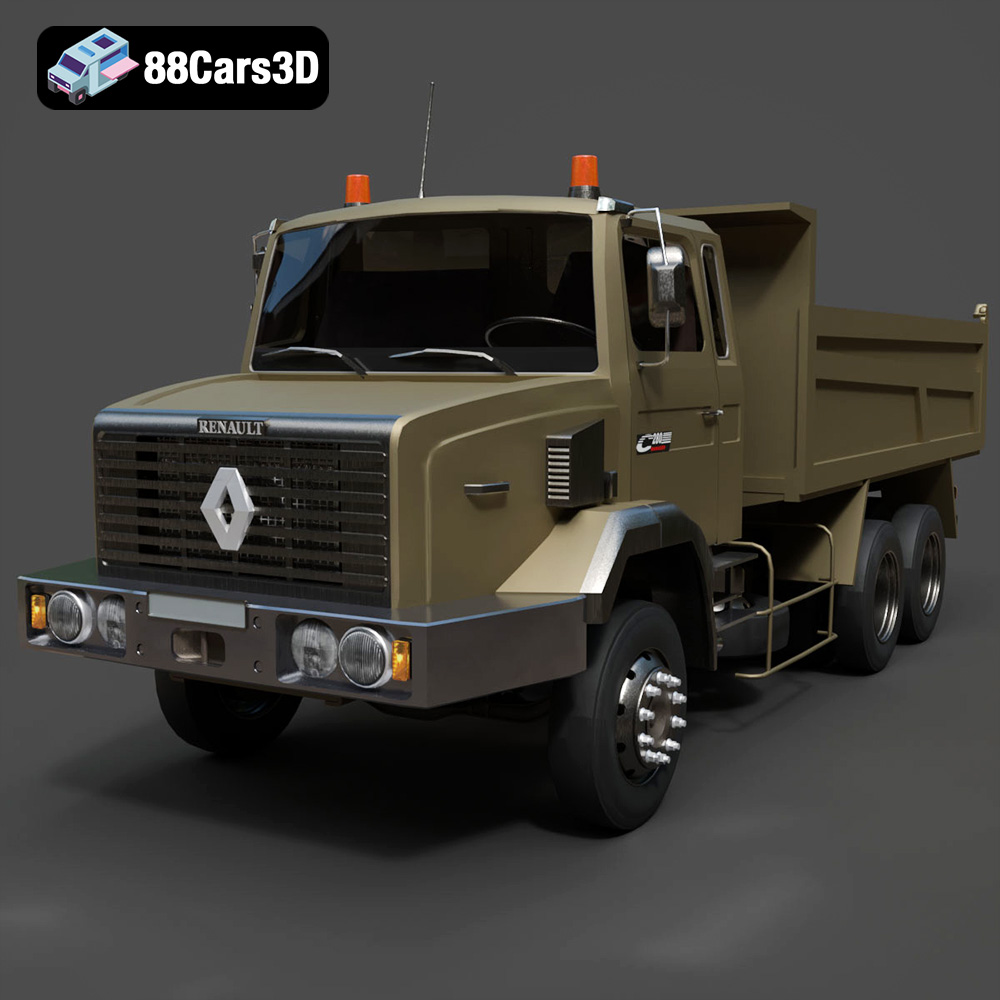
Unleashing Digital Precision: The Power of High-Quality 3D Car Models Across Industries
In today’s visually-driven world, the demand for realistic and technically precise digital assets is higher than ever. From blockbuster video games to cutting-edge automotive advertising campaigns and advanced virtual reality training simulations, high-quality 3D car models are the foundational element. These aren’t just pretty pictures; they are complex digital blueprints that define everything from aerodynamic flow to the intricate reflections on polished chrome.
The mastery of creating, optimizing, and deploying these models is a specialized craft, requiring deep technical knowledge and an artistic eye. Whether you’re an automotive designer visualizing a new concept, a game developer pushing the boundaries of realism, or a marketer creating captivating visuals, the quality of your 3D assets directly impacts the final output. At 88cars3d.com, we understand this critical need, offering a curated selection of professionally crafted 3D car models ready for diverse applications, from detailed automotive rendering to robust game assets.
This comprehensive guide delves into the intricate world of 3D car models, exploring their fundamental importance, the various technical formats that drive their utility, and the workflows that transform them into stunning visuals and interactive experiences across a multitude of industries.
The Foundation of Digital Automotive Design: Why Quality 3D Car Models Matter
High-fidelity 3D car models are more than just digital representations; they are pivotal tools that empower innovation, facilitate precise communication, and elevate the standard of visual content across the automotive, entertainment, and simulation sectors. Their value stems from their ability to encapsulate complex design, engineering, and aesthetic data in a versatile digital format.
Precision in Visualization and Prototyping
For automotive manufacturers and designers, 3D car models are indispensable throughout the design and development cycle. Before a single physical prototype is built, designers can iterate on concepts in a virtual environment, making immediate adjustments to body lines, interior layouts, and component placement. This iterative process, driven by accurate 3D data, significantly reduces development time and costs. Engineers can perform virtual wind tunnel tests, analyze component fit, and simulate various scenarios, all without the need for expensive physical mock-ups. The ability to present photorealistic renderings of a vehicle long before its production phase allows for early market feedback and helps secure investment, making high-quality 3D car models a strategic asset.
Enhancing Realism in Simulation and Training
Beyond design, accurate 3D car models are crucial for simulation and training applications. Driving simulators, for instance, rely on these models to replicate real-world vehicle dynamics and visual environments with astonishing realism. Emergency services, professional drivers, and even autonomous vehicle developers utilize these simulations for training, testing algorithms, and validating safety protocols. In military and law enforcement training, detailed vehicle models provide immersive scenarios that mirror real-life situations, allowing personnel to practice complex maneuvers and tactical operations in a safe, controlled digital space. The authenticity of these experiences is directly proportional to the fidelity and technical correctness of the underlying 3D car models.
Understanding 3D Model File Formats
The versatility of 3D car models across different software, engines, and applications hinges significantly on the file format chosen for export and import. Each format serves specific purposes, offering varying degrees of data preservation, optimization, and compatibility. Understanding these nuances is critical for anyone working with 3D assets, ensuring smooth workflows and optimal performance. When sourcing models, such as those from 88cars3d.com, knowing the intended use case for each format can save considerable time and effort.
Blender (.blend) and 3ds Max (.max) for Native Workflows
- .blend (Blender): This is Blender’s native project file format. It stores the entire scene, including mesh data, materials (Blender’s Cycles/Eevee nodes), textures, rigging, animations, lighting, cameras, and even custom scripts. It is the definitive format for artists working primarily within Blender, offering full editability and preserving all original scene complexities. While highly versatile within its ecosystem, it requires Blender to open and edit, making it less universal for cross-software sharing without conversion.
- .max (3ds Max): Similar to .blend, .max is the native file format for Autodesk 3ds Max. It encapsulates a complete 3ds Max scene, including geometry, materials (using V-Ray, Corona, Arnold, or standard Max materials), lights, cameras, modifiers, and animation data. Professionals relying on 3ds Max for architectural visualization, advanced automotive rendering, and complex animation will find this format essential for maintaining an editable, comprehensive project. Like .blend, it offers the highest fidelity within its native software but requires 3ds Max for full access.
Universal Interoperability: FBX, OBJ, and GLB
- .fbx (Filmbox): Developed by Autodesk, FBX is arguably the most widely adopted format for exchanging 3D data between different software packages, especially for animated models. It supports geometry, materials, textures, rigging, skinning, animation, and cameras. FBX is particularly ideal for real-time pipelines, making it a cornerstone for game development in engines like Unreal, Unity, and Godot. Its robust support for animation and hierarchy makes it the go-to choice for dynamic game assets.
- .obj (Wavefront OBJ): This is a simpler, universal geometry definition file format that is highly compatible across virtually all 3D software. It primarily stores vertex positions, UV coordinates, normals, and material definitions (via an accompanying .mtl file). While it doesn’t support rigging or animation directly, its widespread support makes it excellent for static mesh exchange and archival purposes. It’s a reliable choice when compatibility is paramount, and complex animations are not a requirement.
- .glb (GL Transmission Format Binary): GLB is the binary version of glTF, specifically optimized for efficient transmission and loading of 3D scenes and models. It packages all assets (geometry, textures, animations, materials) into a single file, making it incredibly well-suited for web-based 3D applications, AR/VR experiences, and browser-based display. Its compact nature and modern PBR material support make it a powerful choice for interactive real-time applications where performance and accessibility are key.
Specialized Formats for Specific Outputs: STL, PLY, and Unreal
- .stl (Stereolithography): STL is the standard file format for 3D printing. It represents the surface geometry of a 3D object using a collection of triangular facets. It contains no color, texture, or material information, focusing solely on the object’s shape. If your 3D car model is destined for physical fabrication, an .stl export is essential, though often requiring careful preparation to ensure watertight meshes and appropriate scale.
- .ply (Polygon File Format): PLY is a polygon file format used for storing 3D data from 3D scanners, CAD software, and other applications that require high precision. It can store not only geometry (vertices, faces) but also additional attributes like color, transparency, normals, and even confidence values. It’s often used in scientific and engineering fields where accurate data capture and analysis are critical, providing more detailed information than a basic OBJ.
- .unreal (Unreal Engine Asset): While not a single file extension in the traditional sense like .fbx or .obj, “Unreal-ready” often refers to assets that have been specifically prepared and optimized for import into Unreal Engine. This typically involves using FBX as the intermediary for geometry, skeletal meshes, and animations, coupled with PBR-compliant textures (Base Color, Normal, Roughness, Metallic, Ambient Occlusion, etc.) and potentially pre-configured materials, blueprints, or even entire project files ready for direct integration and optimal performance within the engine. This level of preparation ensures that the 3D car models are truly engine-ready, minimizing post-import setup for developers.
Choosing the correct file format is a technical decision that profoundly impacts workflow efficiency and the final quality of your project. Whether you’re aiming for a fully editable scene, seamless engine integration, or precise 3D printing, understanding these formats is key to successful 3D asset management.
Crafting Immersive Experiences: 3D Car Models in Game Development
The realism and immersion found in modern video games are heavily reliant on the quality and optimization of their game assets, particularly detailed 3D car models. From open-world racers to detailed simulators, vehicles are often central to the player experience, demanding a delicate balance between visual fidelity and real-time performance.
Optimizing for Real-time Performance: Poly Counts and LODs
In game development, every polygon and texture map contributes to the computational load. High-quality 3D car models from sources like 88cars3d.com provide an excellent starting point, but they often require rigorous optimization for real-time environments. A common technique is creating multiple Levels of Detail (LODs). A high-polygon model might be used when the car is close to the camera, while progressively lower-polygon versions are swapped in as the vehicle moves further away. This dynamic adjustment ensures that rendering resources are allocated efficiently, maintaining smooth frame rates without sacrificing visual quality where it matters most. This process involves careful mesh reduction, often using tools within DCC software like 3ds Max or Blender, and meticulous normal map baking to retain surface detail from the high-poly mesh onto the lower-poly game mesh.
Advanced Shading and Material Pipelines (PBR) in Unreal Engine
Photorealistic rendering in games is largely achieved through Physically Based Rendering (PBR) materials. PBR pipelines accurately simulate how light interacts with surfaces, resulting in materials that look consistent and realistic under various lighting conditions. For 3D car models in Unreal Engine, this means creating texture maps for properties like Base Color (albedo), Normal (fine surface detail), Roughness (micro-surface imperfections), Metallic (conductive vs. dielectric), and Ambient Occlusion (self-shadowing). A glossy car paint, for example, will have a specific metallic value and very low roughness, while a weathered tire will have high roughness. Mastering PBR material creation is essential for achieving the stunning visual quality expected in contemporary game titles.
Integration Workflows: From DCC to Game Engine (e.g., Blender/3ds Max to Unreal)
The journey of a 3D car model from a Digital Content Creation (DCC) tool to a game engine involves a structured workflow. Typically, the model is first created or refined in software like Blender or 3ds Max. This includes modeling, UV unwrapping (to prepare for texturing), and potentially rigging for animation (e.g., wheels, suspension, doors). Once ready, the model is exported, most commonly as an .fbx file, ensuring all necessary data (geometry, skeletal mesh, animations, material slots) is preserved. In Unreal Engine, this FBX is imported, textures are brought in separately, and PBR materials are assembled using the texture maps. Collision meshes are often created or generated, and various parameters (LODs, lightmap UVs, physics assets) are configured within the engine to ensure the vehicle behaves and renders correctly in the game environment. This meticulous process ensures that the high-quality 3D car models from a source like 88cars3d.com can be fully leveraged as robust game assets.
The Art and Science of Automotive Rendering
Automotive rendering is where art meets engineering, transforming raw 3D car models into captivating, photorealistic images and animations that rival professional photography. It’s a field demanding technical precision, an understanding of light physics, and a keen aesthetic sense to evoke emotion and tell a visual story.
Achieving Photorealism: Lighting, Texturing, and Shaders
The quest for photorealism in automotive rendering relies on several critical pillars. Lighting is paramount; a physically accurate lighting setup, often using HDRI (High Dynamic Range Image) environment maps or virtual studio lights, is essential to mimic real-world illumination. The materials and textures must faithfully replicate the properties of actual car paint, glass, rubber, and metal, leveraging PBR principles. This involves meticulously crafted shaders that define how light reflects, refracts, and absorbs from each surface. Subtle details like clear coat flakes, orange peel effect on paint, and anisotropic reflections on brushed metals are painstakingly reproduced to elevate realism. High-quality 3D car models provide the perfect canvas for these advanced material applications.
Rendering Engines and Their Capabilities (V-Ray, Corona, Cycles, Marmoset)
Various rendering engines offer different strengths and workflows for automotive visualization:
- V-Ray & Corona Renderer: These are industry-standard production renderers, often integrated with 3ds Max, Maya, and Cinema 4D. They are renowned for their physically accurate global illumination, robust material systems, and ability to handle extremely complex scenes. V-Ray, in particular, has long been a staple for high-end automotive rendering due to its speed and fidelity for complex shaders and large environments.
- Blender Cycles: Blender’s native physically-based path tracer offers excellent photorealistic results, benefiting from Blender’s integrated workflow. It’s powerful, flexible, and can leverage both CPU and GPU for rendering, making it a popular choice for artists seeking a complete open-source solution for their 3D car models.
- Marmoset Toolbag: While often used for real-time asset presentation in game development, Toolbag also functions as a powerful standalone renderer. Its strength lies in its lightning-fast render times, excellent PBR viewport, and intuitive lighting setup, making it ideal for quick, high-quality turntable renders and interactive presentations of game assets.
Post-Production Techniques for Studio-Quality Visuals
Even the most perfect render benefits from a touch of post-production. Techniques common in photography, such as color grading, contrast adjustment, sharpening, and adding subtle effects like lens flares, chromatic aberration, or depth of field, can significantly enhance the visual impact. Combining render passes (e.g., separate layers for reflections, diffuse, shadows, ambient occlusion) in software like Adobe Photoshop or Affinity Photo allows for granular control over the final image, pushing rendered 3D car models to studio-quality excellence. This final polishing stage bridges the gap between a technically correct render and a visually compelling piece of art.
Beyond Static Renders: 3D Car Models in AR/VR and Interactive Applications
The utility of 3D car models extends far beyond static images and linear animations. With the rise of Augmented Reality (AR), Virtual Reality (VR), and interactive web experiences, these assets are now at the forefront of immersive engagement, allowing users to interact with vehicles in entirely new ways.
Preparing Assets for Real-time Interactive Environments
For AR/VR applications, the optimization demands on 3D car models are even more stringent than for traditional game development, given the need for extremely high frame rates to prevent motion sickness. This involves aggressive LOD strategies, efficient UV mapping, and the creation of highly optimized PBR materials. Textures often need to be downscaled, and draw calls minimized. Furthermore, interactive elements (e.g., opening doors, changing paint colors) require careful rigging and scripting. Leveraging formats like .glb (glTF) is crucial for web-based AR experiences due to its efficiency and single-file nature, making it ideal for displaying interactive 3D car models directly in a browser or mobile AR viewer.
User Experience and Performance Considerations
In interactive environments, user experience (UX) is paramount. A clunky, low-performance experience can quickly disengage users. For 3D car models integrated into AR configurators or VR showrooms, designers must consider factors like intuitive controls, seamless transitions, and rapid loading times. This means meticulously balancing visual fidelity with performance budgets, often making judicious compromises. Developers must also account for diverse hardware capabilities, ensuring the experience is accessible on a range of devices, from high-end VR headsets to standard smartphones. The goal is to provide a smooth, engaging interaction that showcases the vehicle’s features without technical hiccups.
Real-World Applications and Case Studies
The strategic deployment of high-quality 3D car models has revolutionized multiple industries, offering cost-effective, flexible, and visually stunning solutions for various business challenges. Examples sourced from providers like 88cars3d.com demonstrate the practical utility of these digital assets.
Automotive Marketing and Product Launches
Modern automotive marketing campaigns heavily leverage 3D renders and animations. Manufacturers no longer need to transport physical prototypes to every photoshoot location or build expensive sets. Instead, automotive rendering allows for the creation of limitless scenarios – a new model can be shown driving through a futuristic cityscape, traversing a desert landscape, or parked majestically in a virtual studio, all from the comfort of a rendering farm. This not only saves immense costs but also provides unparalleled creative freedom and the ability to update visuals quickly based on market feedback. Teaser campaigns, launch videos, and online configurators are all powered by these sophisticated digital representations.
Training Simulators and Virtual Showrooms
The application of 3D car models in training simulators, as mentioned previously, is a rapidly expanding field. Beyond professional driver training, virtual showrooms are gaining traction, allowing potential customers to explore vehicle interiors, customize options, and even take a virtual test drive from anywhere in the world. Dealerships can offer an immersive experience without maintaining extensive physical inventory. These interactive environments, often built using game engines, provide a richer and more engaging alternative to static images or videos, offering a glimpse into the future of retail and customer engagement.
Customization and Modding Communities
The impact of 3D car models extends deeply into hobbyist and professional communities. Modding communities for popular racing games thrive on custom vehicle assets, creating an almost infinite array of cars for players to experience. Similarly, enthusiasts and independent designers use these models for personal projects, creating unique renders, custom liveries, or even developing concepts for aftermarket parts. Platforms that provide access to well-structured, clean 3D car models foster creativity and allow a wider audience to engage with and contribute to the digital automotive world.
Conclusion
The journey through the creation, optimization, and application of high-quality 3D car models reveals their indispensable role in today’s digital landscape. From providing the bedrock for cutting-edge automotive rendering to becoming essential game assets that drive immersive experiences, these digital vehicles are at the heart of innovation across diverse industries. The technical intricacies of file formats, optimization techniques, and rendering workflows highlight the specialized expertise required to harness their full potential.
Whether you are an industry professional seeking to elevate your visualization projects, a game developer striving for unparalleled realism, or an enthusiast exploring the frontiers of digital design, access to premium 3D assets is fundamental. Sources like 88cars3d.com serve as a crucial resource, offering professionally prepared models that meet the rigorous demands of modern workflows. As technology continues to advance, the importance of high-fidelity 3D car models will only grow, continuing to drive creativity, precision, and immersion in our increasingly digital world.
Featured 3D Car Models