The Precision Craft: Unlocking the Power of High-Quality 3D Car Models in Modern Visualization and Development
In today’s visually driven world, the demand for breathtakingly realistic and functionally robust 3D car models has never been higher. From the stunning cinematics of a blockbuster movie to the immersive realism of the latest racing simulator, and from sophisticated automotive marketing campaigns to cutting-edge AR/VR experiences, the quality of these digital vehicles is paramount. These aren’t just pretty pictures; they are complex digital assets that form the backbone of entire projects, influencing everything from performance to aesthetic impact.
The journey from concept to a fully realized digital car is a meticulous process, demanding an intricate understanding of geometry, materials, lighting, and real-time optimization. Whether you’re a seasoned 3D artist, a game developer, an automotive designer, or an architectural visualizer, harnessing the full potential of high-fidelity 3D car models requires a deep dive into technical specifications, workflow considerations, and file format intricacies. This comprehensive guide will explore the essential aspects of working with premium 3D vehicle assets, providing insights into their creation, application, and the critical technical details that drive success in various industries.
The Foundation of Realism: Why High-Quality 3D Car Models Matter
The pursuit of realism is a continuous endeavor in computer graphics, and 3D car models stand at the forefront of this challenge. A car, with its complex curves, reflective surfaces, and intricate mechanical components, presents a unique modeling and texturing puzzle. High-quality models are not just aesthetically pleasing; they are fundamental to achieving believability and engaging audiences.
Visual Fidelity in Automotive Rendering
For automotive studios, marketing agencies, and product visualization specialists, visual fidelity is non-negotiable. Photorealistic automotive rendering serves as a powerful tool for showcasing unreleased vehicles, exploring design variations, or creating captivating advertisements without the expense and logistics of physical prototypes. A high-quality 3D car model ensures that every reflection, every contour, and every material shimmer perfectly, accurately representing the designer’s intent. This requires precise topology, physically based rendering (PBR) materials, accurate UV layouts, and meticulous attention to small details like panel gaps, headlight intricacies, and tire treads. Anything less would break the illusion, detracting from the perceived value and sophistication of the automobile.
Performance and Authenticity in Game Development
In the realm of video games, especially racing simulations and open-world titles, the demands on 3D car models are twofold: they must look incredible and perform flawlessly. While cinematic quality models can push poly counts into the millions, game-ready assets require careful optimization. This involves balancing visual detail with polygon budgets, creating multiple levels of detail (LODs), and ensuring efficient texture usage. Beyond aesthetics, authentic game assets also encompass accurate collision meshes, realistic suspension setups, and detailed interiors that enhance player immersion. A poorly optimized or low-fidelity model can lead to visual glitches, frame rate drops, or an unsatisfying driving experience, directly impacting player engagement.
Versatility Across Diverse Applications (AR/VR, VFX, Product Viz)
The utility of high-quality 3D car models extends far beyond traditional rendering and gaming. In AR and VR applications, these models enable interactive showrooms, immersive training simulations, and virtual test drives, where real-time performance and visual accuracy are critical for a convincing experience. For visual effects (VFX) in film and television, highly detailed models are essential for seamless integration with live-action footage, capable of withstanding intense scrutiny during slow-motion shots or extreme close-ups. Furthermore, industrial design and product visualization leverage these models for engineering analysis, ergonomic studies, and communicating complex design concepts to stakeholders. The versatility of a well-constructed 3D car model makes it an invaluable asset across a multitude of professional disciplines.
Understanding 3D Model File Formats
Navigating the ecosystem of 3D software and engines often begins with understanding the various file formats available. Each format serves specific purposes, offering different levels of flexibility, compatibility, and optimization. Choosing the correct format for your project is crucial for an efficient workflow and successful output. When acquiring 3D car models, especially from marketplaces like 88cars3d.com, you’ll encounter a range of options, each tailored to different stages of production and final delivery.
Ecosystem of Exchange: Common Formats and Their Use Cases
- .blend – Fully editable Blender scene with materials:
The native file format for Blender, a powerful open-source 3D creation suite. A .blend file encapsulates an entire scene, including mesh data, materials, textures (often packed within the file or referenced externally), lighting, animation, cameras, and even physics simulations. This format is ideal for Blender users who need a fully editable and customizable asset. It provides maximum flexibility for making adjustments to topology, materials, rigging, or animation directly within Blender. Its comprehensive nature makes it perfect for starting a project in Blender or for artists who prefer to work within this specific ecosystem, offering a complete and portable project file.
- .fbx – Ideal for Unreal, Unity, and real-time pipelines:
Developed by Autodesk, FBX (Filmbox) is one of the most widely adopted proprietary 3D interchange formats. It excels at transferring 3D model data between different applications while preserving critical information like meshes, materials, textures, animation, and skeletal rigging. FBX is the de facto standard for game development due to its robust support in engines like Unreal Engine and Unity. It’s designed for efficiency, allowing for clean import of complex animated assets and maintaining hierarchies. When performance and interoperability across major 3D software and game engines are priorities, .fbx is often the go-to choice, making it perfect for game-ready 3D car models.
- .obj – Universal format for cross-software compatibility:
OBJ (or .obj) is a simpler, more universal file format for geometric data. It’s an open standard that can store vertex positions, UV coordinates, normals, and material references (via an accompanying .mtl file). While it doesn’t support animation or rigging, its simplicity ensures near-universal compatibility across almost all 3D software. For static 3D car models that primarily need to transfer geometry and basic material information, .obj is a reliable and lightweight option. It’s often used as a fallback or for models where animation is not a concern, ensuring broad accessibility.
- .glb – Optimized for AR, VR, and browser-based display:
GLB (GL Transmission Format Binary) is a relatively newer format designed for the efficient transmission and loading of 3D scenes and models by engines and APIs. It’s the binary form of glTF, packing all assets (mesh, textures, materials, animations) into a single file. .glb is rapidly becoming the standard for web-based 3D, AR (Augmented Reality), and VR (Virtual Reality) applications due to its compact size, fast loading times, and native support for PBR materials. For showcasing 3D car models interactively on websites or within AR experiences, .glb offers an optimized, high-performance solution.
- .stl – Suitable for 3D printing output:
STL (STereoLithography) is the most common file format used for 3D printing and CAD software. It represents a 3D model as a collection of unconnected triangular facets, defining only the surface geometry of an object without color, texture, or material information. While it lacks visual attributes, its strength lies in defining a watertight mesh for physical fabrication. For converting 3D car models into tangible objects, .stl is the standard output, ensuring compatibility with virtually all 3D printers and slicing software.
- .ply – Precision mesh format for CAD or analysis:
PLY (Polygon File Format or Stanford Triangle Format) is another format that stores 3D data, often used in scientific and engineering applications, particularly for scanned data. Unlike .stl, .ply can store a broader range of properties beyond geometry, including color, transparency, surface normals, and even data confidence values per vertex or face. It’s a more versatile format for representing complex scanned objects and is favored in contexts where precise data capture and analysis are paramount, such as reverse engineering or detailed CAD integration.
- .unreal – Engine-ready asset for real-time environments:
While not a universal file extension in the same way as .fbx or .obj, “Unreal” (or often assets packaged within an Unreal Engine project structure) refers to assets specifically configured and optimized for use within Unreal Engine. This could involve an .fbx imported and processed within Unreal, or a complete Unreal project file containing compiled assets. These assets come pre-configured with materials, textures, LODs, and collision meshes tailored for Unreal Engine’s rendering pipeline and physics system. For direct integration into Unreal Engine projects without additional setup, acquiring “Unreal-ready” 3D car models saves significant development time.
- .max – Editable 3ds Max project for animation and rendering:
The native file format for Autodesk 3ds Max, a professional 3D computer graphics program for making 3D animations, models, games, and images. Similar to .blend, a .max file contains all scene information, including geometry, modifiers, materials, textures (referenced), lighting, cameras, animation data, and plugins specific to 3ds Max. It offers full editability and access to all parameters within 3ds Max. For artists and studios heavily invested in the Autodesk ecosystem, particularly for high-end automotive rendering and animation, the .max format provides the most comprehensive and flexible starting point.
Understanding these formats is key to selecting the right 3D car models for your specific project needs, ensuring compatibility and an efficient workflow. For example, if you’re building a game in Unity, an .fbx from 88cars3d.com would be ideal. If you’re creating a photorealistic render in 3ds Max, a .max file would offer the most flexibility.
Crafting Perfection: The Workflow for Creating Premium 3D Car Models
The creation of a truly high-quality 3D car model is an art form backed by rigorous technical discipline. It’s a multi-stage process that prioritizes accuracy, clean topology, and meticulous attention to detail at every step.
Reference Gathering and Blueprinting
Every premium 3D car model begins with exhaustive research and reference gathering. This includes collecting high-resolution photographs from all angles, interior shots, close-ups of details, and crucially, accurate blueprints or technical drawings of the vehicle. These blueprints, often in orthographic views (front, back, top, side), are imported into the 3D software (e.g., 3ds Max, Blender) and set up as background images to serve as precise guides for modeling. Ensuring scale accuracy from the outset is paramount, establishing the correct dimensions for the entire model from its earliest stages.
Precision Modeling and Topology (Subdivision vs. Polygonal)
This is where the car takes shape. Artists typically employ either a subdivision surface modeling approach or a direct polygonal modeling approach. Subdivision modeling involves starting with low-polygon base meshes and then using algorithms to smooth and refine the surface, yielding organic, curved shapes with clean topology. This method is excellent for maintaining control over edge flow and ensuring smooth reflections. Direct polygonal modeling, on the other hand, involves building the mesh piece by piece, often preferred for hard-surface elements or when strict poly count budgets are in place. Regardless of the method, the focus is on clean topology – ensuring that polygons are evenly distributed, quads are favored over tris (where possible), and edge loops are strategically placed to define creases and support future modifications or deformations. This clean geometry is critical for smooth shading and efficient unwrapping.
UV Unwrapping, Texturing, and Material Definition
Once the geometry is finalized, the next crucial step is UV unwrapping. This process flattens the 3D surface of the car into a 2D space, allowing 2D textures to be accurately applied to the 3D model. Efficient UV layouts minimize stretching, overlapping, and wasted texture space. With the UVs in place, texturing begins, typically using a Physically Based Rendering (PBR) workflow. This involves creating various texture maps (Albedo/Base Color, Metallic, Roughness, Normal, Ambient Occlusion, Displacement) that accurately describe how light interacts with the car’s surfaces. Software like Substance Painter is frequently used for this, allowing artists to paint directly onto the 3D model with realistic material properties. Finally, these textures are combined with shaders within the 3D software to define the car’s materials, such as the glossy reflections of car paint, the intricate details of tire rubber, the transparency of glass, and the subtle wear and tear on interior elements.
Elevating Visuals: Mastering Automotive Rendering Techniques
Once a high-quality 3D car model is complete, the art of automotive rendering takes center stage. This process transforms the digital asset into a photorealistic image or animation, mimicking real-world photography and lighting. Achieving stunning results requires a deep understanding of lighting, materials, and post-processing.
Lighting and Environment Setup (HDRI, Physical Sky)
Lighting is arguably the most critical element in any render. For automotive visualization, two primary approaches dominate: High Dynamic Range Images (HDRIs) and physical sky systems. HDRIs capture real-world light information from specific locations, providing incredibly realistic and nuanced environmental lighting and reflections. Placing a car model within an appropriate HDRI scene instantly grounds it in a believable environment. Physical sky systems, found in renderers like V-Ray, Corona, and Redshift, simulate the physics of sunlight passing through the atmosphere, offering controllable parameters like sun position, cloudiness, and atmospheric haze. Often, a combination of both is used, with an HDRI for environmental reflections and a physical sun for direct lighting, augmented by strategically placed area lights to emphasize specific contours or details.
Advanced Shading and Material Properties (PBR, Car Paint, Glass)
While PBR textures define the base properties, advanced shaders further refine how materials react to light. Car paint, for example, is a complex material, often requiring specialized shaders that simulate metallic flakes, clear coat reflections, and fresnel effects. Glass shaders need to accurately model refraction, transparency, tint, and reflections, sometimes with caustics for highly detailed scenes. Rubber, chrome, leather, and fabric all demand unique shader configurations to appear authentic. Understanding how to fine-tune roughness, metallic, index of refraction (IOR), and subsurface scattering parameters within your chosen renderer is key to pushing realism to its limits.
Post-Processing for Photorealistic Results
The raw render output, while good, often benefits significantly from post-processing, much like a photographer refines a raw camera image. This stage, typically performed in software like Adobe Photoshop or After Effects, involves color correction, exposure adjustments, adding subtle atmospheric effects (e.g., haze, lens flares), depth of field, motion blur, and sharpening. Render passes (e.g., diffuse, reflection, refractions, Z-depth, normal, object ID) are often rendered out separately, providing granular control during post-production. This allows artists to enhance contrast, introduce cinematic grading, and correct any minor imperfections, ultimately elevating the render to a truly photorealistic level that rivals professional photography.
Optimizing for Performance: 3D Car Models in Game Development
While cinematic rendering can afford millions of polygons and uncompressed textures, game development operates under strict real-time performance constraints. Optimizing 3D car models for game engines is a specialized skill that balances visual quality with efficient resource utilization, ensuring smooth frame rates and responsive gameplay.
Poly Count and LOD (Level of Detail) Strategies
One of the primary optimization targets is polygon count. A single high-resolution car model might have hundreds of thousands or even millions of polygons, which is too demanding for real-time rendering in a game. Game-ready models are typically much leaner, often ranging from 50,000 to 150,000 polygons for a hero vehicle, depending on the platform and visual target. To manage this, Level of Detail (LOD) systems are crucial. LODs are simplified versions of the same model that are swapped in dynamically based on the camera’s distance from the object. For a car, you might have LOD0 (full detail), LOD1 (medium detail, 50% fewer polys), LOD2 (low detail, 75% fewer polys), and even LOD3 (billboard/impostor) for very distant objects. This ensures that the engine only renders the necessary amount of detail, significantly improving performance without a noticeable drop in visual quality for the player.
Collision Meshes and Physics Assets
Beyond visual geometry, game-ready 3D car models require specific assets for physics and interaction. A collision mesh is a simplified, often convex, mesh that the game engine uses to detect collisions with the environment and other objects. This mesh is usually far less detailed than the render mesh to minimize physics calculation overhead. For vehicles, complex physics assets are also needed, comprising multiple collision shapes (often simplified boxes or capsules) linked to the car’s chassis, wheels, and other moving parts. These assets define how the car interacts with the game world, handles damage, and behaves under various forces, contributing directly to the realism of the driving experience.
Integrating into Game Engines (Unreal Engine, Unity Workflows)
The final stage for game assets is integration into the target engine. For Unreal Engine, this often involves importing an .fbx file, which brings in the mesh, materials, and potentially LODs and animation. Artists then set up PBR materials, configure physics assets, create skeletal meshes for wheels and suspension, and blueprint vehicle classes. Unreal’s Nanite virtualized geometry and Lumen global illumination offer significant benefits for high-detail assets. In Unity, a similar .fbx import workflow is followed, where models are set up with PBR materials using HDRP (High Definition Render Pipeline) or URP (Universal Render Pipeline), and components are added for vehicle physics. Both engines provide extensive toolsets for optimizing draw calls, baking lighting, and managing texture streaming to ensure the 3D car models perform optimally in a real-time environment. Resources like 88cars3d.com often provide models pre-configured for these engines, saving valuable development time.
Case Studies and Real-World Applications
The impact of high-quality 3D car models resonates across numerous industries, providing innovative solutions and enhancing traditional workflows. Their versatility makes them indispensable tools for a diverse range of projects.
Marketing and Product Launch Visualizations
Automakers routinely utilize 3D visualization for product launches, commercials, and online configurators. Before a physical prototype even exists, high-fidelity 3D car models allow marketing teams to create stunning CGI commercials, generate photorealistic images for brochures, and power interactive 3D viewers on websites. This not only saves immense costs associated with photography and physical vehicle transport but also offers unparalleled flexibility to explore different paint colors, wheel options, and interior trims instantly. The ability to render a car in any environment, from a bustling city street to a serene mountain pass, all without leaving the studio, has revolutionized automotive marketing.
Driving Simulation and Training
Beyond entertainment, professional driving simulators leverage highly accurate 3D car models for training purposes. From race car drivers honing their skills on virtual tracks to commercial truck drivers practicing complex maneuvers in safe, controlled environments, these simulations rely on realistic vehicle dynamics and visual fidelity. The precision of the 3D model ensures that the virtual car behaves and looks exactly like its real-world counterpart, providing a true-to-life training experience that can reduce risks and improve performance in critical situations. This extends to military and emergency services training, where vehicle models are integrated into complex scenarios.
Immersive AR/VR Experiences
Augmented Reality (AR) and Virtual Reality (VR) are transforming how we interact with products. Automotive companies are at the forefront of this, using 3D car models to create immersive experiences. Prospective buyers can “walk around” a virtual car in their driveway using an AR app, opening doors, changing colors, and even peeking inside. In VR, users can virtually sit inside a car, explore its features, or even take it for a simulated test drive, offering a level of engagement impossible with traditional media. These interactive experiences demand highly optimized yet visually rich 3D models that can render smoothly in real-time on various devices, from smartphones to high-end VR headsets.
Conclusion: The Enduring Value of Precision in 3D Car Models
The journey through the world of 3D car models reveals a landscape where technical precision, artistic vision, and intelligent optimization converge. From the initial reference gathering and meticulous modeling to the nuanced art of automotive rendering and the strategic optimization for game engines, every step contributes to the creation of assets that are both visually captivating and functionally robust.
High-quality 3D car models are more than just digital representations; they are pivotal tools that drive innovation, enhance engagement, and streamline workflows across diverse industries. Whether your goal is to produce a stunning marketing campaign, develop the next generation of racing simulations, or create immersive AR/VR experiences, the foundational quality of your 3D car models will dictate your success. Understanding file formats, workflow best practices, and the specific demands of different platforms ensures that your digital vehicles perform optimally and look their absolute best.
For those seeking production-ready, meticulously crafted 3D car models that meet the highest industry standards, platforms like 88cars3d.com offer an invaluable resource, providing assets developed with this very level of precision and versatility in mind. Investing in quality from the outset not only elevates your projects but also future-proofs your digital assets for an ever-evolving technological landscape.
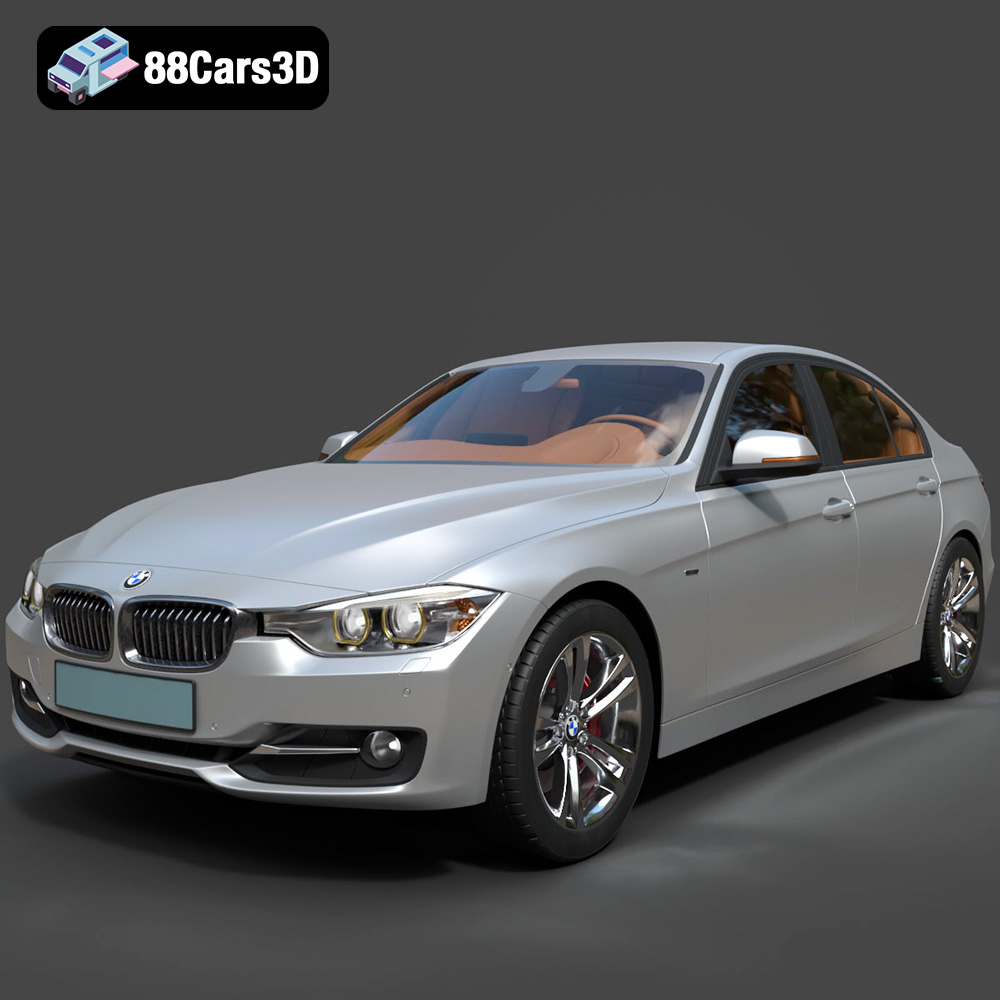
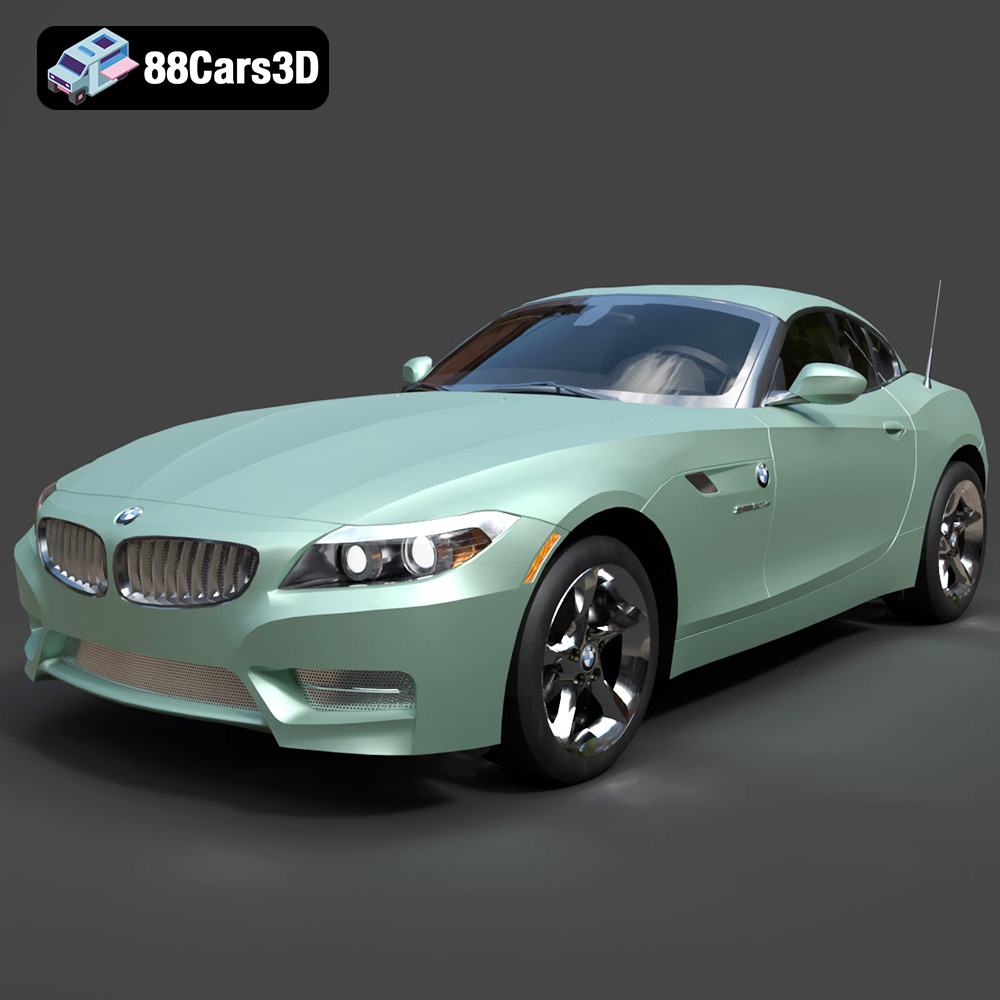
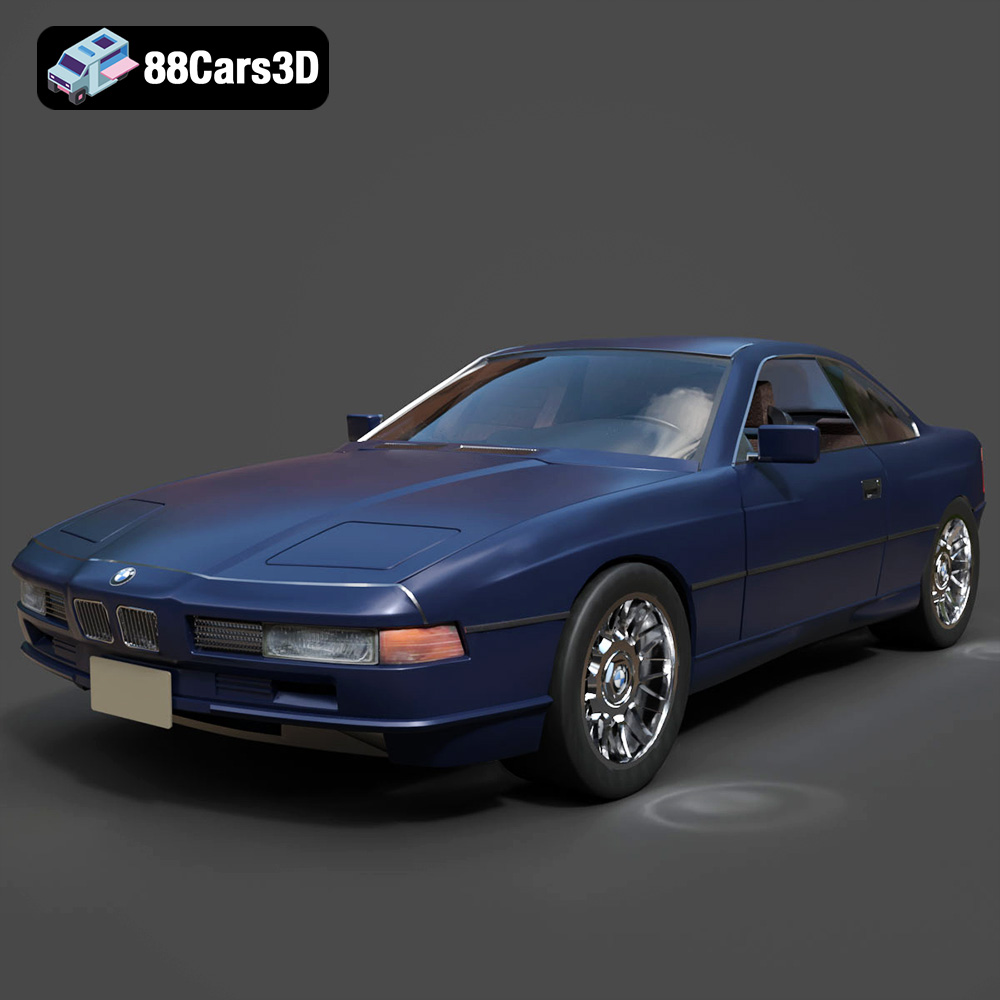
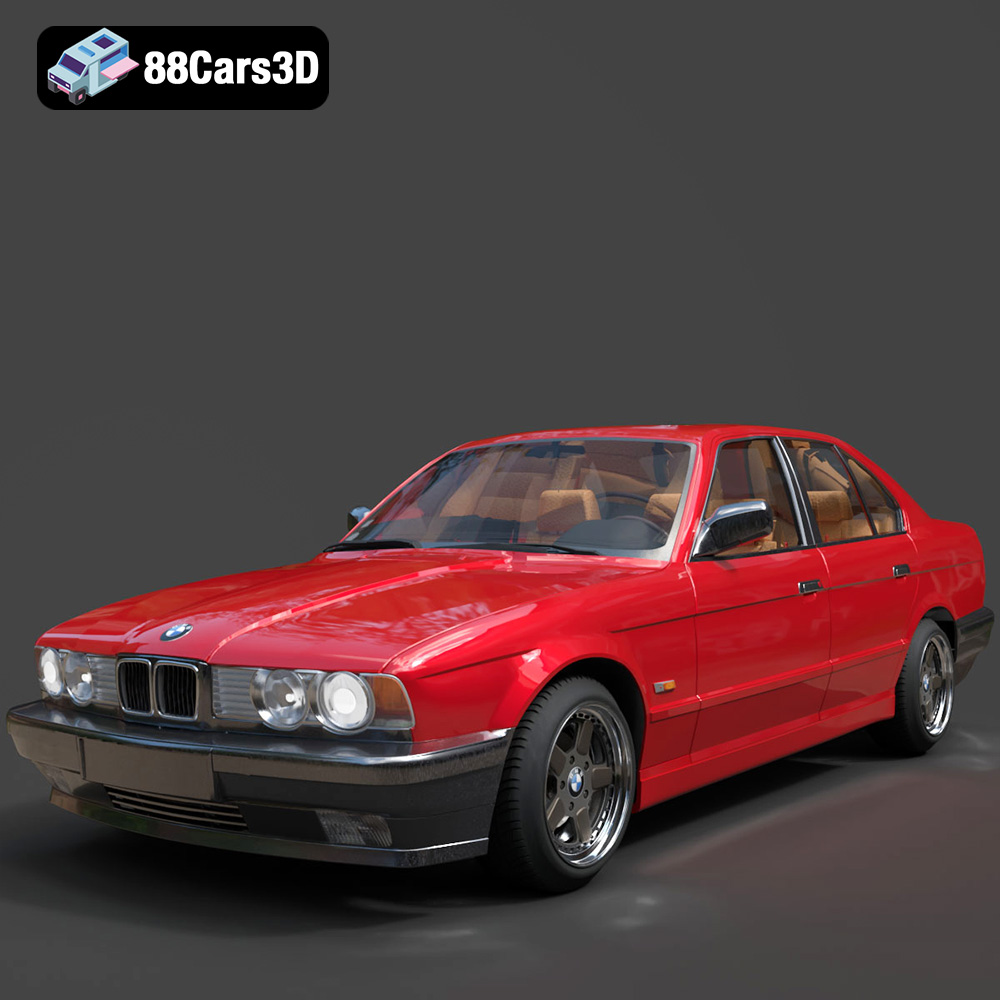
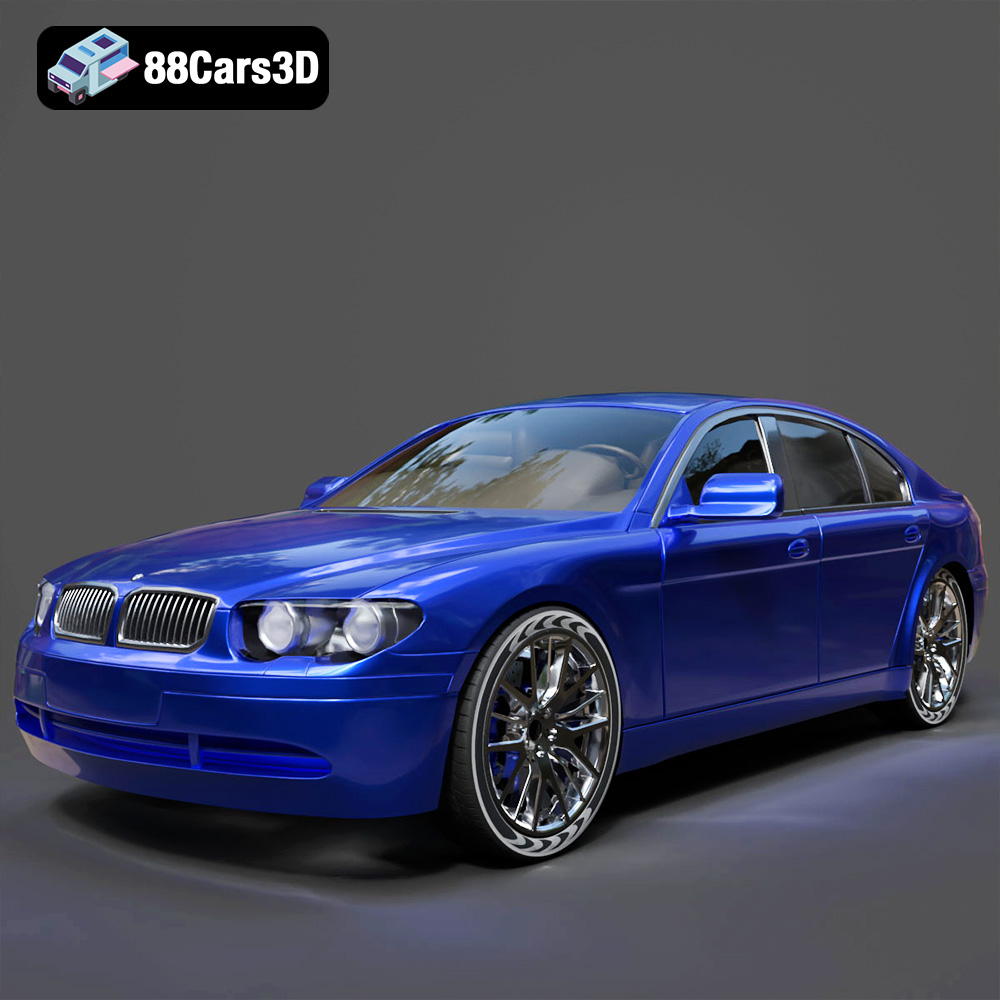
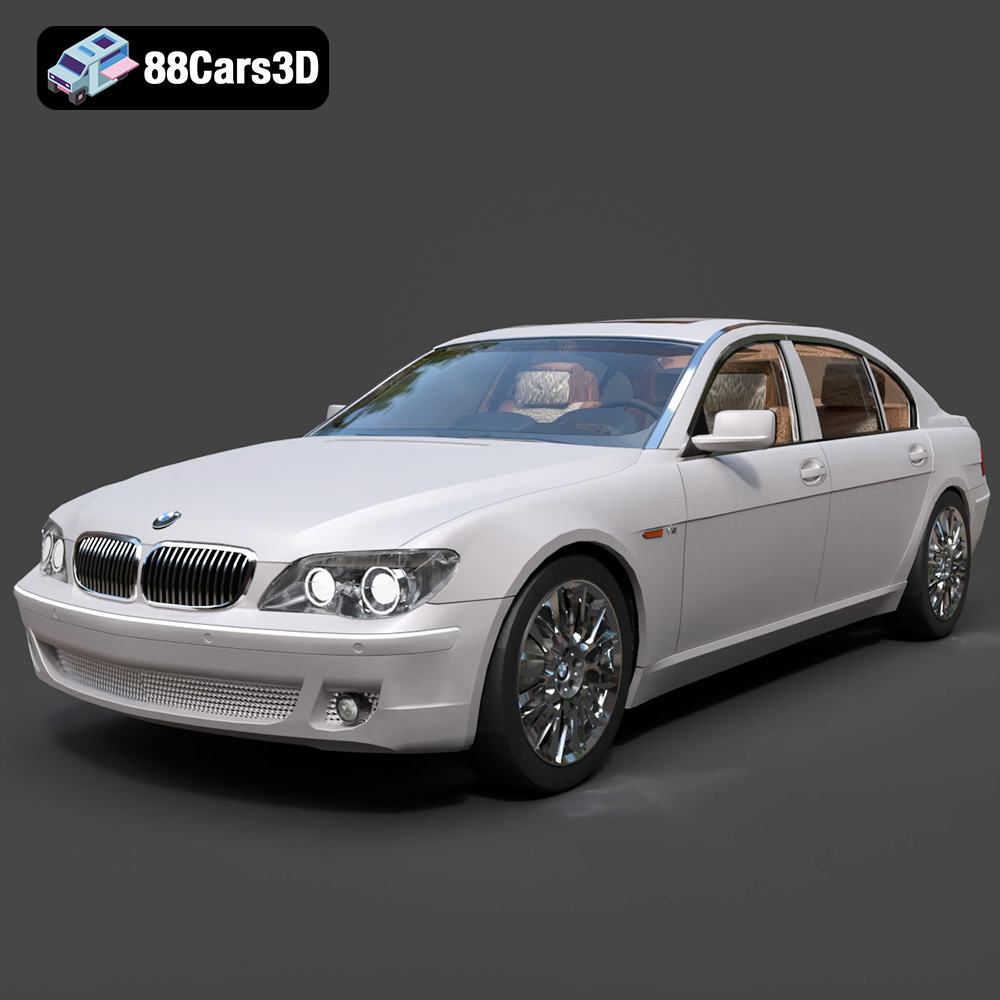
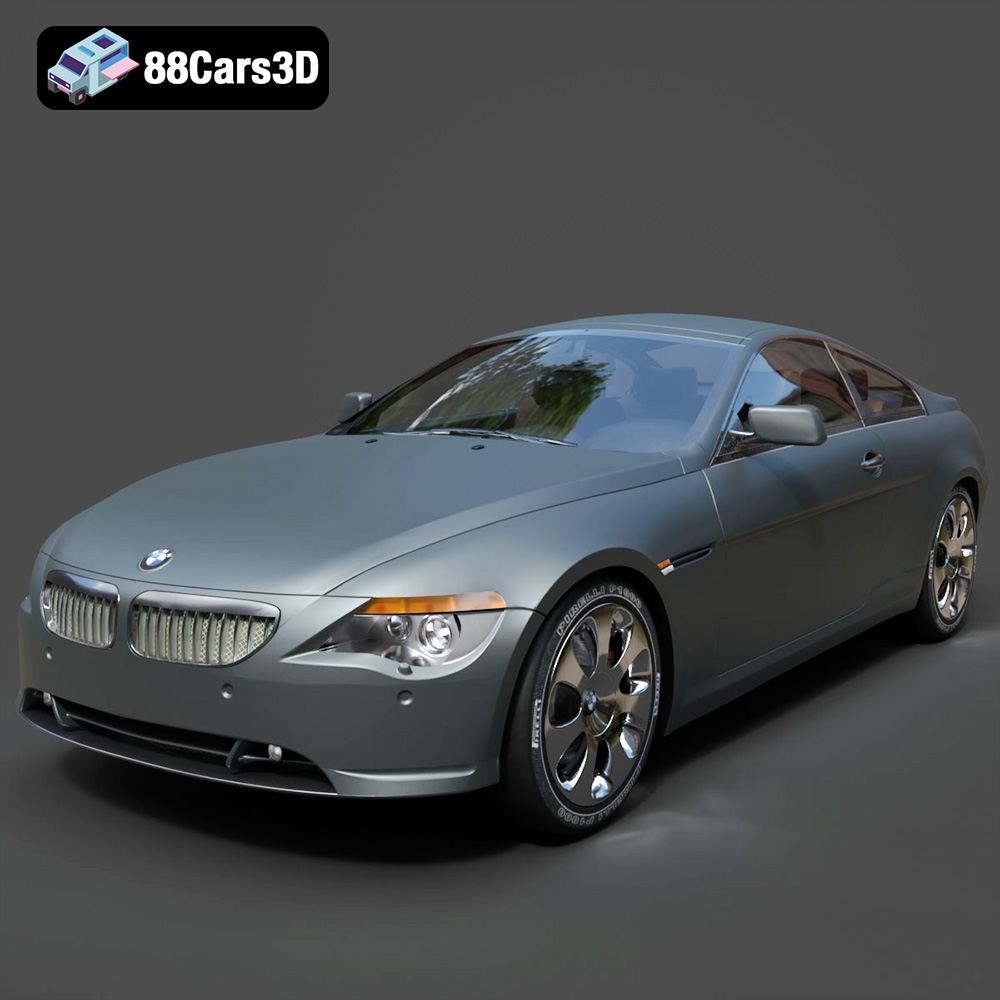
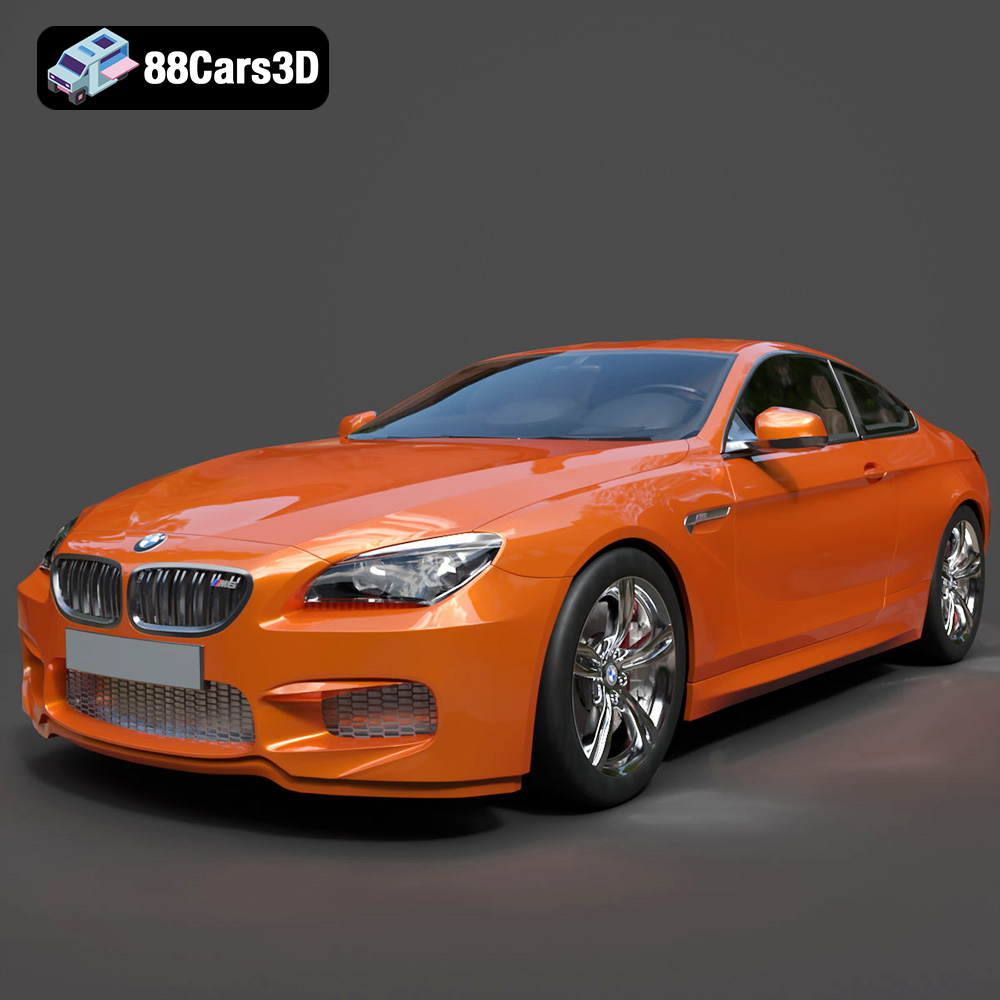
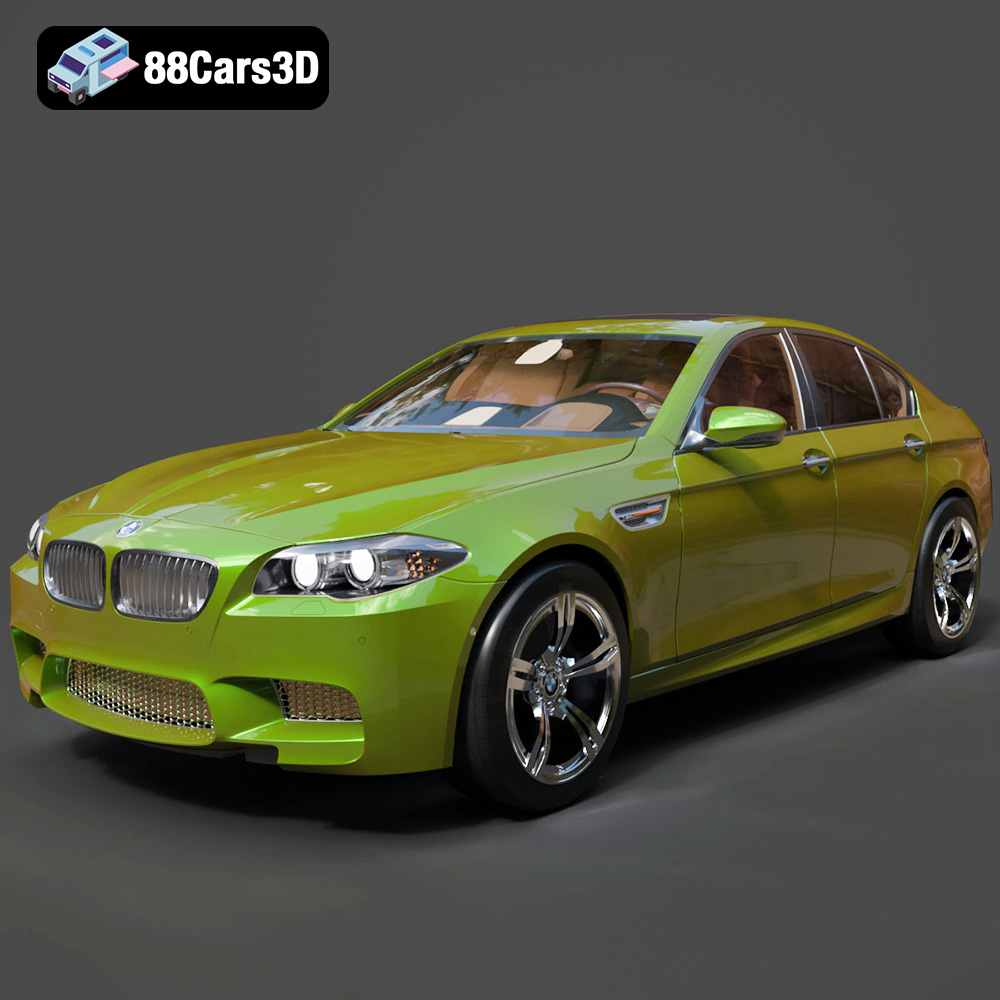
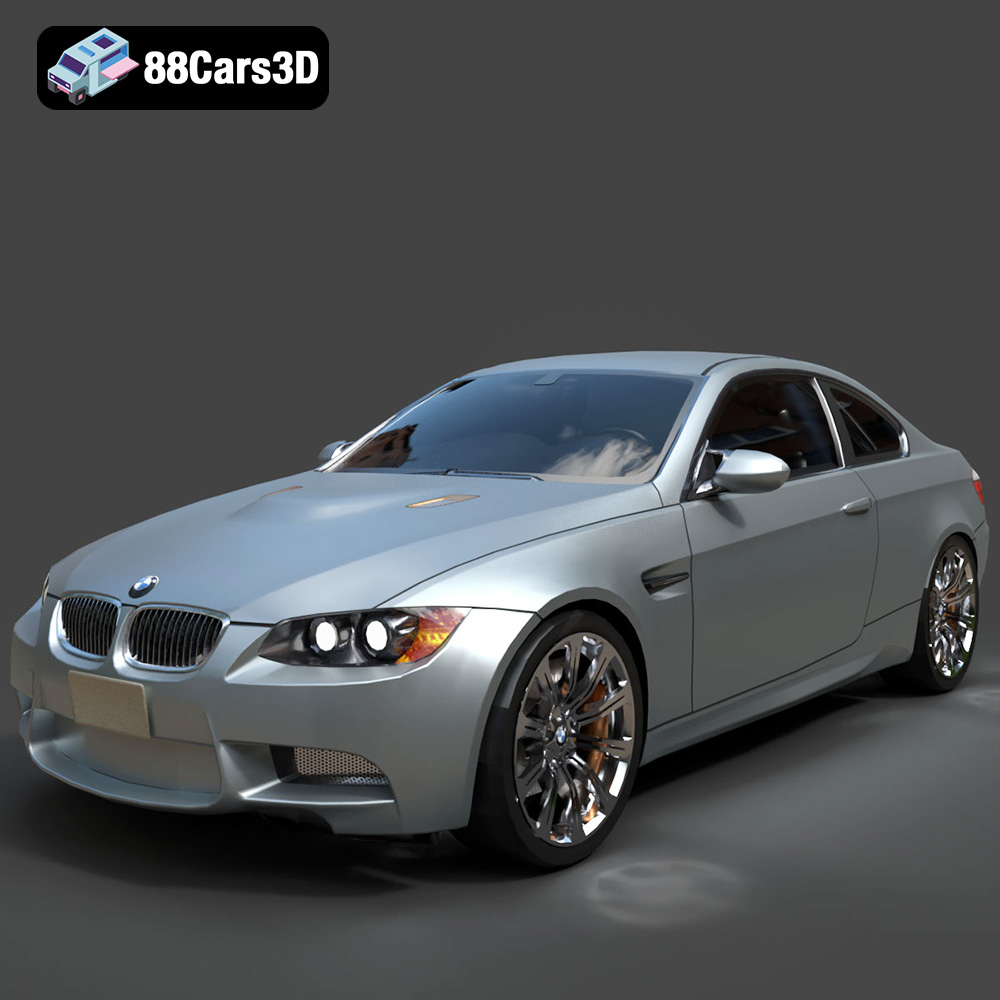
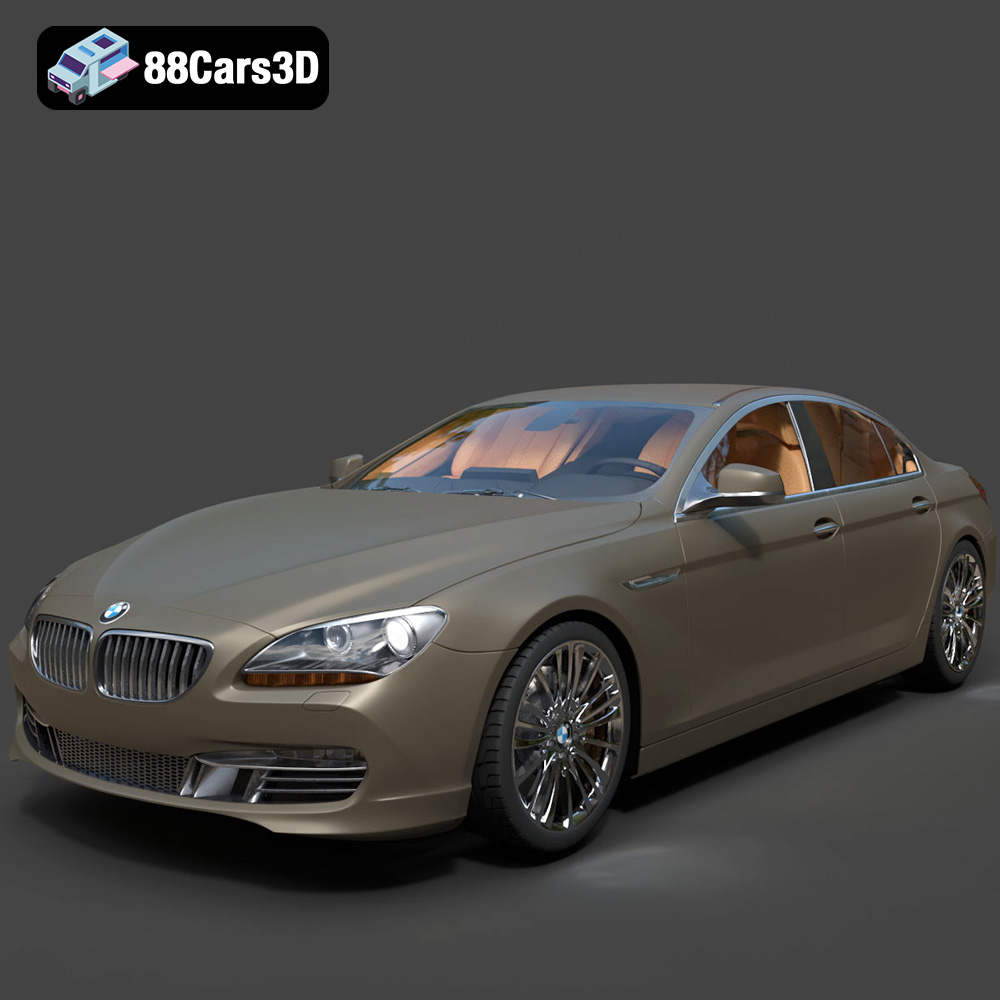
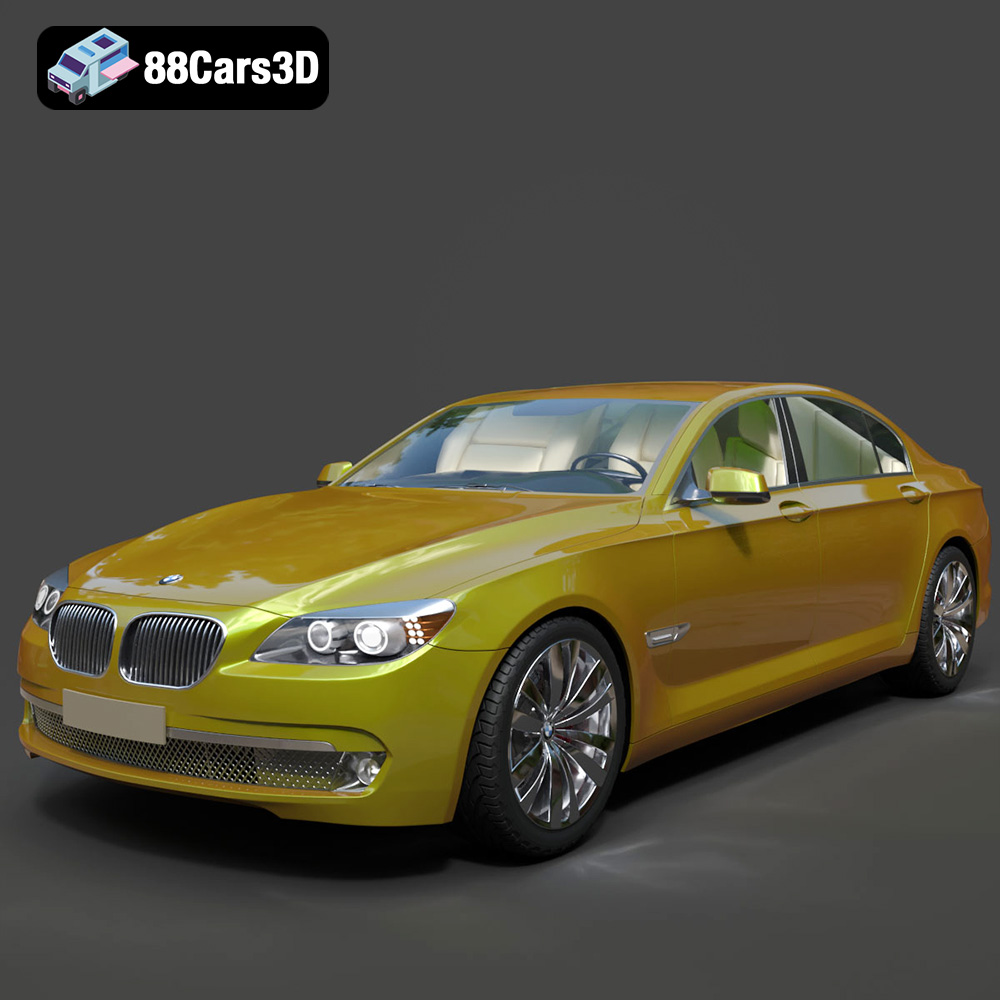
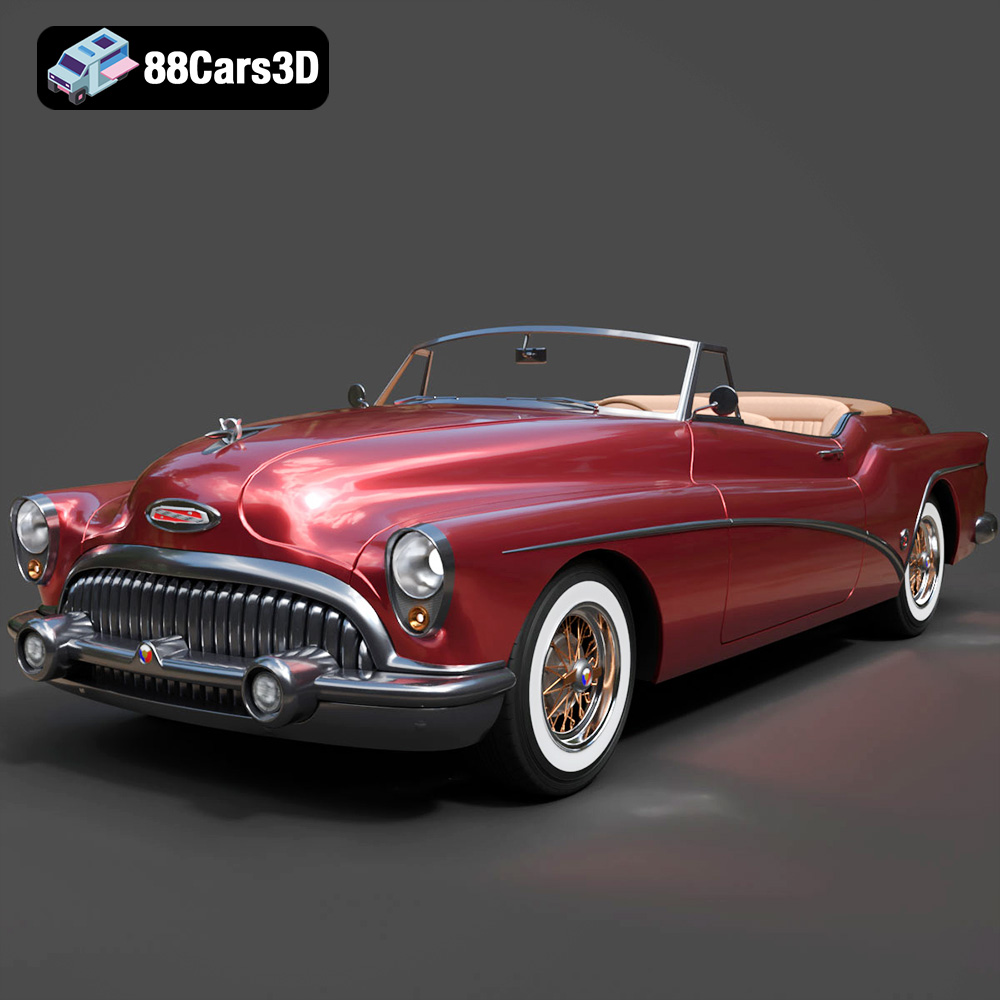
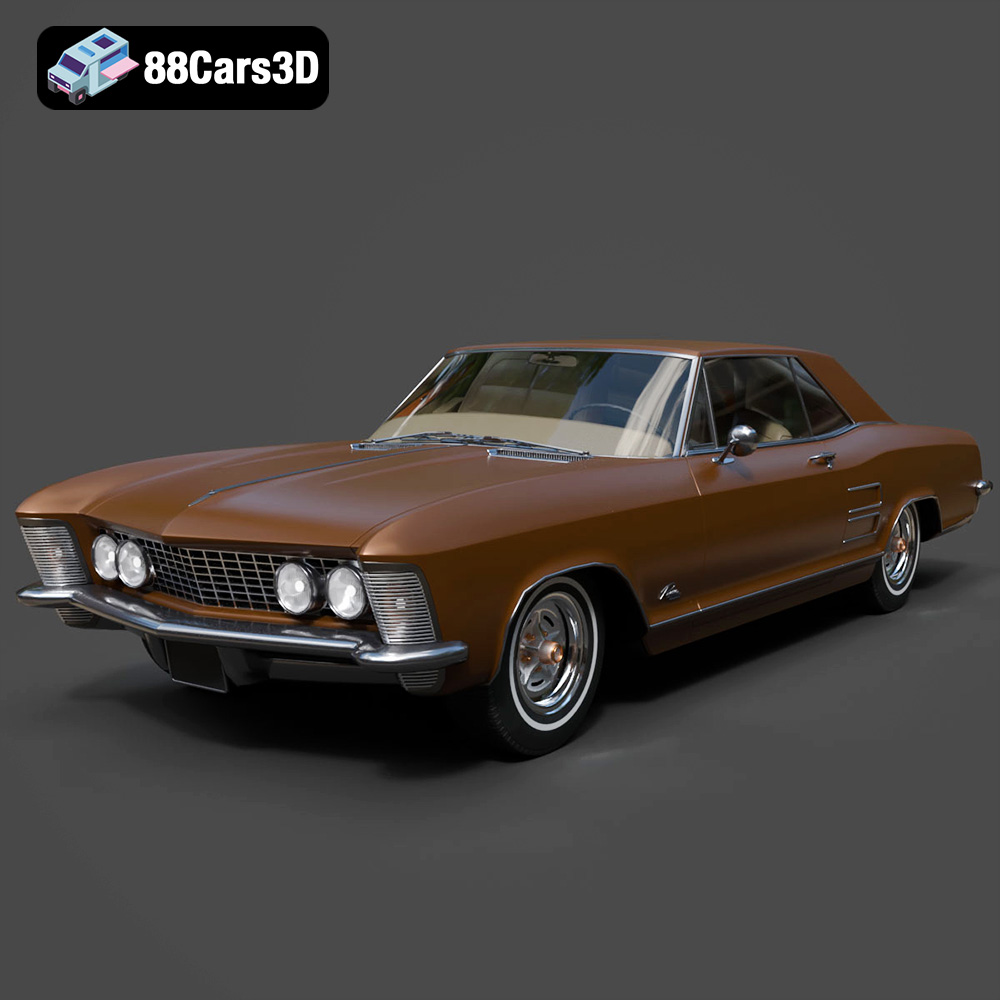
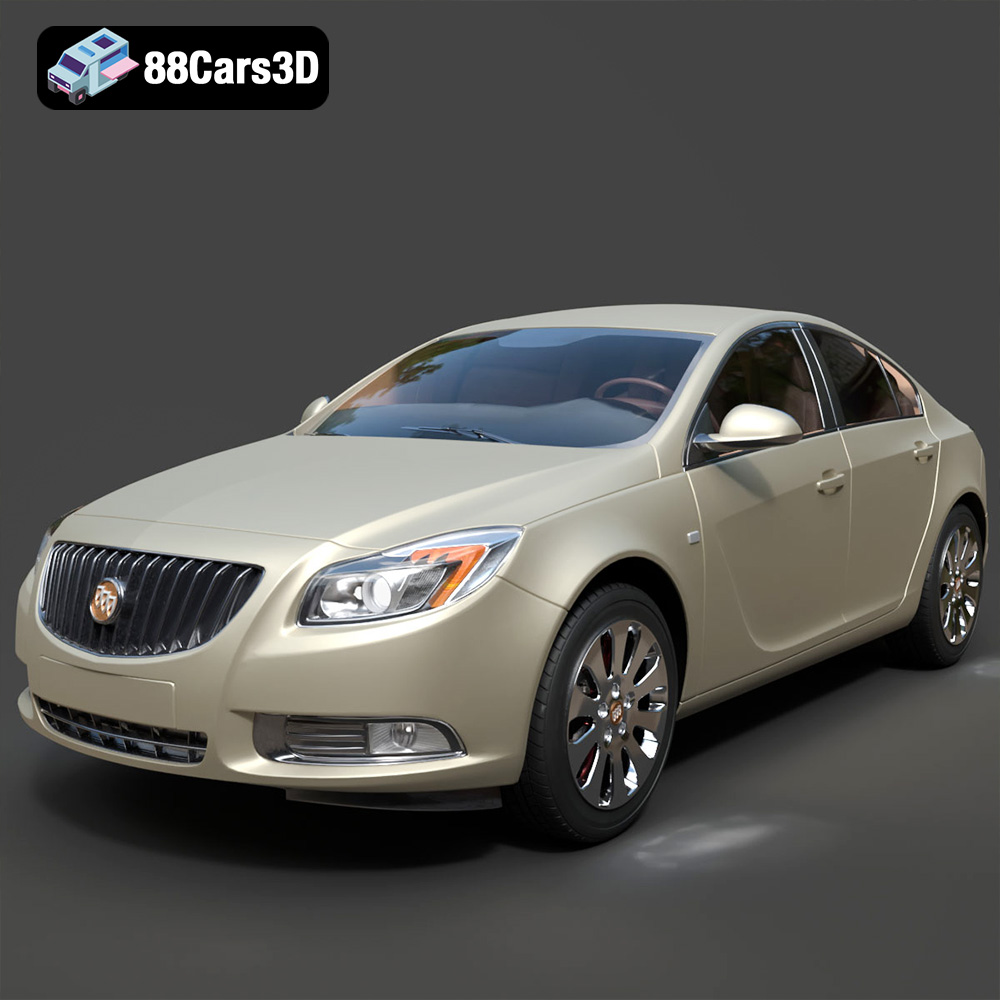
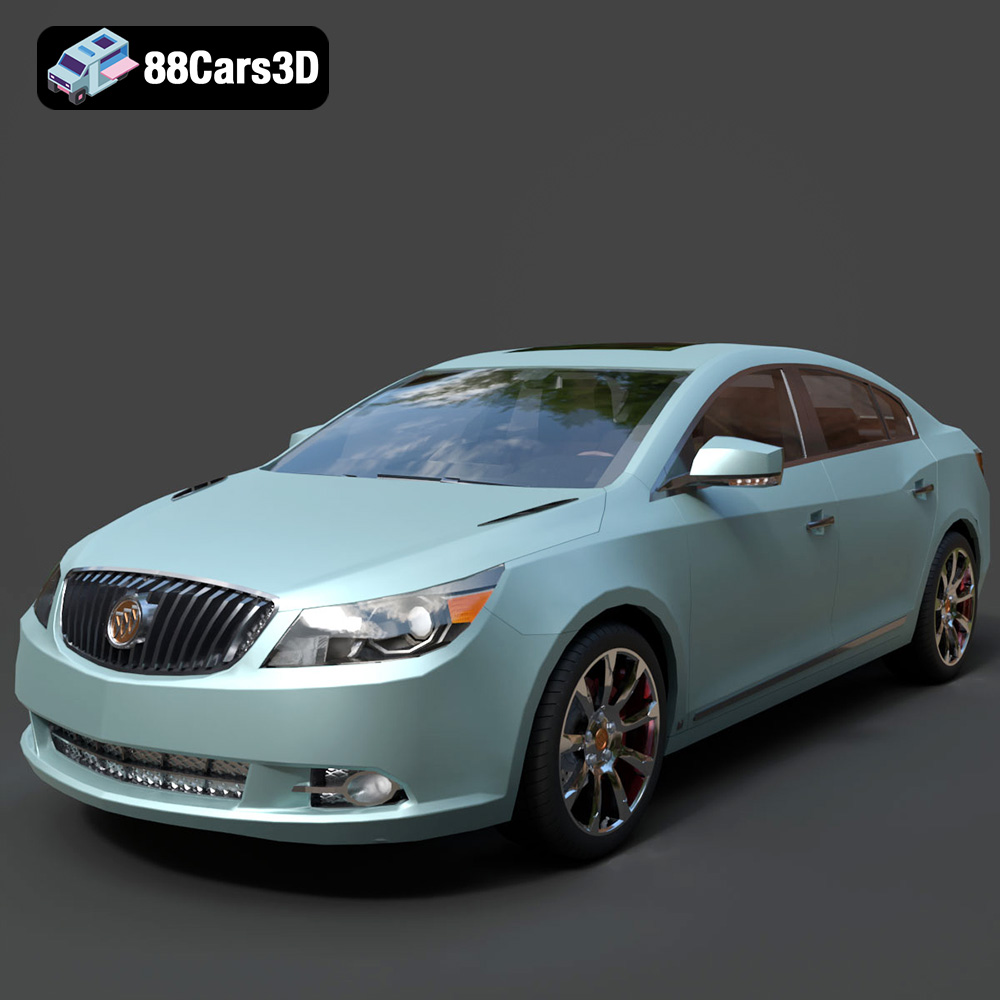
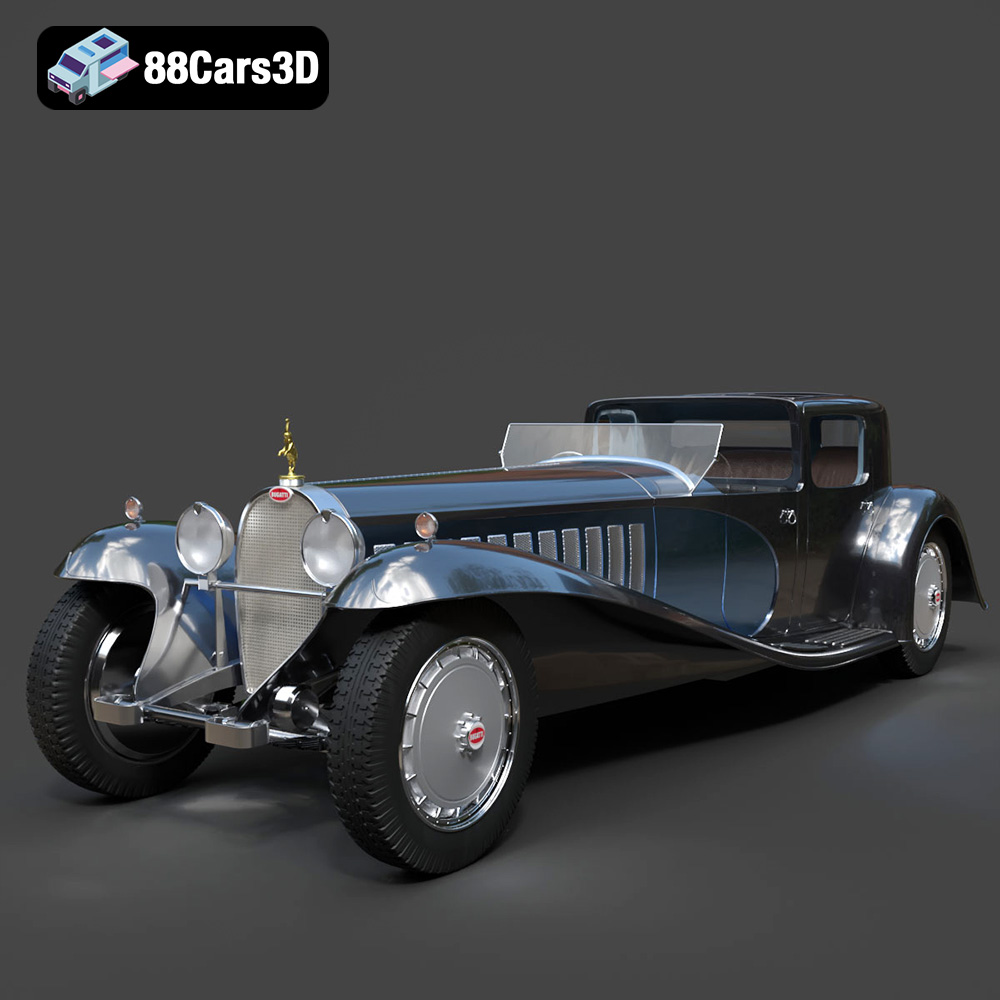
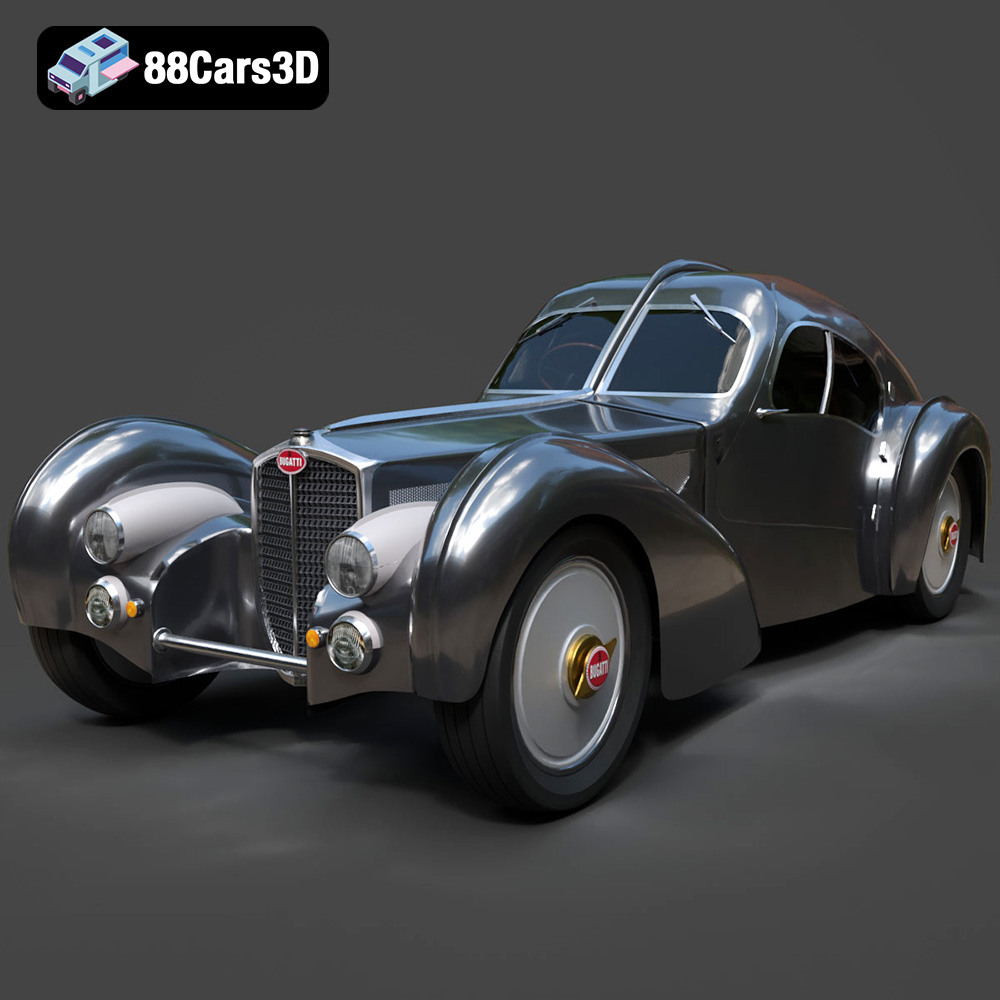
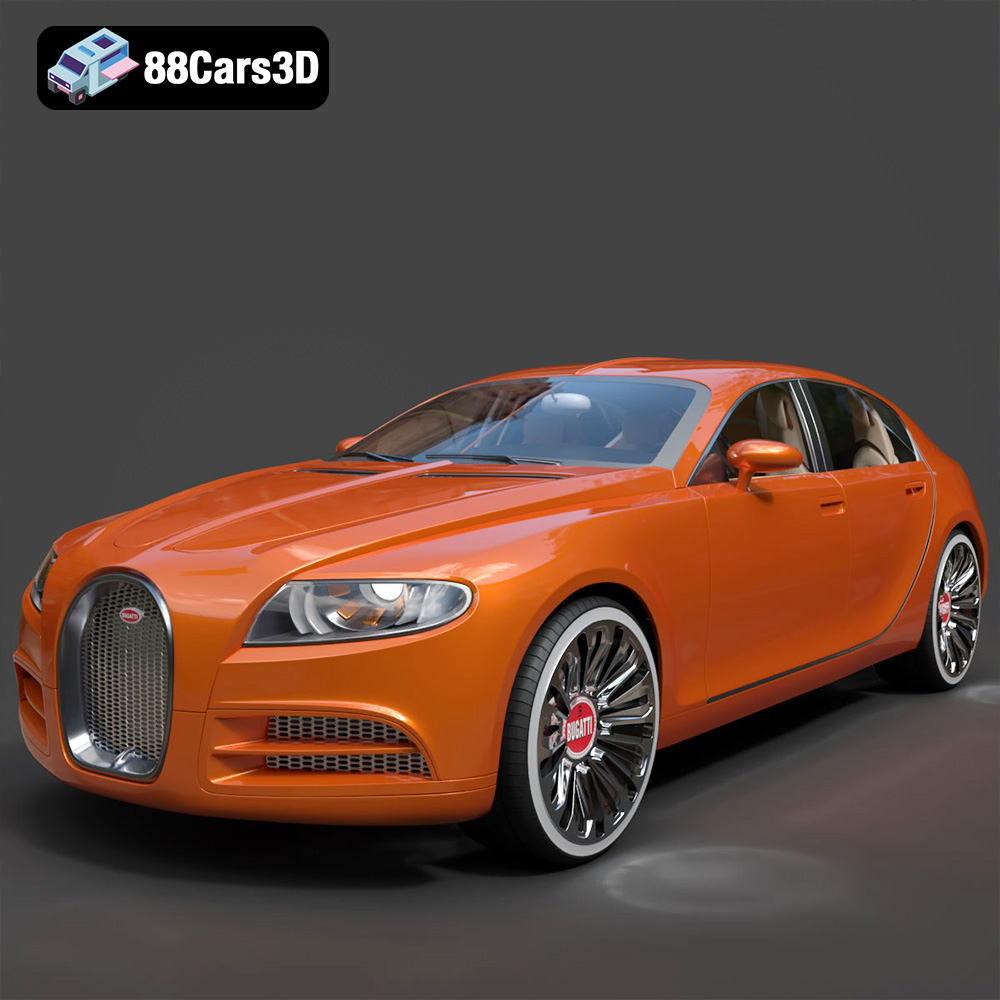
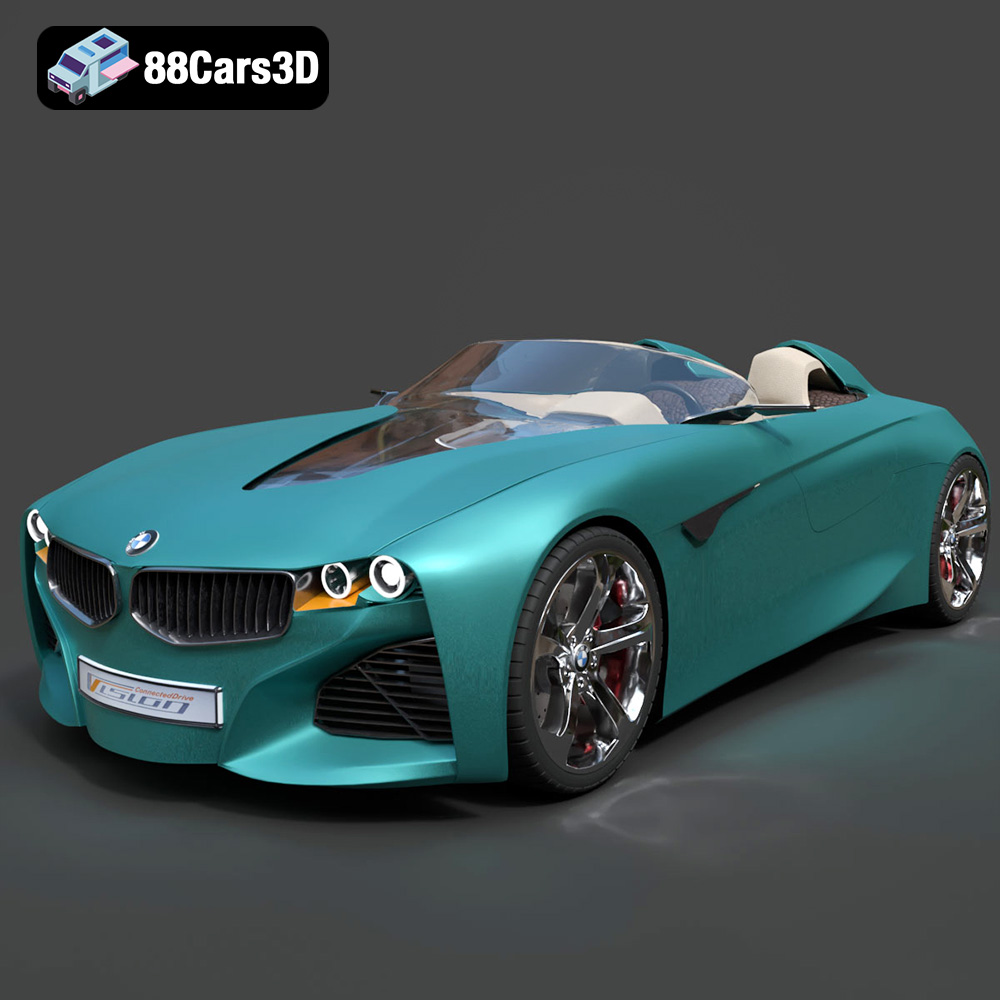
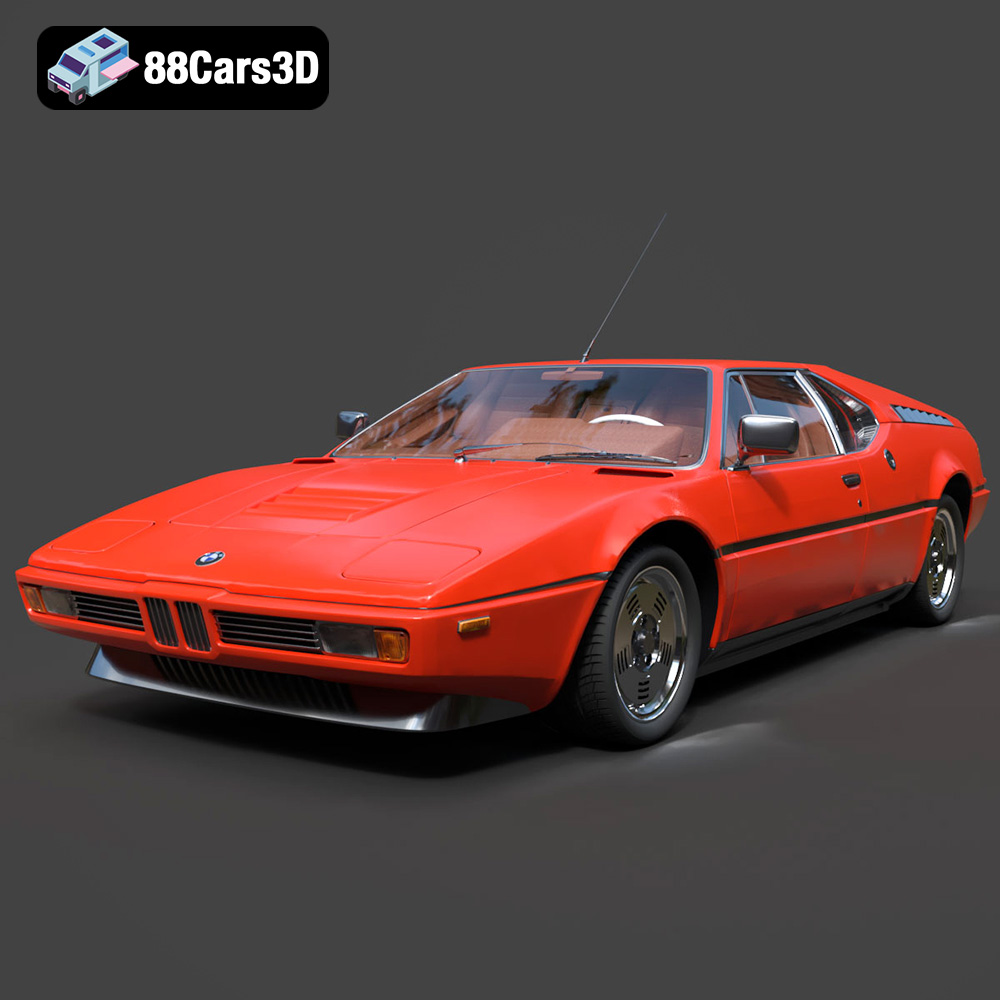
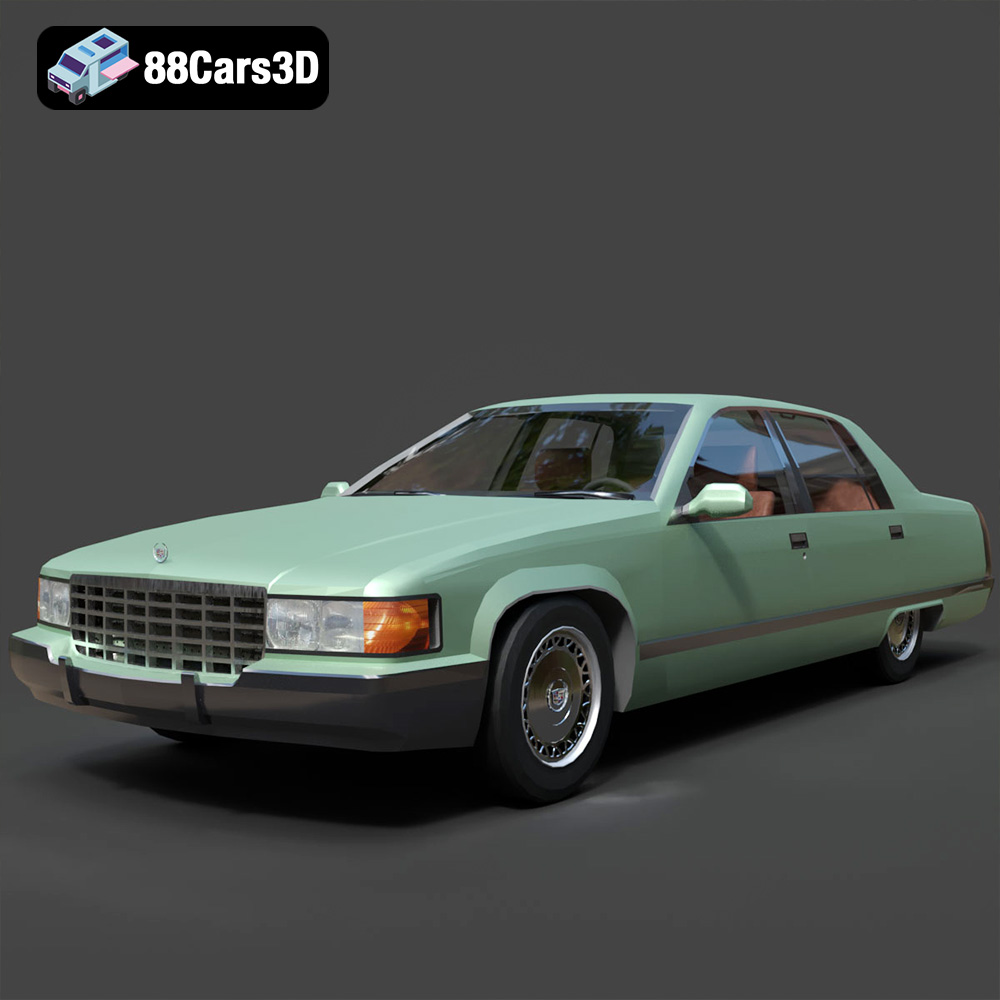
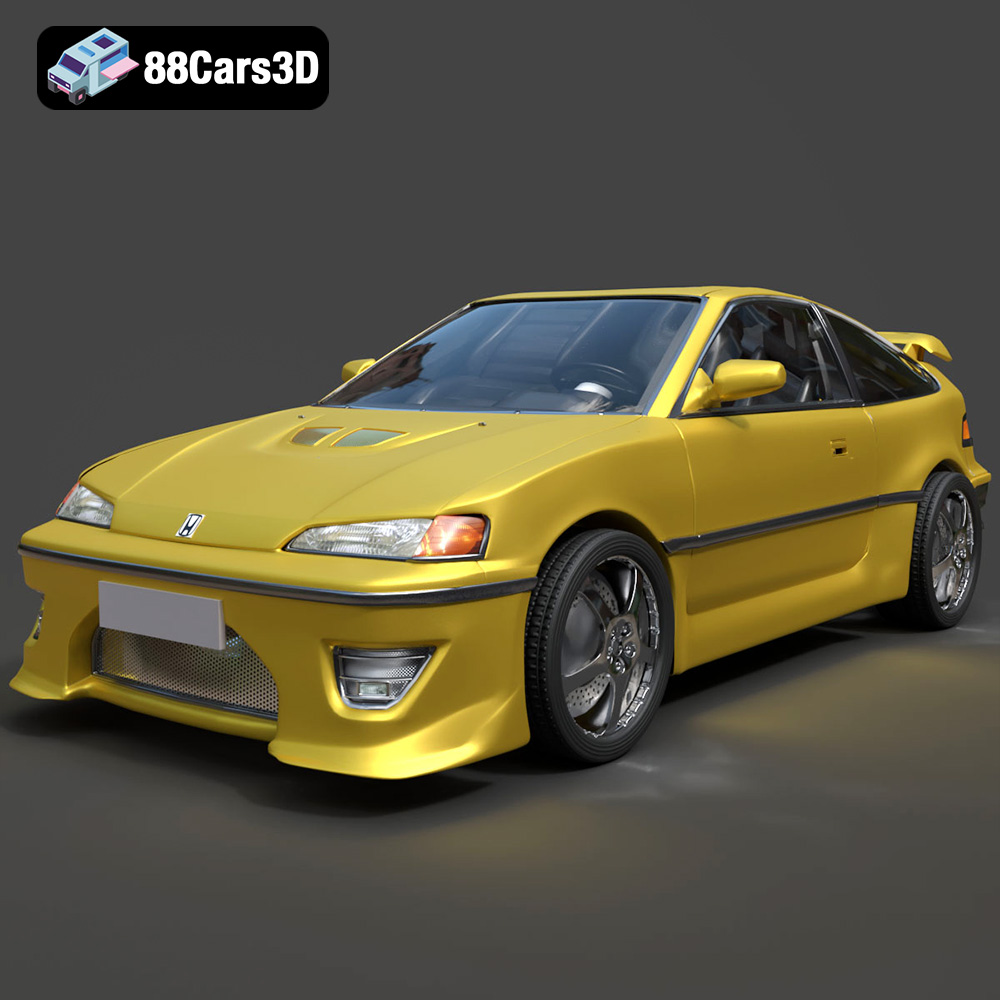
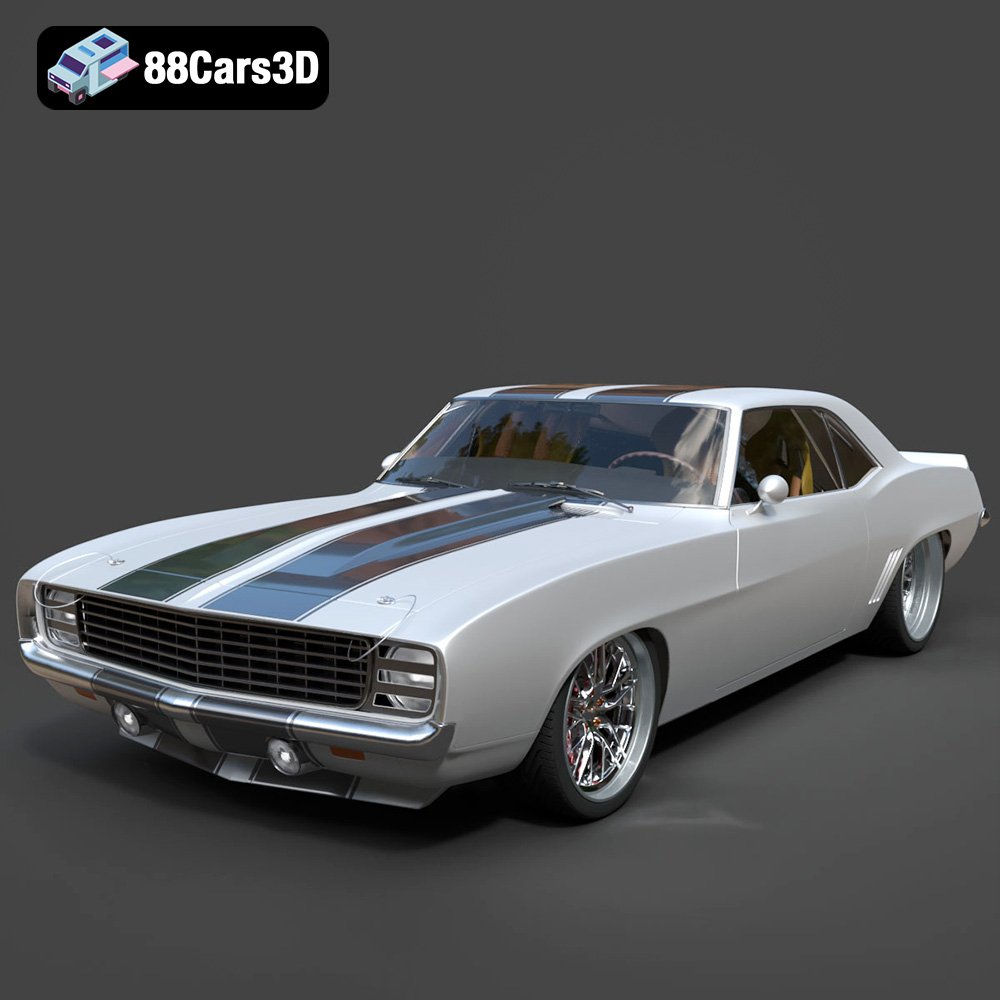
Featured 3D Car Models