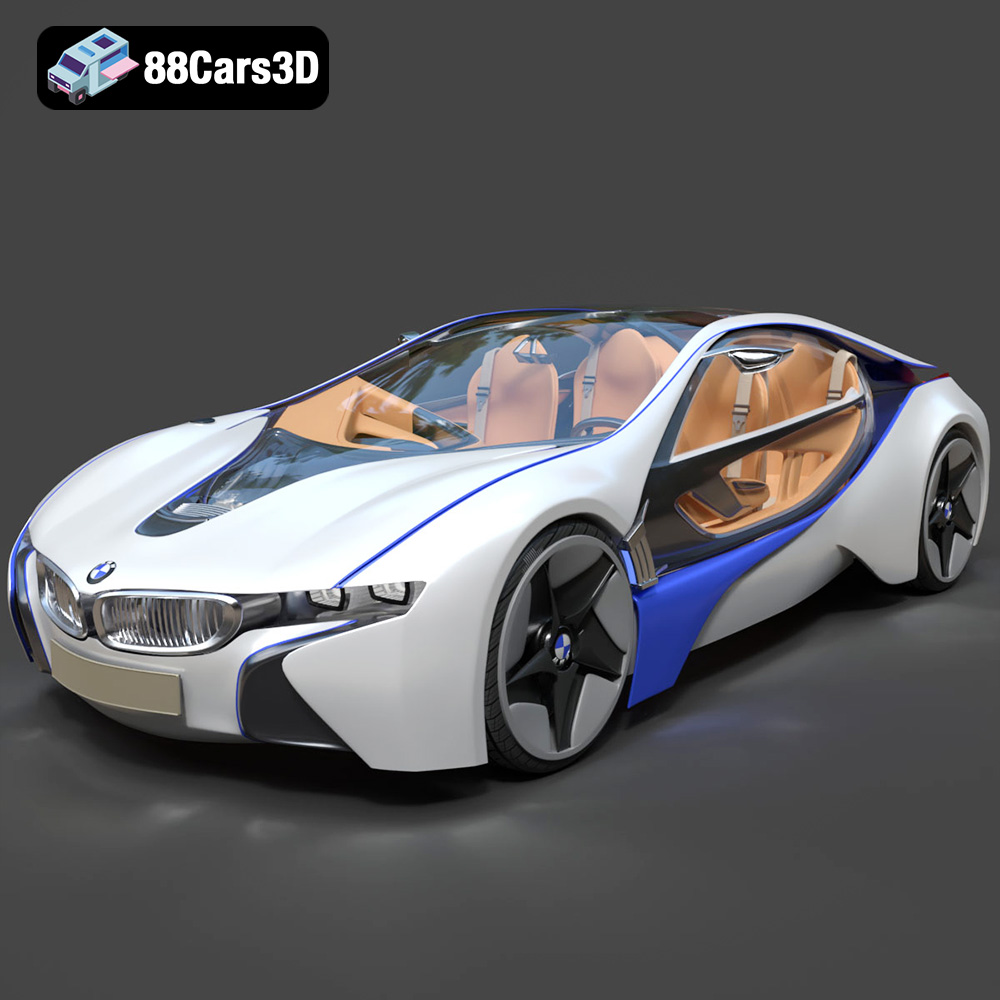
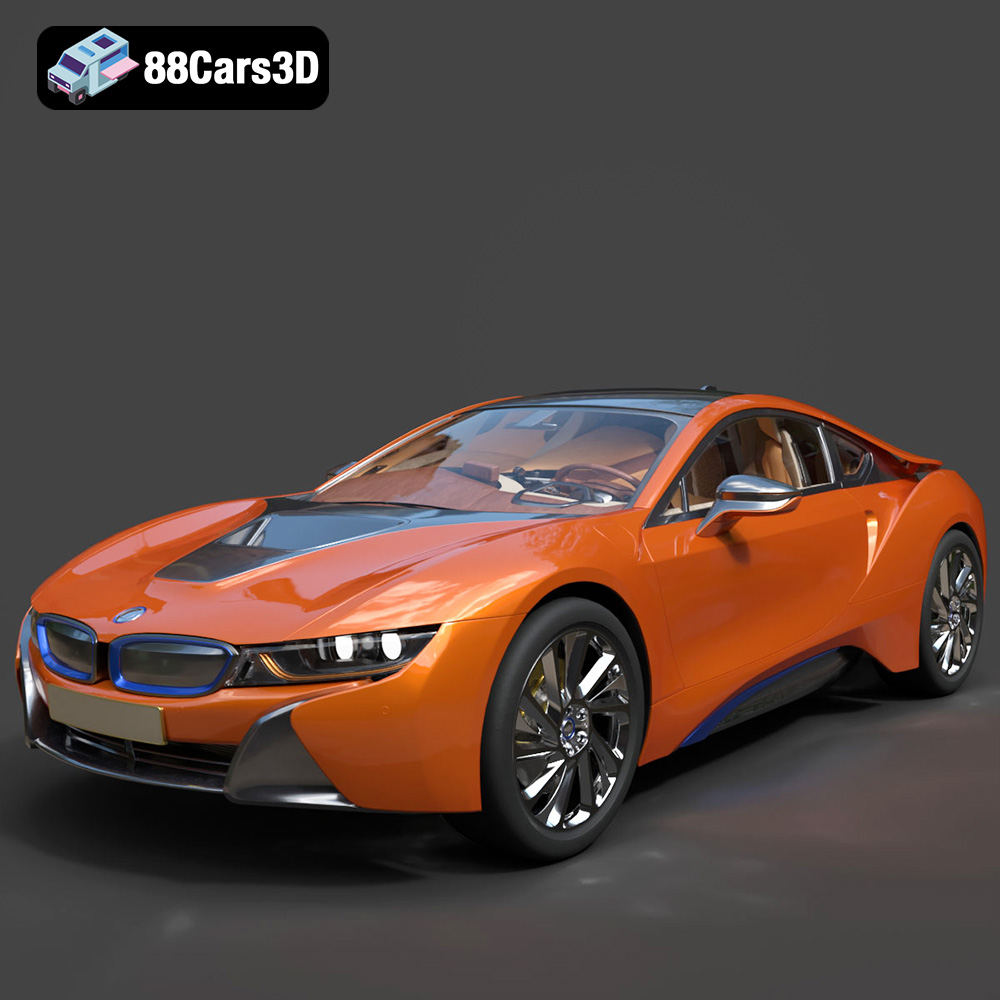
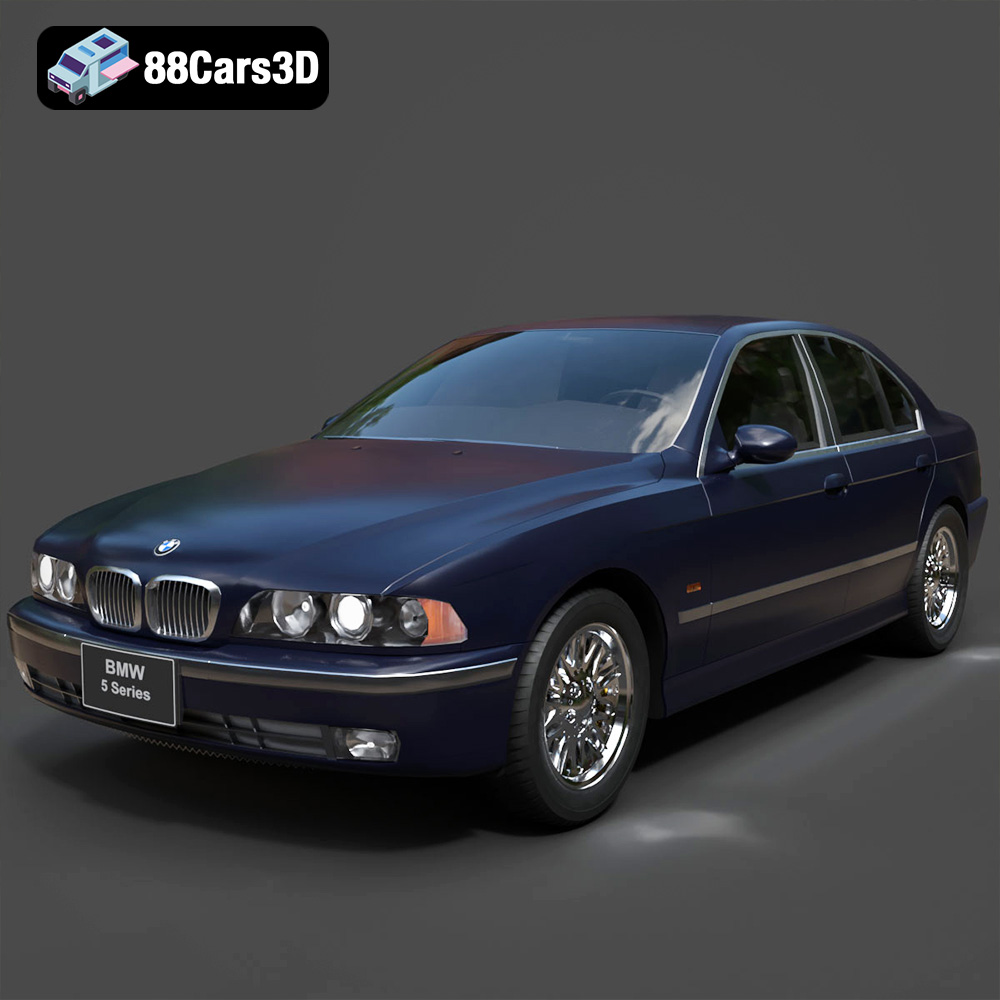
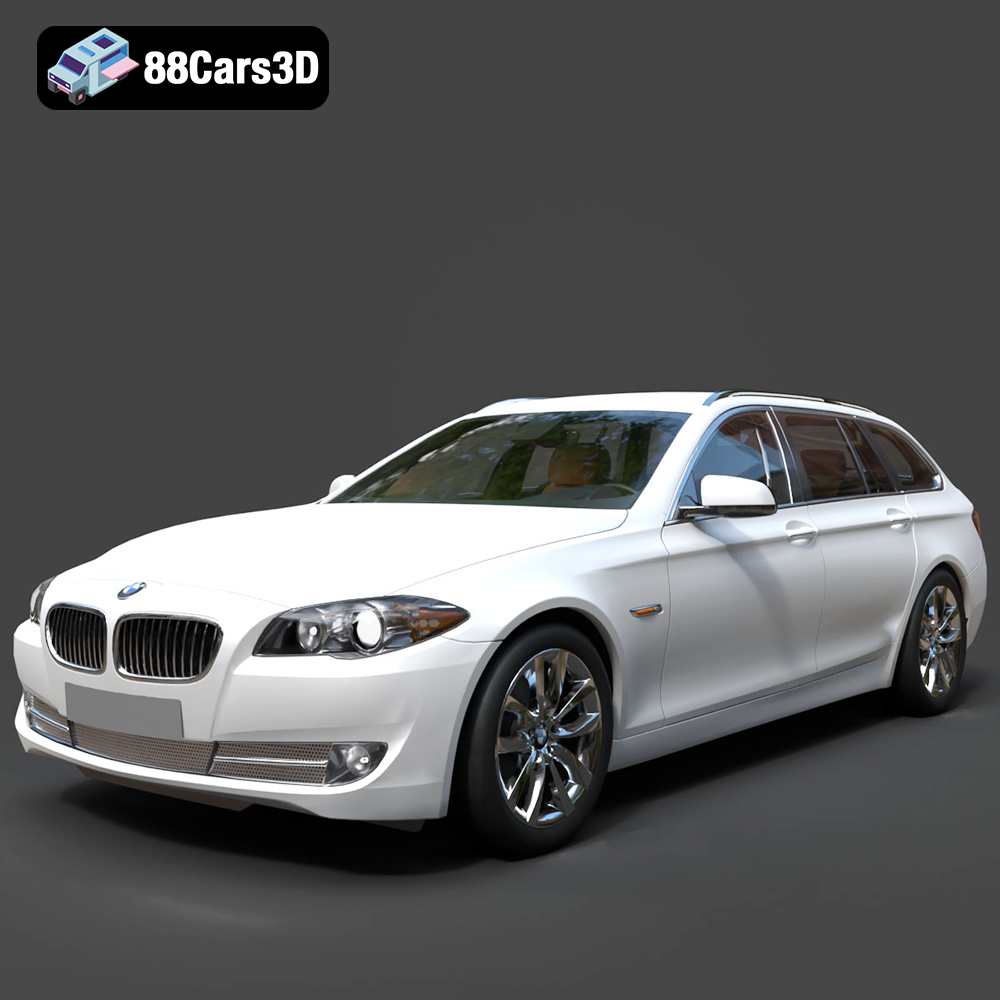
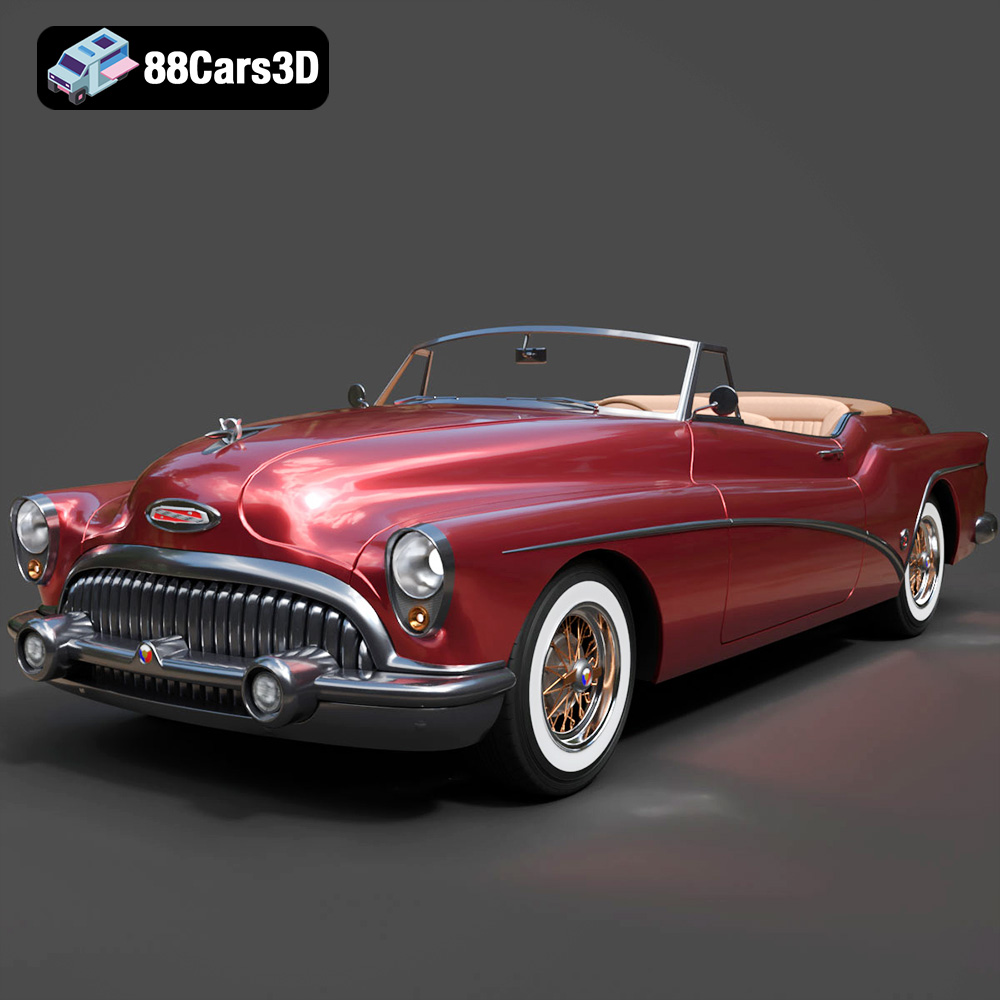
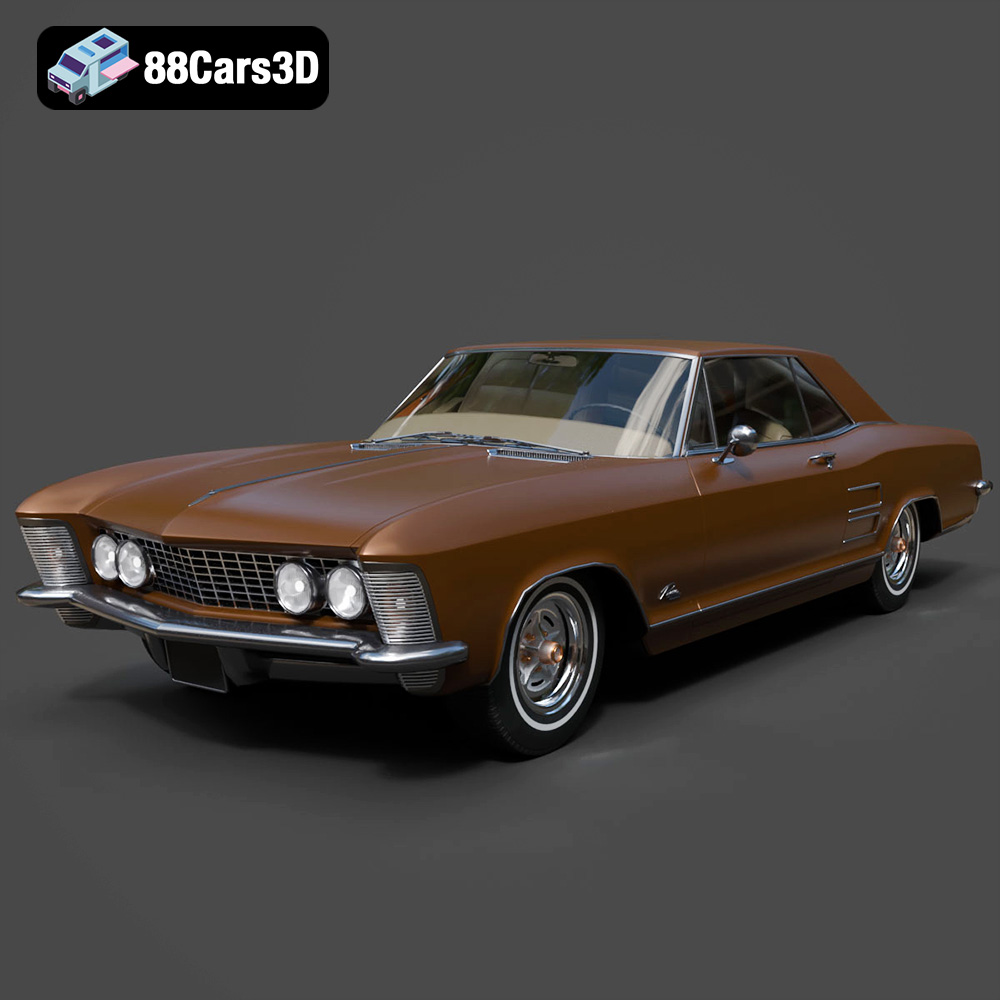
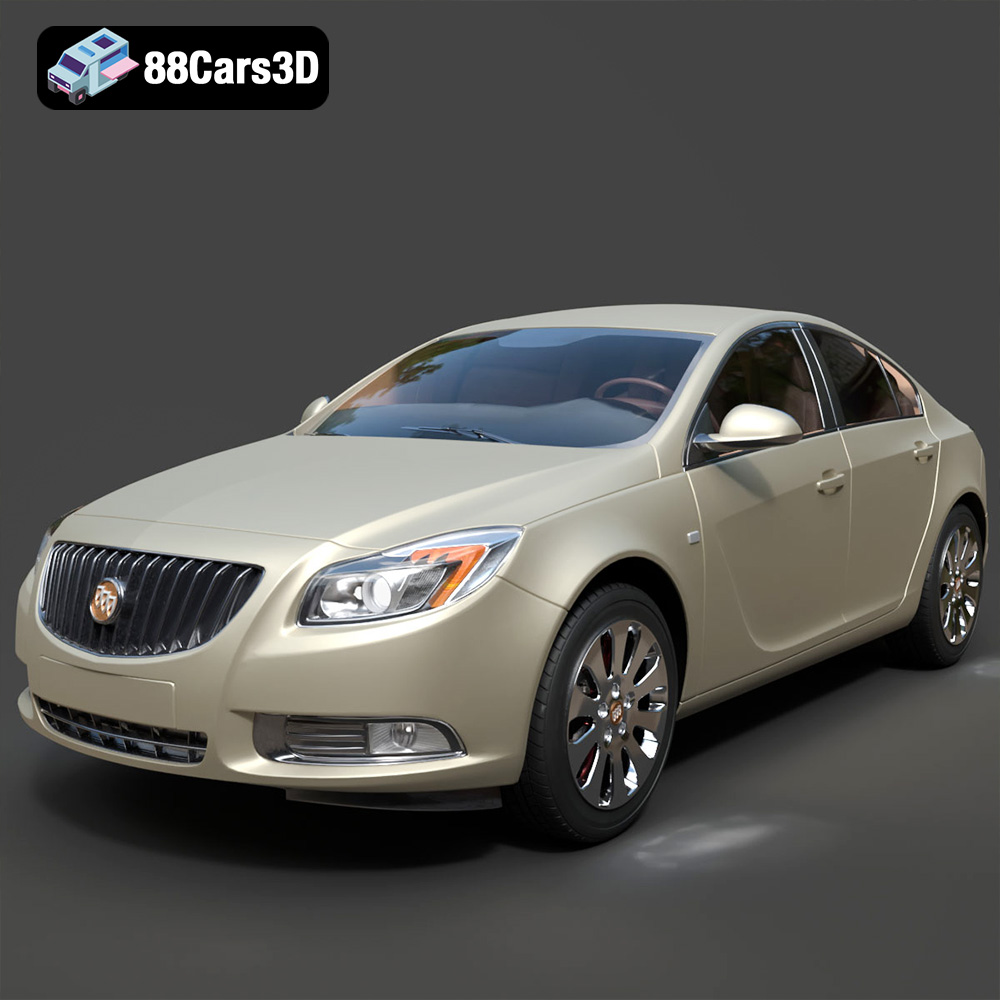
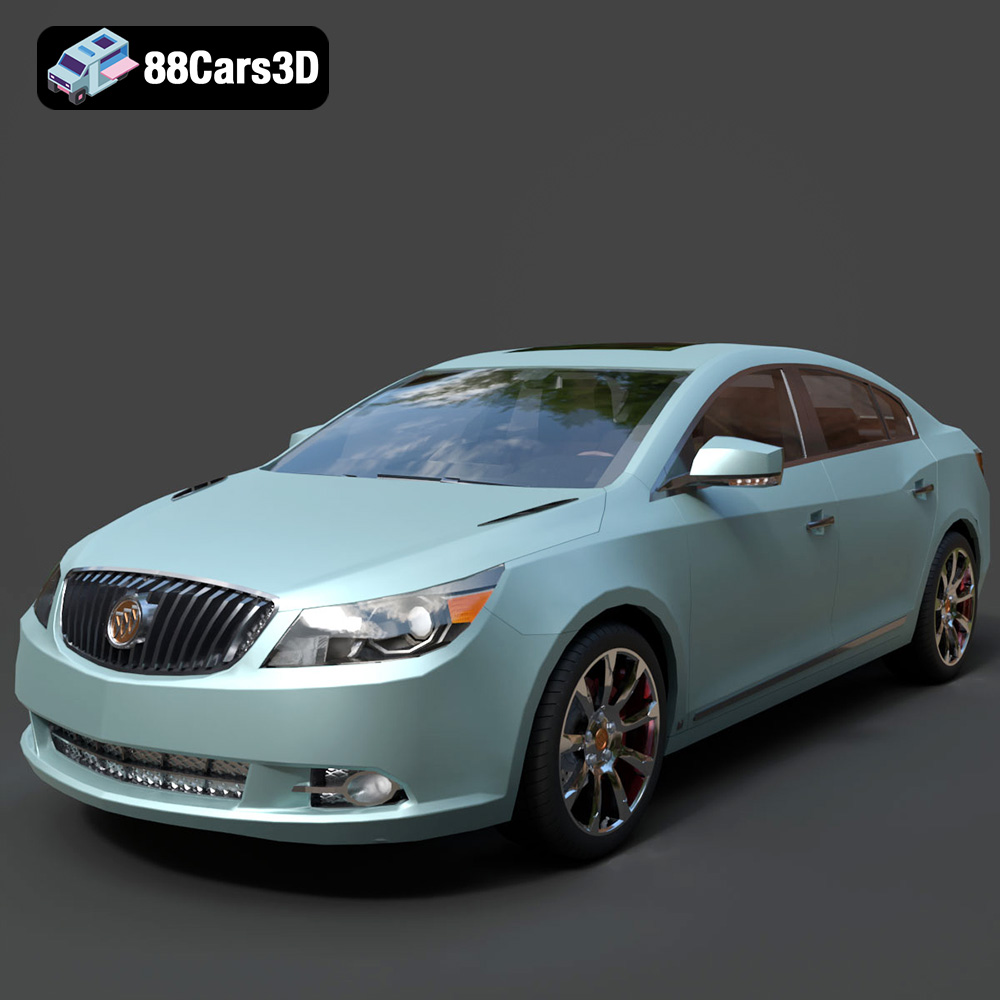
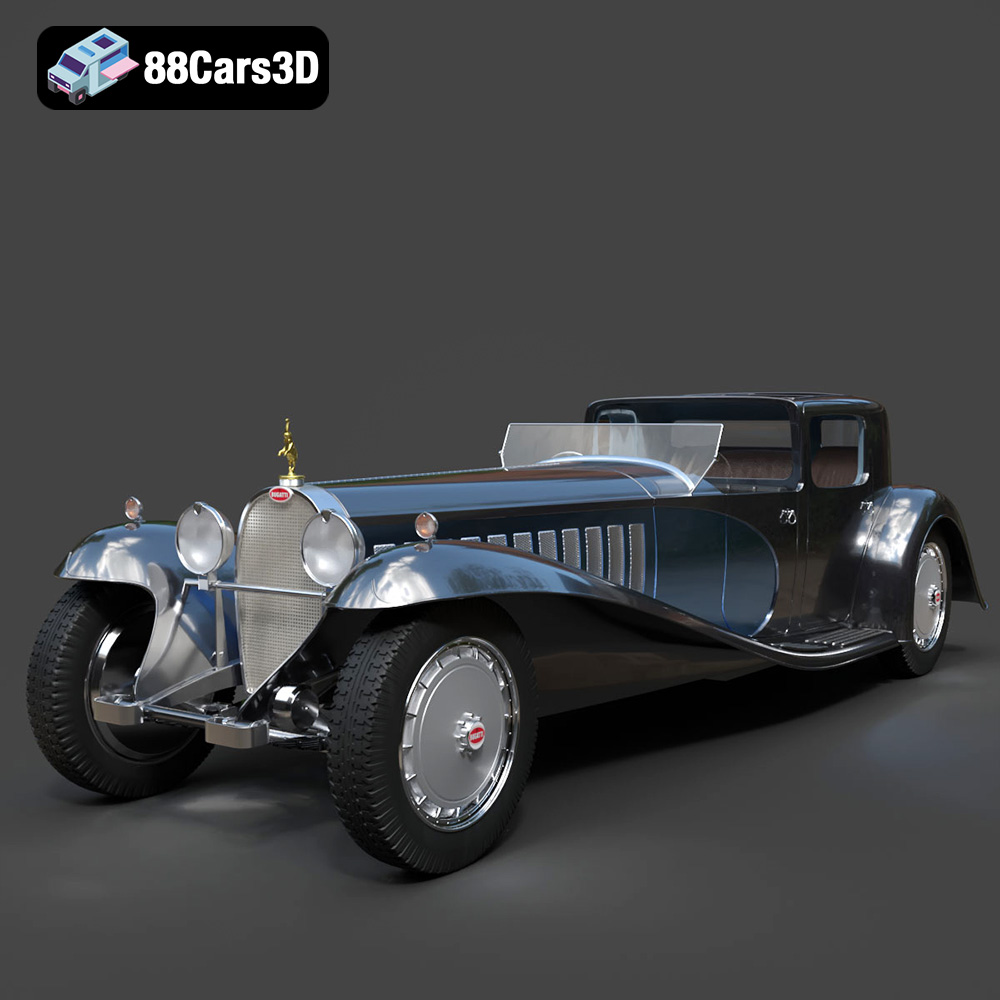
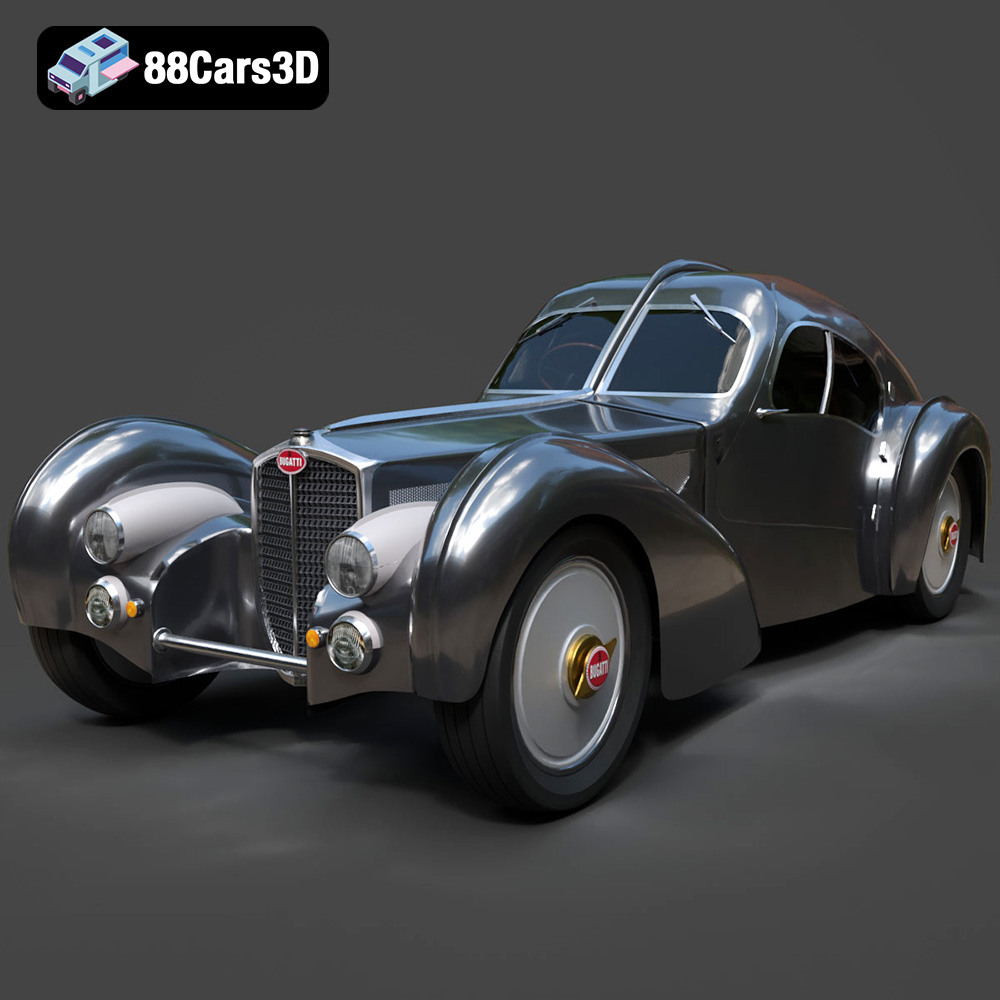
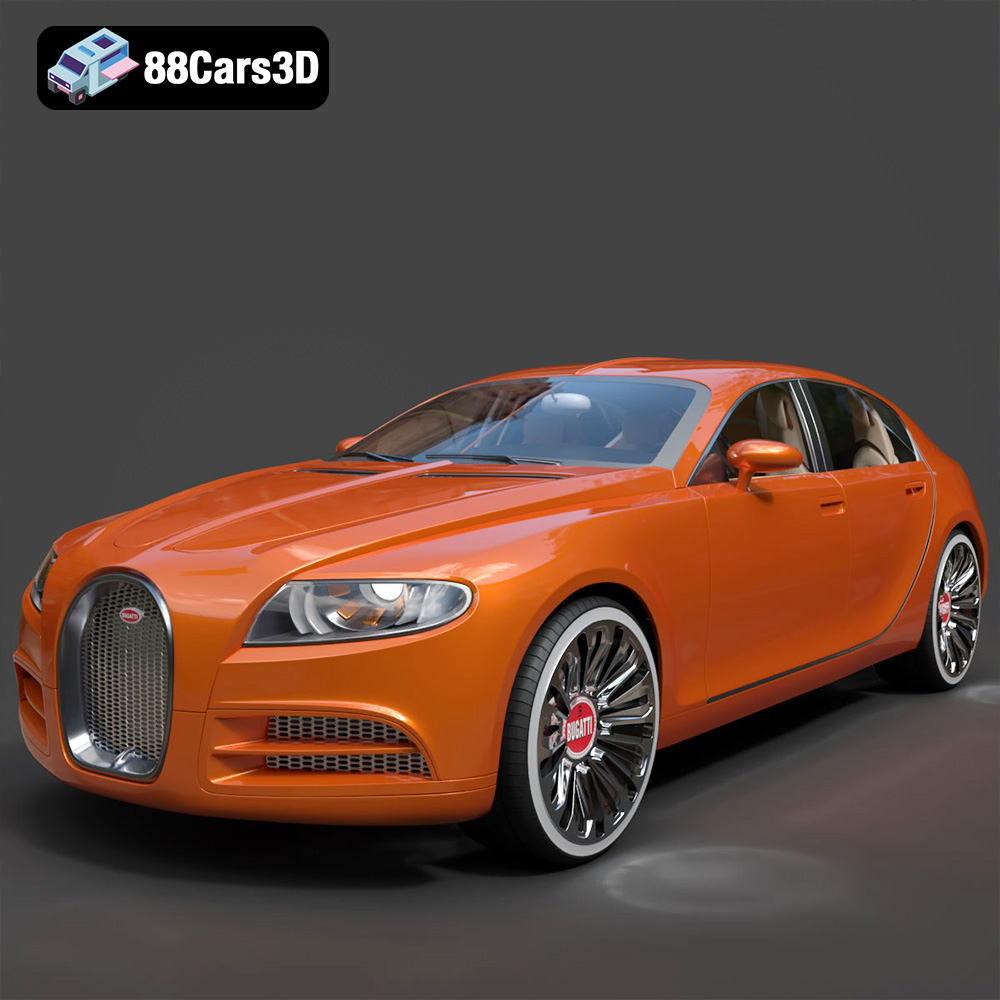
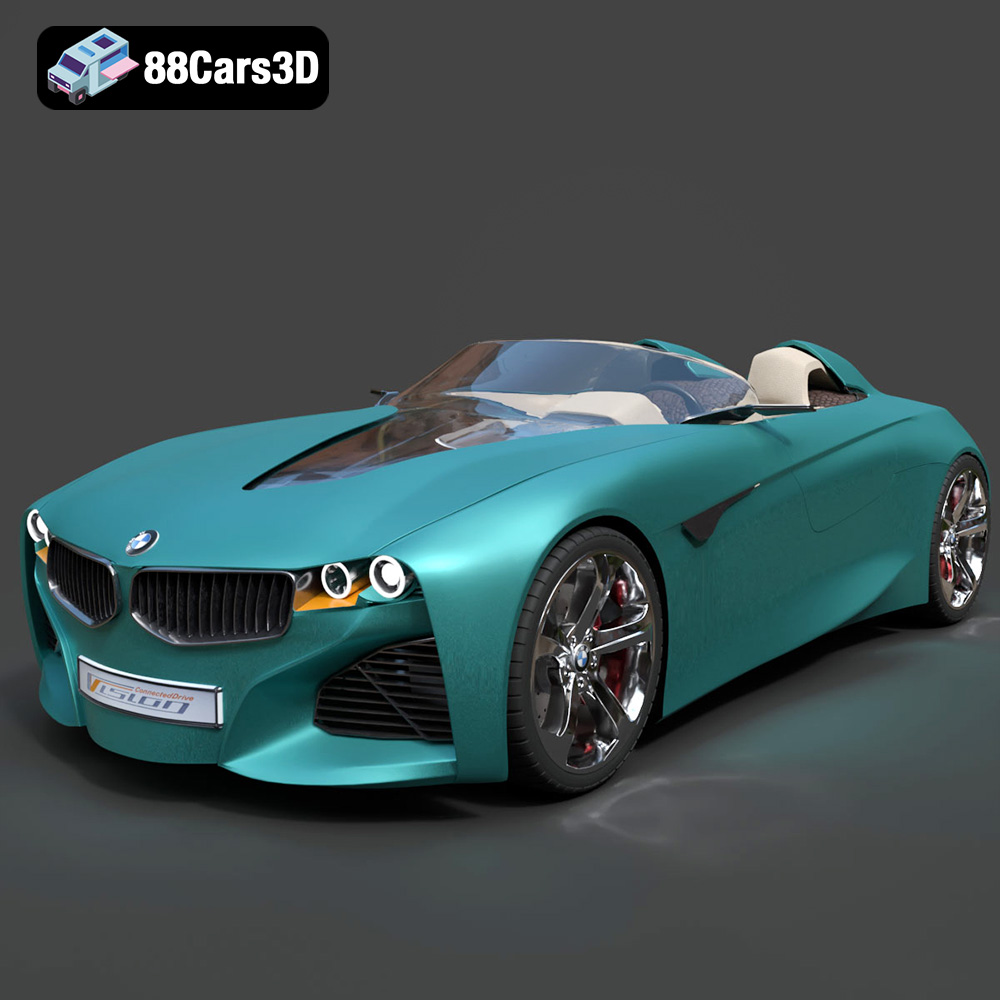
The Engine of Creativity: Driving Innovation with 3D Car Models
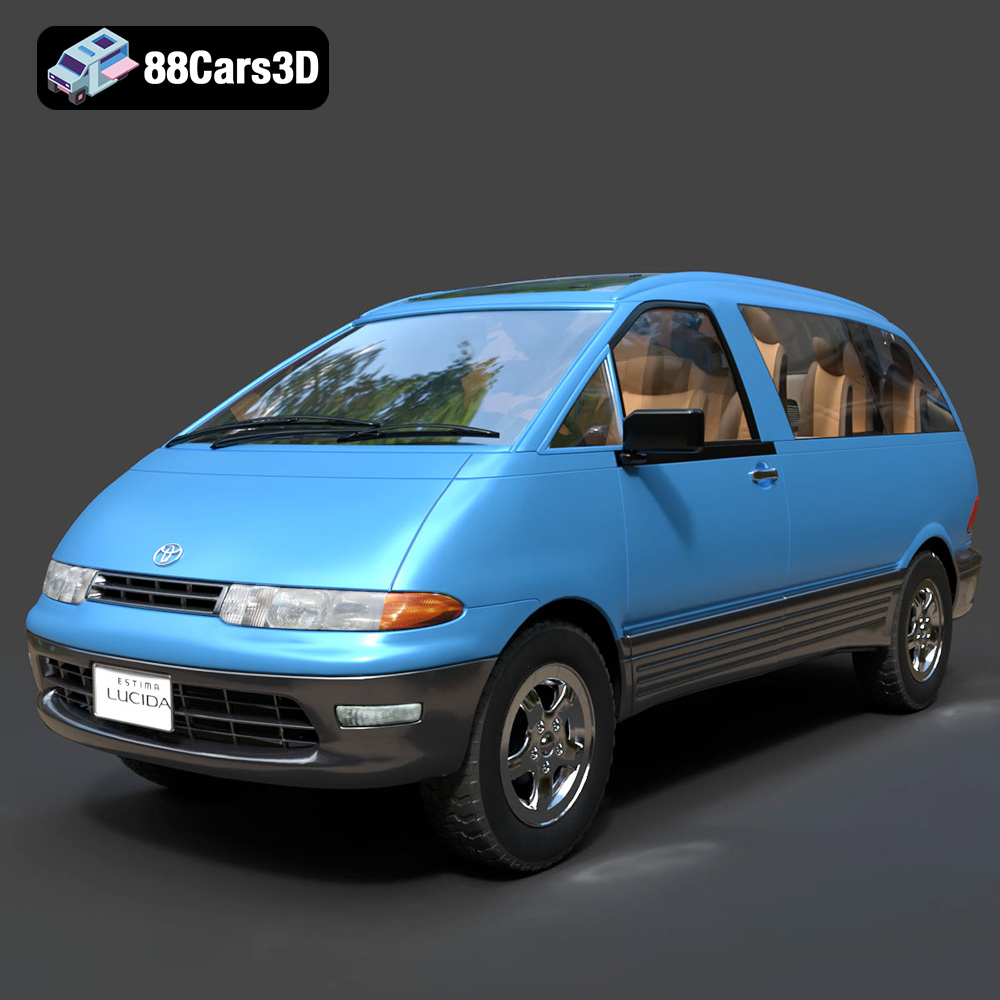
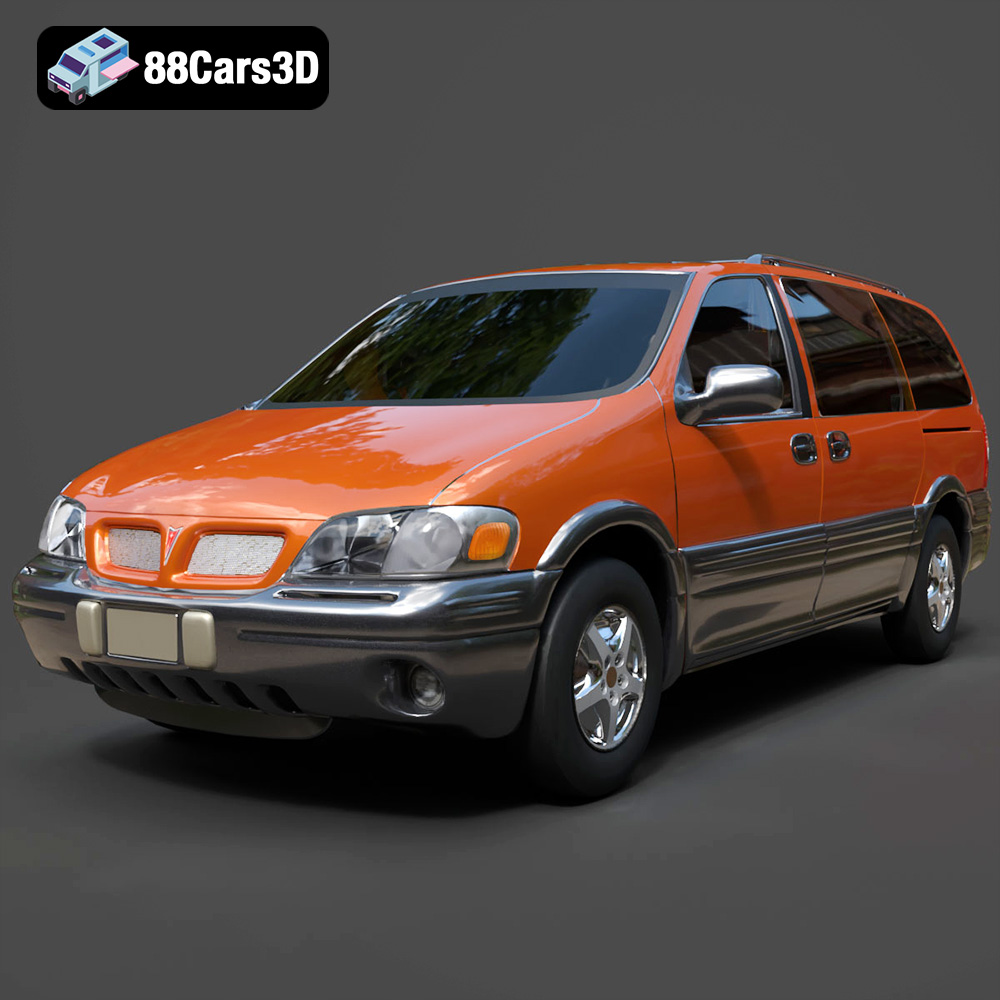
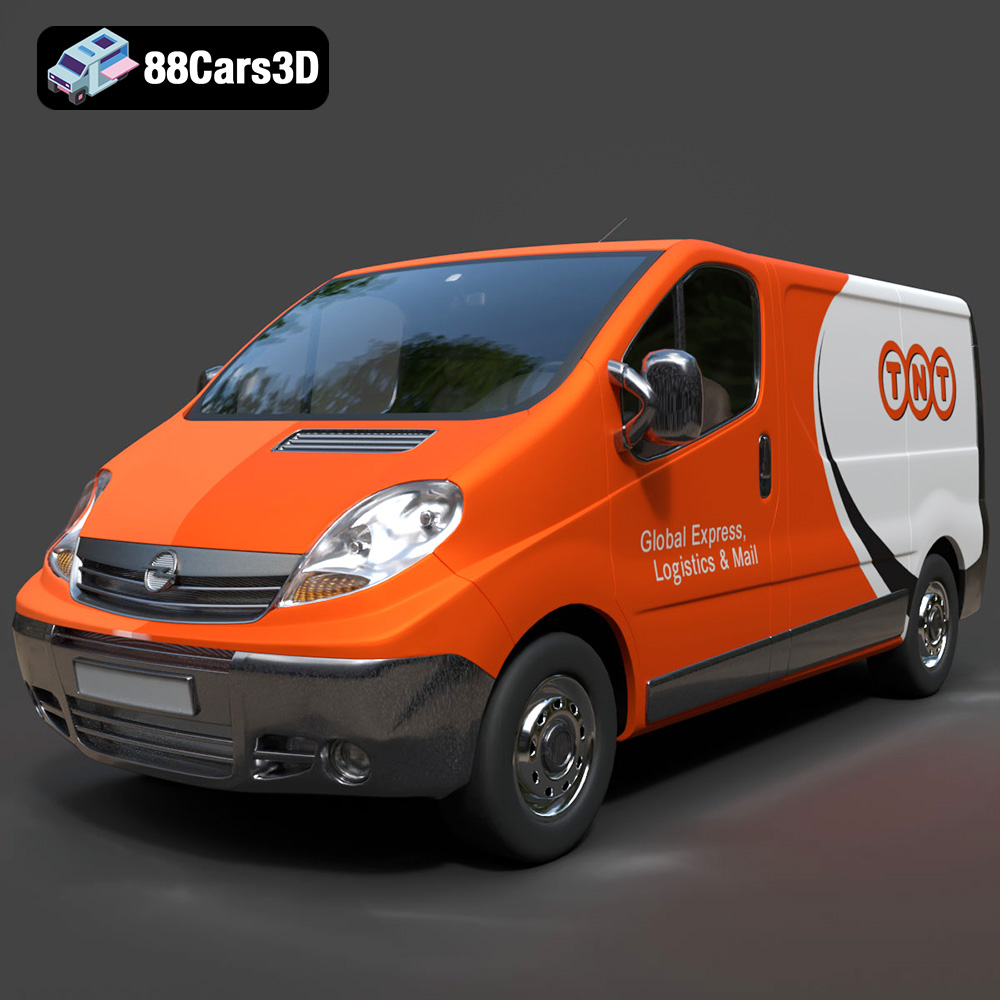
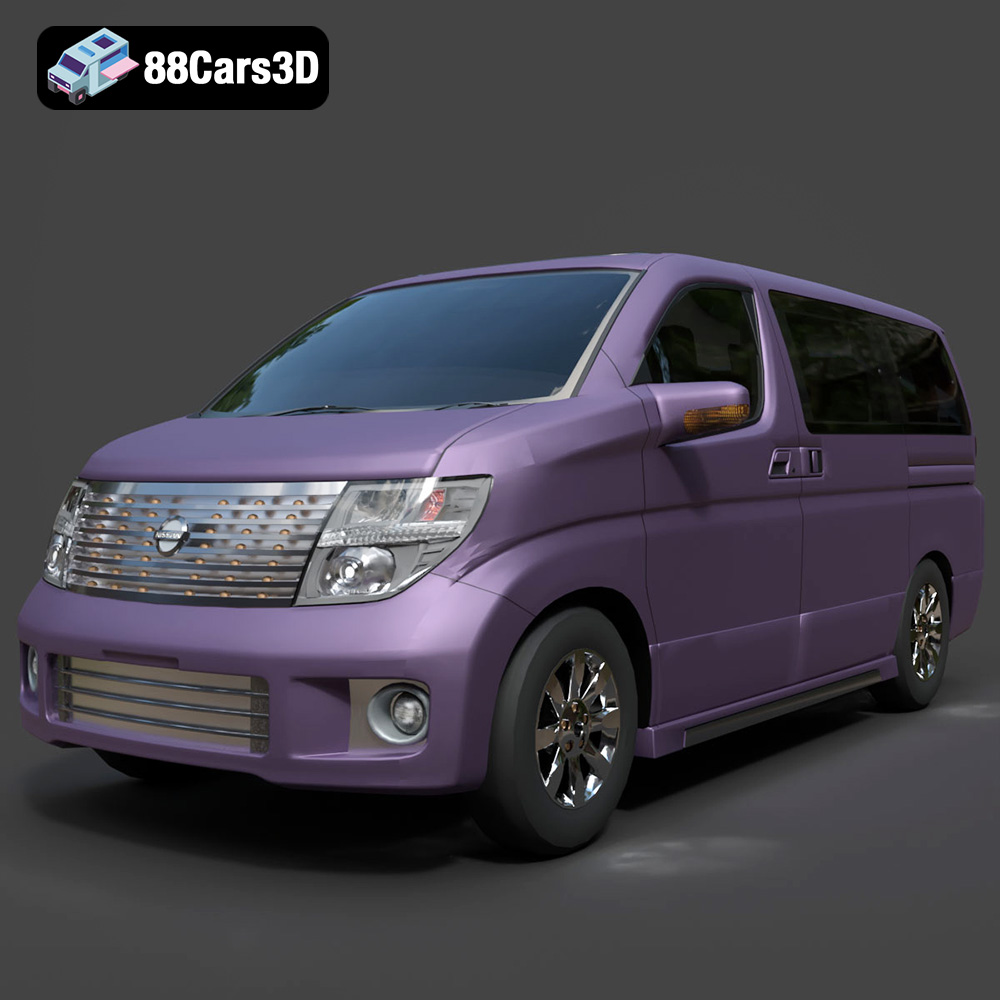
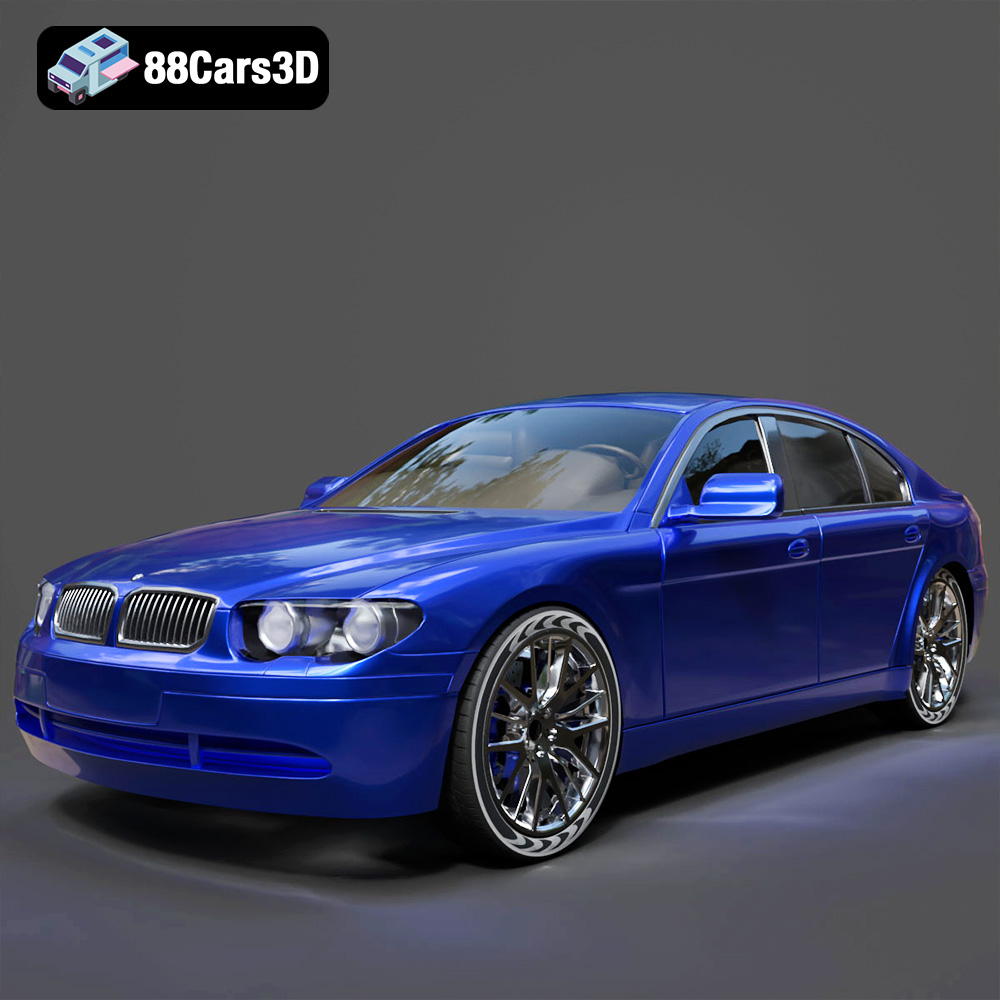
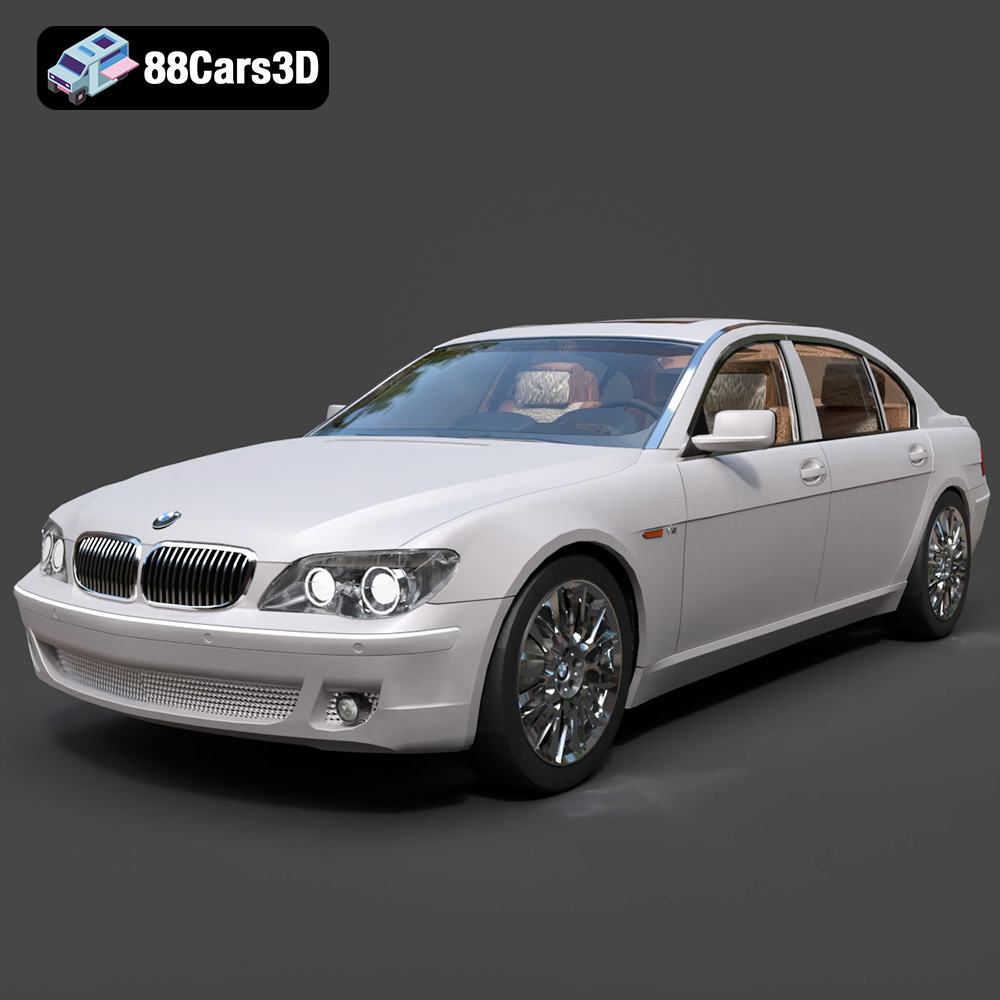
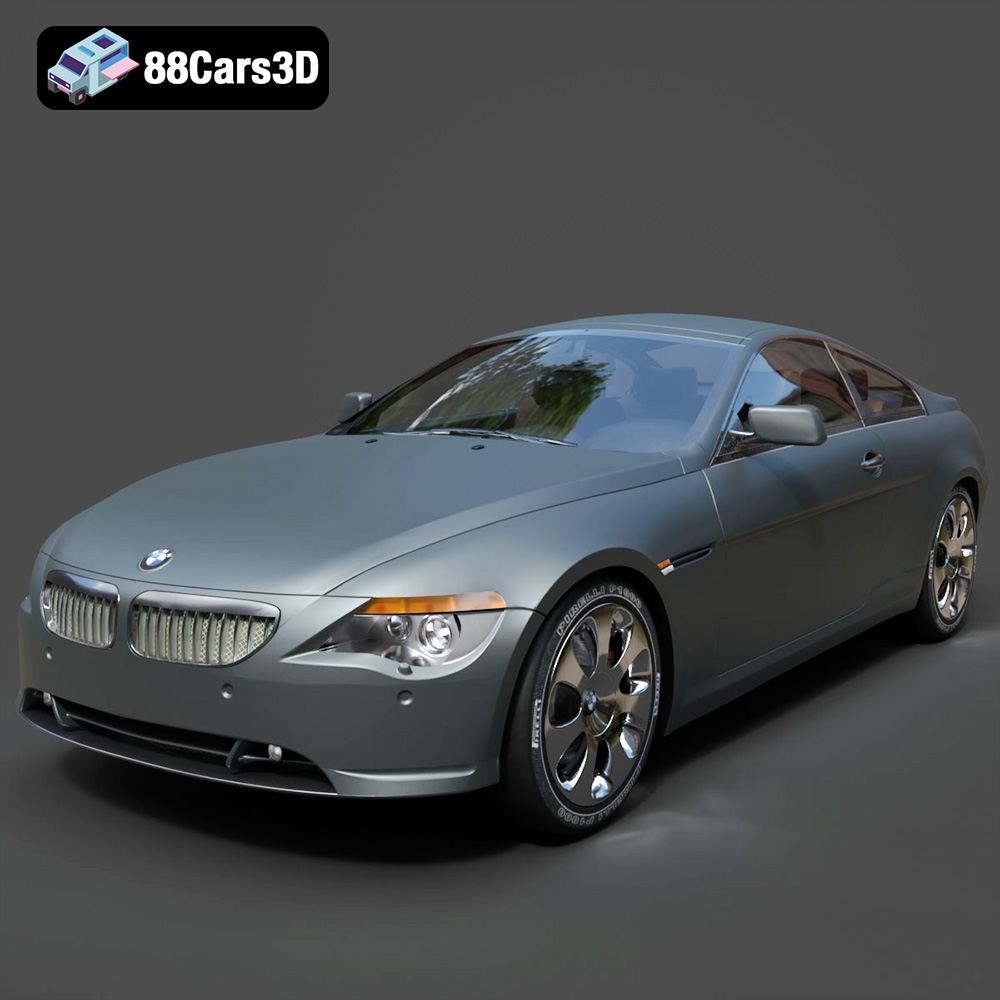
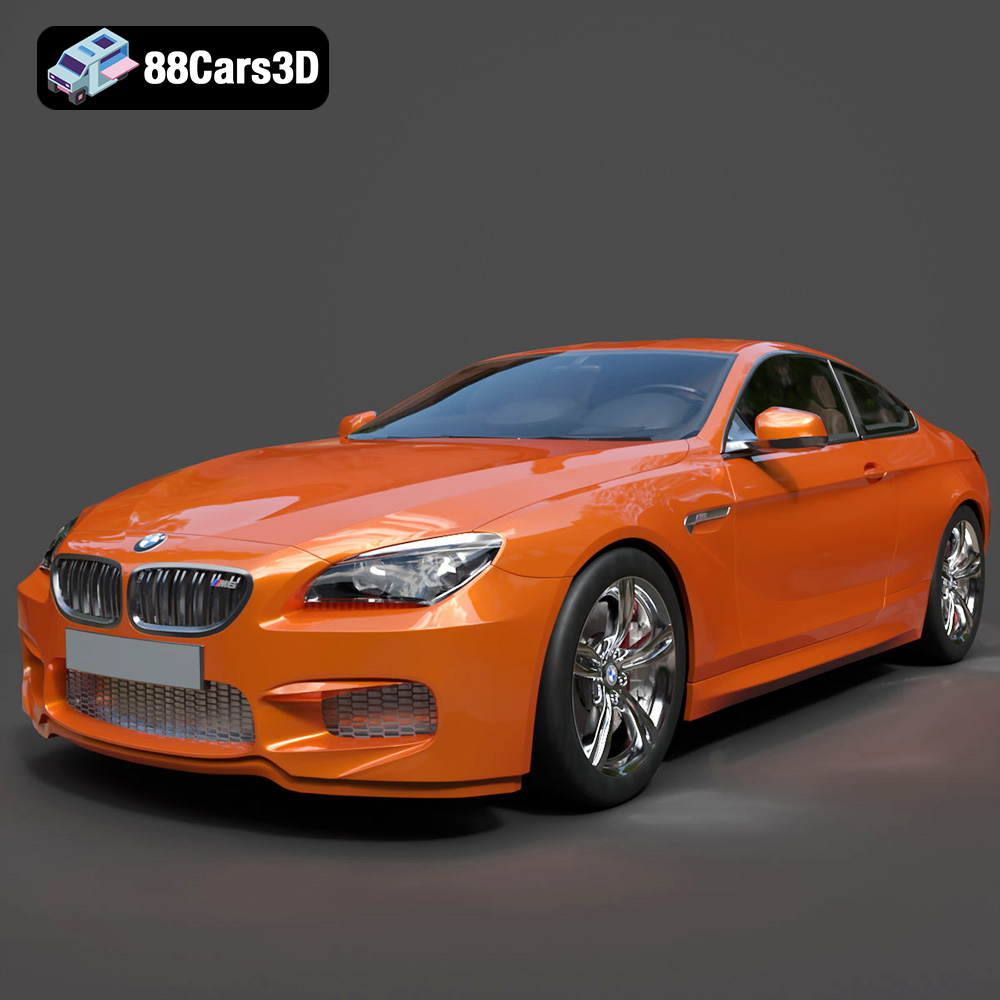
In the dynamic world of digital content creation, realistic and high-fidelity 3D car models are more than just assets; they are the fundamental building blocks for countless projects. From breathtaking automotive renders that showcase cutting-edge vehicle designs to immersive game environments that put players behind the wheel, the demand for technically sound and visually stunning vehicle models is constant. Whether you’re a seasoned visualization artist, a game developer pushing the boundaries of realism, or an architect integrating vehicles into a scene, understanding the intricacies of 3D car models is paramount. This deep dive will explore the technical workflows, common challenges, and advanced techniques involved in working with these complex assets, ensuring you can unlock their full potential across various applications.
Understanding 3D Model File Formats
The journey of a 3D car model often involves traversing multiple software applications and pipelines, making the choice of file format a critical technical decision. Each format is designed with specific use cases and technical considerations in mind, influencing everything from editability to real-time performance. Selecting the right format is key to maintaining data integrity, optimizing workflows, and ensuring compatibility.
.blend – The Blender Ecosystem
The .blend file is Blender’s native format, encapsulating an entire scene with all its data: meshes, materials (including complex node setups), textures, animations, rigging, lighting, and camera information. It offers complete editability, making it ideal for artists who primarily work within Blender or for projects where the full source file with all its modifiers and non-destructive workflows is required. When acquiring a .blend file, you’re getting the most comprehensive version of the asset as envisioned and created within Blender, perfect for customization and detailed adjustments.
.fbx – The Industry Workhorse
The Filmbox (.fbx) format, developed by Autodesk, stands as a cornerstone for 3D data exchange across different software packages and engines. It’s particularly favored in game development for its robust support of geometry, hierarchies, animations, blend shapes, and basic material properties. For integration into real-time environments like Unreal Engine or Unity, .fbx is the go-to format due to its ability to consolidate complex scene data into a single, manageable file. While it might not preserve all software-specific features (like advanced procedural materials), it reliably transfers the essential components needed for a functional game asset or a scene for further processing in another DCC application.
.obj – The Universal Standard
The Wavefront OBJ (.obj) format is one of the most widely supported and universal 3D file formats. It’s a simple text-based format primarily used to define the geometry of a 3D model, including vertices, normals, UV coordinates, and faces. While it’s excellent for static mesh data and offers unparalleled cross-software compatibility, it typically does not store animation, rigging, or complex material information beyond basic color and texture map references (via an accompanying .mtl file). .obj is a reliable choice when you need a clean mesh that can be imported into virtually any 3D application for further processing or rendering.
.glb – The Web and AR/VR Champion
The GL Transmission Format Binary (.glb) is the binary version of the .gltf format, specifically optimized for efficient transmission and loading of 3D scenes and models in web browsers and AR/VR applications. What makes .glb powerful is its self-contained nature: it bundles geometry, materials, textures, and animations into a single file, minimizing HTTP requests and speeding up load times. This makes it an indispensable format for interactive 3D viewers on websites, augmented reality experiences on mobile devices, and immersive virtual reality environments where performance and ease of deployment are critical.
.stl – The 3D Printing Backbone
Stereolithography (.stl) files are the de facto standard for 3D printing. This format describes only the surface geometry of a 3D object using a tessellated (triangulated) mesh, without any color, texture, or material information. The key requirement for an .stl model is that it must be “watertight” or “manifold,” meaning it has a continuous surface without gaps or overlapping faces, defining a clear inside and outside. While simple, its universal acceptance across 3D printing software and hardware makes it essential for anyone looking to translate their digital car model into a physical prototype or collectible.
.ply – Precision Mesh Format for CAD or Analysis
The Polygon File Format (.ply) is a flexible format capable of storing a wide range of 3D data, including color per vertex, surface normals, and various metadata. It’s often used for storing data from 3D scanners, CAD software, and scientific applications where precision and additional per-vertex information are crucial. Unlike .stl, .ply can support non-manifold meshes and offers more granularity in data storage, making it suitable for detailed analysis, reverse engineering, or when precise point cloud data needs to be preserved.
.unreal – Engine-Ready Asset for Real-Time Environments
While not a standalone file extension in the same way as .fbx or .blend, .unreal typically refers to assets that have been specifically pre-processed, configured, and optimized for direct import and seamless integration into Unreal Engine projects. This often means the assets come with correctly set up materials (using Unreal’s PBR workflow), Level of Detail (LOD) meshes, collision geometry, and sometimes even pre-configured blueprints or vehicle physics assets. Acquiring an “Unreal-ready” asset significantly streamlines the development process, reducing the amount of post-import setup required by developers.
.max – Editable 3ds Max Project for Animation and Rendering
The .max file is the native project format for Autodesk 3ds Max. Like .blend files, it contains the entire scene, including all geometry, modifiers, materials (especially those for specific renderers like V-Ray or Corona), lighting, animation, and camera setups. For professionals working within the 3ds Max ecosystem, a .max file provides the most comprehensive and editable version of a 3D car model, allowing for full customization, animation, and high-end rendering using its powerful integrated tools and plugins.
Crafting Automotive Masterpieces: High-Poly Modeling and Texturing
Creating a truly convincing 3D car model demands a meticulous approach to both geometry and surface detail. It’s a blend of artistic vision and technical precision, ensuring that every curve, seam, and material looks authentic.
Precision Modeling Techniques
For high-fidelity automotive models, precision is paramount. Artists often start with blueprints and detailed reference images, using techniques like polygon modeling, often enhanced by subdivision surfaces, to build clean, flowing topology. The goal is to achieve flawless surface continuity, where reflections glide smoothly over the body panels without kinks or pinches. Techniques like “curvature analysis” (using tools or shaders to visualize surface deviation) are critical for refining bodywork. Maintaining efficient edge loops is essential for deformation, ensuring that complex shapes, like fender flares or intricate grille patterns, are modeled with a balance of detail and efficiency. Sometimes, for absolute precision, CAD data conversion or NURBS modeling in software like Rhino or Fusion 360 is employed, with the resulting surfaces then meticulously converted to polygonal meshes for rendering and animation.
Advanced Texturing and Material Creation
Once the geometry is perfected, the focus shifts to bringing the surfaces to life. Modern automotive rendering heavily relies on Physically Based Rendering (PBR) workflows. This involves creating a suite of textures: Albedo (base color), Normal (for fine surface detail), Roughness (micro-surface imperfections affecting reflections), Metallic (to define conductive vs. dielectric materials), and Ambient Occlusion. Tools like Substance Painter and Mari are indispensable for authoring these textures, allowing artists to layer realistic paint finishes, intricate carbon fiber weaves, pristine chrome, and realistic glass. Efficient UV unwrapping is a technical art in itself; it’s about mapping the 3D surface to a 2D plane with minimal distortion and optimal texture density, ensuring that high-resolution textures are applied flawlessly across every component, from the smallest bolt to the largest body panel.
The Art of Automotive Rendering: Photorealism Beyond Limits
Achieving photorealism in automotive rendering is a challenging yet rewarding endeavor, requiring a deep understanding of light, materials, and composition. It’s about more than just a good model; it’s about crafting an entire digital environment that convinces the eye.
Setting the Scene: Lighting and Environment
Lighting is arguably the most crucial element in automotive rendering. High Dynamic Range Images (HDRIs) are often the foundation, providing realistic ambient light and reflections from real-world environments. Supplementing HDRIs with physical sun and sky systems can introduce sharp shadows and directional light, mimicking outdoor conditions. For studio-style renders, artists carefully place virtual light sources (area lights, mesh lights) to sculpt the car’s form, highlight its contours, and emphasize design features. The choice of background, whether a detailed 3D environment or a backplate photograph, must complement the vehicle and reinforce the desired mood and narrative of the render.
Render Engine Choices and Optimization
The choice of render engine significantly impacts both the visual fidelity and the workflow. Popular options include V-Ray and Corona Renderer for 3ds Max and Cinema 4D, and Cycles or Octane for Blender. These engines employ ray tracing and path tracing algorithms to simulate light transport, generating incredibly realistic global illumination, reflections, and refractions. Optimizing render settings involves balancing quality with render time: adjusting samples, understanding denoising algorithms, and utilizing render passes for greater control in post-production. Furthermore, optimizing the scene itself—reducing unnecessary geometry, simplifying complex materials, and efficiently managing textures—can drastically reduce render times without compromising quality.
Post-Production for Polish and Impact
No raw render is truly finished. Post-production in software like Adobe Photoshop or After Effects is where a good render becomes a great one. This stage involves crucial steps like color grading to establish mood, adjusting contrast and exposure, and adding subtle effects such as lens flares, bloom, and chromatic aberration to mimic camera optics. Depth of field and motion blur, if not rendered directly, can be added to enhance realism and dynamism. Compositing additional elements, subtle dust, or atmospheric effects can further integrate the car into its environment, adding that final layer of polish that elevates a render to truly photorealistic artwork.
Unleashing Performance: 3D Car Models for Game Development
While visual fidelity is important for game assets, real-time performance is paramount. Transforming a high-resolution render model into an efficient game asset involves a series of technical compromises and optimizations that are critical for smooth gameplay.
Optimizing for Real-time Performance
Game developers operate under strict poly count budgets to maintain high frame rates. This necessitates creating Level of Detail (LOD) meshes – progressively simpler versions of the car model that swap in as the vehicle moves further from the camera. Poly count reduction, often through manual retopology, is a key step. Draw calls, which occur every time the engine needs to prepare objects for rendering, must be minimized; this means using fewer materials, texture atlases (combining multiple textures into one), and instancing objects where possible. Efficient UV layouts are also vital for lightmapping and texture streaming, ensuring that textures load quickly and display correctly without artifacts. Finally, precise collision meshes, ranging from simple box colliders to more complex compound shapes, are essential for realistic physics interactions without overtaxing the physics engine.
Integrating into Game Engines (Unreal Engine & Unity)
Once optimized, the 3D car model, typically as an .fbx file, is imported into game engines like Unreal Engine or Unity. Here, game-specific material setups take center stage, often utilizing custom shaders to replicate realistic car paint, glass, and intricate lighting effects. Physics assets are configured to define how the car interacts with its environment, and vehicle blueprints or prefabs are created to encapsulate all the necessary components: mesh, materials, physics, wheel colliders, and engine parameters. Advanced techniques might involve vertex painting to add subtle dirt, wear, or even dynamic damage effects directly onto the model, further enhancing visual realism during gameplay.
Real-World Game Asset Case Study
Consider the process of taking a high-fidelity car model from 88cars3d.com, initially created for a cinematic render, and preparing it for a racing simulator. The original model might have millions of polygons. The first step involves retopology to create a low-polygon base mesh, targeting perhaps 50,000-100,000 triangles for the highest LOD. Next, the high-resolution detail is baked down into normal maps, ambient occlusion maps, and other PBR textures applied to the low-poly mesh, preserving visual quality without the heavy geometry. Multiple LODs are then created, perhaps reducing polygon count by 50% for each successive level. Collision meshes are custom-built, simplifying the complex body into an efficient cage. Finally, the optimized .fbx is imported into Unreal Engine. Here, a sophisticated material instance for car paint is set up, allowing for easy color changes and gloss adjustments. The vehicle physics system is configured with realistic suspension, engine power, and tire friction values. The result is a visually stunning car that runs smoothly at 60+ FPS, demonstrating the intricate balance between visual fidelity and real-time performance.
Beyond Visualization: 3D Car Models in AR/VR and 3D Printing
The utility of 3D car models extends far beyond traditional rendering and game development, finding exciting applications in augmented reality, virtual reality, and physical prototyping.
AR/VR Experiences with Interactive Vehicles
In AR/VR, 3D car models offer unparalleled opportunities for immersive experiences. Imagine a virtual showroom where customers can walk around a car, customize its features, and even “sit inside” it before it’s physically built. For these applications, models must be incredibly optimized for mobile AR/VR platforms, which often have even stricter performance constraints than high-end PC games regarding draw calls and polygon limits. The .glb format shines here, providing efficient, self-contained assets for web-based AR/VR viewers. Challenges include maintaining smooth tracking, minimizing latency, and ensuring an intuitive user experience as users interact with the vehicle in a mixed reality environment.
Preparing Models for 3D Printing
Translating a digital car model into a tangible object requires careful preparation for 3D printing. The primary technical requirement is a “watertight” or “manifold” mesh, meaning there are no holes, gaps, or intersecting faces that could confuse the printer about the model’s solid volume. Scaling the model accurately to the desired physical size is crucial, as is considering print tolerances. Depending on the printing technology (FDM, SLA, SLS), support structures may need to be generated to prevent overhangs from collapsing during the printing process. Formats like .stl and .ply are the most common for 3D printing, with .stl being the simplest for pure geometry, while .ply can offer additional data if needed for advanced analysis or color printing.
Sourcing and Leveraging High-Quality 3D Car Models
Whether you’re a solo developer or part of a large studio, the quality of your initial 3D car model assets significantly impacts the final outcome of your project. Sourcing professional-grade models can be a game-changer.
The Value of Professional-Grade Assets
Investing in professionally created 3D car models offers numerous advantages. It saves countless hours of modeling and texturing, allowing teams to focus on core project development or creative iteration. Professional assets come with clean, optimized topology, ensuring they deform correctly and can be easily adapted. They often feature high-resolution PBR textures and well-organized scene files, simplifying integration into various workflows. Crucially, reputable sources provide clear licensing, avoiding legal complications down the line. A high-quality base model ensures consistency across your project and provides a solid foundation for any further customizations or optimizations.
Why Choose 88cars3d.com?
For those seeking excellence in 3D automotive assets, 88cars3d.com stands out as a premier marketplace. We specialize in providing high-quality 3D car models that meet the rigorous demands of professional rendering, game development, AR/VR experiences, and 3D printing. Our curated collection features models meticulously crafted with attention to detail, clean topology, and comprehensive PBR texture sets, available in various formats like .fbx, .blend, and .max to suit diverse pipelines. When you choose an asset from 88cars3d.com, you are investing in a foundation of technical excellence that empowers your creative vision and streamlines your production workflow. We understand the specific needs of automotive visualization and game development, offering models that are not just visually appealing but also technically sound and ready for your most ambitious projects.
Driving Innovation Forward: The Future of 3D Automotive Assets
The world of 3D car models is constantly evolving, driven by advancements in rendering technology, real-time engines, and new interactive platforms. From the meticulous detail required for photorealistic renders to the optimized precision for seamless game integration and the interactive possibilities of AR/VR, 3D car models remain at the forefront of digital content creation. Mastering the technical nuances of file formats, modeling, texturing, rendering, and optimization is key to unlocking the full potential of these complex assets.
As virtual experiences become more integrated into our daily lives, the demand for high-quality, versatile 3D automotive assets will only continue to grow. By understanding the processes and leveraging professional resources, artists and developers can push the boundaries of realism and immersion. The journey from a conceptual sketch to a fully realized 3D car model, whether for a stunning visual, an exhilarating game, or an interactive virtual experience, is a testament to the blend of technical skill and artistic vision. Embrace the power of expertly crafted 3D car models and drive your projects into the future.
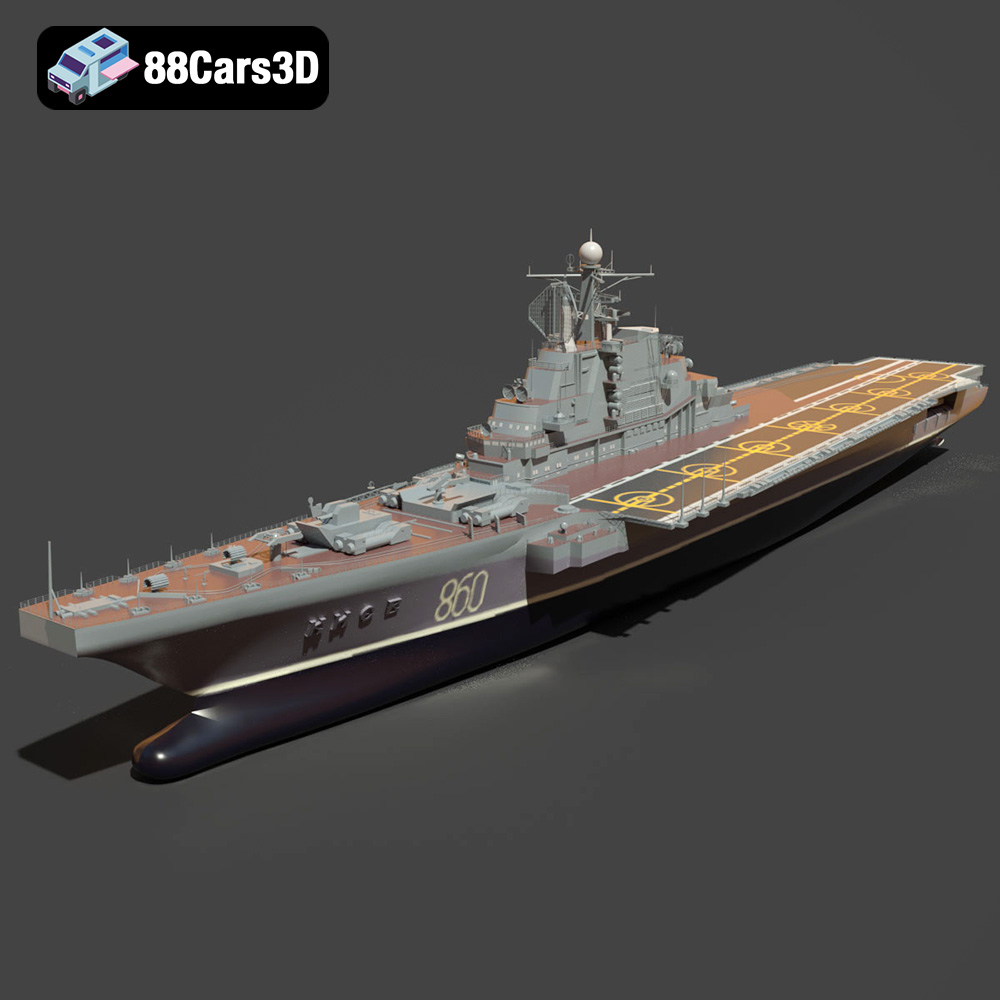
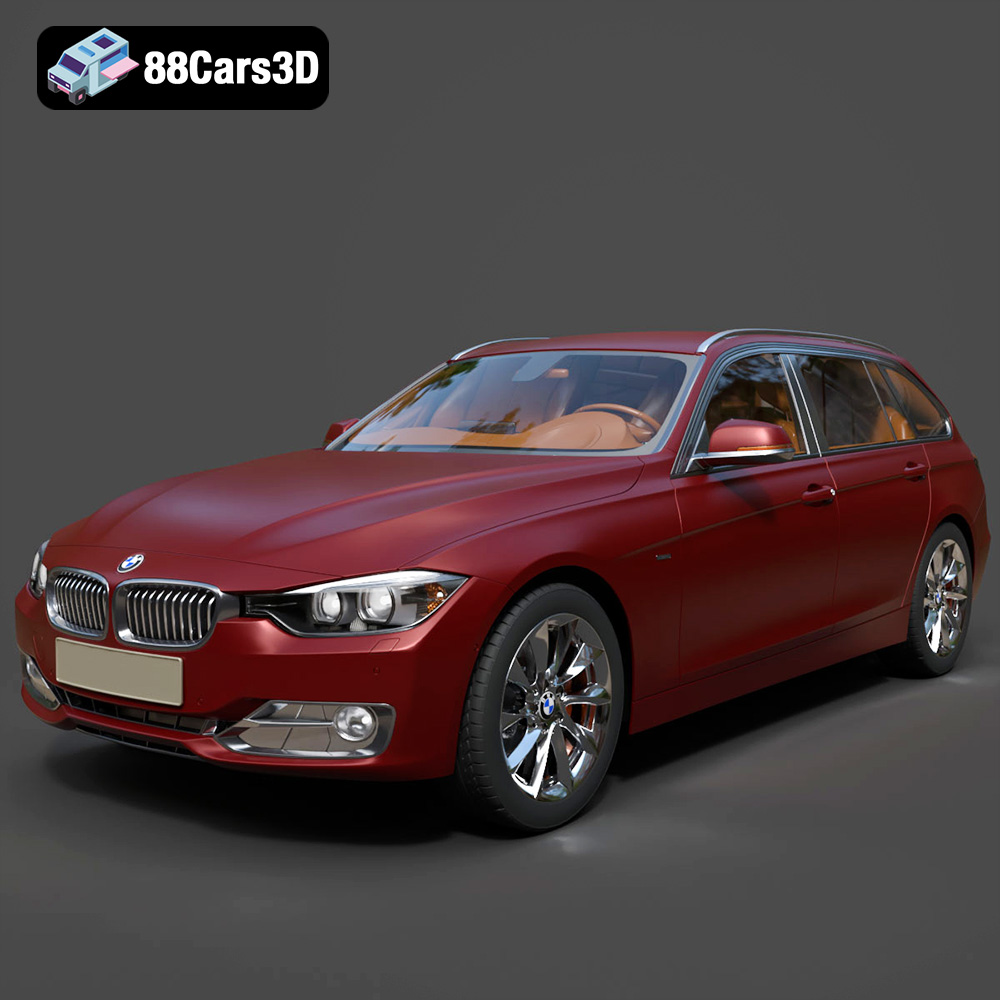
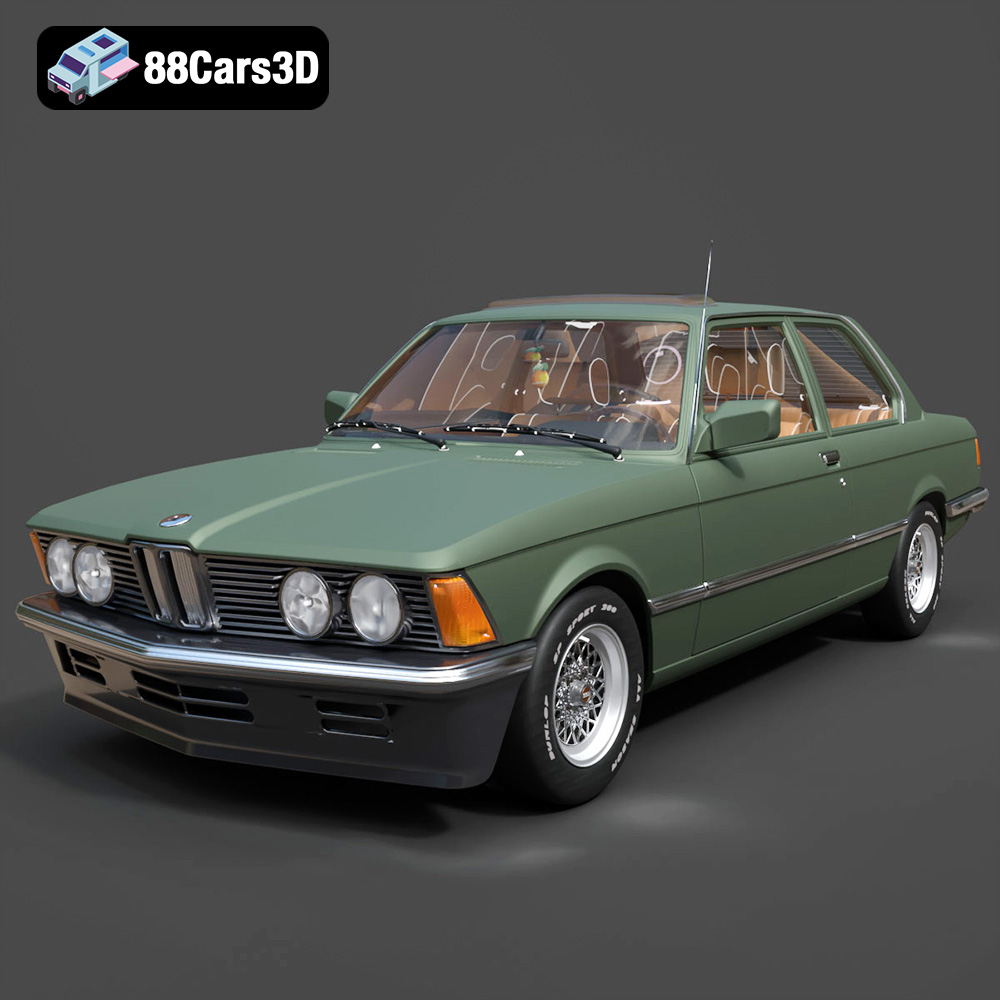
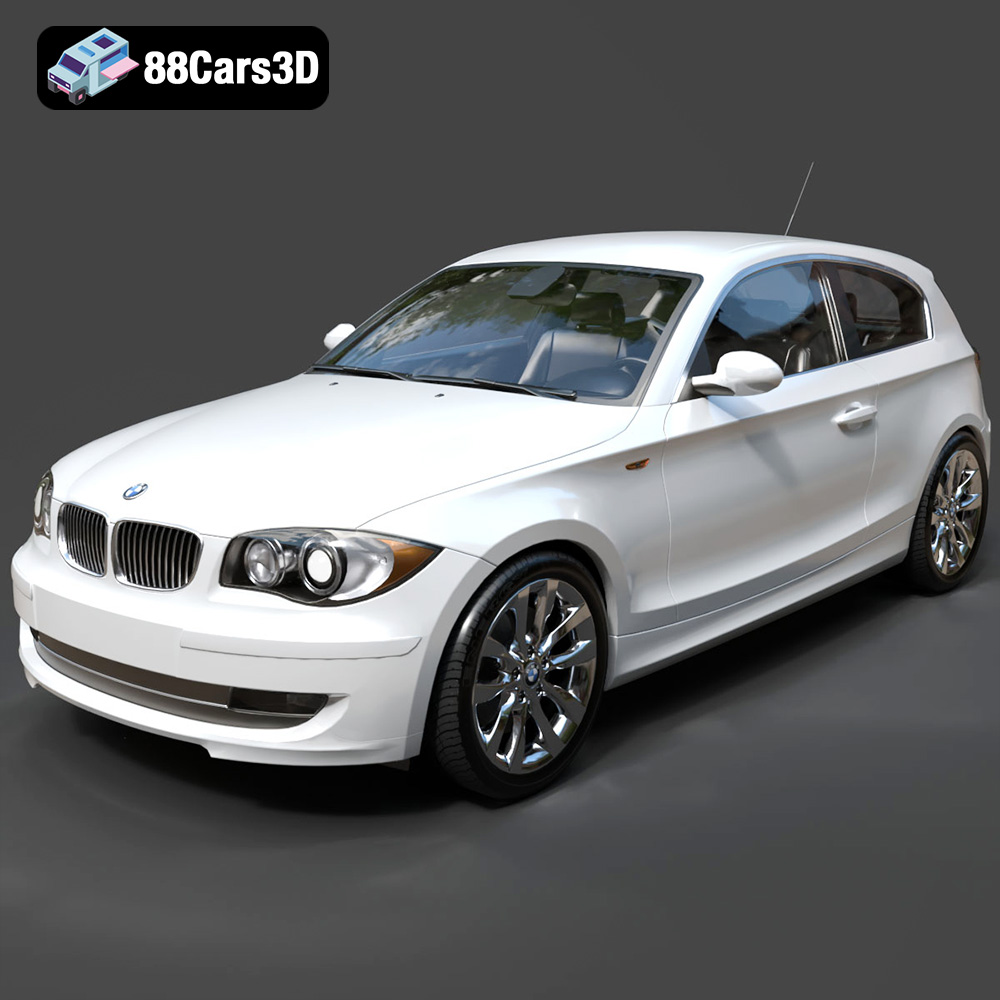
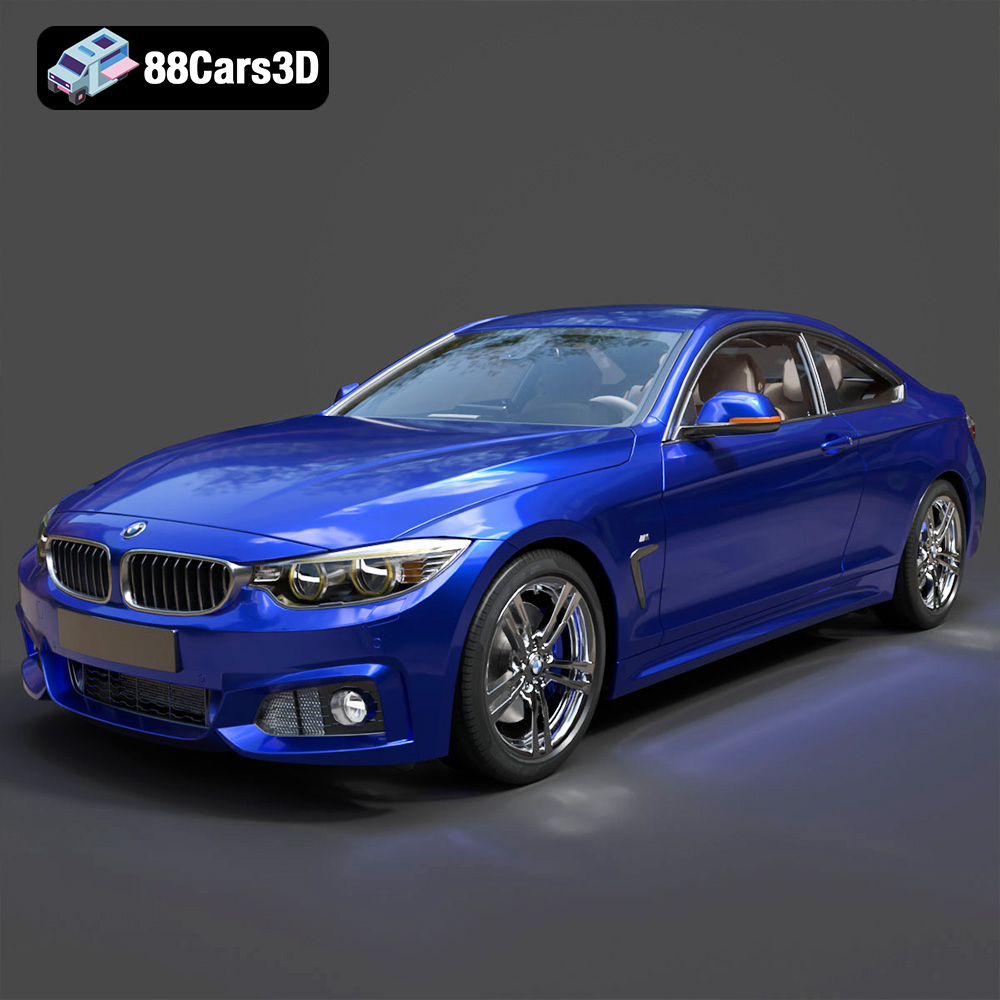
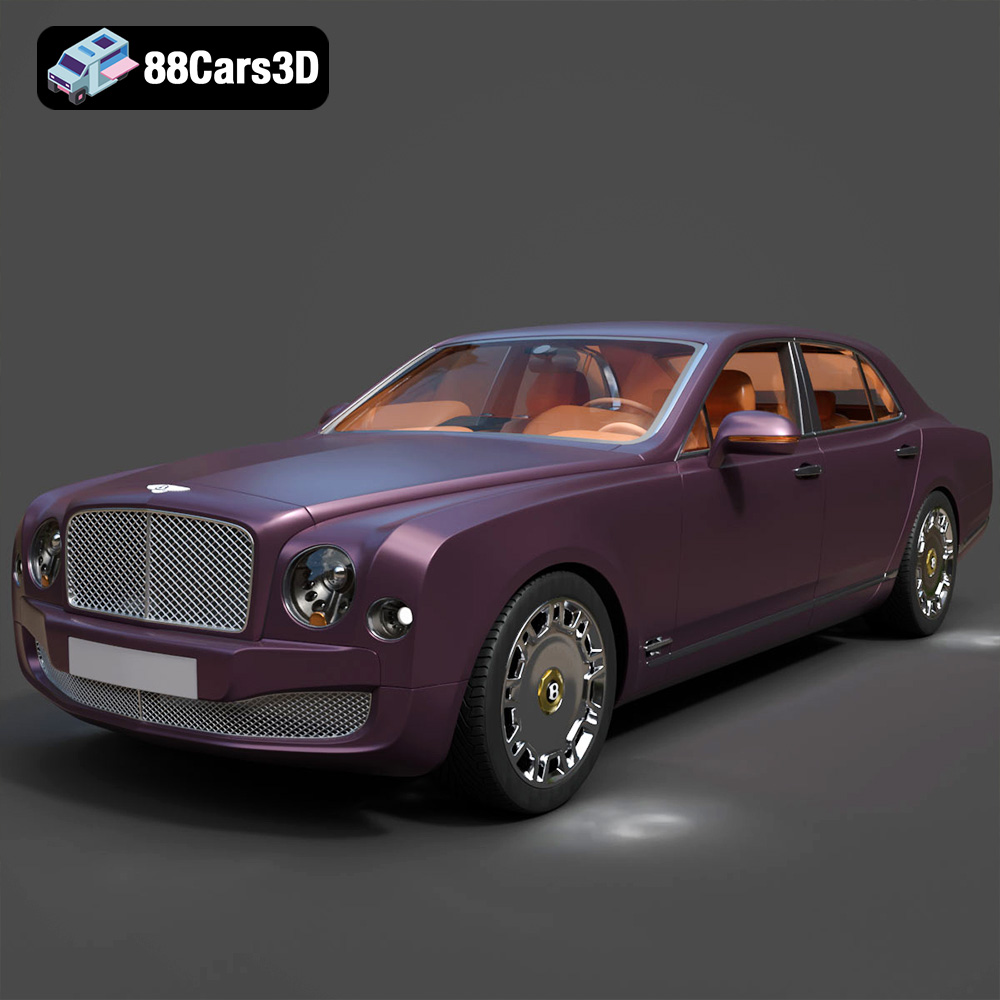
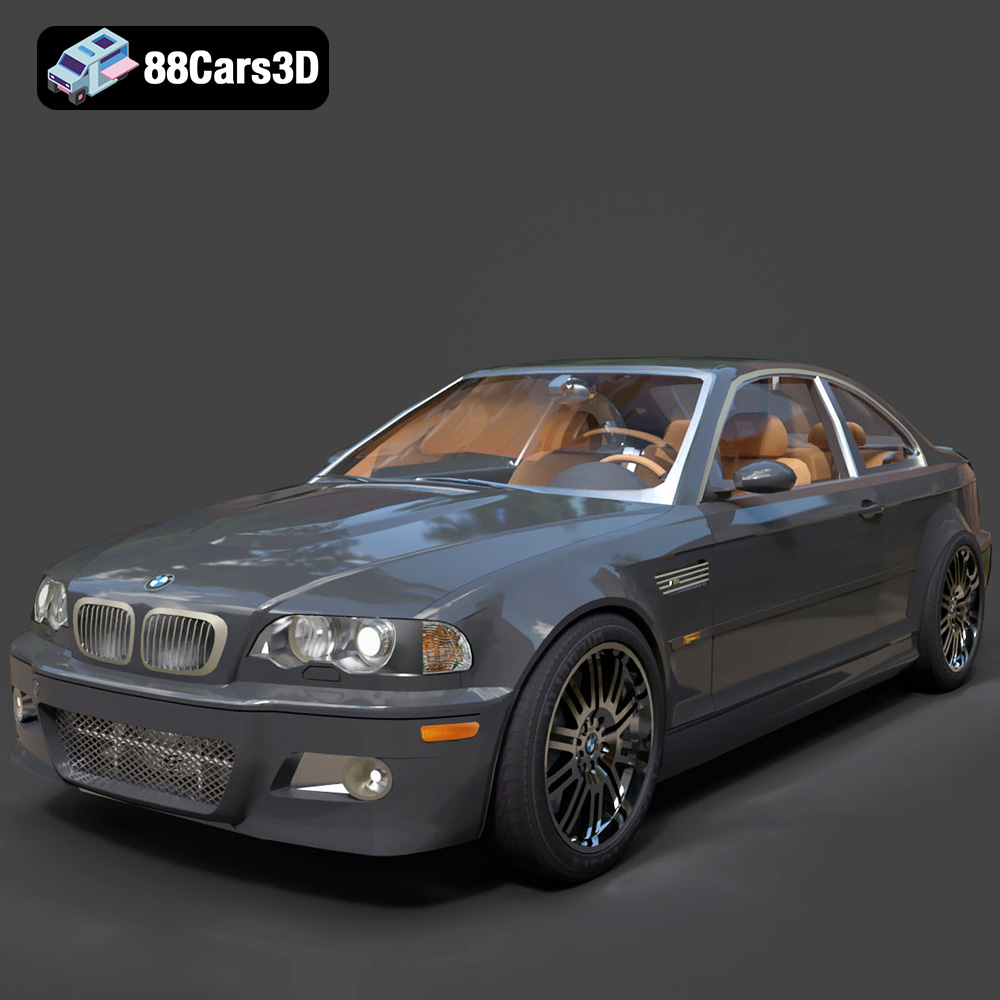
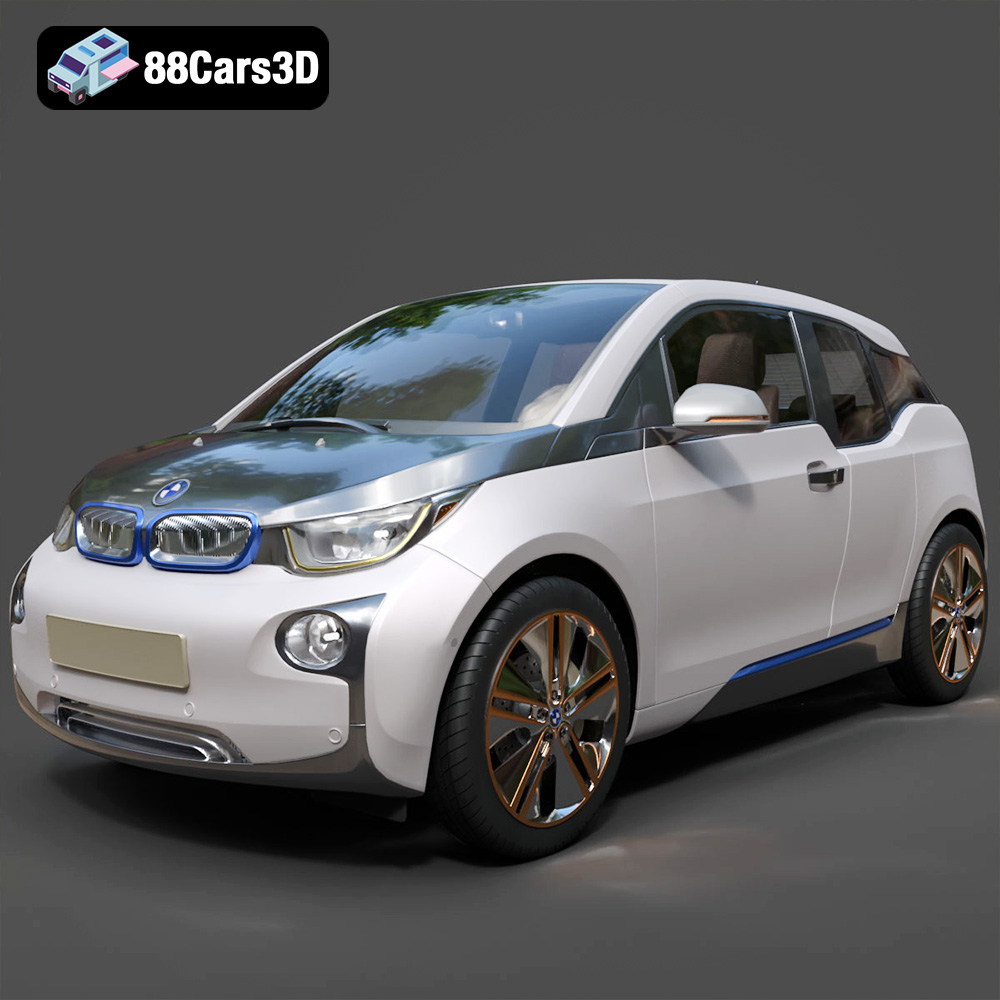
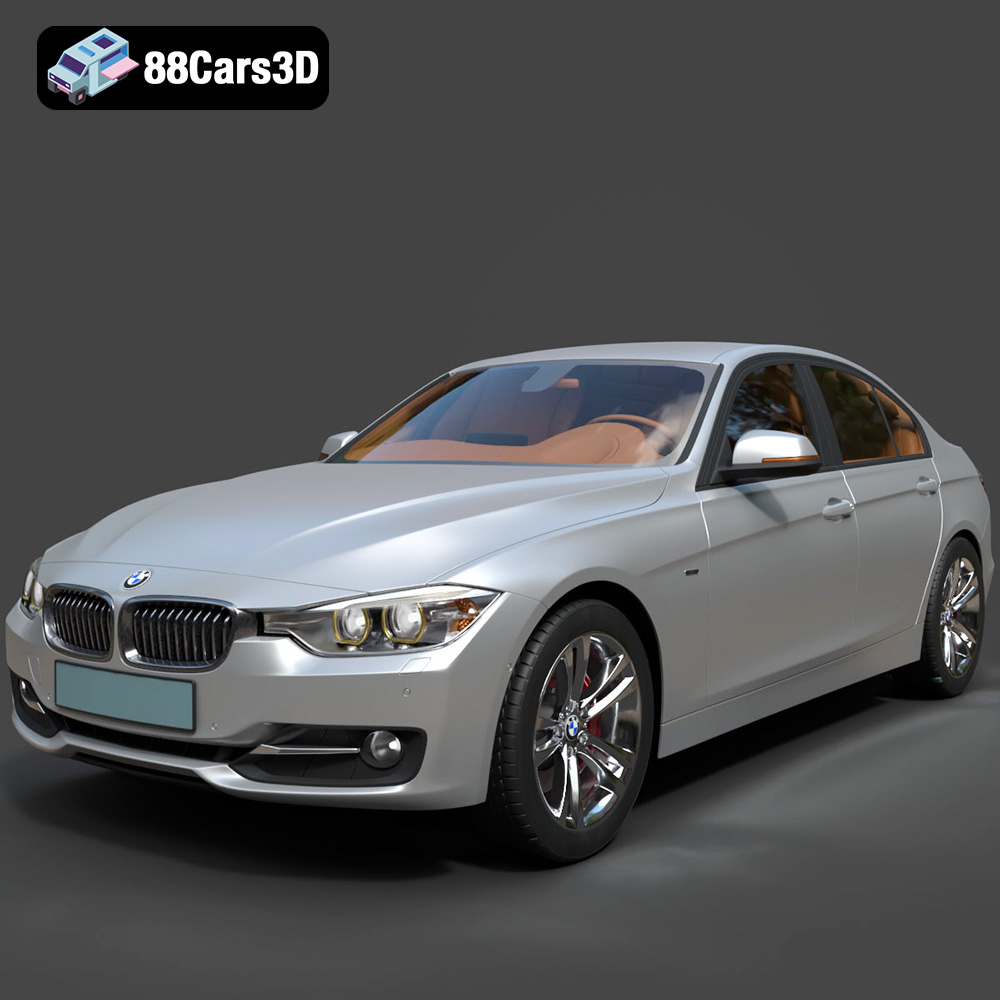
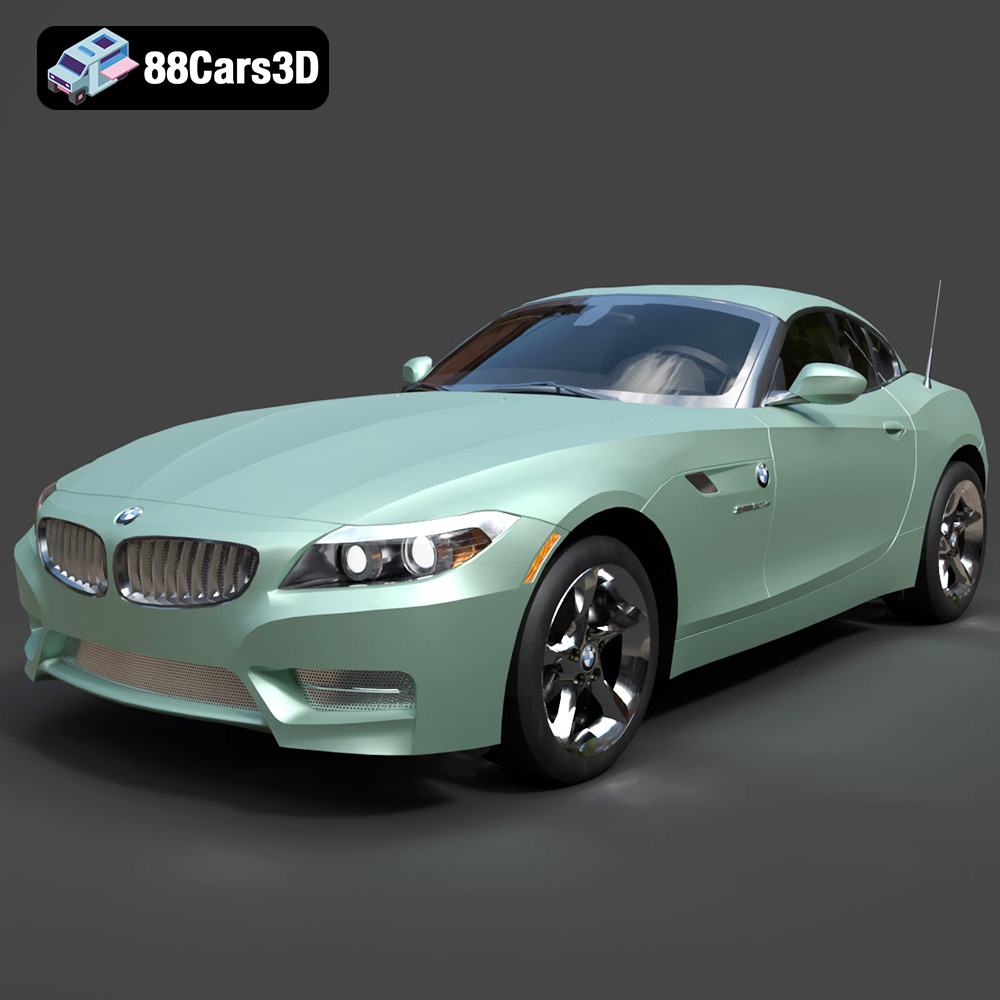
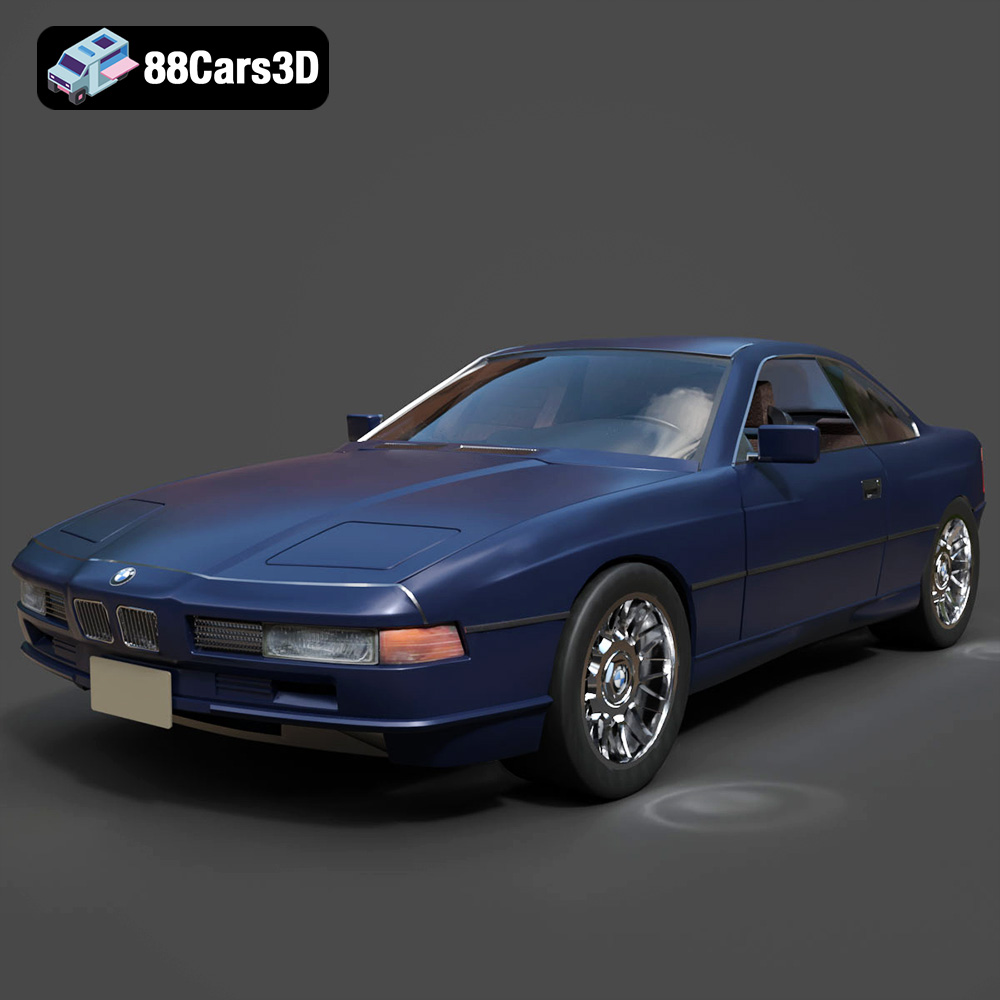
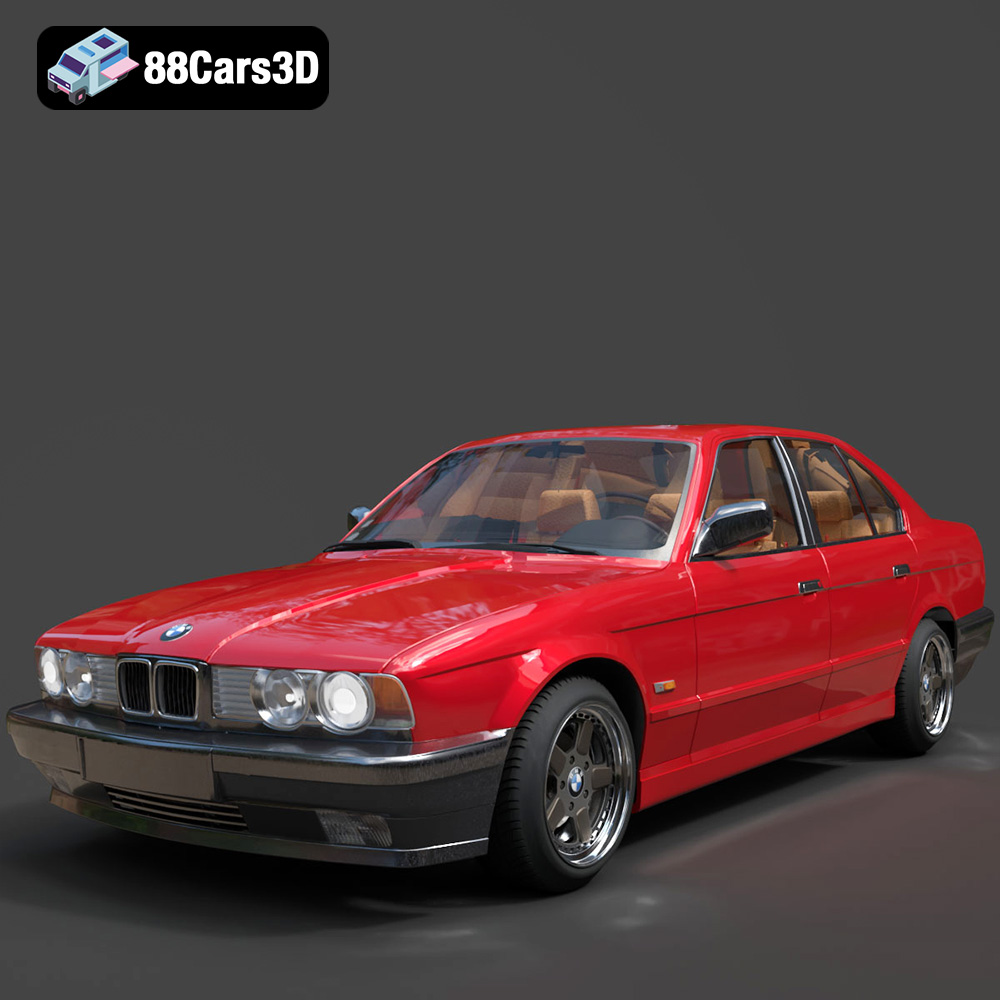
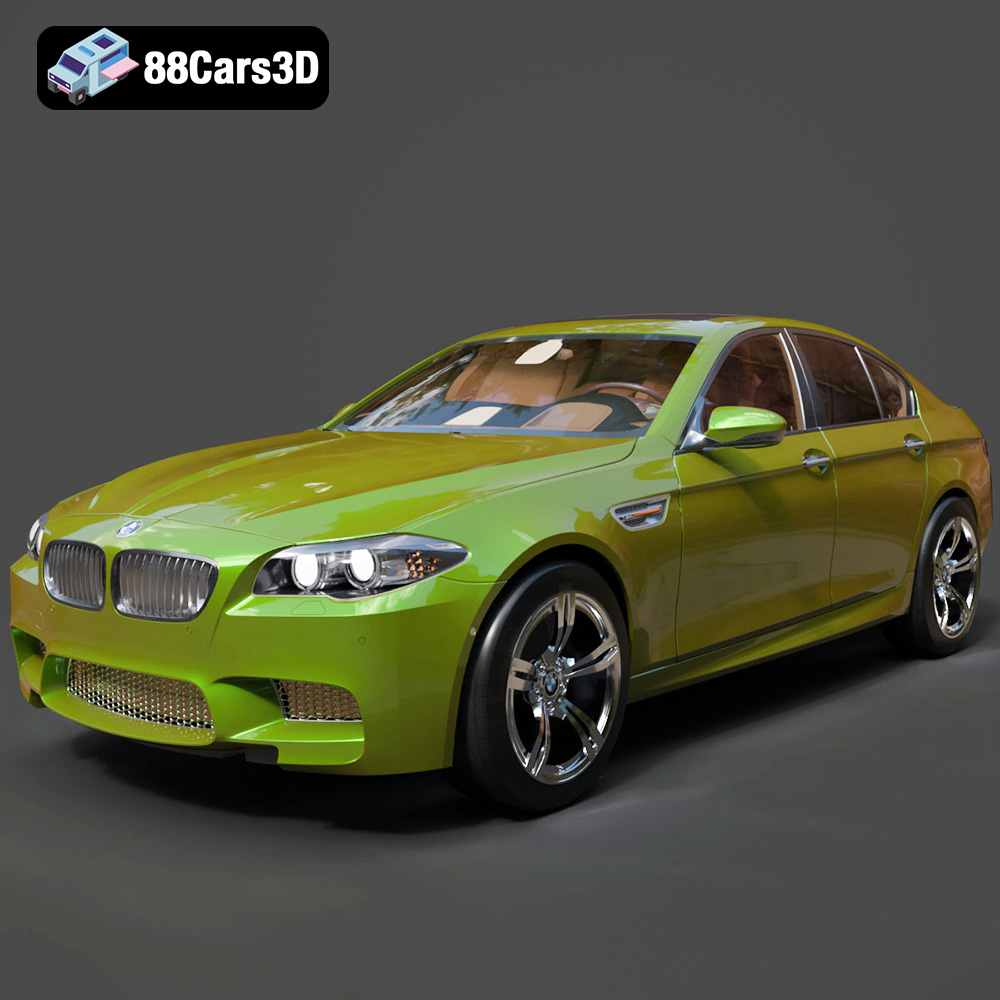
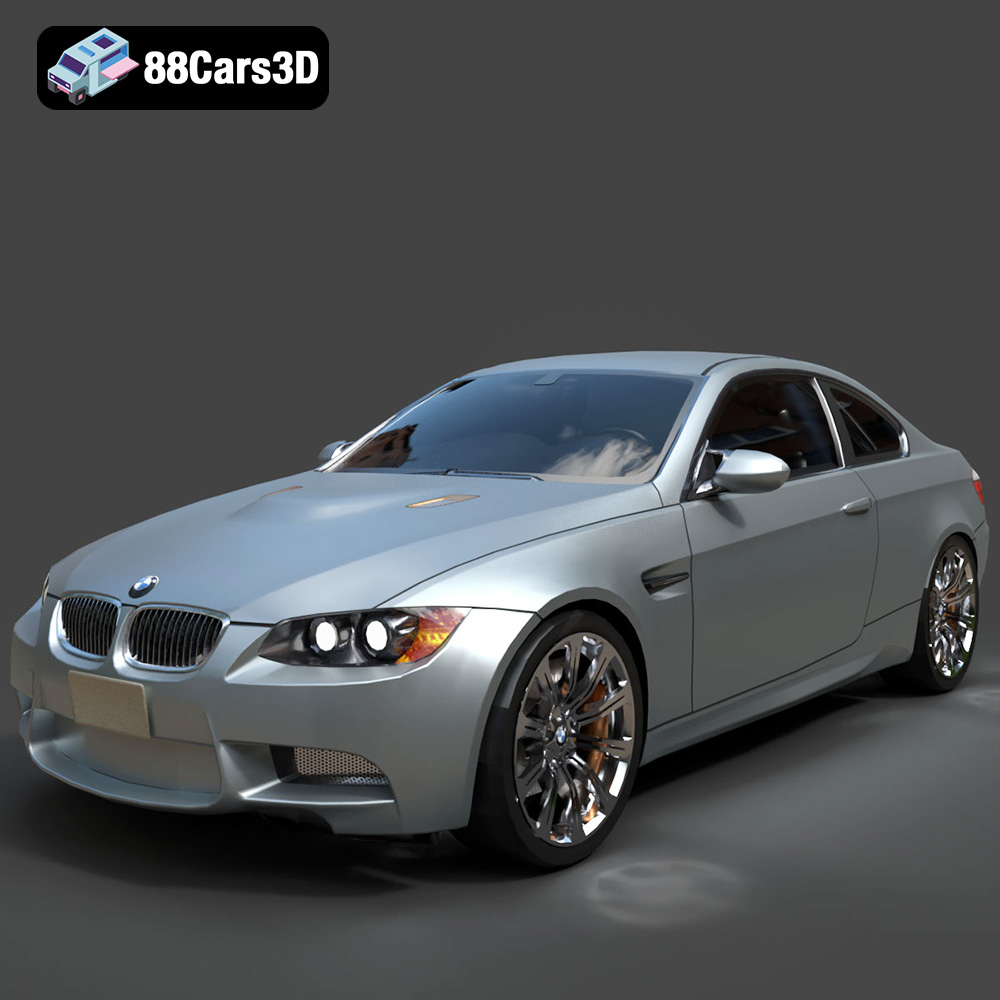
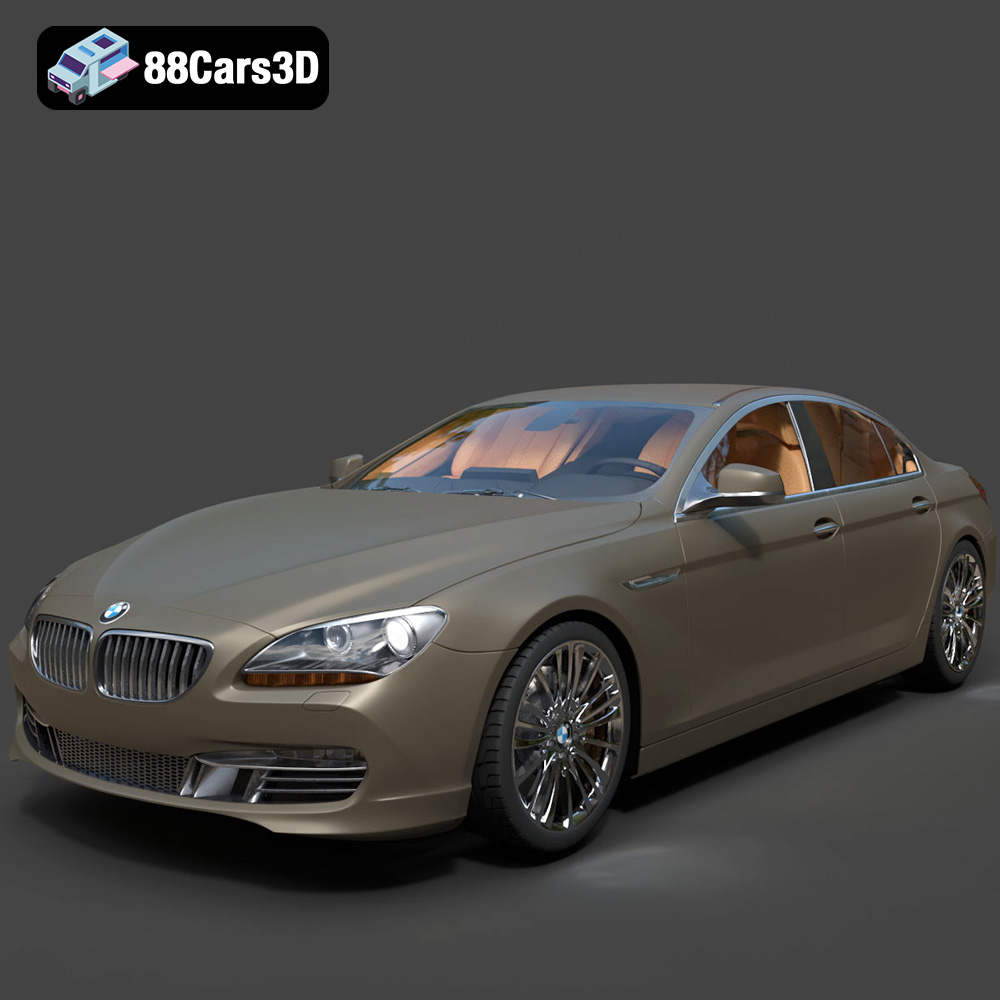
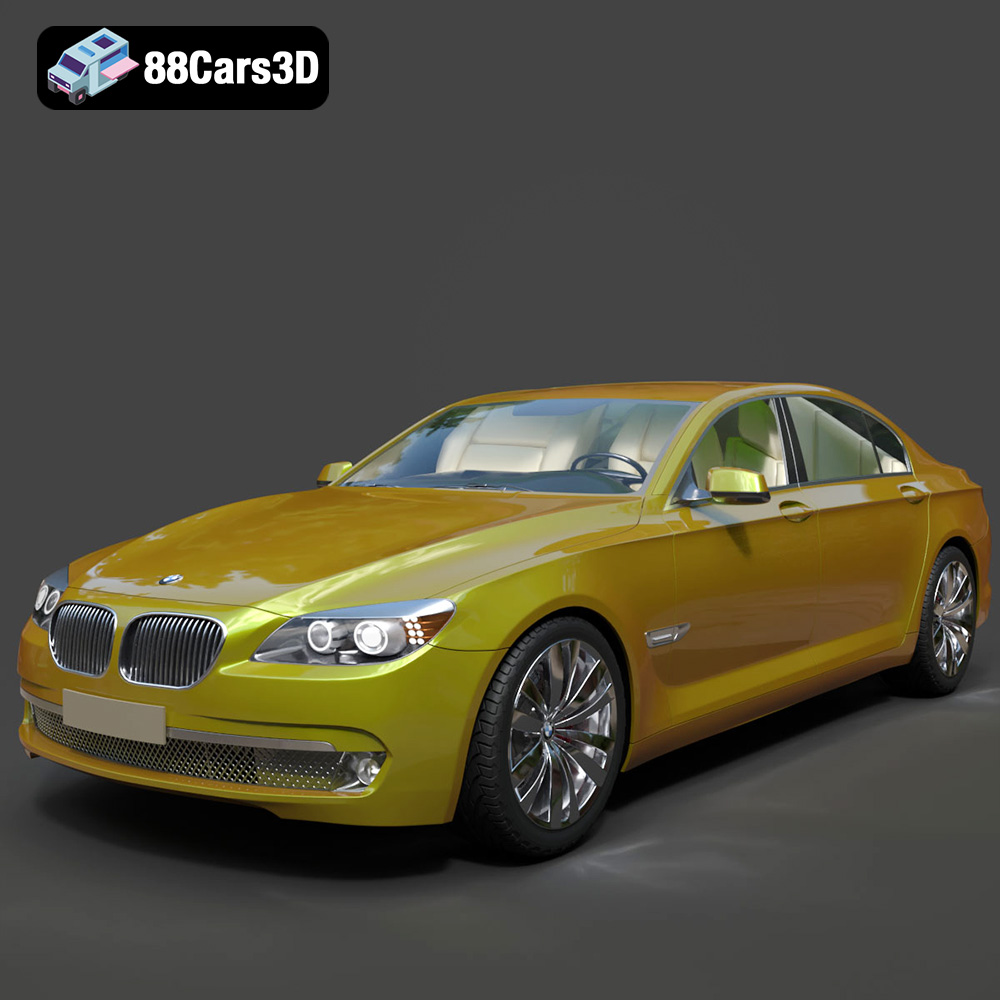
Featured 3D Car Models