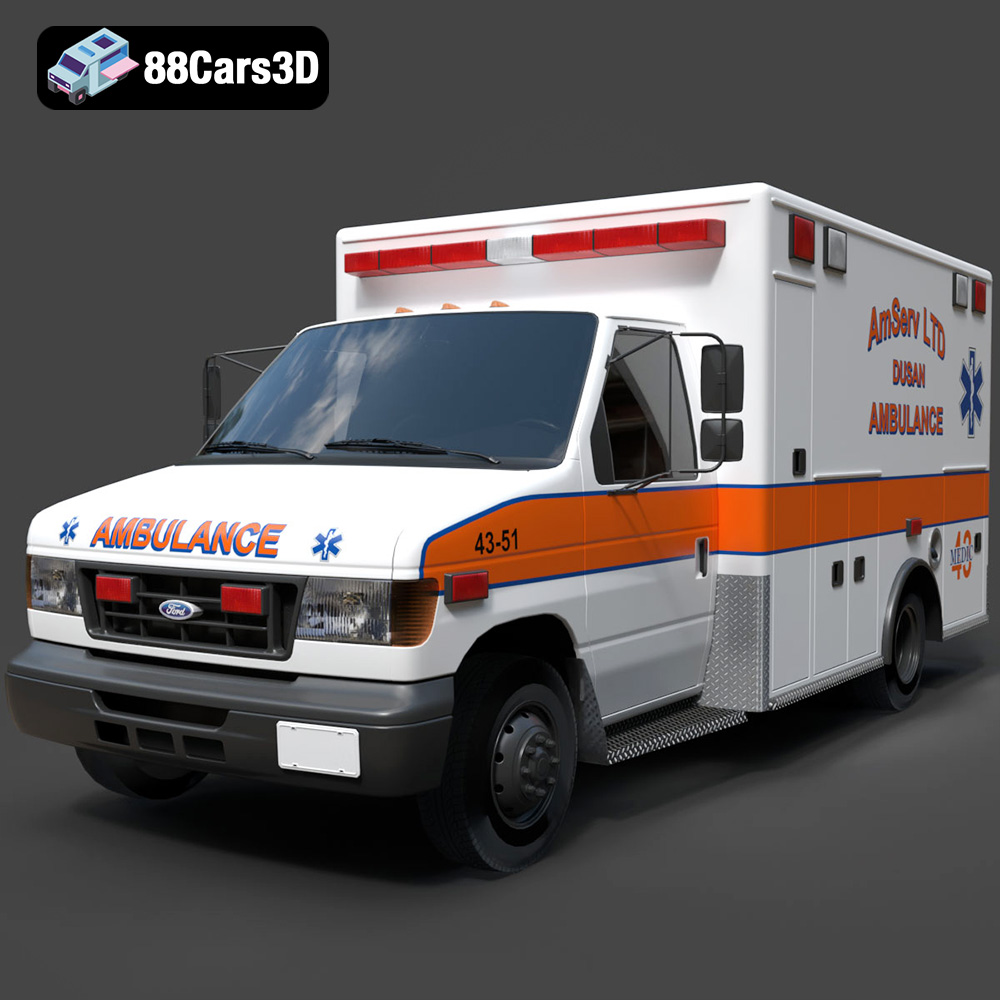
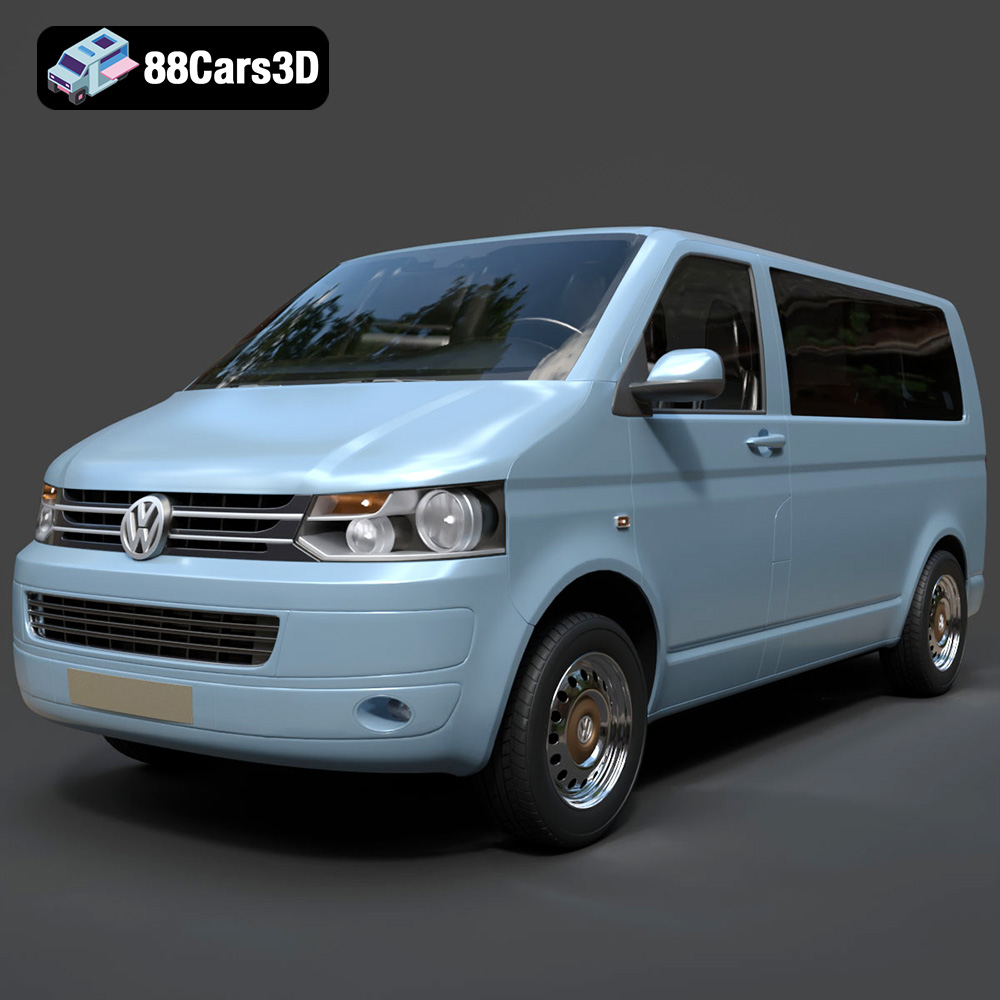
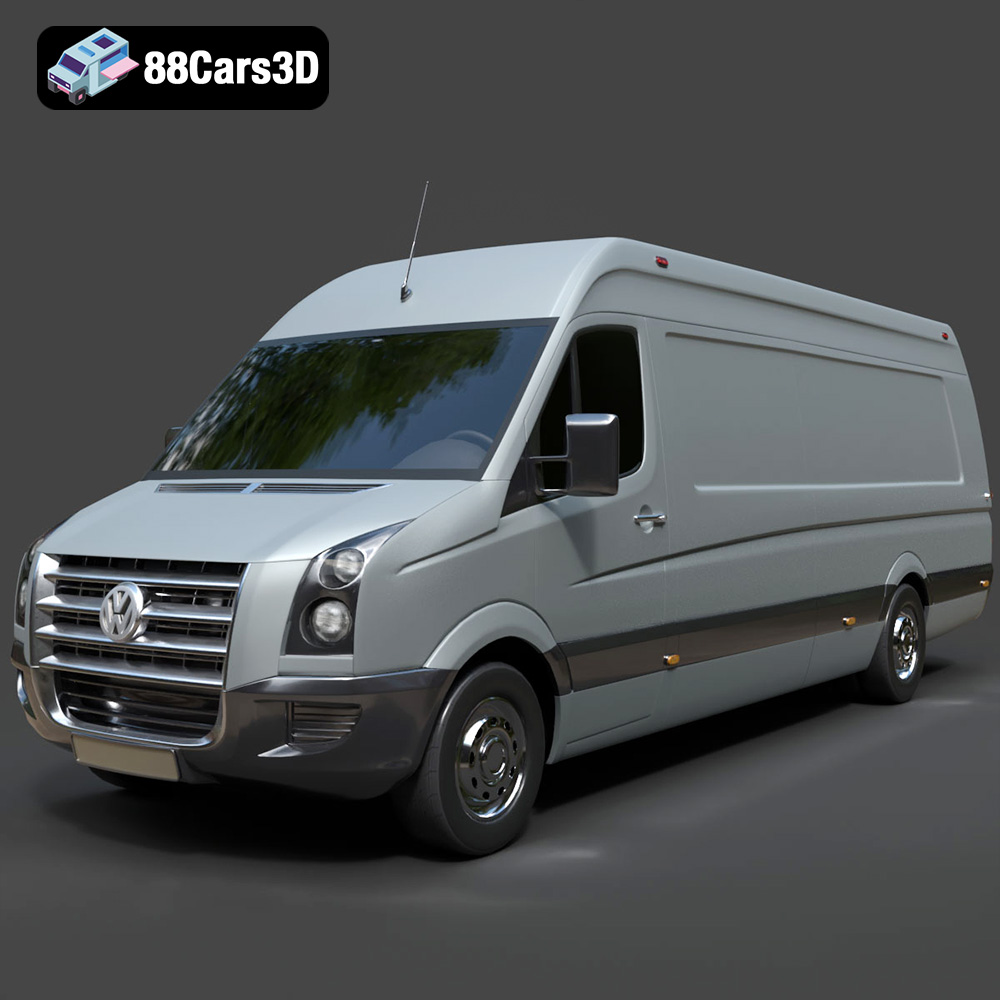
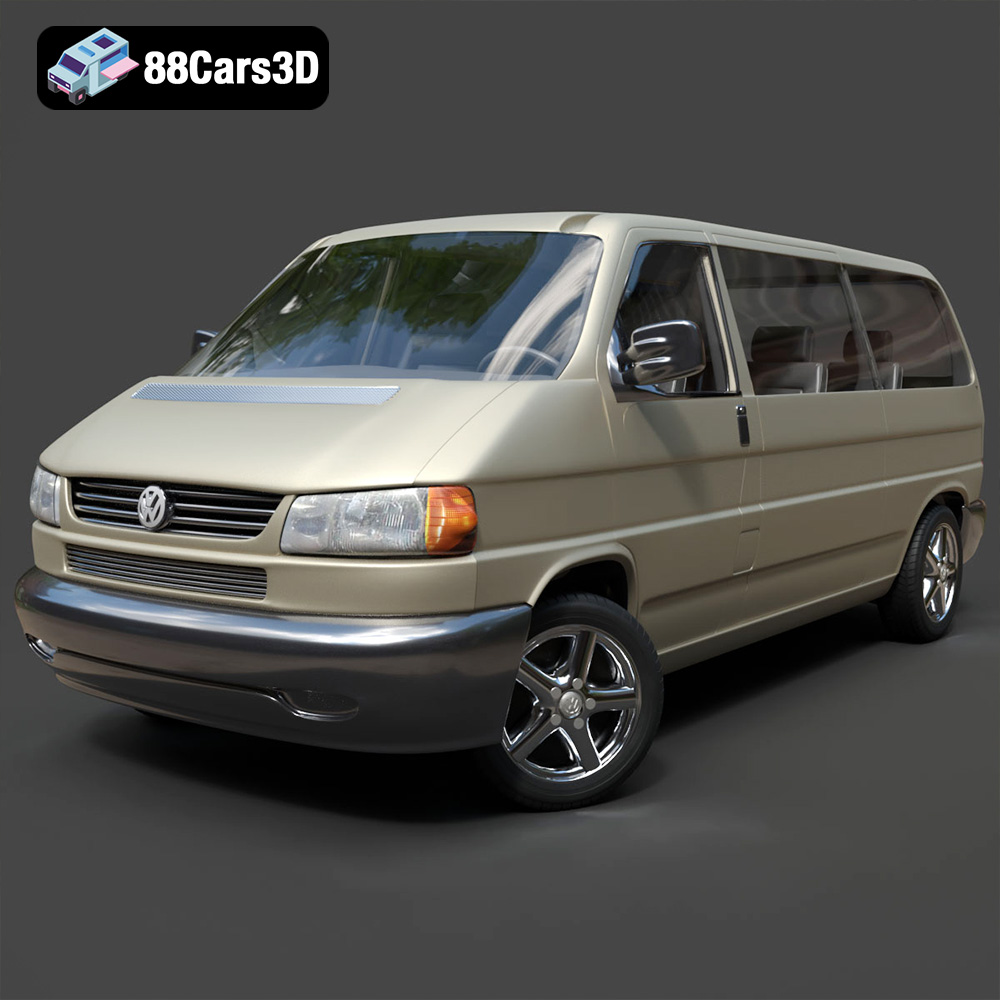
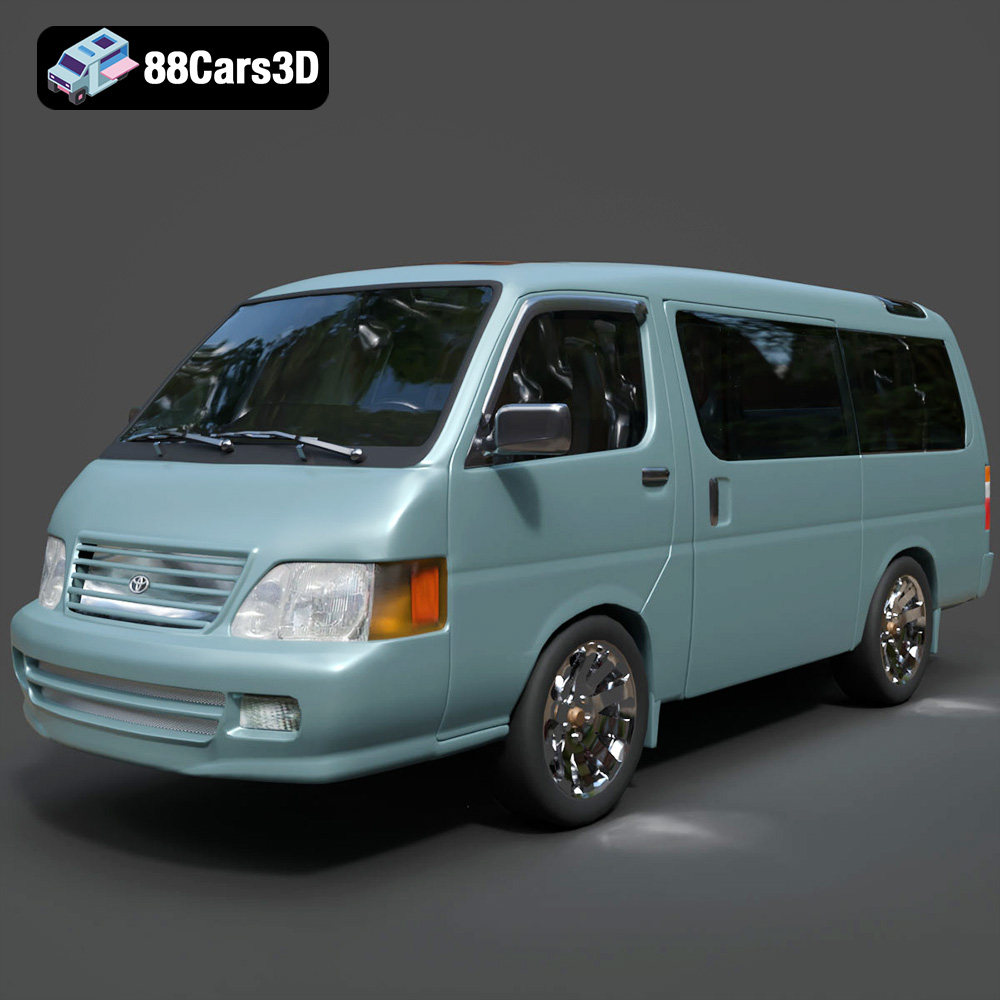
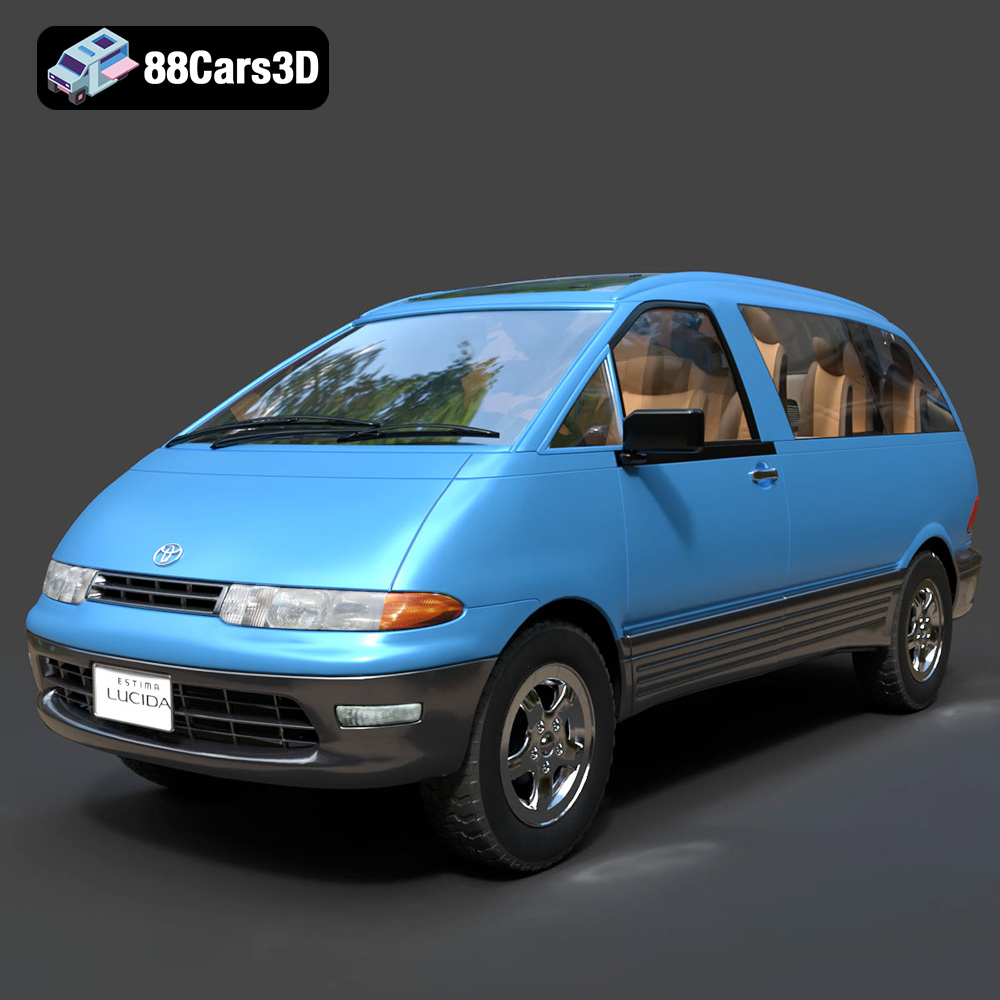
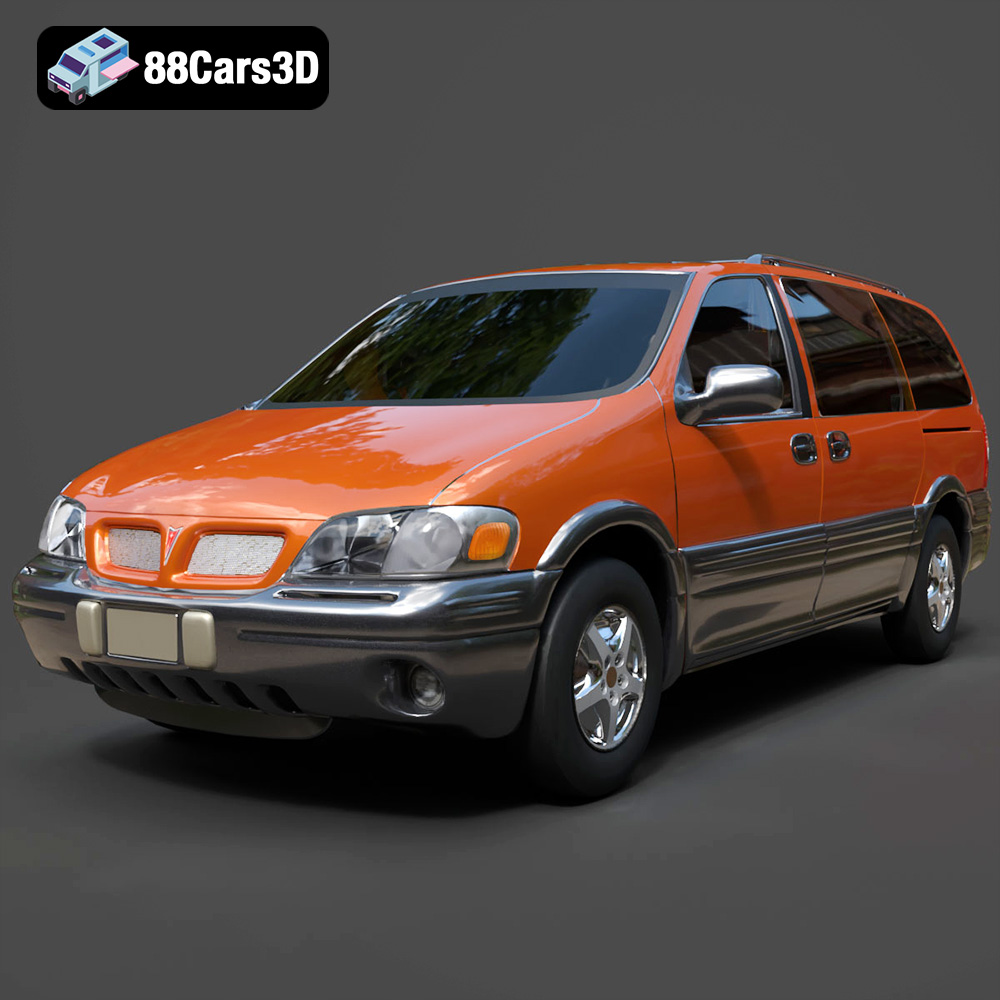
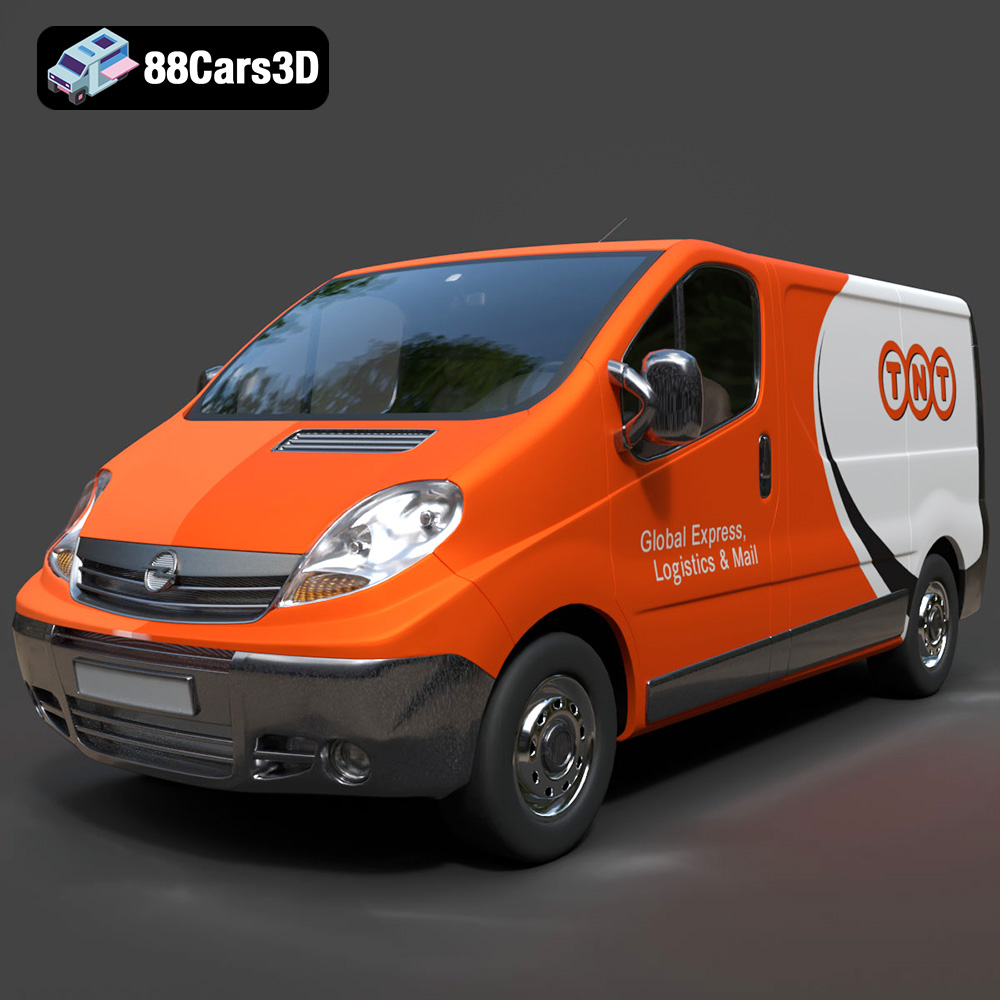
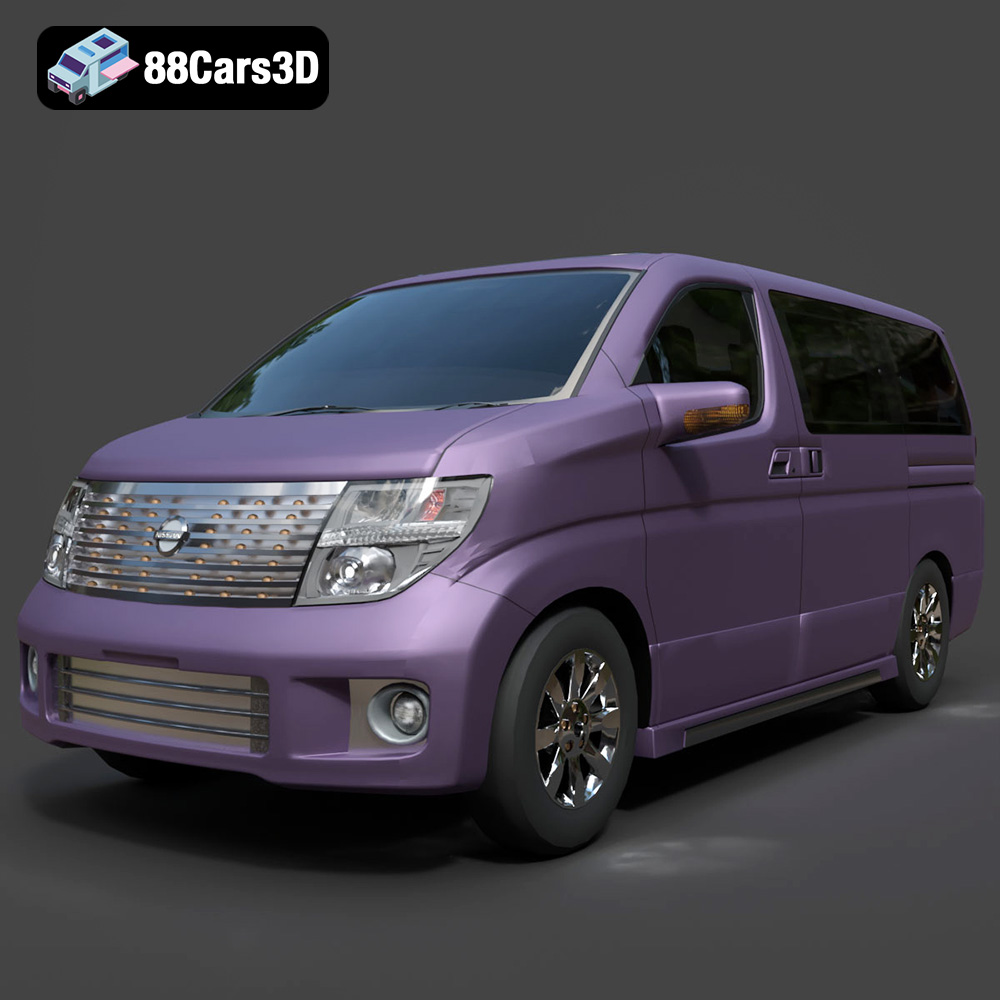
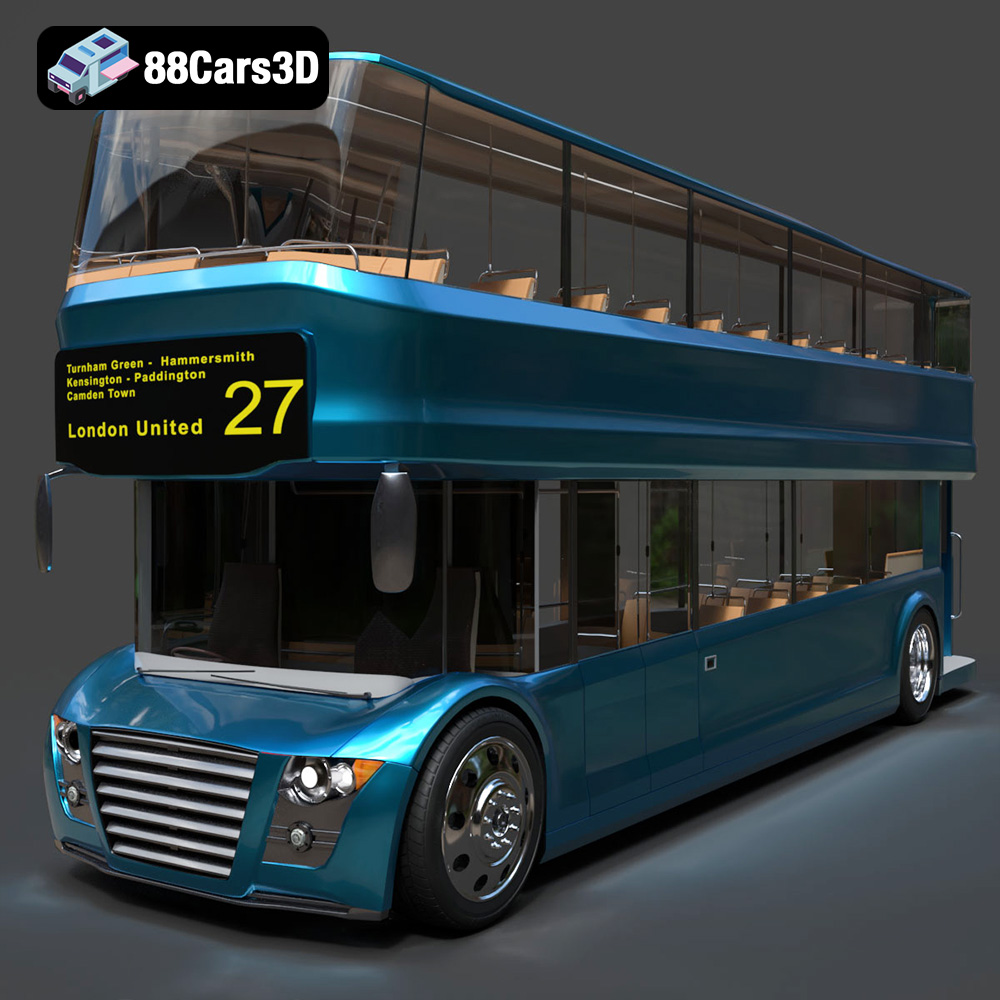
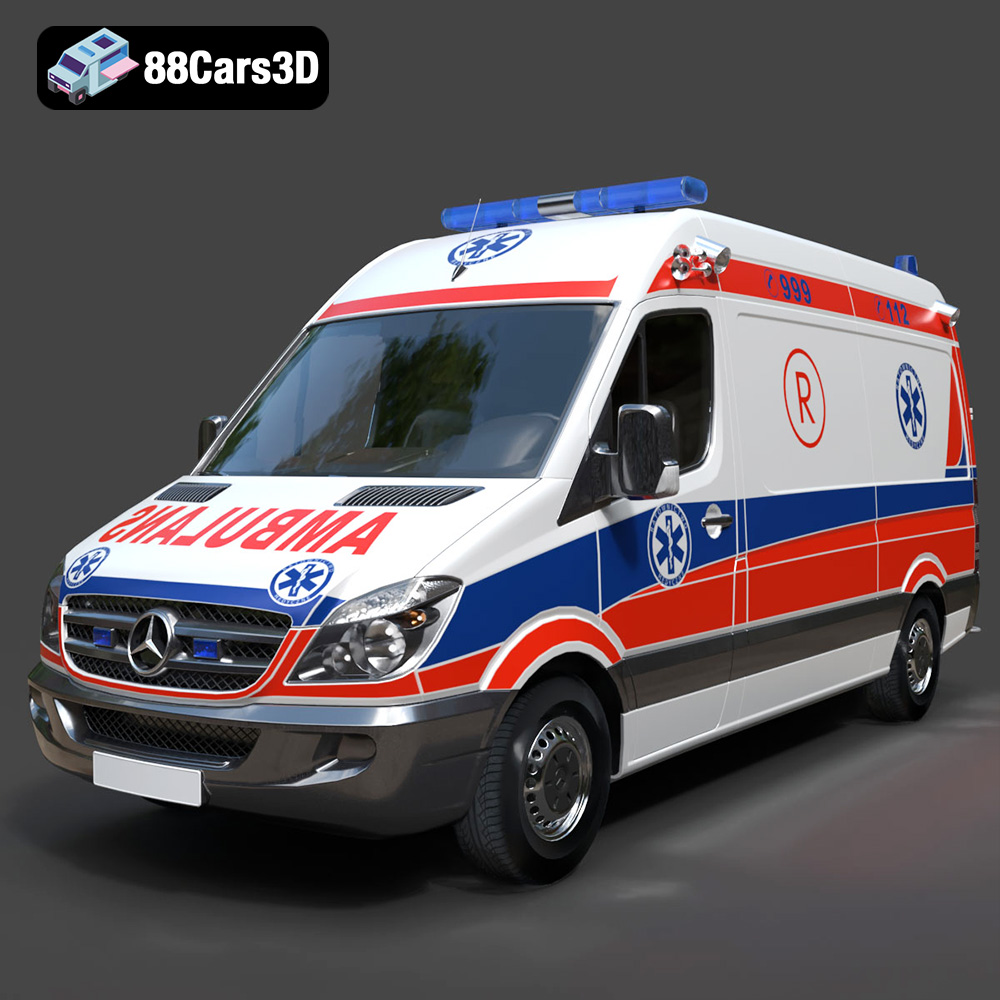
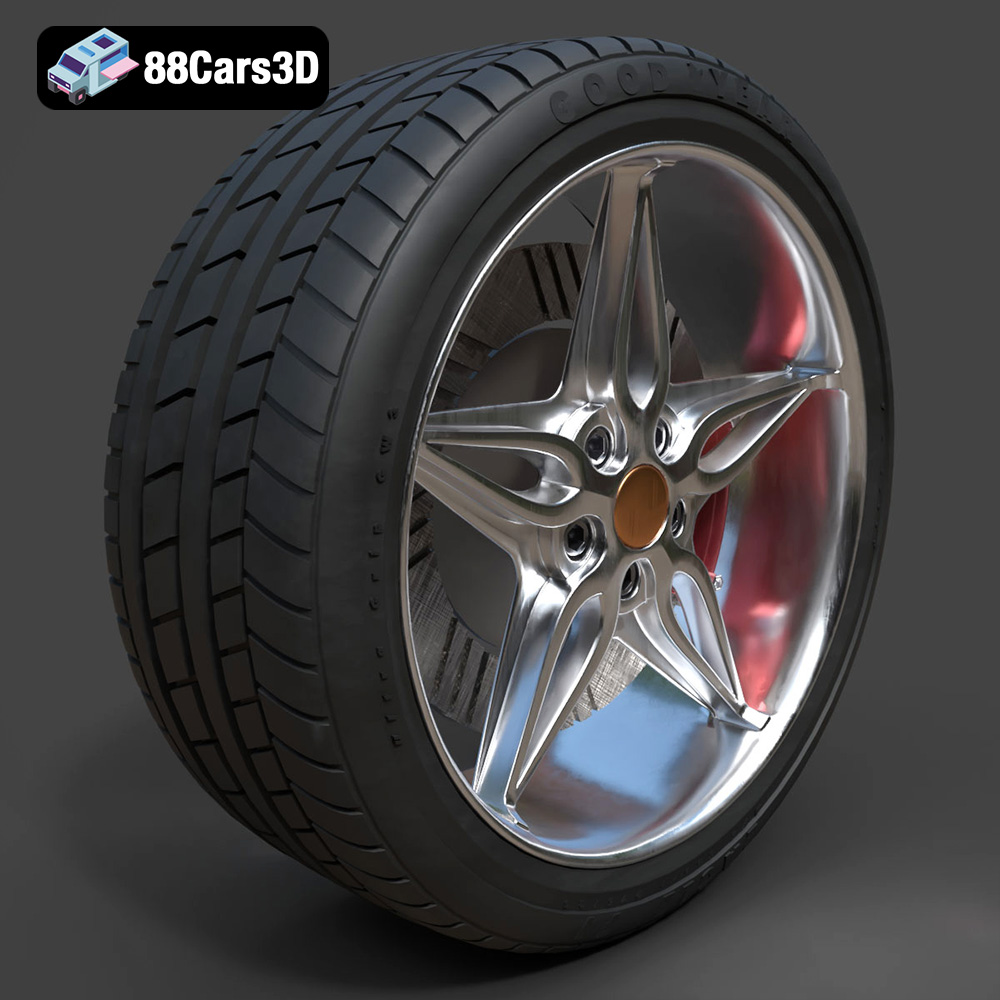
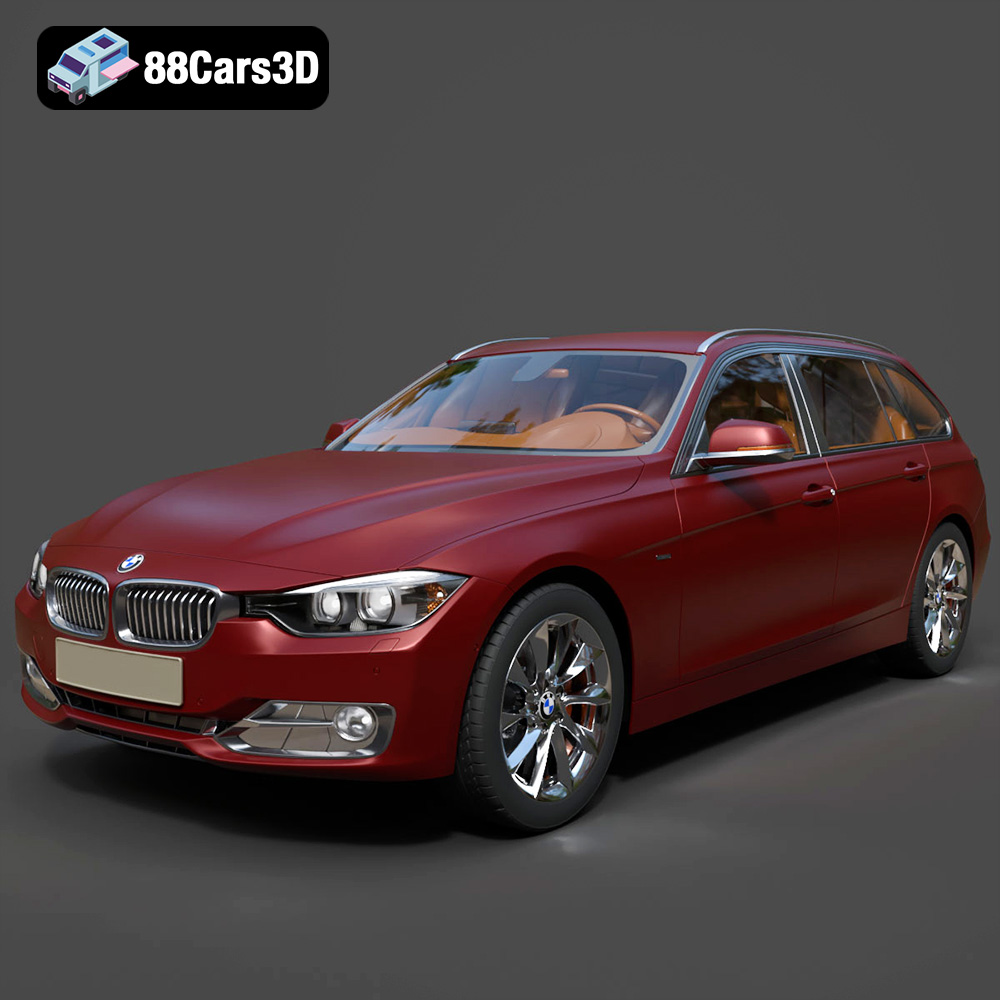
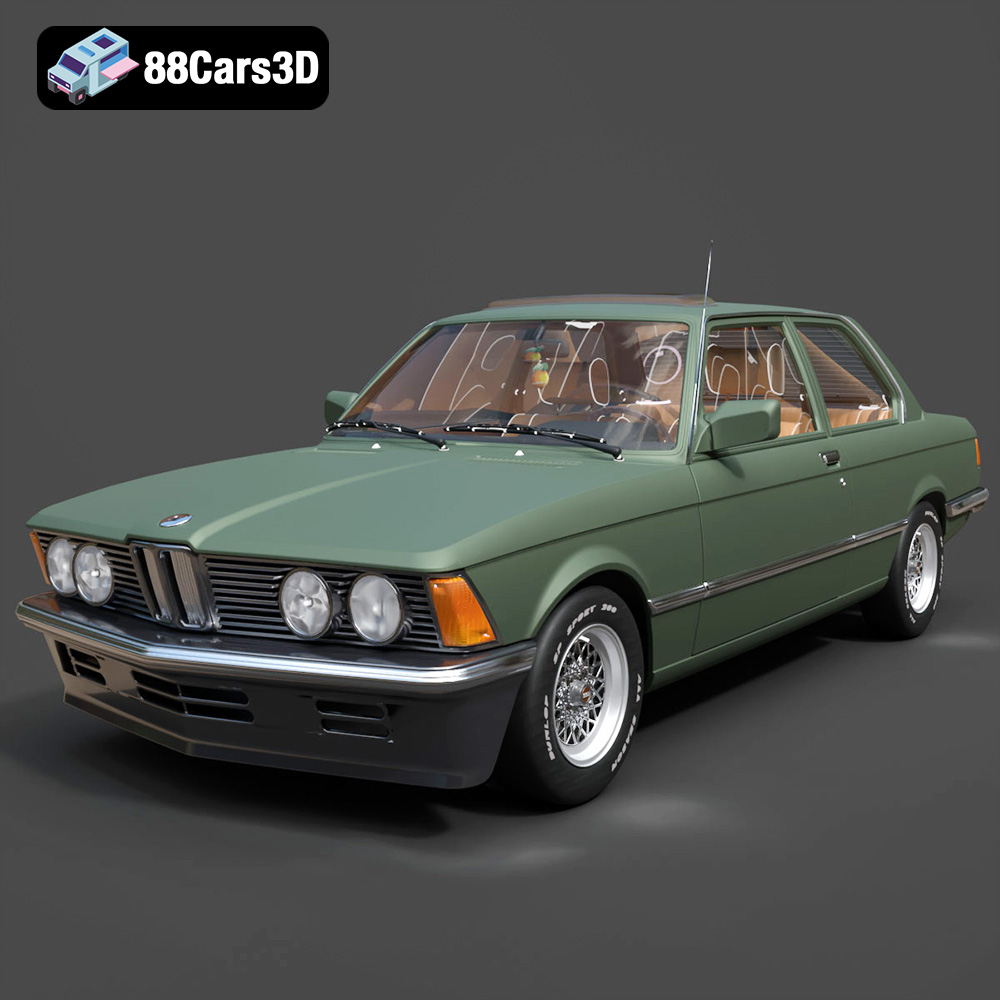
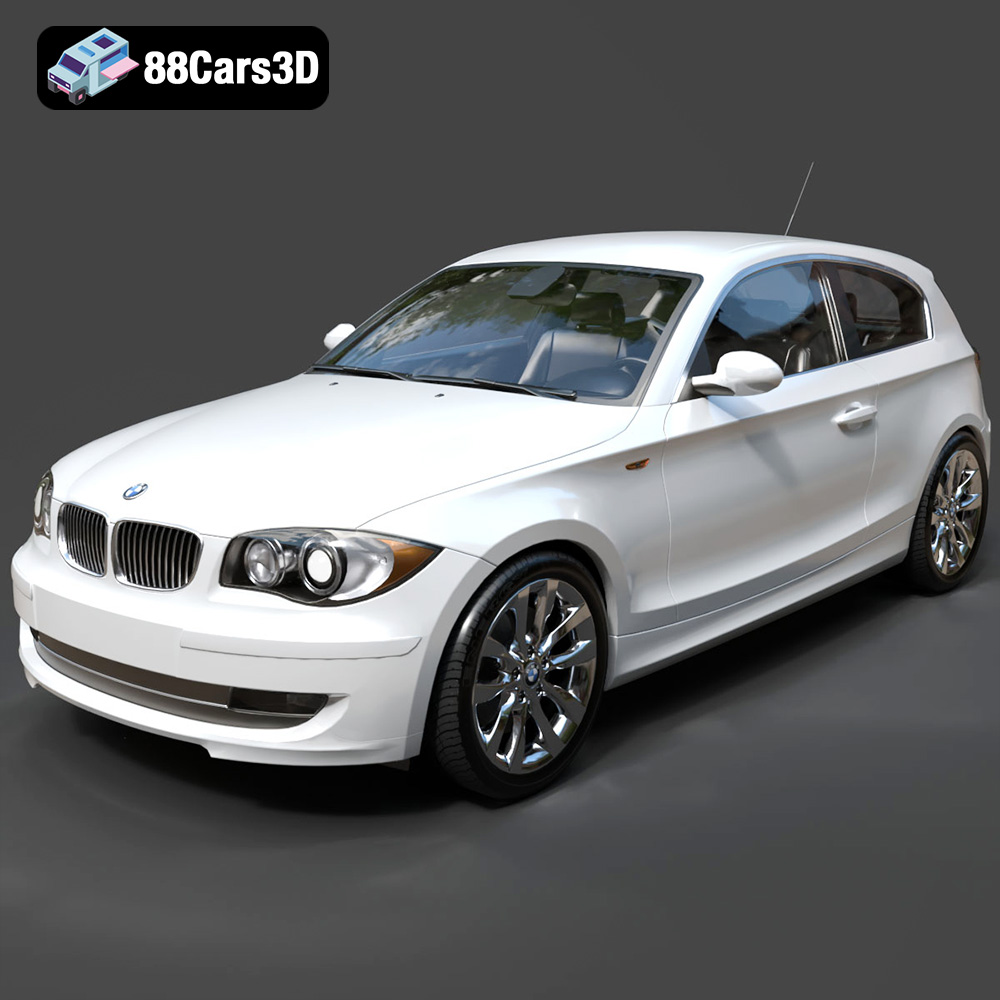
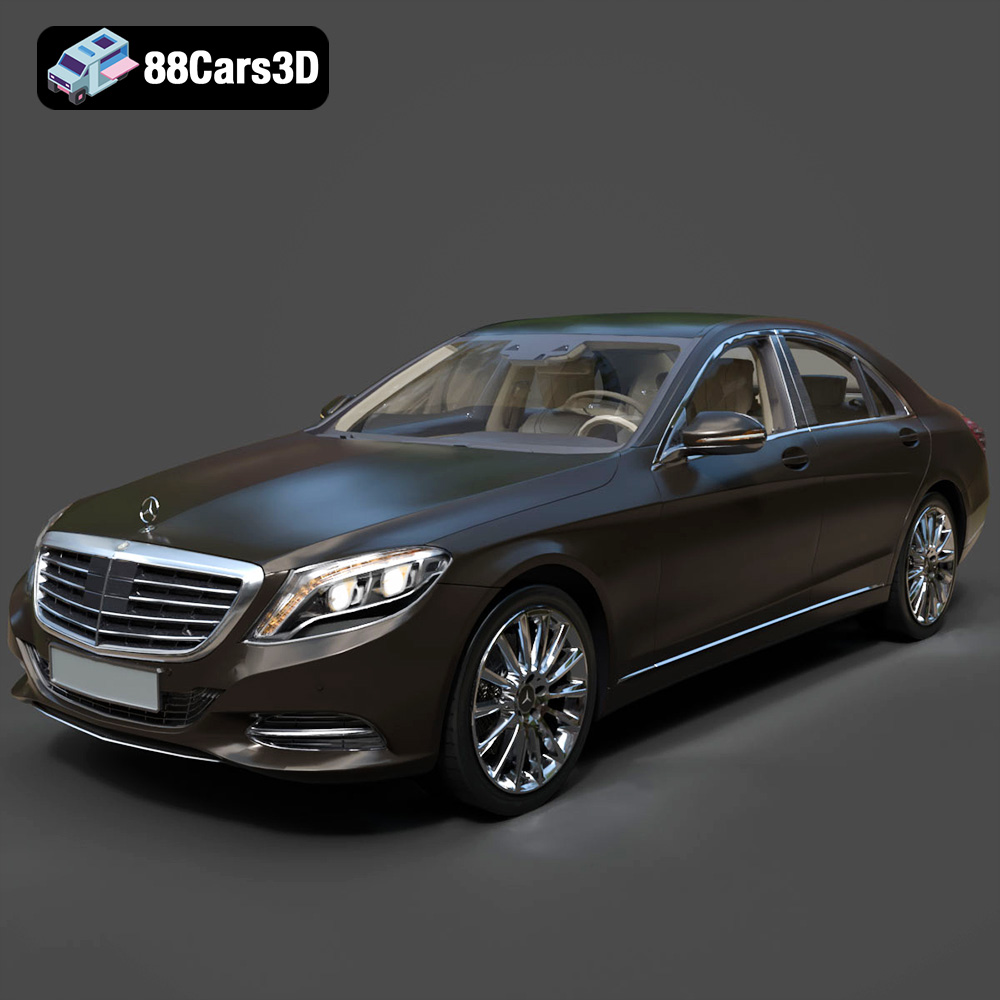
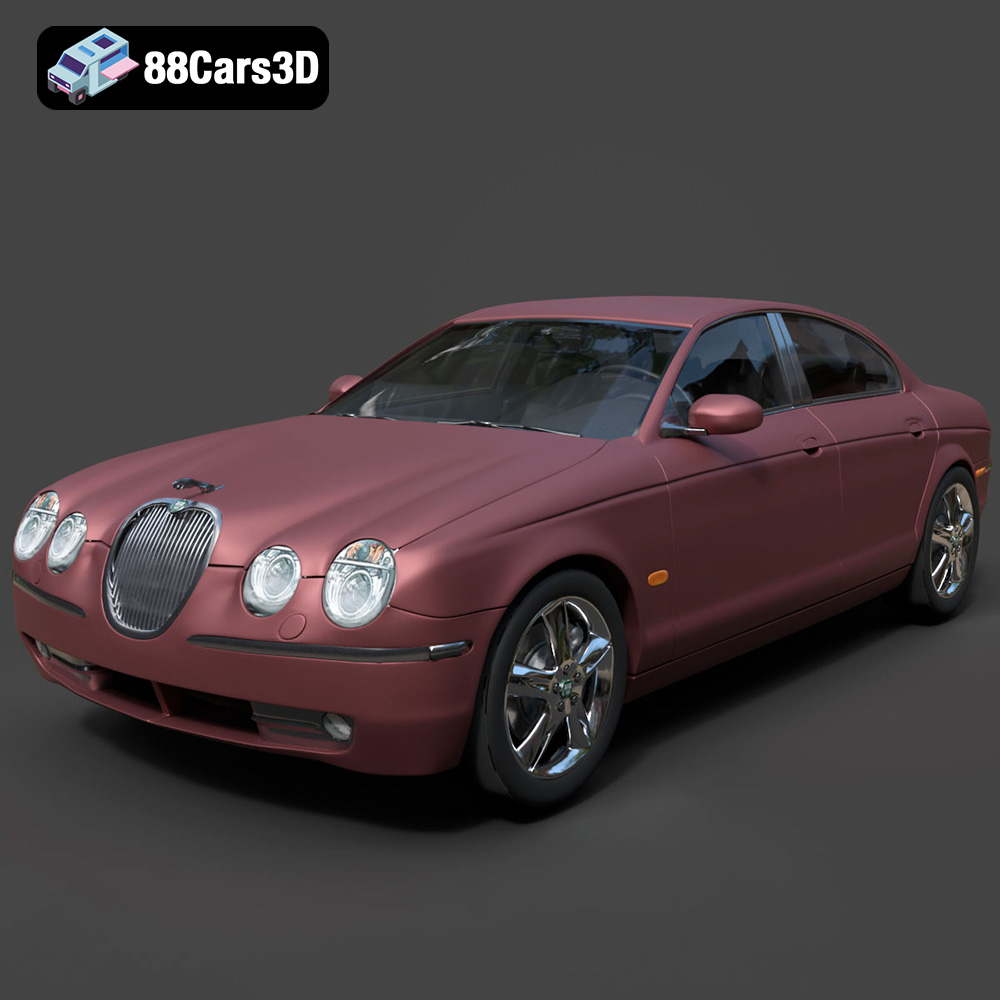
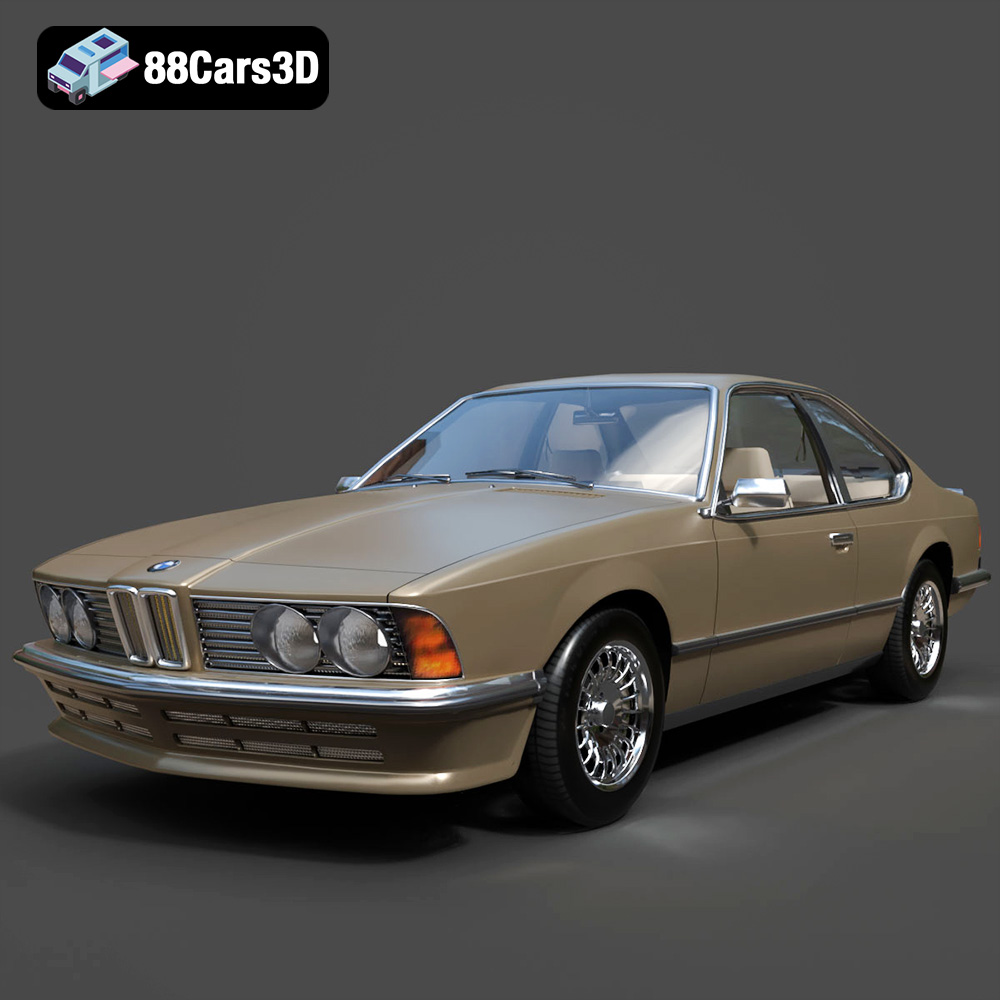
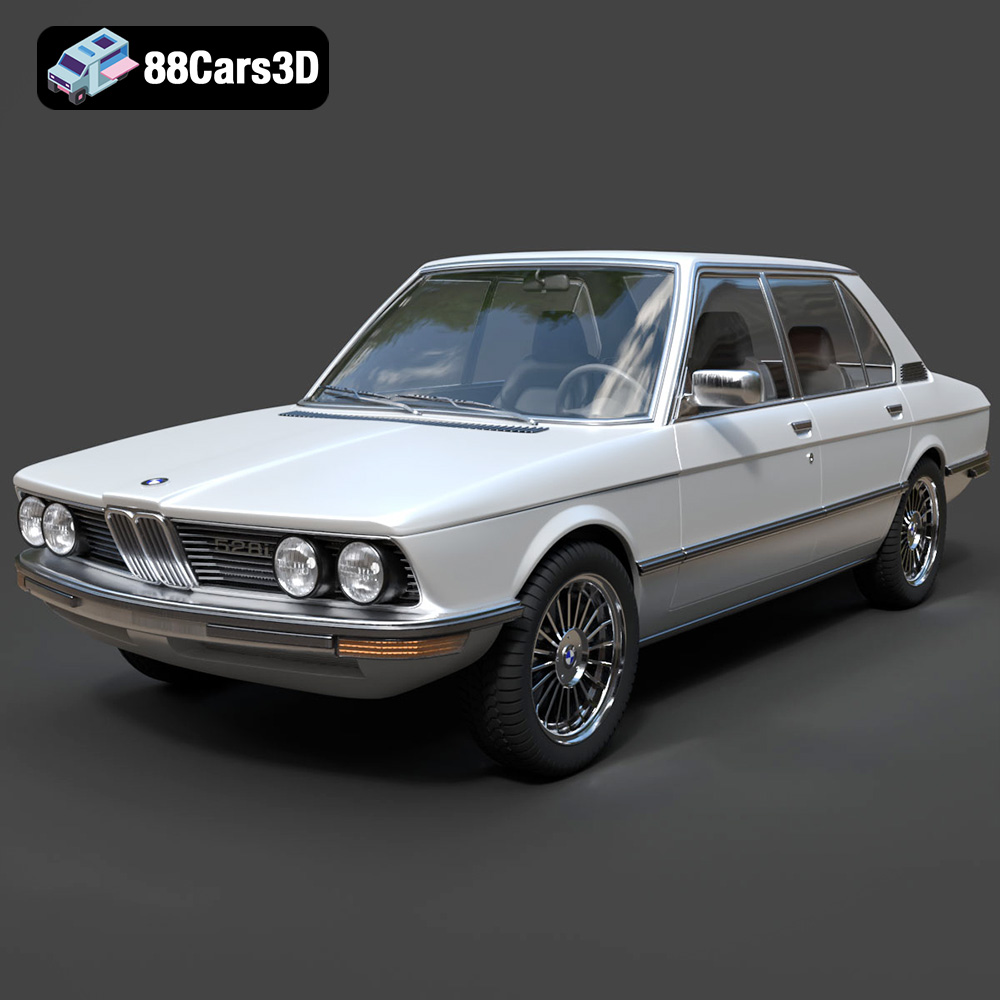
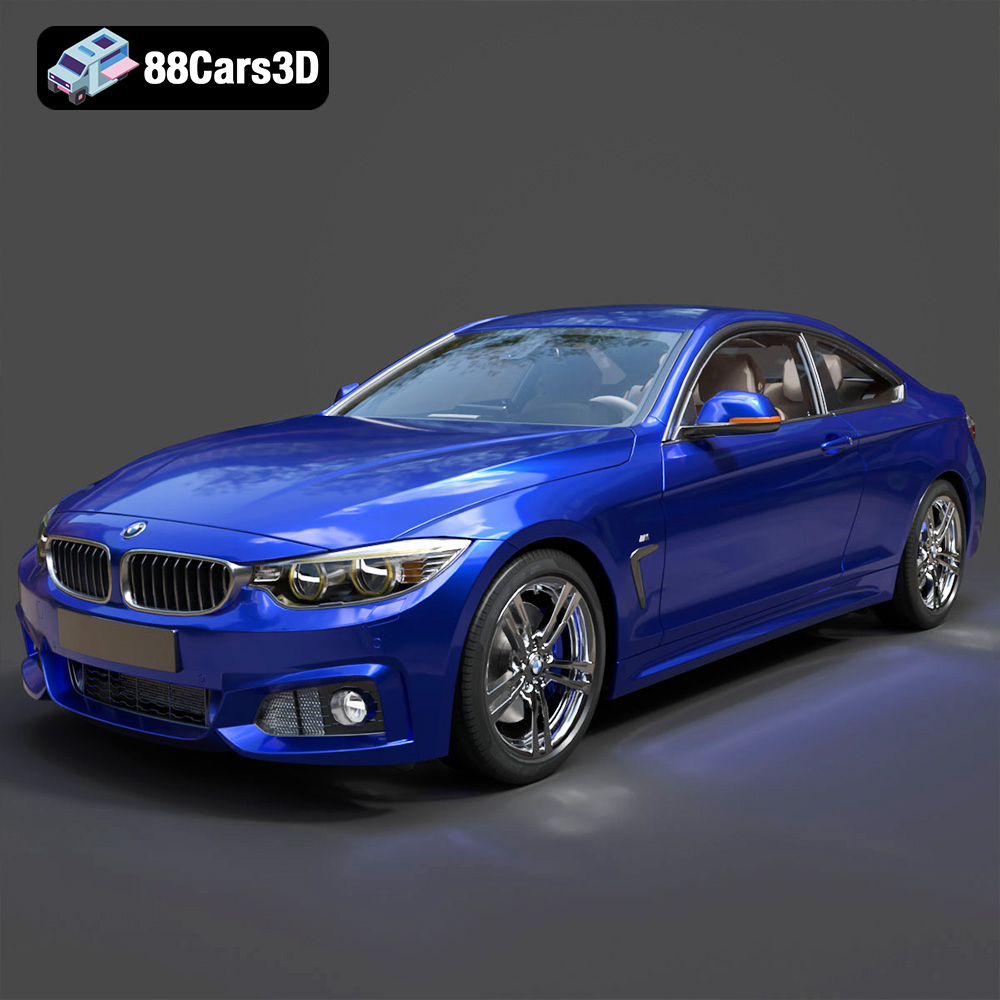
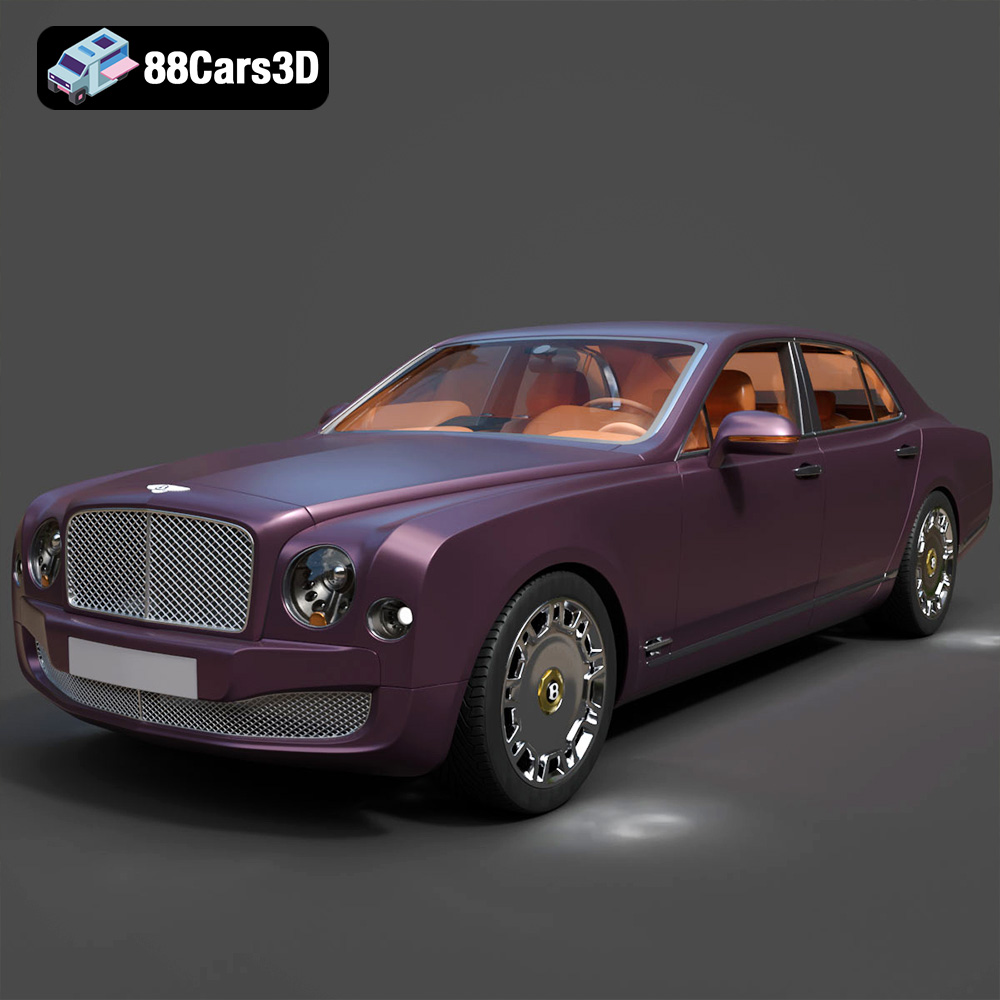
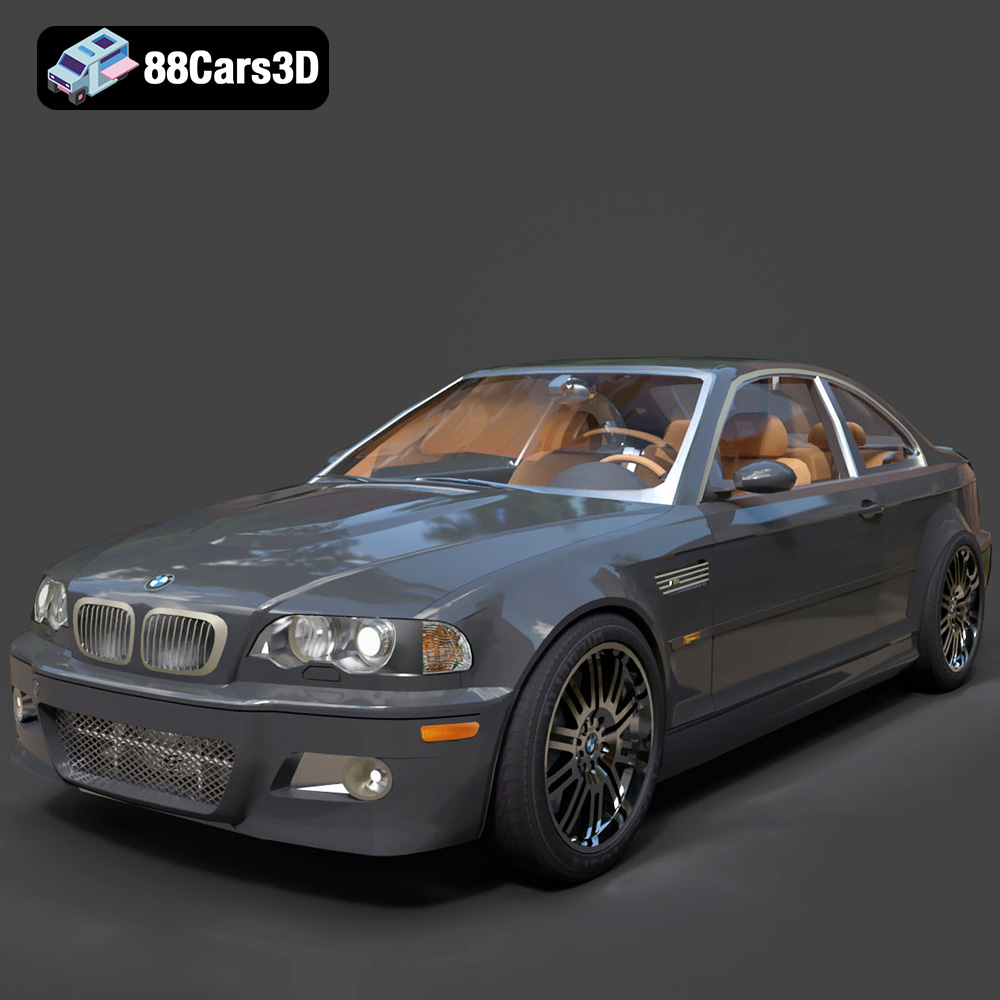
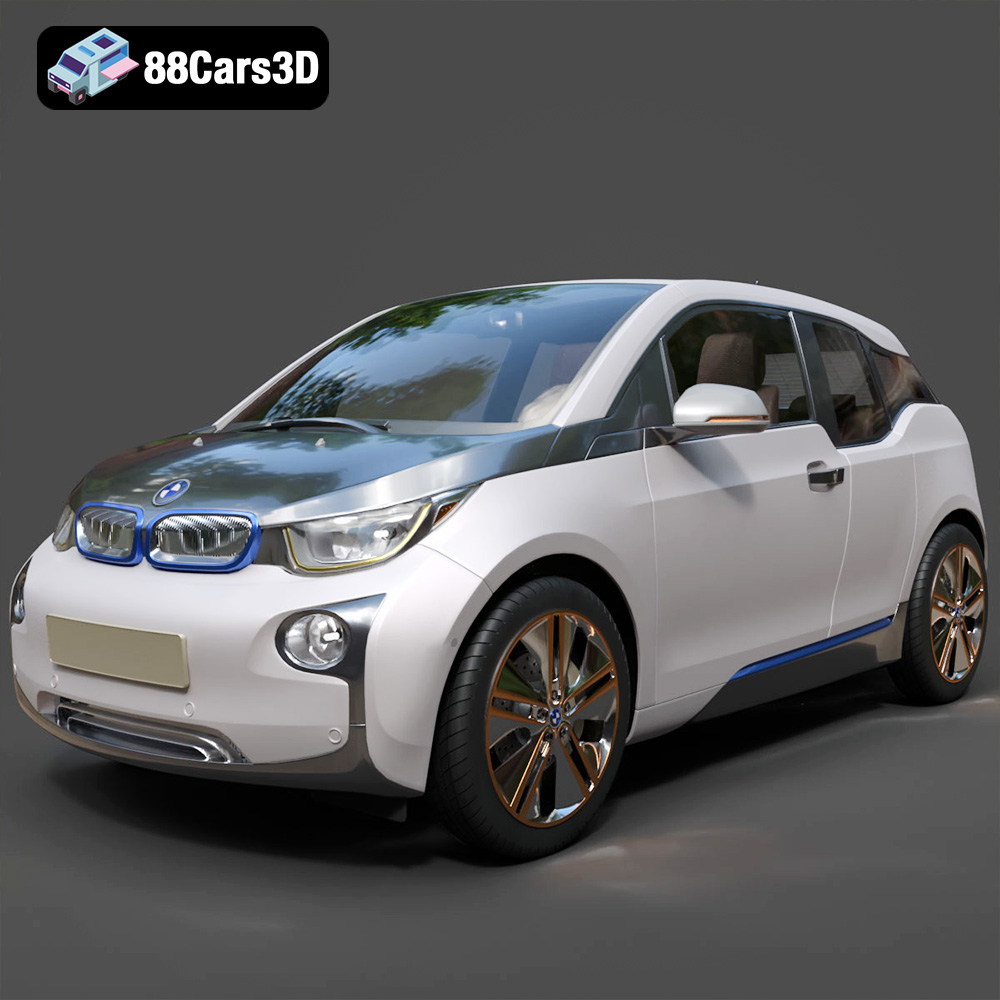
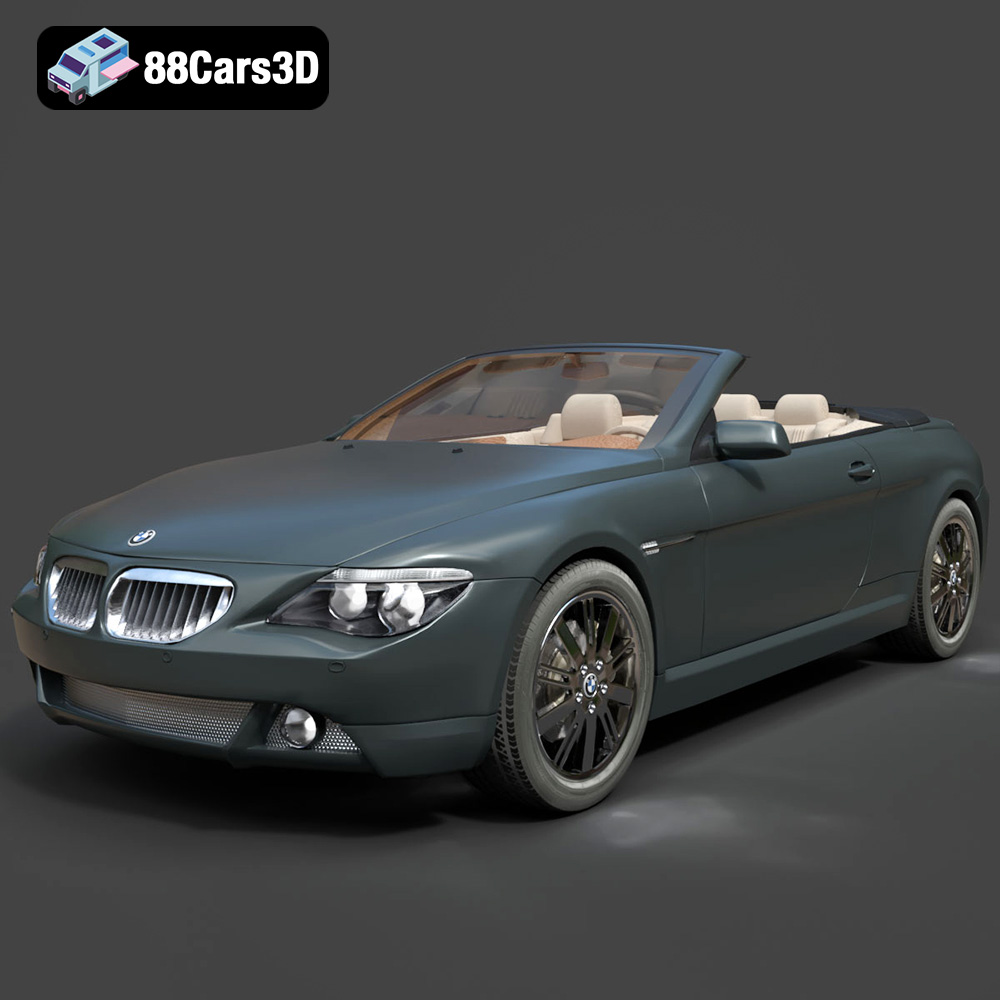
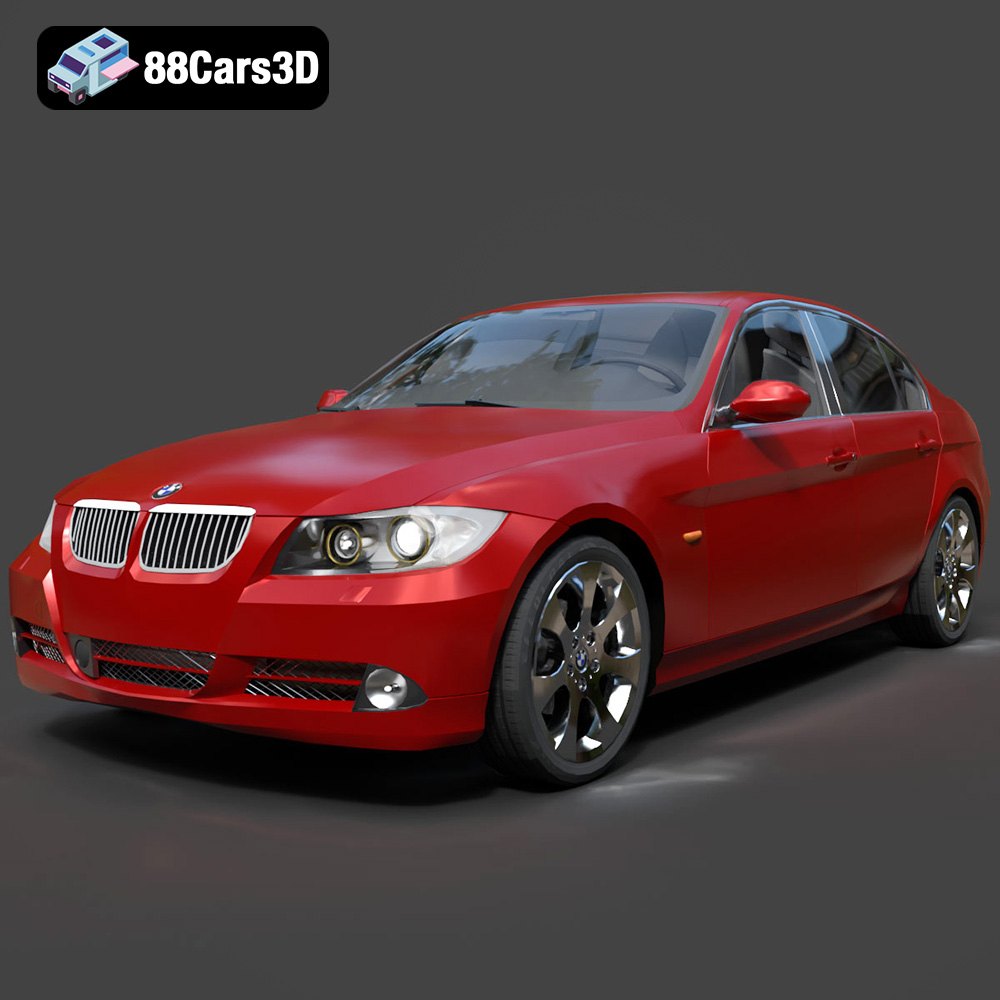
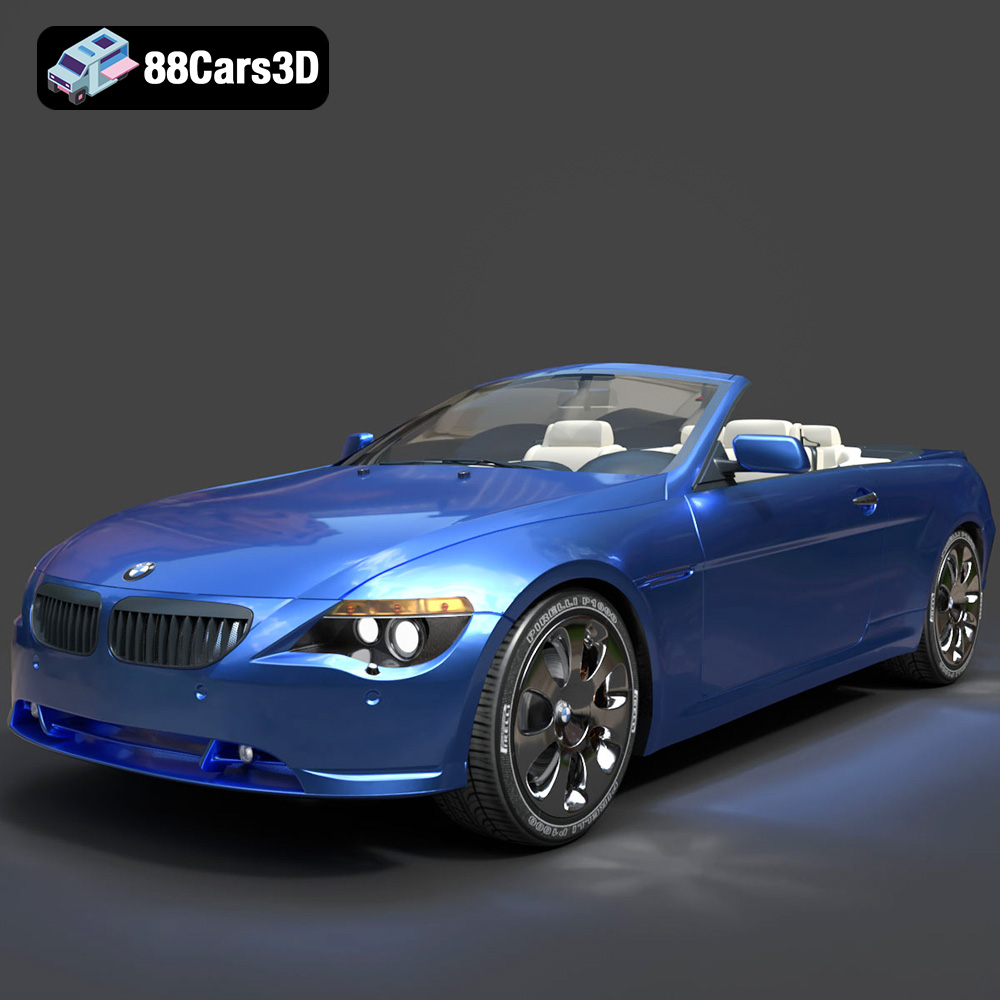
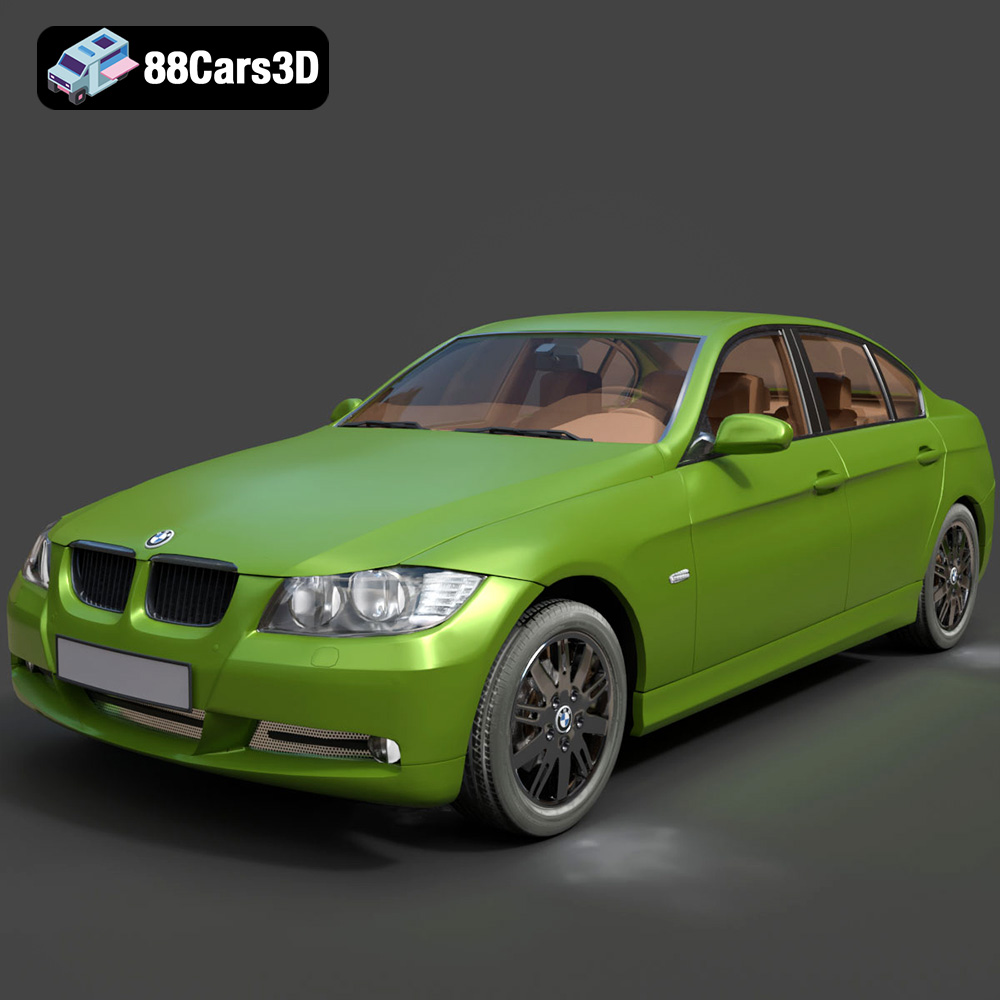
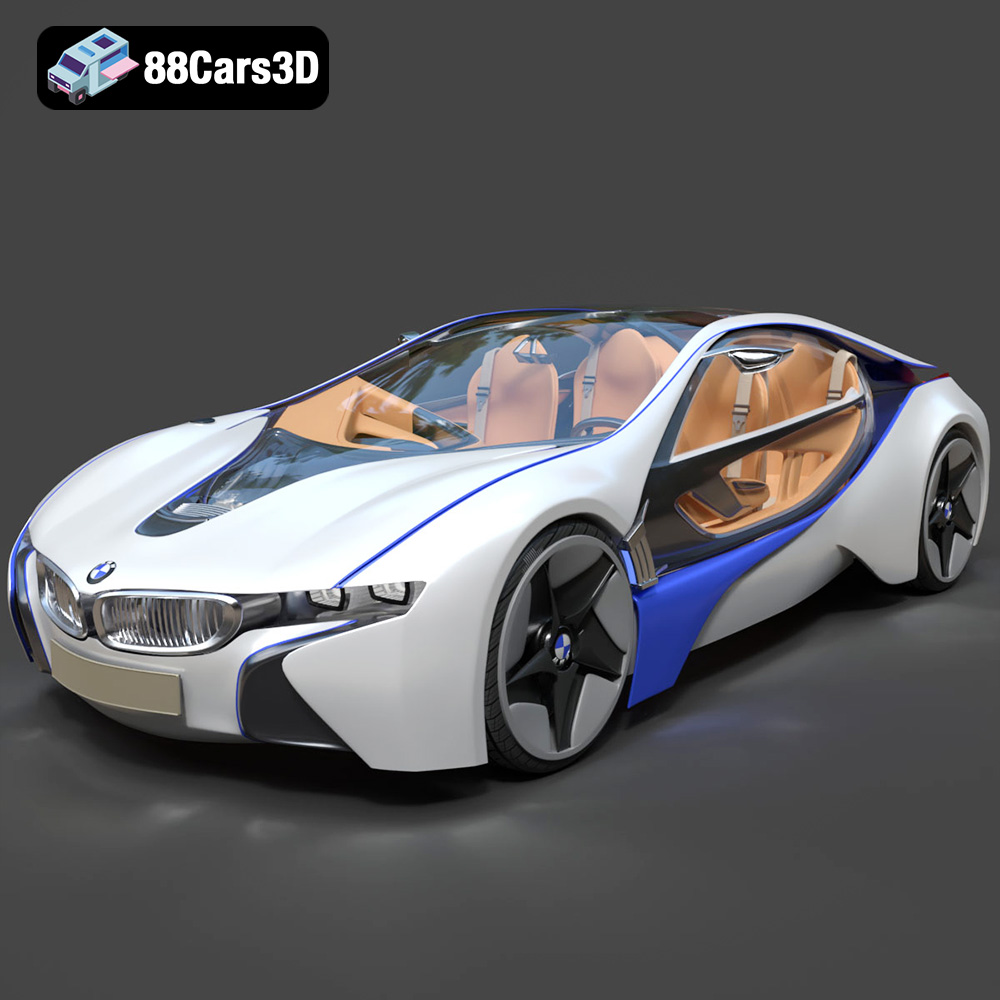
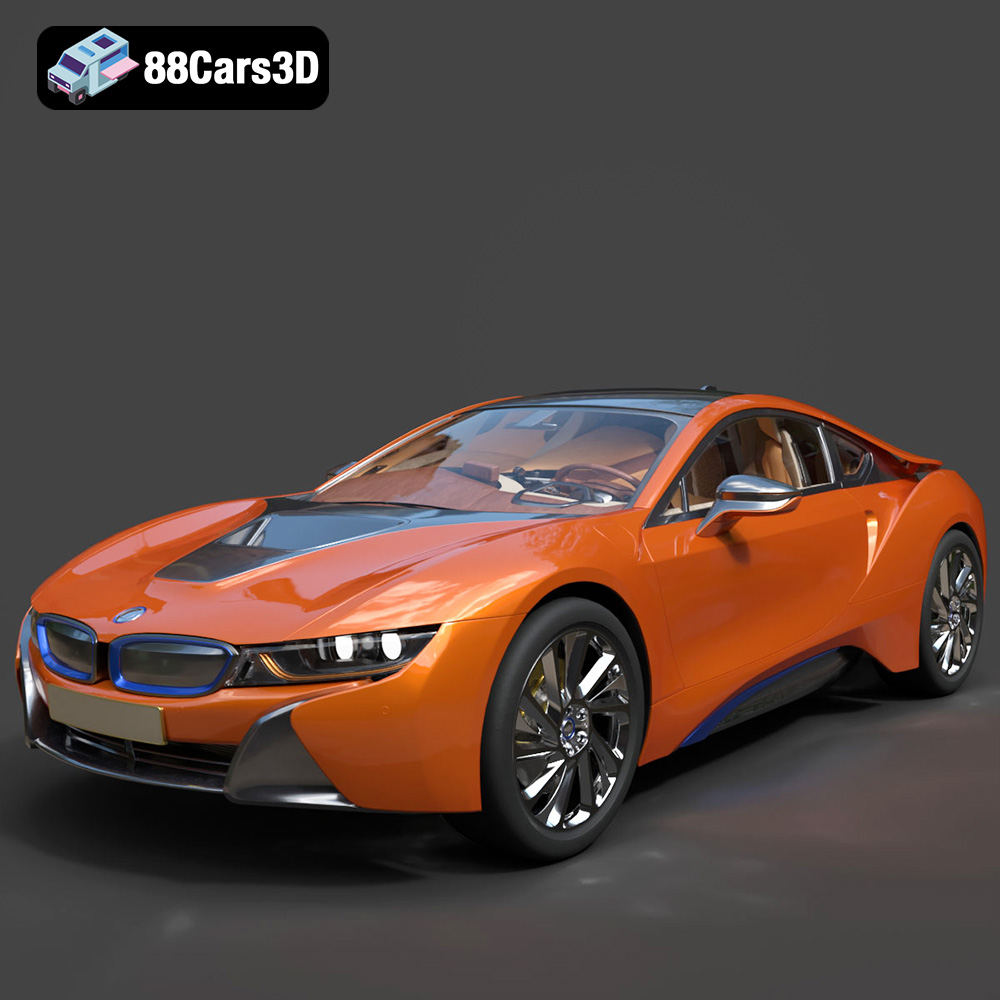
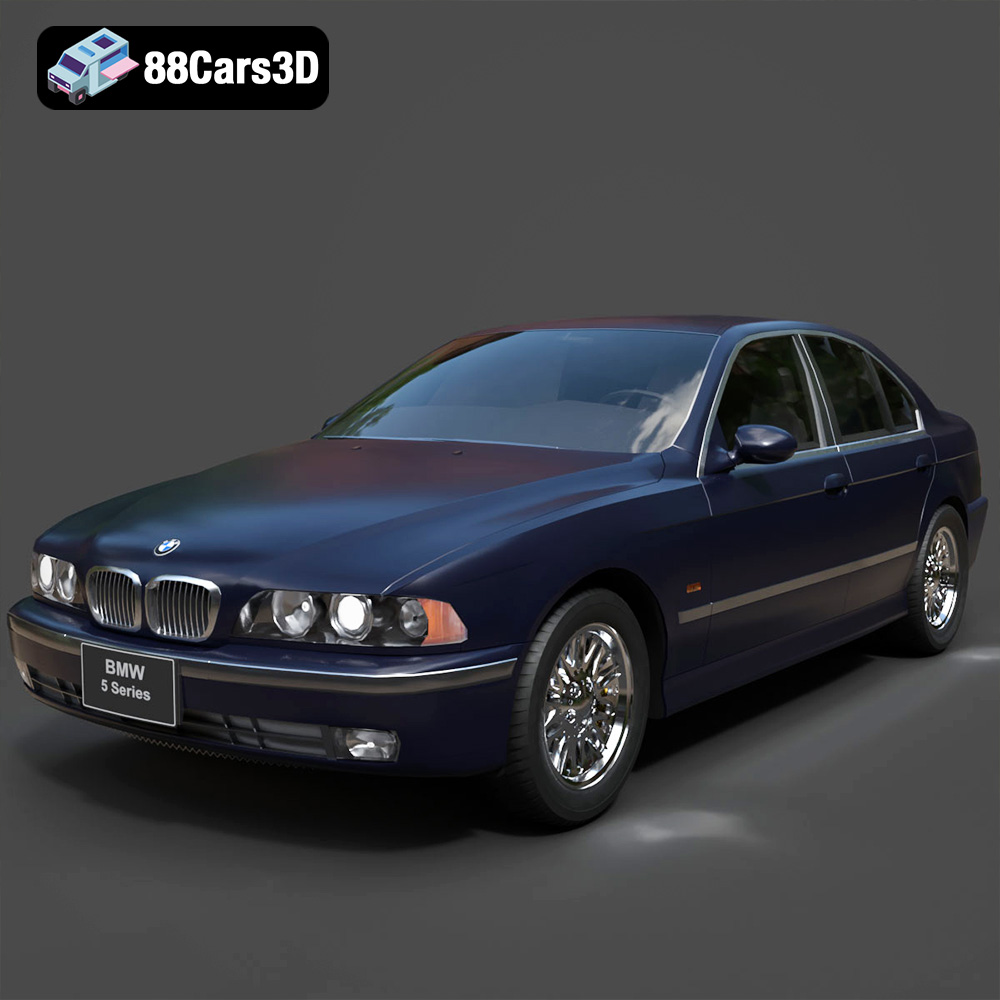
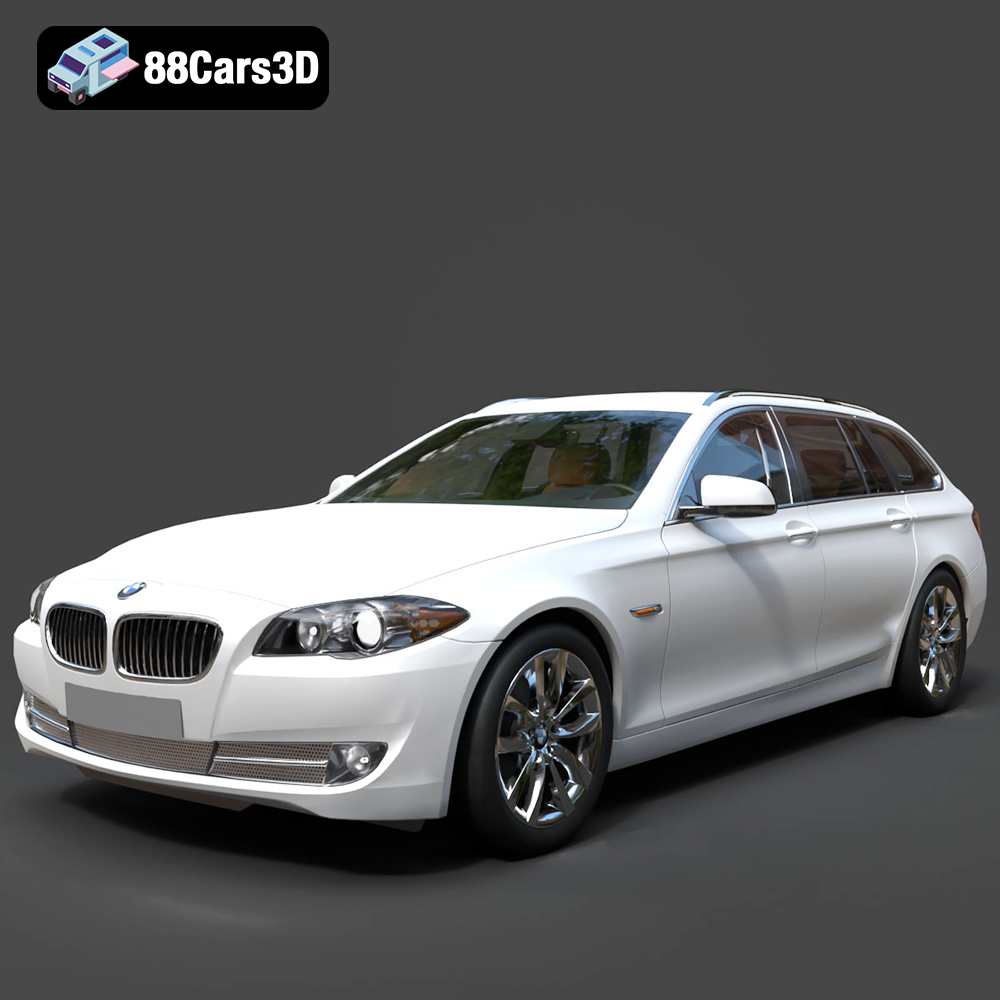
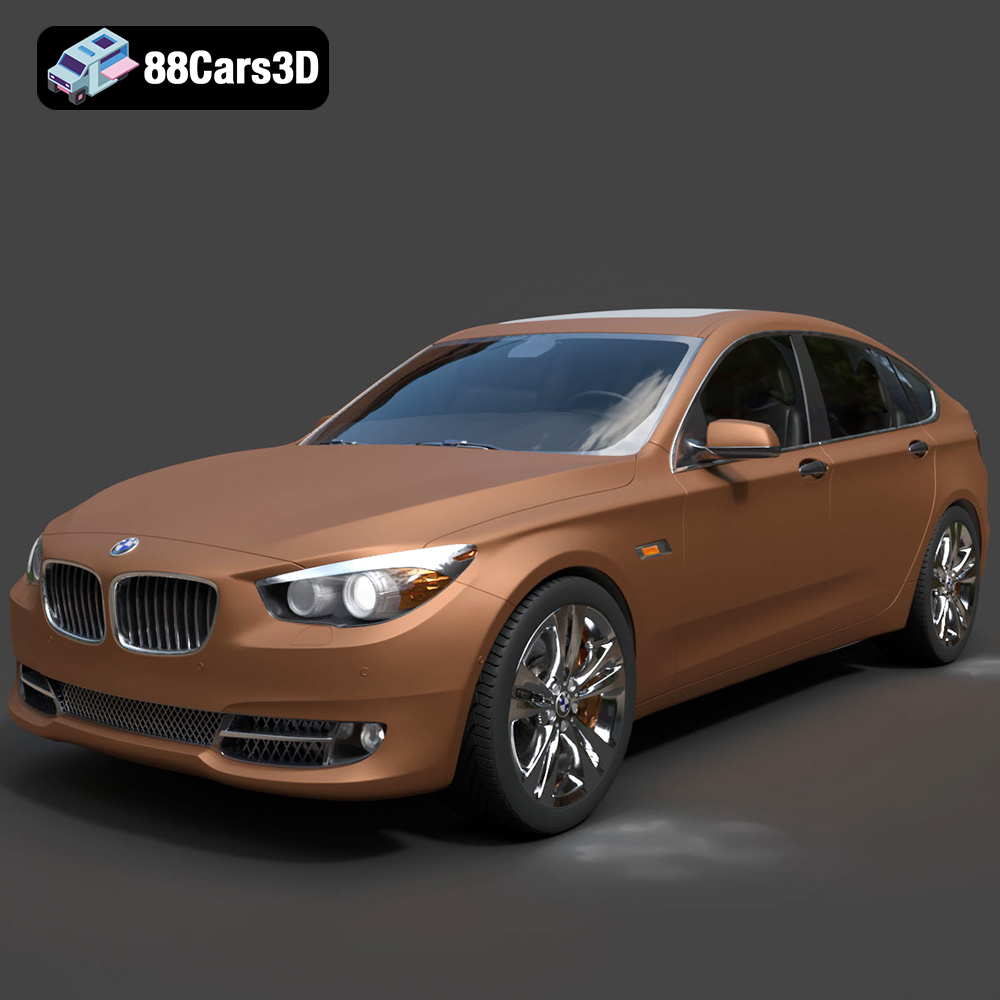
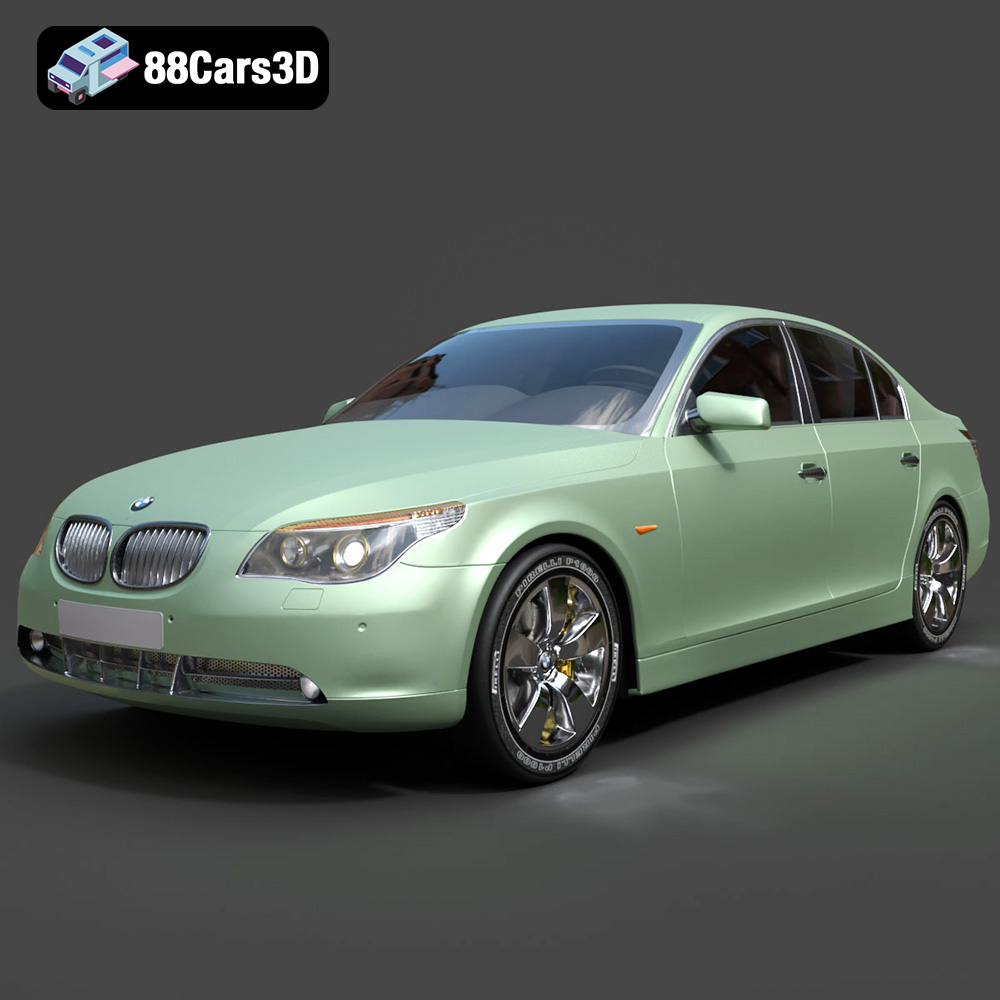
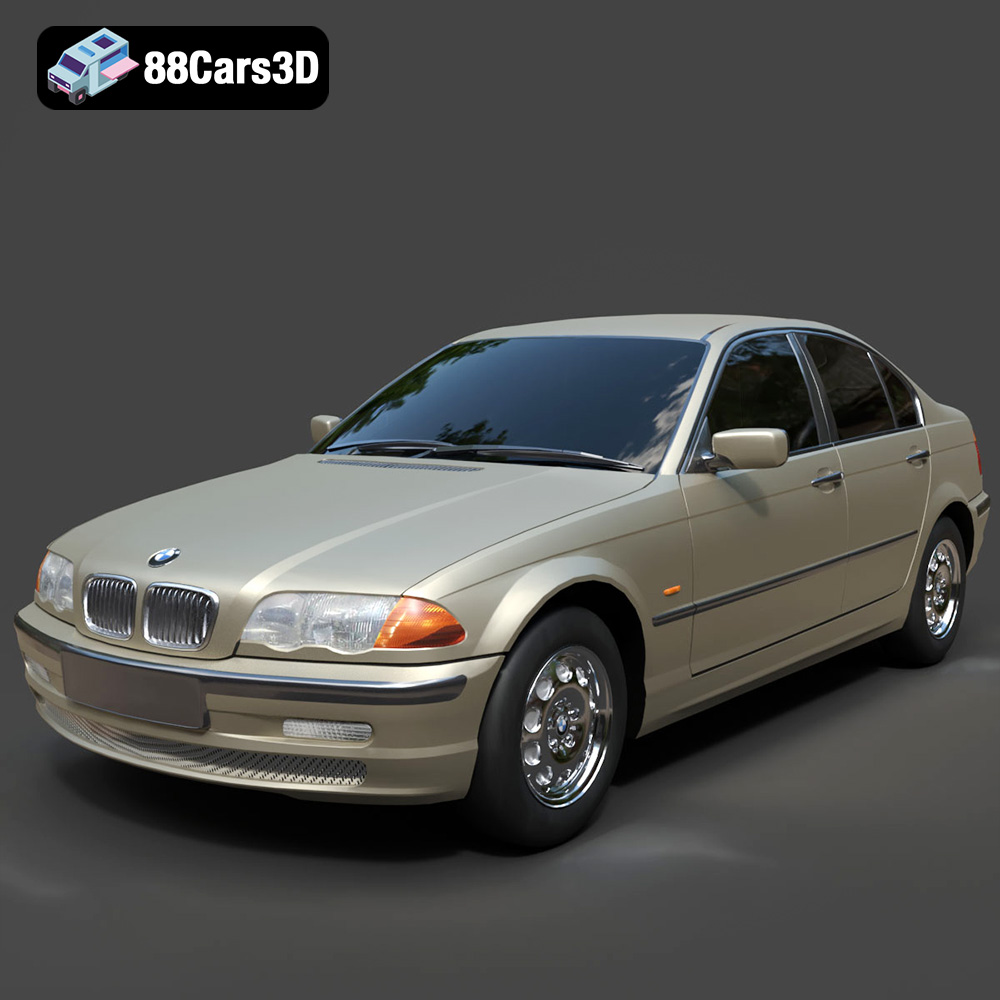
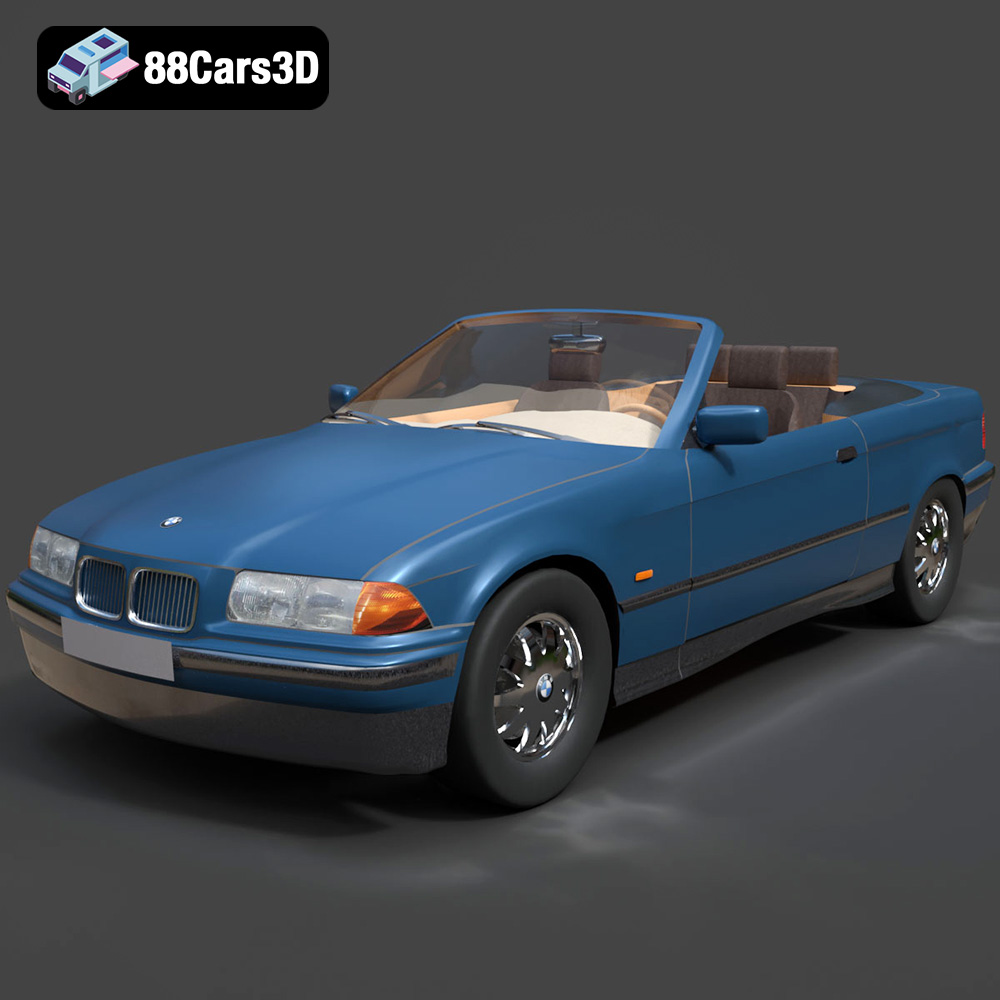
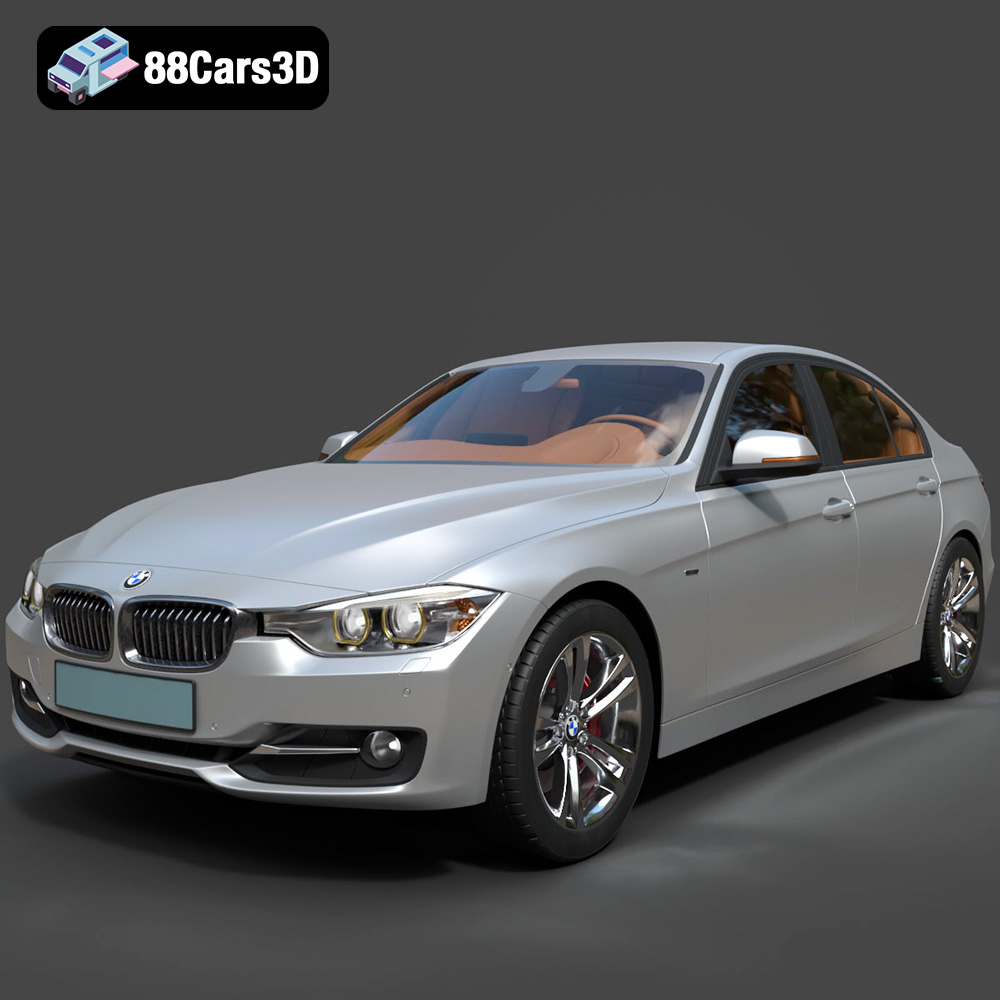
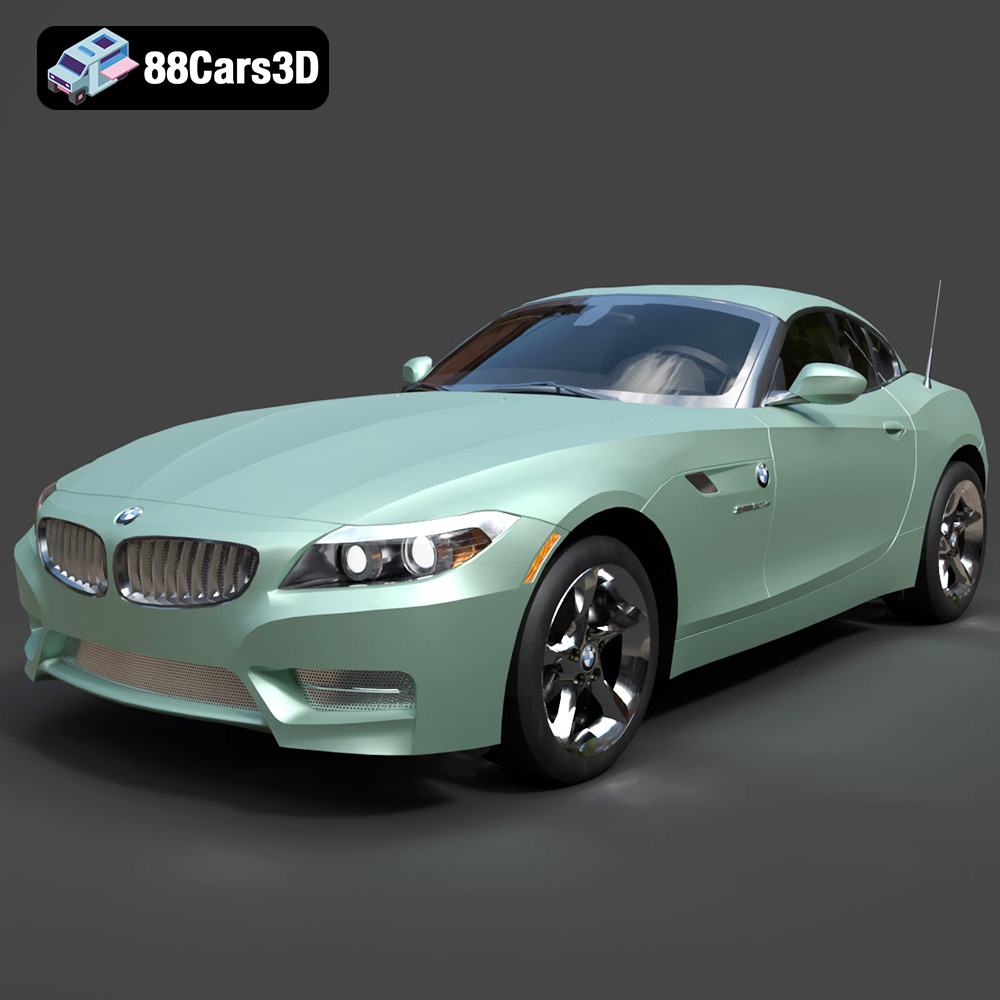
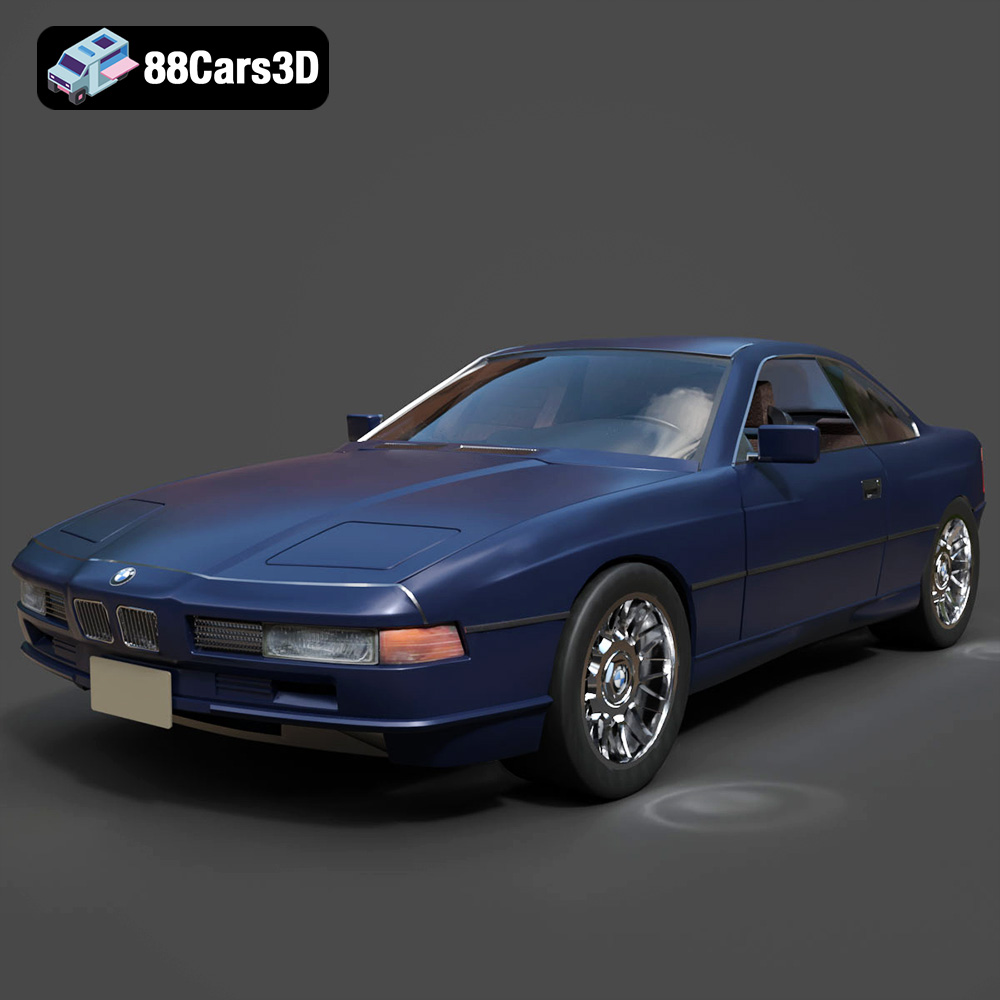
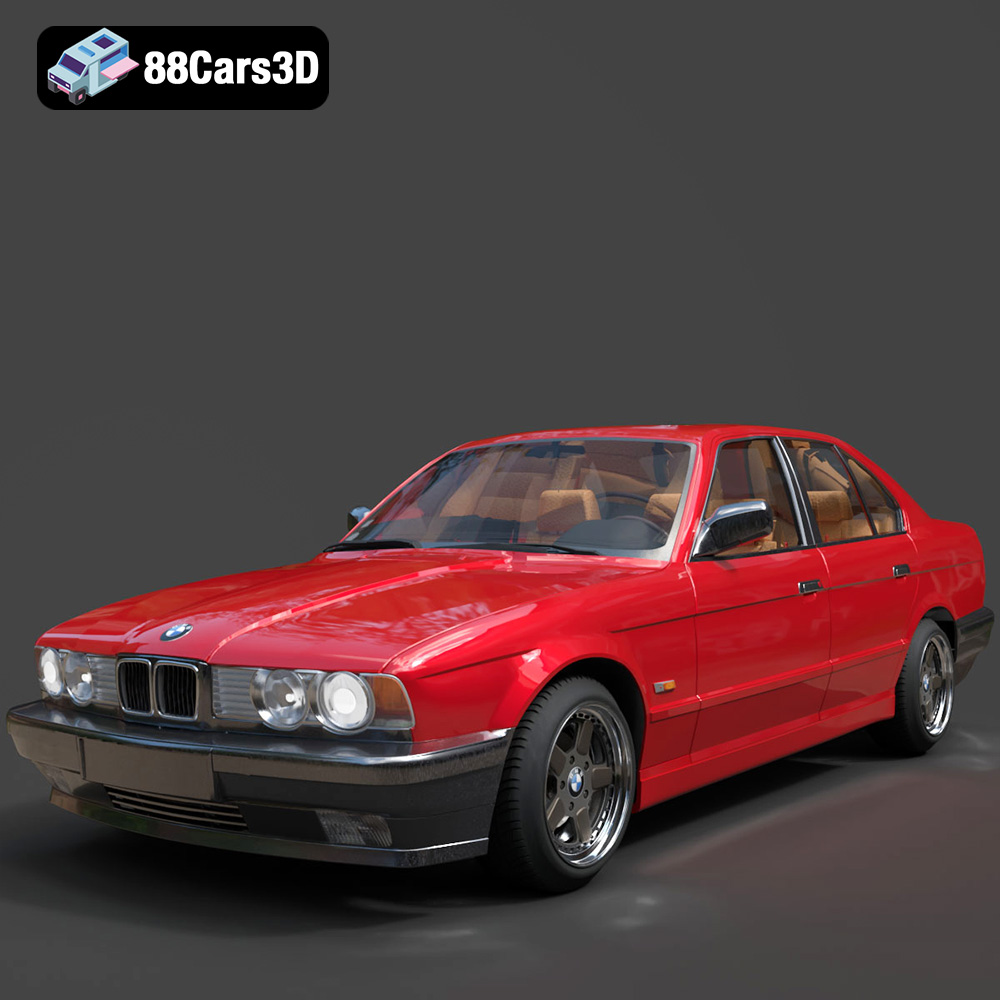
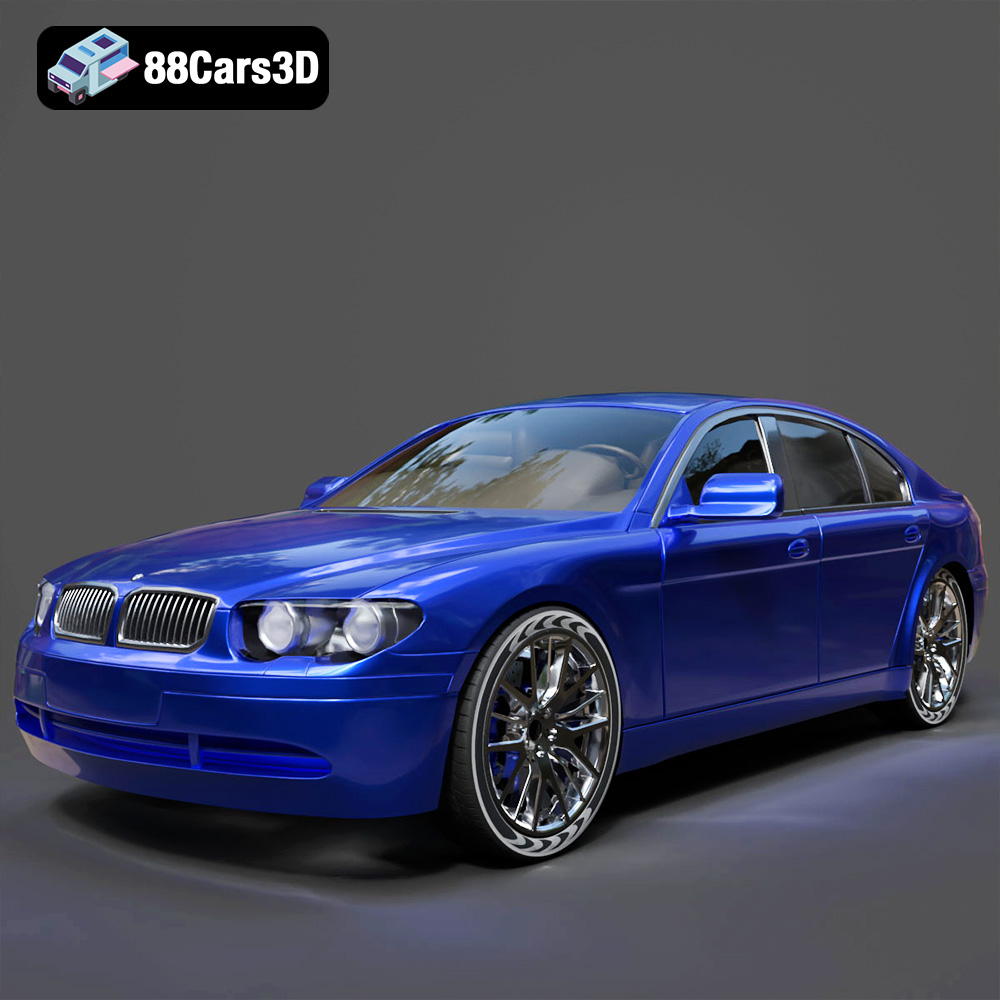
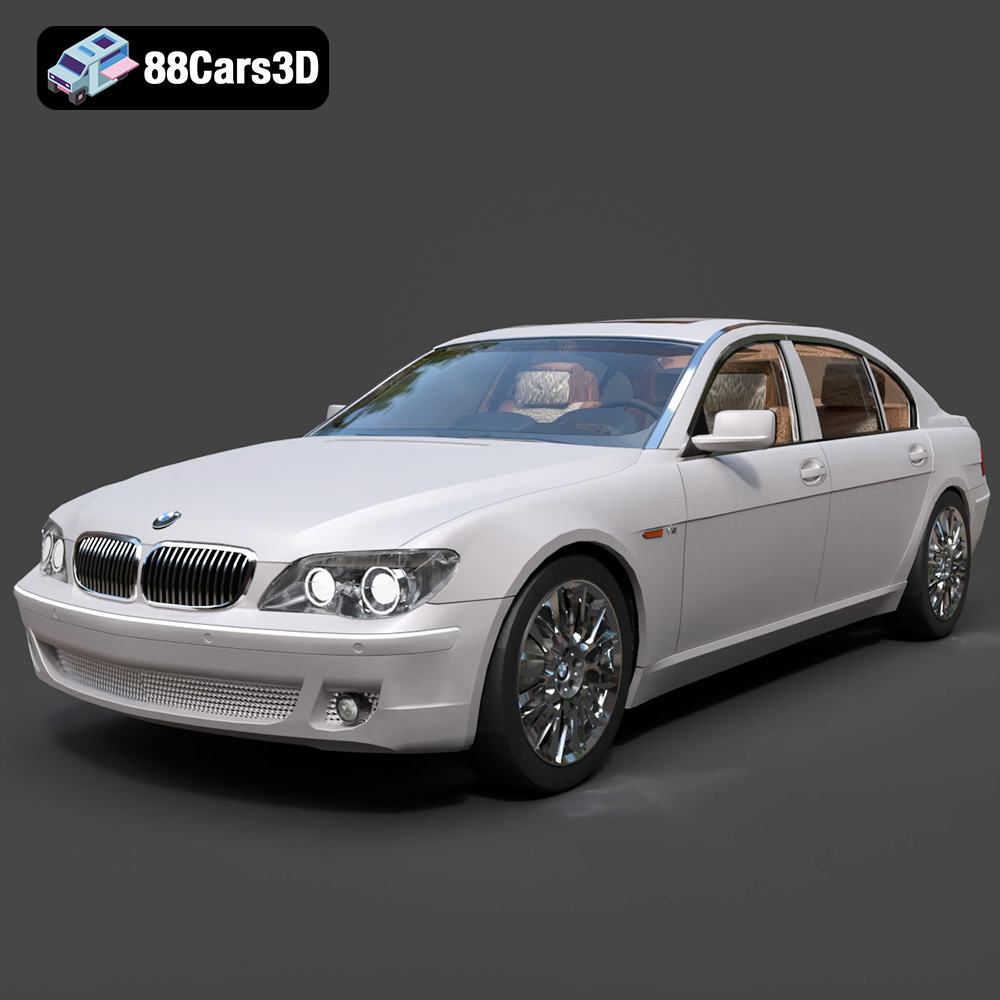
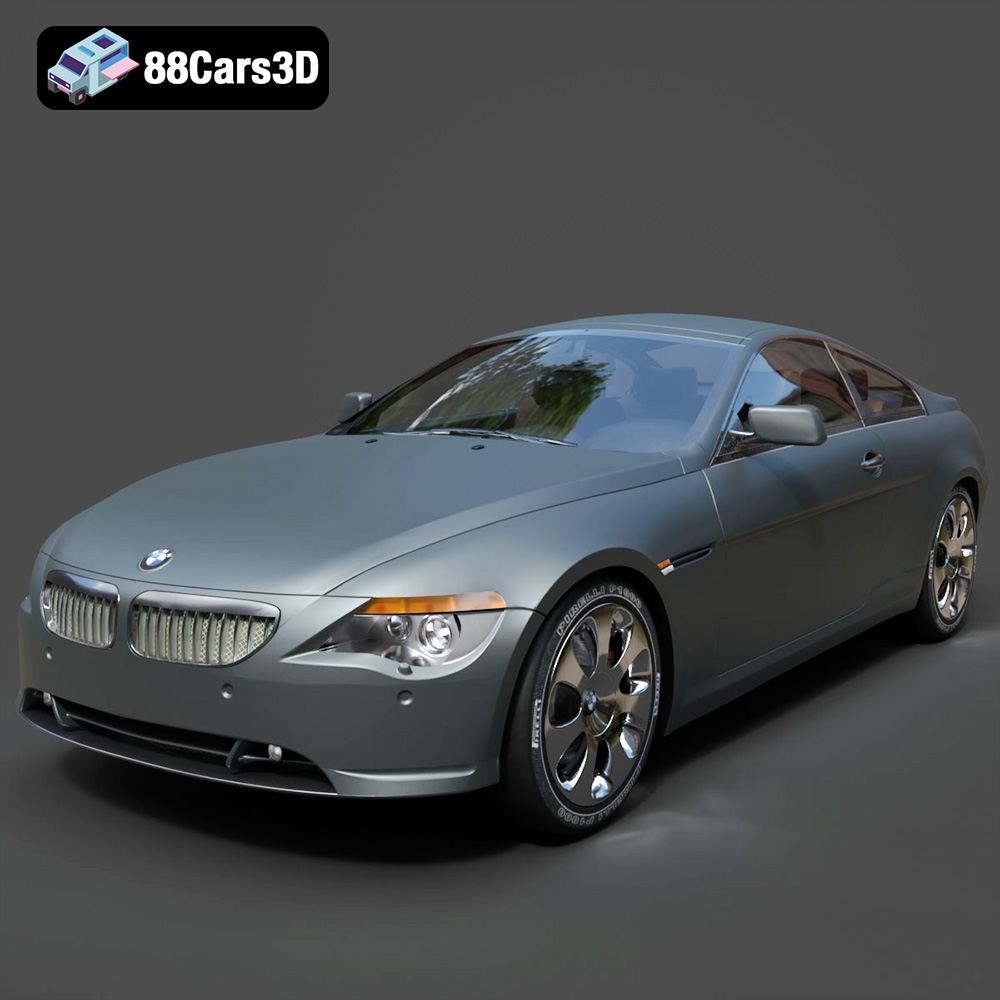
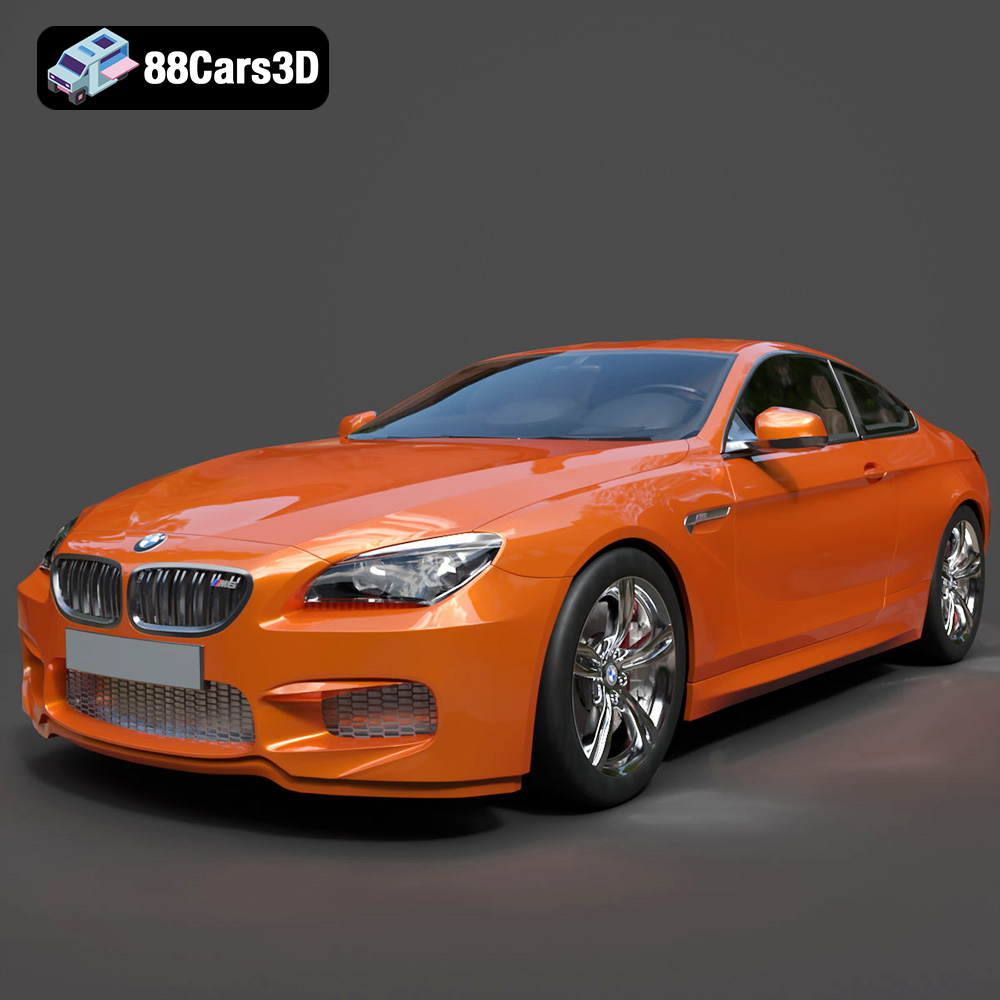
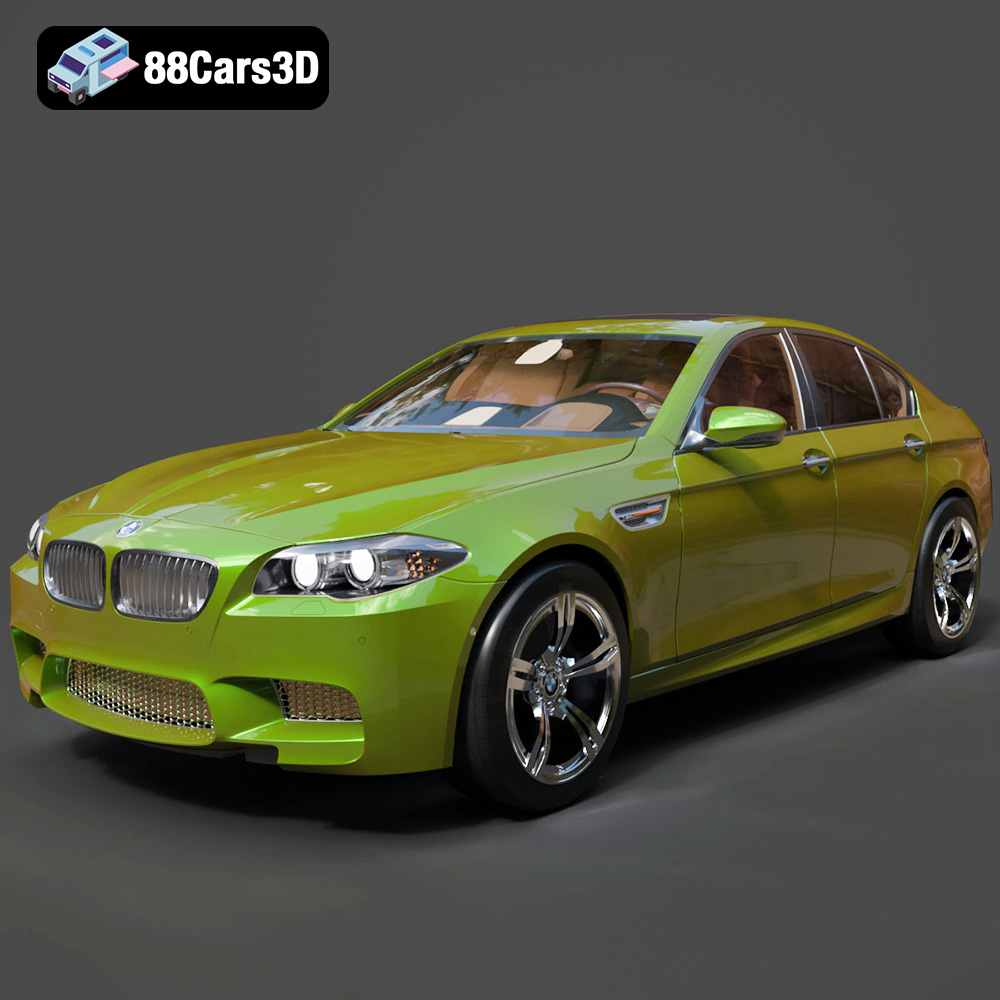
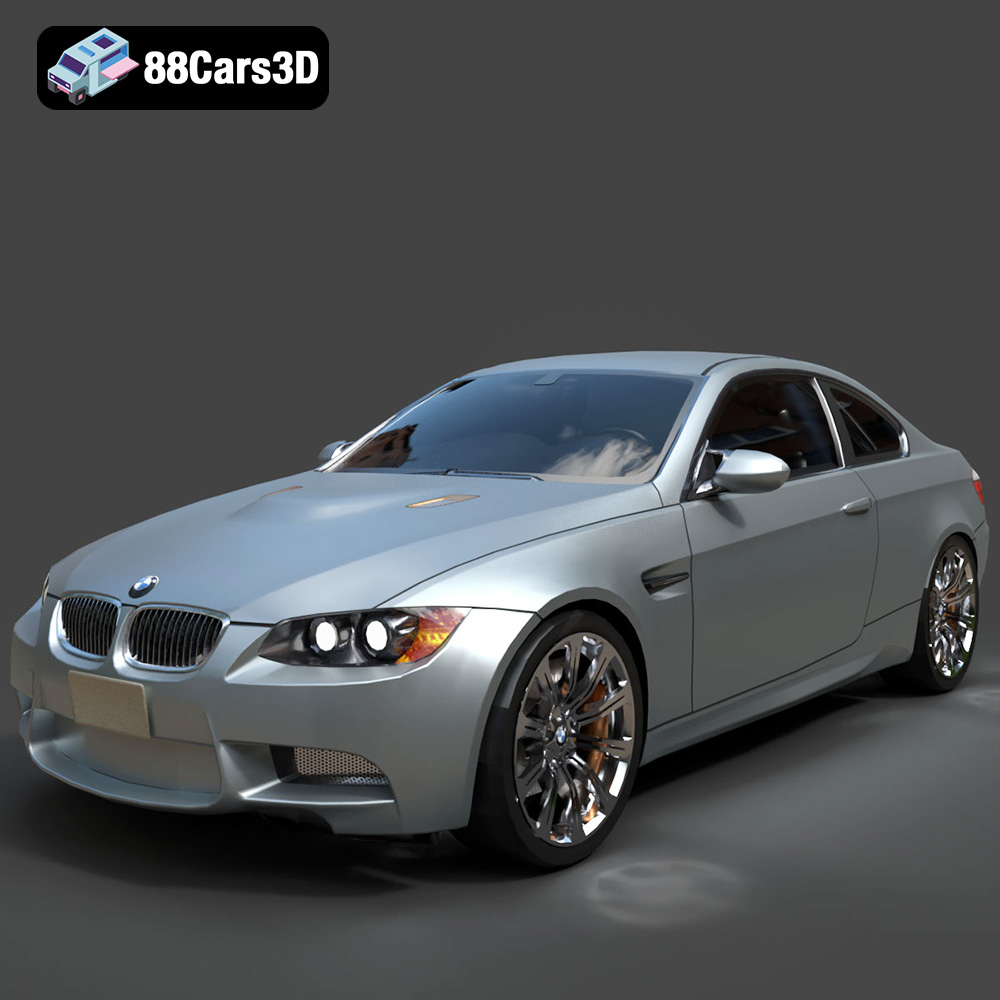
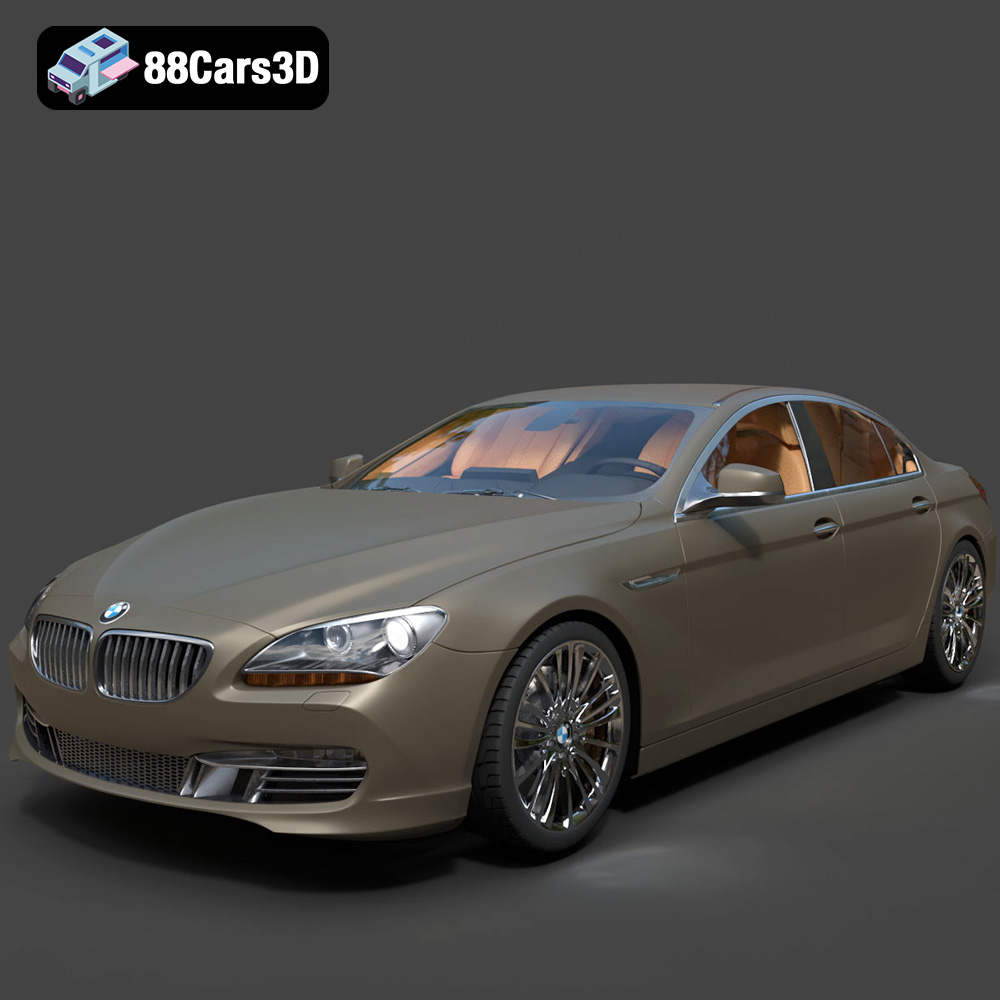
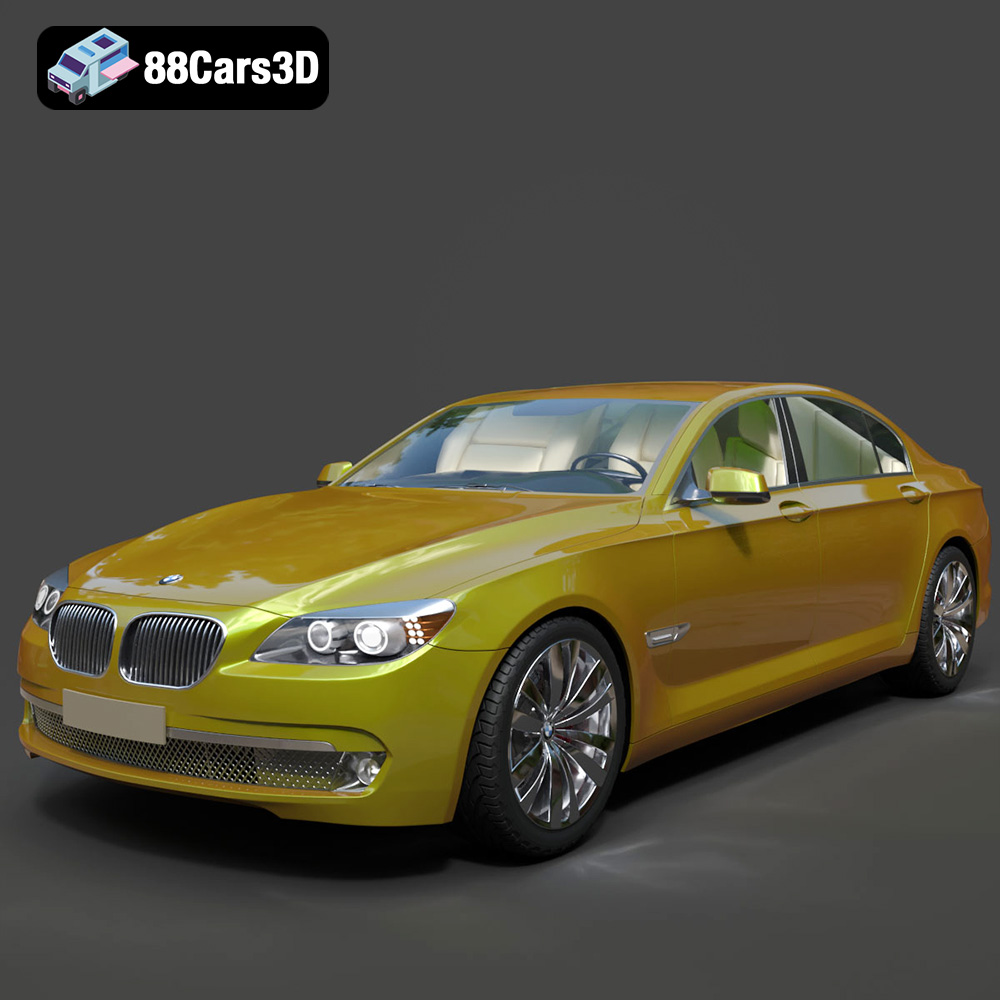
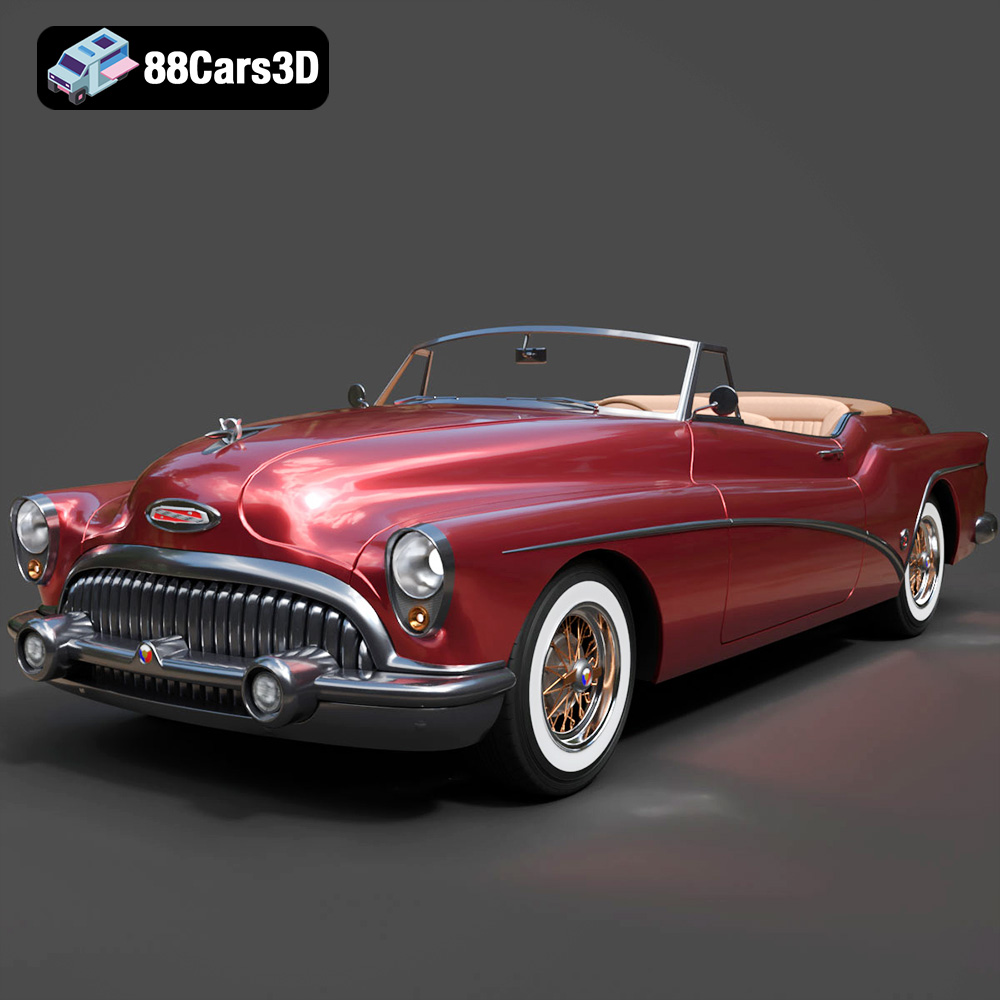
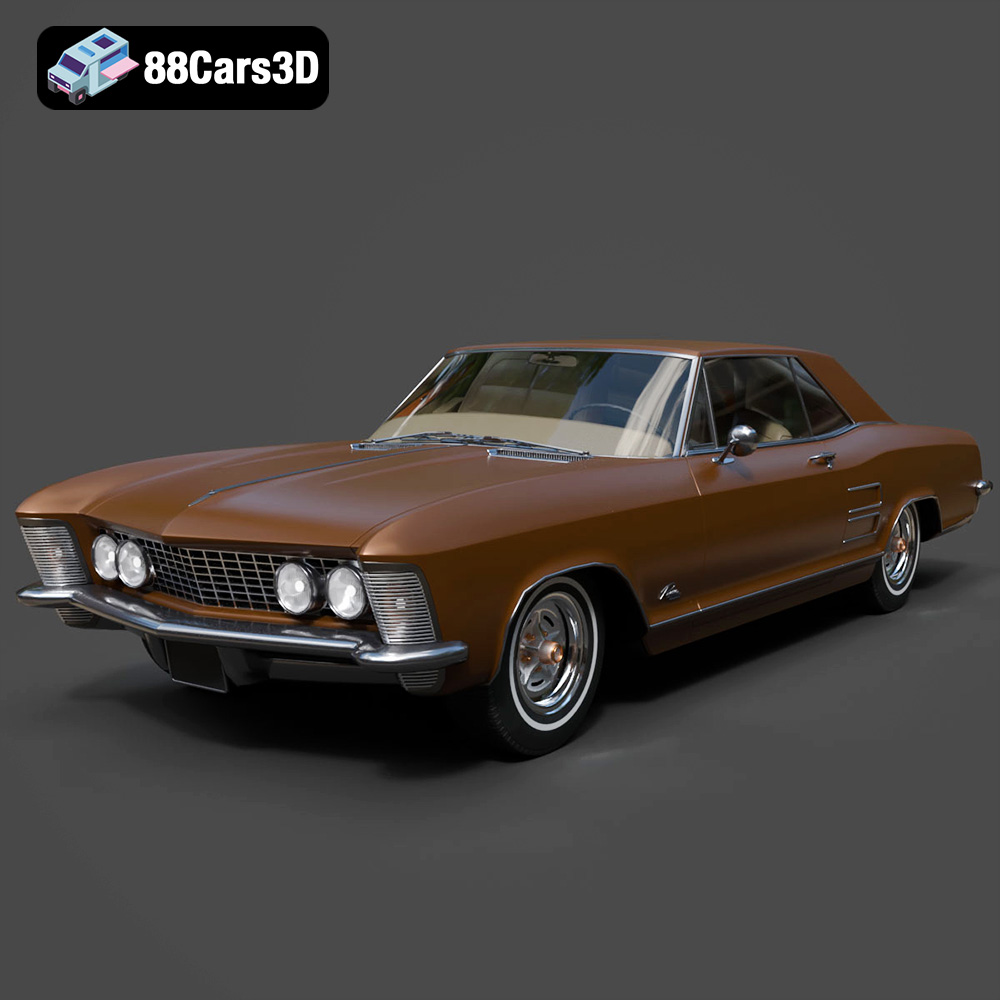
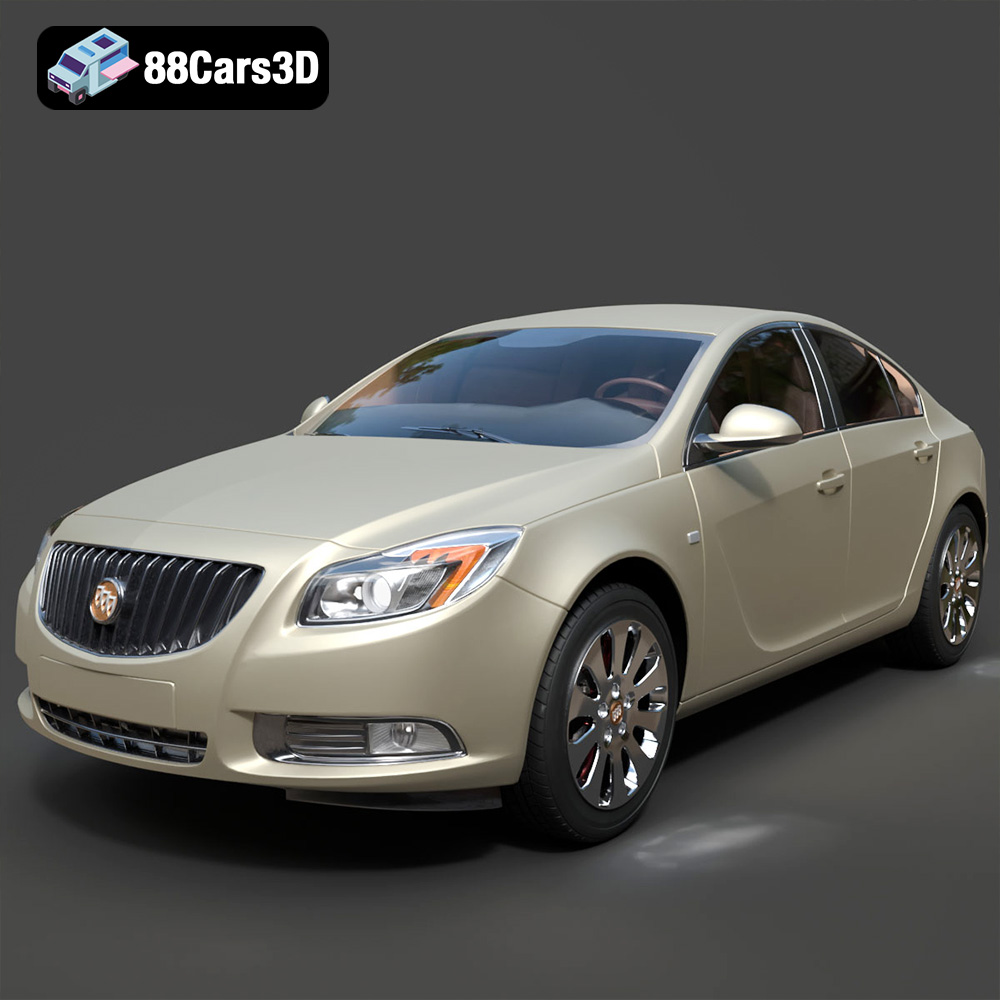
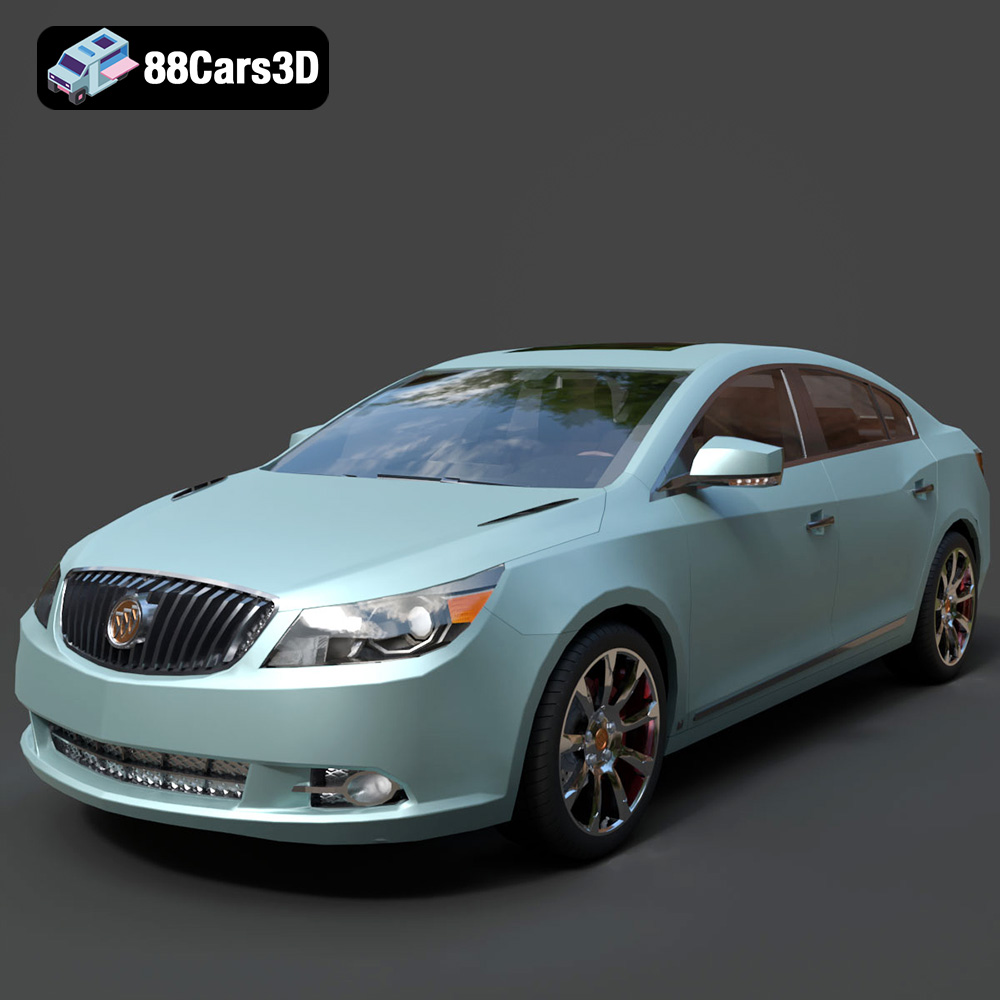
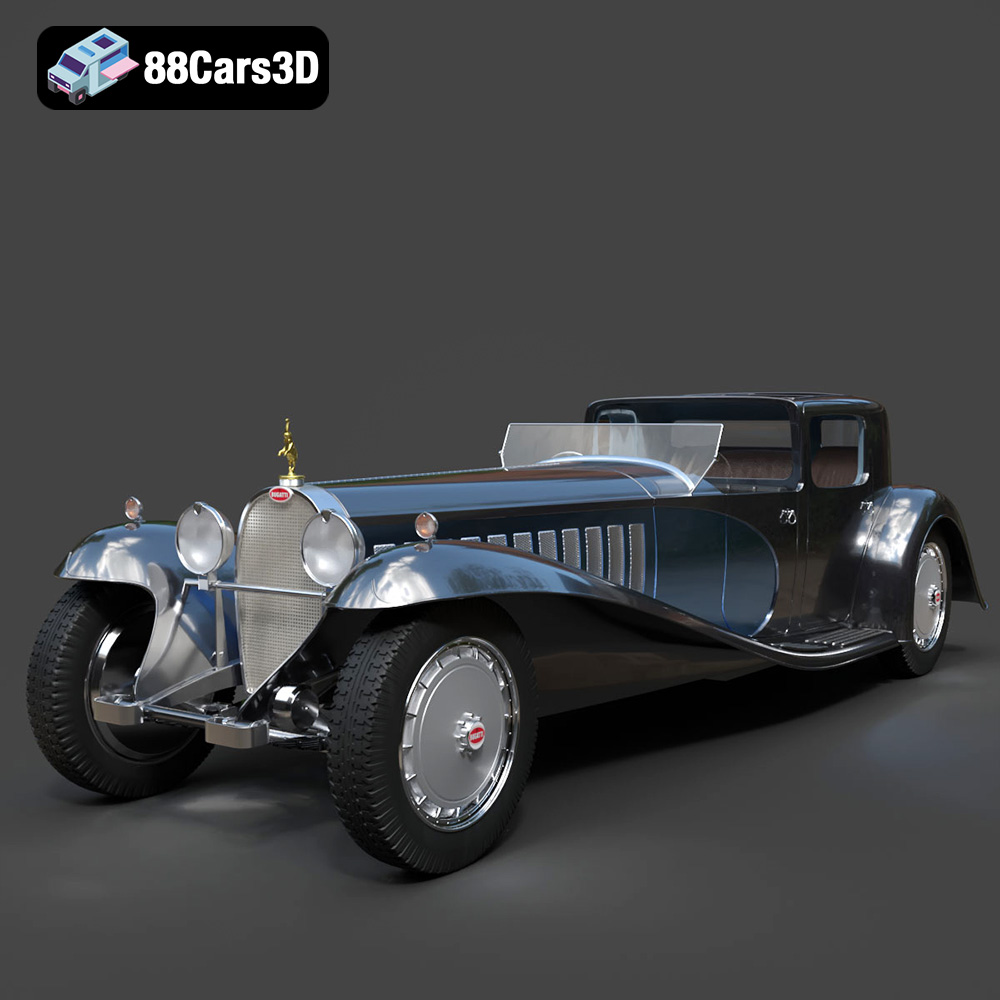
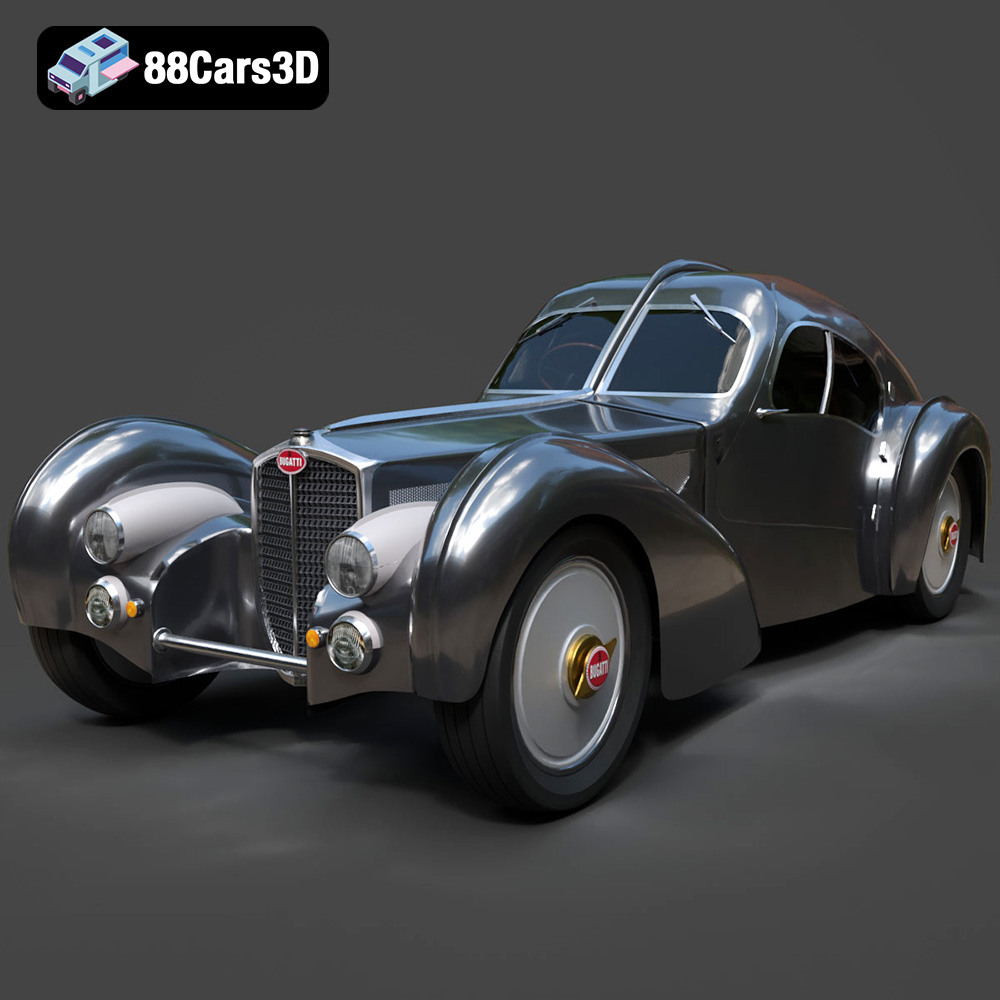
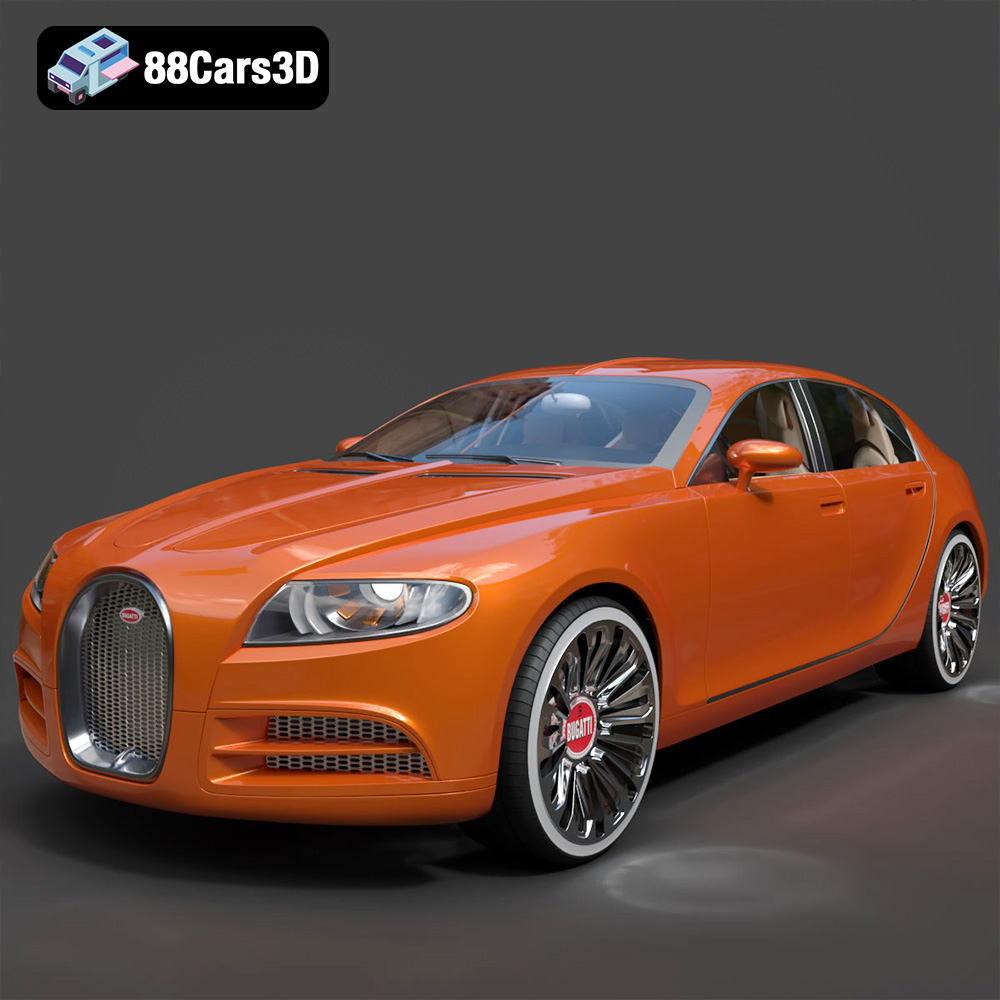
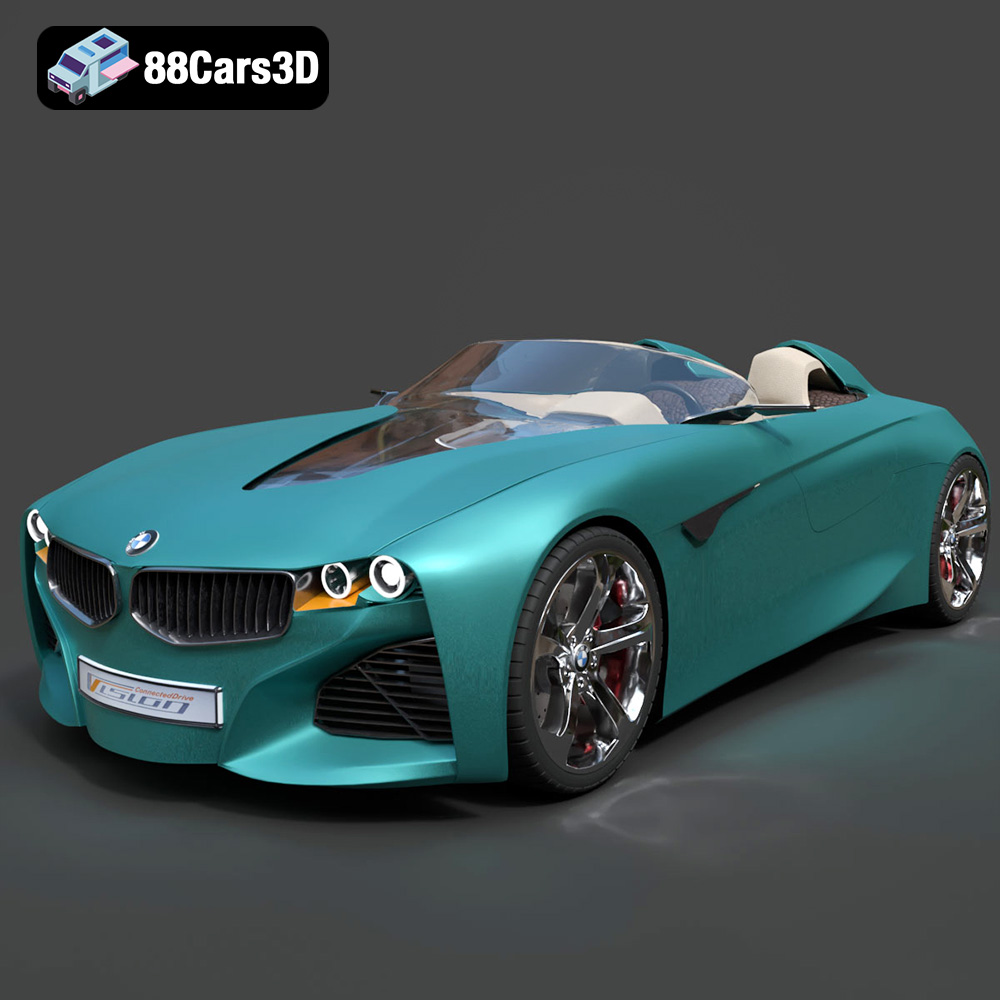
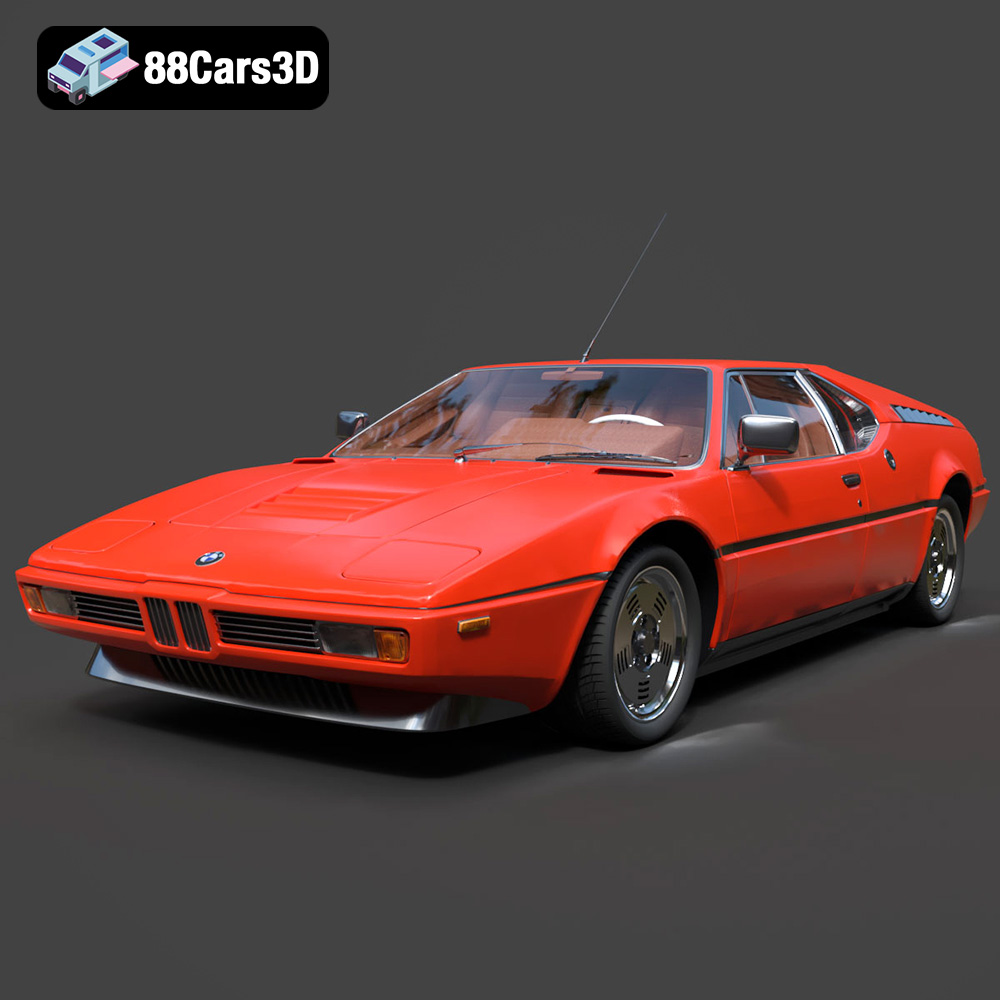
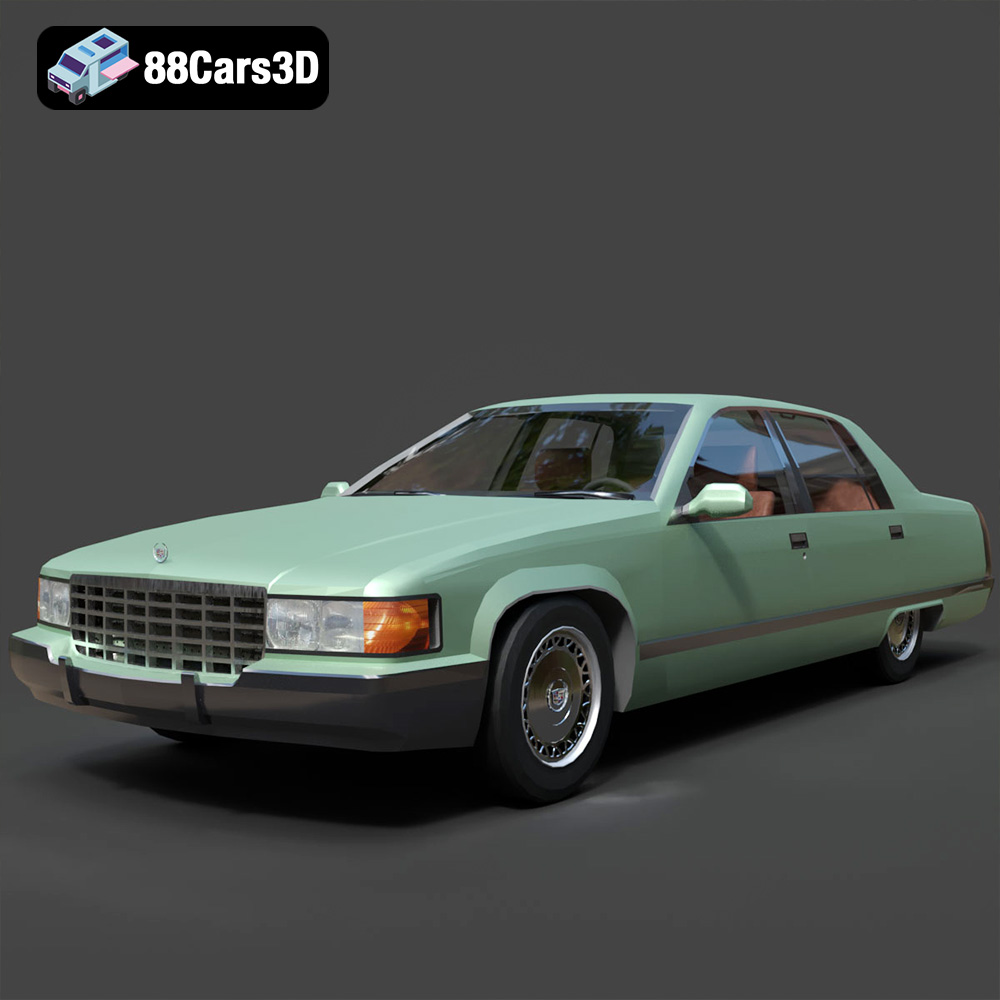
In the vibrant world of digital creation, the automobile stands as a perpetual icon of design, engineering, and aspiration. From high-octane video games to groundbreaking virtual reality experiences and photorealistic architectural visualizations, the demand for exceptionally detailed and accurate 3D car models is constant. These digital assets are far more than just meshes; they are intricate constructions that serve as the bedrock for compelling automotive renders, immersive simulations, and dynamic interactive environments.
For designers, game developers, advertisers, and architects, the quality of a 3D car model directly impacts the realism, performance, and overall impact of their projects. Whether you’re aiming for a cinematic car commercial, populating an open-world game, or showcasing a new building design with a stunning vehicle parked in front, the choice of your digital asset is paramount. This comprehensive guide delves into the technical intricacies, workflow considerations, and diverse applications of high-quality 3D car models, highlighting how they empower creators to push the boundaries of digital realism. Resources like 88cars3d.com specialize in providing the meticulously crafted assets that professionals demand.
The Indispensable Role of High-Quality 3D Car Models
The digital automotive landscape is powered by precision. High-quality 3D car models are not merely decorative elements; they are foundational assets that dictate the visual fidelity, performance efficiency, and creative potential of a project. Their significance spans numerous industries, each with unique requirements and technical demands.
Fueling Photorealistic Automotive Rendering
Automotive rendering is an art form that blends technical mastery with aesthetic vision. Whether for advertising, design validation, or product showcases, the goal is often indistinguishable realism. A high-fidelity 3D car model provides the essential canvas, featuring accurate proportions, clean topology, and meticulous surface details. These models are then brought to life with sophisticated physically based rendering (PBR) materials, realistic lighting setups, and advanced post-processing. Without a solid, well-built model, even the most powerful rendering engines will struggle to produce convincing results. The intricate curves, reflections, and material properties of a vehicle demand models with precise polygon distribution and flawless UV mapping to capture every nuance.
Driving Immersive Game Development
In the realm of video games, 3D car models are central to the player experience. From arcade racers to sprawling open-world adventures, the vehicles must not only look good but also perform efficiently in real-time environments. This requires a delicate balance between visual fidelity and optimization. Game-ready car models feature optimized polygon counts, efficiently packed UVs, and often include multiple Levels of Detail (LODs) to maintain performance across varying distances and hardware specifications. Furthermore, they are frequently rigged for animation, allowing for dynamic suspensions, opening doors, and interactive components that enhance gameplay immersion. The quality of these assets directly influences frame rates, loading times, and the overall player engagement.
Revolutionizing Visualization and AR/VR Experiences
Beyond traditional rendering and gaming, 3D car models are pivotal in cutting-edge visualization and extended reality (XR) applications. In architectural visualization, adding a realistic car can breathe life into a scene, conveying scale, lifestyle, and context. For augmented reality (AR) and virtual reality (VR), the demands are even higher. Models must be incredibly optimized for real-time interaction on diverse devices, often requiring very low poly counts without sacrificing perceived detail. Interactive configurators allow potential buyers to explore different car options in 3D, changing colors, rims, and interiors in real-time. These applications leverage high-quality models to create compelling, interactive experiences that transcend static imagery.
Understanding 3D Model File Formats
The choice of a 3D model file format is a critical technical decision that impacts workflow, compatibility, and the ultimate utility of your 3D car models across various software and platforms. Each format serves distinct purposes and offers unique advantages, making it essential for any professional to understand their nuances. When sourcing assets from platforms like 88cars3d.com, knowing which format best suits your project ensures a smooth and efficient pipeline.
- .blend (Blender Scene): This is Blender’s native file format, offering a complete and fully editable scene package. A .blend file typically includes not just the mesh data, but also materials, textures (often packed within the file), lighting setups, cameras, animations, and even physics simulations. It’s ideal for users primarily working within Blender who require full access to the original scene’s intricacies for customization, re-rendering, or further development. For collaborative Blender projects, it’s the go-to format as it preserves all project data within a single file.
- .fbx (Filmbox): Developed by Autodesk, FBX is arguably the industry standard for interoperability, especially between DCC (Digital Content Creation) tools and game engines. It’s a robust format that can store model data (meshes, UVs, normals, blend shapes), materials (though often simplified, PBR setups usually require re-creation in the target engine), textures (referenced, not embedded), animations, rigs, and even camera and light data. FBX is highly recommended for exporting 3D car models to Unreal Engine, Unity, and other real-time pipelines due to its excellent support for animation and skeletal data, ensuring that your rigged car models transfer smoothly for dynamic interactions.
- .obj (Wavefront OBJ): As one of the oldest and most universally supported 3D file formats, OBJ is an excellent choice for basic mesh geometry transfer between almost any 3D software. An .obj file primarily stores vertex positions, UV coordinates, vertex normals, and polygonal faces. It often comes accompanied by an .mtl (material library) file that defines basic material properties (color, specular, etc.), but it doesn’t support advanced PBR materials, animations, or rigging. Its simplicity makes it extremely reliable for cross-software compatibility, especially when you only need the raw geometry of your 3D car models for sculpting, retopology, or basic rendering where materials will be set up from scratch in the destination application.
- .glb (GL Transmission Format Binary): GLB is the binary version of glTF (GL Transmission Format), designed specifically for efficient transmission and loading of 3D scenes and models in web and AR/VR applications. It’s an all-in-one package, embedding geometry, materials, textures, animations, and skeletal data into a single file, which is highly advantageous for performance. GLB is rapidly becoming the standard for displaying interactive 3D car models in browsers, social media, and AR experiences on mobile devices, thanks to its optimization for real-time rendering and small file size.
- .stl (Stereolithography): Primarily used for 3D printing, the STL format represents a 3D model as a series of connected triangles (a tessellation of the surface). It contains only the geometry of the object and no color, texture, or material information. While excellent for outputting a watertight mesh suitable for additive manufacturing, it is generally unsuitable for rendering, animation, or game development due to its lack of advanced data and often less optimized topology for visual fidelity. If your 3D car model needs to be physically replicated, STL is your format.
- .ply (Polygon File Format): Also known as the Stanford Triangle Format, PLY is another mesh-based format often used for storing 3D data from 3D scanners, CAD software, and other precision applications. It can store not only geometry (vertices, faces) but also color, transparency, surface normals, and even confidence values for each point. While less common for general DCC workflows with 3D car models, it’s highly valued in scientific, engineering, and digital preservation contexts where precise geometric data with additional per-vertex or per-face attributes is required.
- .unreal (Unreal Engine Asset): This isn’t a universal file extension in the same way FBX or OBJ are. Instead, it refers to a 3D car model or asset that has been fully imported, optimized, and configured within an Unreal Engine project. An asset designated as “.unreal” implies it’s engine-ready, meaning it has proper collision meshes, material instances with PBR setups, LODs configured, potentially Blueprints for interactivity, and is ready for immediate use in real-time environments. While you might import an FBX to *create* an Unreal asset, the .unreal designation signifies its integration and optimization within the engine’s ecosystem.
- .max (3ds Max Project): Similar to .blend, .max is Autodesk 3ds Max’s native project file format. It contains the entire scene data, including all 3D car models, lights, cameras, materials, textures (referenced), animations, rigs, and render settings. It’s the definitive format for projects primarily developed and rendered within 3ds Max, offering complete editability and access to all modifiers and scene elements for animation, detailed rendering, and architectural visualization projects.
Choosing the right format for your 3D car models streamlines your workflow and ensures maximum compatibility and quality for your specific project needs. A platform like 88cars3d.com typically provides models in several of these key formats to cater to diverse professional requirements.
Beyond the Mesh: Crafting Realism with Materials and Textures
While a pristine mesh provides the shape, it’s the materials and textures that truly imbue a 3D car model with life, realism, and character. This is where digital alchemy happens, transforming simple polygons into gleaming chrome, worn leather, or dusty paintwork.
The Power of Physically Based Rendering (PBR)
Physically Based Rendering (PBR) has revolutionized the way digital materials are created and interact with light. Unlike older rendering techniques, PBR materials accurately simulate how light behaves in the real world, leading to incredibly consistent and realistic results across different lighting conditions and rendering engines. For 3D car models, PBR is indispensable. It relies on a suite of texture maps (e.g., Albedo/Base Color, Metallic, Roughness, Normal, Ambient Occlusion, Height) to define a surface’s properties. A car’s paintwork, for instance, requires precise Metallic and Roughness maps to capture its unique reflectivity and sheen, differentiating it from dull plastic or matte rubber. Mastery of PBR workflows is critical for achieving photorealistic automotive renders.
Meticulous UV Mapping and Texture Resolution
UV mapping is the process of unwrapping a 3D model’s surface onto a 2D plane, allowing textures to be applied accurately. For complex 3D car models, meticulous UV mapping is essential. Poor UVs lead to stretched, distorted, or misaligned textures, instantly breaking realism. Professional models feature clean, non-overlapping UV islands, often organized into multiple UV sets (e.g., one for the body, one for interior, one for specific details) to maximize texture density. High-resolution textures (e.g., 4K, 8K) are then applied to these UVs, capturing fine details like paint chips, subtle scratches, or intricate carbon fiber weaves. The balance between texture resolution and optimization (e.g., using texture atlases or channel packing) is key for both visual fidelity and performance, particularly for game assets.
Detailing with Decals, Scratches, and Imperfections
Realism often lies in the imperfections. A brand-new, factory-perfect car can look sterile; adding subtle wear and tear breathes life into it. This involves using decals for logos, badges, and warning labels, carefully placed to match real-world specifications. Procedural techniques or custom texture masks can introduce subtle scratches, dust accumulation in crevices, fingerprints on windows, or grime around wheel wells. These small, often overlooked details are what elevate a good 3D car model to an exceptional one, telling a story and grounding the vehicle within its digital environment.
Workflow Integration: From Purchase to Project
Acquiring a high-quality 3D car model is just the first step. The true power lies in its seamless integration into your specific DCC or game engine workflow. Understanding these pipelines ensures you maximize the potential of your assets.
Integrating Models into 3ds Max for ArchViz and Cinematic Renders
3ds Max remains a powerhouse for architectural visualization (ArchViz) and cinematic automotive renders. When integrating a 3D car model from a source like 88cars3d.com, typically provided in .max or .fbx format, the process begins with importing the model. Users then often clean up any unnecessary scene data, optimize mesh density if needed, and apply their preferred rendering engine’s (V-Ray, Corona, Arnold) PBR materials. This usually involves connecting the provided texture maps to the appropriate slots within the material editor and fine-tuning parameters like reflection, refraction, and subsurface scattering for ultimate realism. Lighting, camera angles, and environment setup are then crucial for composing a stunning final render, often leveraging HDRI maps for accurate global illumination and reflections.
Leveraging Blender for Customization and Indie Game Development
Blender, a versatile open-source 3D suite, offers a robust environment for customizing 3D car models and developing indie games. Models provided in .blend or .fbx formats can be easily imported. Blender’s comprehensive toolset allows for extensive modification: altering body kits, designing custom rims, or even performing advanced retopology for highly optimized game assets. Its Cycles and Eevee renderers facilitate photorealistic renders and real-time visualization respectively. For game development, models are often prepared with specific optimizations: ensuring clean topology for rigging, baking high-poly details onto low-poly meshes using normal maps, and setting up game-engine-compatible PBR materials. Blender’s active community and extensive add-ons further enhance its utility for indie creators.
Optimizing 3D Car Models for Real-time in Unreal Engine
Unreal Engine is at the forefront of real-time rendering, particularly for game development, virtual production, and interactive experiences. Importing 3D car models (preferably in .fbx format) requires careful consideration for real-time performance. Key steps include:
- LOD Setup: Creating multiple Levels of Detail (LODs) is crucial. A high-poly model for close-ups, with progressively lower-poly versions for distant views, ensures optimal performance without sacrificing visual quality where it matters. Unreal’s automatic LOD generation can be a starting point, but manual refinement is often superior.
- Collision Meshes: Setting up accurate collision meshes is vital for physics simulations and player interaction. Simple box or convex hull collisions are used for performance, while more detailed collision meshes might be created for complex interactions.
- Material Instances: Rather than individual materials, Unreal heavily utilizes material instances. Base PBR materials are created, and then instances are derived to allow easy adjustment of parameters (color, roughness, metallic values) for different car variants without recompiling shaders.
- Blueprints: For interactive elements like opening doors, working headlights, or dynamic suspensions, Unreal’s Blueprint visual scripting system is employed to add functionality without writing code.
This meticulous optimization ensures that 3D car models perform efficiently and look stunning within the demanding constraints of a real-time environment.
Technical Considerations for Optimal Performance and Visuals
Achieving excellence with 3D car models requires a deep understanding of several technical factors that balance visual fidelity with computational efficiency. These considerations are vital for any professional project.
Poly Count Management: Balancing Detail and Performance
The “poly count” (polygon count) refers to the number of polygons or triangles that make up a 3D model’s mesh. While a higher poly count generally means more detail and smoother surfaces, it also translates to increased memory usage and longer rendering times. For game assets, excessive poly counts can cripple frame rates. The challenge with 3D car models is to strike the right balance. High-fidelity models used for cinematic renders might have millions of polygons to capture every subtle curve and edge. Game-ready models, however, are typically optimized to hundreds of thousands or even tens of thousands of polygons, relying on normal maps (baked from high-poly versions) to simulate fine surface details without adding actual geometry. Efficient topology, with polygons distributed strategically where detail is needed most, is paramount.
LODs (Level of Detail) for Scalable Projects
Level of Detail (LOD) systems are indispensable for managing performance in real-time applications, especially with complex assets like 3D car models. An LOD system swaps out a high-resolution model for a lower-resolution version as the camera moves further away from the object. This drastically reduces the number of polygons the rendering engine needs to process at a distance, where fine details would be imperceptible anyway. A professional 3D car model often comes with several LODs, each carefully crafted to maintain visual integrity while reducing poly count by a significant percentage. Implementing effective LODs is crucial for smooth frame rates in open-world games and large-scale visualizations.
Rigging and Animation for Dynamic Scenarios
For any 3D car model that needs to move or interact dynamically, rigging and animation are essential. Rigging involves creating a skeletal structure (bones or joints) and attaching it to the mesh, allowing parts of the model to be manipulated and animated. For cars, this typically includes rigging for:
- Suspension: Allowing wheels to independently move up and down.
- Steering: Enabling front wheels to turn left and right.
- Doors/Hood/Trunk: Creating pivots for interactive openings.
- Wipers/Interior Elements: For intricate animations.
These rigs are then used to create animations, whether it’s a car driving, drifting, crashing, or an interactive sequence for a configurator. Properly rigged models from sources like 88cars3d.com can save immense development time, allowing creators to focus on the animation itself rather than the underlying setup.
Case Studies: Real-World Applications of Premium 3D Car Models
The versatility of high-quality 3D car models is best illustrated through their diverse applications across various industries, where they solve real-world challenges and unlock new creative possibilities.
Automotive Advertising: The Power of Virtual Photography
In the automotive advertising sector, premium 3D car models have revolutionized traditional photography. Instead of costly and time-consuming physical photoshoots, manufacturers and agencies can now create stunning, photorealistic images and videos entirely in a digital environment. Using a high-fidelity 3D model, artists can place the car in any imaginable virtual setting—from a futuristic city skyline to an exotic desert landscape—and manipulate lighting, weather conditions, and camera angles with absolute precision. This virtual photography approach offers unparalleled flexibility, cost savings, and the ability to produce a vast array of marketing collateral from a single digital asset. The results are often indistinguishable from real photographs, delivering powerful brand messaging with maximum impact.
Open-World Gaming: Populating Dynamic Environments
Modern open-world games thrive on rich, believable environments populated with a variety of vehicles. Developers rely heavily on robust 3D car models to fill bustling city streets, create challenging race tracks, and provide interactive gameplay elements. For a title like Grand Theft Auto or Forza Horizon, thousands of unique car models, each optimized with LODs, collision meshes, and interactive elements, contribute to the game’s expansive and immersive world. These models must not only look authentic but also integrate seamlessly with complex physics engines and AI systems, reacting realistically to collisions, driving conditions, and player input. The sheer volume and quality required make sourcing high-standard assets a critical component of game development.
Product Configuration: Interactive Customer Experiences
The rise of online sales and personalization has led to interactive product configurators, where customers can customize their chosen vehicle in real-time. Using optimized 3D car models, potential buyers can change paint colors, swap out wheel designs, select interior trims, and add optional accessories, viewing all changes instantly from multiple angles. This dynamic experience allows for a much deeper engagement than static images, giving customers a sense of ownership and personal connection before purchase. These configurators often leverage web-based 3D technologies (like WebGL with .glb models) to deliver smooth, high-fidelity visuals directly in a browser, making the buying journey more informed and exciting.
Conclusion
The digital automotive landscape is continually evolving, driven by advancements in rendering technology, game engines, and immersive experiences. At the heart of this evolution are high-quality 3D car models, serving as the essential building blocks for everything from cinematic advertisements to sprawling virtual worlds and interactive product showcases. Their creation demands meticulous attention to detail, from pristine topology and efficient UV mapping to sophisticated PBR materials and thoughtful optimization for diverse platforms.
Understanding the nuances of various file formats, the delicate balance of poly counts, and the strategic implementation of LODs and rigging are not just technicalities—they are the keys to unlocking unparalleled realism and performance in your projects. By investing in professionally crafted assets, creators can streamline their workflows, achieve superior visual results, and deliver truly impactful experiences.
For professionals seeking reliable sources for these vital digital assets, platforms like 88cars3d.com offer a curated selection of high-fidelity 3D car models tailored to meet the exacting standards of automotive rendering, game development, and advanced visualization. As digital frontiers expand, the demand for excellence in 3D car modeling will only grow, making the pursuit of quality and technical mastery more critical than ever.
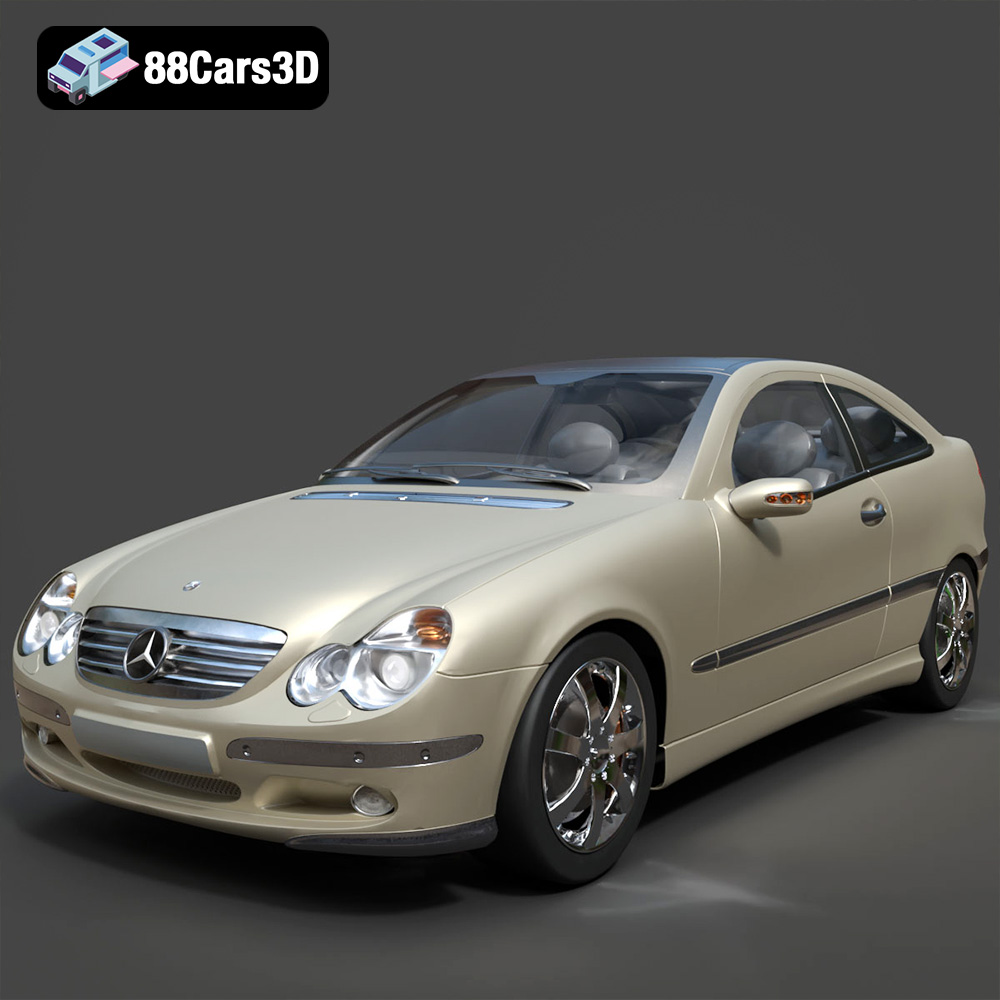
Featured 3D Car Models