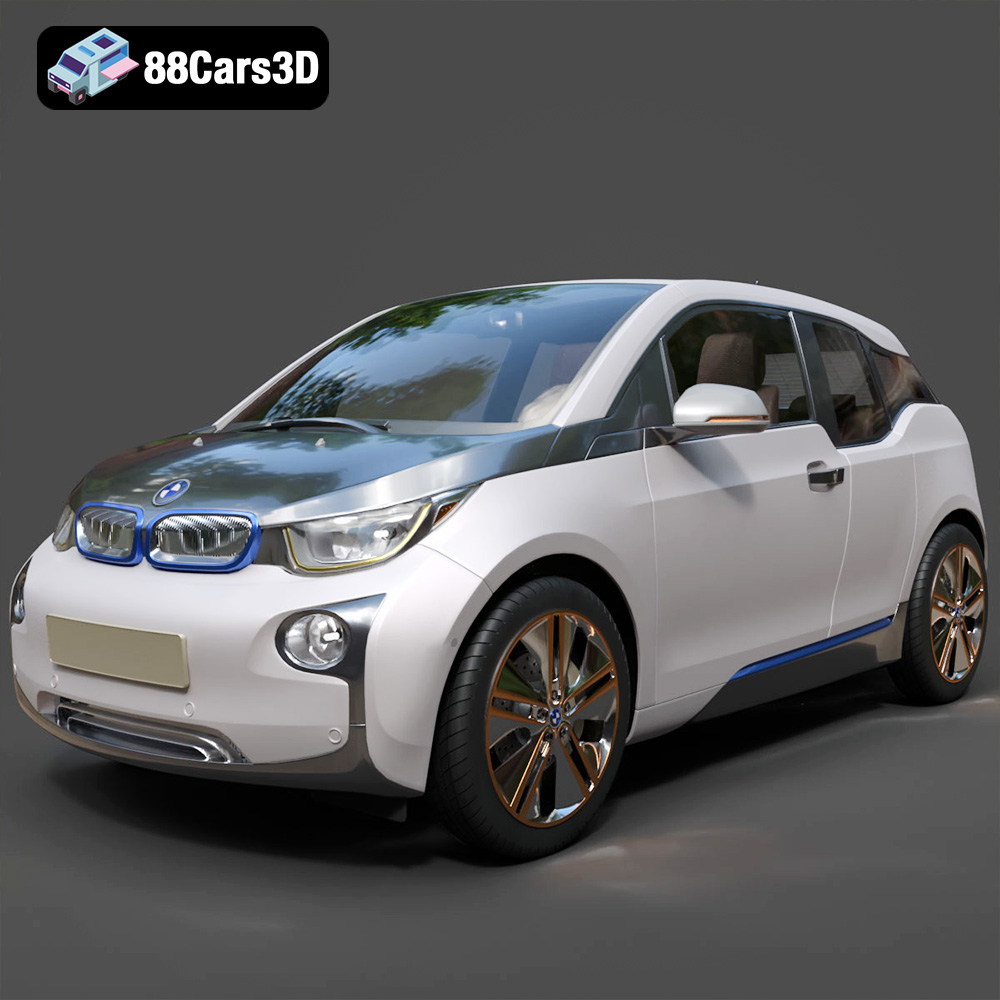
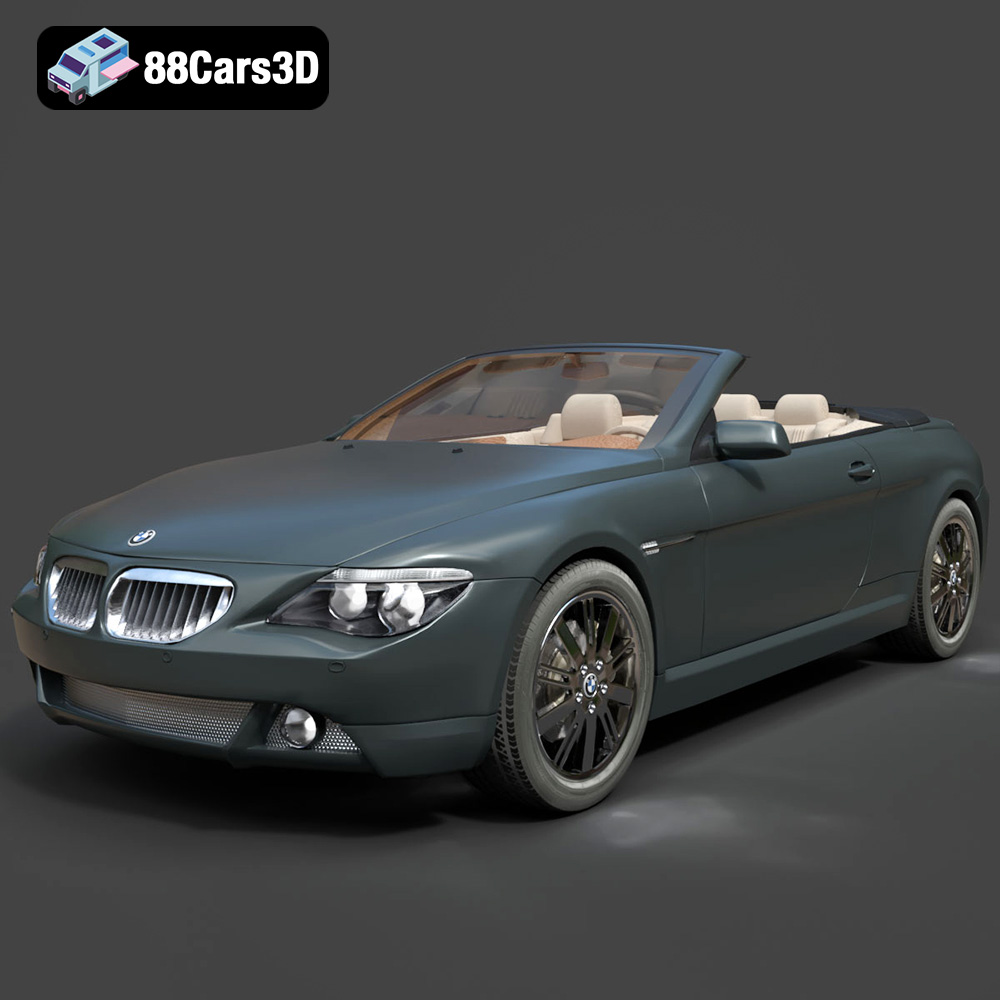
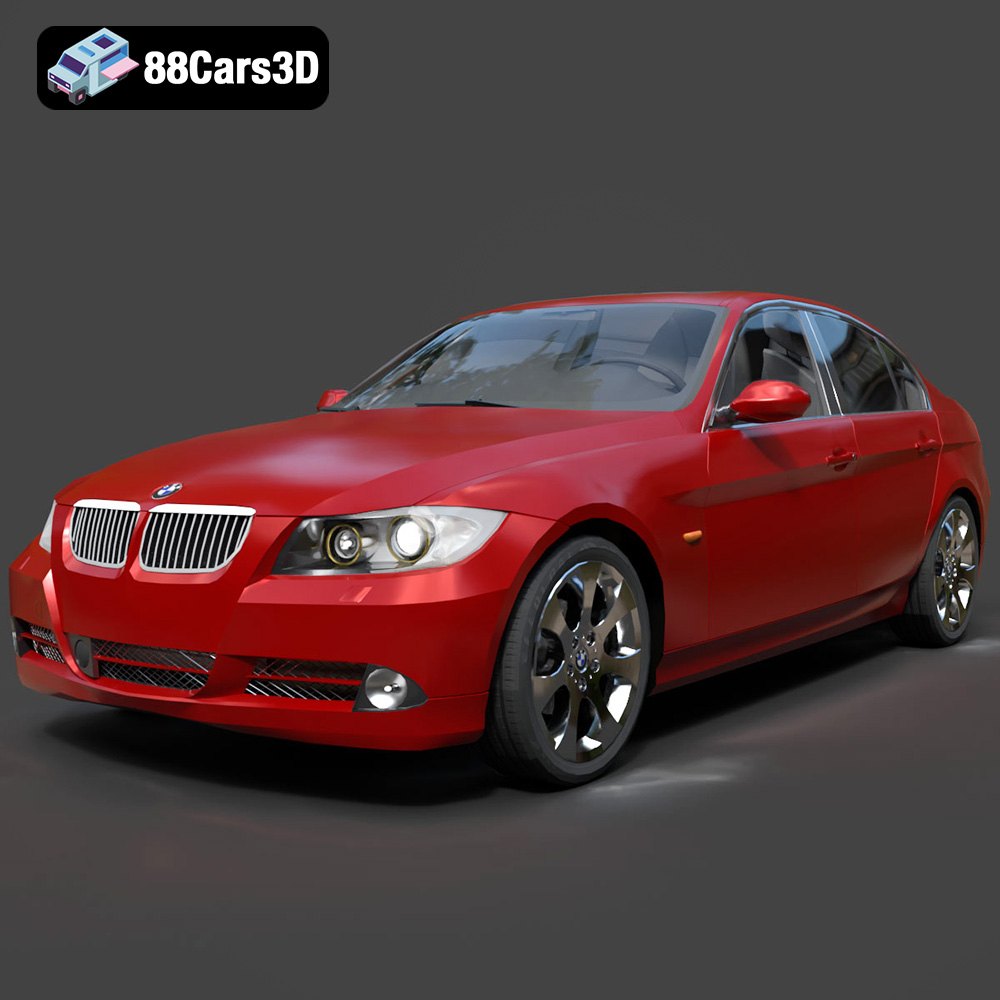
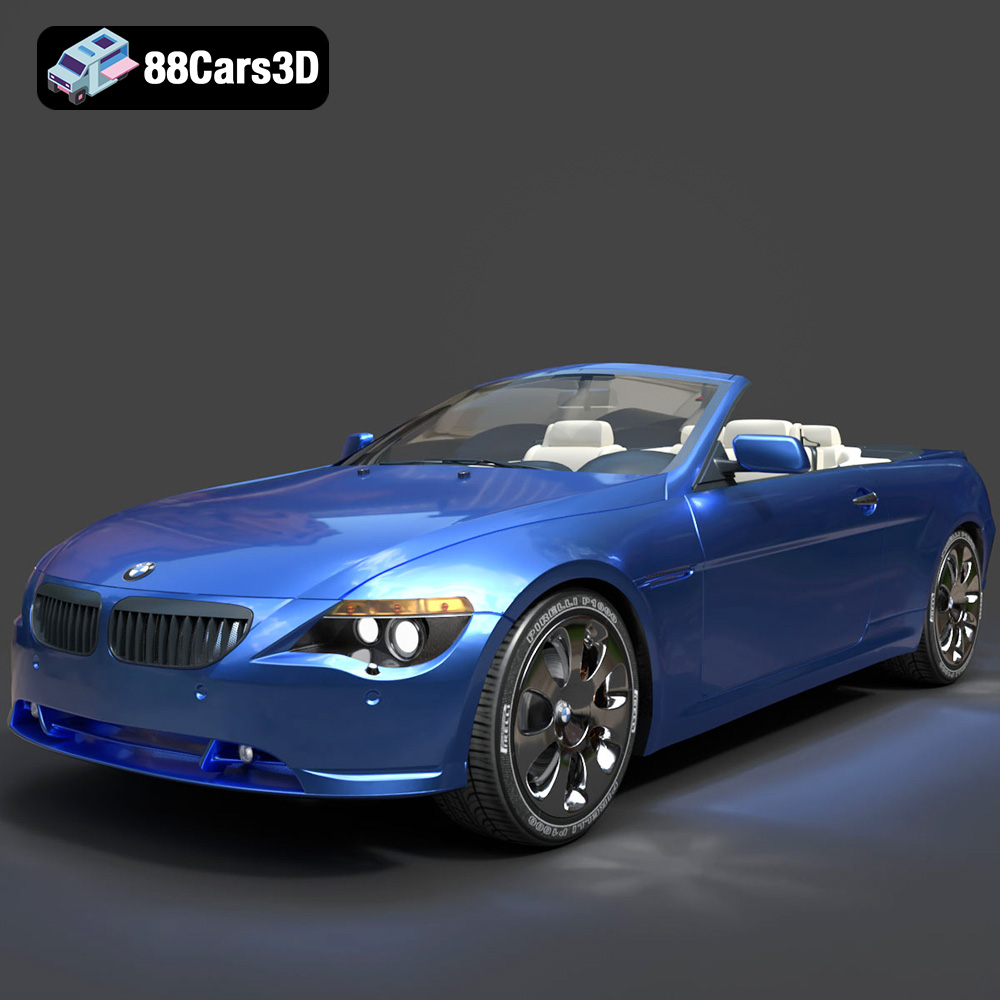
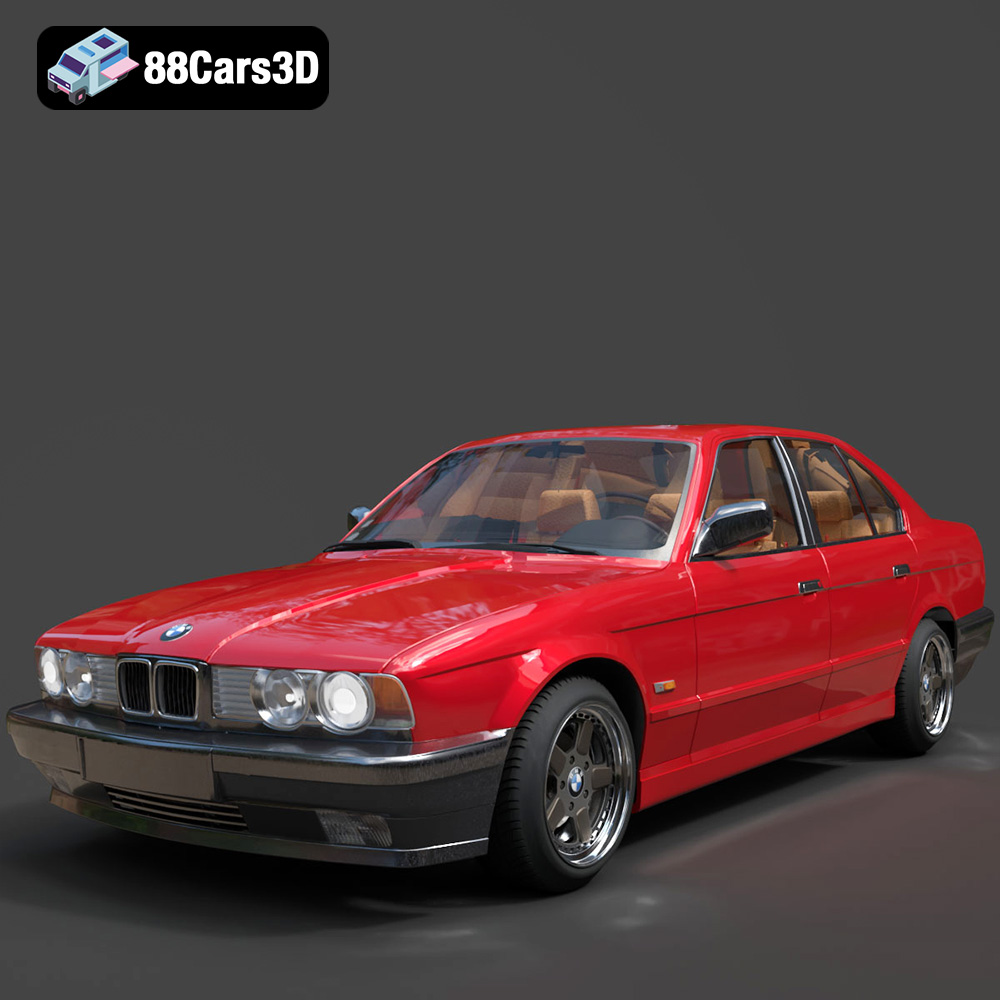
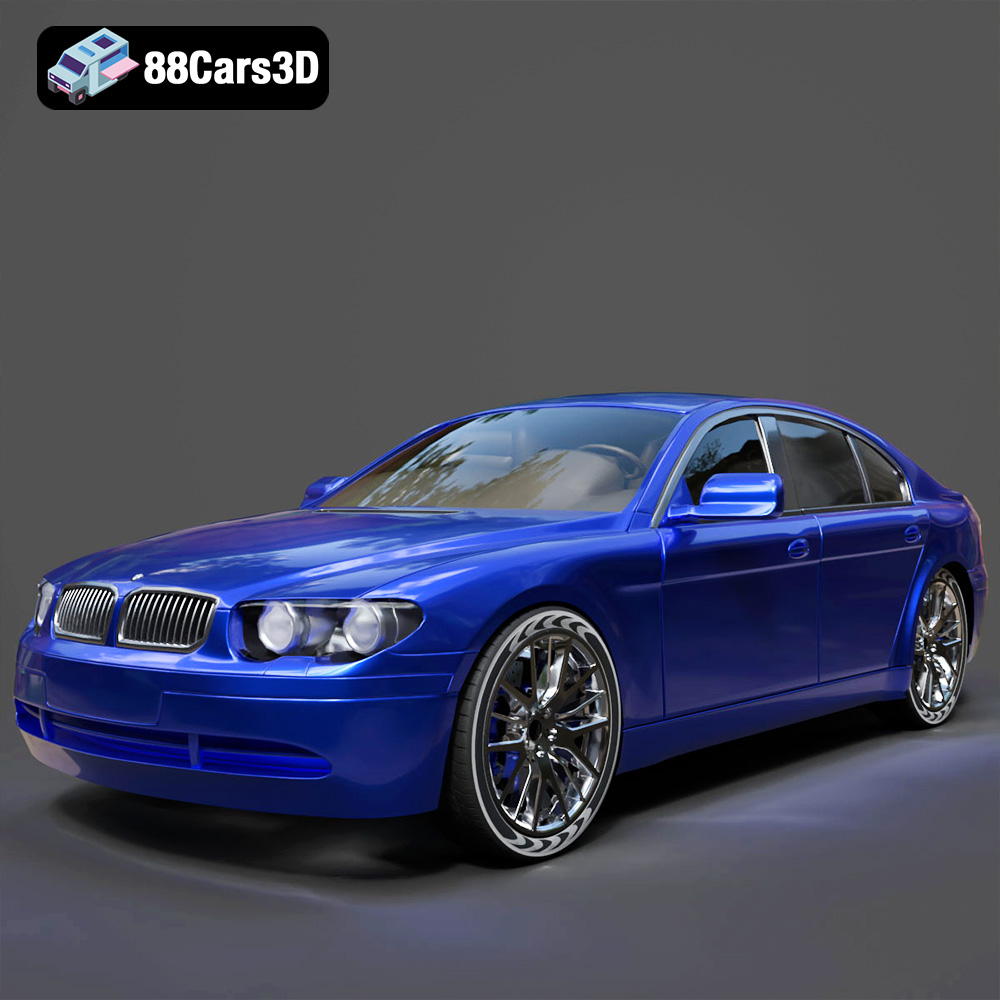
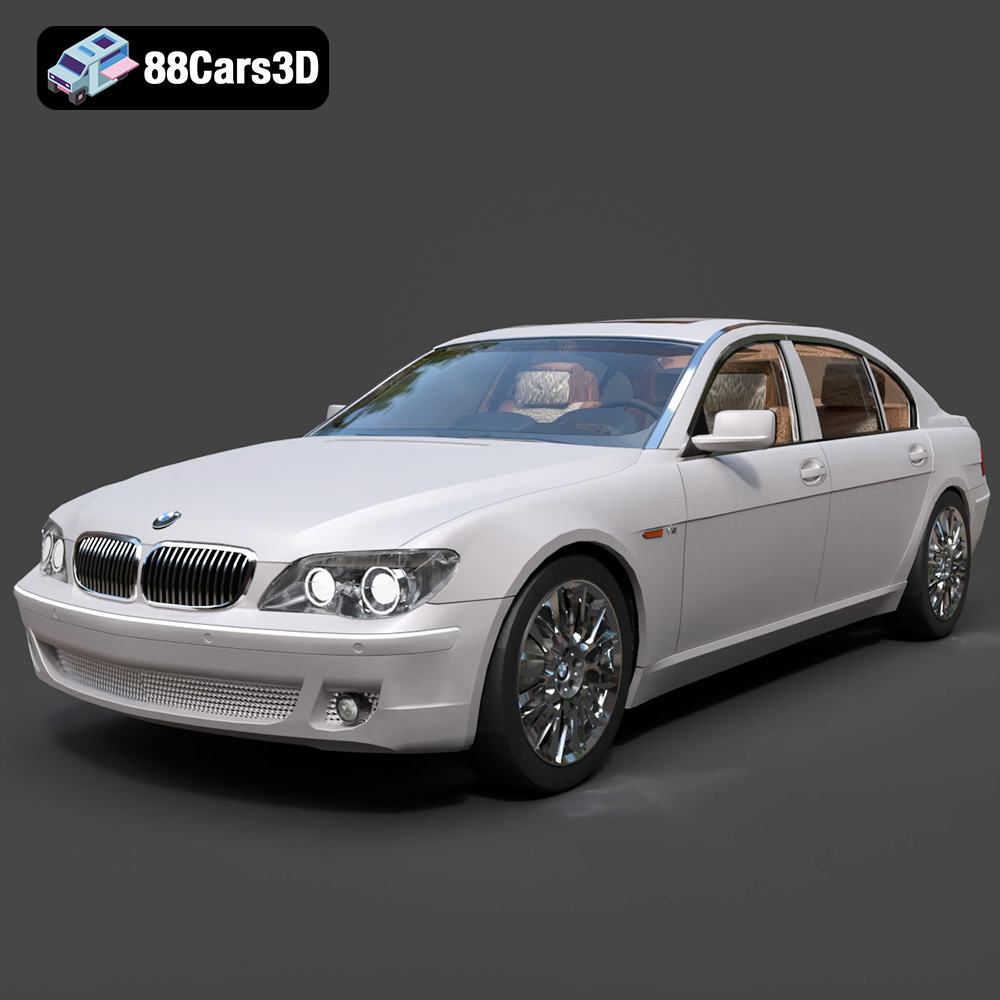
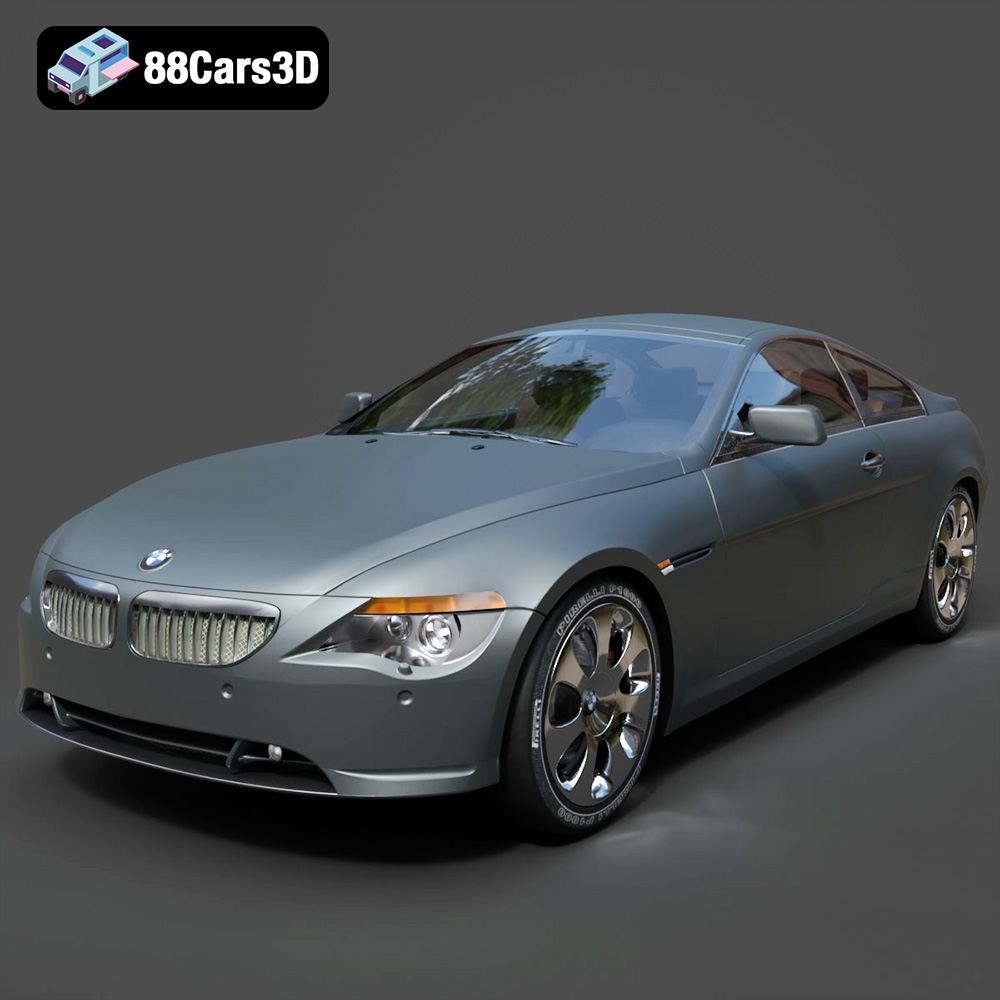
The Engine of Innovation: Why High-Quality 3D Car Models Drive Modern Visuals
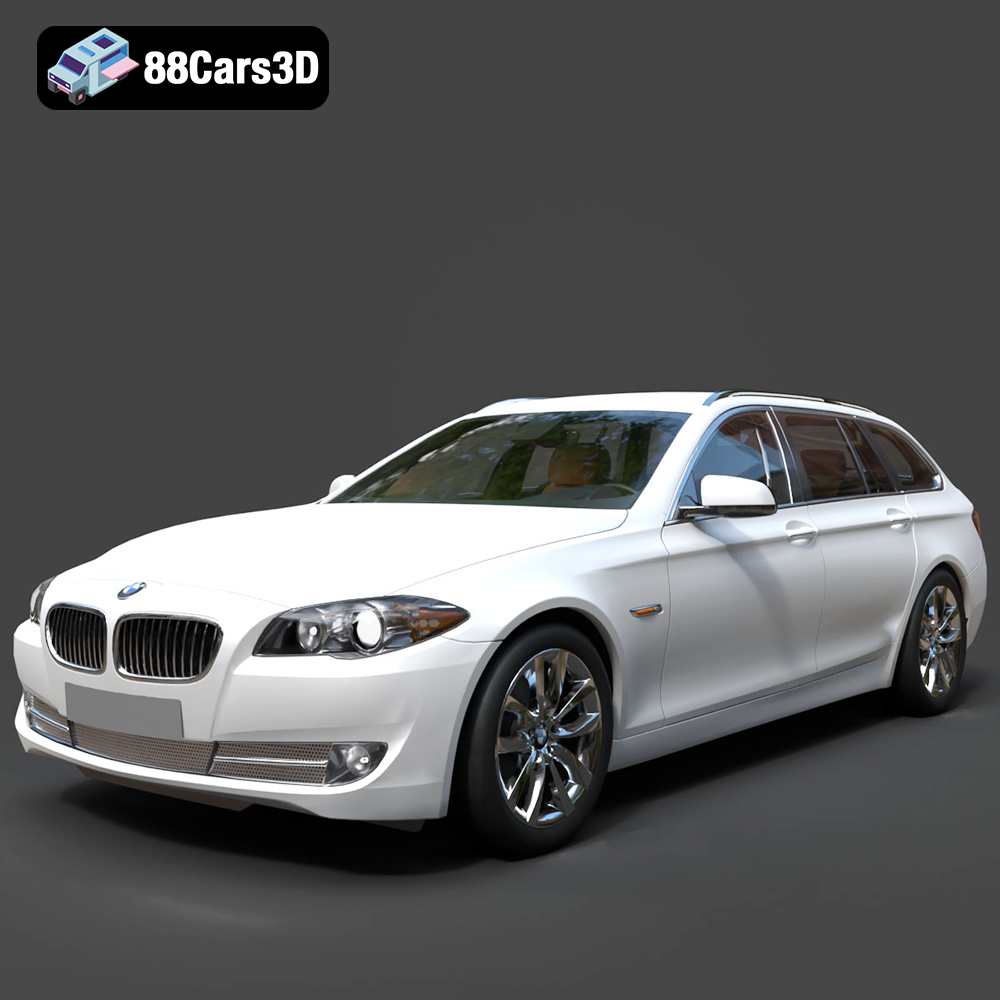
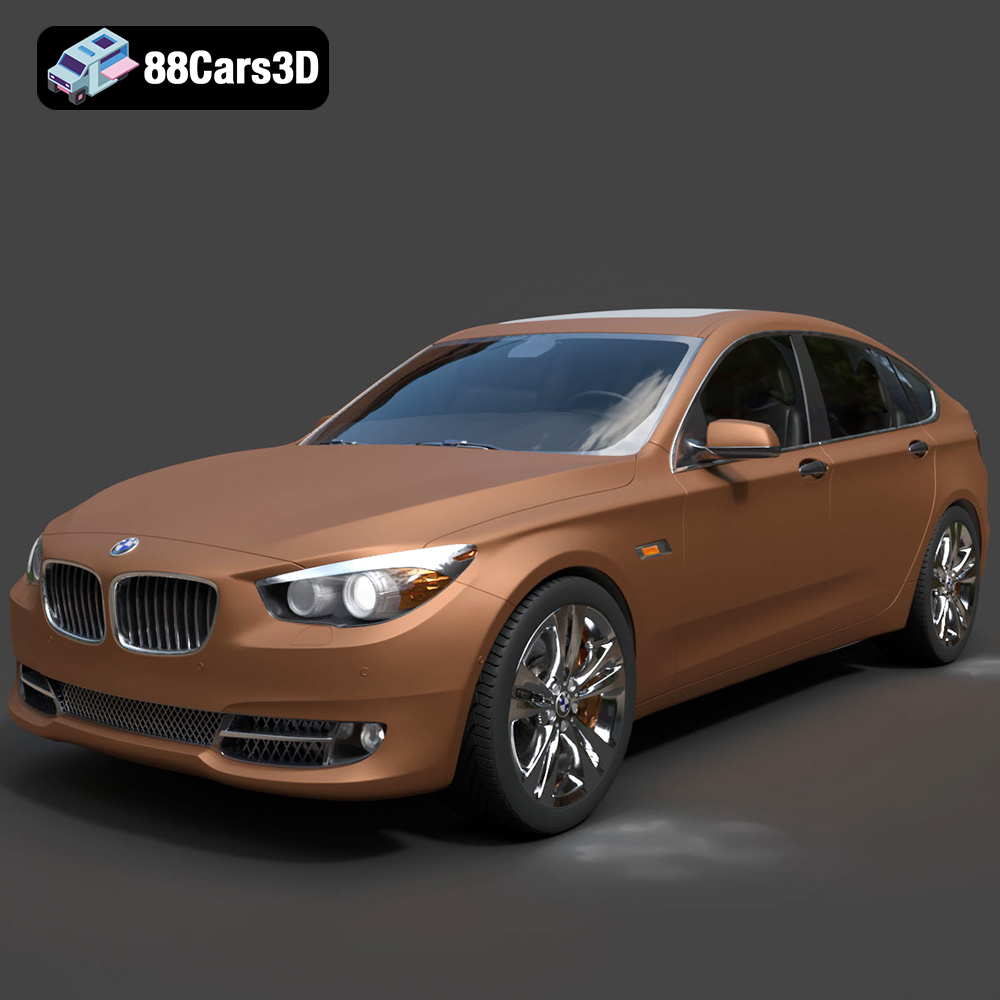
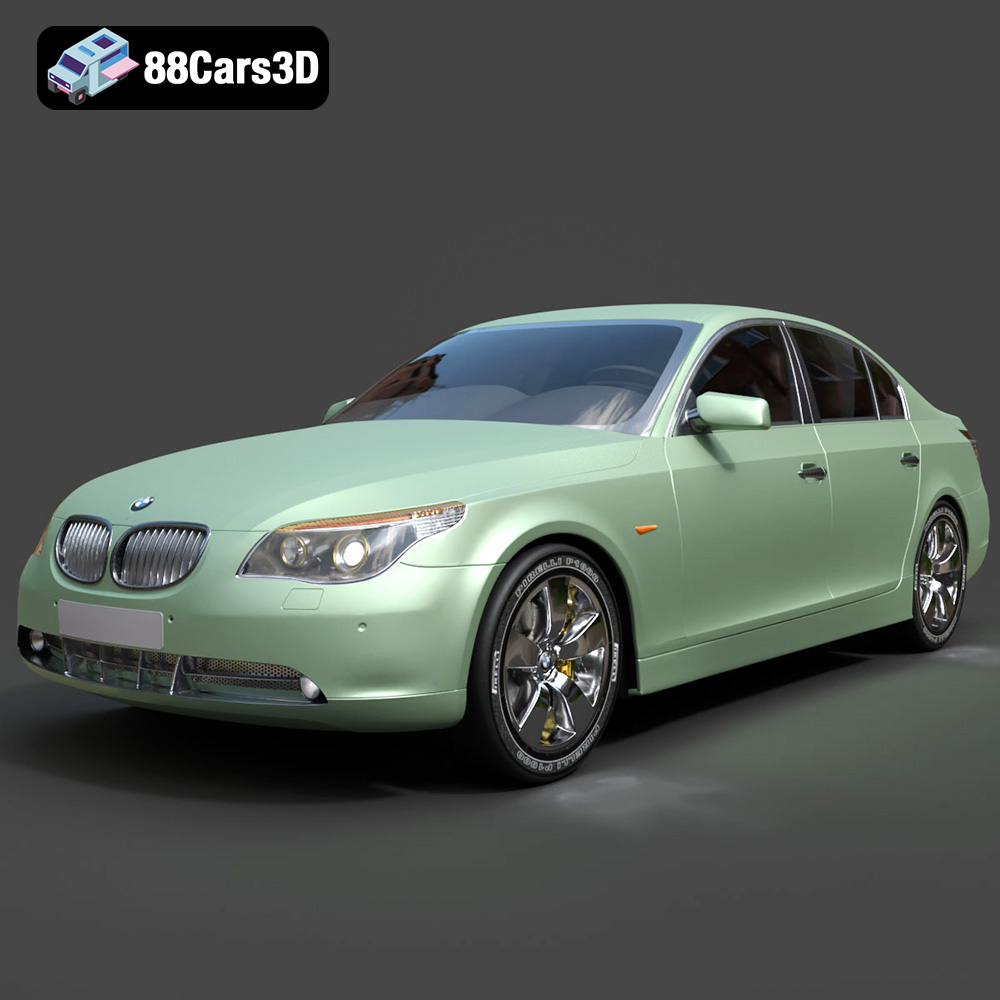
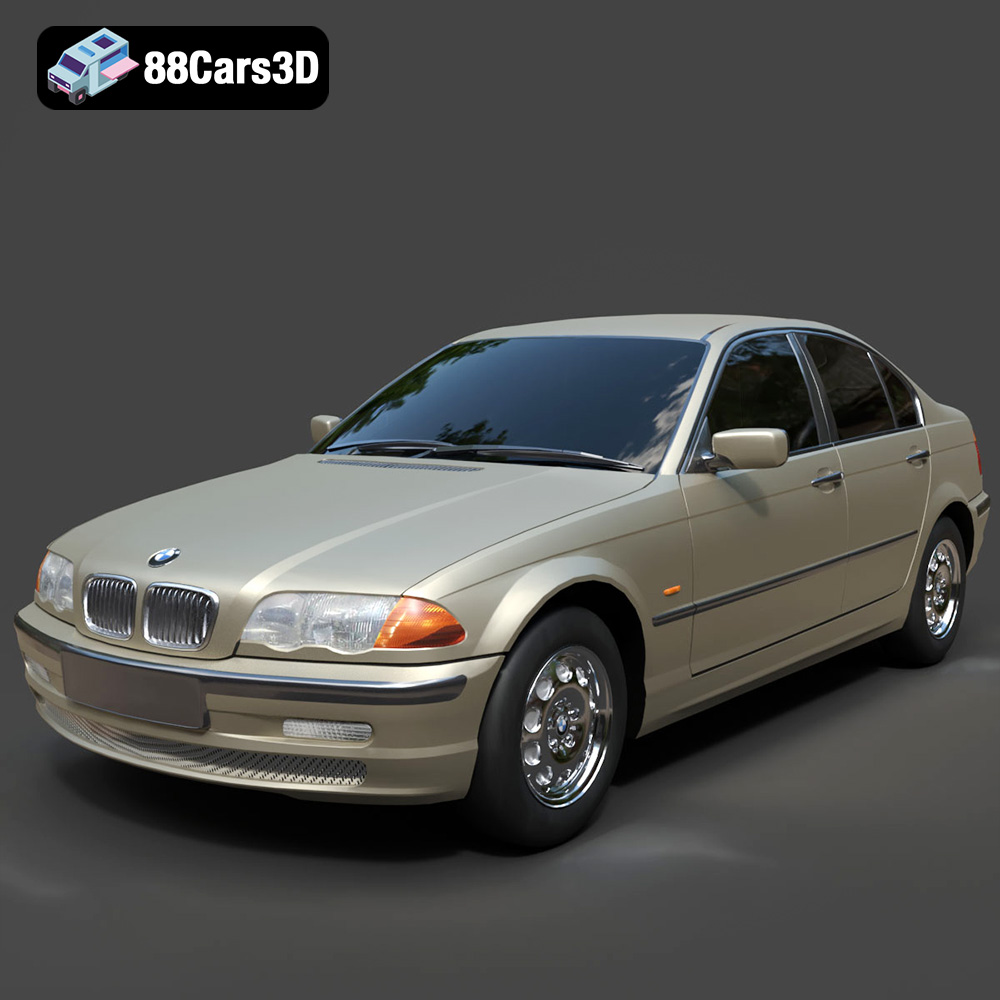
In the fast-evolving realms of automotive design, game development, cinematic visualization, and virtual reality, the quality of a 3D car model isn’t just a detail – it’s the foundation upon which entire experiences are built. From a stunning photorealistic render showcasing a new vehicle concept to a high-performance asset powering a next-generation racing simulation, the demand for precision, accuracy, and aesthetic brilliance is paramount. These digital representations are more than just polygons and textures; they are tools that enable designers to iterate rapidly, marketers to captivate audiences, and game developers to immerse players in believable worlds.
The journey of a 3D car model, from its initial concept to its final deployment, involves a sophisticated interplay of technical expertise and artistic vision. Whether you’re an architect visualizing an urban landscape with realistic traffic, a product designer refining exterior aesthetics, or a game studio striving for unparalleled authenticity, the choice of your 3D assets directly impacts the final output. This post will delve deep into the technical intricacies, workflows, and diverse applications of high-quality 3D car models, exploring how they empower professionals across various industries to achieve groundbreaking results in automotive rendering and interactive game environments.
Understanding 3D Model File Formats
Choosing the correct file format for your 3D car models is a critical decision that impacts workflow, compatibility, and final output across different software and platforms. Each format is designed with specific strengths, catering to distinct use cases from full scene editing to optimized real-time display. Understanding these nuances is essential for any professional working with digital assets.
.blend – The Native Blender Ecosystem
The .blend format is native to Blender, a powerful open-source 3D creation suite. A .blend file typically encapsulates an entire Blender scene, including the 3D car model’s geometry, materials, textures, lighting setups, cameras, animation data, and even physics simulations. This makes it an incredibly comprehensive and editable format, ideal for artists who primarily work within Blender or for those who need to maintain full creative control and flexibility over the asset. When you purchase a .blend file, you’re gaining access to the original project, allowing for extensive modifications, re-texturing, rigging adjustments, and animation development without loss of data or quality inherent in some export formats.
.fbx – The Industry Standard for Interoperability
.fbx (Filmbox) is arguably the most widely adopted proprietary file format for 3D data exchange across the entertainment industry. Developed by Autodesk, it’s specifically designed to facilitate seamless transfers between various 3D applications like 3ds Max, Maya, Blender, and game engines such as Unreal Engine and Unity. An .fbx file can contain not only geometry and UV maps but also materials (though often simplified), textures, animations, skinning, and camera data. Its robust support for animation and skeletal data makes it the go-to choice for integrating animated 3D car models and game assets into real-time pipelines where performance and fidelity are crucial. When importing into Unreal or Unity, .fbx ensures that hierarchy, pivot points, and animations are preserved as intended.
.obj – The Universal Geometry Carrier
The .obj (Wavefront Object) format is a venerable and highly compatible format, often considered a universal standard for transmitting geometric data. An .obj file primarily stores vertex positions, UV coordinates, normals, and polygon faces, often accompanied by an .mtl (Material Template Library) file that defines basic material properties and texture references. While .obj is excellent for transferring static mesh data between almost any 3D software due to its simplicity and widespread support, it has limitations. It generally does not support animation, rigging, or advanced material setups, making it less suitable for complex, animated game assets without additional processing. However, for straightforward 3D car models or base meshes, it remains an indispensable format.
.glb – Optimized for AR, VR, and Web
.glb (GL Transmission Format Binary) is an increasingly important format, particularly for modern interactive applications. It is the binary version of glTF, an open-standard, royalty-free specification for 3D scenes and models. .glb files are self-contained, embedding all textures, animations, and other data directly within a single file. This makes them highly efficient for web-based 3D viewers, augmented reality (AR), virtual reality (VR) applications, and mobile platforms. Their compact size and fast loading times are crucial for delivering rich 3D experiences over the internet or on less powerful devices, without requiring external texture files or complex setup. For displaying 3D car models on websites or in immersive AR apps, .glb offers an unparalleled user experience.
.stl – The Standard for 3D Printing
.stl (Stereolithography) is the most common file format used for 3D printing. It represents a 3D model as a series of connected triangles, essentially describing the surface geometry of an object without color, texture, or other properties. While excellent for conveying shape for additive manufacturing, .stl files are generally not suitable for rendering or game development due to their lack of material information and often simplistic topological representation (triangulated meshes are not always optimal for subdivision or deformation). If your primary goal for a 3D car model is to produce a physical prototype or collectible through 3D printing, .stl is the necessary output format, requiring careful preparation of the model for watertightness and appropriate wall thickness.
.ply – Precision Mesh for CAD and Analysis
.ply (Polygon File Format or Stanford Triangle Format) is a file format designed to store 3D data from 3D scanners, CAD software, and other sources that capture precise geometric information. It can store more detailed information than .stl, including color, transparency, texture coordinates, normals, and even confidence values for scan data points. While not as common in general rendering or game asset pipelines as .fbx or .obj, .ply is valuable in scientific visualization, reverse engineering, and applications requiring high-fidelity mesh data, often with vertex-level color information. For highly accurate 3D car models derived from laser scans or complex CAD designs, .ply can be a robust choice for data integrity.
.unreal – Engine-Ready Asset for Real-Time Environments
The .unreal format, more accurately referring to UAssets or packages within the Unreal Engine ecosystem, represents highly optimized, engine-ready assets. While you typically import assets like .fbx or .obj into Unreal, the engine then converts and compiles them into its proprietary format for optimal performance and integration. This format is not an external file you download but rather the internal representation of a 3D car model once it has been processed and stored within an Unreal Engine project. These UAssets benefit from Unreal’s advanced material system, LOD generation, physics settings, and collision meshes, all tailored for real-time interactivity and visual fidelity within the engine. When a model is supplied as an “Unreal-ready” asset, it implies that it has undergone this optimization and setup process.
.max – The Definitive 3ds Max Project File
Similar to .blend for Blender, the .max format is the native project file for Autodesk 3ds Max, a leading software for 3D modeling, animation, and rendering. A .max file contains every aspect of a 3ds Max scene: the 3D car model’s geometry, modifiers, materials (including complex V-Ray or Corona shaders), lighting, cameras, animation keyframes, and scene setup. It provides the fullest possible access to the original asset, allowing for complete modification, re-rendering with specific renderers, and detailed animation work. For professionals deeply embedded in the Autodesk ecosystem, particularly for architectural visualization, product design, and high-end automotive rendering, the .max format offers unparalleled control and fidelity.
Selecting the appropriate file format from marketplaces like 88cars3d.com is crucial to ensure smooth integration into your project and to leverage the full potential of your high-quality 3D car models.
The Anatomy of a High-Quality 3D Car Model
A truly exceptional 3D car model goes far beyond a recognizable shape. It’s a meticulously crafted digital object designed for optimal performance and visual fidelity. Understanding its core components is essential for both creators and consumers of these complex assets.
Polygon Count and Topology Optimization
The polygon count, or poly count, refers to the number of faces (triangles or quads) that make up the surface of the 3D model. For automotive rendering, higher poly counts are often desirable, allowing for smoother curves and intricate details that capture the nuances of a vehicle’s design. A high-poly model might exceed millions of polygons to achieve photorealistic results, especially for close-up shots or hero renders. In contrast, game assets require careful optimization. While modern game engines can handle millions of polygons per frame, individual 3D car models typically feature a range of LODs (Levels of Detail) to manage performance. A primary game asset might have 50,000-150,000 polygons, with lower LODs dropping to a few thousand for distant views. Proper topology – the arrangement of polygons – is equally vital. Clean quad-based topology ensures smooth subdivision, prevents pinching artifacts during deformation, and facilitates UV mapping.
UV Mapping and PBR Texturing
UV mapping is the process of flattening the 3D surface of a model onto a 2D plane, creating a UV layout that allows 2D textures to be accurately applied without stretching or distortion. For high-quality 3D car models, meticulous UV unwrapping is critical. Multiple UV sets may be used – one for general surface details, another for decals or specific material overlays. Paired with this is Physical Based Rendering (PBR) texturing. PBR materials simulate how light interacts with surfaces in the real world, providing highly realistic results. This involves a suite of texture maps such as Albedo/Base Color, Metallic, Roughness, Normal, Ambient Occlusion, and sometimes Height or Emissive maps. These maps work in concert to define the car’s paint reflectivity, tire grip, glass transparency, and interior details, crucial for achieving convincing automotive rendering.
Hierarchical Structure and Pivot Points
A well-structured 3D car model will have a clear hierarchy of objects. Components like wheels, doors, hood, trunk, and interior elements should be separate objects, parented logically. For instance, each wheel should be a child of the main chassis, allowing it to rotate independently while moving with the car. Correct pivot points are equally important; they define the rotation center of an object. The pivot for a wheel should be at its axle center, while a door’s pivot should be at its hinges. This hierarchical organization and precise pivot placement are fundamental for animating the vehicle, whether for a realistic driving simulation in a game or a complex cinematic sequence in an automotive advertisement. Without it, even the simplest animation task becomes a complex and frustrating endeavor.
Mastering Automotive Rendering Workflows
Photorealistic automotive rendering is an art form that blends technical proficiency with an acute eye for detail. It’s about more than just applying textures; it’s about recreating the subtle interplay of light, reflections, and environment that makes a vehicle look truly alive.
Software & Engine Choices for Superior Renders
The choice of software and rendering engine profoundly impacts the final look and workflow. 3ds Max remains a dominant force, often paired with powerful renderers like V-Ray or Corona Renderer. V-Ray is renowned for its speed and advanced global illumination algorithms, making it a favorite for architectural and automotive visualization. Corona Renderer offers an intuitive, unbiased rendering experience with excellent results, particularly for realistic lighting. Blender, with its Cycles and Eevee renderers, has rapidly gained traction, offering a robust open-source alternative capable of stunning photorealistic output. Cycles, being a path tracer, excels at physical accuracy, while Eevee provides real-time rendering capabilities for rapid iteration. For interactive experiences and cutting-edge visual fidelity, Unreal Engine’s real-time ray tracing features offer an unprecedented level of realism directly within the engine, blurring the lines between offline renders and interactive environments. Many of the high-quality 3D car models available at 88cars3d.com are optimized for these leading platforms, ensuring seamless integration and superior results.
Lighting, Materials & Environment Setup
Achieving a photorealistic render hinges on masterful lighting and material work. Lighting setup is paramount: typically, a studio environment uses a combination of area lights, HDRI (High Dynamic Range Image) maps for realistic reflections and ambient illumination, and sometimes spot lights for specific highlights. An HDRI acts as both a light source and a reflection map, providing a coherent and natural lighting environment. Materials for a 3D car model need meticulous attention, especially the car paint. This often involves complex layered shaders that simulate clear coat, metallic flakes, and subsurface scattering effects. Tire rubber, chrome trim, glass, and interior fabrics each require distinct PBR material definitions. The environment, whether a virtual studio, an urban street, or a natural landscape, must complement the vehicle without distracting from it. This involves careful placement of backdrops, integration with ground planes that reflect light realistically, and often the use of reflection cards to guide specular highlights onto the car’s surfaces.
Post-Production Techniques for Polish
Once the raw render is complete, post-production is where the image truly comes to life. Tools like Adobe Photoshop or Affinity Photo are used to apply subtle enhancements that elevate the realism and aesthetic appeal. Common techniques include color grading to adjust mood and tone, adding depth of field for cinematic focus, and introducing lens effects like glare or bloom. Compositing elements such as motion blur (for action shots), subtle atmospheric hazing, or even integrating the rendered car into a photographic backplate are also crucial steps. Noise reduction, chromatic aberration correction, and subtle vignetting can further polish the final image. The goal is to refine the visual narrative, correct any minor imperfections from the render, and imbue the image with a sense of polished professionalism that is characteristic of high-end automotive marketing and visualization.
Integrating 3D Car Models into Game Development
Game development presents a unique set of challenges and opportunities for 3D car models. Unlike static renders, game assets must be optimized for real-time performance while maintaining a high level of visual fidelity to deliver immersive experiences.
Optimization for Real-Time Performance
Real-time performance is king in game development. High-quality 3D car models intended for games must undergo rigorous optimization. This primarily involves the implementation of Levels of Detail (LODs). An LOD system consists of multiple versions of the same model, each with progressively lower polygon counts and simpler materials. When the car is close to the player, the highest detail LOD is rendered; as it moves further away, the engine automatically switches to lower detail versions, significantly reducing GPU load without a noticeable drop in visual quality. Additionally, efficient UV mapping is crucial for texture memory management. Other optimization techniques include intelligent use of occlusion culling, where objects not visible to the camera are not rendered, and careful polygon reduction strategies that maintain essential silhouette details while shedding unnecessary geometry. Collision meshes, simplified proxy geometries used for physics calculations, are also vital for performance and accurate interaction.
Importing and Setting Up in Game Engines
Once optimized, 3D car models are imported into game engines like Unreal Engine or Unity. The standard process involves exporting the model from a 3D application (e.g., Blender, 3ds Max) as an .fbx file, which reliably carries geometry, UVs, and sometimes basic materials and animations. Upon import, the engine processes the asset, creating its internal representation. This is where advanced engine features come into play. Materials are converted to the engine’s PBR shader system, requiring texture maps (Albedo, Normal, Roughness, Metallic, AO) to be properly assigned and tweaked. Collision meshes are generated or imported, enabling physical interactions. Blueprinting or scripting systems (e.g., Unreal Engine Blueprints, Unity C# scripts) are then used to set up complex car physics, integrate engine sounds, particle effects for smoke or dust, and define player input controls. Wheels need to be correctly rigged and animated to spin and turn, and suspension systems must respond realistically to terrain. The “unreal” specific assets found on 88cars3d.com are typically pre-configured for these intricacies, saving significant development time.
Enhancing Realism with Shaders and Effects
Modern game engines offer a plethora of tools to push visual realism. Custom shaders can be developed to simulate complex car paint, metallic reflections, or anisotropic highlights seen on brushed metal. Post-processing effects, applied to the entire scene, contribute significantly to the visual polish: screen-space ambient occlusion (SSAO) adds depth, bloom simulates light overflow, and color grading sets the overall mood and tone. Real-time ray tracing, now available in both Unreal Engine and Unity on supported hardware, elevates reflections, shadows, and global illumination to unprecedented levels of realism within an interactive environment. Particle systems create dynamic effects for tire smoke, exhaust fumes, or debris. Volumetric fog adds atmosphere, while dynamic weather systems can drastically change the visual impact of a 3D car model, making it appear wet, dusty, or snow-covered, further immersing players in the game world.
Beyond Rendering: Diverse Applications for 3D Car Models
While automotive rendering and game development are major drivers, the utility of high-quality 3D car models extends into numerous other innovative applications, shaping how we interact with products, information, and experiences.
Augmented Reality (AR) and Virtual Reality (VR)
The immersive nature of AR and VR platforms offers compelling new ways to experience 3D car models. In AR, virtual cars can be placed into real-world environments via a smartphone or tablet, allowing potential buyers to visualize a vehicle in their driveway or garage. This provides an unprecedented level of interaction for marketing and sales. VR takes this further, enabling users to “sit inside” a virtual car, explore its interior in detail, and even customize configurations. This is invaluable for training simulations, virtual showrooms, and design reviews, where engineers and designers can experience a vehicle concept long before a physical prototype exists. The .glb format is particularly optimized for these applications due to its efficiency and ability to embed all necessary data in a single file, ensuring smooth performance on various AR/VR devices.
3D Printing and Physical Prototyping
High-fidelity 3D car models serve as the digital blueprint for physical production through 3D printing. Designers can rapidly iterate on exterior designs, test ergonomic components, or create scaled models for wind tunnel tests and presentation purposes. While the digital model for rendering might have intricate surface details, the model for 3D printing (often in .stl format) requires specific considerations like watertight geometry, appropriate wall thickness, and minimized overhangs to ensure successful fabrication. This bridge between the digital and physical realms allows for quicker design cycles and cost-effective prototyping, fundamentally transforming the automotive design process.
Interactive Configurators and Product Visualization
Online car configurators have become a standard feature on automotive manufacturer websites, allowing customers to customize every aspect of a vehicle, from paint color and wheel design to interior upholstery and optional features. These configurators rely on expertly crafted 3D car models that can be dynamically updated in real-time. This interactive product visualization not only enhances the customer experience but also aids in sales by letting buyers visualize their personalized vehicle before purchase. Furthermore, these models are used in interactive kiosks at dealerships, virtual user manuals, and detailed assembly instructions, providing clear, visual guidance.
Conclusion
The journey through the world of high-quality 3D car models reveals a multifaceted landscape where technical precision meets artistic innovation. From the intricate topology and PBR texturing that define their visual integrity to the diverse file formats that dictate their usability, these digital assets are fundamental to modern visualization. We’ve explored how they form the backbone of breathtaking automotive rendering workflows, providing unparalleled realism for marketing and design. We’ve also delved into their critical role as game assets, optimized for real-time performance and interactive immersion in dynamic virtual environments.
Beyond these core applications, the adaptability of 3D car models extends into cutting-edge fields like AR/VR for interactive experiences, 3D printing for rapid physical prototyping, and sophisticated online configurators that empower consumers. The demand for meticulous detail, efficient optimization, and broad compatibility underscores the importance of sourcing premium assets.
For professionals seeking to elevate their projects, whether in cinematic visualization, groundbreaking game development, or innovative interactive experiences, the quality of your 3D car models is non-negotiable. Investing in well-crafted, technically sound assets ensures that your vision can be realized without compromise. Platforms like 88cars3d.com specialize in providing these superior 3D car models, offering a curated selection that meets the rigorous demands of today’s most advanced digital pipelines. By understanding the intricacies of these models and leveraging them effectively, creators can continue to push the boundaries of what’s possible in the digital automotive world.
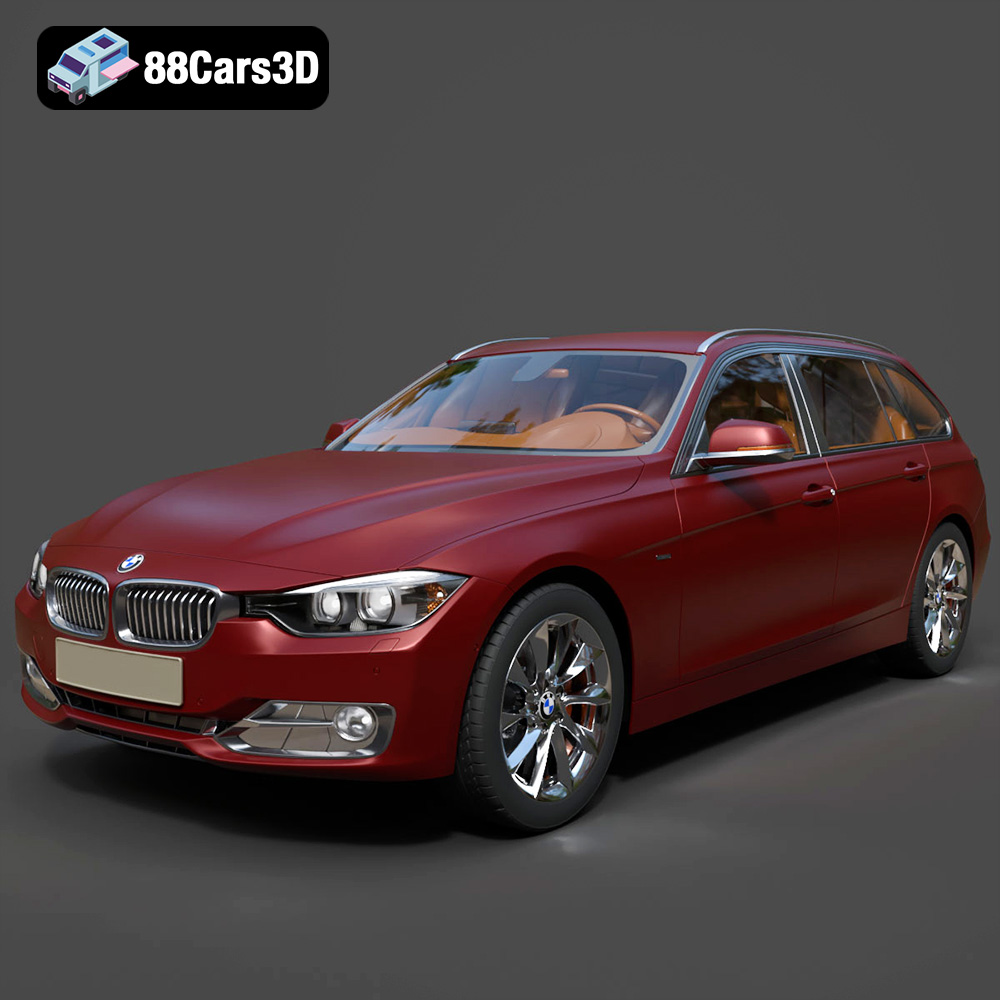
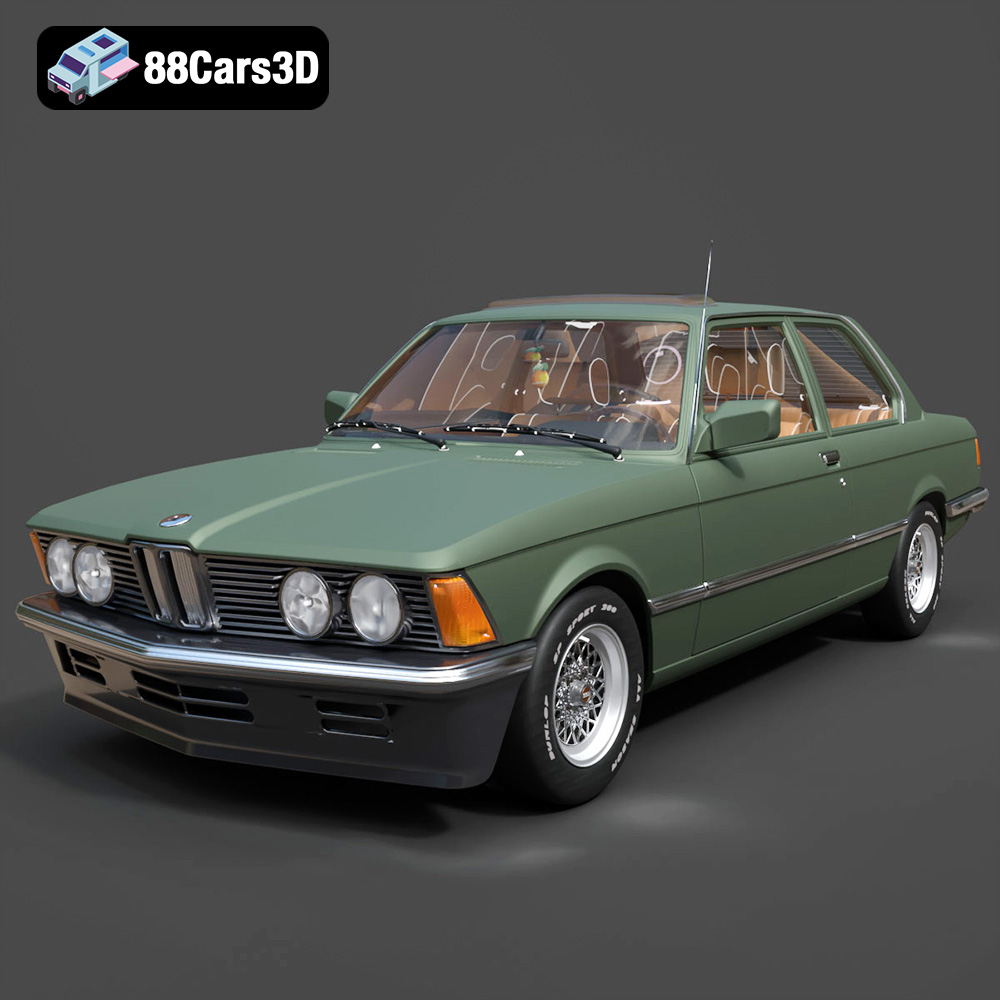
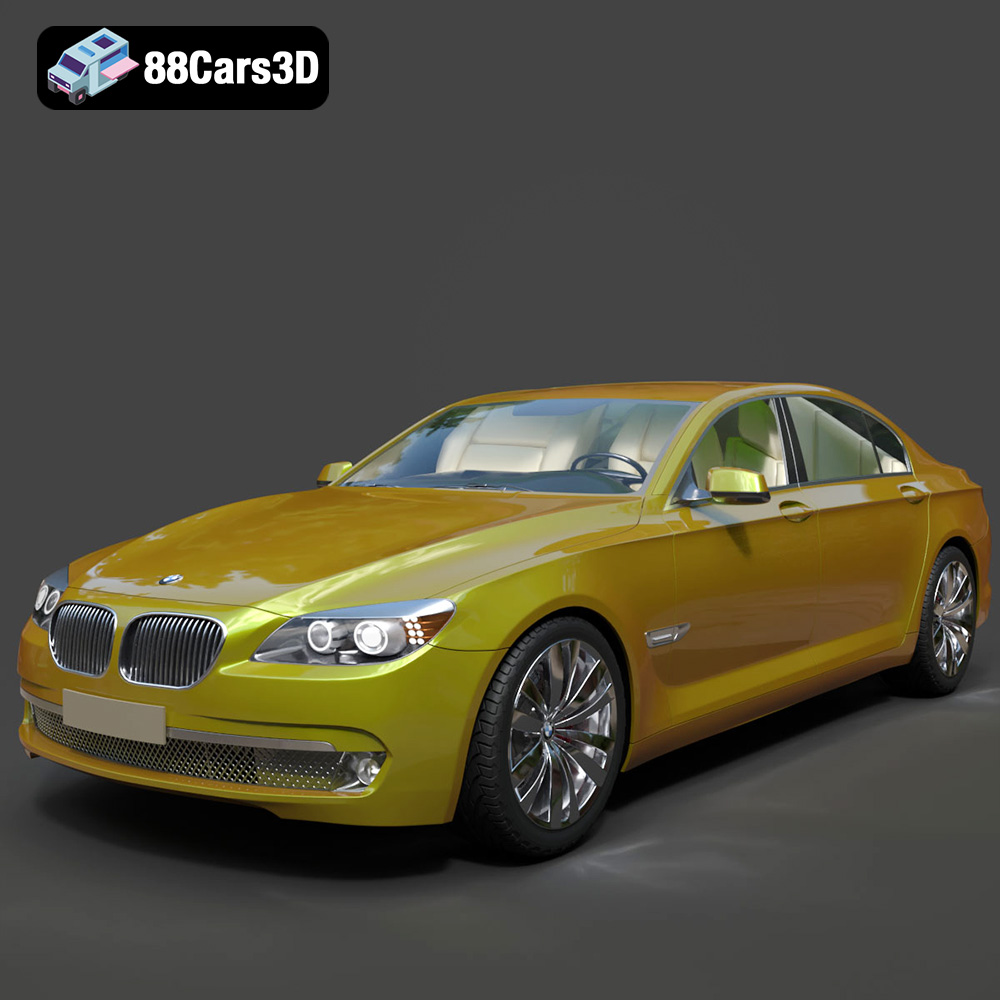
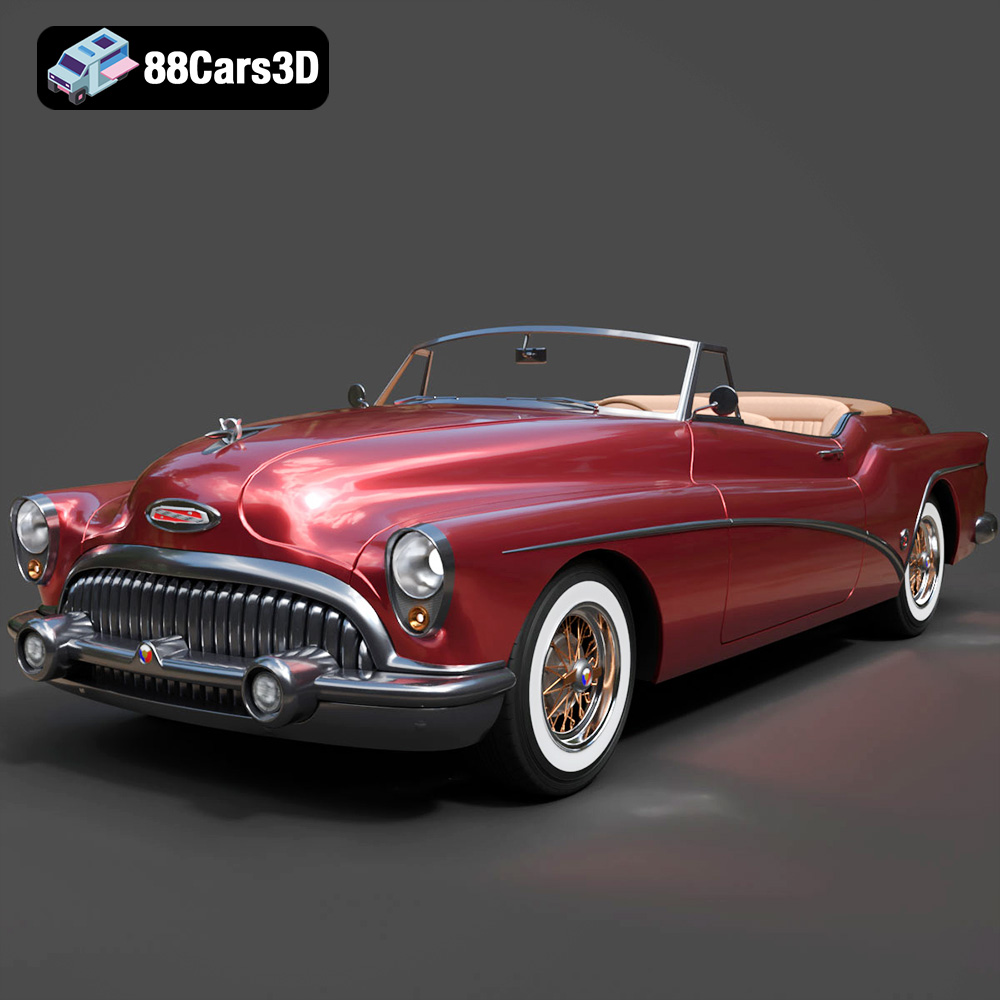
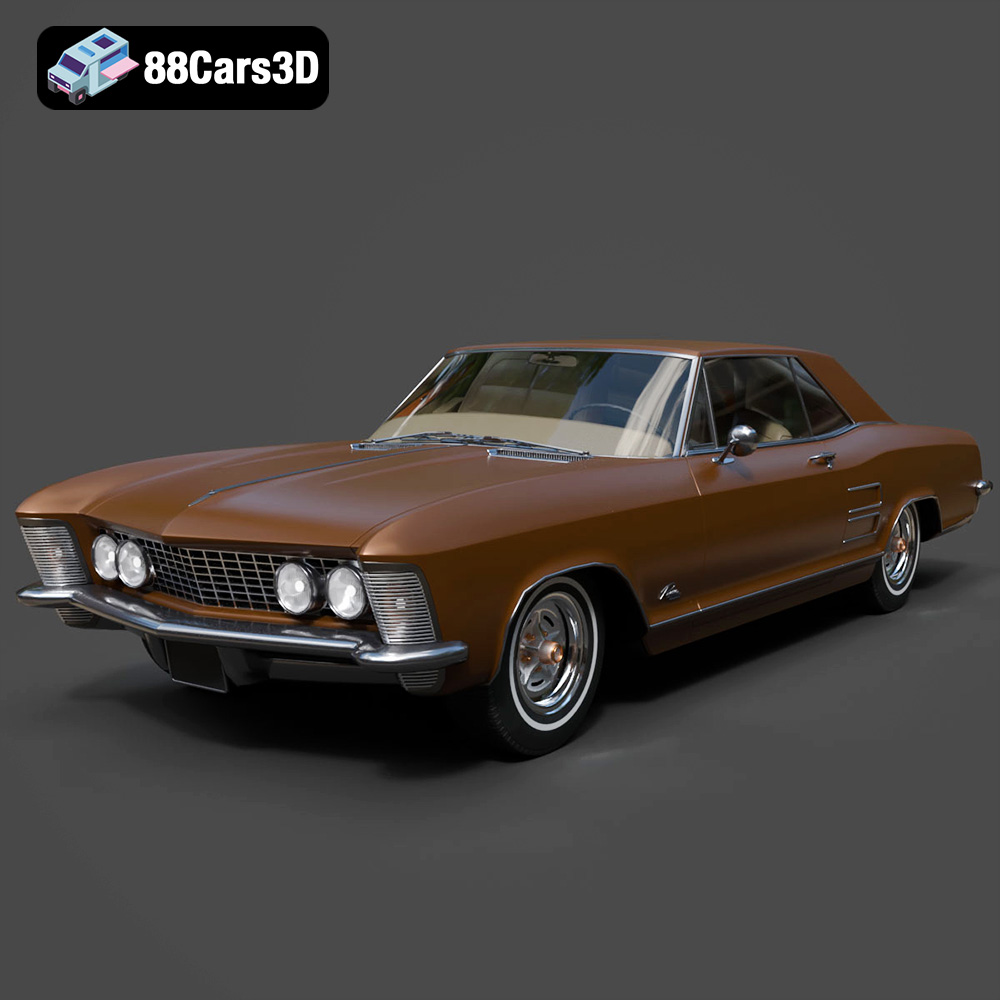
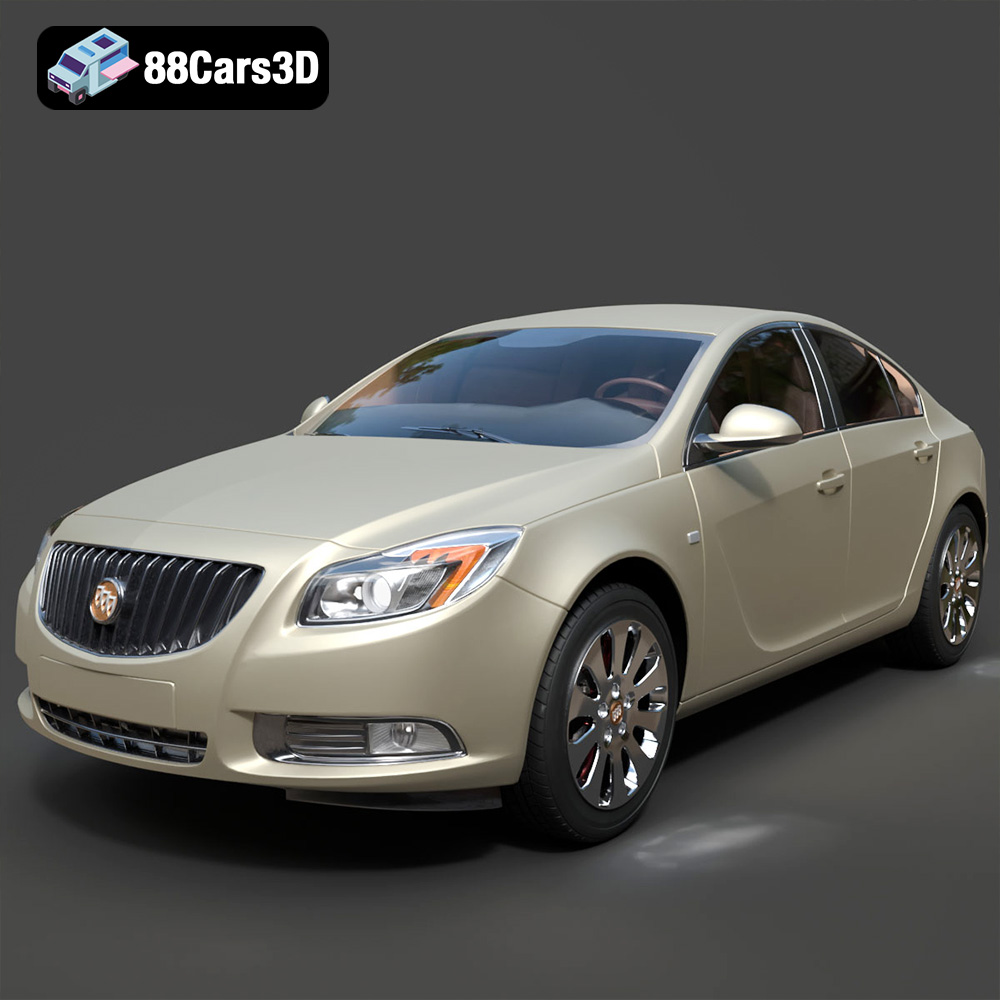
Featured 3D Car Models