

The automotive industry has always been at the forefront of technological innovation, and its visualization processes are no exception. From concept design to marketing, the ability to present vehicles in stunning photorealism and interactive experiences has become paramount. This is where Unreal Engine steps in, transforming how designers, engineers, and marketers interact with 3D car models. With its robust real-time rendering capabilities, advanced graphics features, and powerful development tools, Unreal Engine has become the go-to platform for creating breathtaking automotive visualizations and immersive interactive demos.
For professionals leveraging high-quality 3D car models, understanding Unreal Engine’s intricacies is key to unlocking unparalleled fidelity and performance. This comprehensive guide will delve deep into the technical workflows, best practices, and advanced features within Unreal Engine that empower creators to bring automotive designs to life. We’ll explore everything from efficient asset integration and PBR material authoring to cutting-edge rendering technologies like Nanite and Lumen, and how to craft compelling interactive experiences with Blueprint. Whether you’re a game developer, an automotive designer, or a visualization professional, mastering these techniques will elevate your projects, ensuring your vehicles look as good on screen as they do in reality.
Setting the Stage: Unreal Engine Project Setup and Asset Integration
A successful automotive visualization project in Unreal Engine begins with a solid foundation. Proper project setup and efficient integration of high-quality 3D car models are crucial for both visual fidelity and optimal performance. The choice of Unreal Engine version often depends on your specific needs; while newer versions offer cutting-edge features like Nanite and Lumen, compatibility with existing pipelines or third-party plugins might dictate using a slightly older but stable release. Generally, using the latest stable release is recommended to take advantage of performance improvements and new features, always consulting the official Unreal Engine documentation at dev.epicgames.com/community/unreal-engine/learning for the most up-to-date information.
When starting a new project, selecting the ‘Automotive’ or ‘Games’ template provides a good starting point, often including relevant project settings and starter content. However, for serious visualization, it’s often best to begin with a blank project to ensure minimal overhead and maximum control over imported assets. The quality of your source 3D car models is paramount. Platforms like 88cars3d.com offer meticulously crafted 3D car models, ensuring clean topology, proper UV mapping, and realistic PBR texture sets, which significantly streamline the integration process and enhance the final visual output.
Importing and Optimizing 3D Car Models for Unreal Engine
Importing 3D car models into Unreal Engine is a critical first step. The FBX format is the industry standard due to its comprehensive support for meshes, materials, and animations. When importing, ensure your model has clean topology, ideally quad-based, to prevent rendering artifacts and facilitate future modifications. For a typical high-fidelity automotive visualization, polygon counts can range from 200,000 to over 2 million triangles per vehicle, depending on the level of detail required for close-ups and interior views. For game development or AR/VR applications, these counts must be significantly lower, often leveraging Level of Detail (LOD) strategies.
Unreal Engine’s import settings offer several options to optimize assets. Activating ‘Generate Missing Collisions’ is useful for physical interactions, while ‘Combine Meshes’ can reduce draw calls if multiple parts of the car can be grouped without sacrificing detail or animation requirements. For texture assets, ensure they are in a format like PNG or TGA, and resolutions are typically 2K or 4K for vehicle bodies, with smaller resolutions (512×512 to 1K) for interior details or decals. Textures should be optimized for PBR workflows, including Albedo (Base Color), Normal, Roughness, Metallic, and Ambient Occlusion maps. Proper UV unwrapping without overlaps is essential for correct texture display and lightmap generation, especially for static lighting scenarios. Importing a car with a proper hierarchy (e.g., chassis, doors, wheels as separate meshes) is crucial for subsequent animation, interaction, and material assignment.
Leveraging Nanite for High-Fidelity Car Models
Nanite, Unreal Engine’s virtualized geometry system, has revolutionized the handling of incredibly high-polygon assets, making it an indispensable tool for automotive visualization. With Nanite, artists can import cinema-quality 3D car models with millions of triangles directly into Unreal Engine without the traditional performance bottlenecks. This eliminates the need for manual LOD generation for most static components, freeing up artists to focus purely on visual fidelity.
To enable Nanite for a static mesh, simply open the Static Mesh Editor and check the ‘Enable Nanite Support’ box under the ‘Nanite Settings’ section. For car models, this is particularly beneficial for the car body, intricate interior components, and detailed engine parts. Nanite automatically processes the mesh, intelligently culling and streaming geometry at render time, ensuring that only the necessary detail is drawn based on the camera’s view. This not only dramatically improves performance with complex assets but also ensures consistent detail regardless of viewing distance. While Nanite is a game-changer for geometric complexity, it’s important to remember that it applies to static meshes. Dynamic or skeletal meshes (like animated doors or wheels that move independently) will still require traditional LODs or other optimization strategies.
Crafting Realistic Materials and Dynamic Lighting
Achieving photorealism in automotive visualization hinges on two critical elements: physically based rendering (PBR) materials and dynamic, realistic lighting. Unreal Engine’s Material Editor and advanced lighting solutions provide the tools necessary to simulate the complex interplay of light and surface properties, bringing out the true essence of a vehicle’s design.
PBR Material Creation in Unreal Engine Material Editor
The Material Editor in Unreal Engine is a node-based interface that allows artists to construct complex PBR materials. For automotive finishes, accuracy is paramount. Car paint, for instance, often involves multiple layers: a base metallic coat, a clear coat, and sometimes a flake layer. A standard car paint material might include a Base Color texture (Albedo) for the primary color, a Metallic map to define the metallic properties (often a constant value of 1 for metallic paints), a Roughness map to control glossiness, and a Normal map for micro-surface details. The clear coat effect can be achieved using the Clear Coat and Clear Coat Roughness inputs in the main material node, simulating the reflective, protective layer on top of the base paint. Values for Clear Coat should typically be 1, and Clear Coat Roughness should be a low value for highly polished surfaces, increasing for matte finishes. Flake effects can be created using complex shader networks involving noise textures, fresnel, and custom lighting functions to simulate tiny metallic particles embedded in the paint.
Glass materials for windows and headlights require careful setup. These typically use a Translucent blend mode, with accurate Refraction, Roughness, and Opacity values. For headlight covers, emissive maps can simulate the internal light source when active. Tire rubber, interior leather, and plastic parts each demand unique PBR approaches, ensuring their distinctive surface qualities are accurately represented. Consistency in PBR values across different materials is crucial for a cohesive look. When sourcing automotive assets from marketplaces such as 88cars3d.com, you often receive well-calibrated PBR textures and pre-configured materials, significantly accelerating this process.
Real-Time Lighting with Lumen and Traditional Methods
Unreal Engine’s lighting systems offer unparalleled flexibility for automotive scenes. Lumen, Unreal Engine 5’s fully dynamic global illumination and reflections system, is a game-changer for achieving photorealism without the extensive baking times of traditional lightmaps. Lumen accurately calculates indirect lighting bounces and reflections in real-time, meaning changes to lights, materials, or geometry immediately update the scene’s illumination. This is incredibly powerful for automotive configurators where car colors change, or for virtual production stages where lighting needs to be adjusted on the fly. To enable Lumen, simply go to Project Settings > Engine > Rendering > Global Illumination and Reflections, and set the respective methods to ‘Lumen’.
While Lumen excels in dynamic environments, understanding traditional lighting methods is still valuable. Directional Lights simulate the sun, crucial for establishing primary shadows and overall scene illumination. Sky Lights capture ambient outdoor lighting from a sky sphere or HDRI, providing realistic soft fill light. Rect Lights are excellent for simulating studio lighting setups, providing crisp reflections on car surfaces. Point Lights and Spot Lights are useful for specific accents or interior illumination. For optimal performance, especially in highly dynamic scenes, it’s often a balance: leverage Lumen for global illumination, but carefully place a few key direct lights (Directional, Sky, Rect) to enhance reflections and add artistic flair. Utilizing High Dynamic Range Image (HDRI) backgrounds with a Sky Light is a quick way to achieve realistic environmental lighting and reflections, especially for showcasing vehicles in diverse outdoor settings.
Interactive Experiences and Performance Optimization
Beyond static renders, Unreal Engine empowers creators to build fully interactive automotive experiences, from configurators to immersive AR/VR applications. However, interactivity at high fidelity demands rigorous performance optimization, particularly for real-time rendering and deployment on various hardware platforms.
Blueprint Visual Scripting for Interactive Automotive Experiences
Blueprint Visual Scripting is Unreal Engine’s powerful visual scripting system that allows designers and artists to create complex gameplay and interactive functionalities without writing a single line of code. For automotive visualization, Blueprint is indispensable for building interactive configurators, animated sequences, and user interfaces.
Common Blueprint applications for cars include:
- Material Switching: Allowing users to change car paint colors, interior trim materials, or wheel finishes dynamically. This involves creating a Widget Blueprint for UI buttons and scripting logic to update the Material Instance Dynamic (MID) of the vehicle’s components.
- Door and Component Interaction: Opening and closing doors, trunks, or hoods with a mouse click or button press. This can be achieved by playing an animation sequence (e.g., from Sequencer) or directly manipulating the transform of a skeletal mesh component.
- Headlight/Taillight Toggle: Turning lights on and off. This typically involves toggling the visibility of emissive material parameters or light components attached to the car.
- Camera Controls: Implementing orbit cameras, interior cameras, or predefined camera paths that users can switch between.
A typical configurator Blueprint might involve an ‘Event BeginPlay’ node to initialize the UI, followed by ‘On Clicked’ events tied to UI buttons. Each button would then call a custom event or function to change a material parameter, play an animation, or update a text display. By organizing complex logic into functions and macros, Blueprint graphs remain clean and manageable, making it possible to create sophisticated interactive demos for clients or public showcases.
LOD Management and Performance Optimization for Vehicles
While Nanite significantly reduces the burden of LODs for static meshes, careful LOD management is still crucial for skeletal meshes (like animated vehicle components) and for projects targeting platforms without Nanite support (e.g., mobile AR/VR). Level of Detail (LOD) refers to having multiple versions of a mesh with varying polygon counts. As the camera moves further away from an object, a lower-polygon version is swapped in, reducing rendering overhead without a noticeable loss in visual quality.
For vehicles, typically 3-5 LODs are sufficient. LOD0 is the highest detail, used for close-ups. LOD1, LOD2, etc., progressively reduce polygon count, texture resolution (where applicable), and material complexity. Unreal Engine provides tools within the Static Mesh Editor to automatically generate LODs, but manual adjustment is often needed for optimal results, especially for intricate car models. For example, distant LODs might completely remove interior details or replace complex wheel geometry with simpler approximations. Additionally, draw call optimization is key: minimize the number of unique materials on the car, and consider merging smaller, static meshes where possible. Texture streaming settings, occlusion culling, and reducing dynamic shadow distances also contribute significantly to performance. Profiling tools like the Unreal Engine Stat commands (e.g., stat gpu, stat unit) are invaluable for identifying performance bottlenecks and guiding optimization efforts.
Advanced Applications and Cinematic Storytelling
Unreal Engine’s versatility extends far beyond basic visualization, enabling advanced applications like virtual production, cinematic content creation, and complex physics simulations, all crucial for high-end automotive projects.
Automotive Configurators and Interactive Demos
Automotive configurators are one of the most powerful applications of Unreal Engine in the industry. These interactive experiences allow potential customers or designers to customize a vehicle in real-time, changing colors, rims, interiors, and accessories. Leveraging Blueprint for interactivity, combined with high-fidelity PBR materials and Lumen for dynamic lighting, these configurators offer an immersive preview of a personalized car. Beyond simple cosmetic changes, advanced configurators can integrate pricing information, show different model variants, or even simulate the car in various environments. The goal is to provide a seamless, engaging experience that mirrors real-world car shopping, significantly enhancing customer engagement and reducing time-to-market for new models.
Interactive demos can also extend to virtual showrooms, where users can walk around a vehicle, open doors, sit inside, and even take a virtual test drive. These applications leverage physics simulations for realistic vehicle dynamics, and advanced rendering for a truly immersive experience. Ensuring smooth performance across target hardware, whether a high-end PC for a showroom kiosk or a mobile device for an AR application, requires meticulous optimization of assets and rendering settings. When building these experiences, remember to consider the user interface (UI/UX) design – intuitive controls and clear feedback are essential for a positive user experience.
Virtual Production and LED Wall Workflows for Automotive
Virtual Production (VP) is revolutionizing how automotive commercials and marketing content are created. Using large LED walls as dynamic backdrops, vehicles can be filmed in real-time against photorealistic virtual environments generated by Unreal Engine. This eliminates the need for expensive location shoots, green screens, or extensive post-production compositing.
The workflow involves synchronizing the camera’s position and lens data with the virtual camera in Unreal Engine, ensuring parallax is correctly rendered on the LED wall. High-quality 3D car models are placed in the scene, and often the physical car is positioned in front of the LED wall. Unreal Engine renders the environment from the perspective of the physical camera, projecting it onto the LED wall. This creates a seamless blend between the physical foreground (the car) and the virtual background, all captured in-camera. Key technical considerations include color calibration of the LED wall, precise camera tracking, and ensuring that Unreal Engine can render the complex scene at the high resolutions and frame rates required for virtual production (often 60+ FPS for multiple 4K outputs). Nanite and Lumen are particularly beneficial here, allowing for rich, detailed virtual environments that respond dynamically to lighting changes, further enhancing realism.
Sequencer for Cinematic Content and Animation
Unreal Engine’s Sequencer is a powerful, non-linear cinematic editing tool that allows artists to create stunning animated sequences, virtual commercials, and high-quality marketing videos for automotive projects. It offers a comprehensive timeline editor where you can arrange camera shots, animate actors (including your 3D car models), control lighting changes, and even trigger special effects.
To create a cinematic sequence for a car commercial, you would typically:
- Add your Car Model: Drag your 3D car model into the level.
- Create Camera Tracks: Add multiple Cine Cameras to Sequencer and animate their movement, rotation, and focal length to create dynamic shots.
- Animate Car Components: Animate doors opening, wheels turning, or the car itself moving along a path using control rigs or direct keyframing.
- Control Lighting: Animate light intensities, colors, or positions to create dramatic effects or simulate time-of-day changes.
- Post-Processing: Add post-process effects like depth of field, motion blur, and color grading to enhance the cinematic look.
- Export: Render the sequence out as an image sequence or video file for final editing.
Sequencer integrates seamlessly with other Unreal Engine features. You can trigger Blueprint events from Sequencer tracks, or use Niagara particle systems for effects like dust, smoke, or rain, all synchronized with your cinematic. This allows for unparalleled control over every aspect of your automotive storytelling, producing high-fidelity, emotionally engaging content.
Physics Simulation, Vehicle Dynamics, and AR/VR Optimization
For truly interactive and immersive automotive experiences, accurate physics simulation and specialized optimization for AR/VR platforms are essential. Unreal Engine provides robust tools to achieve these requirements.
Physics Simulation and Vehicle Dynamics
Unreal Engine’s physics engine, Chaos, allows for highly realistic vehicle dynamics. Implementing accurate car physics involves several components. The ‘Chaos Wheeled Vehicle’ system is a dedicated framework for creating drivable vehicles, offering advanced suspension, tire friction, engine, and gearbox parameters. Artists and developers can configure various parameters like tire radius, suspension stiffness, damping, engine torque curves, and gear ratios to mimic the performance characteristics of real-world vehicles. This is crucial for creating convincing test drives in virtual showrooms or developing racing games. For simpler interactions, such as opening a door with realistic swing, basic physics constraints or even inverse kinematics (IK) systems can be used in conjunction with animations. Fine-tuning these physics parameters requires iterative testing and a keen understanding of real-world vehicle behavior to strike the perfect balance between realism and enjoyable interactivity.
Beyond driveability, physics can also enhance environmental interaction. For example, simulating a vehicle driving through mud or water, or debris scattering upon impact. Niagara, Unreal Engine’s powerful particle system, can be integrated with physics events to generate realistic effects like tire smoke or splashing water, adding another layer of immersion to automotive simulations. Detailed collision meshes are crucial for accurate physical interactions, especially for scenarios involving vehicle deformation or complex environmental interactions. Ensuring that collision meshes are simplified but accurate can significantly improve performance without sacrificing realism.
AR/VR Optimization for Automotive Applications
Augmented Reality (AR) and Virtual Reality (VR) are transforming how we experience automotive designs, from virtual showrooms to interactive design reviews. However, these platforms impose stringent performance requirements. Maintaining high frame rates (typically 90 FPS or higher for VR to prevent motion sickness) is paramount, necessitating aggressive optimization strategies.
For AR/VR automotive applications:
- Asset Optimization: While Nanite handles high-poly meshes on capable desktop VR, for mobile AR or less powerful VR headsets, traditional LODs are critical. Drastically reduce polygon counts, especially for models viewed from a distance. Texture resolutions should be optimized; often 1K or 2K maps are sufficient.
- Material Complexity: Simplify materials. Avoid complex shader networks, multiple clear coats, or expensive ray tracing features if performance is an issue. Bake complex lighting into lightmaps for static scenes where possible, or rely on simpler indirect lighting solutions.
- Lighting: Minimize the number of dynamic lights. Bake static lights into lightmaps for environments. For dynamic lighting, use fewer, carefully optimized lights. Lumen’s overhead might be too high for mobile AR/VR, so consider pre-baked lighting solutions or simplified indirect lighting.
- Post-Processing: Reduce or remove expensive post-processing effects like screen-space reflections, ambient occlusion, or anti-aliasing methods that consume significant GPU resources.
- Draw Calls: Merge meshes where possible to reduce draw calls. Use instancing for repetitive objects (e.g., small environmental details).
- Profiling: Continuously profile your application using Unreal Engine’s built-in tools (e.g.,
stat unit,stat gpu,profilegpu) to identify and address performance bottlenecks.
These optimizations ensure a smooth, immersive experience that is free from lag or visual artifacts, critical for showcasing the intricate details of a high-quality 3D car model on resource-constrained AR/VR devices.
Conclusion: The Future of Automotive Visualization with Unreal Engine
Unreal Engine has firmly established itself as an indispensable tool in the automotive visualization landscape, empowering artists, designers, and developers to create experiences that blur the line between virtual and reality. From meticulously detailed 3D car models sourced from platforms like 88cars3d.com to the dynamic interactivity of configurators and the breathtaking realism of virtual production, Unreal Engine provides the comprehensive toolkit needed to meet modern industry demands. Features like Nanite and Lumen have redefined what’s possible in real-time fidelity, while Blueprint enables sophisticated interactive experiences without extensive coding.
Mastering the workflows and techniques discussed – from precise asset integration and PBR material authoring to strategic performance optimization for various platforms – is key to unlocking the full potential of your automotive projects. As the technology continues to evolve, embracing these advanced features and best practices will not only streamline your creative process but also ensure your visualizations remain at the cutting edge. The journey into advanced automotive visualization with Unreal Engine is one of continuous learning and innovation, promising endless possibilities for showcasing the beauty and engineering marvels of the automotive world.
Featured 3D Car Models
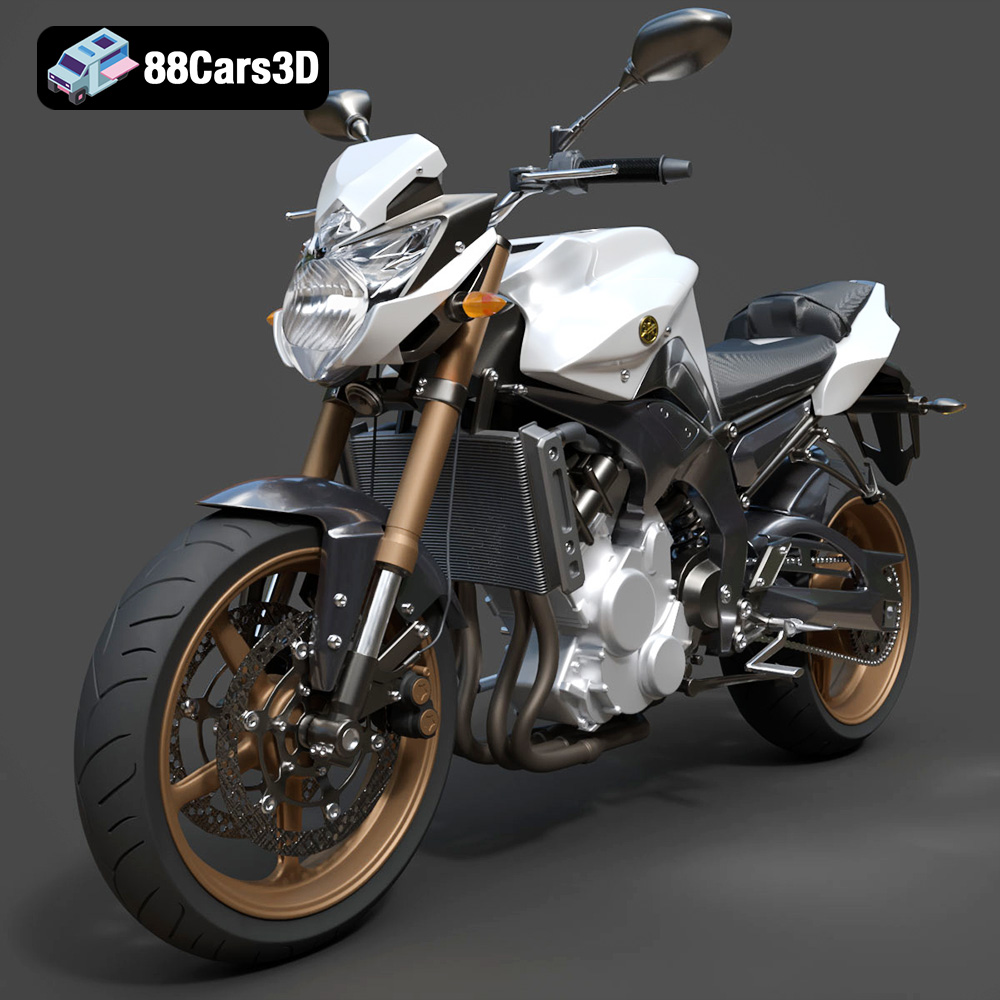
Yamaha FZ8 2011 3D Model
Texture: Yes
Material: Yes
Download the Yamaha FZ8 2011 3D Model featuring clean geometry, realistic detailing, and a fully modeled interior. Includes .blend, .fbx, .obj, .glb, .stl, .ply, .unreal, and .max formats for rendering, simulation, and game development.
Price: $19.99
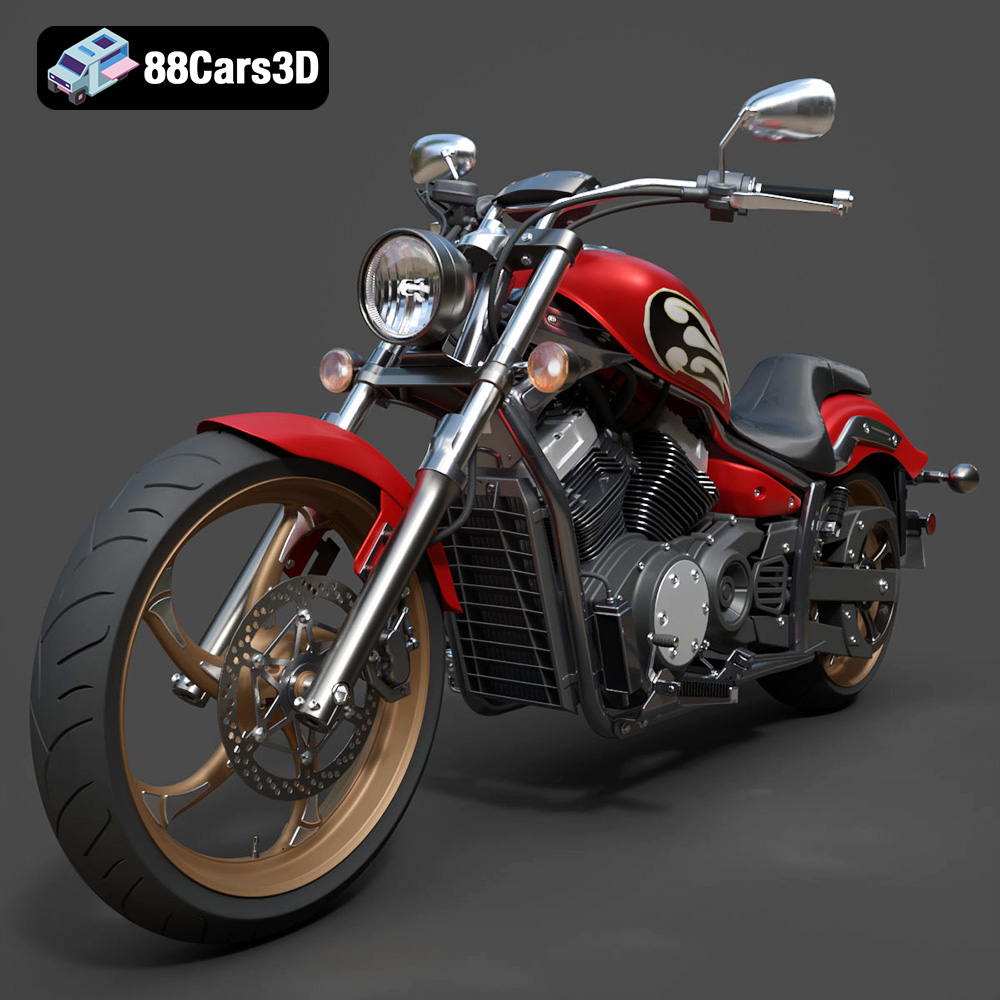
Yamaha Stryker 2012 3D Model
Texture: Yes
Material: Yes
Download the Yamaha Stryker 2012 3D Model featuring clean geometry, realistic detailing, and a fully modeled interior. Includes .blend, .fbx, .obj, .glb, .stl, .ply, .unreal, and .max formats for rendering, simulation, and game development.
Price: $19.99
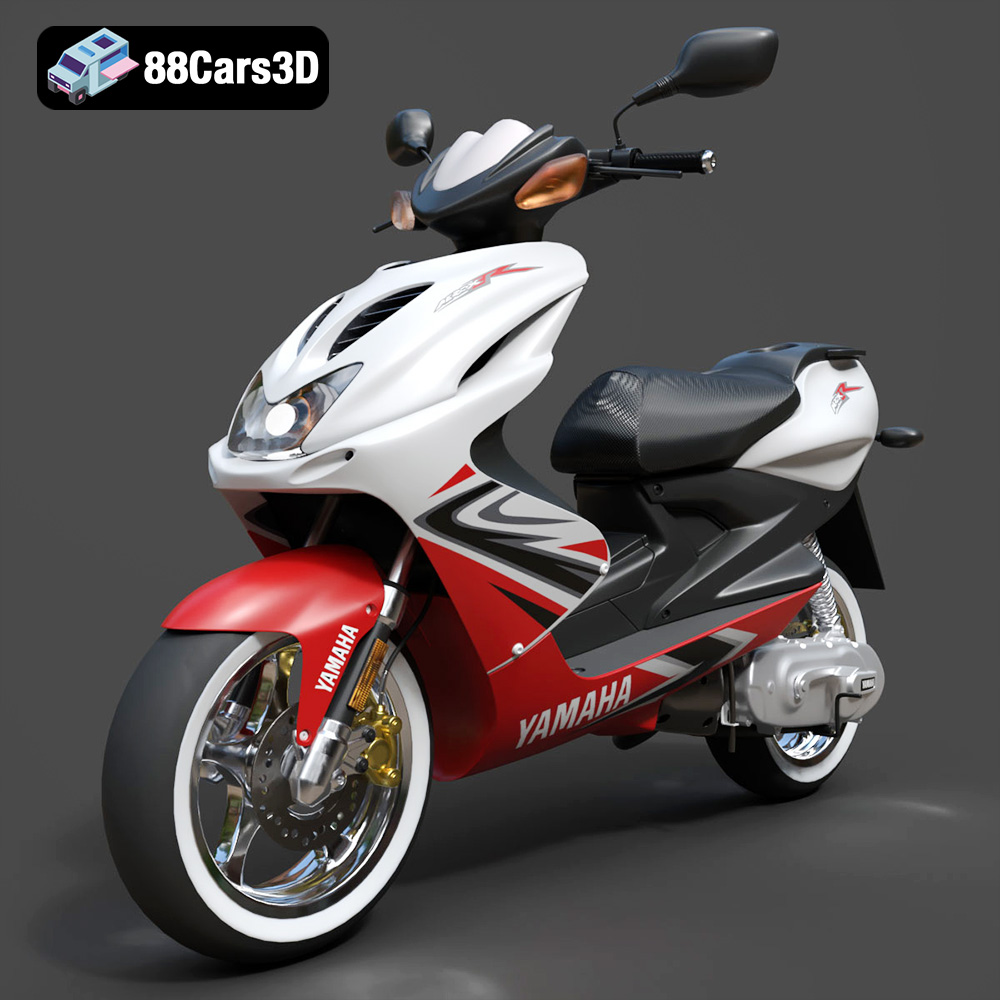
Yamaha Aerox R-002 2024 3D Model
Texture: Yes
Material: Yes
Download the Yamaha Aerox R-002 2024 3D Model featuring clean geometry, realistic detailing, and a fully modeled interior. Includes .blend, .fbx, .obj, .glb, .stl, .ply, .unreal, and .max formats for rendering, simulation, and game development.
Price: $19.99
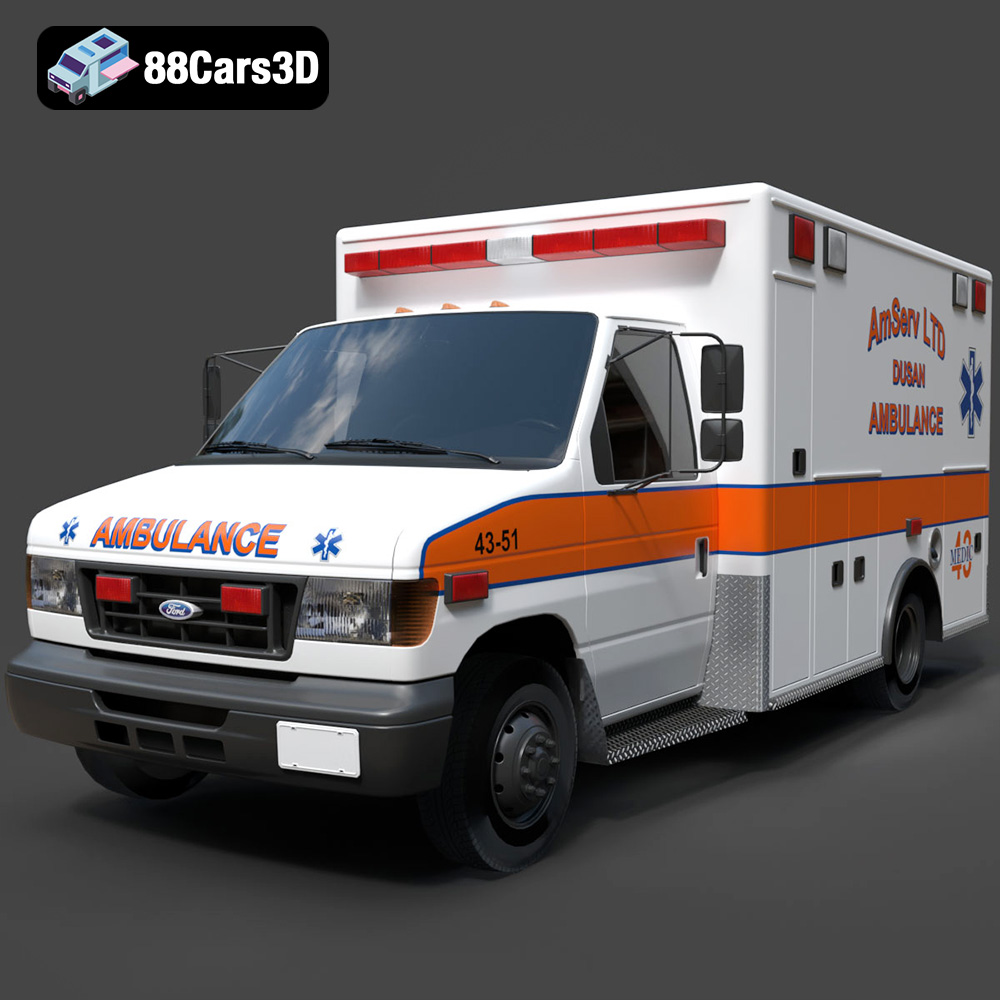
Ford Ambulance AmServ LTD Dusan-002 3D Model
Texture: Yes
Material: Yes
Download the Ford Ambulance AmServ LTD Dusan-002 3D Model featuring a high-detail exterior and interior, realistic textures, and emergency lighting. Includes .blend, .fbx, .obj, .glb, .stl, .ply, .unreal, and .max formats for rendering, simulation, and game development.
Price: $19.99
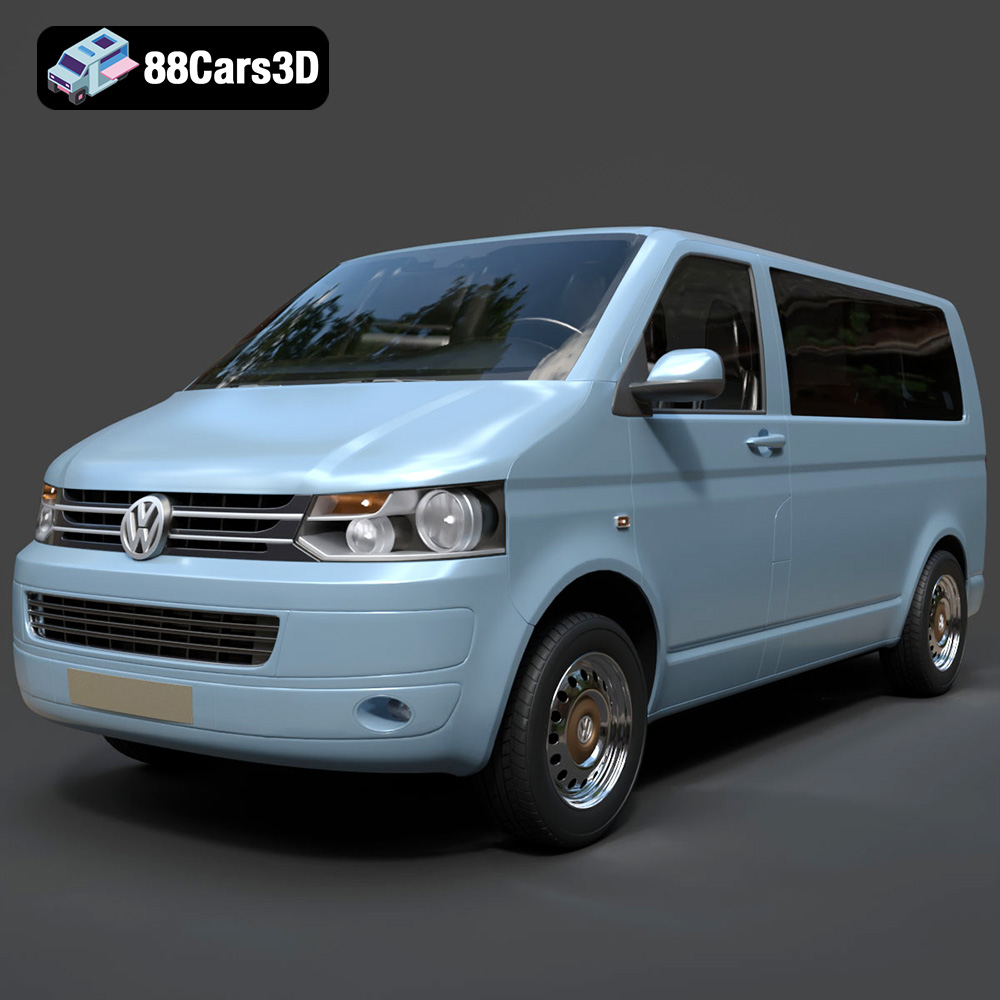
Volkswagen Transporter T5 FL 2010 3D Model
Texture: Yes
Material: Yes
Download the Volkswagen Transporter T5 FL 2010 3D Model featuring clean geometry, realistic detailing, and a fully modeled interior. Includes .blend, .fbx, .obj, .glb, .stl, .ply, .unreal, and .max formats for rendering, simulation, and game development.
Price: $22.99
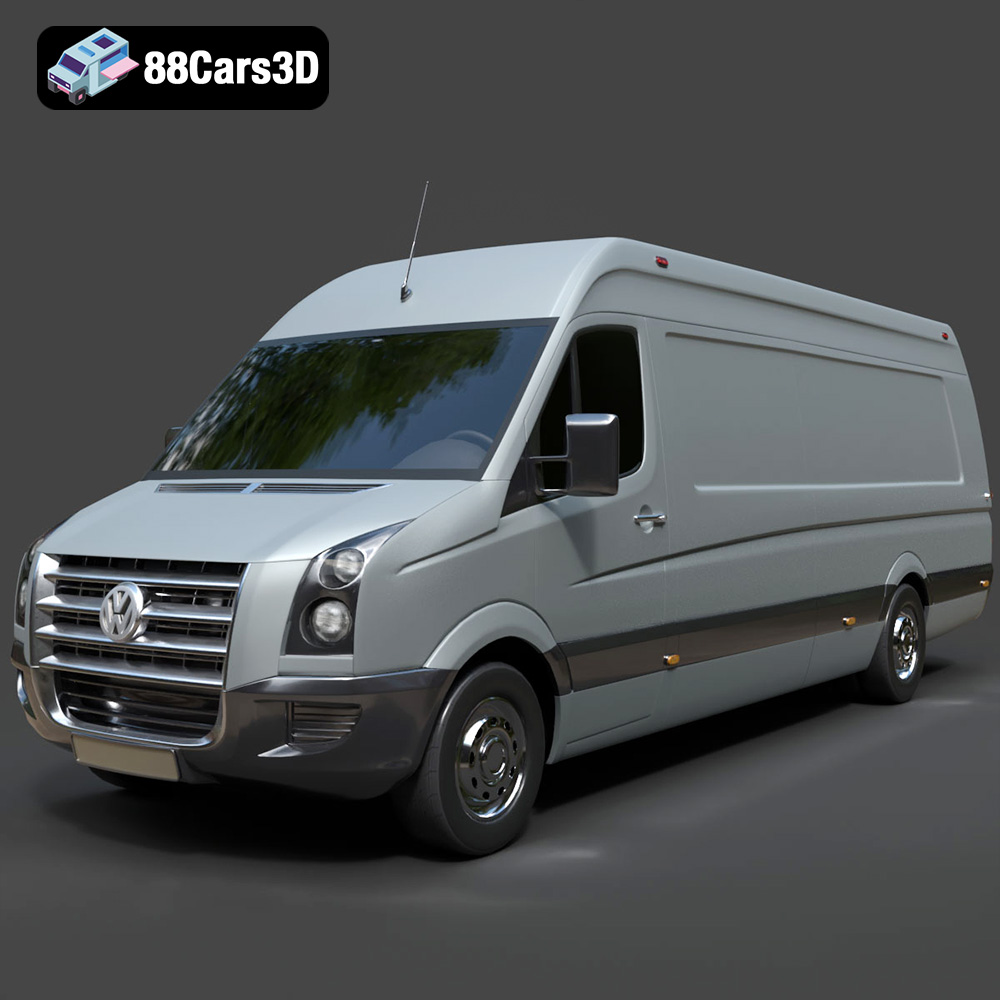
Volkswagen Crafter 2020 3D Model
Texture: Yes
Material: Yes
Download the Volkswagen Crafter 2020 3D Model featuring clean geometry, realistic detailing, and a fully modeled interior. Includes .blend, .fbx, .obj, .glb, .stl, .ply, .unreal, and .max formats for rendering, simulation, and game development.
Price: $22.99
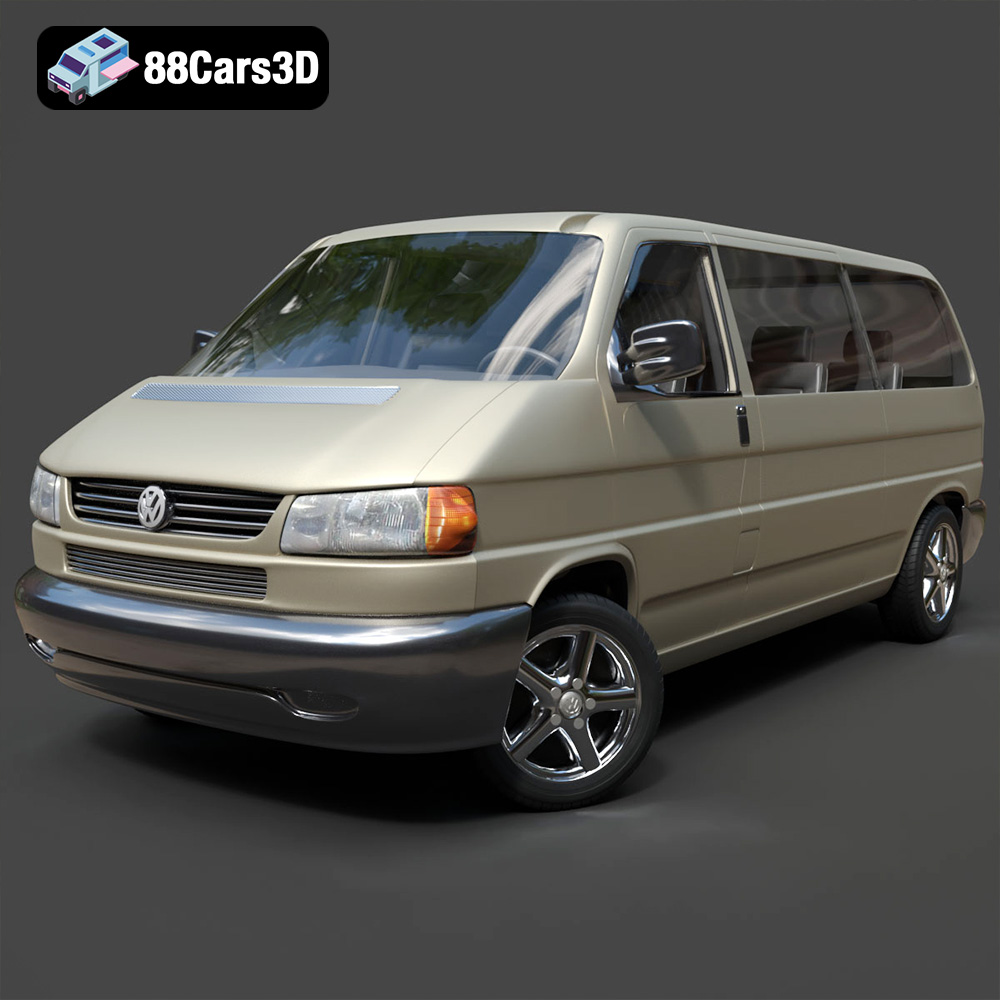
Volkswagen Caravelle 2020 3D Model
Texture: Yes
Material: Yes
Download the Volkswagen Caravelle 3D Model featuring a detailed exterior, functional interior, and optimized topology. Includes .blend, .fbx, .obj, .glb, .stl, .ply, .unreal, and .max formats for rendering, simulation, and game development.
Price: $23.99
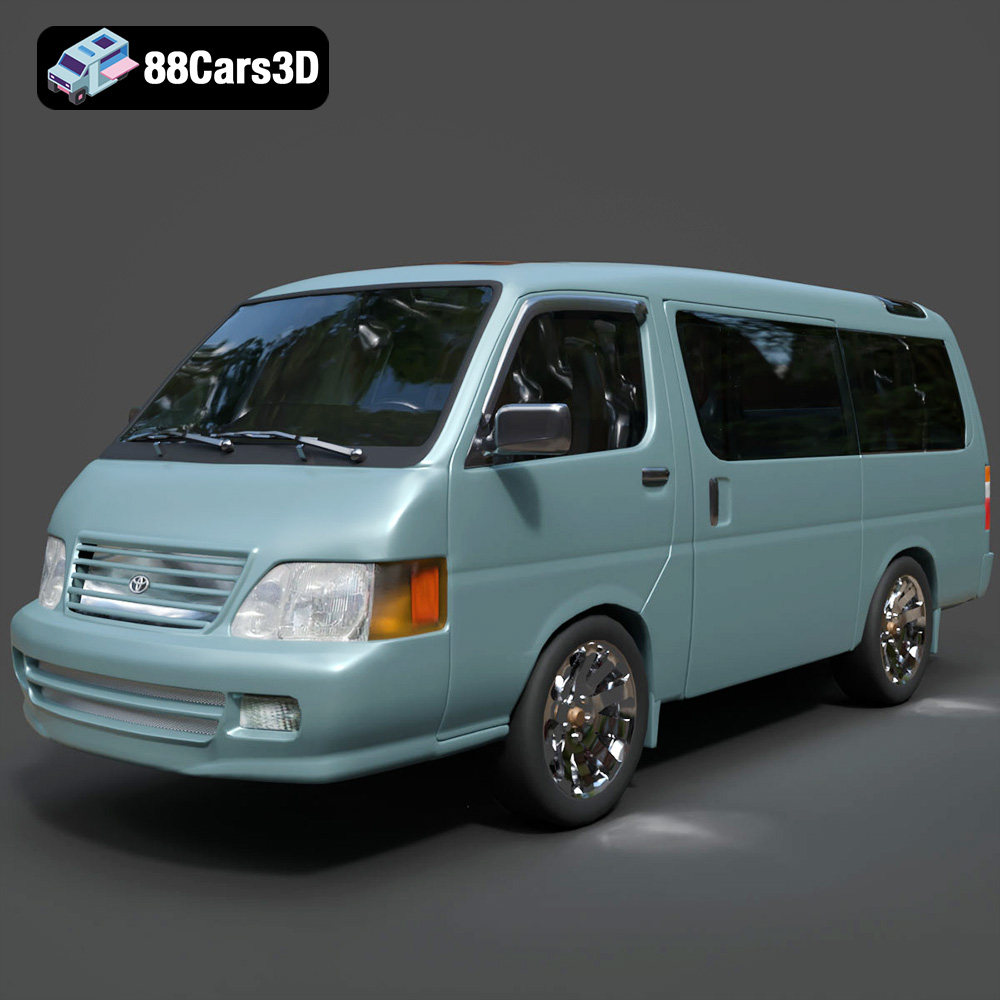
Toyota Hiace 3D Model
Texture: Yes
Material: Yes
Download the Toyota Hiace 3D Model featuring versatile design and detailed exterior. Includes .blend, .fbx, .obj, .glb, .stl, .ply, .unreal, and .max formats for rendering, simulation, and game development.
Price: $21.99
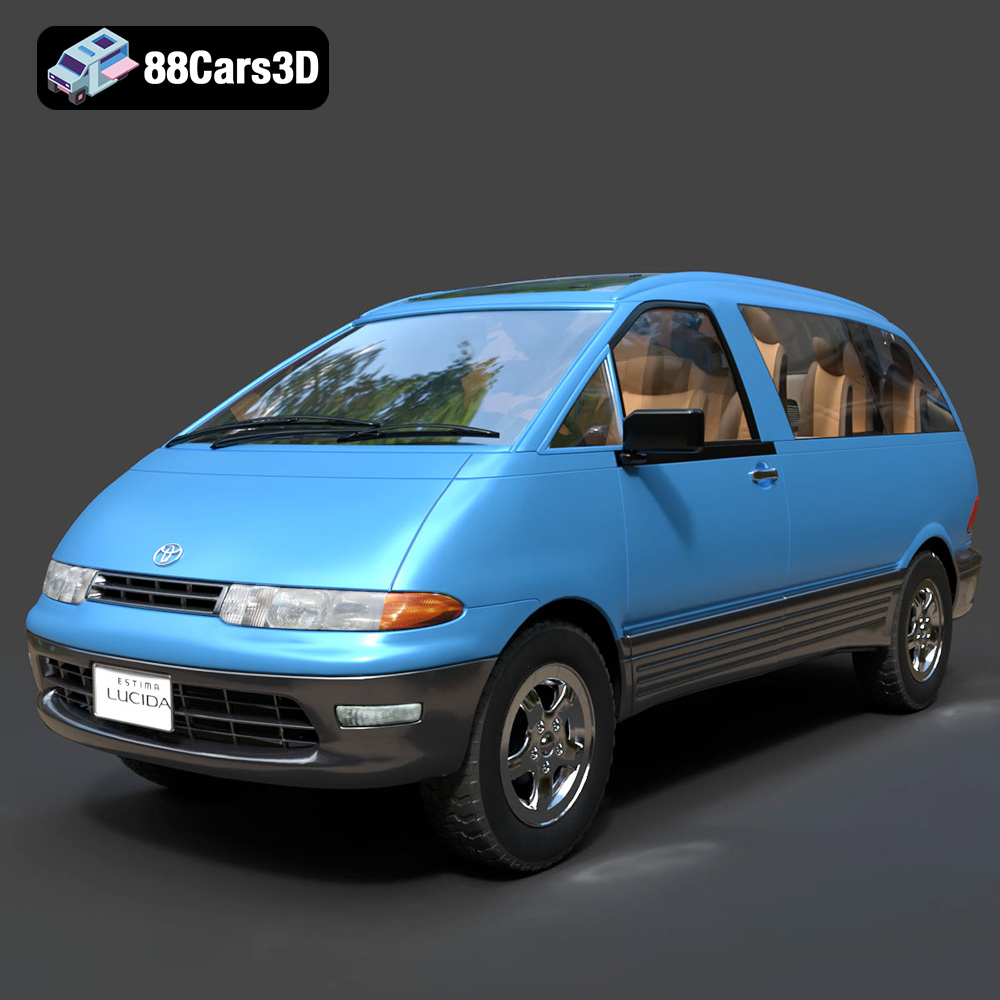
Toyota Estima Lucida 3D Model
Texture: Yes
Material: Yes
Download the Toyota Estima Lucida 3D Model featuring its iconic compact MPV design, versatile interior, and accurate exterior details. Includes .blend, .fbx, .obj, .glb, .stl, .ply, .unreal, and .max formats for rendering, simulation, and game development.
Price: $24.99

Toyota Alphard 3D Model
Texture: Yes
Material: Yes
Download the Toyota Alphard 3D Model featuring a detailed luxury minivan design with an accurate exterior and interior. Includes .blend, .fbx, .obj, .glb, .stl, .ply, .unreal, and .max formats for rendering, simulation, and game development.
Price: $21.99
