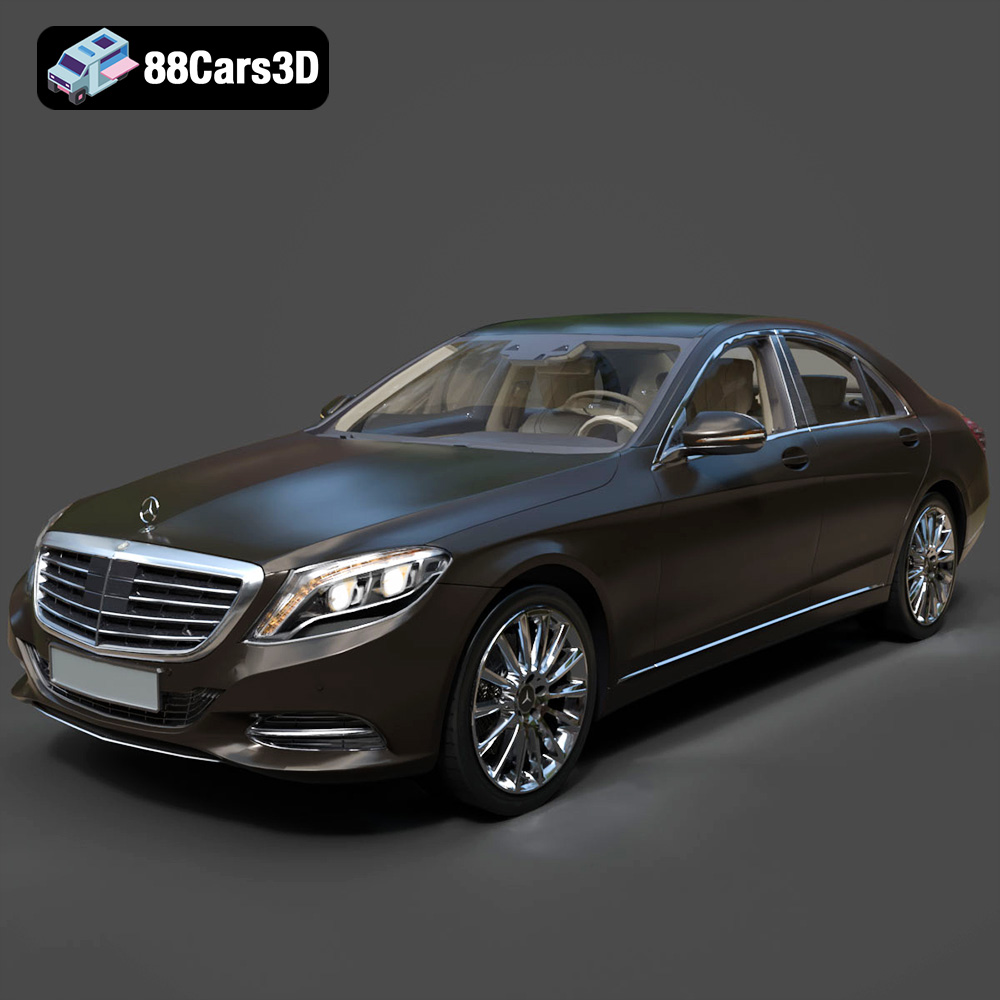
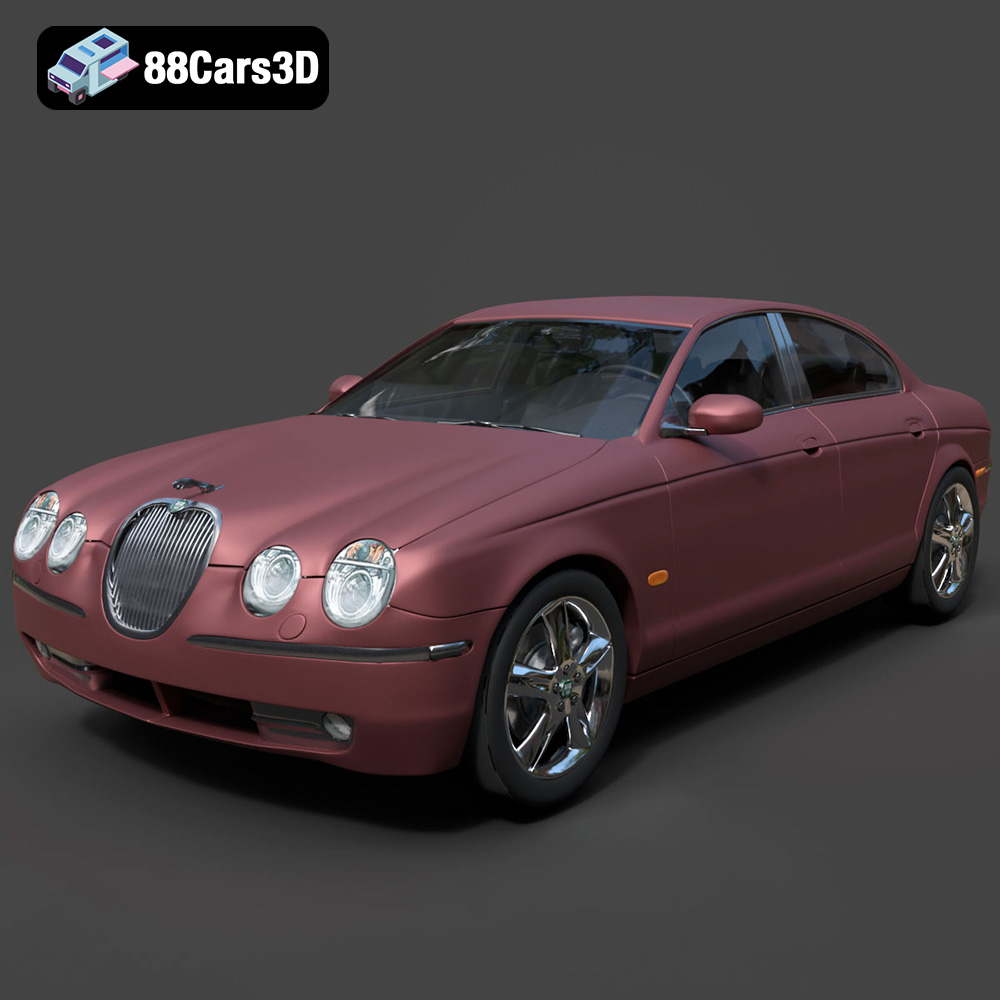
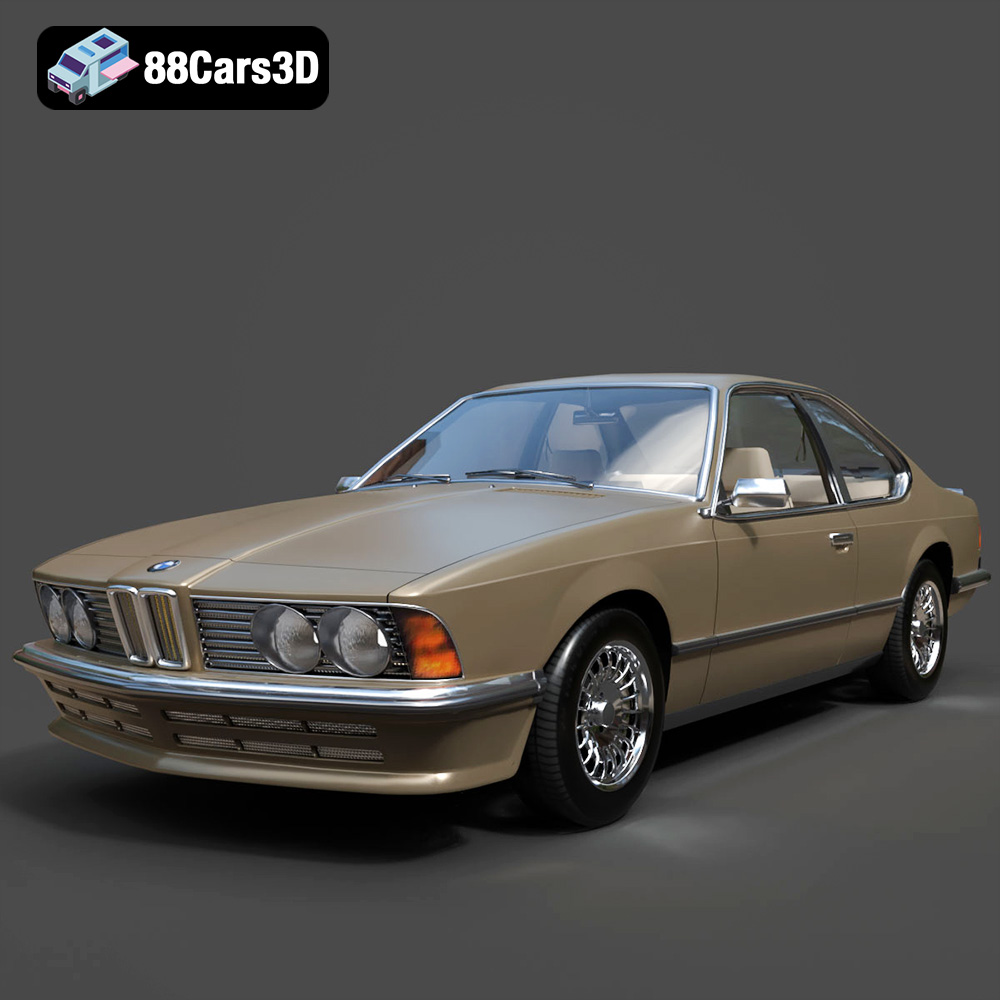
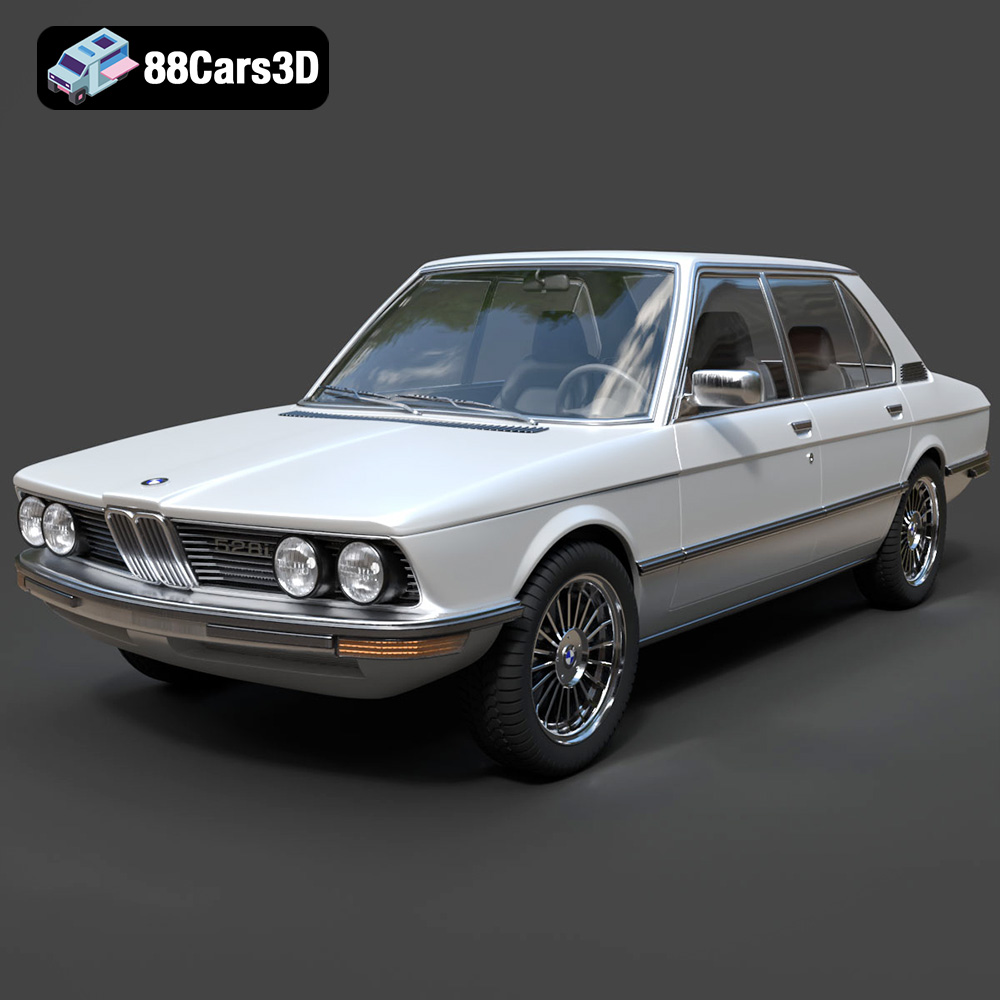
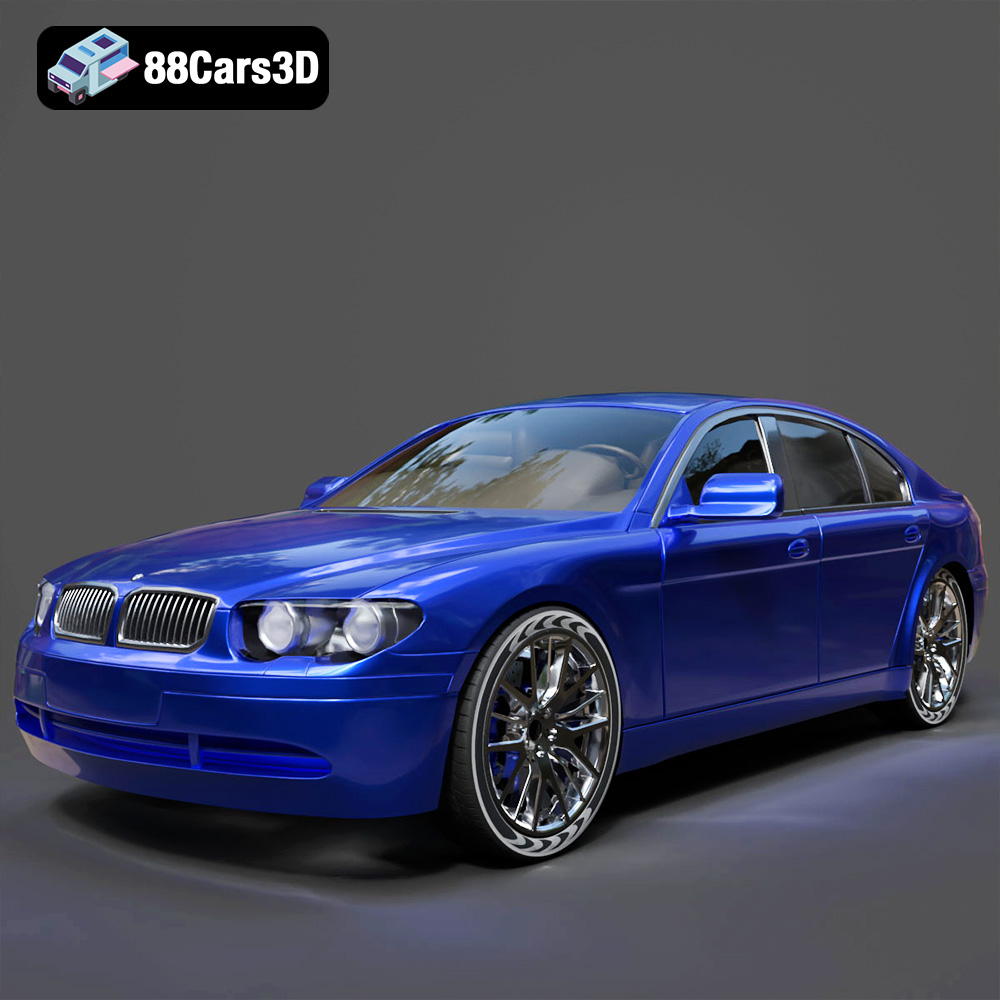
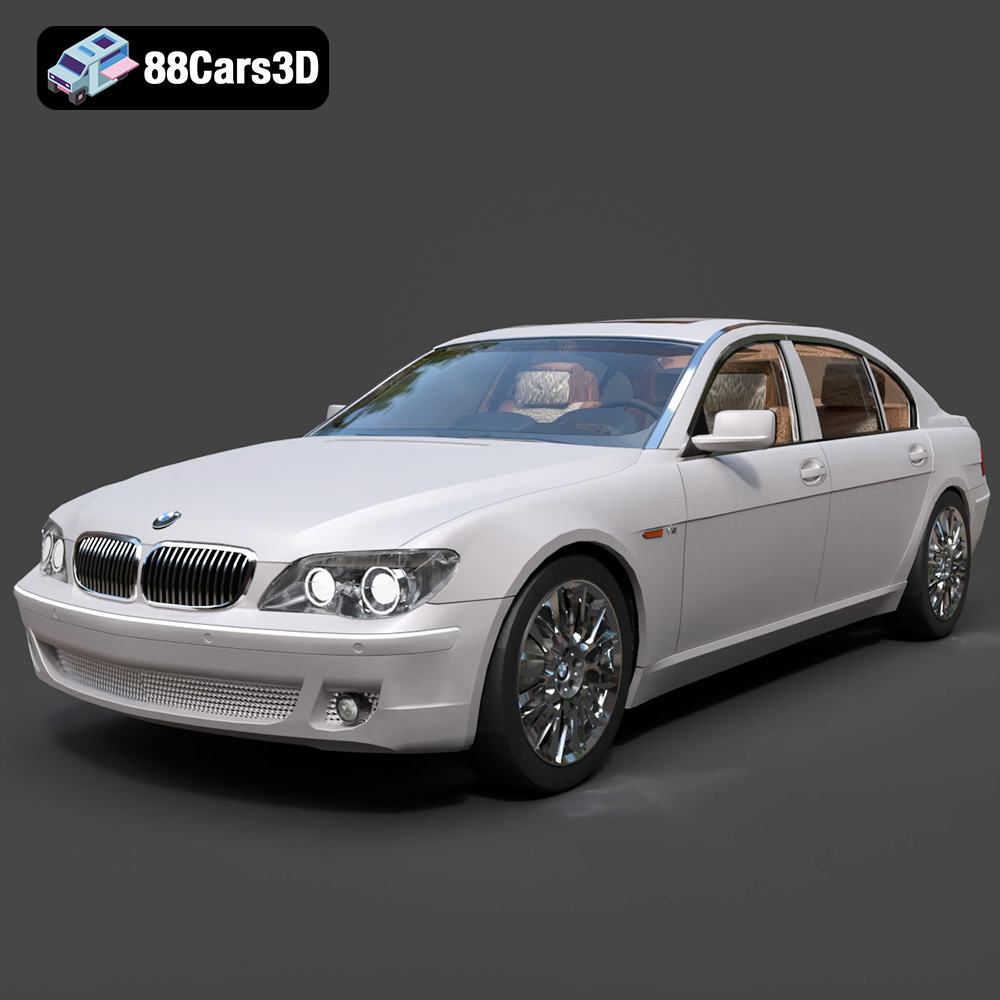
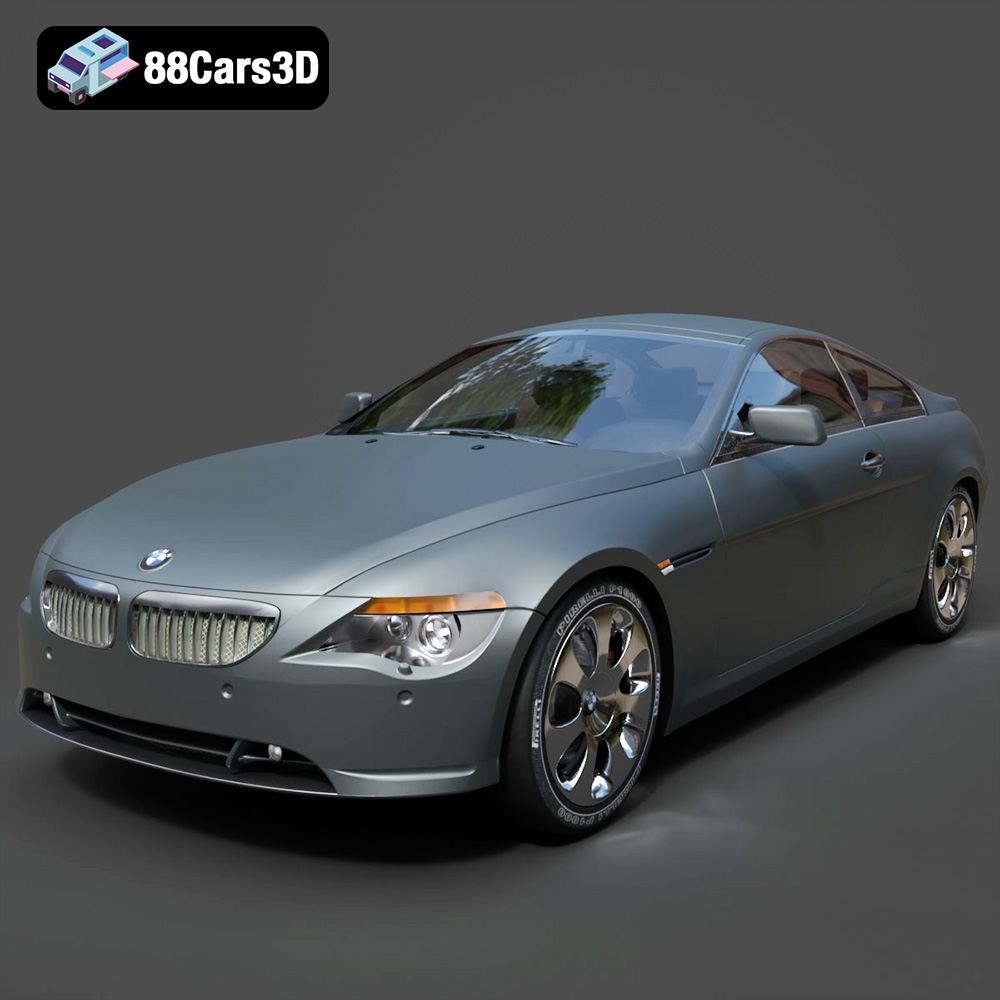
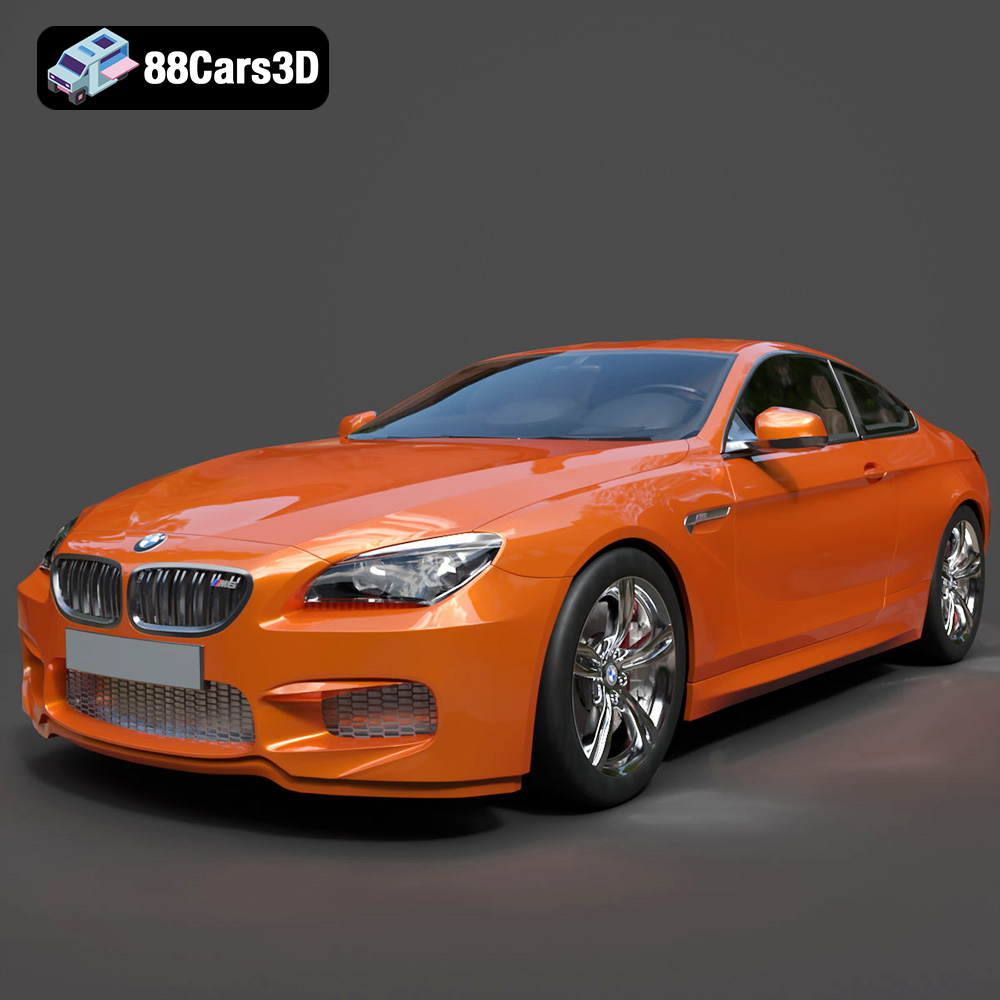
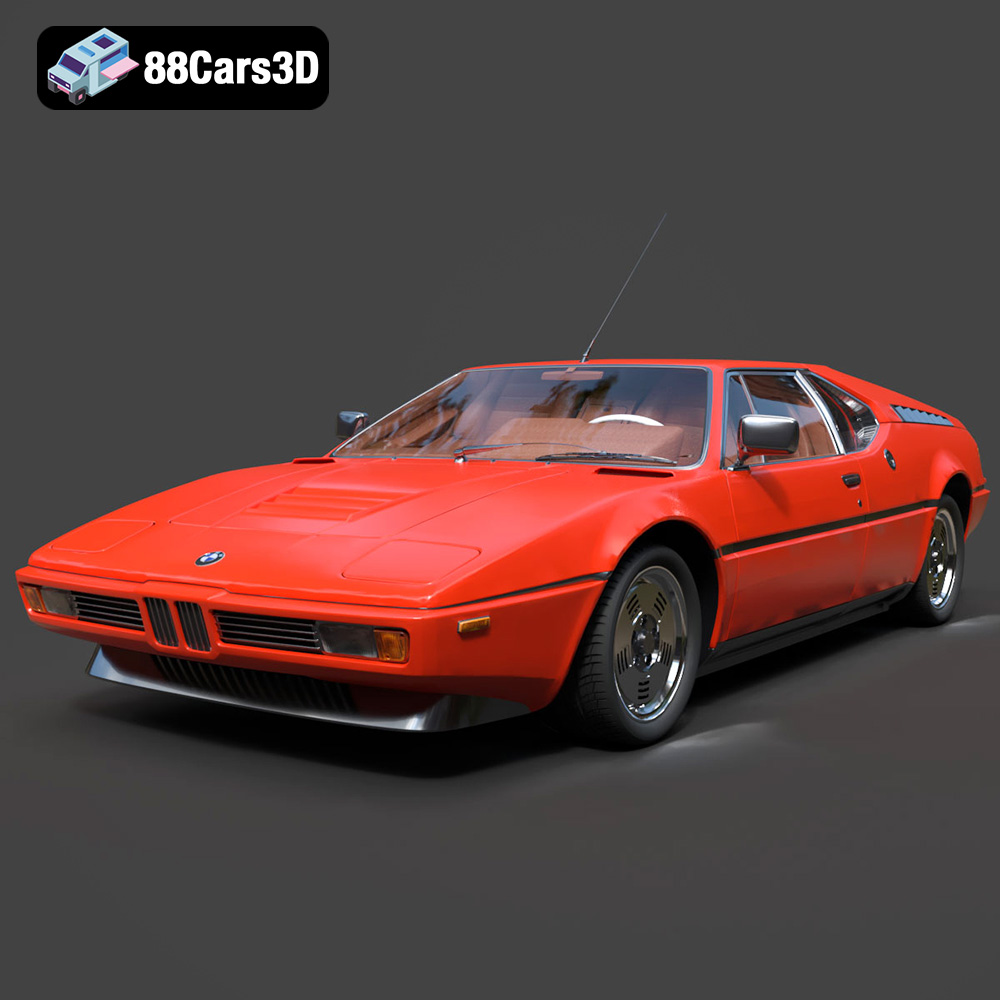
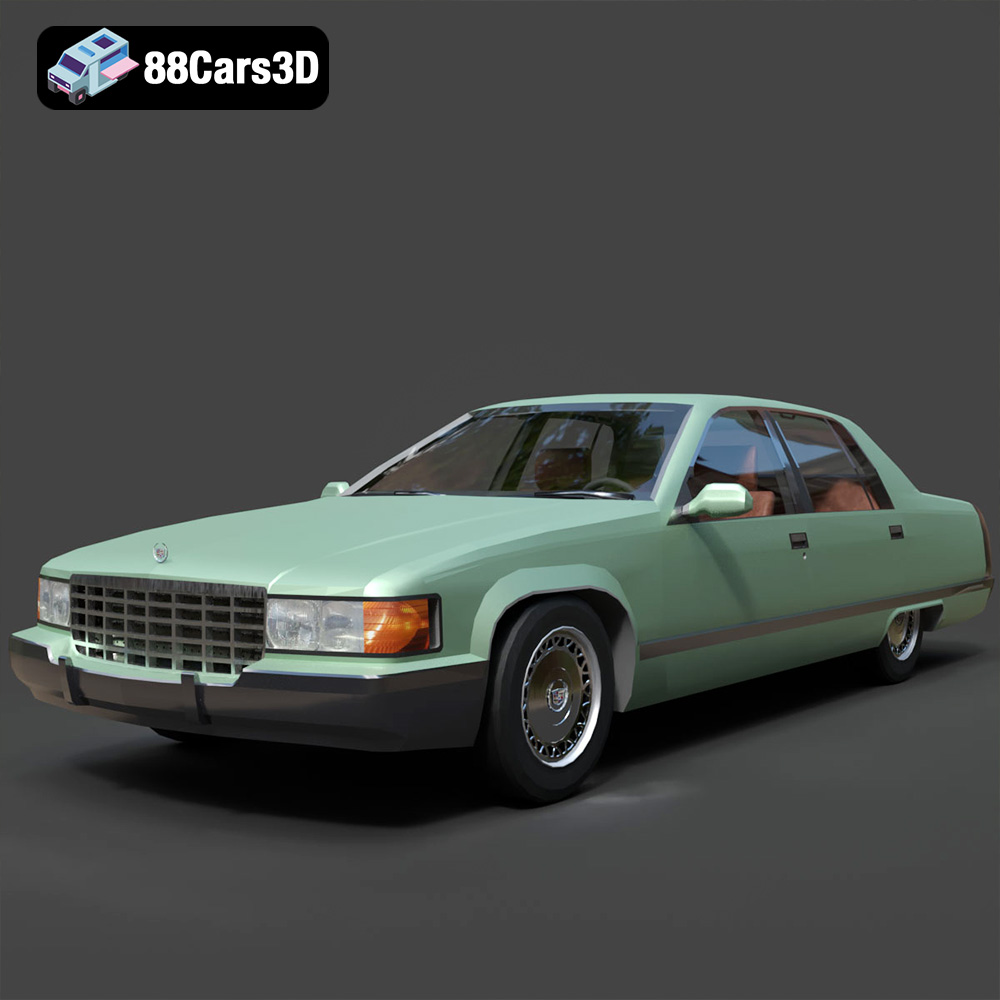
The Engine of Imagination: Diving Deep into High-Quality 3D Car Models for Rendering and Game Development
In the dynamic world of digital visualization, the demand for exceptionally detailed and technically sound 3D automotive assets has never been higher. From cinematic advertising and product configurators to immersive virtual reality experiences and hyper-realistic video games, a high-quality 3D car model is often the linchpin that drives success. These aren’t just pretty pictures; they are complex digital blueprints, meticulously crafted to perform flawlessly across a spectrum of applications.
Understanding the intricacies of 3D car models, from their underlying mesh topology to advanced material shading and game engine optimization, is crucial for anyone looking to create compelling digital automotive content. This comprehensive guide will delve into the technical depths of 3D car modeling, exploring the best practices, critical file formats, and advanced techniques employed by industry professionals. Whether you’re an automotive designer, a game developer, an arch-viz artist, or a marketing professional, mastering these concepts will unlock a new realm of creative possibilities. For those seeking a reliable source of such professional assets, platforms like 88cars3d.com offer an extensive collection of meticulously crafted 3D car models ready for immediate integration into your projects.
The Foundation of Digital Automotive Excellence: What Makes a High-Quality 3D Car Model?
The true value of a 3D car model lies not just in its visual fidelity but in its underlying technical structure. A truly high-quality asset is built with precision, foresight, and an understanding of its eventual application, ensuring versatility and ease of use for artists and developers alike.
Mesh Topology and Poly Count Considerations
At the core of every 3D model is its mesh, a collection of vertices, edges, and faces that define its shape. For automotive models, pristine mesh topology is paramount.
- Clean Quad-Based Geometry: Professional 3D car models are almost exclusively built using quad polygons (four-sided faces). Quads provide predictable deformation during animation, facilitate smooth subdivision (smoothing the mesh without adding excessive polygons manually), and are easier for artists to manipulate and UV map. Avoidance of ngons (polygons with more than four sides) and excessive triangulation (three-sided faces) is a hallmark of quality, as these can lead to rendering artifacts and poor deformation.
- Optimized Poly Count: The “ideal” poly count is highly application-dependent.
- High-Polygon Models (Rendering/Arch-Viz): For photorealistic rendering in advertising or architectural visualization, poly counts can range from 500,000 to several million polygons per car. This allows for intricate details, smooth curves, and realistic reflections without relying solely on normal maps. These models are often designed with subdivision surfaces in mind, meaning a relatively lower base mesh can be smoothed significantly for final renders.
- Mid-Poly Models (High-End Games/VR): For modern game engines and high-fidelity VR experiences, poly counts typically fall between 150,000 and 300,000 polygons for a hero vehicle. This balance allows for visual detail while maintaining real-time performance, often supplemented with normal maps to simulate finer surface details.
- Low-Poly Models (Mobile Games/Background Assets): For less demanding applications, poly counts can range from 10,000 to 50,000 polygons, heavily relying on normal and displacement maps to convey detail.
- Edge Flow and Crease Edges: Proper edge flow is critical for maintaining the car’s distinctive lines and creases, especially around panel gaps, headlights, and body contours. Strategic use of supporting edge loops ensures that sharp details remain crisp even after subdivision.
UV Mapping and Texture Precision
UV mapping is the process of flattening the 3D mesh into a 2D space, allowing textures to be applied. Flawless UVs are non-negotiable for high-quality models.
- Non-Overlapping and Efficient UV Layouts: UV islands should not overlap, especially for unique textures like car paint, decals, or interior fabrics. An efficient layout maximizes the use of texture space, preventing wasted resolution and improving visual fidelity.
- PBR Workflow Readiness: Modern rendering and game engines rely heavily on Physically Based Rendering (PBR) workflows. This means models must have dedicated UV channels for textures like Albedo (Base Color), Metallic, Roughness, Normal, Ambient Occlusion, and often Specular and Emission maps. Each material zone (body, glass, tires, interior plastics, chrome) requires its own set of PBR textures.
- Texture Resolution and Quality: Textures should be high-resolution (e.g., 4K or 8K for primary surfaces) and meticulously crafted, free of seams or stretching, and accurately represent the material’s properties.
Material Shading and Realism
Beyond the mesh and UVs, the materials applied to the model are what truly sell its realism.
- Advanced Car Paint Shaders: Replicating realistic car paint is challenging. It involves multiple layers: a base color, metallic flakes, a clear coat with accurate reflections (Fresnel), and often subtle orange peel effects. Professional models include complex shader networks to achieve this nuanced look.
- Glass and Chrome Attributes: Transparent materials like glass require precise refraction, reflection, and tint values. Chrome and metallic surfaces demand accurate reflectivity, often with anisotropic properties to simulate brushed metal effects.
- Interior and Tire Detail: The interior should feature distinct materials for leather, plastics, fabrics, and instrument clusters. Tires need realistic rubber textures, tread patterns, and sidewall details, often with subtle displacement or normal mapping for added realism.
Understanding 3D Model File Formats
Navigating the world of 3D content often means grappling with various file formats, each with its own strengths, weaknesses, and intended use cases. Choosing the correct format is paramount for compatibility, preserving data, and optimizing workflows. Here, we dissect the most common and critical formats you’ll encounter when working with 3D car models.
.blend – The Blender Native Ecosystem
The .blend format is the native file type for Blender, the powerful open-source 3D creation suite.
- When to Use: Ideal when your primary workflow is within Blender, or when you need a fully editable scene that retains all original data, including modifiers, animation rigs, custom node setups for materials, lighting, and camera information. It’s excellent for collaboration among Blender users.
- Compatibility and Use Cases: Primarily compatible with Blender itself. While Blender can export to other formats, the .blend file is the definitive source of truth for a Blender project. It’s perfect for artists who want to tweak, animate, or re-render a model with complete creative control.
- Technical Details: A .blend file is a comprehensive package, storing not just the mesh geometry and UVs, but also an incredible array of scene data. This includes all materials (with their complex node graphs), textures (often packed internally or linked externally), cameras, lights, animation data (keyframes, curves, rigs), physics simulations, custom properties, and even interface layouts. This means loading a .blend file gives you the exact setup the original artist used, making it incredibly powerful for iterative design and detailed customization.
.fbx – The Industry Workhorse for Interoperability
.fbx (Filmbox) is a proprietary file format owned by Autodesk, widely adopted as an interchange format between 3D applications and game engines.
- When to Use: Your go-to format for transferring models, animations, and skeletal data between different 3D software (e.g., 3ds Max to Maya, Blender to Unreal Engine, Cinema 4D to Unity). It’s the industry standard for real-time pipelines.
- Compatibility and Use Cases: Supported by almost every major 3D software package and game engine (Unreal Engine, Unity, Godot). It’s crucial for exporting animated characters, rigged vehicles, and complex scenes where maintaining hierarchical relationships, skinning, and animation is essential.
- Technical Details: .fbx is robust, capable of storing geometry (meshes), UVs, materials (though often simplified to basic properties and texture references, as complex shader networks are rarely transferred directly), animations (skeletal and blend shapes), cameras, lights, and even embedded media. It supports both ASCII and binary encoding, with binary being more compact and faster to load. When exporting, special attention is often paid to ensuring correct axis orientation, scale, and baking animations to avoid compatibility issues. Its strength lies in its ability to consolidate diverse data types into a single, widely readable file.
.obj – The Universal Mesh Format
.obj (Wavefront Object) is one of the oldest and most universally supported 3D file formats.
- When to Use: When you need a highly compatible format for transferring static mesh geometry, UV data, and basic material information across virtually any 3D application. It’s excellent for simple model exchange.
- Compatibility and Use Cases: Supported by practically every 3D modeling, sculpting, and rendering software. It’s a reliable choice for exporting models for 3D printing preparation (though .stl is often preferred for final output), arch-viz scenes, or simply moving a base mesh between programs for different stages of a workflow (e.g., sculpting in ZBrush, retopology in Maya).
- Technical Details: An .obj file primarily describes geometric data: vertices, UV coordinates, vertex normals, and faces. It can reference an accompanying .mtl (Material Template Library) file, which defines basic material properties like diffuse color, specular color, and texture map paths. However, it doesn’t support advanced features like animation, rigging, or complex shader networks. Its simplicity is its strength, making it extremely stable and widely readable, though it’s less efficient for scenes with complex data.
.glb – Optimized for AR, VR, and Web
.glb (GL Transmission Format Binary) is the binary version of glTF (GL Transmission Format), designed for efficient transmission and loading of 3D scenes and models by engines and applications.
- When to Use: Ideal for interactive 3D content on the web, augmented reality (AR), virtual reality (VR), and any application where file size and quick loading are critical.
- Compatibility and Use Cases: Increasingly supported by web browsers (via WebGL), AR/VR platforms (e.g., Google ARCore, Apple ARKit), and many 3D viewers. It’s perfect for showcasing product models on e-commerce sites, creating interactive 3D configurators, or embedding models directly into presentations.
- Technical Details: A .glb file is a self-contained binary asset that encapsulates geometry, materials (PBR-ready), textures (often embedded), animations, and scene hierarchy into a single, optimized file. This single-file nature simplifies asset management and reduces HTTP requests when served over the web. glTF/glb is known as the “JPEG of 3D” due to its focus on efficient delivery and strong support for PBR materials, making it a powerful choice for modern, real-time interactive experiences.
.stl – The Standard for 3D Printing
.stl (Stereolithography) is the de facto standard file format for 3D printing and CAD software.
- When to Use: Exclusively for 3D printing. If your goal is to physically manufacture your 3D car model, this is the format you’ll need.
- Compatibility and Use Cases: Universally accepted by 3D printers, slicer software, and CAD/CAM applications. Used for rapid prototyping, manufacturing, and hobbyist 3D printing.
- Technical Details: An .stl file represents a 3D model as a series of connected triangles. It describes only the surface geometry of a 3D object without any color, texture, or material information. It’s a very simple format, which contributes to its wide adoption in manufacturing. However, its triangulated nature means it’s not ideal for editing or high-quality rendering, as it discards the original mesh topology.
.ply – Precision Mesh for CAD or Analysis
.ply (Polygon File Format) is a versatile format for storing 3D data from 3D scanners, CAD software, and other sources, often used for scientific or engineering applications.
- When to Use: When dealing with scan data, high-precision geometry, or applications requiring explicit vertex colors or additional per-vertex properties.
- Compatibility and Use Cases: Supported by many 3D scanning software, CAD applications, and scientific visualization tools. Less common for general game development or rendering than .fbx or .obj, but highly valued in fields like reverse engineering, metrology, and academic research.
- Technical Details: .ply files can store a wide range of data, including geometry (vertices, faces), normal vectors, color at each vertex (RGB), texture coordinates, and even transparency values. It supports both ASCII and binary representations, with binary being more compact. Its flexibility in storing additional per-vertex attributes makes it powerful for complex data sets beyond simple mesh representation.
.unreal – Engine-Ready Asset for Real-Time Environments
The .unreal designation isn’t a standalone file format in the same way as .fbx or .obj, but rather refers to an asset *within* an Unreal Engine project.
- When to Use: This refers to an asset that has been fully imported, processed, and optimized within Unreal Engine. You “use” it by working directly in the engine’s content browser.
- Compatibility and Use Cases: Exclusively for Unreal Engine projects. Once a .fbx (or other source format) is imported into Unreal, it’s converted into Unreal-specific internal formats (.uasset files often represent individual assets). This allows for direct manipulation, material application (using Unreal’s Material Editor), blueprint integration, and direct use in game levels.
- Technical Details: When you import a .fbx into Unreal, the engine processes the mesh, generates LODs if specified, creates collision meshes, and converts materials to Unreal’s shader graph system. An “.unreal” car model would therefore be one that has undergone this entire pipeline, optimized for the engine’s rendering and physics systems, and ready to be dragged and dropped into a level, potentially with blueprints attached for functionality like driving or animation.
.max – The 3ds Max Native Project
The .max format is the native file type for Autodesk 3ds Max, a long-standing industry standard for 3D modeling, animation, and rendering.
- When to Use: If your workflow is based in 3ds Max, or if you need to provide a client with a fully editable scene that retains all original 3ds Max-specific data.
- Compatibility and Use Cases: Primarily compatible with 3ds Max. It’s essential for preserving complex modifier stacks, parametric objects, specific render setups (V-Ray, Corona Renderer), animation controllers, and advanced scene management features unique to 3ds Max.
- Technical Details: Similar to .blend files, a .max file encapsulates the entire scene, including geometry, UVs, all materials (with their respective render engine shaders like V-Ray materials or Corona materials), lights, cameras, animation timelines, reactor physics simulations, and any specific plugins or modifiers used. This provides the most complete and malleable version of the project within the 3ds Max environment, making it invaluable for studios and individuals who rely heavily on its robust feature set for high-end rendering and animation.
Mastering Automotive Rendering: Bringing 3D Cars to Life
Rendering is the art and science of transforming a 3D model into a photorealistic 2D image or animation. For automotive projects, this often demands an exceptional level of detail and artistic finesse to capture the allure and sophistication of real-world vehicles.
Lighting Techniques for Photorealism
Lighting is perhaps the single most critical element in achieving photorealism in automotive rendering. It defines shape, highlights material properties, and sets the mood.
- High Dynamic Range Image (HDRI) Lighting: HDRIs are spherical images that capture the full range of light information from a real-world environment. They are indispensable for automotive rendering, providing realistic environmental reflections, nuanced ambient light, and often serving as the primary light source. Using a studio HDRI for a controlled, clean look or an outdoor HDRI for environmental integration is a standard practice.
- Studio Lighting Setups: Beyond HDRIs, strategic placement of virtual studio lights (area lights, mesh lights) is crucial. Softboxes, strip lights, and reflectors can be simulated to highlight specific contours, create dramatic reflections on the car’s body panels, and emphasize design features, mirroring professional photography studios.
- Environmental and Backplate Integration: For shots in specific environments, matching the 3D car’s lighting to a photographic backplate is key. This involves analyzing the backplate’s light direction, color temperature, and intensity, and replicating it within the 3D scene using targeted lights and balanced HDRI contribution.
Advanced Material Shading in Renderers
The complexity of automotive materials requires sophisticated shader networks within render engines like V-Ray, Corona Renderer, Octane, or Arnold.
- Car Paint (Clear Coat, Metallic Flakes): Realistic car paint is a multi-layered material. It typically involves a base metallic layer (with metallic flakes controlled by noise textures or procedural shaders), topped by a glossy clear coat with accurate Fresnel reflections. Subtle imperfections like microscopic scratches or “orange peel” textures can be added with fine normal maps or roughness variations.
- Glass (Refraction, Tint, Imperfections): Car glass requires physically accurate refraction indices (IOR), subtle tinting, and realistic reflections. Adding subtle imperfections like dust, smudges, or wiper marks via texture maps can significantly enhance realism.
- Tire Rubber and Interior Finishes: Tire rubber needs a diffuse yet slightly reflective quality, often with micro-displacement or normal maps to simulate the subtle texture of rubber. Interior materials like leather, fabric, and soft-touch plastics each demand unique PBR texture sets (Albedo, Roughness, Normal) to correctly convey their tactile properties and light interaction.
Post-Processing and Compositing for Impact
The final image often receives significant enhancements in post-production, akin to professional photography.
- Color Grading and Tonal Adjustment: Adjusting exposure, contrast, white balance, and color saturation can dramatically alter the mood and impact of a render. This is typically done in image editing software like Photoshop or compositing software like Nuke.
- Depth of Field and Motion Blur: Realistic depth of field (blurring out the foreground/background) draws attention to the car, while motion blur (for animated shots) adds a sense of speed and dynamism, making the vehicle feel grounded in motion. These are often rendered as separate passes or applied in post.
- Lens Effects and Integration: Subtle lens flares, chromatic aberration, or vignetting can emulate real camera optics. Compositing the rendered car onto a backplate requires careful attention to shadows, reflections, and atmospheric perspective to ensure seamless integration.
Optimizing 3D Car Models for Game Development and Real-Time Applications
While rendering focuses on maximum fidelity, game development prioritizes performance. Optimizing 3D car models for real-time engines like Unreal Engine and Unity requires a different set of technical considerations.
LODs (Level of Detail) and Performance
Level of Detail (LOD) is a critical optimization technique for managing performance in real-time applications.
- Implementing LODs: A single 3D car model is often represented by multiple versions, each with a progressively lower polygon count. The highest detail (LOD0) is used when the car is close to the camera, while lower detail versions (LOD1, LOD2, LOD3+) are swapped in as the car moves further away. This dramatically reduces the GPU load without a noticeable drop in visual quality to the player.
- Benefits and Creation Techniques: LODs ensure smooth framerates, especially in open-world games with many vehicles. They can be generated manually by artists through careful polygon reduction or automatically using tools within 3D software (like 3ds Max’s ProOptimizer or Blender’s Decimate modifier) and game engines themselves. A good LOD setup balances visual integrity with aggressive poly reduction for distant objects.
Collision Meshes and Physics Integration
For interactive vehicles, physics and collision detection are fundamental.
- Simple Collision Meshes: While the visual mesh of a car can be complex, its collision mesh (the geometry used for physics calculations) is typically much simpler. Often, a combination of primitive shapes (boxes, spheres, capsules) or a simplified convex hull is used to represent the car’s collision boundaries. This reduces CPU overhead for physics calculations.
- Complex Physics Assets: For more sophisticated vehicle physics, such as suspension travel, wheel rotation, and damage models, a more detailed physics asset (often comprising multiple rigid bodies linked by constraints) is created. Game engines provide dedicated tools for building and configuring these physics assets, allowing for realistic vehicle dynamics.
Integrating into Game Engines (Unreal Engine & Unity)
The final stage for a game asset is integration into the target engine, a process that involves several technical steps.
- Import Processes (FBX Focus): 3D car models, typically exported as .fbx files from modeling software, are imported into Unreal Engine or Unity. During import, settings for scale, pivot point, normal generation, and material assignment are crucial. For Unreal Engine, a high-quality model sourced from 88cars3d.com might come with pre-configured `.unreal` assets or perfectly structured FBX files ready for easy import.
- Material Setup for Real-Time Performance: PBR textures (Albedo, Metallic, Roughness, Normal, Ambient Occlusion) are assigned to the respective material slots within the game engine’s material editor. Shaders are optimized for real-time rendering, often employing techniques like texture atlasing, instancing, and shader LODs to maintain performance.
- Blueprint/Scripting for Interactivity: Once in the engine, the visual model is combined with collision meshes, physics assets, and interactive elements. In Unreal Engine, this often involves creating Blueprints for vehicle control, animations (e.g., opening doors, working headlights), sound effects, and damage states. In Unity, C# scripts handle similar functionalities.
Beyond Visualization: Innovative Applications of 3D Car Models
The utility of a high-quality 3D car model extends far beyond static renders or traditional game environments. Its digital versatility makes it a powerful tool across numerous industries, driving innovation and enhancing user experiences.
AR/VR Experiences and Interactive Showrooms
Augmented Reality (AR) and Virtual Reality (VR) are transforming how we interact with products, especially in the automotive sector.
- Real-Time Walkthroughs and Configurators: 3D car models are the backbone of interactive AR/VR experiences, allowing users to explore a vehicle in a virtual showroom, customize its paint, wheels, and interior in real-time, or even place a full-scale digital car in their own driveway via AR on a smartphone. This enhances engagement and provides a highly personalized pre-purchase experience.
- Training and Simulation: Beyond marketing, 3D car models are used in advanced training simulators for drivers, mechanics, and emergency responders. These highly realistic digital environments provide safe and cost-effective platforms for practicing complex procedures and improving skills.
Product Design and Prototyping
Before a single physical component is manufactured, 3D car models play a crucial role in the design and development process.
- Iterative Design and Virtual Testing: Designers can rapidly iterate on vehicle concepts, test aerodynamic properties, evaluate ergonomics, and identify potential manufacturing issues in a virtual environment. This significantly reduces the need for expensive physical prototypes and shortens development cycles.
- Client Presentations and Stakeholder Reviews: High-fidelity 3D models allow for stunning visual presentations to clients, investors, and internal stakeholders. These virtual models can be viewed from any angle, in any environment, providing a comprehensive understanding of the design intent without the logistical challenges of physical prototypes.
Architectural Visualization and Environmental Integration
While the focus is often on buildings, cars are an essential element of realistic architectural visualizations.
- Adding Realism to Arch-Viz Scenes: A meticulously modeled 3D car placed within an architectural rendering can instantly breathe life into a scene. It provides a sense of scale, indicates activity, and grounds the building in a realistic context. The reflections on the car’s body can also subtly mirror the surrounding architecture, further integrating it into the environment.
- Contextualizing Urban and Rural Environments: Beyond individual buildings, 3D car models are vital for populating large-scale urban planning visualizations or rural landscape renders. They help define traffic flow, parking solutions, and the overall ambiance of a designed space. Using diverse, high-quality models, readily available from sources like 88cars3d.com, ensures that the vehicle population enhances rather than detracts from the scene’s realism.
Conclusion
The journey through the creation, optimization, and application of high-quality 3D car models reveals a fascinating intersection of art and engineering. From the precision of quad-based topology and the nuance of PBR materials to the performance demands of real-time engines and the expansive potential of AR/VR, these digital assets are truly the engines of imagination for numerous industries.
Mastering the technical specifications, understanding the nuances of various file formats like .fbx for game development or .max for detailed rendering, and leveraging advanced techniques in lighting and shading are essential for anyone aiming to produce truly captivating digital automotive content. As technology continues to evolve, the demand for sophisticated 3D car models will only grow, cementing their role as an indispensable tool for visualization, simulation, and interactive experiences. For professionals and enthusiasts seeking a reliable source of these expertly crafted assets, 88cars3d.com stands as a premier destination, offering a curated selection designed to meet the highest industry standards.
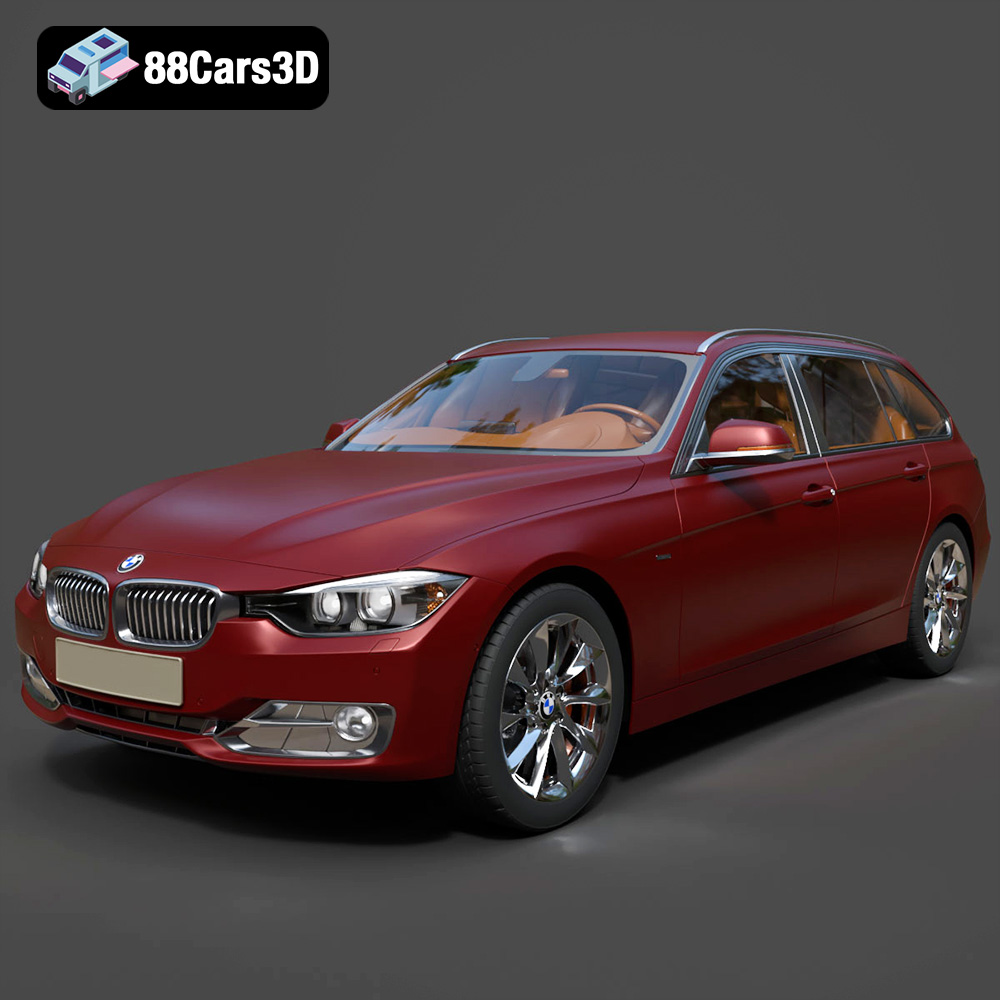
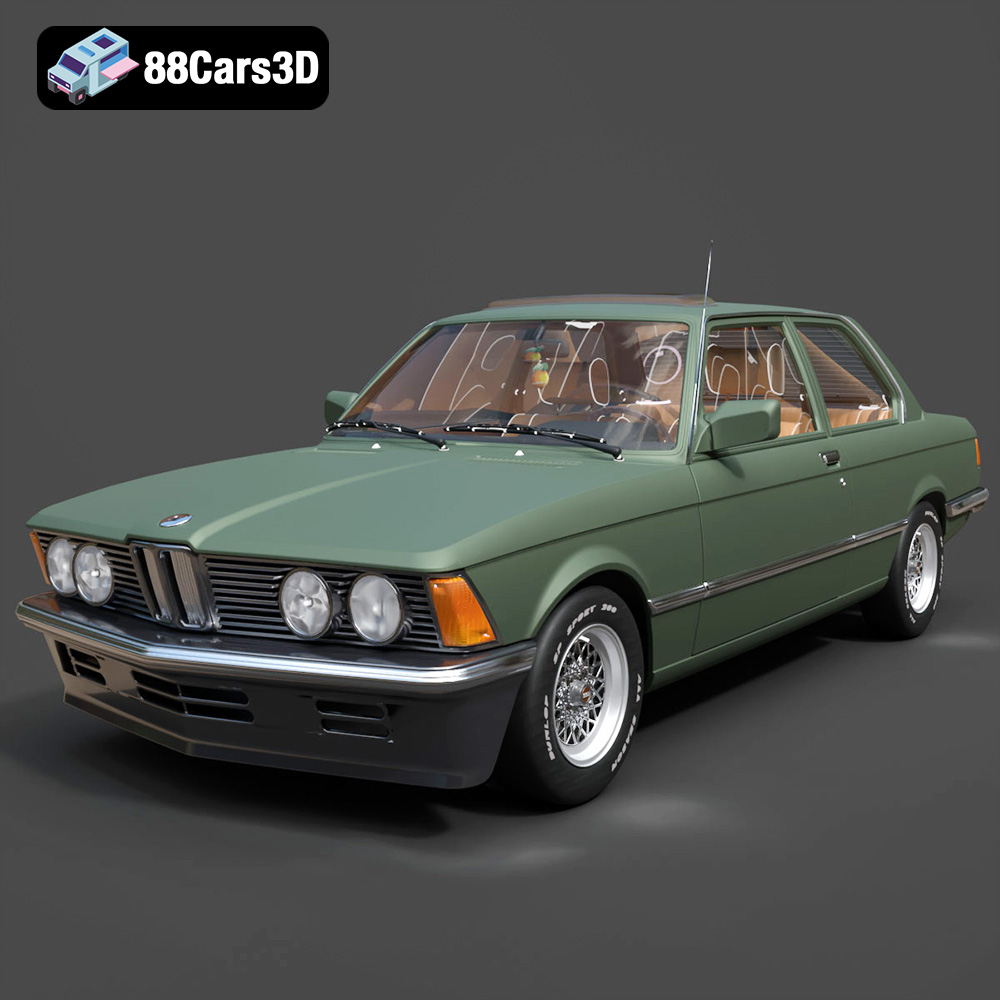
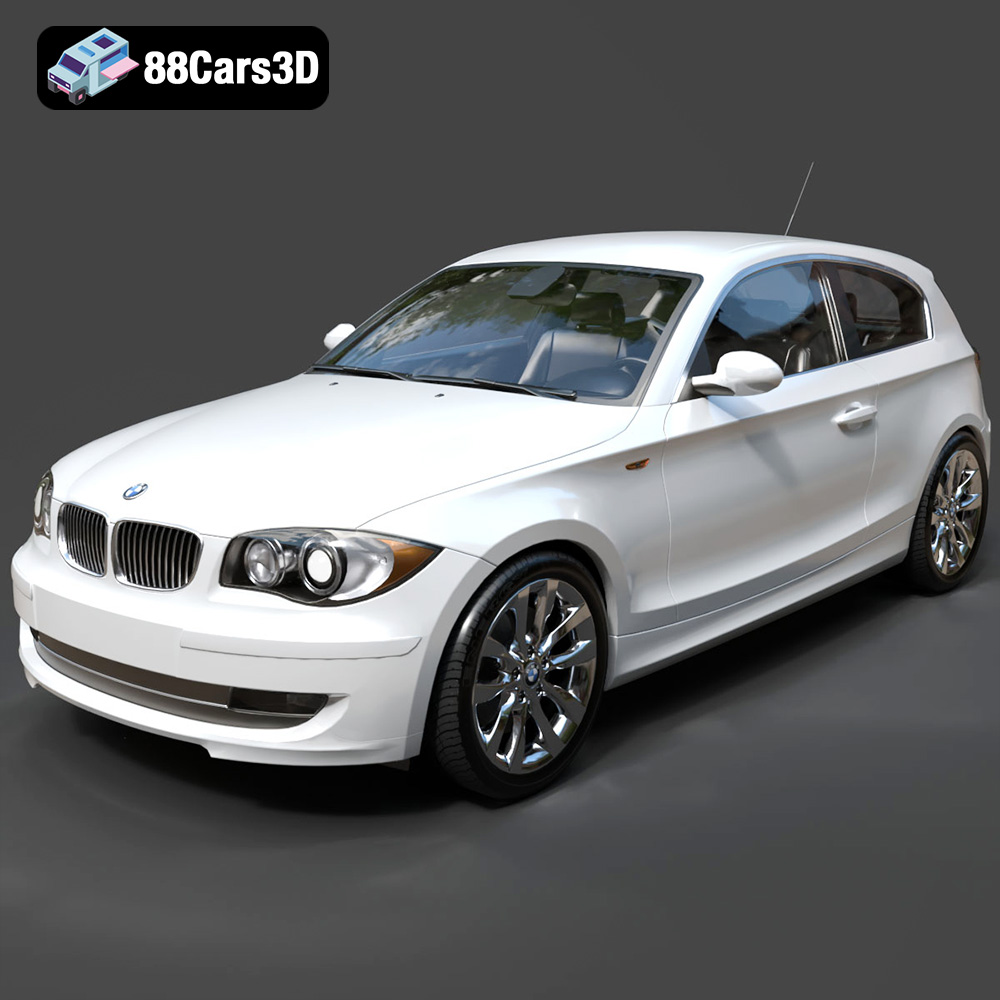
Featured 3D Car Models