

Unleashing Limitless Worlds: Mastering Unreal Engine’s World Partition for Automotive Visualization and Beyond
The dream of crafting truly boundless, incredibly detailed open worlds has long been a pursuit for game developers and real-time visualization artists alike. From sprawling cityscapes teeming with interactive vehicles to vast natural landscapes perfect for automotive showcases, the scale and complexity involved can be daunting. Historically, managing these colossal environments in Unreal Engine often meant wrestling with fragmented levels, cumbersome memory management, and challenging collaborative workflows. But with the advent of Unreal Engine’s World Partition system, this paradigm has fundamentally shifted.
World Partition isn’t just an update; it’s a revolutionary approach to handling massive worlds, designed to streamline development, enhance performance, and unlock unprecedented creative freedom. For professionals in automotive visualization, game development, and architectural exploration, understanding and leveraging this powerful system is crucial. This comprehensive guide will take you through the intricacies of World Partition, from its core concepts and project setup to advanced optimization techniques and its transformative impact on creating hyper-realistic, interactive automotive experiences. Get ready to build worlds without limits, where every high-fidelity 3D car model from platforms like 88cars3d.com can shine in its own expansive, dynamic environment.
The Evolution of Open Worlds: Why World Partition Matters
For years, Unreal Engine developers relied on the World Composition system to manage large levels. While it allowed for tiled worlds, it came with significant limitations. Developers had to manually manage level streaming, often resulting in complex blueprints to load and unload specific tiles, leading to higher memory footprints and often stuttering experiences as players or cameras moved across boundaries. Collaboration was also a bottleneck; multiple artists couldn’t easily work on the same logical space without intricate source control gymnastics, often requiring “level locking” or merging large, monolithic data sets. World Composition, with its focus on whole-tile streaming, struggled to scale efficiently for truly massive, highly detailed environments that are now expected in modern applications.
World Partition represents a fundamental paradigm shift. Instead of treating a world as a collection of separate level files, it views the entire world as a single, persistent entity. This unified approach vastly simplifies the development process. The system intelligently divides this single world into a runtime grid, automatically streaming in and out necessary data based on the viewer’s location. This means significantly reduced memory overhead, smoother transitions, and a far more robust foundation for expansive virtual spaces. It’s especially vital for projects demanding high visual fidelity, such as automotive configurators or virtual production sets, where maintaining performance across a vast, detailed environment is paramount.
From World Composition to World Partition: A Paradigm Shift
The transition from World Composition to World Partition is more than just a feature upgrade; it’s a re-imagining of how open-world data is structured and managed within Unreal Engine. World Composition was a tile-based system where an entire map was broken down into a grid of separate `.umap` files. While functional, it forced developers to manually designate areas for loading and unloading, often through distance-based streaming volumes or Blueprint triggers. This led to potential memory spikes as entire tiles were loaded, even if only a small portion was visible, and it complicated iterative development and merges, as changes often spanned multiple map files.
World Partition, by contrast, operates on a single, persistent world map. This map is internally divided into a virtual grid, but the crucial difference is that it streams *individual Actors* within those grid cells, rather than entire sub-levels. This fine-grained control allows for far more efficient memory usage and smoother runtime performance. It facilitates a data-driven approach where the engine handles the loading and unloading dynamically, only bringing into memory the assets and logic that are immediately relevant. This not only improves runtime efficiency but also dramatically streamlines collaboration, as multiple artists can work on different sections of the same world concurrently without conflicts, thanks to the system’s focus on individual Actor data.
Core Concepts of World Partition: Streaming Grids and Data Layers
At the heart of World Partition lies the concept of the **Streaming Grid**. Imagine your vast open world subdivided into an invisible grid of cells. As your player character or camera moves through this world, World Partition dynamically loads and unloads the Actors within these cells. The system intelligently determines which cells are relevant (based on distance, visibility, and other factors) and handles the streaming process in the background, ensuring that only the necessary data is in memory at any given time. This automated, intelligent streaming is a cornerstone of its performance benefits.
Beyond the streaming grid, **Data Layers** offer an incredibly powerful organizational tool. Data Layers allow you to logically group Actors within your world and control their loading state independently of the streaming grid. For example, you could create Data Layers for “Daytime Props,” “Nighttime Props,” “Interactive Elements,” “AI Paths,” or even specific variants of a landscape. This is invaluable for automotive visualization, where you might want to switch between different environmental conditions, pedestrian traffic, or even different architectural styles for a car showroom – all within the same persistent world. By activating or deactivating specific Data Layers, you can dynamically alter the scene’s content without reloading the entire world, enabling unparalleled flexibility and customization for interactive demos and configurators.
Setting Up Your Open World Project with World Partition
Embarking on a new Unreal Engine project with World Partition is a straightforward process, but understanding the initial setup and configuration is key to a smooth development workflow. Whether you’re starting fresh or migrating an existing project, careful planning will pay dividends, especially when populating your world with high-fidelity assets like 3D car models. The robustness of World Partition shines through as you begin to fill your expansive landscapes, demonstrating its capacity to handle a vast array of details without compromising performance.
A properly configured World Partition project minimizes potential bottlenecks and maximizes the efficiency of asset streaming. This is particularly important for projects focused on real-time rendering and interactive experiences, where smooth performance and visual fidelity are equally critical. From the initial project creation to integrating specialized assets, World Partition offers a flexible and scalable foundation.
Project Creation and Enabling World Partition
Starting a new project with World Partition enabled is the recommended approach for any large-scale endeavor. When creating a new project in Unreal Engine, simply select the “Open World” template, which comes pre-configured with World Partition enabled. If you’re using a different template or converting an existing project, you can enable World Partition by going to **Window > World Partition** and using the “Convert Level to World Partition” option. This process will analyze your existing level data and refactor it into the World Partition format, ready for streaming.
Once enabled, you’ll notice the World Partition window, which visually represents your world’s grid. Here, you can define **Always Loaded Cells**, which are areas that will always remain in memory, irrespective of the camera’s position. This is useful for central hubs, main menu areas, or crucial interactive zones where you cannot afford any streaming delays. For a car configurator, for instance, the central showroom area showcasing the vehicle might be an Always Loaded Cell, ensuring a seamless experience for the user interacting with the 3D car model, while surrounding environments stream dynamically. You can also adjust streaming distance and cell size parameters in the World Settings to fine-tune how aggressively the engine streams content, balancing memory usage and visual continuity.
Populating Your Vast Landscape: Placing High-Quality 3D Car Models
With your World Partition-enabled project set up, the next exciting step is populating it with assets. This is where high-quality 3D car models truly come into their own. When sourcing automotive assets from marketplaces such as 88cars3d.com, you’re acquiring models that are typically optimized for Unreal Engine, featuring clean topology, PBR materials, and proper UV mapping. These assets are perfect for immediate integration into your expansive open worlds.
When placing these models, consider their eventual role. For static placements in an environment, simply dragging and dropping them into your world will integrate them into the World Partition system, and they will be streamed in and out as needed. For dynamic elements, such as driveable vehicles or interactive configurator models, ensure their Blueprint logic correctly accounts for potential streaming delays if they are spawned far from the player. Utilizing Unreal Engine’s **Procedural Content Generation (PCG)** framework is an excellent way to distribute large numbers of environmental assets or even non-interactive vehicles across vast landscapes, with PCG graphs intelligently scattering instances while adhering to World Partition’s streaming principles. Always remember that even with World Partition’s efficiency, optimizing individual assets with appropriate LODs (Level of Detail) and efficient material setups is crucial before widespread deployment.
Optimizing Performance in a Partitioned World
While World Partition inherently offers performance benefits by efficiently managing memory and streaming, achieving optimal real-time rendering in a vast open world requires a synergistic approach. Combining World Partition with Unreal Engine’s cutting-edge rendering technologies and intelligent asset management strategies is key to delivering both visual fidelity and smooth frame rates. This is particularly critical in automotive visualization, where photorealism and interactive performance must go hand-in-hand.
The sheer scale of a World Partition environment means that every asset, every material, and every lighting decision can have a cumulative impact on performance. Therefore, a proactive and holistic optimization strategy, embracing features like Nanite and Lumen alongside traditional LOD management, becomes indispensable for any project striving for excellence.
Leveraging Nanite and Lumen for Visual Fidelity and Performance
Unreal Engine 5 introduced two game-changing technologies that perfectly complement World Partition: **Nanite** and **Lumen**. Nanite virtualized geometry allows you to import and render incredibly high-polygon meshes – think millions of triangles – without manual LOD creation or significant performance penalties. For 3D car models, this means you can use highly detailed CAD data or cinematic-quality models directly, and Nanite will intelligently stream and render only the necessary micro-polygons, resulting in breathtaking detail even at extreme close-ups, all while World Partition handles the broader world streaming. This eliminates the traditional trade-off between detail and performance, making hyper-realistic automotive assets feasible in real-time.
**Lumen**, Unreal Engine’s fully dynamic global illumination and reflections system, further elevates realism. In a World Partition setup, Lumen seamlessly calculates indirect lighting and reflections across dynamically streamed cells, ensuring consistent and believable lighting throughout your expansive environments. This means your high-quality PBR materials on 3D car models will react realistically to light from distant objects, environmental changes, or even other vehicles, regardless of how far they are from the camera. The combination of Nanite’s geometric detail and Lumen’s dynamic lighting ensures that automotive visualization in World Partition achieves an unprecedented level of realism and immersion, even in the largest of worlds.
Advanced Optimization Techniques: LODs, HLODs, and Data Layers
Despite the power of Nanite, not all assets benefit from it (e.g., translucent meshes, masked materials, skinned characters). For these, traditional **Level of Detail (LOD)** management remains critical. Ensuring your 3D car models and environmental props have well-defined LODs allows the engine to swap out higher-detail meshes for simpler ones as they move further from the camera, reducing vertex count and draw calls. Unreal Engine provides robust tools for automatic LOD generation, but manual refinement often yields the best results, especially for hero assets like vehicles.
Furthermore, World Partition integrates seamlessly with the **Hierarchical Level of Detail (HLOD)** system. HLODs automatically combine multiple static meshes into a single, simplified mesh at greater distances, drastically reducing draw calls for distant geometry. This system is crucial for sprawling cityscapes or dense forest environments within World Partition, as it generates optimized representations of large groups of assets, allowing the engine to render vast distances efficiently. Finally, **Data Layers** can be powerful optimization tools. By creating Data Layers for specific quality settings (e.g., “High-Detail Props,” “Low-Detail Props”), you can dynamically enable or disable entire groups of actors, allowing users to toggle between performance and fidelity modes in interactive applications, or for developers to easily manage different versions of the world for specific builds (e.g., AR/VR versus high-end cinematic rendering). Managing texture resolutions and ensuring proper texture streaming settings in the project also contributes significantly to memory efficiency.
Building Interactive Experiences and Visualizations
The true power of an open world in Unreal Engine isn’t just its scale, but its potential for rich, interactive experiences. World Partition lays the groundwork for seamless exploration, and when combined with Unreal Engine’s scripting and cinematic tools, it enables the creation of dynamic, engaging, and highly customizable applications. For automotive visualization, this means more than just presenting a static model; it means empowering users to truly interact with and immerse themselves in the virtual experience.
From dynamic environmental shifts to bespoke cinematic narratives, the integration of Blueprint and Sequencer within a World Partition project transforms a static scene into a living, breathing virtual realm. This level of interactivity is paramount for captivating audiences and providing meaningful engagement with high-quality 3D car models.
Blueprint Scripting for Dynamic Open World Interactions
Blueprint visual scripting is the backbone of interactivity in Unreal Engine, and it integrates seamlessly with World Partition to create dynamic open-world experiences. Developers can leverage Blueprint to design complex interactions that respond to player movement across streamed cells. For example, you can use **Trigger Volumes** to activate specific events as a player approaches a certain area. This could range from spawning traffic AI, initiating weather effects, or even dynamically loading specific **Data Layers** to change the environment (e.g., switching a city scene from day to night).
Imagine an automotive configurator where a user drives a chosen vehicle into a specific zone, and a Blueprint script instantly loads a new set of environmental props via a Data Layer, transforming a desert landscape into a bustling city street without any noticeable loading screen. Blueprints can also manage the instantiation of interactive elements, such as opening car doors or activating interior lights on a 3D car model, ensuring these actions are responsive regardless of the vehicle’s location within the streamed world. For more detailed information on Blueprint scripting, refer to the official Unreal Engine documentation at https://dev.epicgames.com/community/unreal-engine/learning.
Cinematic Storytelling with Sequencer in Open Worlds
Creating stunning cinematic sequences within a vast open world presents unique challenges, primarily ensuring all necessary assets are loaded and synchronized. Unreal Engine’s **Sequencer** tool, when used with World Partition, provides the flexibility to craft expansive cinematic narratives. For feature-length sequences or promotional videos for 3D car models, you can **pre-cache** specific World Partition cells that will be visible during the cinematic. This ensures all relevant geometry, textures, and effects are loaded into memory *before* the sequence begins, eliminating any streaming hitches during playback.
Sequencer allows you to orchestrate complex camera movements that sweep across vast landscapes, animate dynamic weather systems (potentially controlled by Data Layers), and meticulously choreograph vehicle movements using **Chaos Physics** or **Control Rig**. For virtual production workflows, Sequencer can drive content on large LED walls, with World Partition ensuring the virtual environment rendered on the wall scales efficiently. The multi-user editing features in Unreal Engine also enable collaborative cinematic creation, allowing multiple artists to work on different aspects of a sequence simultaneously within the same World Partition project, from animating vehicles to lighting scenes, greatly enhancing productivity for large-scale productions.
Real-Time Rendering and Advanced Automotive Applications
The confluence of Unreal Engine’s World Partition with advanced rendering techniques and specialized application development unlocks incredible possibilities for the automotive industry. Beyond simple static renders, the ability to simulate realistic physics, create immersive AR/VR experiences, and power large-scale virtual production stages fundamentally changes how vehicles are designed, showcased, and experienced. The scalability and efficiency offered by World Partition are crucial for these demanding, performance-sensitive applications.
Integrating high-fidelity 3D car models into these advanced scenarios requires a deep understanding of Unreal Engine’s capabilities. From ensuring robust physics simulations to optimizing for the unique constraints of AR/VR, World Partition acts as the invisible framework that enables these complex real-time applications to thrive.
Physics Simulation and Vehicle Dynamics in Large Environments
Implementing realistic physics and vehicle dynamics in an expansive World Partition environment requires careful consideration. Unreal Engine’s **Chaos Physics** engine provides a robust framework for simulating everything from rigid body dynamics to soft body deformation. When driving a 3D car model across a vast open world managed by World Partition, the challenge lies in ensuring consistent and stable physics interactions across streaming boundaries. While Chaos is highly optimized, complex vehicle Blueprints and physics assets need to be configured correctly to prevent “pop-in” or unstable behavior if parts of the collision geometry are streamed in late.
One best practice is to ensure that critical ground collision meshes or simplified proxies for distant terrain are consistently available, potentially within an “Always Loaded” cell or a dedicated Data Layer for physics-critical geometry. Vehicle Blueprints should also anticipate potential streaming delays, perhaps by pausing certain physics calculations briefly upon a cell load event or by having robust error-checking for missing collision data. Accurate physics assets for your 3D car models, provided by platforms like 88cars3d.com, are essential for realistic suspension, tire grip, and collision responses, ensuring a believable driving experience across your massive virtual landscapes.
Scaling for Virtual Production, AR/VR, and Configurators
World Partition is an indispensable tool for scaling Unreal Engine projects to meet the demands of advanced automotive applications like **Virtual Production**, **Augmented Reality (AR)**, **Virtual Reality (VR)**, and sophisticated **Automotive Configurators**. For virtual production, where high-resolution content is rendered on massive LED walls, World Partition ensures that the vast virtual background environment streams efficiently, providing consistent detail for both foreground actors and distant vistas without compromising real-time performance. This allows filmmakers and automotive advertisers to shoot in dynamic, expansive virtual locations.
For AR/VR applications, optimization is paramount due to the high frame rate requirements and typically lower hardware specifications of mobile or standalone headsets. World Partition, combined with **Data Layers**, becomes a powerful asset management strategy. Developers can create specific Data Layers for AR/VR versions of content, enabling or disabling certain high-poly details, complex shaders, or intensive particle effects that might be too heavy for these platforms. This allows the same base World Partition project to serve multiple target platforms, offering a leaner experience for AR/VR without sacrificing the fidelity of the primary high-end visualization. High-quality, optimized 3D car models from 88cars3d.com are particularly valuable here, as they provide a strong foundation for performance-critical AR/VR applications and enable users to explore vehicles in diverse, detailed, and highly interactive virtual showrooms.
Conclusion
Unreal Engine’s World Partition system has truly revolutionized the creation and management of vast, intricate open worlds, offering unparalleled scalability, performance, and collaborative efficiency. For anyone involved in automotive visualization, game development, or real-time rendering, mastering World Partition is no longer optional; it’s a fundamental skill for building the next generation of immersive experiences. We’ve explored its core concepts, from intelligent streaming grids and versatile Data Layers to its symbiotic relationship with Nanite and Lumen, which together unlock breathtaking visual fidelity in expansive environments.
By strategically leveraging World Partition alongside Blueprint for interactivity, Sequencer for cinematic storytelling, and robust optimization techniques like HLODs and smart asset management, you can craft truly boundless virtual realms. These advancements empower developers and artists to move beyond static images, delivering dynamic automotive configurators, cutting-edge virtual production stages, and engaging AR/VR experiences. The possibilities are limitless when you combine World Partition with high-quality, optimized assets.
Ready to populate your boundless worlds with exceptional vehicles? Discover a vast collection of production-ready, high-quality 3D car models at 88cars3d.com, optimized for your Unreal Engine World Partition projects. Dive in, experiment, and unleash your creativity to build the future of real-time automotive visualization. For further in-depth exploration of Unreal Engine’s features and workflows, always consult the official documentation at https://dev.epicgames.com/community/unreal-engine/learning.
Featured 3D Car Models

Porsche Cayenne 3D Model
Meta Description:
Texture: Yes
Material: Yes
Download the Porsche Cayenne 3D Model featuring realistic exterior styling and detailed interior design. Includes .blend, .fbx, .obj, .glb, .stl, .ply, .unreal, and .max formats for rendering, simulation, AR VR, and game development.
Price: $19.9
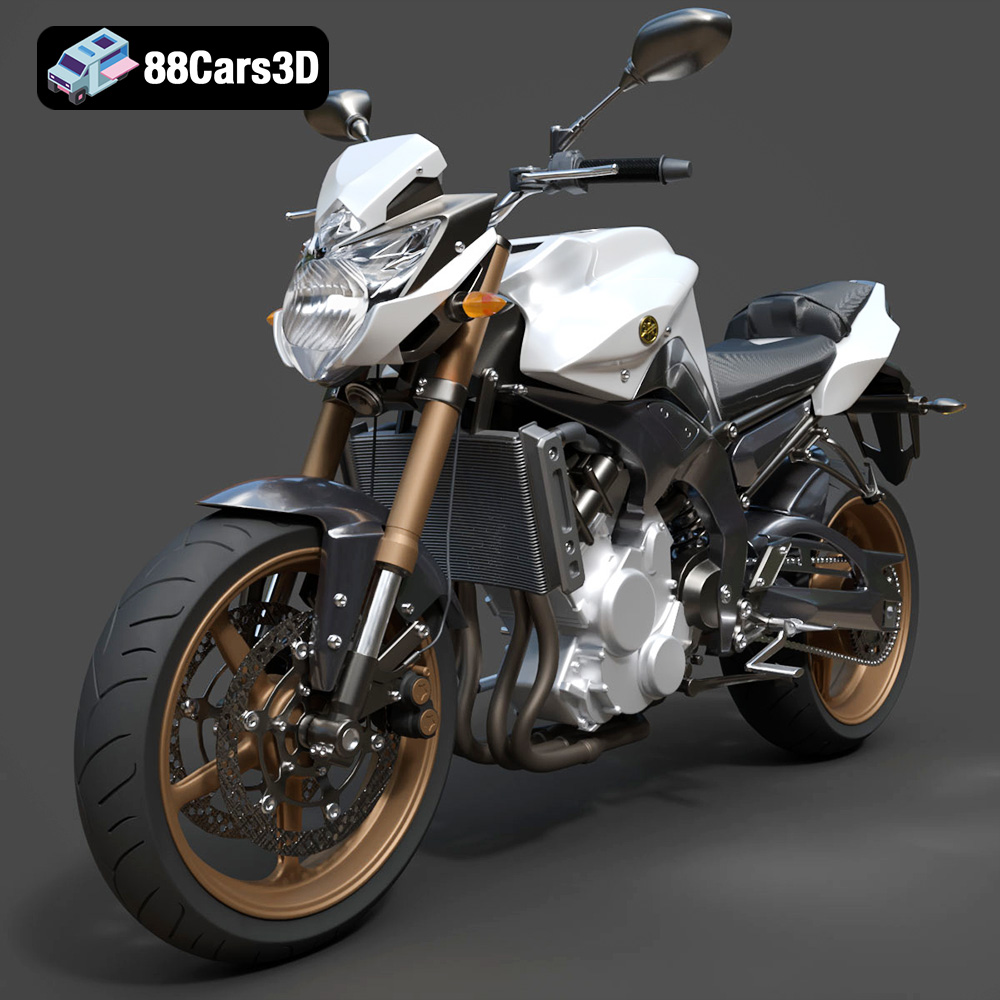
Yamaha FZ8 2011 3D Model
Texture: Yes
Material: Yes
Download the Yamaha FZ8 2011 3D Model featuring clean geometry, realistic detailing, and a fully modeled interior. Includes .blend, .fbx, .obj, .glb, .stl, .ply, .unreal, and .max formats for rendering, simulation, and game development.
Price: $19.99
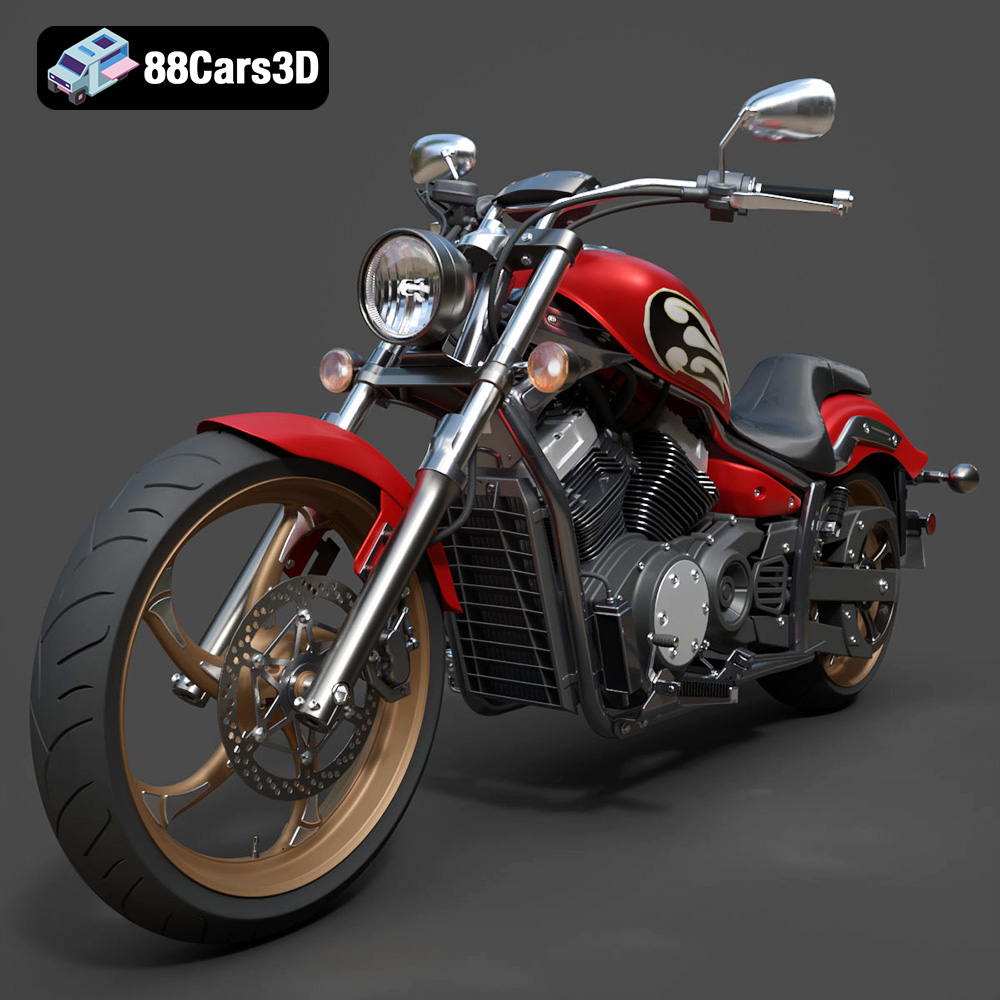
Yamaha Stryker 2012 3D Model
Texture: Yes
Material: Yes
Download the Yamaha Stryker 2012 3D Model featuring clean geometry, realistic detailing, and a fully modeled interior. Includes .blend, .fbx, .obj, .glb, .stl, .ply, .unreal, and .max formats for rendering, simulation, and game development.
Price: $19.99
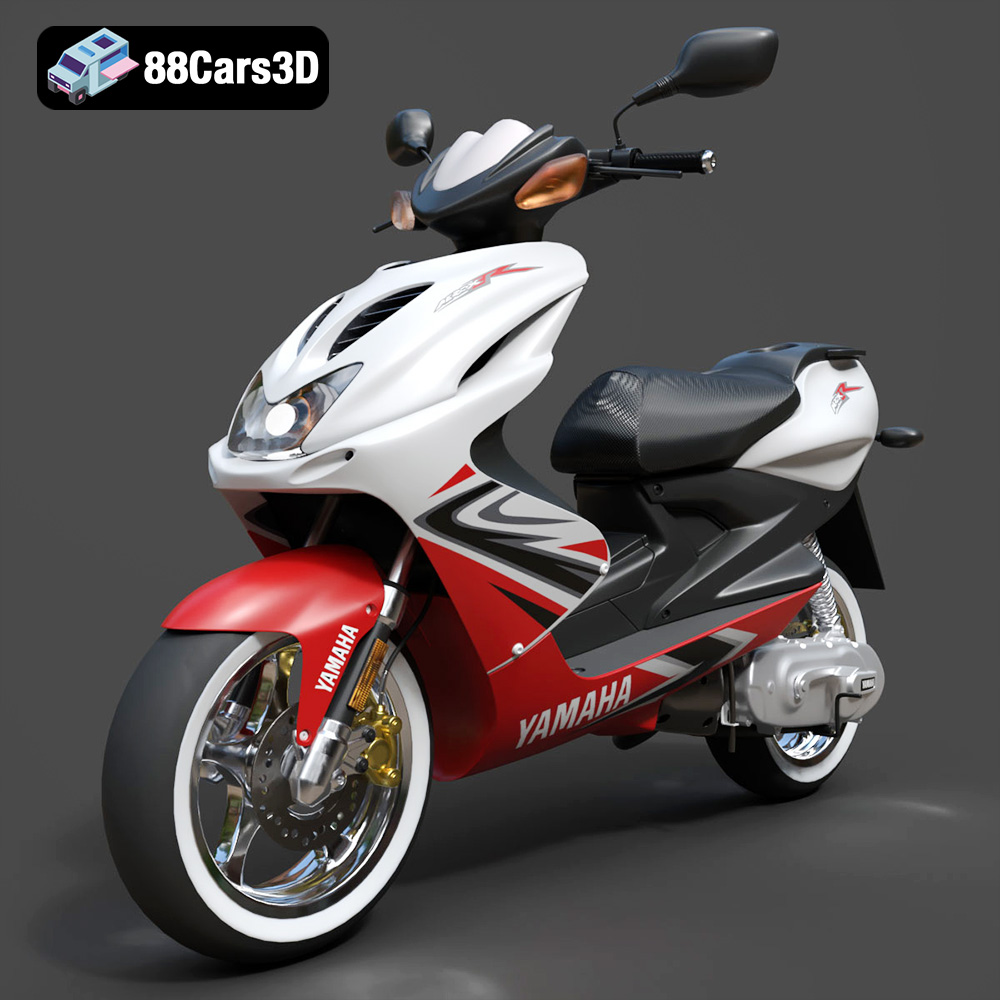
Yamaha Aerox R-002 2024 3D Model
Texture: Yes
Material: Yes
Download the Yamaha Aerox R-002 2024 3D Model featuring clean geometry, realistic detailing, and a fully modeled interior. Includes .blend, .fbx, .obj, .glb, .stl, .ply, .unreal, and .max formats for rendering, simulation, and game development.
Price: $19.99
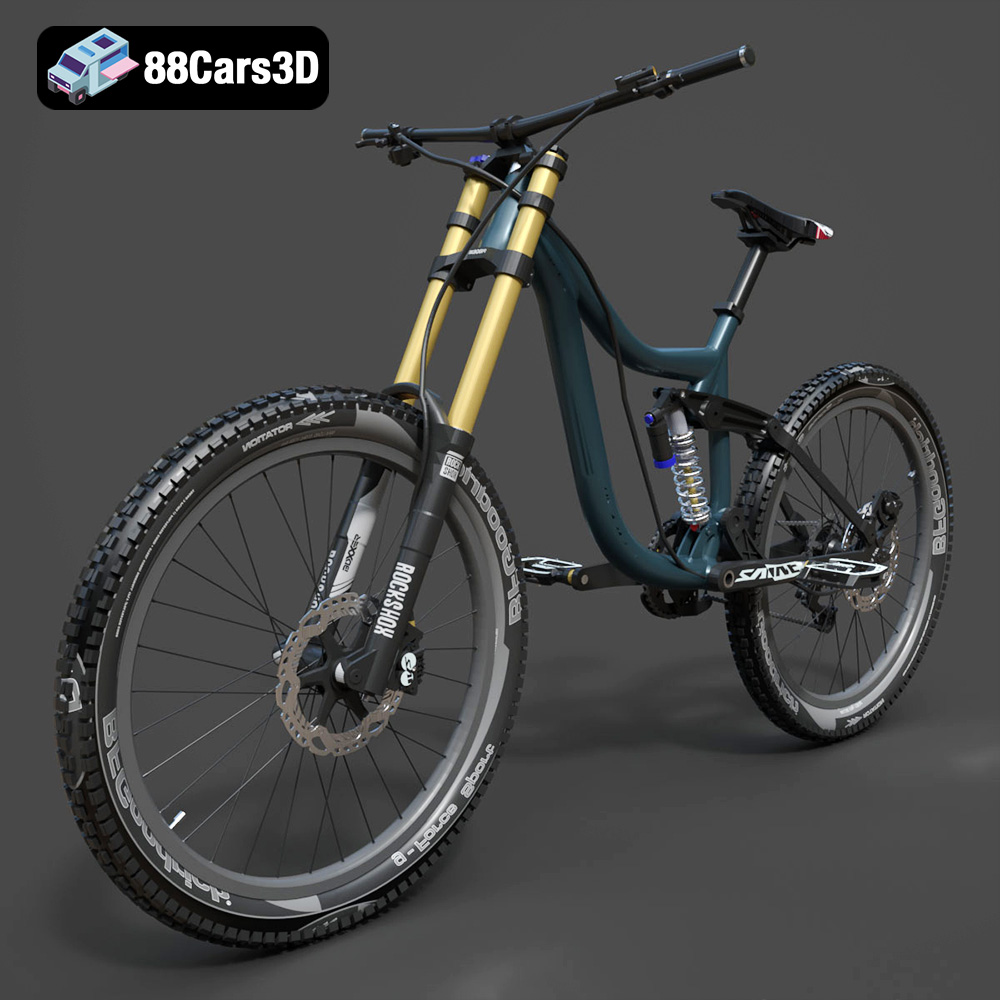
Mototsikly Downhill Bike-002 3D Model
Texture: Yes
Material: Yes
Download the Mototsikly Downhill Bike-002 3D Model featuring clean geometry, realistic detailing, and precise mechanical components. Includes .blend, .fbx, .obj, .glb, .stl, .ply, .unreal, and .max formats for rendering, simulation, and game development.
Price: $19.99
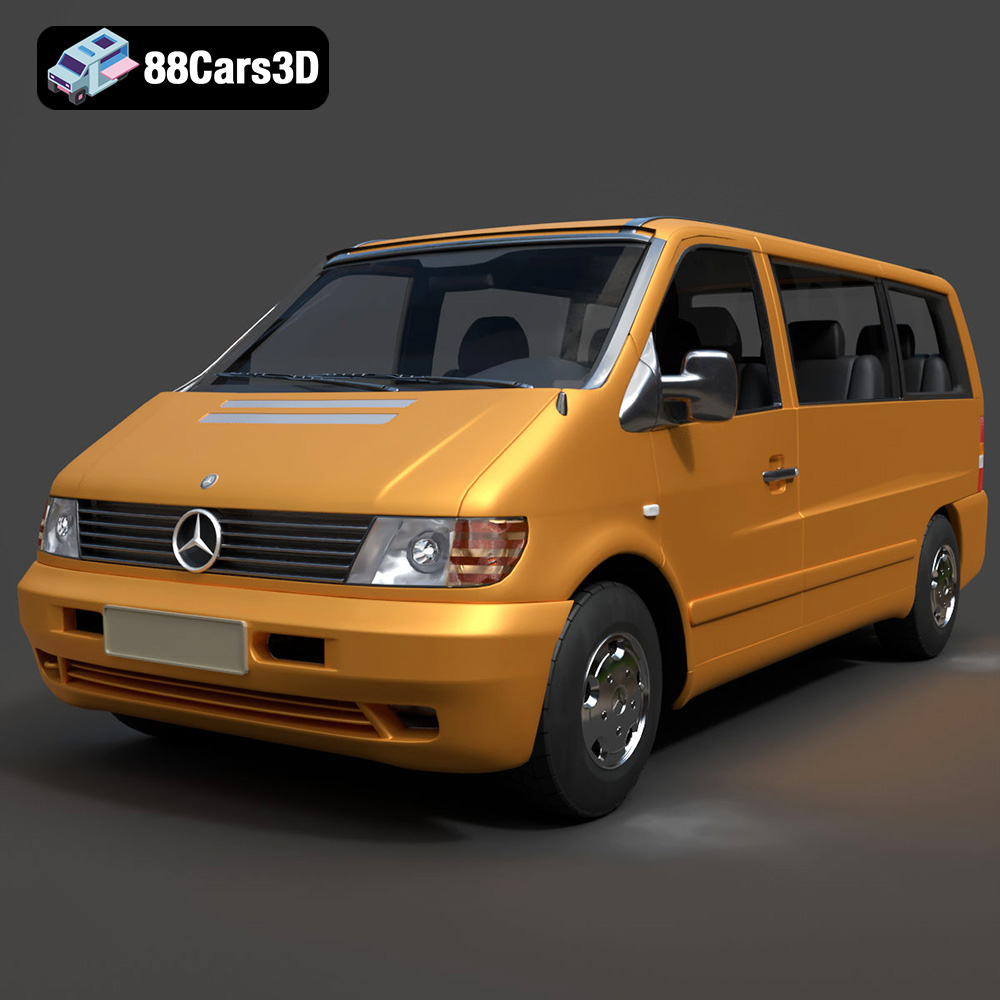
Mercedes-Benz Vito Passenger Van 3D Model
Texture: Yes
Material: Yes
Download the Mercedes-Benz Vito Passenger Van 3D Model featuring clean geometry, realistic detailing, and a fully modeled interior. Includes .blend, .fbx, .obj, .glb, .stl, .ply, .unreal, and .max formats for rendering, simulation, and game development.
Price: $19.99
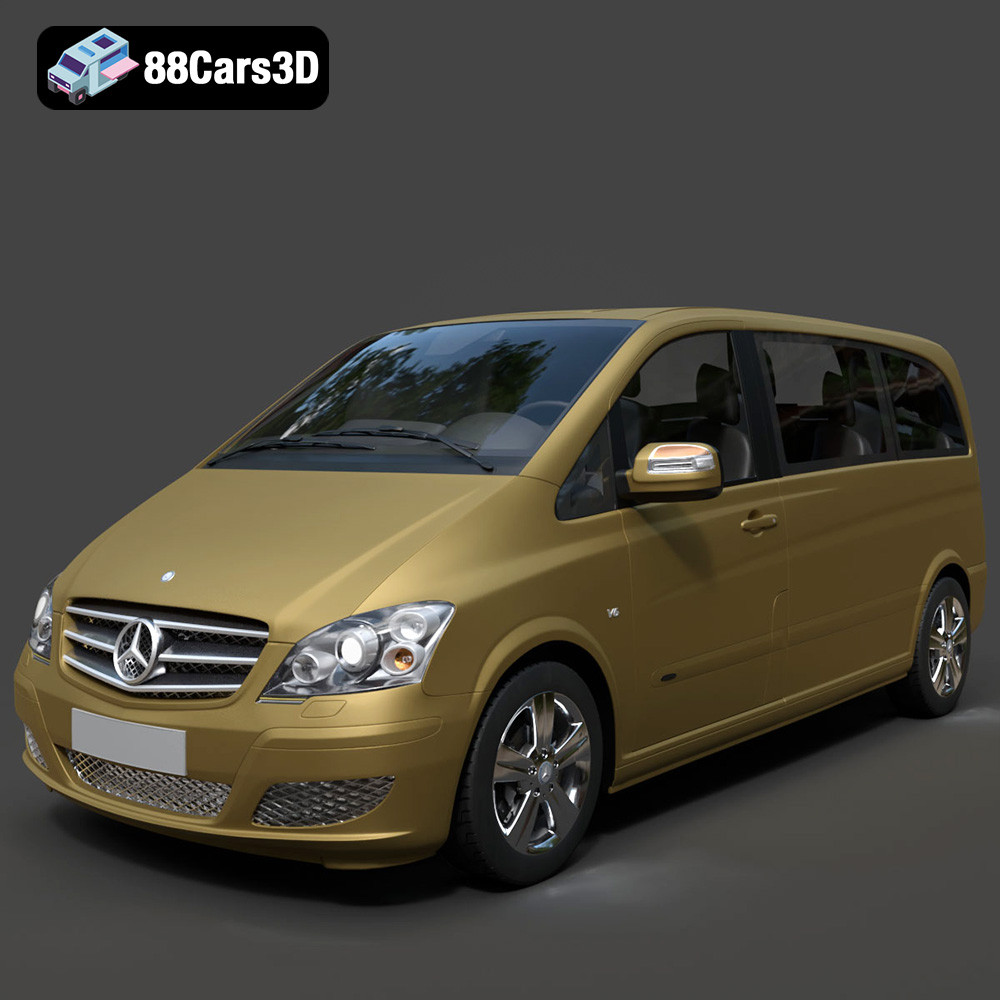
Mercedes-Benz Viano 2010 3D Model
Texture: Yes
Material: Yes
Download the Mercedes-Benz Viano 2010 3D Model featuring clean geometry, realistic detailing, and a fully modeled interior. Includes .blend, .fbx, .obj, .glb, .stl, .ply, .unreal, and .max formats for rendering, simulation, and game development.
Price: $19.99

Emt Avtobus 007 3D Model
Texture: Yes
Material: Yes
Download the Emt Avtobus 007 3D Model featuring clean geometry, realistic detailing, and a fully modeled interior. Includes .blend, .fbx, .obj, .glb, .stl, .ply, .unreal, and .max formats for rendering, simulation, and game development.
Price: $19.99
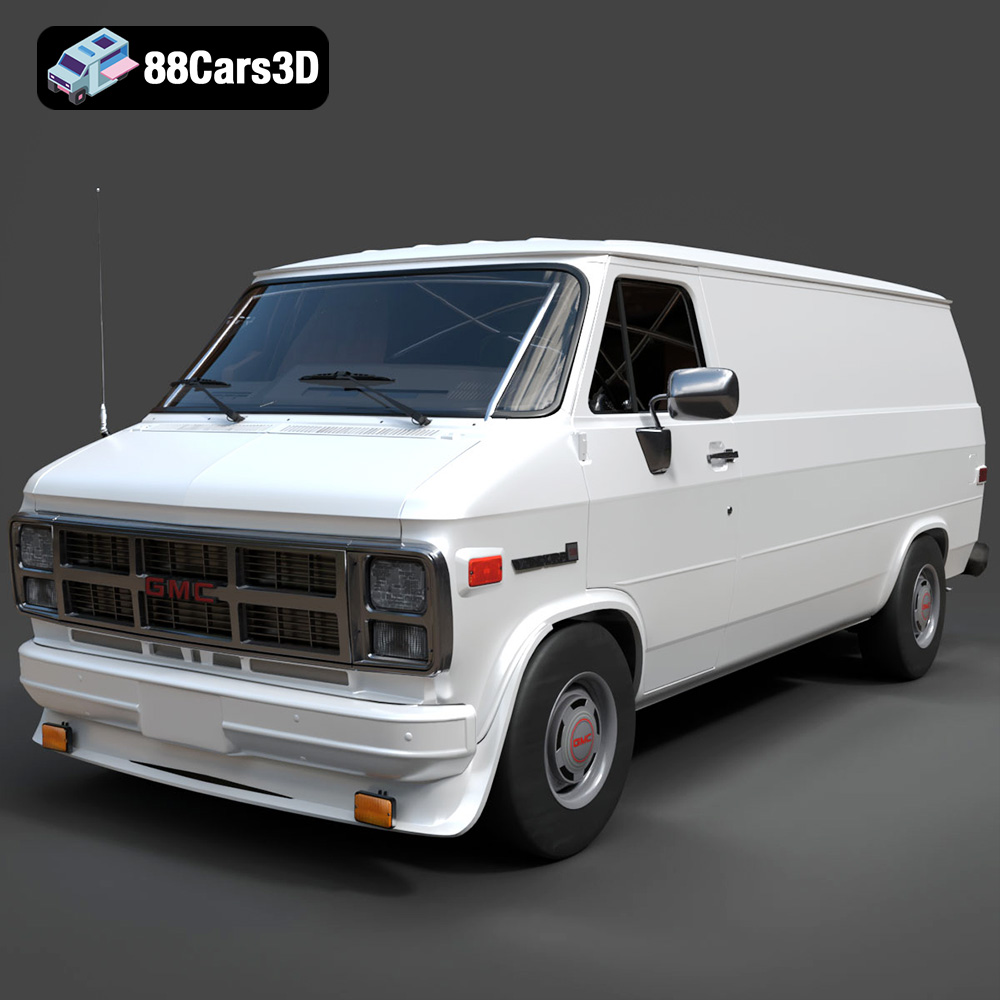
GMC Vandura G-1500 1983 3D Model
Texture: Yes
Material: Yes
Download the GMC Vandura G-1500 1983 3D Model featuring clean geometry, realistic detailing, and a fully modeled interior. Includes .blend, .fbx, .obj, .glb, .stl, .ply, .unreal, and .max formats for rendering, simulation, and game development.
Price: $19.99
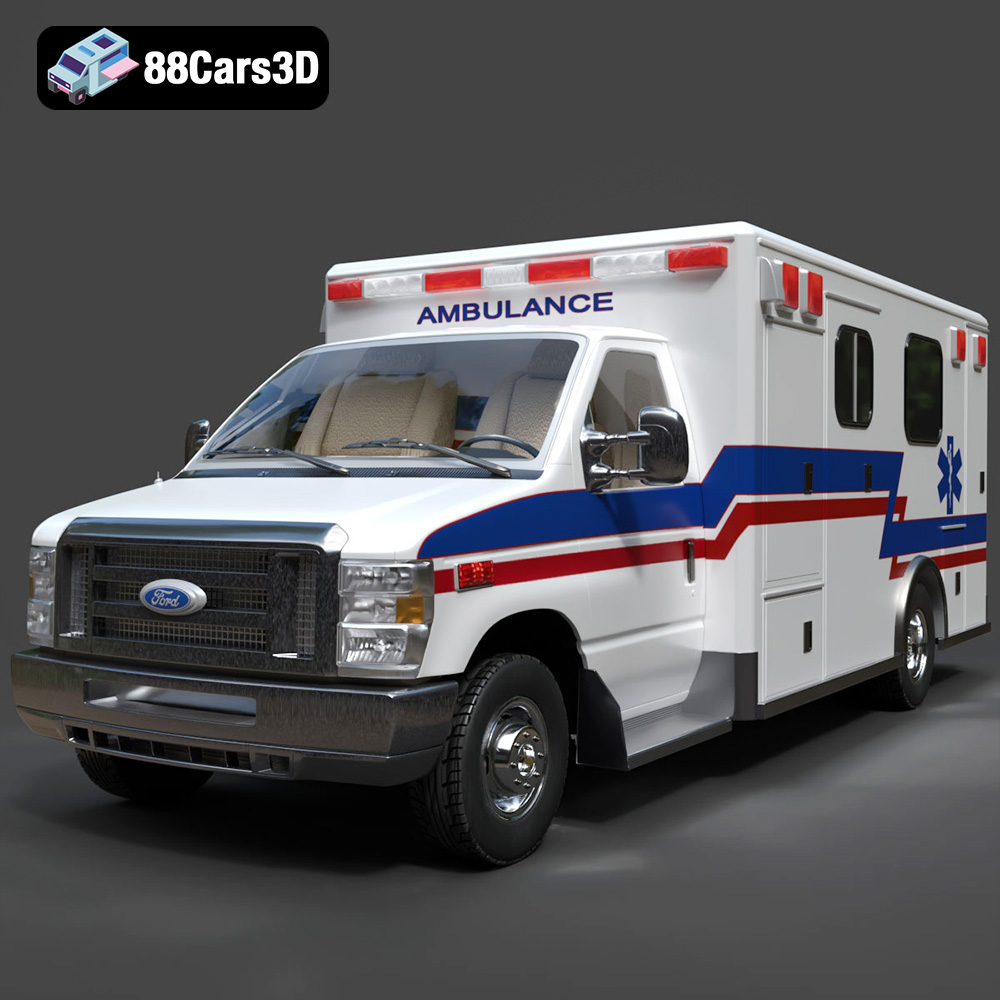
Ford E-450 Ambulance 3D Model
Texture: Yes
Material: Yes
Download the Ford E-450 Ambulance 3D Model featuring clean geometry, realistic detailing, and a fully modeled interior. Includes .blend, .fbx, .obj, .glb, .stl, .ply, .unreal, and .max formats for rendering, simulation, and game development.
Price: $19.99
