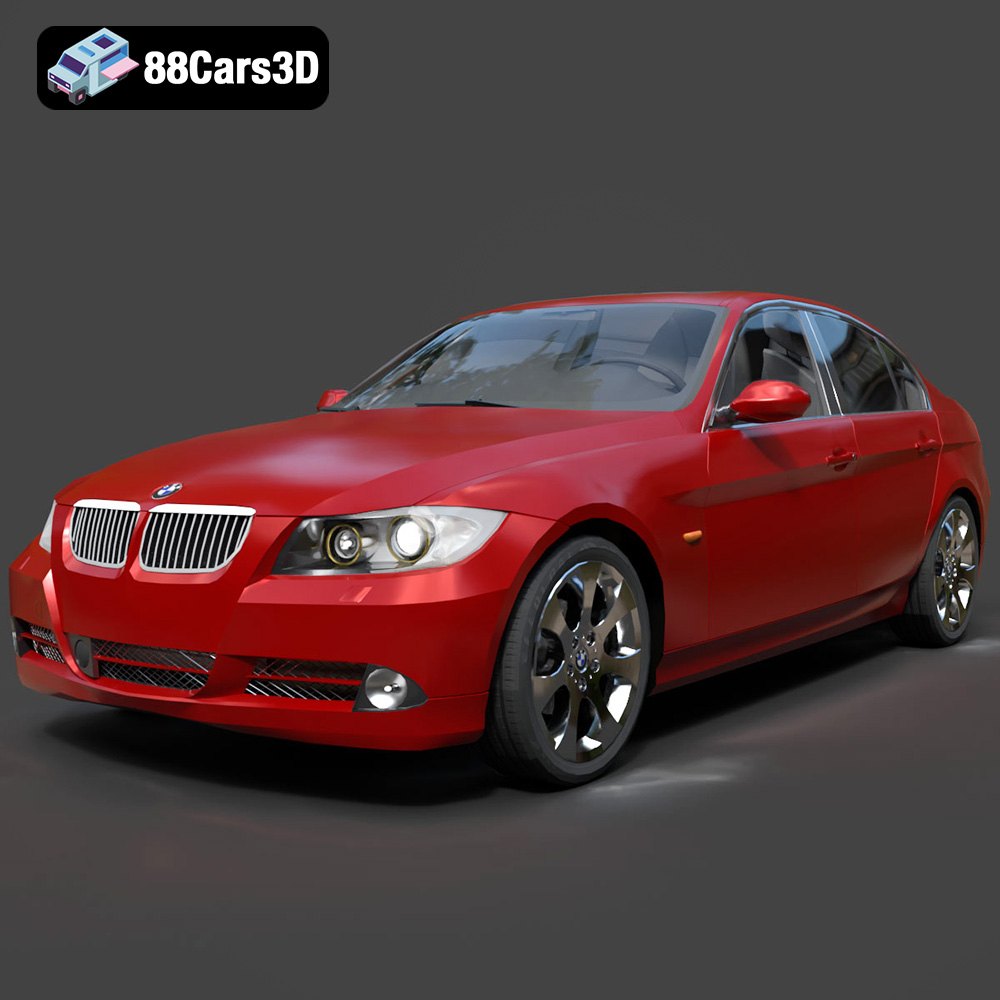
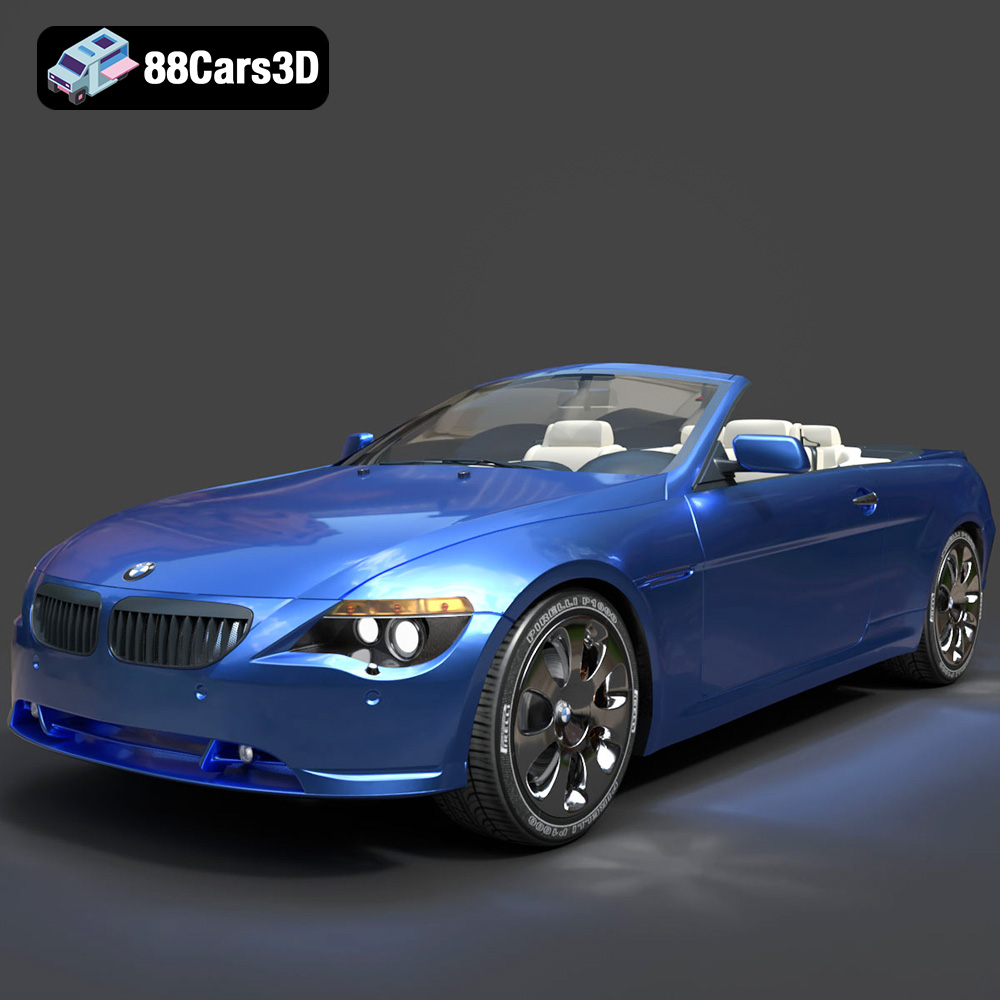
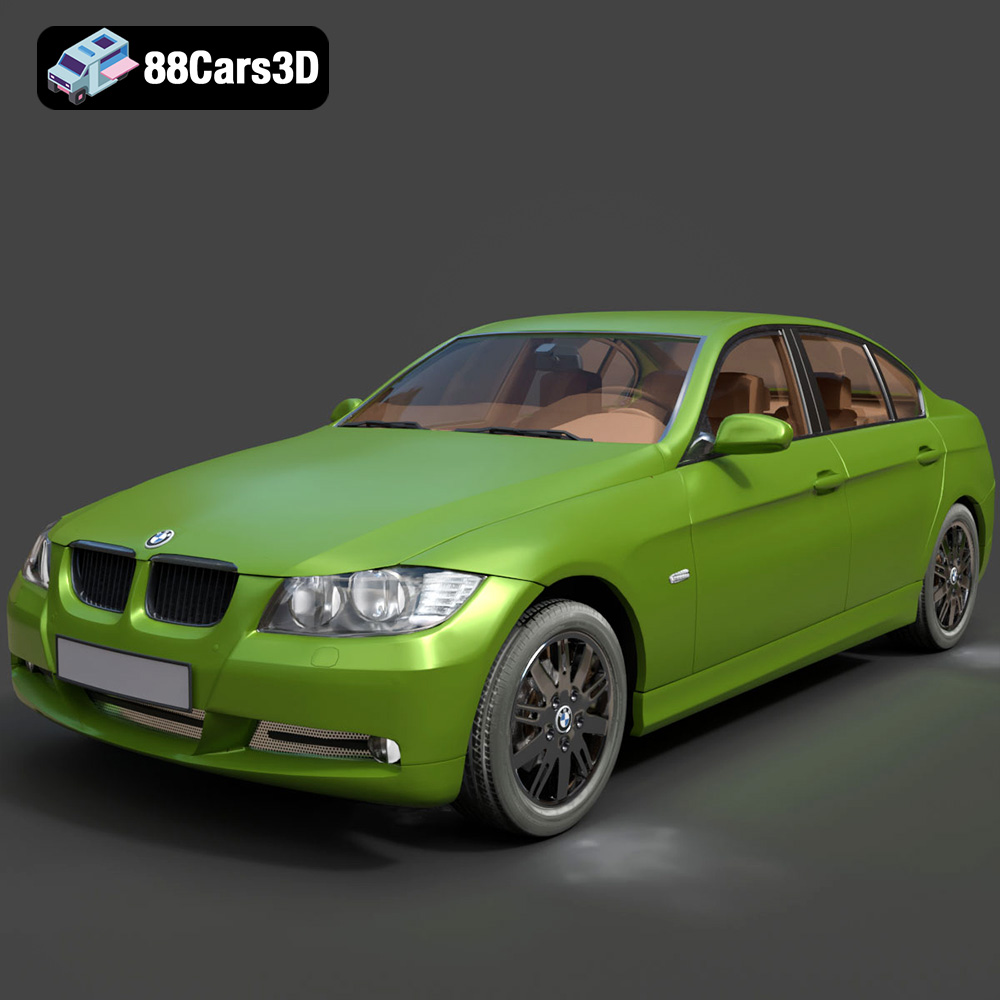
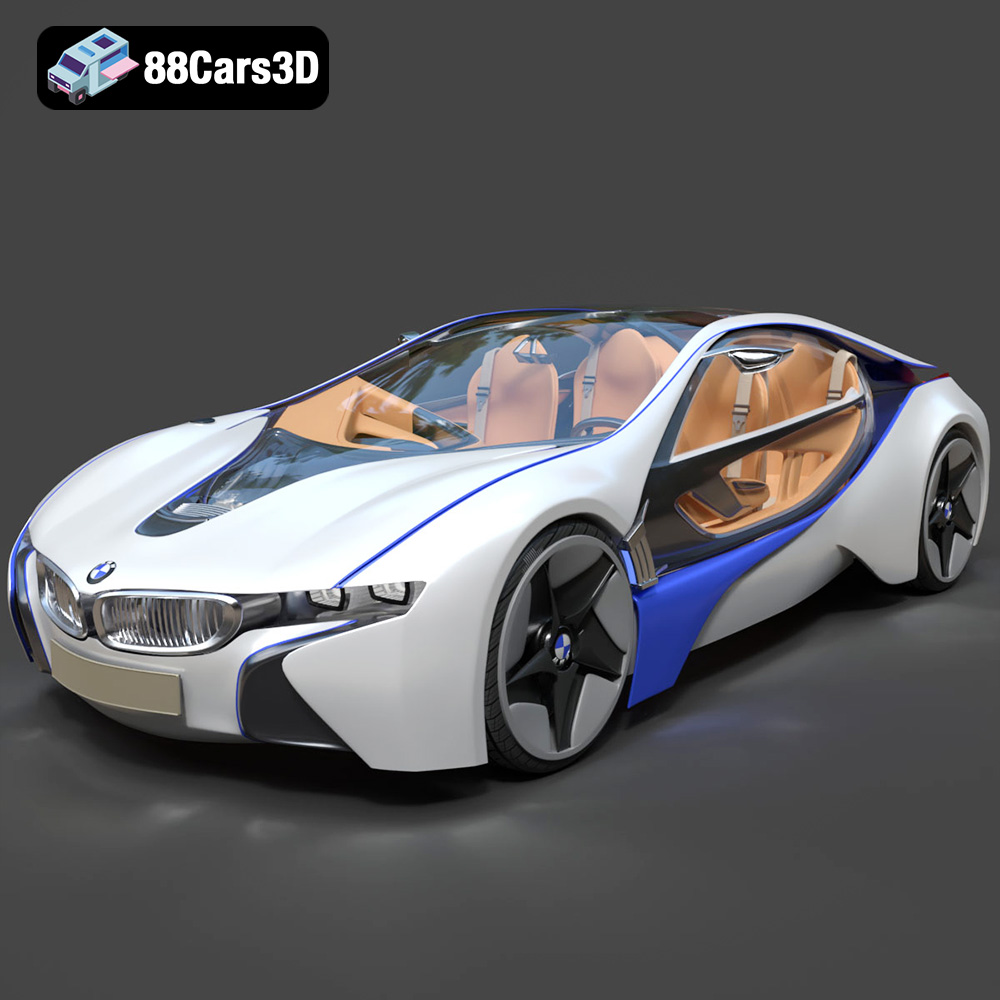
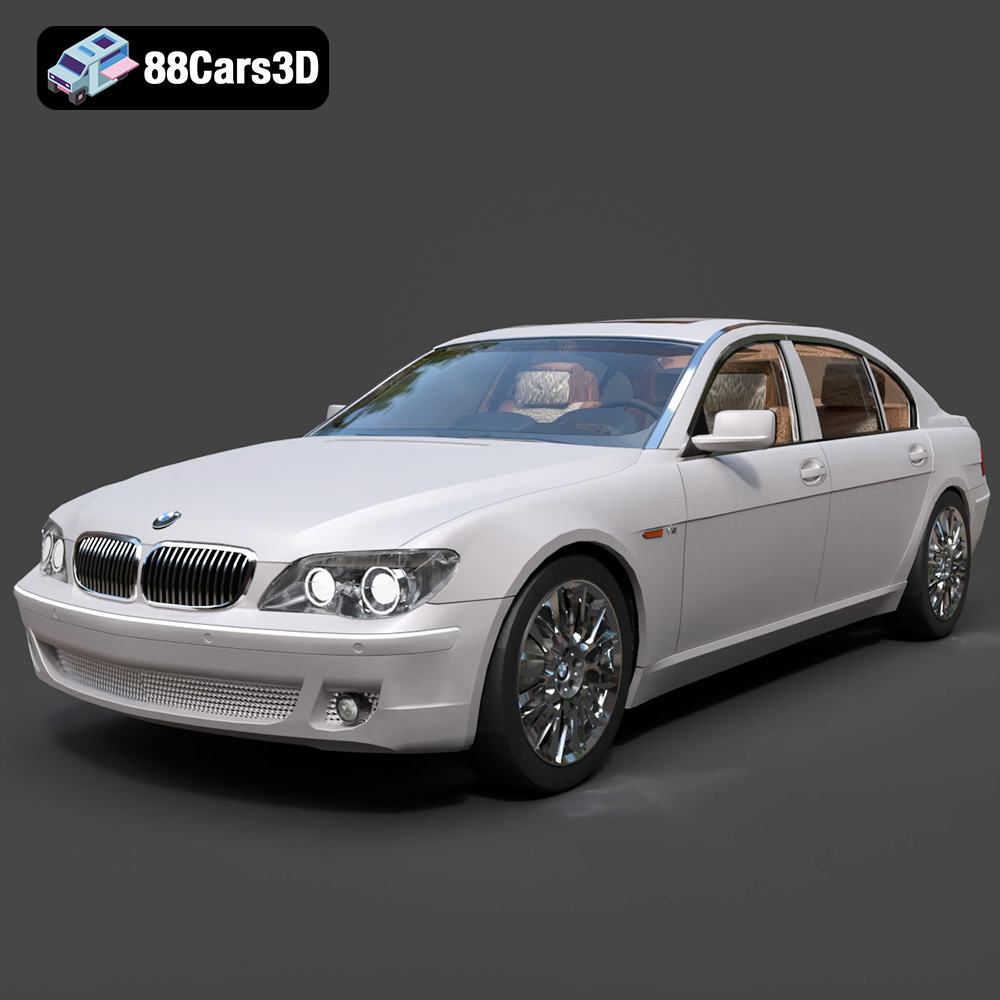
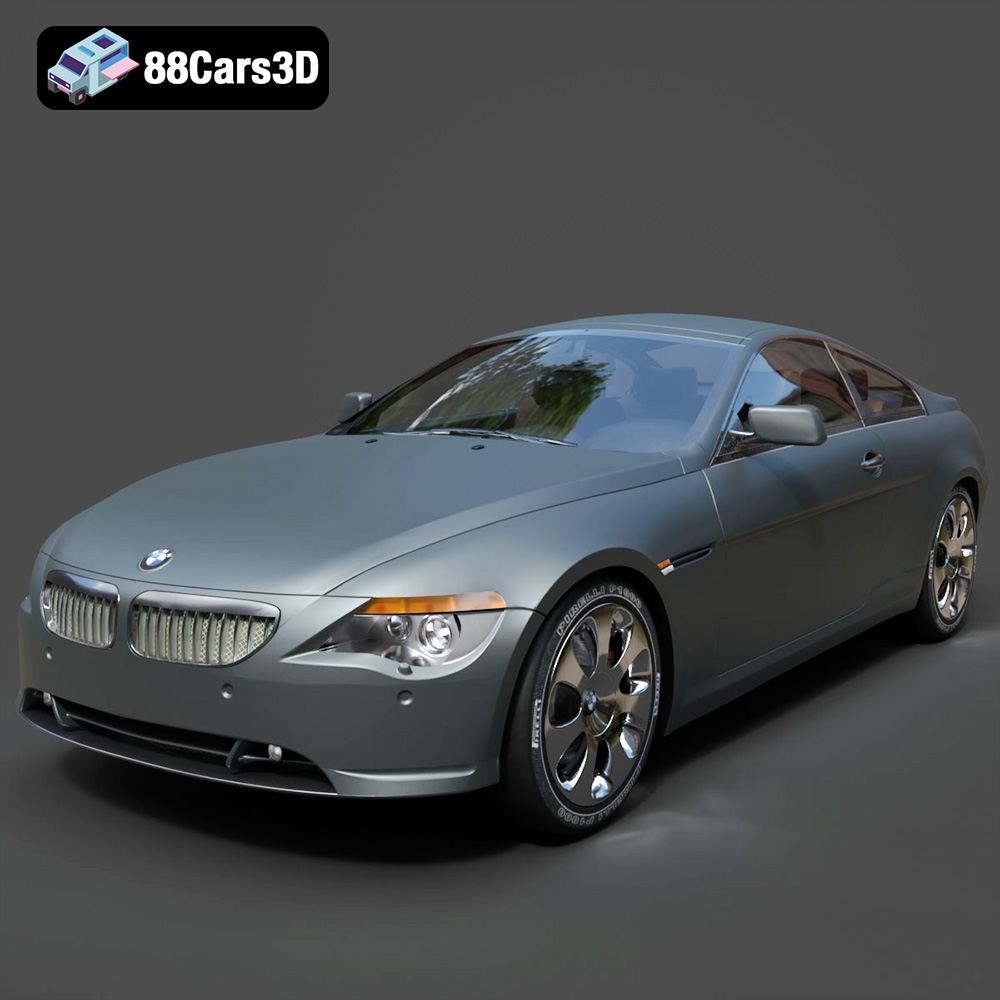
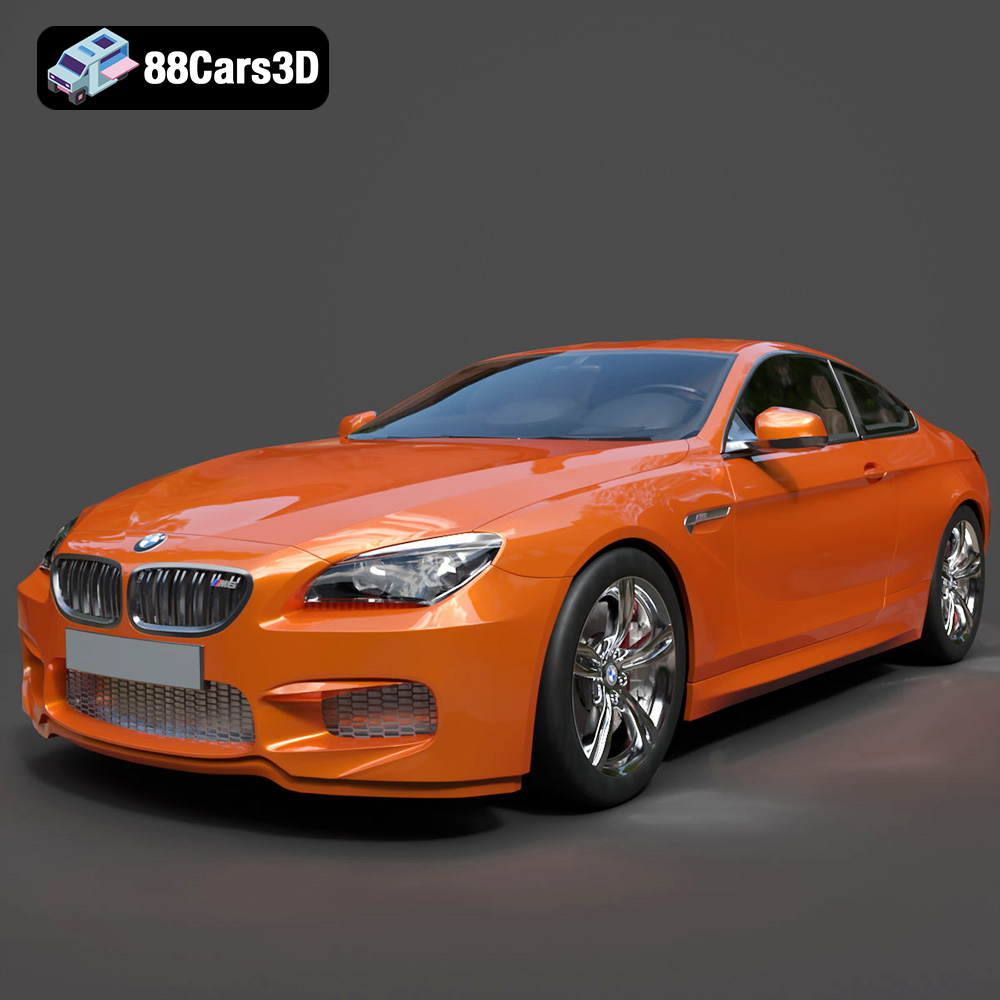
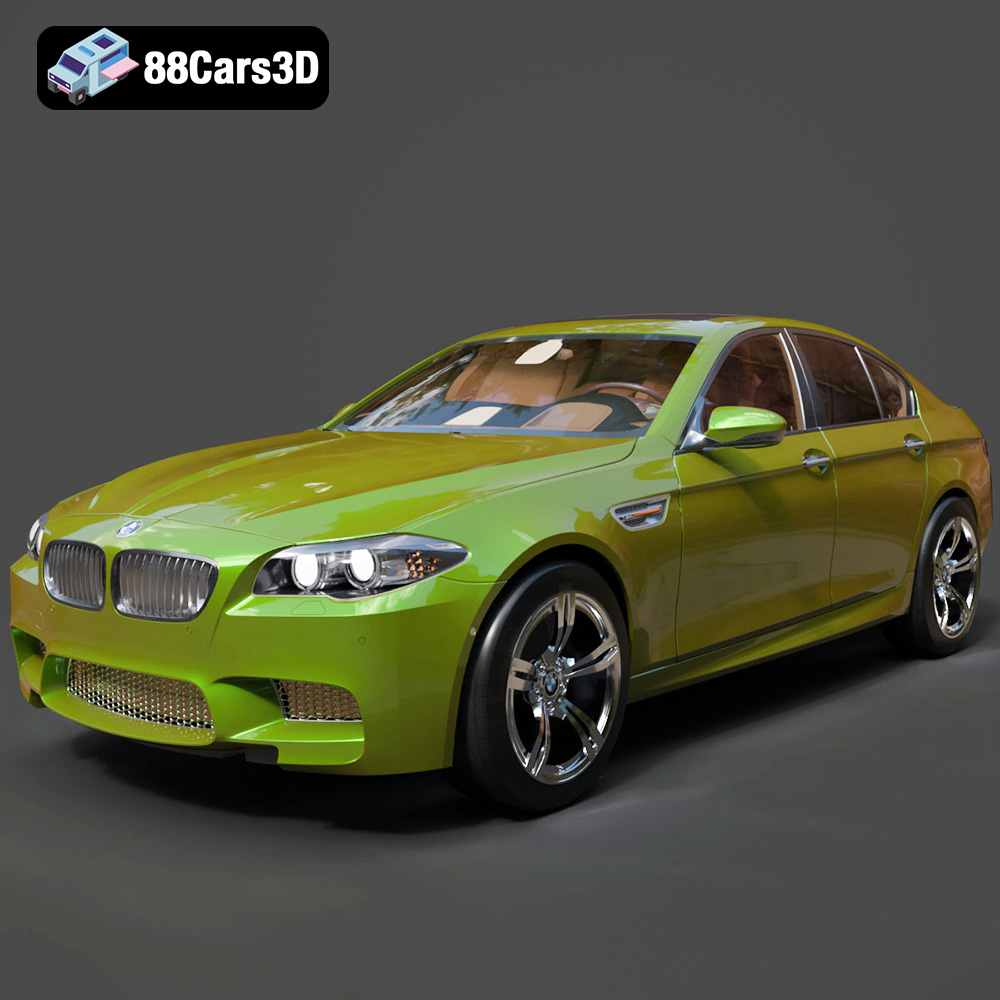
Get 20% OFF All Premium 3D & STL Models!

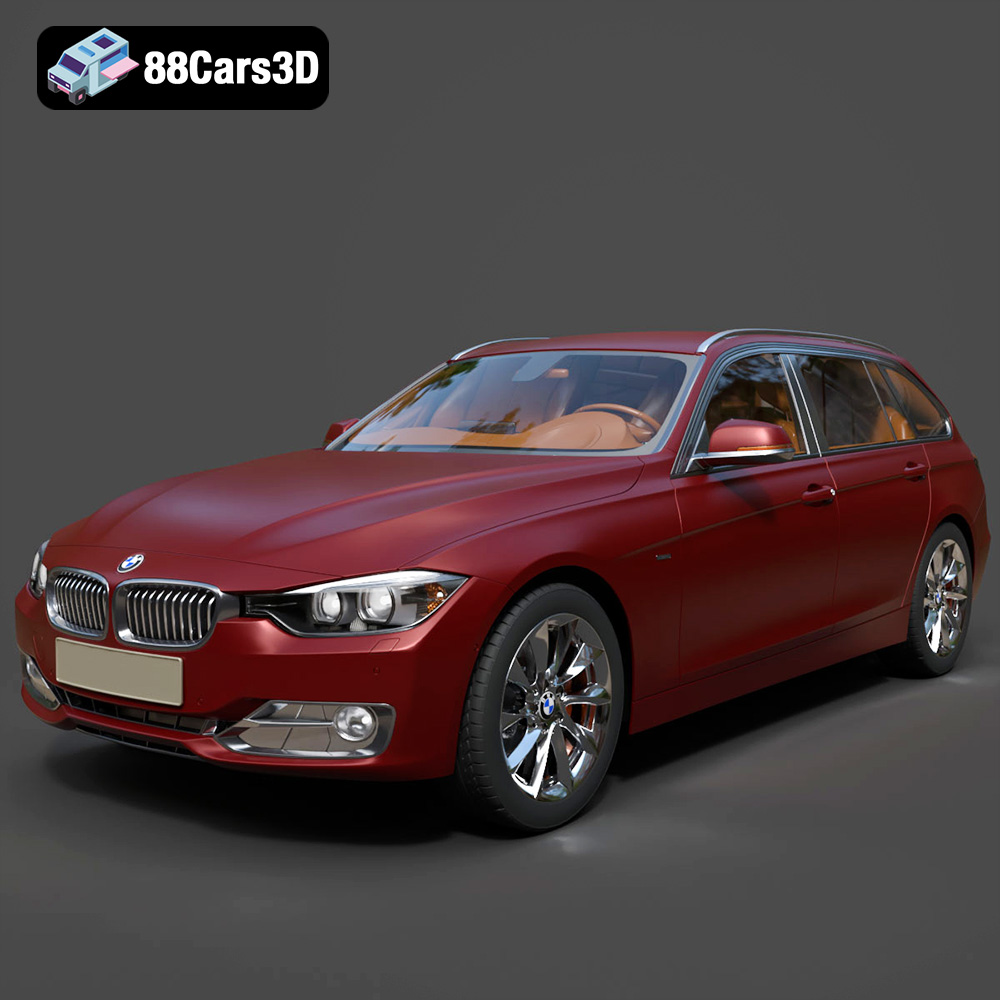
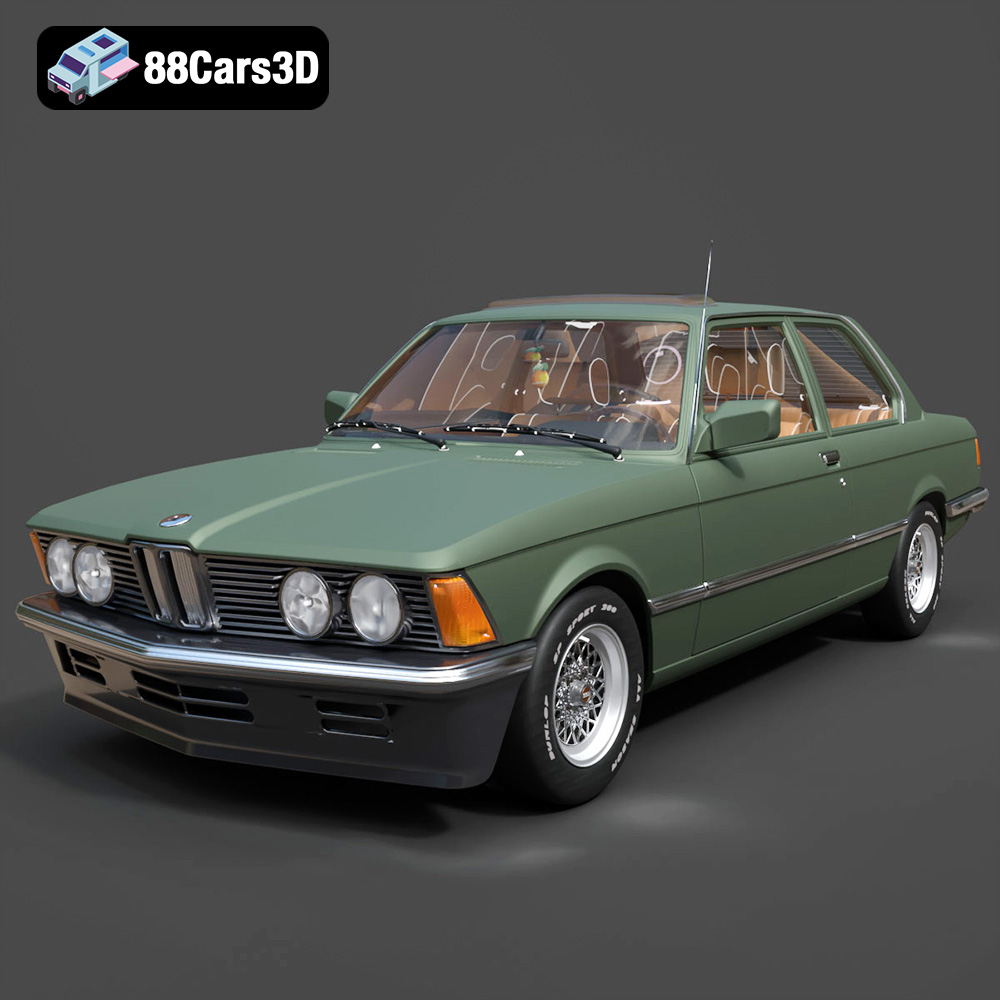
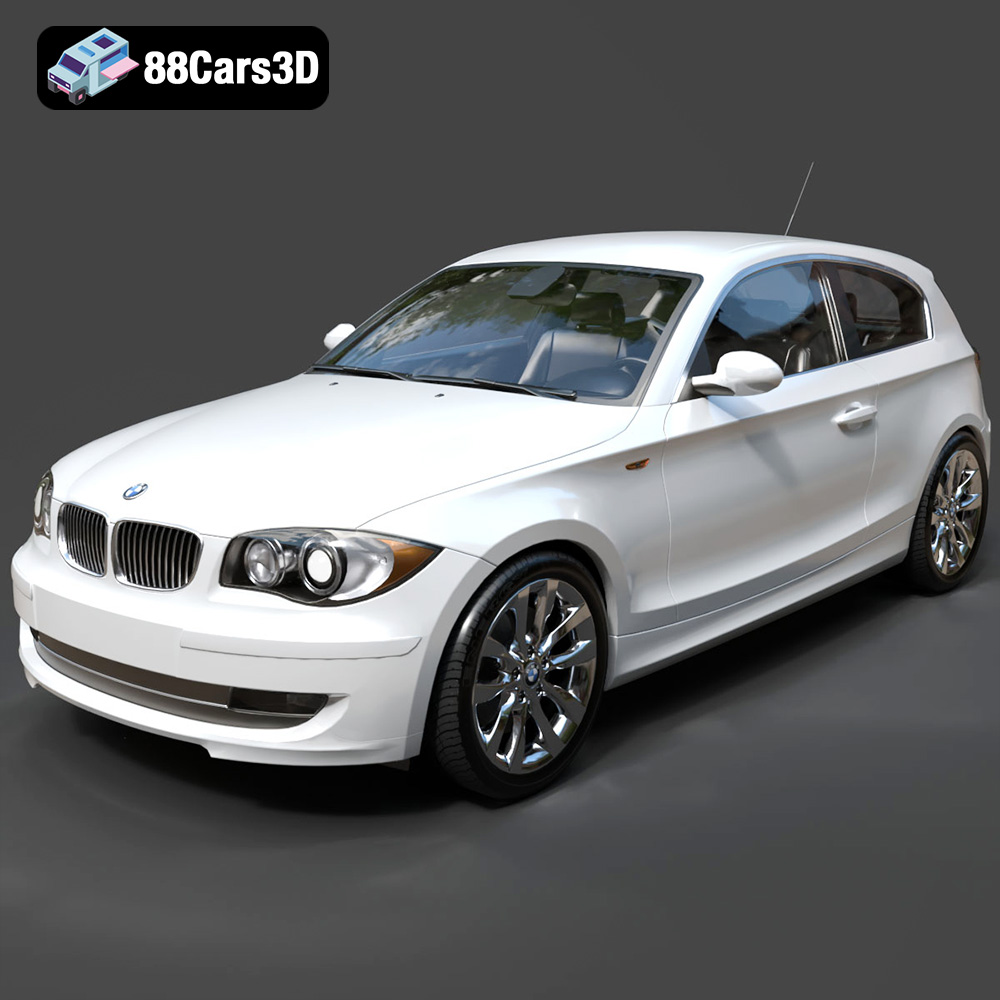
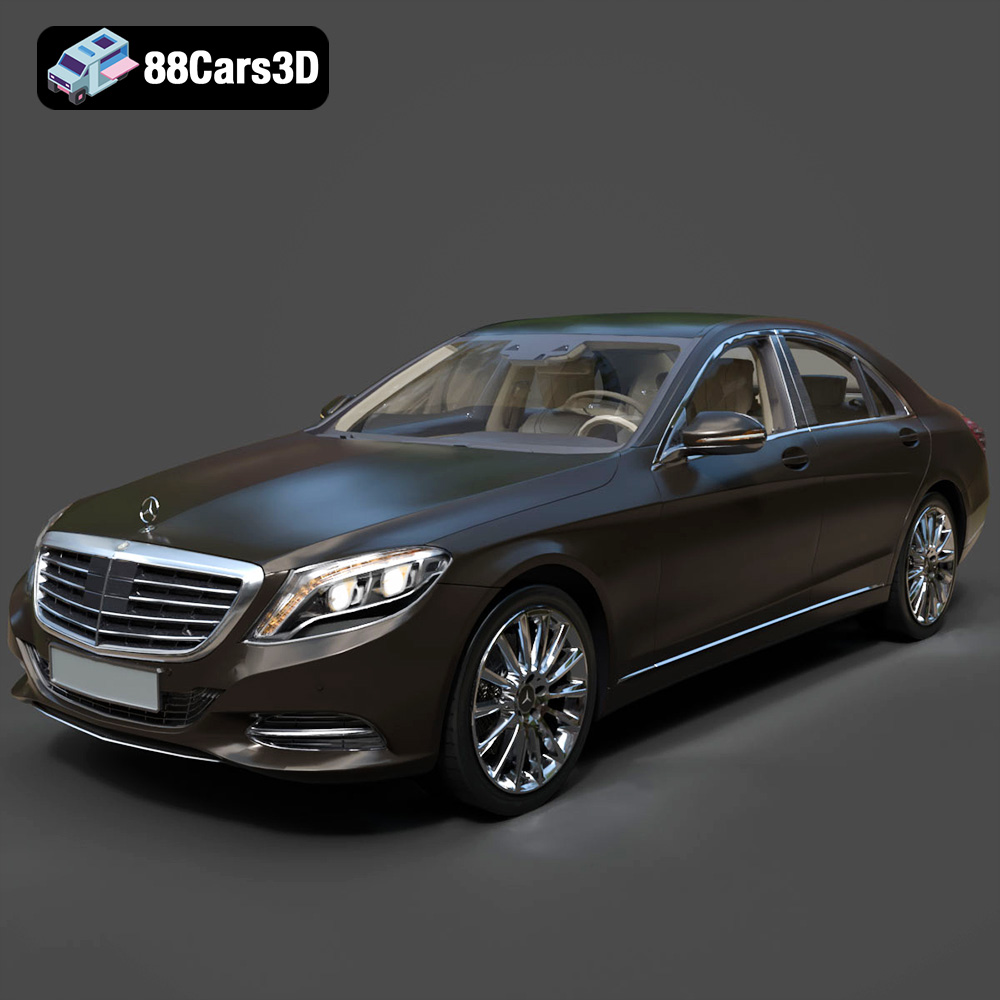
In the fast-paced world of digital creation, high-quality 3D car models are indispensable assets, serving as the backbone for everything from cinematic automotive rendering to immersive game development and groundbreaking AR/VR experiences. The demand for technically precise, visually stunning vehicle models continues to grow, pushing the boundaries of what’s possible in virtual environments. Professionals across industries rely on expertly crafted assets to bring their visions to life with unparalleled realism and performance. Whether you’re a seasoned 3D artist, a game developer, or a visualization specialist, understanding the intricacies of these models is paramount. At 88cars3d.com, we recognize this critical need, providing a curated selection of premium 3D car models designed to meet the rigorous demands of professional projects. This comprehensive guide delves into the technical aspects, workflows, and diverse applications that define excellence in the realm of digital automotive design.
The true value of a 3D car model lies not just in its visual appeal, but in its underlying technical structure. A truly high-quality asset is built upon a foundation of meticulous craftsmanship, ensuring flexibility, performance, and aesthetic fidelity across various platforms and rendering pipelines.
At the core of any 3D model is its mesh topology – the arrangement of polygons (faces, edges, and vertices) that define its surface. For 3D car models, clean, quad-based topology is often preferred, as it allows for smooth subdivision, easier deformation, and predictable behavior during rendering and animation. An ideal mesh minimizes n-gons (polygons with more than four sides) and triangulated faces in primary surfaces, unless specifically optimized for game engines where triangulated meshes are the norm. Polygon count is another critical factor. While high-resolution models for cinematic rendering might boast millions of polygons to capture every subtle curve and detail, game assets require strict polygon efficiency, often relying on Normal maps to simulate detail without excessive geometry. Balancing visual fidelity with performance is a constant challenge, necessitating strategic use of polygon counts and Level of Detail (LOD) systems.
UV mapping is the process of unwrapping the 3D model’s surface into a 2D plane, allowing textures to be applied accurately. High-quality 3D car models feature clean, non-overlapping UVs that maximize texel density consistency across the model. This ensures that textures appear sharp and uniform, without stretching or distortion. Multiple UV sets are often employed: one for primary diffuse and normal maps, another for lightmaps in real-time engines, and potentially others for decals or specific material effects. The fidelity of accompanying textures is equally important. Physically Based Rendering (PBR) workflows demand a suite of texture maps – Albedo (color), Normal (surface detail), Roughness (specularity), Metalness (reflectivity), and Ambient Occlusion (contact shadows) – all authored to exacting standards to accurately simulate real-world materials under diverse lighting conditions.
Beyond raw textures, the material shaders applied to a 3D car model play a pivotal role in achieving photorealism. Advanced shaders are engineered to mimic complex properties like clear coat paint (with multiple layers, metallic flakes, and anisotropy), reflective chrome, glass with accurate refractive indices, and textured rubber. These shaders leverage the PBR textures to react realistically to light. Combined with sophisticated lighting setups – often involving High Dynamic Range Images (HDRIs) for environment lighting, coupled with physical area lights and global illumination solutions – these materials transform a static model into a lifelike representation. The interplay between light, shadow, and material properties is what ultimately convinces the eye, creating depth, volume, and a sense of presence that is crucial for professional visualization.
Selecting the correct file format for your 3D car model is a critical decision that impacts workflow, compatibility, and final output quality. Each format is designed with specific use cases in mind, offering unique advantages for different stages of the production pipeline. Understanding these distinctions is fundamental for any professional working with 3D assets.
The `.blend` format is the native file type for Blender, the popular open-source 3D creation suite. A `.blend` file is incredibly comprehensive, storing an entire Blender scene including meshes, materials, textures (packed internally or linked externally), animations, rigging, cameras, lighting, physics simulations, and even custom scripts. This makes it ideal for users working entirely within the Blender ecosystem, as it preserves every aspect of the project for full editability. It’s excellent for iterative design, complex asset creation, and leveraging Blender’s powerful modifiers and node-based shaders. When acquiring models in `.blend` format, you gain maximum flexibility for customization and integration into existing Blender-based pipelines.
`.fbx` (Filmbox) is arguably the most widely adopted proprietary 3D exchange format, developed by Autodesk. Its strength lies in its ability to store not just geometry, but also animation, rigging, skinning, cameras, and lighting, making it an excellent choice for transferring assets between different 3D software packages (like 3ds Max, Maya, Blender, Cinema 4D) and game engines (Unreal Engine, Unity). `.fbx` is particularly valued in real-time pipelines due to its robust support for mesh data, PBR material parameters (though shader fidelity can vary between engines), and animation curves. When moving a 3D car model from a DCC (Digital Content Creation) tool to a game engine, `.fbx` is almost always the preferred choice for its reliability and comprehensive data transfer capabilities.
`.obj` (Wavefront Object) is one of the oldest and most universally supported 3D file formats. It primarily stores geometric data – vertices, normals, UV coordinates, and faces – and can reference external material files (`.mtl`) for basic color, diffuse, and specular properties. While `.obj` does not support animation, rigging, or advanced shader networks, its simplicity and widespread compatibility make it an excellent choice for transferring static mesh data between almost any 3D application. It’s often used as a fallback or for simple mesh imports, especially when dealing with software that may not support more complex formats. For foundational 3D car models without intricate animation, `.obj` remains a reliable, widely accepted standard.
`.glb` (GL Transmission Format Binary) is the binary version of `.gltf`, an open-standard format for 3D scenes and models. `.glb` packages all model data – geometry, materials, textures, animations – into a single binary file, making it highly efficient for web-based applications, augmented reality (AR), virtual reality (VR), and mobile deployment. Its design emphasizes runtime delivery and rapid loading, with PBR materials being a core feature. As the “JPEG of 3D,” `.glb` is becoming the go-to format for interactive 3D content on websites, social media, and AR experiences, offering excellent compression and ease of integration into modern web frameworks and mobile platforms.
`.stl` (Standard Tessellation Language or Stereolithography) is specifically designed for 3D printing and rapid prototyping. Unlike other formats, `.stl` describes only the surface geometry of a 3D object using a collection of interconnected triangles. It does not store color, texture, or material information. The key requirement for `.stl` models is that they must be “watertight” – meaning the mesh must be completely closed without any holes, preventing errors during the 3D printing slicing process. For taking a 3D car model from screen to physical reality, converting it to a watertight `.stl` is the essential final step.
`.ply` (Polygon File Format or Stanford Triangle Format) is primarily used for storing 3D data from 3D scanners, CAD systems, and scientific applications. It supports both polygon meshes and point clouds, and can store a wide range of properties for each vertex (color, normal, confidence values) and face (color). While not as common for general 3D asset exchange as `.fbx` or `.obj`, `.ply` excels in scenarios requiring high precision or complex data associated with mesh components, making it suitable for reverse engineering, quality inspection of manufactured parts, or detailed analytical studies of 3D car bodies.
While not a direct file format in the same way as `.fbx` or `.obj`, the term `.unreal` often refers to assets specifically prepared and optimized for direct import into Unreal Engine. This typically means `.fbx` files that have been carefully authored with Unreal Engine’s specific requirements in mind: proper scale, correct material setup (using Unreal’s PBR workflow), optimized mesh density, LODs, collision meshes, and sometimes even pre-rigged skeletal meshes ready for animation blueprints. Models designated as `.unreal`-ready from marketplaces like 88cars3d.com signify that they have undergone a specific preparation process to ensure seamless integration and optimal performance within the engine, minimizing import issues and setup time.
The `.max` format is the native file type for Autodesk 3ds Max, one of the leading software packages for 3D modeling, animation, and rendering. Similar to `.blend`, a `.max` file encapsulates an entire 3ds Max scene, preserving all aspects of the project: geometry, modifiers, materials (including complex V-Ray or Corona setups), lighting, cameras, animation data, and plugins. This provides maximum flexibility for 3ds Max users, allowing for full editability, iteration, and leveraging the software’s extensive toolset for detailed automotive design and visualization. For professional studios heavily invested in the 3ds Max ecosystem, models delivered in `.max` format offer the most comprehensive starting point for their projects.
Automotive rendering is an art form that blends technical proficiency with an acute eye for detail. Achieving photorealism for 3D car models requires mastery over lighting, material authoring, and sophisticated post-production techniques.
Lighting is arguably the most critical element in automotive rendering. It defines mood, highlights form, and brings out the nuances of the vehicle’s design. Professionals often employ a combination of techniques:
The goal is to illuminate the car in a way that reveals its contours, materials, and emotional impact, much like a professional photographer would in a real-world shoot.
Realistic materials are paramount for a believable 3D car model. This involves far more than just applying a base color:
Every material needs to be painstakingly crafted using PBR principles to react correctly to the lighting environment.
While the 3D render engine produces a highly realistic base image, professional automotive renders are often enhanced in post-production using tools like Photoshop or Nuke. This stage adds a cinematic polish:
These final touches elevate a great render to an exceptional, portfolio-worthy piece.
The journey of a 3D car model from a high-fidelity render asset to a real-time game asset involves a series of rigorous optimization steps. Game development demands a delicate balance between visual quality and unwavering performance.
Game engines like Unreal Engine and Unity require 3D car models to be highly optimized to maintain smooth frame rates. This involves several key strategies:
These optimizations are crucial for ensuring that dozens of cars can be rendered simultaneously without performance dips.
To handle varying distances and performance needs, game-ready 3D car models employ specific technical components:
These elements are essential for creating an immersive and physically accurate driving experience.
Beyond static visuals, game assets often require dynamic capabilities:
These interactive systems elevate a simple 3D car model into a fully functional game vehicle.
The utility of high-quality 3D car models extends far beyond traditional rendering and game development, powering innovation across numerous industries. Their versatility makes them invaluable tools for visualization, interaction, and even physical production.
3D car models are at the forefront of immersive AR and VR applications, revolutionizing how we interact with and perceive vehicles. In AR, users can place virtual cars into real-world environments via their smartphone or tablet, allowing them to visualize a new car in their driveway, explore interior features, or even change paint colors in real-time. For VR, highly detailed car models create fully immersive virtual showrooms, driving simulators, and interactive design reviews, where users can “step inside” a vehicle, examine every detail, and even test drive it in a simulated environment. These applications demand optimized models with efficient geometry and textures to maintain high frame rates and a smooth user experience, preventing motion sickness and ensuring convincing realism. The `.glb` format, with its optimized binary structure, is particularly well-suited for these web and mobile-centric interactive experiences.
The journey from a digital 3D car model to a tangible physical object is made possible through 3D printing. Engineers, designers, and hobbyists utilize 3D car models for rapid prototyping of new vehicle components, creating scale models for aerodynamics testing, or producing highly detailed collectibles. For 3D printing, the model needs to be a “watertight” solid mesh, free from holes or inverted normals, to ensure a successful print. The `.stl` format is the industry standard for this purpose, representing the model as a series of connected triangles. Before printing, models often undergo pre-press analysis to check for wall thickness, overhangs, and structural integrity, ensuring the printed object is robust and accurate to its digital counterpart.
In architectural visualization (ArchViz), 3D car models are essential for adding context, scale, and dynamism to architectural renders. Placing realistic vehicles around a building or within a street scene helps to convey the scale of the structure, brings life to the environment, and showcases how the architecture interacts with its surroundings. For product design, 3D car models can be integrated into broader presentations, illustrating how a new accessory might look on a specific vehicle, or demonstrating the vehicle’s aesthetic alongside other products in a showroom environment. This cross-pollination of assets allows designers to create holistic visualizations, presenting their designs in a rich, realistic, and relatable context.
Choosing the appropriate 3D car models is a pivotal decision that directly impacts the quality, efficiency, and success of your project. It’s not merely about aesthetics but also about technical specifications, licensing, and reliability.
Before purchasing or downloading any 3D car model, a thorough technical assessment is crucial. Consider the following:
A professional-grade model will exhibit meticulous attention to these technical details.
Understanding the licensing terms associated with 3D car models is paramount to avoid legal complications. Most marketplaces offer different license types:
Always read the fine print to ensure the model’s intended use aligns with its license. Misunderstanding licensing can lead to significant legal and financial repercussions.
When the success of your project hinges on the quality of your 3D car models, choosing a reliable source is critical. At 88cars3d.com, we are committed to providing an exceptional library of premium 3D car models that meet the highest professional standards. Our assets are meticulously crafted with clean topology, optimized UVs, and PBR-ready materials, ensuring they integrate seamlessly into a wide array of production pipelines – from high-fidelity automotive rendering to demanding game development projects and interactive AR/VR experiences. We offer a diverse range of vehicle types, from classic cars to futuristic concepts, all available in multiple industry-standard formats, including specifically prepared `.unreal` assets, to streamline your workflow. When you source your 3D car models from 88cars3d.com, you’re investing in technical precision, visual excellence, and the assurance that your digital automotive projects will accelerate ahead of the competition.
The world of 3D car models is a vibrant ecosystem where technical mastery meets artistic vision. From the intricate details of mesh topology and PBR materials to the strategic optimizations for real-time engines and the diverse applications in AR/VR and 3D printing, every aspect contributes to bringing digital vehicles to life. Mastering these technical nuances is not just about creating visually appealing assets, but about building efficient, performant, and versatile tools that drive innovation across industries. Whether you are crafting a breathtaking automotive rendering, developing an immersive racing game, or prototyping a new design, the quality and technical integrity of your 3D car models are paramount. By understanding the critical file formats, adhering to professional workflows, and selecting expertly crafted assets, you empower your projects with unparalleled realism and efficiency. For professionals seeking that benchmark of excellence, 88cars3d.com offers a robust selection of high-quality 3D car models, meticulously prepared to propel your digital creations to the next level. Visit us today and discover the perfect foundation for your next automotive masterpiece.