Get 20% OFF All Premium 3D & STL Models!

The quest for photorealism in real-time rendering has always pushed the boundaries of technology. For automotive visualization and game development, nowhere is this pursuit more critical than in material representation. The lustrous curves of a vehicle, the subtle interplay of light on its paintwork, the intricate details of its interior — these elements demand an unprecedented level of fidelity. While traditional Physically Based Rendering (PBR) has served us well, its monolithic nature often presents limitations when tackling the complex, layered surfaces found on a modern automobile.
Enter Unreal Engine’s Substrate Material System. This groundbreaking advancement in material authoring is poised to redefine how we perceive and interact with digital surfaces. Moving beyond the fixed PBR inputs, Substrate offers a modular, physically plausible framework that empowers artists to construct materials with an unparalleled degree of control and realism. Imagine the ability to precisely simulate every layer of automotive paint, from the metallic base coat to the clear coat, complete with intricate flakes and imperfections, all within a unified, performant system. This article will dive deep into the technical intricacies of Substrate, explore its transformative potential for automotive visualization, and provide practical insights for leveraging this next-generation shading paradigm in your Unreal Engine projects, especially when working with high-quality assets from platforms like 88cars3d.com.
For years, the standard PBR workflow has been the backbone of real-time rendering. Its intuitive metallic/roughness or specular/glossiness model brought a standardized, physically accurate approach to material creation, allowing artists to achieve consistent results across various lighting conditions. However, the elegance of PBR’s simplicity became its bottleneck when faced with materials exhibiting complex optical properties. Car paint, for instance, is not a simple PBR material; it’s a multi-layered structure involving a diffuse base, metallic flakes, and often several layers of clear coat, each with its own reflective properties and index of refraction. Simulating these nuances accurately with traditional PBR often required complex hacks, such multiple shader passes, or faking effects with specialized texture maps and excessive instructions, leading to increased rendering cost and diminished artistic flexibility.
The limitations became particularly glaring in automotive visualization. Achieving truly convincing car paint required meticulous texture work, custom shader nodes, and often compromises in real-time performance. Effects like “orange peel” texture, precise metallic flake distribution, or accurate subsurface scattering for materials like tires or leather, were challenging to implement robustly within the confines of a single PBR shader. Moreover, the layering of elements like water on a surface, dust accumulation, or even subtle scratches on a clear coat, often necessitated entirely separate material instances or complex blending logic that could quickly become unwieldy. These challenges spurred the development of Substrate, a system designed from the ground up to handle such layered complexity with physical accuracy and artistic freedom.
Traditional PBR materials typically rely on a single set of parameters (Base Color, Metallic, Roughness, Specular, Normal) to describe a surface. While effective for many common materials, this model struggles with surfaces that are inherently volumetric or layered. Consider these specific automotive examples:
These limitations meant that achieving truly next-generation visual fidelity for vehicles often involved extensive custom shader code, which could be difficult to maintain, optimize, and share among artists. Substrate addresses these pain points by providing a native, extensible framework for building such complex materials.
Substrate fundamentally rethinks material authoring by moving away from a single, monolithic shading model. Instead, it introduces a modular, layered approach inspired by real-world physics. Its core philosophy revolves around the concept of “Strata” – individual material layers, each describing a specific optical behavior (e.g., a diffuse base, a specular reflection, a clear coat, subsurface scattering, etc.). These Strata can then be combined, or “merged,” to build incredibly complex and physically plausible materials.
This layering isn’t just about blending textures; it’s about combining distinct physically-based shading models. For instance, you can define a diffuse stratum for the base color, a specular stratum for a metallic reflection, and then layer a separate clear coat stratum on top, complete with its own Fresnel reflection, index of refraction, and roughness. The system handles the physically correct interaction and blending of these layers, ensuring that light behaves realistically as it passes through, reflects off, and scatters within each stratum. This modularity not only enables unprecedented visual fidelity but also promotes reusability, allowing artists to create libraries of reusable Strata for different material types, accelerating content creation and ensuring consistency across projects.
Understanding Substrate requires a shift in mindset from traditional PBR. Instead of feeding values into a single material output, you’re now constructing a graph of interconnected “Strata” and “Mergers” that build up your final material definition. At its core, Substrate provides a powerful and flexible system for combining diverse shading behaviors, allowing artists to simulate almost any real-world material with greater precision and control.
The Material Editor in Unreal Engine has been significantly updated to accommodate Substrate. When you create a new material, you’ll find a different “Root Node” or “Material Output” specifically designed for Substrate. This node acts as the entry point for your layered material graph. Instead of direct inputs for Base Color, Metallic, and Roughness, you’ll see inputs for “Front Material” and “Back Material,” along with options for defining the material’s blend mode and shading model. This architectural change empowers artists to construct materials that reflect the true physical composition of objects, moving beyond approximations and towards genuine physical simulation.
The fundamental building blocks of Substrate are:
Substrate Diffuse: For defining the base color and diffuse scattering properties.Substrate Specular: For metallic or dielectric reflections, allowing control over Fresnel, roughness, and color.Substrate Clear Coat: Essential for automotive paints, this node simulates a transparent layer with its own reflectivity, roughness, and thickness.Substrate Cloth: For fabric-like materials with specific scattering properties.Substrate Thin Transmissive / Substrate Volumetric: For transparent or translucent objects like glass, water, or headlights, allowing for accurate light absorption and scattering.Substrate Anisotropy: For materials with directional reflections like brushed metal.Each Strata node exposes relevant parameters that artists can control with textures, constants, or material expressions.
Substrate Front Material: Typically the final merger that connects your layered material to the root node.Substrate Vertical Layer: Stacks one material layer on top of another, simulating a coating or a new physical layer. This is crucial for car paint.Substrate Horizontal Blend: Blends two materials across a surface based on a mask, useful for dirt, decals, or wear.Substrate Add: Adds the effects of one material onto another, useful for emissive elements or certain types of transparent overlays.The order and type of merger nodes are critical as they define how light interacts with the combined layers.
By arranging these Strata and Merger nodes, artists can create a highly sophisticated and physically accurate material graph that mirrors the real-world construction of the surface being rendered. For a deeper dive into the specific nodes and their functionalities, the official Unreal Engine documentation on Substrate is an invaluable resource: Substrate Material System Documentation.
The power of Substrate lies in its explicit layering. Unlike traditional materials where layering often implies blending textures, Substrate allows for the physical stacking of different shading models. A Substrate Vertical Layer node, for example, doesn’t just blend colors; it takes the output of one Strata graph and places it “on top” of another, computing the physically correct interaction of light at that interface. This means that reflections from the top layer will accurately obscure or modify reflections from the layers below, just as they would in the real world.
Consider the example of car paint again. You’d typically start with a Substrate Diffuse and Substrate Specular (for the metallic flakes) merged together. Then, a Substrate Clear Coat node would be connected as the “top” layer using a Substrate Vertical Layer node. The clear coat itself has parameters for roughness, index of refraction (IOR), and absorption, allowing for precise control over its appearance. You could even stack multiple clear coats, or add a thin layer of water with a distinct IOR and roughness on top of that, all within the same material graph.
Substrate also enhances how blending modes work. For materials like glass, you might use Substrate Thin Transmissive, connecting it to the Front Material output. This enables accurate refraction and absorption calculations based on color and thickness. For more complex volumetric effects, such as fog within a headlight or exhaust fumes, Substrate Volumetric can be employed, allowing for physically accurate scattering and absorption within a defined volume. This granular control over layering and blending, driven by physically based principles, opens up new avenues for achieving unparalleled realism in real-time automotive visualization.
The automotive industry demands perfection, and Substrate delivers the tools to achieve it. With its layered approach, artists can meticulously reconstruct the optical properties of vehicle surfaces, moving beyond good approximations to truly capture the essence of high-end materials. When sourcing high-quality automotive assets from marketplaces like 88cars3d.com, artists can now leverage Substrate to unlock an even greater level of realism and visual impact.
One of the most immediate and impactful applications of Substrate in automotive rendering is the creation of incredibly realistic car paint. The multi-layered nature of real-world car paint, with its base coat, metallic flakes, and clear coat, is perfectly mirrored by Substrate’s architecture. This allows for an unprecedented level of detail and physical accuracy, where light truly interacts with each layer as it would in reality, producing dynamic and captivating results that react beautifully to varying lighting conditions. Beyond paint, Substrate empowers artists to create highly convincing materials for interiors, lighting elements, and even environmental interactions, elevating the overall visual fidelity of any automotive project.
Let’s outline a technical workflow for creating a high-fidelity car paint material using Substrate:
Substrate Diffuse node for the base color of the paint. You can feed a flat color, a texture, or even a procedural pattern here.Substrate Specular node. Connect its “F0 Color” to the desired metallic flake color (often a slightly brighter version of the base color) and control its “Roughness” for the desired sheen of the flakes.Substrate Add node or a custom merge if more complex interactions are needed, defining your base material.Substrate Specular layer. The key is to drive its “Normal” input with a micro-normal map that has extremely fine, sharp details, combined with a texture or procedural pattern for flake distribution and intensity.Substrate Clear Coat node. Connect the output of your base coat (and flake layer) into the “Under Layer” input of the clear coat node.This layered construction ensures that the clear coat’s reflections and refractions are physically accurate, interacting correctly with the underlying base and metallic flakes. The result is a truly dynamic and photorealistic car paint that responds beautifully to environmental lighting.
Substrate’s flexibility extends far beyond car paint, enabling a myriad of advanced effects crucial for high-end automotive renders:
Substrate Thin Transmissive or Substrate Volumetric for depth, combined with Substrate Specular for reflections, and a custom normal map for ripples). Then, use a Substrate Vertical Layer to stack this water material on top of your existing car paint or road material. A mask can control the wetness amount or pattern. This produces genuinely accurate refractions and reflections through the water layer.Substrate Thin Transmissive with an appropriate IOR and perhaps an absorption color for tinted glass. Drive the normal with a pattern for lens optics.Substrate Specular (highly metallic, low roughness) with Substrate Diffuse if it has any diffuse properties.Substrate Add node or as part of a custom stratum for light emission.This allows light to accurately bounce within the headlight assembly and refract through the outer lens.
Substrate Diffuse with Substrate Specular, driving roughness with a texture to simulate varying sheen. For subtle subsurface scattering, add a Substrate Subsurface stratum.Substrate Anisotropy. Stack a highly anisotropic specular layer on top of a diffuse base, ensuring the anisotropy direction follows the weave pattern of the carbon fiber normal map.Substrate Diffuse with subtle micro-specular properties and potentially a custom normal for its unique directional pile.The key is to think in terms of physical layers and their optical properties, translating them into the appropriate Substrate Strata and Merger nodes. This systematic approach ensures highly realistic and consistent material behavior.
High-quality 3D car models are the foundation of any successful automotive visualization or game project. When you acquire meticulously crafted models from marketplaces like 88cars3d.com, they come with clean topology, optimized UVs, and often a robust set of PBR textures. Integrating these assets with Unreal Engine’s Substrate Material System allows you to elevate their visual fidelity beyond what traditional PBR could achieve, unlocking their full potential for next-generation realism. The transition involves understanding how to effectively map existing PBR texture sets to Substrate’s more granular inputs and how to prepare your models to best utilize its advanced features.
The beauty of Substrate is that it doesn’t invalidate your existing asset pipeline. Instead, it provides a powerful layer on top, allowing you to re-interpret and enhance your PBR textures within a more sophisticated framework. Models from 88cars3d.com are typically provided with well-defined material IDs and separate texture sets for various components (body, interior, glass, wheels, etc.). This organized structure is ideal for Substrate workflows, as it encourages creating distinct Substrate materials for each unique surface, maximizing both artistic control and rendering efficiency.
While Substrate primarily affects material creation, proper 3D model preparation remains paramount, especially for complex assets like vehicles:
By ensuring your base models are technically sound, you provide Substrate with the best possible canvas to work its magic, transforming high-quality assets into hyper-realistic digital vehicles.
Existing PBR texture sets (Albedo/Base Color, Metallic, Roughness, Normal, Ambient Occlusion) can be repurposed and enhanced for Substrate:
Substrate Diffuse node. Remember that for metallic surfaces, the base color should represent the color of the metal, while for dielectrics, it represents the diffuse color.Substrate Specular and Substrate Clear Coat nodes. You might need to adjust or remap the values to fine-tune the glossiness for specific Substrate layers. For instance, a clear coat might have a very low, consistent roughness, while the underlying metallic flakes might have a slightly higher, more varied roughness.Substrate Specular or similar node. For a car paint, the metallic map would typically be a mask that defines where the metallic flakes are present.BlendNormalA nodes to combine these layers effectively.When UV mapping, ensure that the scale and density of your UV islands are consistent across the model, particularly if you plan to use tiling micro-detail textures for Substrate’s layers. This consistency ensures that procedural noises or tiling detail maps for effects like orange peel or subtle grunge blend seamlessly across the entire vehicle. Leveraging multiple UV channels can also be beneficial: one for unique, baked textures and another for tiling detail maps that will be driven by Substrate’s micro-surface properties.
While Substrate offers unparalleled visual fidelity, it’s essential to approach material creation with performance in mind. More complex materials, by their nature, will have a higher instruction count and can impact render time. However, Substrate is designed to be efficient, and with proper techniques, you can achieve stunning results without crippling your project’s frame rate. Balancing visual quality with real-time performance is a skill honed through practice and adherence to best practices, especially crucial for projects destined for games, AR/VR, or large-scale virtual production environments.
Unreal Engine provides robust tools for profiling and optimizing materials, and these become even more vital when working with Substrate. The Material Editor’s statistics panel, shader complexity viewmode, and console commands like stat GPU are indispensable for identifying bottlenecks. The goal isn’t necessarily to use *less* detail, but to use it *smartly*. Substrate empowers artists to allocate shader complexity precisely where it’s needed, focusing on key visual elements like the car body, and simplifying less critical components without sacrificing overall quality.
Achieving a harmonious balance between stunning visuals and smooth performance with Substrate involves several key strategies:
The key is continuous profiling and iteration. Build your materials incrementally, testing performance at each stage to ensure you’re not introducing unnecessary overhead. For more information on performance and profiling, consult the official Unreal Engine documentation: Unreal Engine Learning Resources.
Material Functions and Material Instances are powerful organizational and optimization tools that are even more critical when working with Substrate’s layered complexity:
Substrate Clear Coat node with its parameters. This promotes modularity, reduces graph clutter, and ensures consistency. If you need to update a core logic, you change it in one Material Function, and all materials using it are updated.By leveraging Material Functions and Instances, you can manage the complexity of Substrate materials, maintain consistency across your project, and significantly optimize both development time and runtime performance. This systematic approach is a hallmark of professional Unreal Engine workflows and is particularly beneficial for large-scale projects involving numerous vehicle assets.
Substrate’s impact extends far beyond static renders or cinematic sequences. Its ability to create highly realistic and performant layered materials opens up new frontiers for interactive experiences in game development and for demanding real-time environments in virtual production. For game developers, Substrate means vehicles can look more photorealistic without breaking the frame budget, and for virtual production, it means the physical properties of real-world materials can be almost perfectly replicated on screen, blurring the lines between the digital and the tangible.
The dynamic nature of Substrate materials allows for real-time changes, which is crucial for interactive elements like car configurators where users expect immediate visual feedback. In virtual production, where digital assets interact with physical sets and actors, the accuracy of Substrate materials ensures consistent lighting and reflection behavior, making it easier to seamlessly integrate CG elements into live-action footage. This versatility makes Substrate not just a rendering enhancement, but a foundational technology for future real-time applications involving highly detailed automotive assets.
Automotive configurators are a cornerstone of modern sales and marketing, offering customers the ability to customize vehicles in real-time. Substrate elevates these experiences significantly:
The ability to dynamically alter complex, layered materials in real-time opens up new possibilities for product visualization and interactive showcases, providing a level of realism previously unattainable in interactive applications.
Unreal Engine’s Sequencer is a powerful non-linear editor for creating cinematic experiences, and Substrate enhances this capability by providing materials that look stunning in high-fidelity sequences:
By providing materials that truly hold up to the scrutiny of high-resolution, real-time cinematics, Substrate empowers creators to craft stunning automotive content that resonates with audiences and effectively showcases the design and engineering of vehicles.
Unreal Engine’s Substrate Material System marks a significant leap forward in real-time rendering, offering artists an unprecedented level of control and physical accuracy in material authoring. For the automotive industry, where visual fidelity is paramount, Substrate provides the tools to move beyond approximations and craft truly photorealistic vehicles, capable of captivating audiences in high-end visualizations, interactive configurators, game development, and virtual production environments.
By embracing a layered, modular approach, Substrate allows for the precise simulation of complex surfaces like multi-layered car paint, wet surfaces, and intricate interior materials, pushing the boundaries of what’s achievable in real-time. Integrating this powerful system with high-quality 3D car models, such as those found on 88cars3d.com, empowers artists and developers to unlock the full potential of their assets, delivering a level of detail and realism that was once confined to offline renderers. While the initial learning curve may involve a shift in mindset from traditional PBR, the rewards in terms of visual quality and artistic freedom are undeniable.
As you embark on your journey with Substrate, remember to leverage Material Functions and Instances for efficiency, continuously optimize for performance, and strategically apply layers where they matter most. The future of real-time automotive visualization is here, and with Substrate, you have the power to create breathtaking digital experiences that truly resonate. Dive in, experiment, and transform your Unreal Engine projects with next-generation shading.

Meta Description:
Texture: Yes
Material: Yes
Download the Porsche Cayenne 3D Model featuring realistic exterior styling and detailed interior design. Includes .blend, .fbx, .obj, .glb, .stl, .ply, .unreal, and .max formats for rendering, simulation, AR VR, and game development.
Price: $19.9
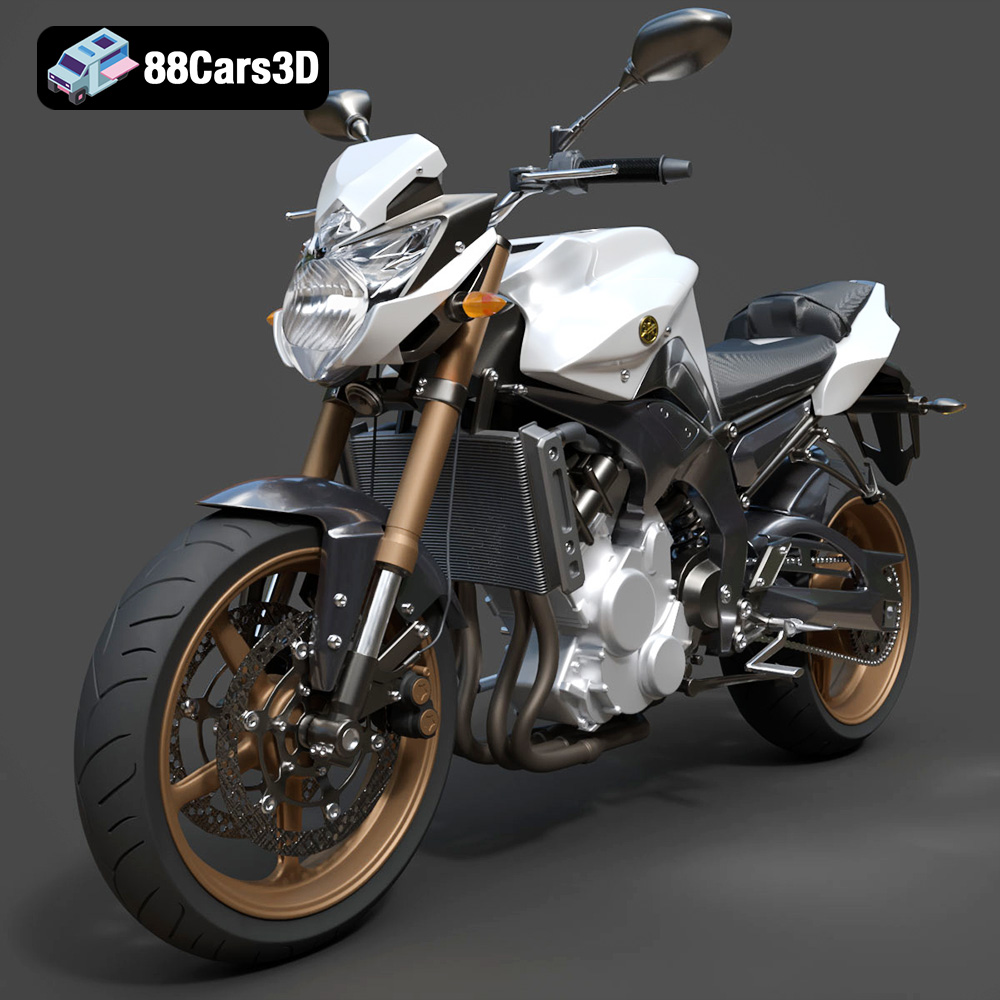
Texture: Yes
Material: Yes
Download the Yamaha FZ8 2011 3D Model featuring clean geometry, realistic detailing, and a fully modeled interior. Includes .blend, .fbx, .obj, .glb, .stl, .ply, .unreal, and .max formats for rendering, simulation, and game development.
Price: $19.99
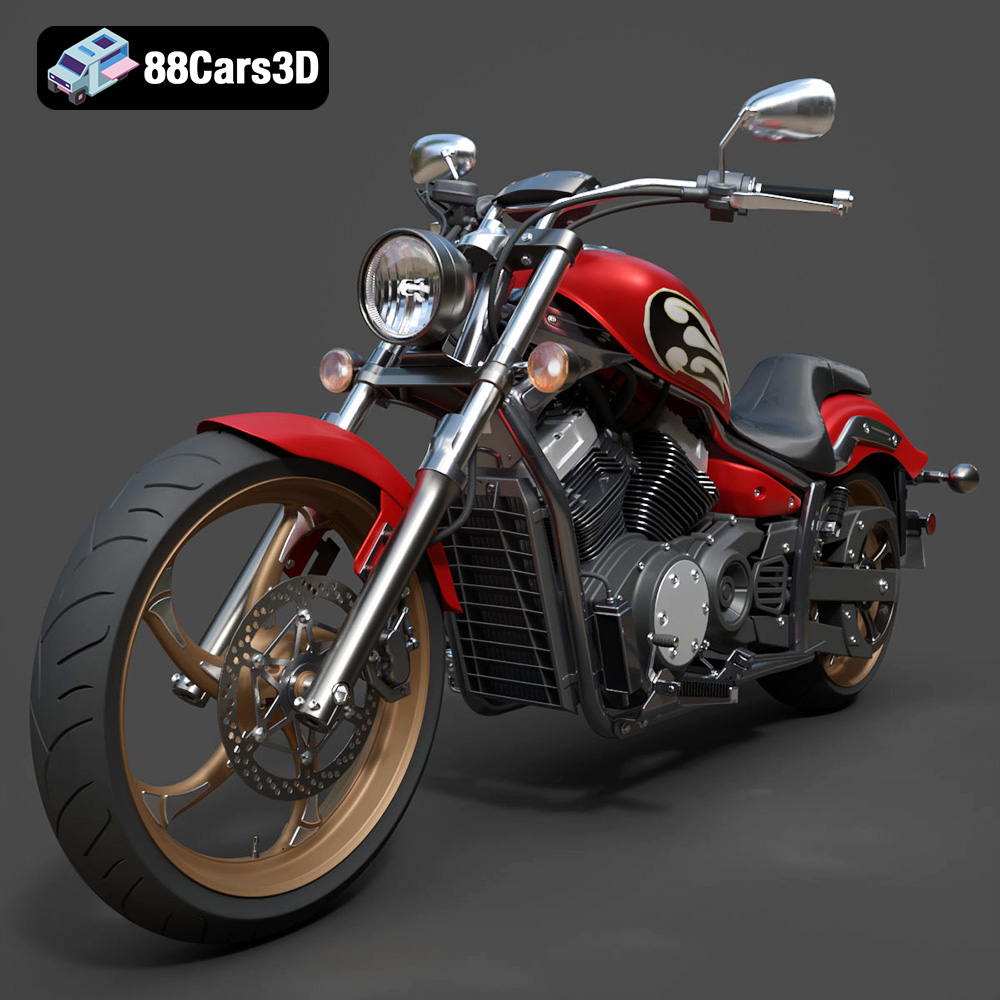
Texture: Yes
Material: Yes
Download the Yamaha Stryker 2012 3D Model featuring clean geometry, realistic detailing, and a fully modeled interior. Includes .blend, .fbx, .obj, .glb, .stl, .ply, .unreal, and .max formats for rendering, simulation, and game development.
Price: $19.99
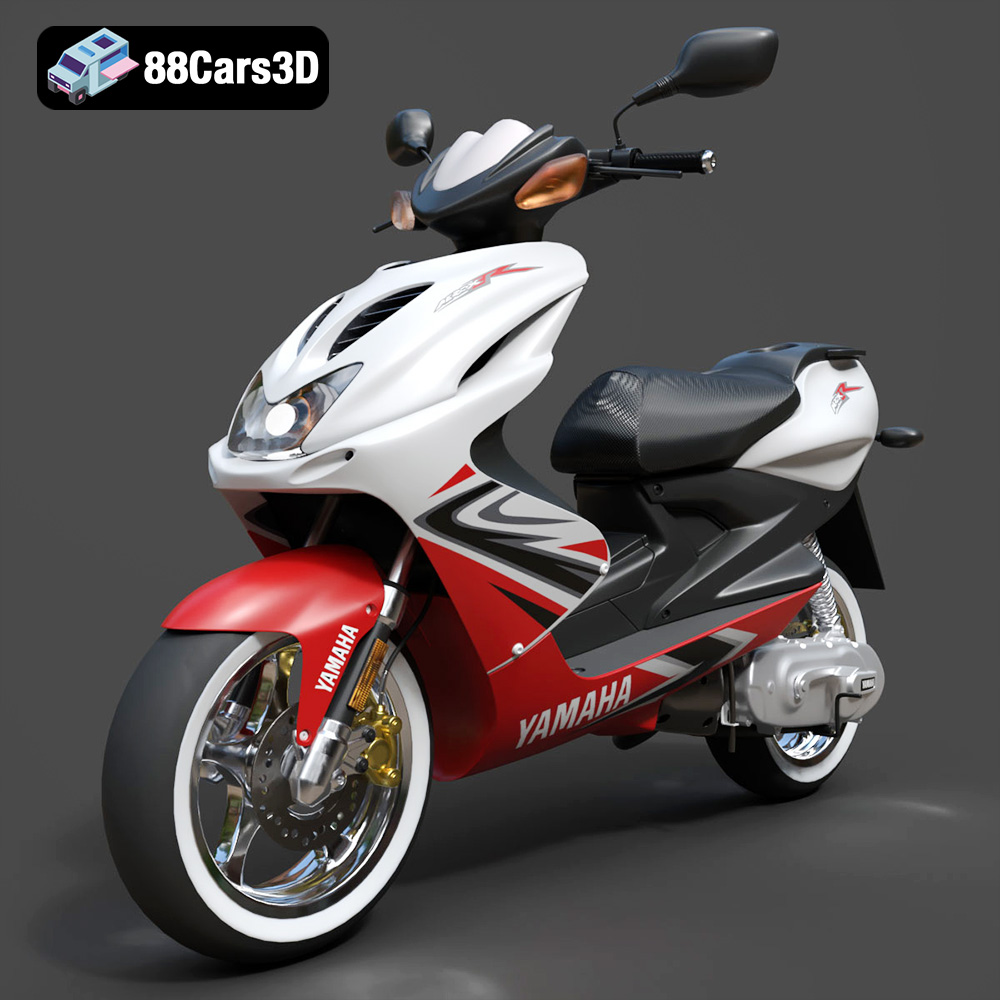
Texture: Yes
Material: Yes
Download the Yamaha Aerox R-002 2024 3D Model featuring clean geometry, realistic detailing, and a fully modeled interior. Includes .blend, .fbx, .obj, .glb, .stl, .ply, .unreal, and .max formats for rendering, simulation, and game development.
Price: $19.99
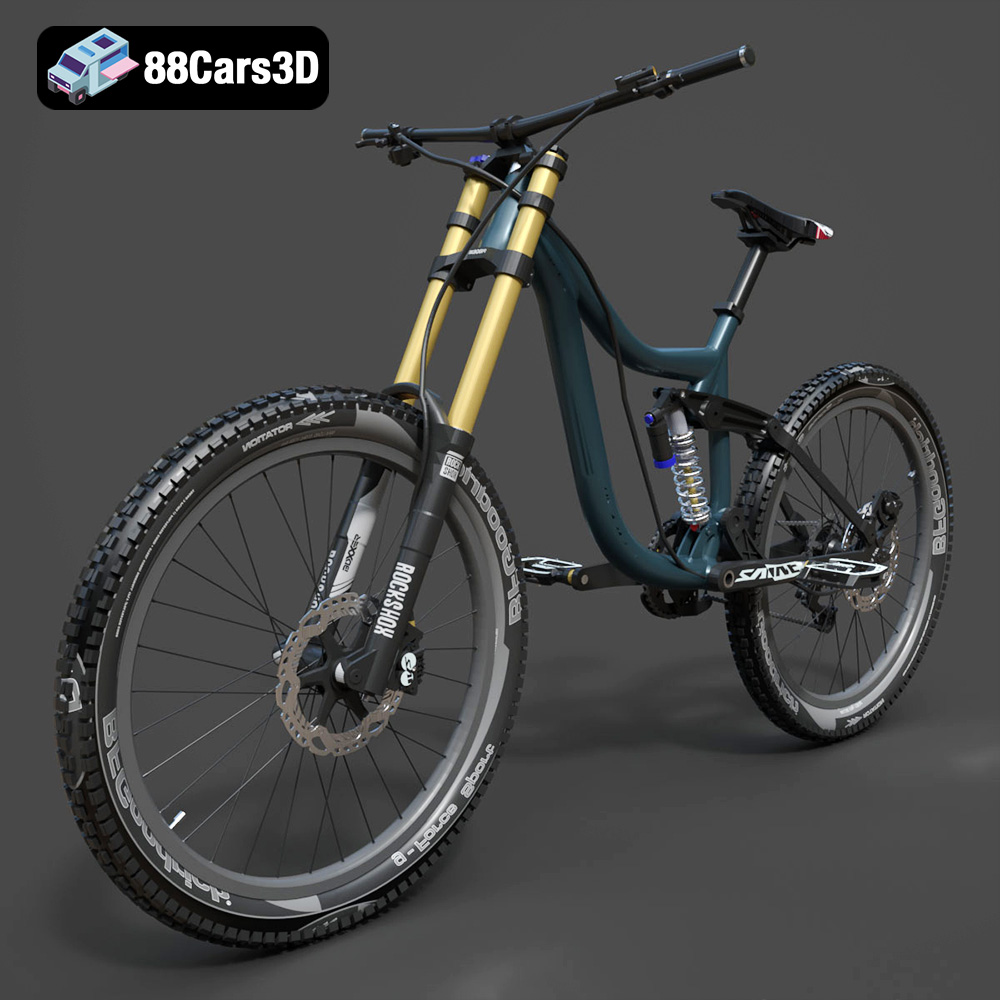
Texture: Yes
Material: Yes
Download the Mototsikly Downhill Bike-002 3D Model featuring clean geometry, realistic detailing, and precise mechanical components. Includes .blend, .fbx, .obj, .glb, .stl, .ply, .unreal, and .max formats for rendering, simulation, and game development.
Price: $19.99
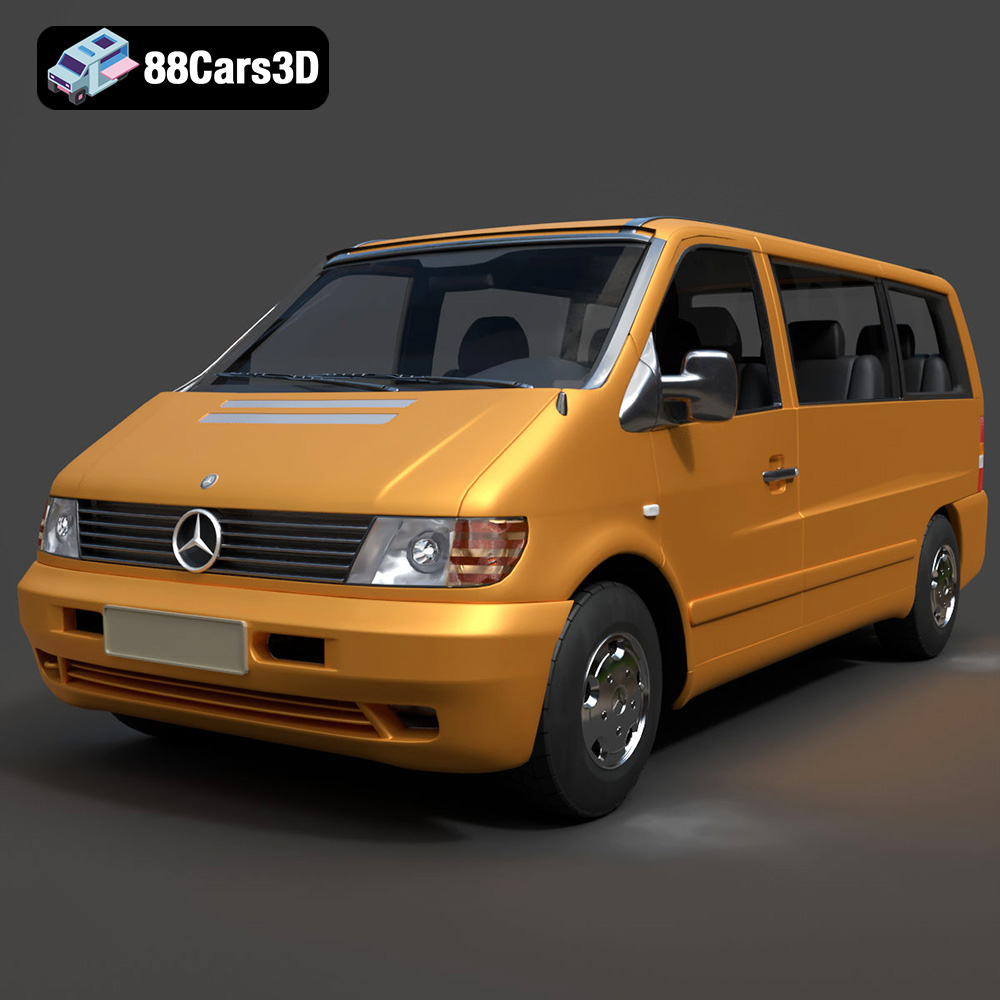
Texture: Yes
Material: Yes
Download the Mercedes-Benz Vito Passenger Van 3D Model featuring clean geometry, realistic detailing, and a fully modeled interior. Includes .blend, .fbx, .obj, .glb, .stl, .ply, .unreal, and .max formats for rendering, simulation, and game development.
Price: $19.99
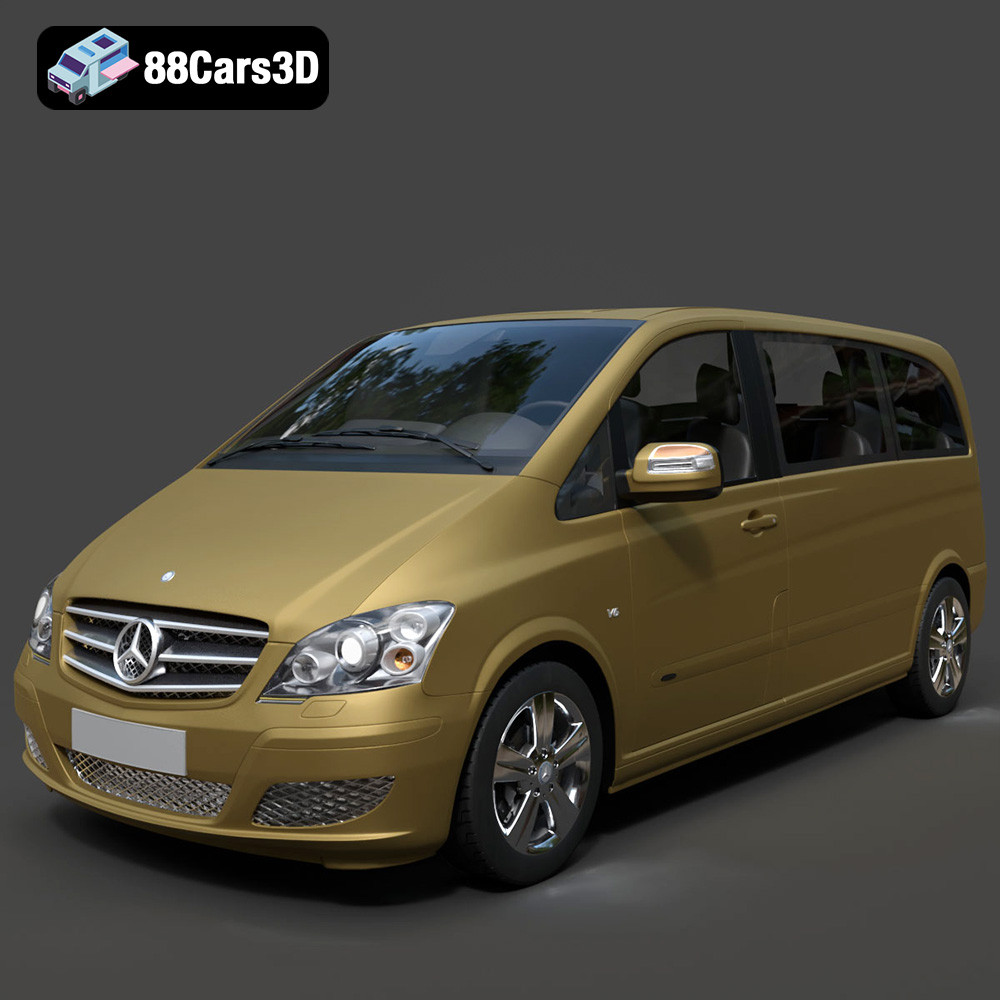
Texture: Yes
Material: Yes
Download the Mercedes-Benz Viano 2010 3D Model featuring clean geometry, realistic detailing, and a fully modeled interior. Includes .blend, .fbx, .obj, .glb, .stl, .ply, .unreal, and .max formats for rendering, simulation, and game development.
Price: $19.99

Texture: Yes
Material: Yes
Download the Emt Avtobus 007 3D Model featuring clean geometry, realistic detailing, and a fully modeled interior. Includes .blend, .fbx, .obj, .glb, .stl, .ply, .unreal, and .max formats for rendering, simulation, and game development.
Price: $19.99
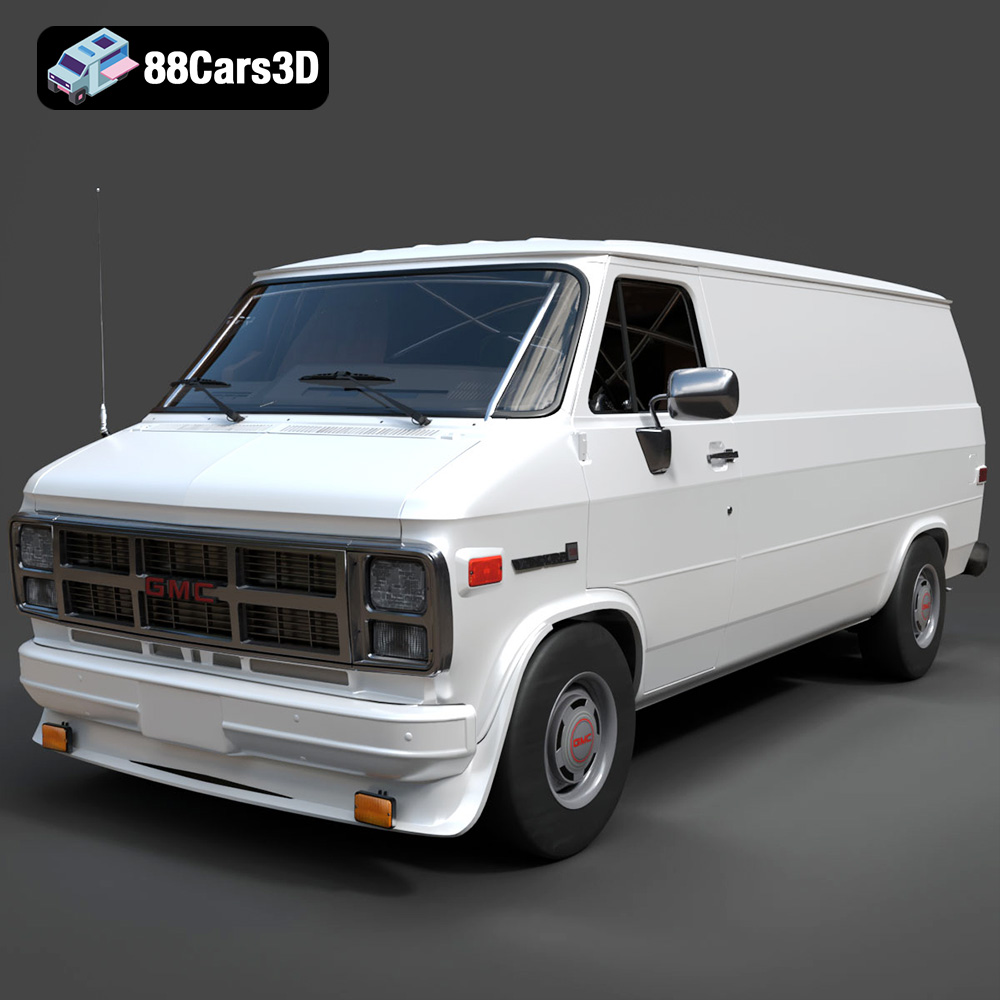
Texture: Yes
Material: Yes
Download the GMC Vandura G-1500 1983 3D Model featuring clean geometry, realistic detailing, and a fully modeled interior. Includes .blend, .fbx, .obj, .glb, .stl, .ply, .unreal, and .max formats for rendering, simulation, and game development.
Price: $19.99
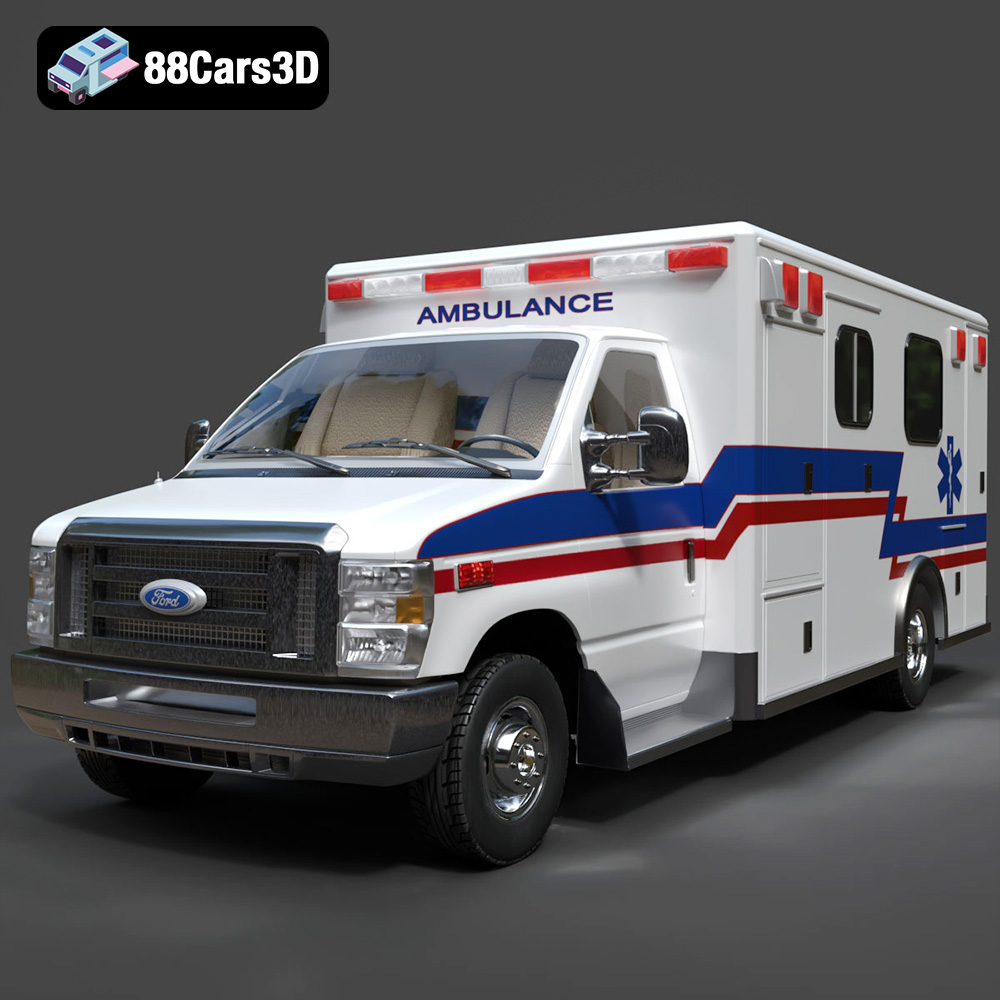
Texture: Yes
Material: Yes
Download the Ford E-450 Ambulance 3D Model featuring clean geometry, realistic detailing, and a fully modeled interior. Includes .blend, .fbx, .obj, .glb, .stl, .ply, .unreal, and .max formats for rendering, simulation, and game development.
Price: $19.99

