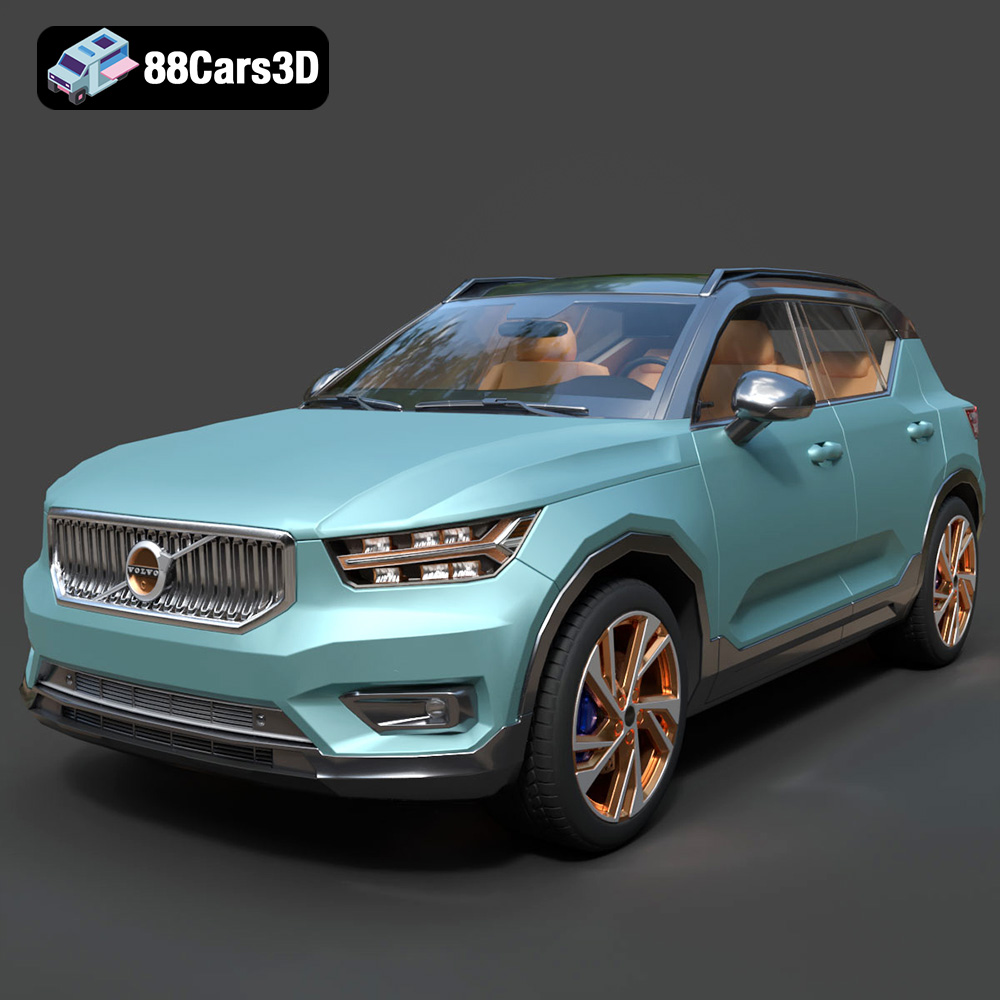
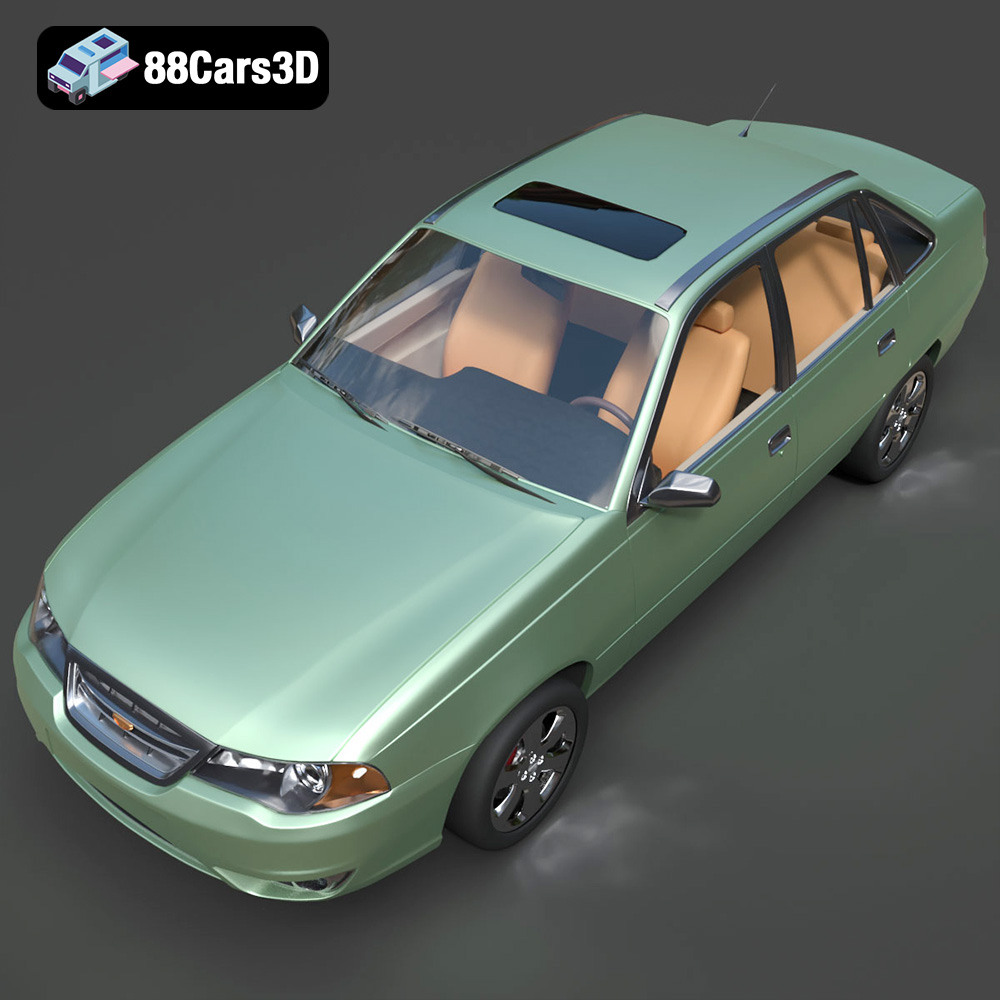
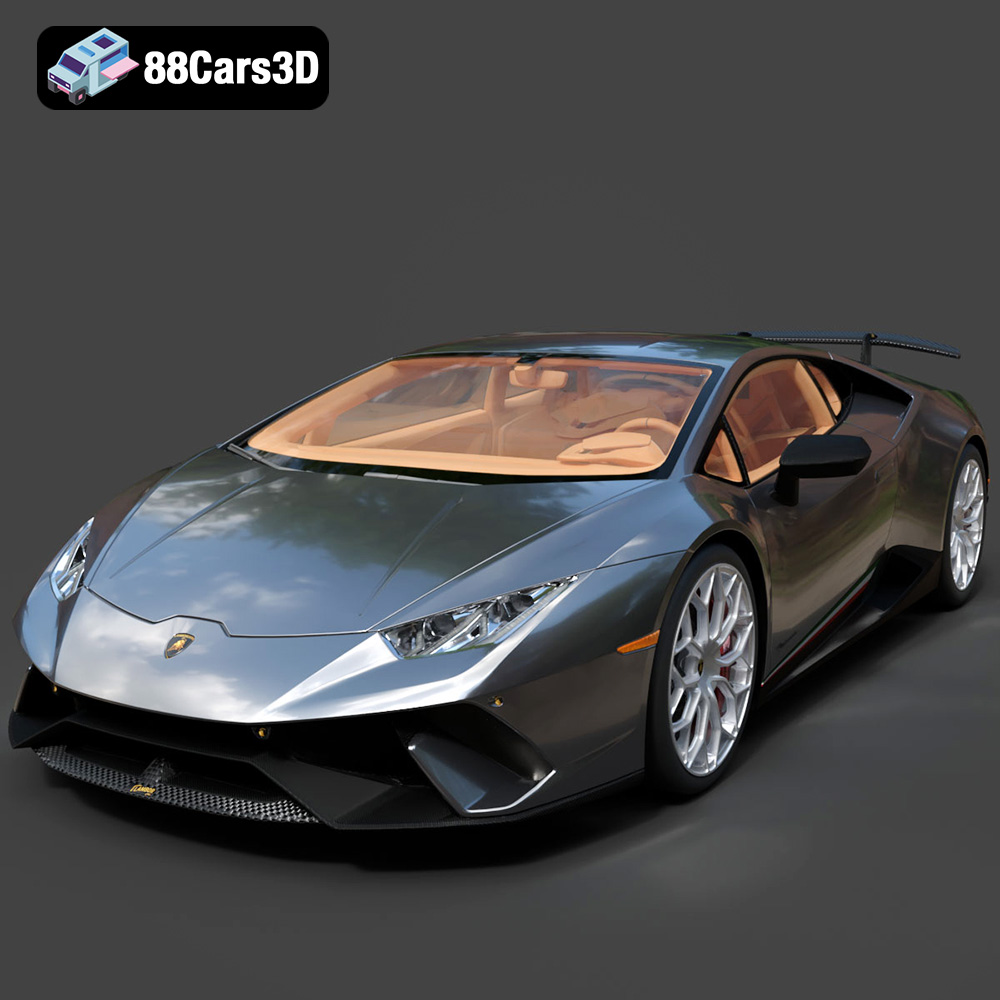
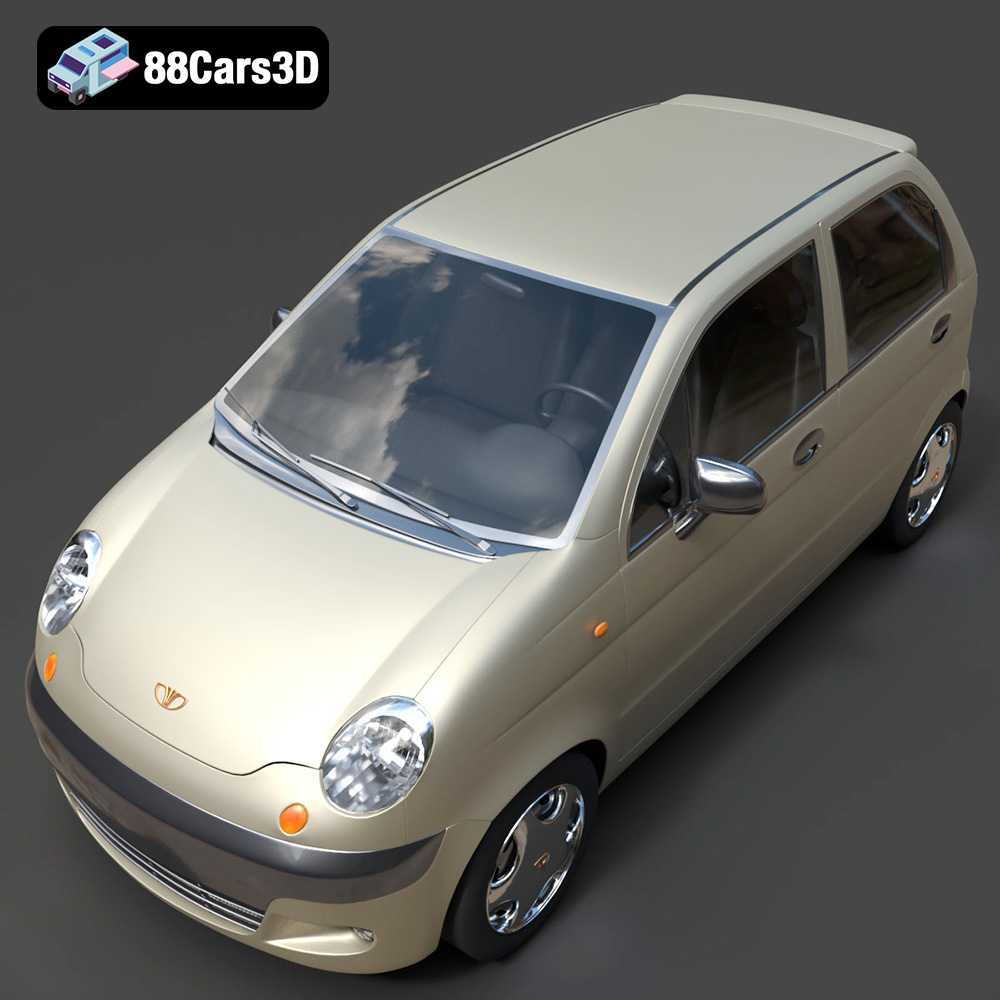
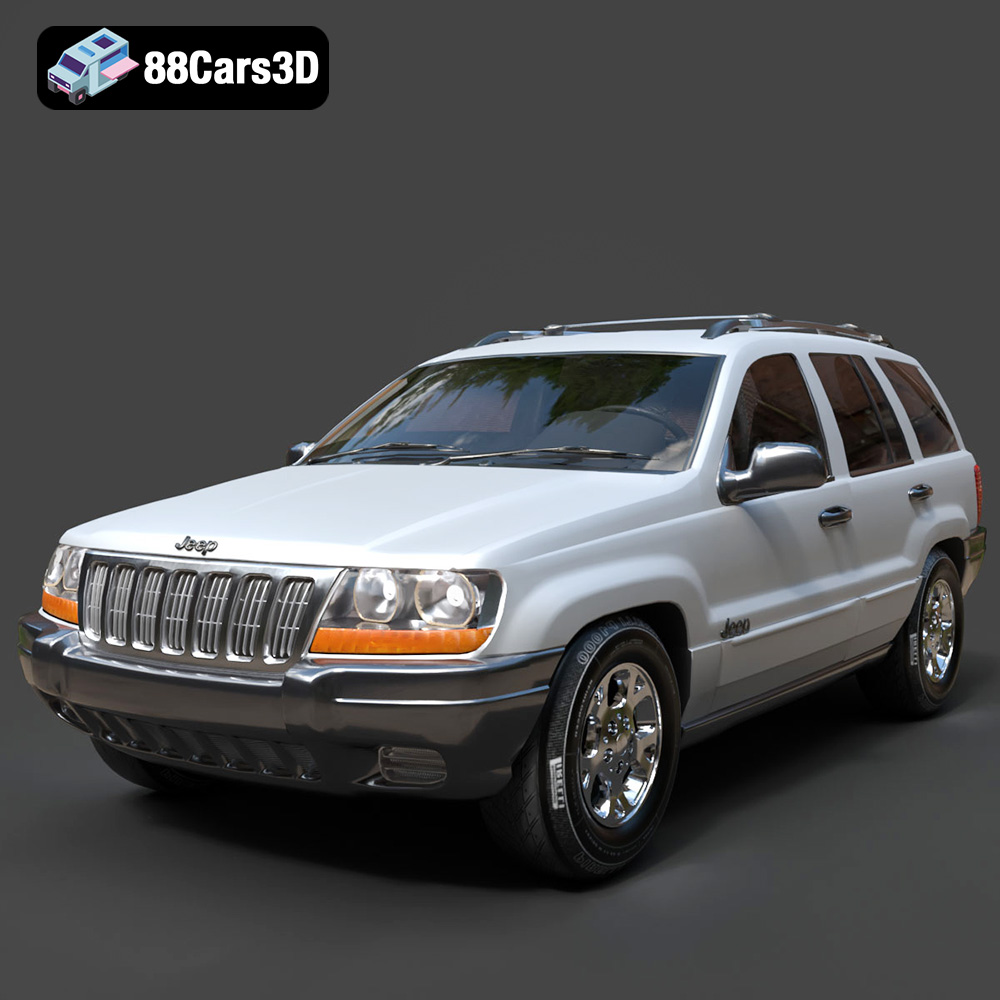
Driving Innovation: A Deep Dive into High-Quality 3D Car Models for Rendering, Gaming, and Beyond
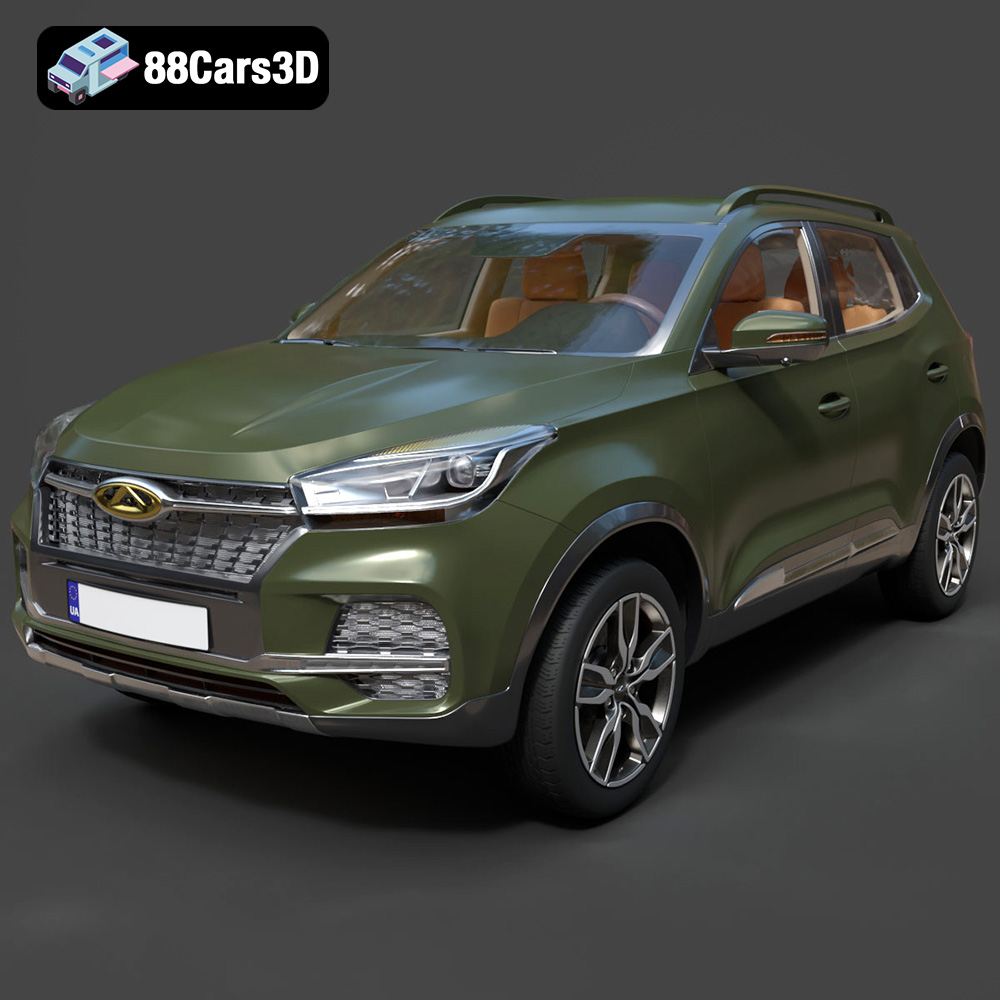
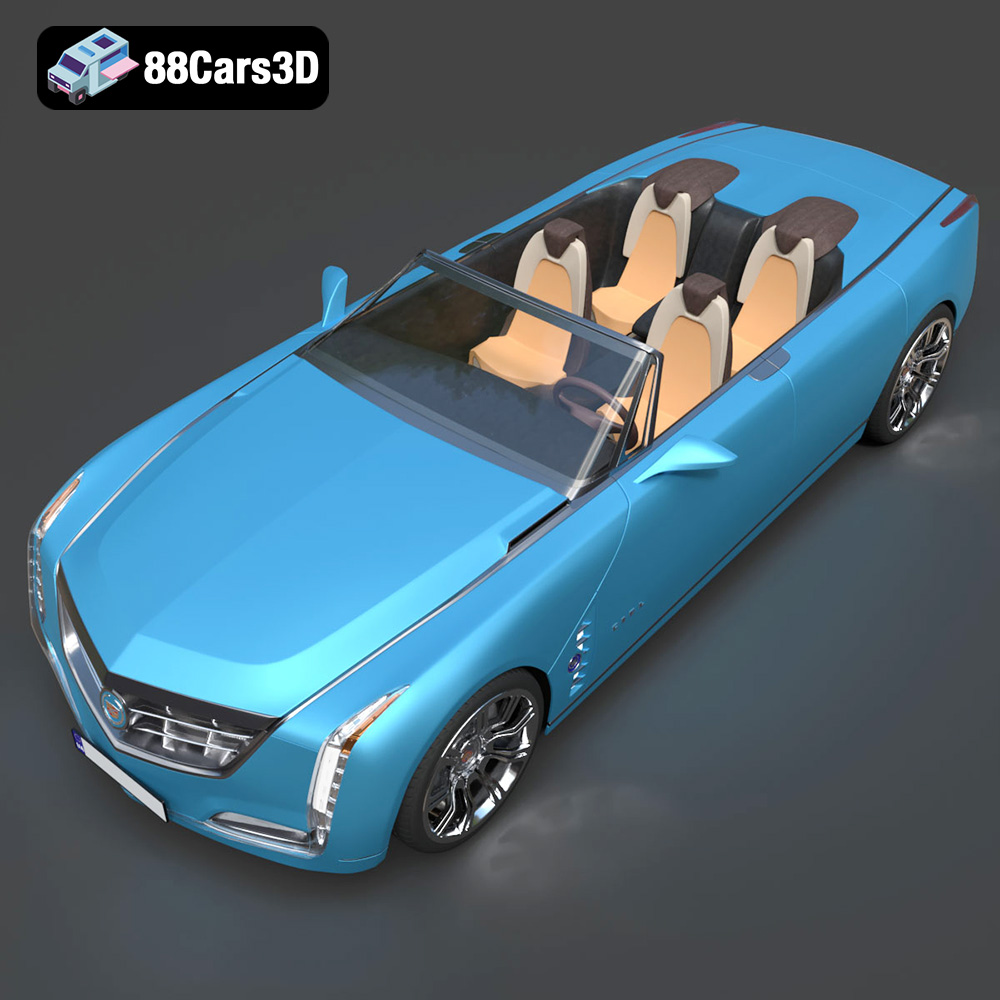
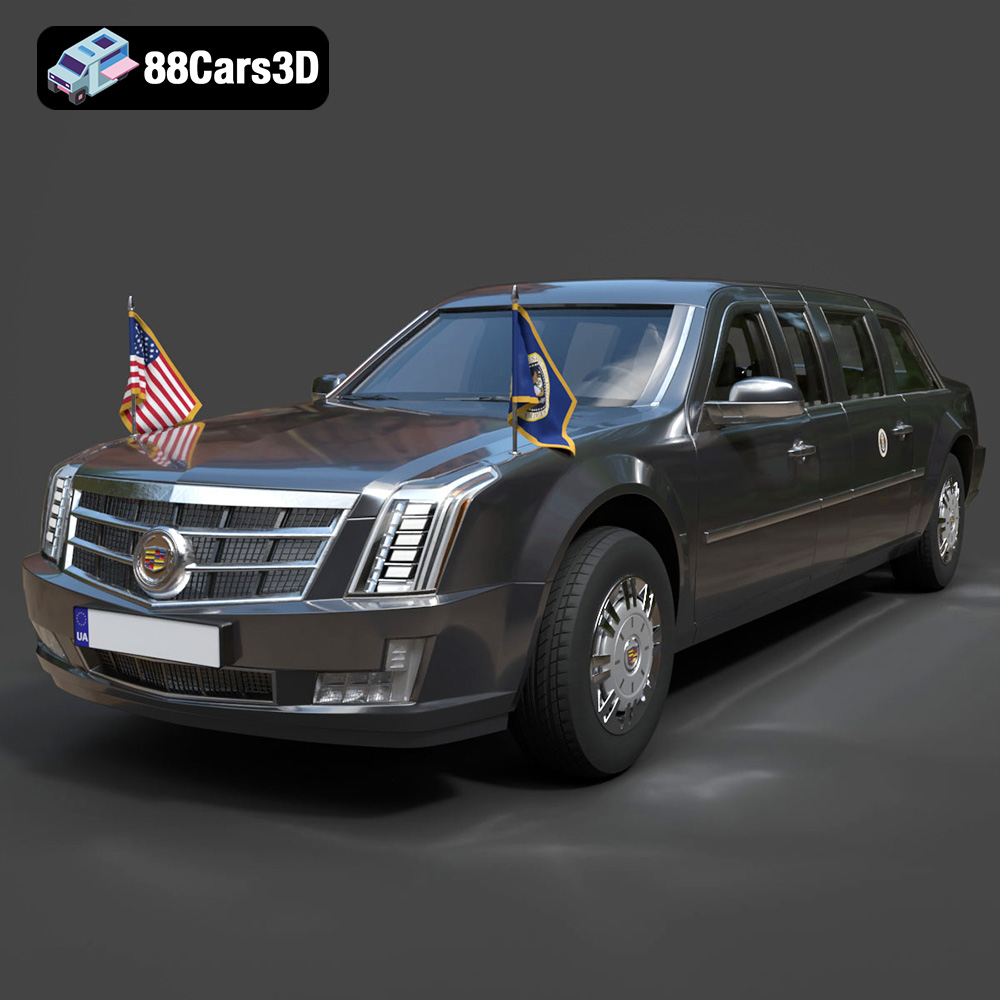
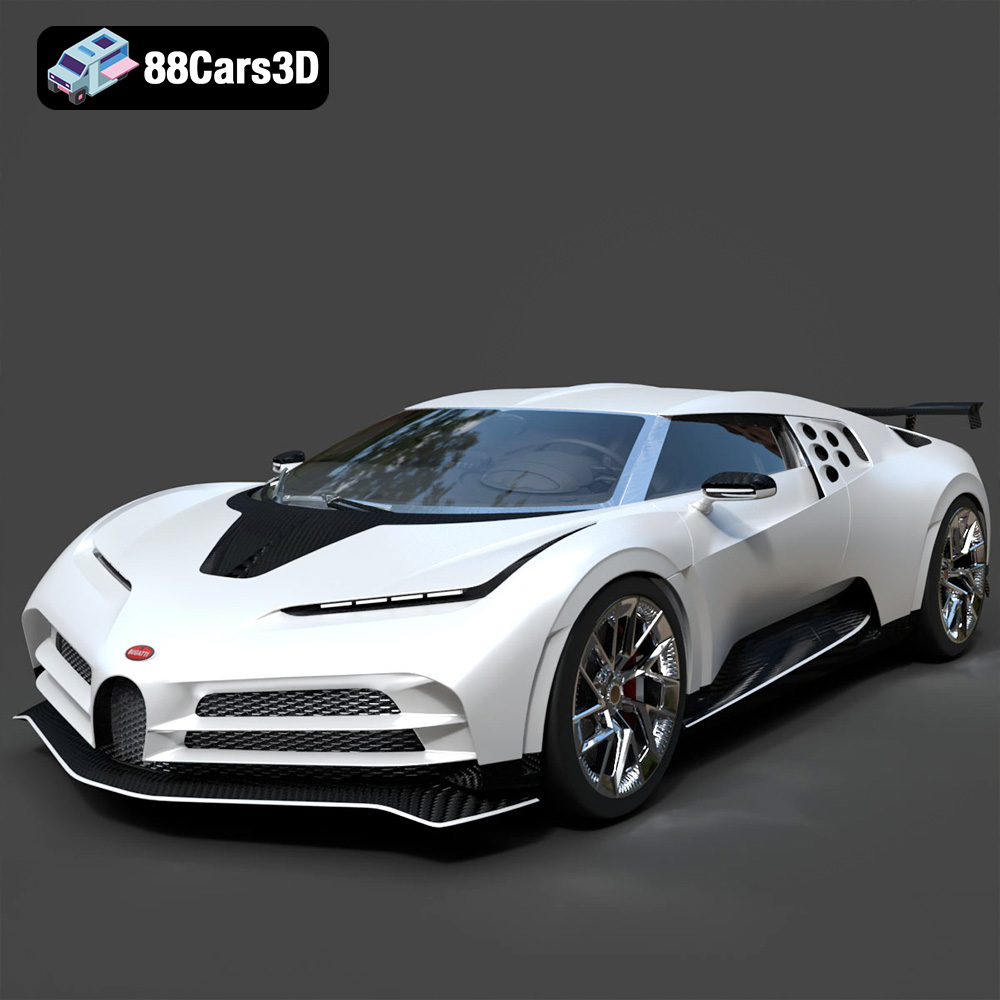
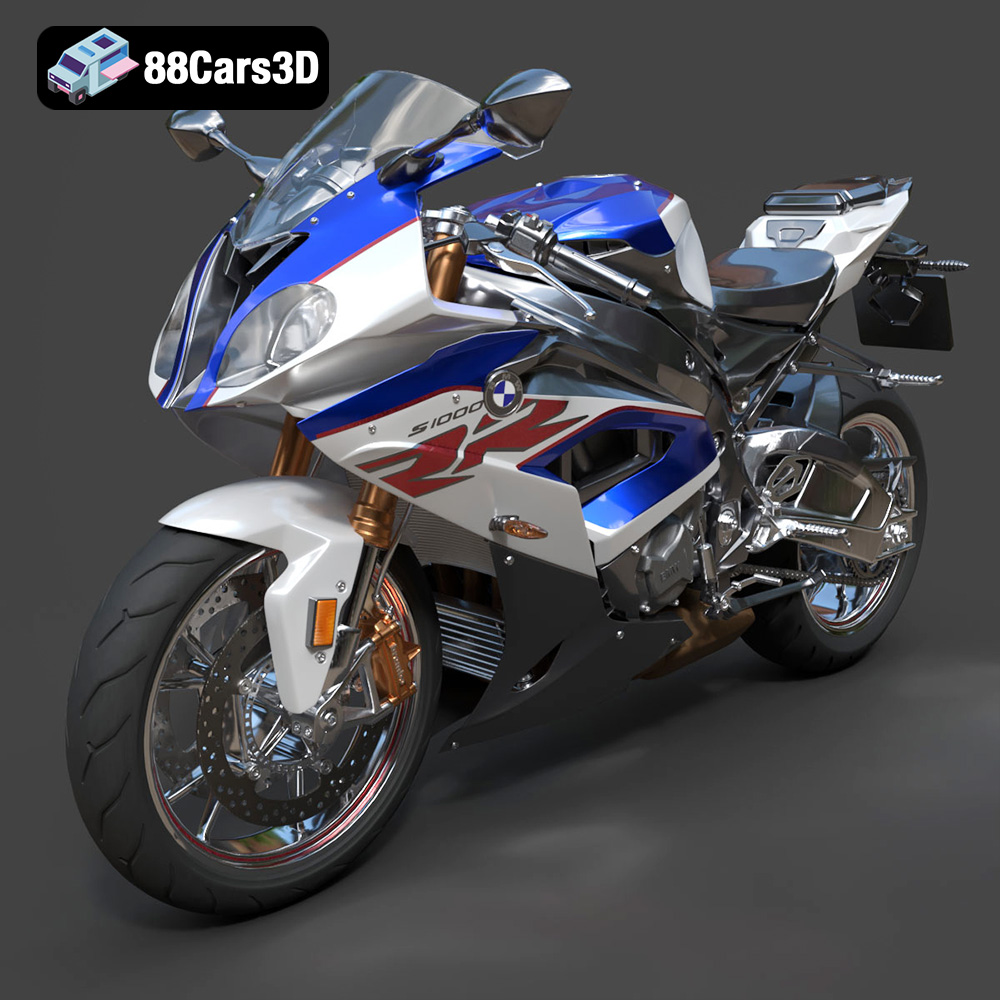
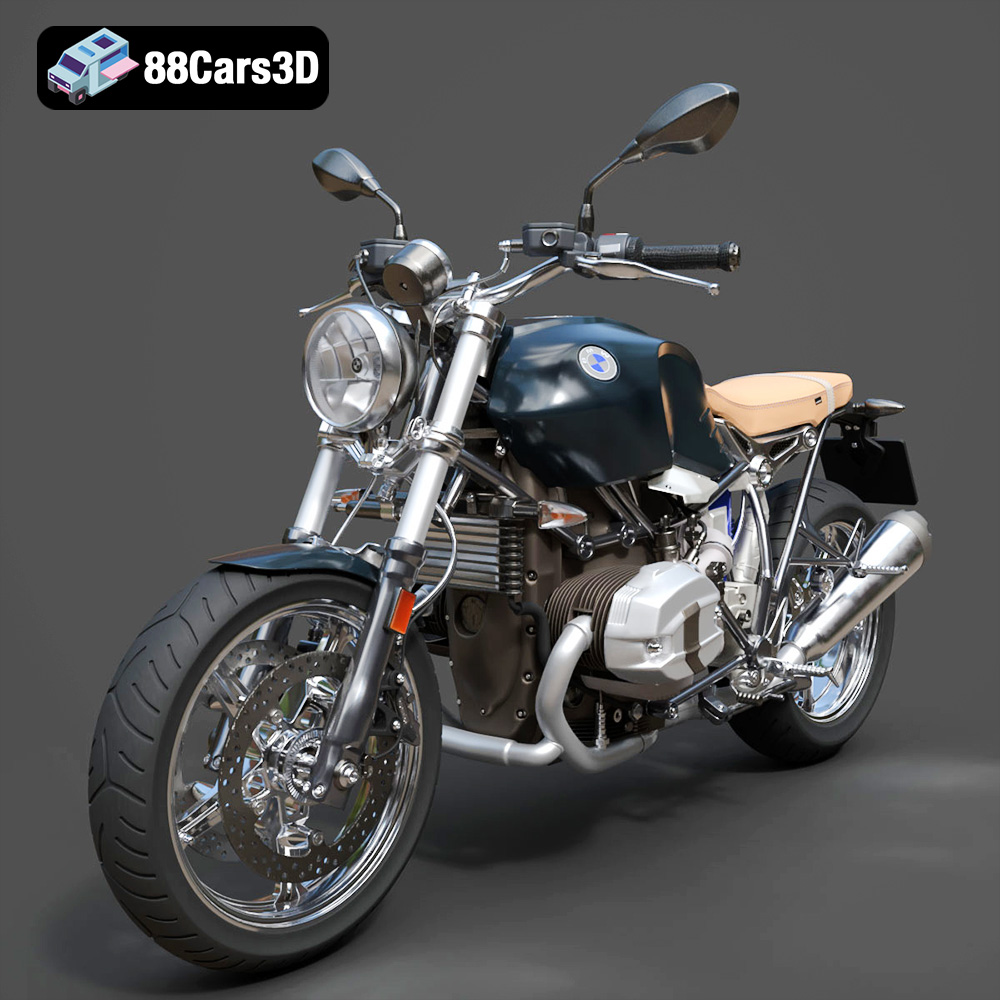
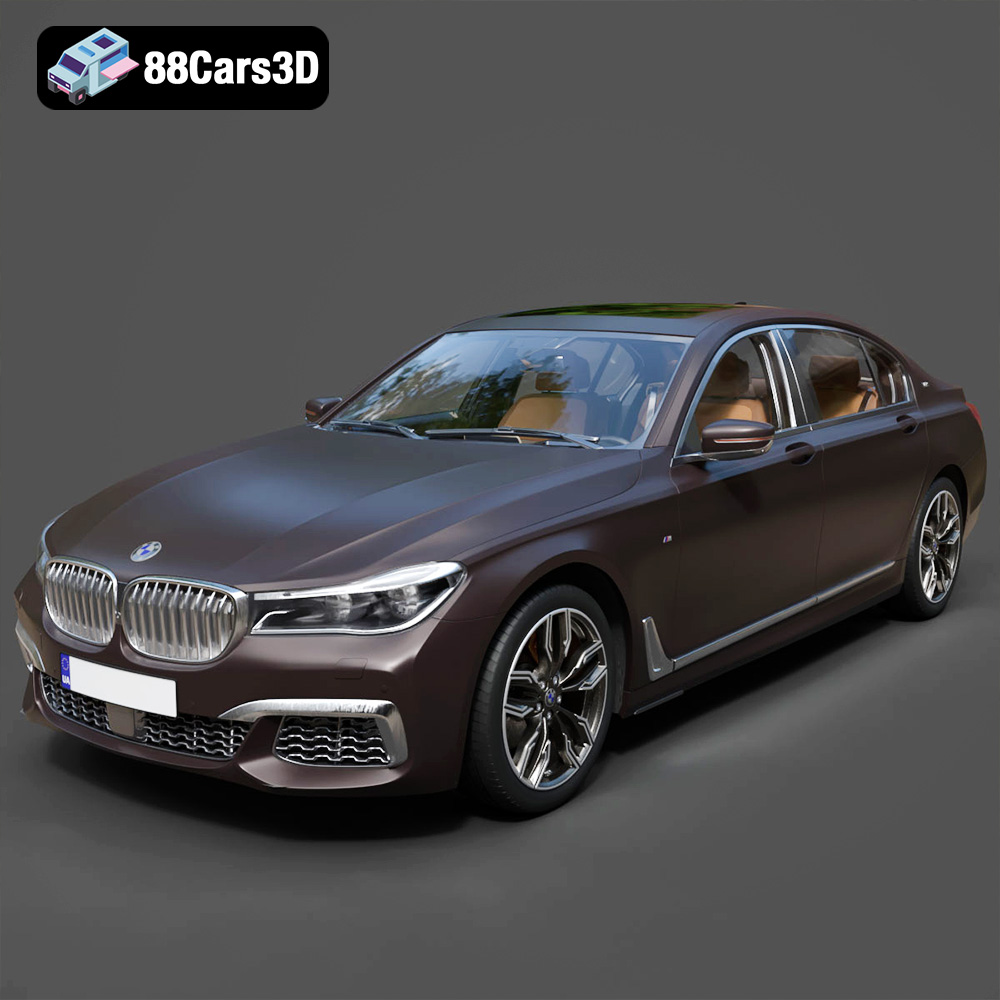
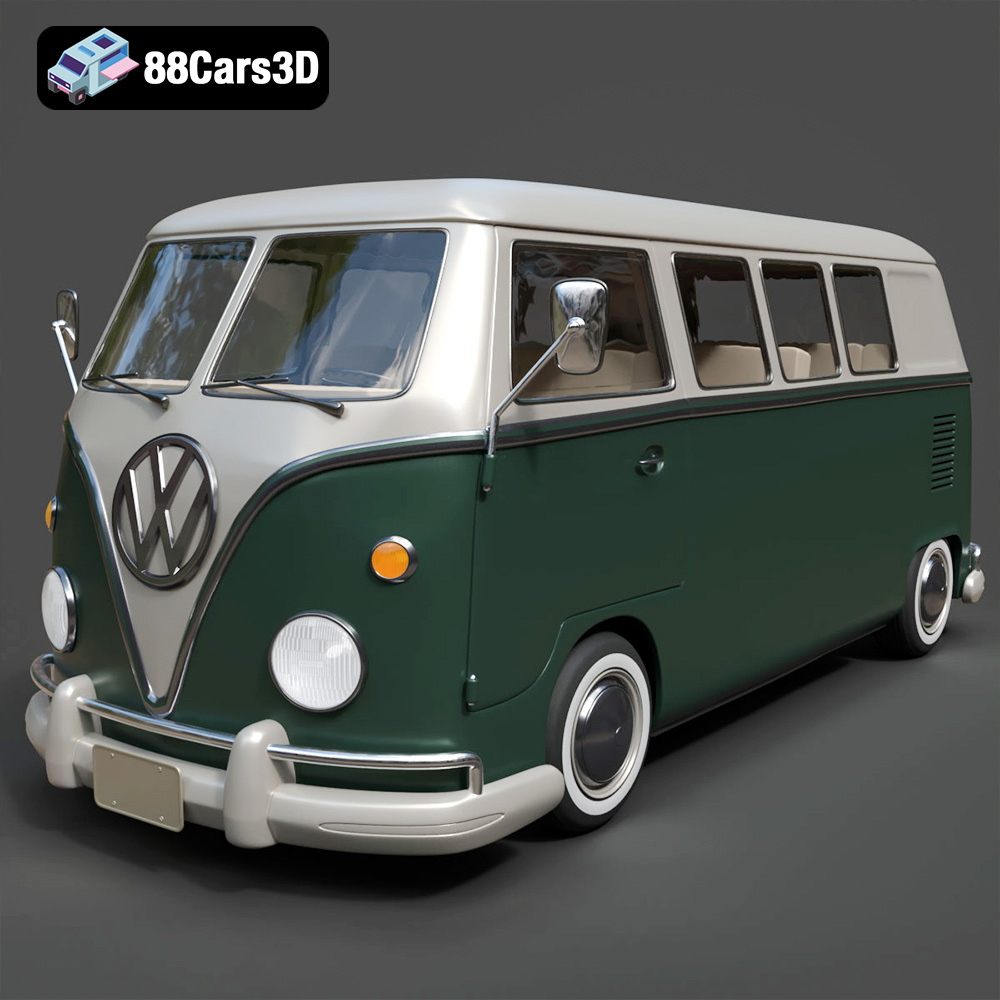
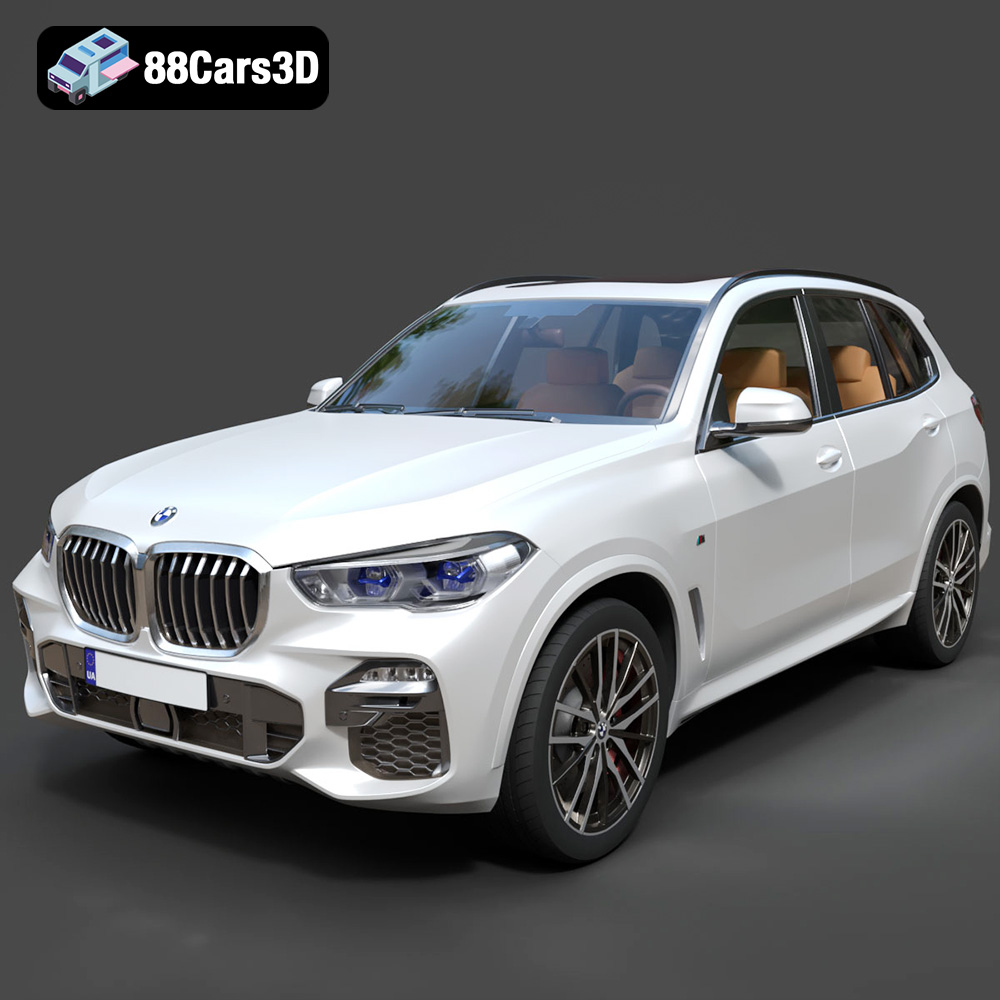
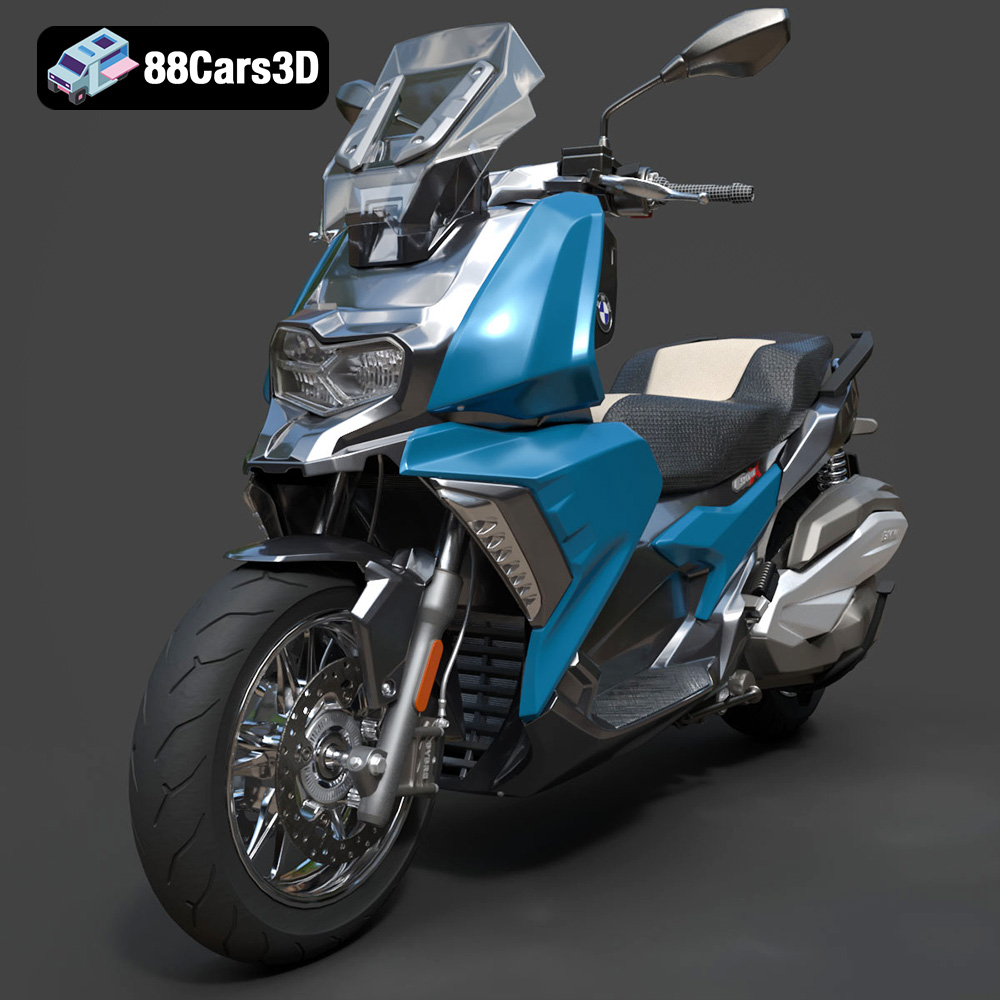
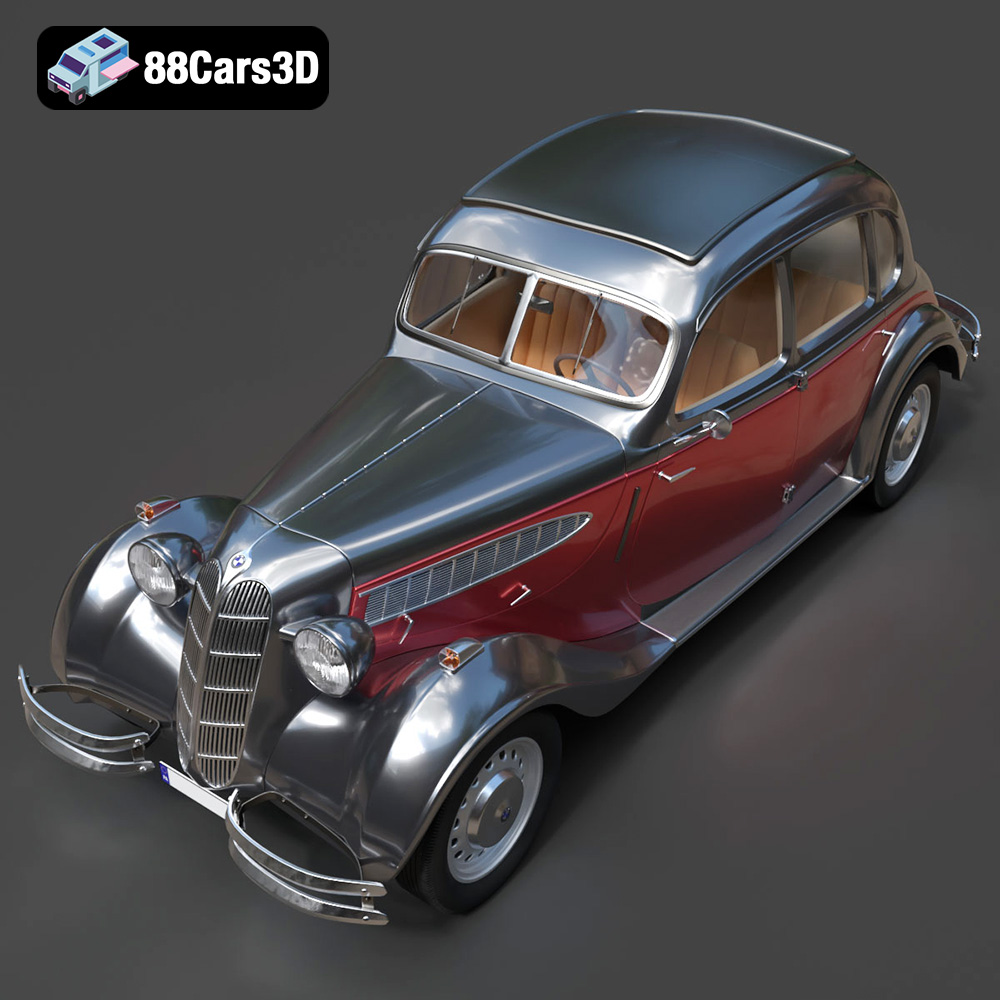
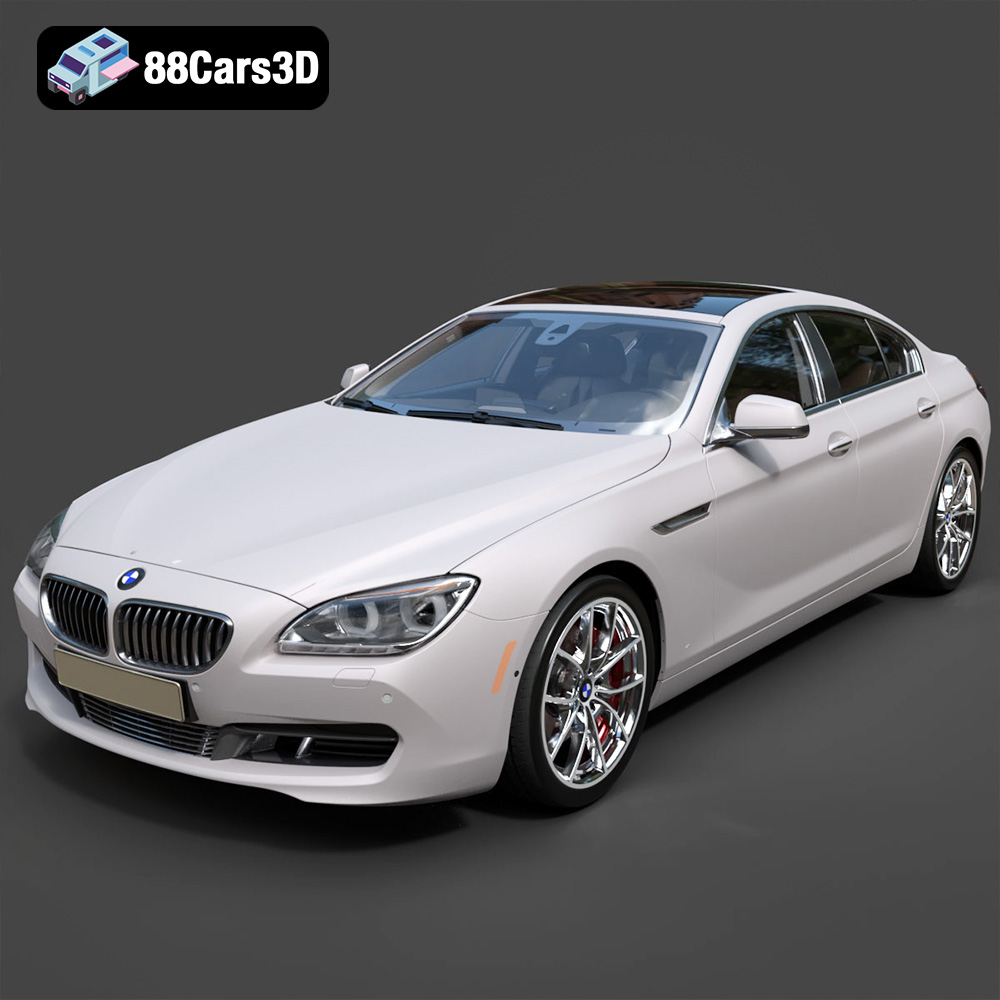
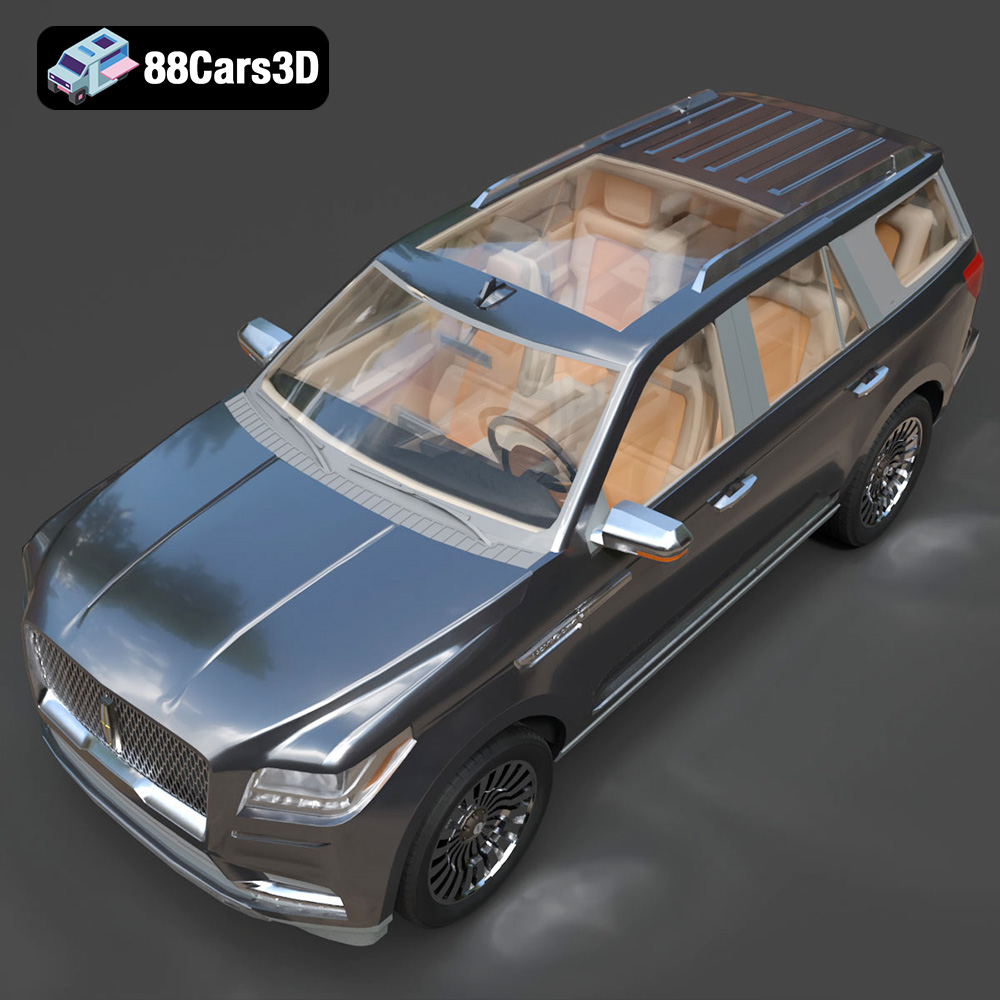
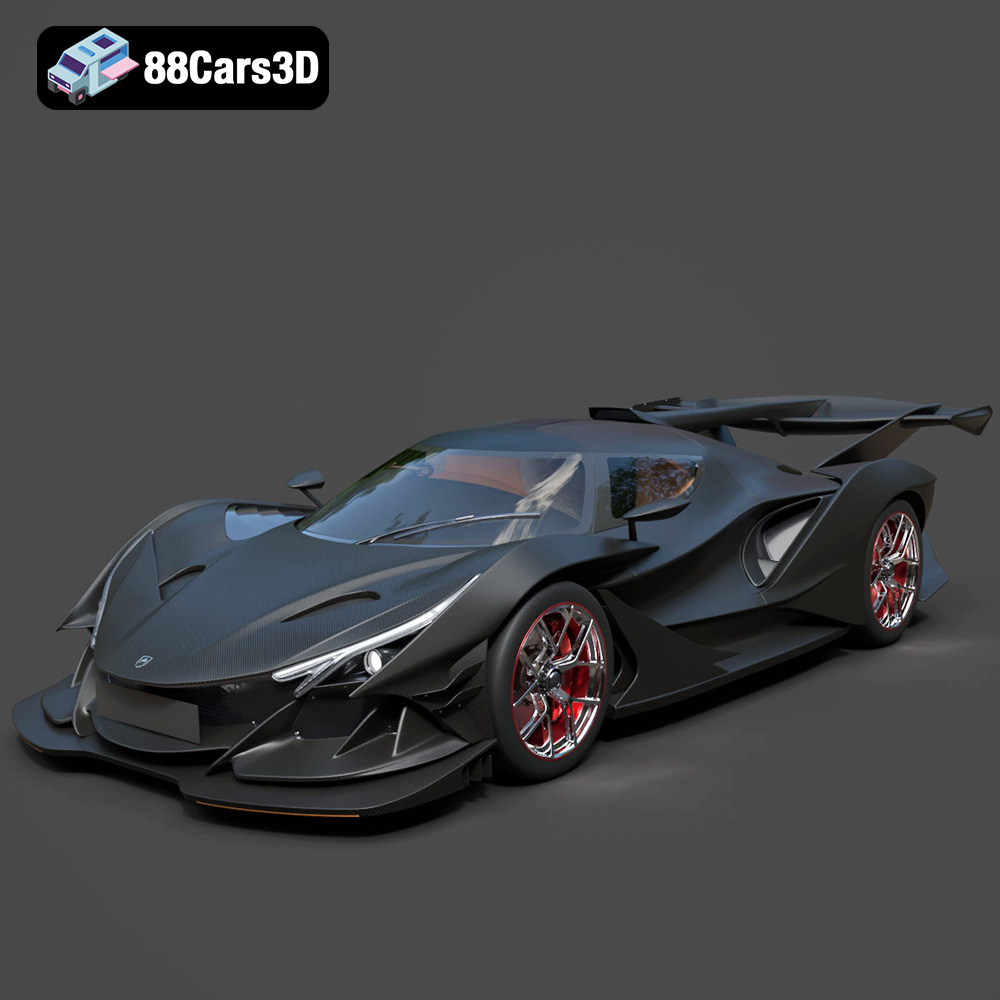
In the rapidly evolving landscape of digital content creation, high-quality 3D car models have become indispensable assets across a multitude of industries. From cinematic automotive rendering that captivates audiences with stunning realism, to creating immersive game assets that define next-generation interactive experiences, the demand for precision and detail is paramount. Beyond entertainment, these sophisticated digital replicas are vital tools in architectural visualization, product design, virtual reality (VR), augmented reality (AR), and even specialized fields like forensic reconstruction and 3D printing. The meticulous craftsmanship involved in developing these models, encompassing everything from accurate topology and intricate texturing to efficient UV mapping and optimized material setups, is what truly differentiates a professional asset from a rudimentary one. Understanding the nuances of these digital vehicles is key to unlocking their full potential in any project. For creators seeking exceptional fidelity and production-ready assets, resources like 88cars3d.com offer a curated selection of models built to the highest standards.
Understanding 3D Model File Formats
Navigating the world of 3D car models often begins with selecting the correct file format. Each format serves specific purposes, offers unique advantages, and ensures compatibility across various software ecosystems. Choosing the right format is critical for an efficient workflow, whether you’re aiming for photorealistic automotive rendering, seamless integration into a game engine, or preparing for physical production.
.blend – Fully Editable Blender Scene with Materials
The .blend format is native to Blender, the powerful open-source 3D creation suite. A .blend file typically encapsulates an entire scene, including mesh data, materials, textures, lighting, cameras, animations, and even physics simulations. This format is ideal for users working primarily within Blender, offering full editability and preserving all original scene configurations. It ensures that every aspect of the model, from complex shader graphs to intricate modifier stacks, remains accessible and adjustable, making it excellent for further development or customization.
.fbx – Ideal for Unreal, Unity, and Real-time Pipelines
The .fbx (Filmbox) format, originally developed by Kaydara and now owned by Autodesk, stands as an industry-standard interchange format. It excels at transferring 3D data, including geometry, materials (with some limitations), textures, animations, and skeletal data, between different 3D applications and game engines. For real-time applications like Unreal Engine and Unity, .fbx is often the preferred choice due to its robust support for game asset pipelines. It efficiently bundles complex scene information, making it highly reliable for bringing 3D car models into interactive environments.
.obj – Universal Format for Cross-Software Compatibility
The .obj (Wavefront OBJ) format is one of the oldest and most universally supported 3D file formats. It primarily stores geometric data, such as vertices, normals, UV coordinates, and faces. While it doesn’t embed animations or advanced material properties directly (these are often referenced via an accompanying .mtl file), its widespread compatibility makes it a safe bet for basic geometry transfer between almost any 3D software package. For simple mesh transfer or archival purposes, .obj remains a steadfast choice.
.glb – Optimized for AR, VR, and Browser-based Display
The .glb (GL Transmission Format Binary) format is a binary version of glTF (GL Transmission Format), designed for efficient transmission and loading of 3D scenes and models by engines and applications. It’s particularly optimized for web-based 3D, AR, and VR experiences, embedding textures, materials, and animations directly into a single compact file. Its focus on efficiency and runtime performance makes it an excellent choice for deploying 3D car models in interactive web viewers or mobile AR applications.
.stl – Suitable for 3D Printing Output
The .stl (STereoLithography) format is the de facto standard for 3D printing. It represents the surface geometry of a 3D model using a tessellation of triangular facets. The .stl file contains no color, texture, or other CAD attributes, focusing solely on the object’s external shape. When preparing 3D car models for additive manufacturing, converting them to .stl is a necessary step, ensuring the model’s geometry is watertight and ready for slicing software.
.ply – Precision Mesh Format for CAD or Analysis
The .ply (Polygon File Format or Stanford Triangle Format) is another format used to store 3D data, often originating from 3D scanners. It can store a wider range of properties than .obj or .stl, including color, transparency, surface normals, and various data types per vertex or face. While not as universally common for general asset exchange, .ply is valuable in scientific, engineering, and CAD applications where precise mesh data and attributes are critical for analysis or reconstruction.
.unreal – Engine-Ready Asset for Real-time Environments
While not a direct standalone file format in the same way as .fbx or .obj, the term .unreal often refers to assets that have been specifically imported, optimized, and configured within Unreal Engine itself. This includes static meshes, skeletal meshes, materials, textures, and blueprints that are natively recognized and function optimally within the engine’s ecosystem. An “Unreal-ready” 3D car model means it typically comes pre-set with proper LODs, collision meshes, and material instances, ready for drag-and-drop integration into a project, minimizing further setup time.
.max – Editable 3ds Max Project for Animation and Rendering
The .max format is the native file format for Autodesk 3ds Max. Similar to .blend, a .max file contains all scene information: geometry, lights, cameras, materials, textures, modifiers, and animation data. It offers full editability within 3ds Max, making it the preferred format for studios and artists who use 3ds Max as their primary modeling and rendering tool. It ensures that complex scene setups, intricate rigging, and advanced rendering settings are preserved for continued development.
The Art and Science of High-Quality 3D Car Models
Creating a high-quality 3D car model is an intricate process that marries artistic vision with technical precision. It goes far beyond simply replicating a car’s shape; it involves a deep understanding of surface continuity, material properties, and optimization for the target platform. The foundational elements – modeling, UV mapping, and material creation – are where the fidelity of an asset truly shines.
Modeling Precision and Topology
The foundation of any exceptional 3D car model lies in its topology and geometric precision. Professional models are built with clean, quad-based geometry, ensuring smooth subdivision and distortion-free deformation. Careful attention is paid to maintaining correct edge flow to accurately represent the complex curves and sharp creases of automotive design. This involves meticulous poly-modeling techniques, often starting with blueprints and reference images, to capture every detail, from body panels and shut lines to interior components and undercarriage elements. Good topology not only enhances visual quality but also facilitates animation, UV unwrapping, and further sculpting or texturing. High-fidelity models, like those found on 88cars3d.com, often feature a balance of detail appropriate for close-up shots while maintaining an optimized poly count for performance.
UV Mapping and Texture Atlasing
Once the geometry is finalized, precise UV mapping is essential. UVs are the 2D coordinates that tell the 3D software how to project 2D textures onto the 3D model’s surface. For 3D car models, this means carefully unwrapping each component – the body, wheels, interior elements – to minimize distortion and maximize texture resolution. Often, multiple smaller texture maps are consolidated into a single larger “texture atlas” to improve draw call efficiency in real-time engines. Professional UV layouts are logically organized, non-overlapping (unless specifically for tiling textures), and have consistent texel density across the model, ensuring textures appear sharp and consistent from all angles.
Material Creation and Shading Networks
The realism of a 3D car model largely depends on its materials and shaders. Modern rendering engines and real-time environments utilize Physically Based Rendering (PBR) workflows, which require specific texture maps like Albedo (color), Normal (surface detail), Roughness (micro-surface imperfections), Metallic (material type), and Ambient Occlusion (contact shadows). Creating compelling car paint shaders involves layering reflective clear coats, metallic flakes, and subtle orange peel effects. Interior materials demand distinct textures for leather, fabric, plastics, and chrome. Advanced shading networks in software like 3ds Max or Blender can simulate complex optical properties, such as the refraction of glass, the luminescence of headlights, and the anisotropic reflections of brushed metals, bringing the model to life with incredible authenticity.
Mastering Automotive Rendering for Photorealism
Photorealistic automotive rendering is an art form that transforms static 3D car models into captivating visual narratives. It involves a meticulous combination of advanced lighting, camera techniques, and post-processing to evoke emotion and create images indistinguishable from real-world photography. Whether for advertising, design reviews, or film, achieving this level of realism demands expertise in every facet of the rendering pipeline.
Lighting Techniques for Vehicles
Lighting is arguably the most critical element in automotive rendering. It defines mood, highlights form, and reveals intricate details. Professionals often utilize HDRI (High Dynamic Range Image) environments for realistic global illumination and reflections, mimicking real-world lighting conditions. Complementary area lights, often shaped like strip lights or softboxes, are strategically placed to accentuate the vehicle’s curves and reflections, creating dramatic highlights and deep shadows. Backlighting can separate the car from its background, while rim lights add definition. Understanding how light interacts with different car materials—glossy paint, reflective chrome, transparent glass—is crucial for achieving authentic results. The goal is to sculpt the car with light, revealing its design intent and allure.
Camera Settings and Composition
Just as in photography, thoughtful camera work is vital for compelling automotive renders. Choosing the right lens focal length is key; a longer lens (e.g., 85mm-135mm) can flatten perspective and create a more heroic, compressed look, while a wider lens might be used for dynamic action shots, though with care to avoid distortion. Depth of field (DOF) is employed to selectively focus attention on key areas, blurring the background and foreground for a cinematic feel. Compositional principles like the rule of thirds, leading lines, and negative space guide the viewer’s eye and create visual harmony. Experimenting with camera angles – low-angle shots for power, eye-level for realism, or high-angle for context – allows for diverse storytelling.
Post-Processing for Cinematic Results
The rendering process is often just the beginning. Post-processing in image manipulation software like Adobe Photoshop or Affinity Photo elevates a raw render to a finished masterpiece. This stage involves color grading to establish mood, adjusting contrast and exposure for visual impact, and adding subtle effects like lens flares, chromatic aberration, or film grain to enhance realism. Compositing multiple render passes (e.g., beauty, reflection, shadow, ambient occlusion) provides granular control over each aspect of the image. Dust, subtle atmospheric hazing, or even rain effects can be added digitally to further ground the vehicle in a believable environment. This final polish refines the aesthetic and imbues the render with a professional, cinematic quality.
Integrating 3D Car Models into Game Development
The gaming industry thrives on immersive experiences, and meticulously crafted 3D car models are at the heart of many driving simulations, racing games, and open-world adventures. Integrating these complex assets into real-time environments like Unreal Engine or Unity requires a specialized workflow focused on performance optimization, visual fidelity, and interactive functionality. Game developers often source pre-optimized assets from platforms like 88cars3d.com to streamline their production pipelines.
Optimizing Assets for Real-time Performance
Unlike offline rendering, game engines operate under strict performance budgets, demanding that 3D car models be highly optimized. This primarily involves managing polygon count. High-detail models are meticulously reduced through techniques like retopology or decimation to achieve a balance between visual quality and render efficiency. Texture resolutions are carefully chosen, and texture atlases are used to minimize draw calls. Material complexity is also streamlined, often using simplified PBR shaders that perform well in real-time. Transparent elements are optimized to avoid expensive overdraw, and intricate details are frequently baked into normal maps rather than modeled geometrically.
LODs and Collision Meshes
To ensure smooth performance across various distances and hardware configurations, game-ready 3D car models incorporate Level of Detail (LOD) systems. An LOD system consists of multiple versions of the same model, each with progressively lower polygon counts and simpler materials. As the car moves further from the camera, the engine automatically switches to a lower LOD, reducing rendering overhead without a noticeable drop in visual quality. Crucially, every interactive object in a game, including cars, requires a collision mesh. This simplified, often convex, mesh is used by the physics engine to detect collisions, preventing complex high-poly meshes from bogging down physics calculations. These meshes are often invisible but define the physical boundaries of the vehicle.
Blueprinting and Interactive Systems (Unreal Focus)
Within game engines like Unreal, the integration of 3D car models extends to creating interactive systems. This often involves using visual scripting tools, such as Unreal Engine’s Blueprint system, to define car physics, controls, sound effects, and damage models. Developers create blueprints that encapsulate the car’s mesh, collision data, wheel configurations, engine parameters (torque curves, gear ratios), and suspension setups. Interactive elements like working doors, headlights, and customizable paint jobs are implemented through material parameters and animation sequences controlled by player input or in-game events. Advanced systems might include dynamic dirt accumulation, tire deformation, or complex AI drivers, all built upon the core 3D asset.
Advanced Applications: AR/VR, 3D Printing, and Visualization
The utility of high-fidelity 3D car models extends far beyond traditional rendering and gaming. As technology evolves, these digital assets are finding groundbreaking applications in immersive experiences, physical manufacturing, and sophisticated visualization scenarios, pushing the boundaries of what’s possible in design, education, and interaction.
Real-time Experiences in AR/VR
Augmented Reality (AR) and Virtual Reality (VR) platforms offer unparalleled opportunities to experience 3D car models in new and engaging ways. In VR, users can virtually sit inside a car, inspect every detail of the interior, or even “drive” it in a simulated environment, offering invaluable insights for automotive designers and prospective buyers. AR allows users to project a full-scale 3D car model into their physical surroundings using a smartphone or tablet, enabling them to visualize how a new vehicle might look in their driveway or parking spot. The challenge here lies in optimizing models for real-time rendering on mobile devices (AR) or maintaining high frame rates for comfort in VR, often requiring careful poly count management, efficient PBR materials, and streamlined animation data. The .glb format, with its web and AR/VR optimization, is often a preferred choice for these applications.
Preparing Models for Additive Manufacturing
3D car models can also bridge the gap between the digital and physical realms through 3D printing. Designers can prototype new components, create scale models for presentations, or even produce custom parts for real vehicles. Preparing a digital model for additive manufacturing involves several critical steps. Firstly, the model must be “watertight,” meaning it has no holes or gaps in its mesh, ensuring a solid printable volume. Secondly, wall thickness needs to be sufficient to withstand the printing process and physical handling. Thirdly, the model’s scale and orientation must be correctly set for the printer. Finally, the model is typically converted to an .stl or .obj format, which is then sliced into layers by specialized software, ready for the 3D printer to build physically. This allows for rapid iteration and tangible representation of complex designs.
Architectural and Product Visualization Synergy
Beyond their direct use, 3D car models play a significant role in broader visualization contexts. In architectural visualization, adding realistic cars to renders of buildings and urban environments provides a sense of scale, life, and context, making the scene more believable and appealing. For product visualization, a 3D car can serve as an ideal backdrop or context for showcasing related products, such as tires, accessories, or even a particular type of road surface. The accurate representation of light, reflections, and materials on the car enhances the overall realism of the entire scene, making it a powerful tool for conveying atmosphere and lifestyle. The meticulous detail in assets from sources like 88cars3d.com ensures that these supporting elements do not detract from the main subject but instead enhance the overall visual quality.
Selecting the Right 3D Car Models for Your Project
The sheer variety of 3D car models available today can be overwhelming. Making the right choice is crucial for project success, impacting everything from rendering quality and performance to development time and overall visual consistency. A discerning eye for technical specifications and artistic quality is essential to ensure the chosen asset aligns perfectly with your specific needs.
Assessing Poly Count and Detail Levels
The polygon count of a 3D car model is a primary indicator of its detail and its suitability for different applications. For photorealistic automotive rendering in advertising or film, ultra-high-poly models (millions of polygons) with intricate details are often preferred to capture every curve and panel gap. Conversely, for real-time game assets or AR/VR experiences, lower poly counts (tens to hundreds of thousands of polygons, often with LODs) are necessary to maintain smooth frame rates. It’s vital to assess if the poly count is appropriate for your target platform and if the detail is genuinely useful or simply excessive. A well-optimized model provides visual richness without unnecessarily taxing system resources.
Evaluating Texture Quality and UV Layout
High-resolution, PBR-compliant textures are non-negotiable for achieving realism. Examine the texture maps (Albedo, Normal, Roughness, Metallic, etc.) for crispness, consistency, and realistic details. Check for tiling artifacts, blurry areas, or obvious seams. Equally important is the UV layout. A clean, organized UV map ensures textures are applied without distortion and that texel density is uniform across the model. Poor UVs can lead to stretched textures, rendering artifacts, and difficulties in customization or further texturing work. For projects demanding the highest visual standards, always inspect the accompanying texture sets and the underlying UV unwrapping.
The Value of Clean Topology and Scene Organization
Beyond poly count and textures, the underlying topology of a 3D car model significantly impacts its usability. Look for clean, quad-based geometry, consistent edge flow, and minimal non-manifold edges or overlapping faces. Good topology facilitates smooth deformations, clean subdivision, and easy modification. Furthermore, a well-organized scene file – with appropriately named objects, materials, and layers – is a mark of professional quality. This level of organization saves immense time and effort during integration, troubleshooting, or collaborative workflows. Resources like 88cars3d.com often highlight these professional qualities, ensuring that artists and developers receive assets that are not only visually stunning but also technically sound and easy to work with.
Conclusion
The journey through the creation, optimization, and application of high-quality 3D car models reveals a sophisticated intersection of art and engineering. From the precision demanded by cinematic automotive rendering to the stringent performance requirements for dynamic game assets, each facet of these digital vehicles plays a critical role in shaping immersive experiences and compelling visuals. Understanding the intricacies of file formats, the methodologies behind expert modeling, UV mapping, and material creation, and the nuances of lighting and post-processing empowers creators to push the boundaries of realism.
As industries continue to embrace real-time technologies, virtual production, and interactive content, the demand for exceptionally crafted 3D car models will only intensify. Whether you are an architectural visualizer seeking contextual realism, a game developer building the next blockbuster title, or an automotive designer exploring future concepts in AR/VR, investing in high-quality assets is fundamental. Choosing meticulously prepared models ensures not only stunning visual fidelity but also efficient workflows and seamless integration into diverse projects. For professionals seeking such excellence, platforms like 88cars3d.com remain invaluable resources, providing production-ready assets that are built to perform and impress.
Featured 3D Car Models







Japanese Legends: JDM Street Racing 3D Models Bundle (5-in-1 Pack) Nissan Mitsubishi Honda Mazda Toyota 3D Printable STL
Price: $129.99


Everyday City Traffic Essentials pack 5in1 Hyundai Kia Volkswagen Toyota Ford 3D Printable STL
Price: $99.99

The Future of Mobility: Smart City EV 3D Models Bundle (5-in-1 Pack) Volvo Tesla AVATR Porsche 3D Printable STL
Price: $89.99