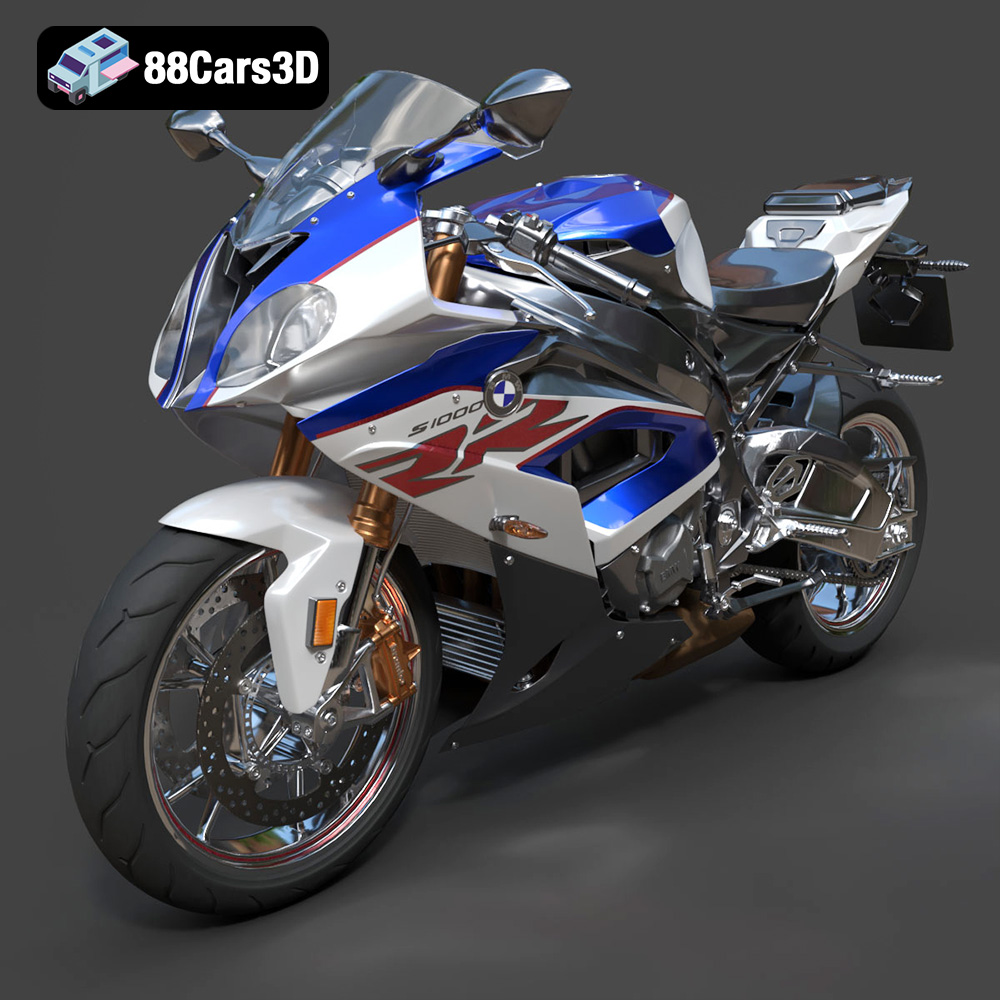
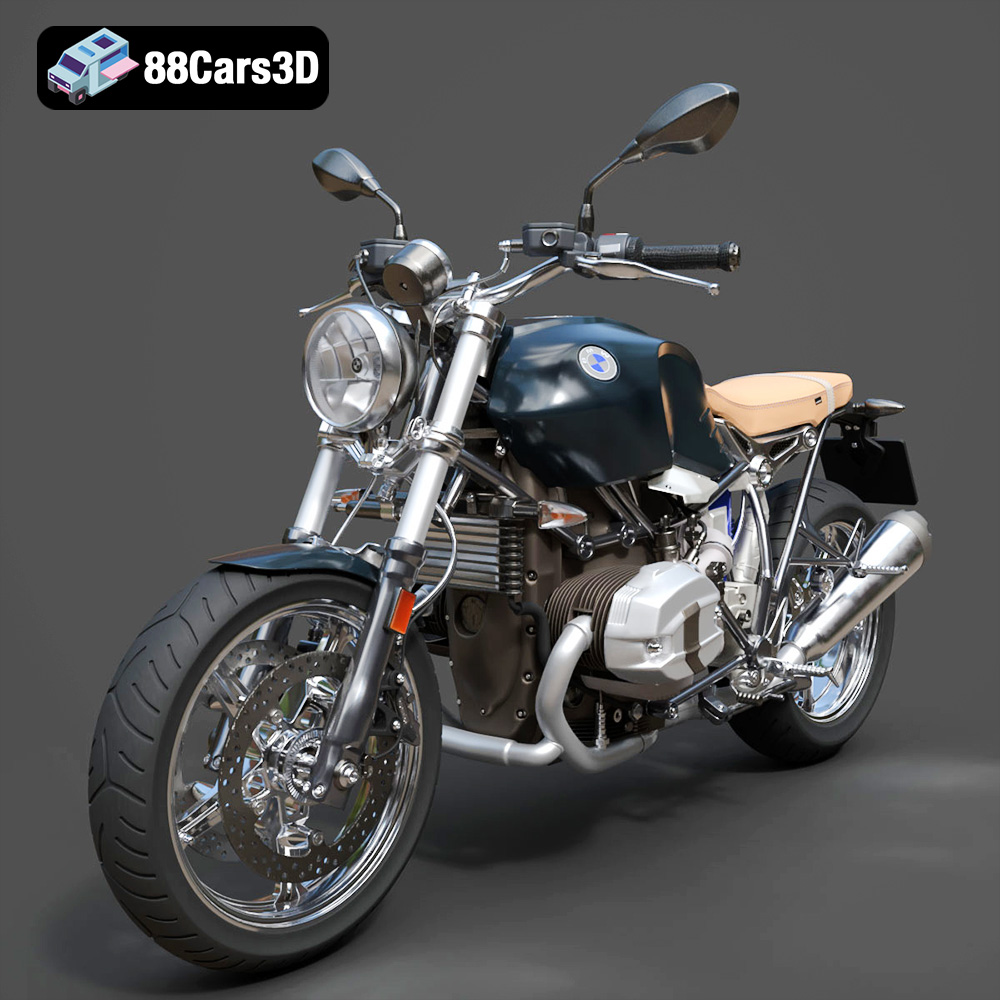
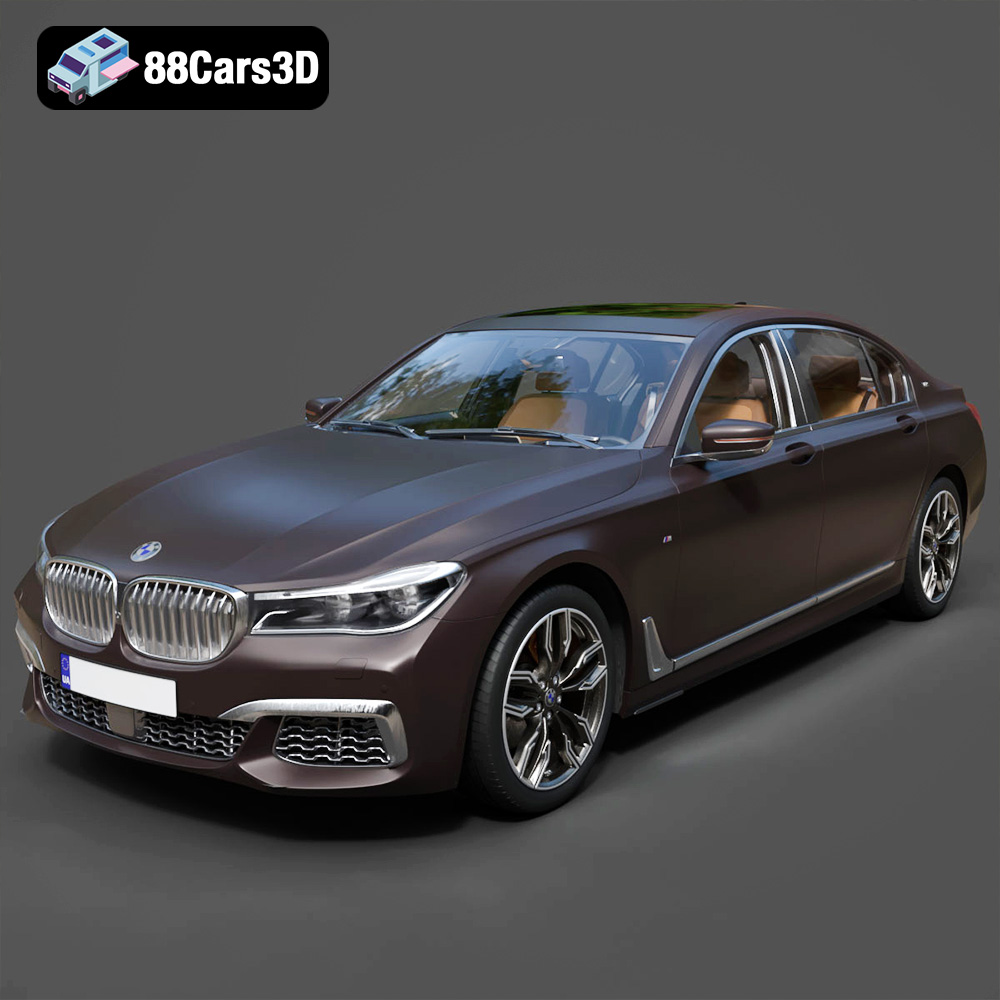
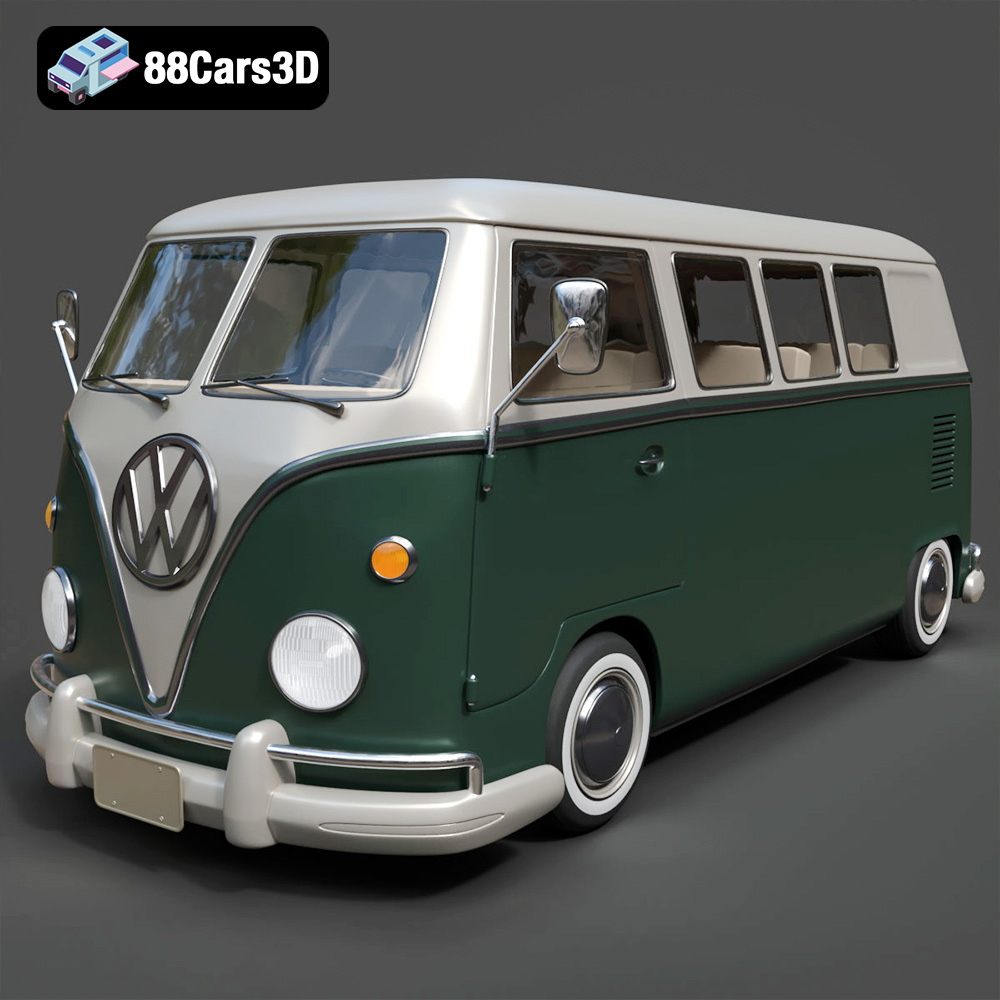
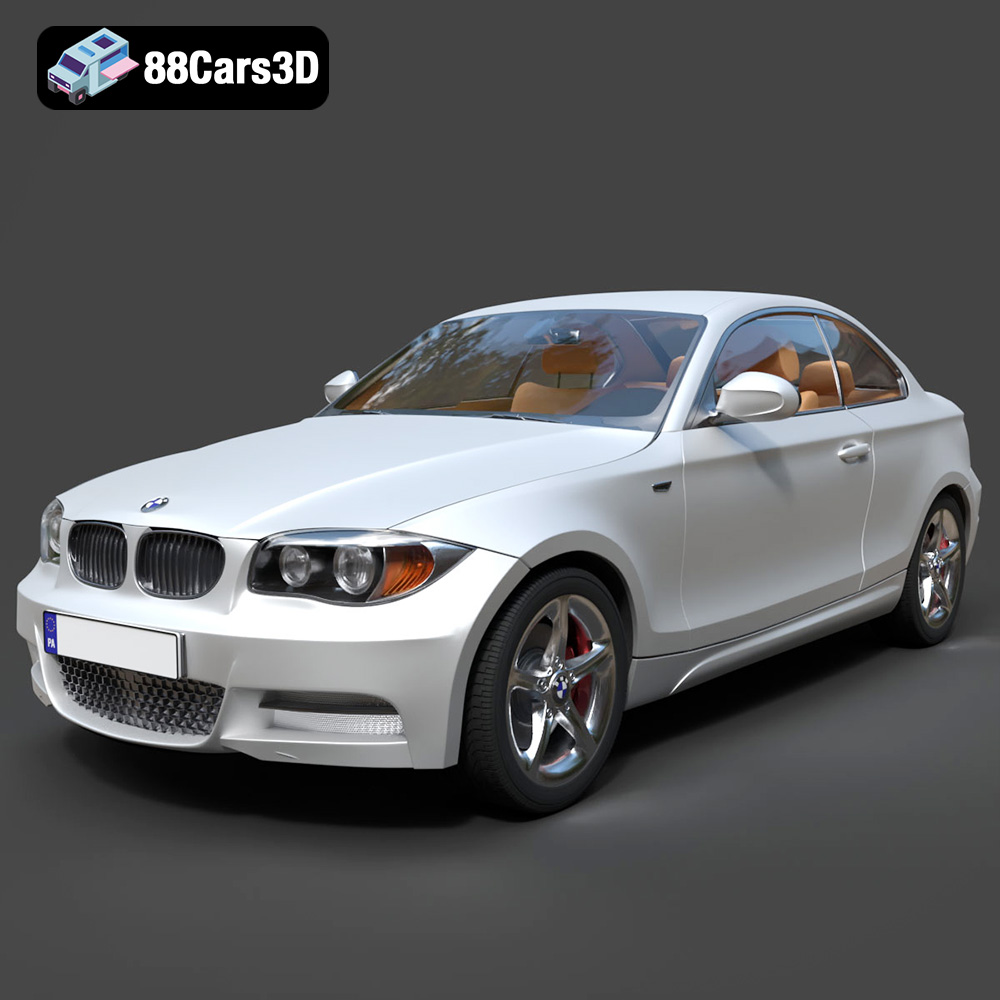
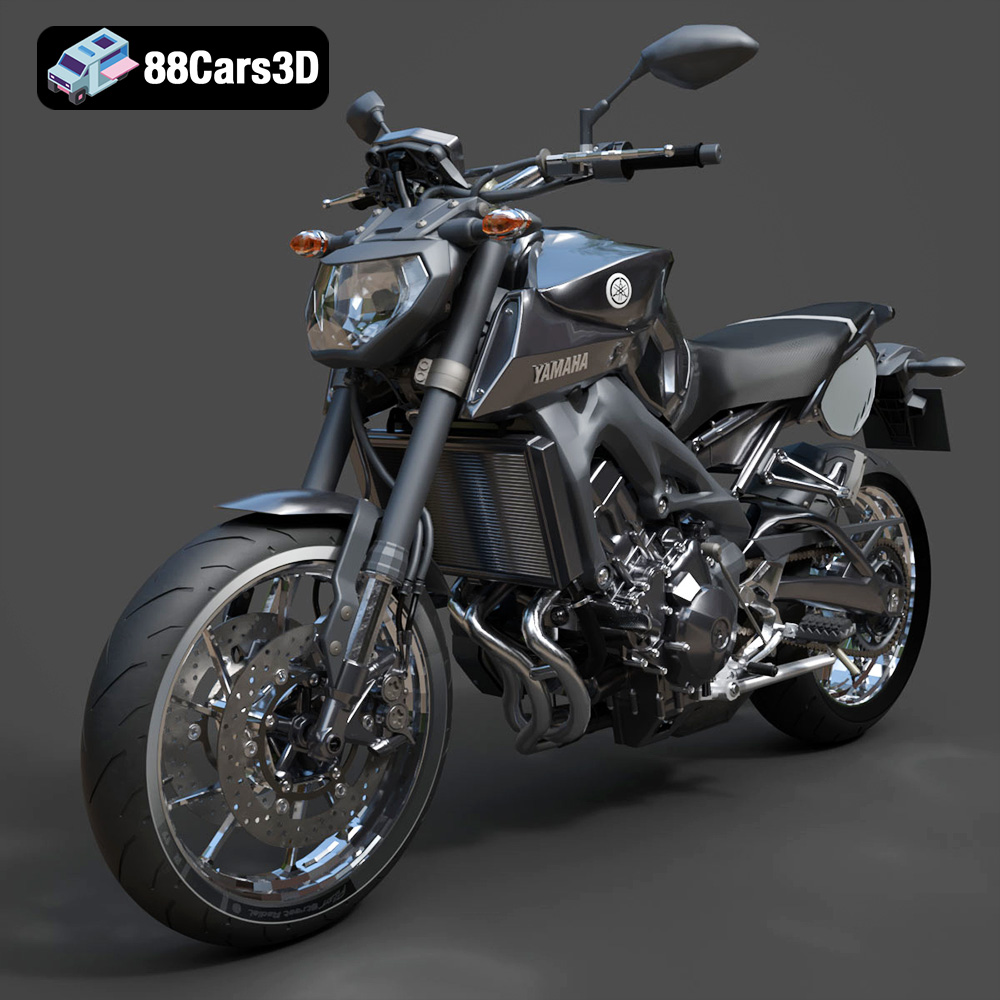
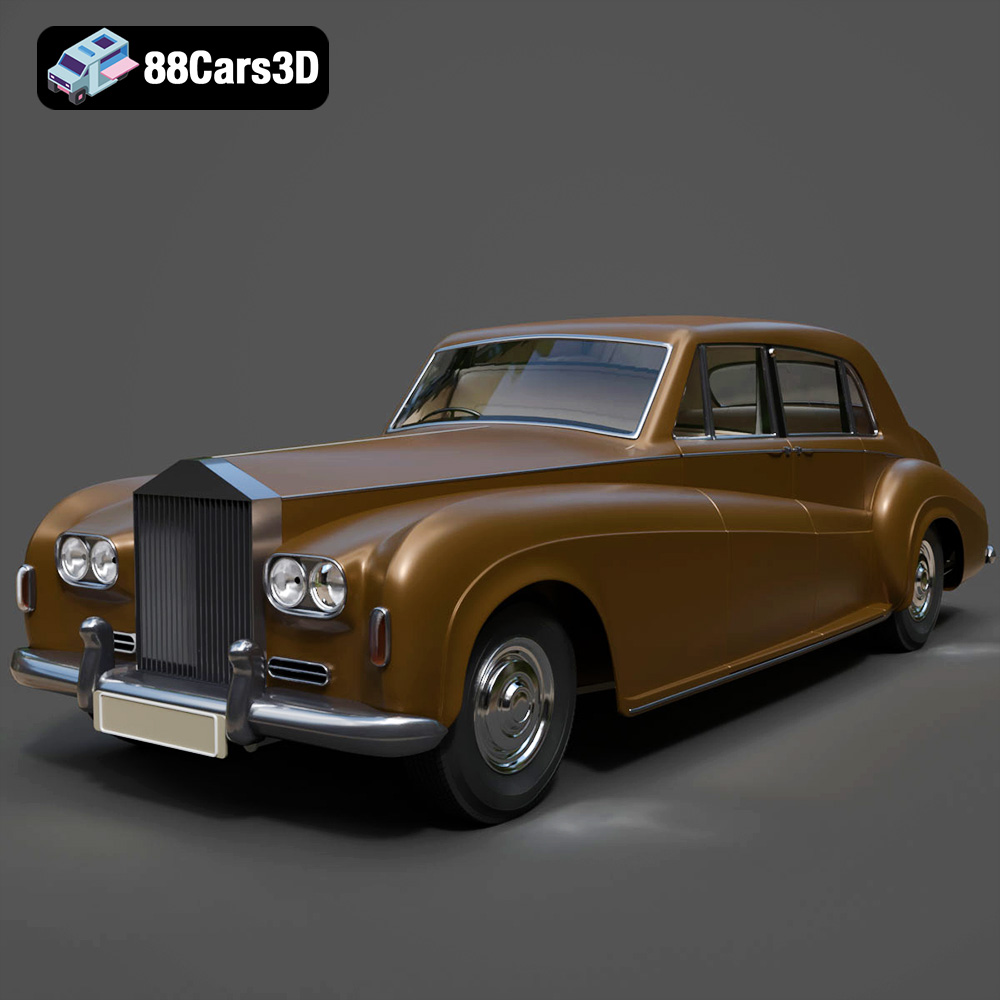
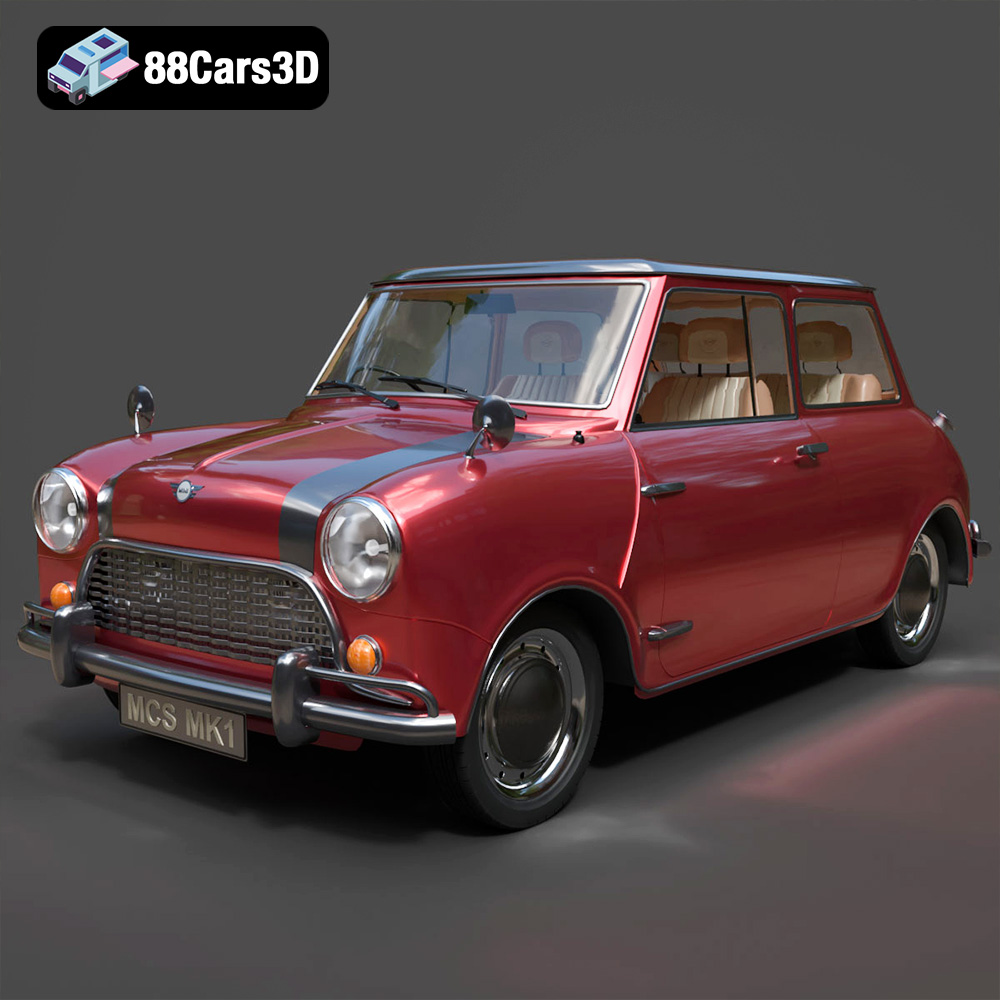
Get 50% OFF All Premium 3D & STL Models!

In the dynamic world of digital content creation, high-quality 3D car models have become indispensable across a multitude of industries. From blockbuster films and immersive video games to cutting-edge automotive design visualization and augmented reality experiences, the demand for meticulously crafted vehicles is soaring. Professionals seek not just aesthetically pleasing models, but technically robust assets that integrate seamlessly into complex pipelines, delivering both visual fidelity and optimal performance. This comprehensive guide explores the intricate details, critical workflows, and diverse applications that define the professional use of 3D car models, highlighting why precision and versatility are paramount for any serious creator.
The quest for realism in digital environments pushes the boundaries of 3D modeling and rendering further each year. For automotive visualization, game development, and architectural fly-throughs, the car is often a central element, serving as a focal point that can either elevate or detract from the overall scene’s credibility. High-fidelity 3D car models are not merely decorative elements; they are complex assemblies of detailed geometry, sophisticated materials, and precise texture maps, all meticulously crafted to emulate their real-world counterparts.
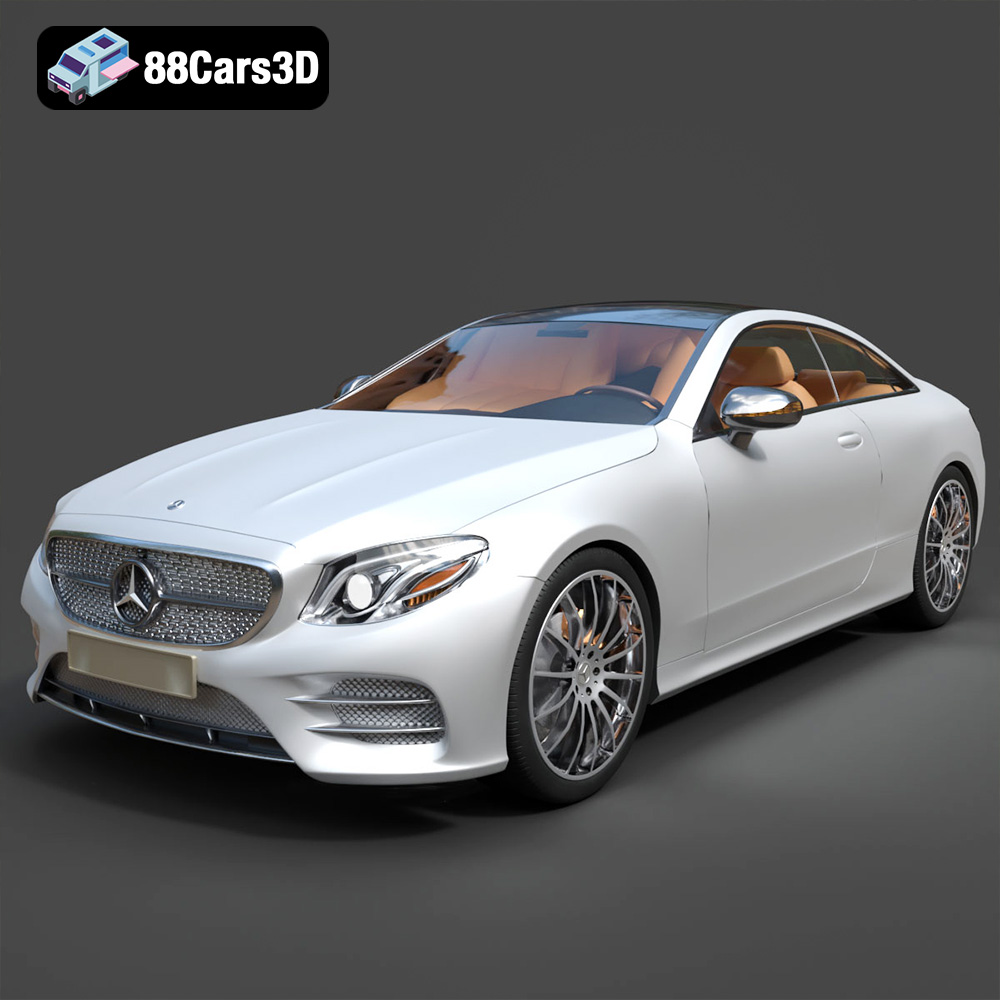
The true value of a professional 3D car model extends far beyond its visual appeal. Accuracy in topology, scale, and proportion is critical. A model with clean, quad-based geometry simplifies unwrapping, texturing, and potential rigging for animation. Proper edge flow ensures smooth subdivision, crucial for close-up renders where surface imperfections and reflections are highly scrutinized. Technical details, such as accurate brake caliper designs, detailed interior elements, and correctly sized tires with appropriate tread patterns, contribute significantly to the perceived realism. These granular details are what differentiate a truly professional asset from a generic placeholder, providing an authentic foundation for any project.
The versatility of high-quality 3D car models is immense. In the film and advertising industries, they are used for hero shots, product reveals, and complex visual effects sequences, demanding cinematic levels of detail and photorealism. For game development, these models are optimized for real-time performance, featuring multiple Levels of Detail (LODs), collision meshes, and efficient texture atlases. Automotive designers leverage them for virtual prototypes, marketing campaigns, and interactive configurators, requiring precise material representations and intricate interior details. Moreover, the burgeoning fields of AR/VR and 3D printing also rely heavily on well-prepared 3D car models, each with its unique technical requirements regarding polygon count, mesh integrity, and format compatibility. This broad spectrum of use cases underscores the need for models that are not only beautiful but also technically adaptable across diverse pipelines.
Selecting the correct file format is a foundational decision in any 3D workflow, directly impacting compatibility, functionality, and the efficiency of your project. Different formats are optimized for different purposes, ranging from universal exchange to specialized engine-ready assets. Understanding the nuances of each is essential for professionals seeking seamless integration and optimal performance. At 88cars3d.com, we provide models in a range of formats to ensure maximum utility for our customers.
The landscape of 3D file formats can be broadly categorized into universal exchange formats, designed for maximum compatibility across different software packages, and native or specialized formats, which offer deeper functionality within specific applications or engines. Universal formats like .obj are excellent for basic mesh exchange, but often lack support for advanced features such as materials, rigging, or animation. Specialized formats, on the other hand, provide a richer data set, preserving complex scene information, but may require specific software for full functionality. The choice hinges on the intended use case and the specific requirements of the project pipeline.
Automotive rendering is an art form that demands a deep understanding of light, materials, and composition. The goal is to create images so convincing that they are indistinguishable from photographs, effectively showcasing the design, texture, and emotional appeal of a vehicle. This process requires not only a high-quality 3D car model but also mastery over sophisticated rendering software and techniques.
At the heart of photorealistic rendering lies the accurate simulation of light and the nuanced representation of materials. Physically Based Rendering (PBR) workflows are now standard, ensuring that materials react to light in a predictable and realistic manner. This involves carefully crafted PBR texture maps such as Albedo (or Base Color), Metallic, Roughness, Normal, and Ambient Occlusion. Car paint, for instance, is not a simple color; it’s a complex shader incorporating metallic flakes, clear coat reflections, and fresnel effects. Chrome, glass, rubber, and interior fabrics each require distinct material definitions, often with intricate shader networks to capture their unique properties. Furthermore, lighting plays a pivotal role. High Dynamic Range Images (HDRIs) are commonly used for realistic environment lighting, supplemented by targeted area lights and volumetric effects to highlight specific contours, create dramatic shadows, and emphasize design features. The interplay of light and material is what breathes life into a static 3D model.
Professional automotive rendering pipelines often leverage industry-standard software such as 3ds Max with V-Ray or Corona Renderer, Blender with Cycles, or Unreal Engine’s advanced real-time rendering capabilities. Each offers powerful tools for global illumination, physically accurate camera settings, and specialized material editors. Techniques like subsurface scattering for translucent plastics, caustic reflections for glass, and volumetric fog for atmospheric effects are employed to enhance realism. Post-production in tools like Photoshop or Nuke is also a critical step, where color grading, lens effects, and minor corrections refine the raw render into a polished, print-ready image. The careful orchestration of these elements transforms a detailed 3D car model into a compelling visual narrative.
In game development, the challenge is to strike a delicate balance between visual fidelity and real-time performance. 3D car models must look stunning while operating smoothly at high frame rates across various hardware specifications. This necessitates a meticulous approach to optimization, ensuring that every polygon and texture byte contributes efficiently to the immersive experience.
Unlike cinematic renders, game assets operate under strict polygon budget constraints. A single high-resolution 3D car model for rendering might have millions of polygons, which is impractical for real-time engines. Game-ready models are carefully optimized, often targeting tens or hundreds of thousands of polygons for hero vehicles. This optimization involves judicious retopology to create a clean, efficient mesh. Crucially, Levels of Detail (LODs) are implemented, where multiple versions of the same model exist with progressively lower polygon counts. The game engine dynamically switches between these LODs based on the vehicle’s distance from the camera, ensuring high detail up close and optimized performance from afar. Occlusion culling and efficient lightmap UVs also contribute significantly to reducing rendering overhead, allowing for richer game worlds.
Integrating 3D car models into game engines like Unreal Engine or Unity involves more than just importing an FBX file. It’s a multi-step process that prepares the asset for a fully interactive environment. This includes setting up physically based materials within the engine’s shader system, ensuring textures are correctly applied and optimized. Collision meshes are essential for accurate physics interactions, allowing the car to respond realistically to impacts and terrain. Furthermore, vehicles often require complex rigging for wheel rotation, suspension, steering, and door animations. In Unreal Engine, Blueprints are used to define vehicle physics, controls, and interactive elements, turning a static model into a drivable, dynamic part of the game world. Proper integration ensures not only visual quality but also a responsive and engaging player experience.
Creating a high-quality 3D car model is a sophisticated process that blends artistic skill with technical precision. It’s a multi-stage workflow, each phase building upon the last to achieve a final asset that meets stringent professional standards. The journey from a conceptual sketch to a fully rendered or game-ready model is intricate and demanding.
The first critical step involves establishing the foundational geometry of the vehicle. This often begins with importing blueprints or reference images into software like 3ds Max or Blender to accurately capture the car’s proportions and contours. Professional modelers prioritize clean, quad-based topology, meaning the mesh is constructed primarily of four-sided polygons. This structured approach is crucial for several reasons: it facilitates smooth subdivision (e.g., using a Turbosmooth modifier in 3ds Max or Subdivision Surface in Blender), makes UV unwrapping more predictable, and simplifies future edits or deformations. For models derived from CAD data, a meticulous retopology process is often necessary to convert the highly dense and sometimes triangulated CAD mesh into a game or render-friendly quad-based mesh, ensuring optimal performance and visual quality.
Once the base geometry is solid, the next phase involves UV unwrapping, which is the process of flattening the 3D surface into a 2D space to apply textures. Efficient UV layouts are vital, minimizing distortion and maximizing texture resolution. Following this, detailed texturing brings the model to life, often utilizing software like Substance Painter for PBR material creation, generating Albedo, Normal, Roughness, Metallic, and Ambient Occlusion maps. These textures give the car its paint finish, tire grip, interior fabric feel, and metallic sheen. Finally, for animation or interactive purposes, the car might be rigged. This involves creating a skeletal structure and controls (e.g., bones for wheels, doors, steering) that allow animators or game engines to easily manipulate various parts of the vehicle. A well-rigged model significantly enhances its utility for cinematic sequences, interactive configurators, or dynamic gameplay.
The utility of high-quality 3D car models extends beyond traditional rendering and game development into exciting new frontiers. Augmented Reality (AR), Virtual Reality (VR), and 3D printing represent innovative applications that leverage the precision and detail inherent in these digital assets, opening up new possibilities for interaction and physical prototyping.
AR and VR environments demand highly optimized 3D car models that can be rendered in real-time, often on mobile or less powerful hardware, while still maintaining visual integrity. For AR, users expect to see a photorealistic car seamlessly integrated into their real-world environment, requiring careful consideration of scale, lighting, and performance. VR applications, on the other hand, fully immerse the user, necessitating models with strong detail in all angles, particularly for interiors. The glTF (.glb) format is a popular choice here due to its efficiency and support for PBR materials, making it ideal for web-based AR/VR experiences and mobile platforms. Optimization techniques like aggressive LODs, texture atlasing, and baked lighting are crucial to ensure smooth, responsive performance without compromising the immersive quality. At 88cars3d.com, many of our models are ready for this next generation of interactive experiences.
3D printing offers a direct bridge from the digital world to the physical. High-resolution 3D car models can be transformed into tangible prototypes, scale models, or custom parts. For 3D printing, the .stl format is the industry standard, requiring the 3D mesh to be “watertight” – meaning it has no holes or non-manifold geometry – to ensure a successful print. Modelers often need to perform additional cleanup and preparation steps, such as ensuring proper wall thickness, joining separate parts into a single manifold shell, and checking for intersecting geometry. This process converts a visually complex 3D car model into a robust, printable file, allowing designers, engineers, and enthusiasts to hold a physical representation of their digital creations, whether for functional testing, aesthetic review, or simply for display.
The journey through the world of 3D car models reveals a multifaceted landscape of technical expertise, artistic vision, and diverse applications. From crafting the precise geometry and materials for automotive rendering to optimizing polygon counts and textures for real-time game engines, and even preparing models for AR/VR or physical 3D printing, each discipline demands a specialized understanding of digital asset creation. The choice of file format, the intricacies of PBR materials, and the careful orchestration of light all contribute to the final impact and utility of a 3D car model.
For professionals seeking to elevate their projects, access to high-quality, technically sound 3D car models is not merely an advantage—it’s a necessity. Websites like 88cars3d.com serve as invaluable resources, providing meticulously crafted assets that streamline workflows and empower creators across film, games, design, and beyond. As digital technologies continue to advance, the demand for ever more realistic, versatile, and performant 3D car models will only grow, solidifying their position as a cornerstone of modern digital content creation.

Price: $129.99

Price: $99.99

Price: $89.99