Get 50% OFF All Premium 3D & STL Models!

The Volvo XC40 Recharge (2020) marks Volvo’s entry into the all-electric SUV market, blending Scandinavian design with modern technology. Bringing this vehicle to life as a 3D printed model allows enthusiasts and hobbyists to own a miniature version of this innovative car. This article provides a detailed guide on successfully 3D printing the Volvo XC40 Recharge (2020) 3D model, covering everything from printer settings to post-processing techniques. The high-quality model available at 88cars3d.com is optimized for various applications, including 3D printing, rendering, and game development, making it an excellent choice for any project.
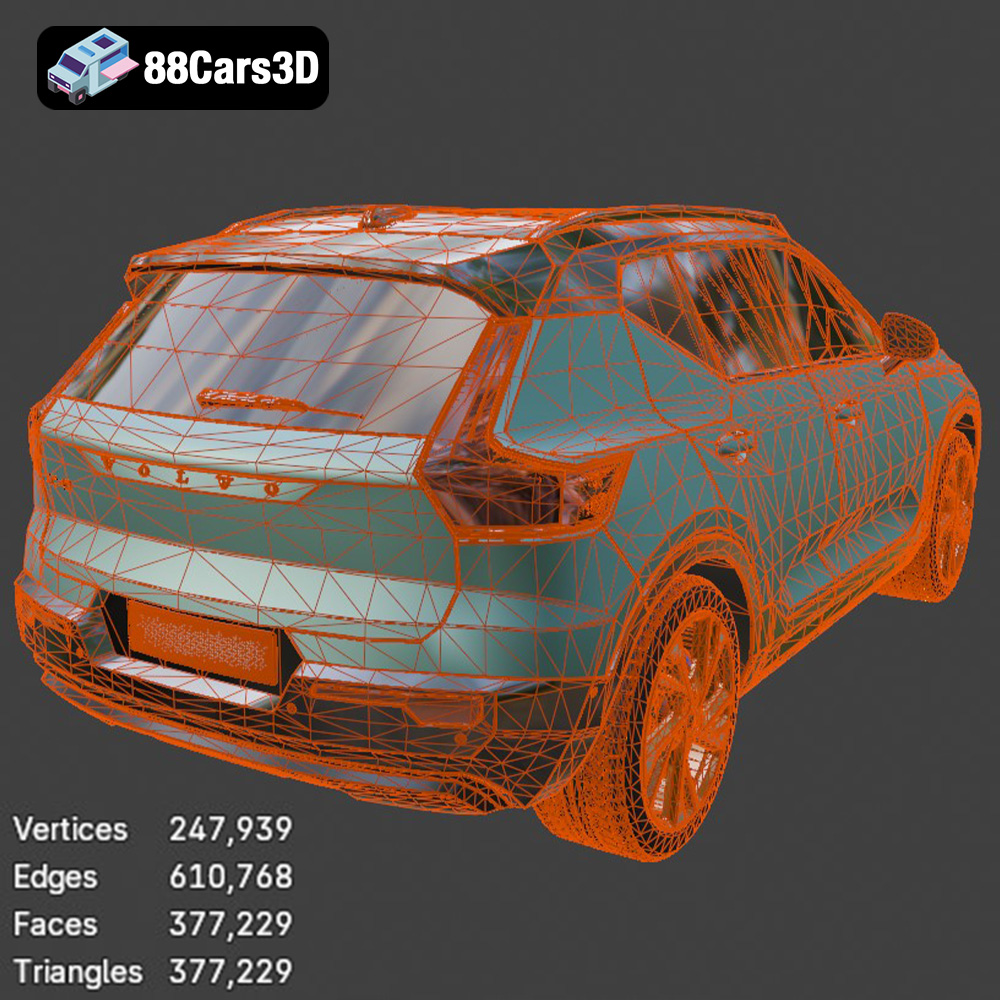
Before diving into the 3D printing process, understanding the nuances of the Volvo XC40 Recharge (2020) 3D model is crucial. This model, designed with approximately 377k triangles, is optimized for both visual fidelity and performance, making it suitable for a wide range of applications, from rendering to additive manufacturing.
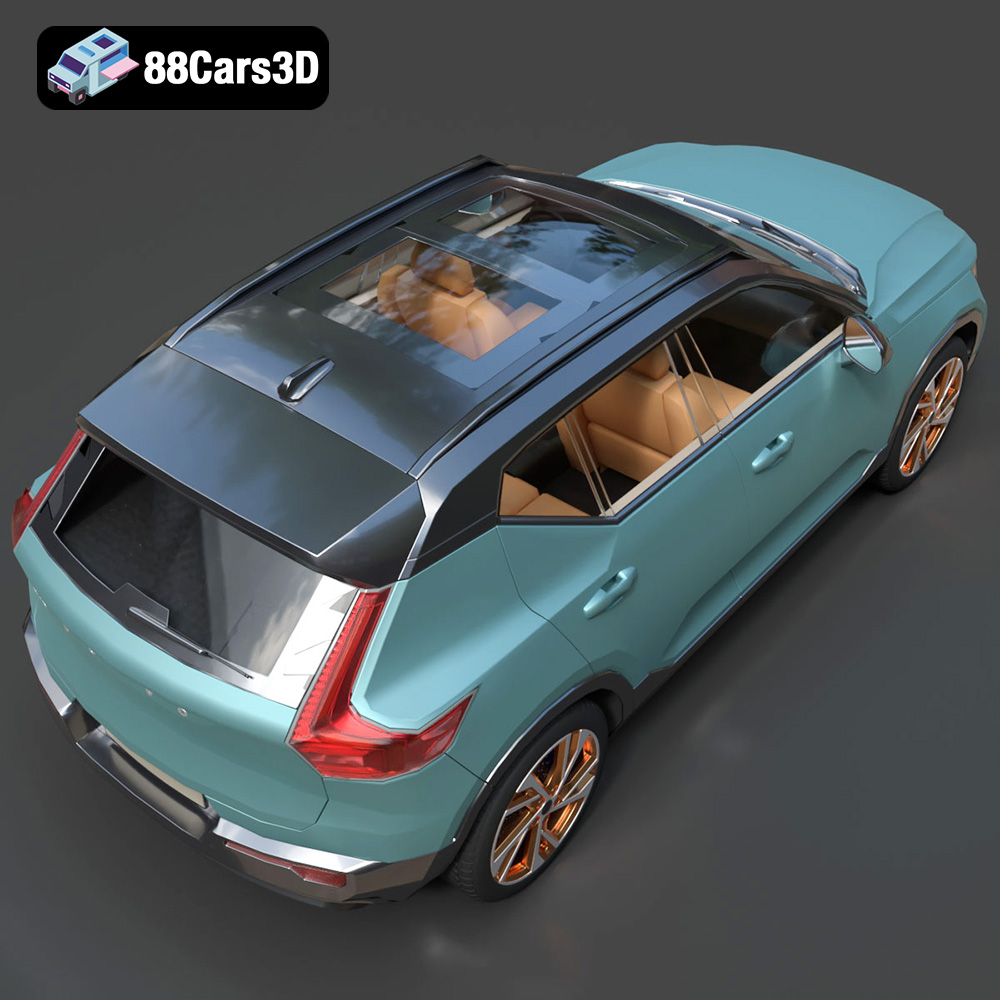
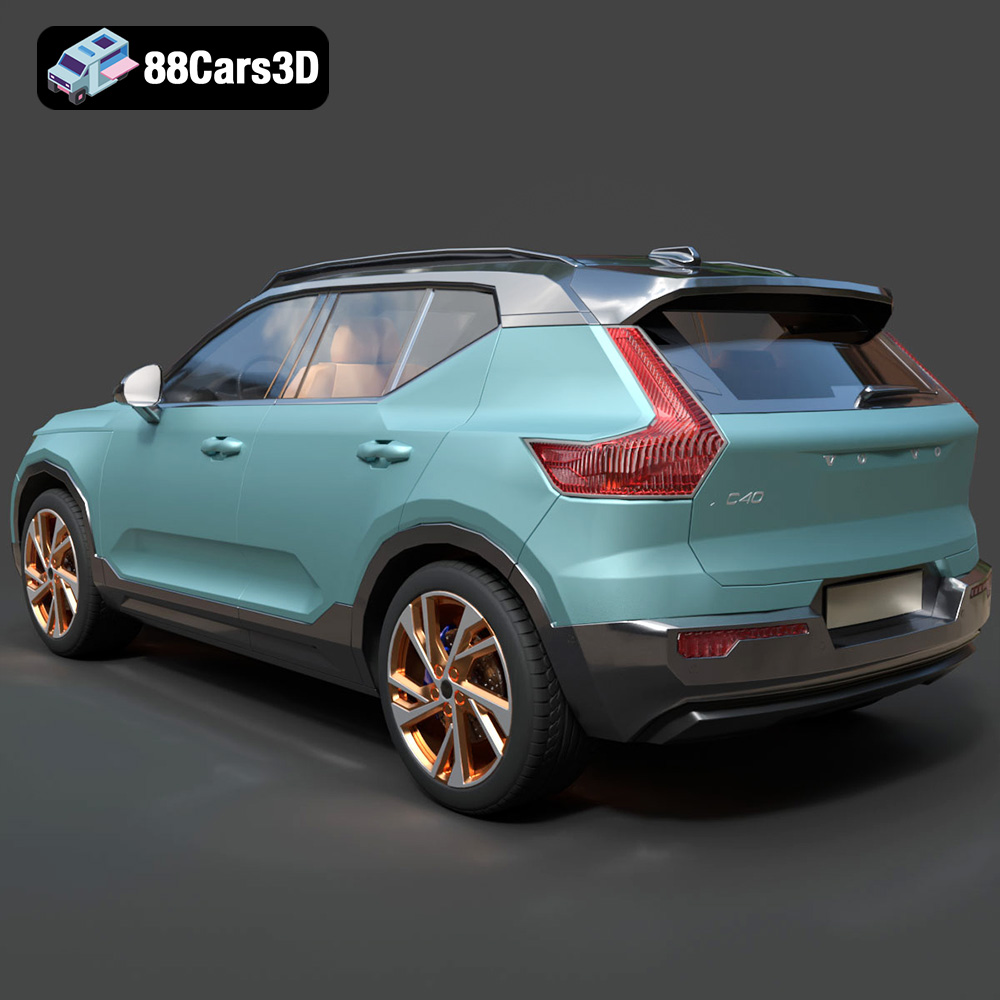
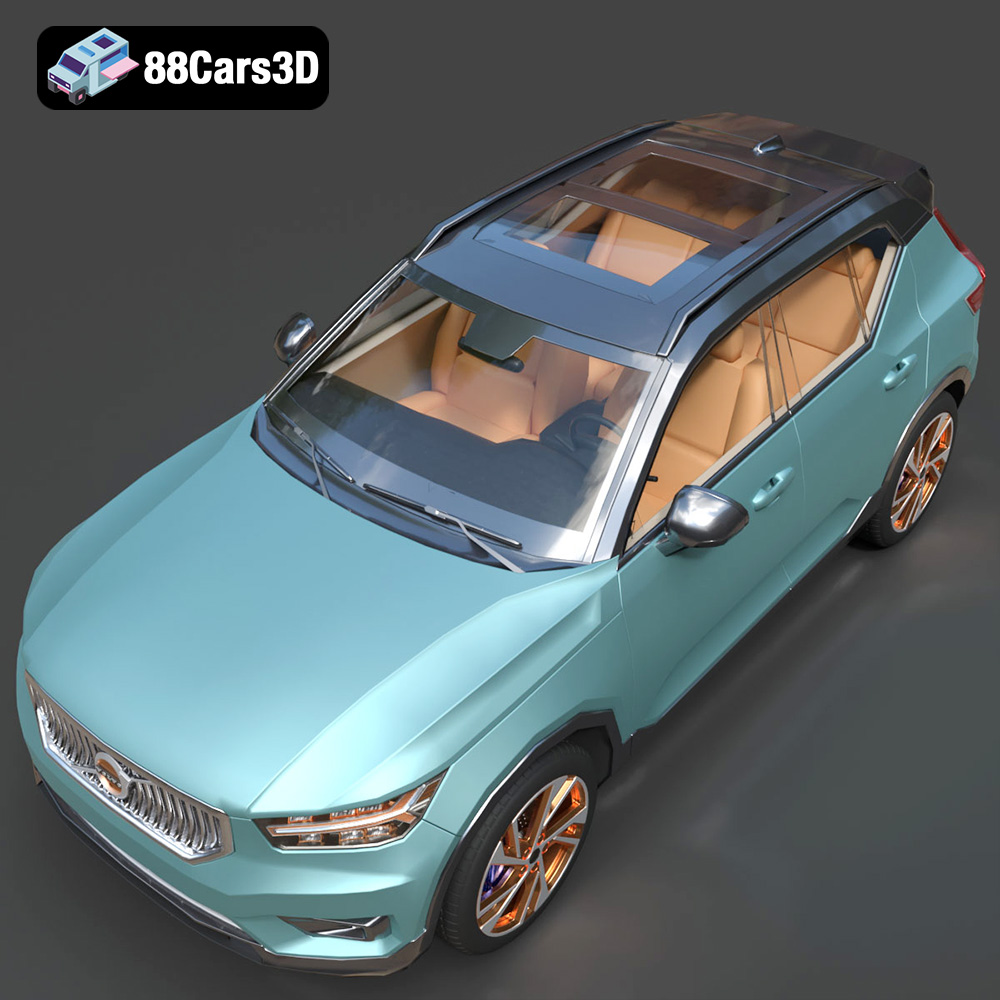
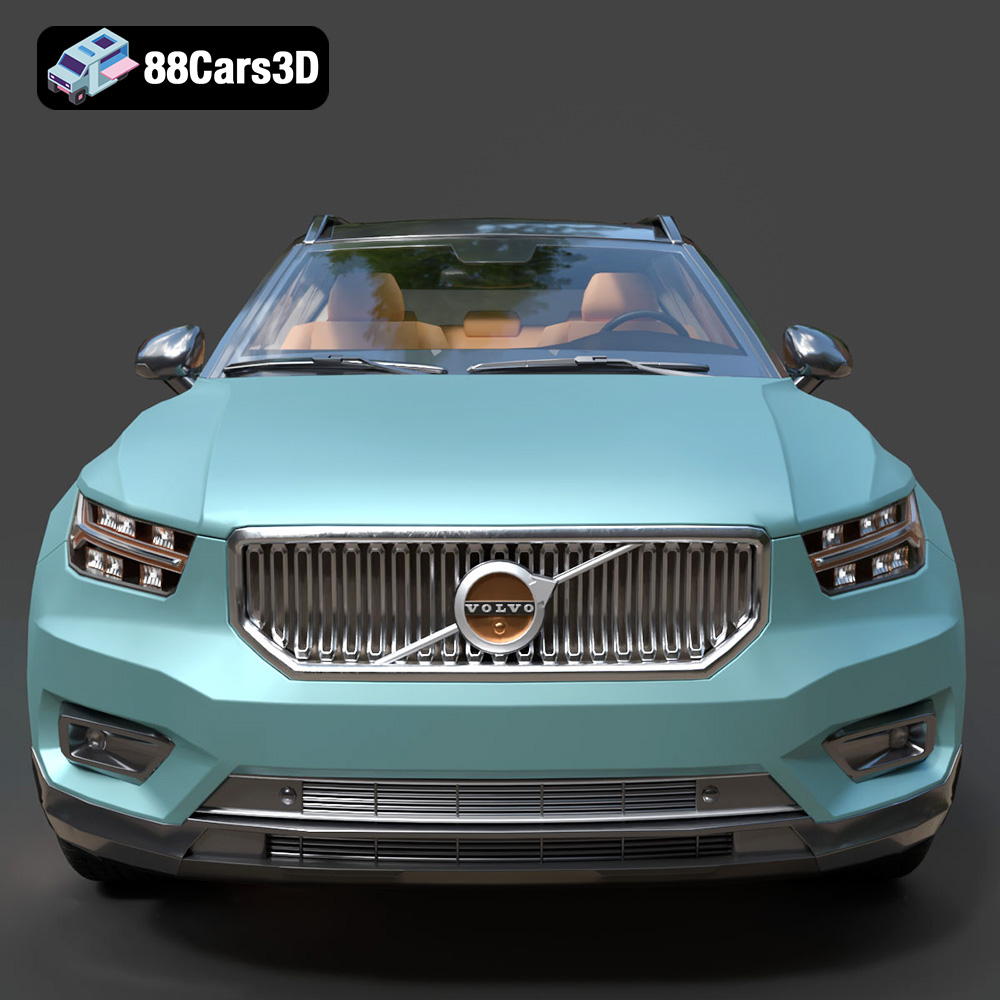
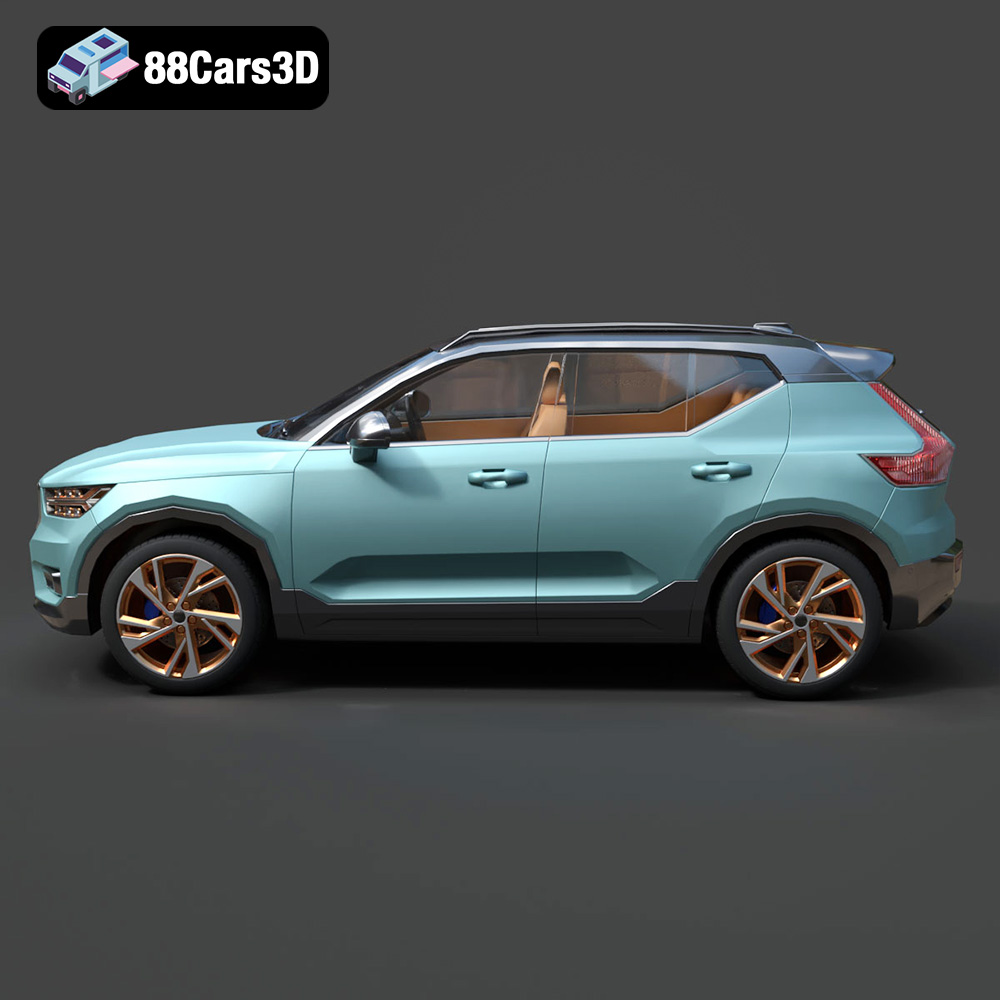
The model accurately captures the design elements of the real Volvo XC40 Recharge, including the closed-off front grille, “Thor’s Hammer” LED headlights, and the overall sleek SUV silhouette. The detailed interior features a minimalist cabin layout with a portrait-oriented infotainment touchscreen and realistic seating geometry. Knowing these details helps in setting appropriate expectations and preparing for any challenges during the printing process.
The recommended scales for 3D printing this model are 1:24, 1:32, and 1:43. These scales offer a good balance between detail and print size, allowing for a manageable project that still showcases the intricate design of the XC40 Recharge. Consider the size of your 3D printer’s build volume and your desired level of detail when choosing a scale.
Selecting the right file format is a critical first step in preparing your 3D model for printing. Different file formats offer various levels of compatibility, detail, and support for color and texture information. Understanding these differences is essential for a successful 3D printing outcome.
The STL (Stereolithography) file format is the most widely used format in 3D printing. It represents the surface geometry of a 3D object as a collection of triangles. STL files are simple and efficient, making them compatible with almost all slicing software and 3D printers. However, STL files only contain mesh data; they do not store color, texture, or material information. For 3D printing the Volvo XC40 Recharge, STL is the primary format for creating a physical model. The quality of the printed model depends heavily on the resolution of the STL file (the density of the triangle mesh). Higher resolution STL files capture finer details but result in larger file sizes.
OBJ (or .OBJ) is a more versatile file format compared to STL. It also represents 3D geometry using vertices, edges, and faces, but it can additionally store color and texture information through associated .MTL files. This makes OBJ suitable for 3D printing projects that require colored filaments or post-processing techniques involving painted textures. While some slicing software supports OBJ files, STL remains the preferred choice for its simplicity and broad compatibility.
PLY (Polygon File Format) is another 3D file format that stores geometric data. It’s known for its ability to store more complex data than STL, including color, normals, and other properties per vertex. This makes PLY suitable for applications where high detail and accuracy are critical, such as scanning and reverse engineering. While not as universally supported as STL, some high-end 3D printers and slicing software can handle PLY files, offering the potential for more detailed prints of the Volvo XC40 Recharge.
.BLEND files are specific to Blender, a popular open-source 3D creation suite. This format contains the entire Blender scene, including the 3D model, textures, materials, lighting, and any applied modifiers. If you wish to customize the Volvo XC40 Recharge model before printing, using the .blend file allows you to make changes directly within Blender. After customization, you would then export the model as an STL file for 3D printing.
FBX (Filmbox) is a proprietary file format developed by Autodesk. It’s commonly used for exchanging 3D data between different software applications, including game engines and animation tools. FBX files can store geometry, textures, materials, and animation data. While not directly used for 3D printing, an FBX file of the Volvo XC40 Recharge could be imported into some advanced slicing software that supports material properties, potentially influencing print settings.
GLB (GL Transmission Format Binary) is a file format designed for efficient transmission and loading of 3D models in web and AR/VR applications. It’s a binary format that includes the model’s geometry, textures, and animations in a single file. While not directly used for 3D printing, a .glb file allows you to preview the Volvo XC40 Recharge model in augmented reality before committing to a print, giving you a better sense of its size and appearance in the real world.
.MAX files are specific to Autodesk 3ds Max, a professional 3D modeling, animation, and rendering software. Similar to .blend files for Blender, .max files contain the complete project, including the 3D model, textures, materials, and scene settings. If you have access to 3ds Max, you can use the .max file to modify the Volvo XC40 Recharge model before exporting it as an STL file for 3D printing.
With the file format chosen, the next step involves preparing the 3D model for printing. This includes using slicing software, repairing any potential model issues, and deciding on the appropriate scaling.
Slicing software converts the 3D model into a series of layers that the 3D printer can understand. Popular options include Cura, Simplify3D, and PrusaSlicer. Each software offers different features and settings, so choose one that aligns with your printer capabilities and desired level of control.
Before slicing, inspect the 3D model for any errors such as non-manifold geometry or inverted normals. Software like MeshMixer or Netfabb can help identify and repair these issues, ensuring a successful print. Optimizing the model involves simplifying the mesh while preserving essential details, reducing print time and material usage.
As mentioned earlier, the recommended scales for the Volvo XC40 Recharge are 1:24, 1:32, and 1:43. Once you’ve chosen a scale, orient the model in the slicing software to minimize the need for supports and optimize surface finish. For instance, printing the car body at an angle can reduce the staircase effect on curved surfaces.
The success of a 3D print heavily relies on the right printer settings and material selection. The following recommendations are tailored for the Volvo XC40 Recharge model.
* **PLA (Polylactic Acid):** PLA is a popular, easy-to-print material known for its low warping and wide availability. It’s suitable for creating detailed models like the XC40 Recharge, especially for larger scales where fine details are less critical.
* **PETG (Polyethylene Terephthalate Glycol):** PETG offers a good balance of strength and flexibility, making it a robust choice for functional parts or models that require some impact resistance. It can be a good alternative to PLA if you need a more durable print.
* **Resin:** Resin printing is highly recommended for smaller scales (1:43 or smaller) due to its ability to capture fine details. Resin printers can produce smooth surfaces and intricate features like the “Thor’s Hammer” headlights with exceptional clarity.
* **Layer Height:** For FDM (Fused Deposition Modeling) printing with PLA or PETG, a layer height of 0.1mm to 0.2mm provides a good balance between detail and print time. For resin printing, a layer height of 0.04mm to 0.08mm is recommended for optimal detail.
* **Infill Density:** An infill density of 15% to 25% is sufficient for most parts of the XC40 Recharge model. Increasing the infill density can add strength to certain areas, such as the chassis or wheels.
* **Wall Thickness:** A wall thickness of 1.2mm to 2.0mm ensures structural integrity without adding excessive weight or print time.
* **Support Structures:** Supports are necessary for overhanging parts like side mirrors, wheel arches, and the rear roof spoiler. Use a support pattern that is easy to remove without damaging the model’s surface.
* **Print Speed:** Adjust the print speed based on the material and printer capabilities. Slower speeds generally result in higher quality prints, especially for intricate details.
Printing the Volvo XC40 Recharge in multiple parts can simplify the process and improve the final result. The body should be printed at an angle to minimize supports and enhance surface finish. Wheels should be printed separately to ensure proper detailing and functionality. The interior can also be printed as a separate component for easier painting and assembly.
Once the 3D printing is complete, post-processing is essential to achieve a polished and professional look.
Carefully remove the support structures using pliers or a sharp knife. Sand the surface of the model with progressively finer grits of sandpaper to smooth out any imperfections. Start with a coarser grit (e.g., 220) and gradually move to finer grits (e.g., 400, 600, 800) for a smooth finish.
Apply a primer coat to the model to create a uniform surface for painting. Choose a primer that is compatible with the printing material. Once the primer is dry, paint the model with automotive-grade paints in the desired colors. Consider using modern Volvo factory colors like Sage Green, Glacier Silver, or Crystal White, paired with a gloss black roof for an authentic look.
Assemble the different parts of the model using glue or other appropriate adhesives. Pay attention to the alignment of the parts for a seamless fit. Add any finishing touches, such as clear coats, decals, or custom details to personalize the model.
Even with careful preparation, 3D printing can present challenges. Here are some common issues and their solutions:
Warping occurs when the printed part lifts from the build plate, especially with materials like ABS. To prevent warping, use a heated bed, apply an adhesive like glue stick or hairspray, and ensure proper bed leveling.
Stringing happens when the printer extrudes material while moving between different parts of the model. Reduce stringing by adjusting retraction settings in the slicing software and optimizing the print temperature.
Poor layer adhesion can result in weak prints that easily break. Increase the print temperature, reduce print speed, and ensure proper bed leveling to improve layer adhesion.
Elephant’s foot is a phenomenon where the first layer of the print is wider than the subsequent layers. To minimize elephant’s foot, adjust the initial layer height, reduce the bed temperature, or use a raft.
The print time and material costs for the Volvo XC40 Recharge 3D model depend on several factors, including the scale, material, printer settings, and printer type.
* **FDM (PLA/PETG):** A 1:24 scale model can take approximately 20-30 hours to print, depending on the infill density and layer height.
* **Resin:** A 1:43 scale model can take approximately 8-12 hours to print, depending on the layer height and resin type.
* **FDM (PLA/PETG):** A 1:24 scale model can use approximately 200-300 grams of filament, costing around $10-$20.
* **Resin:** A 1:43 scale model can use approximately 50-100 ml of resin, costing around $5-$10.
These are rough estimates, and the actual print time and material costs may vary based on your specific setup and settings.
3D printing the Volvo XC40 Recharge (2020) 3D model is a rewarding project that combines technical skills with creative expression. By carefully preparing the model, selecting the right materials and printer settings, and applying post-processing techniques, you can create a stunning miniature replica of this iconic electric SUV. Remember to explore the high-quality 3D models available at 88cars3d.com for your next 3D printing endeavor. Whether you’re a seasoned 3D printing enthusiast or a beginner, the Volvo XC40 Recharge offers an excellent opportunity to showcase the capabilities of additive manufacturing. With the detailed guidance provided, you’re well-equipped to tackle this project and achieve outstanding results. The Volvo XC40 Recharge model at 88cars3d.com is optimized for ease of printing while maintaining high detail, making it a fantastic choice.
The Volvo XC40 Recharge (2020) 3D Model is an exceptionally accurate digital recreation of the Swedish brand’s groundbreaking first fully electric SUV. Marrying Volvo’s renowned commitment to safety and Scandinavian minimalism with a cutting-edge EV powertrain, the XC40 Recharge is a highly recognizable and premium compact crossover built on the CMA platform.
$9.99
.archviz
.blend
.ev
.fbx
.obj
.rendering
.volvo
.xc40
car-3d-model
compact-suv
electric-vehicle
game-ready
mid-poly
Scandinavian design
SUV
traffic-car
xc40-recharge