Get 50% OFF All Premium 3D & STL Models!

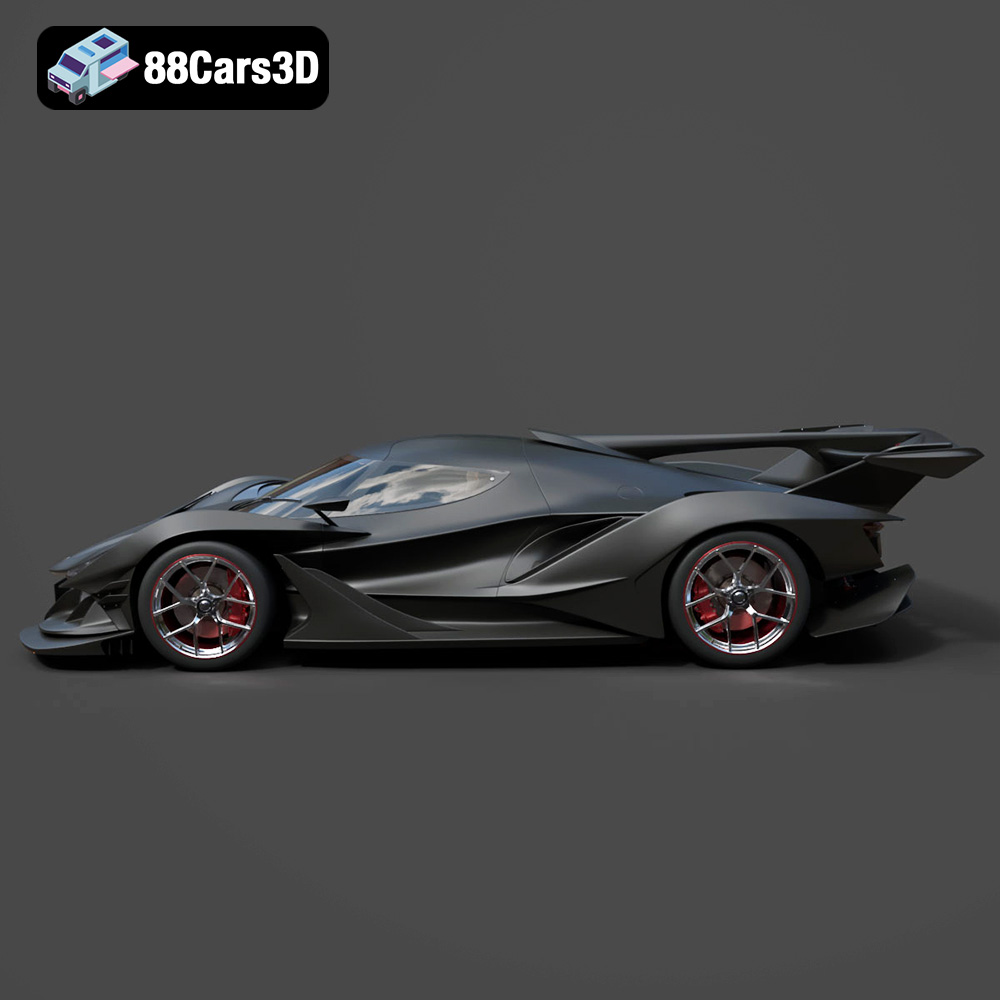
The Gumpert Apollo Intensa Emozione (IE) is a hypercar that screams raw power and cutting-edge design. Its aggressive styling and focus on aerodynamic performance make it a dream car for enthusiasts. Now, thanks to 88cars3d.com, you can bring this automotive masterpiece to life in your own home with the power of 3D printing. This comprehensive guide will walk you through every step of the process, from selecting the right materials and preparing your STL files to post-processing techniques that will elevate your finished model to the next level. Get ready to embark on an exciting additive manufacturing journey and create a stunning replica of the Gumpert Apollo IE.
Before you dive into slicing and printing, it’s crucial to understand the various 3D model file formats and their suitability for additive manufacturing. While the Gumpert Apollo IE 2019 3D Model comes in a variety of formats, the .stl format is the workhorse of 3D printing and will be our primary focus. Let’s explore the most common formats:
The STL (stereolithography) file format is the most widely used format in 3D printing. It represents the surface geometry of a 3D object as a collection of triangles. STL files are simple and efficient, making them ideal for transferring models between different software and 3D printers. However, STL files only store the mesh geometry, lacking information about color, texture, or materials. This means that any color or texture you want on your final 3D printed model will need to be added during post-processing.
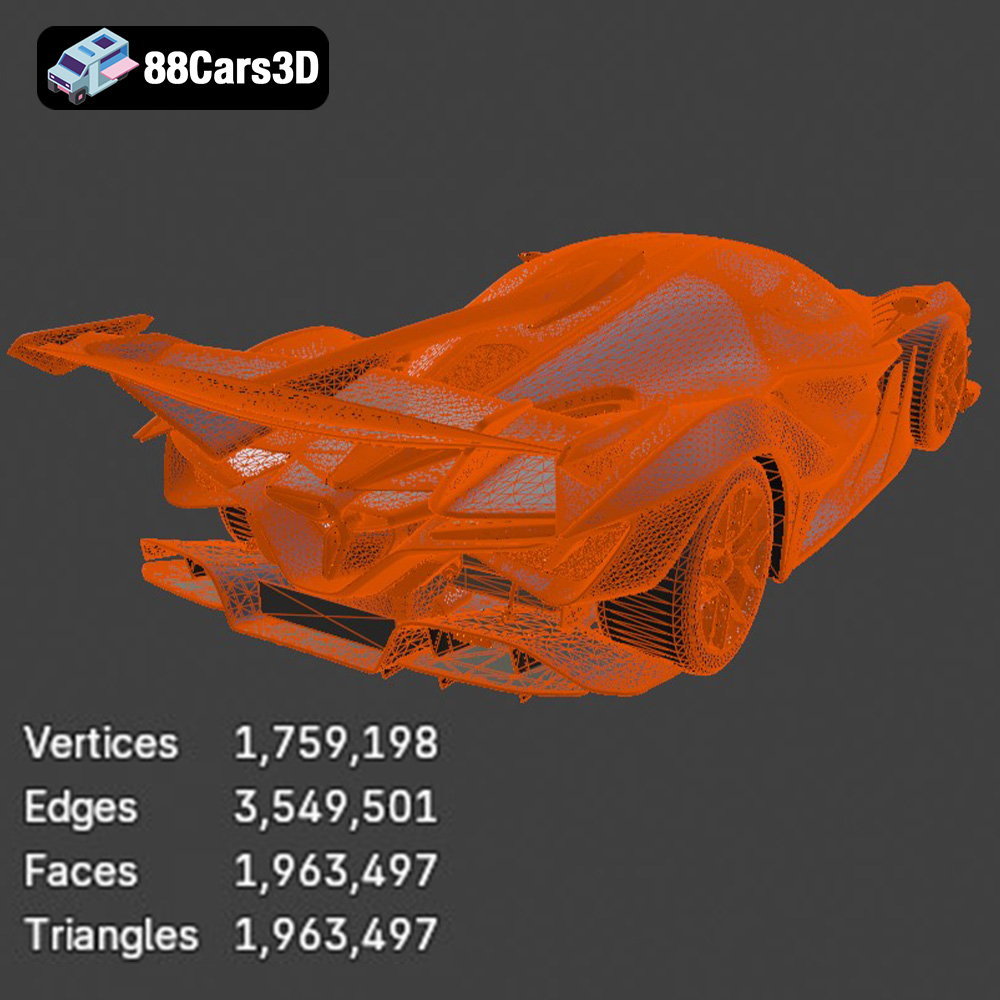
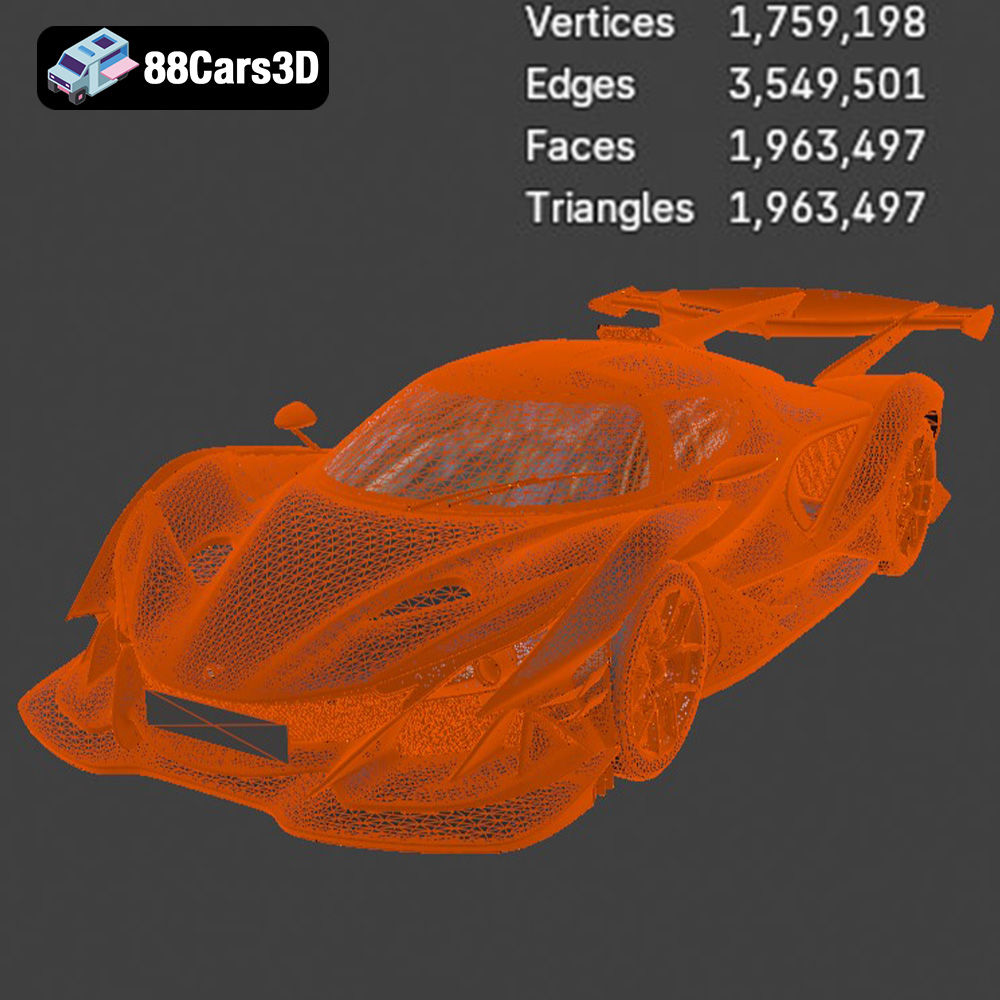
When working with STL files, it’s essential to ensure the mesh quality is high. A low-resolution mesh will result in a jagged and inaccurate 3D printed model. Slicing software relies heavily on the fidelity of the STL file to generate toolpaths and print instructions. Before printing, always inspect your STL file for errors such as non-manifold geometry (holes or gaps in the mesh) or self-intersections. Software like MeshMixer or Netfabb can be used to repair these issues.
The OBJ (object) file format is a more versatile format than STL, as it can store color and texture information along with the geometry. This is particularly useful if you plan to use a multi-material 3D printer capable of printing in color. OBJ files are supported by most 3D modeling and slicing software.
PLY (polygon file format) is designed for storing 3D data acquired from 3D scanners. It can store color, normals, and other properties, making it suitable for high-detail prints where accuracy is paramount. Some slicing software might require plugins to handle PLY files.
.Blend files are native to Blender, a popular open-source 3D modeling software. If you’re familiar with Blender, having the .blend file for the Gumpert Apollo IE 2019 3D Model allows you to make modifications to the model before exporting it to a printable format like STL. This could include adding custom details, simplifying complex areas for easier printing, or splitting the model into smaller parts.
FBX (Filmbox) is a proprietary file format developed by Autodesk. It supports a wide range of data, including geometry, materials, textures, and animations. While primarily used for game development and animation, FBX files can sometimes be imported into slicing software, allowing you to retain material information if your printer supports it.
GLB (GL Transmission Format Binary) is a binary file format that represents 3D models in a compact and efficient manner. It’s commonly used for web-based applications and AR/VR experiences. The .glb file allows you to preview the Gumpert Apollo IE 2019 3D Model in augmented reality on your smartphone or tablet before committing to printing it, giving you a better sense of its size and detail.
Similar to .blend files, .max files are native to 3ds Max, another professional 3D modeling software. If you use 3ds Max, this format offers the same benefits as .blend, allowing for detailed customization and preparation of the model before exporting for 3D printing.
For 3D printing the Gumpert Apollo IE 2019 3D Model, the .stl format is the most reliable and widely supported option. Ensure the STL file is free of errors and that the mesh resolution is appropriate for the level of detail you want to achieve in your print.
Selecting the right 3D printing technology and materials is crucial for achieving a high-quality 3D printed Gumpert Apollo IE. The two primary technologies suitable for this project are Fused Deposition Modeling (FDM) and Stereolithography (SLA) or Resin printing.
FDM printers use a heated nozzle to extrude thermoplastic filament, layer by layer, to build the model. FDM is a cost-effective option, but it may not capture the fine details of the Gumpert Apollo IE as accurately as resin printing. Consider these materials:
Resin printers use a light source (laser or projector) to cure liquid resin layer by layer. Resin printing offers superior detail and surface finish compared to FDM. It’s ideal for capturing the intricate curves and aerodynamic features of the Gumpert Apollo IE. However, resin printers are generally more expensive, and the resin itself can be costly.
Material Recommendation: For the best balance of cost and detail, PETG is a solid choice for FDM printing. If you prioritize detail above all else, opt for resin printing.
Once you’ve selected your printing technology and material, the next step is to prepare the Gumpert Apollo IE 2019 3D Model for printing using slicing software. Slicing software converts the 3D model into a series of layers that the printer can understand. Popular slicing software options include Cura, Simplify3D, and PrusaSlicer.
The orientation of the model on the print bed significantly impacts the strength, surface finish, and support requirements. For the Gumpert Apollo IE, consider these factors:
Support structures are necessary to hold up overhanging parts during printing. However, they can leave marks on the surface of the model. Use the following guidelines:
Fine-tuning your printer settings is essential for achieving a successful 3D print. Here are some recommended settings for the Gumpert Apollo IE 2019 3D Model:
Post-processing is the key to transforming a raw 3D print into a stunning replica of the Gumpert Apollo IE.
Start by removing support structures carefully. Then, use sandpaper with progressively finer grits (e.g., 220, 400, 600) to smooth out any imperfections and layer lines. For resin prints, wet sanding is recommended to prevent dust from becoming airborne.
Apply a primer coat to create a smooth and uniform surface for painting. Automotive primers are a good choice for achieving a durable finish. Once the primer is dry, apply several thin coats of paint, allowing each coat to dry completely before applying the next. Consider using an airbrush for a professional-looking finish. For the Gumpert Apollo IE, you can replicate the exposed carbon fiber look using specialized carbon fiber decals or paint techniques.
Assemble the different parts of the model, such as the body, wing, and wheels, using glue or epoxy. Add any final details, such as decals, racing stripes, or custom graphics. Clear coat the model to protect the paint and add a glossy finish.
Even with careful preparation, you may encounter some common 3D printing issues. Here are some solutions:
Warping occurs when the corners of the print lift off the print bed. To prevent warping, use a heated bed, apply an adhesive (e.g., glue stick or hairspray) to the bed, and use a brim or raft.
Stringing occurs when the printer extrudes filament between different parts of the print. To reduce stringing, decrease the printing temperature, increase retraction speed, and enable travel move avoidance in your slicing software.
Layer separation occurs when the layers of the print do not adhere properly. To prevent layer separation, increase the printing temperature, decrease the printing speed, and ensure proper bed adhesion.
The print time and material cost for the Gumpert Apollo IE 2019 3D Model will vary depending on the size of the model, the printer settings, and the material used. As a rough estimate:
3D printing the Gumpert Apollo Intensa Emozione 2019 3D Model is a rewarding project that allows you to create a stunning replica of this iconic hypercar. By carefully selecting your printing technology and materials, optimizing your printer settings, and mastering post-processing techniques, you can achieve a result that will impress any automotive enthusiast. Remember to check out 88cars3d.com for more high-quality 3D models and resources to fuel your additive manufacturing passion. So, fire up your 3D printer and get ready to unleash the beast!
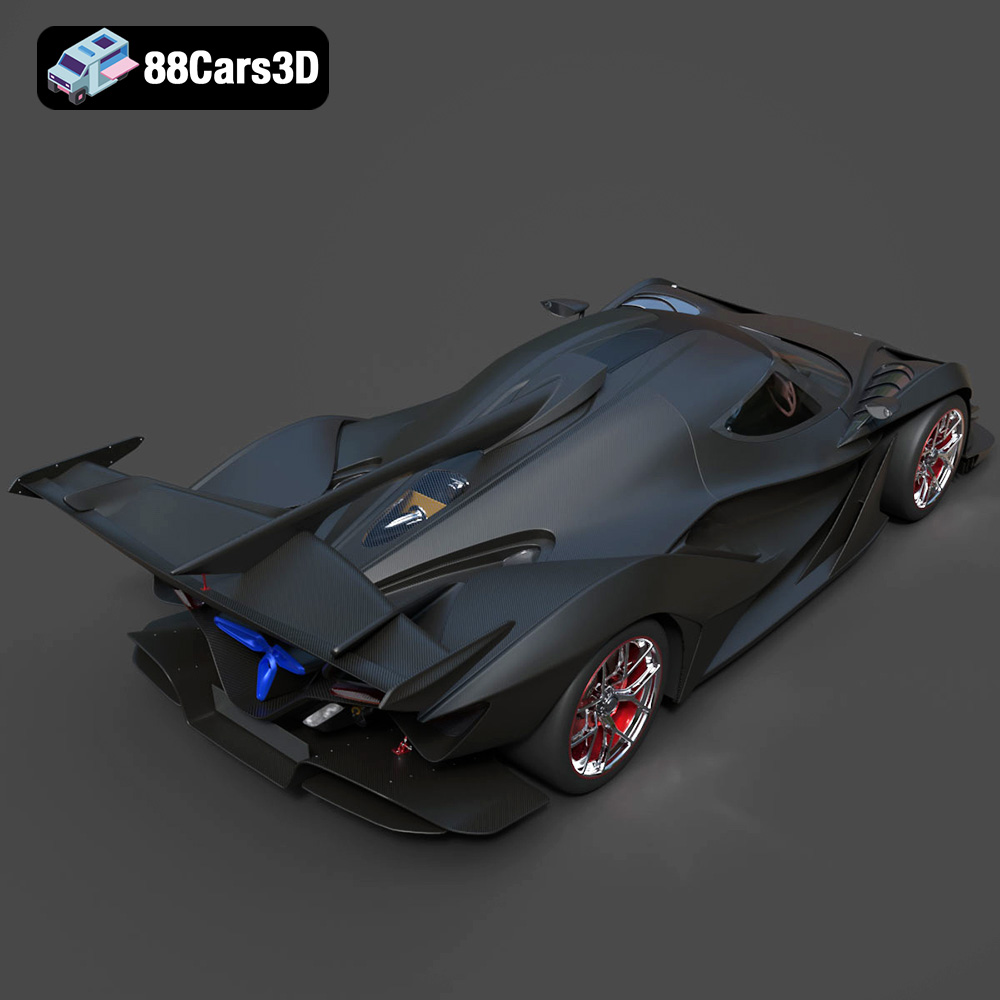
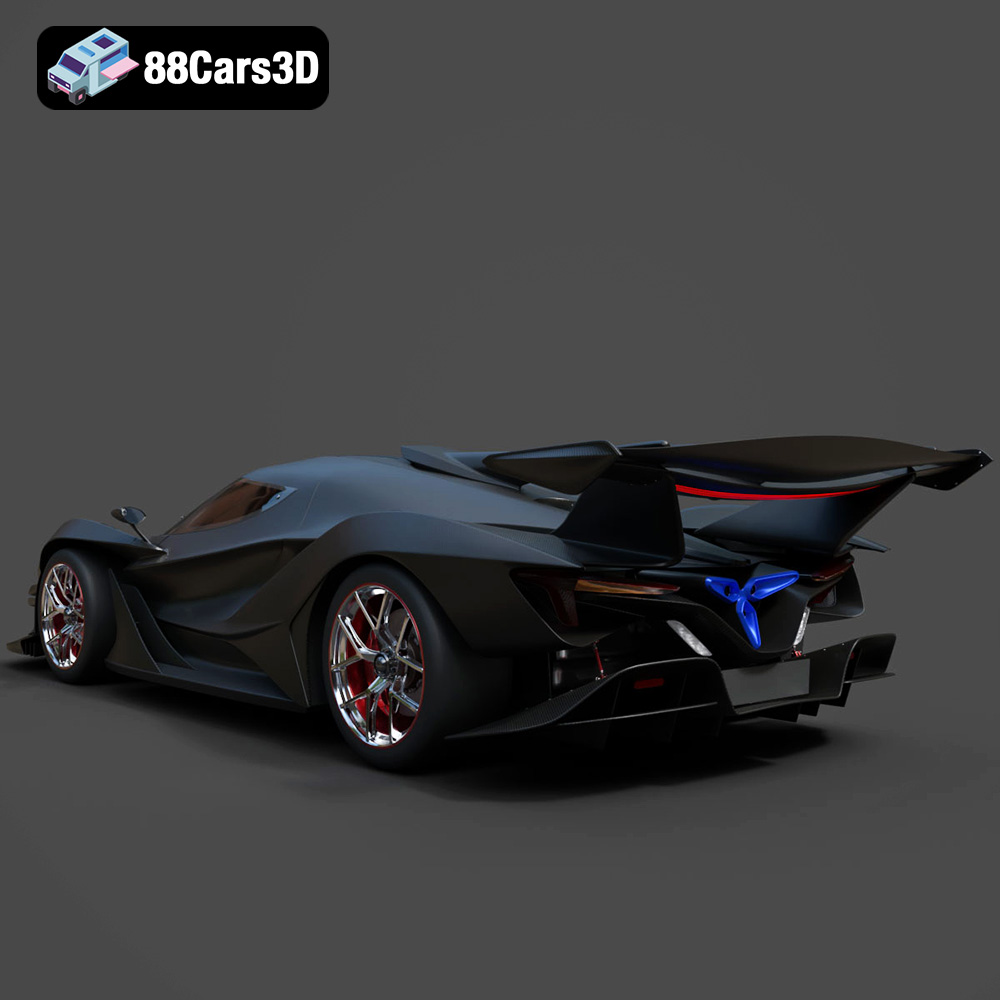
The Gumpert Apollo Intensa Emozione 2019 3D Model is a high-detail digital recreation of the extreme track-focused hypercar engineered for maximum aerodynamic performance and raw driving emotion. Known for its aggressive styling, exposed carbon fiber construction, and naturally aspirated V12 power, the Apollo IE represents cutting-edge automotive engineering. This is a must-have 3D printed model for any car enthusiast.
$99.99
.2019car
.apolloie
.arvr
.automotive
.blend
.car3dmodel
.fbx
.gameasset
.glb
.gumpert
.hypercar
.intensaemozione
.max
.obj
.ply
.racingcar
.rendering
.simulation
.stl
.supercar
.unreal