Get 50% OFF All Premium 3D & STL Models!

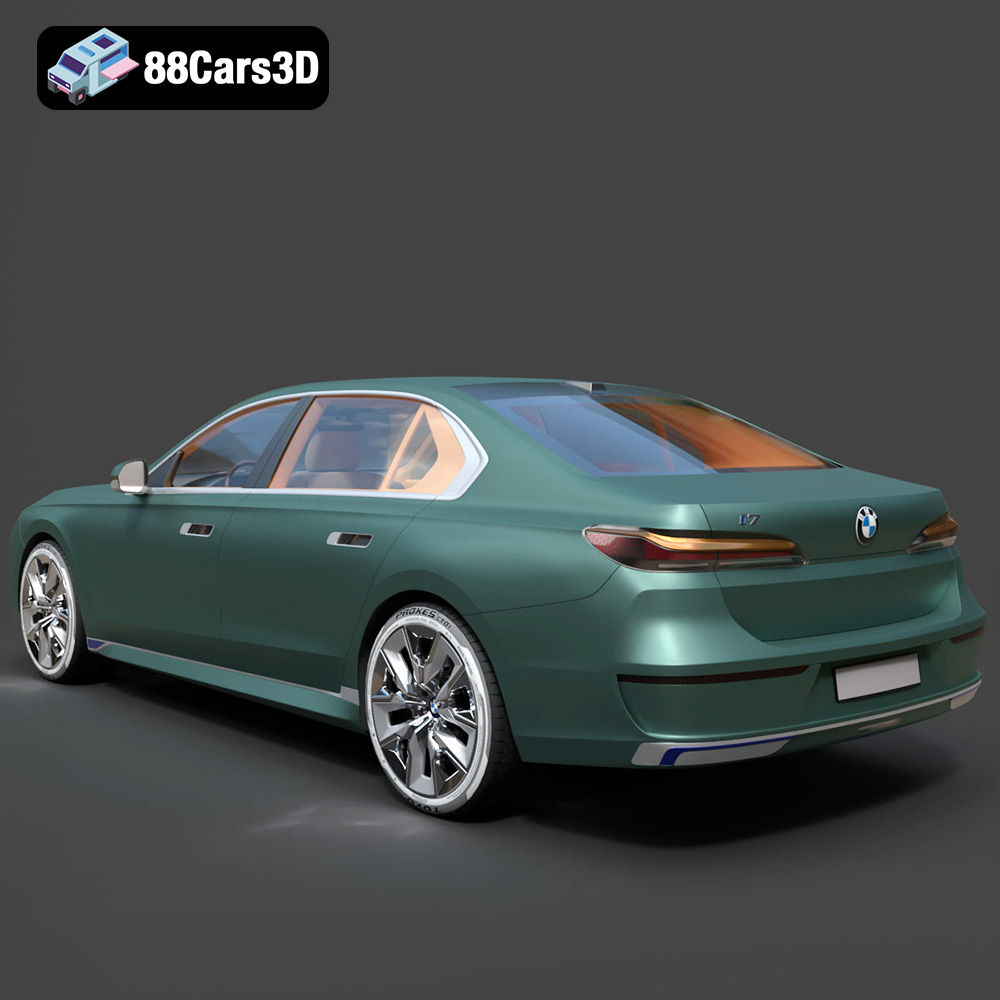
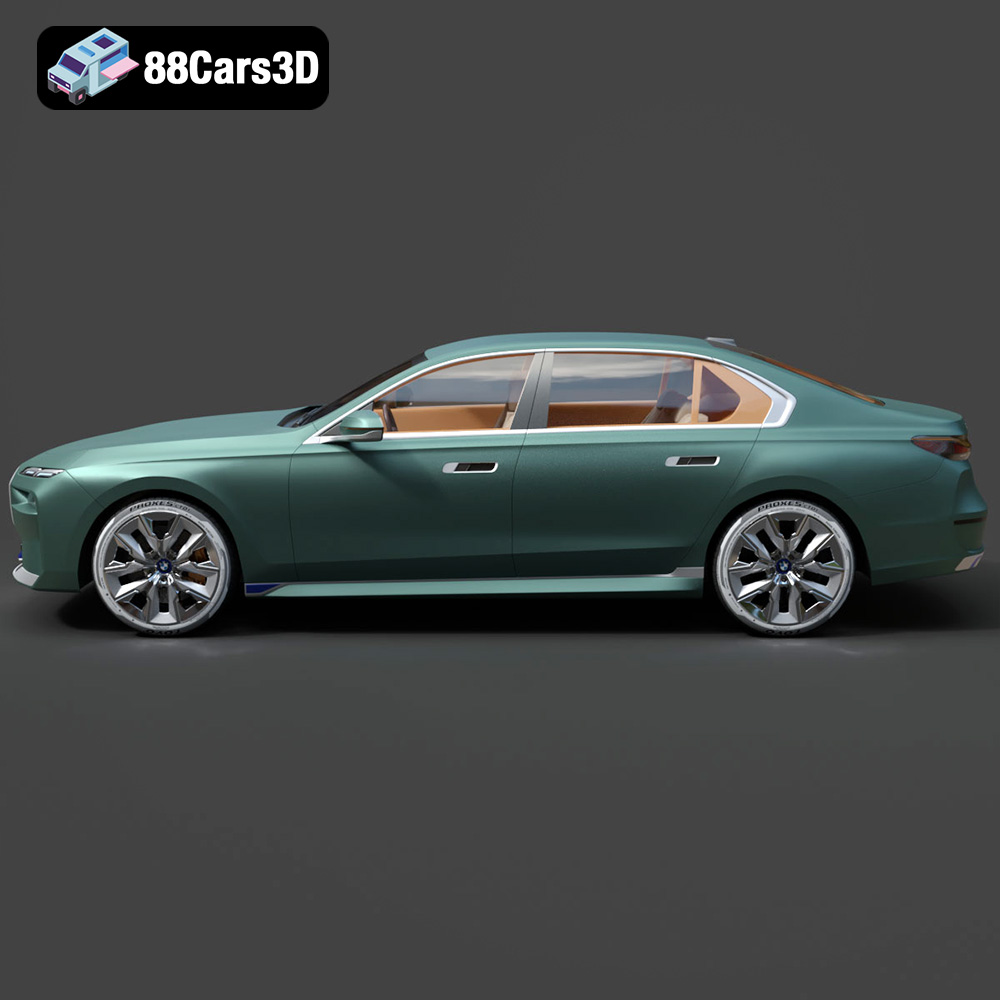
The BMW i7 xDrive60 2023 is a marvel of modern engineering and design, representing the pinnacle of electric luxury. Now, thanks to advancements in 3D printing, you can bring this groundbreaking vehicle to your desk, shelf, or diorama. This blog post will guide you through the process of 3D printing a high-quality replica of the BMW i7 using the exceptional 3D model available at 88cars3d.com. We’ll cover everything from pre-print preparation and slicing settings to post-processing techniques, ensuring your 3D printed i7 captures the essence of this luxurious EV.
Before diving into the specifics of 3D printing the BMW i7 model, it’s crucial to understand the different file formats included and their suitability for additive manufacturing. Several formats are provided for maximum compatibility, but some are better suited for 3D printing than others.
The STL (Stereolithography) file format is the workhorse of 3D printing. It represents the 3D model’s surface geometry as a collection of triangles. This simplicity makes it universally compatible with slicing software and 3D printers. When preparing the BMW i7 model for printing, the STL format will likely be your primary choice. However, remember that STL files only contain mesh data; they don’t store color, texture, or material information. This means your printed model will be a single color unless you apply post-processing techniques like painting. The STL file is generally considered to be the minimum required file format for any 3D printing project.
The OBJ (Object) file format is another popular option, known for its ability to store color and texture information alongside the 3D geometry. While some 3D printers can utilize this color data, especially those using multi-material printing, the BMW i7 model from 88cars3d.com is primarily intended for single-material printing, making the STL format a more straightforward choice. OBJ files are, however, useful for importing into rendering programs or game engines where the texture information is important.
The PLY (Polygon) file format is designed to store 3D data acquired from 3D scanners. It can represent the model’s geometry as a mesh of polygons, similar to STL and OBJ. PLY files can also store color and texture information. However, its primary advantage lies in its ability to handle high-detail meshes accurately. The BMW i7 model, with its intricate design and high polygon count, could potentially benefit from being processed as a PLY file. This format is particularly useful if you plan to scale the model up significantly, as it can preserve the fine details.
The BLEND file is the native format for Blender, a free and open-source 3D creation suite. This format allows you to fully edit the 3D model before exporting it for printing. If you want to modify the BMW i7, simplify certain areas, or create custom variations, Blender and the .blend file offer the most flexibility. For example, you could use Blender to create a version of the i7 without the complex interior to reduce printing time and material usage.
The FBX (Filmbox) file format is designed for interoperability between different 3D software packages. It can store geometry, textures, materials, and animations. While FBX can be imported into some slicing software, it’s often used to transfer the model from the original creation software to the slicing software. For standard 3D printing workflows, the STL file converted from the FBX within your slicing program will usually be the final file for the printer.
The GLB (GL Transmission Format Binary) is a file format designed for efficient transmission and loading of 3D models, often used for AR (Augmented Reality) applications. Before committing to a print, the GLB format can be used to preview the model in a real-world environment using your smartphone or tablet. This allows you to check the scale and appearance of the BMW i7 model in your intended space. This provides a valuable pre-print visualization step.
Similar to .blend, the .max file is the native format for 3ds Max, a professional 3D modeling and rendering software. If you have access to 3ds Max, the .max file offers the same level of editing capabilities as the .blend file.
For the BMW i7, the STL format is generally the best starting point for 3D printing. Ensure the STL file is properly scaled and oriented within your slicing software before proceeding. If you need to make modifications, use Blender or 3ds Max with the appropriate file format, then export as STL for printing.
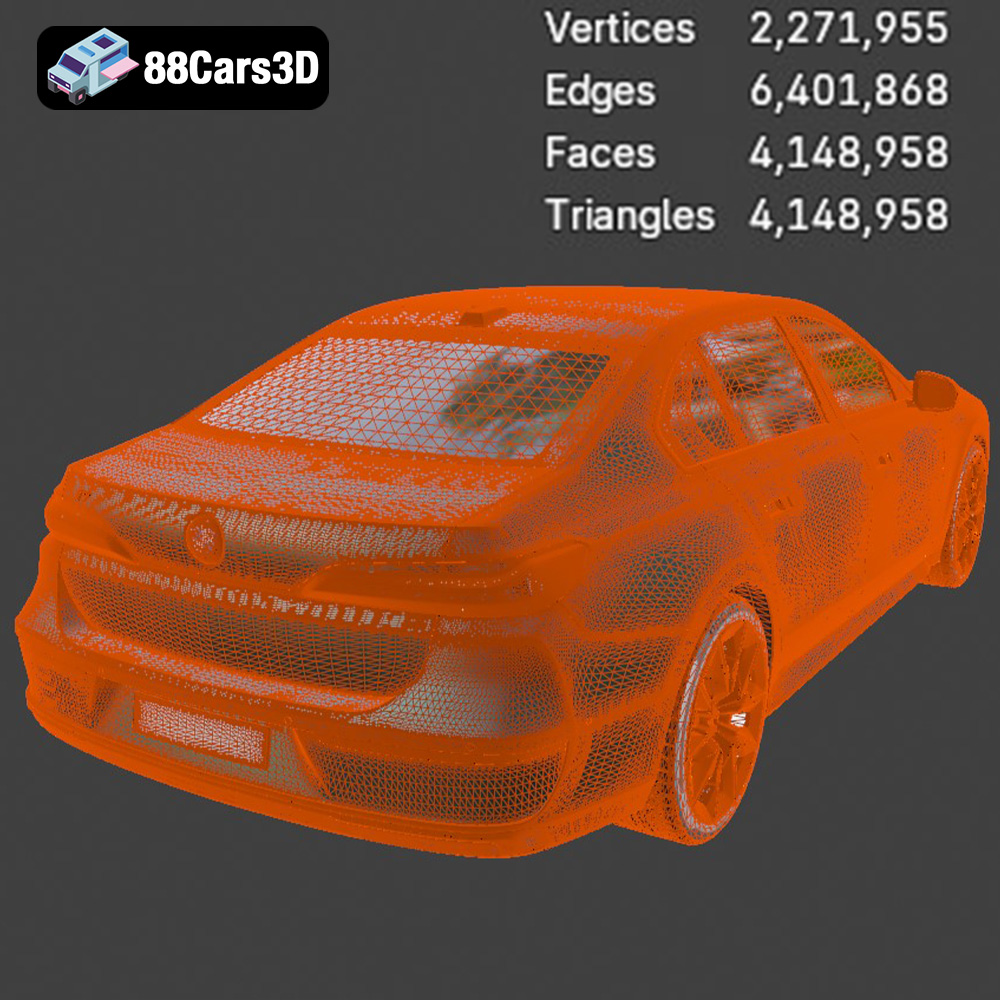
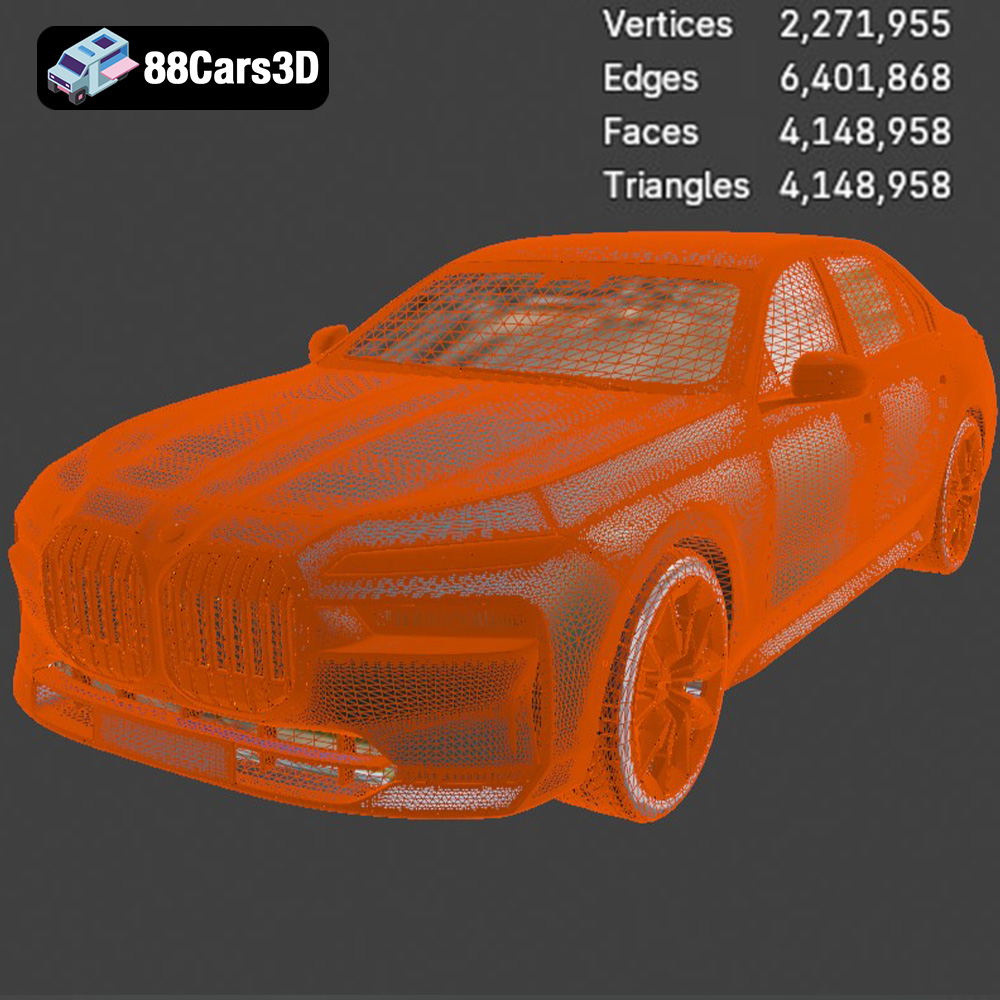
The ultra-high-poly nature of the BMW i7 model from 88cars3d.com means that some pre-processing is necessary to achieve optimal 3D printing results. This involves model repair, scaling, and orientation adjustments.
High-poly models often contain imperfections like non-manifold edges, holes, or self-intersecting faces. These issues can cause problems during slicing and printing. Use software like MeshMixer, Netfabb, or the built-in repair tools in your slicing software to identify and fix these errors. While the model is designed for photorealistic rendering, you might consider slightly simplifying the mesh to reduce print time and material consumption, especially for smaller scale prints. This involves reducing the polygon count while preserving the overall shape and details.
The 88cars3d.com description recommends scales of 1:24, 1:18, or 1:12. These scales offer a good balance between detail and print size. Consider the size of your printer’s build volume when choosing a scale. For example, a 1:12 scale model will be significantly larger than a 1:24 scale model. Use your slicing software to accurately scale the model before proceeding. Remember that scaling up too much can reveal imperfections in the print, while scaling down may lose finer details.
Print orientation significantly impacts print quality, support requirements, and overall print time. For the BMW i7, printing the body at an angle of approximately 45 degrees to the print bed is often recommended. This reduces the need for supports on the main body and can improve surface finish. The wheels, however, should be printed separately in an upright position to maintain their circular shape and detail. Carefully consider the orientation of each part to minimize support material and maximize surface quality. Pay close attention to overhangs, especially around the grille, mirrors, and rear spoiler.
The choice of 3D printing material impacts the final look, feel, and durability of your BMW i7 model. Different materials have different properties, advantages, and disadvantages.
For the BMW i7, resin printing is highly recommended, particularly if you want to capture the intricate details of the crystal headlights and interior screens. Resin printers offer significantly higher resolution than FDM (Fused Deposition Modeling) printers, allowing for smoother surfaces and finer details. Use high-quality resins designed for detailed models. Common resin types include standard resin, ABS-like resin (for increased durability), and clear resin (for transparent parts like windows and headlights).
If you’re using an FDM printer, PLA (Polylactic Acid) is a good starting point due to its ease of use and wide availability. PLA is biodegradable and produces minimal odors during printing. However, PLA can be brittle and may not be suitable for parts that require high impact resistance. PETG (Polyethylene Terephthalate Glycol) is a stronger and more flexible alternative to PLA. PETG is also more heat resistant, making it a better choice for parts that might be exposed to sunlight or high temperatures.
Regardless of the material you choose, consider the color. Printing in a gray or white filament/resin allows for easier painting and post-processing. If you’re aiming for a specific BMW color, such as Space Silver or Black Sapphire, you might be able to find a filament or resin that closely matches. Remember that you can always paint the model after printing to achieve the desired finish.
Achieving a high-quality 3D print of the BMW i7 requires careful tuning of your printer settings. These settings will vary depending on your printer, material, and desired print quality.
For resin printing, a layer height of 0.04-0.08 mm is recommended to capture the fine details of the model. For FDM printing, a layer height of 0.1-0.2 mm is a good starting point. Lower layer heights result in smoother surfaces but increase print time. Experiment to find the best balance between quality and speed.
Infill density determines the internal solidity of the print. For the BMW i7, an infill density of 15-25% is sufficient for most parts. Choose an infill pattern that provides good structural support without adding excessive weight or print time. Common infill patterns include gyroid, honeycomb, and rectilinear.
Support structures are necessary to support overhangs and bridges during printing. Use your slicing software to automatically generate supports, and then manually adjust them to optimize placement and minimize material usage. Ensure the support structures are easy to remove without damaging the model. For FDM printing, a brim or raft can improve bed adhesion and prevent warping, especially for larger parts.
Print speed and temperature depend on the material you’re using. Follow the manufacturer’s recommendations for your chosen filament or resin. Generally, slower print speeds result in higher quality prints. Optimize temperature settings to ensure proper layer adhesion and minimize warping or stringing.
Post-processing is essential to transform a raw 3D print into a polished and realistic replica of the BMW i7. This involves removing supports, sanding, priming, painting, and assembling the various parts.
Carefully remove the support structures using pliers, cutters, or a sharp knife. Be extra cautious around delicate areas like the grille and mirrors. Use sandpaper or a file to smooth out any remaining support marks. For resin prints, isopropyl alcohol (IPA) is used to clean the uncured resin.
Sanding is crucial for achieving a smooth surface finish. Start with coarse-grit sandpaper (e.g., 220 grit) to remove any significant imperfections, then gradually move to finer grits (e.g., 400, 600, 800) to create a smooth, paint-ready surface. For resin prints, wet sanding can help to minimize dust and improve the finish.
Apply a thin layer of primer to the model to create a uniform surface for painting. Use automotive-grade primer for best results. Once the primer is dry, sand it lightly with fine-grit sandpaper. Apply multiple thin layers of paint, allowing each layer to dry completely before applying the next. Use masking tape to create clean lines and two-tone paint schemes. Consider using an airbrush for a professional-looking finish. Clear coat is recommended to protect the paint and give it a glossy sheen.
Carefully assemble the various parts of the BMW i7 model using glue or epoxy. Pay attention to alignment and fit. Add any final details, such as decals, badges, or clear parts for the windows and headlights. Consider using specialized model-building tools for precision assembly.
Even with careful preparation, 3D printing can sometimes present challenges. Here are some common issues and their solutions.
Warping occurs when the corners of the print lift off the build plate. This can be caused by poor bed adhesion, inadequate bed temperature, or drafts. To prevent warping, ensure the build plate is clean and level, use a brim or raft, increase the bed temperature, and enclose the printer to minimize drafts.
Stringing occurs when thin strands of filament are left between different parts of the print. Blobs are small, unwanted deposits of material on the print surface. These issues can be caused by excessive retraction, high printing temperature, or slow travel speed. To prevent stringing and blobs, adjust the retraction settings in your slicing software, lower the printing temperature, and increase the travel speed.
Layer adhesion problems occur when the layers of the print do not properly bond together. This can be caused by low printing temperature, insufficient cooling, or incorrect layer height. To improve layer adhesion, increase the printing temperature, reduce the cooling fan speed, and ensure the layer height is appropriate for your chosen material.
Support structures can sometimes be difficult to remove or can leave behind unsightly marks on the print surface. To minimize these issues, optimize the support structure placement, reduce the support density, and use a dissolvable support material (for dual-extrusion printers).
By following these guidelines, you can successfully 3D print a stunning replica of the BMW i7 xDrive60 2023. Remember to experiment with different settings and techniques to find what works best for your printer and chosen material. With patience and attention to detail, you can create a truly impressive model that captures the essence of this groundbreaking electric luxury sedan. The high-quality 3D model available at 88cars3d.com provides an excellent foundation for this exciting project.
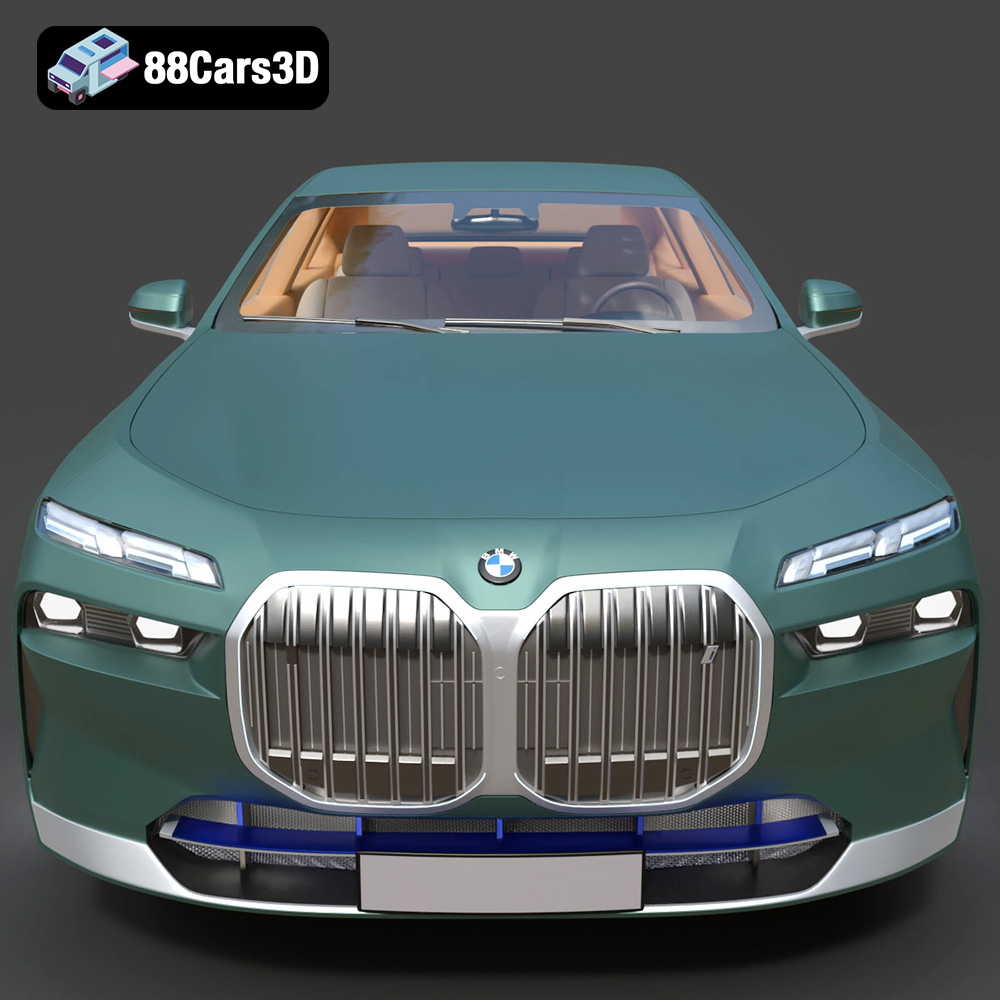
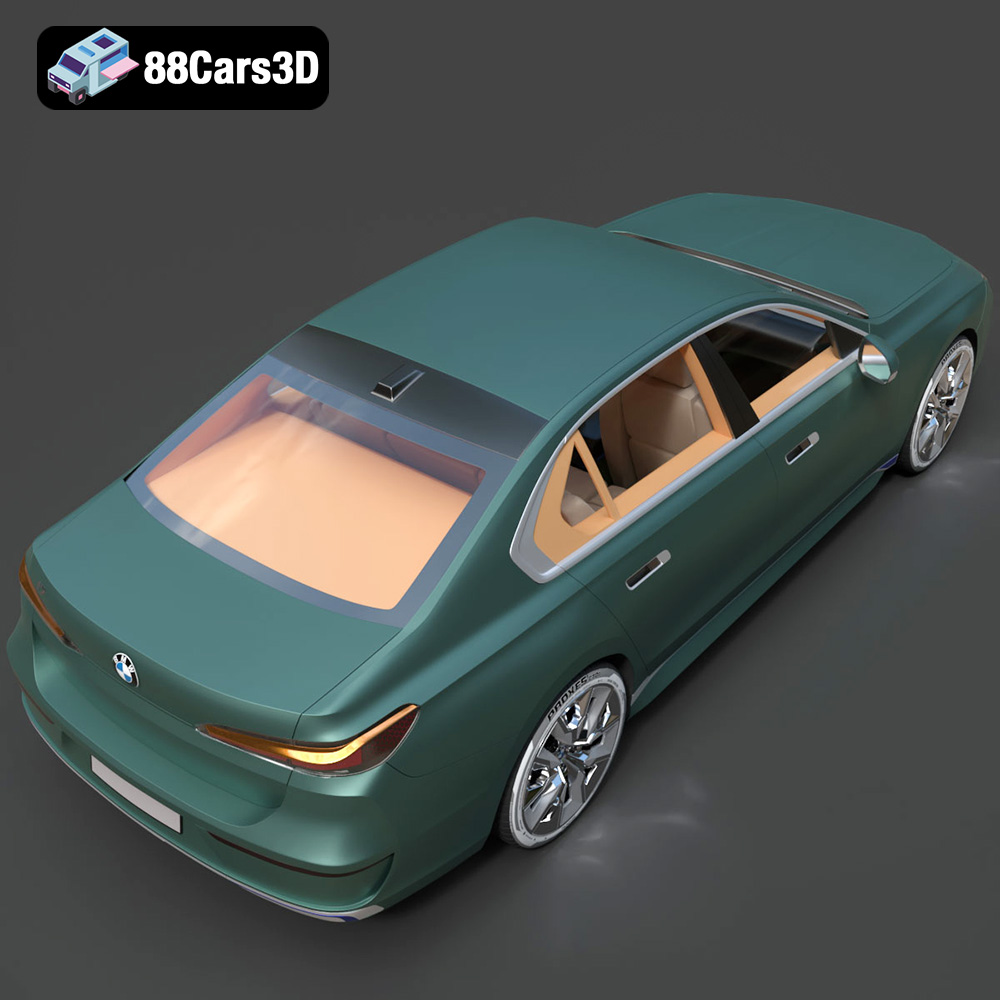
The BMW i7 (2023) 3D Model is an uncompromising, ultra-high-detail digital recreation of the Bavarian automaker’s all-electric flagship luxury sedan. Representing the groundbreaking G70 generation, the i7 redefines the modern luxury segment by combining progressive, monolithic design language with next-generation electric mobility and uncompromised digital innovation.
$19.99
.archviz
.automotive
.blend
.bmw
.ev
.fbx
.g70
.i7
.obj
.rendering
2023-bmw
bmw-i7
car-3d-model
electric-vehicle
hero-car
high poly
luxury-sedan
vfx