Get 50% OFF All Premium 3D & STL Models!

The Cadillac Escalade ESV, a symbol of luxury and spaciousness, is now within reach for 3D printing enthusiasts. Thanks to detailed 3D models available on platforms like 88cars3d.com, you can bring this iconic SUV to life in miniature form. This comprehensive guide will walk you through the entire process, from pre-print preparation to post-processing, ensuring a successful and satisfying 3D printing experience.
Before diving into the 3D printing process, proper preparation is crucial for achieving optimal results. This involves several key steps, including model inspection, scaling, and support structure planning.
* **Why it’s important:** 3D models, especially those intended for 3D printing, may contain imperfections such as non-manifold geometry, inverted normals, or small gaps. These issues can lead to print failures or poor surface quality.
* **How to do it:** Utilize mesh editing software like MeshMixer, Blender, or Netfabb to inspect the STL file for errors. These programs can automatically identify and repair common mesh problems, ensuring a watertight and printable model. For the Cadillac Escalade ESV, pay close attention to areas like the grille, light housings, and intricate body lines.
* **Specific checks for this model:** Given the Escalade ESV’s complex design, carefully inspect the areas where the body panels meet, ensuring there are no gaps or overlapping faces. The wheel wells and undercarriage also warrant close examination.
* **Consider your objectives:** The ideal scale depends on your intended use for the 3D printed model. Common scales for model cars include 1:24, 1:32, 1:18, and 1:12. The product description from 88cars3d.com suggests these scales as well.
* **Scaling implications:** Smaller scales (e.g., 1:43) require finer printer settings and may necessitate resin printing to capture intricate details. Larger scales (e.g., 1:12) offer more room for detail and post-processing but demand more material and print time.
* **Software adjustments:** Use your slicing software to uniformly scale the model to your desired size. Ensure that all parts are scaled proportionally to maintain dimensional accuracy.
* **Identifying overhangs:** Support structures are essential for 3D printing overhangs, which are parts of the model that extend beyond the layer below them. The Cadillac Escalade ESV has several areas that require supports, including the side mirrors, roof rails, wheel arches, and potentially the underside of the body.
* **Support placement strategies:** Carefully consider the placement of supports to minimize their impact on the visible surfaces of the model. Use support blockers or custom support settings in your slicing software to selectively add or remove supports as needed.
* **Support settings:** Experiment with different support settings, such as support density, overhang angle, and support interface layers, to find the optimal balance between support strength and ease of removal. Breakaway supports are a good option for this model.
Choosing the right file format is critical for a smooth 3D printing workflow. While numerous formats exist, some are better suited for 3D printing than others. Here’s a breakdown of common 3D model file formats and their relevance to 3D printing, with a strong emphasis on STL.
* **.stl – Industry standard for 3D printing, mesh-only format**
* STL (Stereolithography) is the de facto standard for 3D printing. It represents the surface geometry of a 3D object as a collection of triangles. STL files are lightweight, widely supported by slicing software, and generally reliable for 3D printing. However, STL files only store the shape of the object; they do not contain color or texture information.
* For the Cadillac Escalade ESV model from 88cars3d.com, the STL format is the primary choice for 3D printing. It allows you to directly translate the model’s geometry into a printable form. Because it is the industry standard, all slicing software will be compatible.
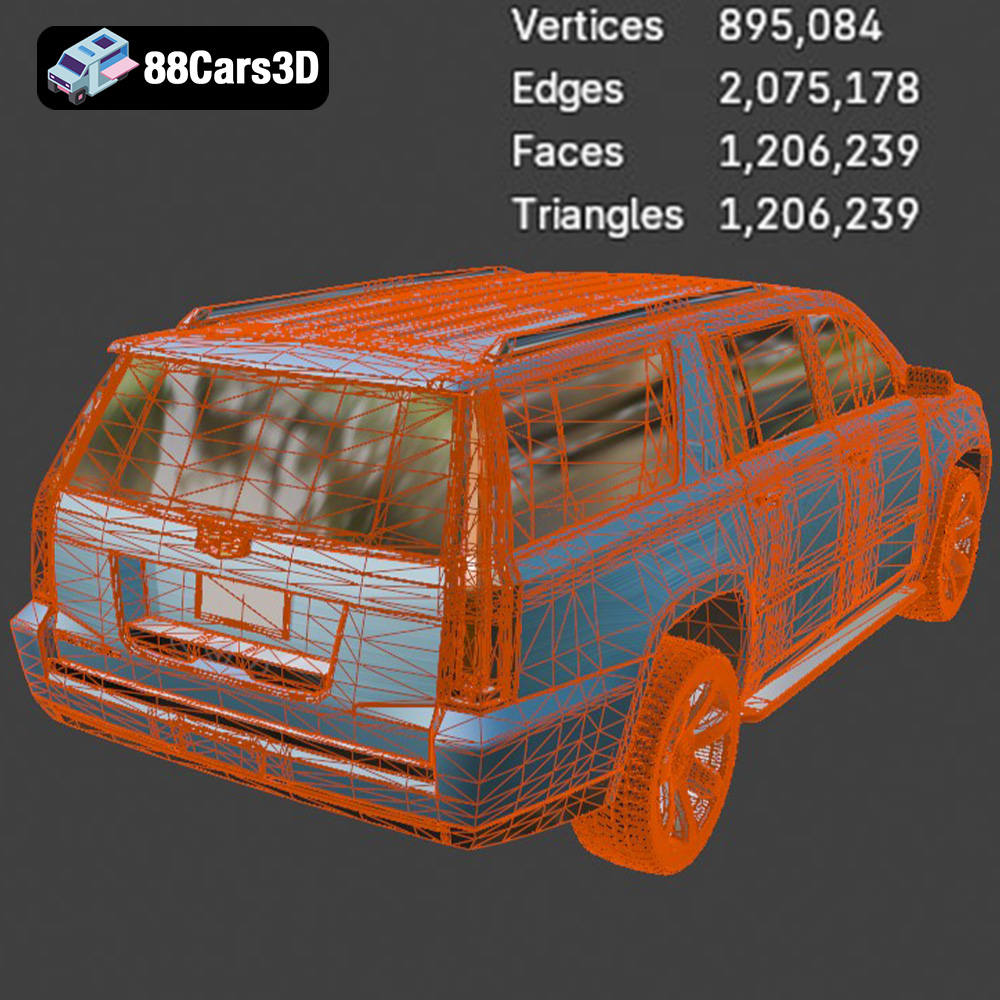
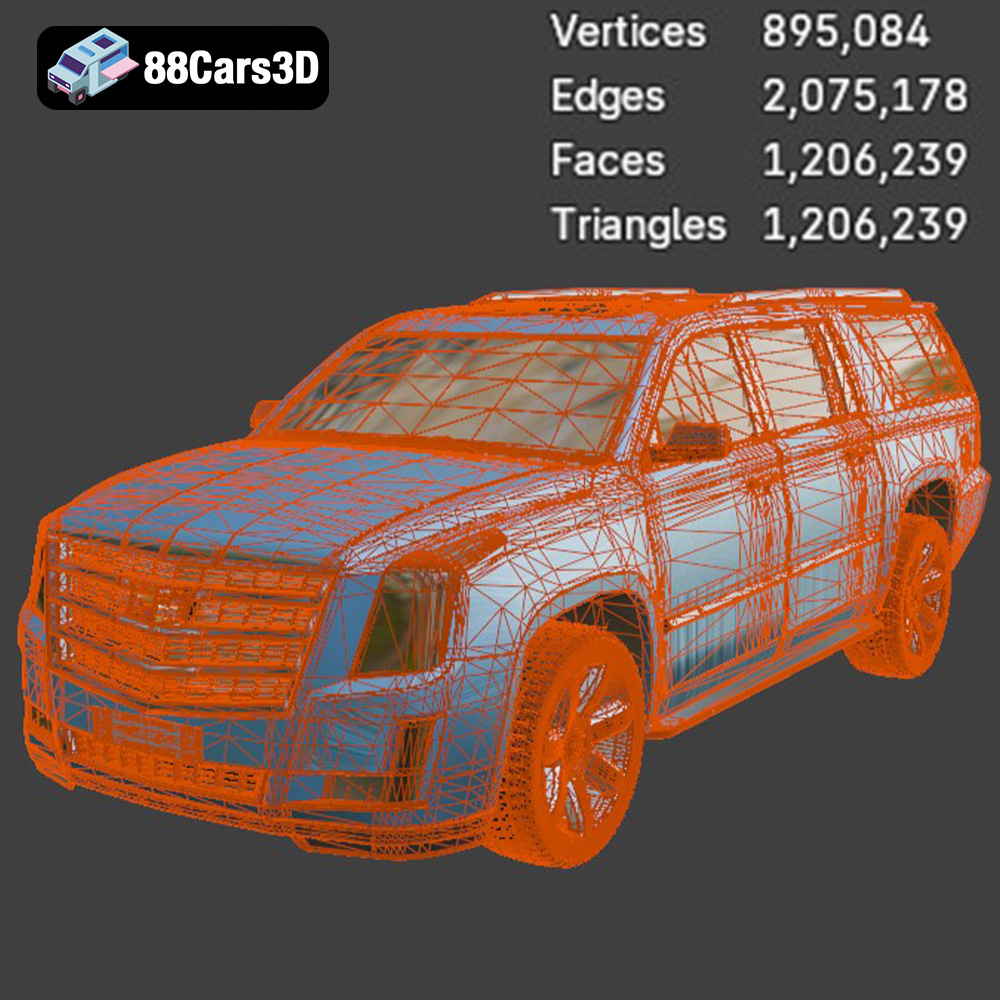
* Mesh quality in STL files is crucial. A higher triangle count results in a smoother surface but also a larger file size. Optimize the triangle count to balance detail and printability.
* **.obj – Universal format with texture support for colored prints**
* OBJ is a more versatile format than STL, as it can store color, texture, and material information in addition to the geometry. This makes OBJ suitable for colored 3D printing or rendering applications.
* While OBJ can be used for 3D printing, it’s less common than STL. Slicing software support for OBJ can vary, and the added complexity of color and texture data may introduce compatibility issues.
* **.ply – Precision mesh format for high-detail prints**
* PLY (Polygon File Format) is designed to store 3D data acquired from scanning devices. It can represent geometry, color, texture, and other properties. PLY is known for its ability to capture high-detail meshes.
* PLY files can be used for 3D printing, particularly when dealing with scanned objects or models with intricate details. However, like OBJ, slicing software support for PLY may be limited.
* **.blend – Editable Blender scene for customization before export**
* BLEND files are the native format for Blender, a popular open-source 3D modeling software. BLEND files contain the entire Blender scene, including the model’s geometry, textures, materials, lighting, and animation data.
* BLEND files are not directly printable. You must first open the BLEND file in Blender, make any desired modifications, and then export the model as an STL file for 3D printing.
* **.fbx – For importing into slicing software with materials**
* FBX (Filmbox) is a proprietary format developed by Autodesk for exchanging 3D data between different software applications. FBX supports geometry, textures, materials, animation, and other data.
* FBX files can be imported into some slicing software, allowing you to retain material information (if supported by the printer). However, STL remains the preferred format for 3D printing due to its simplicity and widespread compatibility.
* **.glb – For previewing models in AR before printing**
* GLB (GL Transmission Format Binary) is a binary file format that represents 3D models in a compact and efficient manner. GLB is often used for web-based 3D viewing and augmented reality (AR) applications.
* GLB files are not directly printable. They are primarily intended for visualization and AR experiences.
* **.max – Editable 3ds Max project for modifications**
* MAX files are the native format for 3ds Max, another professional 3D modeling software. Similar to BLEND files, MAX files contain the entire 3ds Max project, including the model’s geometry, textures, materials, lighting, and animation data.
* MAX files are not directly printable. You must first open the MAX file in 3ds Max, make any desired modifications, and then export the model as an STL file for 3D printing.
**In summary, for 3D printing the Cadillac Escalade ESV model from 88cars3d.com, the STL format is the most practical and widely supported choice. Ensure the STL file is properly inspected and repaired before slicing to achieve the best possible printing results.**
The choice of material significantly impacts the final appearance, strength, and durability of your 3D printed Cadillac Escalade ESV. The most common options are PLA, PETG, and resin, each with its own set of advantages and disadvantages.
* **Pros:** PLA is a biodegradable thermoplastic that is easy to print, offers good detail resolution, and is available in a wide range of colors. It’s an excellent choice for beginners.
* **Cons:** PLA is not as strong or heat-resistant as other materials. It can warp or deform in high-temperature environments.
* **Recommendation:** PLA is suitable for the Cadillac Escalade ESV if you prioritize ease of printing and visual appeal. Choose a high-quality PLA filament for best results.
* **Pros:** PETG combines the ease of printing of PLA with improved strength, flexibility, and heat resistance. It also offers good chemical resistance.
* **Cons:** PETG can be more prone to stringing than PLA and may require slightly higher printing temperatures.
* **Recommendation:** PETG is a versatile option for the Cadillac Escalade ESV, offering a good balance of printability and performance. Consider PETG if you want a more durable and heat-resistant model.
* **Pros:** Resin printing offers exceptional detail resolution, making it ideal for small-scale models with intricate features. It produces smooth surfaces and can capture fine details that are difficult to achieve with FDM printing.
* **Cons:** Resin printing is more expensive than FDM printing, requires post-processing (washing and curing), and the available build volume is typically smaller. Resin materials can also be brittle.
* **Recommendation:** Resin printing is highly recommended for the Cadillac Escalade ESV, especially at smaller scales (1:43 or smaller), where fine details are crucial. The product description from 88cars3d.com suggests resin printing for smaller details like the headlights, which aligns with this recommendation.
Achieving a high-quality 3D print of the Cadillac Escalade ESV requires careful consideration of printer settings. These settings will vary depending on your printer, material, and desired level of detail.
* **Impact:** Layer height affects the surface smoothness and printing time. Lower layer heights result in smoother surfaces but longer print times.
* **Recommendations:** For PLA or PETG, a layer height of 0.12-0.2mm is a good starting point. For resin printing, a layer height of 0.05mm or lower is recommended to maximize detail resolution.
* **Impact:** Infill density affects the strength and weight of the model. Higher infill densities result in stronger but heavier and more material-intensive prints.
* **Recommendations:** An infill density of 15-30% is typically sufficient for model cars. Consider increasing the infill density in areas that require more strength, such as the chassis or wheel mounts.
* **Impact:** Print speed affects the print quality and the likelihood of print failures. Slower print speeds generally result in higher quality prints.
* **Recommendations:** Start with a moderate print speed (e.g., 40-60 mm/s for PLA/PETG, consult resin manufacturer for resin recommendations) and adjust as needed based on your printer and material.
* **Impact:** Temperature settings affect the adhesion, warping, and stringing of the print.
* **Recommendations:** Follow the manufacturer’s recommended temperature settings for your chosen material. Fine-tune the temperature based on your printer and environment.
* **Impact:** Print orientation influences the surface finish, support requirements, and overall strength of the model.
* **Recommendations:** As noted in the product description, printing the body upside down can result in a smoother roof finish. Print the wheels separately for improved detailing.
Post-processing is essential for achieving a polished and professional-looking 3D printed Cadillac Escalade ESV. This involves removing supports, sanding, priming, painting, and applying a clear coat.
* **Techniques:** Carefully remove support structures using pliers, cutters, or a sharp knife. Take care not to damage the surface of the model.
* **Soluble supports:** If using soluble support materials (e.g., PVA for PLA), dissolve the supports in water according to the manufacturer’s instructions.
* **Purpose:** Sanding removes layer lines and imperfections, creating a smooth surface for painting.
* **Process:** Start with coarse-grit sandpaper (e.g., 220 grit) and gradually move to finer grits (e.g., 400, 600, 800 grit) to achieve a smooth finish. Wet sanding can help to reduce dust and improve the sanding results.
* **Benefits:** Priming provides a uniform surface for painting and helps the paint adhere properly.
* **Application:** Apply a thin, even coat of primer to the model. Allow the primer to dry completely before sanding lightly with fine-grit sandpaper.
* **Techniques:** Use spray paint or an airbrush to apply multiple thin coats of paint to the model. Allow each coat to dry completely before applying the next.
* **Color matching:** Choose colors that accurately represent the Cadillac Escalade ESV’s factory paint options. The product description suggests black, white, metallic silver, and pearl as potential color choices.
* **Protection:** Apply a clear coat to protect the paint and add a glossy finish.
* **Application:** Apply a thin, even coat of clear coat to the model. Allow the clear coat to dry completely.
Even with careful preparation, 3D printing can sometimes present challenges. Here are some common issues and their solutions.
* **Cause:** Warping occurs when the printed part detaches from the print bed due to uneven cooling or poor adhesion.
* **Solutions:** Ensure the print bed is properly leveled and heated. Use a bed adhesive such as glue stick or painter’s tape. Enclose the printer to maintain a more consistent temperature.
* **Cause:** Stringing occurs when the printer nozzle oozes filament while moving between different parts of the model.
* **Solutions:** Reduce the printing temperature. Increase retraction distance and speed. Adjust travel speed.
* **Cause:** Layer shifting occurs when the print head or bed abruptly shifts during printing, resulting in misaligned layers.
* **Solutions:** Check the belt tension and tighten if necessary. Reduce the printing speed. Ensure the printer is placed on a stable surface.
* **Cause:** Lack of adhesion to the print bed will cause the print to fail early.
* **Solutions:** Clean the print bed thoroughly with isopropyl alcohol. Ensure the bed is properly leveled. Use a brim or raft to increase the surface area in contact with the bed.
3D printing the Cadillac Escalade ESV is a rewarding project that combines technical skill with creative expression. By following the steps outlined in this guide, you can successfully create a stunning miniature replica of this iconic luxury SUV. Remember to pay close attention to pre-print preparation, material selection, printer settings, and post-processing techniques.
With the high-quality 3D models available at 88cars3d.com, you have a solid foundation for your project. Embrace the challenges, experiment with different settings, and enjoy the process of bringing your own Cadillac Escalade ESV to life through the power of 3D printing.
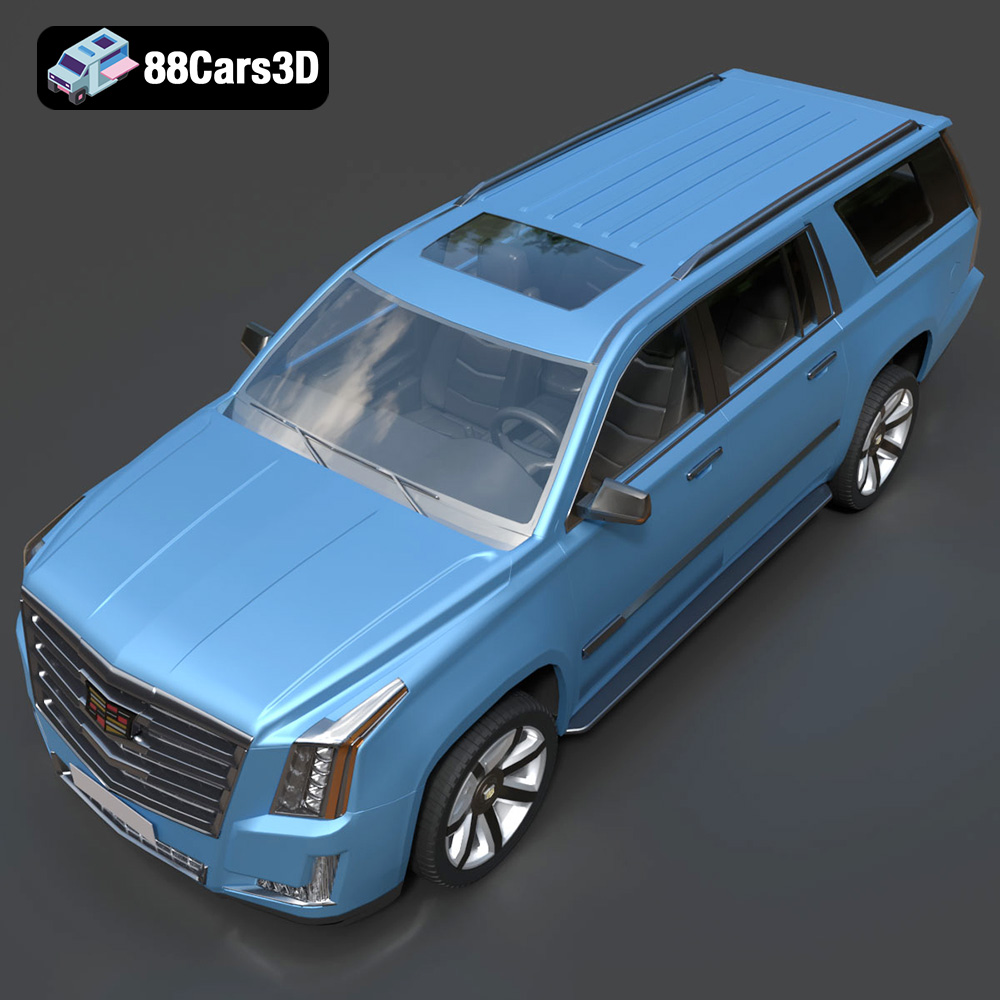
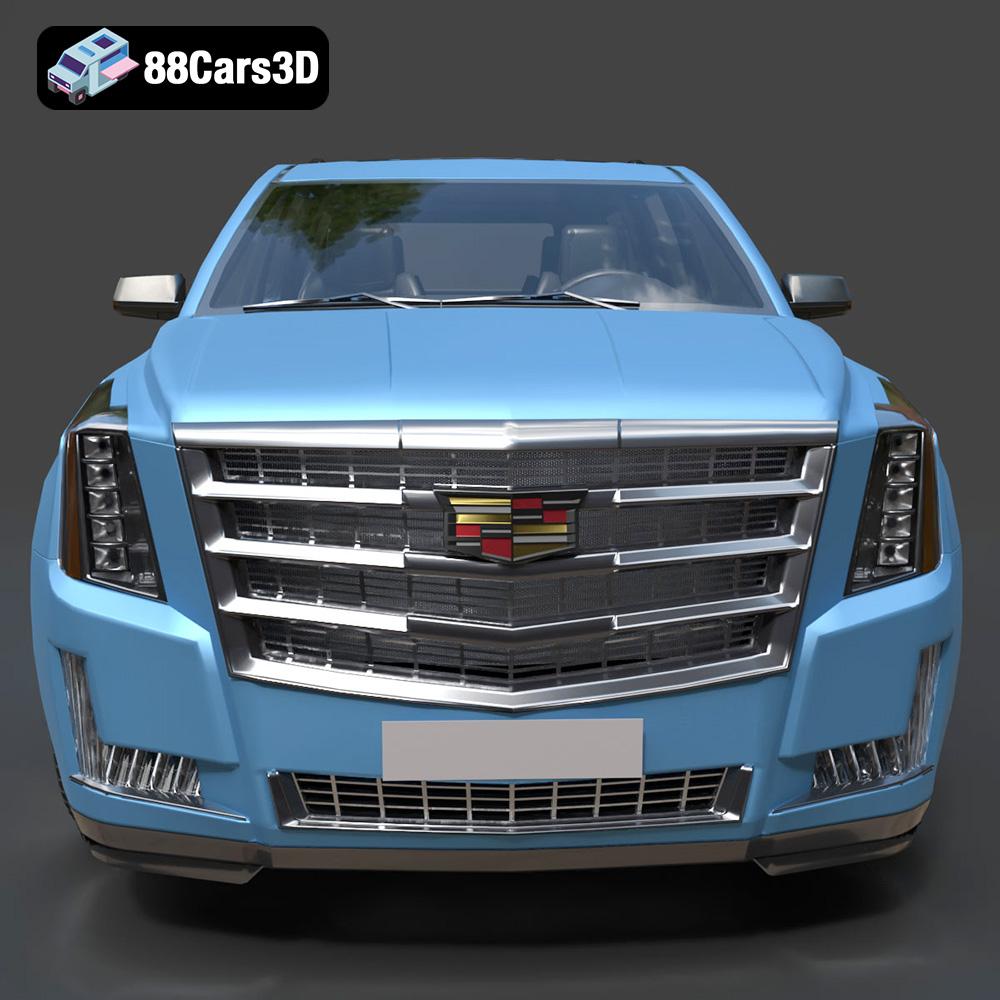
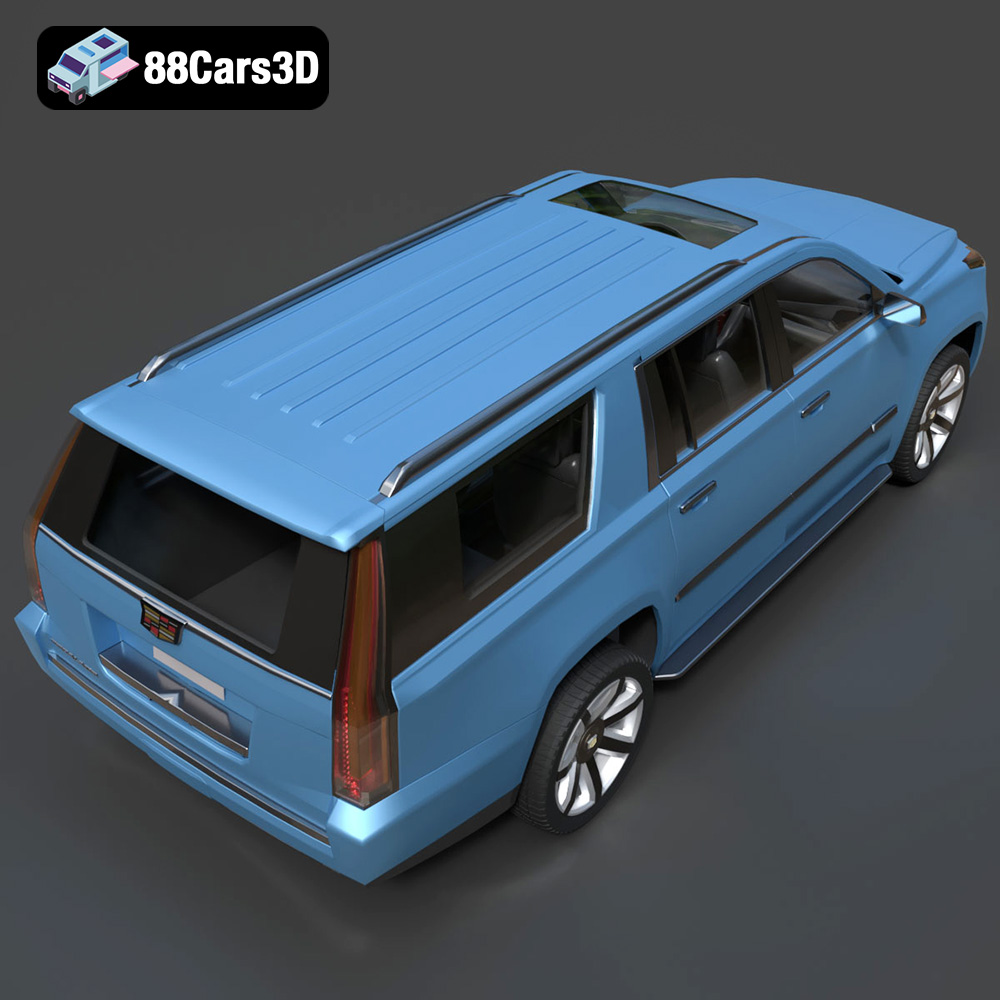
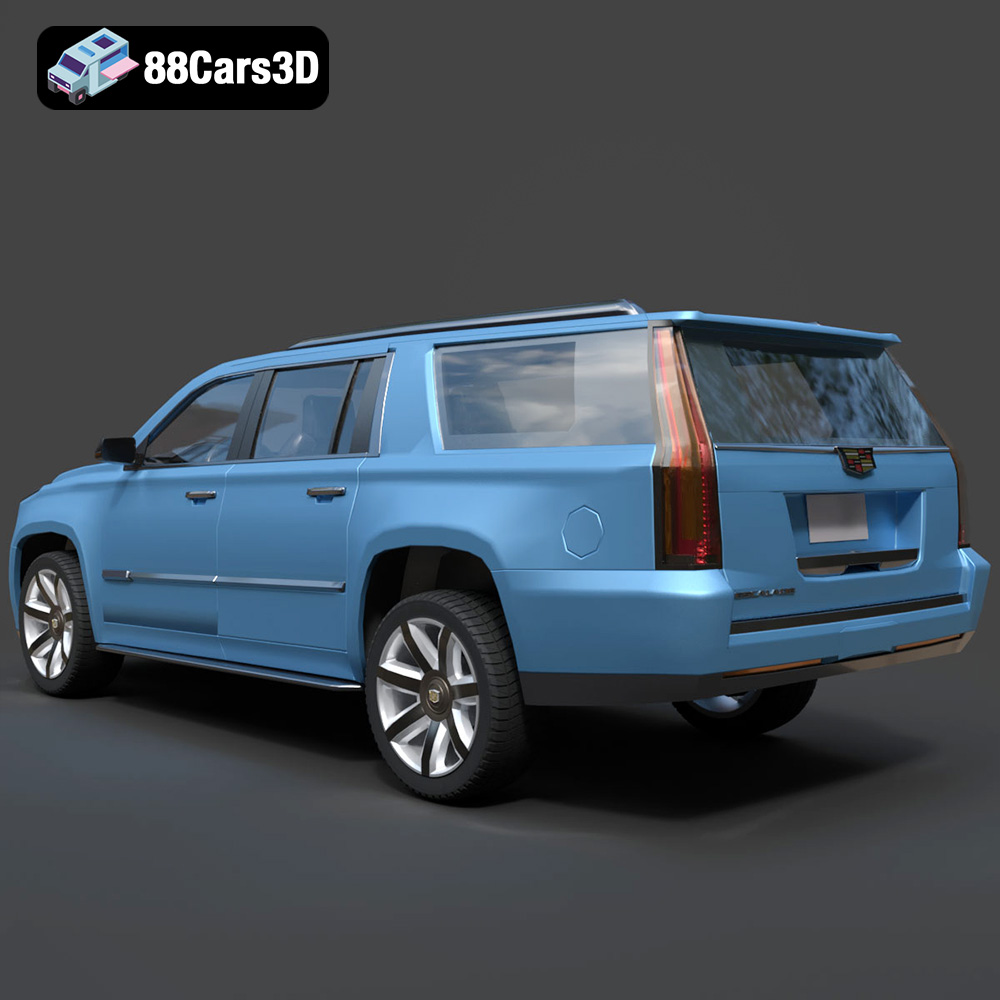
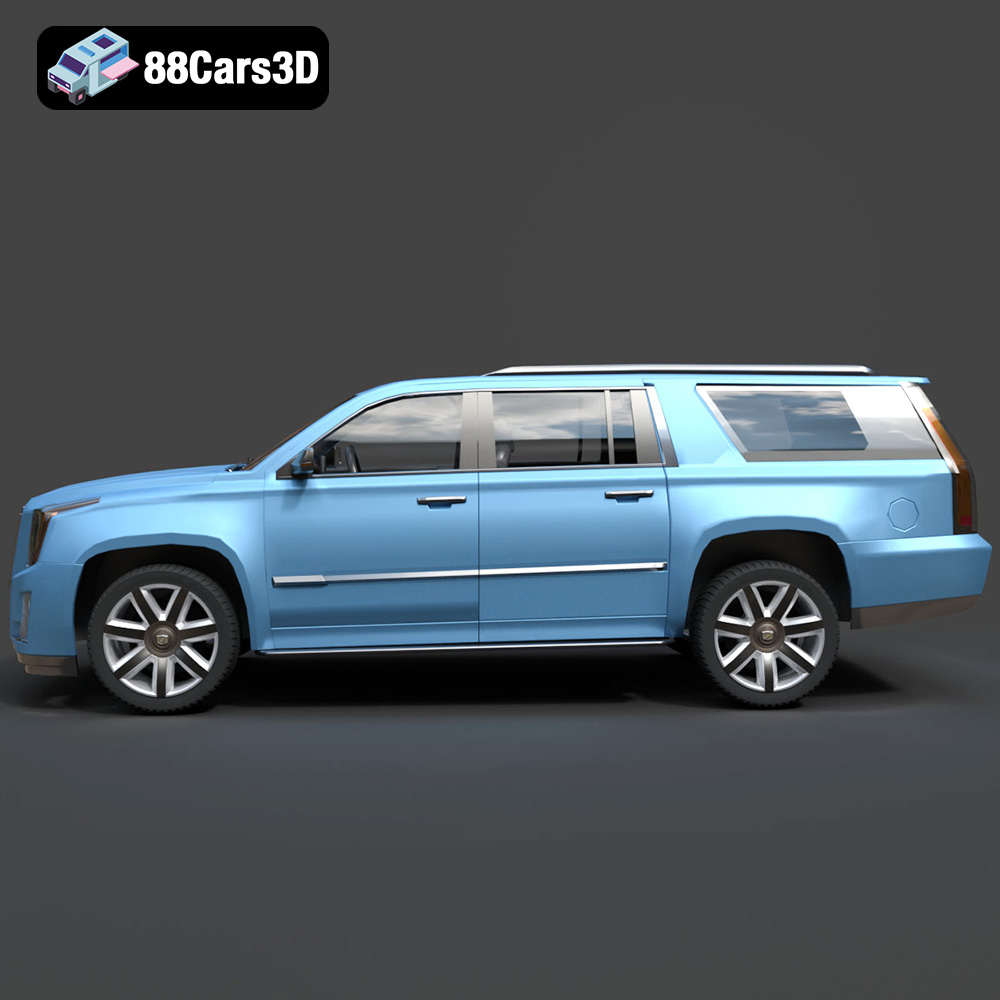
The Cadillac Escalade ESV 3D Model is a premium digital recreation of the extended-length luxury SUV produced by Cadillac. Known for its bold presence, elongated body design, and high-end refinement, the Escalade ESV combines executive comfort with full-size SUV capability. This 3D model accurately captures the Escalade ESV’s commanding grille, vertical LED lighting signature, extended wheelbase proportions, and sculpted luxury styling. Designed with clean geometry and real-world scale accuracy, it is ideal for rendering, animation, game development, AR/VR projects, and automotive simulations.
$9.99
.arvr
.blend
.cadillac
.car3dmodel
.escalade
.esvesv
.fbx
.fullsizesuv
.gameasset
.glb
.luxurysuv
.max
.obj
.ply
.rendering
.simulation
.stl
.unreal
.vehicleasset
automotive3d