Get 50% OFF All Premium 3D & STL Models!

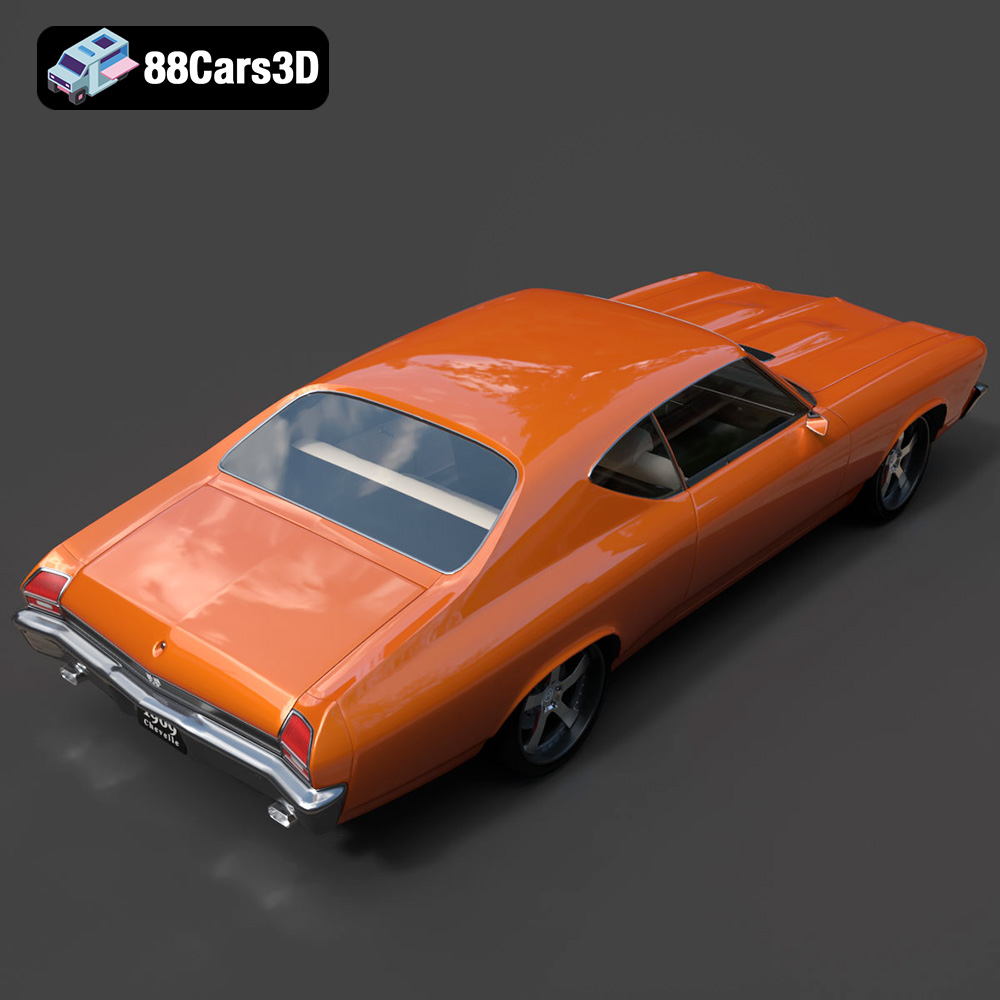
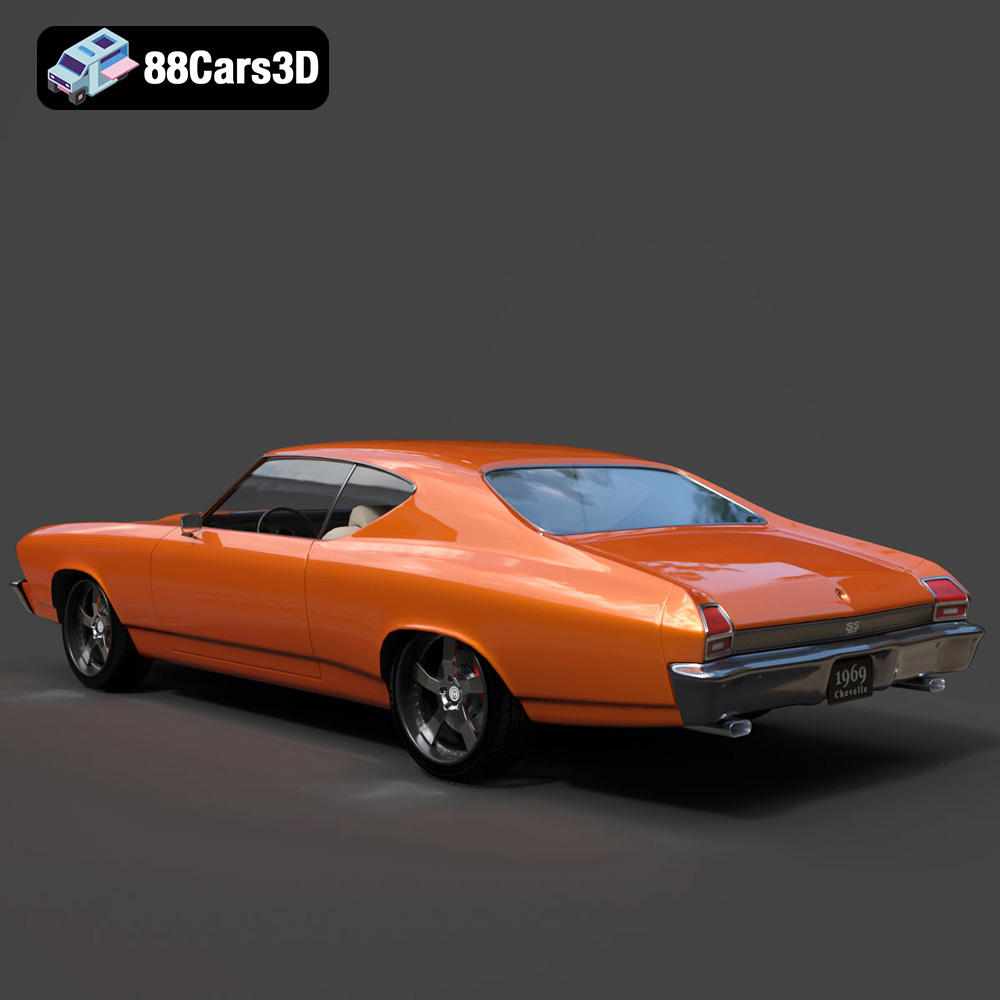
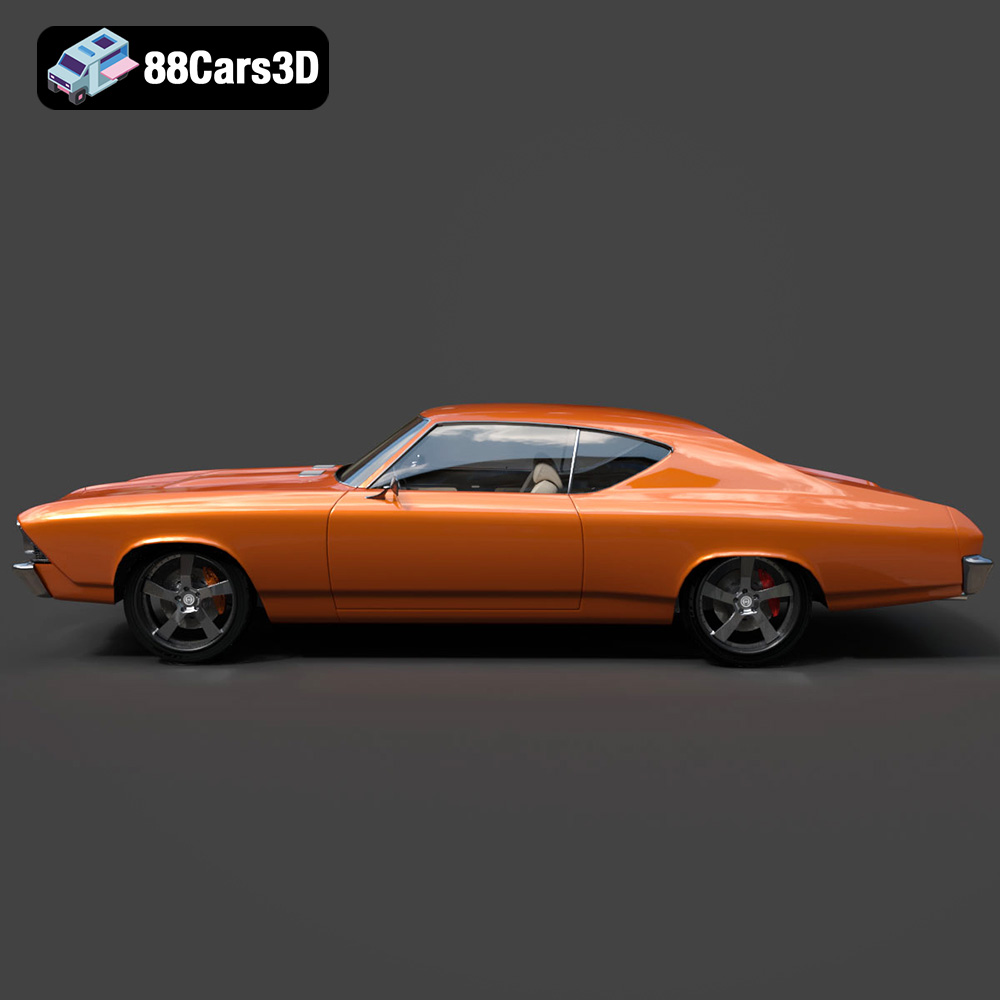
The Chevrolet Chevelle SS 1969 is more than just a car; it’s a symbol of American muscle, power, and style. Now, thanks to the advancements in 3D printing technology, you can bring this iconic vehicle to life in miniature form. This guide will walk you through the process of 3D printing the Chevrolet Chevelle SS 1969 3D model, ensuring a successful and rewarding experience. From choosing the right materials and printer settings to mastering post-processing techniques, we’ll cover everything you need to create a stunning replica of this classic.
Before diving into the specifics of printing the Chevelle SS, it’s crucial to understand the various 3D model file formats and their suitability for additive manufacturing. The availability of multiple formats, as offered on platforms like 88cars3d.com, provides flexibility, but choosing the right one is key for a successful print.
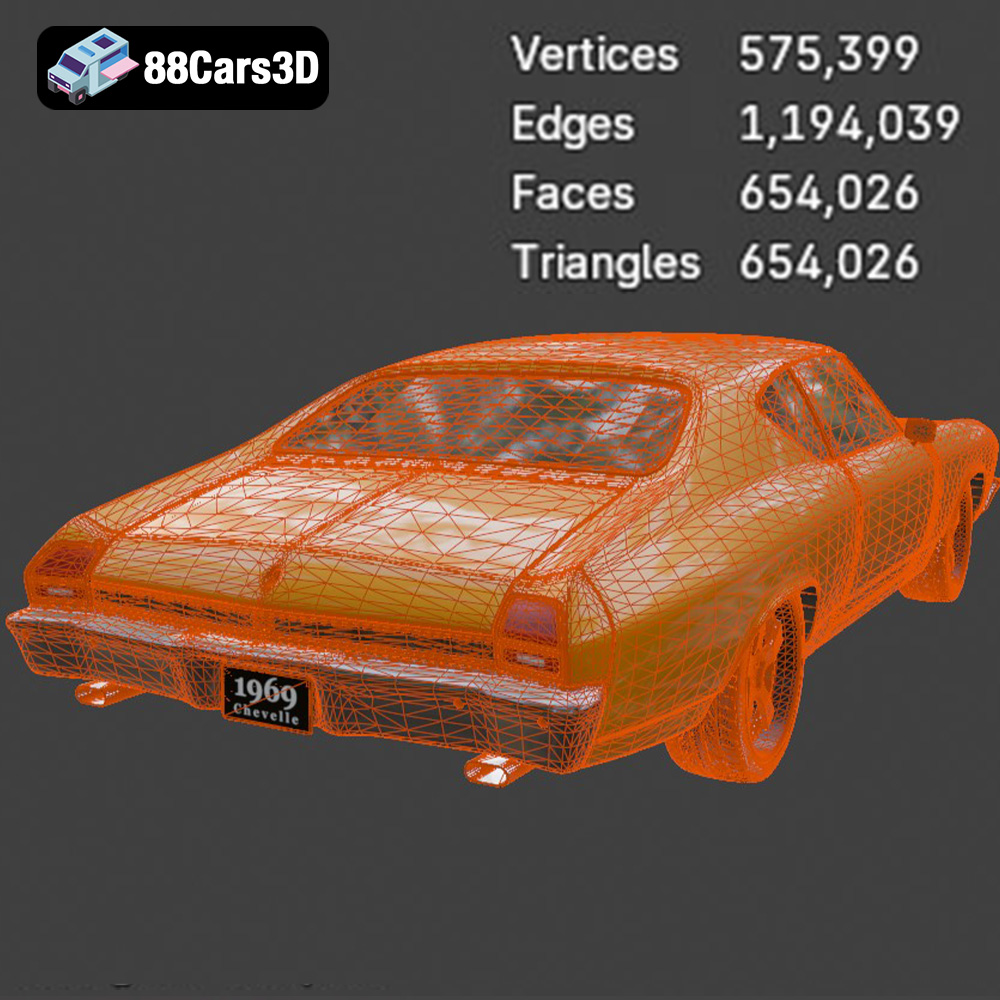
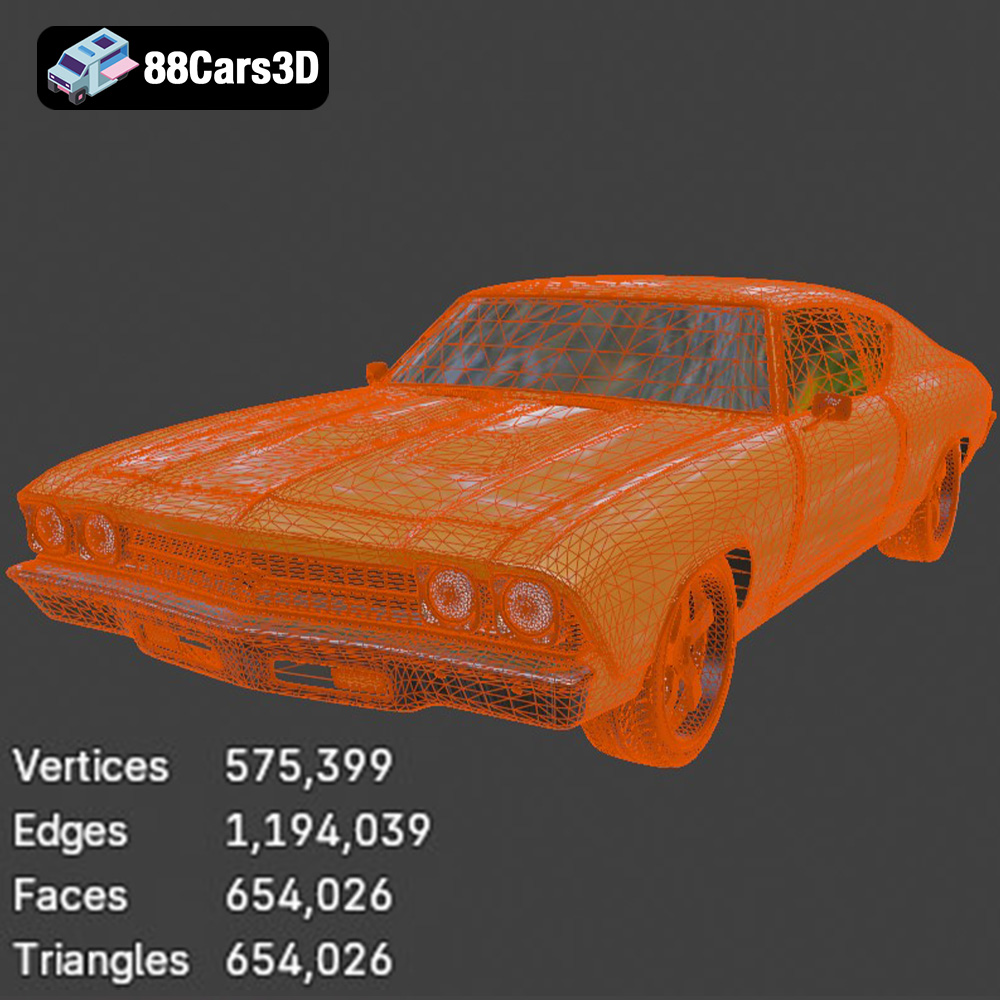
The .stl (Stereolithography) file format is the industry standard for 3D printing. It represents the surface geometry of a 3D object as a collection of triangles. This simplicity makes it universally compatible with slicing software and 3D printers. When working with the Chevrolet Chevelle SS 1969 3D model, the .stl format is your go-to option for printing. Slicing software converts the .stl file into a series of instructions (G-code) that your 3D printer can understand. The quality of the final print is directly related to the mesh quality of the .stl file. A higher triangle count results in a smoother surface but also a larger file size and potentially longer processing times.
* **.obj (Object):** This format is more versatile than .stl as it can store color and texture information. While .obj can be used for 3D printing, it’s less common because most 3D printers primarily work with single-color materials. If you intend to paint or finish your 3D printed Chevelle SS, the .stl format is still preferred.
* **.ply (Polygon File Format):** .ply is another format capable of storing color information and is often used for 3D scanning data. It’s less frequently used for 3D printing consumer models compared to .stl.
* **.blend (Blender):** This is the native file format for Blender, a popular open-source 3D modeling software. You can use the .blend file of the Chevelle SS to make modifications to the model before exporting it as an .stl file for printing.
* **.fbx (Filmbox):** .fbx is commonly used for exchanging 3D models between different software applications, particularly in game development and animation. While it can contain material information, it’s not ideal for direct 3D printing. You would typically import the .fbx file into a 3D modeling or slicing program and then export it as an .stl file.
* **.glb (GL Transmission Format Binary):** .glb is designed for efficient transmission and loading of 3D models, particularly in web and AR/VR applications. It’s generally not used directly for 3D printing.
* **.max (3ds Max):** Similar to .blend, .max is the native file format for 3ds Max, another professional 3D modeling software. You can use this format to edit the model, but you’ll need to export it as an .stl file for 3D printing.
Almost all 3D printing slicing software readily accepts .stl files. Popular choices include Cura, PrusaSlicer, Simplify3D, and others. When importing the Chevelle SS model into your slicing software, pay attention to any warnings about mesh errors. If the model has issues like non-manifold geometry or holes, you may need to repair it using software like Meshmixer or Netfabb before proceeding. A well-prepared .stl file is the foundation for a successful 3D print.
The success of your 3D printed Chevelle SS depends heavily on selecting the appropriate 3D printer and printing material. Different technologies and materials offer varying levels of detail, strength, and finish.
FDM printers are a popular choice due to their affordability and ease of use. They work by extruding molten plastic filament layer by layer to build the object.
* **Materials:** PLA (Polylactic Acid) is a biodegradable and easy-to-print material that’s great for beginners. PETG (Polyethylene Terephthalate Glycol) offers increased strength and temperature resistance compared to PLA. ABS (Acrylonitrile Butadiene Styrene) is another option, known for its durability, but it requires a heated bed and good ventilation to avoid warping. For the Chevelle SS, PETG is an excellent choice as it provides a good balance of strength and ease of printing.
* **Printer Recommendations:** Any reputable FDM printer with a build volume of at least 200x200x200mm should be suitable. Consider printers from brands like Prusa, Creality, or Anycubic.
* **Estimated Print Time and Material Cost:** A typical Chevelle SS model (around 200mm in length) could take anywhere from 15 to 30 hours to print using FDM, depending on the infill density and layer height. Material costs for PETG could range from $5 to $15.
Resin printers use liquid resin cured by UV light to create objects with incredibly high detail.
* **Materials:** Standard resin, ABS-like resin, and flexible resin are common choices. For the Chevelle SS, ABS-like resin is recommended due to its strength and ability to capture fine details.
* **Printer Recommendations:** Consider resin printers from brands like Elegoo, Anycubic, or Phrozen. Ensure the printer has a high resolution for capturing the intricate details of the Chevelle SS.
* **Estimated Print Time and Material Cost:** Resin printing is generally faster than FDM for smaller parts. The Chevelle SS body could take 8 to 15 hours to print, while smaller components like wheels and interior parts could be printed in a few hours. Material costs for ABS-like resin could range from $10 to $25.
* **Detail:** Resin printers excel at capturing fine details, making them ideal for smaller scales and intricate features like the grille and badging.
* **Strength:** PETG and ABS-like resin offer good strength and durability, suitable for handling and display.
* **Post-Processing:** Resin prints often require more post-processing, including washing and curing.
Before sending the Chevrolet Chevelle SS 1969 3D model to your printer, you need to prepare it using slicing software. This involves setting the correct parameters and optimizing the model for successful printing.
* **Layer Height:** For FDM printing, a layer height of 0.1mm to 0.15mm is recommended for a good balance of detail and print time. For resin printing, a layer height of 0.03mm to 0.05mm will yield excellent results.
* **Infill Density:** An infill density of 15% to 25% is sufficient for most parts of the Chevelle SS. Increase the infill to 30% to 40% for parts that require more strength, such as the chassis.
* **Wall Thickness:** A wall thickness of 1.2mm to 2mm will provide adequate strength and rigidity.
* **Supports:** Supports are essential for overhanging features like the mirrors, bumpers, and wheel arches. Experiment with different support settings in your slicing software to minimize material usage and improve surface finish. Tree supports are a good option for FDM printing as they are easier to remove.
* **Print Orientation:** Orient the body of the Chevelle SS at an angle (e.g., 45 degrees) to minimize the need for supports and improve the surface finish. Print the wheels separately to ensure they are perfectly round.
* **Mesh Analysis:** Use your slicing software or a dedicated mesh analysis tool like Meshmixer to check for errors in the .stl file. Repair any issues like non-manifold edges or holes.
* **Scaling:** The Chevrolet Chevelle SS 1969 3D model can be scaled to different sizes depending on your preference. Common scales for model cars are 1:12, 1:18, 1:24, and 1:32. Adjust the scale in your slicing software before printing.
* **Hollowing (for Resin Printing):** To save resin and reduce print time, consider hollowing out the body of the Chevelle SS. Leave a small hole for resin to drain out after printing.
With your printer and material selected, and your model prepared, it’s time to start printing. Follow these steps for a successful 3D printing experience:
Open your chosen slicing software and import the .stl file of the Chevrolet Chevelle SS 1969 3D model.
Set the printer settings according to the recommendations in the “Pre-Print Preparation” section. Pay close attention to layer height, infill density, wall thickness, support settings, and print orientation.
Once you are satisfied with the settings, generate the G-code file. This file contains the instructions that your 3D printer will follow.
Transfer the G-code file to your 3D printer via SD card, USB cable, or network connection.
Start the print and monitor the progress. Keep an eye out for any issues, such as warping, layer separation, or support failures.
Once the print is complete, carefully remove it from the build plate. Use appropriate tools, such as a scraper or spatula, to avoid damaging the model.
Post-processing is crucial for achieving a high-quality finish on your 3D printed Chevrolet Chevelle SS 1969.
* **Purpose:** To smooth out layer lines and imperfections.
* **Process:** Start with coarse sandpaper (e.g., 220 grit) and gradually move to finer grits (e.g., 400, 600, 800 grit). Wet sanding can help reduce dust and improve the finish.
* **Purpose:** To create a smooth surface for painting and improve paint adhesion.
* **Process:** Apply several thin coats of primer, allowing each coat to dry completely before applying the next. Sand the primer lightly with fine-grit sandpaper (e.g., 800 grit) to further smooth the surface.
* **Purpose:** To give your Chevelle SS its iconic muscle car look.
* **Process:** Use automotive-grade paints for the best results. Apply several thin coats of paint, allowing each coat to dry completely. Consider using an airbrush for a professional finish. Don’t forget to apply a clear coat to protect the paint and add shine.
* **Process:** Glue the various components of the Chevelle SS together using super glue or epoxy. Pay close attention to alignment and fit.
* **Chrome Detailing:** Use chrome paint or chrome tape to add realistic chrome accents to the bumpers, grille, and trim.
* **Badging:** Apply SS badging decals or paint the badging details using a fine brush.
* **Interior Detailing:** Paint the interior components to match the original Chevelle SS interior colors.
Even with careful preparation, you may encounter issues during the 3D printing process. Here are some common problems and their solutions:
* **Cause:** Uneven cooling or poor bed adhesion.
* **Solution:** Use a heated bed, apply a bed adhesion agent (e.g., glue stick or hairspray), and ensure the first layer is properly calibrated.
* **Cause:** Insufficient bed temperature, low extrusion temperature, or poor layer adhesion.
* **Solution:** Increase the bed and extrusion temperatures, ensure proper ventilation (for ABS), and increase the flow rate.
* **Cause:** Excessive retraction distance, high printing temperature, or wet filament.
* **Solution:** Adjust retraction settings, lower the printing temperature, and dry the filament.
* **Cause:** Insufficient support density, weak support connections, or incorrect support placement.
* **Solution:** Increase the support density, strengthen the support connections, and ensure supports are properly placed under all overhanging features.
The Chevrolet Chevelle SS 1969 3D model from 88cars3d.com is designed for various applications, including 3D printing. However, some optimizations can improve the printing process:
* **Separating Complex Parts:** Consider separating the model into smaller, more manageable parts. This can reduce the need for supports and improve the overall print quality.
* **Adding Locator Pins:** Add small locator pins to the parts to aid in alignment during assembly.
* **Creating a Chassis:** Design a separate chassis for the Chevelle SS to provide a solid base for the body and improve structural integrity.
* **Detailing the Interior:** Add more details to the interior, such as seats, a dashboard, and a steering wheel, to create a more realistic replica.
3D printing the Chevrolet Chevelle SS 1969 3D model is a rewarding project that combines technical skill with a passion for classic cars. By understanding the intricacies of 3D printing technology, selecting the right materials and settings, and mastering post-processing techniques, you can create a stunning replica of this iconic muscle car. Remember to leverage resources like 88cars3d.com for high-quality models and continue experimenting to refine your 3D printing skills. With patience and dedication, you can bring the legend of the Chevelle SS to life in your own home.
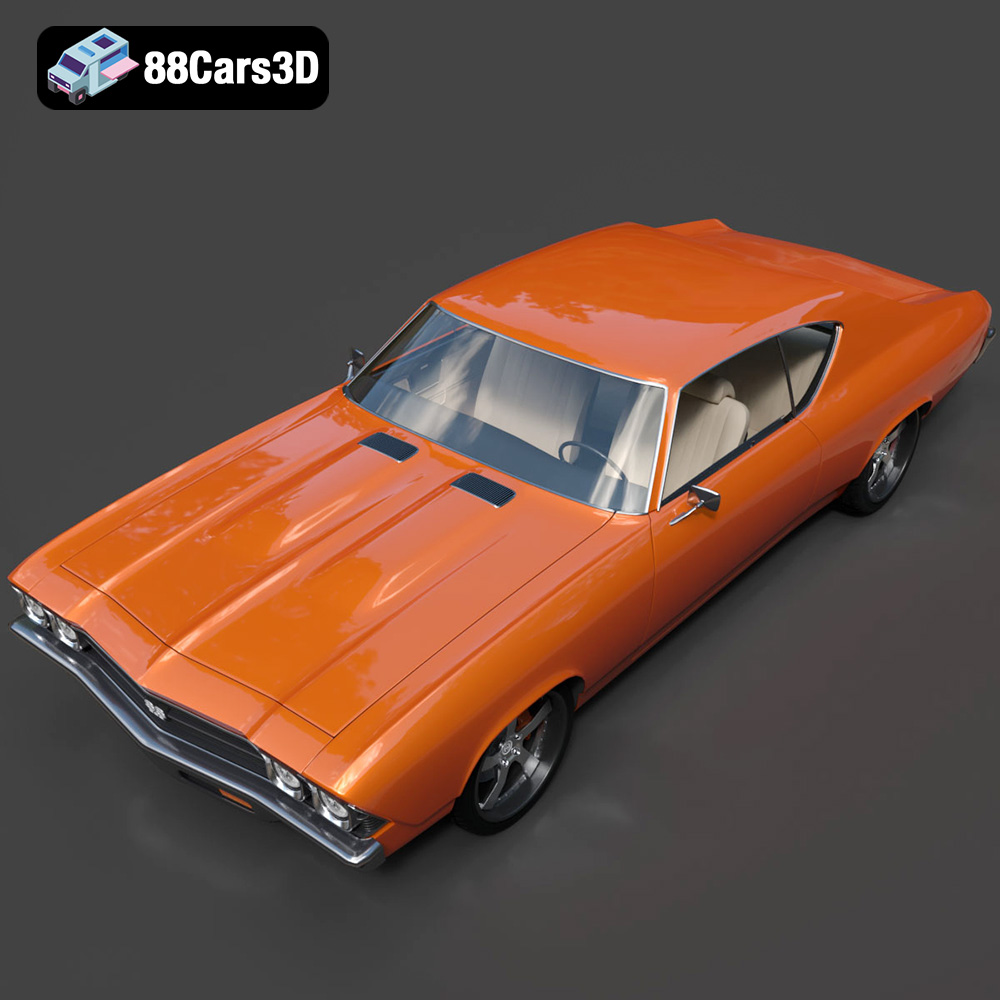
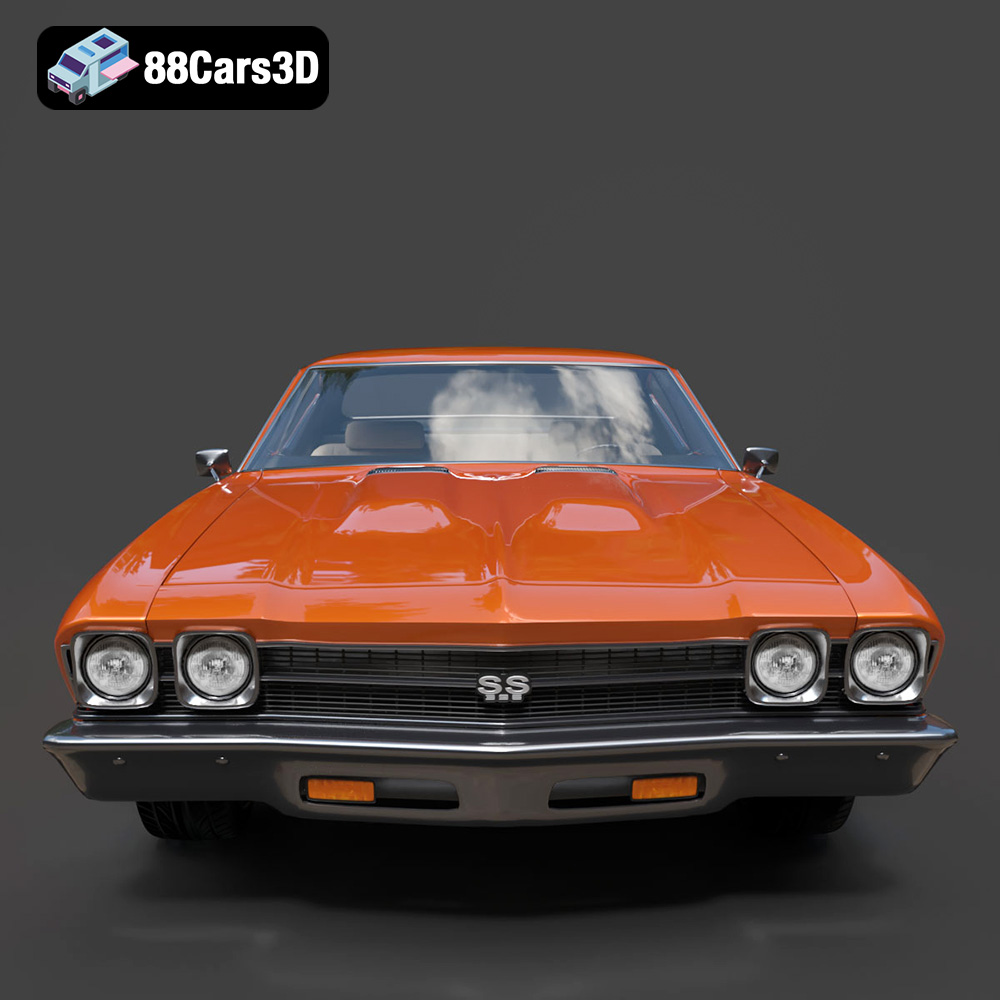
The Chevrolet Chevelle SS 1969 3D Model is a high-detail digital recreation of one of the most iconic American muscle cars of the late 1960s. Known for its aggressive styling, powerful V8 performance, and bold street presence, the 1969 Chevelle SS remains a symbol of classic muscle car heritage. This 3D model accurately represents the long hood and short deck proportions, signature dual headlight front fascia, SS badging, muscular body lines, chrome bumpers, detailed grille, performance wheels, and period-correct interior layout.
$9.99
.1969chevelle
.arvr
.automotive
.blend
.car3dmodel
.chevelle
.chevelless
.chevrolet
.classiccar
.fbx
.gameasset
.glb
.max
.musclecar
.obj
.ply
.rendering
.simulation
.stl
.unreal
.vintagecar