Get 50% OFF All Premium 3D & STL Models!

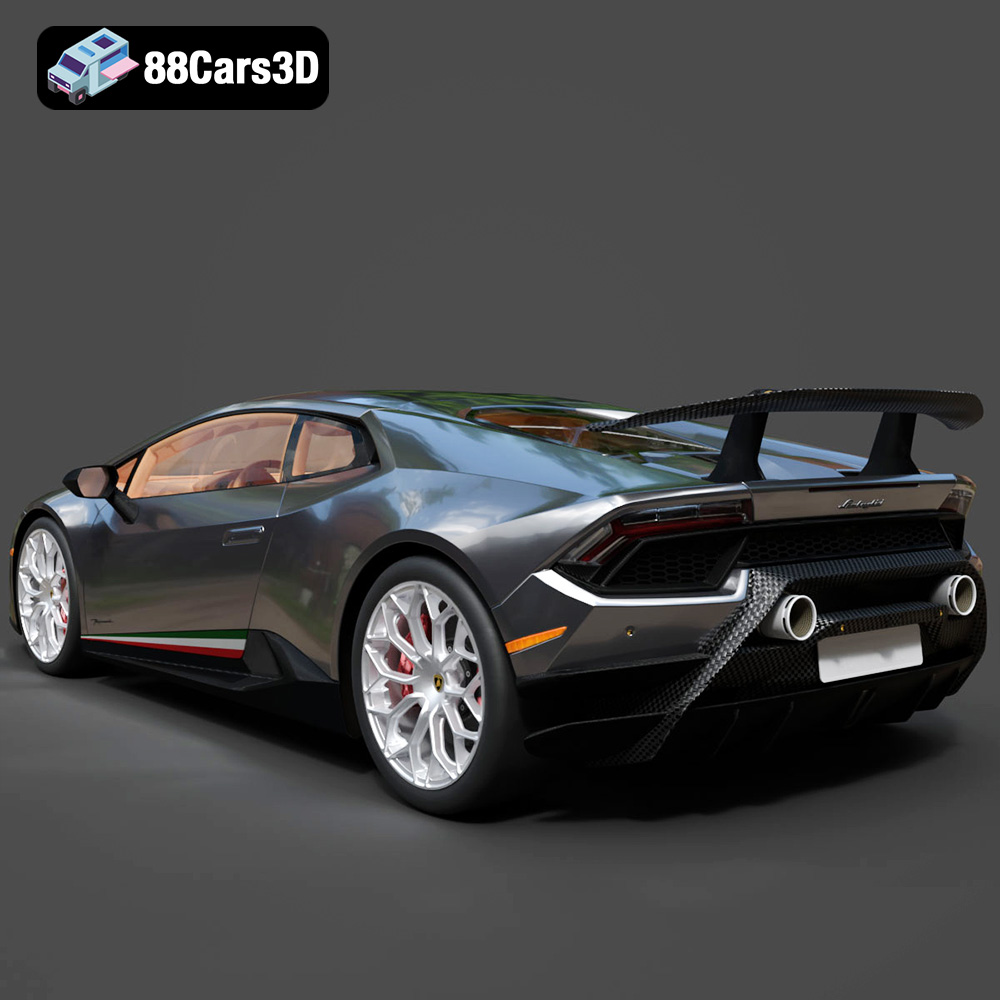
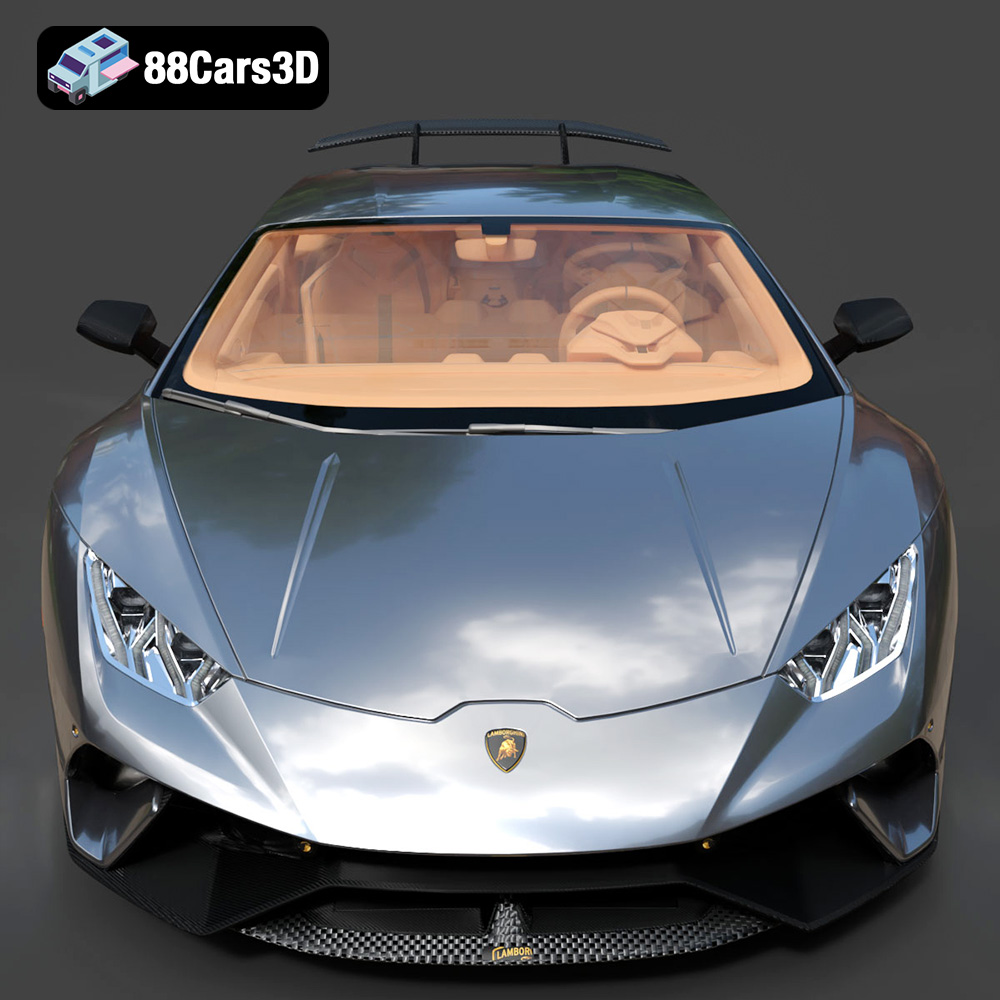
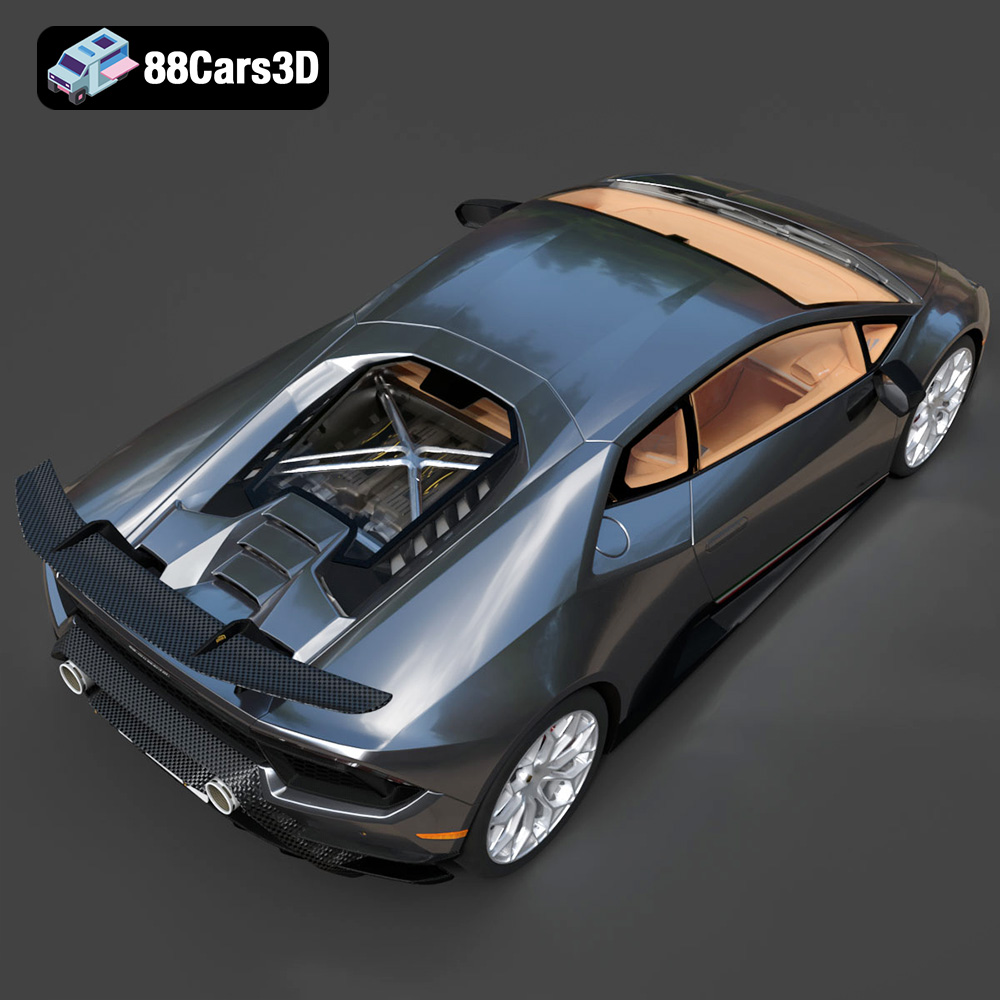
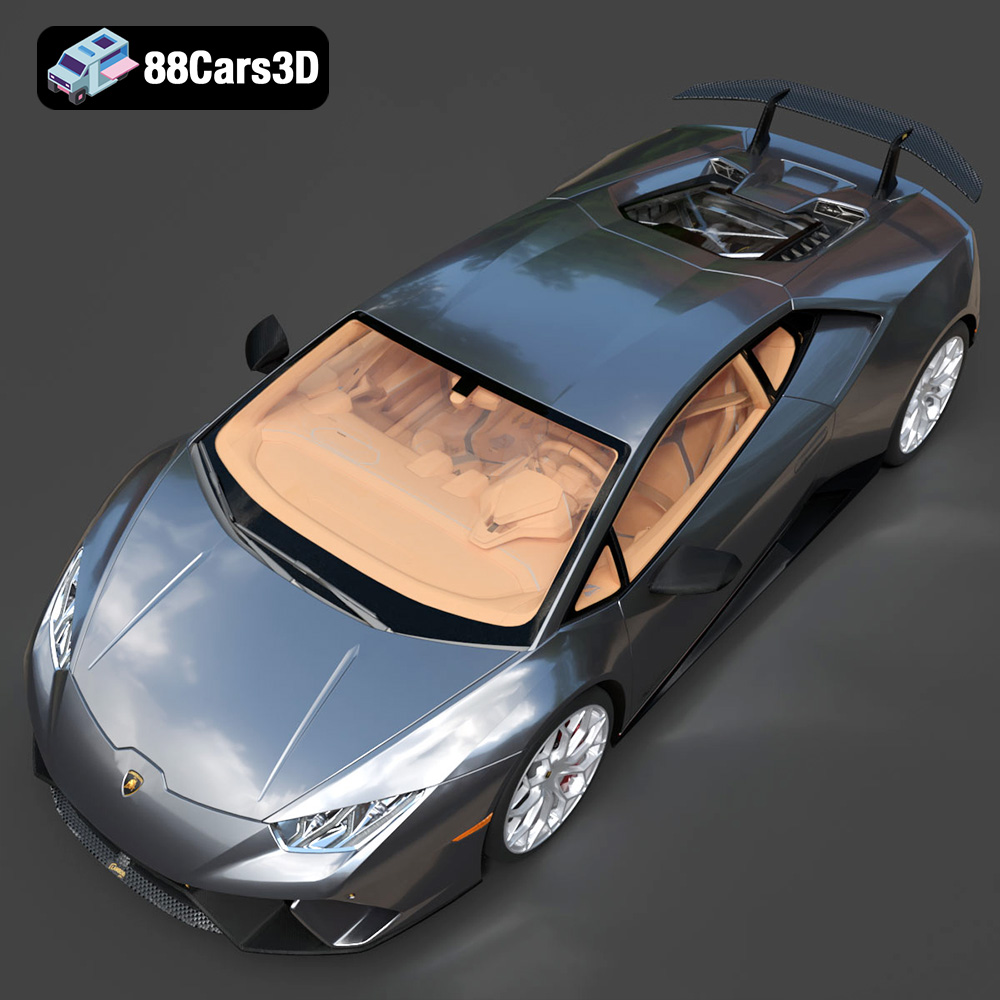
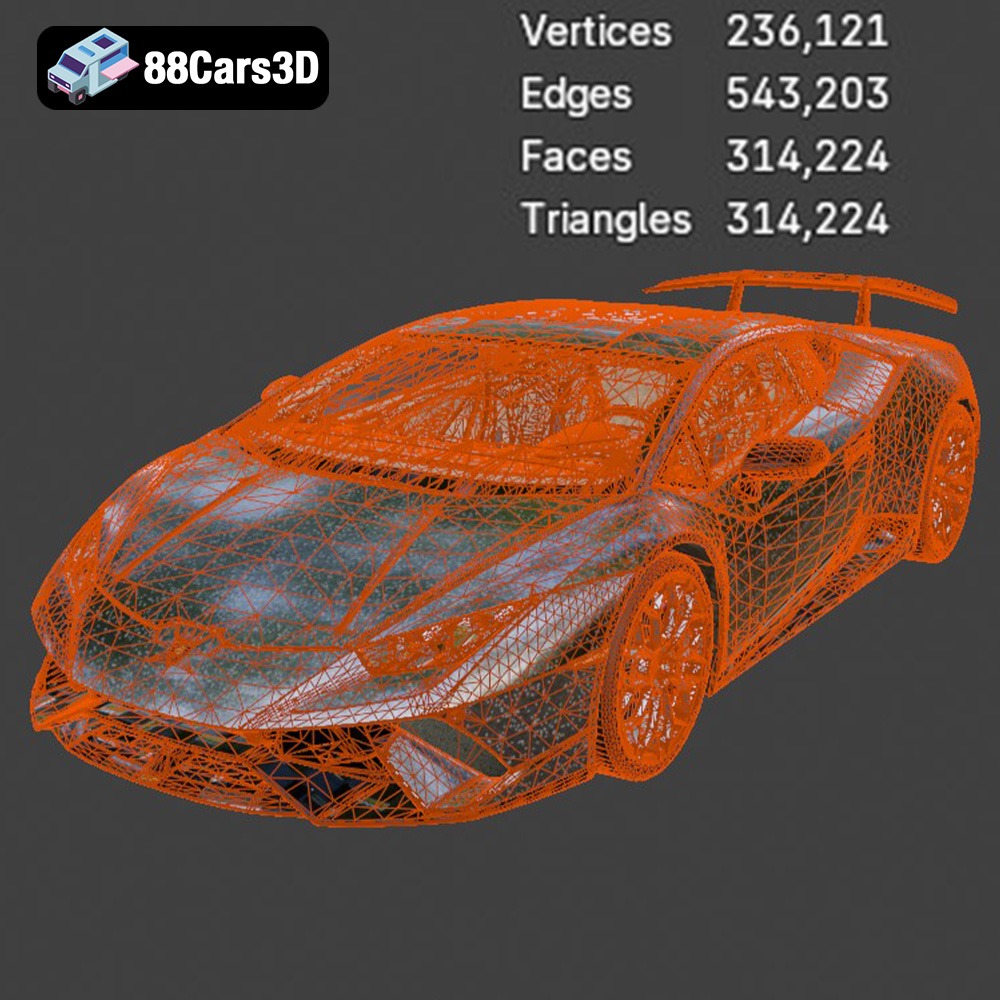
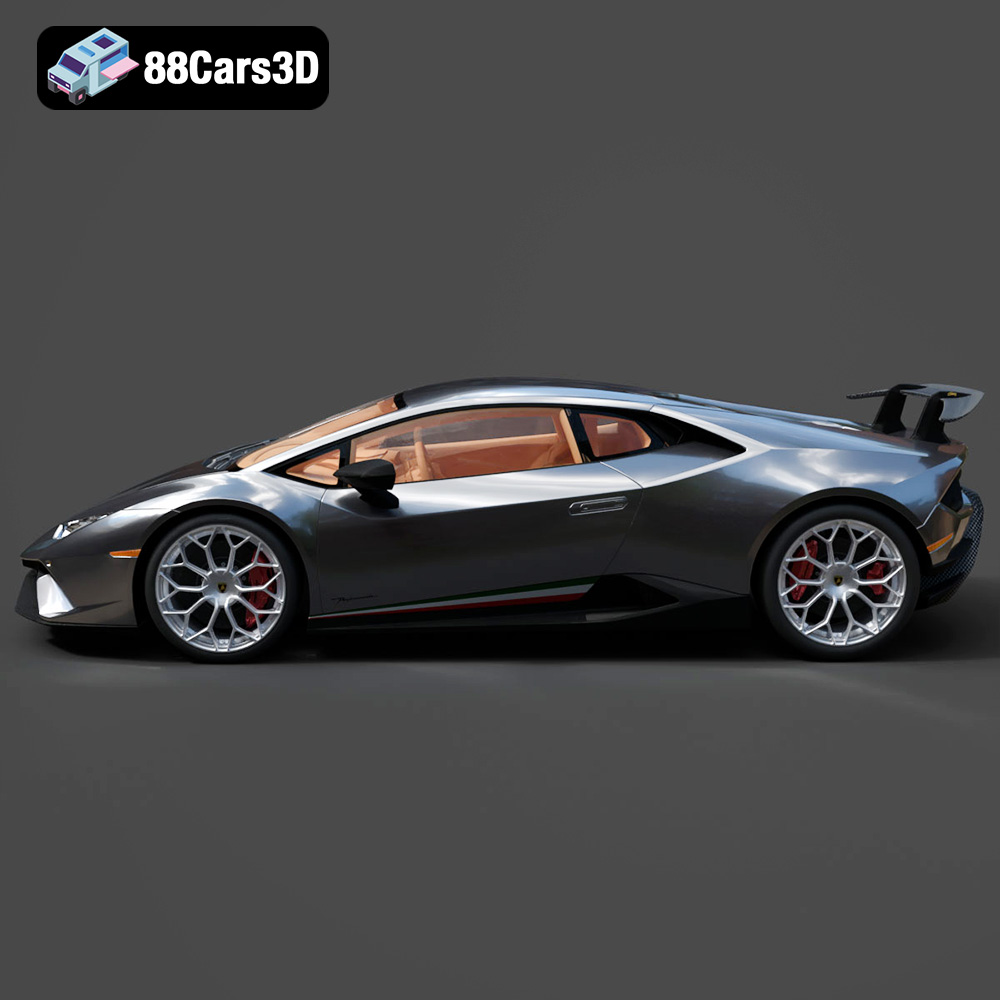
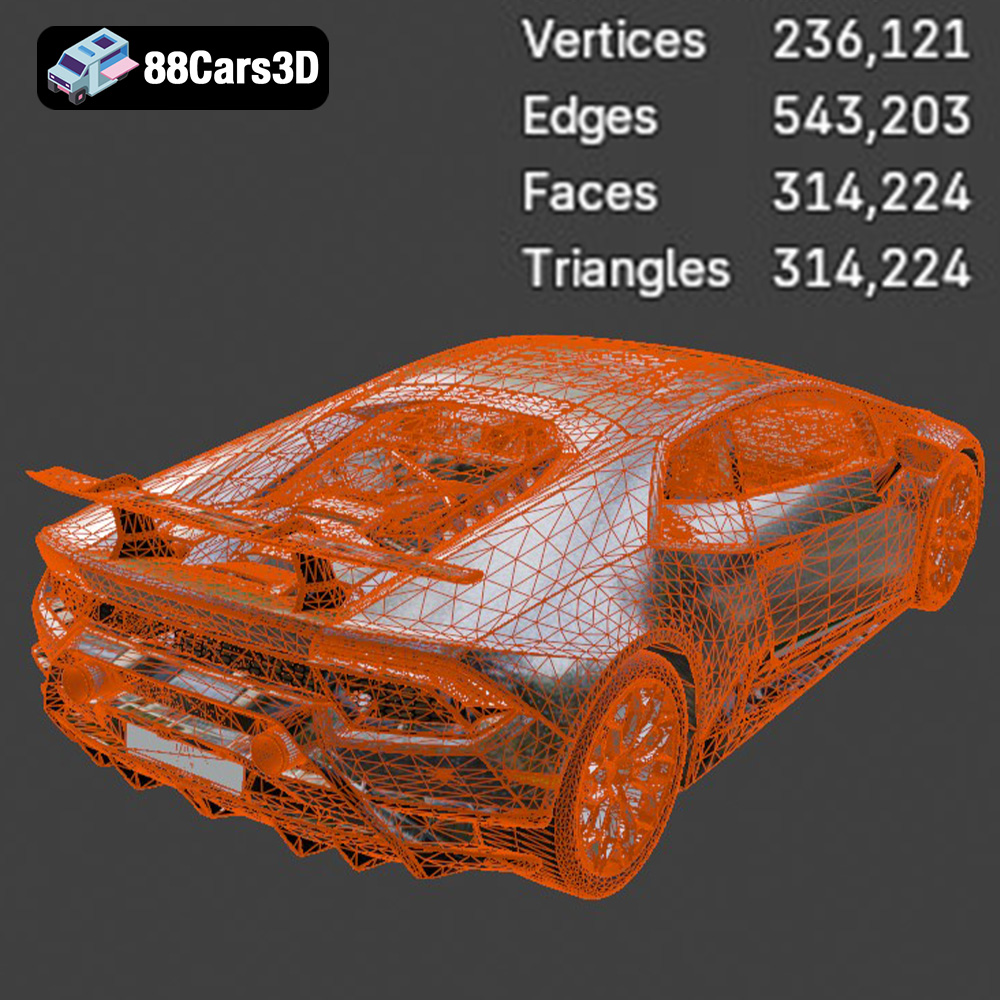
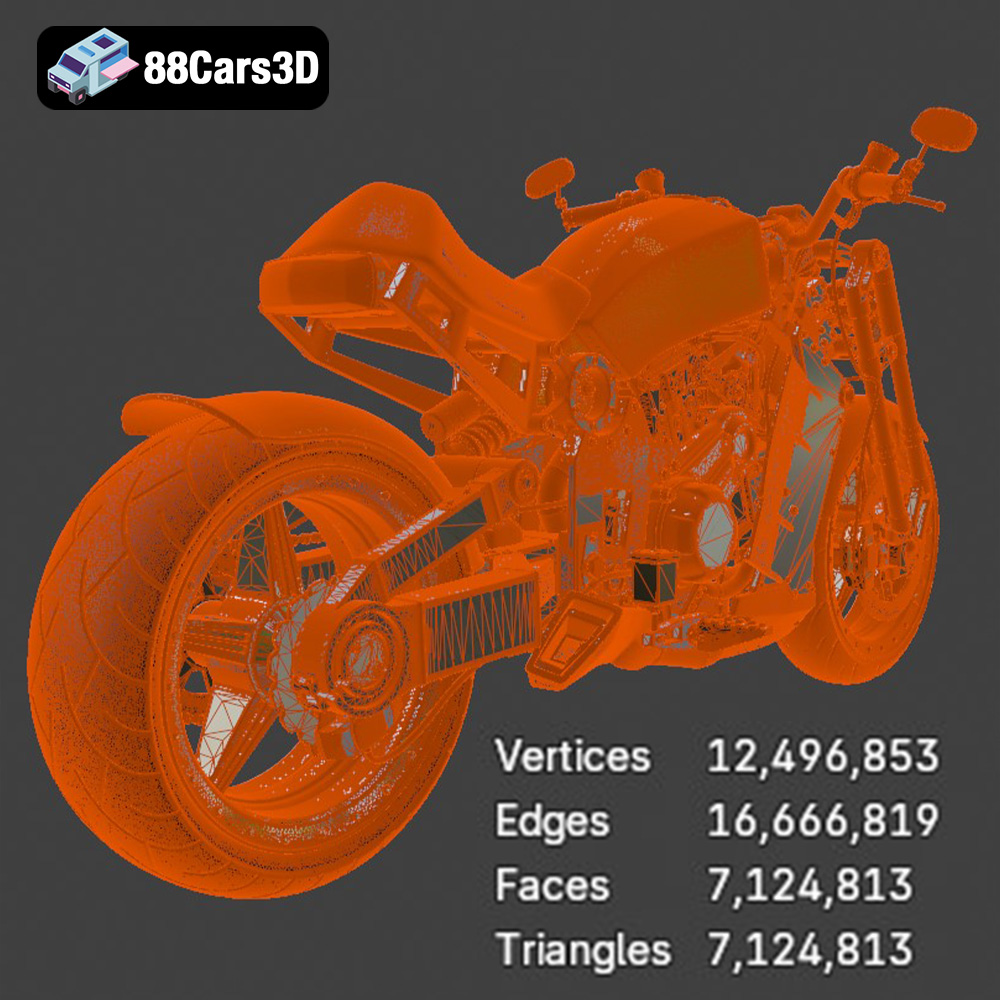
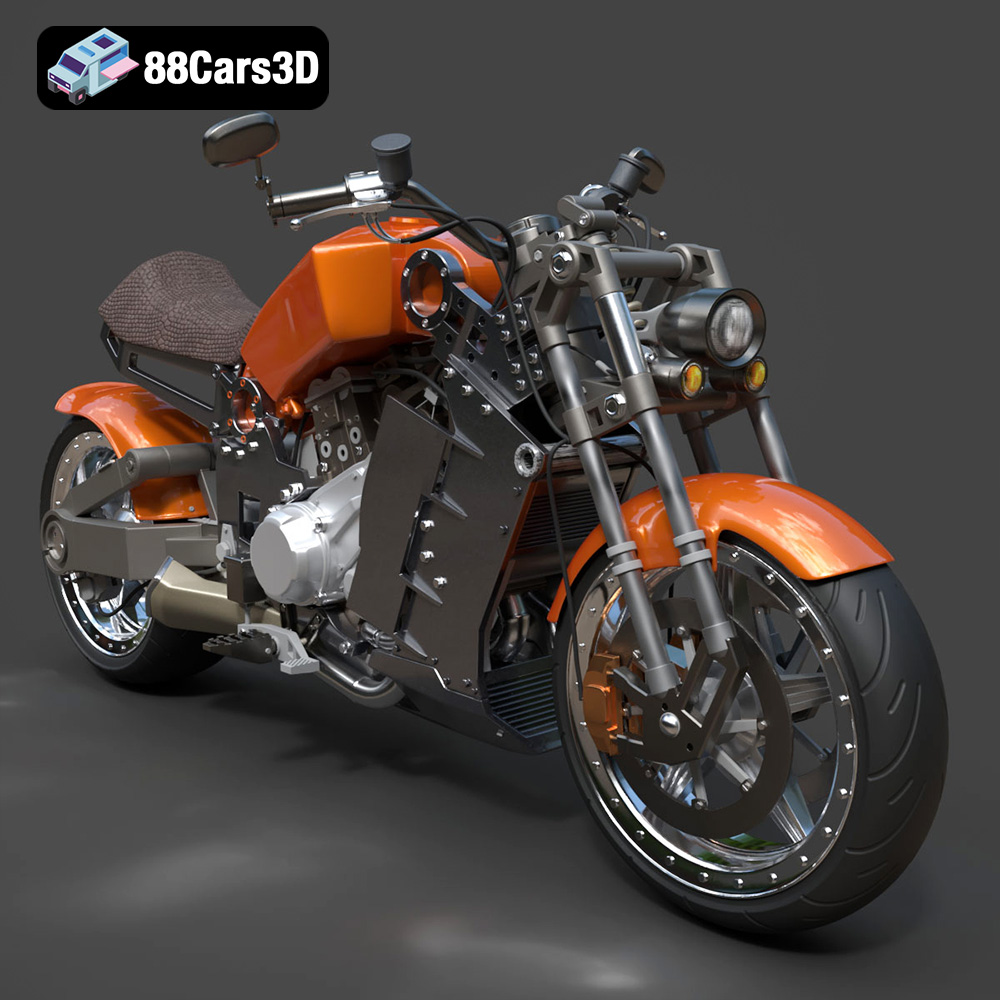
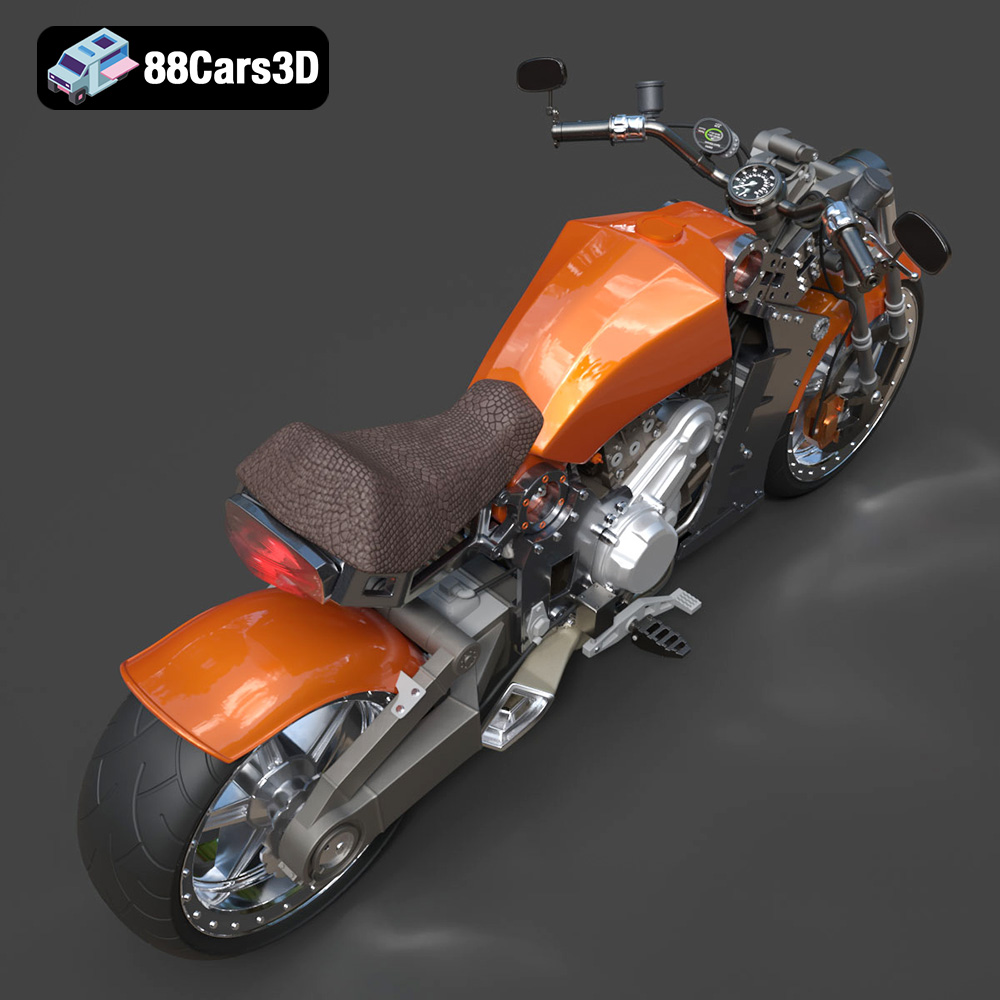
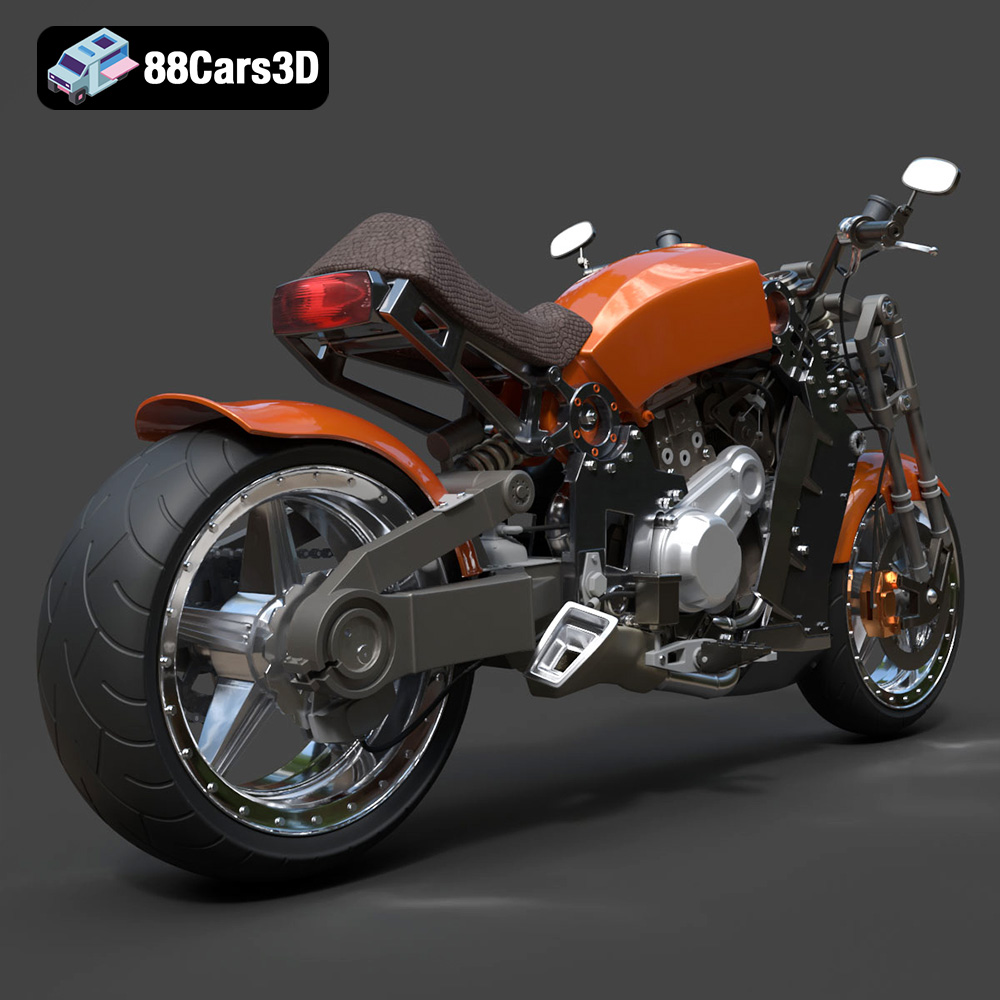
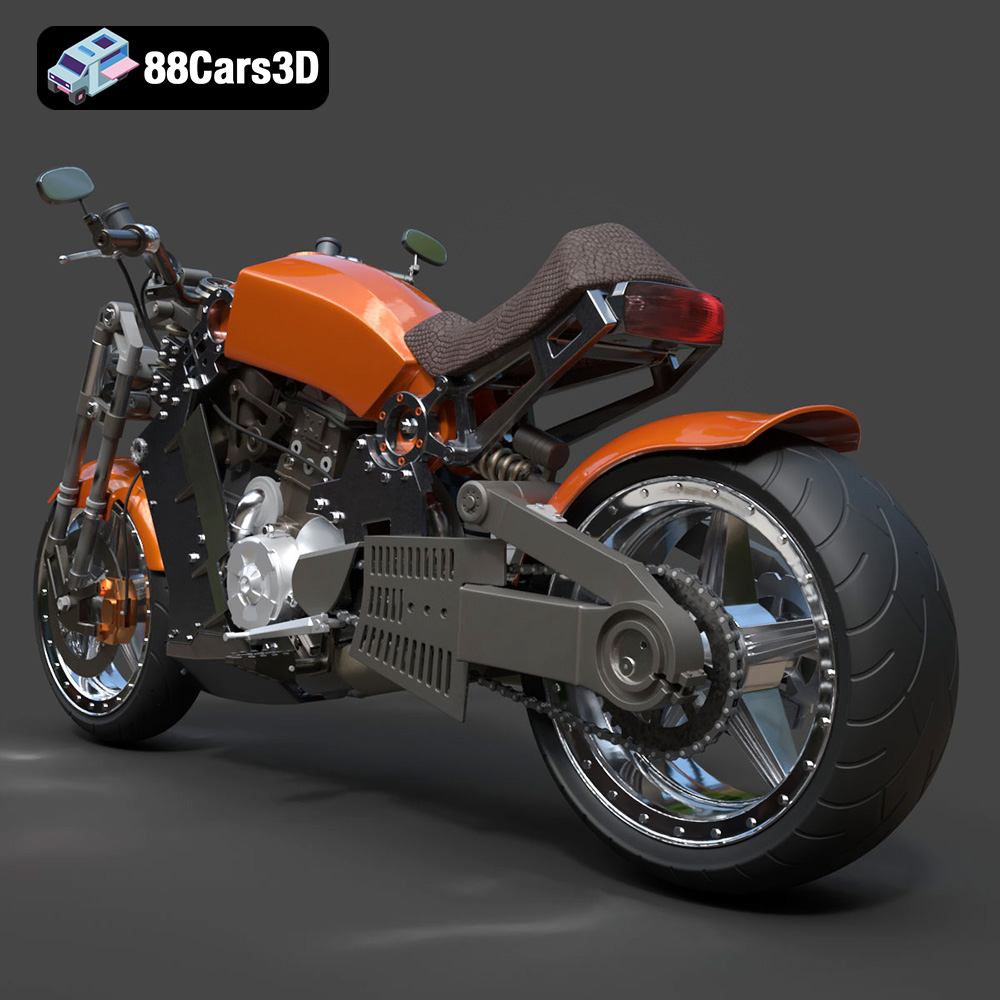
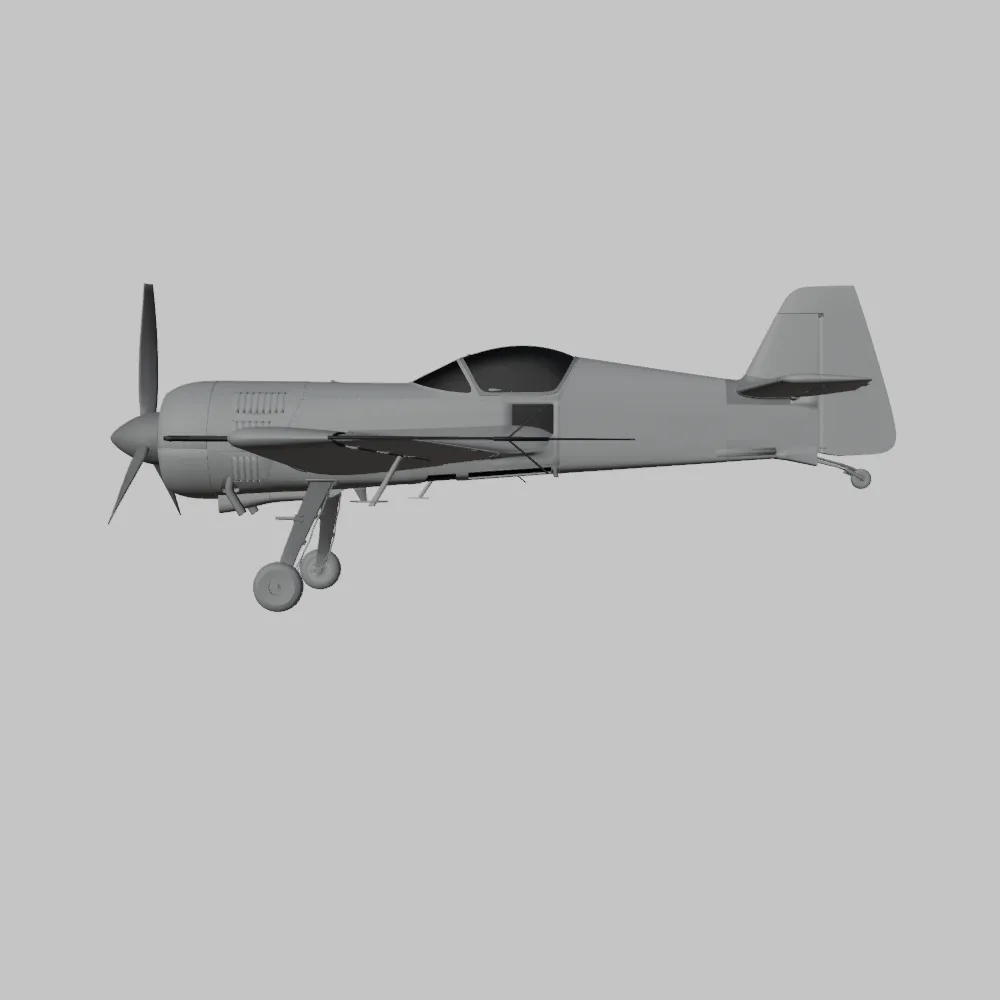
The Ultimate Creators Showcase Aero Concept Performance Bundle from 88cars3d.com is a treasure trove for 3D printing enthusiasts. This curated collection offers a diverse range of models, from high-performance vehicles like the Lamborghini Huracan Performante to the unique Daewoo Damas microvan and the futuristic ZAV Concept Motorcycle. Even an aircraft, the Sukhoi SU-26, is included. The bundle provides a fantastic opportunity to test your 3D printing skills and populate your shelves with incredibly detailed models. This article will guide you through the process of successfully 3D printing these models, covering everything from pre-print preparation to post-processing techniques.
Choosing the correct file format is critical for successful 3D printing. The Ultimate Creators Showcase bundle includes various formats, but some are better suited for additive manufacturing than others. Let’s examine the most common formats and their relevance to 3D printing:
The STL (Stereolithography) file format is the workhorse of 3D printing. It represents the surface geometry of a 3D object using a mesh of triangles. STL files are widely supported by slicing software and 3D printers, making them the de facto standard. The bundle specifically includes STL files optimized for printing for some models, which is a great starting point. When working with STL files, it’s essential to ensure the mesh is watertight (no holes or gaps) and the triangles are appropriately sized to capture the model’s details. Smaller triangles result in a smoother surface but increase file size and processing time. Most slicing software includes tools to repair minor mesh issues in STL files.
OBJ (Wavefront Object) files are another common format that can store both geometry and color/texture information. While STL files only represent the shape of an object, OBJ files can define the object’s surface appearance. This is particularly useful if you plan to paint your 3D prints or if you have a multi-material printer capable of printing in color. However, OBJ files can be more complex than STL files, potentially leading to increased processing times. The models in this bundle may come with associated texture files (e.g., .mtl files) if they are in OBJ format, which need to be kept together for proper rendering and potential color printing.
PLY (Polygon File Format) files are designed to store 3D data acquired from 3D scanners. They can represent not only the geometry but also color, normals, and other properties. PLY files are often used for high-resolution meshes, making them suitable for models with intricate details. While not as universally supported as STL or OBJ, many slicing software programs can handle PLY files. If extreme detail is a priority, and your software supports it, consider using the PLY format if available within the bundle.
.blend files are the native format for Blender, a popular open-source 3D modeling software. This format encapsulates the entire Blender scene, including the model’s geometry, materials, textures, and animation data. The advantage of having a .blend file is the ability to directly modify the model before exporting it for 3D printing. You can adjust the design, add details, or optimize the mesh for printing within Blender. After making changes, export the model as an STL file for slicing.
FBX (Filmbox) is a proprietary file format developed by Autodesk for interoperability between 3D software. It supports geometry, materials, textures, animation, and other data. While FBX files are primarily used for game development and animation, some advanced slicing software can import them, potentially preserving material information for multi-material printing. However, converting FBX files to STL is generally recommended for optimal 3D printing compatibility.
GLB (GL Transmission Format Binary) is a binary file format that represents 3D models. It is designed to be compact and efficient for transmitting and displaying 3D models on the web and in augmented reality (AR) applications. While GLB files are not directly used for 3D printing, they can be valuable for previewing the models in AR before committing to a print. This allows you to visualize the scale and appearance of the printed object in a real-world environment.
.max files are the native format for 3ds Max, another industry-standard 3D modeling and rendering software. Similar to .blend files, .max files contain the complete scene data, allowing for extensive customization before exporting for 3D printing. If you are a 3ds Max user, you can leverage the .max files to modify the models and then export them as STL files for printing.
For 3D printing the models in the Ultimate Creators Showcase bundle, the STL format is the recommended choice. Ensure the STL files are watertight and have sufficient detail to capture the nuances of each model. If you need to modify the models, use the .blend or .max files (if you have Blender or 3ds Max) and export them as STL files after making your changes.
Before sending the STL files to your 3D printer, you need to prepare them using slicing software. This software converts the 3D model into a series of layers that the printer can understand and reproduce.
Several excellent slicing software options are available, both free and paid. Popular choices include:
* **Cura:** A free and open-source slicer known for its user-friendly interface and extensive customization options.
* **PrusaSlicer:** Another free and open-source slicer, based on Slic3r, offering advanced features and excellent support for Prusa printers.
* **Simplify3D:** A paid slicer known for its advanced features, precise control over print settings, and excellent support.
The choice of slicer depends on your experience level, printer model, and specific requirements. Cura and PrusaSlicer are great starting points for beginners, while Simplify3D offers more advanced control for experienced users.
Proper model orientation is crucial for successful 3D printing. Consider these factors when orienting your models:
* **Minimizing Support Structures:** Orient the model to minimize the amount of support material required. Support structures add extra printing time and material and can leave blemishes on the printed surface.
* **Surface Finish:** Orient the model to place critical surfaces facing upwards, as these will have the smoothest finish. Overhanging surfaces may require supports, which can result in a rougher finish.
* **Structural Integrity:** Orient the model to align the strongest axis with the direction of stress.
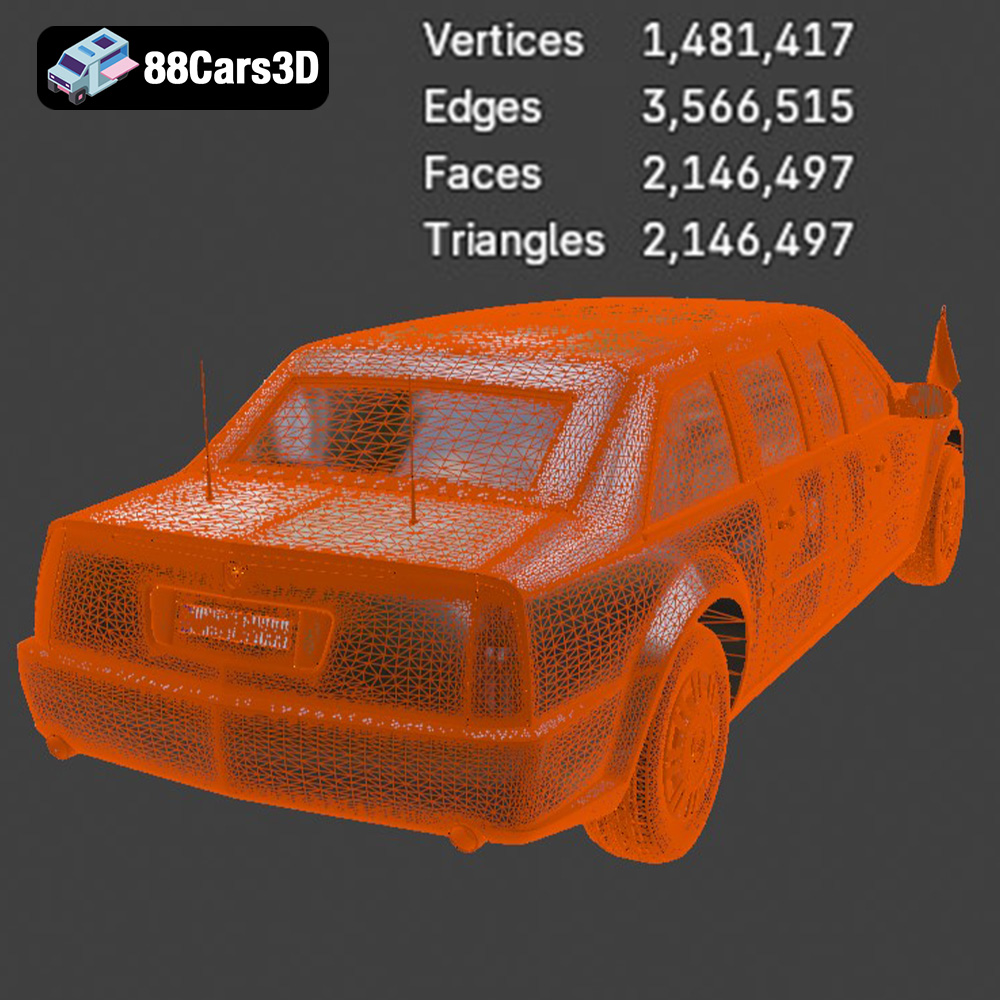
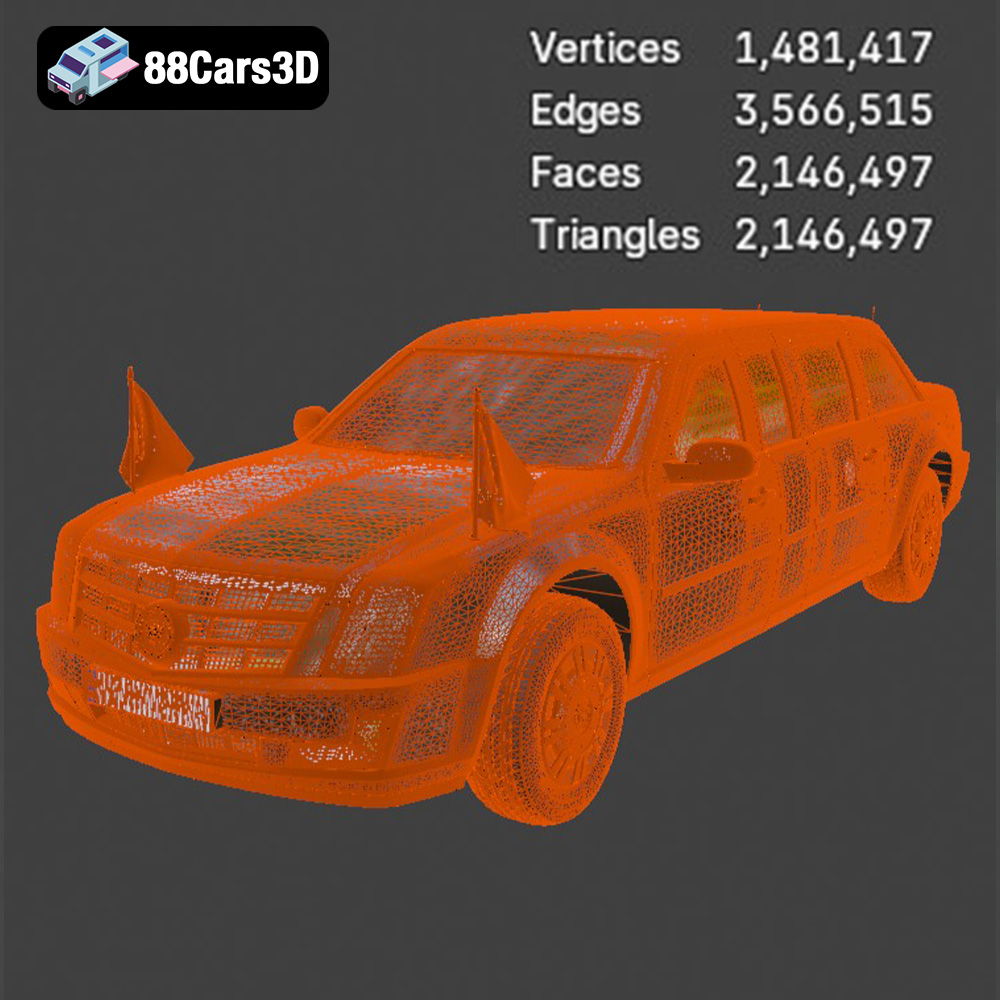
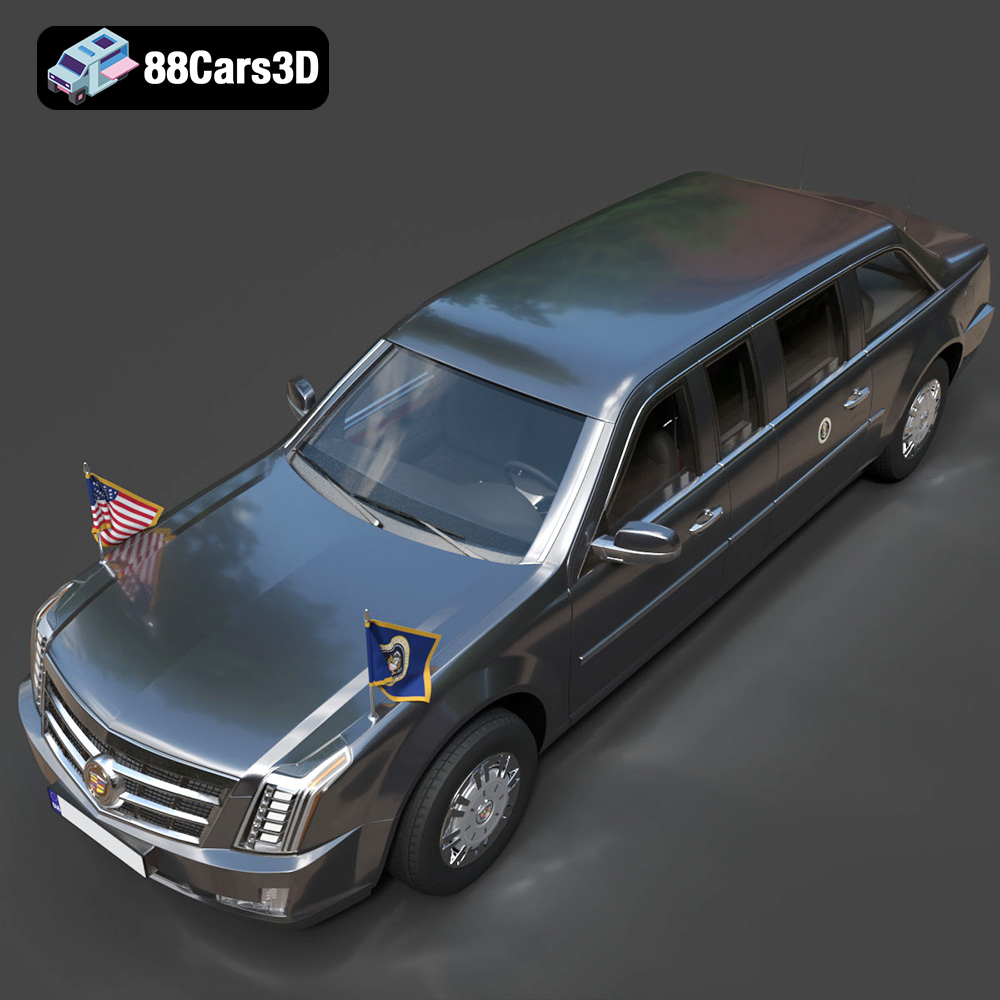
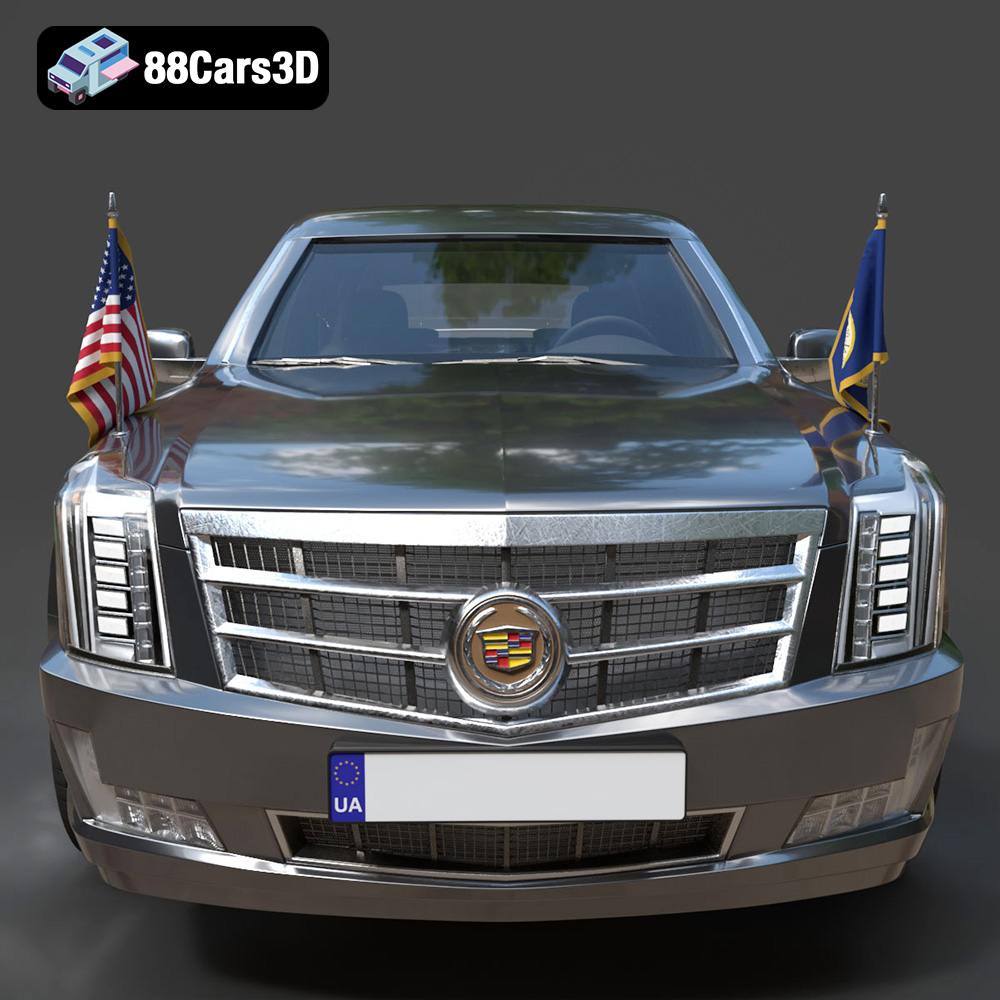
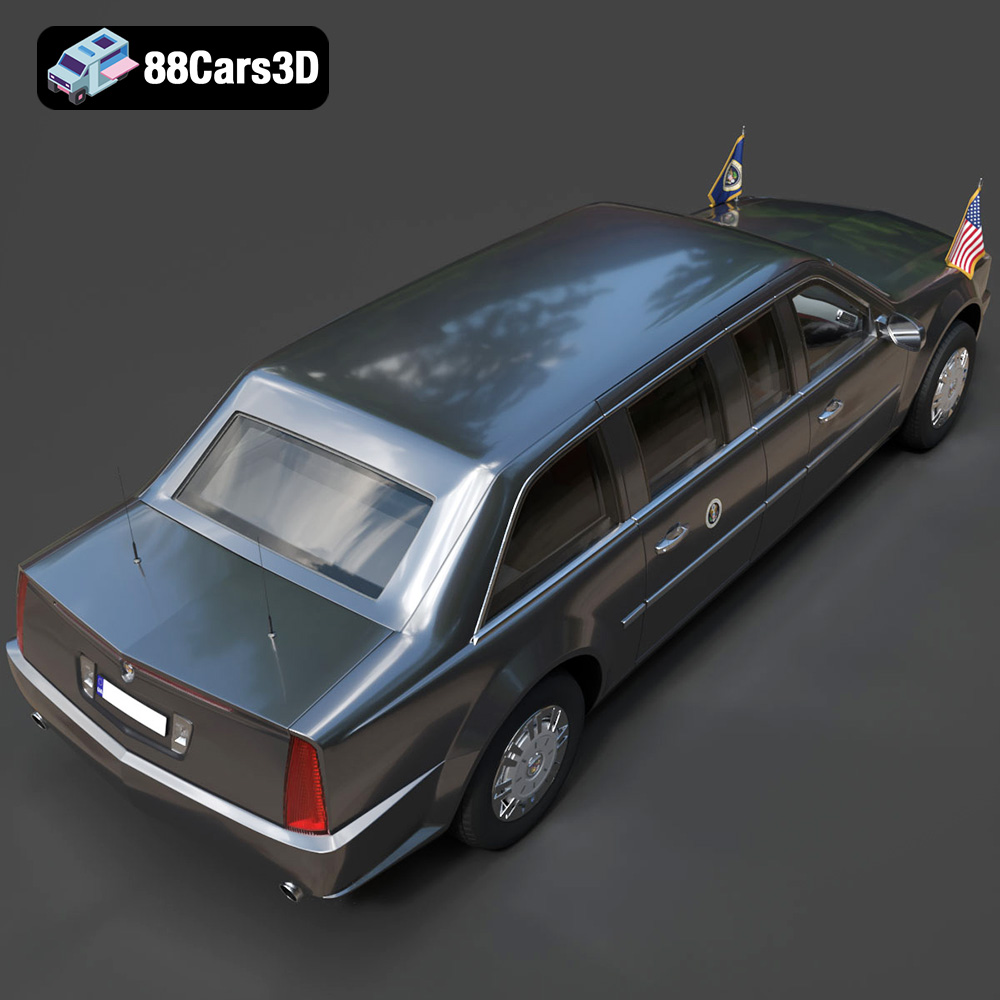
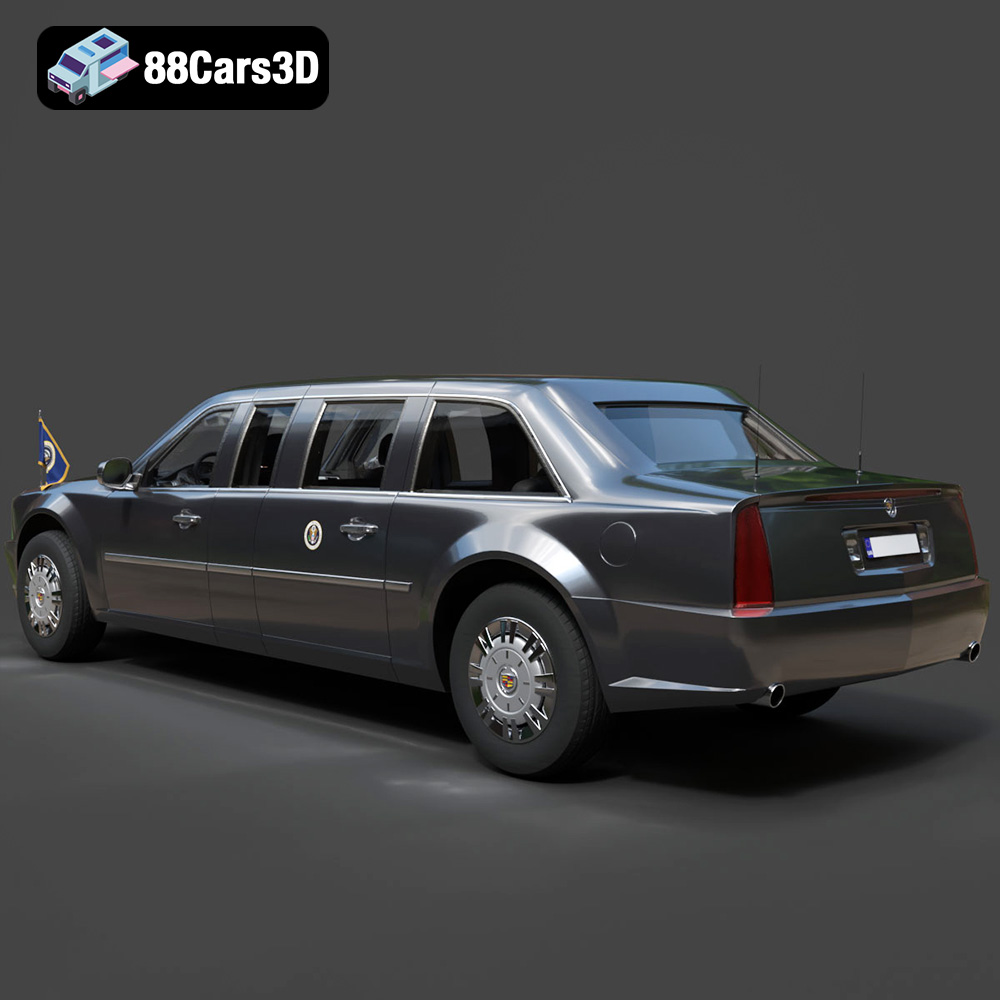
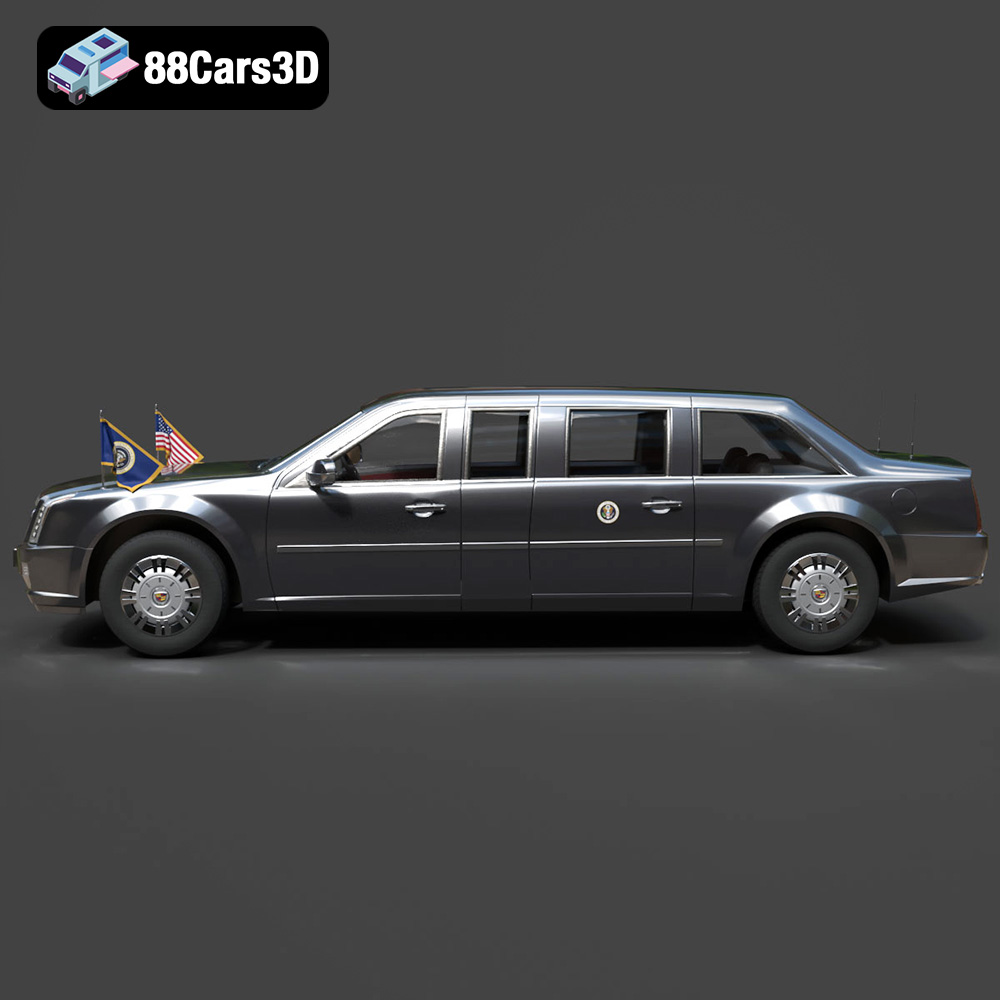
For the Ultimate Creators Showcase bundle, the Sukhoi SU-26 and Daewoo Damas may require significant support structures, depending on their orientation. Experiment with different orientations in your slicing software to find the optimal configuration. For the Lamborghini Huracan Performante and Presidential Limousine, consider orienting them with the roof facing upwards to minimize supports on the body panels. The ZAV Concept Motorcycle will likely require careful orientation to support its intricate details.
You may want to scale the models up or down to suit your needs. Be mindful of the printer’s build volume and the level of detail that can be accurately reproduced at different scales.
Hollowing out the models can save material and reduce printing time, especially for larger objects like the Presidential Limousine or the Sukhoi SU-26. However, ensure the hollowed-out model has sufficient wall thickness to maintain structural integrity.
The choice of material and printer settings significantly impacts the quality and strength of your 3D prints.
* **PLA (Polylactic Acid):** An excellent choice for beginners, PLA is easy to print, biodegradable, and comes in a wide range of colors. It’s suitable for models that don’t require high strength or heat resistance. PLA is a good option for the Sukhoi SU-26, Daewoo Damas, and Lamborghini Huracan Performante if they are primarily for display.
* **PETG (Polyethylene Terephthalate Glycol-modified):** PETG offers a good balance of strength, flexibility, and heat resistance. It’s more durable than PLA and can withstand higher temperatures. PETG is a good choice for models that may be subject to stress or outdoor use, such as the ZAV Concept Motorcycle or parts of the Presidential Limousine.
* **ABS (Acrylonitrile Butadiene Styrene):** ABS is a strong and heat-resistant plastic commonly used in automotive parts and consumer electronics. However, it’s more challenging to print than PLA and PETG, requiring a heated bed and enclosure to prevent warping. ABS could be used for the Huracan or Limousine if high heat resistance is needed.
* **Resin (SLA/DLP):** Resin printers offer exceptional detail and smooth surfaces, making them ideal for intricate models like the ZAV Concept Motorcycle or the smaller details on the other vehicles. However, resin prints are typically more brittle than FDM prints and require post-processing steps like washing and curing.
* **Layer Height:** A lower layer height (e.g., 0.1mm – 0.2mm) results in smoother surfaces and finer details but increases printing time. A higher layer height (e.g., 0.2mm – 0.3mm) prints faster but may sacrifice surface quality.
* **Infill Density:** Infill density determines the internal solidity of the model. Higher infill density increases strength but also increases printing time and material usage. A density of 15-25% is generally sufficient for most models. Increase the infill density for parts that require high strength.
* **Print Speed:** Slower print speeds generally result in better print quality, especially for intricate models. Experiment with different print speeds to find the optimal balance between speed and quality.
* **Support Structures:** Enable support structures for overhanging surfaces. Experiment with different support patterns and densities to minimize material usage and printing time.
* **Bed Adhesion:** Ensure good bed adhesion to prevent warping or detachment during printing. Use a heated bed, apply adhesive (e.g., glue stick or hairspray), or use a raft or brim.
The print time and material cost will vary depending on the size of the model, the chosen material, and the printer settings. Estimate the print time and material usage using your slicing software before starting the print. For large models like the Presidential Limousine or the Sukhoi SU-26, the print time can be several hours or even days.
Once the 3D prints are complete, you can enhance their appearance and durability through post-processing.
Carefully remove the support structures using pliers or a sharp knife. Be patient and avoid damaging the printed surface. Sand down any remaining support marks using fine-grit sandpaper.
Sand the printed surface using progressively finer grits of sandpaper to remove layer lines and create a smooth finish. Start with a coarse grit (e.g., 220 grit) and gradually move to finer grits (e.g., 400, 600, 800 grit). For resin prints, wet sanding is recommended to prevent dust from becoming airborne.
Apply a primer to the sanded surface to prepare it for painting. Use acrylic paints or model paints to add color and details to the models. Consider using masking tape to create clean lines and sharp edges. Apply a clear coat to protect the paint and add a glossy or matte finish.
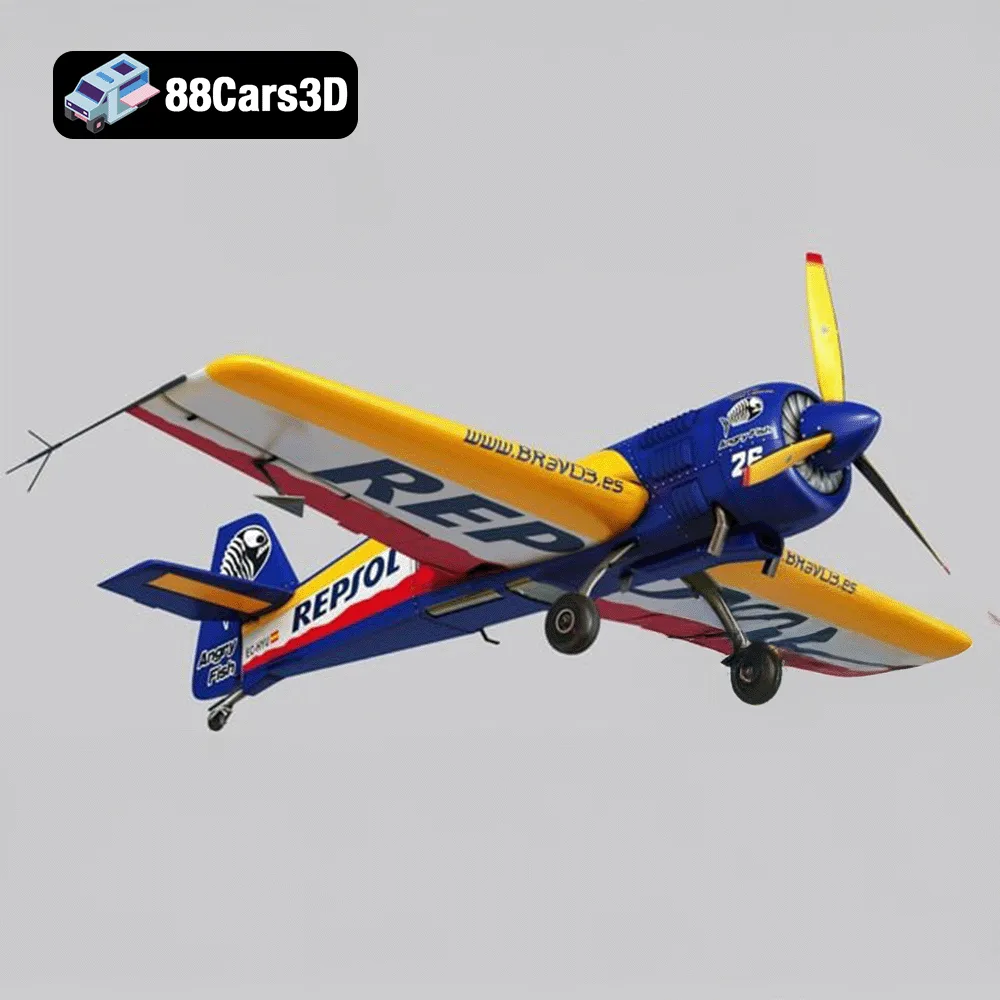
Some models, especially the Sukhoi SU-26 or the ZAV Concept Motorcycle, may consist of multiple parts that need to be assembled. Use glue or screws to attach the parts together. Ensure the parts are properly aligned before gluing them.
Even with careful preparation, you may encounter some common 3D printing issues. Here are some tips for troubleshooting:
Warping occurs when the printed part detaches from the build plate due to uneven cooling. To prevent warping, use a heated bed, apply adhesive to the build plate, and ensure the printer is in a draft-free environment.
Stringing occurs when thin strands of plastic are left between different parts of the print. To prevent stringing, reduce the printing temperature, increase retraction settings, and ensure the filament is dry.
Layer shifting occurs when the printer head moves out of alignment during printing. To prevent layer shifting, ensure the belts are properly tensioned, the printer is stable, and the print speed is not too high.
Under-extrusion occurs when the printer doesn’t extrude enough plastic. To fix under-extrusion, increase the printing temperature, increase the flow rate, and ensure the nozzle is not clogged.
Over-extrusion occurs when the printer extrudes too much plastic. To fix over-extrusion, decrease the printing temperature, decrease the flow rate, and calibrate the extruder.
Here are some model-specific tips for printing the Ultimate Creators Showcase bundle:
* **Sukhoi SU-26:** Consider printing the wings and fuselage separately and then assembling them. Use lightweight materials like PLA or LW-PLA to minimize weight if you plan to use it as an RC model.
* **ZAV Concept Motorcycle:** This model requires a resin printer to capture its intricate details. Use a high-resolution setting and strong support structures.
* **Lamborghini Huracan Performante:** Print the body panels separately and then assemble them. Consider using different colors of filament to match the real car’s paint scheme.
* **Presidential Limousine:** This model is large and will require a significant amount of material and printing time. Consider hollowing out the model to save material.
* **Daewoo Damas:** This model is relatively small and easy to print. Consider printing it in different colors to create a diorama.
Remember to experiment with different settings and materials to find what works best for your printer and your desired results. The Ultimate Creators Showcase Bundle provides a great opportunity to learn and improve your 3D printing skills.
The Ultimate Creators’ Showcase is an exclusive, masterfully curated master-portfolio bundle designed for artists, collectors, and 3D printing enthusiasts who demand unparalleled variety without compromising on extreme detail. Unlike traditional brand-specific collections, this unique bundle bridges the gap between high-altitude aerospace engineering, cyberpunk conceptual design, elite track performance, VIP luxury, and highly sought-after urban utility.
$99.99
3D printing the Ultimate Creators Showcase Aero Concept Performance Bundle from 88cars3d.com is an exciting project that offers a range of challenges and rewards. By carefully preparing the models, selecting the appropriate materials and settings, and mastering post-processing techniques, you can create stunning replicas of these iconic vehicles and aircraft. The diversity of the models provides ample opportunity to experiment with different printing techniques and materials, expanding your 3D printing knowledge and skills. Happy printing!
3d bundle
3d print ready
3d printable bundle
archviz-assets
cg models
concept-bike
cyberpunk-vehicle
daewoo damas
high poly cars
lamborghini huracan
luxury car
presidential limousine
rc plane stl
sci-fi motorcycle
stl collection
sukhoi airplane
supercar 3d model
urban van
vehicle pack
vfx assets