Get 50% OFF All Premium 3D & STL Models!

The Acura NSX 2017 marked the return of a legend, a hybrid supercar blending performance and technology. Now, thanks to 88cars3d.com, you can bring this icon to life with 3D printing. This article will guide you through the entire process of 3D printing the Acura NSX 2017 3D model, from preparing your files to post-processing your finished print. Whether you’re a seasoned 3D printing enthusiast or a beginner looking for a challenging and rewarding project, this detailed guide will provide the knowledge and techniques you need to create a stunning replica of this modern supercar.
Before diving into the specifics of printing the Acura NSX 2017, it’s crucial to understand the various 3D model file formats and how they relate to 3D printing. Different formats store model data in different ways, and some are better suited for 3D printing than others. Choosing the right format and understanding its limitations can significantly impact the success and quality of your print.
The STL (stereolithography) file format is the workhorse of 3D printing. It represents a 3D object’s surface geometry as a collection of triangles. It’s a simple format that primarily stores information about the vertices and normals of these triangles. Because of its simplicity and widespread support, it is the most common format used in 3D printing. However, STL files have limitations. They only store the surface geometry; they don’t contain any information about color, texture, or materials. This means that an STL file of the Acura NSX 2017 will only define the shape of the car, not its paint color or interior details.
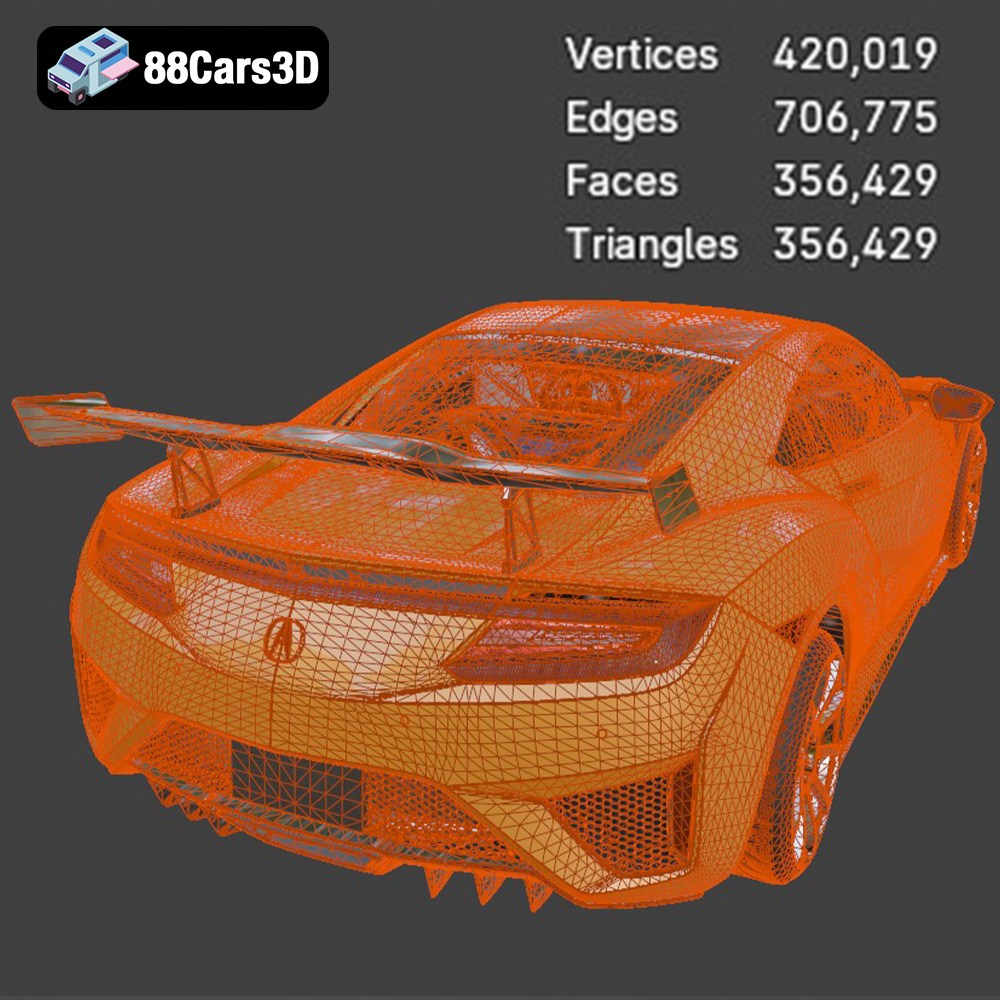
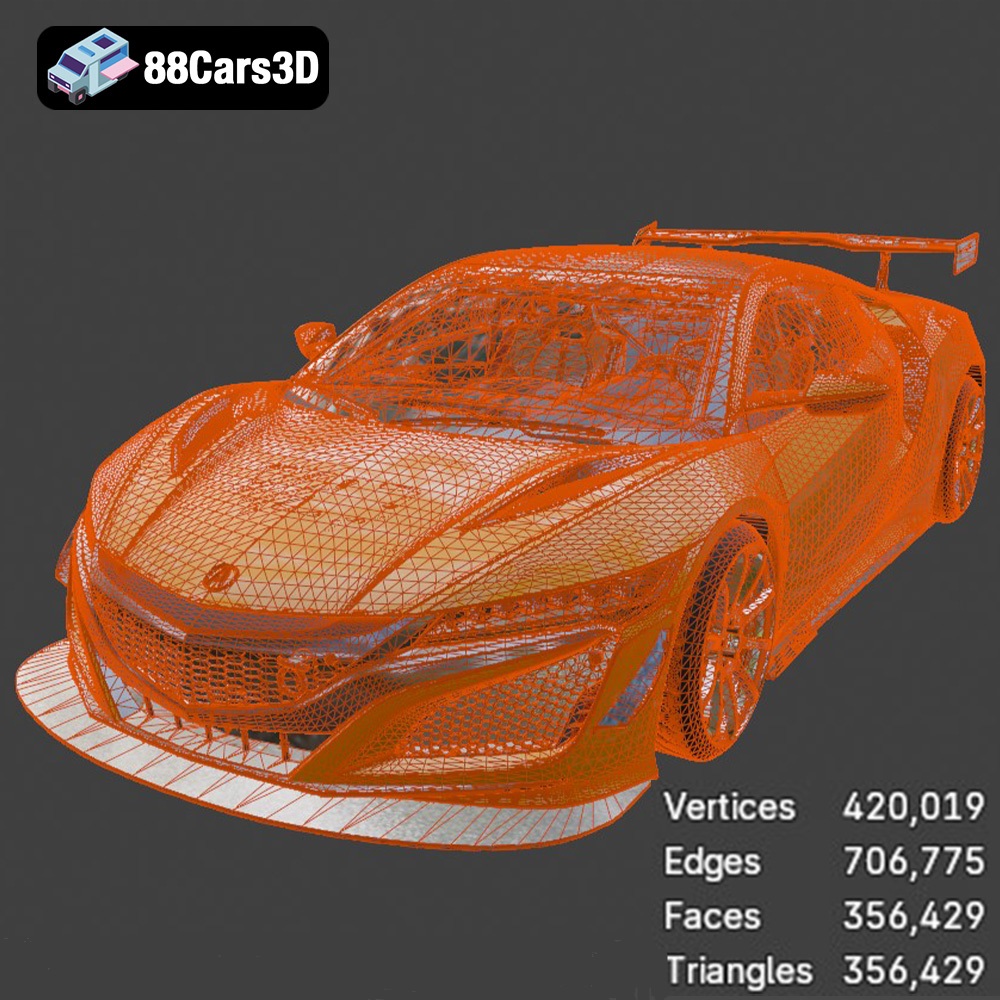
Regardless of the initial file format, your slicing software will ultimately convert the 3D model into a set of instructions (G-code) for your 3D printer. Slicing software takes the 3D model data (usually an STL file) and divides it into layers, defining the path the printer’s nozzle or laser will take to build the object layer by layer. The quality of the original mesh significantly affects the slicing process. A poorly designed mesh with holes, self-intersections, or non-manifold geometry can cause errors in the slicing process, leading to failed prints. For the Acura NSX 2017 model from 88cars3d.com, the balanced topology ensures compatibility with most slicing software and minimizes the risk of such errors. However, it’s still crucial to inspect the model in your slicing software before printing to ensure there are no unexpected issues.
Despite the limitations of STL, its simplicity and widespread support make it the most practical format for 3D printing. Almost every 3D printer and slicing software supports STL files. When preparing the Acura NSX 2017 model for 3D printing, you’ll likely convert it to STL from one of the other formats (like .obj or .blend) after making any desired modifications. Using a well-prepared STL file is essential for a successful print. Ensuring the mesh is clean, watertight, and properly oriented will save you time and frustration in the long run.
Before you even think about hitting the “print” button, careful preparation is essential for a successful 3D print of the Acura NSX 2017. This involves several key steps, from choosing the right slicing software to orienting the model for optimal printing.
The slicing software is the bridge between your 3D model and your 3D printer. Popular options include Cura, PrusaSlicer, Simplify3D, and others. Each slicer has its own strengths and weaknesses, but they all perform the same basic function: converting your 3D model into a set of instructions (G-code) that your printer can understand. Key settings to consider include:
The orientation of the Acura NSX 2017 model on the print bed significantly impacts the quality and strength of the final print. As the product description suggests, angling the body can help achieve a smoother surface finish. Experiment with different orientations in your slicing software to minimize the need for support structures on visible surfaces. Carefully consider where to place supports. Concentrate supports on areas that require them for structural integrity, such as the side mirrors, the rear diffuser, and the floating C-pillars. Place supports in areas that are easy to remove and won’t damage the model’s surface. Tree supports are a good option, as they minimize contact with the model.
The product description recommends scales of 1:24, 1:18, or 1:12. Choose a scale that suits your printer’s build volume and your desired level of detail. Scaling the model is easily done within the slicing software. Before printing, it’s crucial to check the model for any errors, such as non-manifold geometry or holes. Many slicing programs have built-in repair tools. You can also use dedicated mesh repair software like MeshMixer or Netfabb. These tools can automatically identify and fix common issues that could lead to printing problems.
The choice of material greatly influences the appearance, strength, and overall success of your 3D printed Acura NSX 2017. Different materials have different properties, making them suitable for various applications.
As the product description suggests, resin printing is highly recommended to capture the sharp aerodynamic edges and intricate details of the Acura NSX 2017, especially at smaller scales. Resin printers use liquid resin cured by UV light to create parts with exceptionally high resolution and smooth surfaces. This is particularly beneficial for detailed features like the Jewel Eye LED headlights, intricate body lines, and complex wheel designs.
When choosing a material, consider the intended use of the 3D printed Acura NSX 2017. If it’s primarily for display, PLA or a standard resin will suffice. If you plan to handle it frequently or expose it to heat, PETG or a more durable resin might be a better choice. Also, keep in mind the post-processing techniques you plan to use. Some materials are easier to sand, paint, or glue than others.
Once you’ve prepared your model and chosen your material, it’s time to start the printing process. Careful monitoring and troubleshooting are crucial to ensure a successful print.
The first few layers are the most critical. Poor initial layer adhesion can lead to warping or the entire print detaching from the build plate. Make sure your build plate is clean and level. Use a brim or raft to increase the surface area of the first layer and improve adhesion. Monitor the first few layers closely to ensure they are adhering properly.
Throughout the printing process, periodically check the print’s progress. Look for any signs of warping, layer separation, or other issues. If you spot a problem early, you may be able to pause the print and make adjustments to prevent it from failing completely.
After the print is complete, post-processing is essential to achieve a professional-looking finish for your Acura NSX 2017. This involves removing supports, sanding, priming, and painting.
Carefully remove the support structures from the 3D printed Acura NSX 2017. Use pliers, a hobby knife, or specialized support removal tools to avoid damaging the model. Once the supports are removed, sand the surface to smooth out any imperfections and layer lines. Start with coarse sandpaper (e.g., 220 grit) and gradually move to finer grits (e.g., 400, 600, 800 grit) to achieve a smooth finish. Wet sanding can help reduce dust and improve the sanding process.
Apply a primer coat to the sanded model. Primer helps to fill in any remaining imperfections and provides a better surface for paint adhesion. Once the primer is dry, sand it lightly with fine-grit sandpaper. Apply several thin coats of paint, allowing each coat to dry completely before applying the next. Use high-quality model paints in the signature NSX colors like Nouvelle Blue Pearl, Valencia Red Pearl, or Casino White, as suggested in the product description. Consider using an airbrush for a smoother and more even finish.
Add details to the 3D printed Acura NSX 2017 to enhance its realism. This could include painting the brake calipers, adding carbon fiber textures, or creating a gloss black roof, as suggested in the customization options. The model features separate wheels, steering components, and doors, allowing for realistic animation and rigging, or even separate painting and detailing before assembly. If you printed the wheels separately, carefully attach them to the axles. You can use glue or small screws to secure them in place. Also, consider adding a clear coat to protect the paint and give the model a glossy finish.
The print time and material cost for the Acura NSX 2017 3D model will vary depending on several factors, including the size of the model, the layer height, the infill density, the material used, and the speed of your printer. Here are some rough estimates:
These are just estimates. To get a more accurate estimate, use your slicing software to calculate the print time and material usage for your specific settings.
3D printing the Acura NSX 2017 is a rewarding project that allows you to bring a legendary supercar to life. By following the steps outlined in this guide, you can create a stunning replica that showcases the beauty and engineering of this iconic vehicle. Remember to carefully prepare your files, choose the right materials, monitor the printing process, and take your time with post-processing to achieve a professional-looking finish. With a little patience and attention to detail, you can have your own Acura NSX 2017 gracing your desk or display case. Head over to 88cars3d.com to get your hands on the Acura NSX 2017 3D model and start your printing journey today! The high-quality STL files available make the process smoother and more enjoyable.
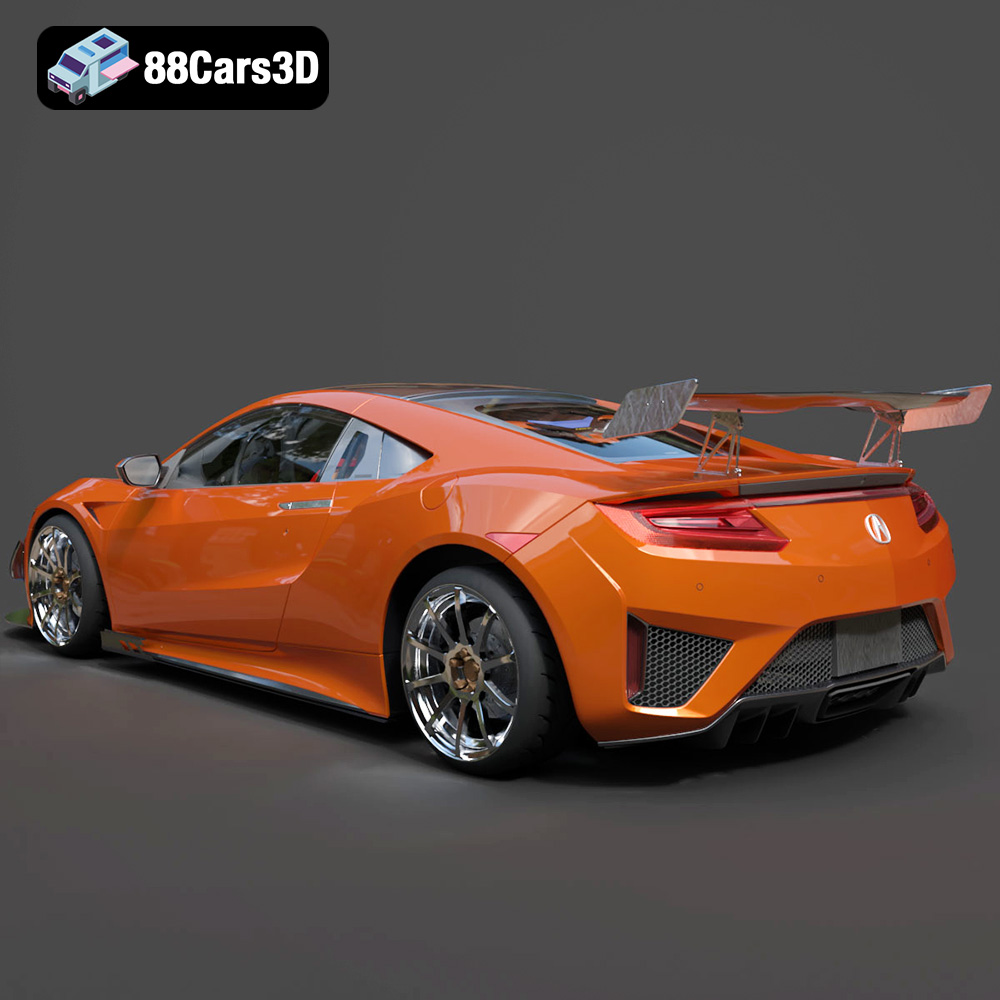
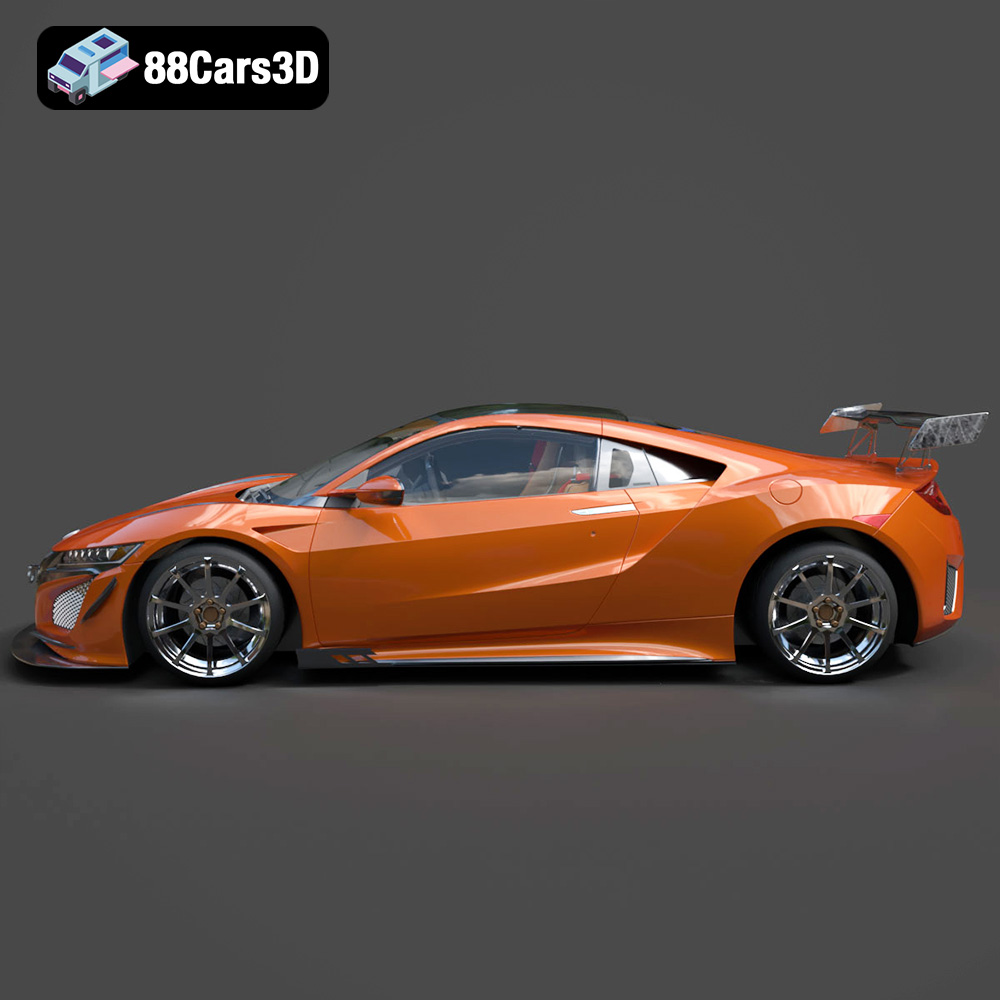
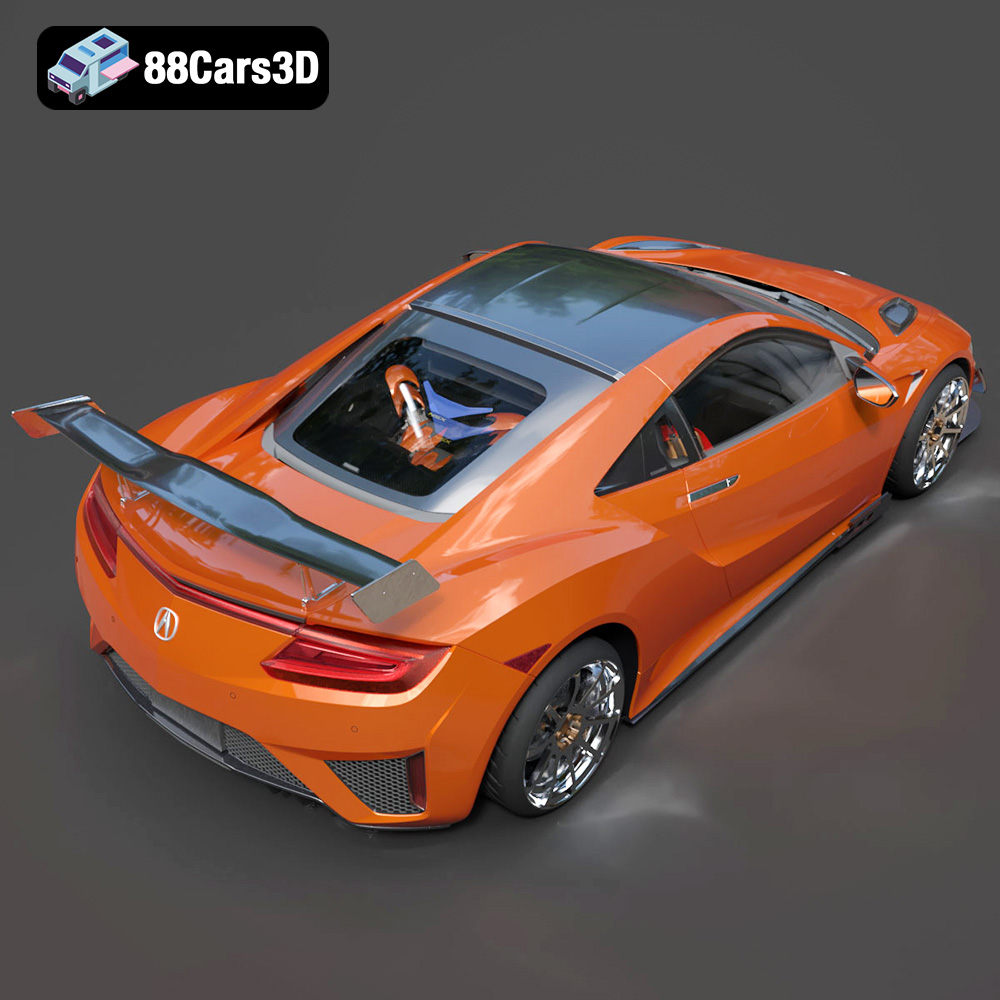
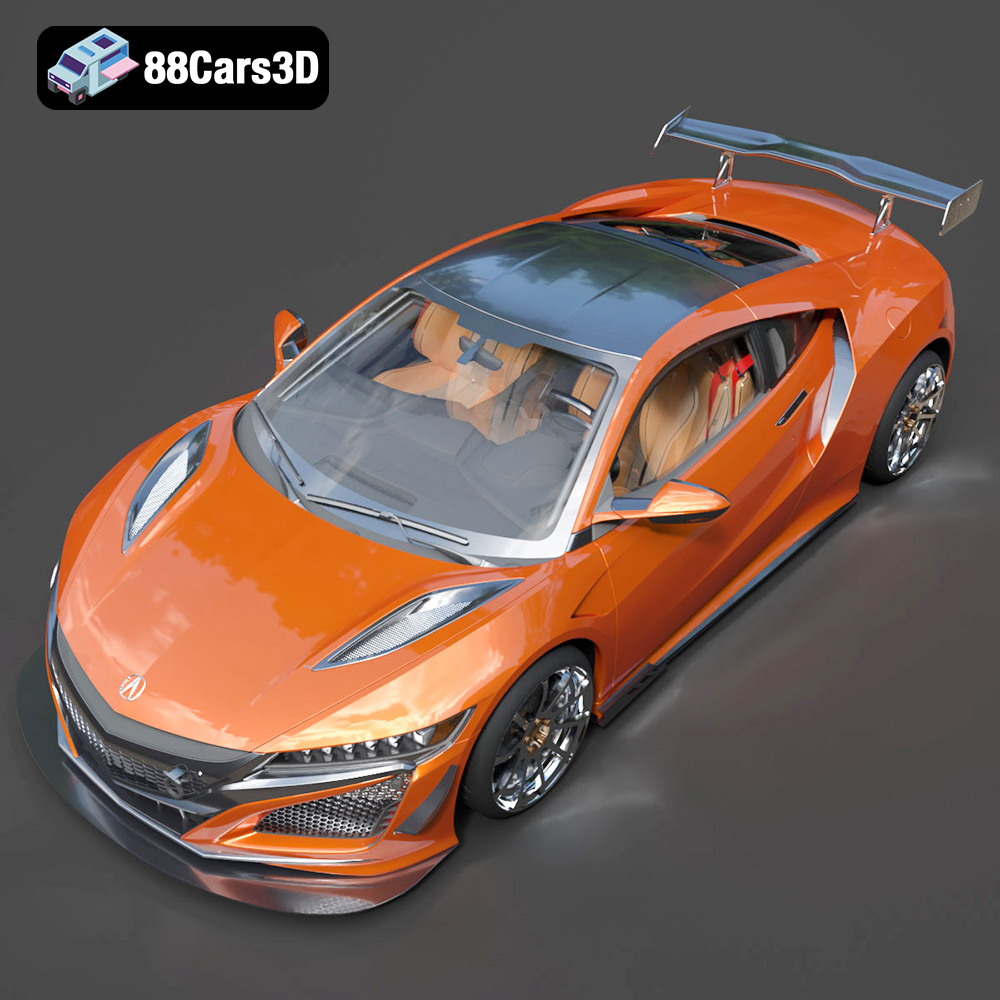
The Acura NSX 2017 3D Model is a stunning digital recreation of the rebirth of a legendary supercar. Combining striking, aerodynamically optimized styling with a futuristic mid-engine hybrid profile, the 2017 NSX represents the pinnacle of modern precision craftsmanship. Perfect for high-speed racing games, luxury automotive galleries, modern urban visualizations, and cinematic automotive showcases.
$9.99