Get 50% OFF All Premium 3D & STL Models!

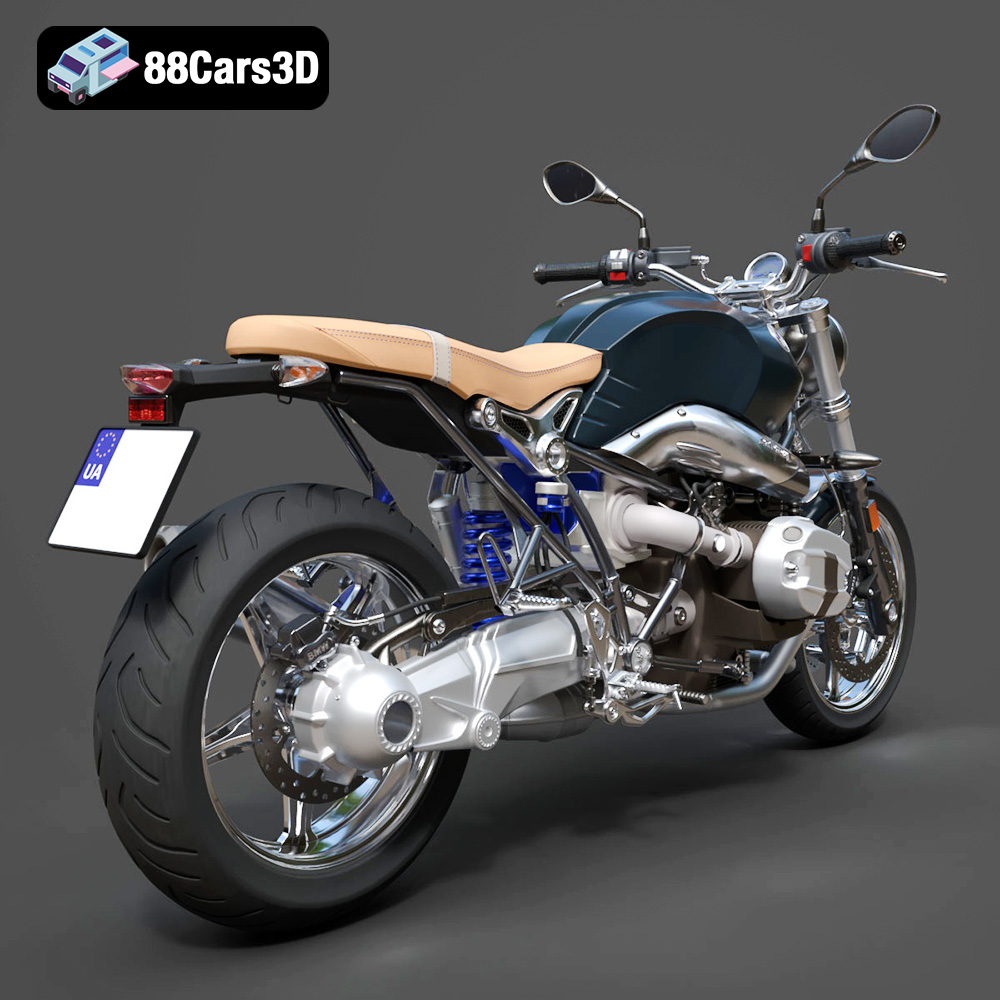
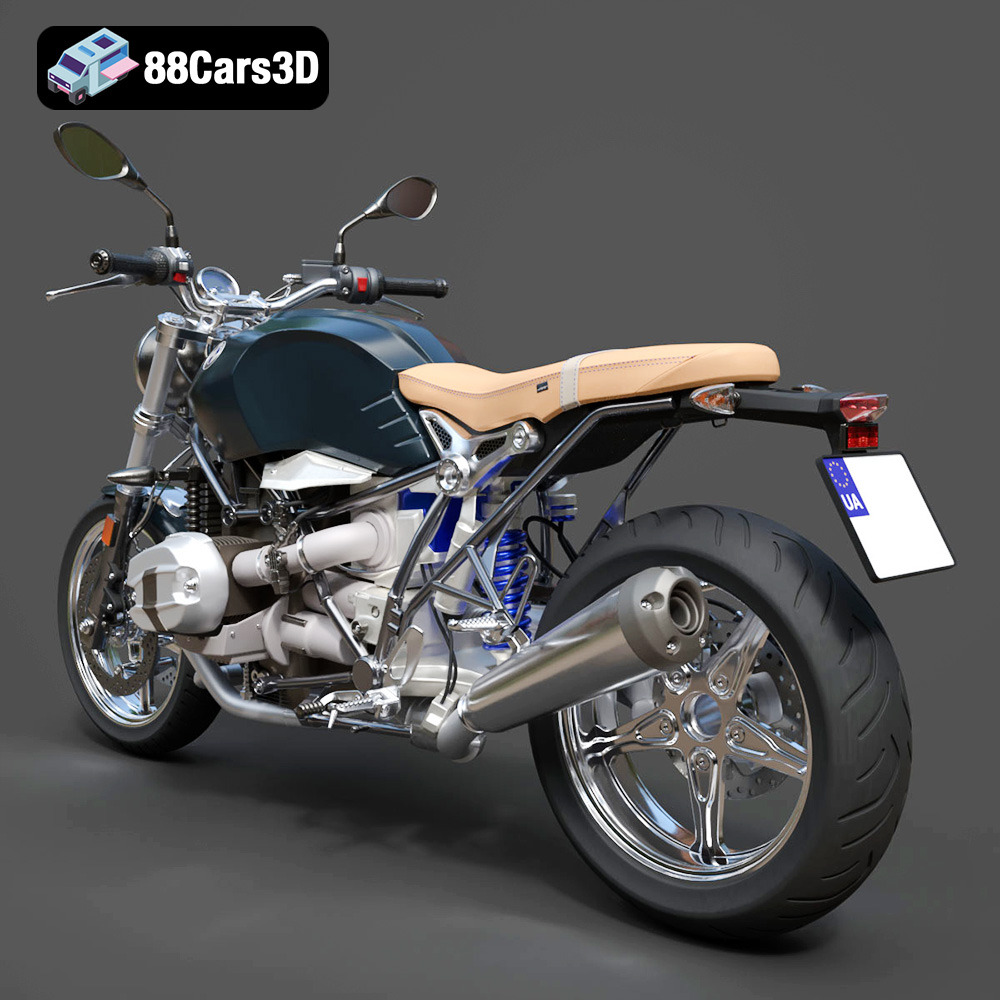
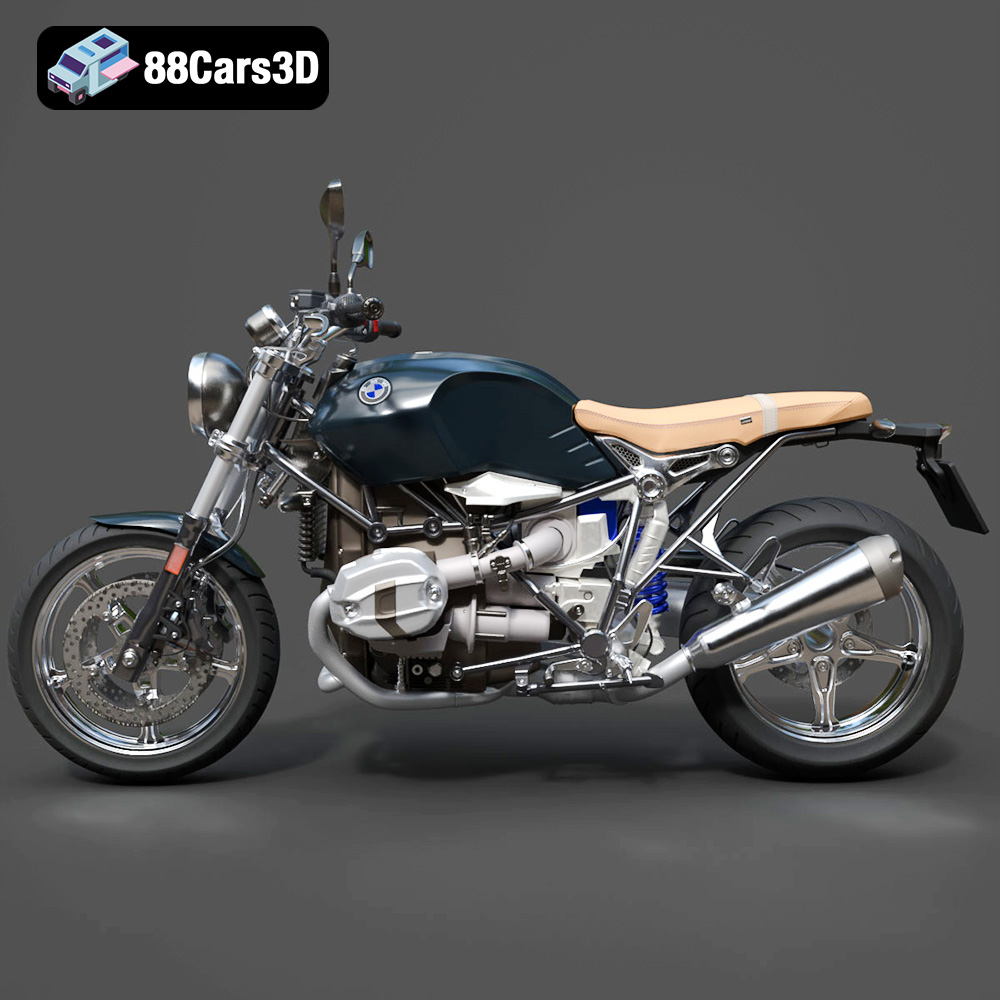
The BMW R nineT Pure 2018 is a stunning motorcycle that blends classic design with modern engineering. Now, thanks to 88cars3d.com, you can bring this iconic bike to life through the magic of 3D printing. This comprehensive guide will walk you through the entire process, from preparing the STL files to post-processing your finished 3D printed model. We’ll cover everything you need to know to achieve a high-quality, detailed replica of the R nineT Pure.
Before you even think about turning on your 3D printer, proper preparation is key to a successful print. This includes inspecting the model, making any necessary repairs, and choosing the right orientation.
Carefully examine the 3D model in your slicing software. Look for any obvious errors like non-manifold geometry (areas where the mesh isn’t properly closed) or intersecting faces. These issues can cause problems during slicing and result in print failures. Most slicing programs offer tools to automatically detect and repair these errors, or you can use dedicated mesh editing software like Meshmixer or Blender.
The orientation of the model on the build plate significantly affects the print quality and the amount of support material needed. For the BMW R nineT Pure 2018 model, consider printing the main frame at an angle (approximately 45 degrees) to minimize the number of supports on the visible surfaces. Separate components like the wheels, exhaust system, and handlebar assembly should be printed individually in orientations that optimize detail and minimize support requirements.
The product description on 88cars3d.com suggests scales like 1:18, 1:12, 1:10, and 1:8. Smaller scales (like 1:18) will be more challenging due to the intricate details of the motorcycle. A larger scale (like 1:8) will be easier to print but will require more material and longer print times. Choose a scale that balances detail and printability based on your printer’s capabilities and your experience level.
Choosing the right file format is crucial for ensuring compatibility and optimal print quality. Here’s a breakdown of common 3D model file formats and their suitability for 3D printing:
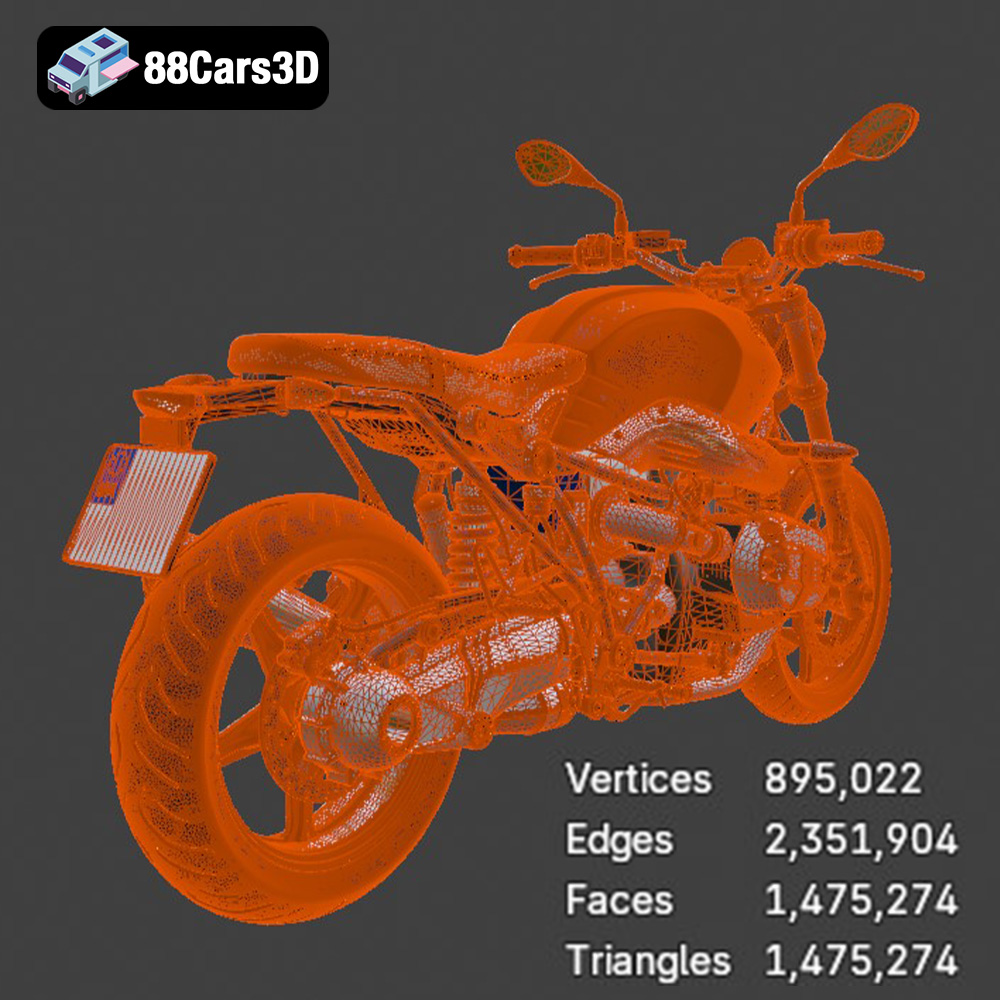
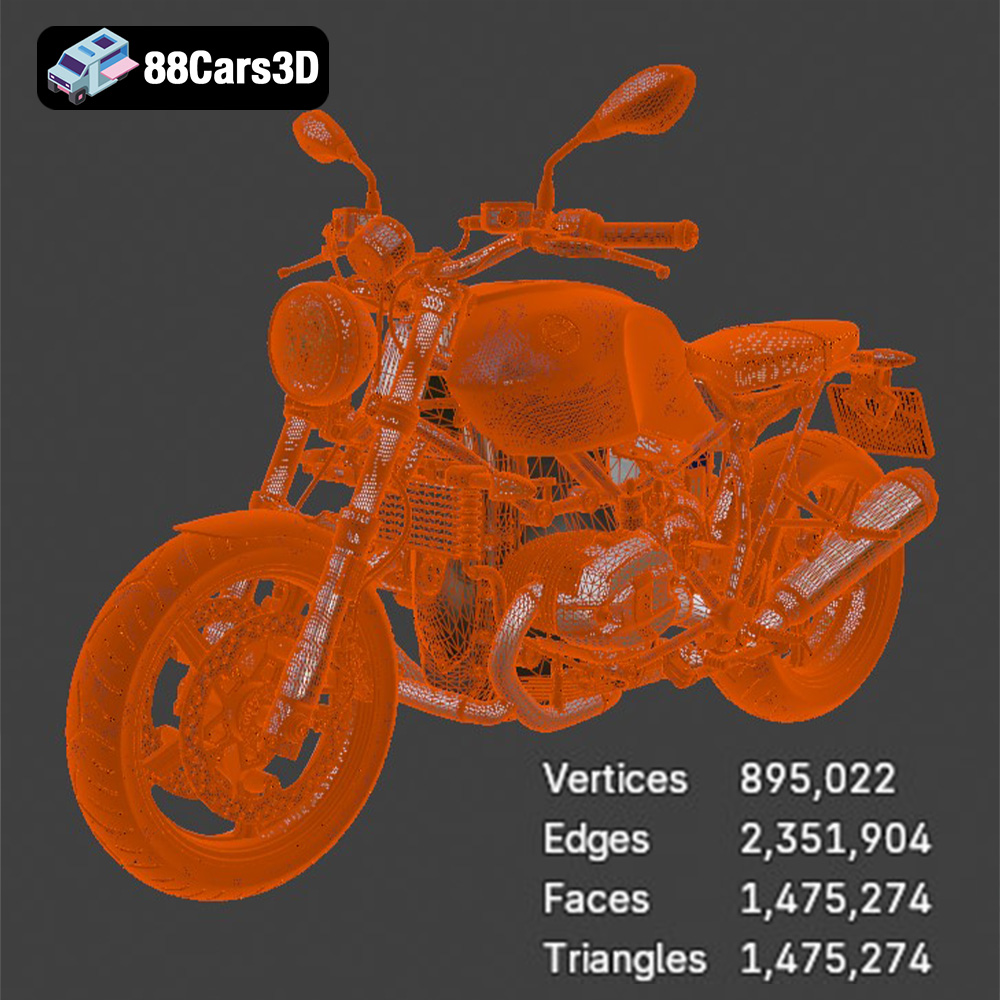
The STL (Stereolithography) format is the de facto standard for 3D printing. It represents the surface geometry of a 3D object as a collection of triangles. STL files are widely supported by slicing software and 3D printers. However, STL files only store the mesh geometry and do not contain information about color, texture, or materials. This means your 3D print will be a single color unless you paint it after printing. The resolution of an STL file (the size and number of triangles) affects the smoothness and accuracy of the printed object. A higher resolution STL file will result in a smoother print but will also be larger in file size. For the detailed BMW R nineT Pure 2018 model, ensure the STL file has sufficient resolution to capture the intricate details like the engine components and the exhaust system. Most slicing software can adjust the STL import resolution if needed.
OBJ (Object) files are a more versatile format that can store not only the geometry but also color and texture information. While OBJ files are supported by some 3D printers capable of multi-material or full-color printing, they are less commonly used for standard 3D printing than STL files. The complexity of managing color and texture information can also make OBJ files more difficult to work with in slicing software.
PLY (Polygon File Format) is designed for storing 3D data acquired from 3D scanners. It can represent color, normals (surface direction), and other properties in addition to the mesh geometry. PLY files can be very precise, making them suitable for high-detail prints. However, they might not be as universally supported as STL files by all slicing software.
BLEND files are the native format for Blender, a popular open-source 3D modeling software. BLEND files contain the entire Blender scene, including the object geometry, materials, textures, lighting, and camera settings. You can use a BLEND file to modify the BMW R nineT Pure 2018 model before exporting it to a 3D printable format like STL.
FBX (Filmbox) is a proprietary file format developed by Autodesk. It’s commonly used for exchanging 3D data between different software applications, especially in the game development and animation industries. FBX files can store geometry, materials, textures, animations, and other scene data. While some slicing software supports importing FBX files, it’s primarily used for transferring models with material information.
GLB (GL Transmission Format Binary) is a binary file format that represents 3D models in a compact and efficient manner. It’s commonly used for displaying 3D models in web browsers, augmented reality (AR) applications, and virtual reality (VR) environments. GLB files can store geometry, textures, and animations. It is primarily used for previewing and is not commonly used for direct 3D printing.
.max files are the native file format for Autodesk 3ds Max, a professional 3D modeling, animation, and rendering software. Similar to .blend files for Blender, .max files contain the complete scene data, allowing for extensive modifications and customizations before exporting for 3D printing.
For 3D printing the BMW R nineT Pure 2018, the STL format is generally the most suitable. It’s widely compatible, relatively simple, and focuses on the essential geometric data needed for printing. If you plan to customize the model extensively, you can use the .blend or .max file, make your changes, and then export the final version as an STL file.
The material you choose will significantly impact the final appearance, strength, and durability of your 3D printed BMW R nineT Pure 2018. Here’s a breakdown of popular options:
PLA is a biodegradable thermoplastic derived from renewable resources like corn starch or sugarcane. It’s a popular choice for 3D printing due to its ease of use, low printing temperature, and minimal warping. PLA is ideal for creating visually appealing models with fine details. However, PLA is not as strong or heat-resistant as other materials, so it’s best suited for display models that won’t be subjected to high stress or temperatures. PLA is a good starting point for beginners printing this model.
PETG is a strong and durable thermoplastic that offers a good balance of properties. It’s more flexible and impact-resistant than PLA, and it has better heat resistance. PETG is also relatively easy to print, making it a good choice for functional parts or models that require more durability. It’s a good option for printing the BMW R nineT Pure if you want a model that can withstand some handling.
Resin 3D printing (SLA or DLP) offers exceptional detail and surface finish compared to FDM printing. Resin is ideal for creating highly detailed models with intricate features. However, resin prints tend to be more brittle than FDM prints, and they require post-processing steps like washing and curing. Resin is the best choice if you want to capture every detail of the BMW R nineT Pure 2018, especially at smaller scales.
ABS is a strong and heat-resistant thermoplastic commonly used in injection molding. It’s more durable than PLA and has a higher glass transition temperature, making it suitable for parts that will be exposed to heat. However, ABS is more difficult to print than PLA due to its higher printing temperature and tendency to warp. ABS is generally not recommended for beginners.
Fine-tuning your printer settings is crucial for achieving a high-quality 3D printed model.
Layer height determines the vertical resolution of your print. A lower layer height (e.g., 0.08-0.12mm) will result in a smoother surface finish and better detail, but it will also increase print time. A higher layer height (e.g., 0.16-0.2mm) will print faster but will sacrifice some detail. For the BMW R nineT Pure 2018, a lower layer height is recommended, especially for parts with intricate details like the engine.
Infill density affects the internal strength and weight of your print. A higher infill density (e.g., 25%) will make the model stronger but will also increase print time and material consumption. A lower infill density (e.g., 15%) will print faster and use less material but will make the model more fragile. For a display model, an infill density of 15-20% is usually sufficient.
Slower print speeds generally result in better print quality, especially for intricate details. Experiment with different print speeds to find the optimal balance between speed and quality for your printer and material.
Support structures are necessary for printing overhangs and complex geometries. Use your slicing software to generate supports for areas like the engine protrusions, exhaust system, and handlebar assembly. Consider using tree supports or light supports to minimize the amount of material used and make support removal easier.
Post-processing is essential for removing support structures, smoothing the surface, and adding the finishing touches to your 3D printed BMW R nineT Pure 2018.
Carefully remove the support structures using pliers, cutters, or a hobby knife. Take your time to avoid damaging the model. For resin prints, supports can be more easily removed after a short soak in warm water.
Sanding is crucial for smoothing the surface of your 3D print and removing any layer lines or imperfections. Start with a coarse grit sandpaper (e.g., 220 grit) and gradually move to finer grits (e.g., 400, 600, 800 grit) for a smooth finish. Wet sanding can help to reduce dust and improve the sanding process.
Apply a thin coat of primer to the model to create a uniform surface for painting. Primer also helps to fill in any remaining imperfections and improve paint adhesion.
Paint the model using high-quality acrylic paints or model paints. Apply multiple thin coats for a smooth and even finish. Consider using masking tape to create clean lines and separate different color sections. The product description on 88cars3d.com suggests customization options like changing the fuel tank color and modifying the exhaust finish, so get creative with your paint job!
If you printed the model in separate parts, carefully assemble them using glue or adhesive. Ensure proper alignment and secure bonding for a sturdy and realistic final product.
Even with careful preparation, you may encounter some common 3D printing issues.
Warping occurs when the corners of your print lift off the build plate due to uneven cooling. To prevent warping, ensure your build plate is properly leveled and heated. You can also use a brim or raft to increase the surface area in contact with the build plate.
Stringing occurs when thin strands of plastic are left between different parts of the print. To reduce stringing, adjust your retraction settings in your slicing software. You can also try lowering the printing temperature or increasing the travel speed.
Layer shifting occurs when the printer suddenly shifts the position of a layer, resulting in a misalignment of the print. This can be caused by loose belts, stepper motor issues, or other mechanical problems. Check your printer’s hardware and ensure everything is properly tightened and calibrated.
Elephant’s foot is a phenomenon where the bottom layers of a print are wider than the rest of the model. This is often caused by excessive bed adhesion or a too-high initial layer temperature. Adjust your bed temperature and initial layer settings to mitigate this issue.
The print time and material cost will vary depending on the size of the model, the material you use, and your printer settings. As a general estimate, a 1:12 scale model of the BMW R nineT Pure 2018 printed in PLA could take anywhere from 20-40 hours and use approximately 200-400 grams of filament. A resin print at the same scale would likely take 10-20 hours but require similar material volume. Experimentation and iterative prints are recommended to dial in settings for your specific printer and desired outcome.
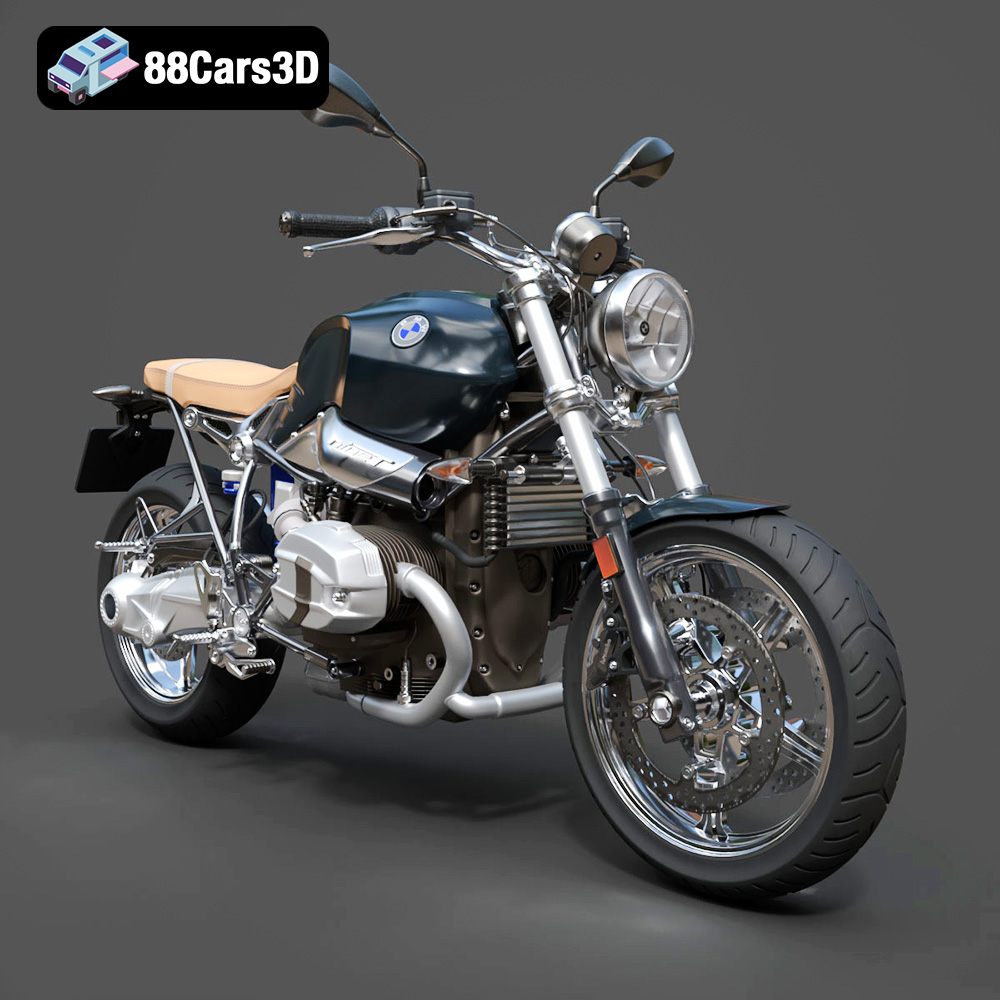
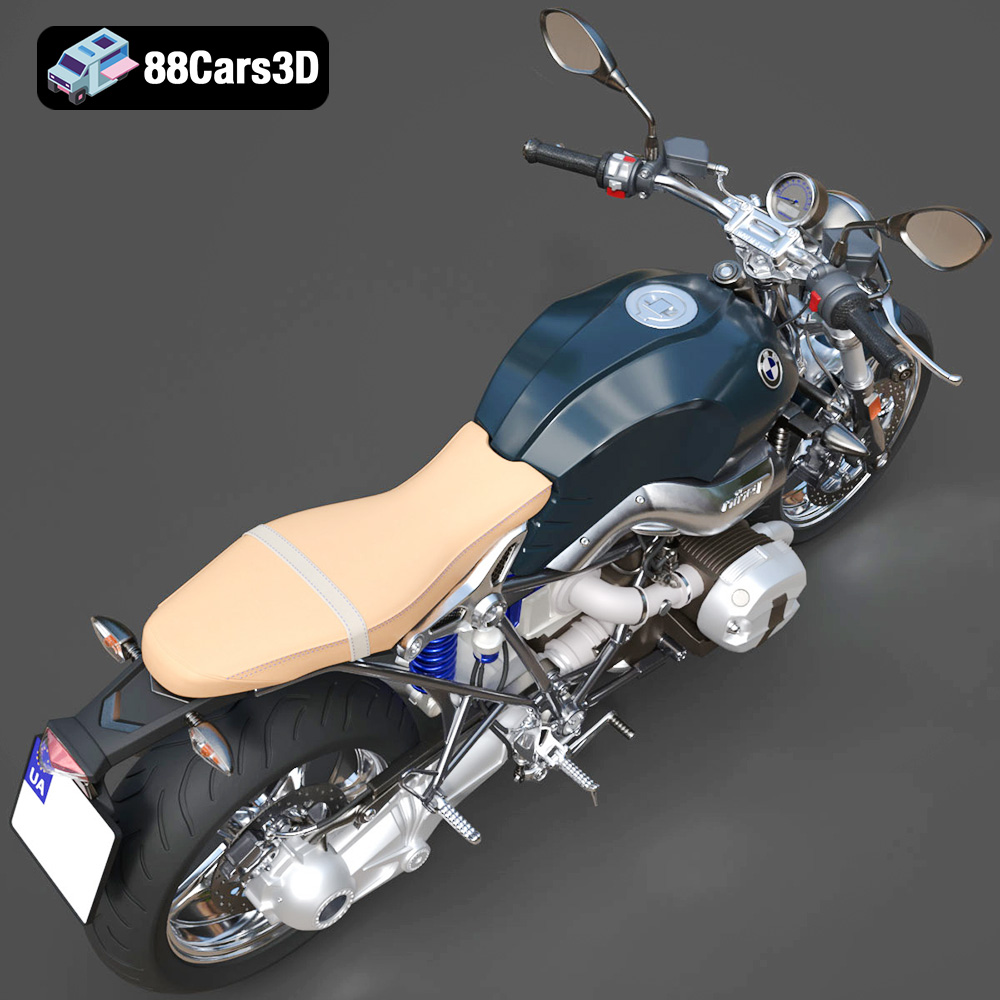
The BMW R nineT Pure 2018 3D Model is a high-detail digital recreation of the minimalist retro roadster from BMW Motorrad’s Heritage lineup. Blending classic motorcycle styling with modern engineering, the R nineT Pure features a timeless naked-bike design, air/oil-cooled boxer engine, and clean mechanical aesthetics.
$9.99
3D printing the BMW R nineT Pure 2018 model is a rewarding project that combines technical skill with creative expression. By following the steps outlined in this guide, from pre-print preparation to post-processing techniques, you can create a stunning replica of this iconic motorcycle. Remember to experiment with different materials, printer settings, and finishing techniques to achieve the best possible results. The detailed 3D models available on 88cars3d.com offer a fantastic starting point for your 3D printing journey. Happy printing!
.2018motorcycle
.arvr
.blend
.bmw
.fbx
.gameasset
.glb
.heritagebike
.max
.motorcycle3dmodel
.obj
.ply
.rendering
.rninet
.rninetpure
.simulation
.stl
.twowheeler
.unreal
boxerengine