Get 50% OFF All Premium 3D & STL Models!

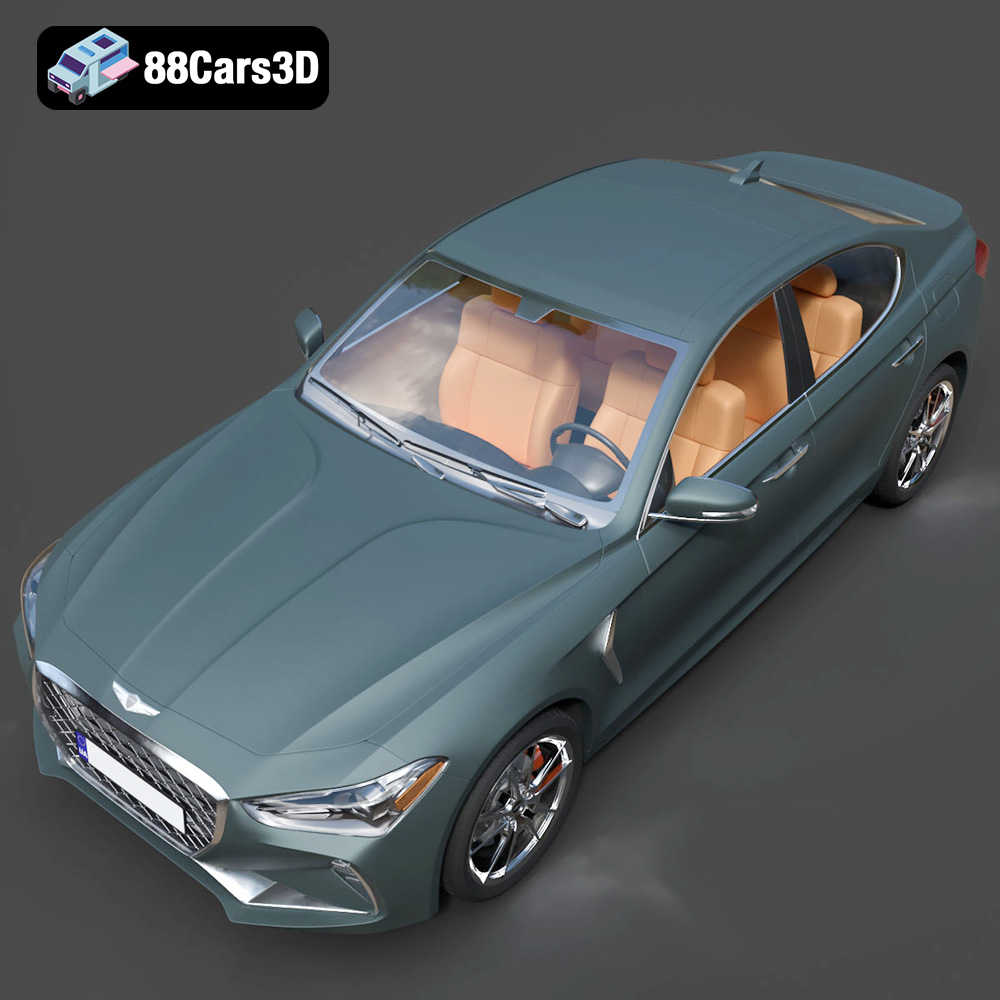
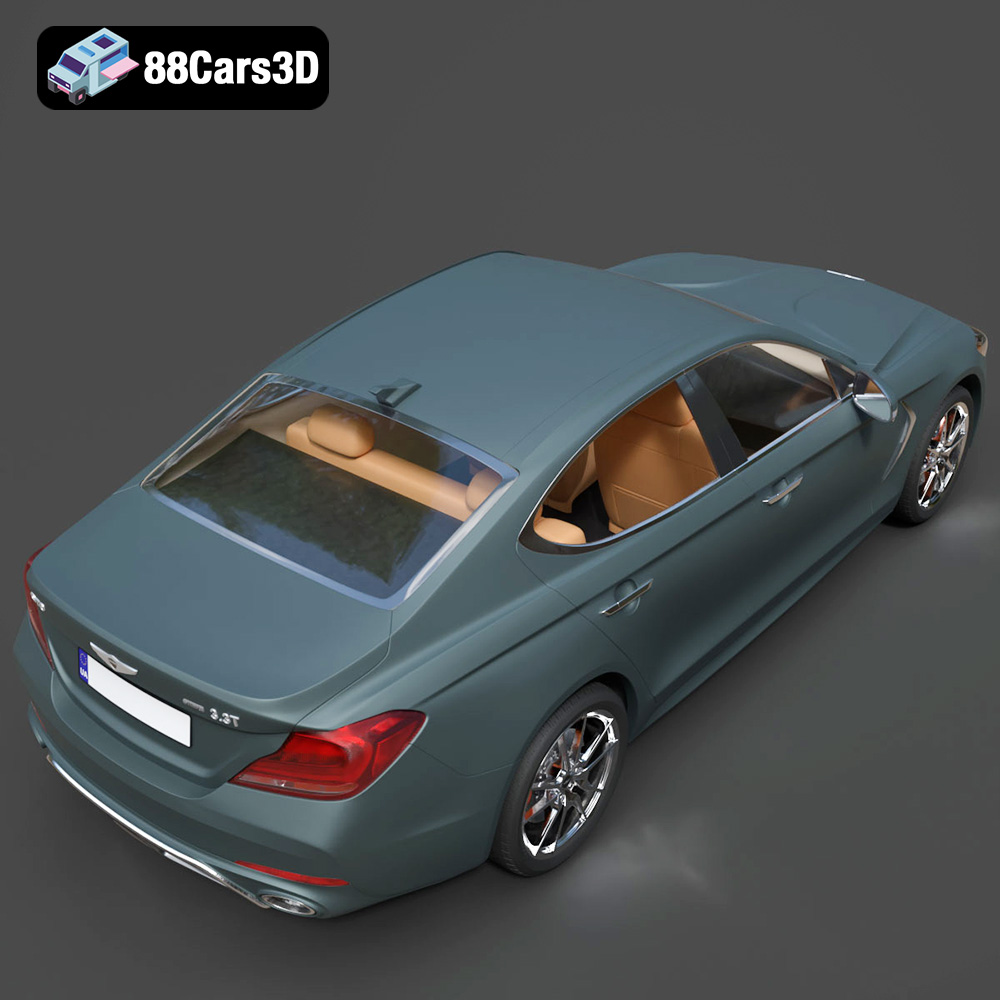
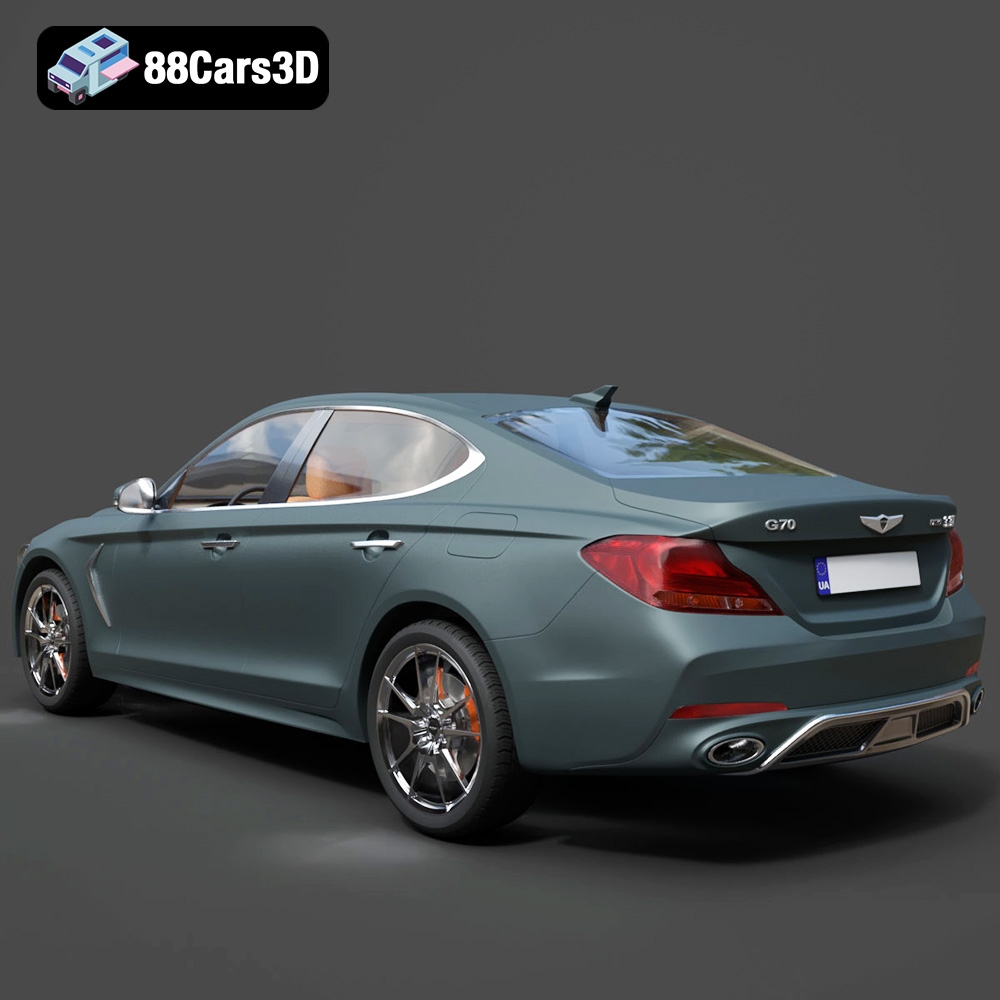
The Genesis G70 2018 is a statement. It’s a testament to refined luxury and sporty performance, packed into a compact executive sedan. Now, thanks to the intricate 3D model available at 88cars3d.com, you can bring this iconic vehicle to life on your 3D printer. This comprehensive guide will walk you through every step of the process, from selecting the right materials and settings to perfecting the final finish.
Several 3D printing technologies are suitable for creating a Genesis G70 2018 model, each with its own set of advantages and disadvantages. Understanding these differences is crucial for achieving the desired level of detail and finish.
FDM is the most common and affordable 3D printing method. It works by extruding a thermoplastic filament, layer by layer, to build the model. For the Genesis G70, FDM is a viable option, especially for larger scales (1:18 or 1:12). However, achieving a smooth surface finish and capturing fine details can be challenging. Consider using a smaller nozzle (0.4mm or even 0.25mm) and lower layer heights (0.1mm or less) for better results. Materials like PLA or PETG are good choices for FDM printing, offering a balance of ease of use and durability.
SLA and DLP are resin-based 3D printing technologies that use a light source (laser or projector) to cure liquid resin, layer by layer. These technologies excel at producing highly detailed and smooth surfaces, making them ideal for smaller-scale models (1:24 and smaller) of the Genesis G70. Resin printing allows you to capture the intricate design elements of the car, such as the sharp LED headlights and the detailed Crest Grille. However, resin printers are generally more expensive than FDM printers, and the resin material itself can be more brittle. Proper post-processing, including cleaning and curing, is essential for resin prints.
SLS is a powder-based 3D printing technology that uses a laser to fuse powdered material (typically nylon) layer by layer. SLS offers excellent detail and strength, but it is generally more expensive than FDM or resin printing. It’s a great option for producing functional prototypes or durable models of the Genesis G70. A significant advantage is that SLS doesn’t require support structures, which simplifies post-processing and prevents support marks on the surface.
Choosing the correct file format is vital for a smooth 3D printing experience. The Genesis G70 2018 3D model from 88cars3d.com includes several file formats, each suited for different purposes. Here’s a detailed look at each one:
The .stl (stereolithography) file format is the workhorse of 3D printing. It represents the 3D model as a mesh of triangles, defining its surface geometry. It’s a simple, widely supported format, making it compatible with virtually all slicing software. However, .stl files only contain information about the shape of the model, not its color, texture, or material properties. For 3D printing, the .stl format is generally the best choice because slicing software is designed to work optimally with it. When exporting an .stl file, ensure that the mesh resolution is high enough to capture the details of the Genesis G70. A lower resolution will result in a faceted appearance, especially on curved surfaces. Conversely, an excessively high resolution can create an unnecessarily large file size that slows down slicing and printing.
The .obj (object) file format is more versatile than .stl because it can store color and texture information, in addition to the mesh geometry. This is useful if you plan to print the Genesis G70 in color using a multi-material 3D printer or if you want to apply textures to the model in a rendering program before printing. However, not all slicing software fully supports .obj files with textures. It’s essential to check compatibility before using this format for 3D printing. Furthermore, .obj files can sometimes be more complex than .stl files, which can lead to slower slicing times.
The .ply (polygon) file format is designed to store 3D data acquired from 3D scanners. It’s known for its ability to represent high-detail meshes accurately. While it’s less common than .stl or .obj, .ply can be a good option if the Genesis G70 model has been created from a 3D scan and you want to preserve the original detail. Like .obj, .ply files can also store color information. Check your slicing software’s compatibility with .ply files before using them for 3D printing.
The .blend file is the native format for Blender, a free and open-source 3D creation suite. If you are familiar with Blender, you can use the .blend file to customize the Genesis G70 model before exporting it to a printable format like .stl. You can modify the model’s geometry, add details, or even split it into separate parts for easier printing. Before you can 3D print it, you must export from Blender into a compatible printing format.
The .fbx (Filmbox) file format is a popular format for exchanging 3D data between different software applications. It supports meshes, textures, materials, and animations. While some slicing software can import .fbx files, it’s primarily used for importing models into game engines or animation software rather than directly for 3D printing. If you need to transfer the Genesis G70 model between different 3D applications, .fbx is a good choice, but for printing, it’s generally better to use .stl after any modifications.
The .glb (GL Transmission Format Binary) file format is designed for efficient transmission and loading of 3D models in web and augmented reality (AR) applications. It’s a binary format that includes both the 3D model and its textures in a single file. This format is excellent for previewing the Genesis G70 model in AR using a smartphone or tablet before committing to printing it. This helps visualize the size and appearance of the model in the real world.
The .max file is the native format for 3ds Max, a professional 3D modeling, animation, and rendering software. Similar to the .blend file, the .max file allows you to customize the Genesis G70 model extensively. You can modify the geometry, add details, or create variations of the model. However, like the .blend file, you need to export the model to a printable format like .stl before you can 3D print it.
Once you’ve chosen your 3D printing technology and file format, the next step is to prepare the model for printing. This involves using slicing software to convert the 3D model into a set of instructions that the 3D printer can understand.
Popular slicing software options include Cura, Simplify3D, PrusaSlicer, and Chitubox (for resin printing). Each software has its own set of features and settings, but the basic workflow is the same: import the .stl file, adjust the printing parameters, and generate the G-code (the printer’s instructions). For the Genesis G70, key settings to consider include:
The orientation of the model on the print bed can significantly impact the print quality and the amount of support material required. For the Genesis G70, consider printing the body at an angle (e.g., 45 degrees) to minimize the need for supports on the curved surfaces. The wheels should be printed separately, ideally in a vertical orientation to minimize the visibility of layer lines. Carefully plan the placement of support structures to avoid damaging delicate features during removal. Organic or tree-like supports can often be easier to remove than traditional linear supports.
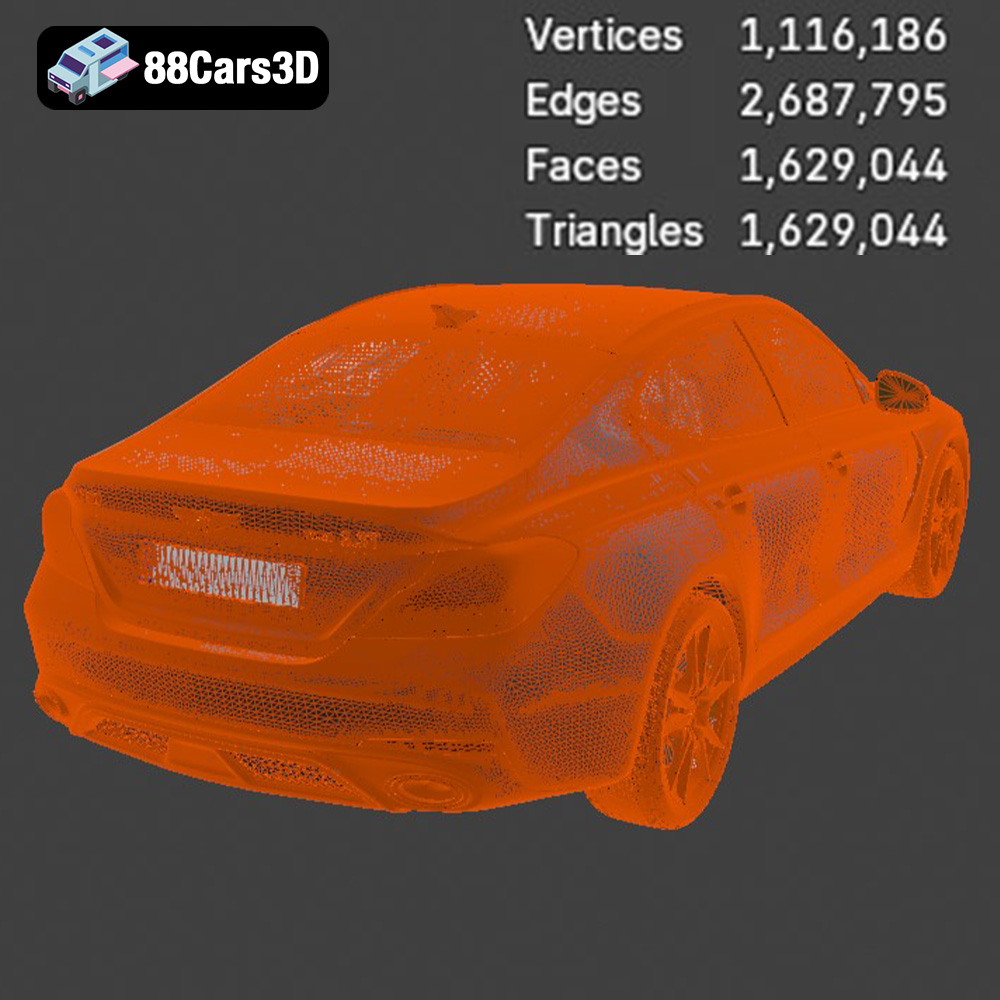
Before slicing, it’s essential to ensure that the .stl file is free of errors, such as non-manifold edges or holes in the mesh. These errors can cause problems during slicing and printing. Many slicing software programs include built-in mesh repair tools. Alternatively, you can use dedicated mesh repair software like Meshmixer or Netfabb. Optimizing the mesh can also improve printing performance. Reducing the number of triangles in the mesh (decimation) can decrease the file size and slicing time without significantly affecting the visual quality of the model.
The material you choose for 3D printing your Genesis G70 will influence its appearance, durability, and functionality. Here’s a breakdown of common options:
PLA is a biodegradable thermoplastic that’s popular for FDM 3D printing due to its ease of use and low printing temperature. It’s a good choice for creating display models of the Genesis G70. PLA is available in a wide range of colors, making it easy to match the car’s original paint options. However, PLA is relatively brittle and can warp at higher temperatures, so it’s not ideal for functional parts or models that will be exposed to direct sunlight.
PETG is another popular FDM filament that offers a good balance of strength, flexibility, and heat resistance. It’s more durable than PLA and less prone to warping. PETG is a suitable choice for creating more robust models of the Genesis G70, especially if you plan to handle them frequently. It’s also available in a variety of colors and finishes, including transparent and translucent options.
ABS is a strong and heat-resistant thermoplastic that’s commonly used in automotive parts. It’s a good choice for creating durable and functional models of the Genesis G70. However, ABS is more difficult to print than PLA or PETG, as it requires higher printing temperatures and is prone to warping. An enclosed printer is recommended for printing ABS to maintain a consistent temperature and prevent warping.
Resin is the material of choice for SLA and DLP 3D printing. There are many different types of resin available, each with its own properties. Standard resin is a good choice for creating highly detailed display models of the Genesis G70. Tough resin offers increased strength and impact resistance. Flexible resin can be used to create parts that need to bend or flex. Choose a resin that’s appropriate for the intended use of the model.
Post-processing is the final stage of the 3D printing process, where you refine the model to achieve the desired appearance and finish.
The first step in post-processing is to remove the support structures. Use a pair of pliers or a sharp knife to carefully detach the supports from the model. Take care not to damage the surface of the model during support removal. After removing the supports, sand the model to smooth out any imperfections and layer lines. Start with a coarse grit sandpaper (e.g., 220 grit) and gradually move to finer grits (e.g., 400 grit, 600 grit, 800 grit) to achieve a smooth surface. Wet sanding can help to prevent the sandpaper from clogging and produce a smoother finish.
Once the model is sanded smooth, apply a coat of primer to prepare it for painting. Primer helps to fill in any remaining imperfections and provides a better surface for the paint to adhere to. Use a spray primer that’s designed for plastics. After the primer has dried, apply several thin coats of paint, allowing each coat to dry completely before applying the next. Use high-quality acrylic paints that are designed for models. For the Genesis G70, you can use paints that match the car’s original factory colors, such as Siberian Ice, Mallorca Blue, or Havana Red.
Add details to the model to enhance its realism. Use fine-tipped brushes to paint details such as the headlights, taillights, and trim. You can also use decals to add logos and other markings. Apply a clear coat to protect the paint and give the model a glossy finish. Polish the model with a soft cloth to achieve a smooth, reflective surface. Chrome detailing can be added using specialized chrome paint or foil.
Even with careful planning and preparation, you may encounter some challenges during the 3D printing process. Here are some common issues and their solutions:
Warping is a common problem with FDM printing, especially with materials like ABS. It occurs when the first layer of the print cools too quickly and contracts, causing it to lift off the print bed. To prevent warping, ensure that the print bed is properly leveled and heated. Use a bed adhesion aid, such as glue stick or hairspray. Enclosing the printer can also help to maintain a consistent temperature and prevent warping.
Layer delamination occurs when the layers of the print don’t adhere to each other properly. This can be caused by insufficient bed adhesion, low printing temperature, or insufficient cooling. To prevent layer delamination, ensure that the bed is properly leveled and heated. Increase the printing temperature slightly. Reduce the cooling fan speed.
Stringing occurs when the printer extrudes filament while moving between different parts of the print, leaving thin strings of plastic behind. This can be caused by excessive retraction, high printing temperature, or slow travel speed. To prevent stringing, increase the retraction distance and speed. Lower the printing temperature slightly. Increase the travel speed.
Elephant’s foot is a phenomenon where the first few layers of the print are wider than the rest of the print. This can be caused by excessive bed adhesion, high bed temperature, or over-extrusion. To prevent elephant’s foot, reduce the bed temperature slightly. Calibrate the extruder to ensure that it’s not over-extruding.
The print time and material costs for the Genesis G70 2018 3D model will vary depending on the size of the model, the printing technology used, and the chosen settings. A 1:24 scale model printed with resin could take between 8-12 hours, while a larger 1:18 scale model printed with FDM could take 20-30 hours. Material costs can range from a few dollars for a small resin print to $20-$40 for a larger FDM print. Remember to factor in the cost of support material and post-processing supplies when estimating the total cost.
The Genesis G70 2018 3D model from 88cars3d.com is a high-quality model designed for various applications, including 3D printing. However, some specific considerations can help optimize the model for printing. Separating complex parts, like the wheels, is already taken into account. Further segmenting the body into smaller, more manageable pieces can reduce the need for extensive support structures and improve print quality. Consider slicing the body horizontally at the roofline or along the door seams. This allows printing the larger sections flat on the print bed, minimizing warping and improving surface finish. Also remember to hollow out the model where possible to conserve material and reduce print time, especially with resin printing. Ensure the hollowed areas have drainage holes to prevent resin from being trapped inside.
3D printing the Genesis G70 2018 is a rewarding project that combines technology with craftsmanship. By understanding the nuances of different 3D printing technologies, file formats, and post-processing techniques, you can create a stunning replica of this iconic luxury sports sedan. From selecting the right material and settings to perfecting the final finish, every step of the process contributes to the final result. The high-quality models available at 88cars3d.com provide an excellent starting point for your 3D printing journey. So, fire up your 3D printer and bring the Genesis G70 to life!
The Genesis G70 2018 3D Model is a premium, high-detail digital recreation of the acclaimed Korean luxury sports sedan. As the vehicle that firmly established Genesis as a serious competitor in the compact executive segment, the 2018 G70 combines an aggressive, athletic stance with refined elegance and world-class luxury design.
$9.99
.automotive
.blend
.fbx
.g70
.genesis
.obj
.rendering
.stl
2018-g70
3d printing
car-3d-model
compact-executive
high poly
korean-auto
luxury car
sports-sedan