Get 50% OFF All Premium 3D & STL Models!

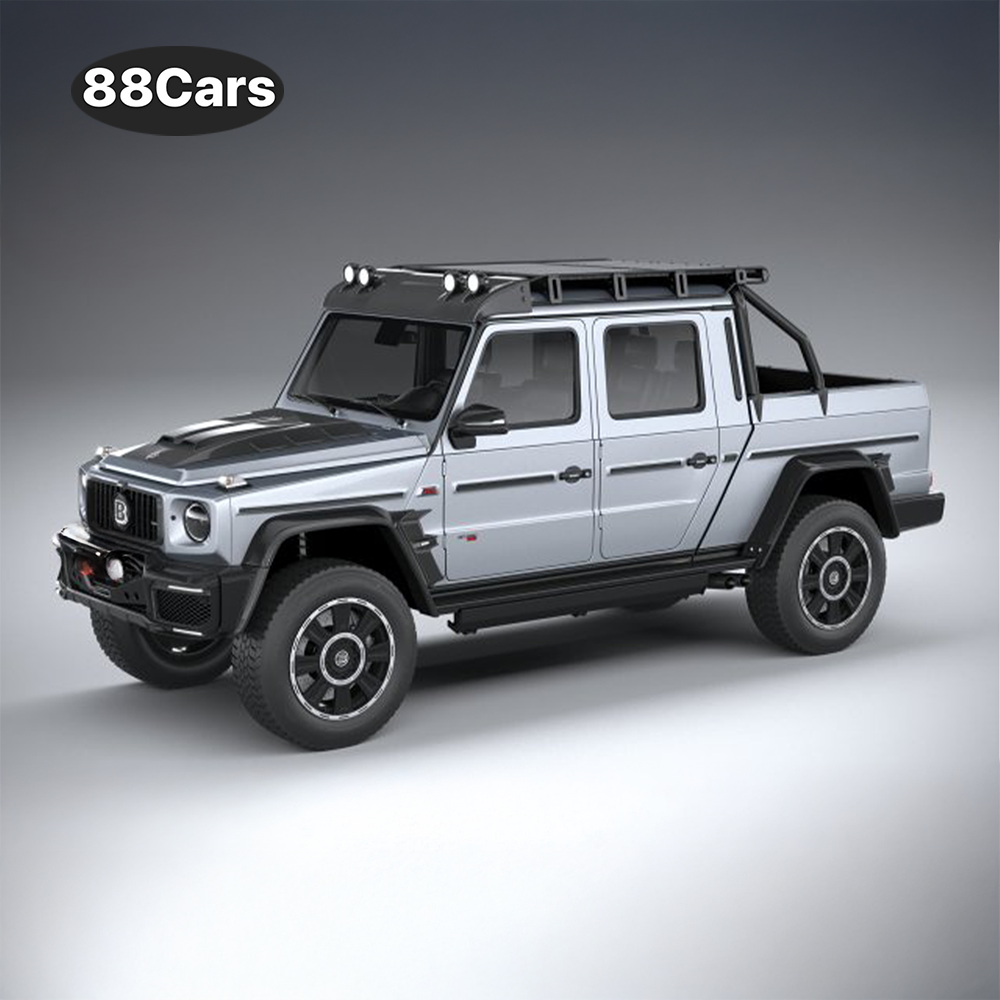
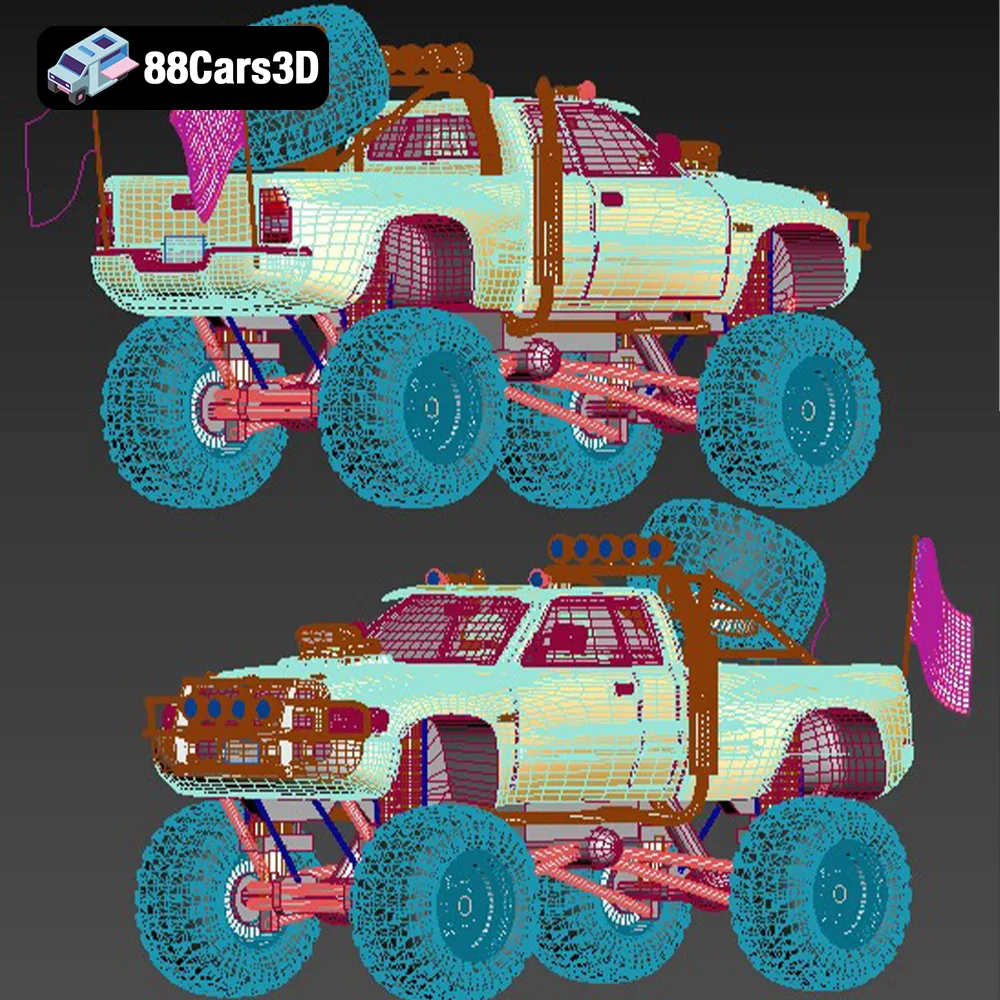
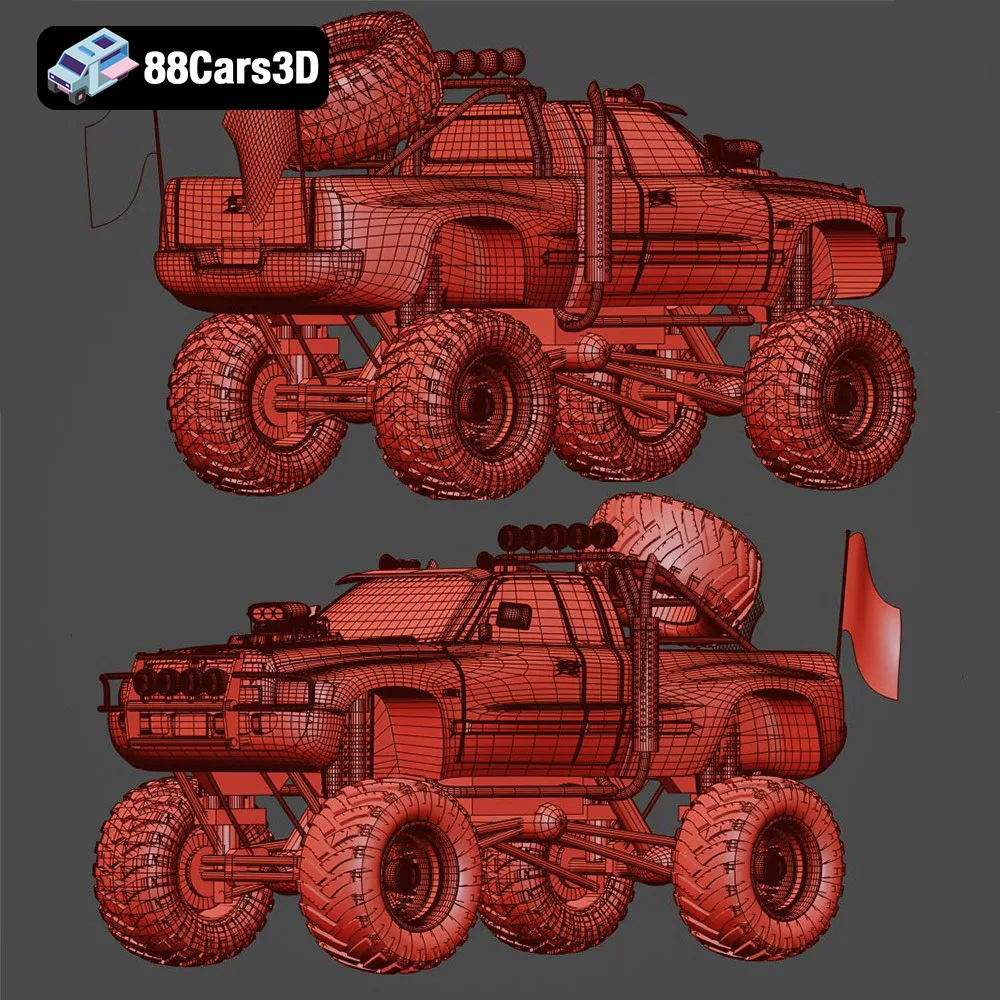
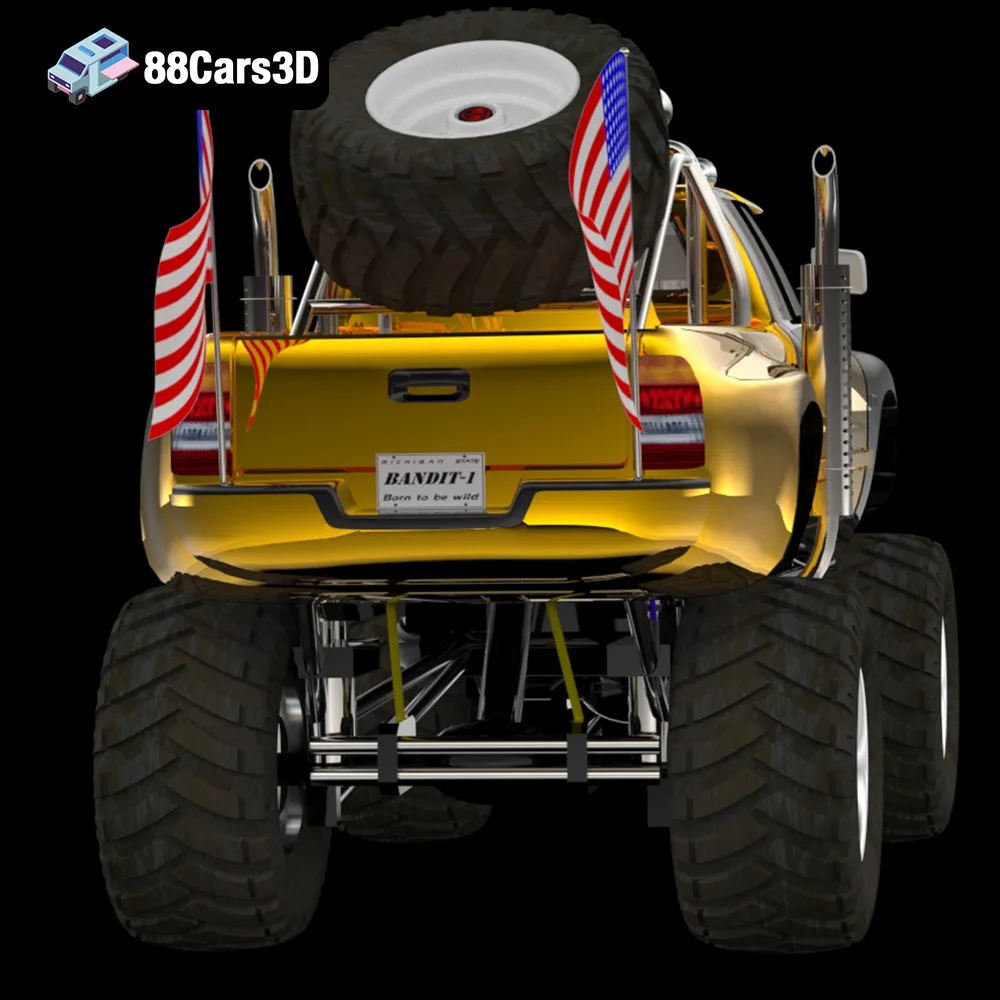
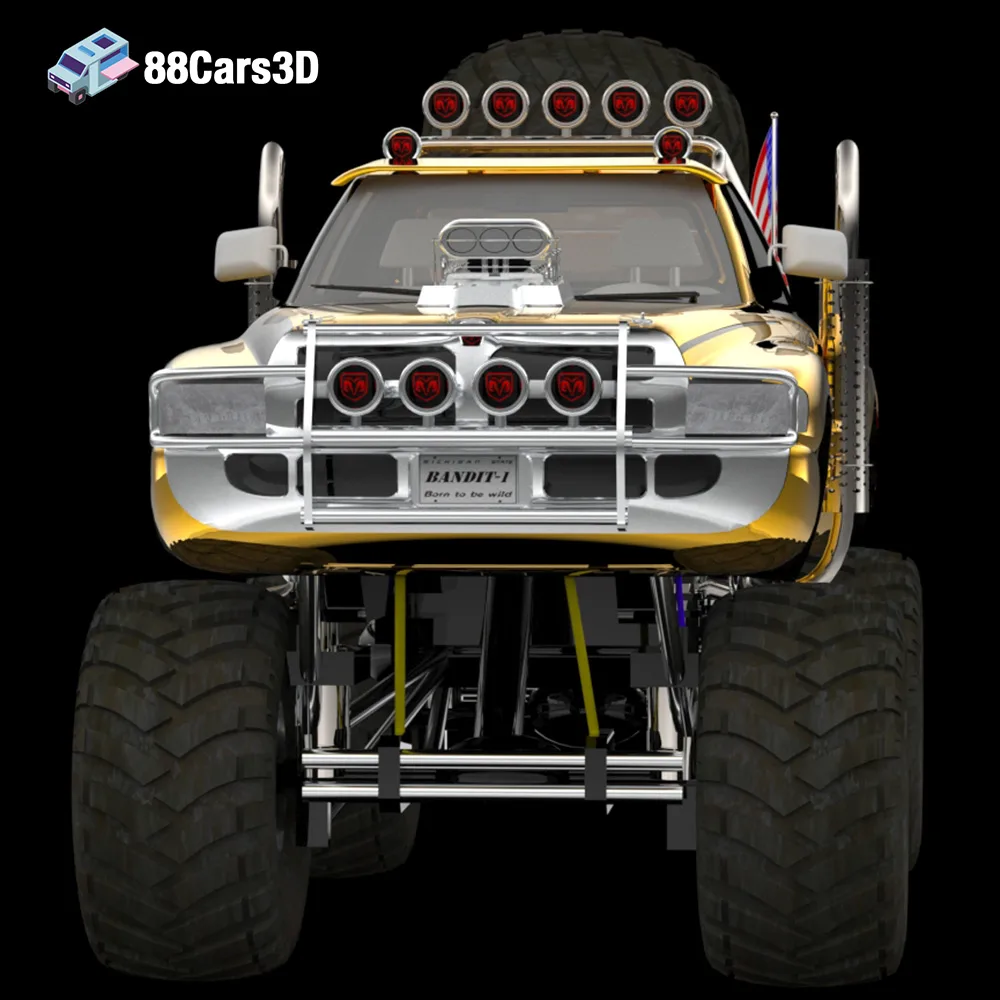
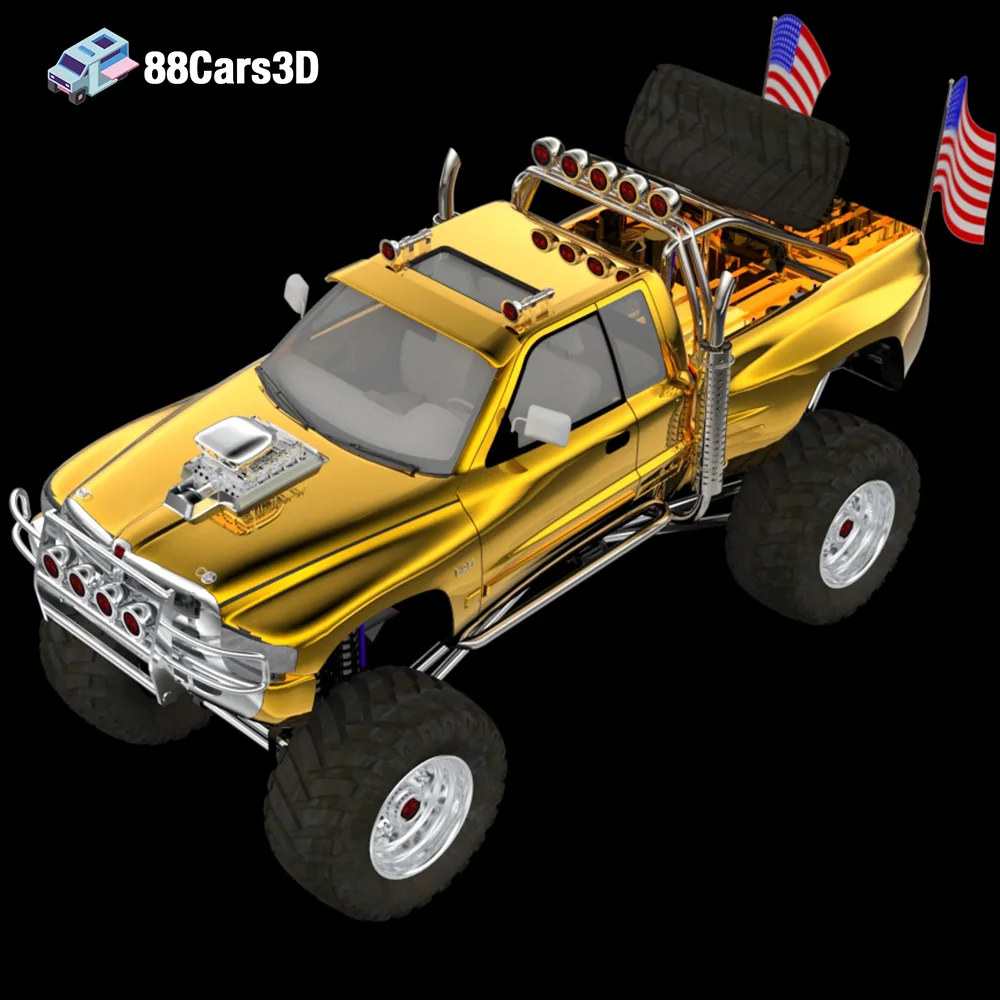
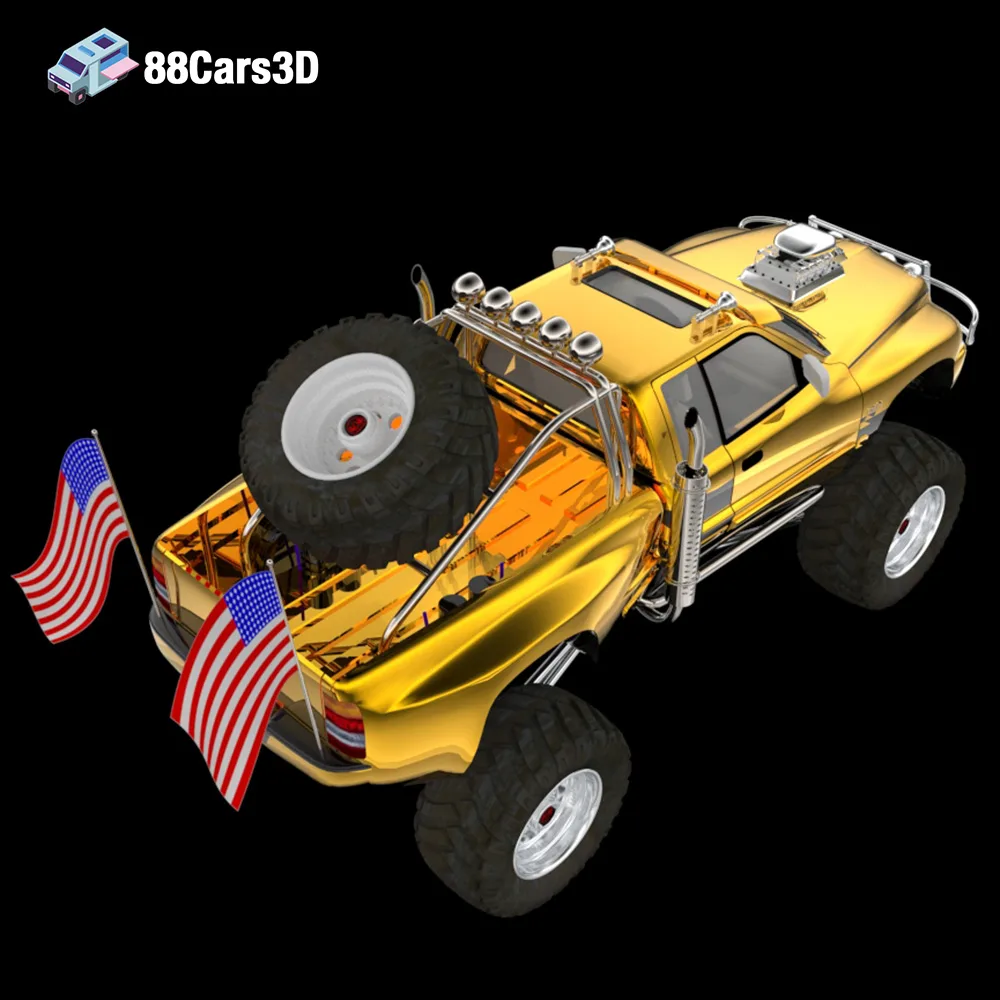
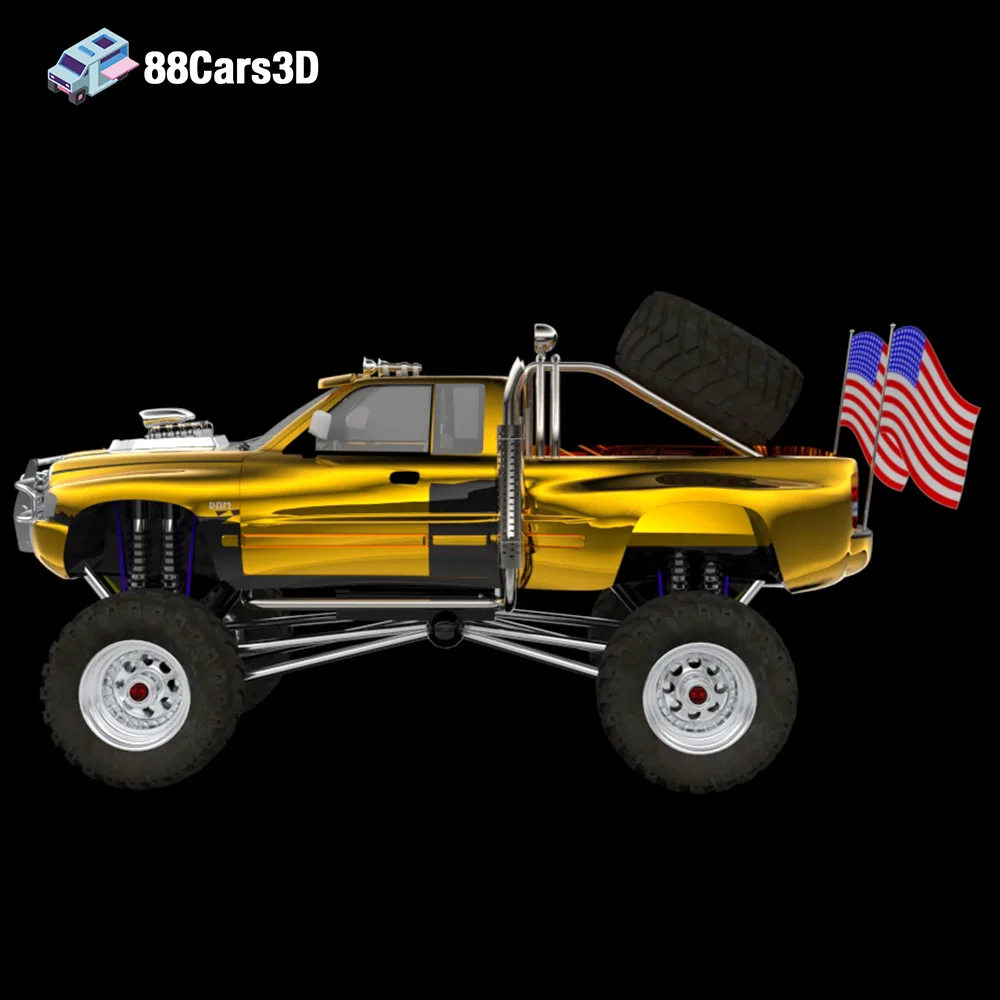
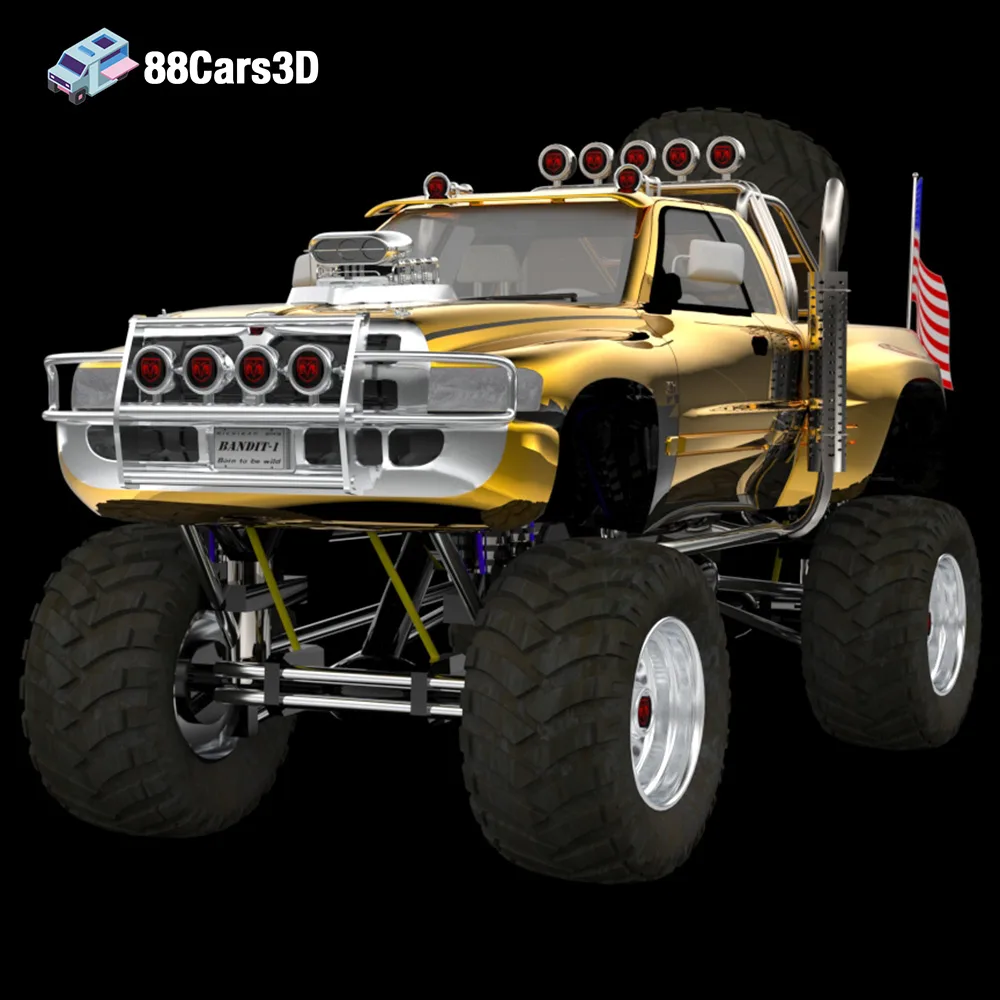
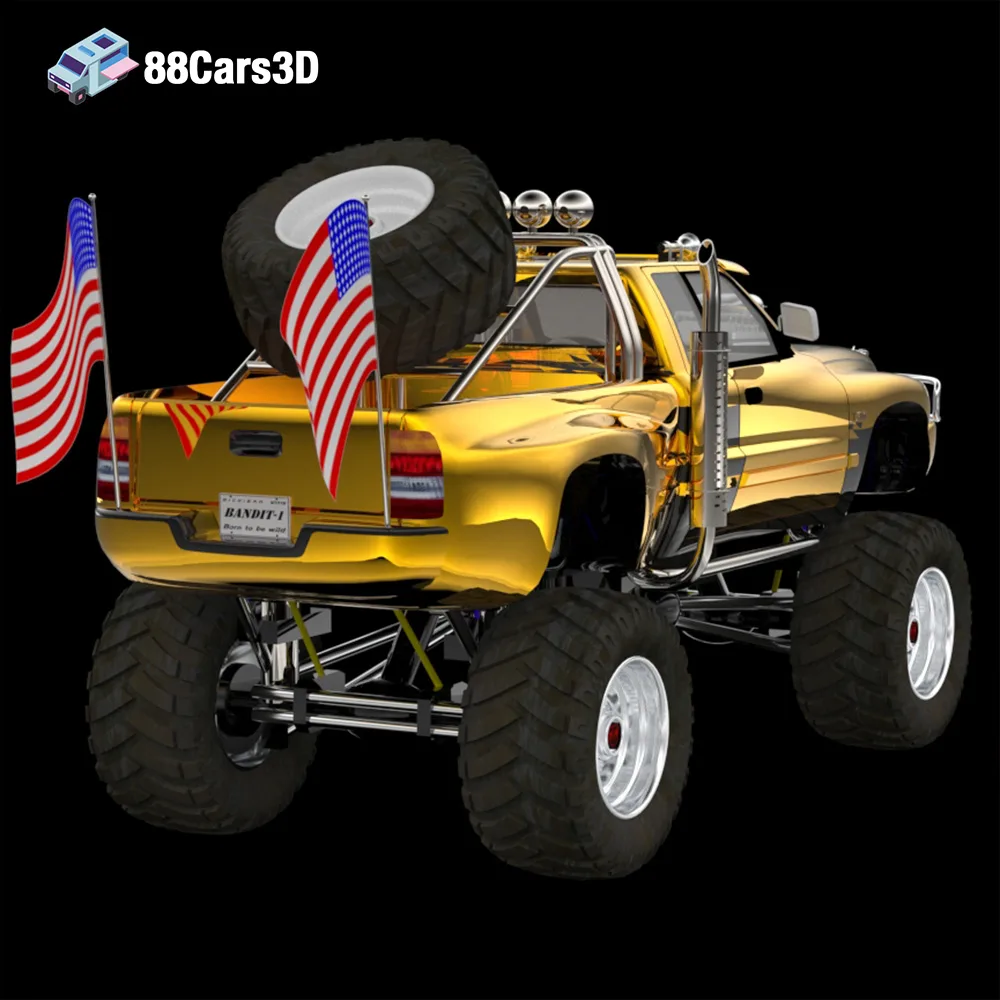
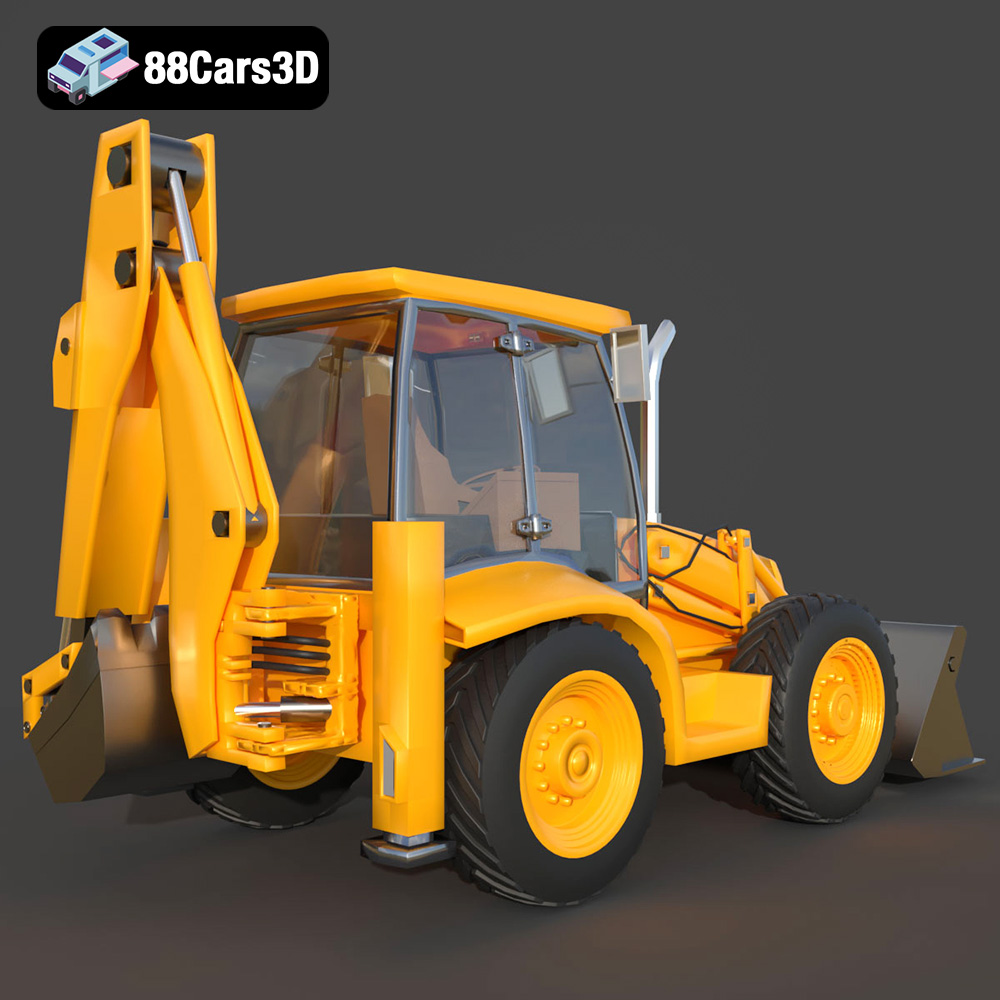
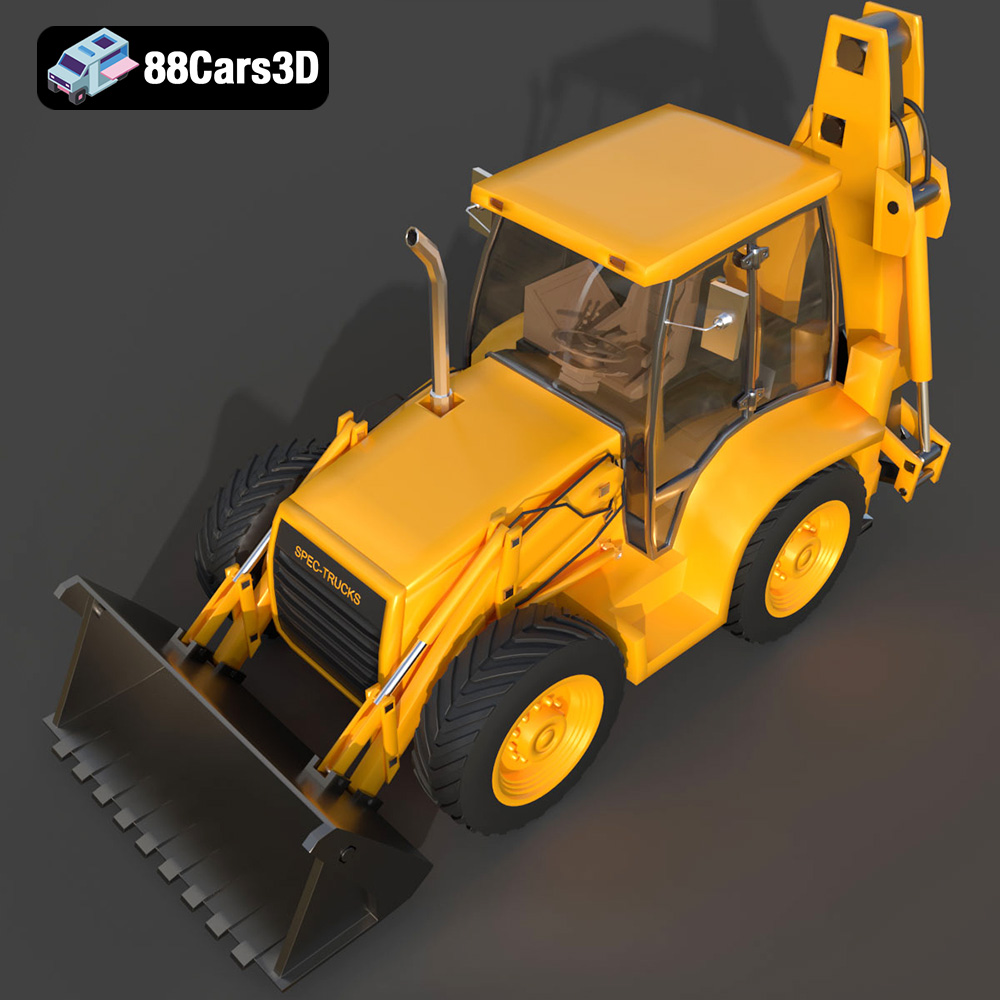
The call of the wild, the thrill of adventure, and the satisfaction of building something with your own hands – all these come together when you embark on the journey of 3D printing the Extreme Off-Road & Survival 3D Models Bundle. This isn’t just about replicating a digital model; it’s about bringing to life rugged vehicles and equipment ready to conquer any terrain. From the luxurious Brabus 800 Adventure XLP G Wagon to the monstrous Dodge Ram Bigfoot, the purpose-built Spec Truck, and the essential Caravan, this bundle from 88cars3d.com offers a diverse range of 3D printing projects suitable for hobbyists, diorama builders, and anyone who appreciates the art of additive manufacturing. This guide will provide you with the knowledge to successfully 3D print each model, detailing everything from printer settings and material choices to post-processing techniques.
Choosing the right file format is the first step in a successful 3D printing endeavor. While the Extreme Off-Road & Survival 3D Models Bundle includes various formats for different applications, the .stl file is the workhorse of 3D printing. Understanding the nuances of each format will help you make informed decisions throughout the printing process.
The STL (Stereolithography) file format is the most ubiquitous in the 3D printing world. It represents the surface geometry of a 3D object as a collection of triangles. This simplicity is its strength, making it universally compatible with virtually all slicing software and 3D printers.
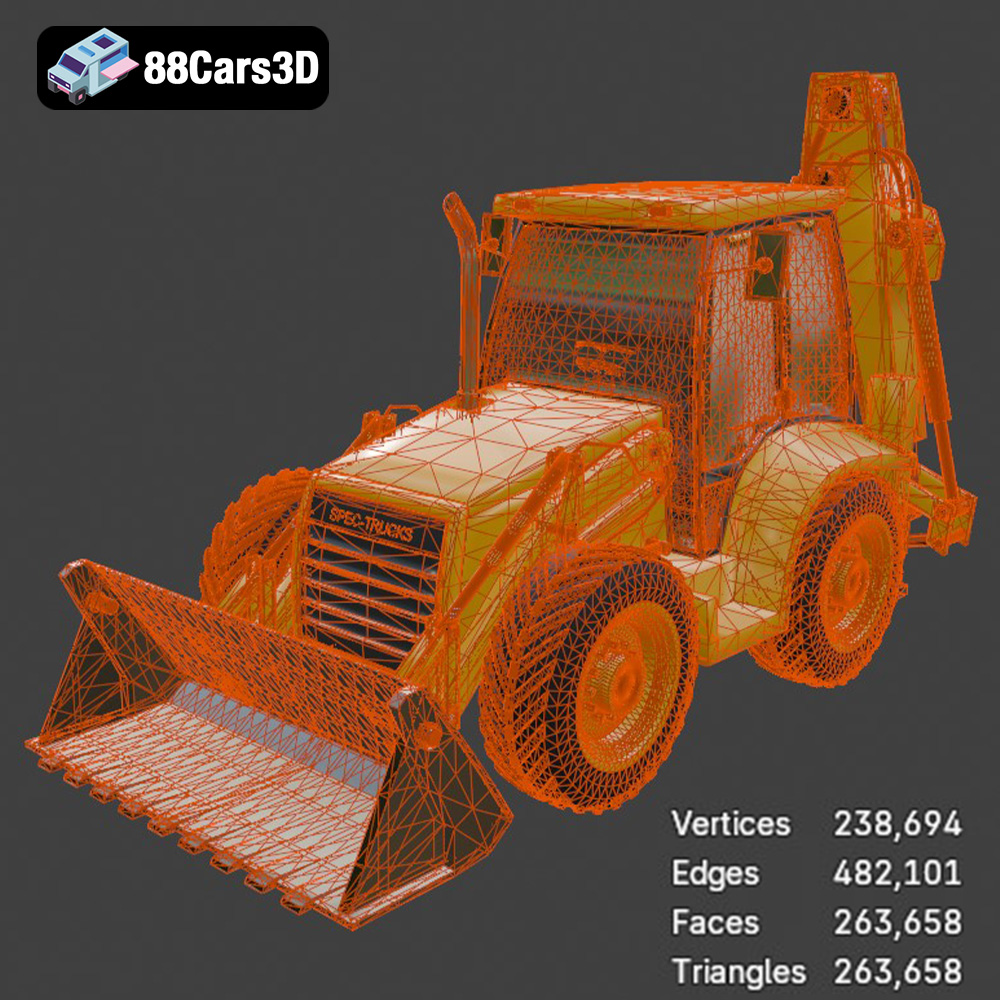
However, STL files only store information about the shape of the object, not its color, texture, or material properties. This means that any STL file you print will be a single-color object, and you’ll need to apply any desired finishes during post-processing. When working with STL files, pay close attention to mesh quality. A poorly constructed mesh with holes, self-intersections, or non-manifold edges can cause significant printing problems. Most slicing software includes tools to automatically repair minor mesh errors, but it’s always best to start with a clean, well-defined STL file. The models available through 88cars3d.com are carefully prepared to minimize these issues.
OBJ files are a more versatile format than STL, as they can store color and texture information in addition to geometry. This is particularly useful if you want to create multi-colored 3D prints, although this requires a printer capable of multi-material printing. While OBJ files can be used for 3D printing, they are more commonly used for rendering and animation. Slicing software compatibility is generally good, but it’s essential to ensure that your chosen software supports the specific OBJ file features, such as texture maps.
PLY (Polygon File Format) is designed for storing 3D data acquired from 3D scanners. It is capable of capturing high-resolution mesh data, making it suitable for highly detailed models. Like OBJ, it can also store color information. While less common than STL, some advanced slicing software supports PLY files, allowing you to take advantage of their high-precision mesh data.
.Blend files are the native format for Blender, a popular open-source 3D creation suite. This format contains the entire Blender scene, including the model’s geometry, textures, materials, lighting, and animations. While .blend files cannot be directly 3D printed, they are invaluable if you want to modify the model before printing. You can use Blender to add details, change the shape, or split the model into smaller parts for easier printing. After making your modifications, you can export the model as an STL file for 3D printing.
FBX (Filmbox) is a proprietary file format developed by Autodesk. It’s widely used for exchanging 3D data between different software applications, particularly in game development and animation. FBX files can store geometry, textures, materials, and animation data. While some slicing software can import FBX files, it’s less common than STL. The primary advantage of using FBX is its ability to preserve material information during the import process, which can be useful for preparing models for multi-material 3D printing.
GLB (GL Transmission Format Binary) is a binary file format that represents 3D models in a compact and efficient manner. It’s particularly well-suited for web-based applications and augmented reality (AR) experiences. GLB files can store geometry, textures, and animations. While not directly used for 3D printing, GLB files allow you to preview the model in AR before committing to a print, helping you visualize the final result and make any necessary adjustments.
Once you’ve selected the right file format (typically STL for straightforward printing), it’s time to prepare the model for your 3D printer using slicing software. This software translates the 3D model into a series of instructions (G-code) that your printer can understand.
Numerous slicing software options are available, each with its strengths and weaknesses. Popular choices include Cura, Simplify3D, PrusaSlicer, and Chitubox (for resin printing). Cura is a free and open-source option with a user-friendly interface, making it ideal for beginners. Simplify3D is a paid option that offers more advanced control over printing parameters. PrusaSlicer is another excellent free option, known for its precise control and support for various printer types. For resin printing, Chitubox is a widely used slicer with excellent support generation and optimization tools.
The ideal slicing software depends on your printer type, experience level, and specific needs. Experiment with different options to find the one that best suits your workflow.
Model orientation is critical for print quality and structural integrity. Consider these factors when determining the best orientation for each component of the Extreme Off-Road & Survival Bundle:
* **Surface Finish:** Orient parts to minimize the need for supports on visible surfaces.
* **Support Optimization:** Strategically orient the model to minimize the amount of support material required.
* **Strength and Durability:** Align critical stress points along the printing axis to enhance strength.
Support structures are essential for printing overhangs and complex geometries. Slicing software automatically generates supports, but you can often customize their placement and density for optimal results. For the detailed suspension and chassis components of the Brabus 800 or the Spec Truck, consider using tree supports or light supports, which are easier to remove and leave less surface scarring.
The Extreme Off-Road & Survival Bundle is designed with real-world scale accuracy, making it perfect for dioramas and scale modeling. The product description recommends scales like 1:24, 1:32, or 1:43. Ensure you scale the models appropriately in your slicing software before printing.
For larger prints, consider hollowing the model to reduce material consumption and print time. Hollowing involves creating a shell with a defined wall thickness, leaving the interior empty. Most slicing software offers hollowing tools, allowing you to specify the wall thickness and add internal supports for added strength.
The choice of material significantly impacts the final appearance, strength, and durability of your 3D printed models. For the Extreme Off-Road & Survival Bundle, several materials are well-suited, depending on your specific goals.
PLA (Polylactic Acid) is a biodegradable thermoplastic polymer derived from renewable resources. It’s known for its ease of use, low printing temperature, and minimal warping, making it an excellent choice for beginners. PLA is suitable for printing non-functional parts, such as the bodies of the vehicles or the Caravan. However, it’s less heat-resistant and durable than other materials, so it’s not ideal for parts that will be subjected to stress or high temperatures.
PETG (Polyethylene Terephthalate Glycol-modified) is a modified version of PET plastic. It offers a good balance of strength, durability, and ease of printing. PETG is more heat-resistant and impact-resistant than PLA, making it suitable for printing functional parts, such as suspension components or chassis elements. It also exhibits good layer adhesion, resulting in stronger prints.
Resin printing, using technologies like SLA (Stereolithography) or DLP (Digital Light Processing), offers unparalleled detail and precision. Resin is ideal for printing small, intricate parts, such as the suspension components, wheels, or interior details of the Brabus 800 or the Spec Truck. The product description recommends resin printing for smaller scale details. Resin prints typically require post-processing, including washing and curing, to achieve their final properties.
Achieving optimal results when 3D printing the Extreme Off-Road & Survival Bundle requires careful attention to printer settings. The specific settings will vary depending on your printer, material, and slicing software, but here are some general guidelines:
Layer height determines the resolution of your print. Lower layer heights result in smoother surfaces and more detailed features, but they also increase print time. The product description recommends a layer height of 0.04–0.05 mm for resin printing to capture the intricate details. For FDM printing (using PLA or PETG), a layer height of 0.1-0.2 mm is a good starting point.
Infill density determines the amount of material used to fill the interior of the model. Higher infill densities increase strength and weight, but they also increase print time and material consumption. For most parts of the Extreme Off-Road & Survival Bundle, an infill density of 15-25% is sufficient. Choose an infill pattern that provides adequate support for the top layers, such as rectilinear, grid, or gyroid.
Print speed and temperature settings depend on the material you are using. PLA typically prints at lower temperatures (190-220°C) and faster speeds (40-60 mm/s) than PETG (230-250°C and 30-50 mm/s). Refer to the material manufacturer’s recommendations for optimal settings.
Customize support settings to minimize material usage and facilitate easy removal. Consider using tree supports or light supports for intricate parts. Adjust the support density and overhang angle to provide adequate support without excessive material.
Post-processing is essential for achieving a professional finish on your 3D printed models. This includes removing support structures, sanding, priming, painting, and assembling the various components.
Carefully remove support structures using pliers, cutters, or a sharp knife. Take care not to damage the model during removal. Sanding is necessary to smooth out surface imperfections and remove any remaining support material marks. Start with coarse sandpaper (e.g., 220 grit) and gradually move to finer grits (e.g., 400, 600, 800 grit) for a smooth finish.
Apply a primer coat to the model to create a smooth, uniform surface for painting. Primers also help the paint adhere better to the plastic. Choose a primer that is compatible with the material you are using. After the primer has dried, apply several thin coats of paint, allowing each coat to dry completely before applying the next. Consider using stencils or masking tape to create intricate paint schemes. The product description suggests modern Volvo factory colors for the Caravan, like Sage Green, Glacier Silver, or Crystal White, paired with a gloss black roof.
The Extreme Off-Road & Survival Bundle models are designed with separated parts, allowing for realistic articulation and customization. Use glue or fasteners to assemble the various components, such as the wheels, suspension, and body. Refer to reference images or diagrams to ensure proper alignment.
Even with careful preparation, 3D printing can present challenges. Here are some common issues and their solutions:
* **Warping:** This occurs when the corners of the print lift off the build plate. Ensure the build plate is properly leveled and heated. Use a brim or raft to increase adhesion.
* **Layer Adhesion Issues:** This happens when layers don’t stick together properly. Increase the printing temperature or decrease the printing speed. Ensure the filament is dry.
* **Stringing:** This is caused by excessive filament oozing from the nozzle during travel moves. Reduce the printing temperature, increase retraction settings, or enable coasting.
* **Support Structure Problems:** If supports are difficult to remove or don’t provide adequate support, adjust the support density, overhang angle, or support type.
By understanding these potential issues and their solutions, you can overcome challenges and achieve successful 3D prints.
The Extreme Off-Road & Survival 3D Models Bundle is the ultimate toolkit for digital adventurers, survival game developers, and architectural visualization artists crafting wilderness escapes. When your 3D scene demands raw power, rugged terrain capabilities, and outdoor lifestyle aesthetics, ordinary vehicles simply won’t work. Whether you are rendering a luxury A-Frame cabin deep in the mountains, creating an open-world mud-runner game, or designing a post-apocalyptic survival environment, this pack delivers absolute domination.
$149.99
archviz-cabin
brabus-800-xlp
car-bundle
caravan-3d
dodge-ram
g-wagon-3d
monster-truck
mud-runner
off-grid-vehicles
off-road-3d-model
survival-game-assets