Get 50% OFF All Premium 3D & STL Models!

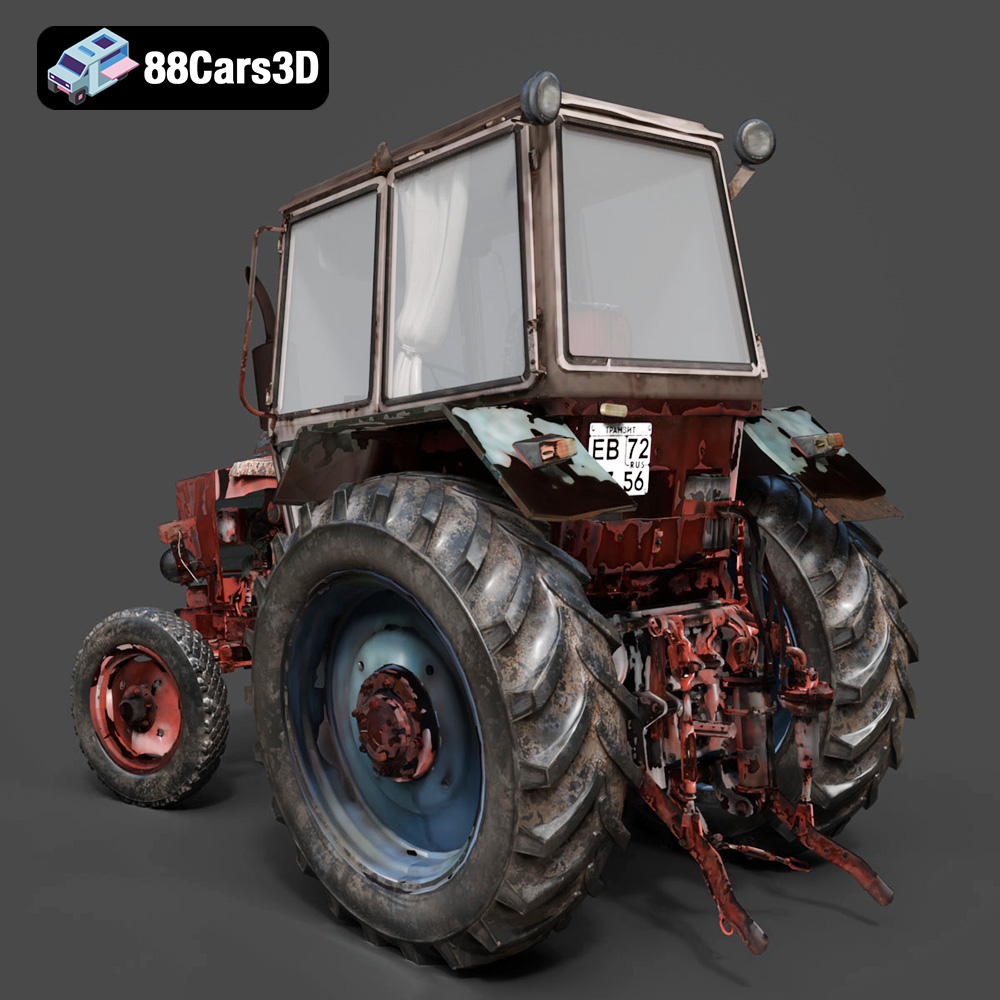
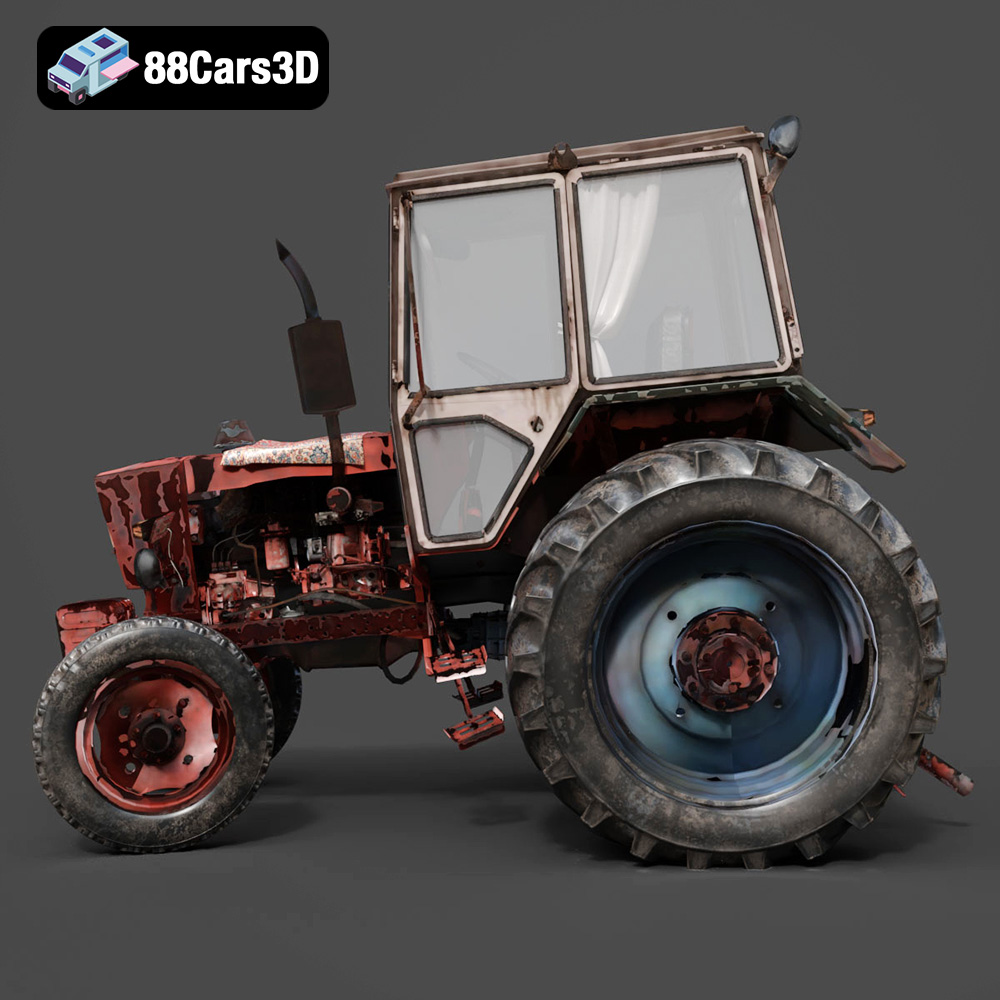
The allure of vintage machinery is undeniable, and the Old Tractor 3D Model available at 88cars3d.com allows you to bring that charm to life through 3D printing. This detailed model, reminiscent of mid-20th century farm equipment, presents an exciting project for 3D printing enthusiasts. However, printing such a detailed model requires careful planning and execution. This guide provides a comprehensive overview of the 3D printing process, from selecting the right materials and settings to post-processing techniques that will bring your Old Tractor 3D Model to its full glory.
Before diving into the specifics of 3D printing the Old Tractor 3D Model, it’s crucial to understand the different file formats available and which ones are best suited for additive manufacturing. 88cars3d.com provides this model in several formats, each with its own strengths and weaknesses. Let’s take a closer look:
.stl (Stereolithography) is the industry standard for 3D printing. It represents the surface geometry of a 3D object as a collection of triangles. The smaller the triangles, the more detailed the representation, but also the larger the file size. STL files are widely supported by virtually all slicing software, making them the most compatible choice for 3D printing.
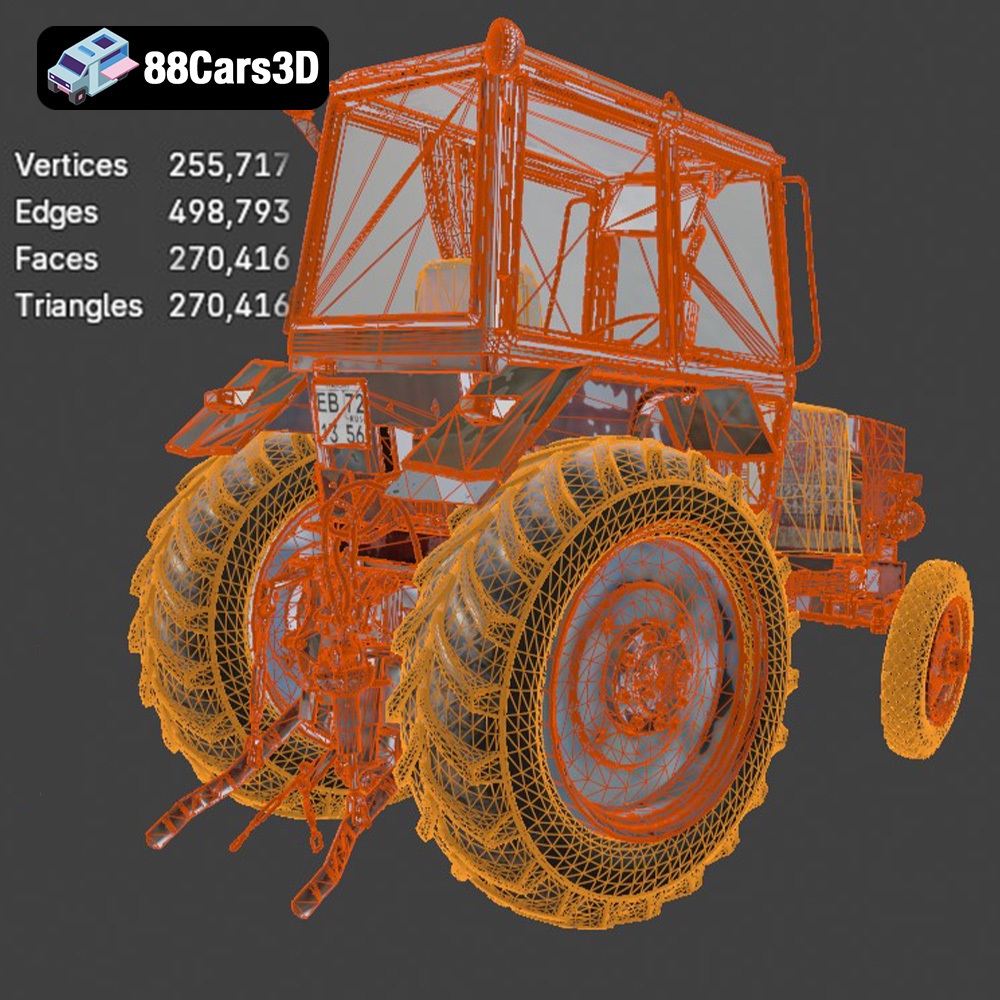
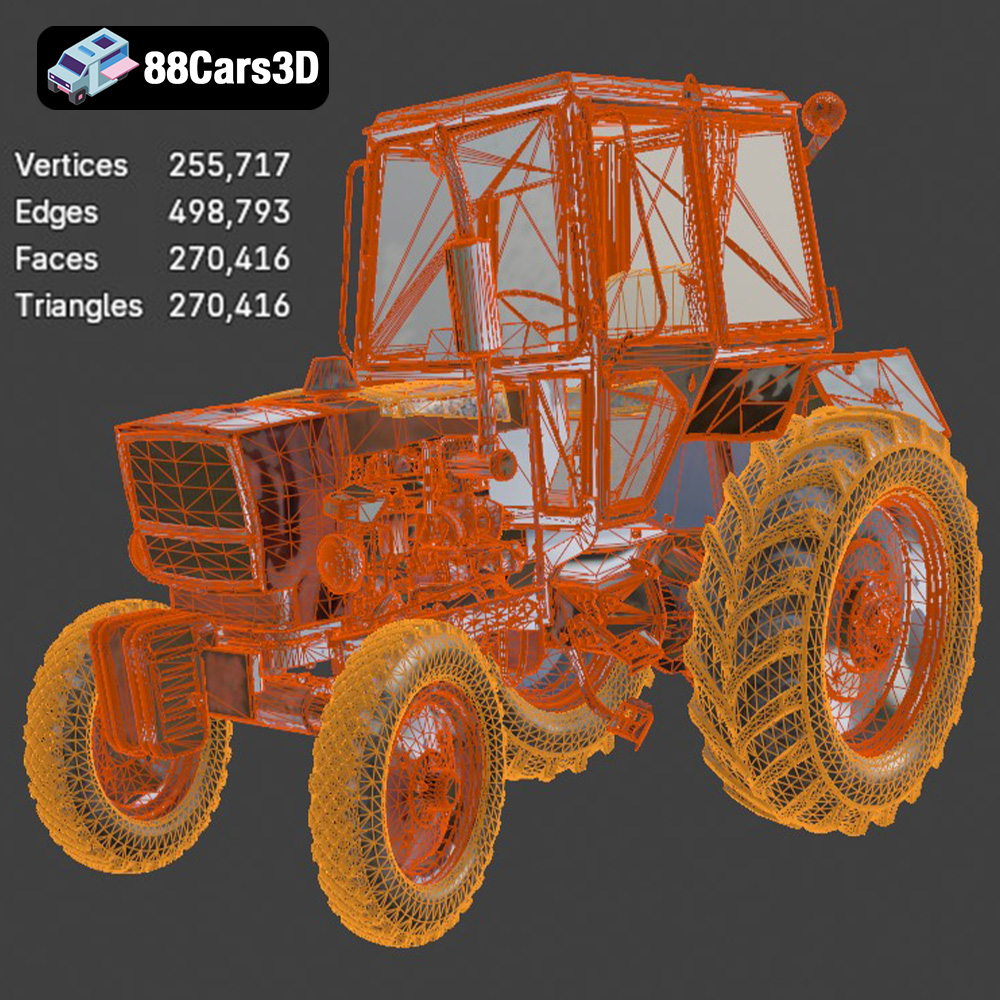
For the Old Tractor 3D Model, the .stl format will likely be your go-to choice for printing. When preparing the STL file in your slicing software, pay attention to the mesh quality. If the model appears faceted or blocky, you may need to increase the resolution or smoothing settings in your 3D modeling software before exporting the STL. This will ensure a smoother surface finish on your printed model.
.obj (Object) is another widely used format that, unlike .stl, can store color and texture information. This makes it suitable for colored 3D prints, though it’s less common than STL for purely additive manufacturing purposes. Slicing software compatibility is generally good, but not as universal as .stl.
While the Old Tractor 3D Model description mentions rendering and visualization, the texture information within the .obj file is less important for the physical print itself. You would primarily use the .obj for applying textures in a virtual environment.
.ply (Polygon File Format) is designed for storing 3D data acquired from 3D scanners. It can represent color and other properties per vertex, allowing for high-detail prints. However, .ply files can be quite large, and compatibility with slicing software isn’t as widespread as .stl.
.blend is the native file format for Blender, a popular open-source 3D modeling software. It stores the entire Blender scene, including all objects, modifiers, textures, and lighting. While you can’t directly 3D print a .blend file, it’s incredibly useful for customizing the Old Tractor 3D Model before exporting it to a printable format like .stl. If you want to make modifications to the model, having the .blend file gives you a huge advantage.
.fbx (Filmbox) is a proprietary file format developed by Autodesk, commonly used for exchanging 3D data between different software applications. It supports materials, textures, and animations. While you can import .fbx files into some slicing software, it’s primarily used for transferring the model with its material properties for rendering purposes. You’ll still need to export to .stl for actual printing.
.glb (GL Transmission Format Binary) is designed for efficient delivery and loading of 3D models, particularly in web and AR/VR applications. It’s a self-contained format that includes all the necessary data (geometry, textures, animations) in a single file. It’s typically used to preview how the Old Tractor 3D Model would look in augmented reality before committing to a physical print. You would not directly print from this file.
.max is the native file format for 3ds Max, another professional 3D modeling software package. Similar to .blend, it stores the entire project scene. If you are a 3ds Max user, having the .max file allows you to make advanced modifications before exporting to a printable format like .stl. The 3ds Max file gives you the most flexibility.
In summary, for 3D printing the Old Tractor 3D Model, the .stl format is your best bet for its compatibility and ease of use. Ensure the mesh quality is high enough to capture the details of the model. If you need to make modifications, use the .blend or .max files and export to .stl afterwards.
The choice of material significantly impacts the final appearance, durability, and functionality of your 3D printed Old Tractor 3D Model. Here’s a breakdown of common materials and their suitability for this project:
PLA is a biodegradable thermoplastic known for its ease of printing and relatively low printing temperature. It’s an excellent choice for beginners and hobbyists. PLA produces detailed prints with a smooth surface finish, making it ideal for the Old Tractor’s intricate details. However, PLA is less heat-resistant and more brittle than other materials, so it’s best suited for display models rather than functional toys.
PETG offers a good balance of strength, flexibility, and heat resistance. It’s more durable than PLA and slightly more challenging to print, requiring higher printing temperatures and careful bed adhesion. PETG is a good option if you want a more robust Old Tractor 3D Model that can withstand some wear and tear.
ABS is a strong and heat-resistant thermoplastic commonly used in injection molding. It requires a heated bed and an enclosure to prevent warping and cracking during printing. While ABS offers excellent durability, it’s more difficult to print than PLA and PETG, and it emits fumes that require proper ventilation. It’s not generally recommended for beginners unless they have experience with other materials.
Resin printing, using technologies like SLA (Stereolithography) or DLP (Digital Light Processing), offers the highest level of detail and precision. This is particularly beneficial for capturing the fine features of the Old Tractor 3D Model, such as the engine components and tire treads. However, resin printing requires more post-processing, including washing and curing, and the materials can be more expensive than filaments.
For the Old Tractor 3D Model, PETG is a great all-around choice offering a good balance between ease of printing and model durability. Resin is the best option if you require the finest level of detail.
Before you can start printing, you need to prepare the 3D model using slicing software. This software converts the 3D model into a series of instructions (G-code) that the 3D printer can understand. Here are some crucial steps for pre-print preparation:
There are numerous slicing software options available, both free and paid. Popular choices include Cura, PrusaSlicer, Simplify3D, and Chitubox (for resin printing). Each software has its own strengths and weaknesses, so experiment to find one that suits your needs and preferences. Most slicers are compatible with the STL file format.
The orientation of the Old Tractor 3D Model on the print bed significantly impacts print quality, support requirements, and overall print time. For the tractor body, printing it upright is generally recommended, as stated in the product description. This minimizes the need for supports on the visible surfaces. Wheels should be printed separately, ideally laying flat on the print bed for maximum adhesion and roundness. Experiment with different orientations in your slicing software to determine the optimal setup.
The Old Tractor 3D Model will likely require supports for overhanging features, such as the steering wheel, exhaust pipe, and hitch components. Use your slicing software’s support generation features to create these structures. Consider using tree supports or manually placed supports for better control and easier removal. The product description mentions supports are required for certain parts.
The Old Tractor 3D Model description recommends scales of 1:32, 1:24, 1:18, and 1:12. Choose the scale that best suits your needs and printer capabilities. Larger scales will provide more detail but will also require more material and print time. Ensure that your chosen scale doesn’t result in features that are too thin or fragile to print successfully.
Before slicing, it’s essential to check the 3D model for any errors, such as non-manifold geometry or holes. These errors can lead to printing problems. Use a mesh repair tool, such as those found in Meshmixer or Netfabb, to fix any issues before proceeding with slicing.
The right printer settings are crucial for achieving a successful 3D print of the Old Tractor 3D Model. Here’s a breakdown of the key settings to consider:
Layer height determines the resolution of the print. A smaller layer height (e.g., 0.12mm) will result in a smoother surface finish and finer details but will also increase print time. A larger layer height (e.g., 0.20mm) will print faster but may sacrifice some detail. The product description recommends a layer height of 0.12-0.20mm. Experiment within this range to find the best balance between quality and speed.
Infill density affects the strength and weight of the print. A higher infill density (e.g., 35%) will make the model stronger but will also increase material usage and print time. A lower infill density (e.g., 20%) will print faster and use less material but may make the model more fragile. The product description suggests an infill of 20-35%. For a display model, a lower infill density is usually sufficient.
Wall thickness determines the strength of the outer shell of the print. A thicker wall (e.g., 3mm) will make the model more durable but will also increase material usage and print time. The product description recommends a wall thickness of 2-3mm. Ensure that the wall thickness is sufficient to provide adequate strength to the model, especially for smaller details.
The optimal printing temperature depends on the material you are using. Refer to the filament manufacturer’s recommendations for the correct temperature range. Too low a temperature can cause poor layer adhesion, while too high a temperature can lead to stringing and warping.
Print speed affects both the print quality and the print time. Slower print speeds generally result in better print quality but will increase the overall print time. Experiment with different print speeds to find the optimal balance. Slower speeds are especially important for detailed parts.
Good bed adhesion is essential for preventing warping and ensuring that the print sticks to the build plate. Use a bed adhesion method appropriate for your chosen material, such as a heated bed, glue stick, or painter’s tape.
Once the 3D printing process is complete, post-processing is essential to refine the appearance and functionality of the Old Tractor 3D Model. Here are some common techniques:
Carefully remove the supports using pliers or a hobby knife. Take your time and avoid damaging the model during this process. Soaking the model in warm water can sometimes help to soften the supports and make them easier to remove.
Sanding is crucial for smoothing out layer lines and imperfections. Start with a coarse grit sandpaper (e.g., 220 grit) and gradually work your way up to finer grits (e.g., 400, 600, 800 grit). For hard-to-reach areas, use small sanding sponges or files. Take your time and be patient to achieve a smooth, even surface.
Applying a primer coat helps to fill in any remaining imperfections and provides a good surface for painting. Use a spray primer designed for plastics and apply it in thin, even coats. Allow the primer to dry completely before sanding lightly with fine-grit sandpaper.
Painting is where you can truly bring the Old Tractor 3D Model to life. Use acrylic paints or model paints for best results. Consider using a combination of colors and techniques to achieve a realistic weathered or vintage look. The product description suggests classic colors like red, green, blue, or weathered metal. You can also add realistic rust and dirt textures as suggested.
If the model was printed in multiple parts (e.g., body and wheels), assemble them using glue or screws. Ensure that the parts fit together properly before applying glue. Consider using clamps or rubber bands to hold the parts together while the glue dries.
Even with careful planning and preparation, you may encounter some common 3D printing issues. Here are some solutions:
Warping occurs when the corners of the print lift off the build plate. This is often caused by poor bed adhesion or temperature fluctuations. Ensure that your bed is properly leveled and heated, and use a bed adhesion method appropriate for your chosen material. An enclosure can also help to maintain a consistent temperature.
Stringing occurs when thin strands of plastic are left between different parts of the print. This is often caused by excessive printing temperature or retraction settings. Lower the printing temperature and increase the retraction distance and speed.
Layer shifting occurs when the print suddenly shifts horizontally. This can be caused by loose belts, stepper motor issues, or obstructions on the print bed. Check the belts and motors, and ensure that the print bed is clean and free of obstructions.
Under-extrusion occurs when the printer doesn’t extrude enough plastic. This can be caused by a clogged nozzle, low printing temperature, or incorrect filament diameter. Clean the nozzle, increase the printing temperature, and verify that the filament diameter is set correctly in your slicing software.
3D printing the Old Tractor 3D Model from 88cars3d.com is a rewarding project that combines technical skill with artistic creativity. By carefully selecting materials, optimizing printer settings, and employing effective post-processing techniques, you can create a stunning replica of a vintage farm icon. Remember to leverage resources like 88cars3d.com for high-quality STL files and inspiration. With patience and attention to detail, you’ll be able to bring this piece of history to life in your own home.
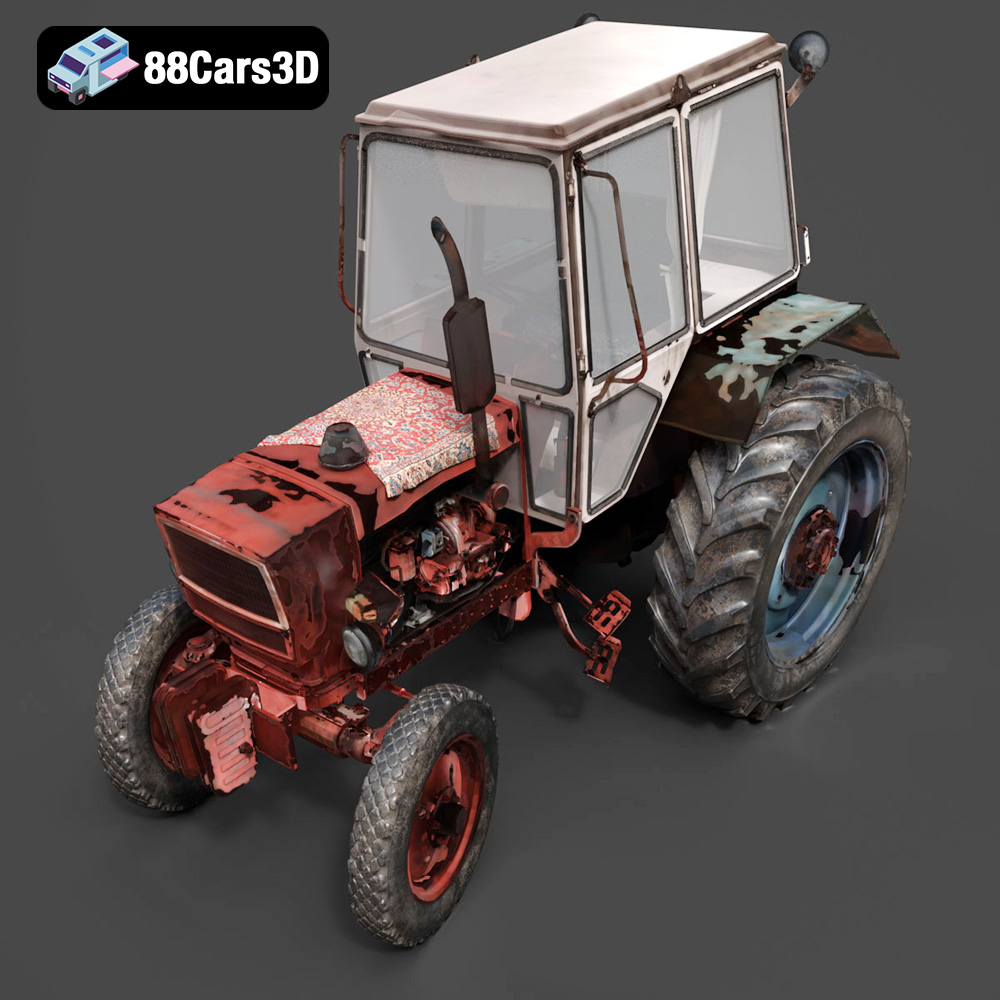
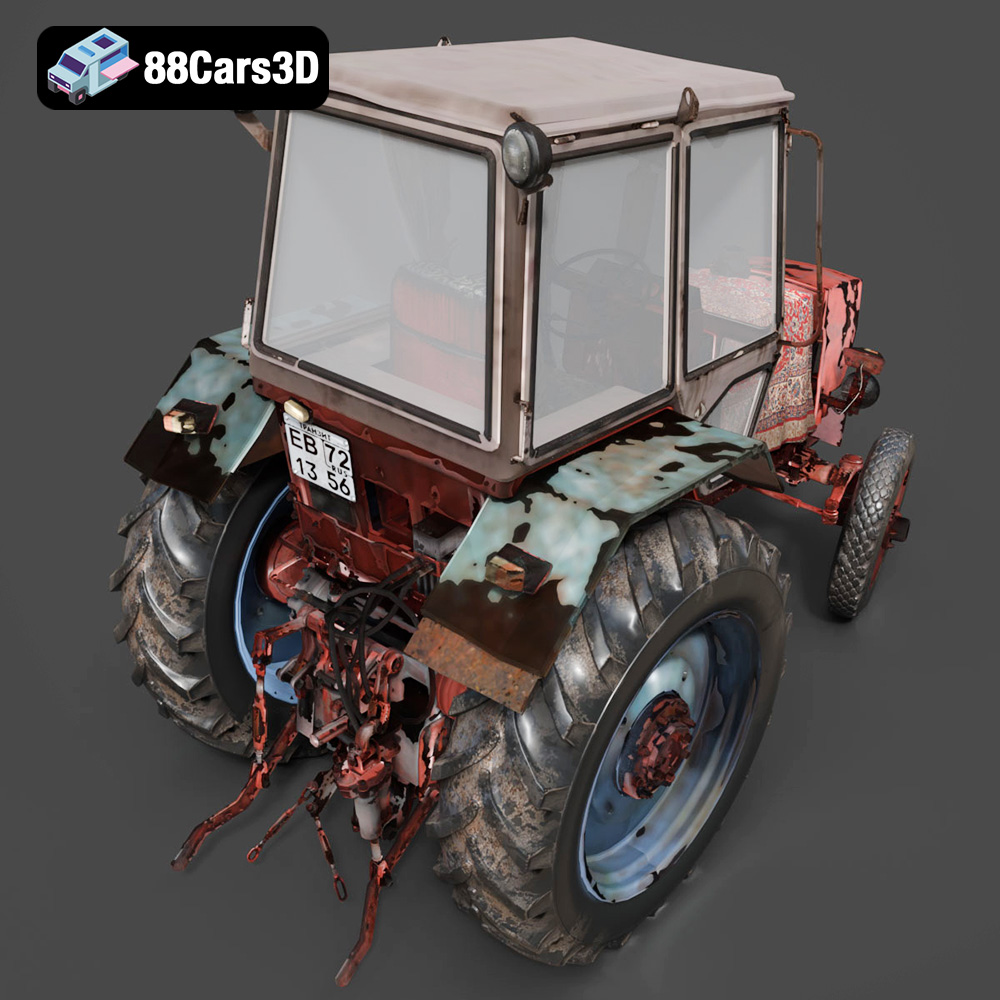
The Old Tractor 3D Model is a high-detail digital recreation of a classic agricultural tractor designed to reflect vintage farming machinery from the mid-20th century. Built with a rugged steel frame, exposed engine components, and large rear drive wheels, this model captures the mechanical simplicity and durability of early farm equipment. Perfect for rendering, simulation, AR/VR, game development, and 3D printing.
$9.99
.agriculturalvehicle
.arvr
.blend
.farmingequipment
.farmtractor
.fbx
.gameasset
.glb
.max
.obj
.oldtractor
.ply
.rendering
.ruralvehicle
.simulation
.stl
.tractor3dmodel
.unreal
.vintagetractor