Get 50% OFF All Premium 3D & STL Models!

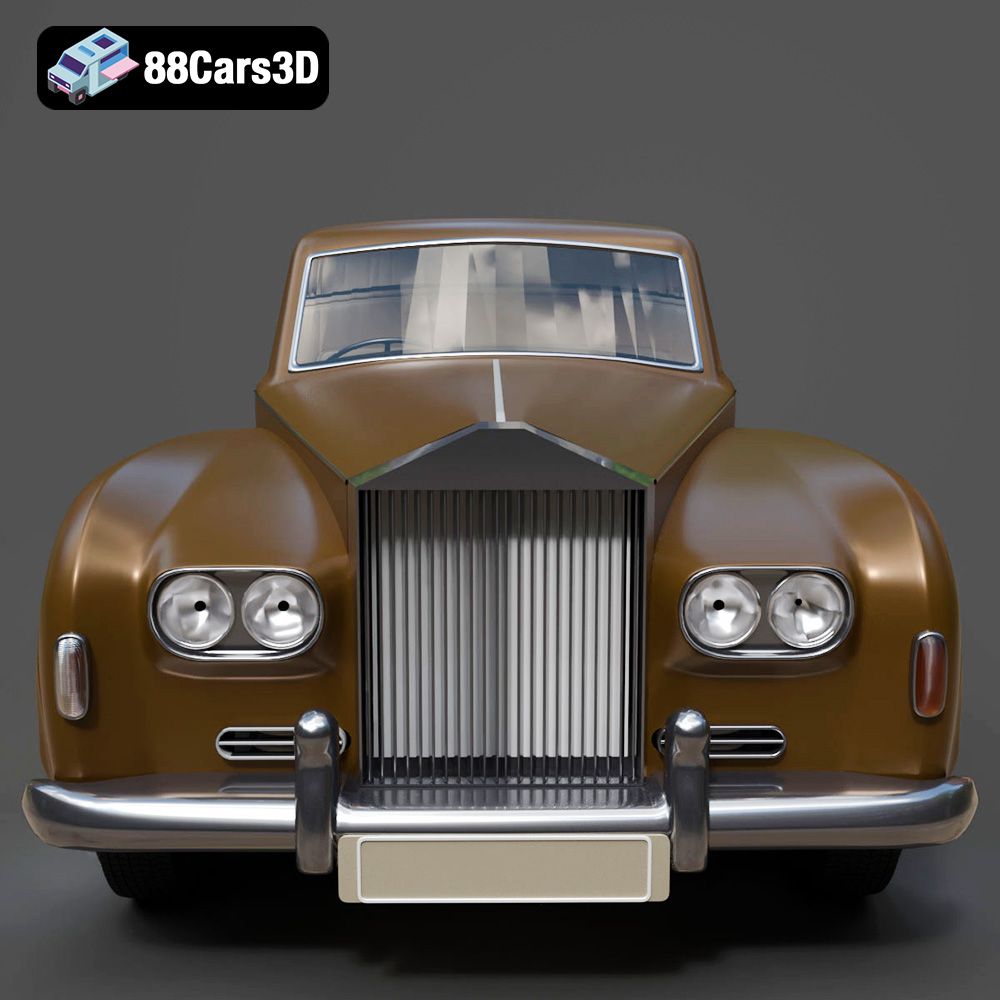
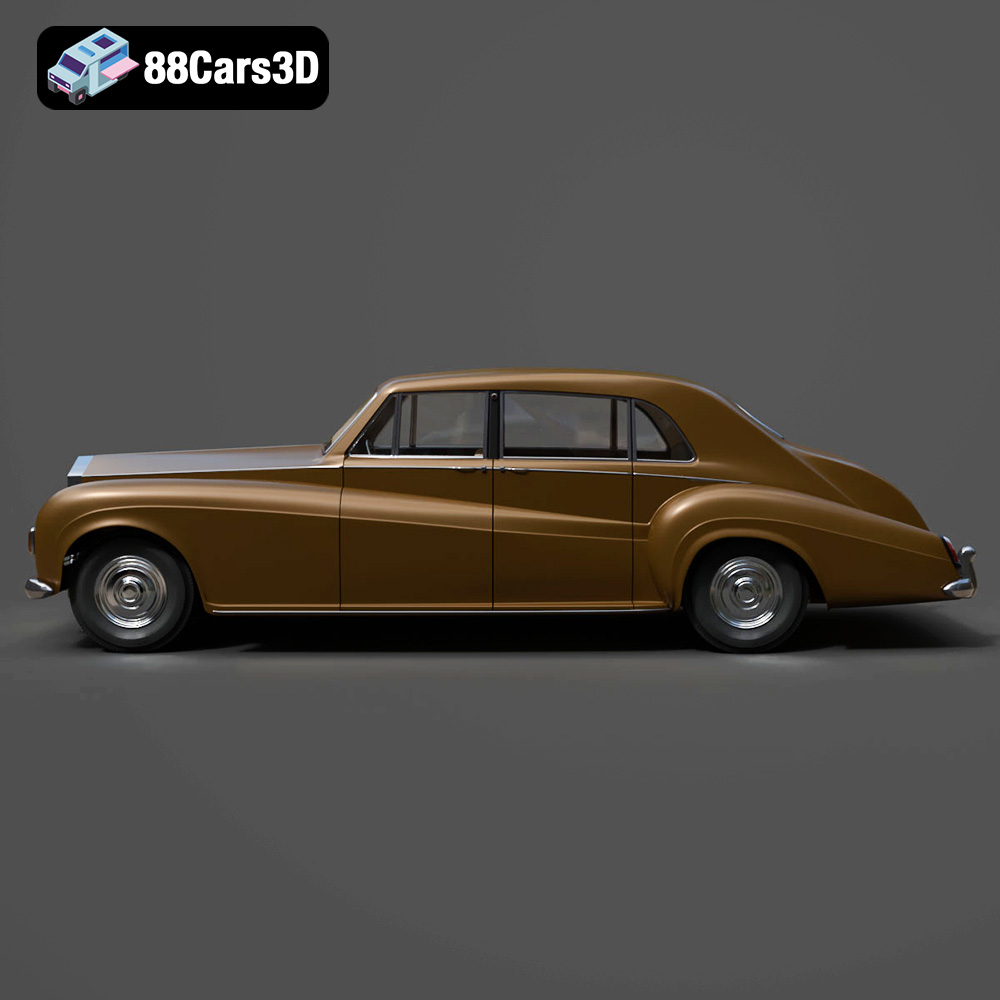
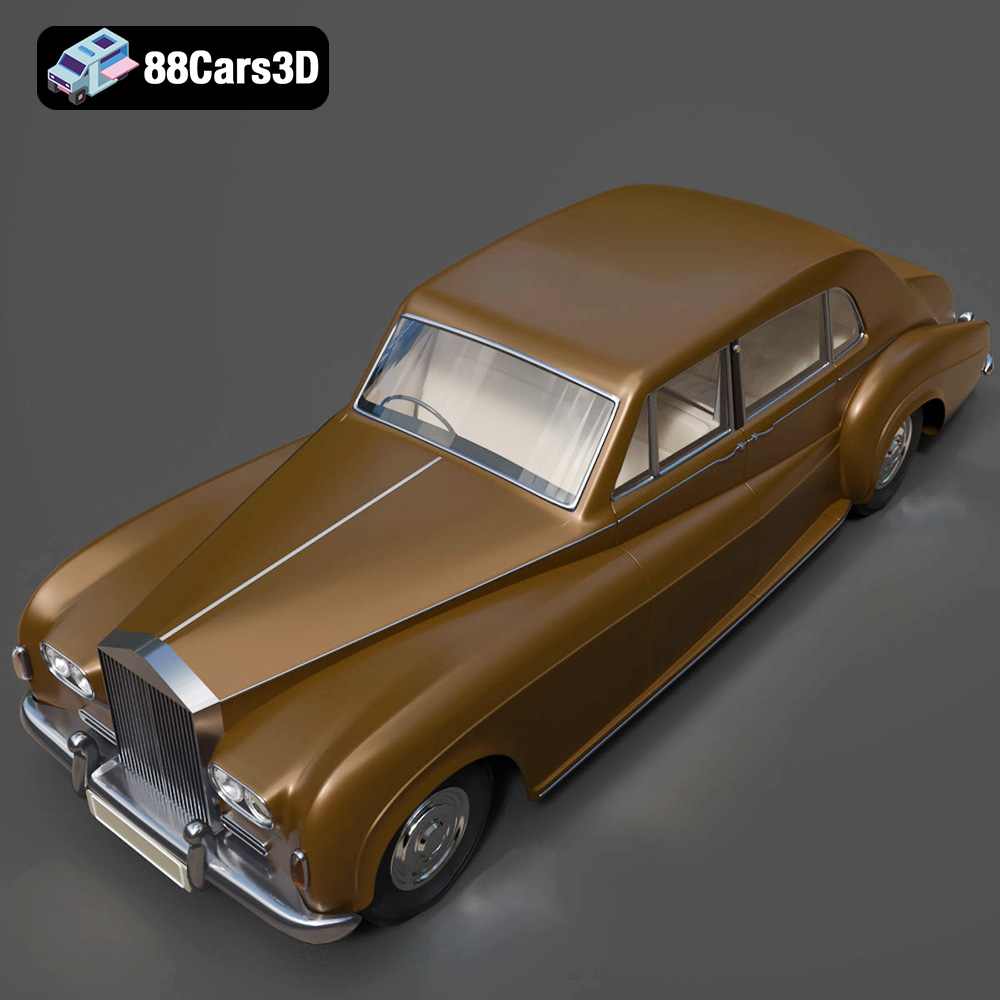
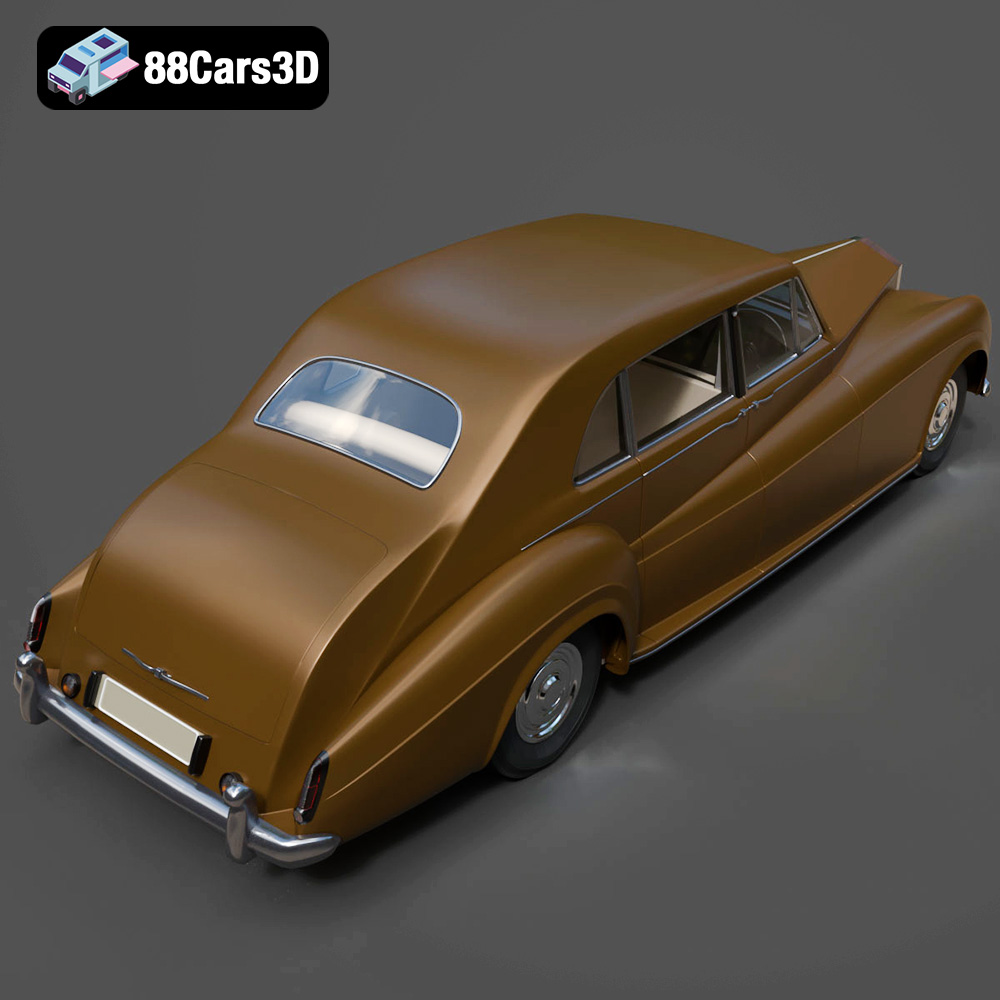
The Rolls-Royce Phantom V, a symbol of automotive luxury and prestige, can now grace your desk or collection through the power of 3D printing. This guide will provide a comprehensive overview of how to successfully 3D print the Rolls-Royce Phantom V 3D Model, available as an STL file and other formats from 88cars3d.com. From selecting the right materials and printer settings to post-processing techniques, we’ll cover everything you need to know to bring this iconic car to life in miniature form.
Before diving into the specifics of printing the Rolls-Royce Phantom V, it’s crucial to understand the various 3D model file formats and their suitability for additive manufacturing. While many formats exist, some are better suited for 3D printing than others.
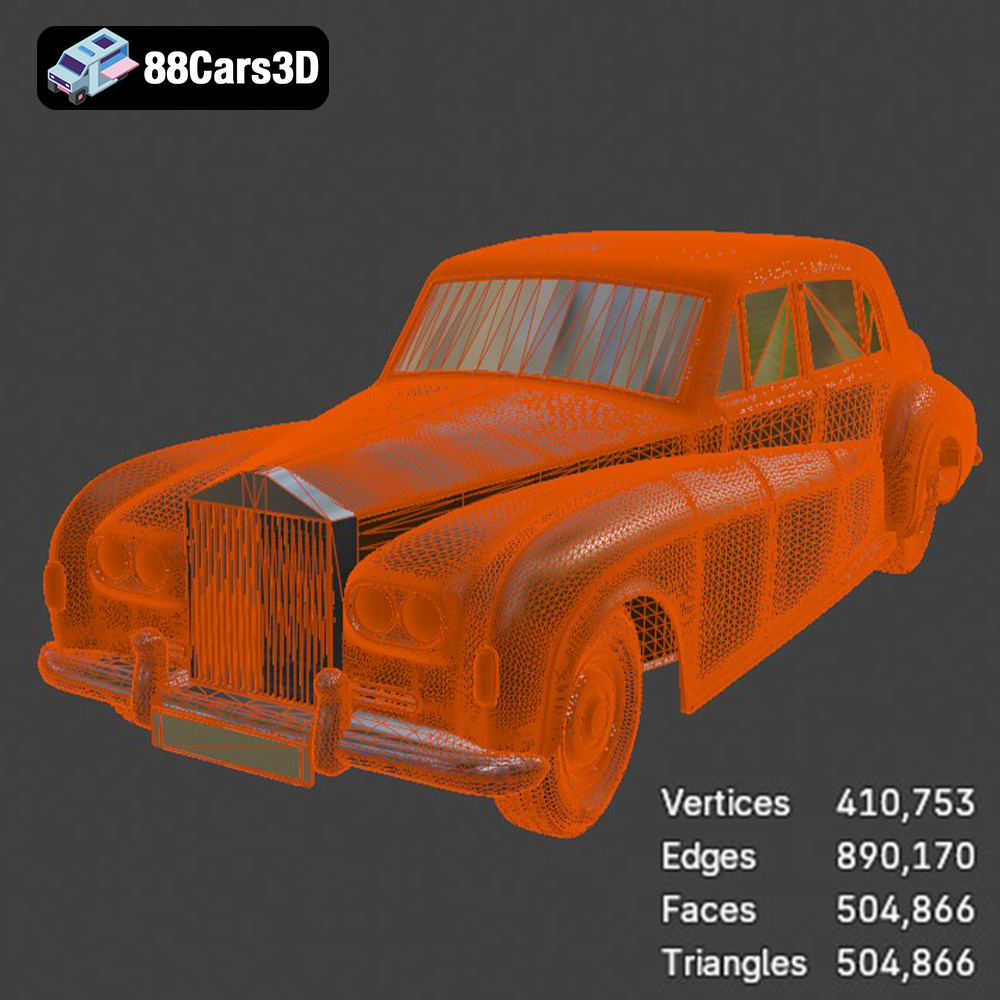
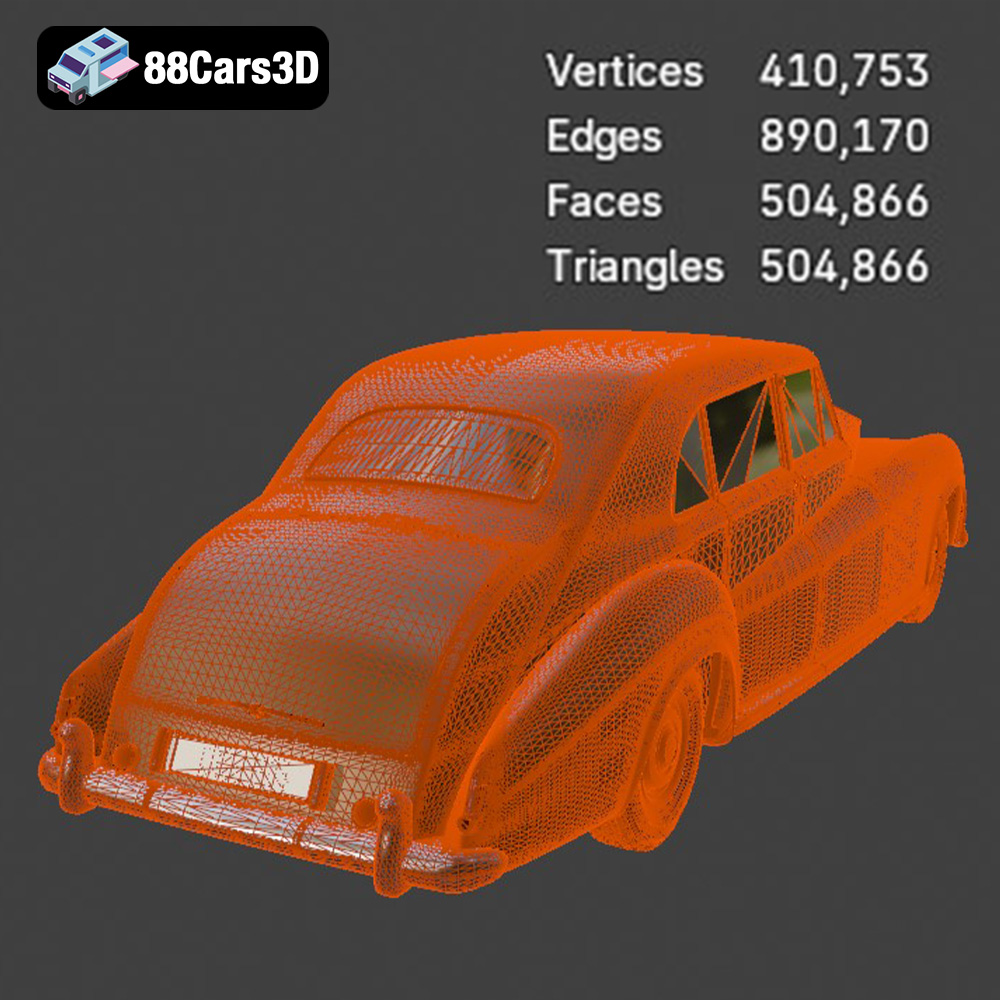
.stl (stereolithography) is the industry standard for 3D printing. It represents the surface geometry of a 3D object as a collection of triangles. Because it’s a mesh-only format, it doesn’t contain any color or texture information. This simplicity makes it highly compatible with virtually all slicing software and 3D printers. When preparing the Rolls-Royce Phantom V 3D model for printing, the STL format is your primary choice. Ensure that the STL file you download from 88cars3d.com is free of errors and has a reasonable triangle count to balance detail and file size. Too few triangles will result in a blocky model, while too many can overwhelm your slicing software and printer.
.obj is a more universal format that, unlike STL, can store color and texture information. While this is beneficial for rendering and visualization, it’s less critical for most 3D printing applications, especially if you plan to paint the model after printing. Some advanced 3D printers can handle multi-material and multi-color prints using OBJ files, but this requires specialized hardware and software.
.ply (polygon file format) is designed for storing 3D data acquired from 3D scanners. It can handle complex meshes with high precision and detail. While suitable for 3D printing, it’s not as widely supported as STL. If the Rolls-Royce Phantom V model is exceptionally detailed, a .ply version might offer a slight advantage in preserving those details, but be prepared for potentially larger file sizes and compatibility issues.
.blend is the native file format for Blender, a popular open-source 3D modeling software. If you intend to modify the Rolls-Royce Phantom V model before printing, having the .blend file is invaluable. You can adjust the model’s geometry, add details, or prepare it specifically for 3D printing by separating parts or adding support structures. Once you’ve made your changes, you’ll need to export the model as an STL file for slicing.
.fbx is primarily used for transferring 3D data between different software packages, often including materials and animations. While it can be imported into some slicing software, it’s not typically the preferred format for direct 3D printing. Its main advantage is preserving material assignments if your slicing software supports them, though this is more relevant for visualization than printing.
.glb is a binary file format that’s designed to be compact and efficient for transmitting 3D models, particularly for web-based applications and augmented reality (AR). It’s great for previewing the Rolls-Royce Phantom V model in an AR environment before you commit to printing, but not directly used for 3D printing.
.max is the native file format for Autodesk 3ds Max, another professional 3D modeling software. Similar to .blend, it’s useful if you plan to heavily modify the model. After making changes, export it as an STL file for 3D printing.
For 3D printing the Rolls-Royce Phantom V, focus primarily on the STL file. Ensure the mesh is watertight (no holes or gaps), and the polygon count is appropriate for your desired level of detail and printer capabilities. Use Blender or 3ds Max (if you have the .blend or .max files) to make any necessary modifications before exporting to STL.
The success of your Rolls-Royce Phantom V 3D print heavily depends on selecting the appropriate 3D printing technology and material. Here’s a breakdown of the most suitable options:
* Description: FDM is the most common and affordable 3D printing technology. It involves extruding a thermoplastic filament layer by layer to build the object.
* Material Recommendations:
* PLA: PLA is a biodegradable and easy-to-print material, ideal for beginners. It offers good detail and a wide range of colors.
* PETG: PETG is more durable and heat-resistant than PLA, making it a good choice for parts that might be exposed to higher temperatures or stress.
* Considerations: FDM prints typically have visible layer lines, which may require post-processing to achieve a smooth finish. The level of detail achievable is limited by the nozzle size.
* Description: SLA and DLP are resin-based 3D printing technologies that use UV light to cure liquid resin layer by layer.
* Material Recommendations: Standard resin, ABS-like resin, or high-detail resin.
* Considerations: SLA and DLP offer significantly higher resolution and smoother surface finishes than FDM. This is crucial for capturing the intricate details of the Rolls-Royce Phantom V, such as the Spirit of Ecstasy hood ornament and the chrome grille. Resin prints often require more post-processing, including washing and curing.
* Description: Material jetting is an advanced 3D printing technology that jets droplets of liquid photopolymer onto a build platform and cures them with UV light.
* Material Recommendations: Multi-material photopolymers.
* Considerations: Material jetting allows for multi-color and multi-material printing, potentially enabling you to print the Rolls-Royce Phantom V with different colors and materials in a single print. However, this technology is typically more expensive.
For the Rolls-Royce Phantom V, especially at smaller scales (1:32, 1:43), resin printing (SLA/DLP) is highly recommended. The fine details of the car, such as the chrome accents, intricate grille, and Spirit of Ecstasy, will be much better resolved with resin printing due to its higher resolution. If you’re printing at a larger scale (1:18, 1:12) and prioritize cost-effectiveness, FDM can be a viable option, but be prepared for more post-processing.
Before sending the Rolls-Royce Phantom V 3D model to your printer, you need to prepare it using slicing software. This involves setting the print parameters, orienting the model, and generating support structures.
* Software Options: Cura (free, FDM), PrusaSlicer (free, FDM), Simplify3D (paid, FDM), Chitubox (free, resin), Lychee Slicer (free/paid, resin).
* Key Settings:
* Layer Height: For FDM, start with 0.1mm for a balance of speed and detail. For resin, use 0.05mm or lower for maximum detail.
* Infill: 15-25% infill is sufficient for most parts. Use a gyroid or cubic infill pattern for strength and weight reduction.
* Wall Thickness: 1.2-2.0mm (3-5 perimeters) for FDM. For resin, adjust based on the resin’s recommended settings.
* Print Speed: Adjust based on your printer and material. Slower speeds generally improve print quality.
* Body: Angle the body of the Rolls-Royce Phantom V at 30-45 degrees to minimize the need for supports on the roof and hood. This orientation also helps to reduce the visibility of layer lines on the curved surfaces.
* Wheels: Print the wheels separately, oriented vertically to ensure a round and smooth tire surface.
* Small Parts: Print small, delicate parts like the Spirit of Ecstasy and mirrors separately, using a raft or brim to improve adhesion and stability.
* Placement: Supports are essential for overhangs like the side mirrors, hood ornament, and bumper details.
* Type: Use tree supports for FDM to minimize material usage and improve surface finish. For resin, use light supports to avoid damaging the model during removal.
* Density: Adjust the support density based on the size and complexity of the overhangs. Higher density provides more stability but can be harder to remove.
Before slicing, double-check that the STL file from 88cars3d.com is a watertight mesh. This means it has no holes or gaps in the surface. Use mesh repair tools in your slicing software or dedicated software like Meshmixer or Netfabb to fix any issues. A non-watertight mesh can lead to printing errors and a weakened final product.
Choosing the right material is critical for achieving the desired aesthetics, durability, and functionality of your 3D printed Rolls-Royce Phantom V. Here’s a more in-depth look at the most popular options:
* Pros:
* Easy to print with minimal warping.
* Biodegradable and environmentally friendly.
* Wide range of colors available.
* Good for prototyping and non-functional parts.
* Cons:
* Low heat resistance (softens at around 60°C).
* Can be brittle and prone to cracking under stress.
* Limited chemical resistance.
* Best Use Cases:
* Printing the body of the Rolls-Royce Phantom V at larger scales where fine details are less critical.
* Creating display models that won’t be subjected to high temperatures or stress.
* Pros:
* Higher strength and durability compared to PLA.
* Good heat resistance (up to 80°C).
* Good chemical resistance.
* Less prone to warping than ABS.
* Cons:
* Can be more challenging to print than PLA, requiring higher temperatures and precise retraction settings.
* Can be more stringy than PLA.
* Best Use Cases:
* Printing parts that require more strength and durability, such as the wheels, axles, and chassis components.
* Creating models that will be handled frequently or exposed to outdoor conditions.
* Pros:
* Exceptional detail and smooth surface finish.
* Ideal for intricate parts and small-scale models.
* Wide range of resin types available, including flexible, tough, and heat-resistant options.
* Cons:
* Requires specialized equipment and post-processing (washing and curing).
* Resin can be brittle and prone to cracking.
* Limited color options compared to FDM filaments.
* Resin fumes can be harmful, requiring proper ventilation and safety precautions.
* Best Use Cases:
* Printing the entire Rolls-Royce Phantom V at smaller scales (1:32, 1:43) to capture fine details like the chrome trim, grille, and Spirit of Ecstasy.
* Creating highly detailed components that require a smooth surface finish.
Consider the scale of your 3D printed Rolls-Royce Phantom V when choosing a material. For larger scales (1:18, 1:12), PLA or PETG can be suitable for the body, while PETG is recommended for wheels and structural components. For smaller scales (1:32, 1:43), resin is almost essential to capture the intricate details accurately.
Post-processing is crucial for transforming a 3D printed part into a polished and realistic replica of the Rolls-Royce Phantom V.
* FDM: Start with coarse sandpaper (220 grit) to remove support marks and layer lines, then gradually move to finer grits (400, 600, 800) to achieve a smooth surface.
* Resin: Gently sand with fine-grit sandpaper (600-800 grit) to remove any imperfections or support marks. Be careful not to remove too much material, as resin prints can be delicate.
* Wet Sanding: Wet sanding can help to reduce dust and improve the surface finish.
* Priming: Apply a primer coat to the sanded surface to create a uniform base for painting. Use a filler primer to fill any remaining imperfections.
* Painting: Use spray paint or an airbrush to apply the desired color. Multiple thin coats are better than one thick coat to avoid drips and runs.
* Color Matching: Research the original Rolls-Royce Phantom V color schemes to achieve an accurate and authentic look. Consider using a two-tone paint job for added realism.
* Clear Coating: Apply a clear coat to protect the paint and add a glossy finish.
* Chrome Paint: Use specialized chrome paint or a chrome pen to add chrome accents to the grille, bumpers, and trim.
* Masking: Use masking tape to protect the surrounding areas from overspray.
* Adhesives: Use super glue or epoxy to assemble the different parts of the model.
* Alignment: Ensure proper alignment during assembly to maintain the correct proportions and aesthetics.
* Optional Detailing: Consider adding details like clear plastic for the windows, flocking for the interior, and photo-etched parts for added realism.
Even with careful preparation, 3D printing can sometimes present challenges. Here are some common issues and their solutions:
* Cause: Uneven cooling causes the print to detach from the build plate.
* Solutions:
* Use a heated bed.
* Apply an adhesive like glue stick or hairspray to the build plate.
* Enclose the printer to maintain a consistent temperature.
* Increase the bed temperature.
* Cause: Filament oozing from the nozzle during travel moves.
* Solutions:
* Increase retraction distance and speed.
* Lower the printing temperature.
* Ensure the filament is dry.
* Adjust travel speed.
* Cause: Poor layer adhesion.
* Solutions:
* Increase the printing temperature.
* Reduce the printing speed.
* Ensure proper bed adhesion.
* Cause: Insufficient exposure time or weak supports.
* Solutions:
* Increase the exposure time per layer.
* Increase the density and thickness of supports.
* Ensure the resin is properly mixed.
* Check room temperature.
* Cause: Over-compression of the initial layers.
* Solutions:
* Reduce initial layer line width
* Fine tune Z offset
* Compensate in your slicer
* Print Time: A 1:24 scale Rolls-Royce Phantom V model can take anywhere from 10 to 30 hours to print on an FDM printer, depending on the settings and complexity. A resin print at the same scale might take 5-15 hours.
* Material Cost: The cost of materials will vary depending on the type of filament or resin used. A typical FDM print might cost $5-15 in filament, while a resin print might cost $10-30 in resin.
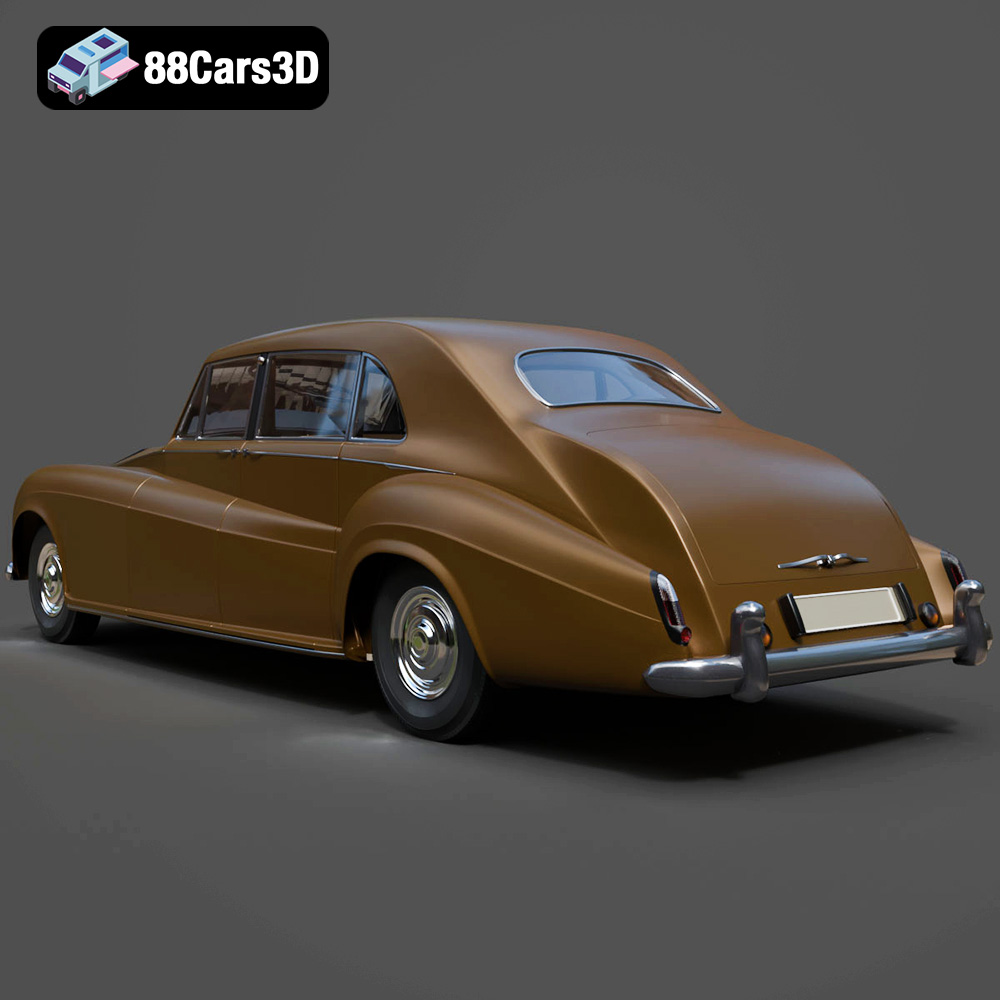
The Rolls-Royce Phantom V 3D Model is a high-detail digital recreation of the ultra-luxury limousine produced between 1959 and 1968. Renowned for its stately proportions, hand-crafted refinement, and association with royalty and world leaders, the Phantom V represents one of the most prestigious classic luxury vehicles ever built. Perfect for heritage automotive showcases, ceremonial scenes, luxury-themed projects, cinematic productions, and classic car simulations.
$9.99
3D printing the Rolls-Royce Phantom V 3D model from 88cars3d.com offers a rewarding experience for hobbyists and model enthusiasts alike. By carefully selecting the right 3D printing technology, material, and printer settings, and by mastering post-processing techniques, you can create a stunning miniature replica of this iconic luxury car. Remember to prioritize resin printing for smaller scales to capture the intricate details, and take your time with sanding, painting, and assembly to achieve a professional finish. With patience and attention to detail, you can proudly display a 3D printed Rolls-Royce Phantom V that captures the essence of automotive elegance and sophistication.
.arvr
.automotive
.blend
.britishluxury
.car3dmodel
.classiclimousine
.fbx
.gameasset
.glb
.luxurycar
.max
.obj
.phantomv
.ply
.rendering
.rollsroyce
.simulation
.stl
.unreal
.vintagecar