Get 50% OFF All Premium 3D & STL Models!

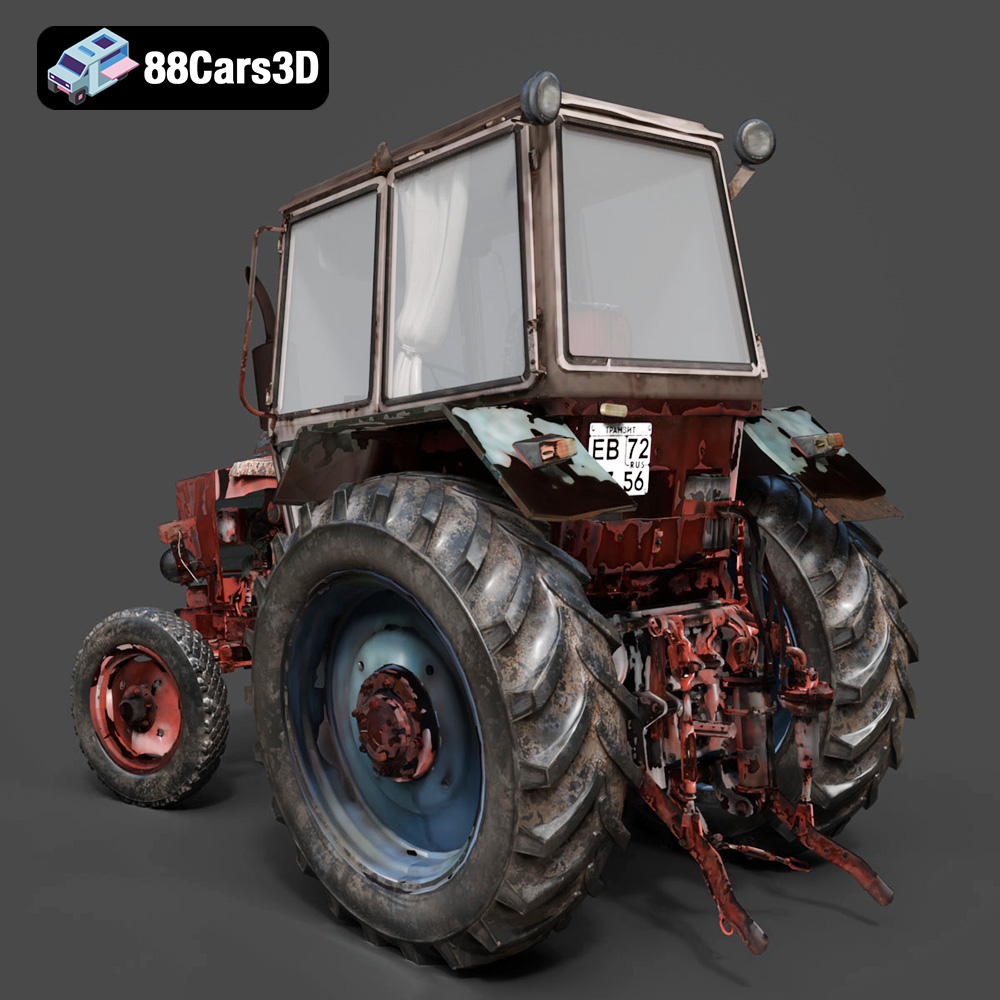
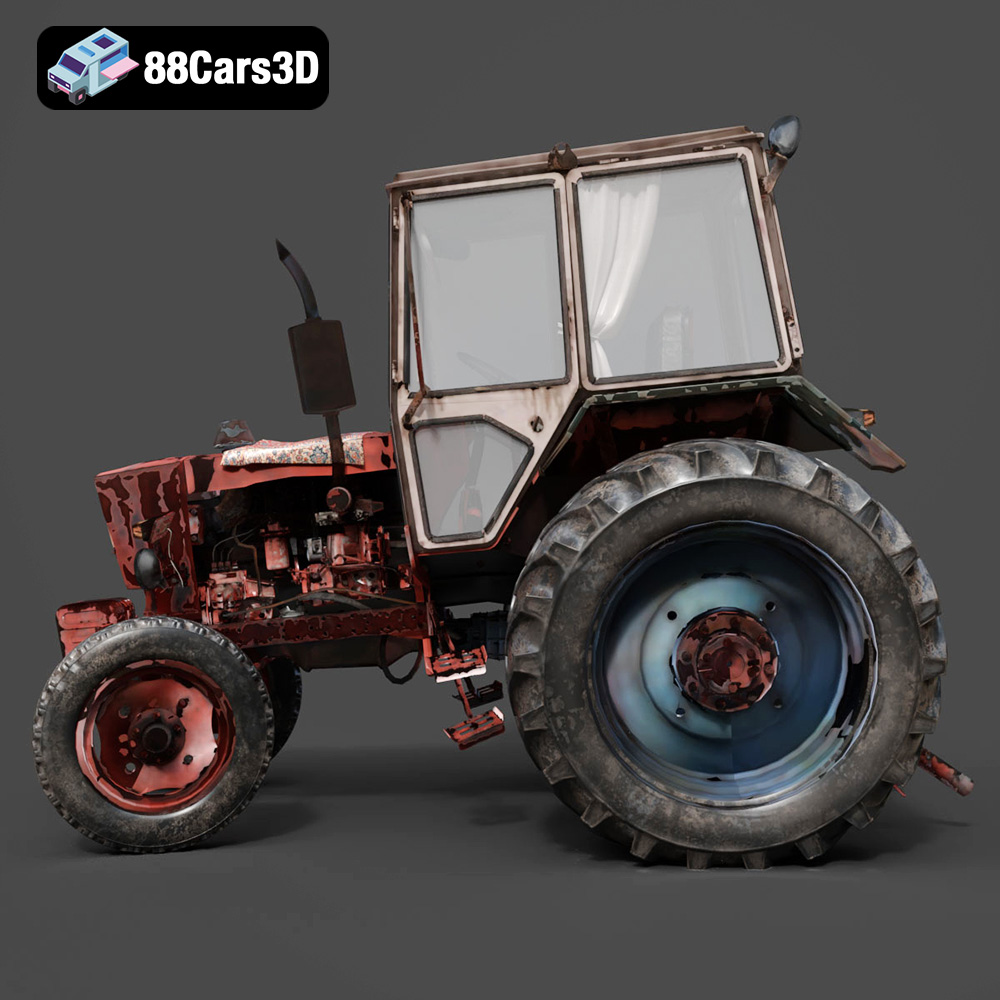
The charm of vintage farm equipment is undeniable. The Old Tractor 3D Model available at 88cars3d.com offers a fantastic opportunity to recreate a piece of agricultural history using 3D printing. This detailed model, capturing the ruggedness and simplicity of mid-20th century tractors, is perfectly suited for various applications, from scale models and collectibles to diorama elements and game assets. This comprehensive guide will walk you through the process of successfully 3D printing this model, covering everything from pre-print preparation to post-processing techniques.
Before diving into the specifics of 3D printing the Old Tractor 3D Model, it’s crucial to understand the different file formats available and their suitability for additive manufacturing. The model from 88cars3d.com includes a variety of formats to cater to diverse user needs, but some are better suited for 3D printing than others.
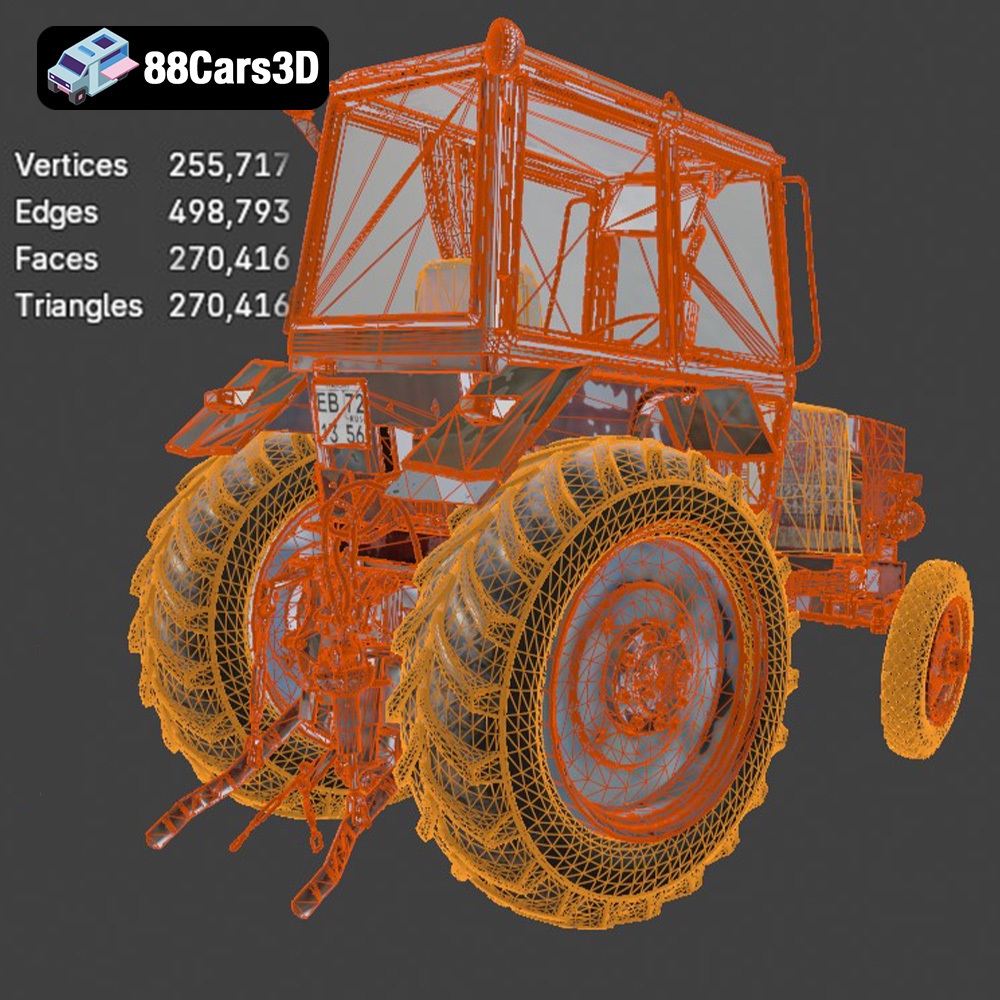
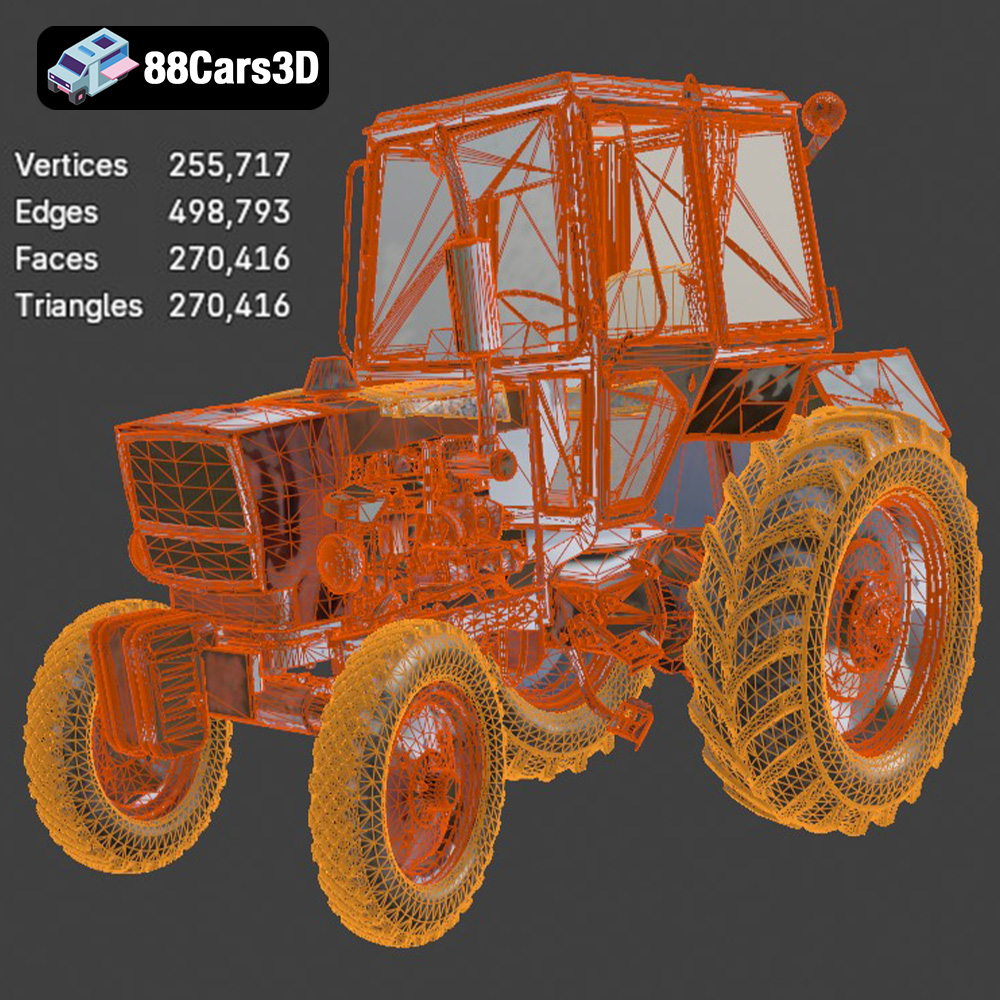
The .stl (Stereolithography) format is the industry standard for 3D printing. It represents the surface geometry of a 3D object as a collection of triangles, forming a mesh. This simplicity makes it universally compatible with virtually all slicing software and 3D printers. When preparing the Old Tractor 3D Model for printing, the .stl file will be your primary focus. The quality of the print heavily relies on the resolution of the .stl mesh. A higher triangle count results in a smoother surface but also increases file size and processing time. For the detailed features of the tractor, ensure the .stl file has a sufficient resolution to capture fine details like the engine housing, tire treads, and hitch assembly.
While .stl is the primary format for printing, understanding the others can be beneficial for pre-processing and customization:
* **.obj:** This format supports color and texture information, making it useful if you plan to paint the model after printing. However, most slicing software primarily relies on the geometric data within the .obj file.
* **.ply:** Similar to .obj, .ply can store color and texture data, often with higher precision. This is beneficial when using high-resolution printers.
* **.blend:** This is the native file format for Blender, a popular open-source 3D modeling software. If you wish to modify the model before printing (e.g., adding custom details or splitting it into smaller parts), using Blender and the .blend file is an excellent option.
* **.fbx:** Commonly used for animation and game development, .fbx supports materials and animations. While not directly used for printing, it can be imported into some slicing software that supports material-based printing.
* **.glb:** A binary file format representing 3D models, often used for AR/VR applications. While not directly printable, it can be useful for previewing the model before sending it to the printer.
* **.max:** The native file format for 3ds Max. If you have access to this program, you can modify the model before exporting it as an STL.
The .stl file’s compatibility with slicing software is paramount. Programs like Cura, Simplify3D, PrusaSlicer, and others will import the .stl file and allow you to configure print settings. Before slicing, always check the mesh for errors such as non-manifold edges, holes, or self-intersections. These issues can lead to printing failures. Many slicing programs have built-in tools to repair minor mesh errors. For more complex repairs, dedicated mesh editing software like MeshLab or Netfabb can be used. Aim for a “watertight” mesh with consistent surface normals to ensure a successful print.
Choosing the right material is crucial for achieving the desired look, feel, and functionality for your 3D printed Old Tractor. Several options are available, each with its own advantages and disadvantages.
PLA (Polylactic Acid) is a popular thermoplastic known for its ease of use and biodegradability. It’s an excellent choice for beginners due to its low printing temperature, minimal warping, and wide availability. PLA is well-suited for creating the main body of the tractor, offering good detail and a smooth surface finish. However, PLA is not as durable or heat-resistant as other materials.
* **Pros:** Easy to print, low warping, wide color selection, biodegradable.
* **Cons:** Lower heat resistance, less durable than other materials, can be brittle.
PETG (Polyethylene Terephthalate Glycol-modified) offers a good balance of strength, flexibility, and printability. It’s more durable and heat-resistant than PLA, making it suitable for parts that may experience stress or wear, such as the wheels or hitch assembly. PETG can sometimes be more prone to stringing than PLA, requiring careful adjustment of retraction settings.
* **Pros:** Stronger and more durable than PLA, good heat resistance, relatively easy to print.
* **Cons:** Can be prone to stringing, may require higher printing temperatures than PLA.
For smaller scale models or parts requiring intricate details, resin printing is an excellent option. Resin printers use liquid photopolymer resin cured by UV light, resulting in extremely high resolution and smooth surfaces. This is ideal for replicating the fine details of the Old Tractor, such as the engine components or the tire treads. However, resin prints tend to be more brittle than FDM prints, and resin printing requires careful handling and post-processing (washing and curing).
* **Pros:** Exceptional detail, smooth surface finish, ideal for small parts.
* **Cons:** More brittle than FDM prints, requires careful handling, post-processing is essential, resin can be expensive.
ABS (Acrylonitrile Butadiene Styrene) is a stronger and more heat-resistant material than PLA, but it’s more challenging to print due to its tendency to warp. Composite materials, such as carbon fiber-infused PLA or PETG, offer increased strength and stiffness, but they may require specialized nozzles. These are typically not necessary for a project like the Old Tractor model.
Once you’ve chosen your material, the next step is to prepare the Old Tractor 3D Model for printing using slicing software. This involves importing the .stl file, orienting it correctly, generating support structures, and configuring print settings.
The orientation of the model on the print bed can significantly impact the print quality and the amount of support material required. For the main body of the Old Tractor, printing it upright is generally recommended. This minimizes the need for supports on the visible surfaces. However, overhanging features like the steering wheel, exhaust pipe, and hitch components will require supports. Experiment with different support settings to find the optimal balance between support strength and ease of removal. Avoid placing supports on areas with fine details, if possible. For the wheels, printing them flat on the bed is usually the best option, minimizing the need for supports.
The slicing parameters determine the print’s resolution, strength, and printing time.
* **Layer Height:** A smaller layer height results in a smoother surface finish but increases printing time. A layer height of 0.12-0.2mm is a good starting point for FDM printing, while resin printing can achieve layer heights as low as 0.025mm for exceptional detail.
* **Infill:** Infill refers to the internal structure of the print. A higher infill percentage increases strength but also increases material consumption and printing time. A 20-35% infill is generally sufficient for the Old Tractor model.
* **Printing Speed:** Slower printing speeds generally result in better print quality, especially for detailed features. Experiment with different speeds to find the optimal balance for your printer and material.
The Old Tractor 3D Model can be scaled to different sizes to suit your needs. The product description recommends scales like 1:32, 1:24, 1:18, or 1:12. Ensure that your chosen scale is appropriate for your printer’s build volume and the desired level of detail. Before printing, you can also customize the model using 3D modeling software. This could involve adding details, modifying parts, or splitting the model into smaller pieces for easier printing and assembly.
Achieving a successful 3D print of the Old Tractor model requires careful attention to printer settings. These settings will vary depending on the material you choose and the type of 3D printer you are using.
* **Nozzle Temperature:** Follow the manufacturer’s recommendations for the specific material you are using. PLA typically prints between 190-220°C, while PETG requires higher temperatures, typically between 220-250°C.
* **Bed Temperature:** A heated bed is essential for most materials to ensure good adhesion. PLA typically requires a bed temperature of 60-70°C, while PETG may need 70-80°C.
* **Cooling:** Adequate cooling is important for preventing warping and ensuring good surface finish, especially for PLA. Use the cooling fan settings in your slicing software to optimize cooling for different parts of the model.
* **Print Speed:** Start with a moderate print speed (e.g., 50-60 mm/s) and adjust as needed. Slower speeds may be necessary for intricate details or overhanging features.
* **Retraction:** Proper retraction settings are crucial for minimizing stringing, especially with PETG. Experiment with different retraction distances and speeds to find the optimal settings for your printer and material.
* **Support Type:** Choose a support type that is easy to remove and provides adequate support for overhanging features. Tree supports are a good option for minimizing material usage and improving surface finish.
* **Support Density:** Increase the support density for areas that require strong support, but reduce it for areas where ease of removal is more important.
* **Support Interface:** Using a support interface layer can improve the surface finish of the supported areas.
After printing, the Old Tractor 3D Model may require some post-processing to achieve the desired look and feel. This can include removing supports, sanding, painting, and assembling the different parts.
Carefully remove the support structures using pliers or a sharp knife. Be gentle to avoid damaging the model. Sanding the surface can help smooth out any imperfections and improve the adhesion of paint. Start with coarse sandpaper and gradually move to finer grits for a smooth finish.
Painting is a crucial step for bringing the Old Tractor model to life. Start with a primer to ensure good adhesion of the paint. Use acrylic paints for their durability and ease of use. Apply multiple thin coats of paint for a smooth and even finish. Weathering techniques, such as dry brushing or washes, can be used to add realistic rust and dirt details.
If the model was printed in multiple parts, carefully assemble them using glue or epoxy. Ensure that the parts are properly aligned before the glue sets.
Even with careful preparation and optimized settings, you may encounter some common 3D printing issues. Here are some solutions:
* **Warping:** Ensure the bed is properly leveled and heated. Use a brim or raft to improve adhesion.
* **Stringing:** Adjust retraction settings and lower the printing temperature.
* **Poor Layer Adhesion:** Increase the printing temperature and reduce the printing speed.
* **Support Issues:** Adjust support settings, such as density and overhang angle.
* **Elephant Foot:** Reduce the initial layer height and increase the bed temperature slightly.
By understanding these potential issues and their solutions, you can overcome challenges and achieve a successful 3D print of the Old Tractor model.
The estimated print time and material cost will vary depending on the size of the model, the material used, and the printer settings. A typical print of the Old Tractor model at a scale of 1:24 using PLA with a 20% infill could take anywhere from 12 to 24 hours and use approximately 200-400 grams of filament. Resin printing will likely require less material but may take a similar amount of time due to the slower layer curing process. Always factor in the cost of electricity, support material, and post-processing supplies.
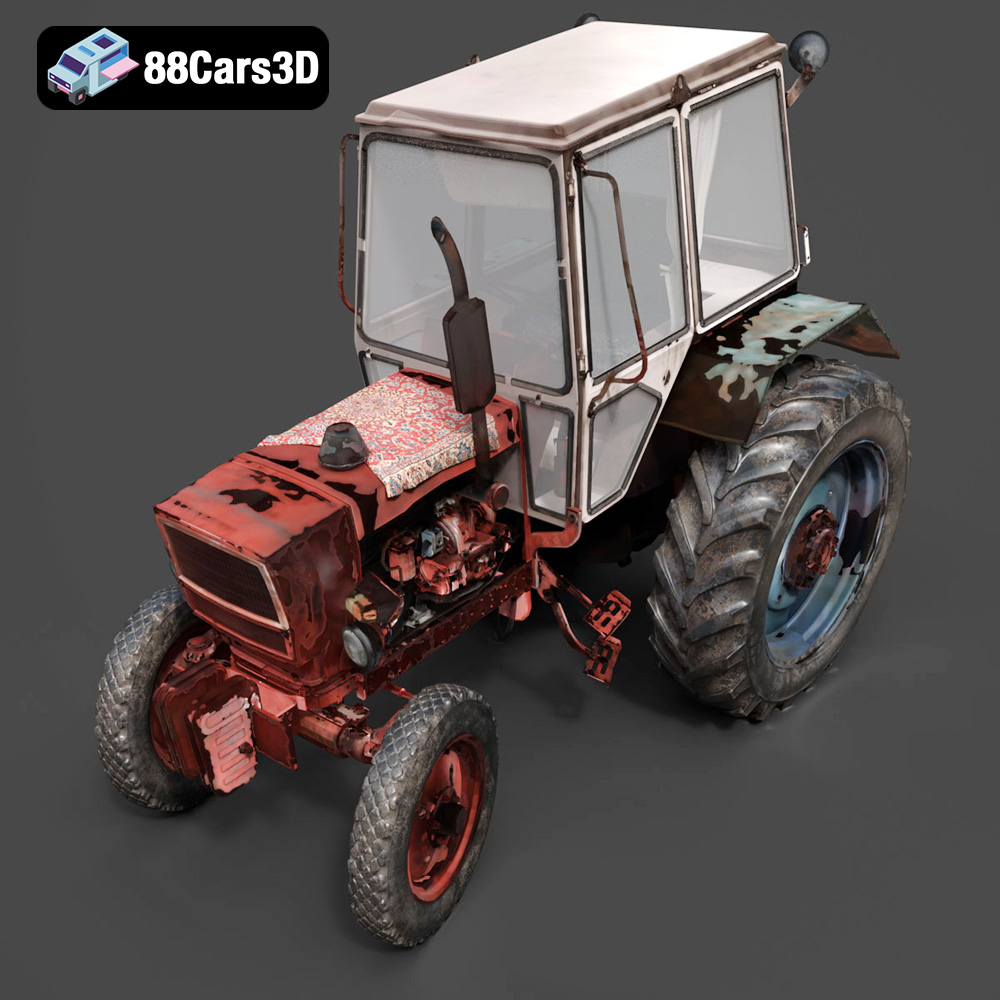
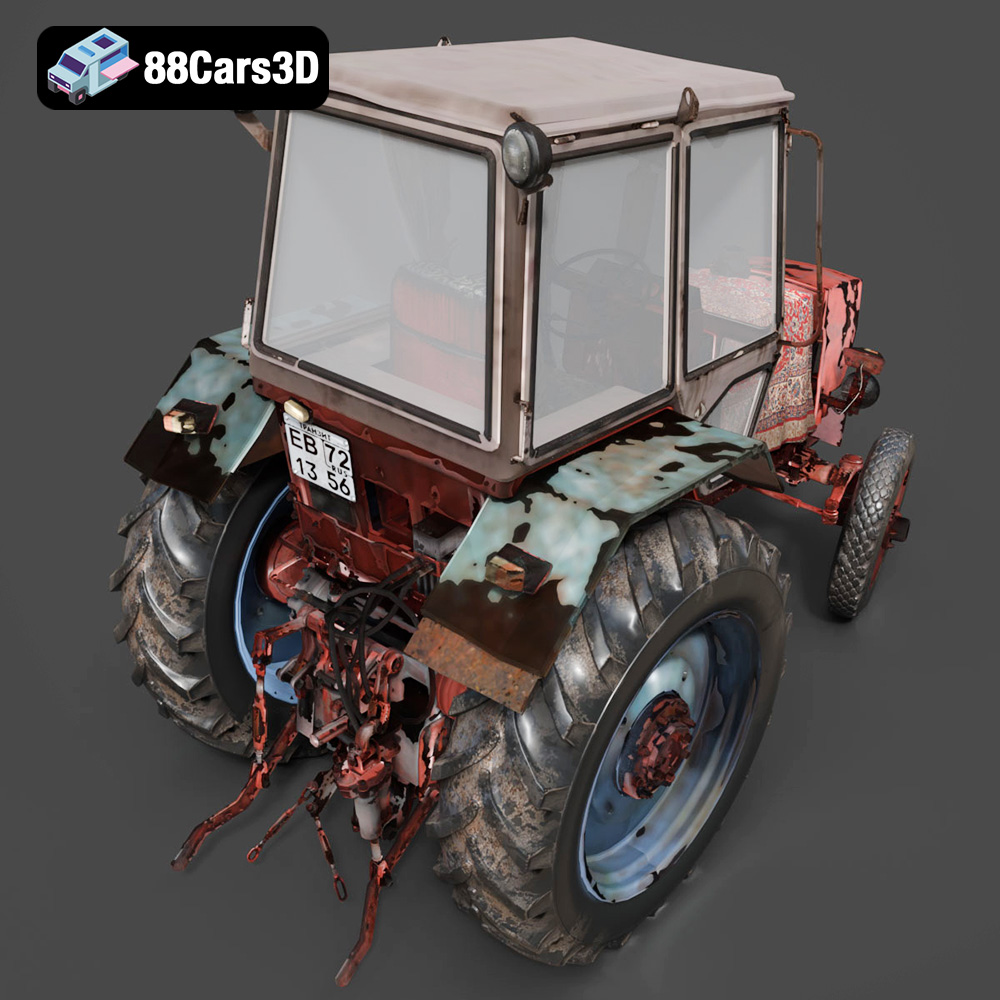
The Old Tractor 3D Model is a high-detail digital recreation of a classic agricultural tractor designed to reflect vintage farming machinery from the mid-20th century. Built with a rugged steel frame, exposed engine components, and large rear drive wheels, this model captures the mechanical simplicity and durability of early farm equipment.
$9.99
3D printing the Old Tractor 3D Model from 88cars3d.com is a rewarding project that allows you to recreate a piece of agricultural history. By carefully selecting the right material, optimizing printer settings, and mastering post-processing techniques, you can achieve stunning results. Remember to start with a well-prepared .stl file, experiment with different settings, and be patient throughout the printing process. With a little effort, you’ll have a beautiful and detailed replica of a classic tractor to display, collect, or use in your creative projects. Happy printing!
.agriculturalvehicle
.arvr
.blend
.farmingequipment
.farmtractor
.fbx
.gameasset
.glb
.max
.obj
.oldtractor
.ply
.rendering
.ruralvehicle
.simulation
.stl
.tractor3dmodel
.unreal
.vintagetractor